Crafted to give an unprecedented experience, the Castor mouse boasts ergonomics for multiple grip styles and an uncompromised performance delivered by the PMW-3310 optical sensor.

Product on Review: Mionix CASTOR
Manufacturer and Sponsor: Mionix
Street Price: UK: £59.99, US: $69.99
It would be an understatement to say that it has been a while since we last had a look at a product from Mionix, longer still from our very first outing back in the early days of both Vortez and Mionix! Moving on from nostalgia, the Swedish team have been busy setting their sights high to deliver competitive, finely crafted gaming gear. The Castor is a resulting product from such determination.
Its defining points are in its ergonomics, shaped for all grip types, and is then finished with a top quality 4 layer rubberised coating, with textured rubber side grips. The renowned PMW-3310 optical sensor provides a raw, zero acceleration performance that has a doubled-up resolution for a lofty 10,000 DPI. Inside, you will also find a 32bit ARM MCU, 128 kb memory, OMRON switches and everything else that you could expect from a high grade gaming mouse.
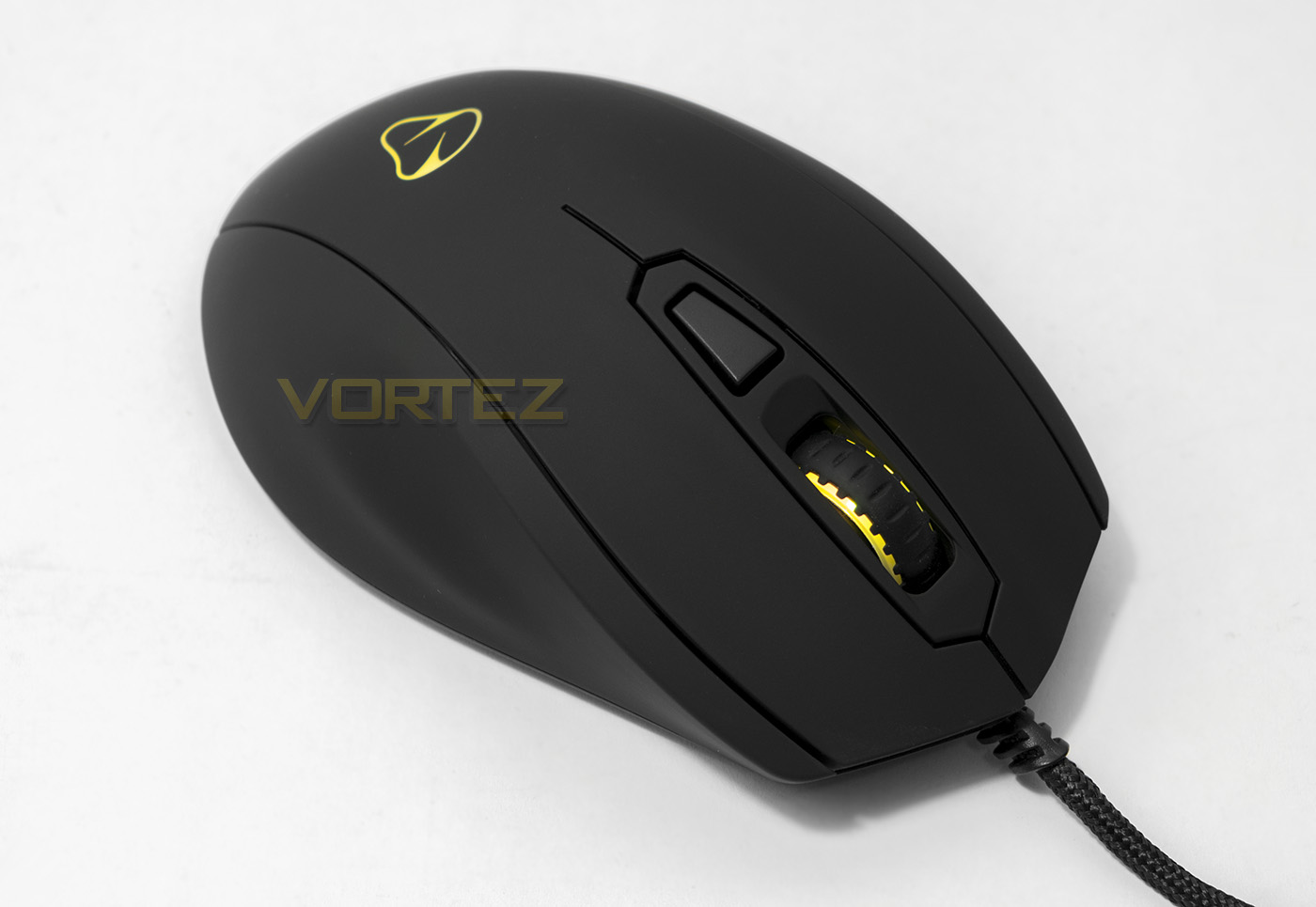
Overview by Mionix
The CASTOR is the latest installment to the popular Mionix lineup, bringing a 6-button, multi-color, optical mouse to fans worldwide. The company states the CASTOR’s unique shape, “has been developed to be used by right-handed players to equally support palm, claw and fingertip-grip.” The device also offers a PMW-3310 gaming-grade optical sensor that has no positive or negative hardware acceleration, improved accuracy, smooth tracking and a maximum speed of more than 5.45m/sec (215 IPS) going all the way up to 10000DPI.
Technical Specifications
– 32bit ARM Processor running at 32MHz
– Right handed truly ergonomic design
– Supports palm, claw and fingertip grip
– Grip friendly soft touch rubber coating (4 layers)
– 6 fully programmable buttons
– 3 steps in-game DPI adjustment
– 2 integrated LEDs in 2 colour zones
– Up to 16.8 Million LED colour options
– Colour shift, Solid, Blinking, Pulsating and Breathing effects
– On-board memory 128 kb built-in
– Large black PTFE mouse feet
– Gold Plated, full speed USB 2.0 connection with plug and play
– 2 m long PVC cable with cable reinforcer
Sensor
– PMW – 3310 gaming grade IR-LED optical sensor
– Up to 10000 DPI
– Max tracking speed 5.45m/s (215 IPS)
– No positive or negative hardware acceleration
– Adjustable Lift Off Distance
– Right handed truly ergonomic design
– Supports palm, claw and fingertip grip
– Grip friendly soft touch rubber coating (4 layers)
– 6 fully programmable buttons
– 3 steps in-game DPI adjustment
– 2 integrated LEDs in 2 colour zones
– Up to 16.8 Million LED colour options
– Colour shift, Solid, Blinking, Pulsating and Breathing effects
– On-board memory 128 kb built-in
– Large black PTFE mouse feet
– Gold Plated, full speed USB 2.0 connection with plug and play
– 2 m long PVC cable with cable reinforcer
Sensor
– PMW – 3310 gaming grade IR-LED optical sensor
– Up to 10000 DPI
– Max tracking speed 5.45m/s (215 IPS)
– No positive or negative hardware acceleration
– Adjustable Lift Off Distance
Packaging & First Look
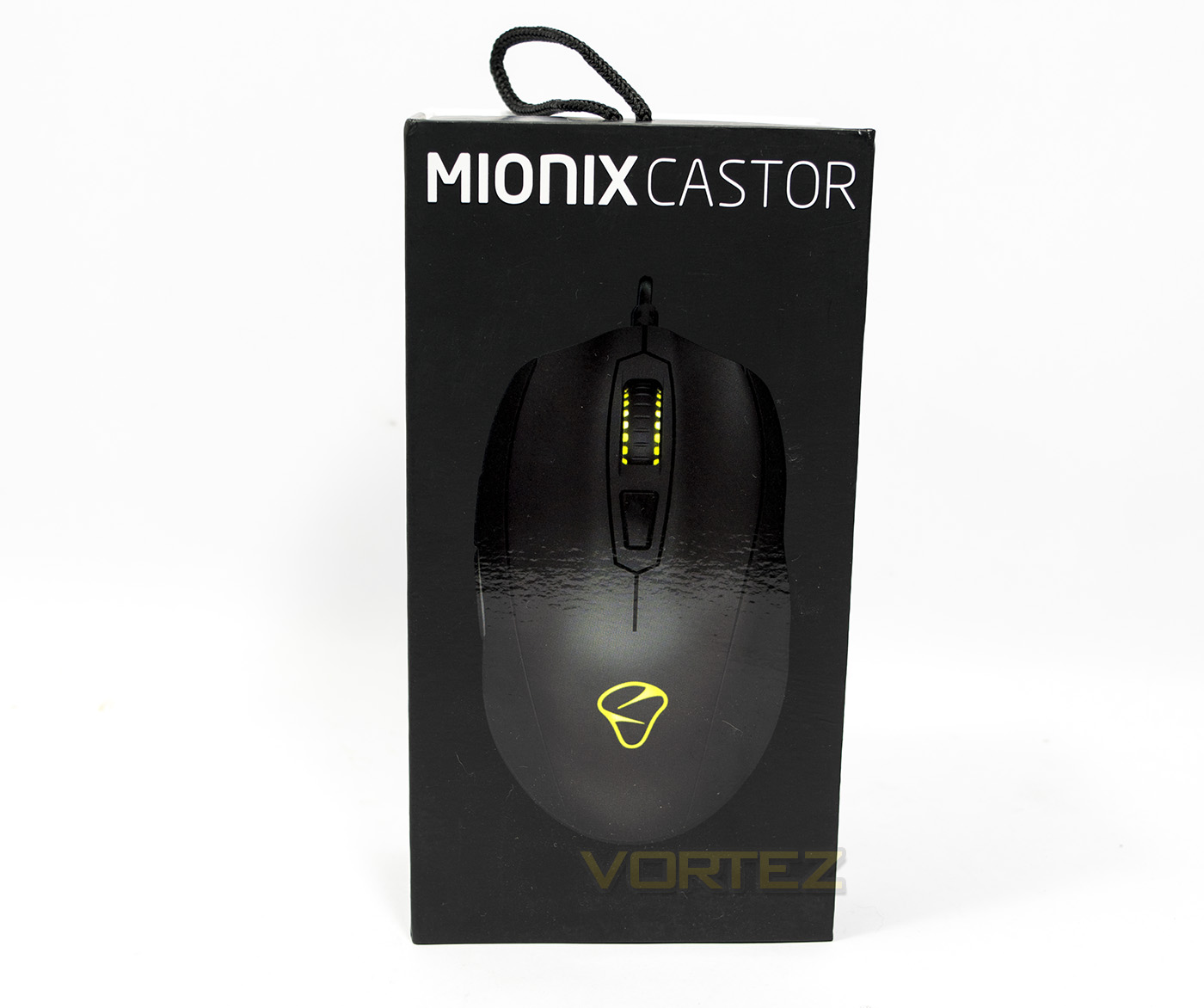
The packaging is good quality, and interesting, showing a large image of the product inside.
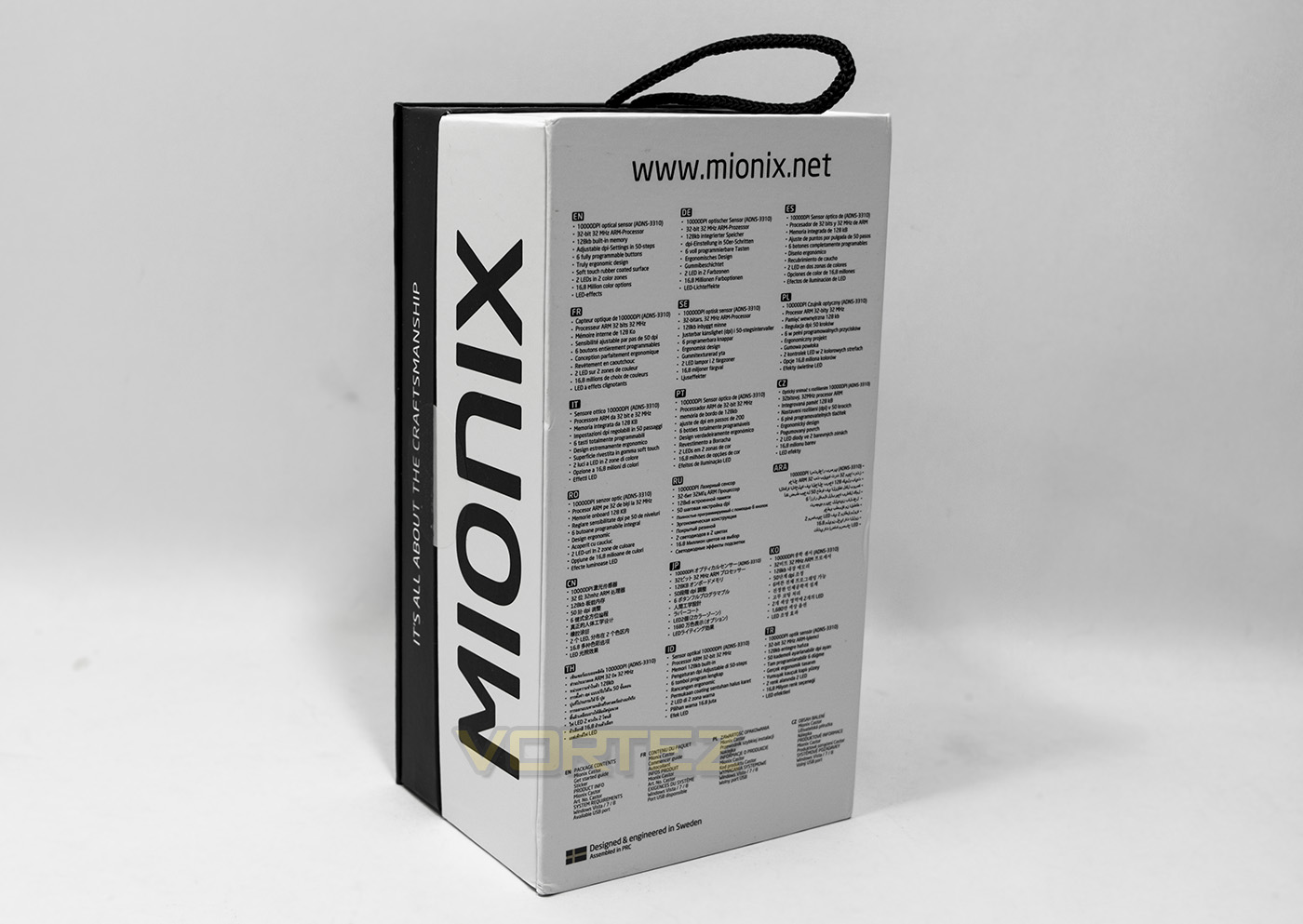
At the back there is a list of its specifications in various languages, while at the side we get the brand name and slogan. The side shows of that this is a kind of sideways opening chest/wrap box.
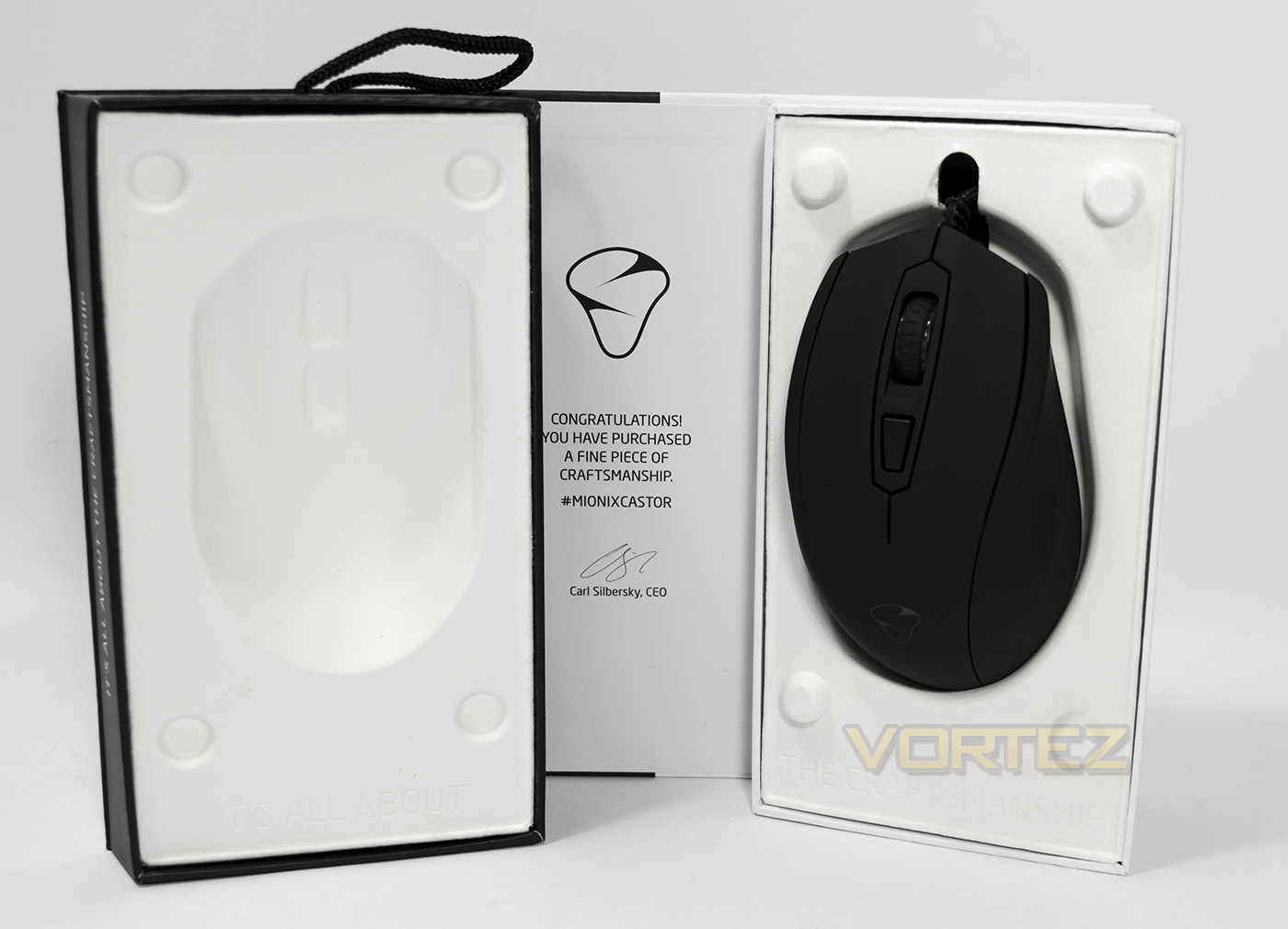
Opened up we find the mouse in a protective cardboard wrap and a little congratulatory note from Mionix.
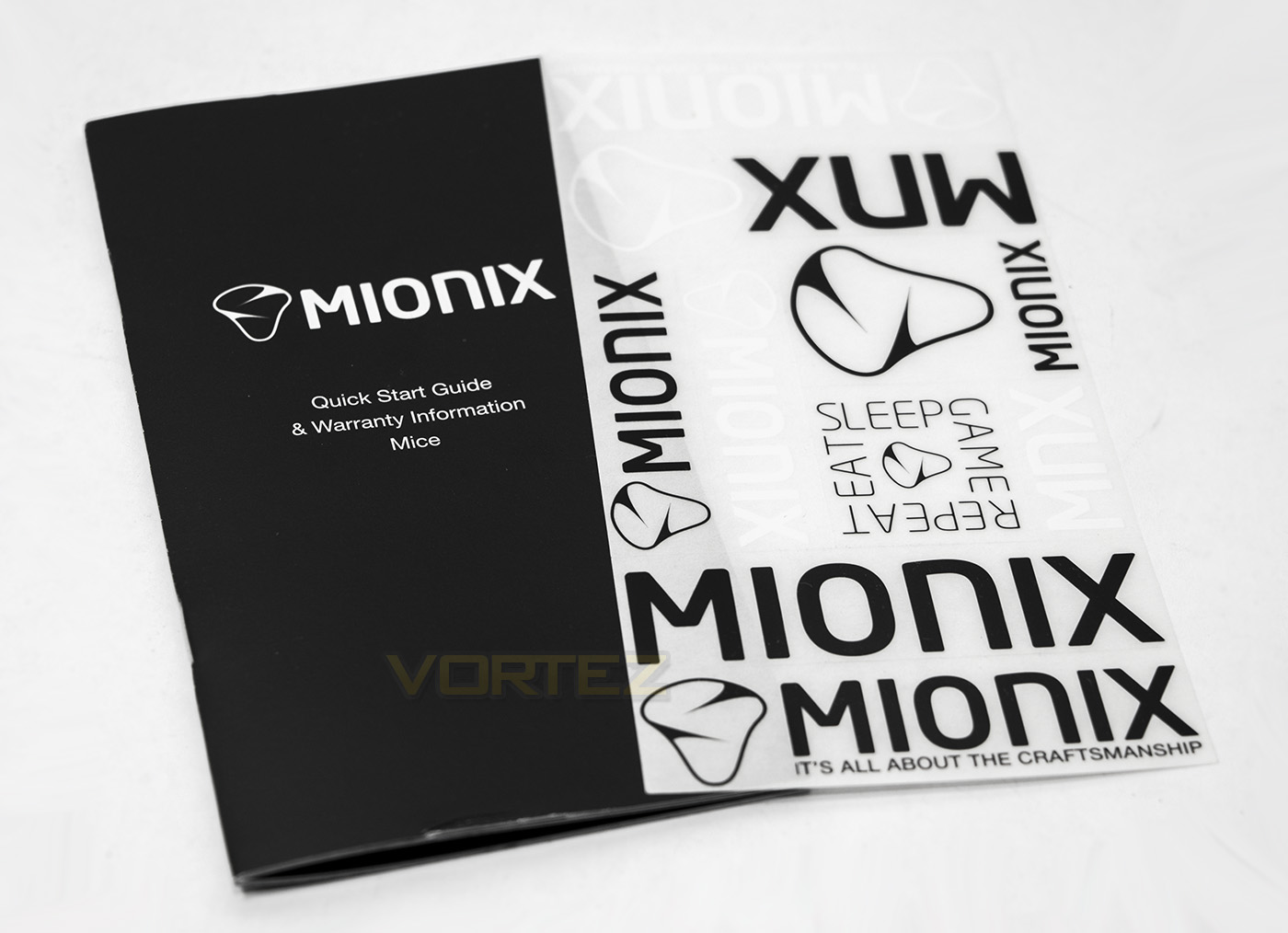
Included inside you get a quick start guide as well as a whole host of Mionix stickers which is cool.
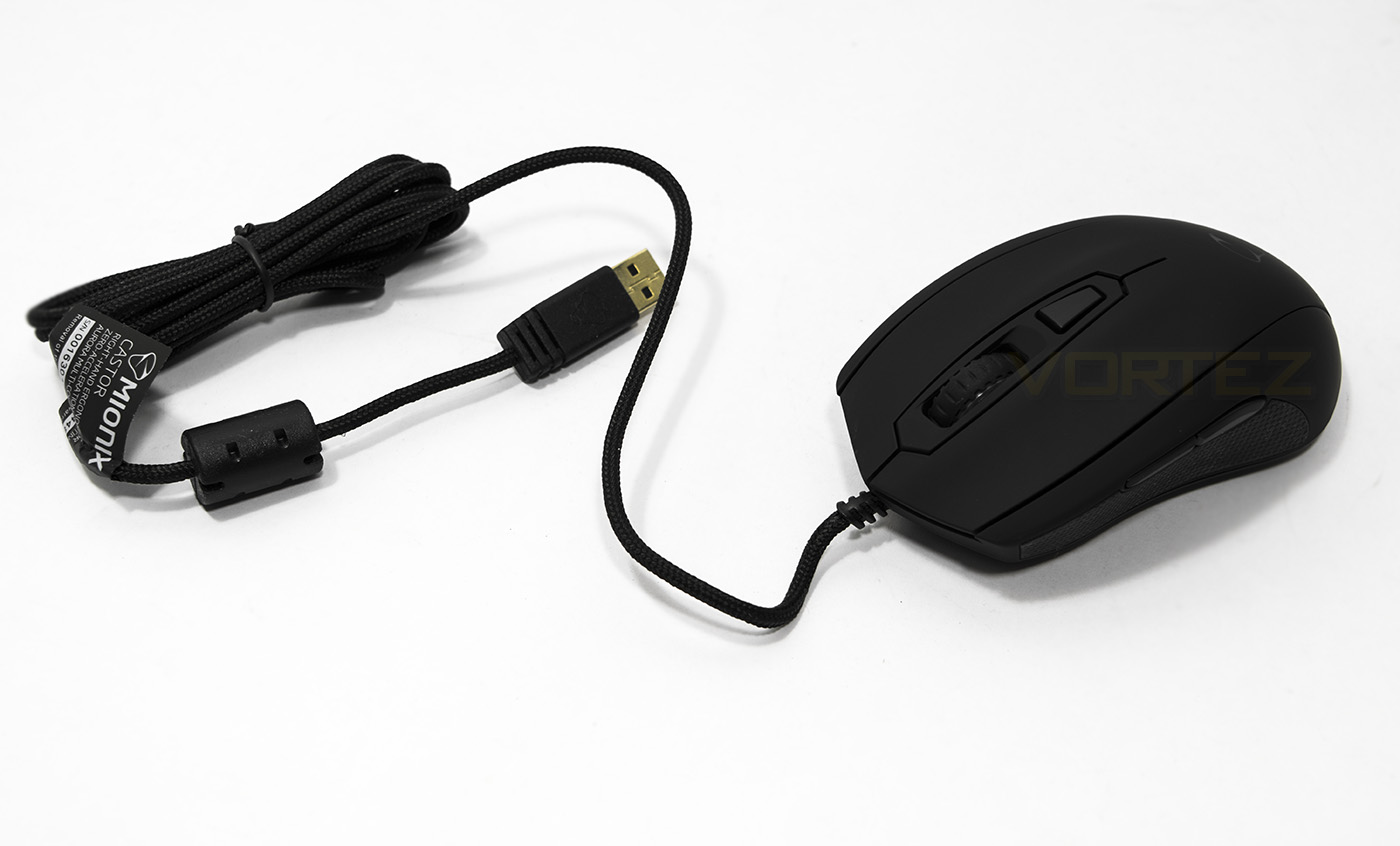
The Mionix Castor has a 2m long braided cable with a gold plated USB connector.
Closer Look
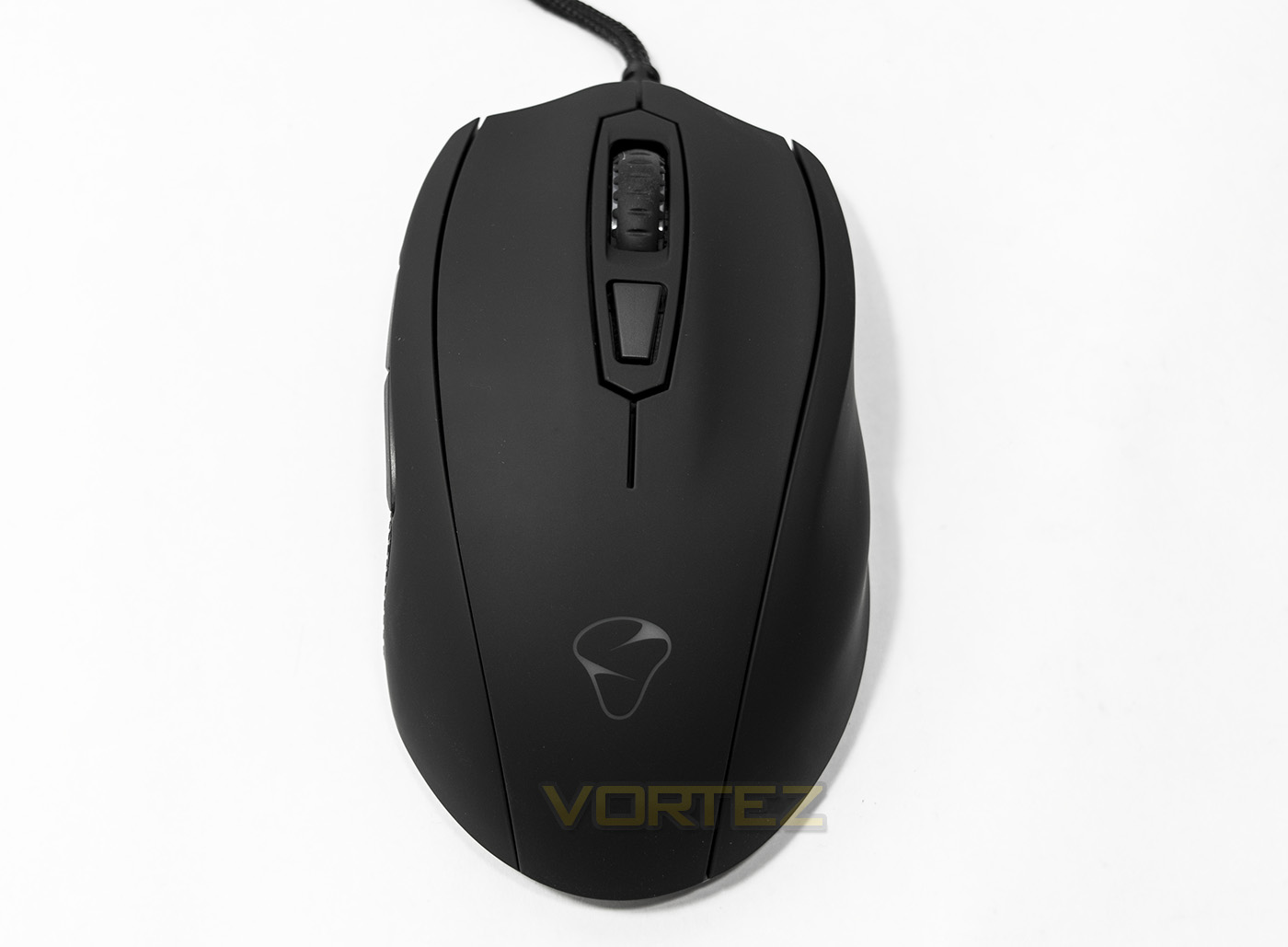
Top down view gives us an indication of the sculpted ergonomic shape, including grooves for your ring and pinky finger as well as being shaped to accommodate your thumb.
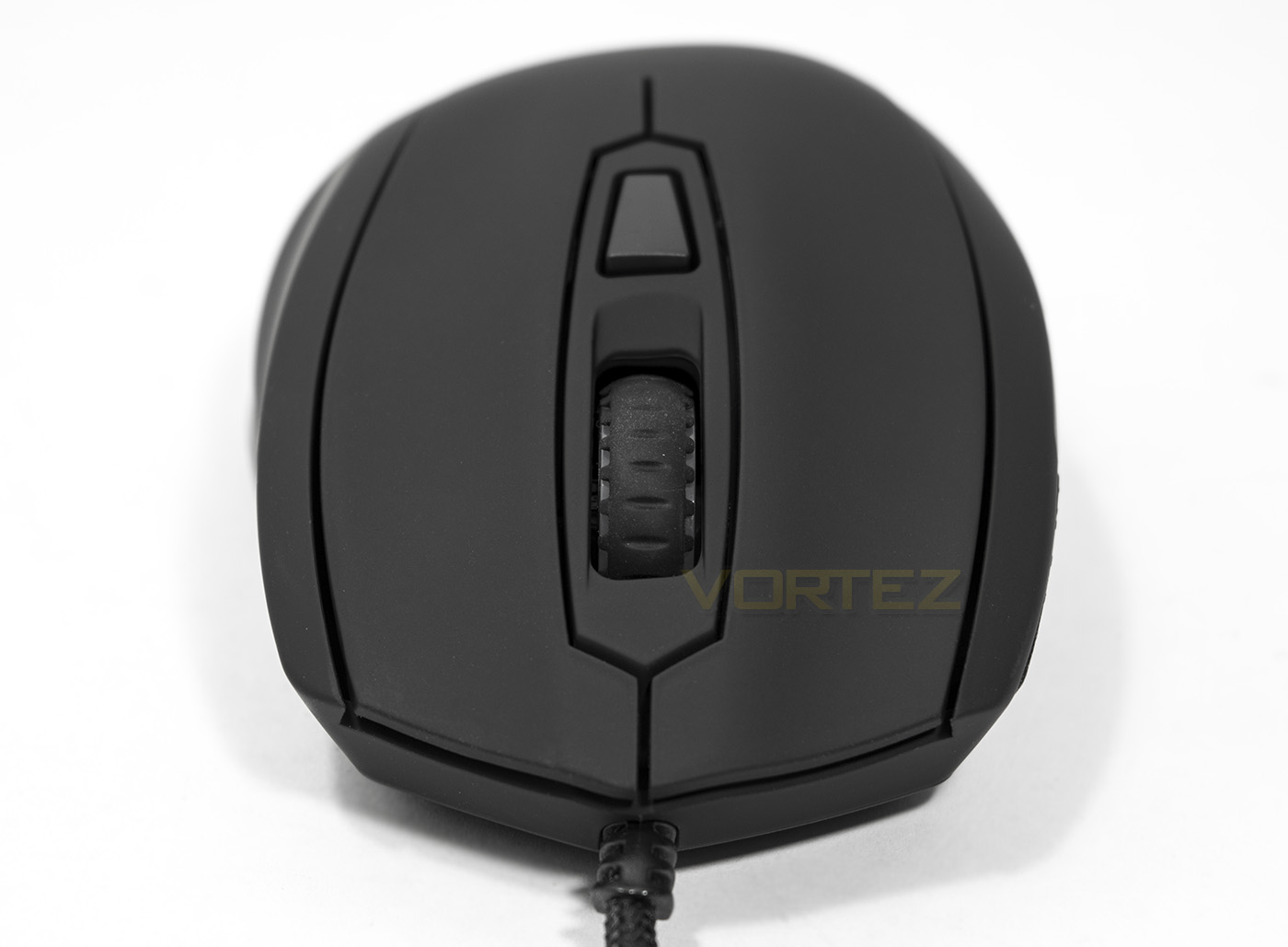
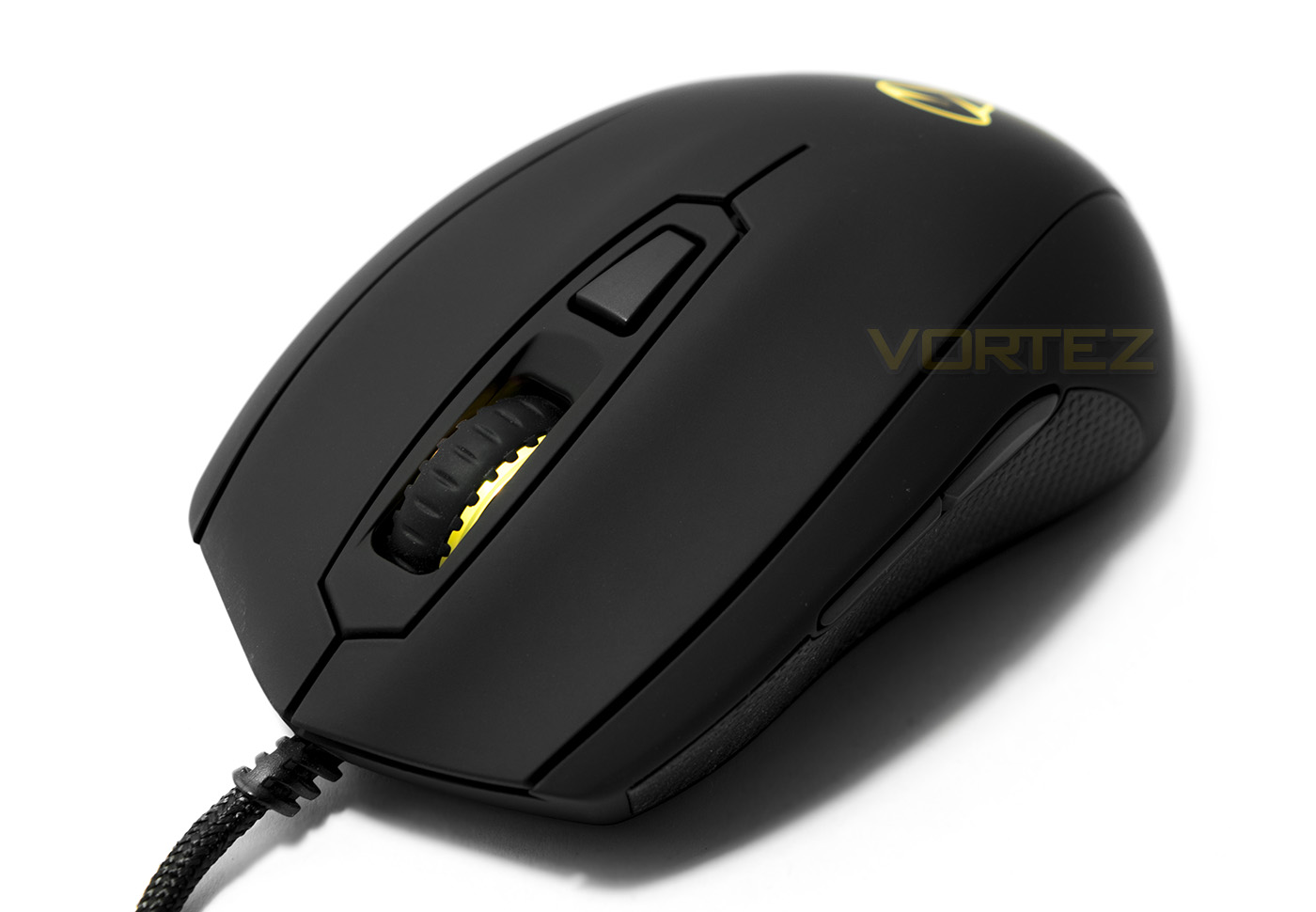
The front of the Castor shows a low set mouse wheel with a DPI button sitting behind it.
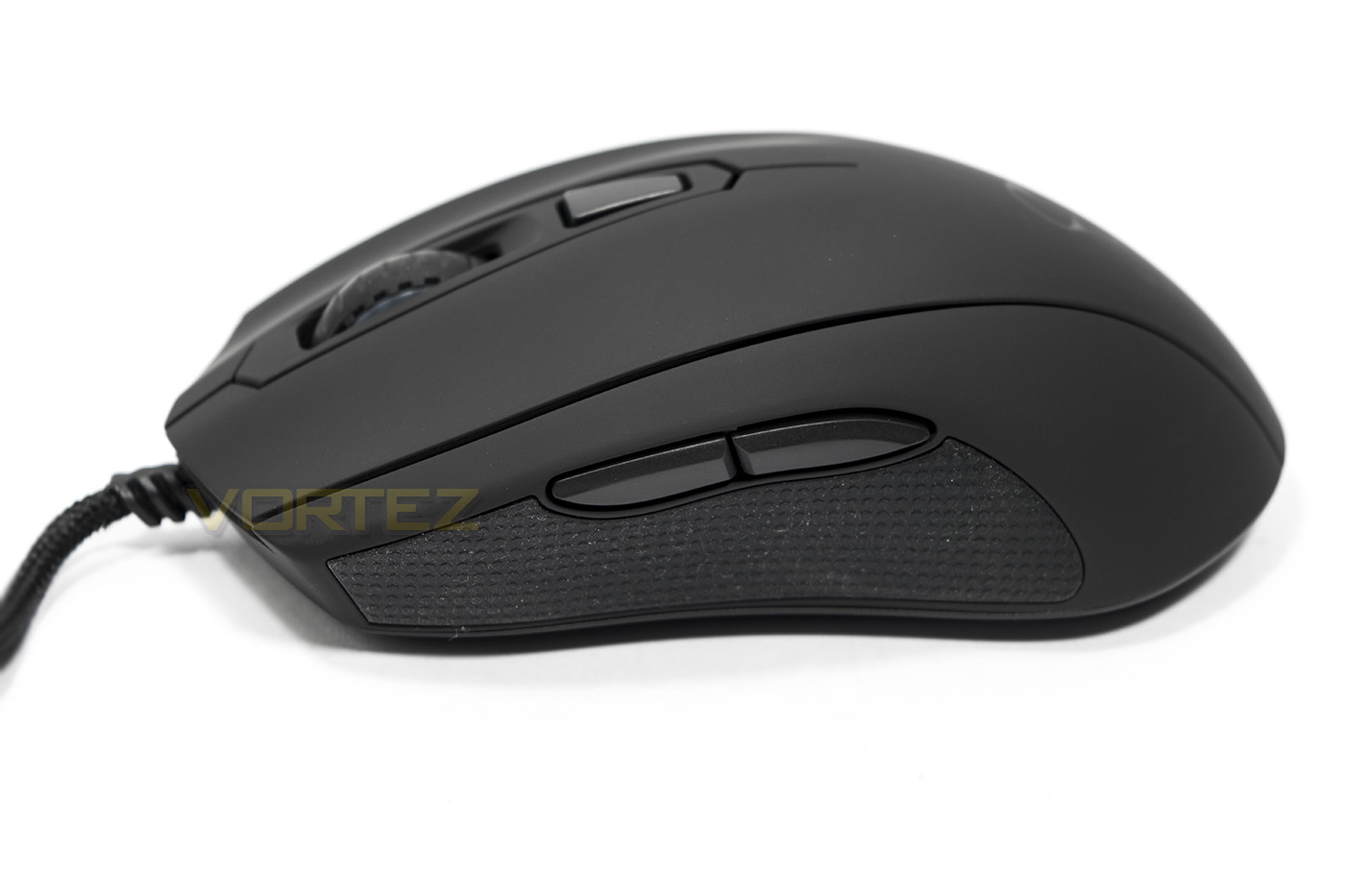
The forward/back buttons are a nice size and sit above a textured rubber grip.
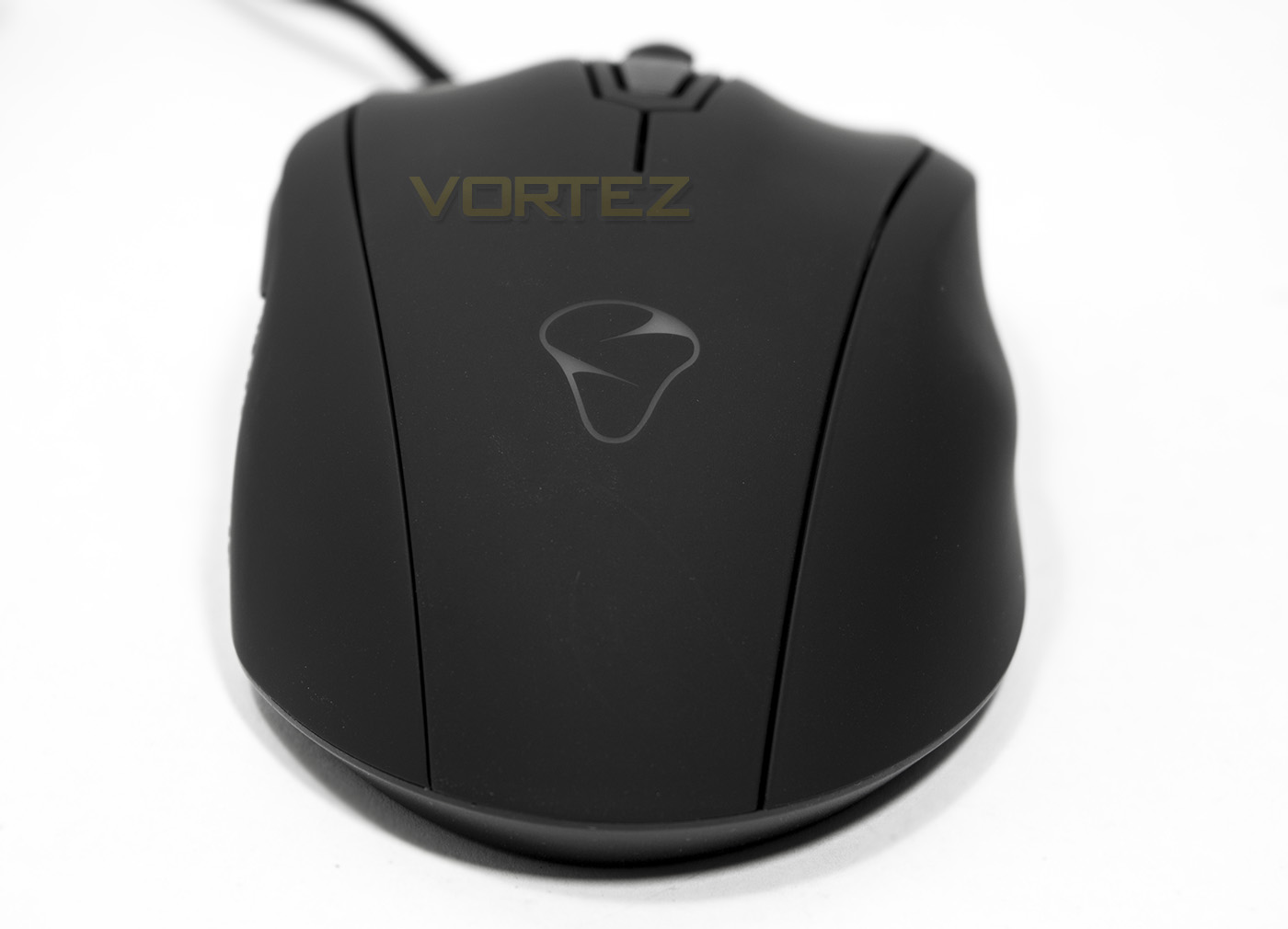
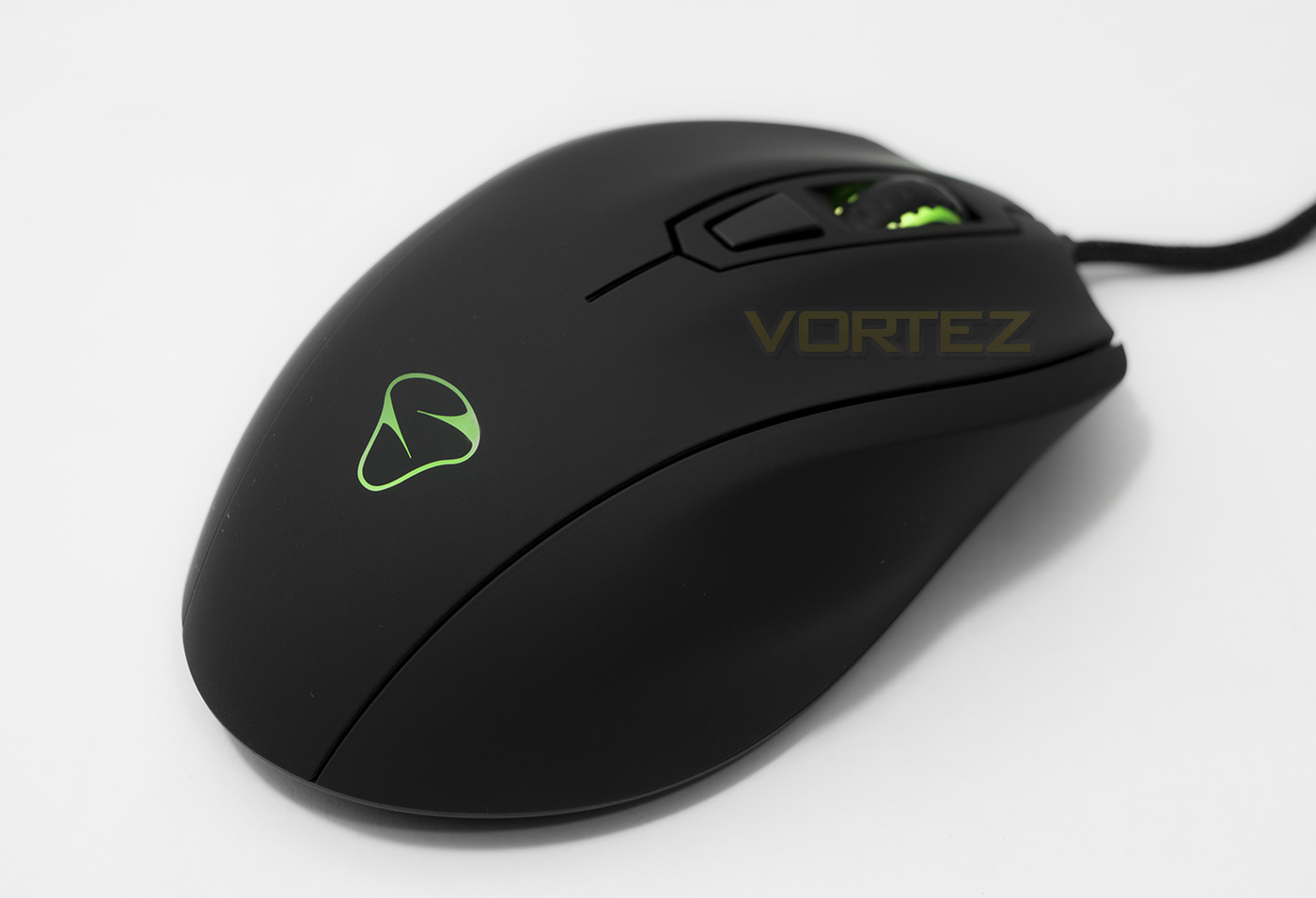
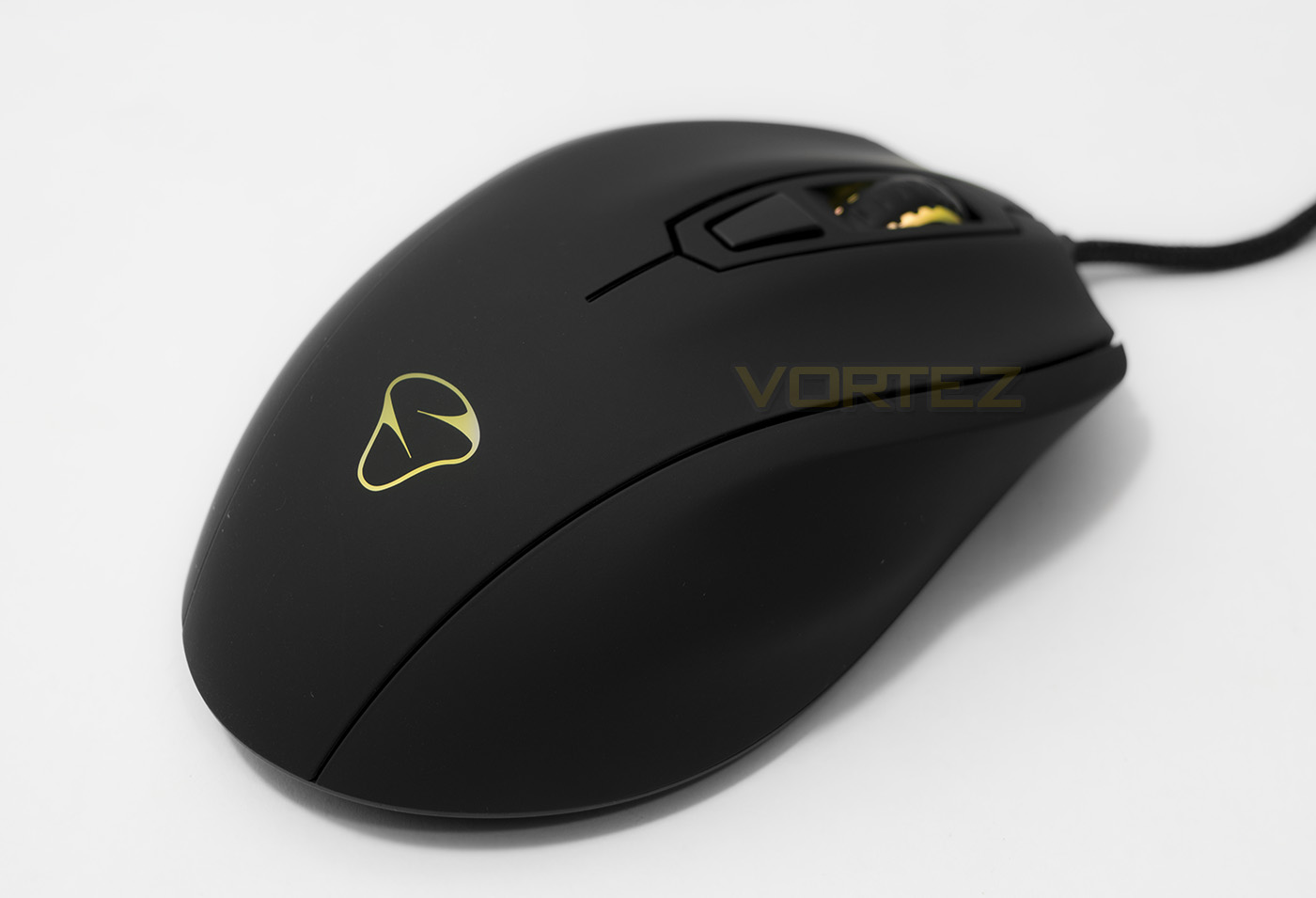
The rear view gives a nice perspective of the ergonomic shape, as well as a view of the Mionix logo that will be back lit by an RGB LED.
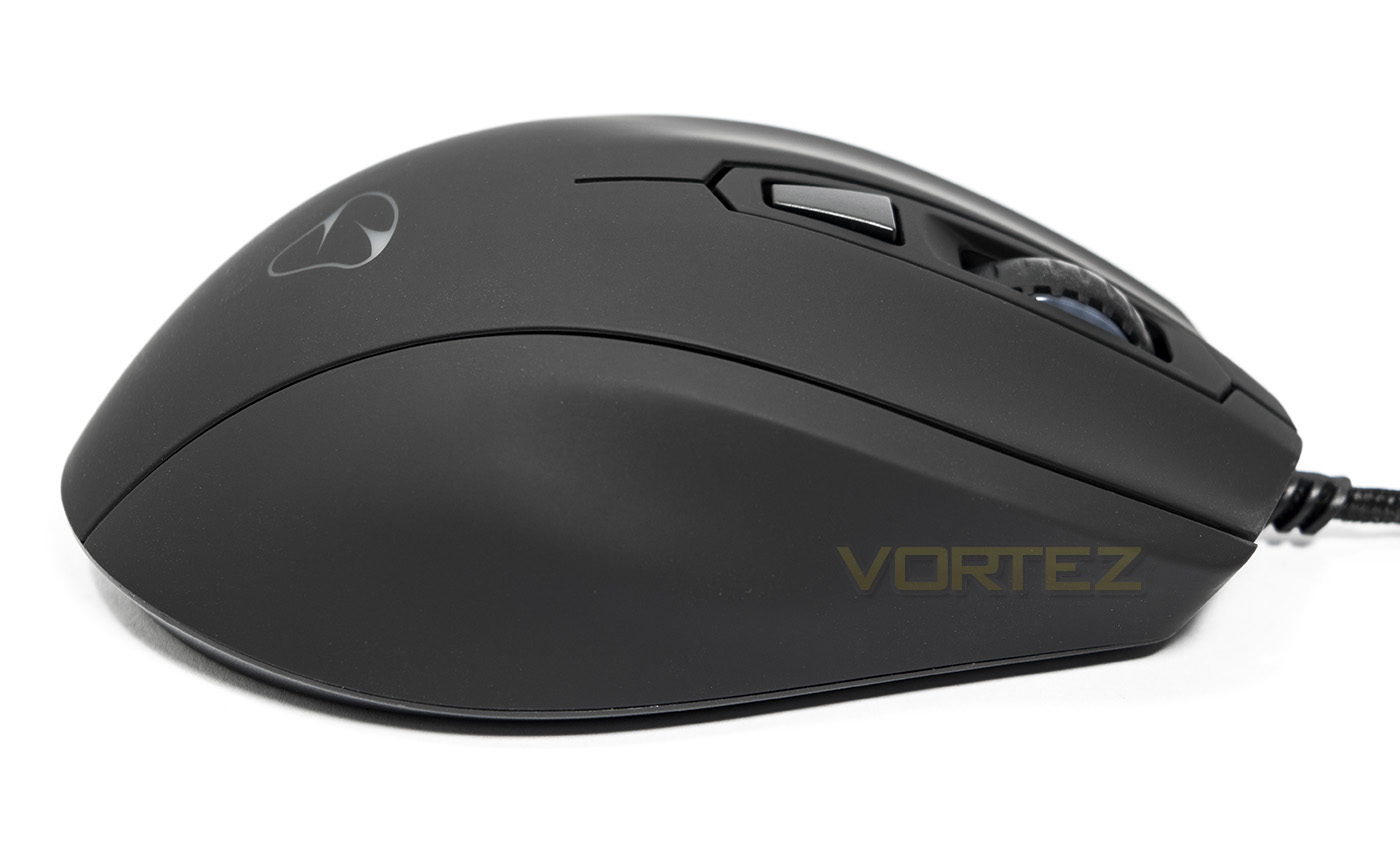
As the Castor is ergonomically shaped, it is solely for right handers and is not ambidextrous. As far as we know there is no mention of of a left-handed version, though considering Mionix are no stranger to crowd-funded projects and still consider themselves a start-up, with enough demand maybe it could happen with later lines.
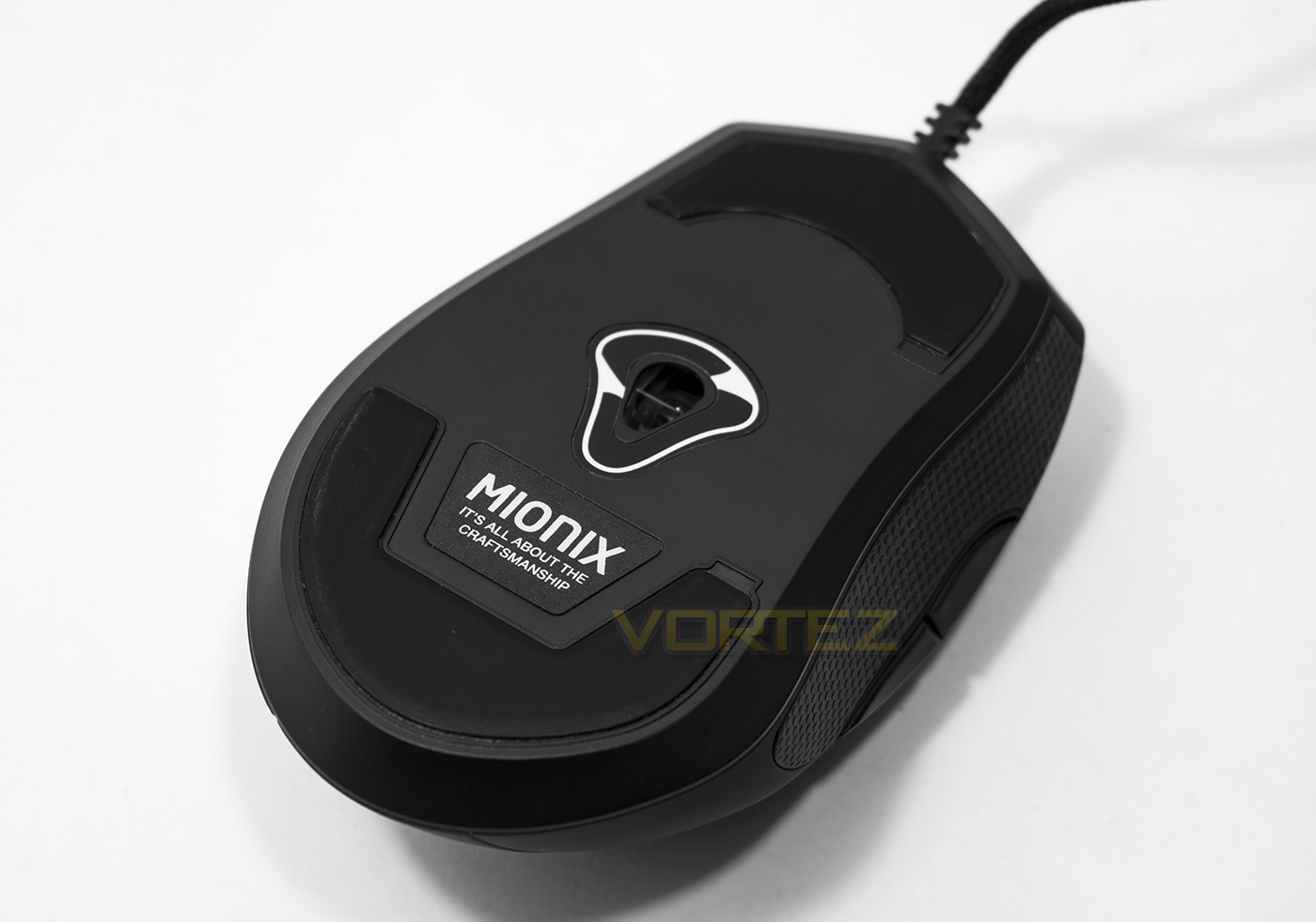
Two large PTFE slip pads for the front and back while the sensor sits inside the Mionix logo positioned approximately at the centre point.
Software & Lighting
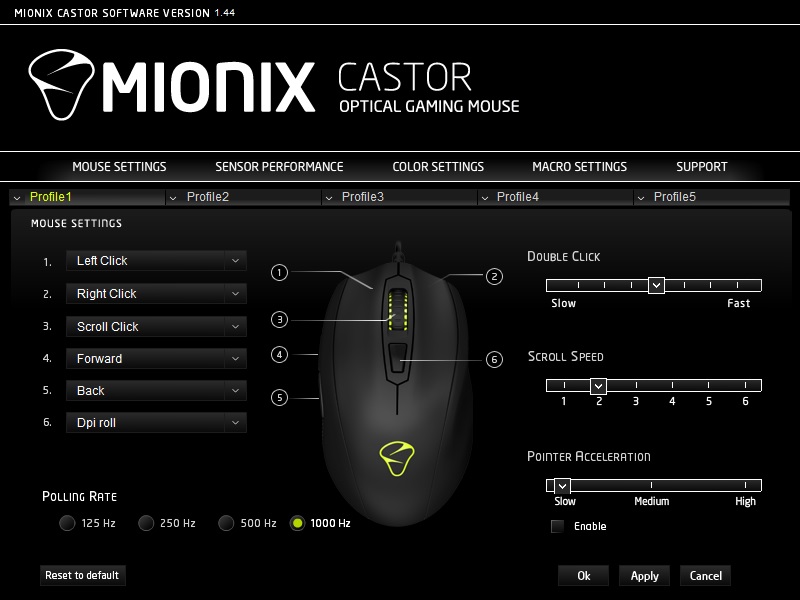
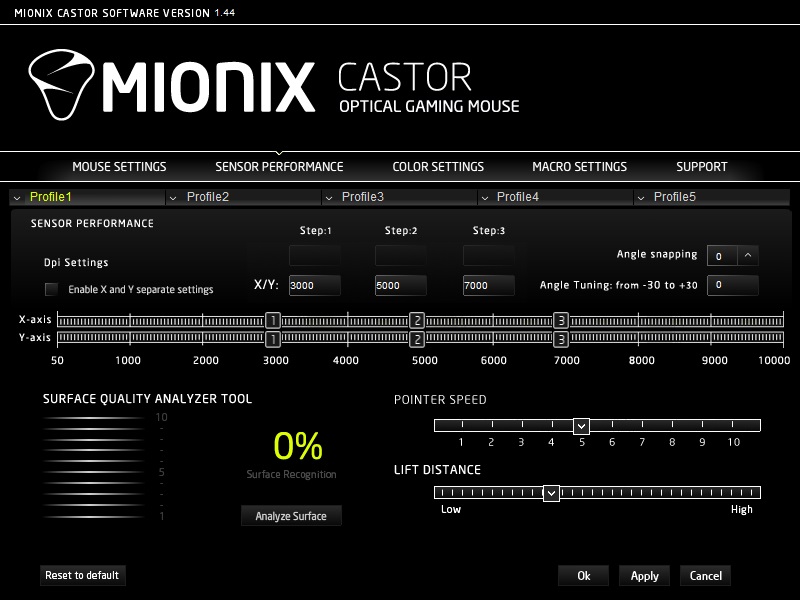
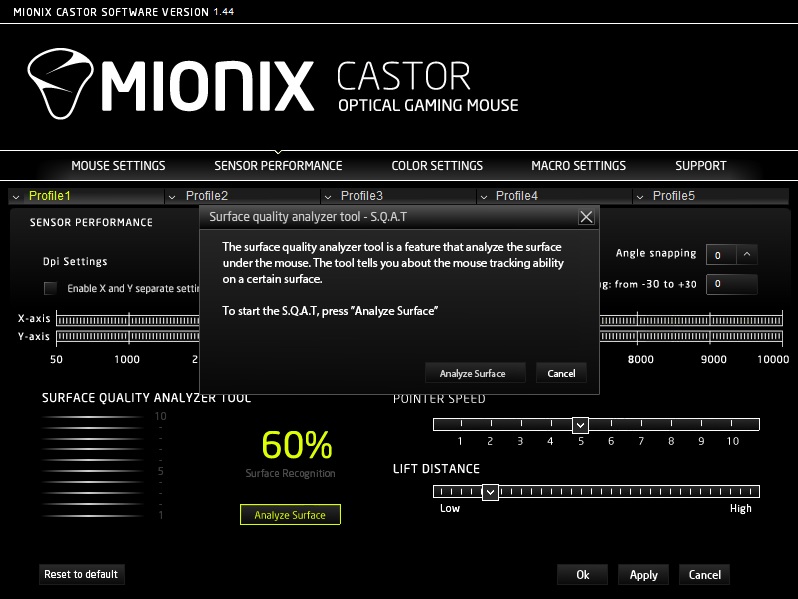
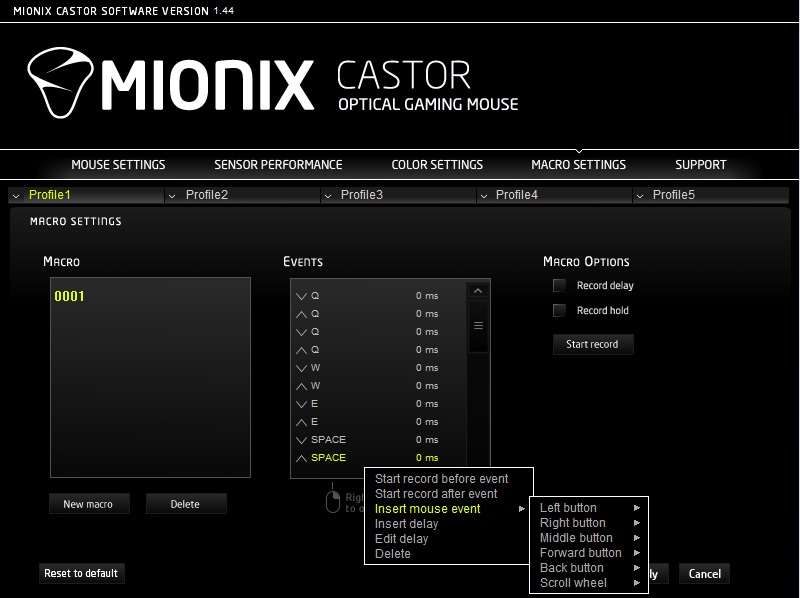
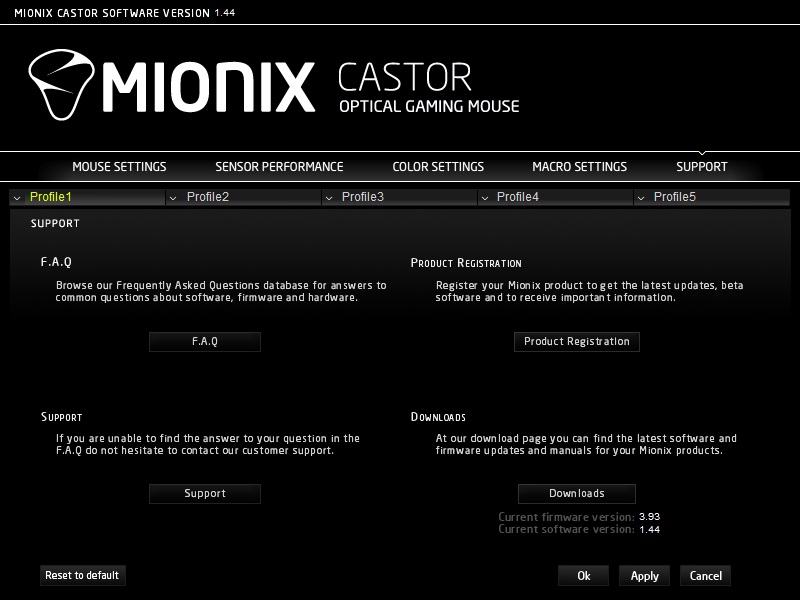
The Castor functions perfectly well as plug and play, with DPI settings of 3000/5000/7000 as standard. If you wish to customise any setting you will need to download the software from the product page. Once I had downloaded the software, rather being installed it seemed to run as a zip application, adjusting and customising all the features that were then saved to the mouse. This makes the software lightweight and doesn’t add an additional application to the list of other start-ups, slowing your system. I am not sure if this is just the latest version of if you can install it as an EXE, but it worked perfectly well as it was so it gave me no concern. The UI is easy to understand and fairly simple, giving you a list of 6 reprogrammable buttons, sensor performance options including acceleration, speed, DPI, lift off distance, angle snapping, and even a surface analyser. You then get to choose your LED lighting colour and effect, or create your own macros. The macro recorder can record all mouse actions but must be manually input by right clicking, which is better than omitting the mouse altogether like many others.
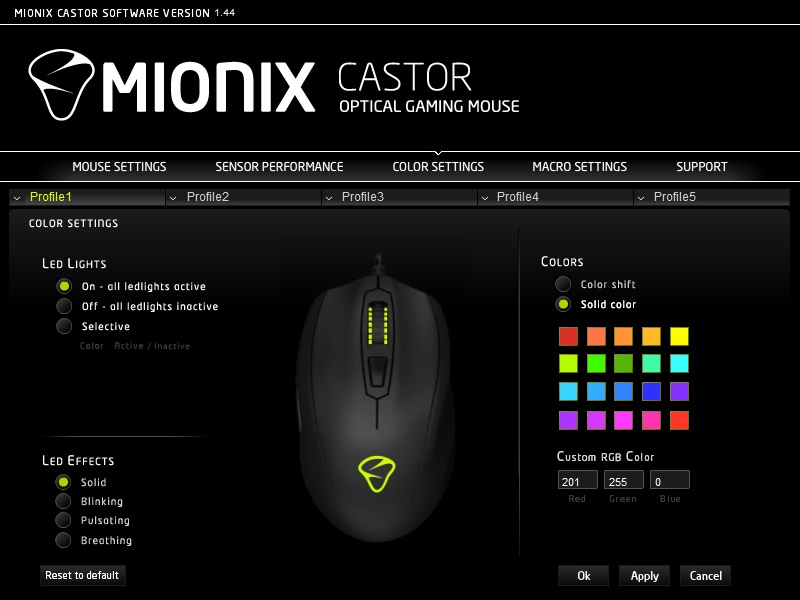
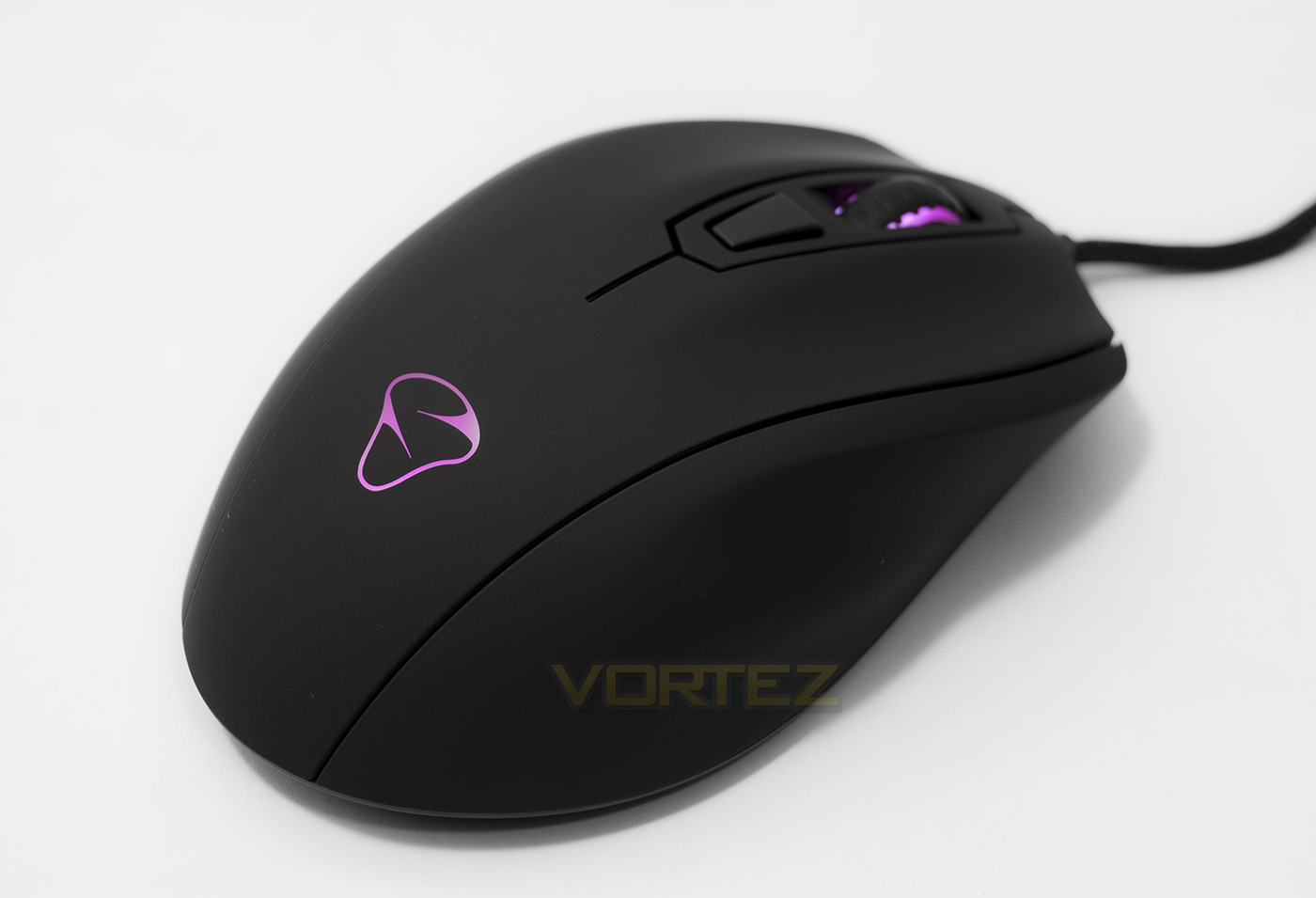
The lighting isn’t necessarily vibrant, but it was never a selling point of the Castor. The colours are rendered relatively fine, though some hues are a little off while white is more a pinkish colour. Overall its something that is good to have and looks great.
Performance Testing
Setup, Design & ObservationsThe build quality of the Castor feels like it could take a beating, and you will find that your hand can fall naturally into a comfortable position regardless if you palm or claw. Those that expressly like large, palm orientated mice may find that it is a little small, but it should please the majority of people. It is relatively lightweight too making it feasible to finger tip, though for that it may be a little large.
The mouse clicks feel solid and spammable, as do the side buttons. Though the mouse wheel, while it spins with pronounced intervals, it also seems like it is artificially tight like it may loosen over time.
My only gripe with the construction of the Castor is that the smooth rubberised coating is the kind that saps sweat, and looks tatty as it is covered in finger and palm prints. This kind of rubberised coating is something some will love, some won’t care, others, like me, loathe, and I believe there are far better materials or surface options available.
Performance
At the maximum DPI (10,000), there is a little jitter, but is well managed by the ARM MCU. Considering the 3310 sensor is doubled up from its native 5000DPI, it is somewhat expected. Though at 5000DPI and under, there is little to no jitter and the mouse works like a dream with responsive, fast moving, naturally intuitive motion. Across various surfaces, the sensor tracked fine across plain black mouse mat, and was ok across white paper and plain card, however it did struggle across glossy and coloured surfaces and as with many optical mice, it would be best to stick with a plain, black fabric mouse mat.
In game, the Castor felt awesome, giving reliability, confidence and precision when you need it most. Not once did I accidentally misplace my right click in DOTA 2, and in Killing Floor 2, and CS:GO, everything simply felt right. I am usually terrible at CS:GO and for once I felt not-so terrible.
Conclusion
Mionix seem to take pride in what they do and it really shows in the Castor mouse. It seems to work almost naturally whether navigating in a desktop environment or in game. Though keen to point out their fine craftsmanship, considering the comfort afforded by the ergonomic shape that is universal to whichever your preferred grip may be does back up their claim.
Though fantastic in form and performance, there are some minor gripes to mention. Firstly, the rubberised surface is something that will be hit and miss. Some may love the smooth velvety surface, and it does indeed feel good quality. Though it also feels sweat leeching, cringe worthy, and is the kind that will look rather mucky after it has undergone the process of suckling at your finger tips. After experiencing various new types of textured surfaces (Including but not limited to the likes of the ASUS Spatha, Tt eSPORTS Level 10M Advanced, the Ozone Neon 3K, and the current ROCCAT line-up) that I simply believe look, and feel nicer. This doesn’t mean to say people will not like it contrarily.
Another consideration is inherited with its ergonomic shape, this would be, the limitation on expressly palm type gamers that may prefer a larger, more specifically palm orientated shape, but that isn’t anything to hold against the design of the mouse itself.
Overall, I loved using the Mionix Castor and it certainly holds up well as a premium mouse. It doesn’t sell itself into the fancifuls that many other gaming peripherals do, and speaks to people as a top quality mouse. The pricing does feel a little steep, and I feel that there are many established favourites around, but the Castor is an equally strong offering and for many I can certainly see it coming out on top. Well deserving of our Gold.
The Mionix Castor proves itself as an exceptional gaming mouse that lives up to its promise of comfort in-hand and its accuracy on-screen.
Pros.
+ Fast and precise optical sensor
+ On-board memory
+ Comfortable for any grip type
+ Lightweight software
Cons.
– Price
– Best suited for plain black mouse mats
+ Fast and precise optical sensor
+ On-board memory
+ Comfortable for any grip type
+ Lightweight software
Cons.
– Price
– Best suited for plain black mouse mats
Click here for an explanation of our awards at Vortez.net.