"For gamers and artists" is the slogan for the Wei, but what does that actually mean? Read on to find out.
Product on Review: Mionix Wei
Manufacturer: Mionix
Street Price: £189.99 / $189.99
Swedish based Mionix is perhaps best known for its quirky approach to peripherals, both in terms of colours used and often features implemented, though today’s keyboard may appear ‘normal’.
We’re taking a look at the Wei, featuring Cherry MX Red mechanical switches, RGB backlighting a rather swish looking aluminium frame and a huge rubber base. Mionix has also supplied the French Fries replacement keycaps as well as the Frosting long pad, which will be tested alongside.
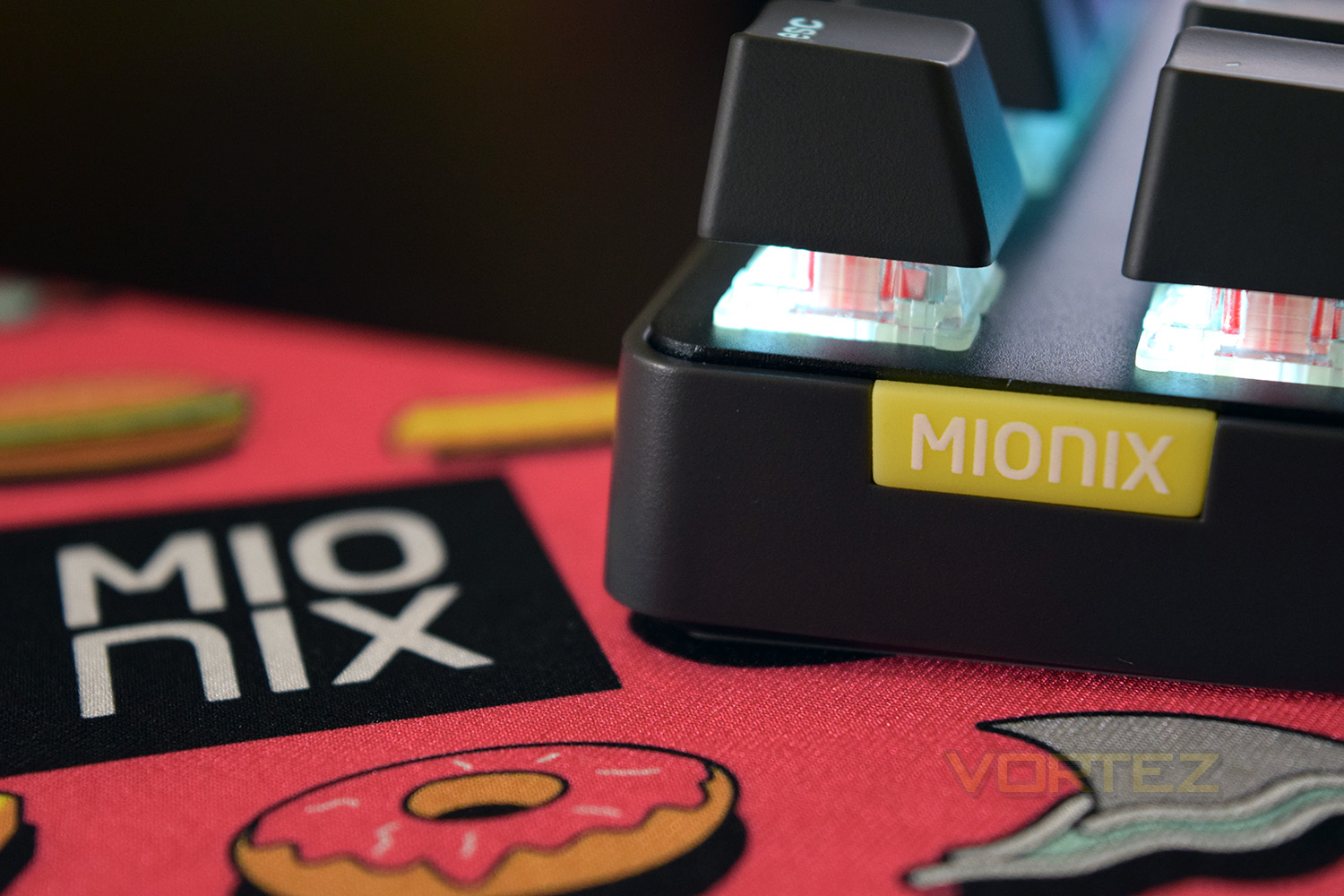
The Wei certainly takes on a minimalist design, wasting no space on the desktop, the keyboard’s thickness is also kept to a minimum.
The Wei is currently listed at £189.99, which puts it against some of the best keyboards we’ve tested to date. Available keyboard layouts include US, Nordic, UK, German, Japanese and French layouts so it’s likely you’ll find yourself covered by its offerings.
Technical Specifications
Cherry MX Red Switches
Full RGB Backlight
Windows and macOS software
Exchangeable keycaps
Aluminium top
Solid rubber base
Full RGB Backlight
Windows and macOS software
Exchangeable keycaps
Aluminium top
Solid rubber base
Packaging & First Look (Keyboard)
The front of the packaging is one step up from a plain cardboard box, with just a colour image of the keyboard and a small tag-line.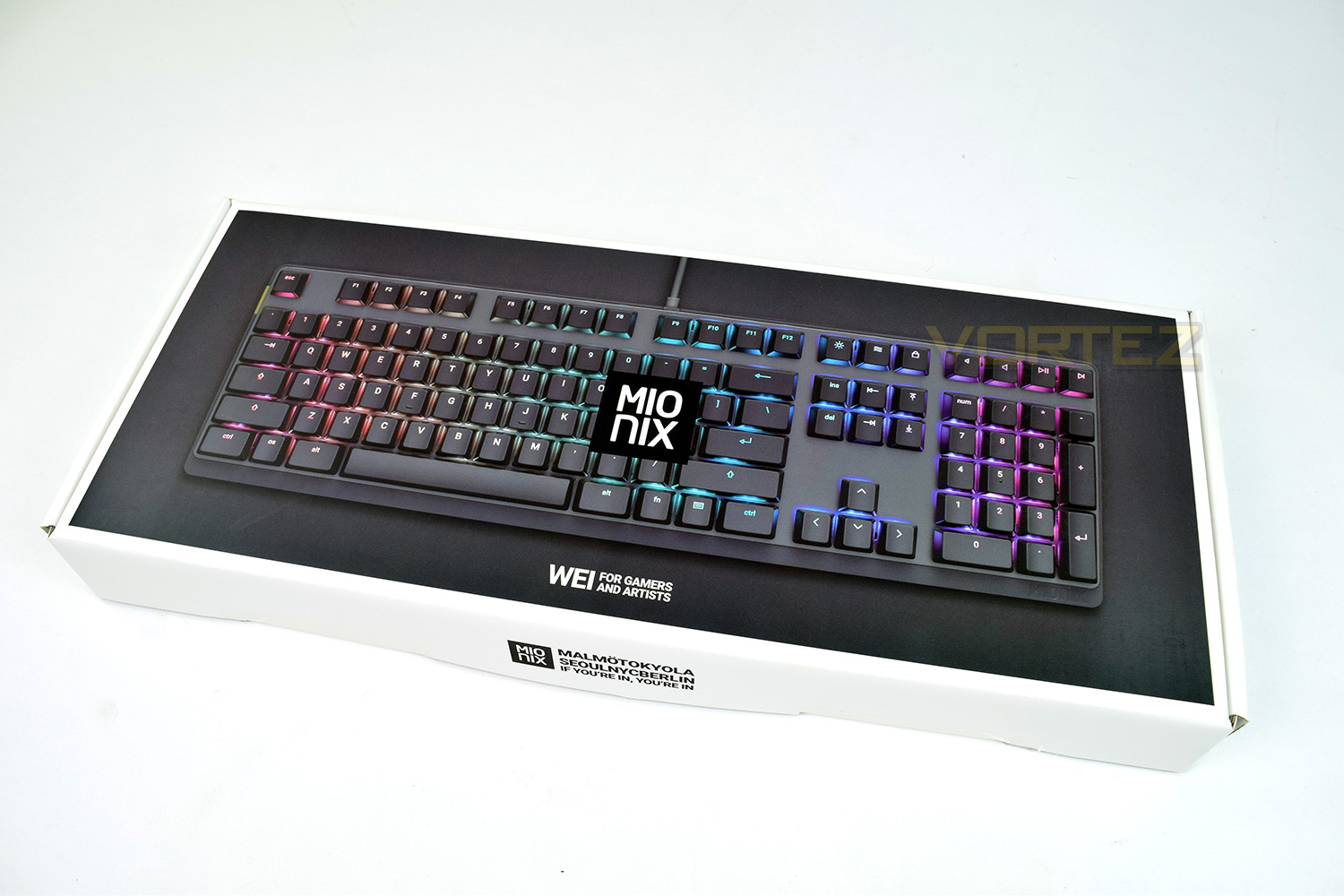
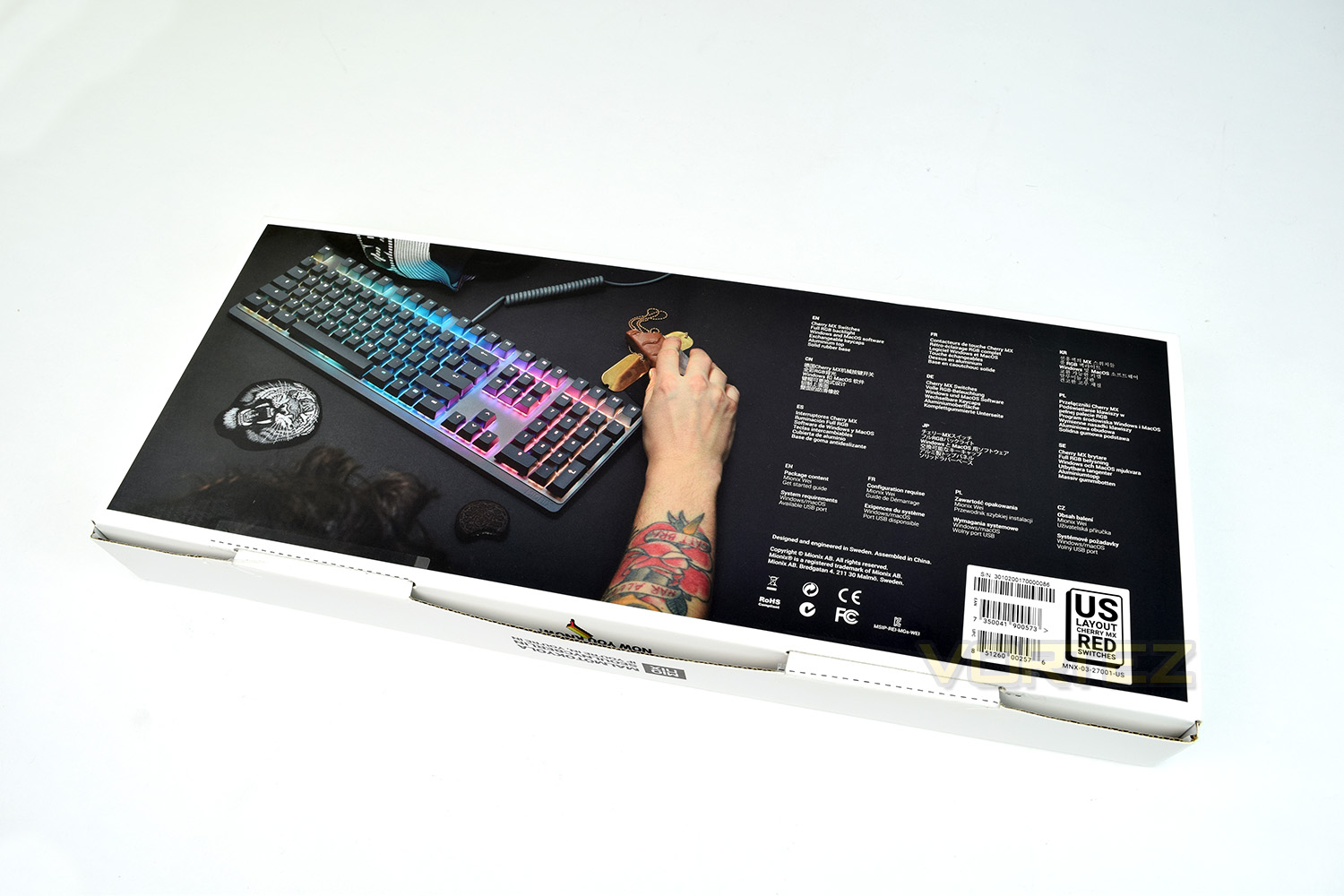
The rear of the keyboard appears to show a tattooed man using a popular planet-themed chocolate bar as a mouse; there’s also some very concise features listed in several languages.
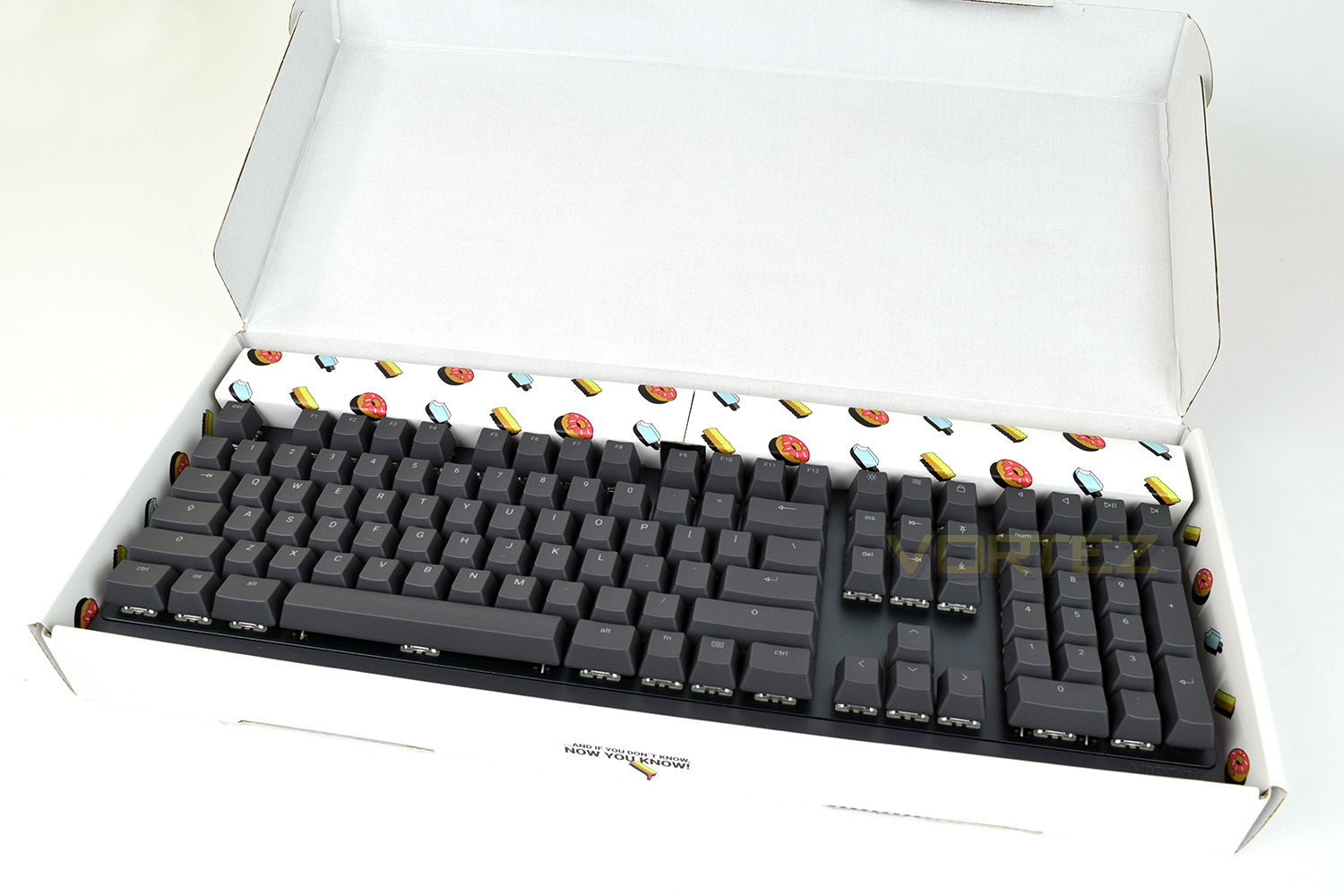
Opening up the box, the fast-food theme to their products begins to become apparent. We also see a slogan on the front “…AND IF YOU DON’T KNOW, NOW YOU KNOW!” which is more than likely a reference to the lyrics in Juicy by Notorious B.I.G.
A thick cardboard has been used to make sure the keyboard is adequately protected.
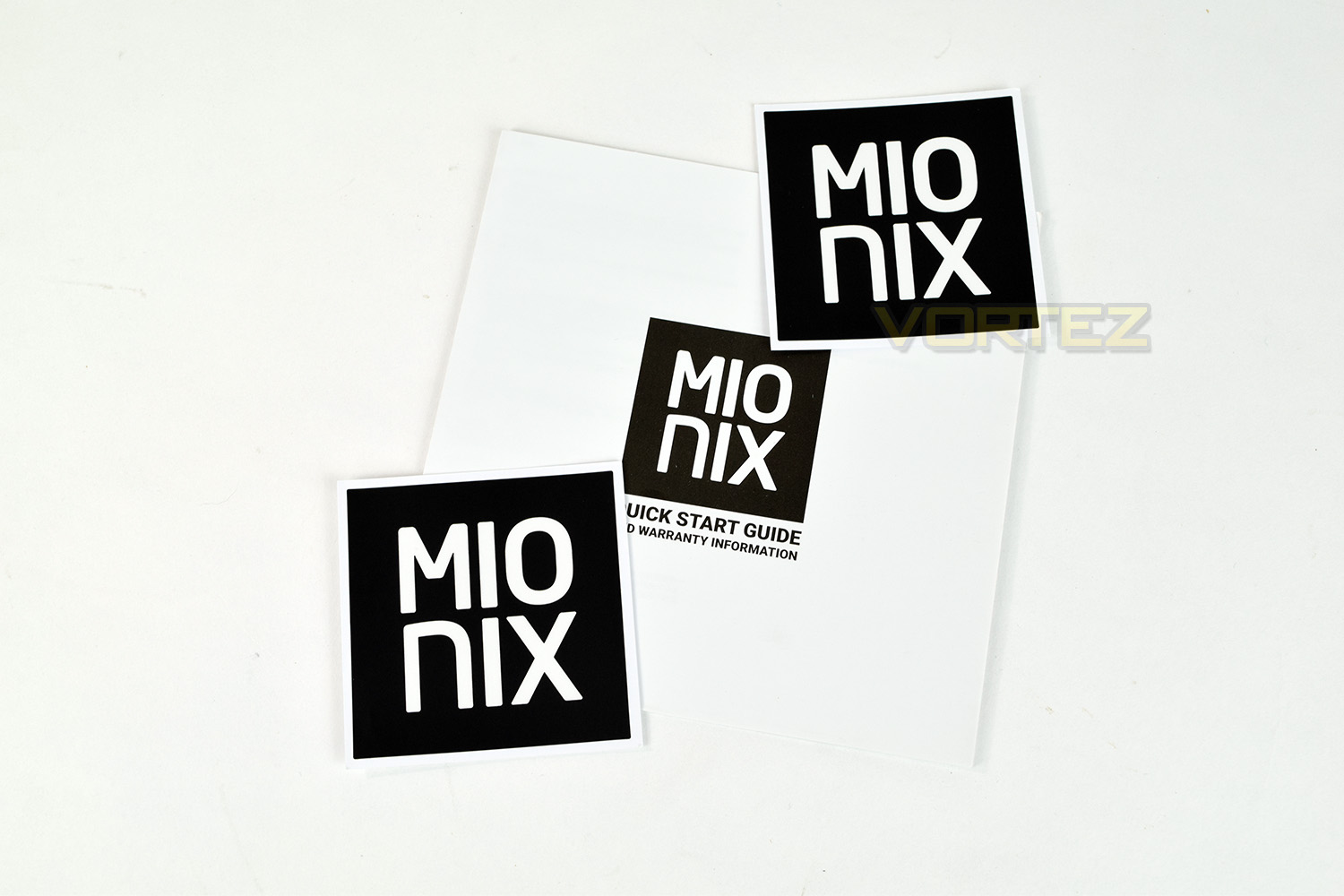
For your £189, you may expect a little something included, perhaps a keychain or a bottle opener? You get a couple of 65mm stickers and a Quick Start Guide.
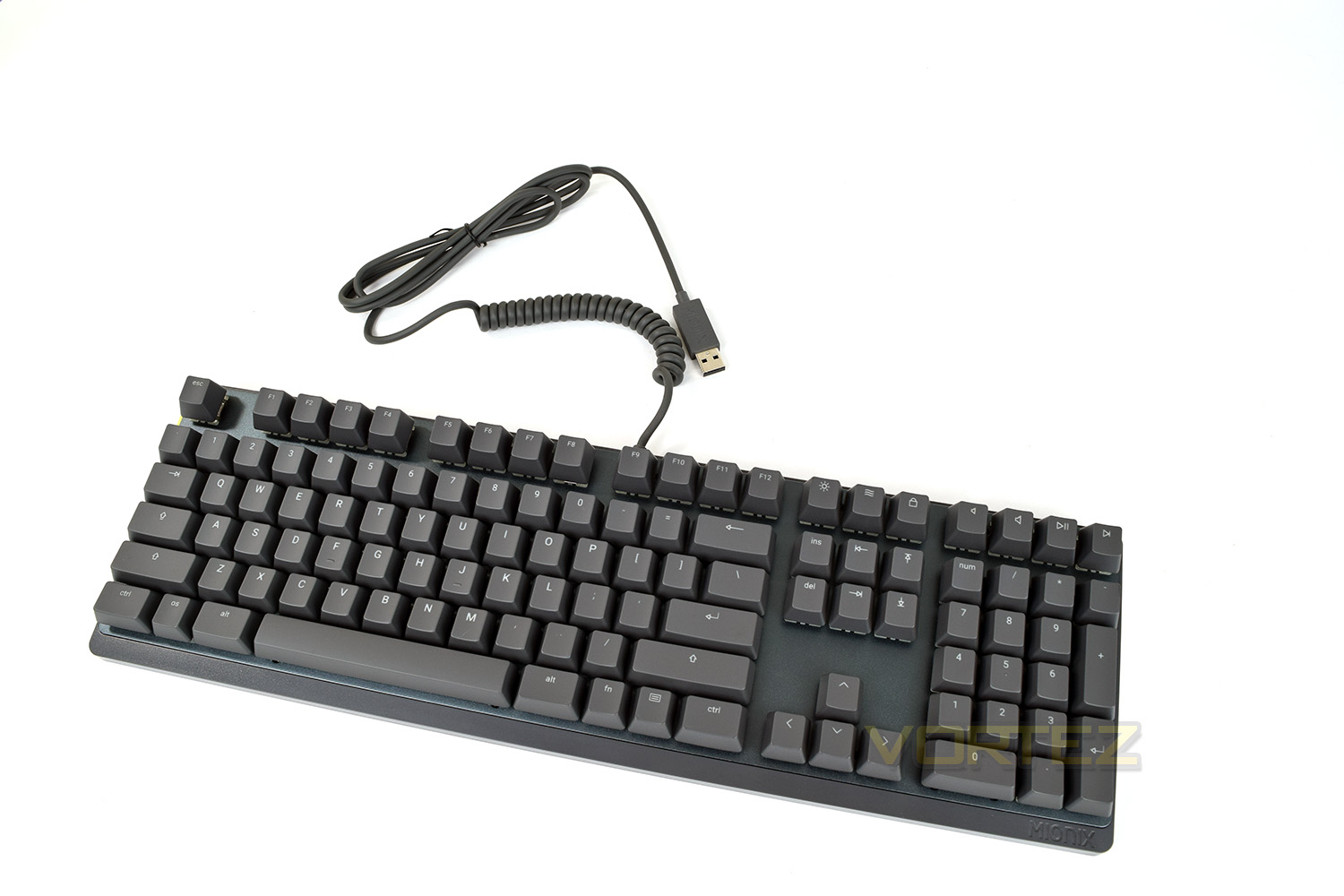
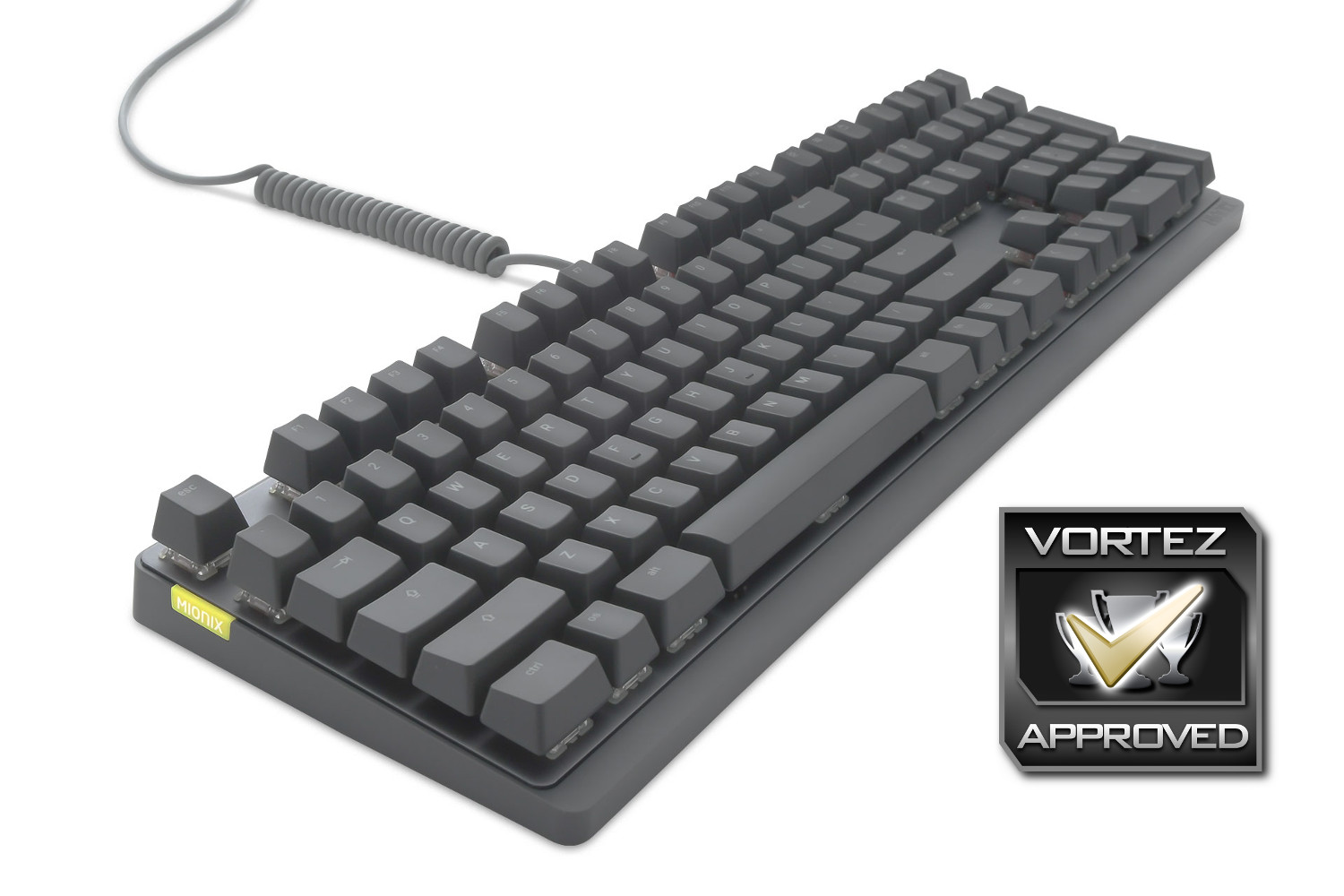
With a definite aim towards the minimalist in you, the Wei features as little text or icons as possible without blanking the keycaps entirely. The grey colour scheme looks even better in person, the photographs don’t do justice, unfortunately.
Packaging & First Look (Keycaps & Longpad)
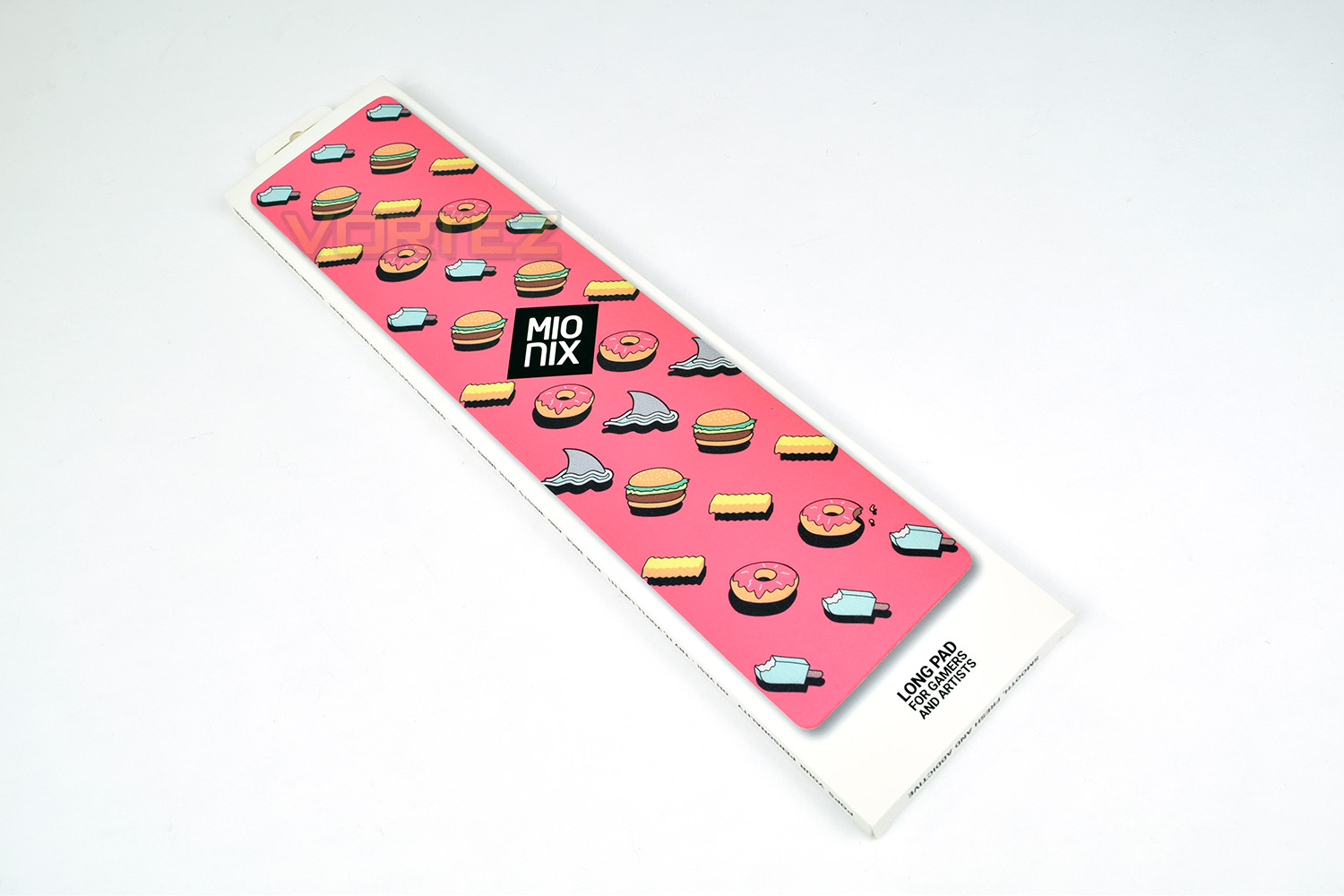
The Mionix Longpad is designed as a wrist rest or mousemat, though that second implementation may be questionable, being only 100mm (4”) wide.The packaging is just a sleeve of cardboard with a picture of the product on the front. There’s not much to say about the Longpad, so they’ve left it as is.
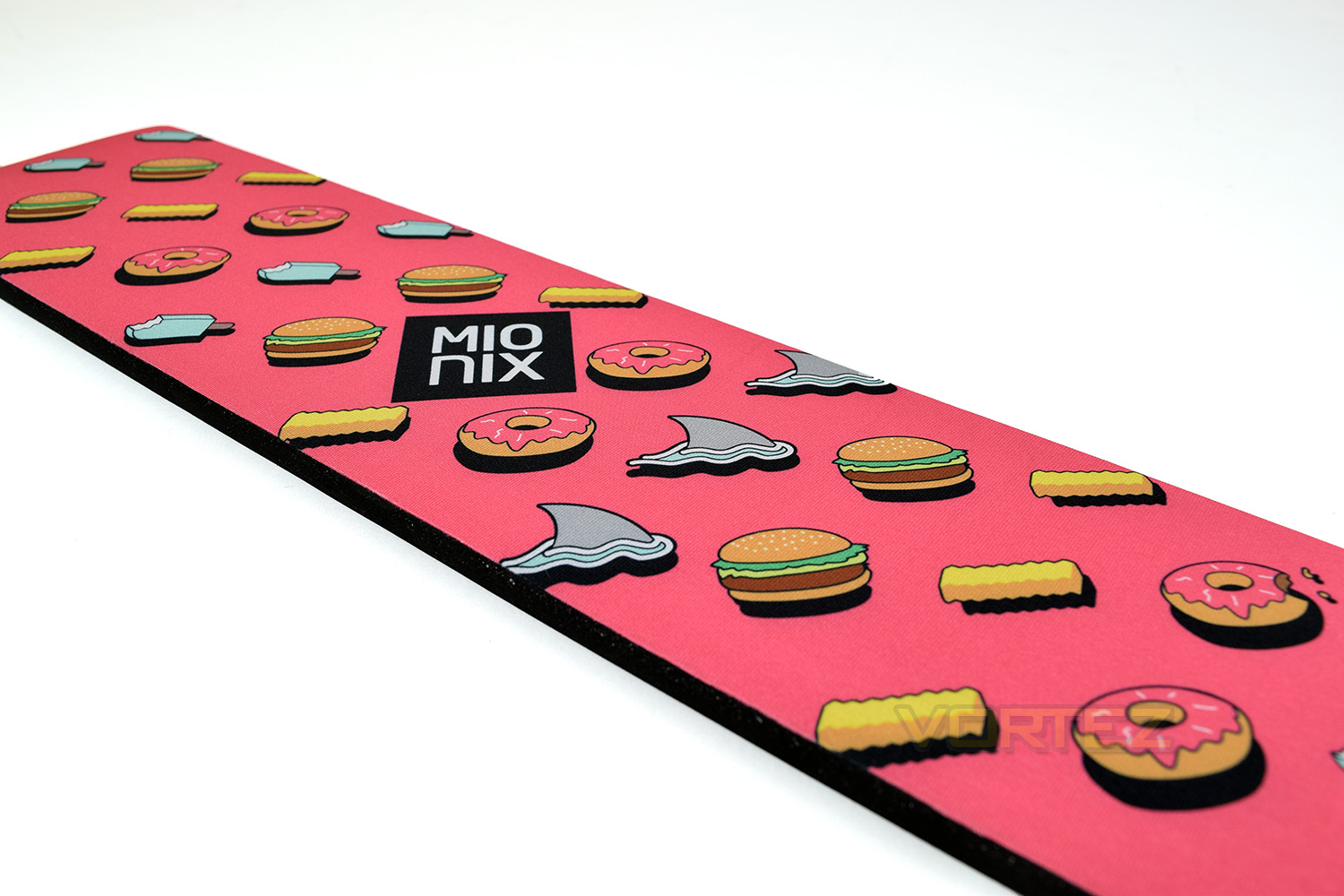
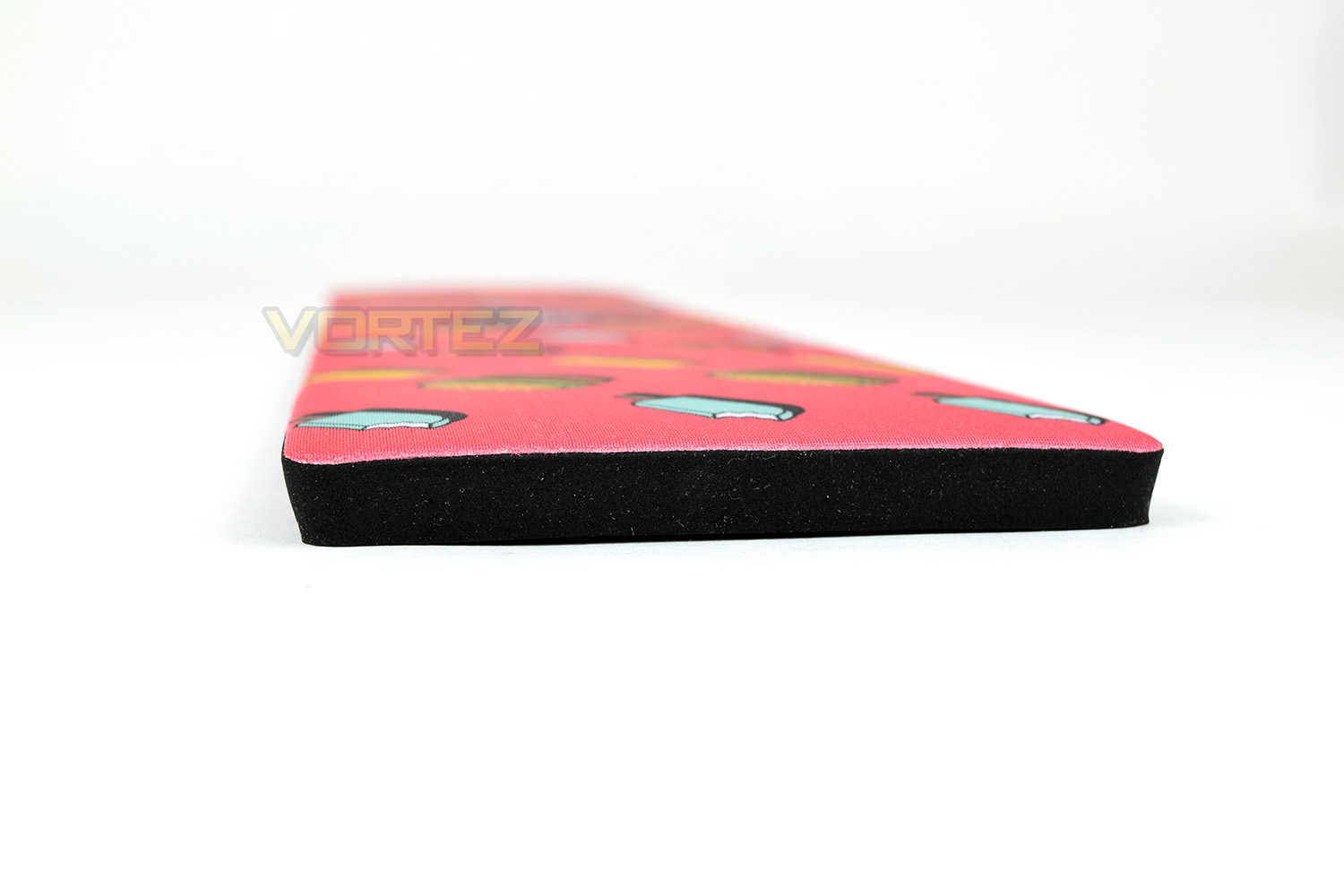
Removing the pad from the sleeve, it’s surprisingly well cushioned and sits slightly convex on the desk to give a little more comfort; the overall thickness is 10mm (⅜”). The design on the front is very ‘in your face.’
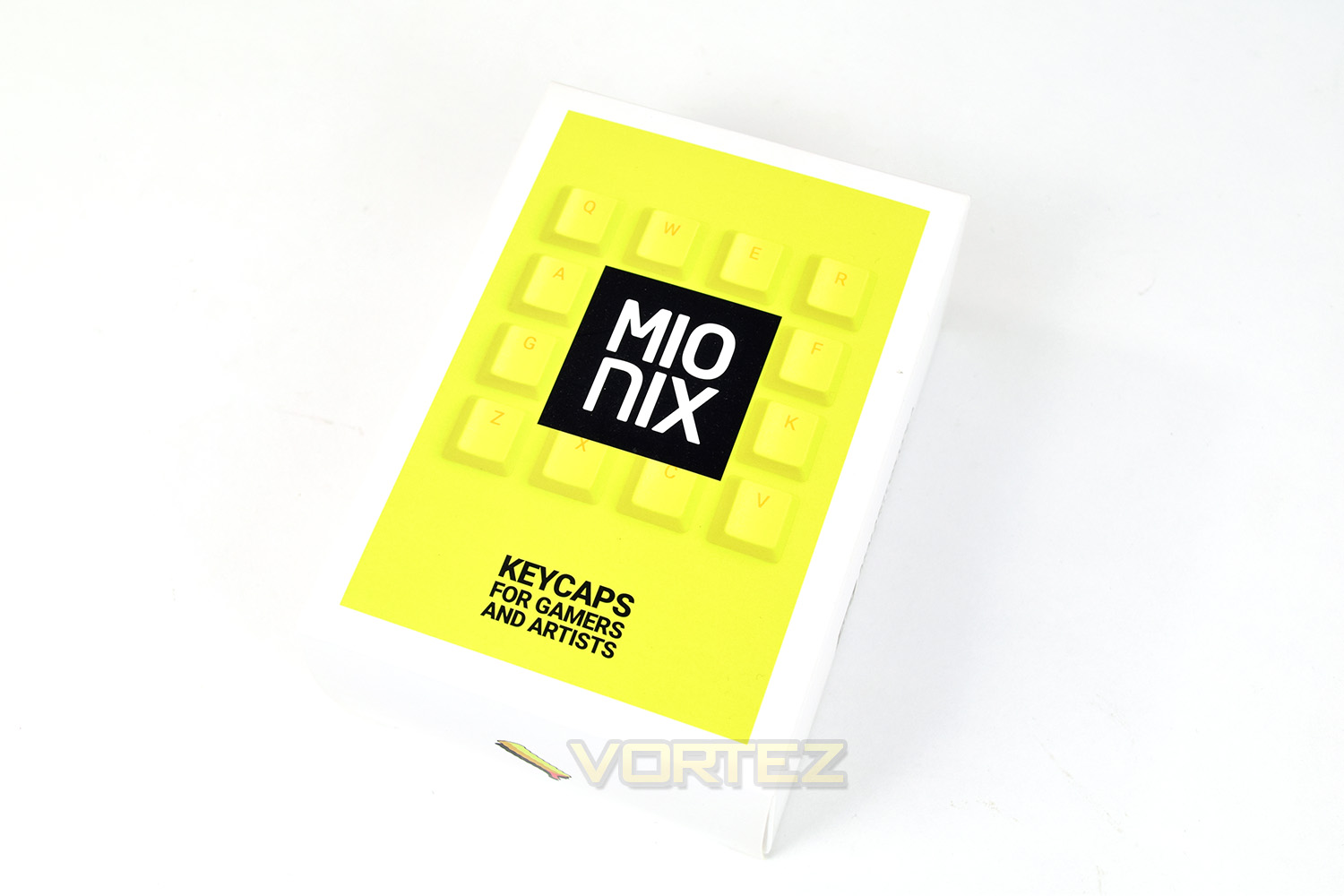
The keycaps arrive in a rather small, colourful box. The keys are contained within a clear plastic bag inside, along with a keycap puller to help remove the existing keys on your Wei.
Closer Look
We’ve been provided with a US layout keyboard for testing, though this makes no difference to the function, only the placement of a handful of keys.Mionix has opted for a clean, unadulterated appearance to the Wei, foregoing any second symbols on the keys. You better know your & from your *. You will also notice the lack of any wrist rest, that’s where the Longpad comes in, however it’s extra cost on top of your £189. In other news, how cool is that cable? We love it.
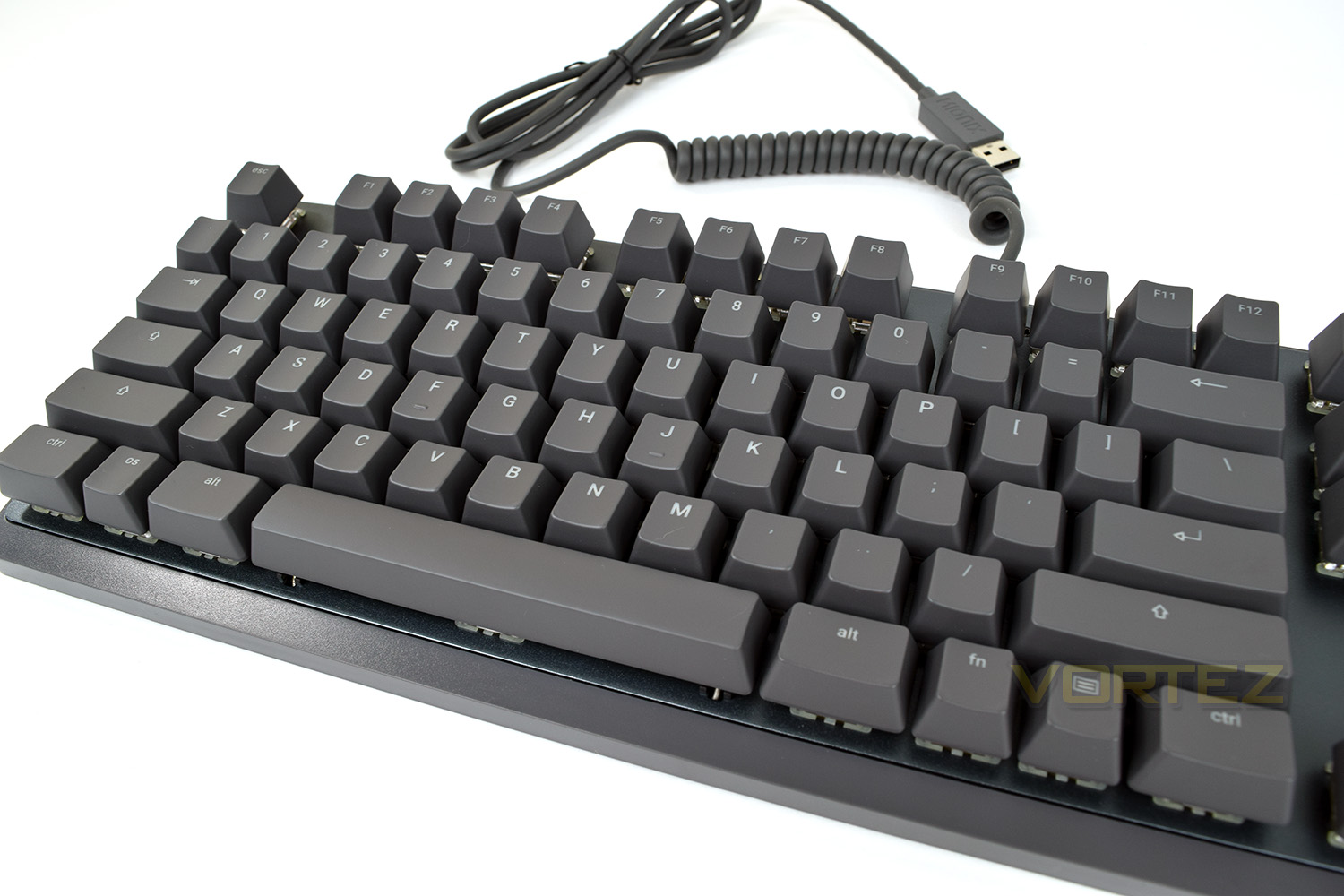
The mechanical keys, which can be any colour you like so long as it’s Cherry MX Red, are exposed to reveal the RGB lighting underneath.
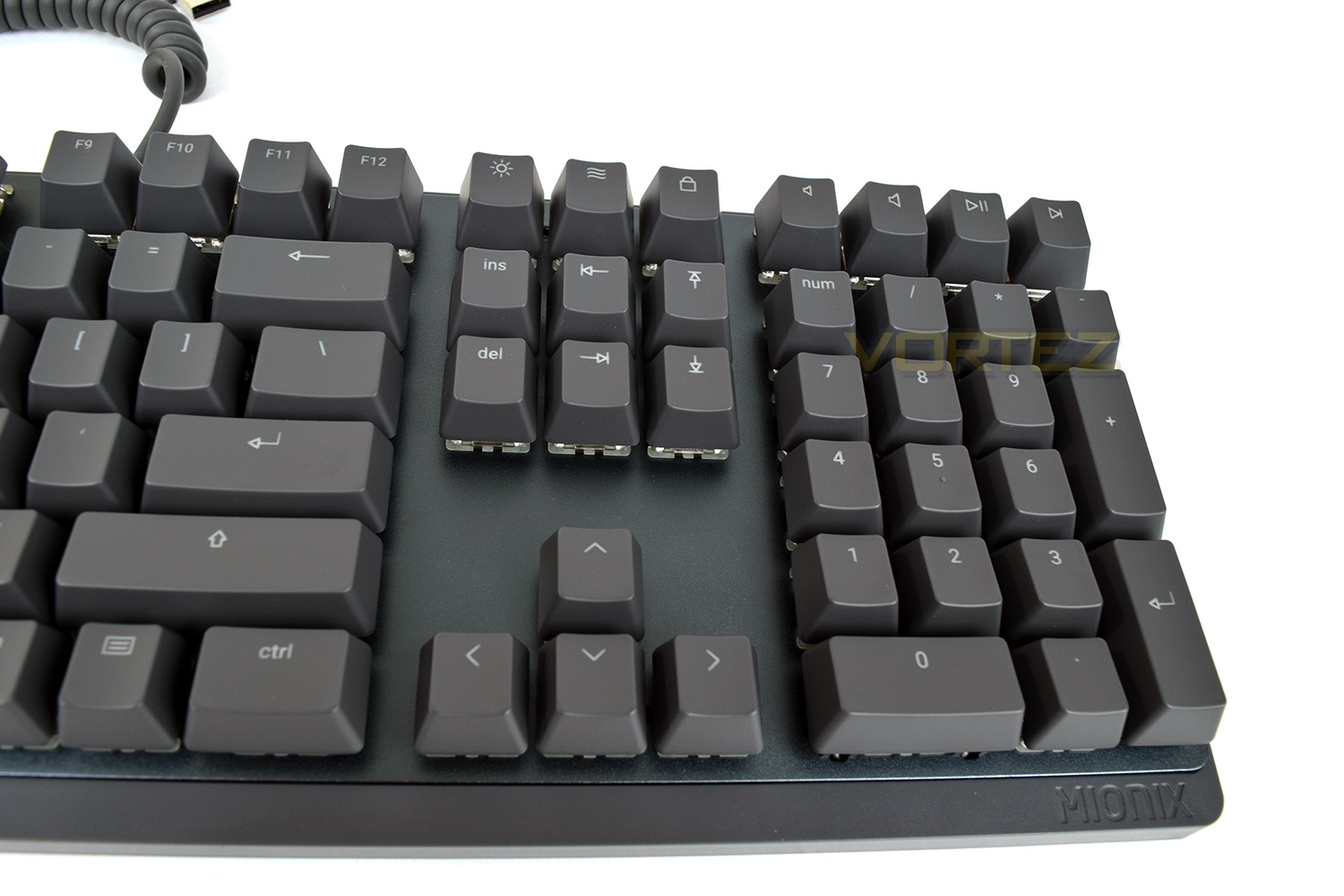
The top-right is home to dedicated media keys, however, it does appear that a backwards button is missing.
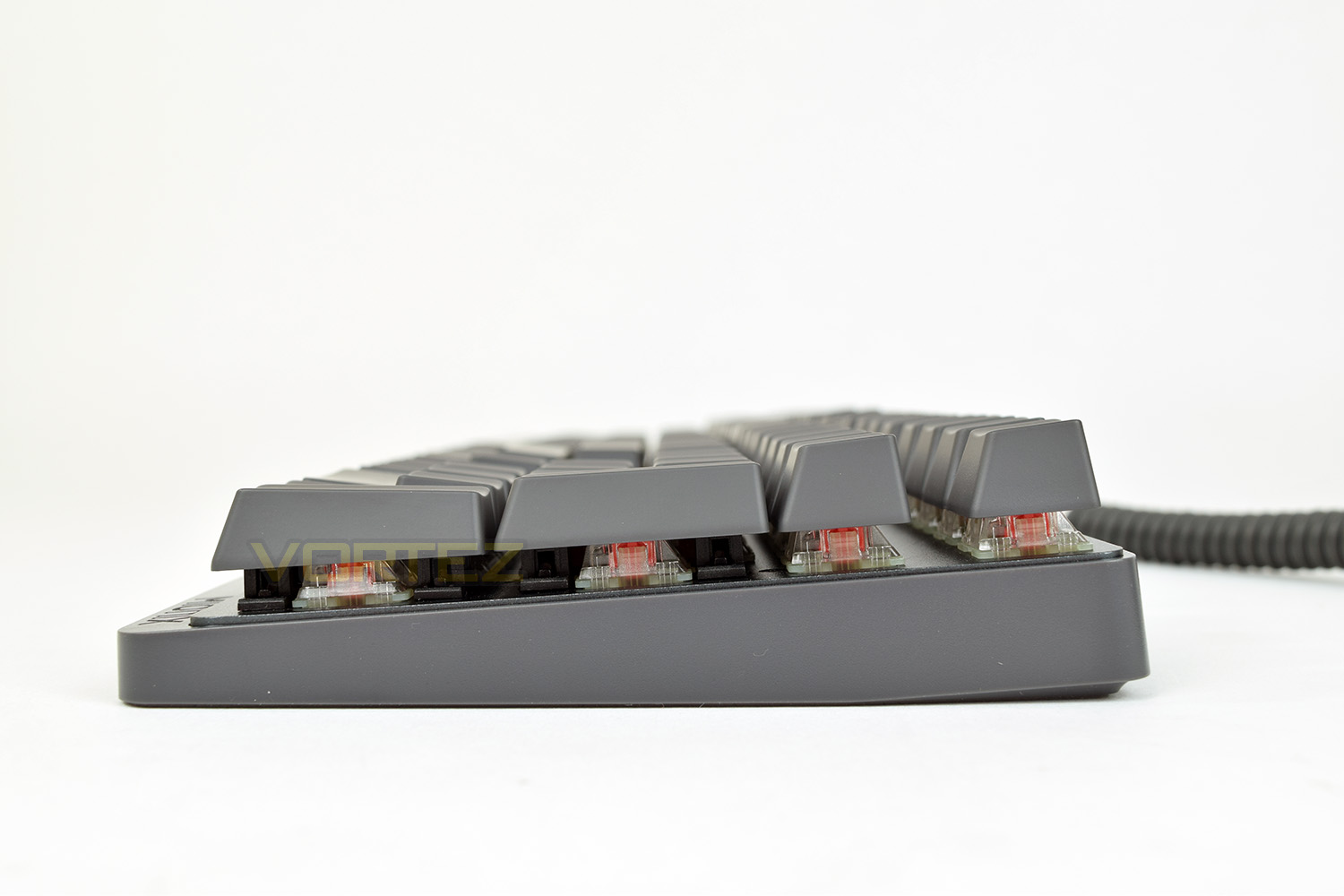
The left-hand edge features a small yellow tag with the Mionix branding. You can see from the extremely thin profile of the keyboard from this angle, most other mechanical boards are a good portion thicker than this.
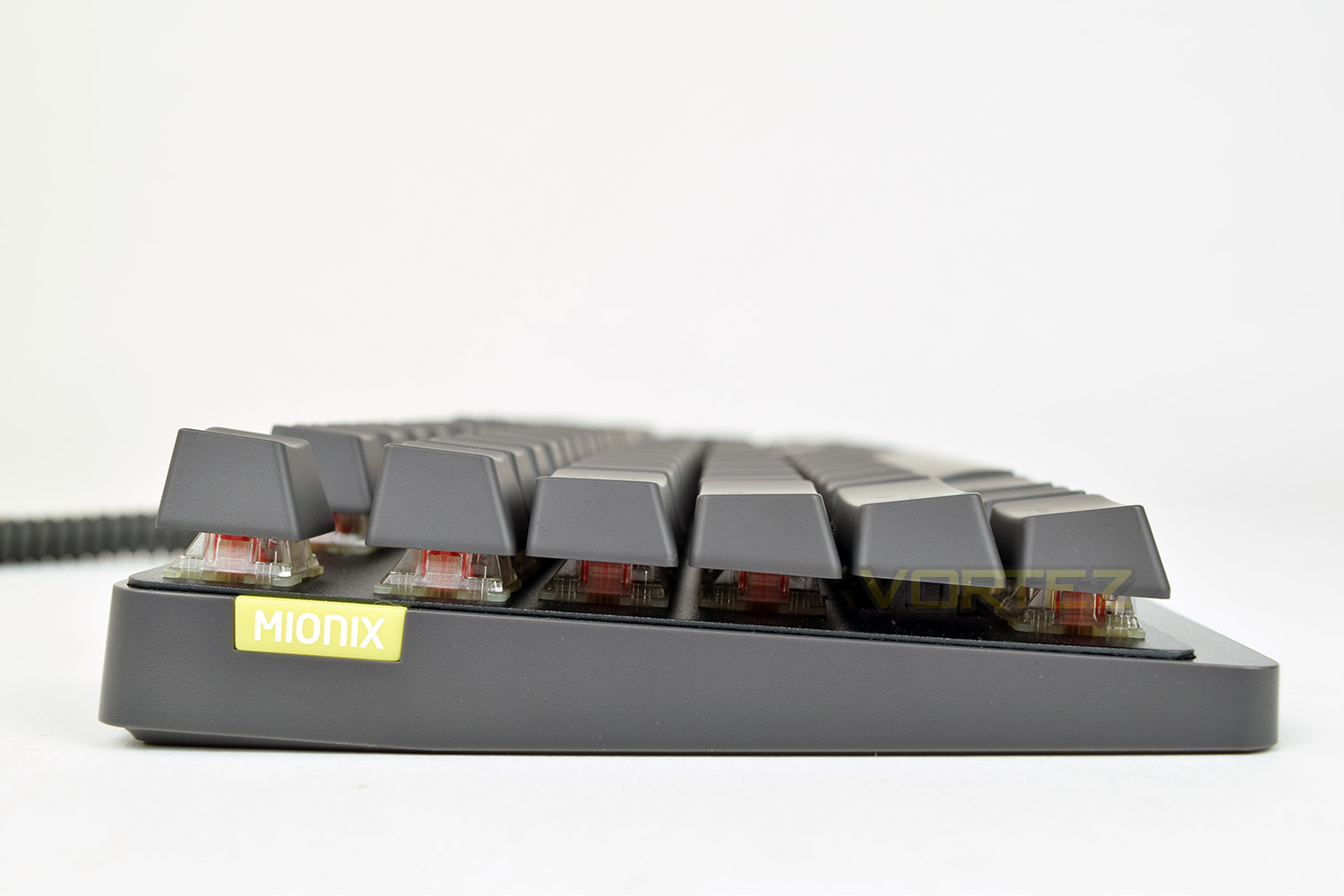
The right-hand edge is exactly the same as the other side, no USB or audio passthrough or anything of that kind, which is an odd omission for a keyboard close to £200. There’s also no height adjustment to show with this photograph.
Closer Look (Continued)
The underside of the board is one, huge rubber pad, so it’s incredibly unlikely to move around on your desk, however, some kind of height adjustment wouldn’t go amiss.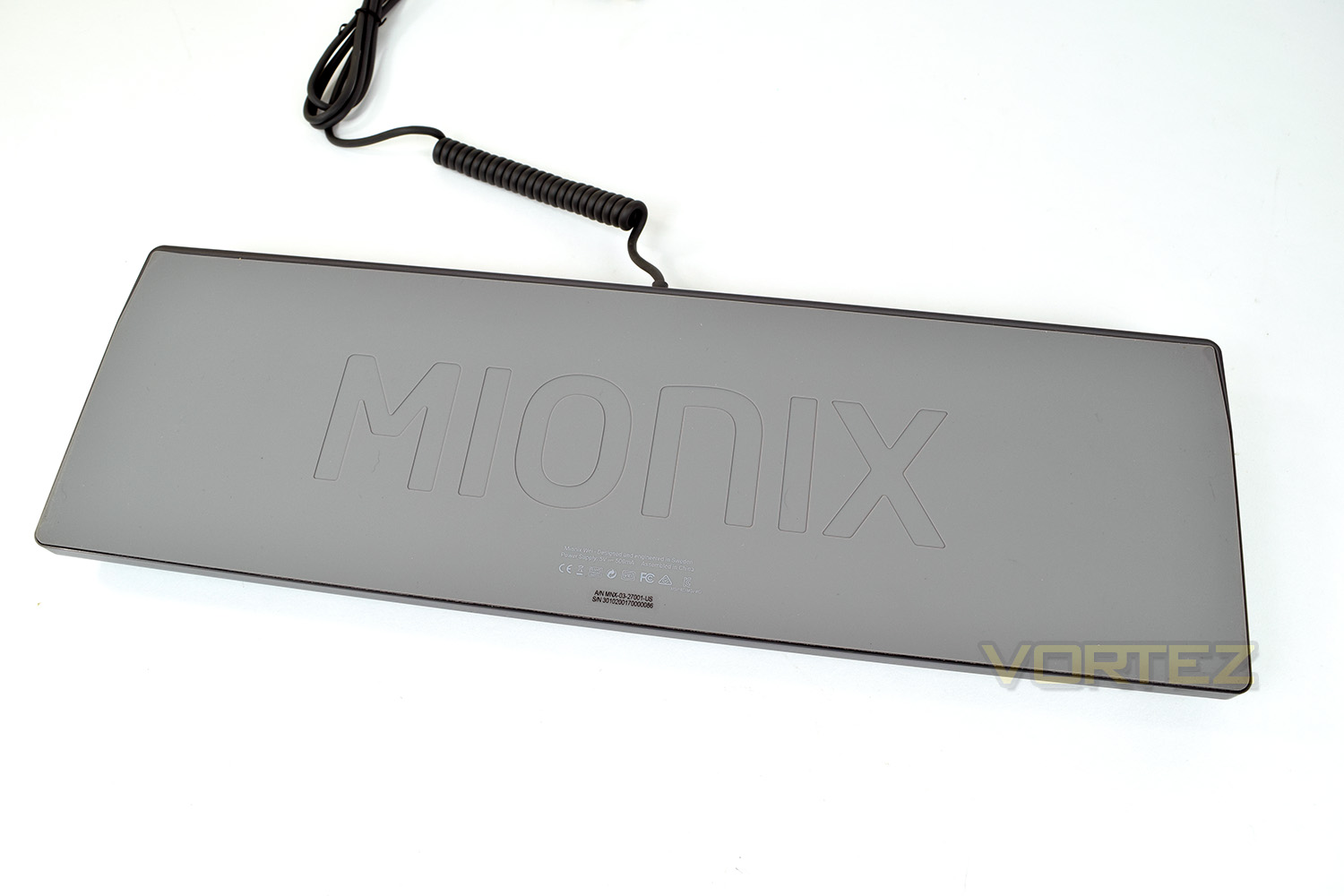
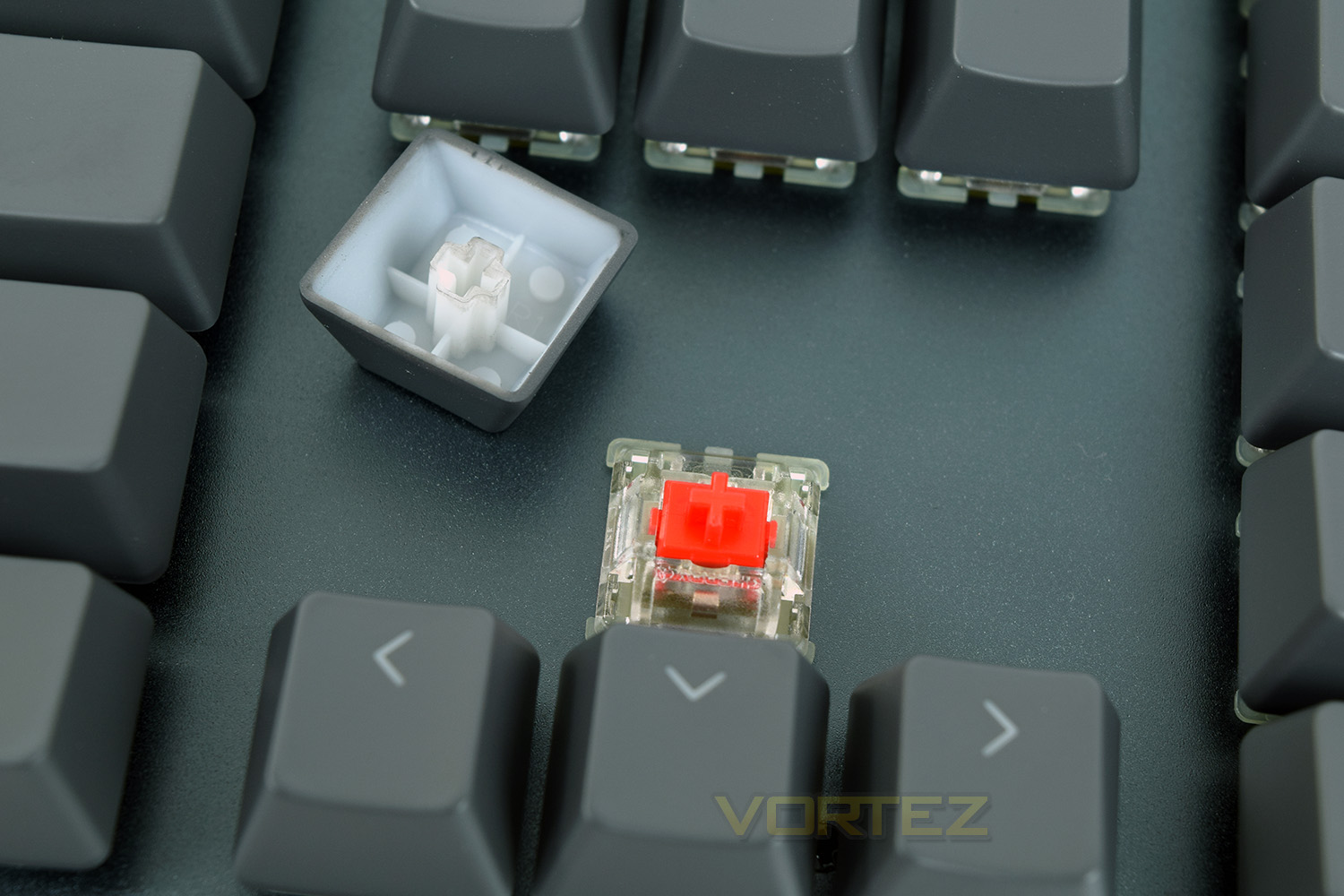
Under those grey keycaps are the Cherry MX Red mechanical switches. The LED is mounted at the top to provide illumination to the correct area of the keys while the clear housing helps distribute the light more evenly.
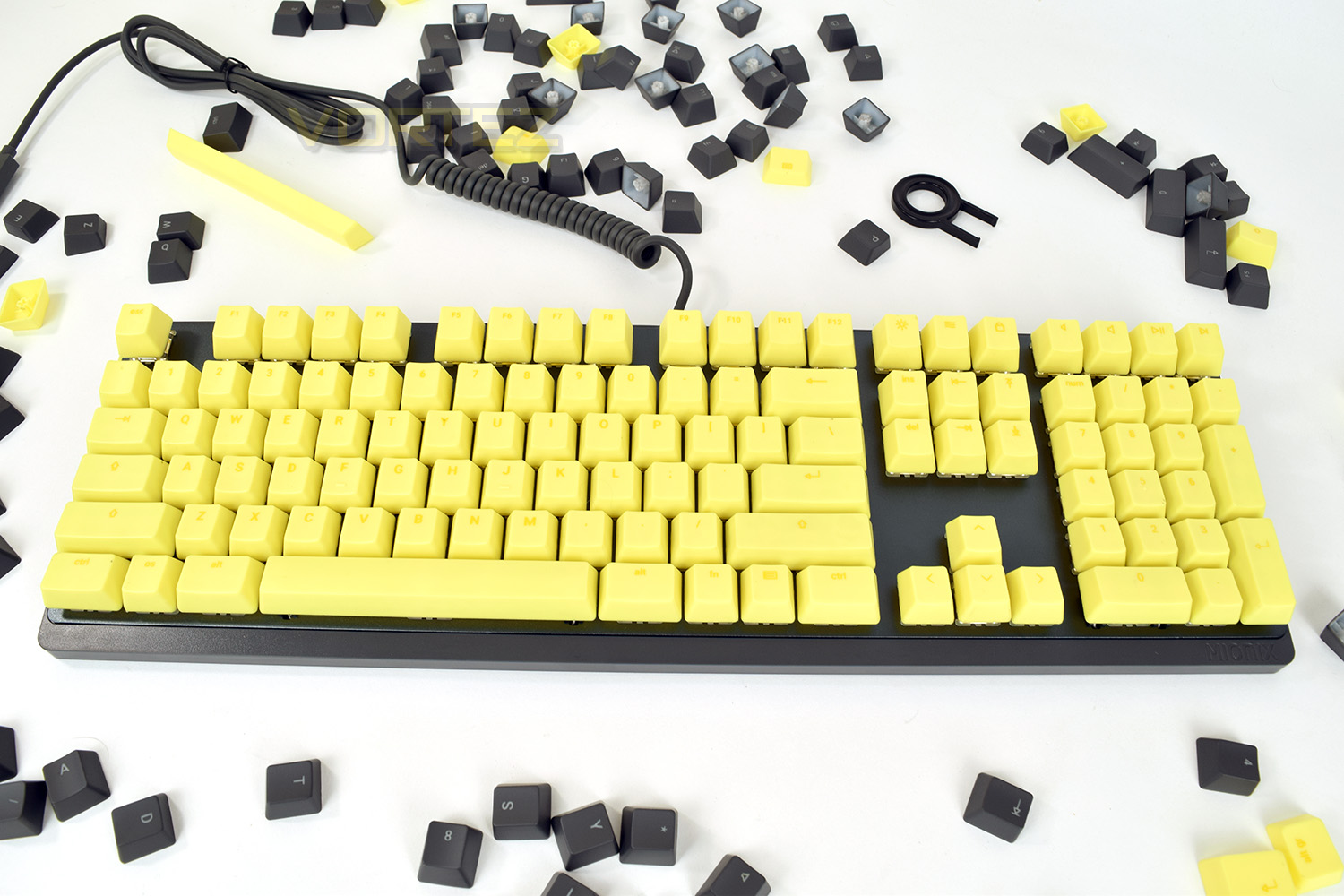
Swapping the grey keycaps for the “French Fries” keycaps provided entirely changes the keyboard. The keycap set caters for US and UK layout boards which explains the extra yellow keys laying around. Unfortunately, some of the keys suffer from black marks which won’t rub off.
Software
Mionix employs its Mionix Hub software to power the Wei, it’s a relatively basic set of software but it offers the bare essentials.The initial landing page allows customisation of individual keys, though there’s no macro functionality built in.
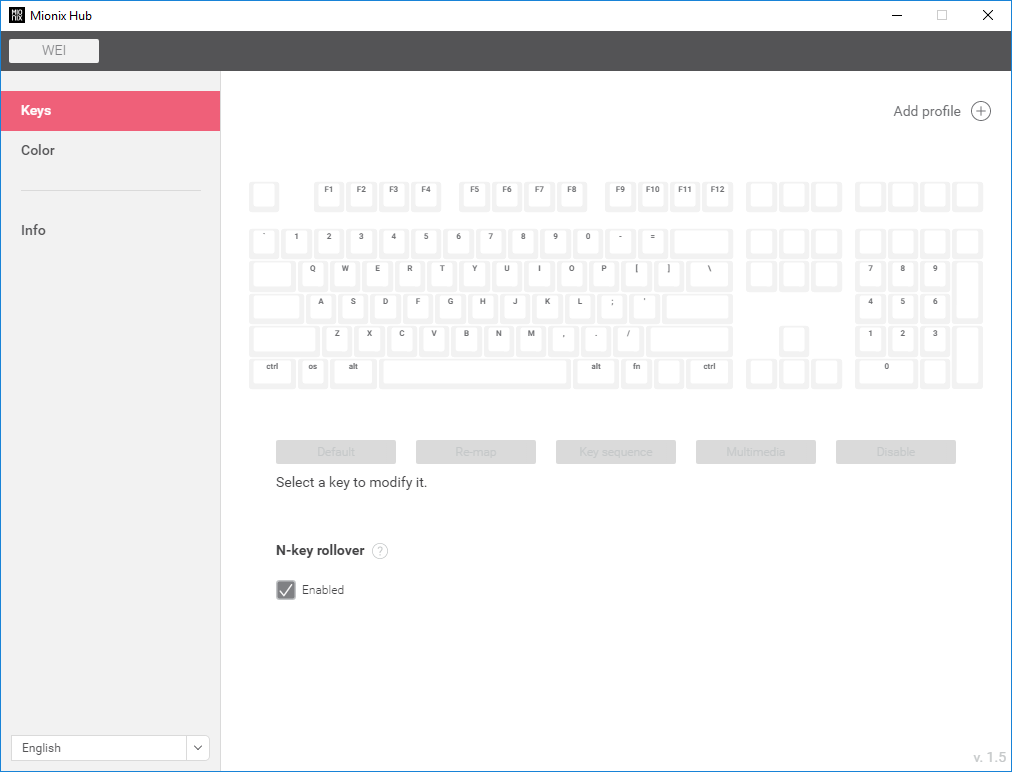
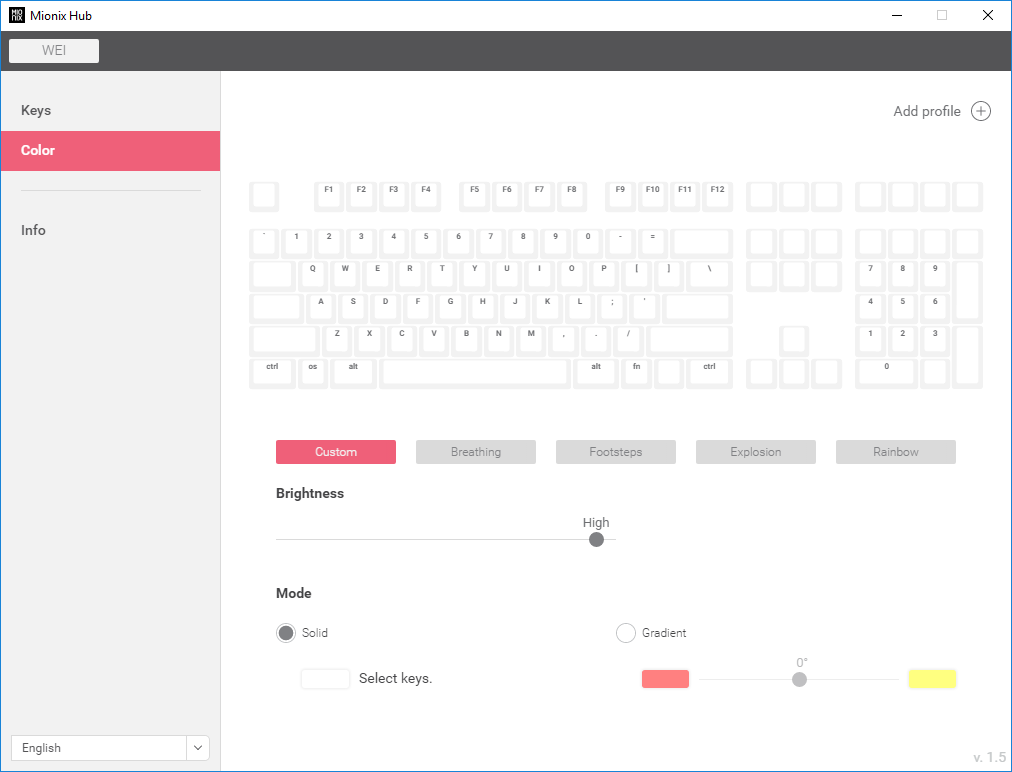
The second page allows per-key RGB backlighting, or you can employ one of the 4 built-in presets. Again, basic but it does the job.
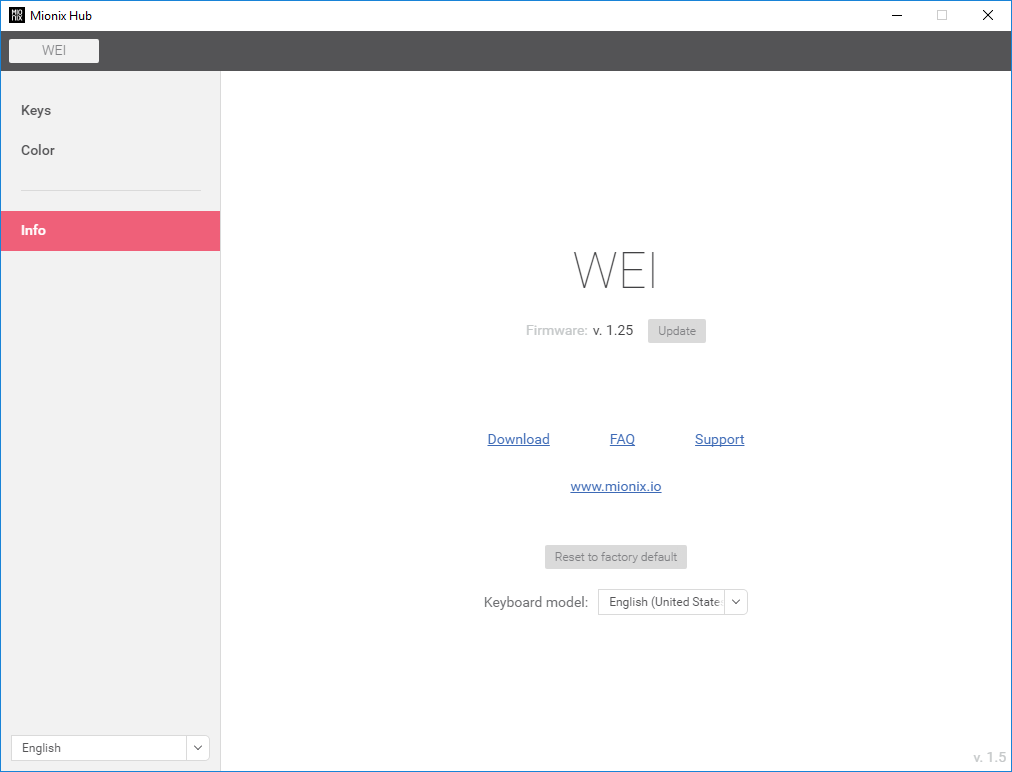
Finally, the Info tab deals with firmware updates and also asks you to select which keyboard model you are using. To update the firmware, you must first download the latest file from their website. Is this 1997?
As an overall judgement, the software is functional, but nothing more than that.
Performance Testing
First and foremost, the Cherry MX Red mechanical keys enable you to game with confidence, arguably the Red key switches are the most popular for a gaming keyboard. The grey keycaps look good with the RGB backlighting, especially when set up for gaming, with only 8 or so keys lit up. The keycaps are a matte effect but feel of a lower quality than similar keyboards in this price bracket.The RGB backlighting is effective with the grey keycaps, however, once the yellow keys are mounted, they look hideous. The entire key is lit up, highlighting any construction inside the keys as well as showing a dim zone at the bottom of each cap. Our advice would be to avoid the French Fries keycaps and stick to the standard. It’s worth nothing the subtle pastel colours that come preset into the keyboard look excellent, providing a light halo around each key that sets up that premium feel incredibly well.
In previous Mionix reviews, build quality has always been a positive point; the Wei doesn’t disappoint on this front. The aluminium front and huge rubber base make the keyboard feel absolutely solid.
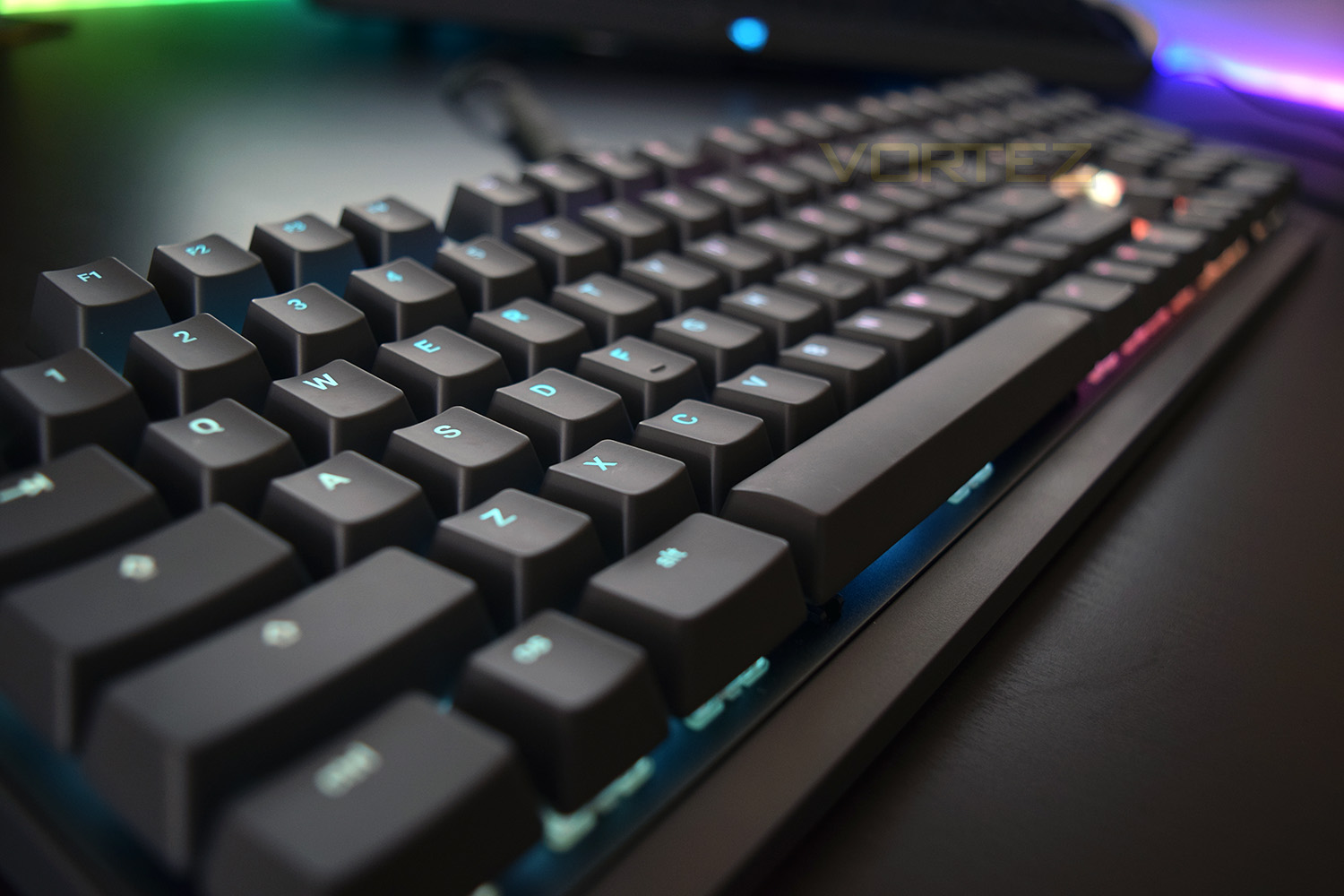
The lack of any kind of elevation at the rear of the keyboard hurts the appeal somewhat; most users will tend to tilt their keyboard towards them to improve comfort. There are other ways of lifting the rear, with separate rubber blocks, but something like that should be included. This just feels like form over function. Mionix has also failed to include any USB or audio pass through, which can be super handy on a keyboard. Dedicated media keys, on the top right, are a redeeming feature. They don’t require any fn key to be pressed unless you want to mute, which is fn + volume down.
The Longpad deserves some recognition here, too. Being only 10mm thick, you might wonder how much comfort that could realistically add, however, if you don’t have any kind of wrist rest, it’s surprisingly useful. It’s also vibrant and different, which will appeal to some more than others.
Conclusion
Unfortunately, due to many things mentioned on the previous page, we’re not looking at an excellent outcome here. There’s certainly call for a minimalist keyboard in the market, and if that’s what you’re after, this keyboard is a cracker. However, having said that, the general consumer is likely to expect more for their £190; namely a USB passthrough and an option of rear elevation.Mionix has used Cherry MX Red key switches, which are arguably the most popular and useful for gaming; this feels a little bit out of place, due to the keyboard seemingly being targeted away from gamers and instead positioned in a market for content producers and artists. Some choice would be good, particularly the option of Brown, Black and Blue keys.
The overall appeal of the keyboard is the strange colour schemes, ability to purchase crazy colour keycaps and the overall simplicity of the board, however, at £189.99, we can’t help but feel that this keyboard is priced way above where it should be based on features available.
If you’re a gamer, there’s certainly better keyboards out there for substantially less coin, but if you seek a minimalist keyboard with an impressive build quality, the Wei is one of very few that can truly deliver on this front.
If you seek something different and quirky, the Mionix Wei with Longpad and coloured keycaps should satisfy your needs, but the cost will
Pros
+ Minimalistic
+ Different to anything else on the market
+ Funky designs
+ Longpad is extremely comfortable
+ RGB Backlighting is subtle
+ Strong build quality
+ Large rubber base prevents any movement
+ Cherry MX Red key switches
Neutral
+- Software does the job, just
+- Yellow keys are an acquired taste
Cons
– Price
– Lack of USB passthrough
+ Minimalistic
+ Different to anything else on the market
+ Funky designs
+ Longpad is extremely comfortable
+ RGB Backlighting is subtle
+ Strong build quality
+ Large rubber base prevents any movement
+ Cherry MX Red key switches
Neutral
+- Software does the job, just
+- Yellow keys are an acquired taste
Cons
– Price
– Lack of USB passthrough
Click here for an explanation of our awards at Vortez.net.
Stay connected with the Vortez Social Media pages: