Looking to upgrade your current monitor? We take a look at the MSI Optix MAG272CQR from MSI’s MAG27 Series, with its curved display and 165Hz refresh rate.

Product on Review: Optix MAG272CQR
Manufacturer: MSI
Street Price: US 399 | UK 398 @ SCAN | AUD 429
When performing a full system upgrade on a specific budget there are inevitably compromises and priorities place in certain areas. It isn’t uncommon to apply more of the budget to core components such as the CPU, memory or graphics card – while cutting back on the computer chassis or dare we say it, even the monitor.
Choosing the correct display is crucial, regardless of whether the objective is improved visual quality or improved visual performance. Monitors arrive with a huge array of attributes which all need to be carefully examined to achieve the desired result.
Up for review today is a new display from the folks over at MSI – MAG272CQR. This 27-inch curved monitor is armed with a VA panel, HDR and 165Hz. Those who are gaming at the mid-high end will appreciate the 2560×1440 WQHD resolution, which sits on a 1500R curvature.
Should this be your next gaming display? Let’s find out!
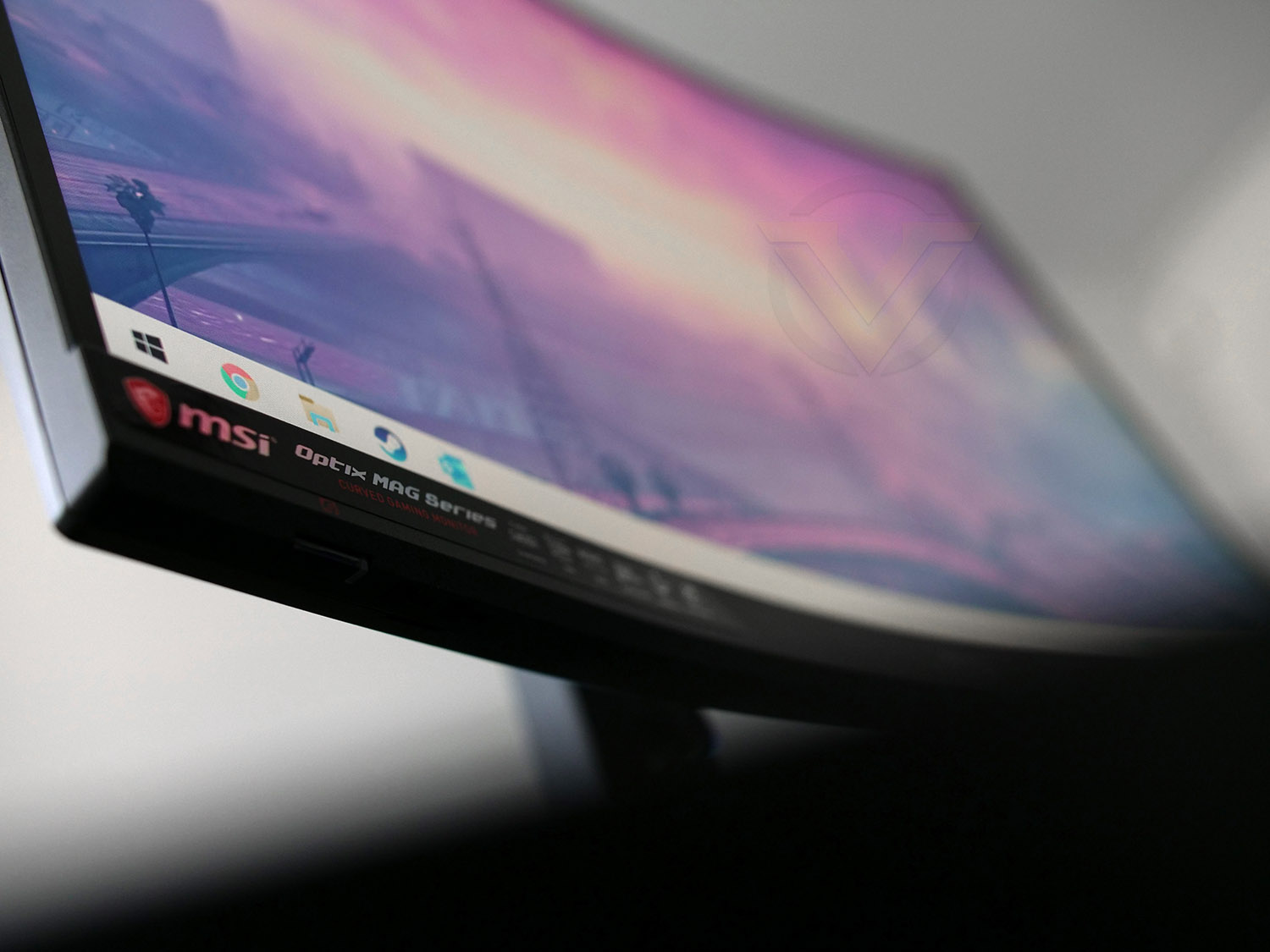
MSI on their MSI Optix MAG272CQR
Witness your epic battle with the MSI Optix MAG272CQR curved gaming monitor. Equipped with the 2560 x 1440 WQHD resolution resolution and ground-breaking 165Hz refresh rate panel, the MSI Optix MAG272CQR will capture every moment while you take down your opponents. With the FreeSync technology, MSI Optix MAG272CQR provides gamers with the captivating, tearing-free gaming experience. Want to enjoy your games like the way they are meant to be enjoyed? MSI Optix MAG272CQR curved gaming monitor is designed specifically for that purpose.
Technical Specifications
Below are the technical specifications surrounding the MSI Optix MAG272CQR supplied directly from MSI.
Screen Size
27-inch
Resolution (max.)
2560×1440
Panel Type
VA
Backlight Technology
LED backlight
Brightness
300 Nits
Native Contrast(typ.)
3000:1
Viewing Angle (L/R;U/D) (CR>=10)
178/178
Response Time
1ms
Refresh Rate
165Hz
Aspect Ratio
16:9
Display Colors
10.7 billion colors
Color Gamut
100% sRGB
Display Area(mm)
819.41X345.89
Curvature
1500R
DCR (Dynamic Contrast Ratio) (typ.)
100000000:1
Color Bit
8 bit
HDCP
2.2
VESA Wall Mount
Yes
FreeSync
Yes
Connectivity
HDMI (v2.0) x2
DisplayPort 1.2 x1
USB 3.2 Gen1 Type A x 2
USB 3.2 Gen1 Type B x 1
USB Type-C Gen1 x 1
Headphone x 1
Power
61W
Dimensions (HxWxD)
611.5 x 560 x 267 mm / 24.07 x 22.47 x 10.51 inch
Net Weight (kg)
5.9kg
Gross Weight (kg)
13.1kg
Tilt (down/up)
-5˚ – 20˚
Height Adjustment (mm)
130mm
Certification
Windows® Compatible
27-inch
Resolution (max.)
2560×1440
Panel Type
VA
Backlight Technology
LED backlight
Brightness
300 Nits
Native Contrast(typ.)
3000:1
Viewing Angle (L/R;U/D) (CR>=10)
178/178
Response Time
1ms
Refresh Rate
165Hz
Aspect Ratio
16:9
Display Colors
10.7 billion colors
Color Gamut
100% sRGB
Display Area(mm)
819.41X345.89
Curvature
1500R
DCR (Dynamic Contrast Ratio) (typ.)
100000000:1
Color Bit
8 bit
HDCP
2.2
VESA Wall Mount
Yes
FreeSync
Yes
Connectivity
HDMI (v2.0) x2
DisplayPort 1.2 x1
USB 3.2 Gen1 Type A x 2
USB 3.2 Gen1 Type B x 1
USB Type-C Gen1 x 1
Headphone x 1
Power
61W
Dimensions (HxWxD)
611.5 x 560 x 267 mm / 24.07 x 22.47 x 10.51 inch
Net Weight (kg)
5.9kg
Gross Weight (kg)
13.1kg
Tilt (down/up)
-5˚ – 20˚
Height Adjustment (mm)
130mm
Certification
Windows® Compatible
Packaging & Bundle
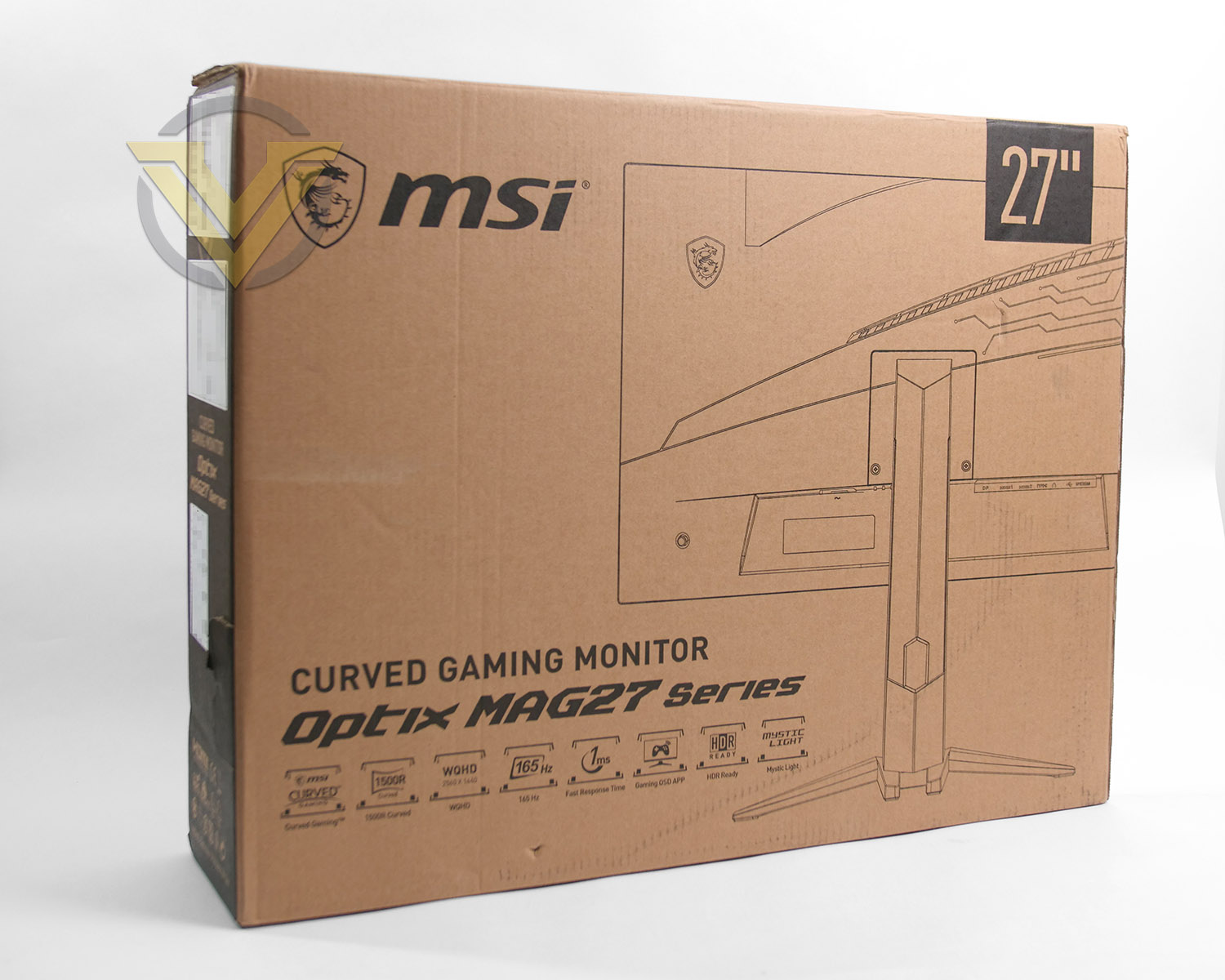
Our Optix display arrives in a large box which has a complete listing of all the included technologies and standards. If you aren’t planning on keeping the box afterwards, this can be recycled thanks to the eco-friendly packaging.
Inside, as can be expected, the screen is extremely well protected with large polystyrene blocks and fabric sheets.
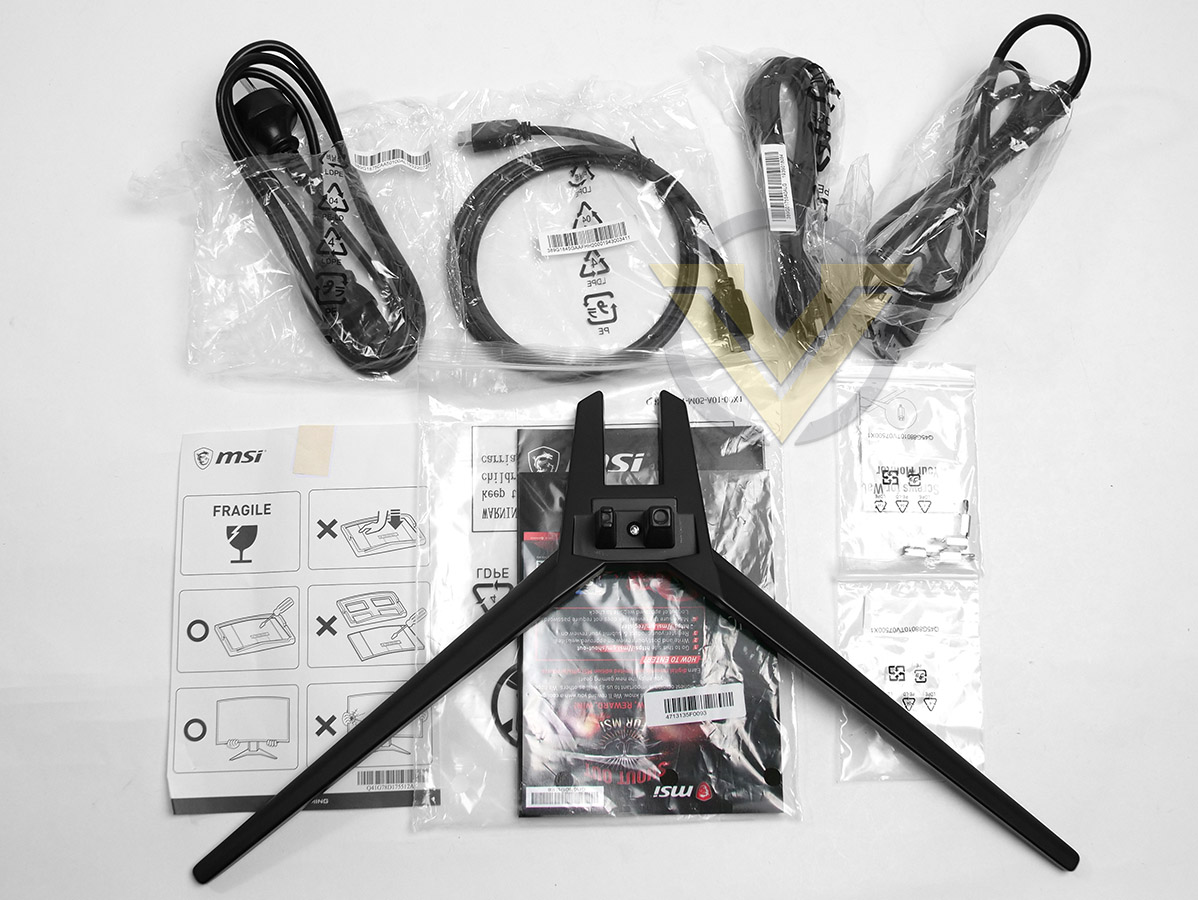 ]
]The bundled accessories involves only a few items but the included parts are more than sufficient to get up and running. Included we have:
• Documentation – Quick Start Guide, Basic Install Guide, Warranty Card
• Cables – 1x HDMI, 1x DP 1.2, 1x USB Type-A, 1x Power Cable
• Mounting screws
• Metal stand
Closer Look
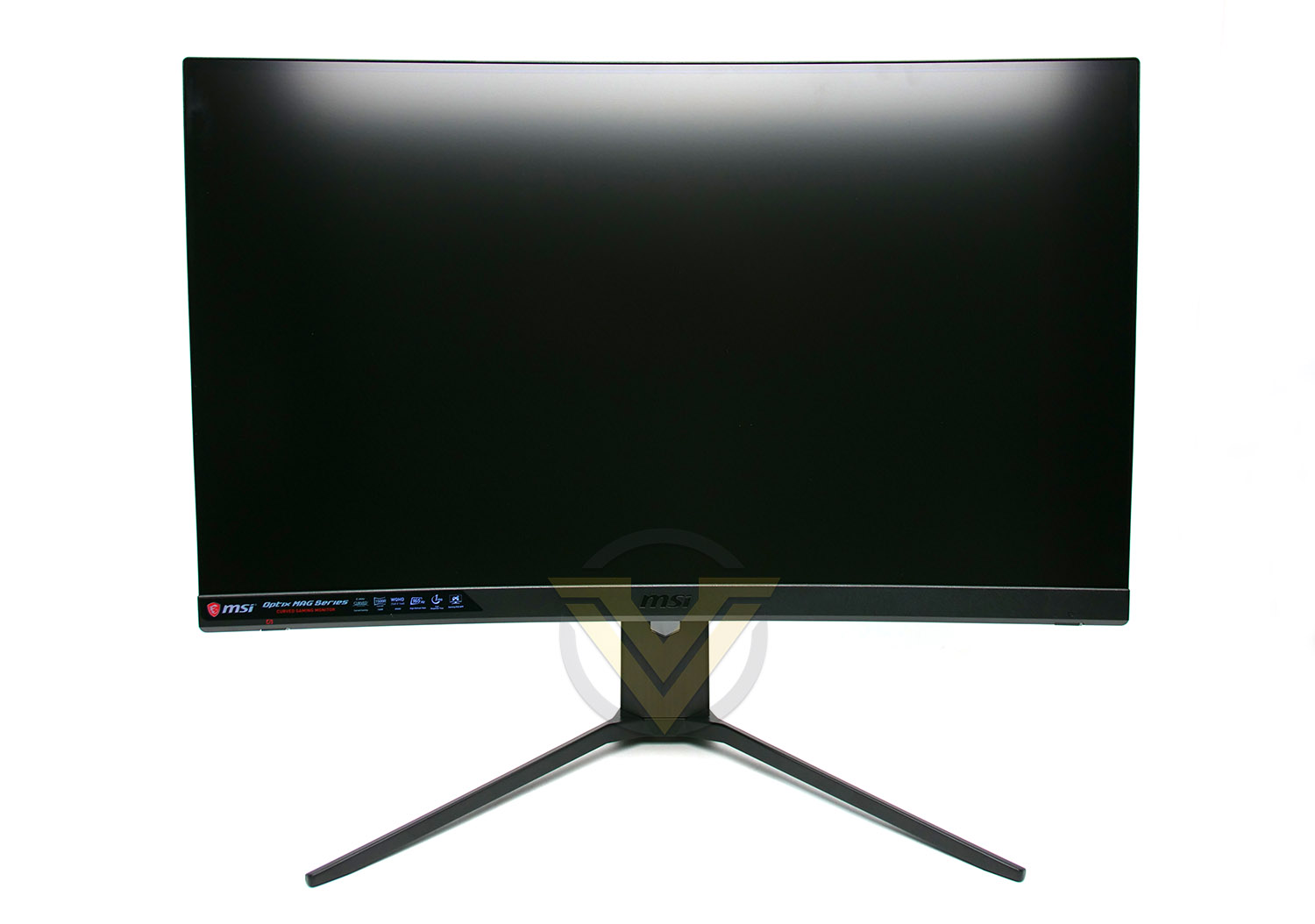
Those wanting to avoid the ultra-wide format will be pleased to know the MAG 27 is a 16:9 display. The only visible bezel can be found on the bottom-edge, the screen itself runs right to the very edge, but, it should be noted when inside Windows, there is a 5mm black digital border between the edge and the usable area. The viewable area does not fit precisely to the very edge as you can see on the “Viewing Angles Page”.
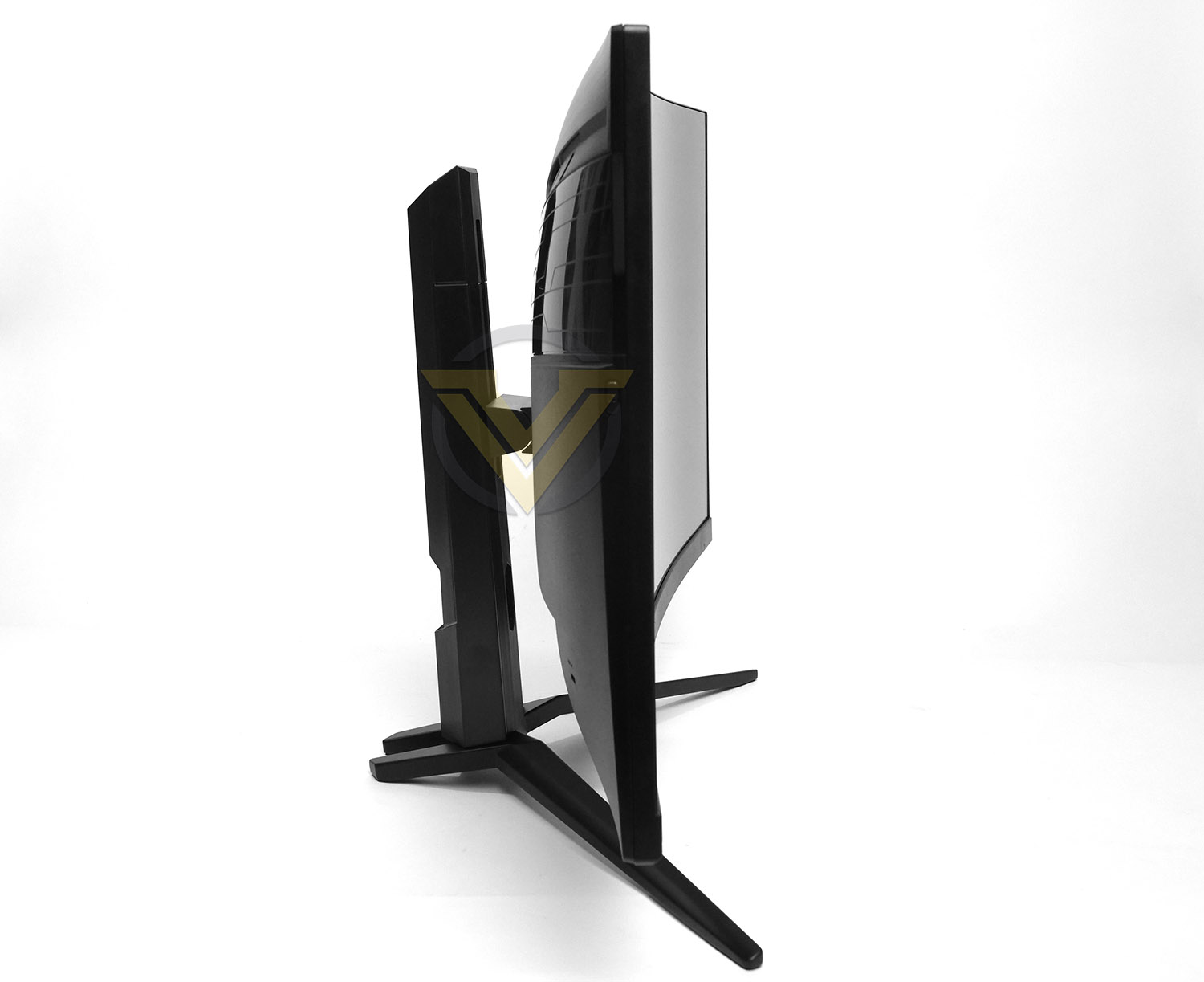
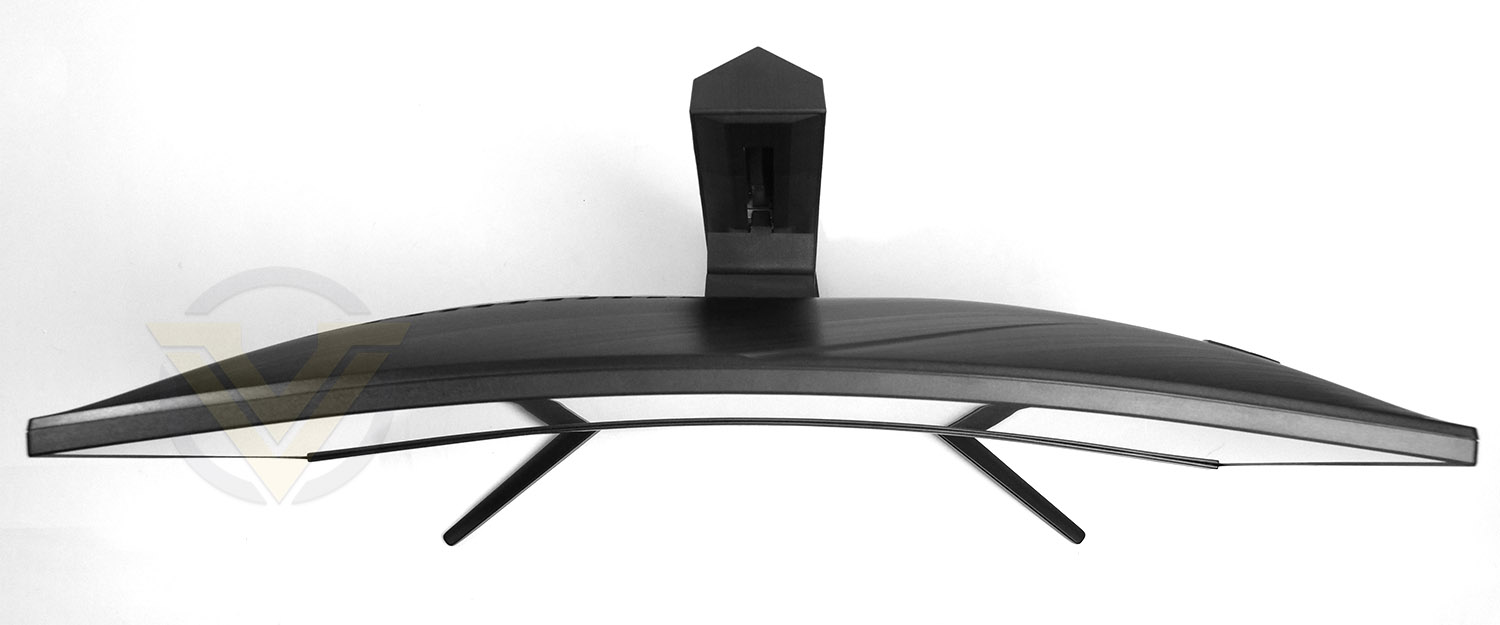
MAG 27 adopts a 1500R curve which is ideal for a 27-inch display like this. For larger screens, the curve increases to around 1800R typically.
Some displays can feature a reflective or shiny surface texture, which can at times be distracting, but we’re pleased to see that our MAG 27 utilises more of a matt material with anti-glare properties.
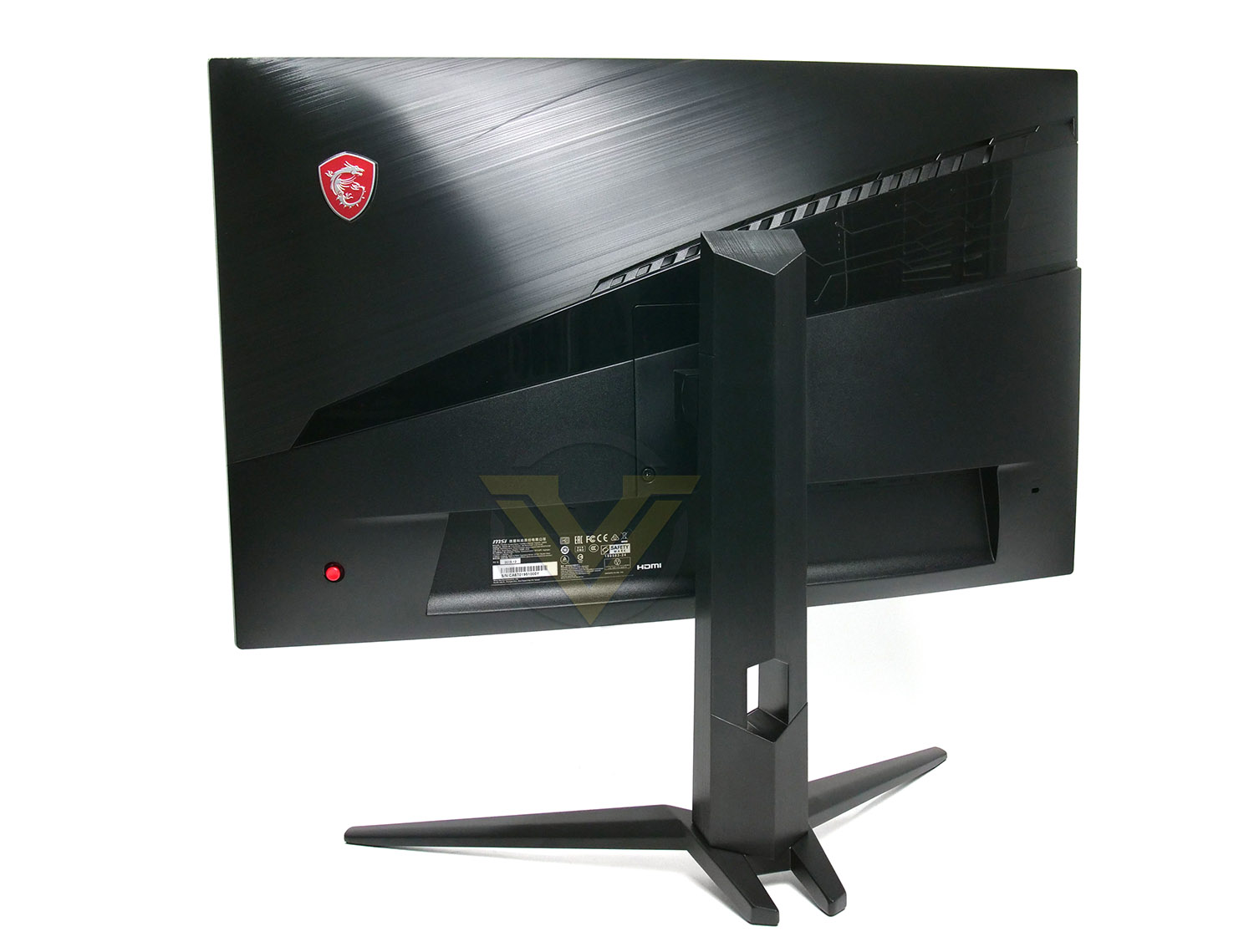
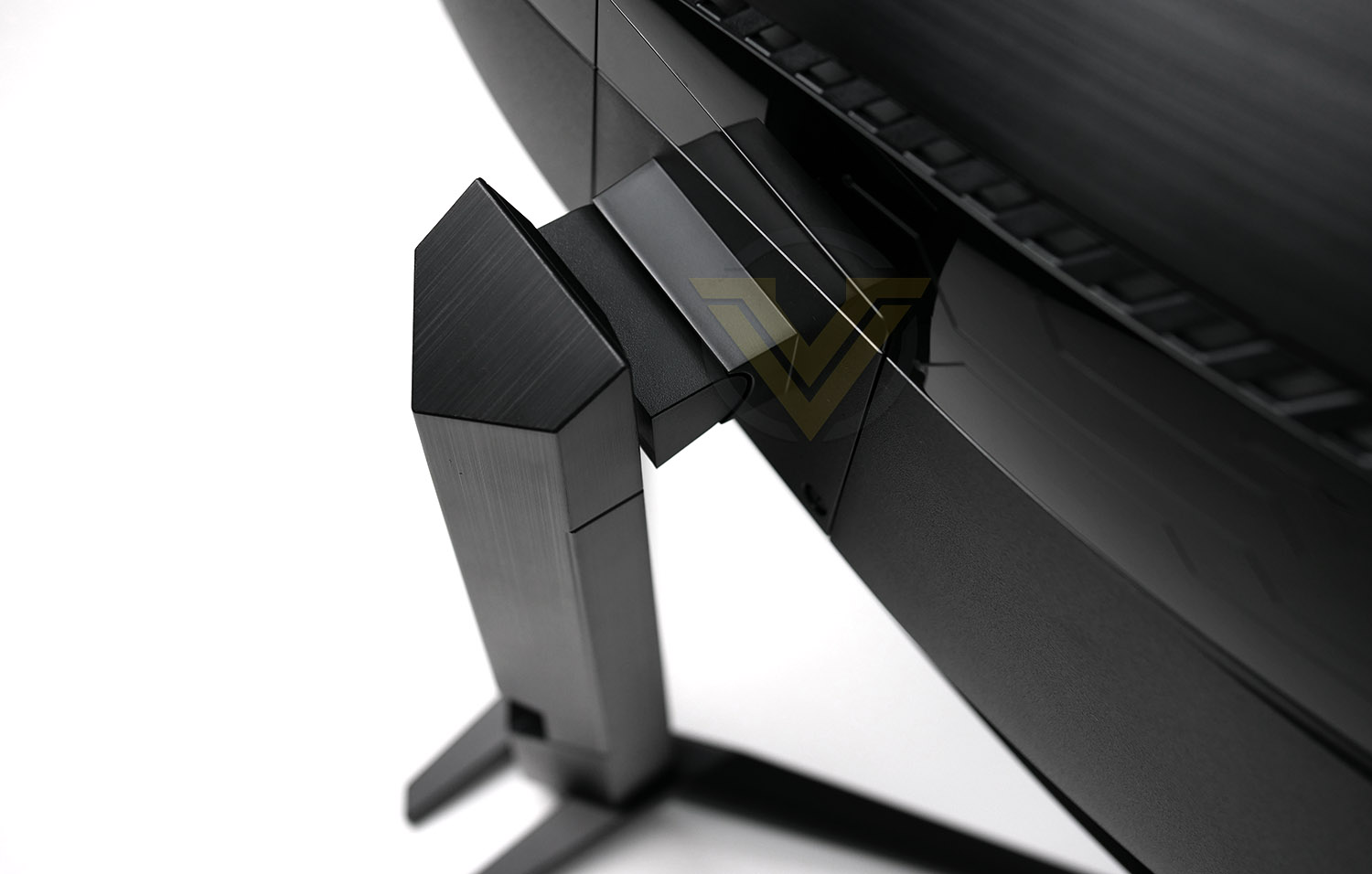
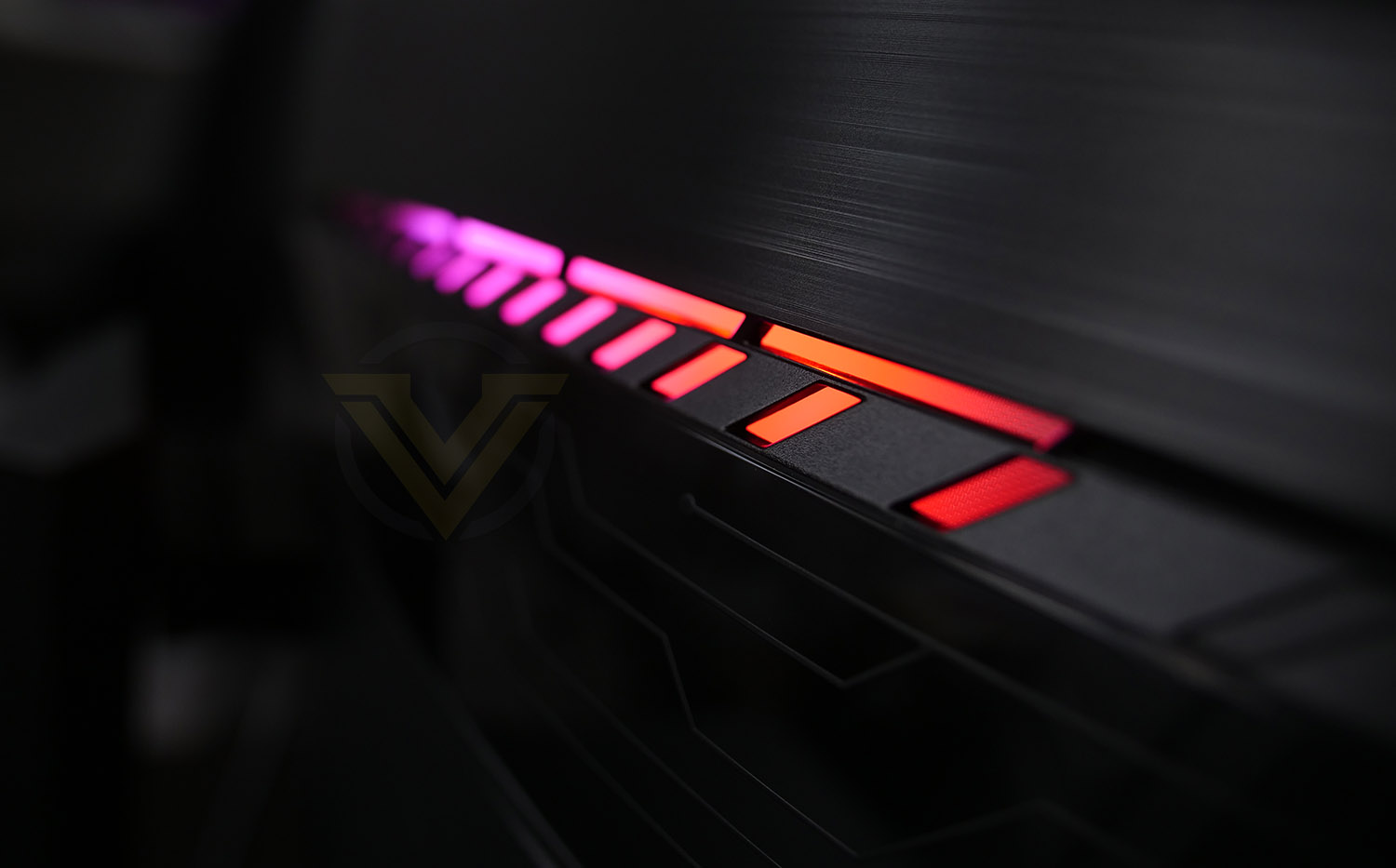
Around the back things are in keeping with the gaming audience to which this model is designed for. MSI has given the reverse some attractive styling – it’s just a shame will be hidden during use!
The stand features a sliding mechanism which allows for 130mm of height adjustment – while the display does not offer the ability to turn, there is -5°~20° of tilt movement available.
To access the OSD settings there is a small red joystick on the back panel which allows navigation through the menu system.
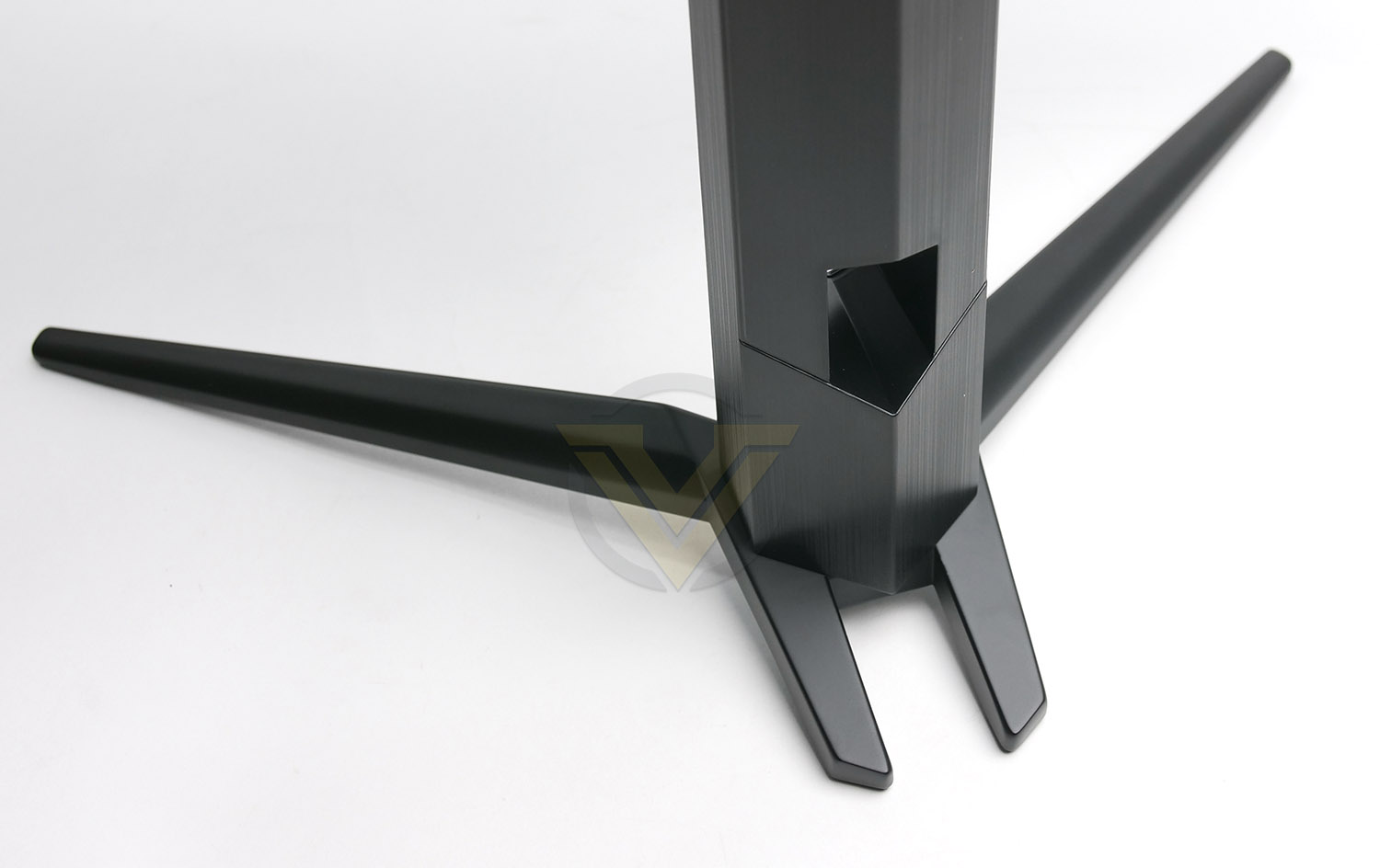
The feet arrive separated to the stand and screen on arrival and must be installed before use. They are extremely sturdy and well-made (steel) and in the centre there is a small gap for feeding power, display and peripherals cables through, to maintain a tidy desk.
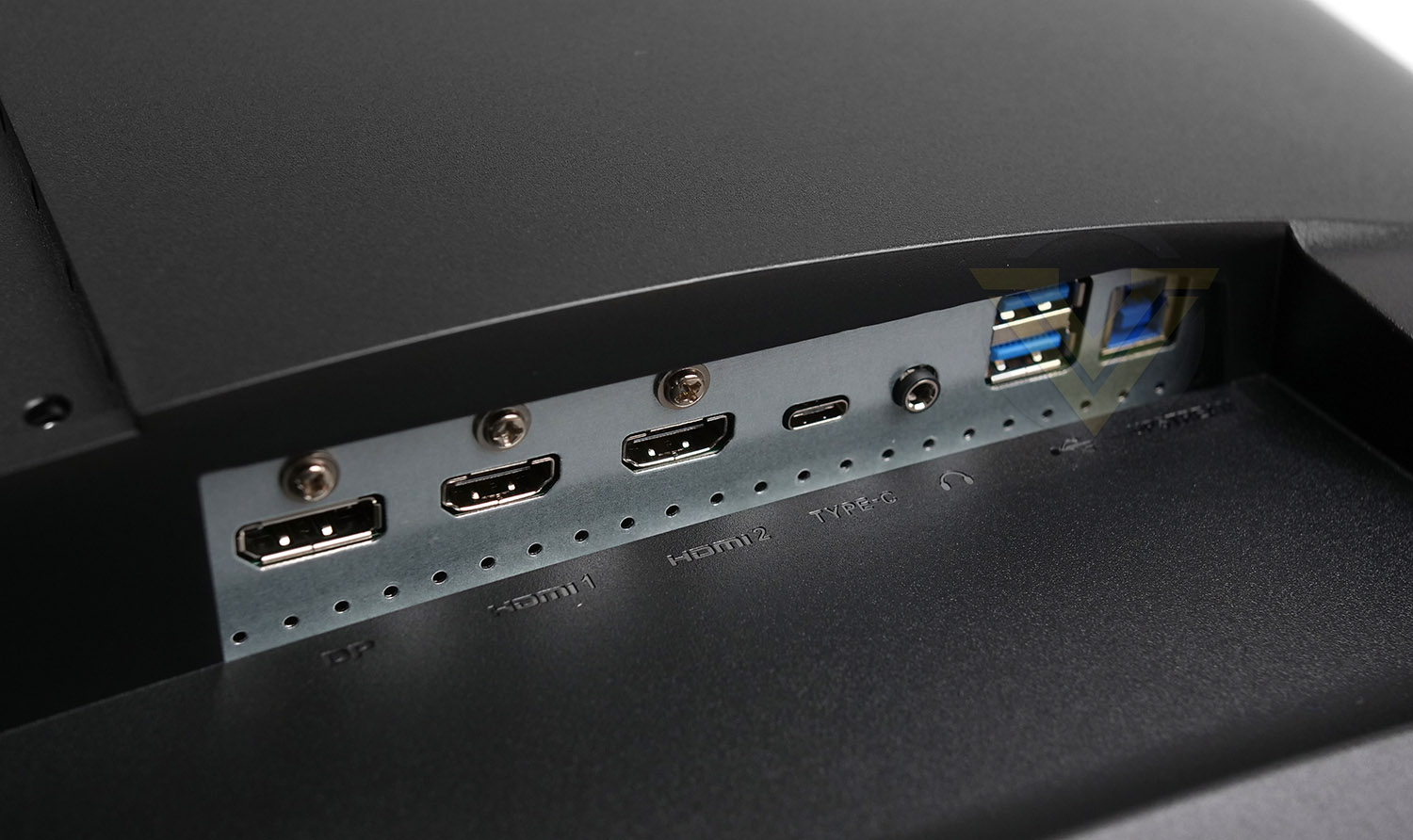
Tucked away underneath the backpanel there are an interesting assortment of ports which are all up-to-date with current technology and standards. Available here we have:
• 1x Power port
• 1x Headphone jack
• 2x HDMI 2.0 ports
• 1x DisplayPort 1.2
• 2x USB 3.2 Gen1 Type A
• 1x USB 3.2 Gen1 Type B
• 1x USB Type-C
This provides us with a good variety of video outs and also supplies fast USB connectivity, should this be required.
Viewing Angles, HDR, Gaming
VIEWING ANGLES
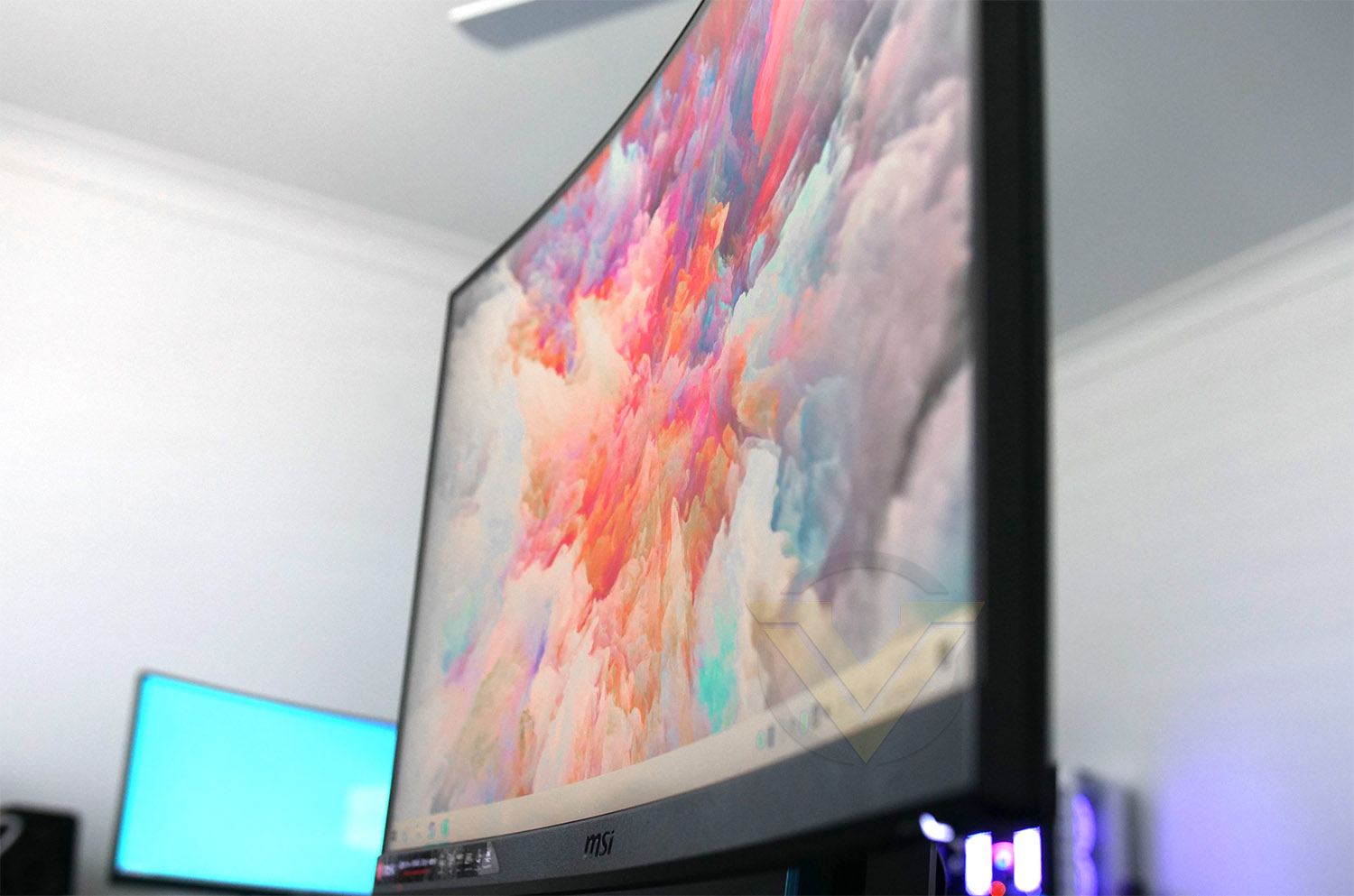
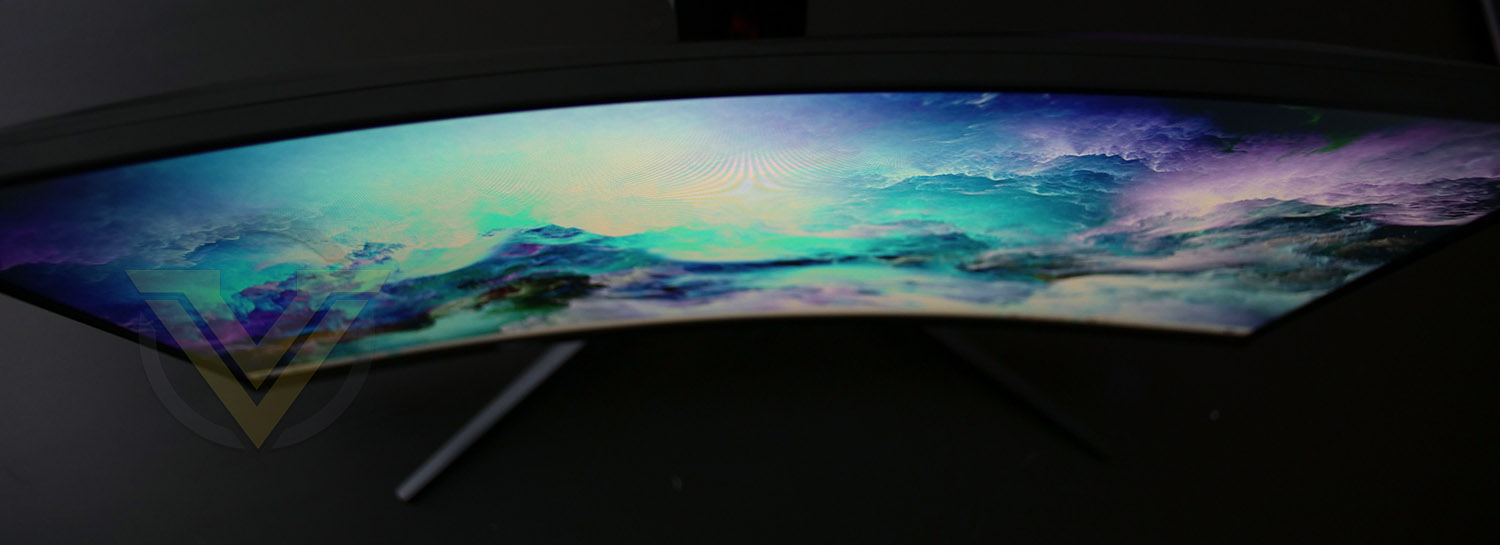
Our monitor uses a VA panel and the viewing angles presented by the MSI MAG27 are excellent and still retain clairty. While IPS panels offer the best viewing angles and TN typically the worst, VA slots right in between the two technologies. Since we also have a 1500R curvature, the viewing angle is placed more evenly and will be less of an issue anyway.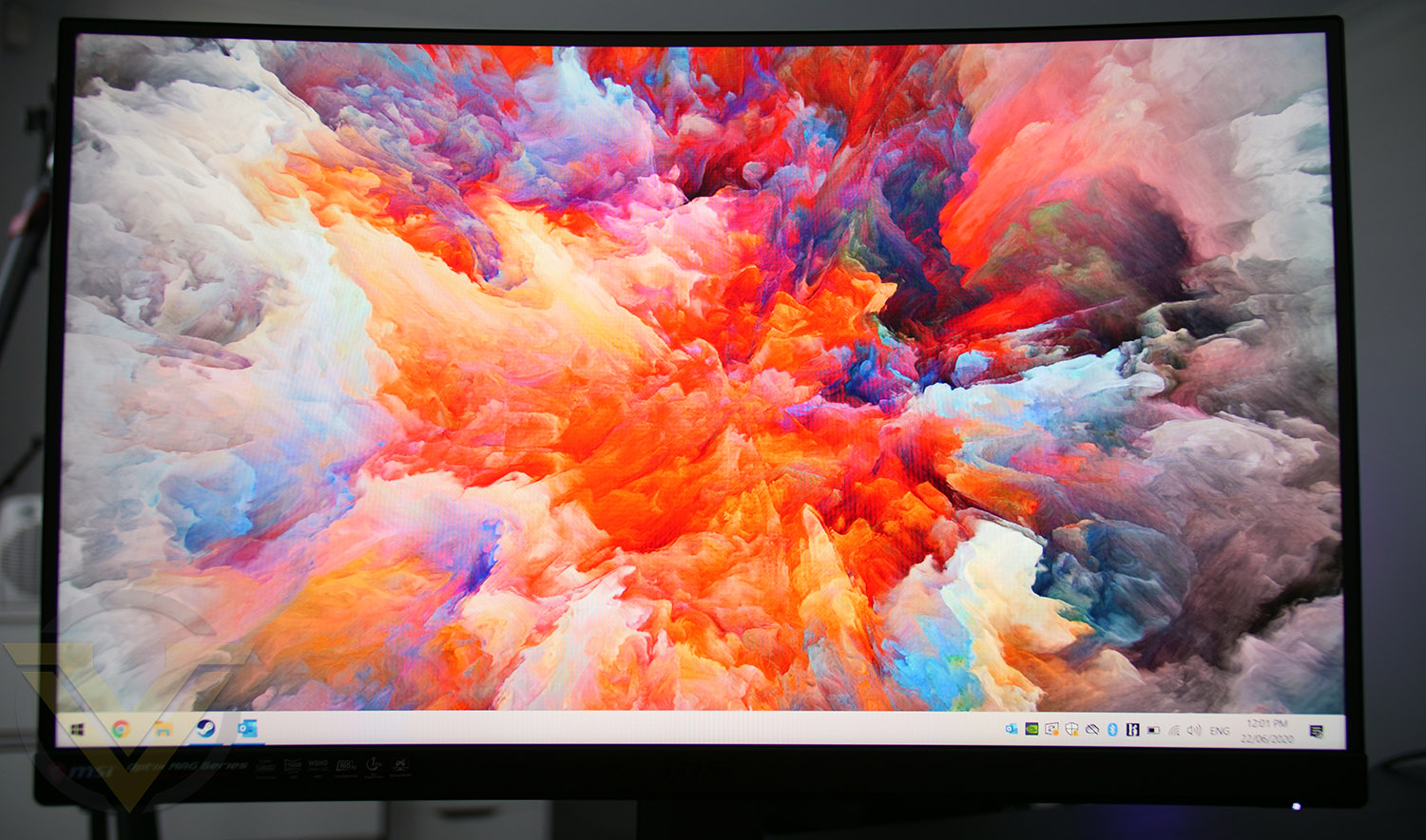
HDR
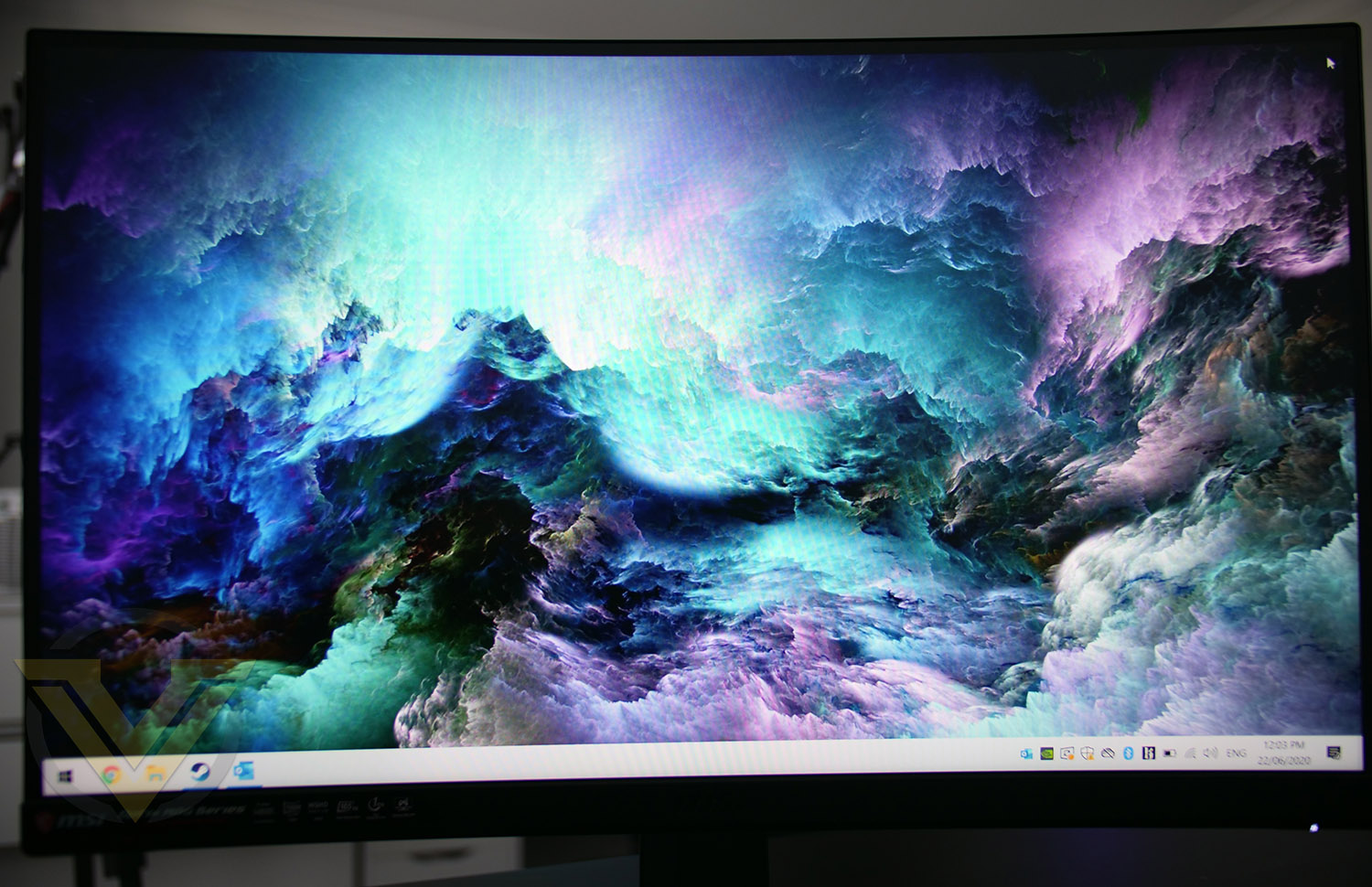
Brightness, contrast and vibrancy are key components when we’re talking about HDR and this monitor is strong in each of these areas. The shadows are deep while the highlights aren’t overexposed. MAG27 has a 100% sRGB color gamut which is wide, and offers more than acceptable color space for a range of scenarios including media creation.
MAG27’s contrast ratio is slightly higher than other VA panels we’ve encountered at 3000:1 and this makes quite an impact on the overall user experience. Rich contrast is especially useful for photo/video editing but is also appreciated in the gaming arena and everyday use.
GAMING PERFORMANCE
In order to examine MAG27 properly, we stepped into the gaming division and loaded up some HDR titles such as Battlefield V and Resident Evil 3 and the results were superb. HDR is something which has to be experienced first hand and once it is experienced, it’s difficult to go back to a non-HDR environment!Now VA panels aren’t known for their fast response times, often TN panels have the advantage here. Especially when we consider gaming. However, this MSI panel has a 1ms response time which is quite remarkable and it therefore stands out as a great gaming candidate.
Another feature which is worth noting is the 165Hz refresh rate, which, if you’re coming up from a 60Hz unit, will blow your mind. Switching up to 100MHz makes a small difference but switching to 165Hz is significantly advantageous – allowing navigation in windows and gaming play buttery smooth.
Conclusion
MSI aren’t exactly newcomers to the monitor division, but they aren’t veterans either, but on display in the MAG272XQR, we have a fantastic 27-inch monitor which boasts an assortment of features which are sure to satisfy the needs of most gamers.
Operating with a native resolution of 2560×1440 WQHD is the sweetspot for most gamers as it ideally means that mid-range graphics cards are still within reach, and high-end models will be more than proficient even with ultra-detail presets enabled. The 1ms response time and 165Hz refresh are both attributes which are much sought after – not just in the gaming arena, and we really enjoyed experiencing these features first-hand.
Those who are outgrowing their 24-inch monitor will enjoy the step up to a 27-inch like this MAG27 and the overall size won’t exactly engulf the desk space either. The 1500R curvature is ideal – isn’t too flat, nor is it too curvey.
We’re seeing an increasing number of games which are HDR ready and investing in a panel which is capable is definitely worthwhile. HDR dramatically enhances the gaming experience. There is no pun intended here but the difference is like night and day.
Our only qualm with MAG27 is the decision to offer AMD Freesync. While AMD is gaining momentum and getting a stronger foothold in the GPU market, NVIDIA are still the favourite in the upper end of the GPU market – which 27-inch is likely to go better with. However, having the choice to have adaptive synchonisation for AMD graphics cards is still worthwhile, to avoid screen tearing and reduce stuttering.
The MSI MAG272CQR is priced at US 399 | UK 398 @ SCAN | AUD 429, which we feel is good value for money. Looking at other units offering the same features, you’ll find that this MSI model is among the cheaper.
The MSI MAG272CQR should meet the needs for any avid gamer looking to invest in a 27-inch monitor and it also arrives at an attractive price-point.
Pros
+ The sweetspot for mid-high end gaming
+ Buttery smooth 165Hz refresh
+ Just 1ms response time
+ Wide color gamut
+ Good viewing angles
+ HDR with Rich contrast
+ 100x100mm VESA mount ready
+ Arrives with USB 3.2 ports
+ Colour reproduction is excellent for work, entertainment, gaming
+ RGB lighting for your backwall
Cons
– Screen only tilts
– Physical screen space 5mm from borderless bezel design
+ The sweetspot for mid-high end gaming
+ Buttery smooth 165Hz refresh
+ Just 1ms response time
+ Wide color gamut
+ Good viewing angles
+ HDR with Rich contrast
+ 100x100mm VESA mount ready
+ Arrives with USB 3.2 ports
+ Colour reproduction is excellent for work, entertainment, gaming
+ RGB lighting for your backwall
Cons
– Screen only tilts
– Physical screen space 5mm from borderless bezel design
Click here for an explanation of our awards at Vortez.net.
Stay connected with Vortez social media pages: