Is this the perfect gaming keyboard and mouse combo? We review the MSI Vigor GK50 and Clutch GM50 and see if they’re worth investing in.

Product on Review: Vigor GK50 | Clutch GM50
Manufacturer: MSI
Street Price: GK50: UK 89 | US 118 GM50: UK 50 | US 75
MSI are responsible for the production of many varying components and devices ranging from the trusty motherboard right through to all-in-one PCs, but gamers will be interested to discover that MSI have moved into the production of peripherals in recent years.
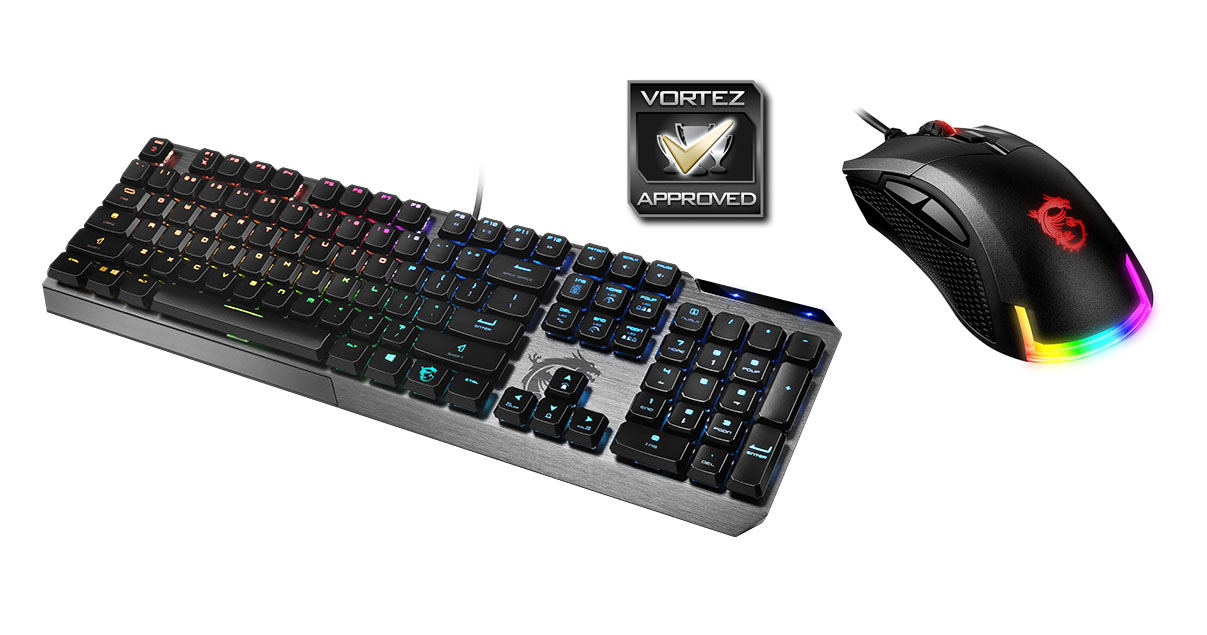
Today we’ll be taking a look at two products which MSI has recently unveiled under their gaming keyboard and mouse portfolio. Vigor GK50 is a compact, low profile keyboard which utilises Kailh Low Profile Switches and is loaded with RGB lighting. The Clutch GM50 is an optical gaming mouse which packs in a good assortment of features and again, RGB lighting under the Mystic Light eco-system.
Are these two MSI gaming products a killer combo? Let’s find out!
About MSI
Micro-Star International Co., Ltd (MSI) was established in August 1986 by 5 founders, one of the world’s largest information technology manufacturers.
MSI started from the motherboard and graphics card industries and extended into consumer and commerical electronics including notebooks, All-in-One PCs, servers, workstations, industrial PCs, household appliances, car infotainment products, barebone systems, multimedia, communication devices, and others.
MSI holds itself responsible not only to its clients, employees and stockholders, but also to the society and environment as a whole to consistently fulfill its corporate commitment.
With innovation and style as its core value, customer satisfaction and premium service as its goal, MSI will definitely be the most brilliant star in the global brands!
MSI started from the motherboard and graphics card industries and extended into consumer and commerical electronics including notebooks, All-in-One PCs, servers, workstations, industrial PCs, household appliances, car infotainment products, barebone systems, multimedia, communication devices, and others.
MSI holds itself responsible not only to its clients, employees and stockholders, but also to the society and environment as a whole to consistently fulfill its corporate commitment.
With innovation and style as its core value, customer satisfaction and premium service as its goal, MSI will definitely be the most brilliant star in the global brands!
Technical Specifications
All details below are provided by MSI.
Vigor GK50:
SWITCHES: Kailh Low Profile
INTERFACE: USB 2.0
BACKLIGHT: RGB Backlighting – PER Key Mystic Light
CABLE: 1.8m
KEYSTROKE LIFE: 50+ Million
ACCESSORIES: 1x Key Puller, 2x Convex Keycaps (CTRL+ ALT)
DIMENSIONS: 435*141*34mm
WEIGHT: 700g
INTERFACE: USB 2.0
BACKLIGHT: RGB Backlighting – PER Key Mystic Light
CABLE: 1.8m
KEYSTROKE LIFE: 50+ Million
ACCESSORIES: 1x Key Puller, 2x Convex Keycaps (CTRL+ ALT)
DIMENSIONS: 435*141*34mm
WEIGHT: 700g
Clutch GM50:
SENSOR: PMW-3330 Optical Sensor
DPI SWITCH: 400 – 7200
INTERFACE: USB 2.0 Golf-plated Connector
BUTTONS: 6
POLLING RATE: 1-8ms
SWITCHES: Omron GAMING
DIMENSIONS: 120*67*42mm
WEIGHT: 87g
DPI SWITCH: 400 – 7200
INTERFACE: USB 2.0 Golf-plated Connector
BUTTONS: 6
POLLING RATE: 1-8ms
SWITCHES: Omron GAMING
DIMENSIONS: 120*67*42mm
WEIGHT: 87g
Vigor GK50
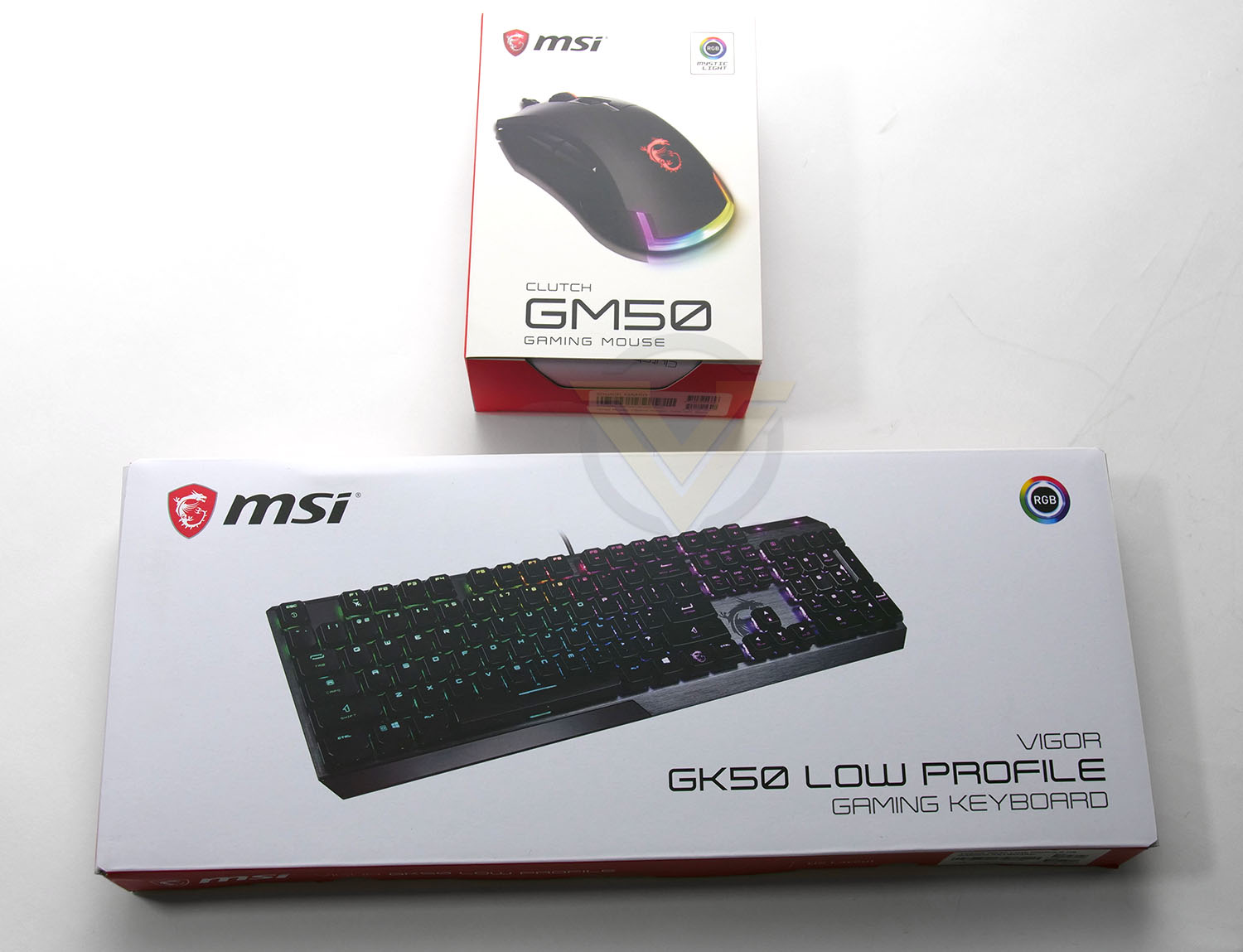
Both items arrive in similarly designed boxes – there are no surprises here, there is imagery of the products on the front/back along with a listing of the included features. Both the GK50 and GM5 are well protected inside and come with user manual, a key pulling device and some extra keycaps for the keyboard.
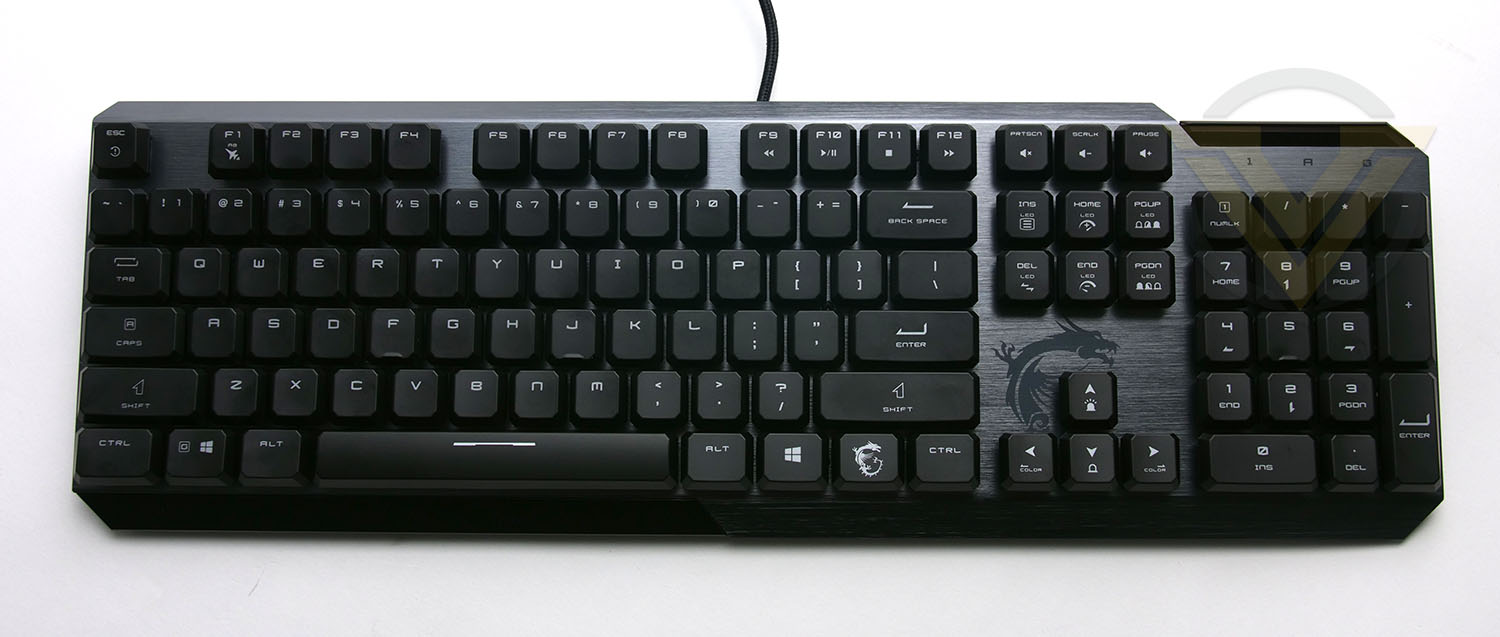
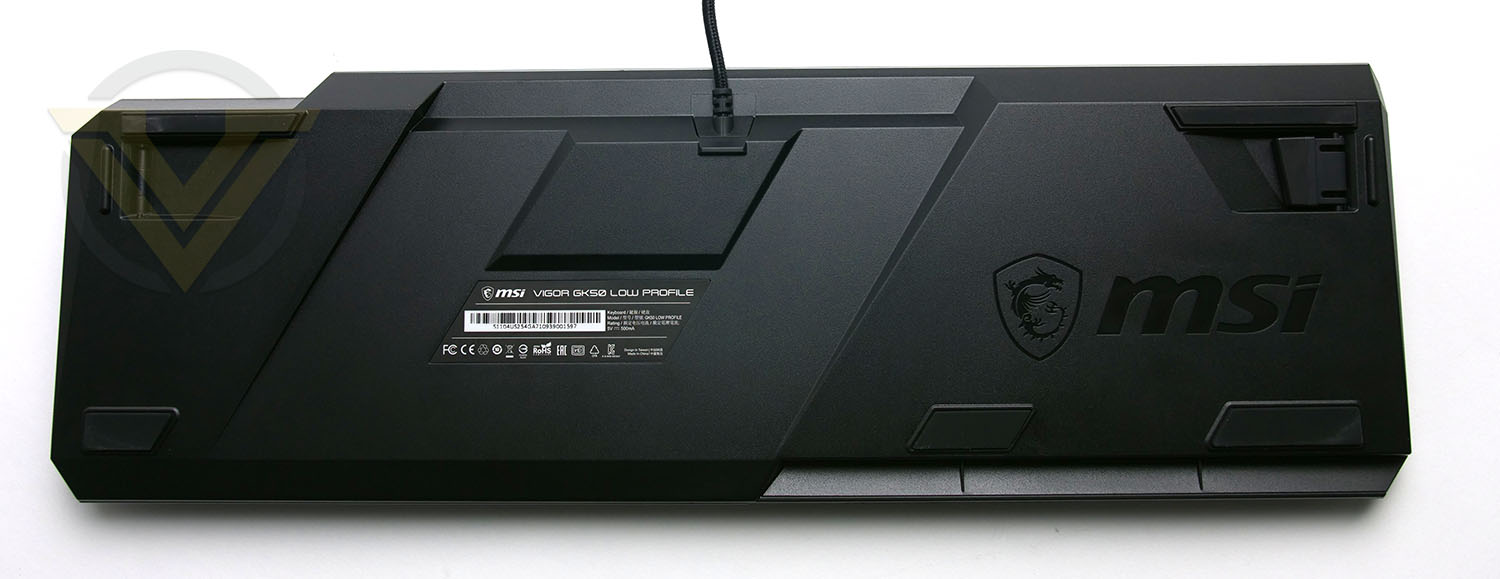
The Vigor GK50 is an attractive looking keyboard with a brushed metal backplate, which sets the tone for the overall design. Not only is this sturdy but it steps away from the bland, black plastic designs that many keyboards adopt. The layout for GK50 is based on a qwerty configuration, with many of the keys doubling up to provide extended functionality. Pressing the dragon key + the left arrow key will allow for a change in colour for example.
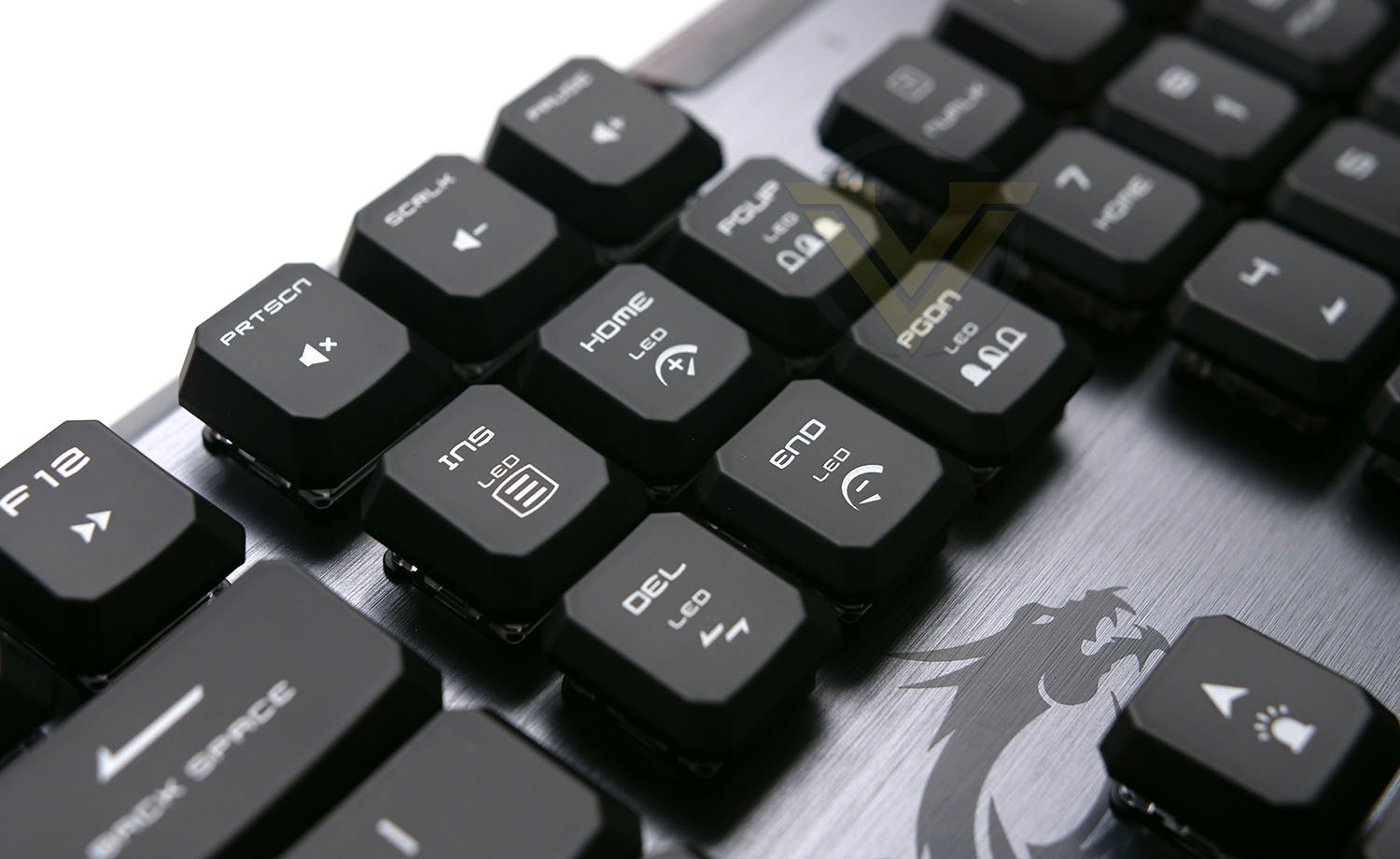
Next to numpad MSI has given GK50 the PrintScreen collection some double functions which can apply LED effects directly without having to use the Dragon Center software. However, using Dragon Center will give you comprehensive control over the lighting and functionality.
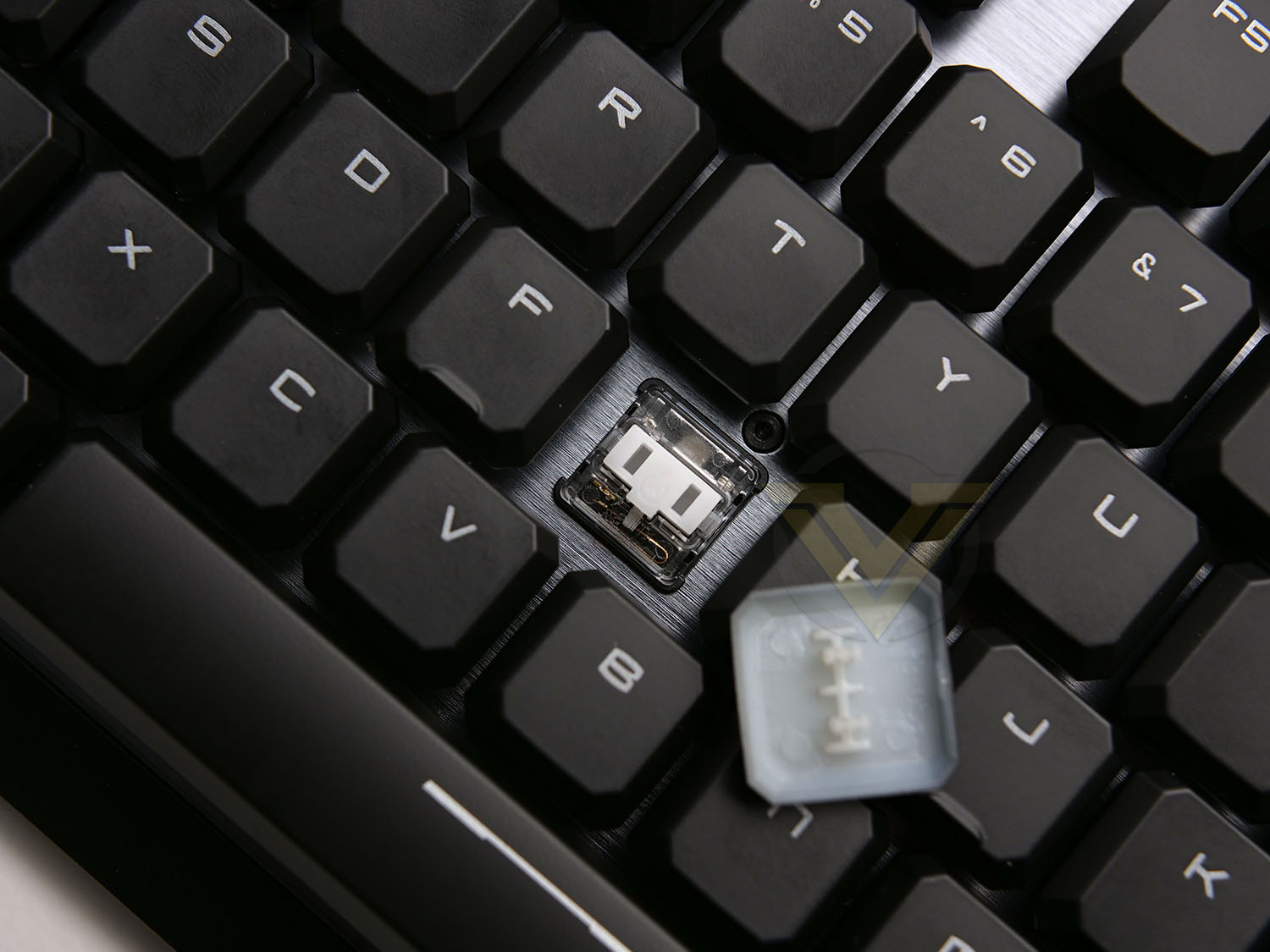
It’s no wonder that GK50 arrives with low-profile switches via Kailh. This keyboard has a sleek asthetic and this key switch design is ideal for achieving this. There is an audible click with Kailh Low Profile Switches and the travel is noticeably shorter – but they aren’t drastically different to that of Cherry MX reds.
Clutch GM50
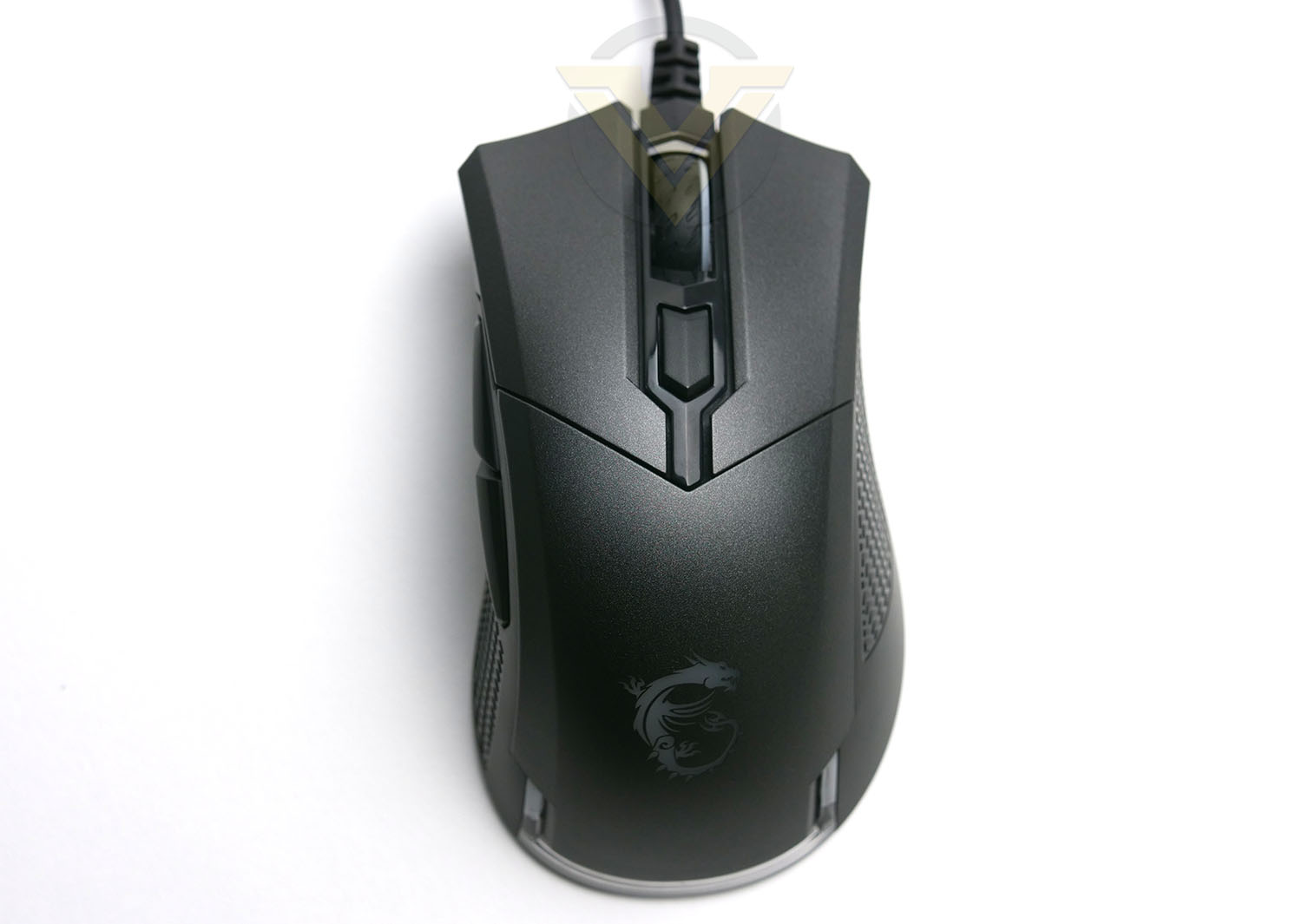
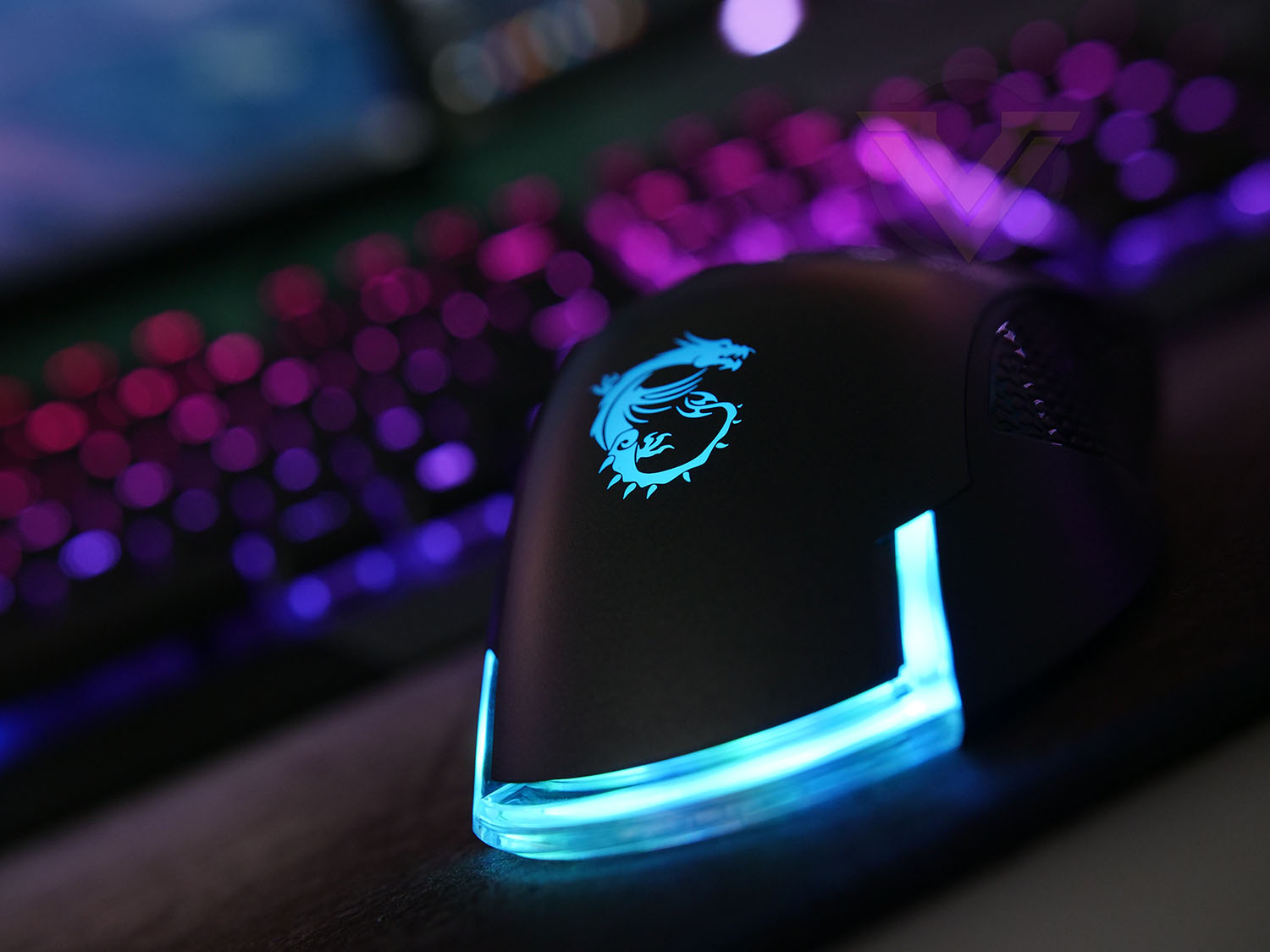
GM50 is designed for medium sized right-handed gamers and there are a total of 6 buttons found on this mouse. Do bear in mind the overall weight is just 87g and so this is a lightweight model.
In the centre there is a scrolling wheel which operates smoothly but has distinct increments. The button which sits immediately below allows for the DPI to be switched from 400, all the way to 6400.
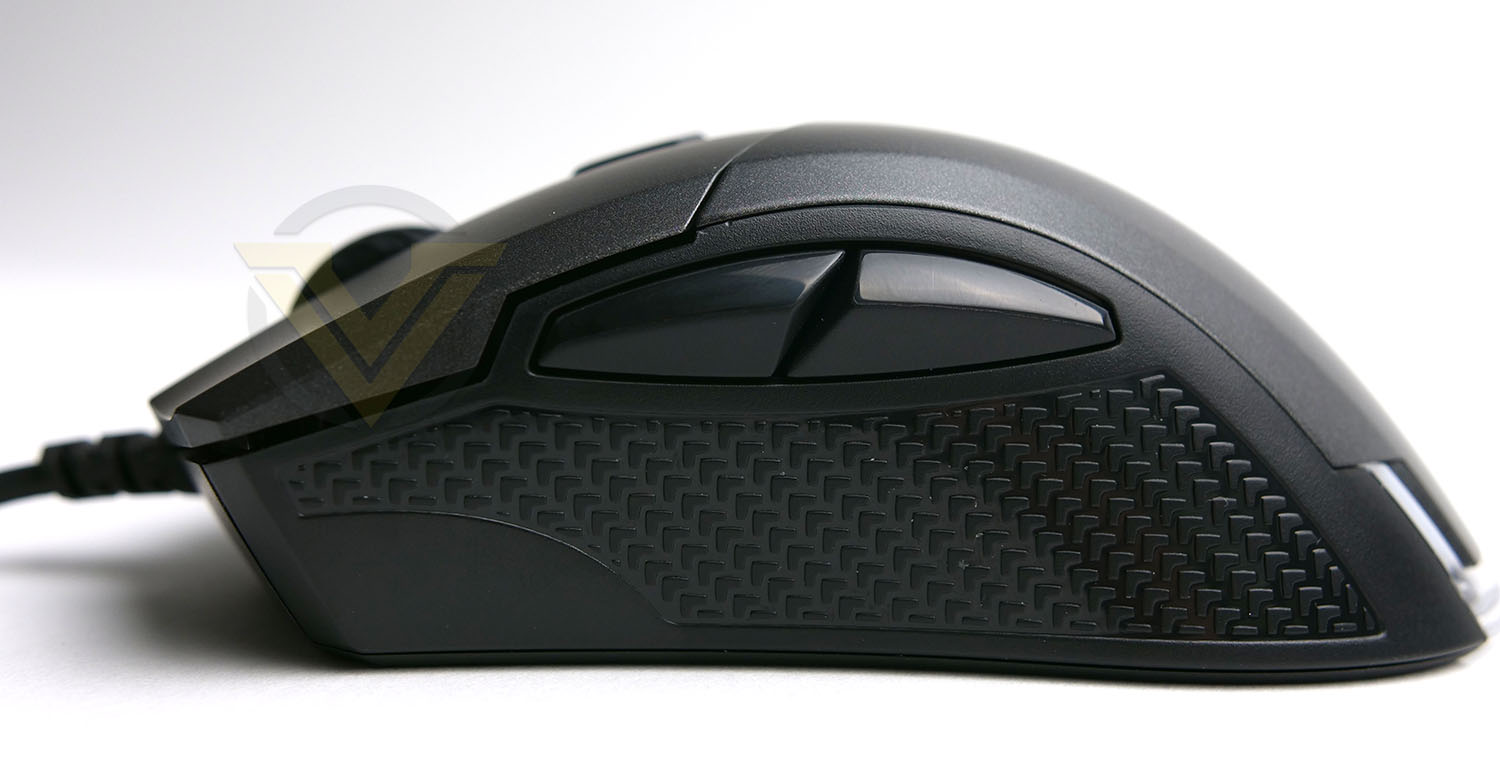
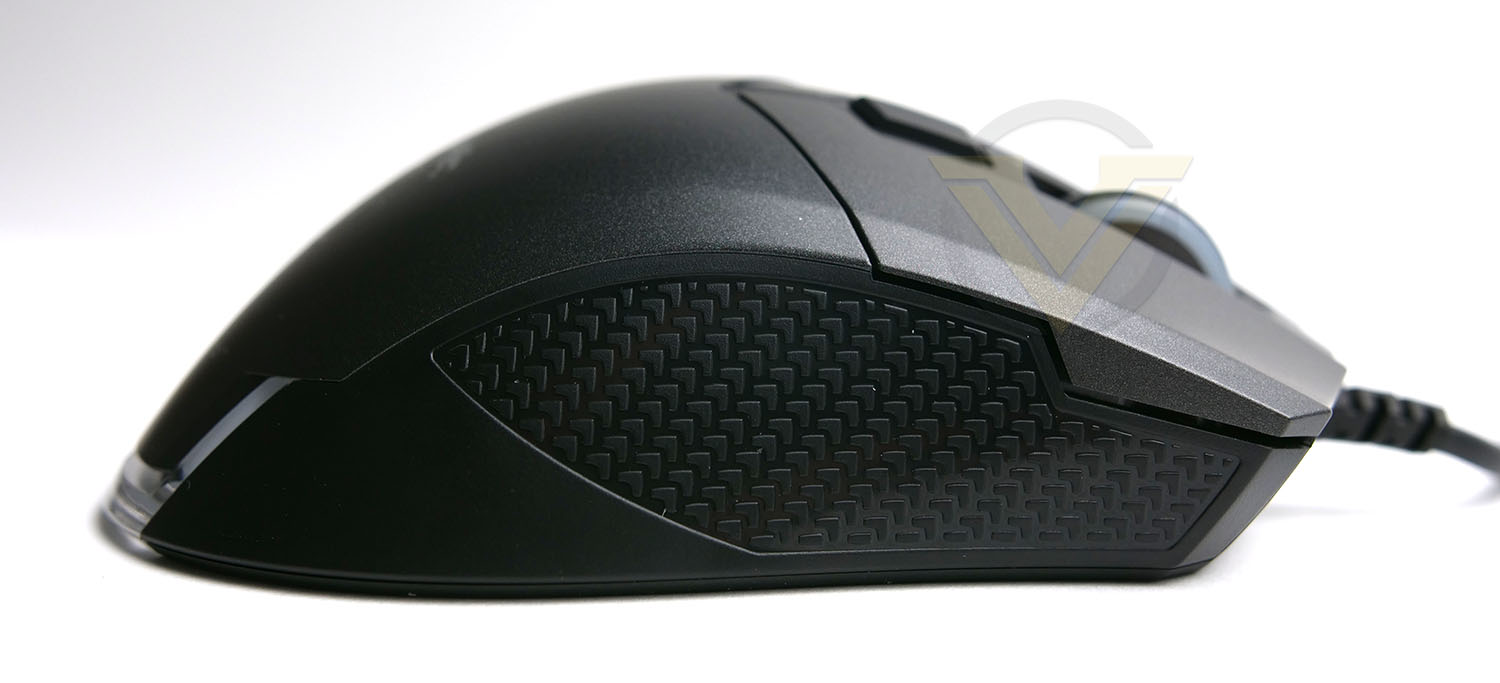
Around each side there is what MSI term anti-slip texture, this does prevent slipping but we feel it could benefit from being softer for better grip. On the left side there are two easily accessible buttons which come in handy – not just for gaming but also navigation around Windows.
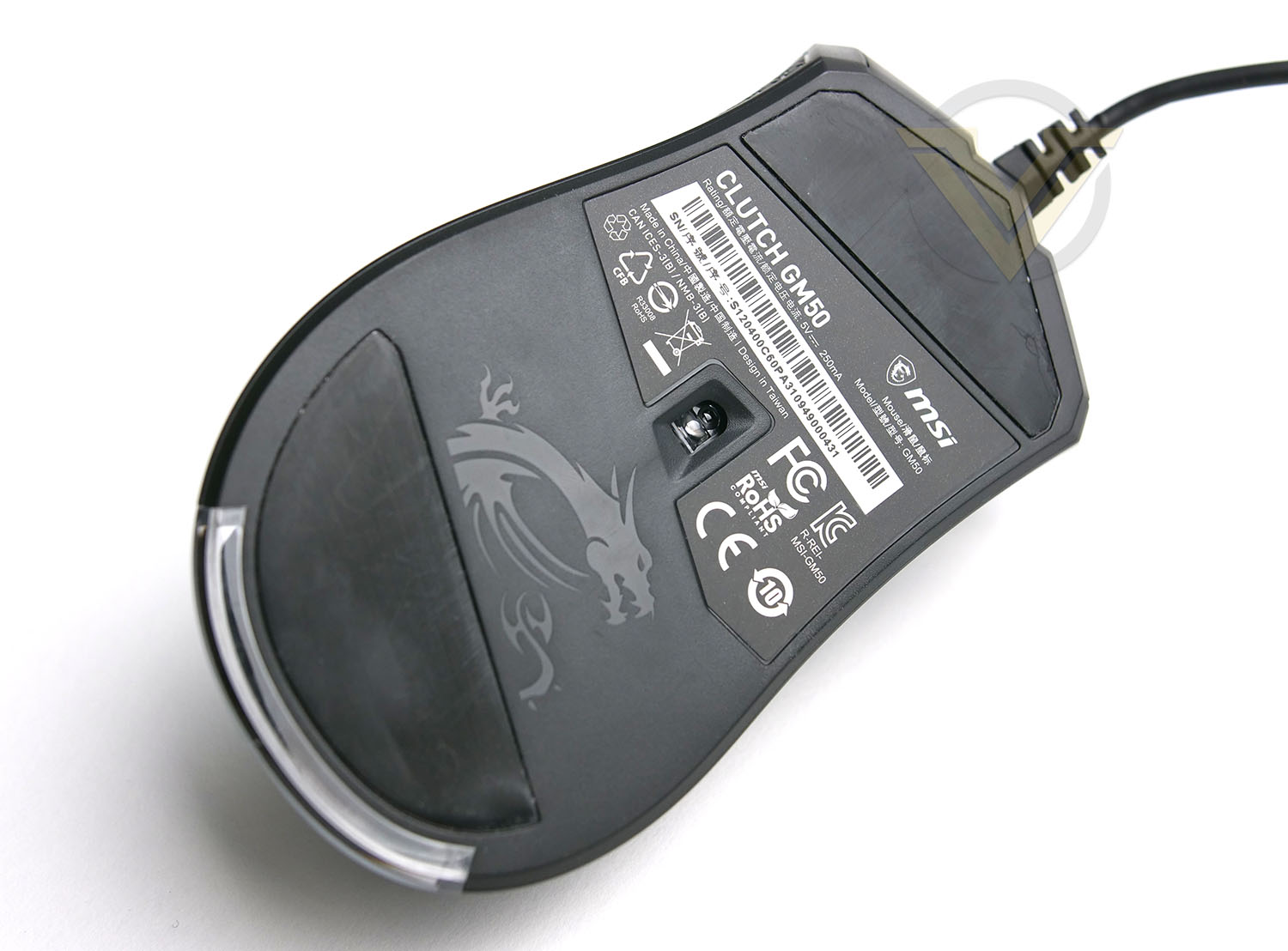
The driving force behind GM50 is the PMW-333 optical gaming sensor which is capable of transcending all the way to 7200 DPI.
MSI has given GM50 two large gliding pads at the front and rear of the mouse and on the underside the standards label features the serial number should you need to contact support.
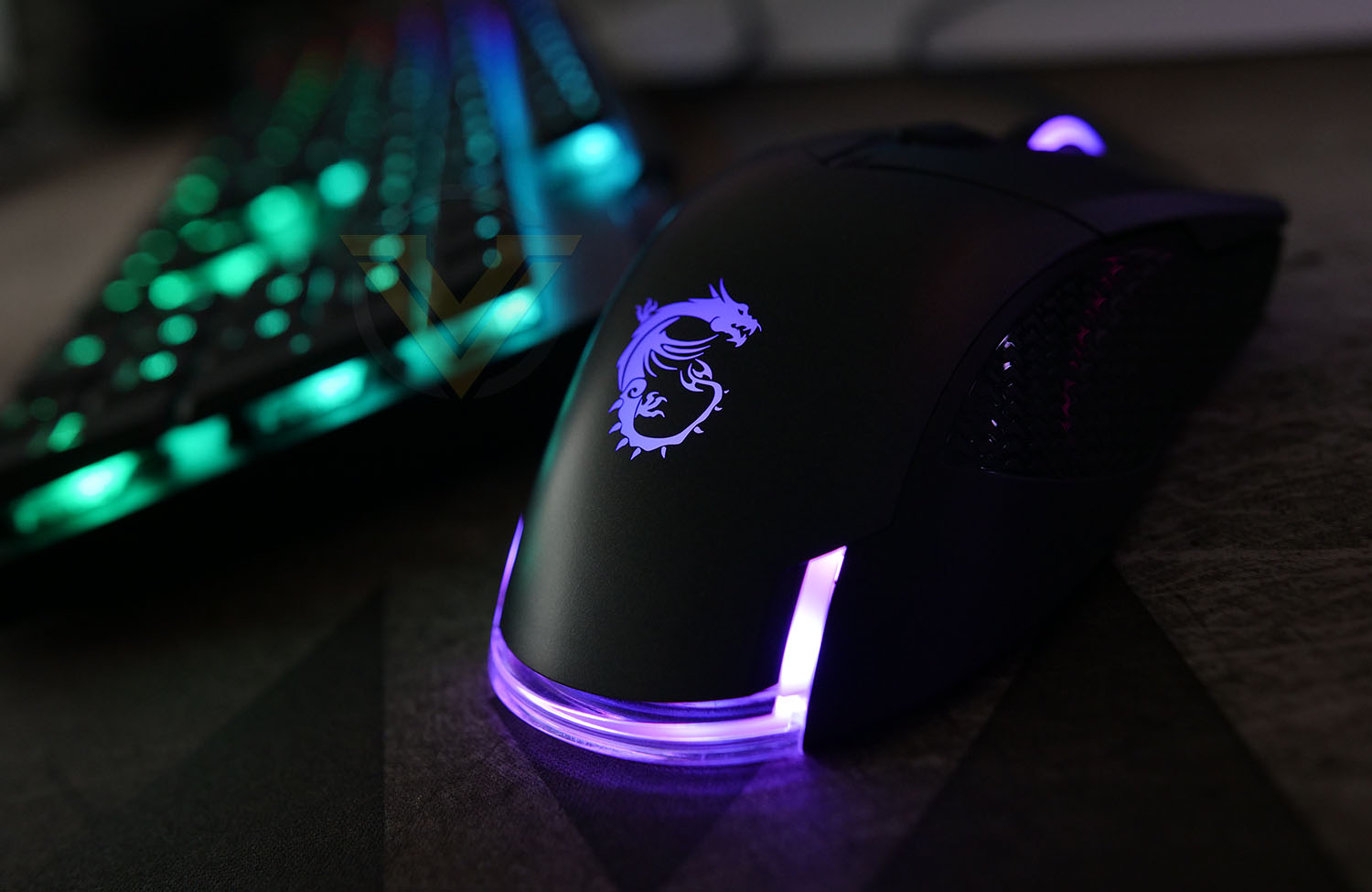
Just like the GK50, GM50 benefits from RGB lighting which can be fully customized within the Dragon Center software.
Dragon Center & Performance
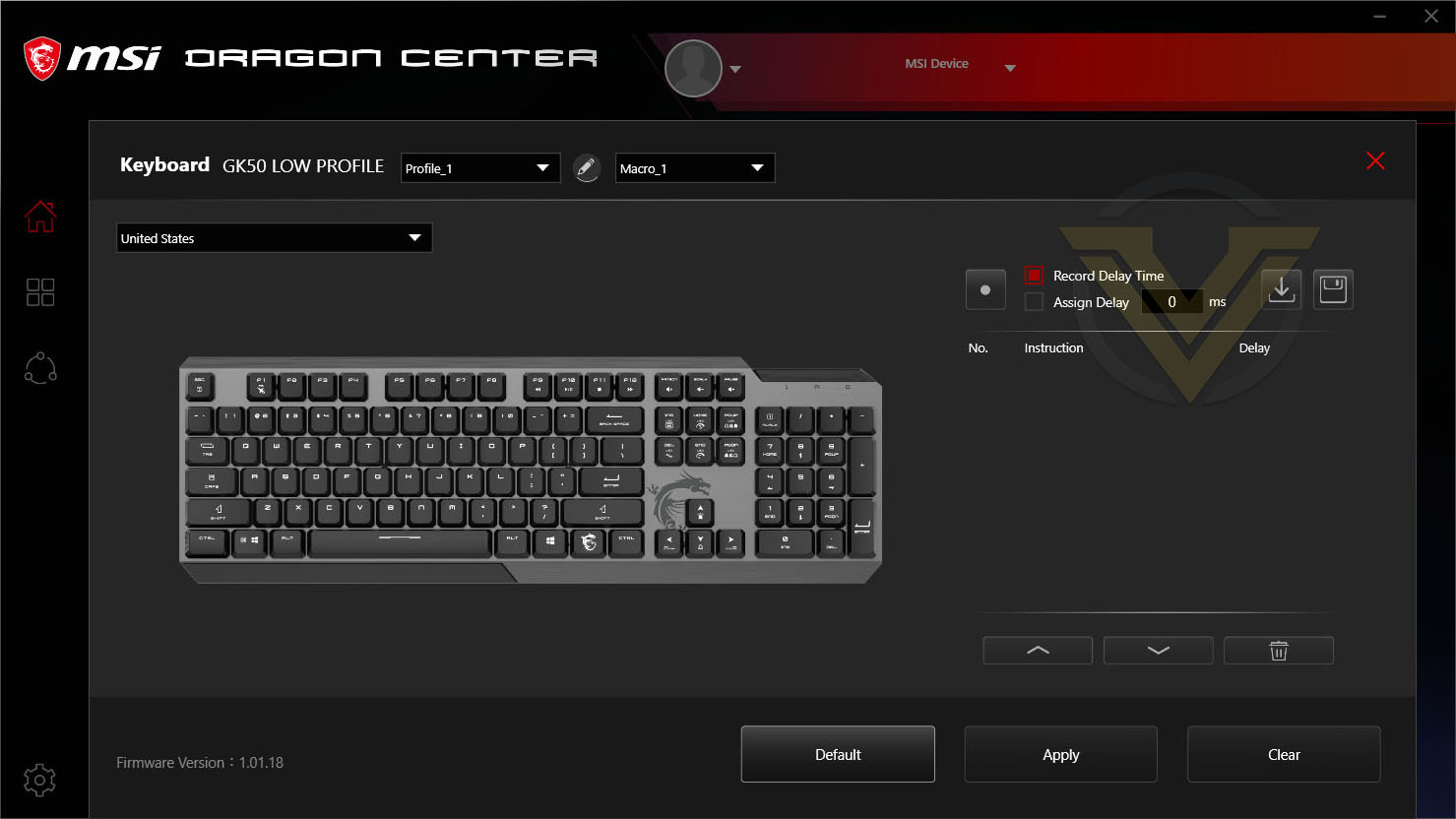
As part of MSI’s eco-system, both GK50 and GM50 (and many other MSI devices) use Dragon Center. Inside this software both our devices can be fully customised by having keys and macros assigned. Other attributes like the polling rate can be managed too.
RGB LED lighting can be synchronised across devices and modified accordingly, or if you prefer to have both devices without any lighting this can be disabled altogether.
Of the various systems we’ve encountered, MSI’s software is easy to use and we encountered no problems whatsoever.
GK50 comes equipped with full NKRO (N-Key Rollover). We tested whether this claim stood true and sure enough it did.
Moving to Kailh Low Profile Switches from Cherry MX Browns for this particular review wasn’t difficult at all. In fact, it was quite enjoyable. In gaming GK50 performed as expected – key presses are precise and work well with fast reflexes. Less travel does mean however, that you may inadvertently hit as key sooner than you had thought.
Those who would prefer to keep keyboard operation more discreet may want to opt for a different key switch – the Kailh Low Profile Switches are clicky and can be regarded as quite distracting.
In regards to GM50, thoughout our testing we encountered no issues, however we did find the desire for a heavier mouse. GM50 is just 87g and this does affect gameplay. If you prefer a lightweight mouse then you won’t find this to be a problem.
The optical sensor within our gaming mouse responded very well indeed, allowing us to get the most out of the games we tested. Traction and glide are both areas which GM50 excels in.
Conclusion
MSI aren’t perhaps well-known for their gaming peripherals but their portfolio is steadily growing. The Vigor GK50 and Clutch GM50 are both great examples of how MSI shouldn’t be ignored in this department.
Both the keyboard and mouse under observation today bring with them some handy features which are customary for such devices. Things like, full NKRO support, assortment of hotkeys, DPI adjustment, and of course, RGB lighting.
We had concerns about switching to a low-profile keyboard for this review from the daily driver which features Cherry MX Brown switches but no sooner than we had begun testing, we adjusted to the ergonomics in a breeze. The Kailh Low Profile Switches are clicky, precise and are obviously shorter in terms of travel.
In a similar vein, the GM50 performed admirably in the range of scenerios we used it in – photo editing, web browsing and gaming. The only reservation we have is the material of choice for the anti-slip section and the overall weight. We prefer something which is heavier.
Pricing for both products are reasonable – GK50: UK 89 | US 118 GM50: UK 50 | US 75. At these price points both GK50 and GM50 can be regarded as good value for money solutions if you are on the hunt for a reliable keyboard and mouse combo.
If you’re looking for a keyboard and mouse configuration which performs very well, lookgs the part and doesn’t cost the earth then the MSI Vigor GK50 and Clutch GM50 are a good choice!
Pros
+ Pleasant to the eye
+ Easy to customize RGB lighting
+ Good build quality
+ Read with useful features
+ Perform well in/out of gaming
+ Decent pricing
Cons
– GM50 feels too lightweight
– GM50 side grips should use different material
+ Pleasant to the eye
+ Easy to customize RGB lighting
+ Good build quality
+ Read with useful features
+ Perform well in/out of gaming
+ Decent pricing
Cons
– GM50 feels too lightweight
– GM50 side grips should use different material
Click here for an explanation of our awards at Vortez.net.
Stay connected with Vortez social media pages: