In 2014 we reviewed the Ozone Strike Pro; today we’re taking a look at the latest iteration, the Strike Pro Spectra.

Product on Review:Ozone Strike Pro Spectra
Manufacturer:Ozone
Street Price: £122.99 / $149.99
In for testing today is the Ozone Strike Pro Spectra keyboard, offering the full range of RGB lighting, a range of Cherry MX mechanical switches and an audio/USB hub; all of which are now deemed as necessary for any gaming keyboard worth its salt.
Ozone Gaming is a small group of dedicated gamers, based in Spain, developing gaming hardware for like-minded players around the globe.
We tested the original Strike Pro around 3 years back, resulting in the “Amazing value” and “Gold” awards being given – The revised edition is almost £50 more than the original, so this Strike Pro Spectra has to back that up with some big improvements or additions. Let’s get stuck into the review and see where they’ve improved on the previous well-regarded keyboard.
Ozone on the Strike Pro Spectra:
Ozone has renewed Strike series upgrading Strike Pro mechanical keyboard with RGB functions to fulfil the needs of the actual gamers and make it totally customizable; 16,8 million colours, 7 different lighting effects and colour map profiles.
Technical Specifications
Keyboard: 104 Keys Cherry Switch Mechanical Keyboard
Size: 34.30 x 441 x 135.70 mm
Cable Lenght: 1.5m Braided Cable
Inner Metal Plate:: SPCC
Voltage: 4.75V +/- 10%
Memory: 64 KB on board memory
Nkey Rollover: 104 keys (anti-ghost)
Gaming Mode: Deactivation of Win Key
Compatible: Windows® 10 / 8 / 7 / Vista
Weight: 1300g
Feet: ABS+TPR
HUB & Audio: USB, Microphone & Headset 3,5 mm jack
LED Backlit: RGB with 16.8 million colours and lighting effects
Macros: Infinite macros by software
Macro Keys: All (6 indicated by default)
Profile Switch: 5 profiles by software
Size: 34.30 x 441 x 135.70 mm
Cable Lenght: 1.5m Braided Cable
Inner Metal Plate:: SPCC
Voltage: 4.75V +/- 10%
Memory: 64 KB on board memory
Nkey Rollover: 104 keys (anti-ghost)
Gaming Mode: Deactivation of Win Key
Compatible: Windows® 10 / 8 / 7 / Vista
Weight: 1300g
Feet: ABS+TPR
HUB & Audio: USB, Microphone & Headset 3,5 mm jack
LED Backlit: RGB with 16.8 million colours and lighting effects
Macros: Infinite macros by software
Macro Keys: All (6 indicated by default)
Profile Switch: 5 profiles by software
Packaging & First Look
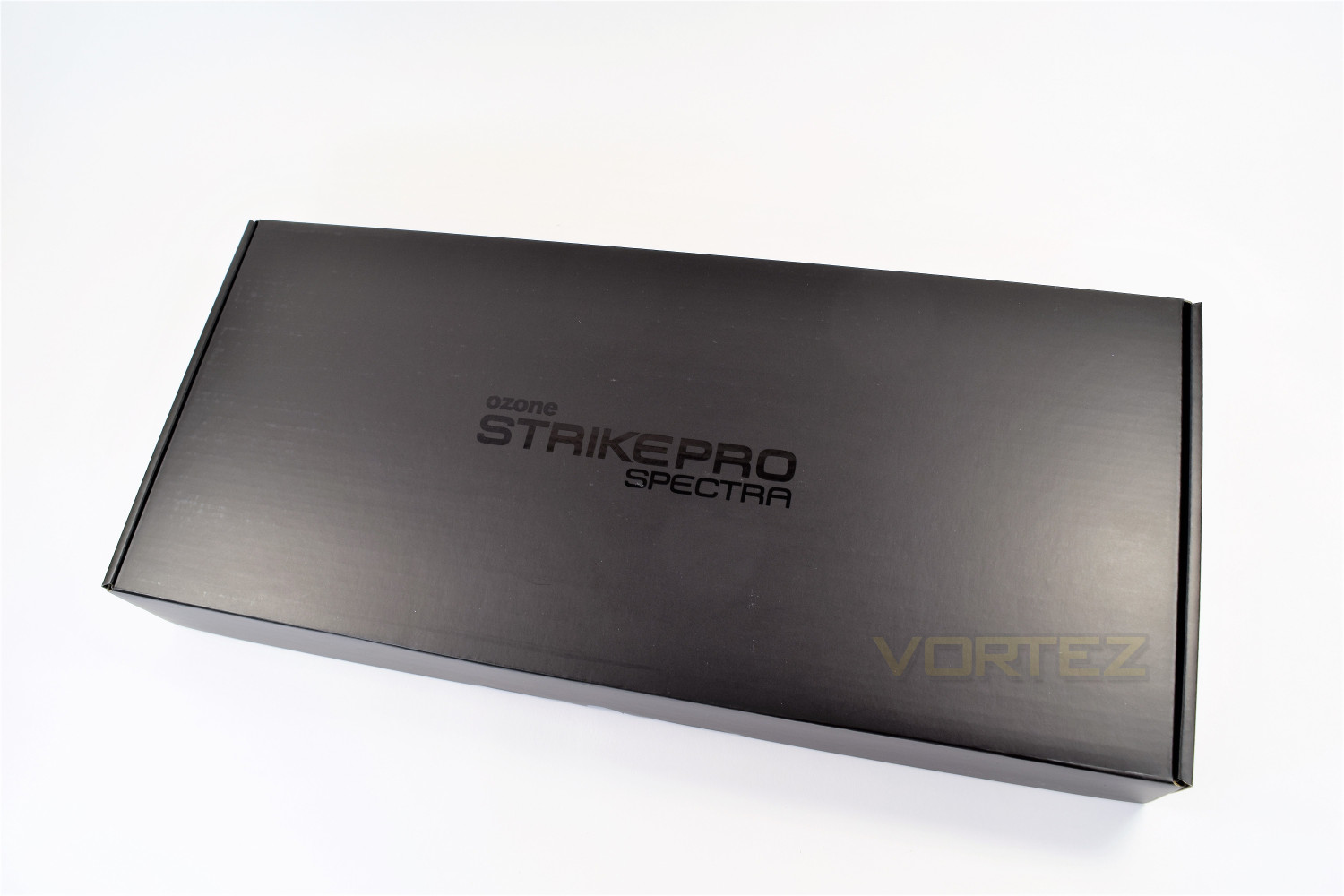
The packaging of the Ozone Strike Pro Spectra will stand out from the crowd, the inks used are vibrant and catch the eye, making the packaging look very appealing. The overall covering is a dark grey matte finish, with glossy sections highlighting the features.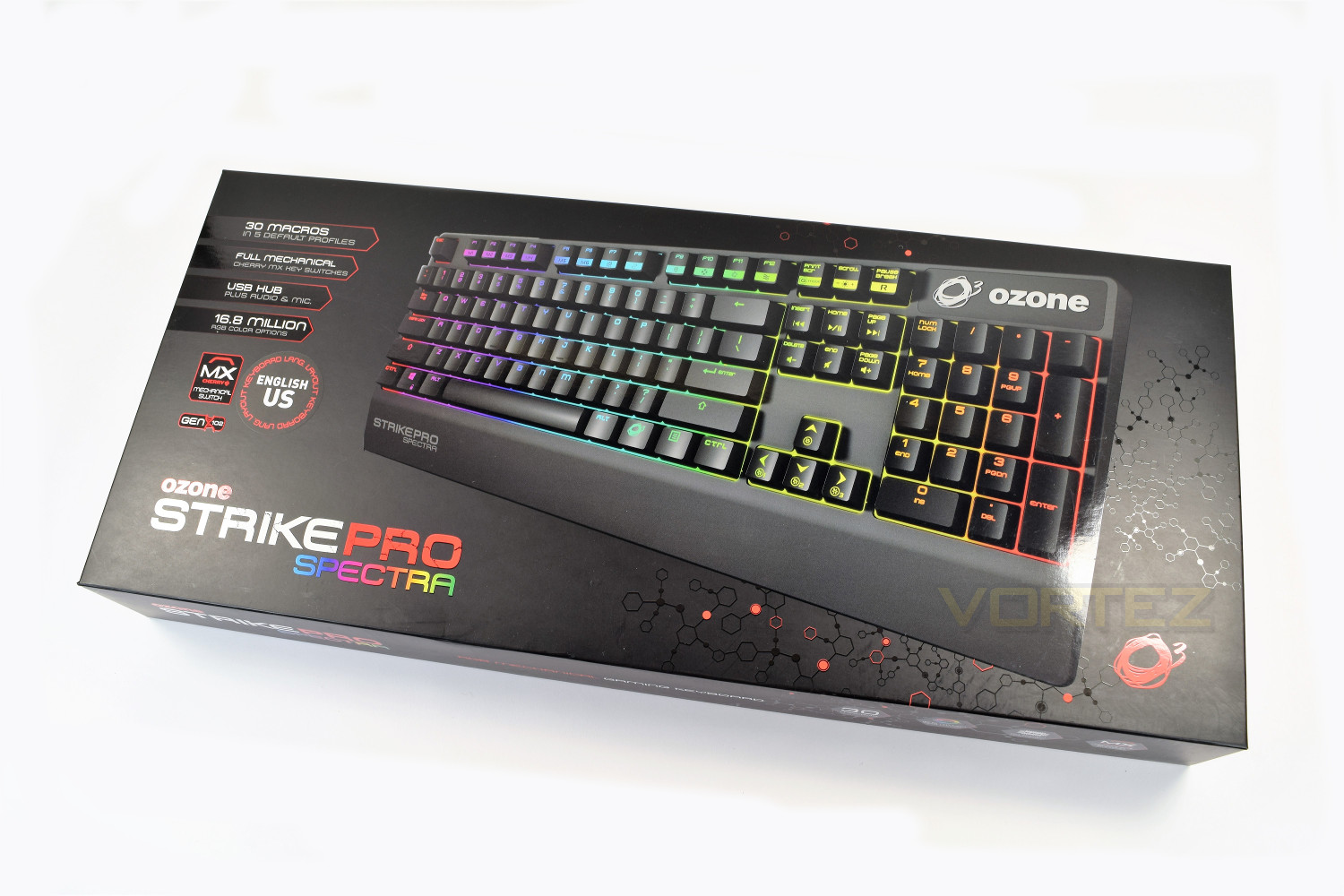
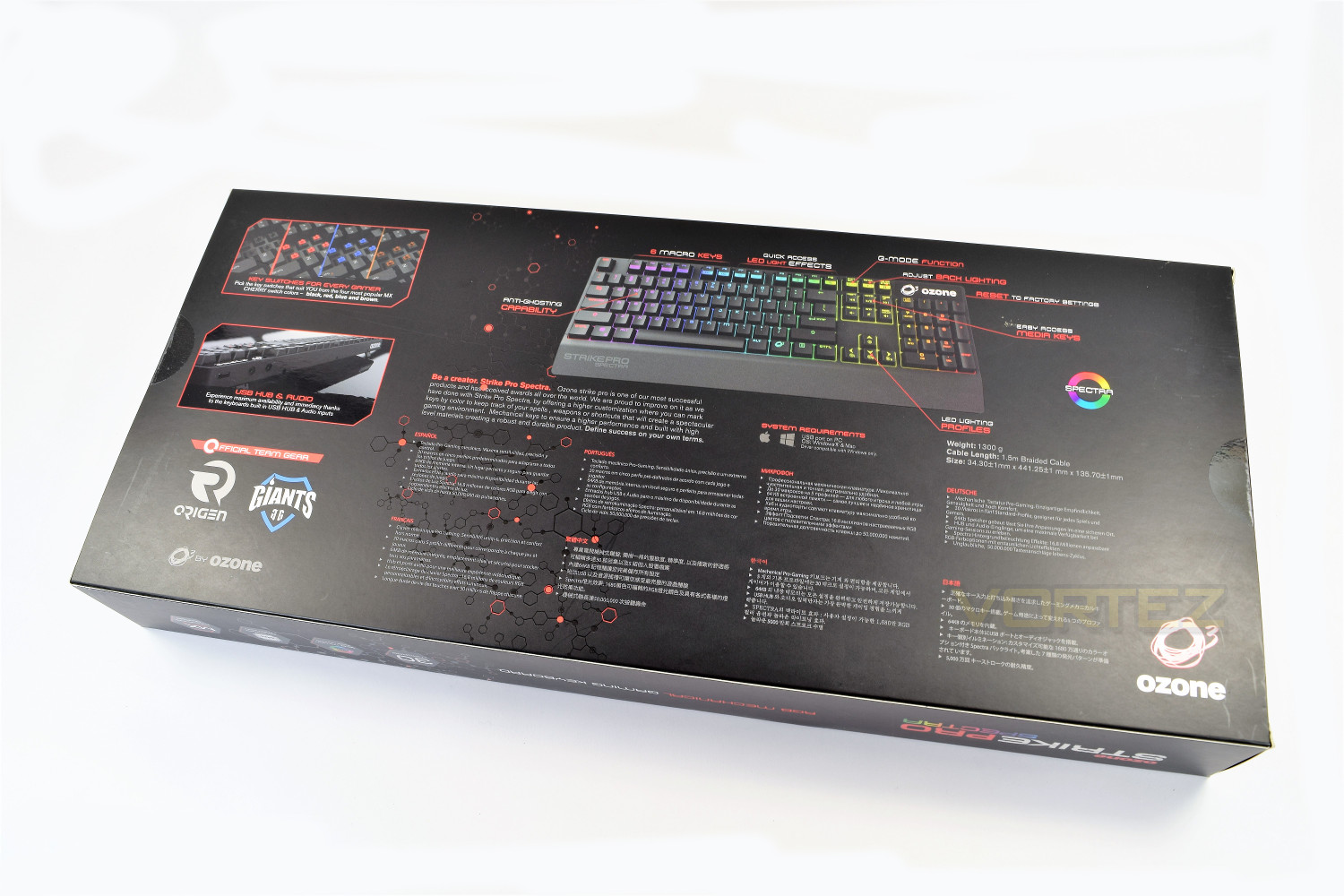
The rear of the packaging is much the same as the front, but with added detail and more description of the main selling points.
After removing the thin, card outer-sleeve, the keyboard is held in place inside a double-layer corrugated cardboard box, offering excellent protection during transit while also looking pretty classy.
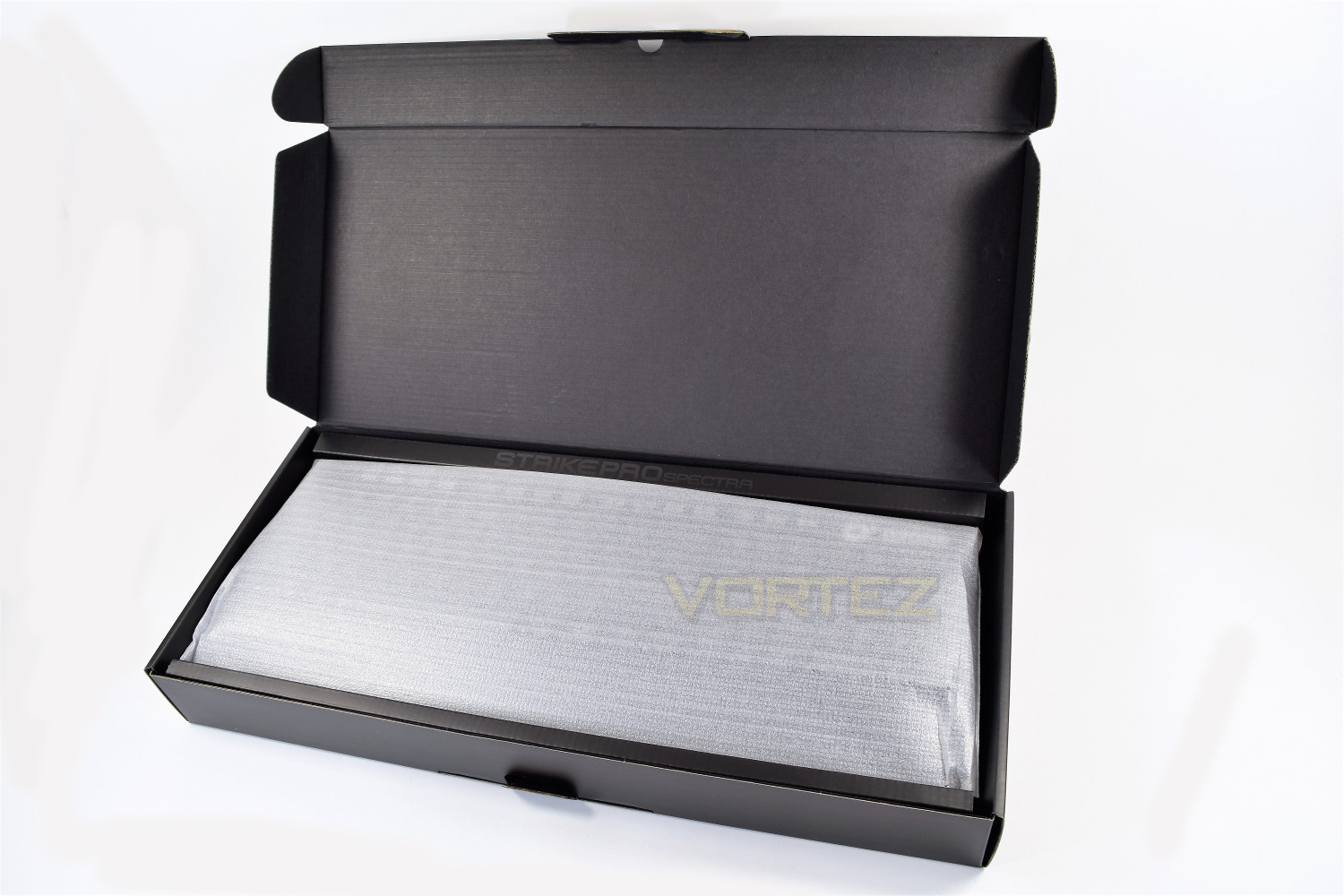
Popping open the box reveals the keyboard encased within a soft cloth bag, sealing out any dust and moisture to help ensure your shiny new gadget reaches you in the best possible condition.
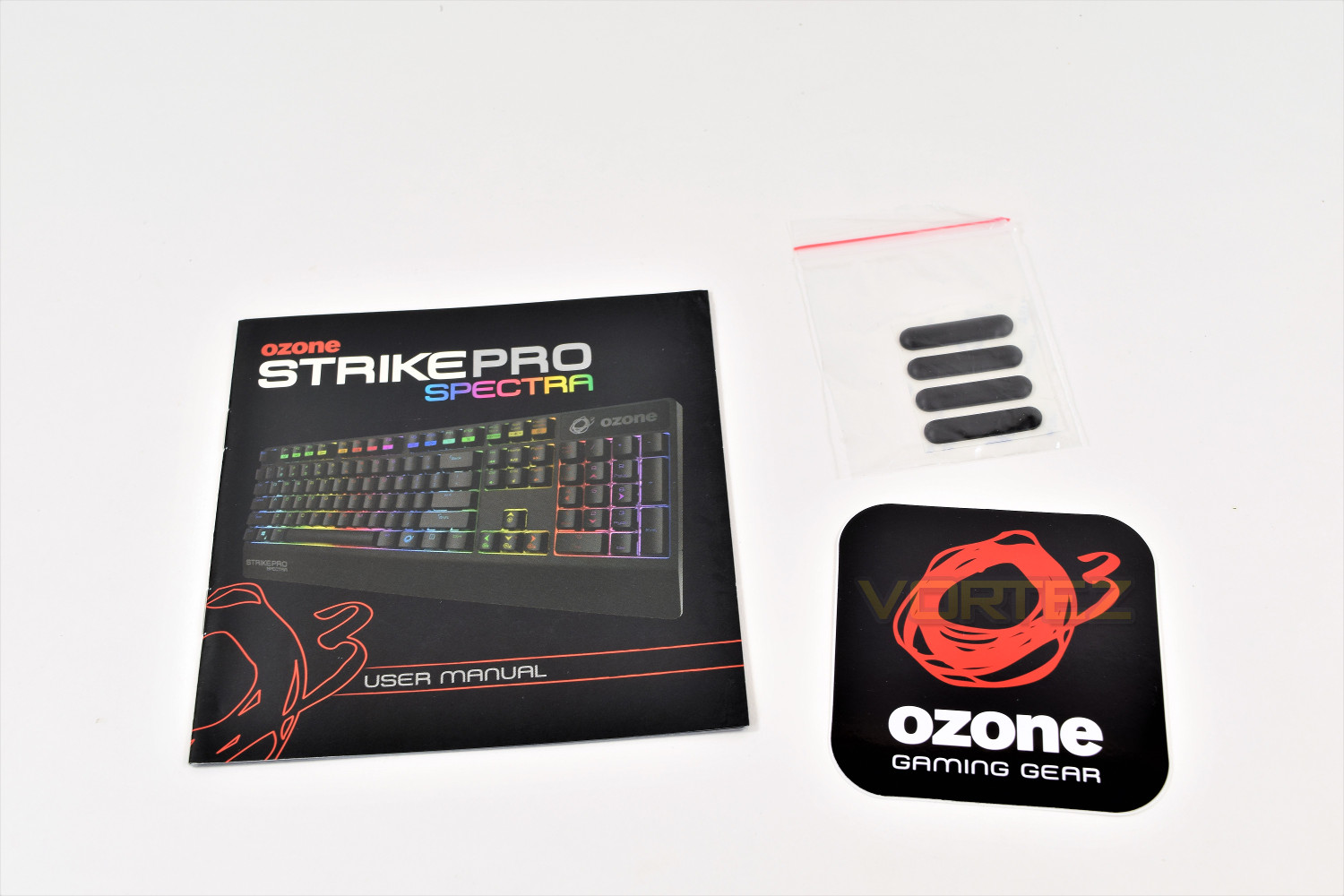
Inside the box, along with the keyboard, is a 75mm x 75mm Ozone sticker, some replacement rubber feet and a full-colour user manual.
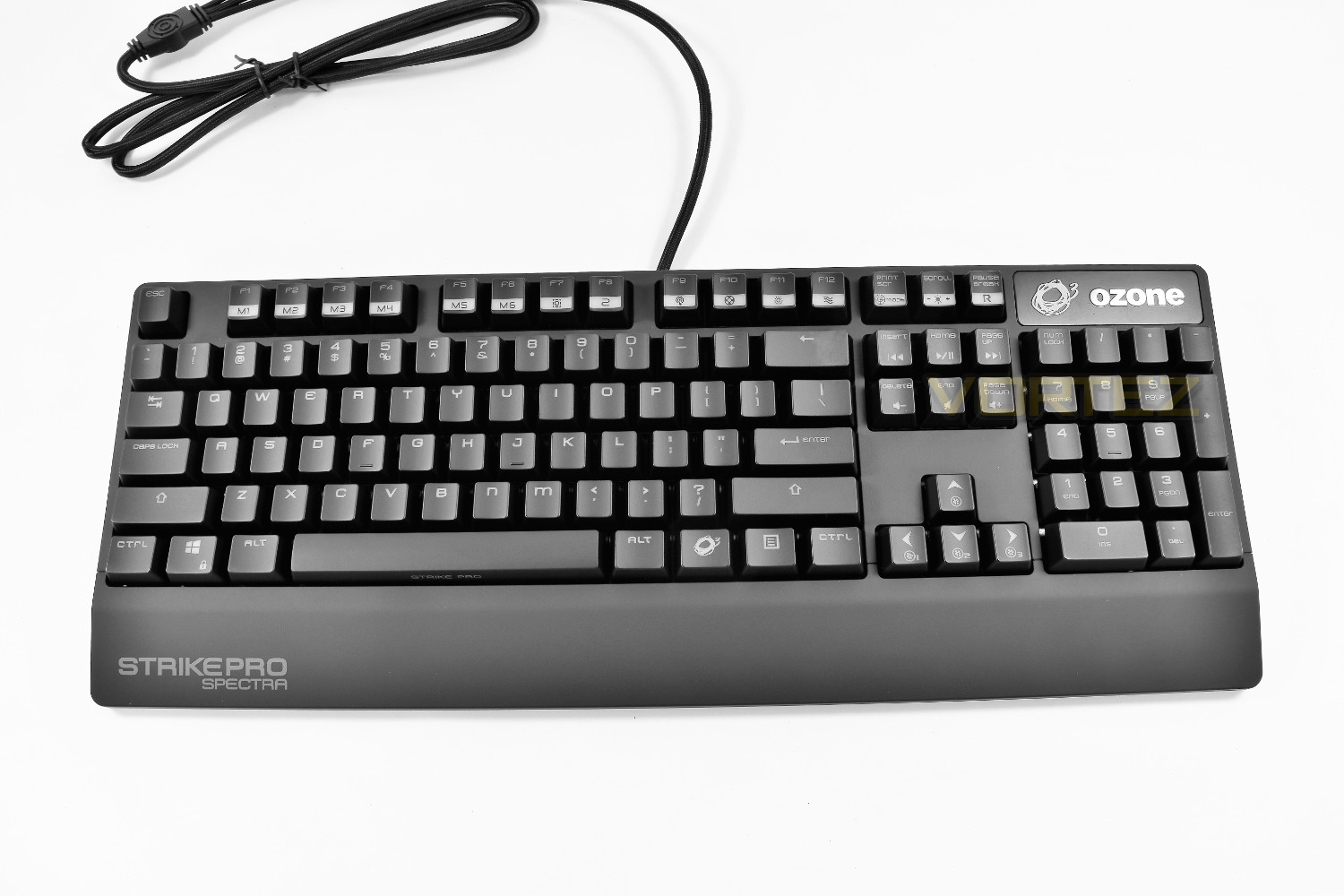
Initial impressions of the Spectra are good; with the dark grey colour and very prominent badging on the bottom-left.
Closer Look
The Strike Pro Spectra uses a unique font on its keycaps, using a combination of upper-case and lower-case. Mainly the M and N that’s most noticeable. The font is a little unorthodox but it provides a sense of character to the keyboard. There’s also the Ozone (function) key, to the right of the space bar, for the array of twin-use keys located all over the keyboard.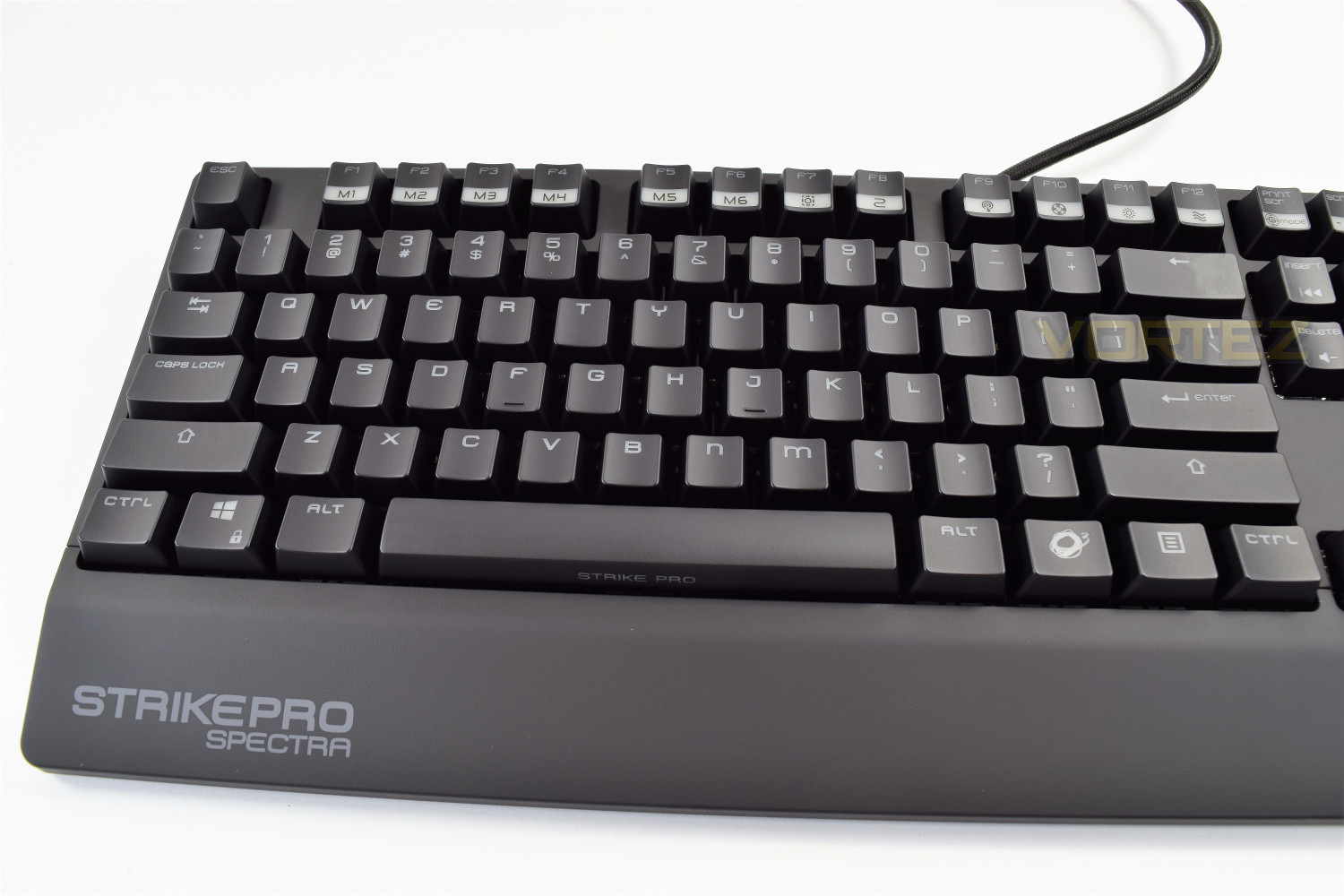
The keyboard gently curves upwards at the top end, resulting in a comfortable typing position, which is further aided by the built in wrist rest. The top end is 30mm from the desk, rising up to 40mm when the riser-legs are extended.
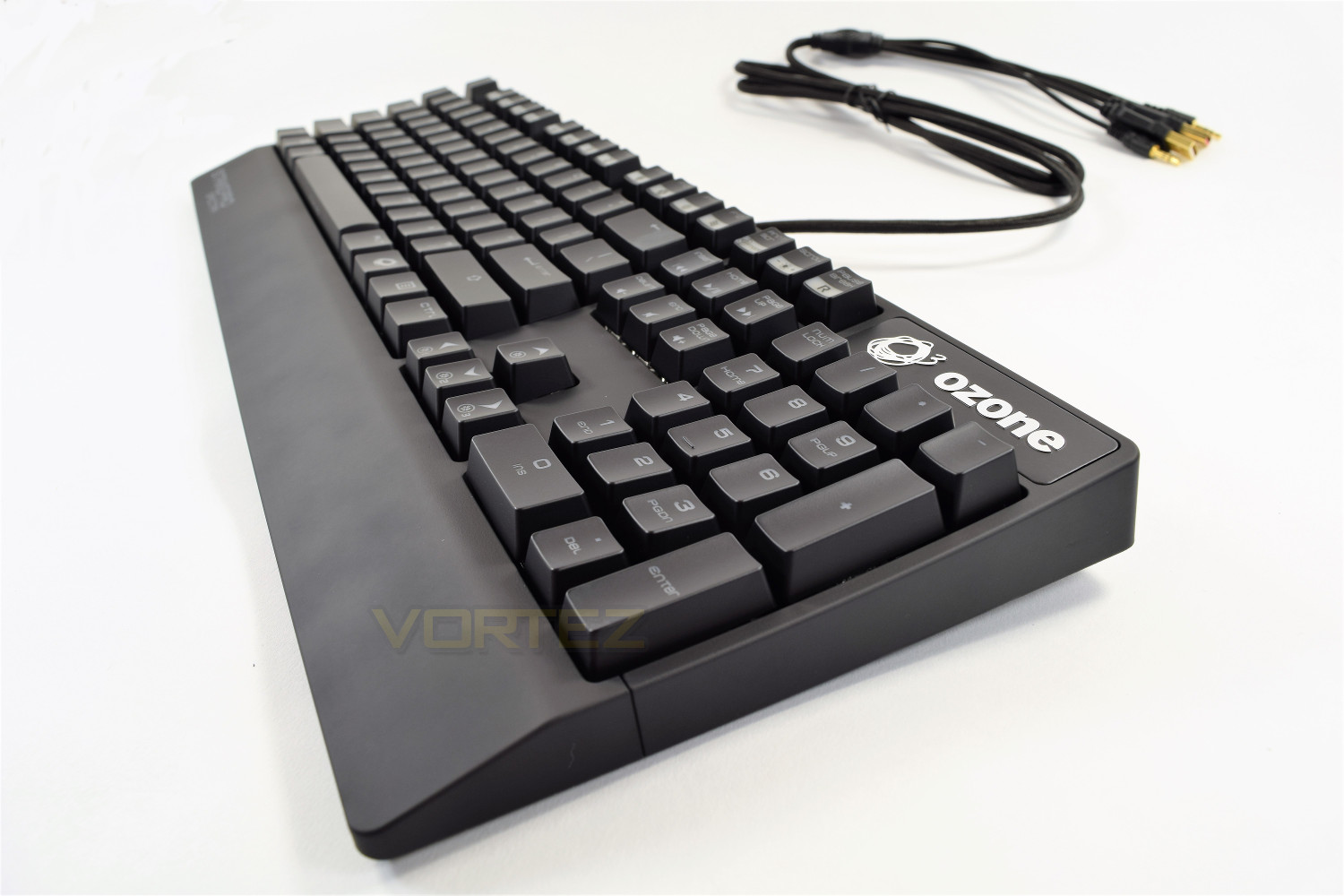
The top isn’t home to any kind of LED display, usually we would find the caps lock, number lock and scroll lock indicators here; instead, Ozone has opted to change the respective key’s LED to white while the function is active.
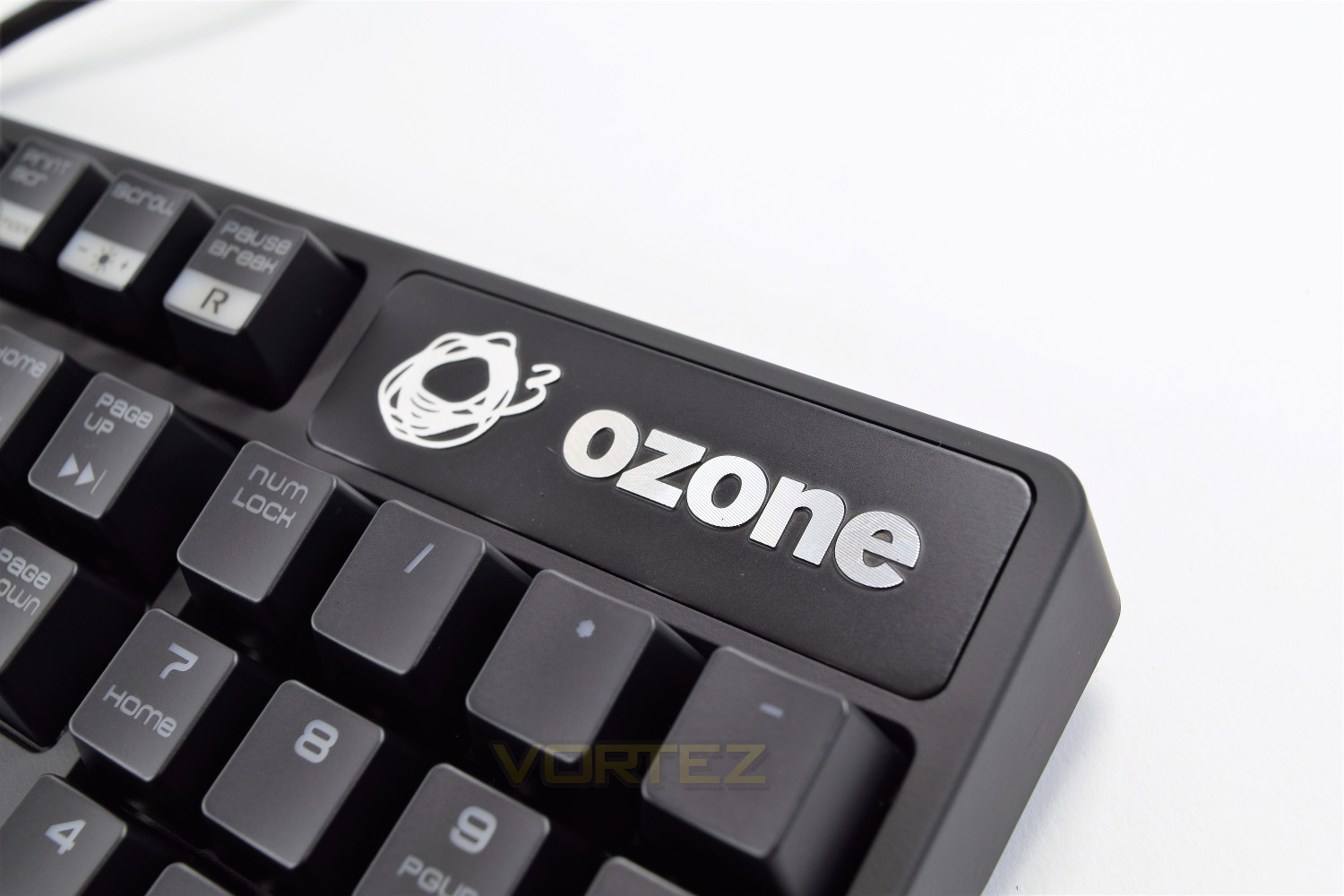
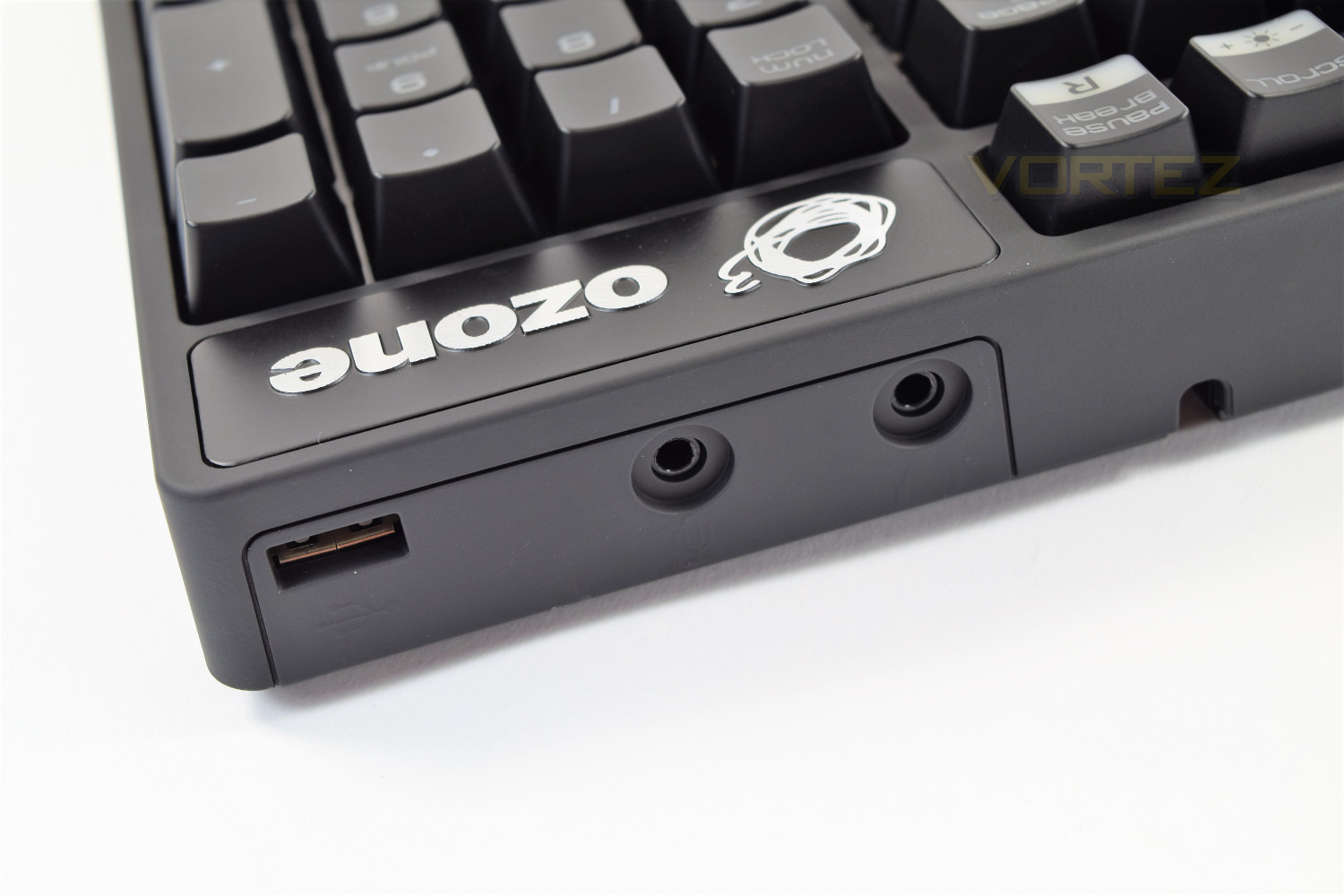
Directly underneath the Ozone logo is the audio/USB hub, offering 2x 3.5mm jacks for a microphone and headset, along with a USB2.0 hub with its own dedicated passthrough jack.
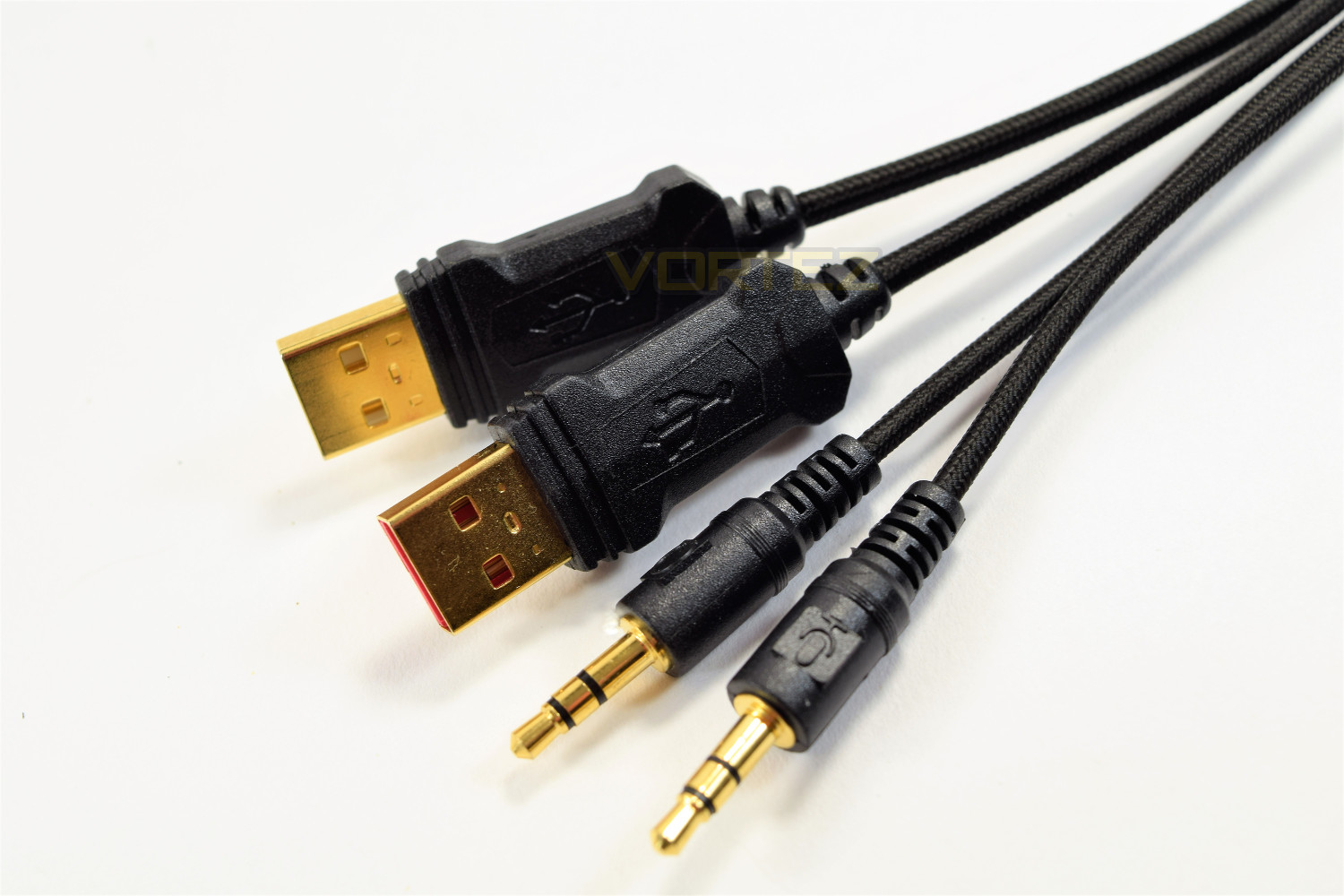
The 1.5M braided cable splits into 4 separate golden connections, 2x 3.5mm audio, for a microphone and headphones, and 2x USB ports. The two USB ports have no identifying features other than the white or red plastic insert (the red passes keyboard data, whereas the white passes the USB hub).
Closer Look (Continued)
The Cherry MX keys on this keyboard, of which there are 4 variants available; blue, red, black and brown, sport a clear housing to facilitate the RGB lighting LED located at the top of each switch.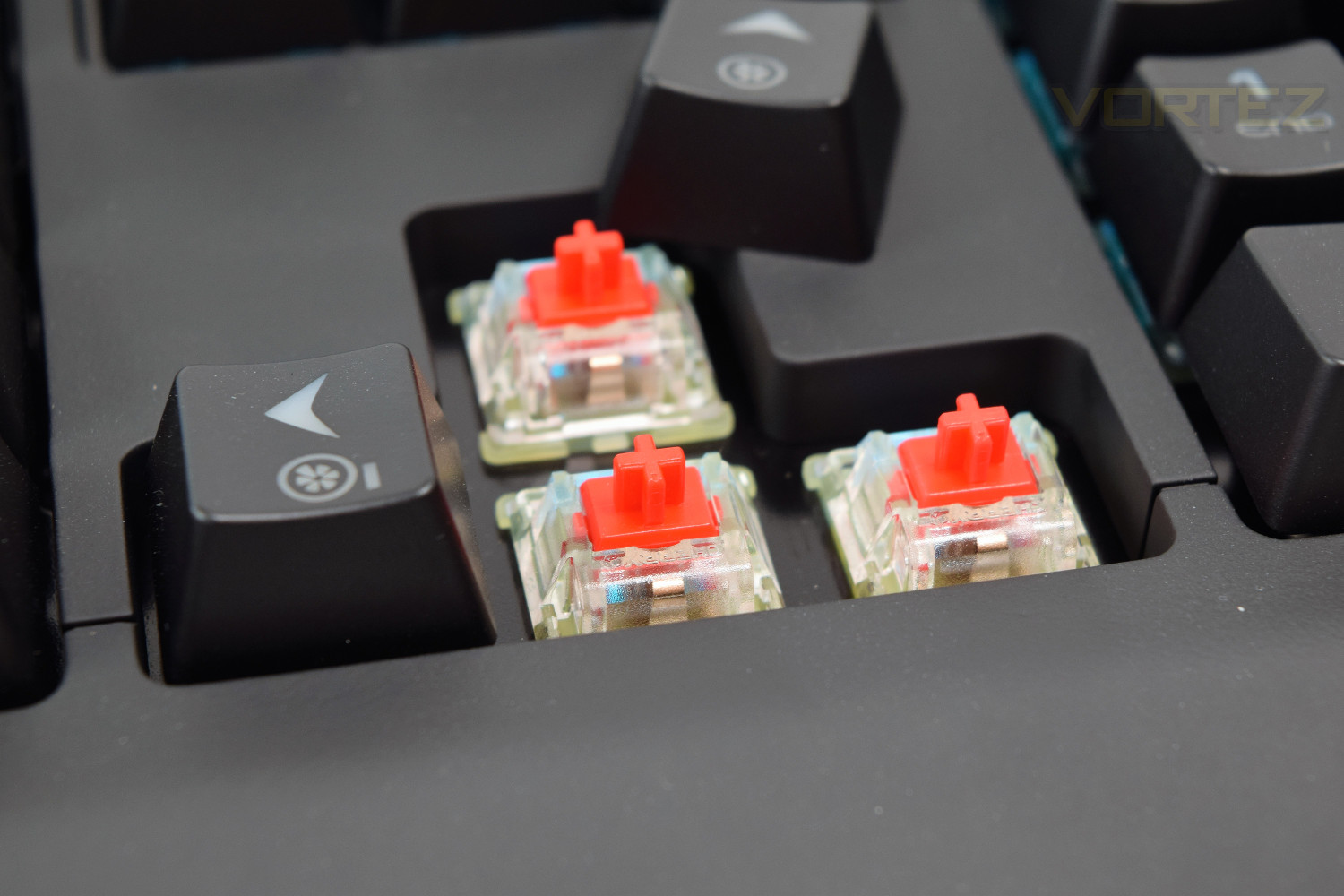
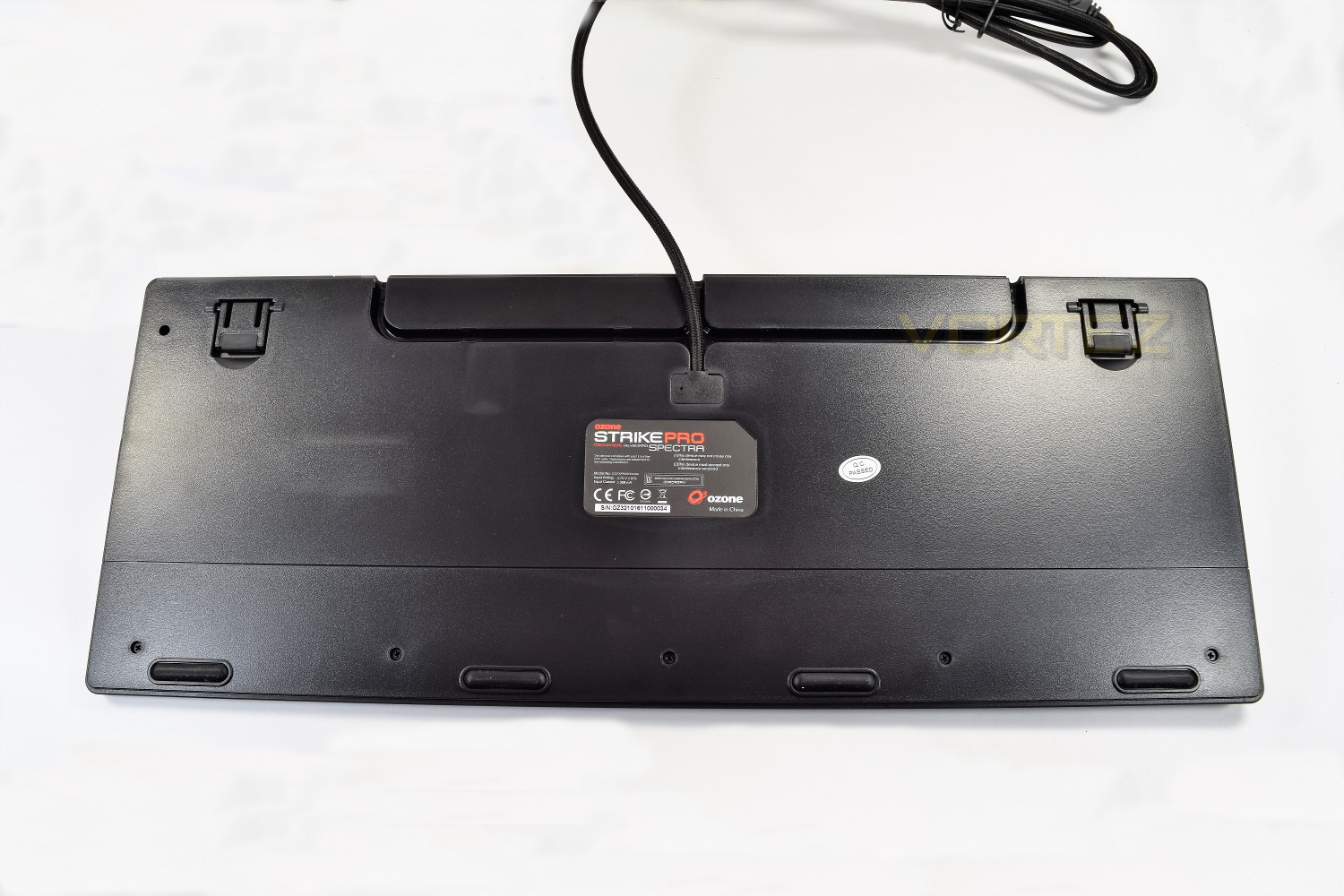
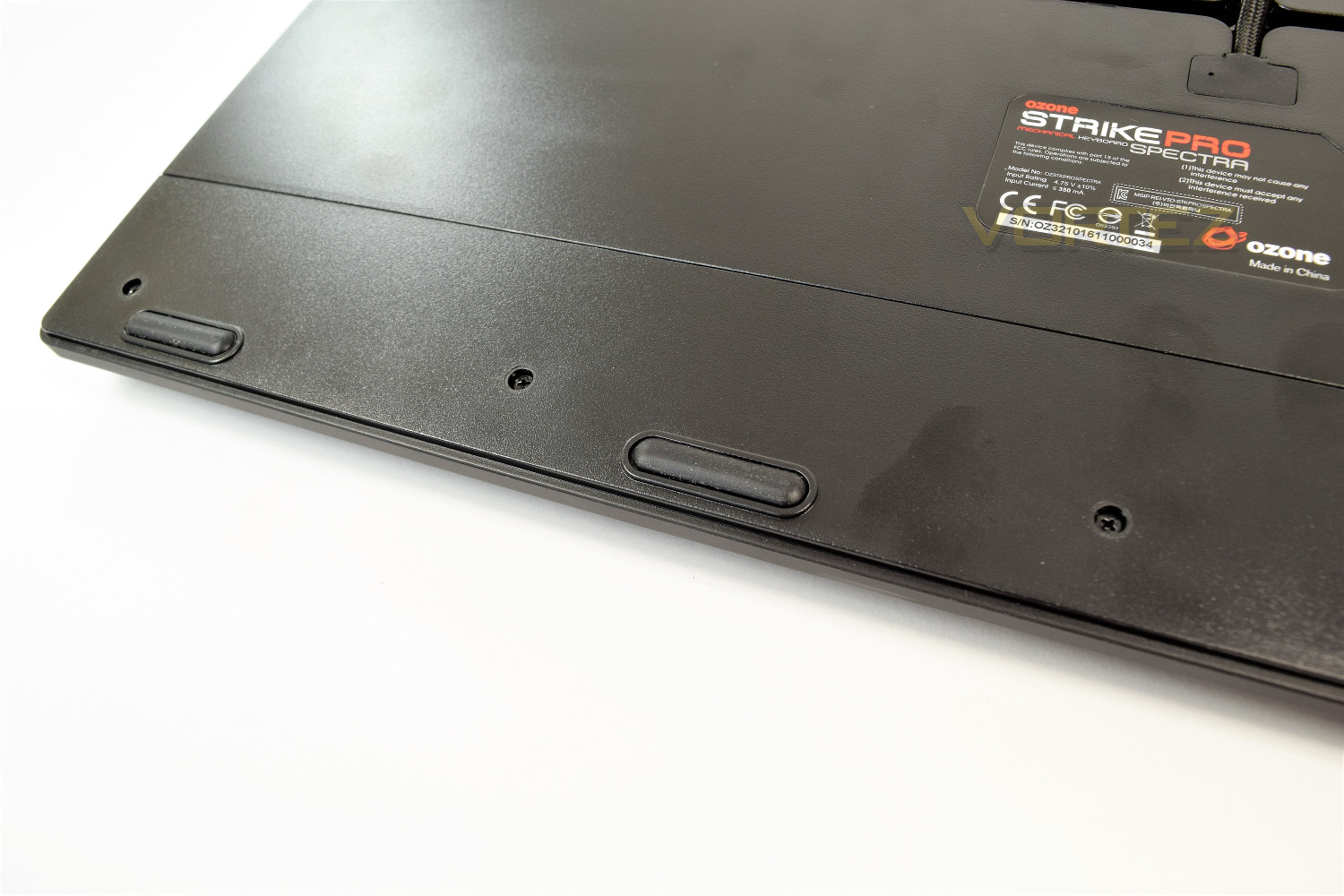
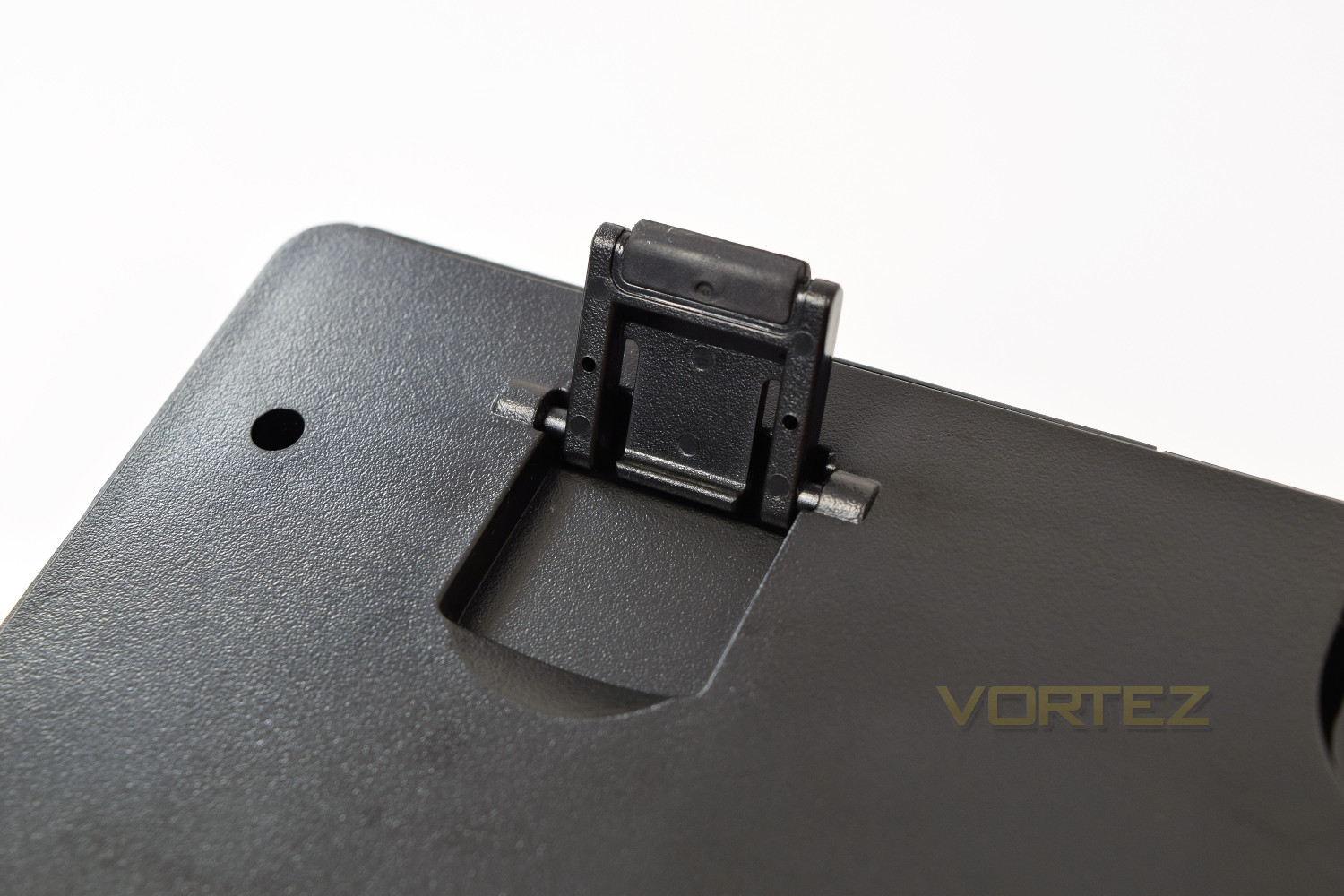
The underside of the keyboard has 4 rubber grips along the near-side, of which Ozone have also provided replacements for, helping to increase the overall lifespan of the Strike Pro Spectra. They don’t feel likely to rub away in a hurry, but the inclusion of replacements is welcomed. You will also spot the routeing on the far end, used to guide the braided cable in whichever way best suits your desk layout. There’s also the 2 extendable feet in each corner, adding 10mm to the height of the keyboard.
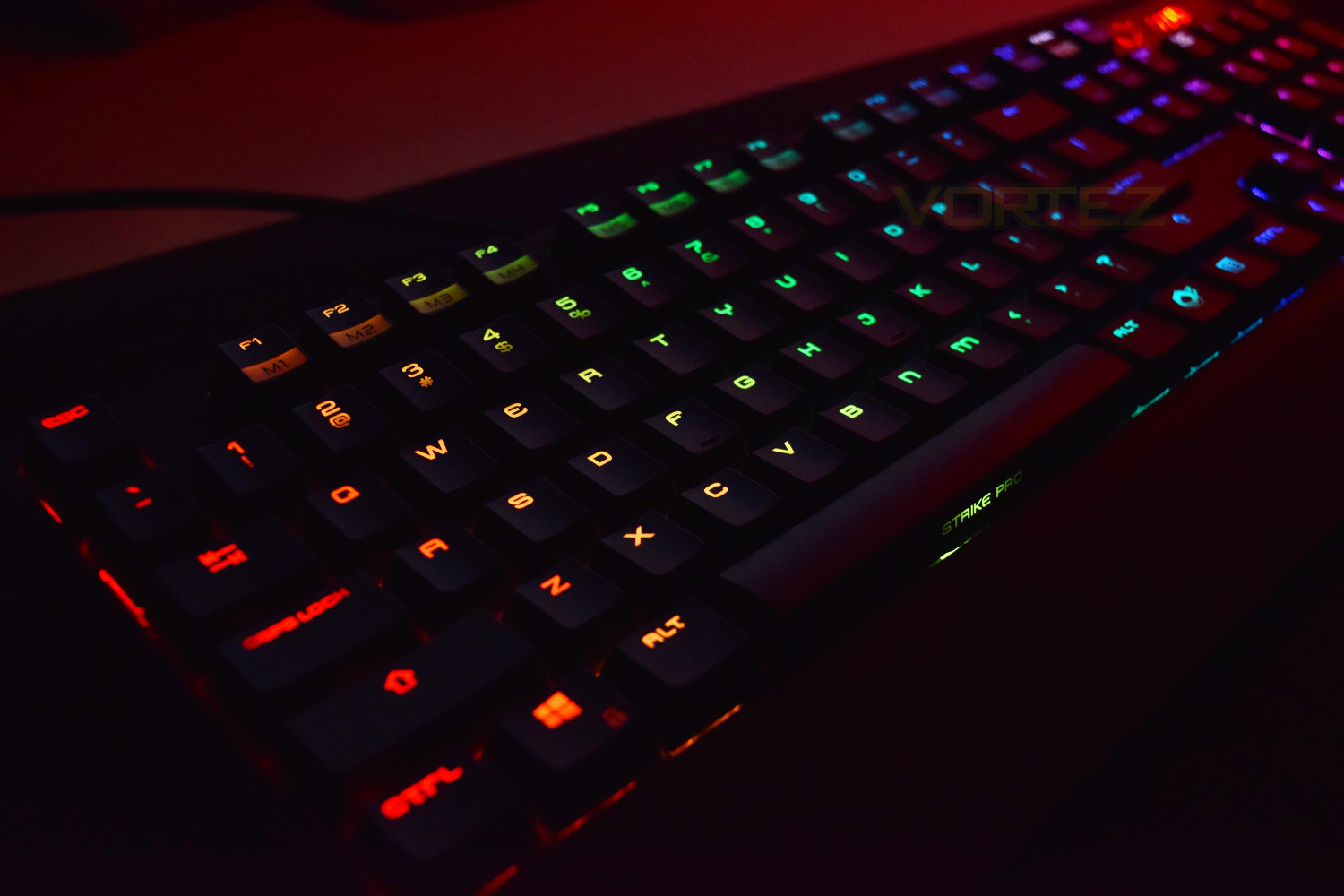
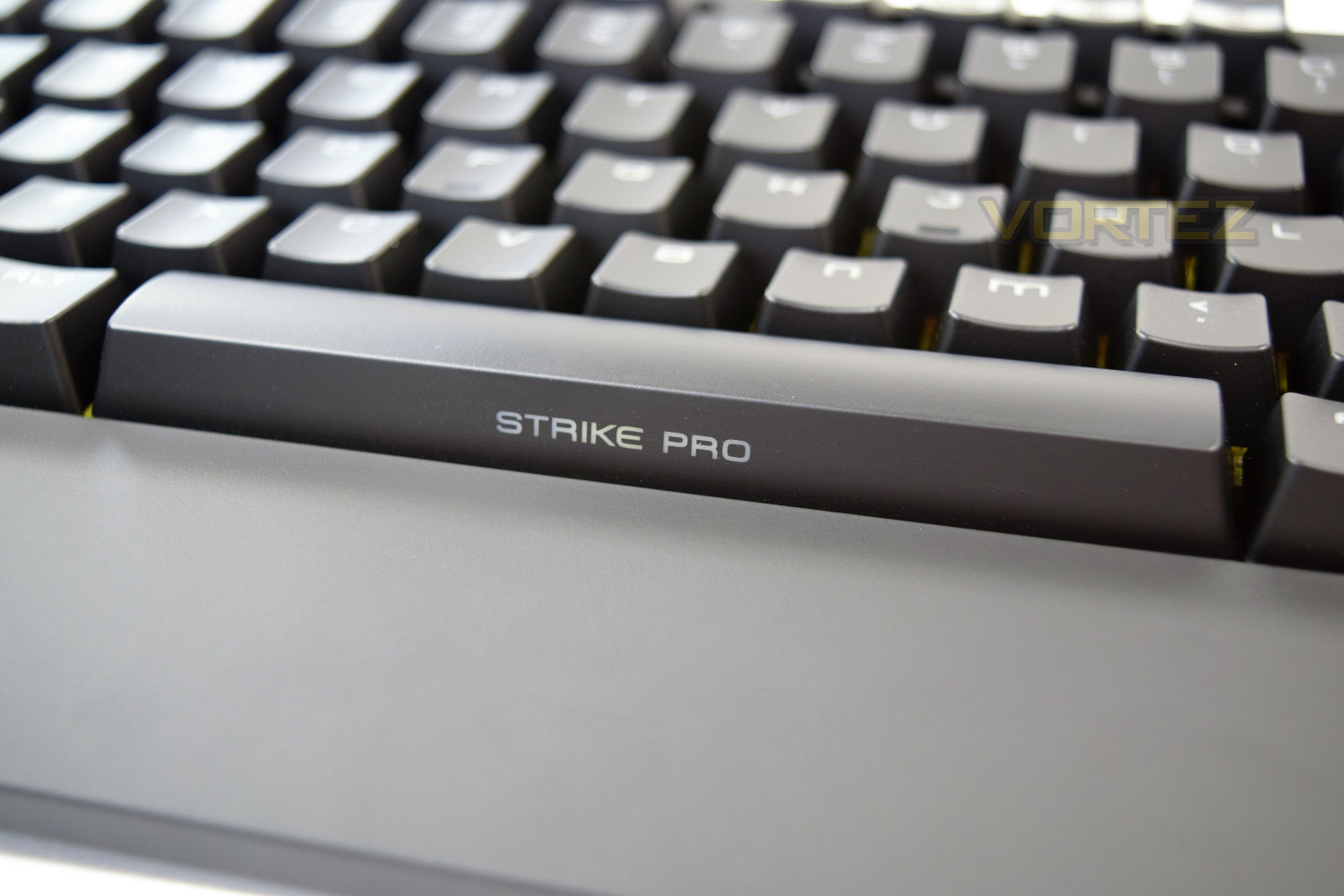
Something worth taking notice of, which we particularly liked here at Vortez, was the clear section on the space bar, allowing the branding to shine through with the RGB colours. This has been carried over from the original keyboard, but with 16.8M colours, instead of the original red.
Software
Ozone provides a relatively basic driver for the Strike Pro Spectra, though it’s laid out well and functions correctly. The software is used exclusively for the keyboard, helping to minimise any confusion. Most of these functions can be set up using the onboard functions of the keyboard, however, it’s much easier to use a proper on-screen GUI.Profiles can be set up across the bottom of the screen, up to a maximum of 5. These profiles can be assigned to any .exe file to activate upon a game/program launch.
The landing screen of the software allows you to assign different functions to any of the keys, which can be selected from a group of default functions or can be configured to use macros, of which you can record your own in the Macro Lab.
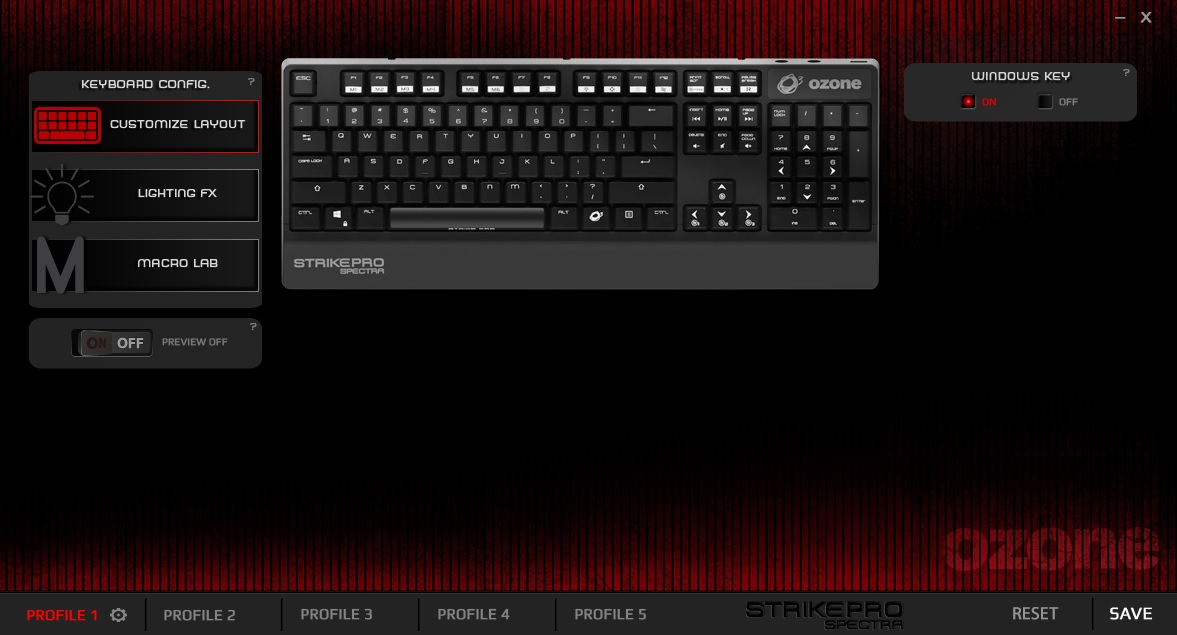
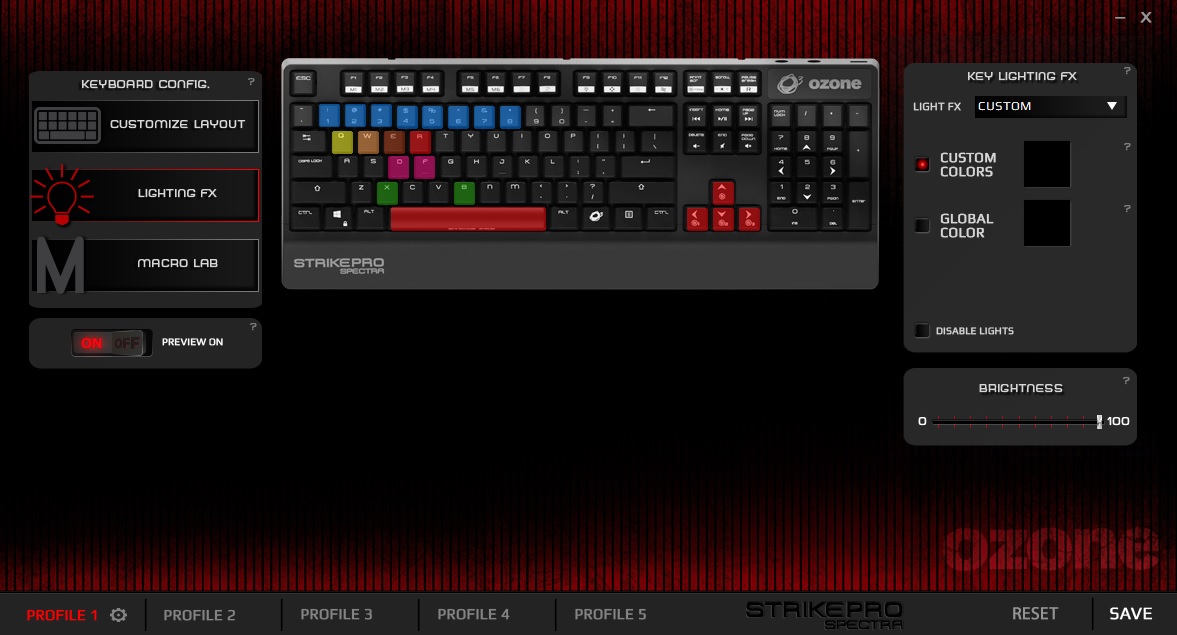
The second screen is the RGB lighting customisation; containing a handful of preset lighting effects and a custom section; individual keys can be configured to help in highlighting the action keys in your chosen game.
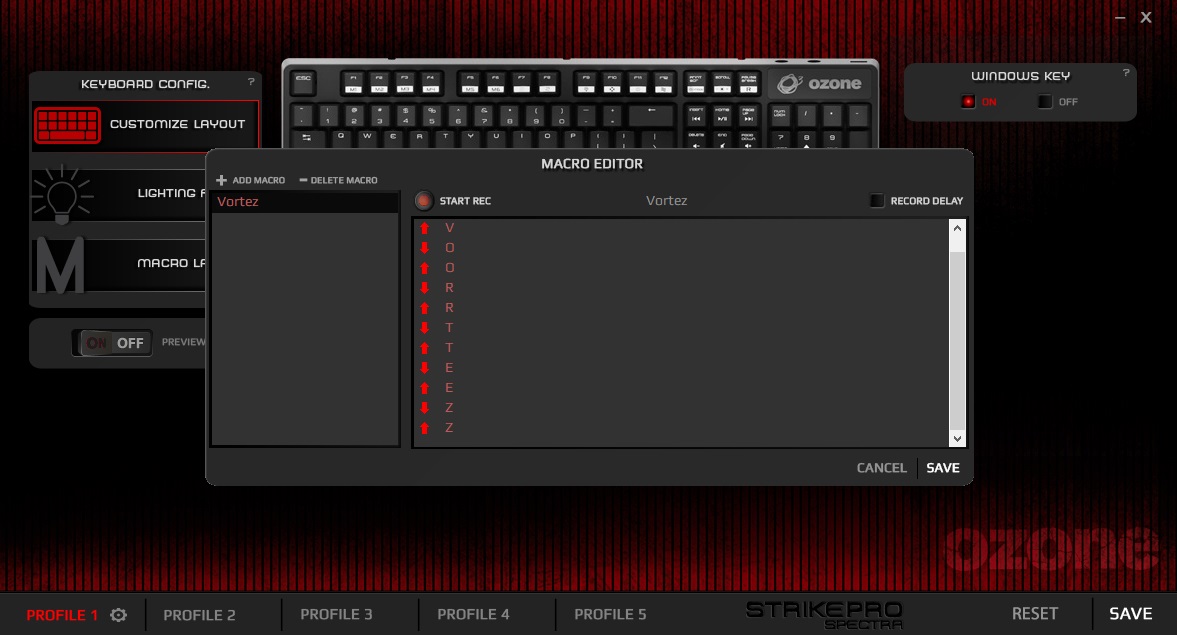
Within the Macro Lab, you’re able to record key presses, with or without the delay, to help speed up certain actions. This section is simple but works incredibly well. The macros can then be assigned to any key on the keyboard.
Performance Testing
The ingredients of the Strike Pro Spectra have remained largely the same as the previous iteration, with the main addition being the RGB backlighting proving that the old phrase “if it isn’t broken, don’t fix it” still stands true.Overall build quality is spot on, with no noticeable flex from the chassis of the keyboard, and with all keys feeling solid during use.
We were supplied with the Cherry MX Red keys, providing a linear, quiet key. The red is often the key chosen for gamers due to the 45g actuation force and linear feel. Other switches are available from Ozone if your needs aren’t necessarily just gaming. The keys felt good for typing, though gaming was fantastic! Battlefield 4, War Thunder and Paladins were the games used for testing.
The font used on the keycaps is worth a mention, due to its unusual shape, including a strange mix of upper-case and lower-case lettering. Also, the utilisation of the keys available is incredible, with all of the keys, with the exception of the Esc, along the top row having two functions when used in conjunction with the Ozone key, as well as the directional buttons and the bank of keys just above. All of the media functions can be completed using just one hand, with the relative close proximity of the Ozone key.
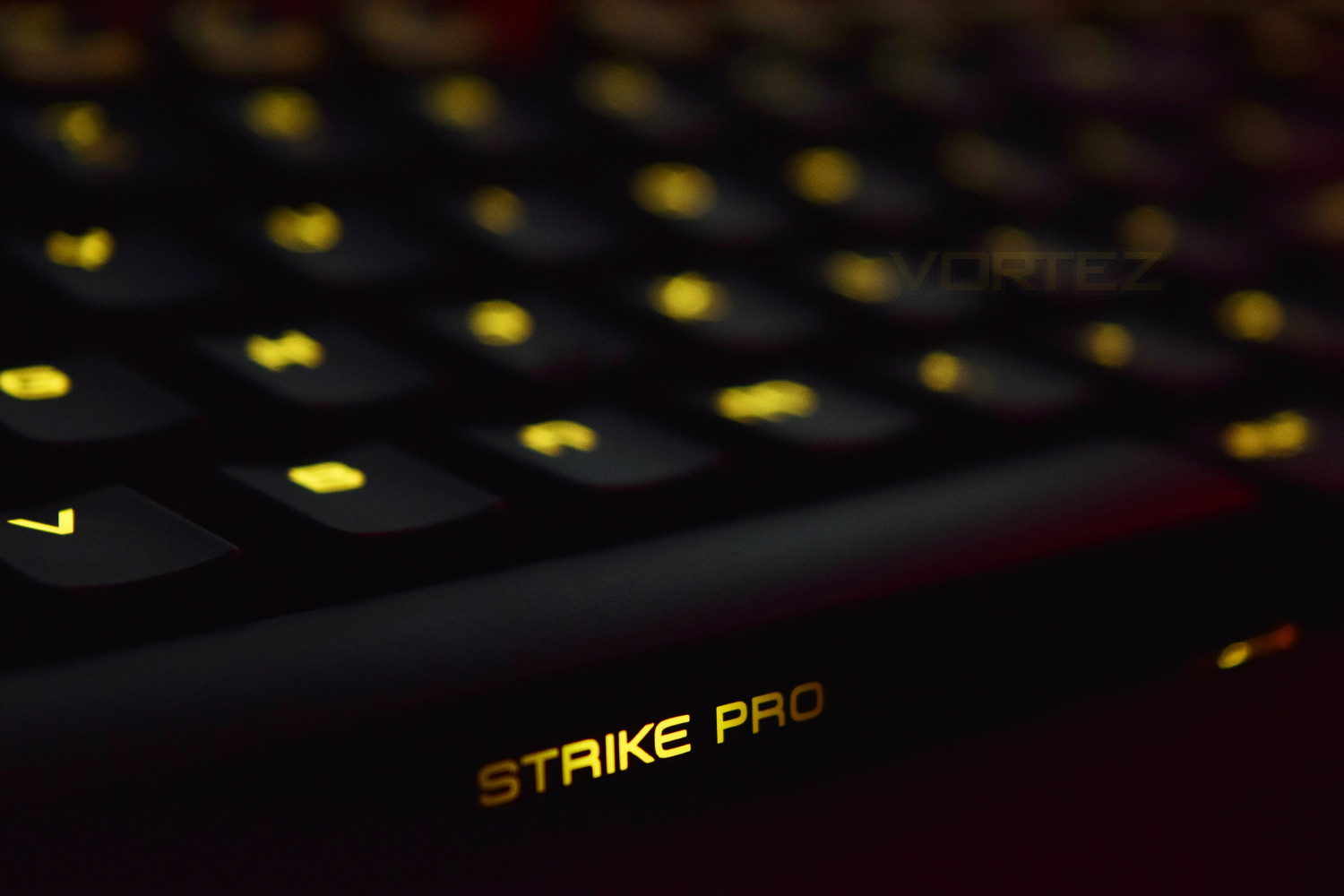
The ability to illuminate individual keys turned out to be more valuable than initially expected, due to poor key backlighting, which was most notable on the space bar, where they could truly have made that look awesome. We’ve tested RGB Cherry MX keys before, on many different keyboards, which all seemed much brighter so seemingly the keycaps used don’t allow enough light to permeate its way through. If you’re looking for a vibrant display to complement a whole host of RGB products, this may find itself low down on the shopping list, however, if a slightly more understated show is your cup of tea, certainly consider the Spectra.
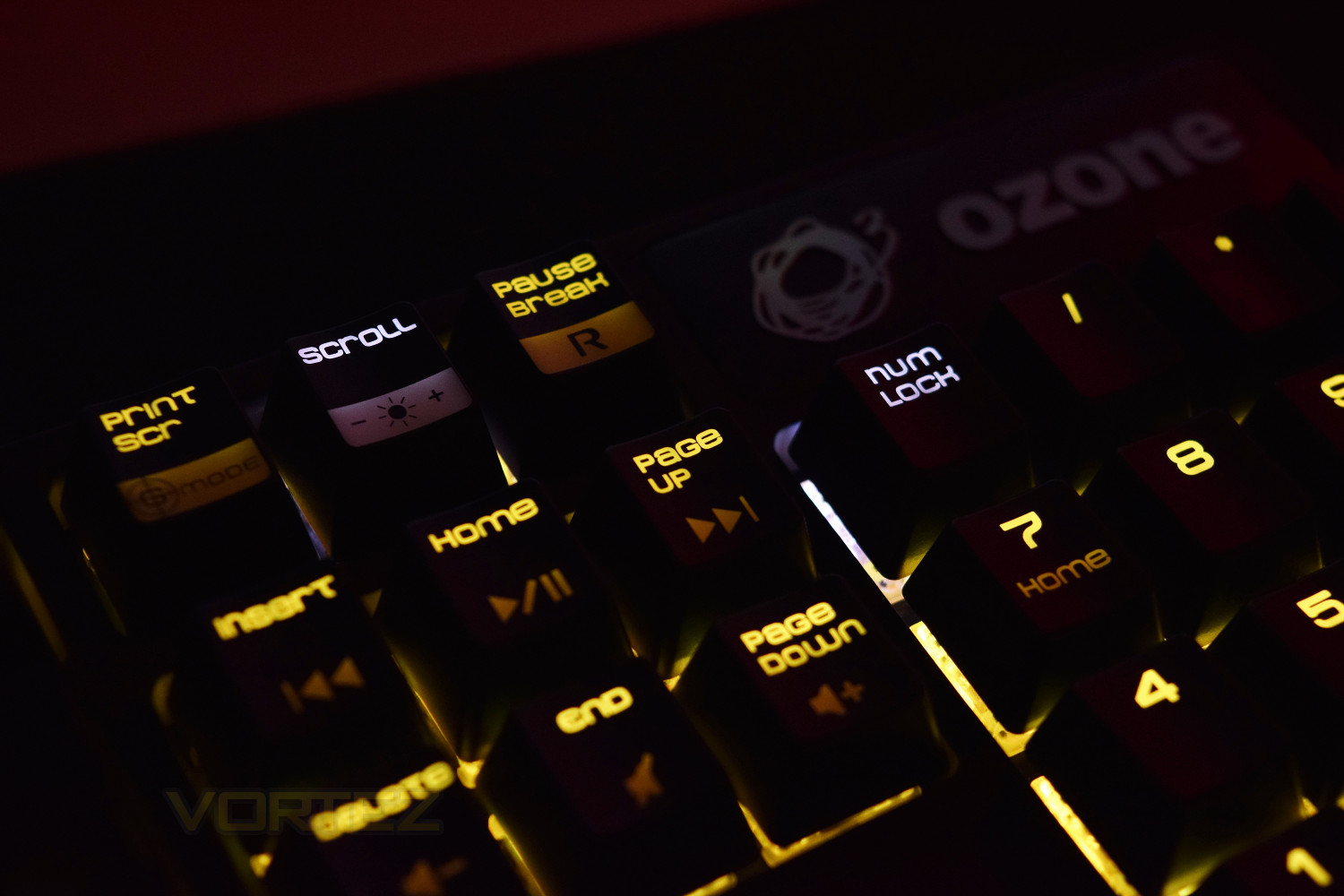
The USB 2.0 hub in the top right is handy, as are the two 3.5mm jacks, for headset and microphone. Ozone has chosen to go for separate jacks, instead of using a 4-pole affair that’s becoming more common on today’s gaming headsets, though just remember that adapters are available for very little money. The Ozone Strike Pro Spectra comes equipped with a 1.5M braided cable, which may well be long enough for some users, but we’ve become used to 1.8M – 2.0M cables being the standard, and sadly the 1.5M required the cable to be routed differently, resulting in a slightly messier appearance to the desk space; this cable can also become around 100mm shorter, if the routing channels on the underside are utilised.
Conclusion
Following on from the previous Strike Pro, Ozone has released a solid keyboard, offering the key features any gamer could require, with the added ability of being able to choose a different Cherry MX key to suit your personal preference. The RGB backlighting is a welcomed feature, however, Ozone could work on increasing the brightness, or increasing the transparency of their keycaps.Gaming performance is excellent, with the full N-key rollover and the Cherry keys providing all of the oomph required to get stuck into your favourite game.
The pricing, which we touched upon in the introduction, was something we had to consider during the entire review. The original Strike Pro, released back in 2014, was £75, so pricing the Strike Pro Spectra at £122 is a bold move. The only tangible difference we could observe was the addition of RGB lighting, so it’s difficult to see where the £50 extra has been invested. Ozone may argue that they didn’t change things due to an already very popular design, though there should be a minimal increase in price if that’s the case.
The Ozone Strike Pro Spectra offers great gaming performance within a sleek chassis, though at the current pricing, it’s difficult to recommend.
Pros
+ Excellent build quality
+ Cherry MX mechanical keys
+ USB/Audio pass-through
+ Has RGB lighting
+ Great use of function keys
+ Unusual font
Cons
– Very dim RGB backlighting
– No indicator LEDs in top-right section
– Difficult to warrant the increase in price
+ Excellent build quality
+ Cherry MX mechanical keys
+ USB/Audio pass-through
+ Has RGB lighting
+ Great use of function keys
+ Unusual font
Cons
– Very dim RGB backlighting
– No indicator LEDs in top-right section
– Difficult to warrant the increase in price
Click here for an explanation of our awards at Vortez.net.