Featuring virtual 7.1 surround, and engineered for long lasting comfort, gamers may be surprised to also learn that inside the V370 headset is a 30mm sub-woofer inside each earcup for an Ultra Bass Response (UBR)to provide an extra dimension in games.

Product on Review: Patriot Viper V370 RGB 7.1
Manufacturer: Patriot Viper
Street Price: £39.99 / $49.99
Patriot are well known for their flash memory products and DRAM, and like other memory manufacturers, we aren’t too surprised to see the ‘VIPER’ branding (Patriot’s gaming/enthusiast line of desktop memory) used on their own line of gaming peripherals.
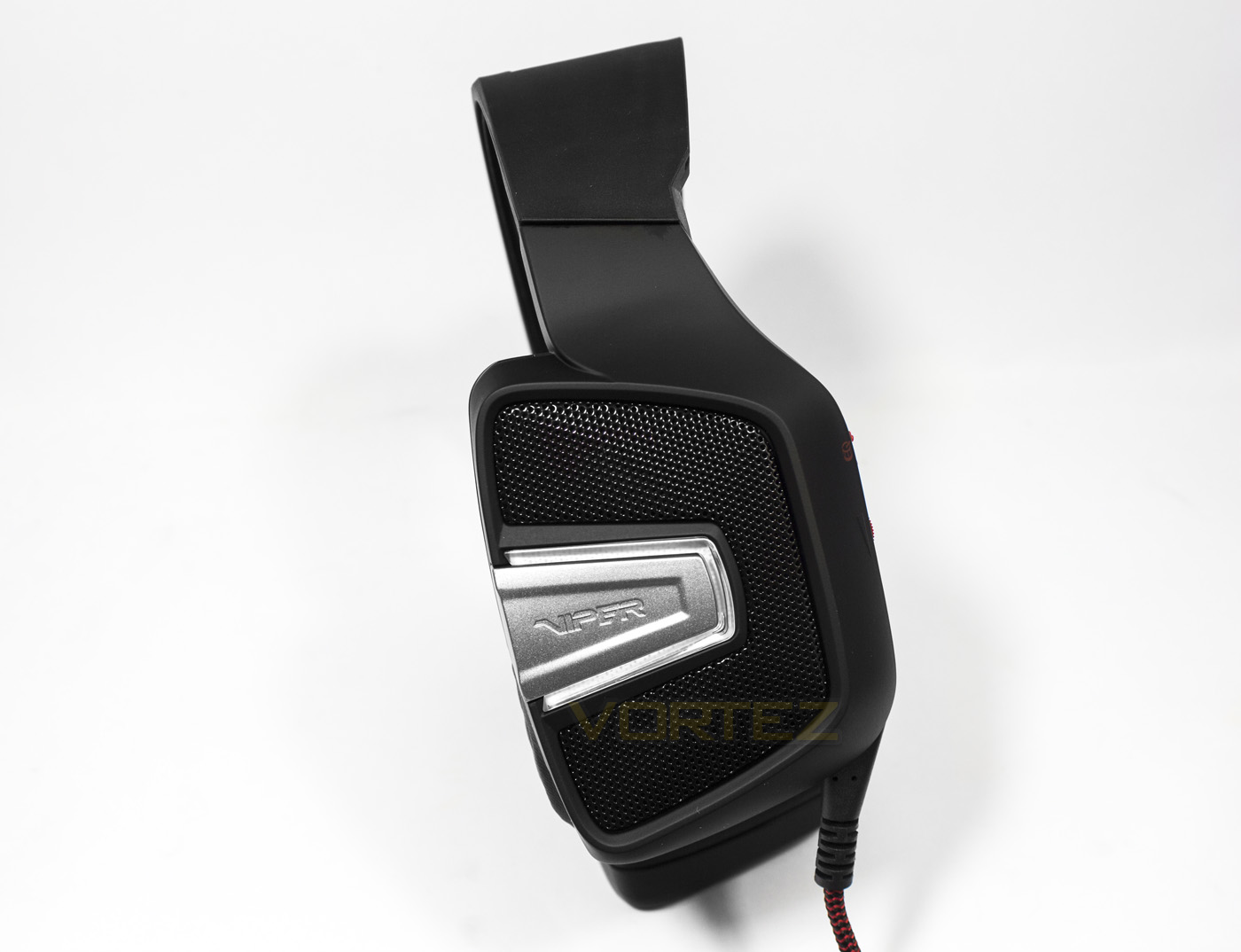
The Viper V370 is a USB gaming headset that features virtual 7.1 surround and RGB LED lighting. There are various other features that aren’t all too common at this price point too, including an auto muting microphone boom, an additional pair of fabric earcups to supplement the default leatherette pair. However the real party piece is found internally, as the Viper V370 also includes 30mm sub-woofer units, which can be enabled anytime by using the onboard switch, to aid the 40mm neodymium main drivers for that extra bass kick when desired.
Overview by Patriot
The Patriot V370 RGB 7.1 virtual surround sound gaming headset is designed to provide an enhanced PC gaming experience. Engineered with a closed back and ergonomic ear cups, the V370 blocks out environmental noise and fits comfortably over the ears to keep you relaxed and focused on your game longer.
Technical Specifications
Headphone
– Frequency Response: 20Hz-20KHz
– Impedance: 32ohms @ 1kHz max
– Sensitivity: 110dB +/- 3dB @ 1kHz max
– Input power: 10mW
– Main Drivers: 40mm Neodymium magnet
– Sub Drivers: 30mm
– Cable Length: 2.2m
– Net weight: 385g
– Connector: USB
Microphone
– Frequency response: 100Hz-10KHz
– SNR: 60dB
– Sensitivity: -46dB +/- 3dB
– Pick-up Pattern: Omnidirectional
Package Contents
– Viper V370 gaming headset
– Carrying bag
– Extra ear pads
– Ear pad changing tool
– Quick Start Guide
– Viper Sticker
– Frequency Response: 20Hz-20KHz
– Impedance: 32ohms @ 1kHz max
– Sensitivity: 110dB +/- 3dB @ 1kHz max
– Input power: 10mW
– Main Drivers: 40mm Neodymium magnet
– Sub Drivers: 30mm
– Cable Length: 2.2m
– Net weight: 385g
– Connector: USB
Microphone
– Frequency response: 100Hz-10KHz
– SNR: 60dB
– Sensitivity: -46dB +/- 3dB
– Pick-up Pattern: Omnidirectional
Package Contents
– Viper V370 gaming headset
– Carrying bag
– Extra ear pads
– Ear pad changing tool
– Quick Start Guide
– Viper Sticker
Packaging & First Look
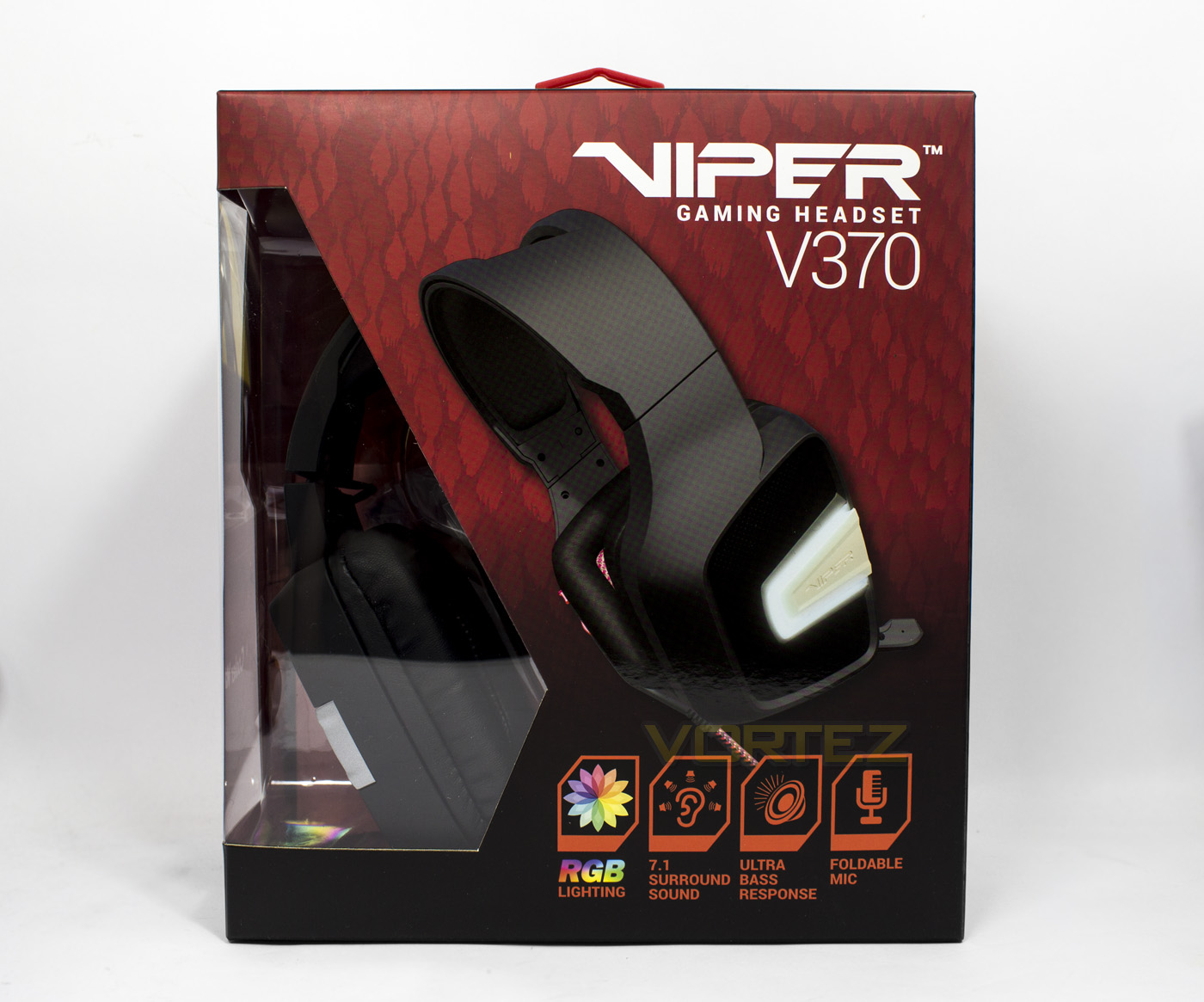
Patriot have used an attractive yet simple red on black design for the background with small cut-out to view the product inside. Along the bottom there are some icons detailing the key features.
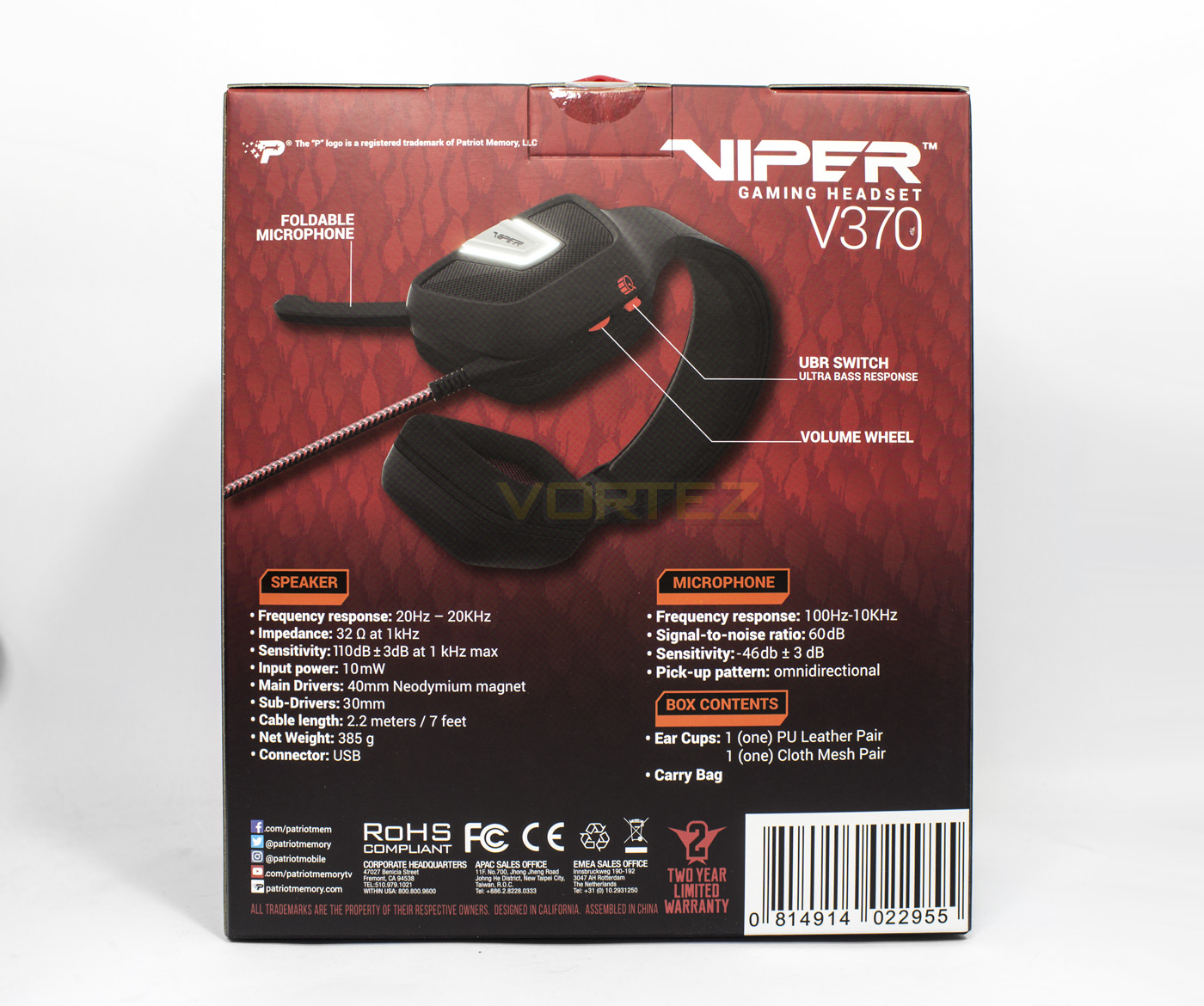
On the back we find a small diagram highlighting various features, along with the technical specifications and box contents.
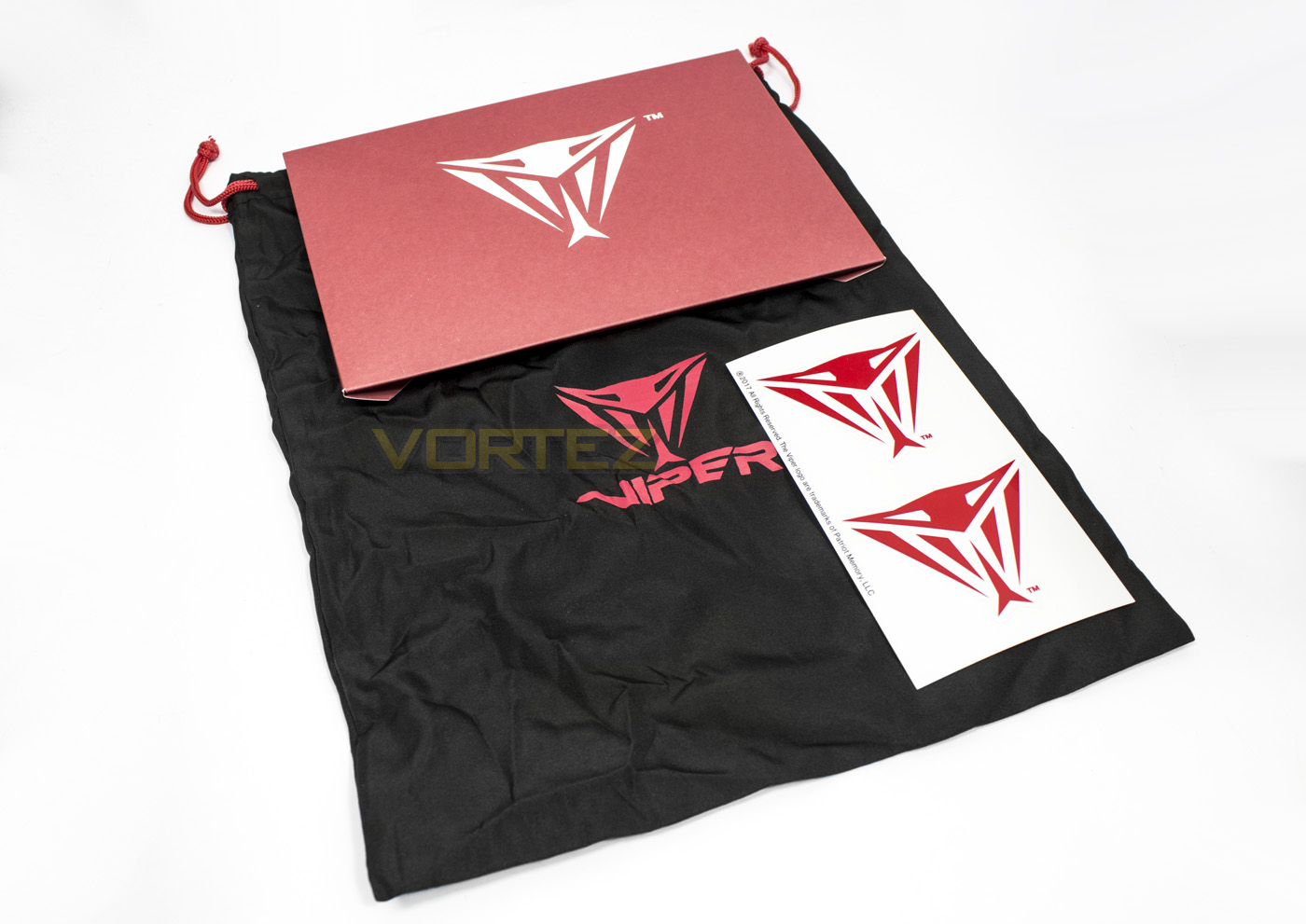
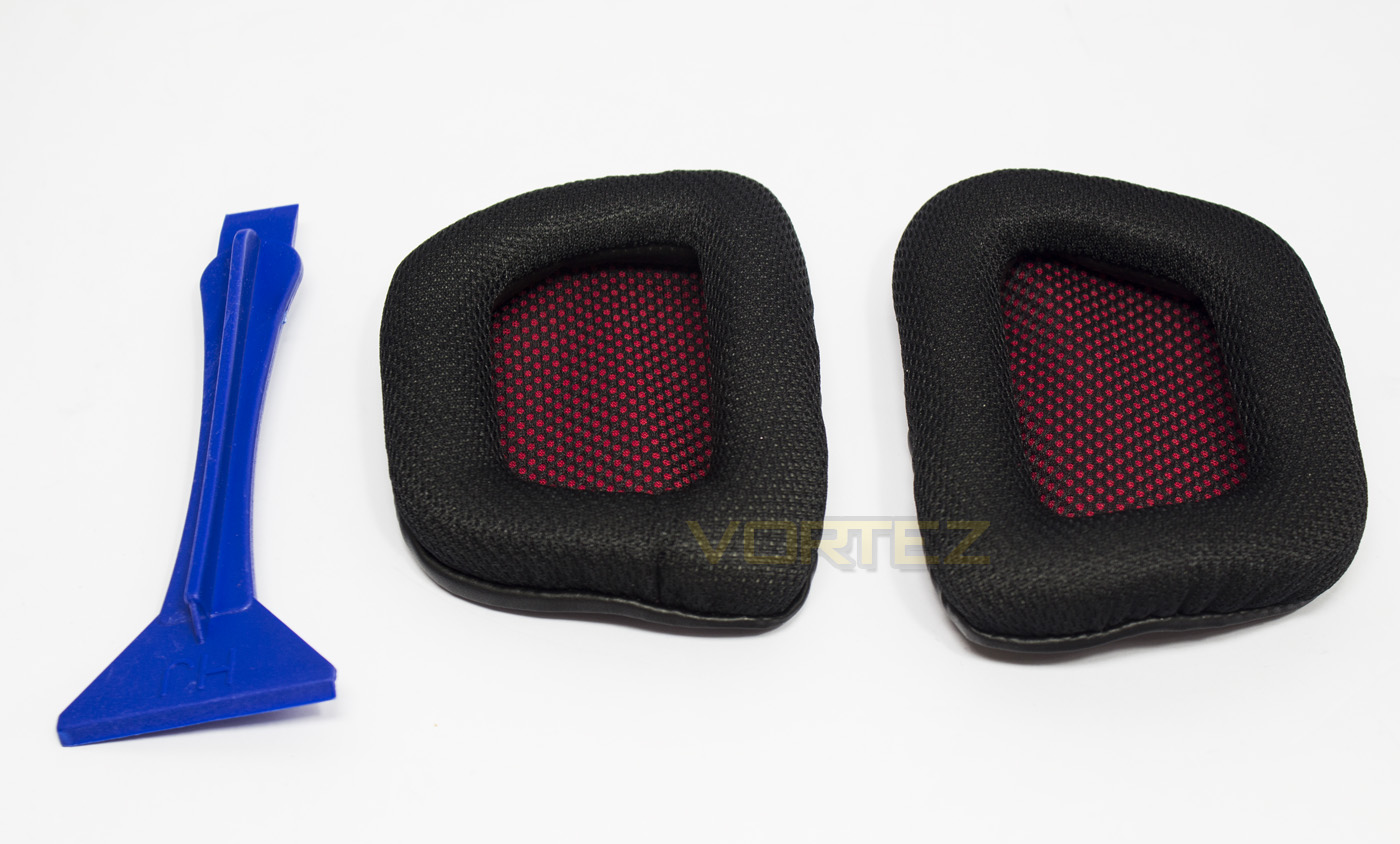
Inside we find the bundled accessories, including some Patriot Viper stickers, a carry bag, and some fabric earpads and earpad removal tool.
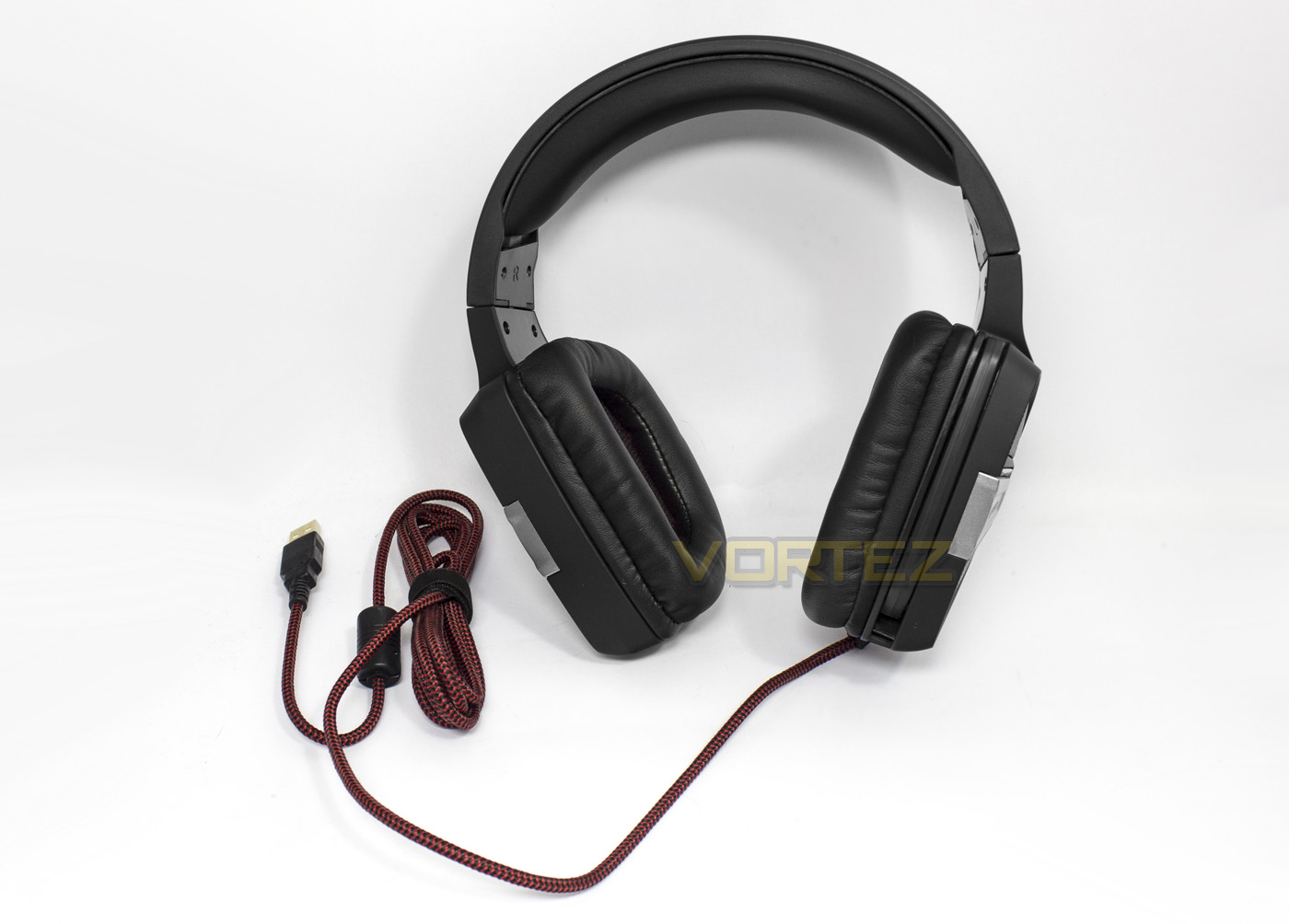
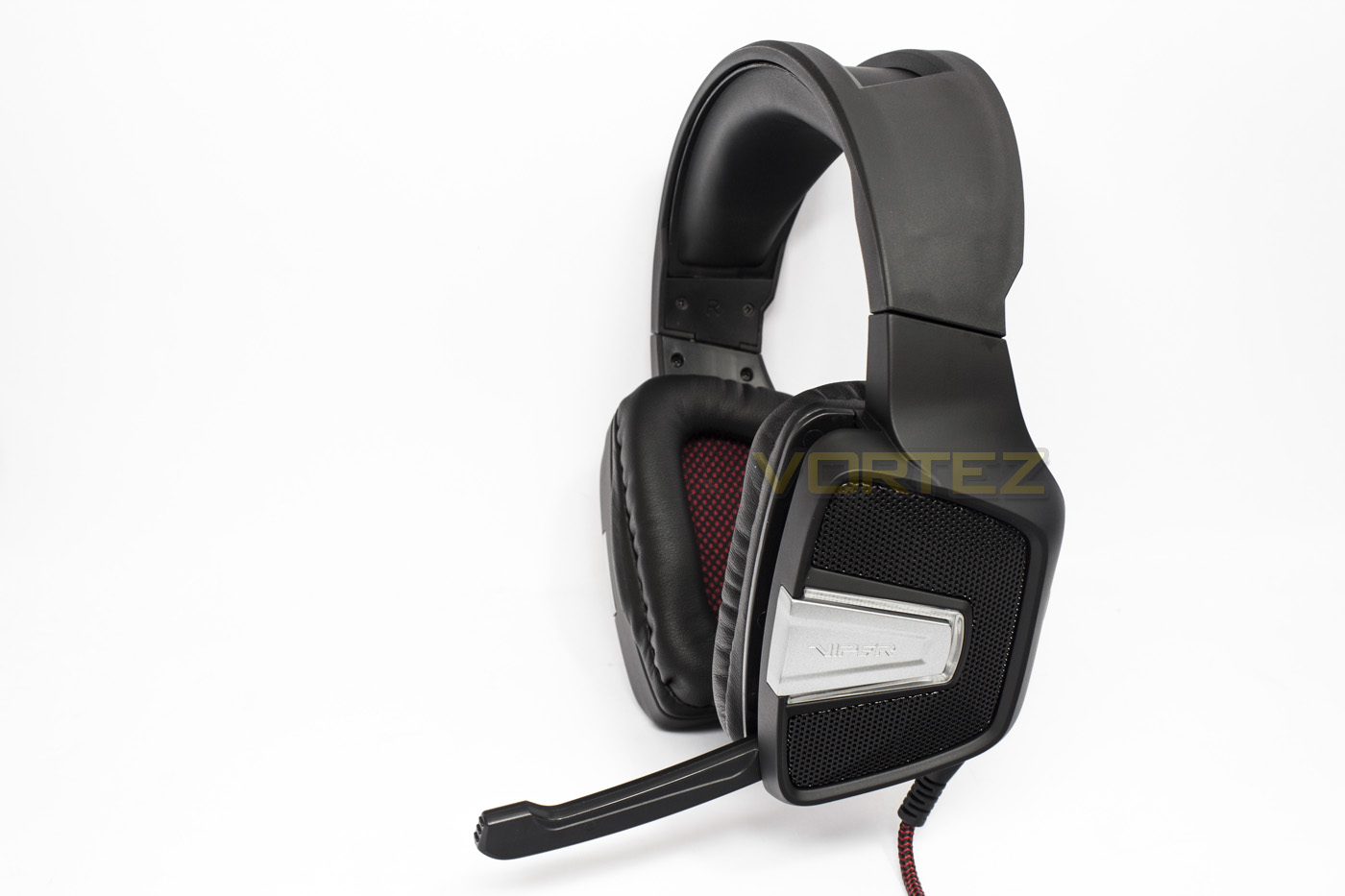
The headset itself is mostly made of black plastic and has a 2.2m long red/black braided cable.
Closer Look
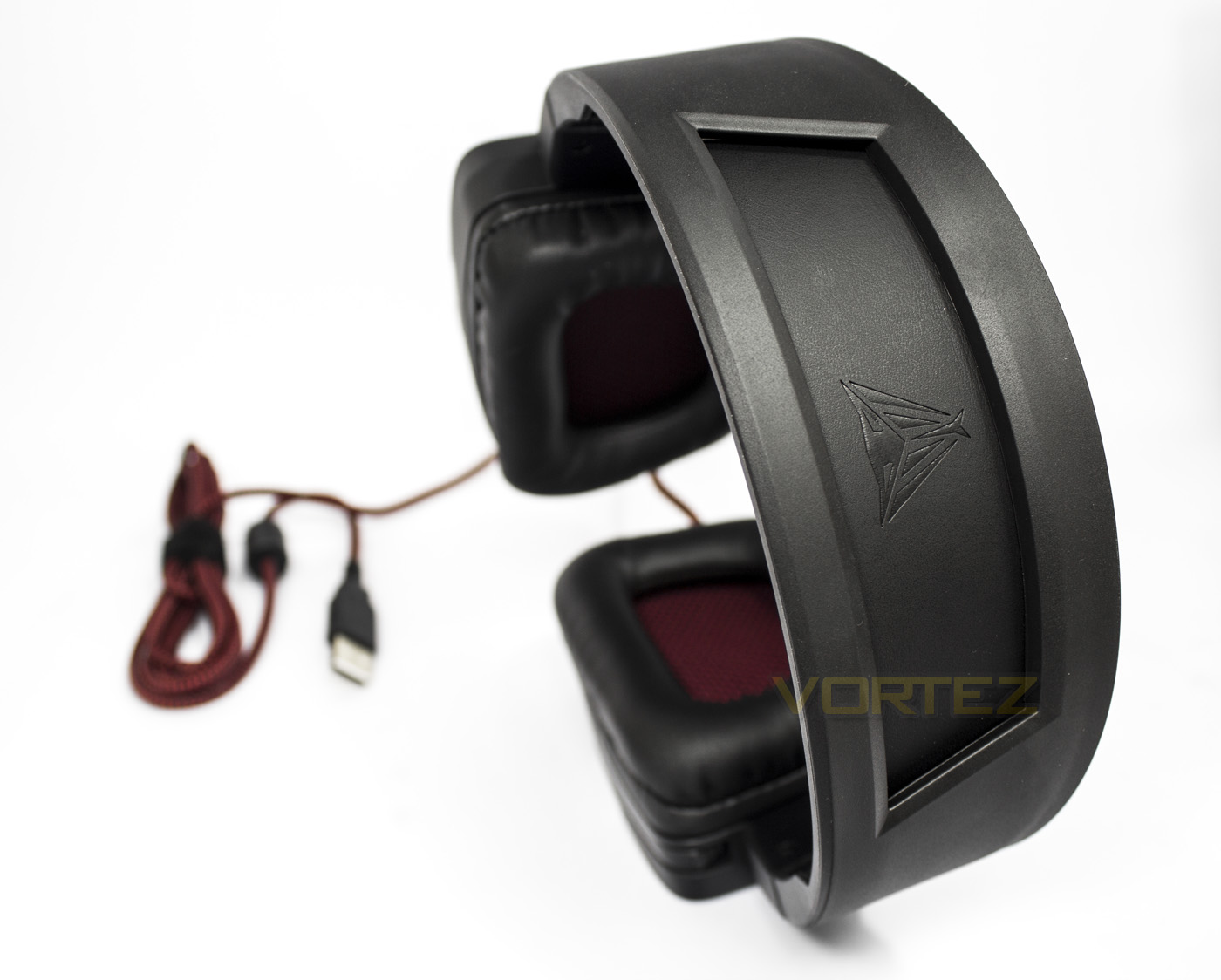
The top of the headband appears to be made from an open plastic frame that features the Viper logo embossed into the top of the padding.
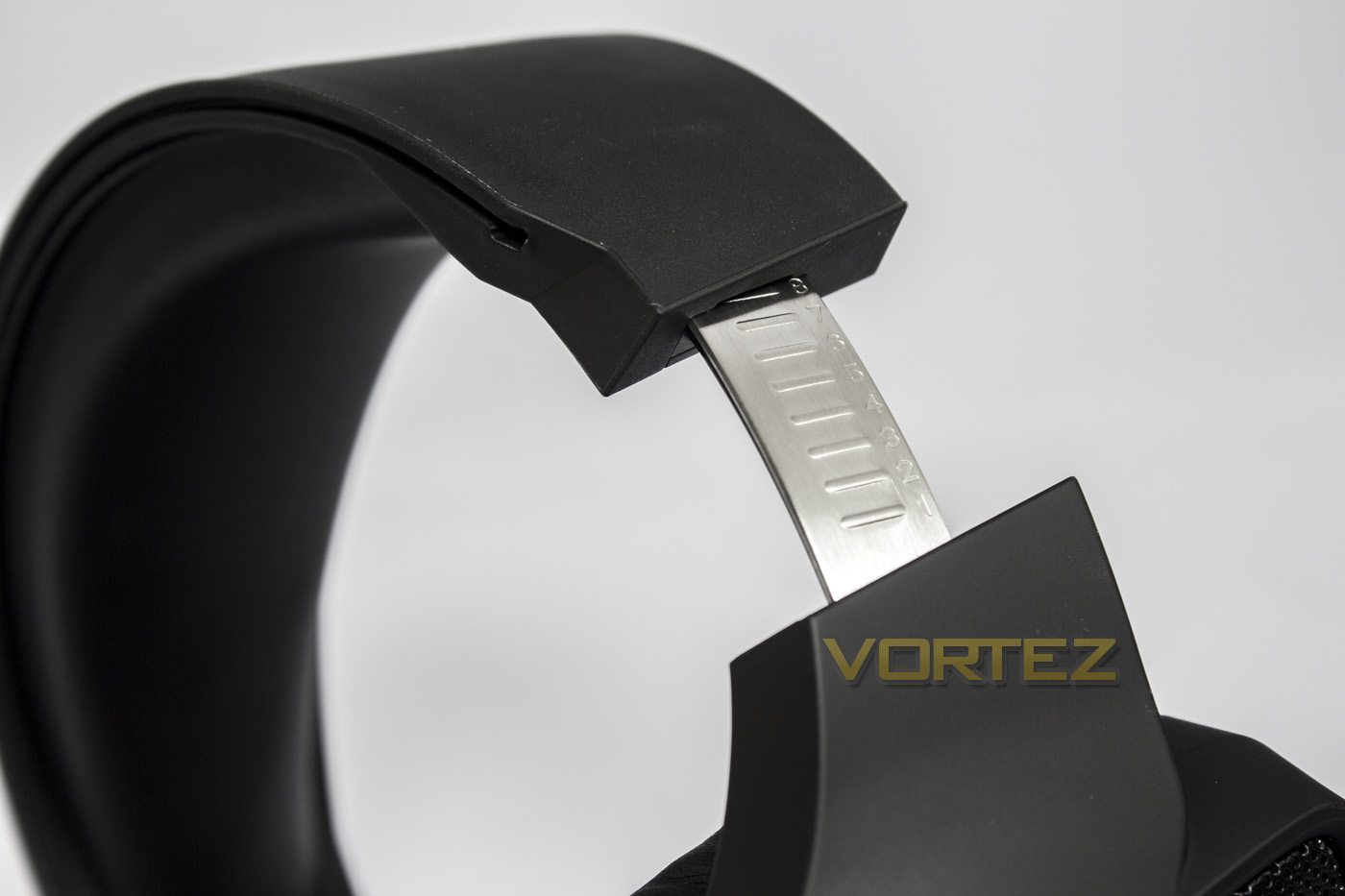
The headband is of course adjustable, using a metal strip for added durability.
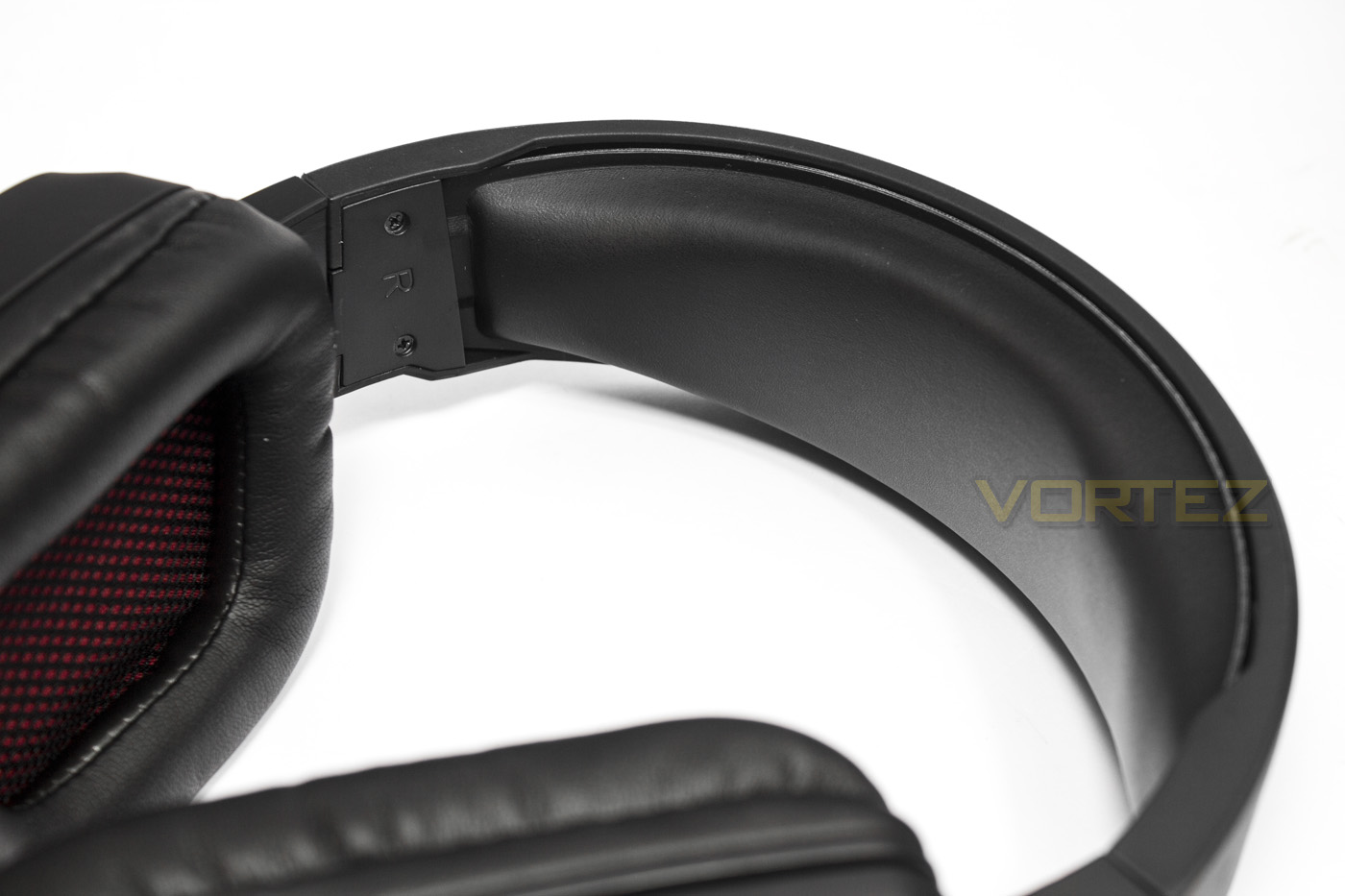
The headband itself is a strip of soft cushioning lined with a leatherette material.
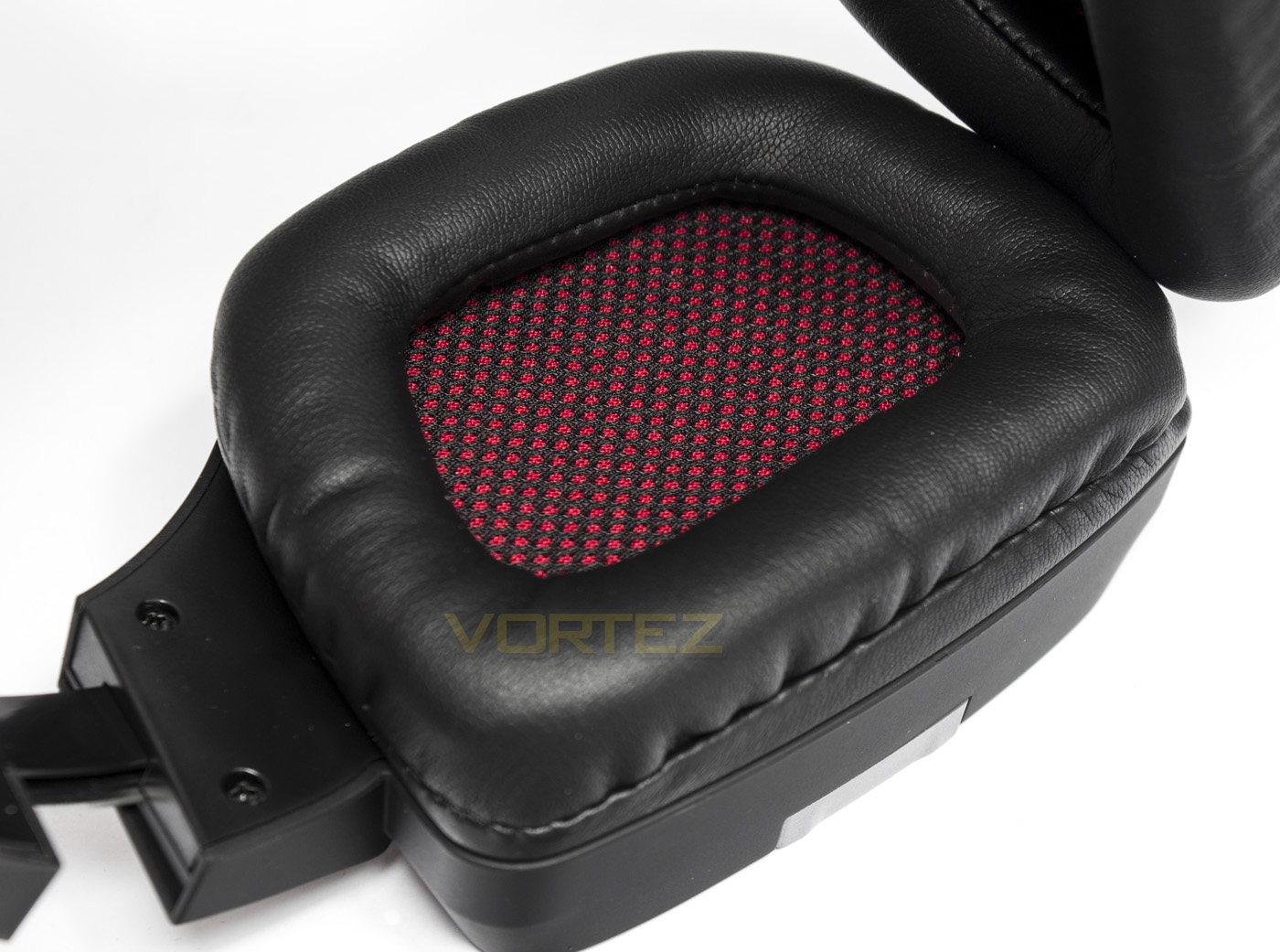
The earcups are large featuring soft padded leatherette cushions (or can be replaced with the included fabric material earpads), and has a black and red fabric lining.
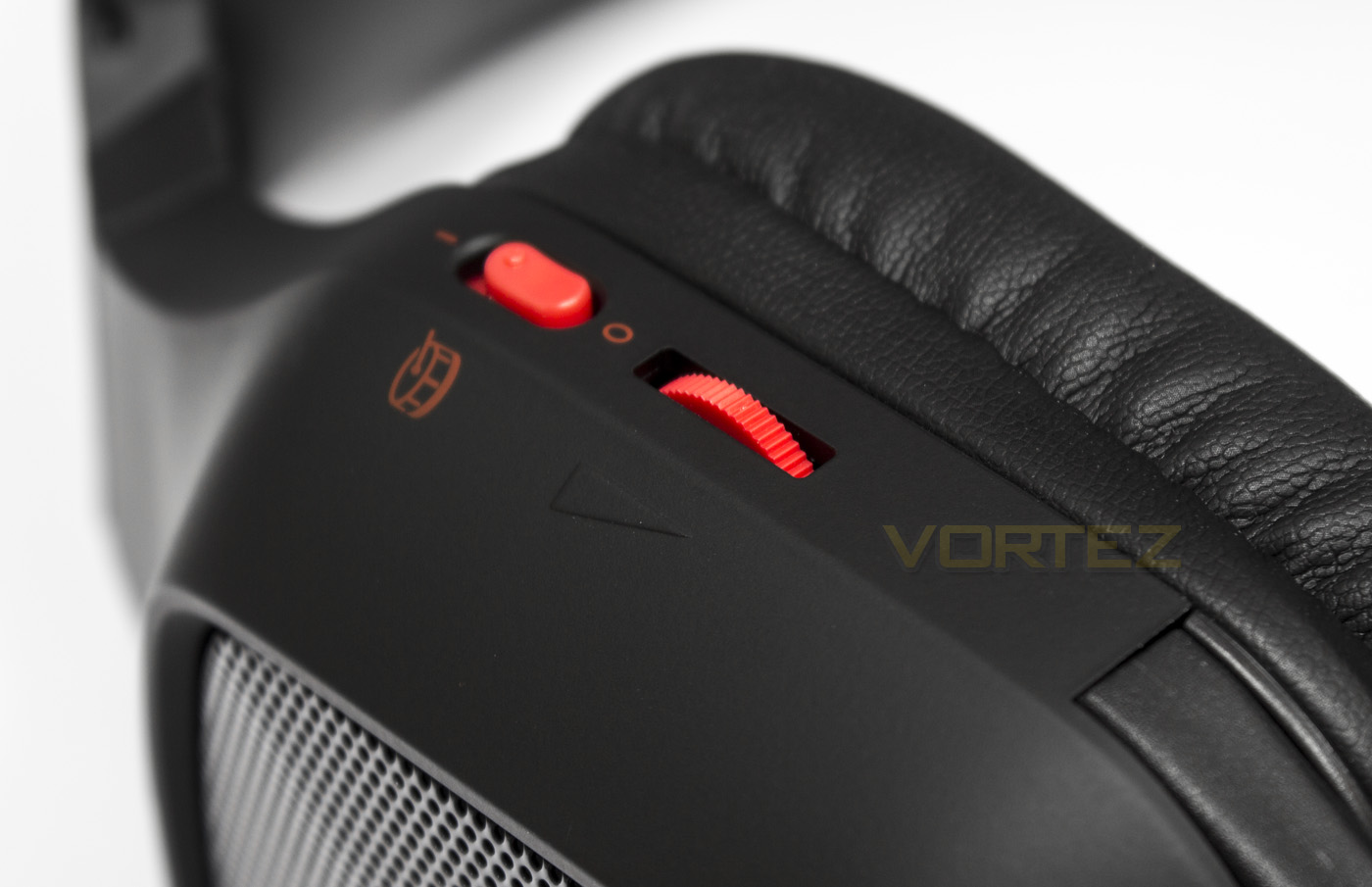
At the back of the left earcup you will find a volume adjustment dial as well as the UBR switch, which enables the additional subwoofers.
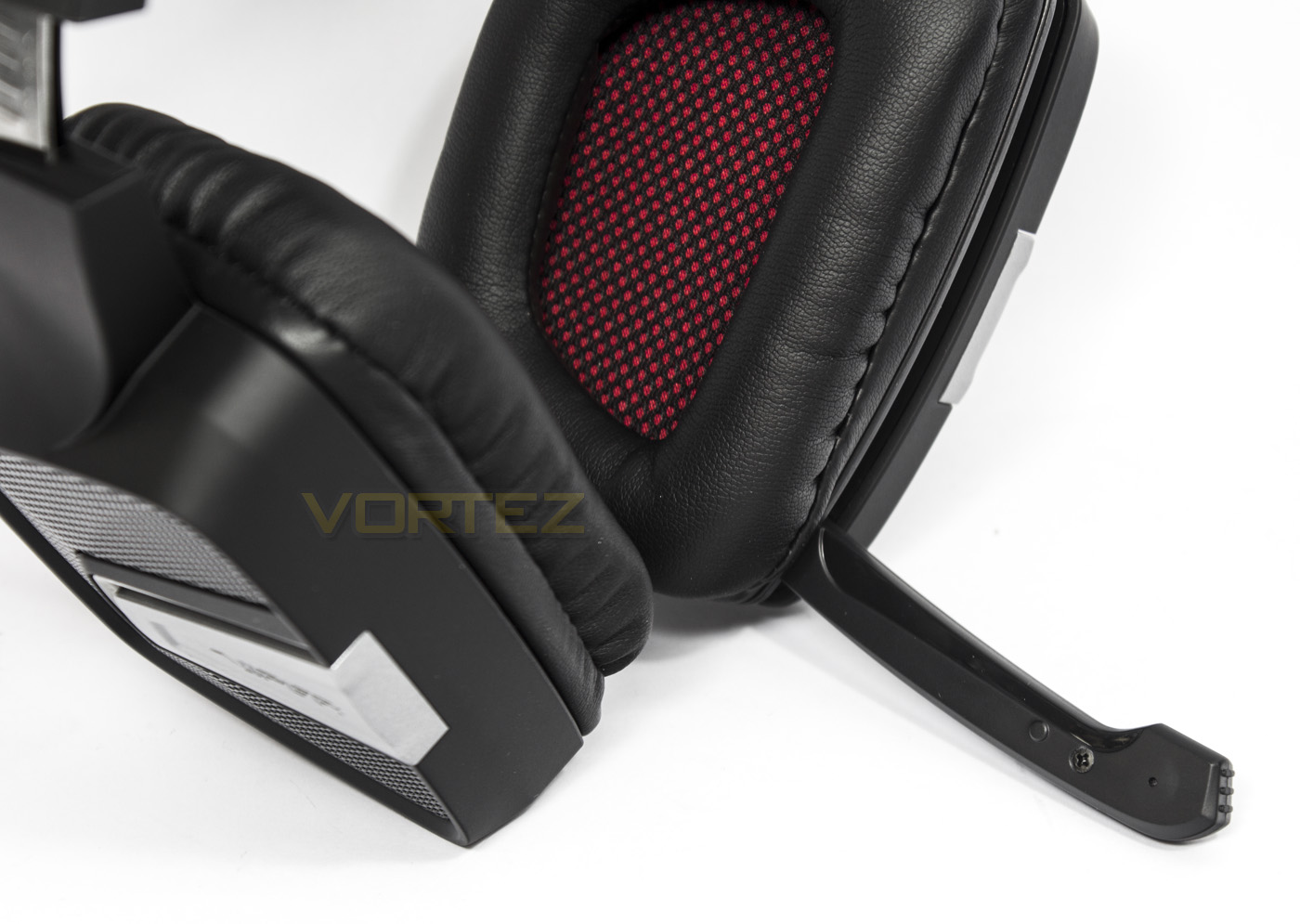
The boom microphone folds down and is solid, folding away will automatically mute it.
Software & Lighting
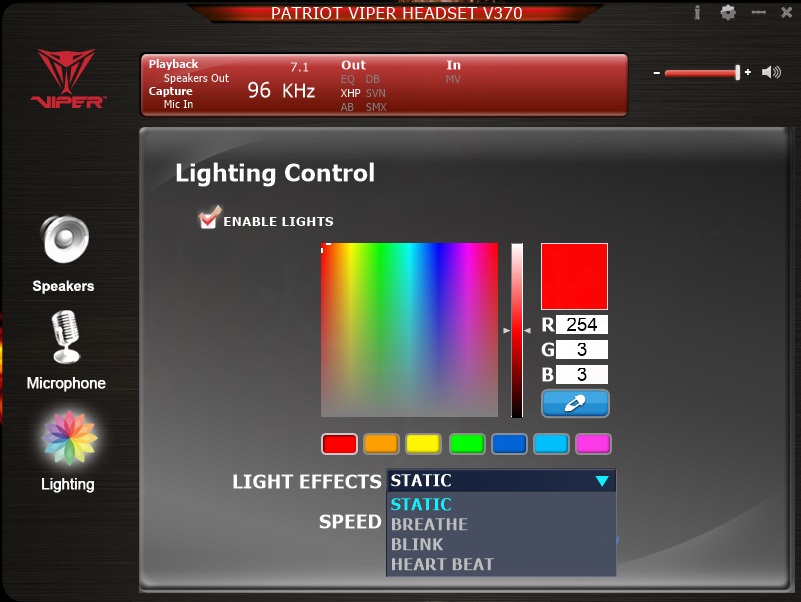
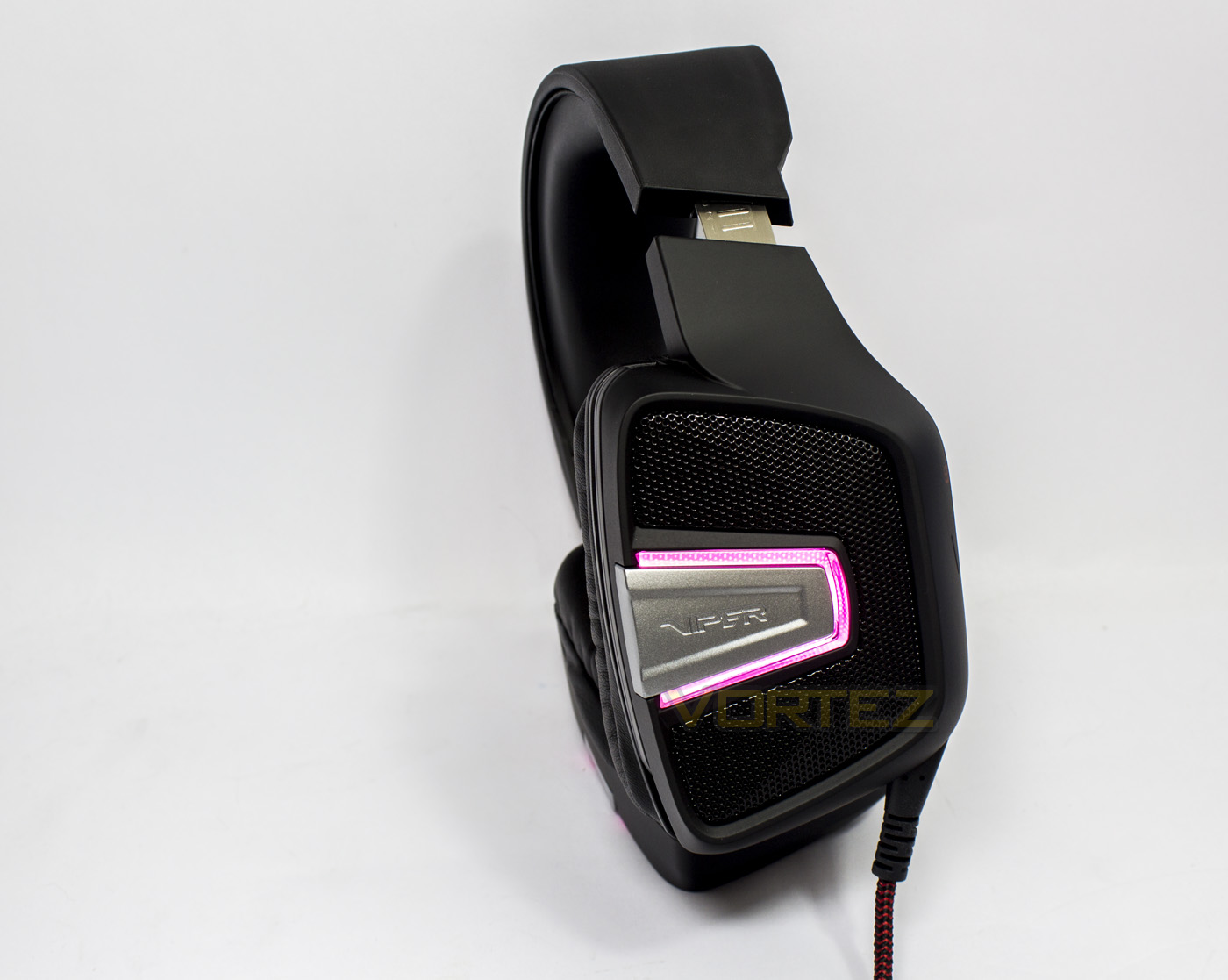
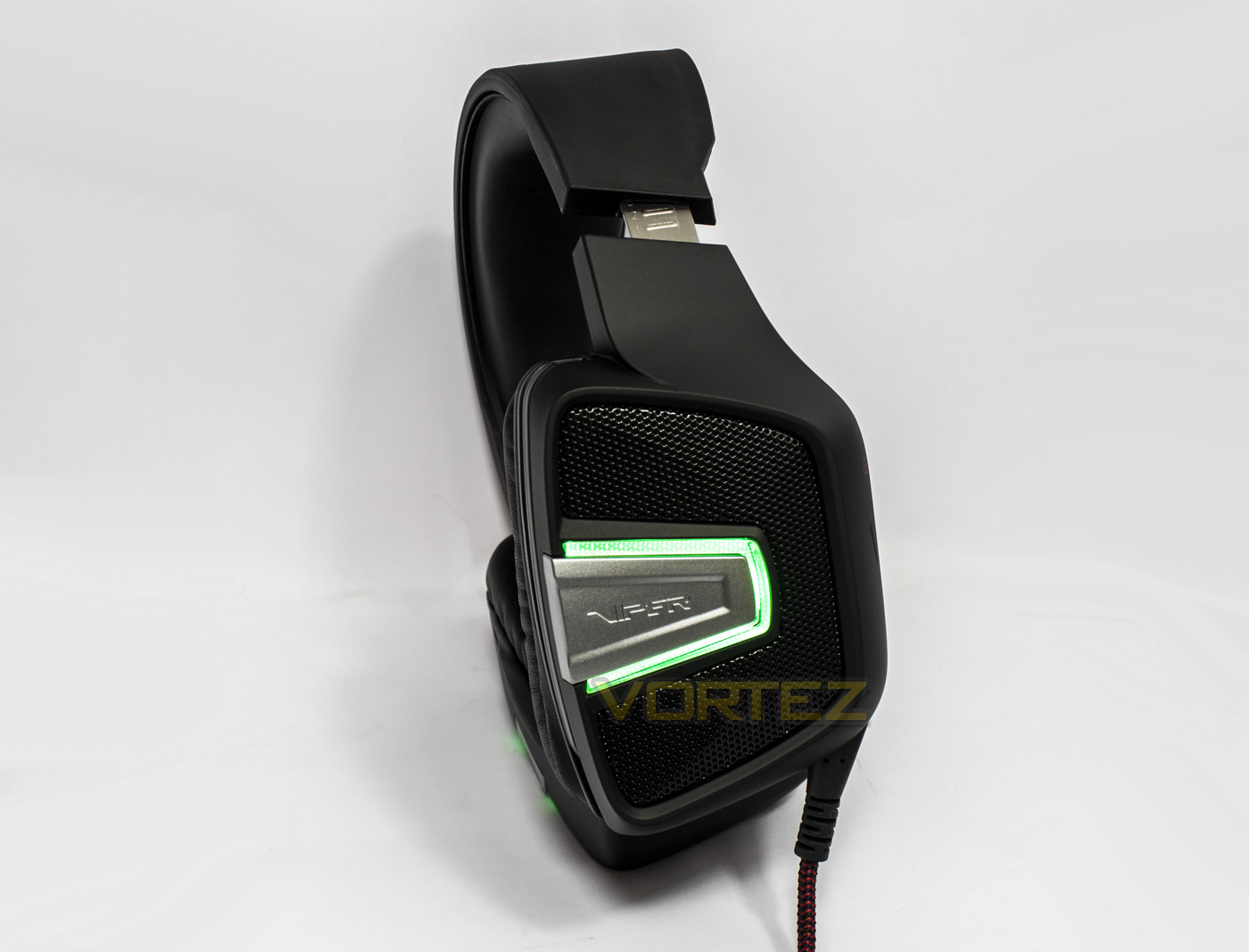
The software used to support the Viper V370 is a re-skinned version based on the default CMedia default, which will be familiar to some people. It offers various adjustments and controls including various EQ, sample rate adjustments, bass adjustment, and Surround adjustments. You will also find some basic RGB lighting effects and customisation. The lighting itself is nothing standout, and seems to be there simply because RGB is a ‘thing’ these days, though the colour rendering isn’t as vibrant as it could be, but will do the trick if you want some standard palette colours.
Performance Testing
Setup, Design & ObservationsTo setup the Viper V370 headset you will need a spare USB port on your PC system. You can run without using the drivers just fine, but to make any adjustments or changes other than the sample rate (which can be done via Windows Playback Devices) you will need to download the supporting software from the product page.
The headset itself is fairly sturdy due to the use of strong plastic materials, and the earcups themselves have no additional movement, nor do they fold. Despite this, on wearing we discover that they have decent flexibility and a good (not too light, not too heavy) clamp strength. The soft earpads and headband again help make the V370 rather comfortable, with no issues with comfort observed. The volume dial feels a little grindy against the plastic frame, and the Ultra Bass Response switch is rather stiff, making it difficult to turn on/off without a little extra attention.
Though there are a pair of included fabric earpads and a tool to aid in the replacing of the earpads, we couldn’t find instructions on how to replace them or use them. and on several attempts we gave up for fear of causing damage to the earpads or the headset itself. It is understandable that some manufacturers might like to implement their own proprietary system to encourage the use of 1st party accessories and replacement parts (case in question earpad replacement method), but when a non-standard method is implemented, at least include instructions in either the manual, webpage, or video so that people know what to do with them included equipment.
Multimedia
On initial music listening, we found that the V370 gives a decent, clear and enjoyable range of music, though as we went through our playlist, we found that there were some details missing in the mid-tones, and the bass was rather generic sound that underlines the rest of the audio in a safe and reserved way.
During our in-game testing, we tried out the 7.1 mode, and the UBR switch, which made things rather interesting. Enabling v7.1 improved the volume, and range of audio, produced a generally better audio experience. Though spatial awareness wasn’t exactly ‘better’, the sound was certainly widened in a rather reverb/echo way. Fortunately there is a degree of customisation regarding the surround mode, so one could tweak the settings to find a reasonable balance. The Ultra bass Response seems like a rather unnecessary feature. Some may like it, but we found that it did little to improve the richness and clarity of the bass, and simply creates vibrations that mimics a genuine bass impact. This was particularly interesting while playing some Rainbow Six: The Seige, with gunshots, and explosions having a more dramatic effect, but for general listening, UBR might be more of an annoyance that tickled our ears.
Microphone
We enjoy the auto mute feature on microphones, but as this microphone is fairly difficult to retract, its slightly inconvenient to get back into chat after you have muted it. The boom is not flexible and is rather short, and so voice pick up is rather poor. Even when set to maximum sensitivity, the microphone ends up making background noises louder than your voice, and thus is very frustrating to use.
Conclusion
After a little time with the Viper V370 RGB 7.1 headset, we found that it is capable of providing an enjoyable gaming experience. There are various aspects of the Viper V370 that are nice to have, such as the included protective bag and replacement earcups. Though the strongest aspect of the V370 is that it does have good, long lasting comfort that is great for long sessions. We also particularly enjoyed the onboard volume dial and auto mute microphone features. Some may prefer an in-line remote, but they often create a weak point in the cable that can be the cause of the loss of sound during use.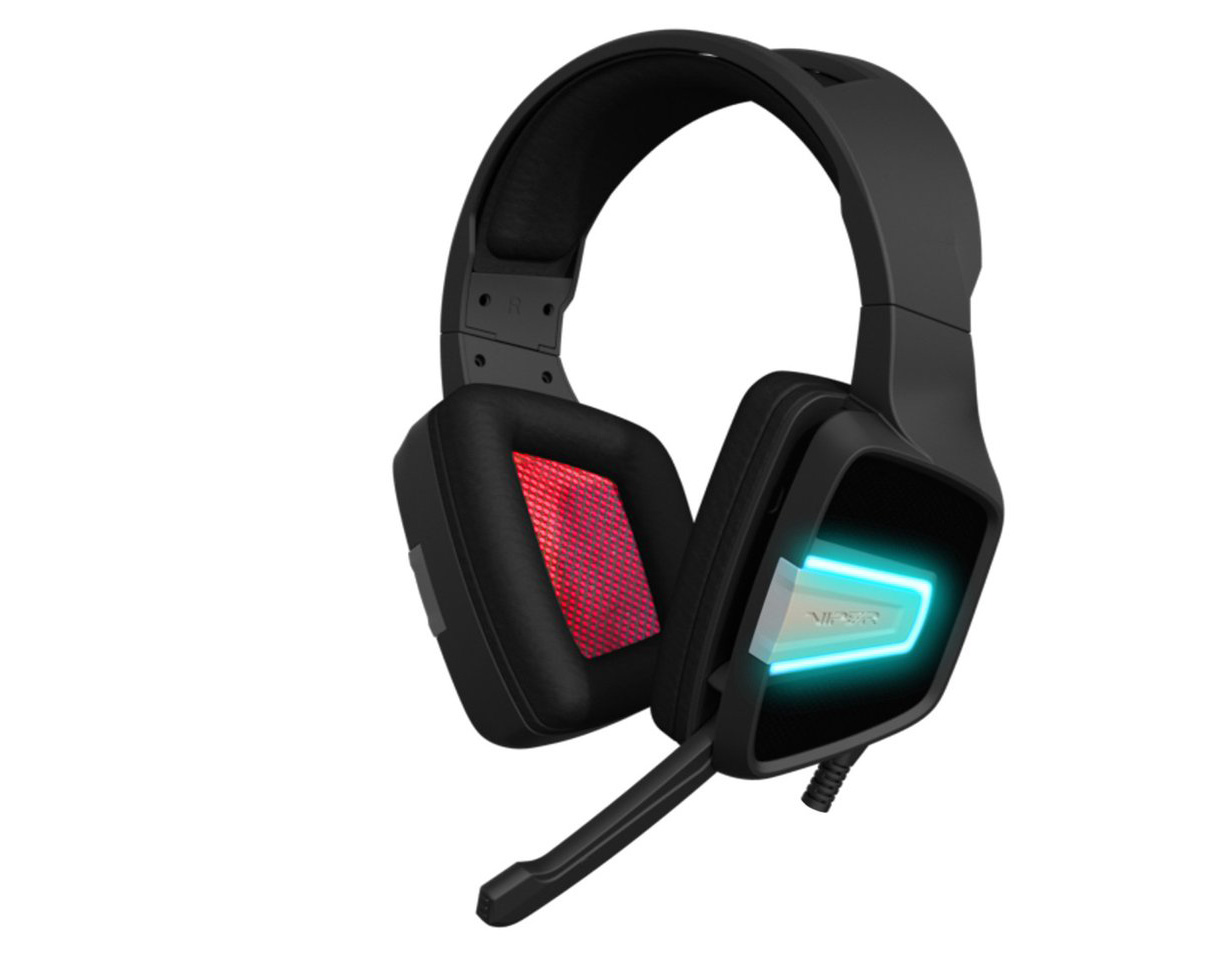
On further reflection, we felt it was important to address a few questions, such as ‘Does it really represent good value?’. If you have a fairly recent, mid-range motherboard or beyond, it is fair to say that the integrated audio solutions are becoming rather good for both input and output. So using an entry level USB headset is unlikely to be a better choice over a similarly priced analogue headset. Sure, you will lose out on RGB lighting (renowned for making headphones sound better), but that is it. The virtual 7.1 surround isn’t actually something you will miss out on either, firstly, its worth noting that good stereo surround is just as likely to give you good spatial awareness when compared to most virtual 7.1 solutions, and if you insist on a virtual 7.1 surround rendering, you can use one of the various third party virtual surround modes available: including Windows virtual surround (Windows 10), your motherboard/soundcard virtual surround mode via software/drivers, or even Razer’s Surround Sound via Razer Synapse (Pro version free with any Razer product). So virtual surround isn’t really something that is exclusive to USB headsets anymore, and it is worth shifting USB headsets to focus more on the quality of the DSP/audio processing as a priority, than simply using the DSP to tick the v7.1 box. There are other advantages of going with an analogue headset too, such as cross platform compatibility, and you are more likely to get better value by doing away with all the unnecessary features.
One of the biggest upsets about the V370 was the poor microphone. We found that voice pickup was rather quiet, yet was apt at picking up lots of background noises and interference. Adding to the struggle, is an inflexible boom microphone that is too short to reach anywhere near your mouth. Sure we love that it is auto-muting, but that doesn’t really help improve your conversation.
If the cost that went into the somewhat unnecessary extras, instead went into the headset itself, we wonder what sort of product the Viper V370 could have been. A reduction in weight, improved drivers capturing more details in the mid-range and richer, more natural bass response? For £40, we can see that Patriot aimed to make the Viper V370 a high-value gaming headset that has more than just the ‘of the moment’ features. Though with each thing added, more compromises were made. The result is a comfortable headset that generally misses the point elsewhere.
Pros.
+ Comfortable
+ Durable design
+ Auto muting boom microphone
+ Bundled accessories
+ Adjustable v7.1 surround
Neutral.
+- Ultra Bass Response
Cons.
– Misses some detail in the mid-range
– Poor microphone pickup
+ Comfortable
+ Durable design
+ Auto muting boom microphone
+ Bundled accessories
+ Adjustable v7.1 surround
Neutral.
+- Ultra Bass Response
Cons.
– Misses some detail in the mid-range
– Poor microphone pickup
Click here for an explanation of our awards at Vortez.net.