The QPAD DX-20 is an ergonomic yet ambidextrous optical mouse that features a baseplate RGB LED system that creates a cool lighting effect. On the inside we find OMRON switches, on board memory and an ARM processor.

Product on Review: QPAD DX-20
Manufacturer and Sponsor: QPAD
Street Price: £49.99, €59.99
It has been quite a while since QPAD have released a new mouse, and the DX-20 comes with a neat little back story as it is inspired by the ‘legendary MS Intellimouse 1.1’ to provide an ambidextrous shape suitable for both palm and claw grip types.
QPAD have equipped the DX-20 with the Pixart 3320 optical sensor that has a sensitivity of up to 3500 CPI (counts per inch) and provides zero acceleration for true 1:1 tracking. The 128kb on board memory will save your personal preferences for on the go plug&play convenience while OMRON switches for the main mouse buttons will ensure reliability. One of the more visually striking aspects of the DX-20 is the baseplate RGB LED lighting, giving a full surround glow of any colour of your choice which can then be complimented with the additional two lighting zones in the mouse wheel and the rear logo.
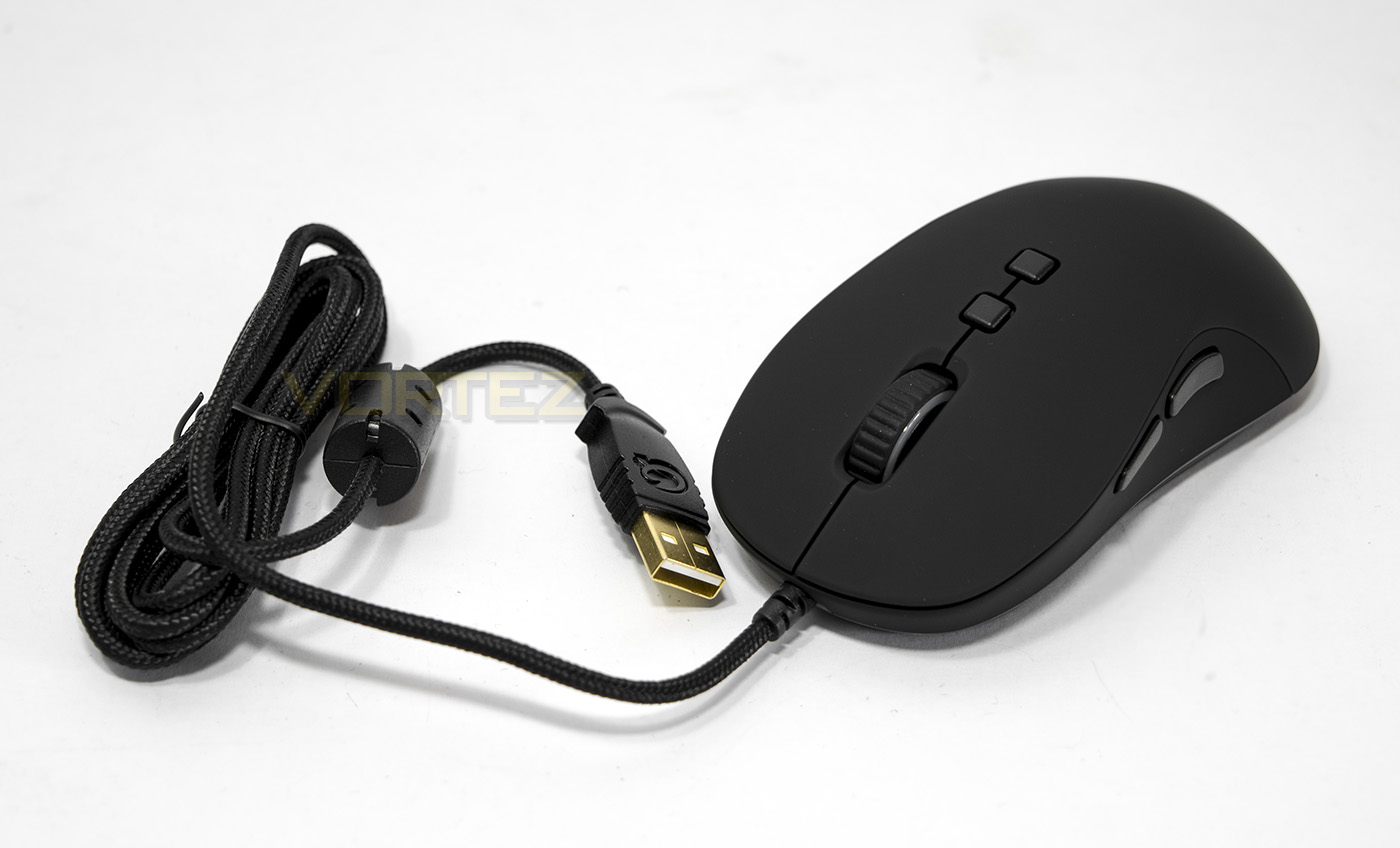
Overview by QPAD
QPAD’s DX-20, the company’s latest mouse, breaks new ground in more ways than one. The DX-20 is the first new mouse shape from QPAD in seven years. Equally important, it’s an multi-surface mouse, meaning you can use it on more surfaces than any previous optical gaming mouse.
Technical Specifications
Sensor technology: Gaming grade optical sensor
Sensitivity: 3500 CPI (Counts/inch)
Max Acceleration: 20 G
Max Speed: 80 IPS (inch/sec)
Image processing: 3.6 MPS (Mega pixels/second)
USB report rate: 125, 250, 500, 1000 Hz
USB Data format: 16 bits/axis
Buttons: 7
Sensing pixels: 676 pixels
Sampling rate: 5.300 FPS (Frames/second)
Cable: Braided cable 2 meter
USB plug: Gold plated USB
Response time: 1 ms
MCU Controller unit: RGB led 16.7 million colors
Backlight: ARM Cortex M3 processor
Installation: Plug & Play
On board memory: 128 kb
Main buttons: Omron switches. Left / right. 10 mil. clicks
Shape: Ambidextrous
Software: For advanced features and functions.
Sensitivity: 3500 CPI (Counts/inch)
Max Acceleration: 20 G
Max Speed: 80 IPS (inch/sec)
Image processing: 3.6 MPS (Mega pixels/second)
USB report rate: 125, 250, 500, 1000 Hz
USB Data format: 16 bits/axis
Buttons: 7
Sensing pixels: 676 pixels
Sampling rate: 5.300 FPS (Frames/second)
Cable: Braided cable 2 meter
USB plug: Gold plated USB
Response time: 1 ms
MCU Controller unit: RGB led 16.7 million colors
Backlight: ARM Cortex M3 processor
Installation: Plug & Play
On board memory: 128 kb
Main buttons: Omron switches. Left / right. 10 mil. clicks
Shape: Ambidextrous
Software: For advanced features and functions.
Packaging & Bundle
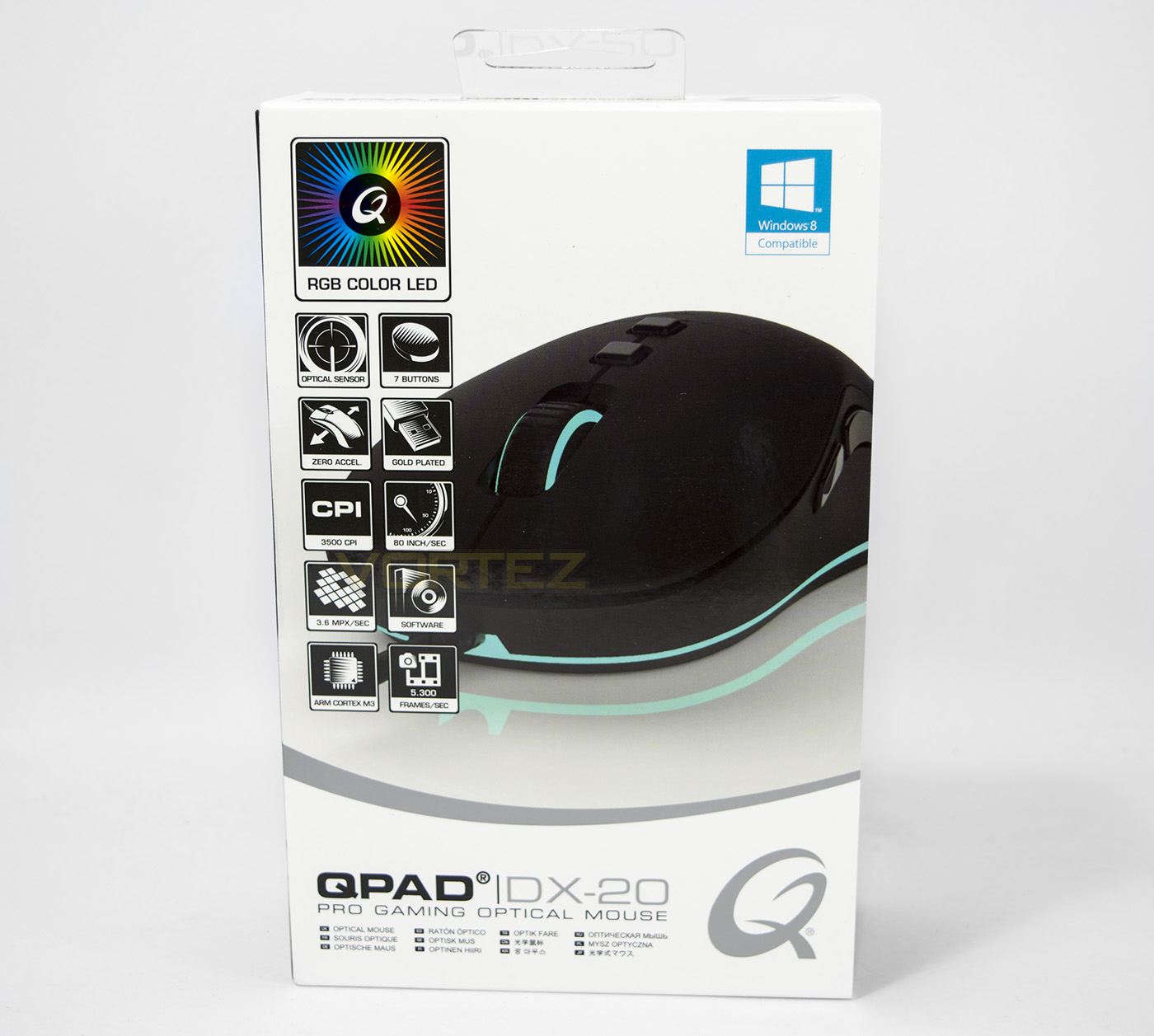
The packaging is high quality and very QPAD, with clean and clear styling with tiles indicating each feature.
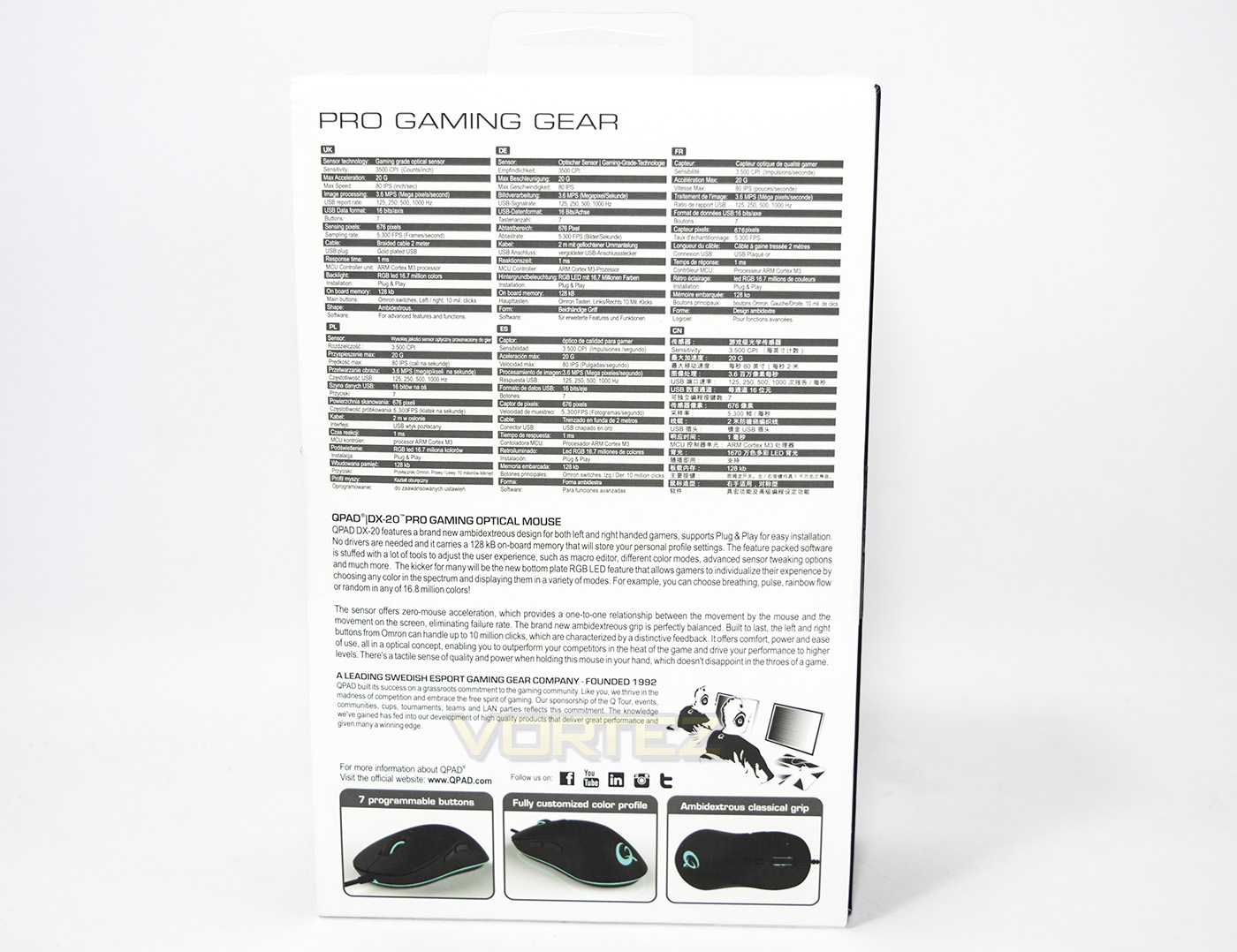
The reverse side of the packaging gives us detailed specifications in various languages as well as a little background information to the mouse and QPAD.
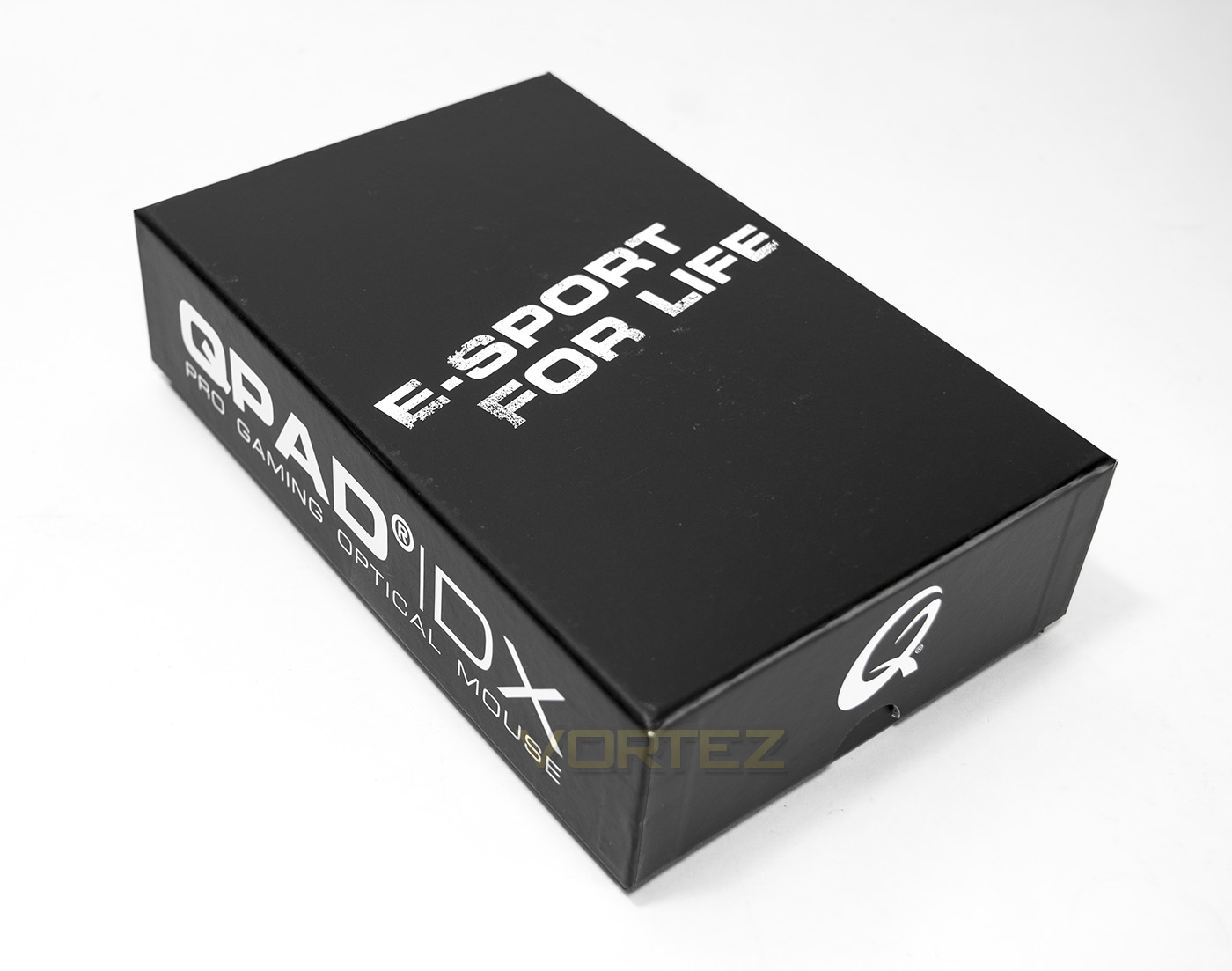
An inner box…
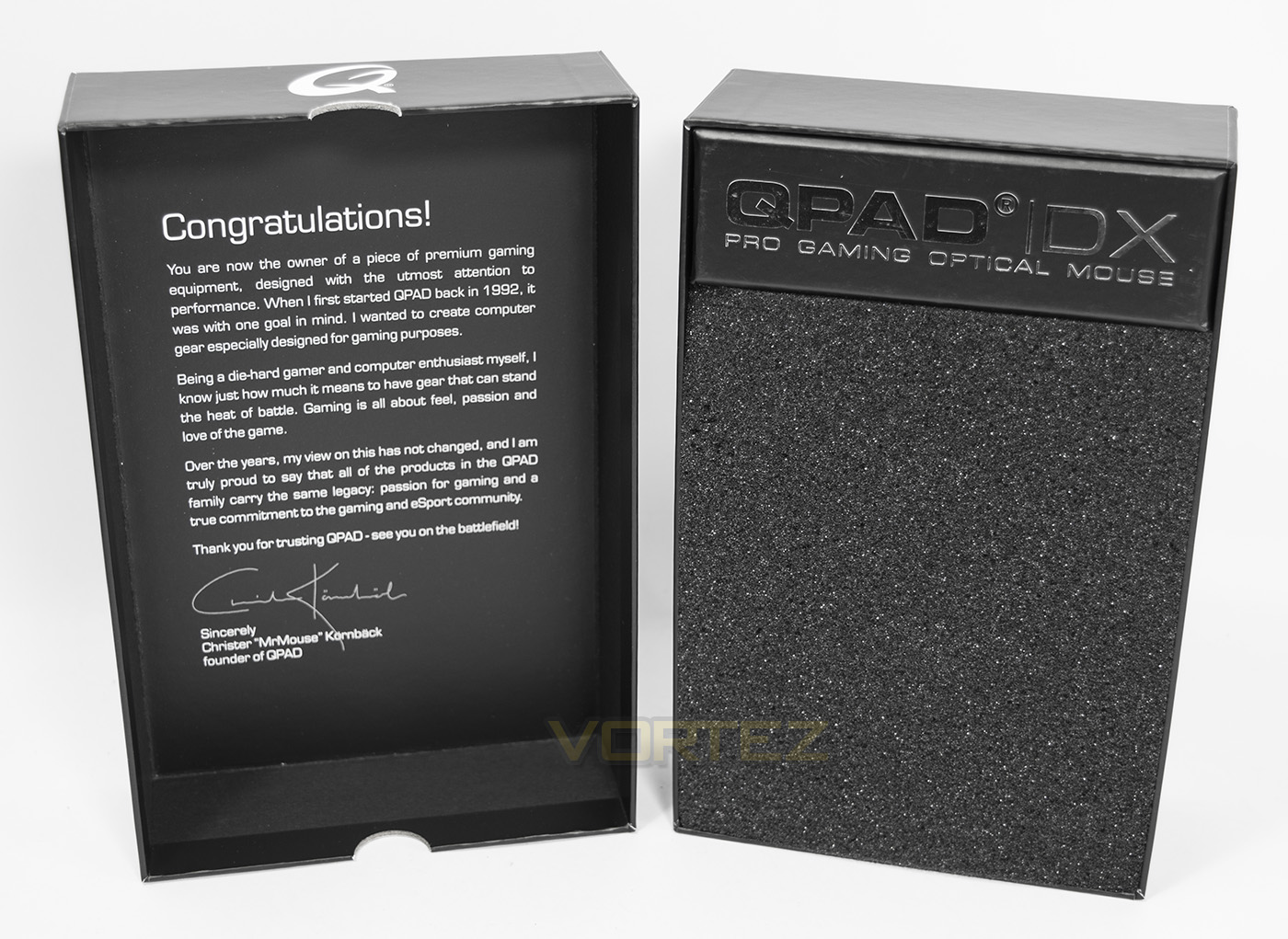
If you haven’t seen QPAD packaging before you will certainly be impressed, but sometimes it is hard not to think about how much you are paying for the packaging.
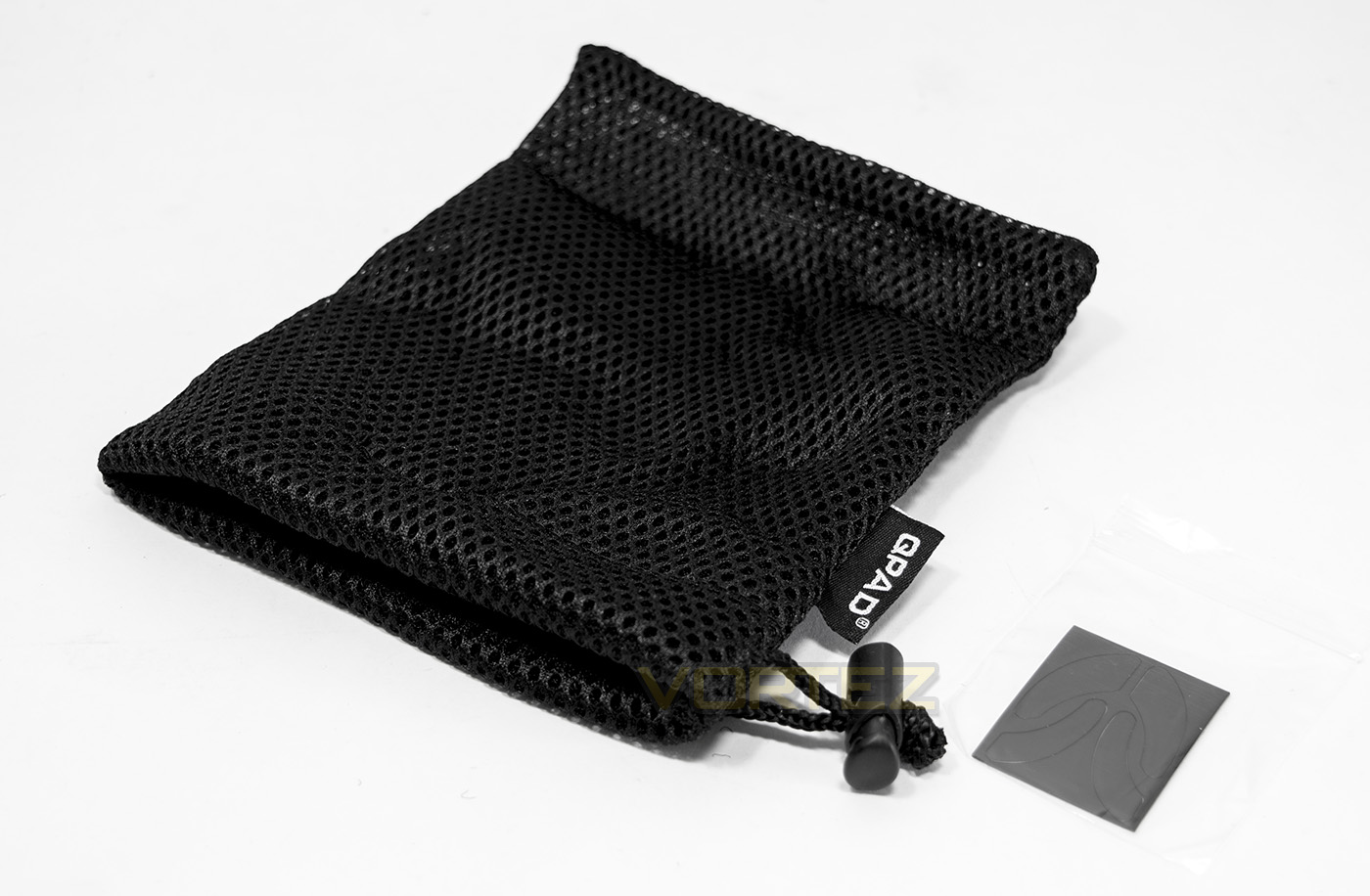
Inside we are given a carry pouch to protect your mouse as well as some replacement slip pads.
Closer Look
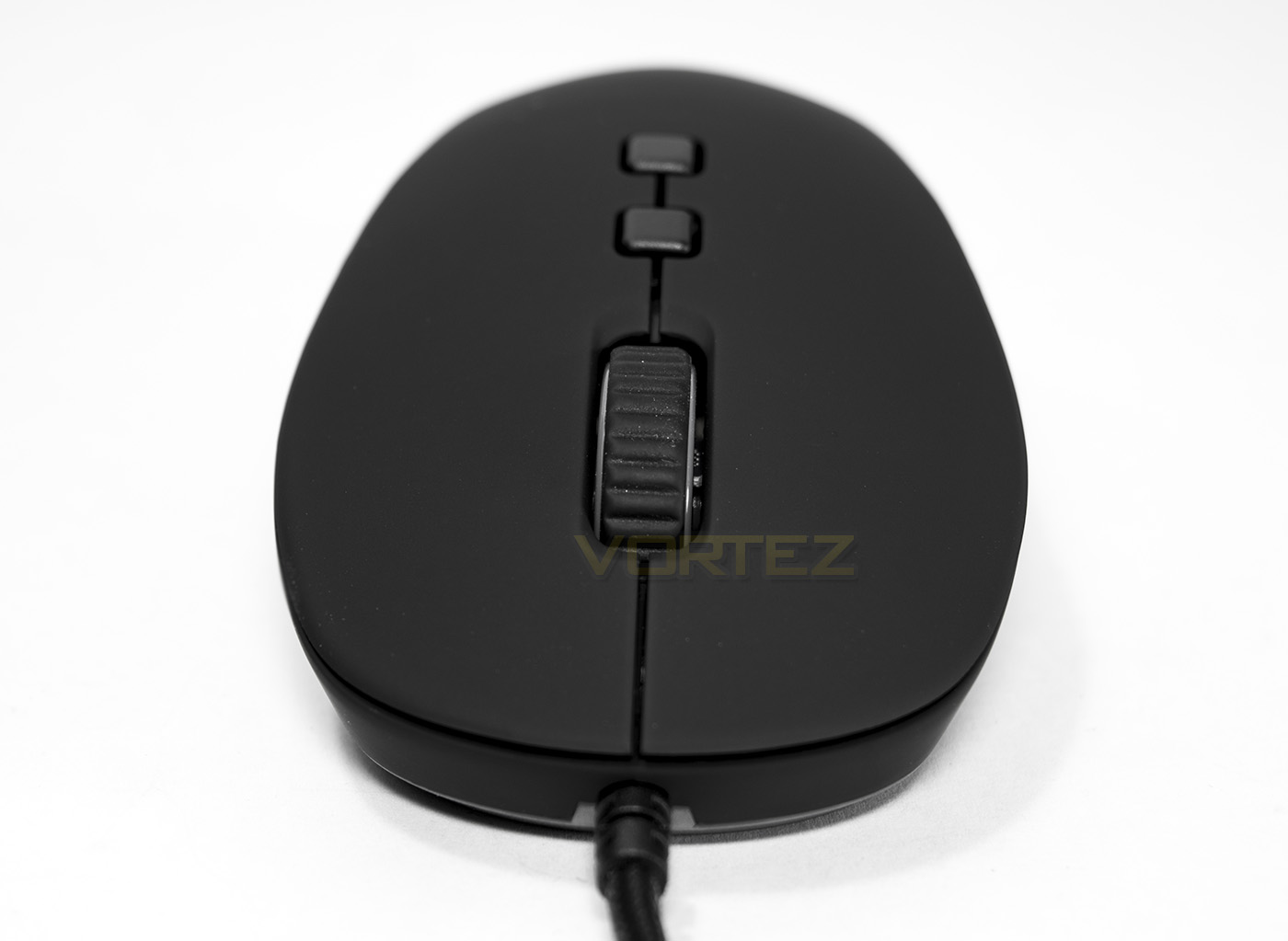
The front shows a symmetrical yet shaped face, the lighting strip can just be seen around the base of the mouse.
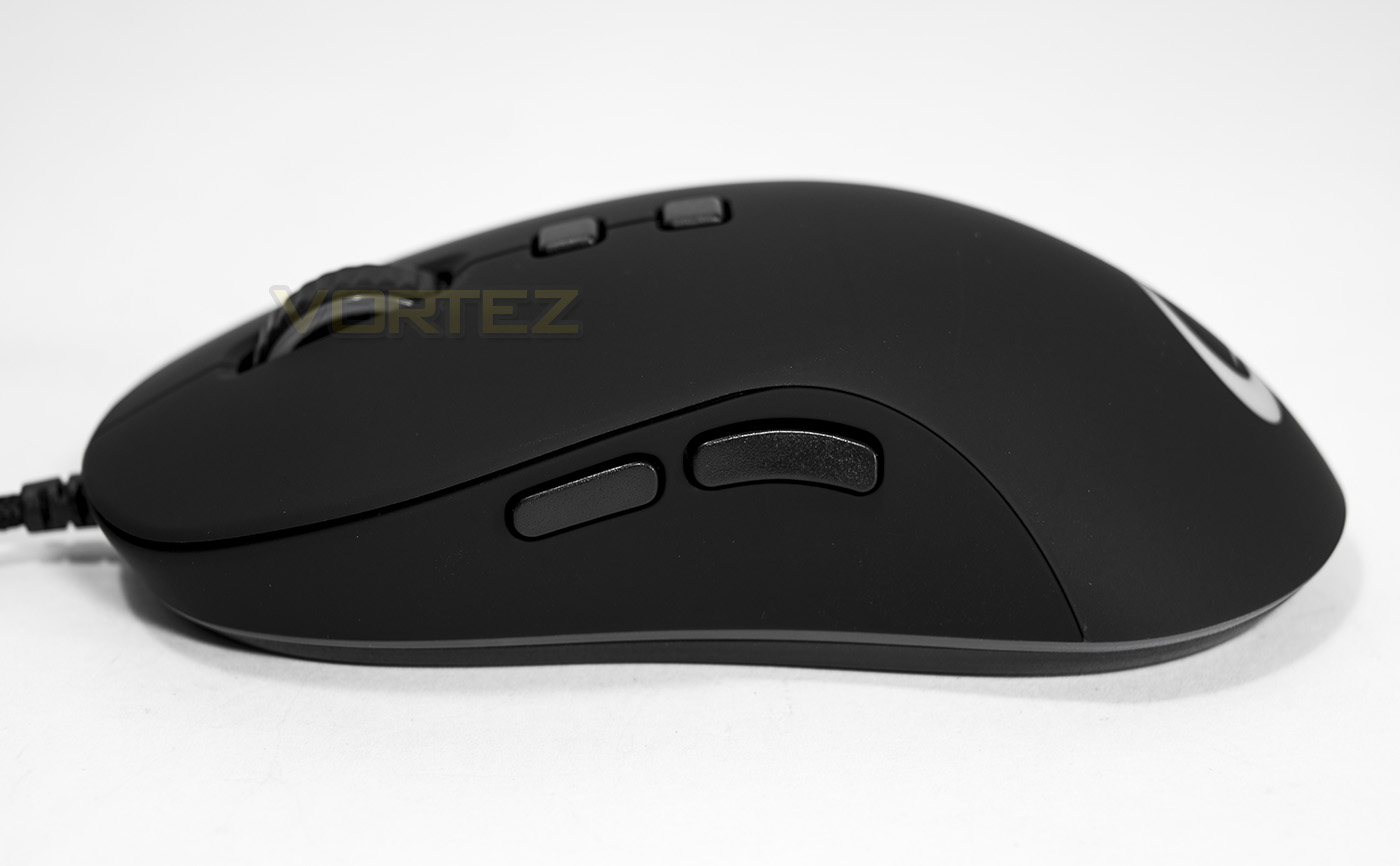
There are two side buttons that look well placed and reasonably sized. The arch shape is fairly subtle and is positioned more towards the rear, so it should provide comfort for palm and claw grips.
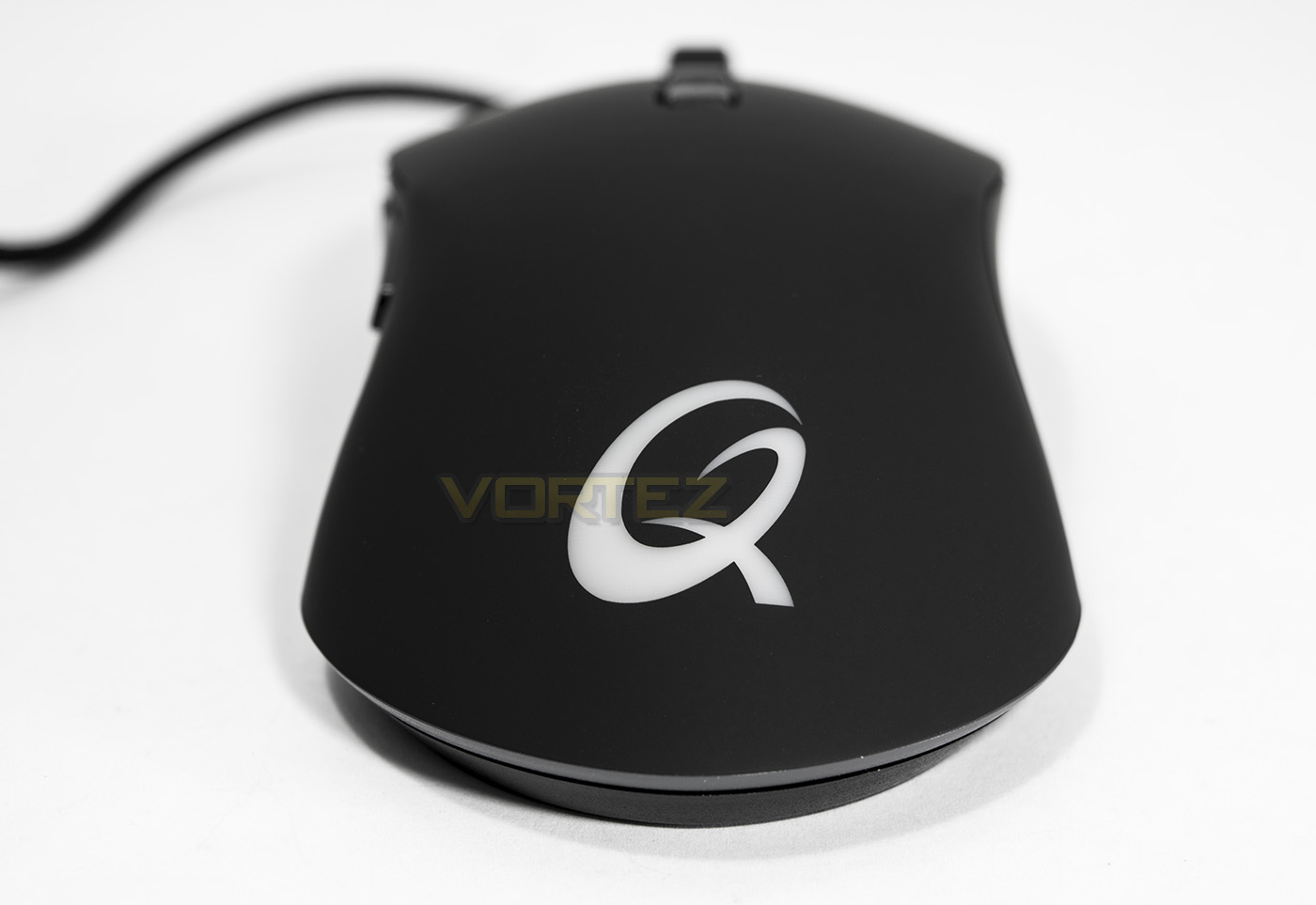
At the back of the mouse we find the QPAD logo which lights up with customisable RGB lighting.
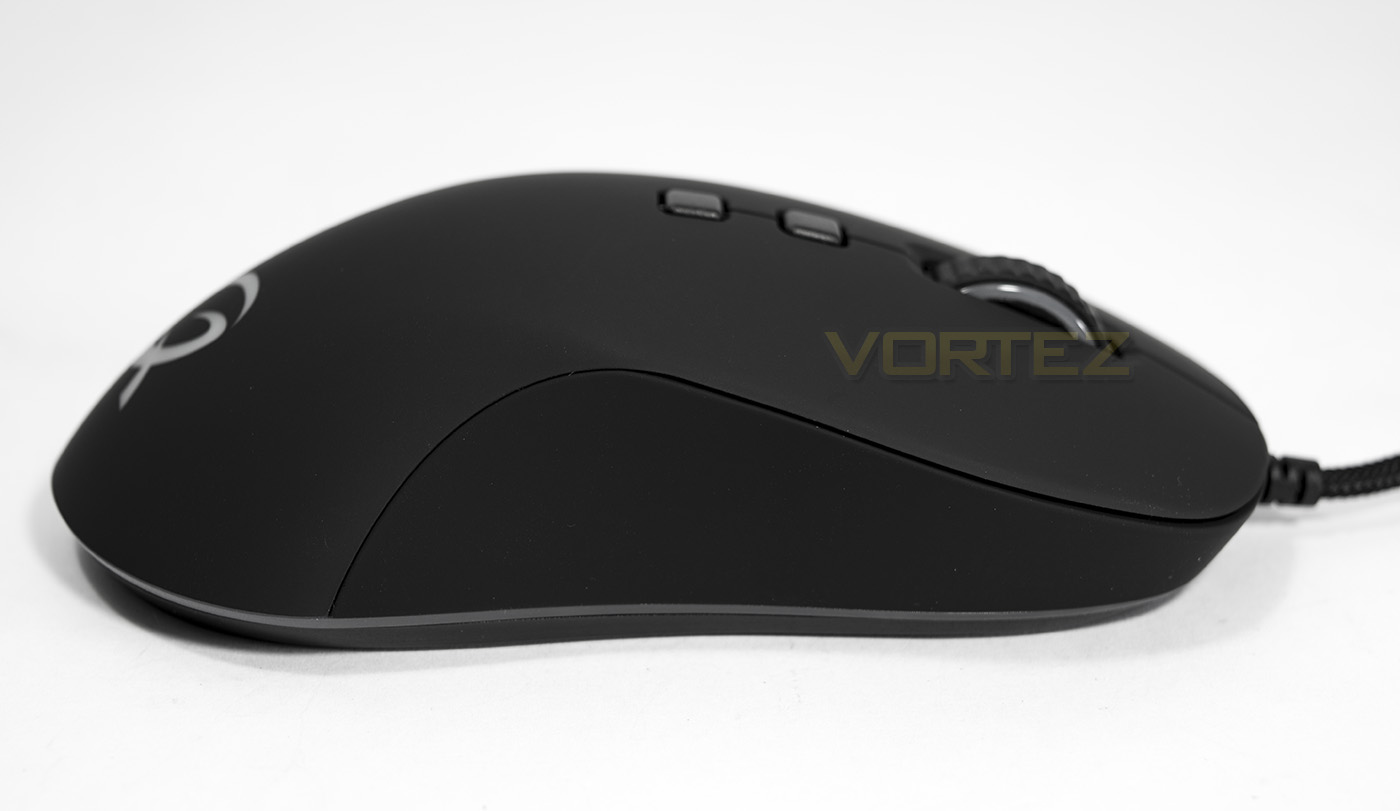
Though this mouse is sold as ‘ambidextrous’, it does not feature thumb buttons for left handers which is a bit of a bummer.
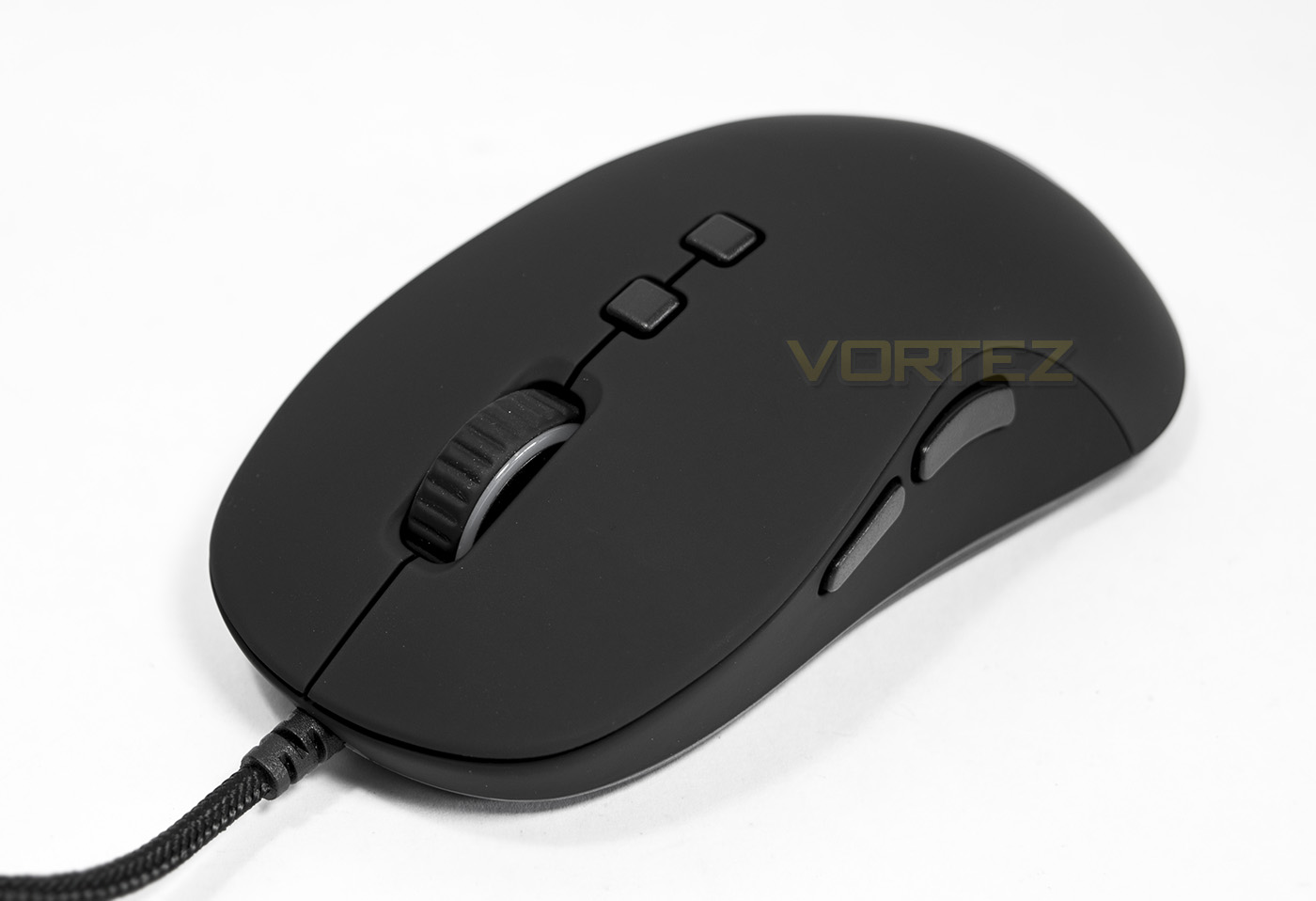
The mouse wheel has a rubberised grip which should provide extra control. Behind the mouse where there are two extra programmable buttons, by default they will adjust the mouse sensitivity.
Software & Lighting
The software is a standalone install, something that is largely becoming antiquated method for supplying drivers and firmware for PC peripherals. The layout easy to understand yet a fairly long winded method to access all the controls and features of the mouse. The advanced features page seems very confusing and saturated with information making it painful on the eyes, though its still rather simple to use. There is a macro recorder which is useful, though it doesn’t record presses of the mouse buttons besides the two primary clicks, which may cause a limitation for some.
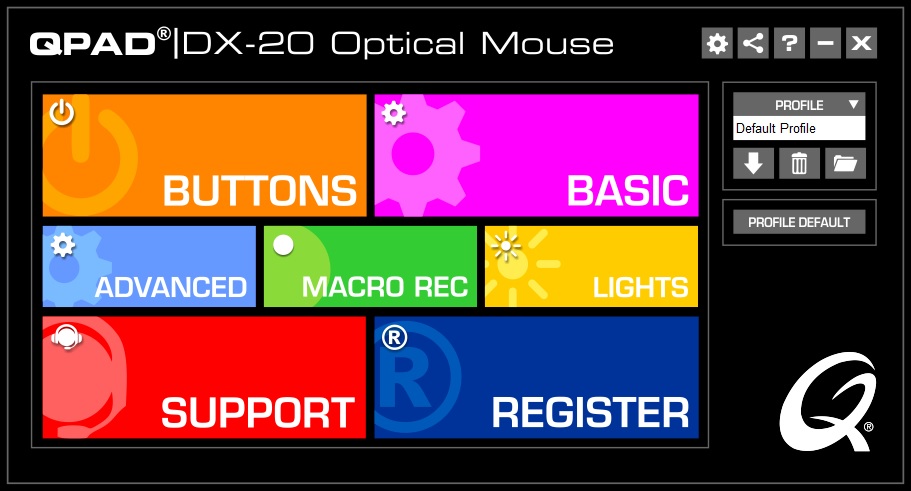
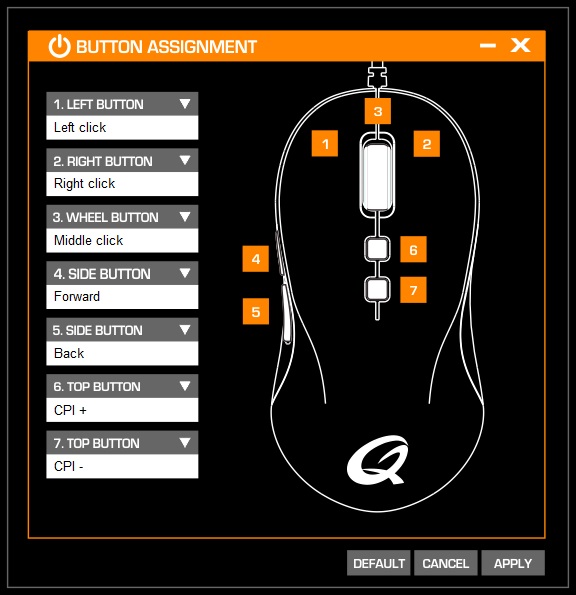
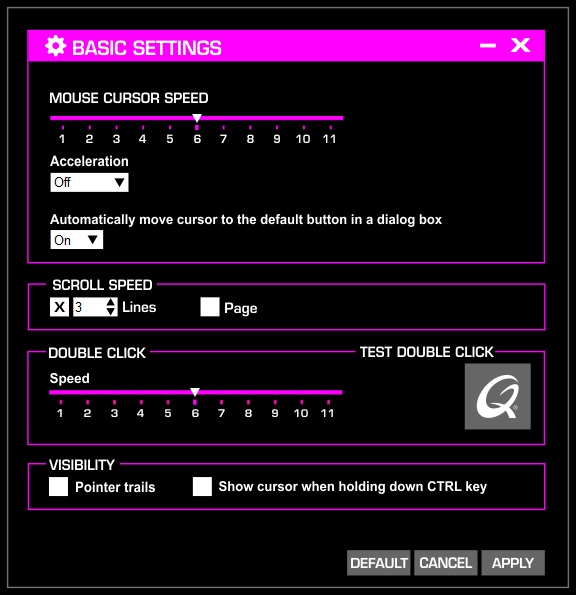
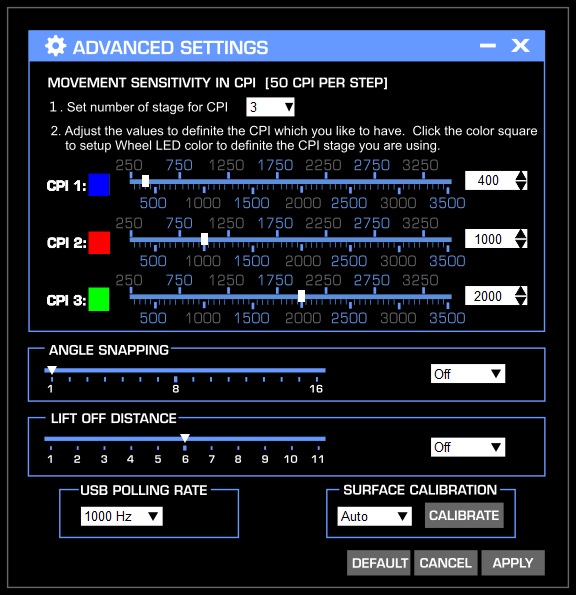
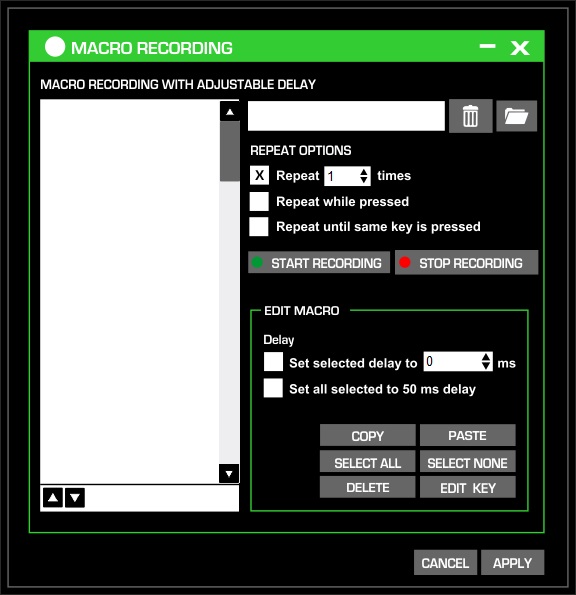
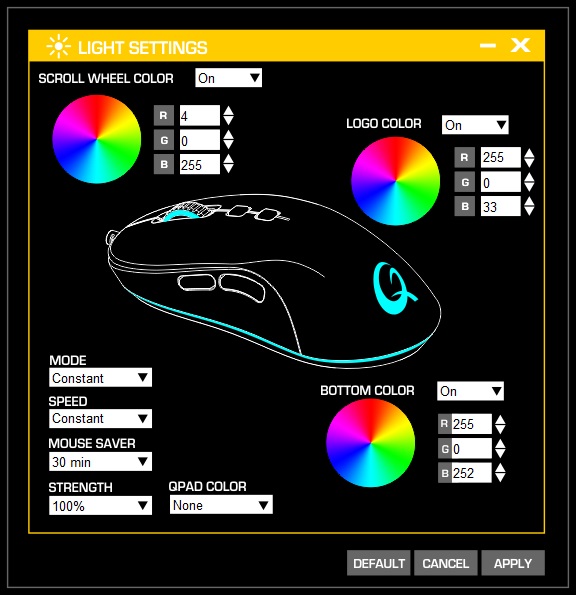
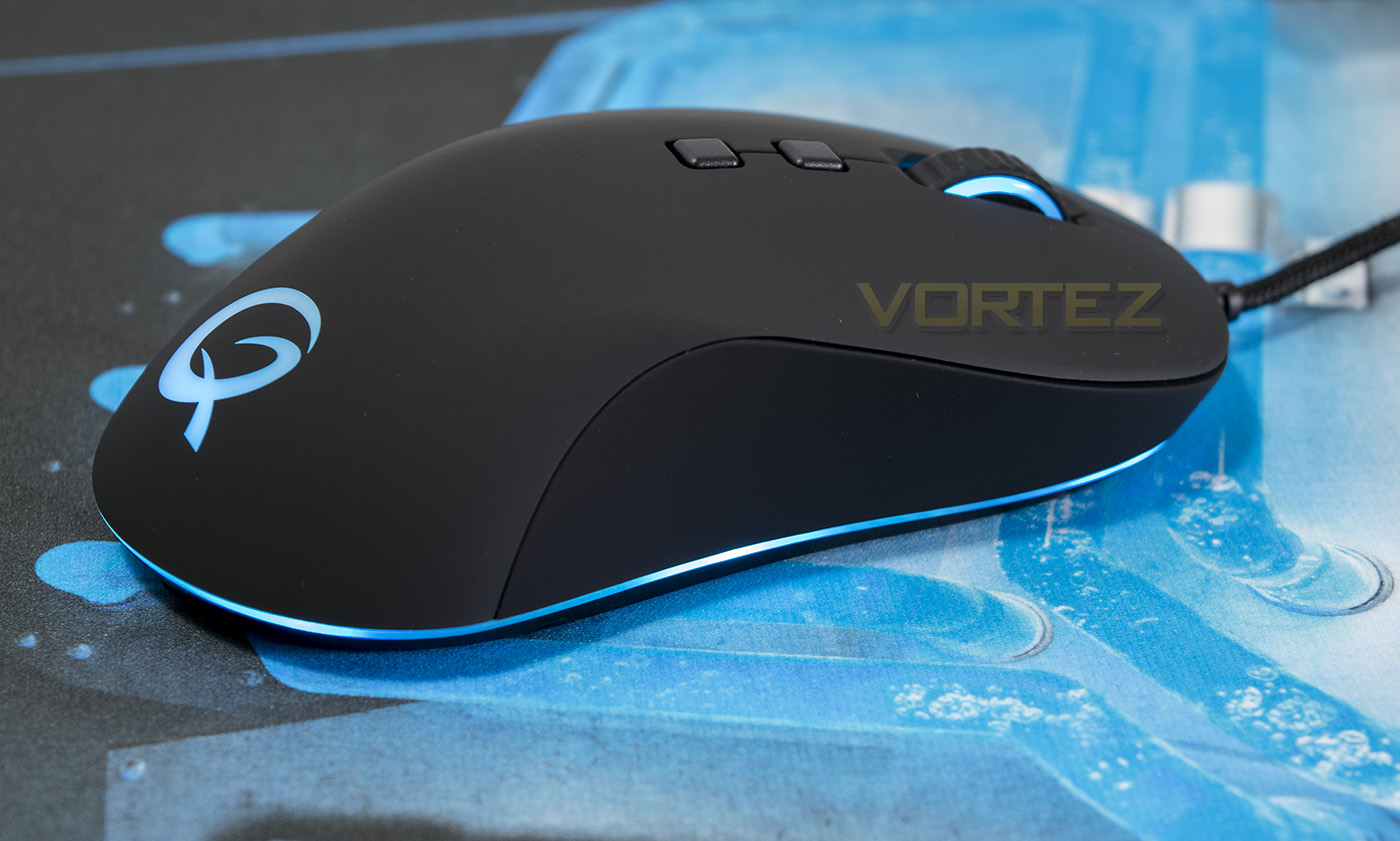
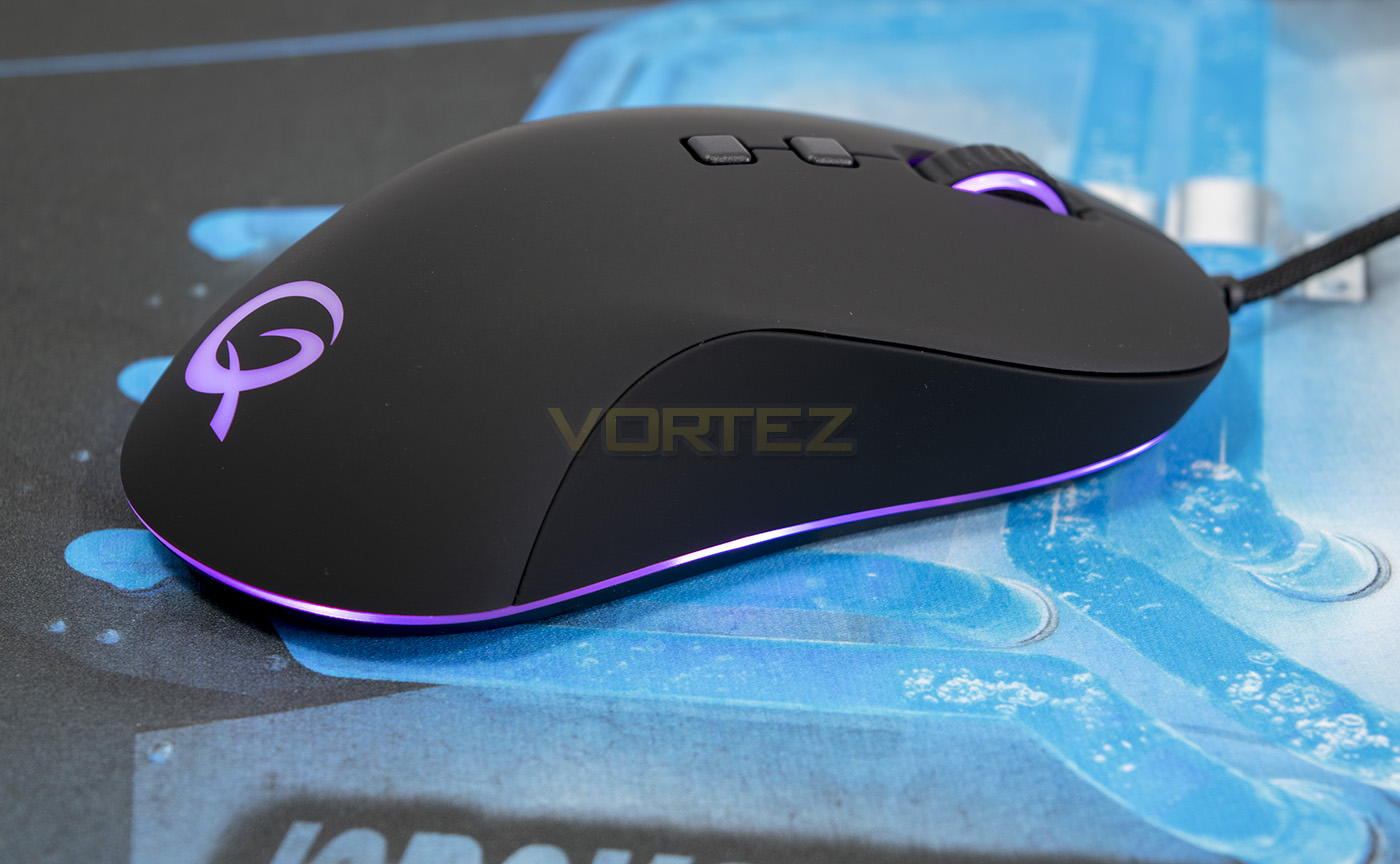
There are three independent colour zones, being the mouse wheel, the rear logo and the baseplate. There are various effects such as breathing and spectrum cycling and there are options to adjust timings too. The lighting is vibrant and has an interesting fade between each colour as you adjust/change them, yet as with most RGB lighting the colours reproduced tend to be a fair bit off. White doesn’t look white, but that is a common issue with the majority of RGB LED systems.
Performance Testing
Setup, Design & Observations
In the hand, the DX-20 feels great, very solid, and the side buttons feel well placed. My natural grip is the claw grip, though switching to a palm grip, the DX-20 felt more at home. It is quite a slender, yet lengthy mouse and should suit many people perfectly fine. Except in the case of left handers who may feel like they were lead on by its claim to being an ambidextrous mouse, yet features thumb buttons on one side. In shape/form it is certainly ambidextrous, but having no side buttons may be a killer for the lefties out there.
The mouse clicks feel quite heavy, requiring quite a fair bit of force to press, similar to what we observed with the Cougar 500M, some may prefer this as it gives much better control over your mouse clicks and helps prevent misclicks, however for games where click speed is important, be it an RTS, MOBA, or any game requiring fast paced clicking, this actuation force may cause some to experience fatigue in their hands (I certainly did after a 90minute match on DOTA2 -_-). The side buttons however felt perfect, and the mousewheel felt high quality having a silent yet tactile spin to it.
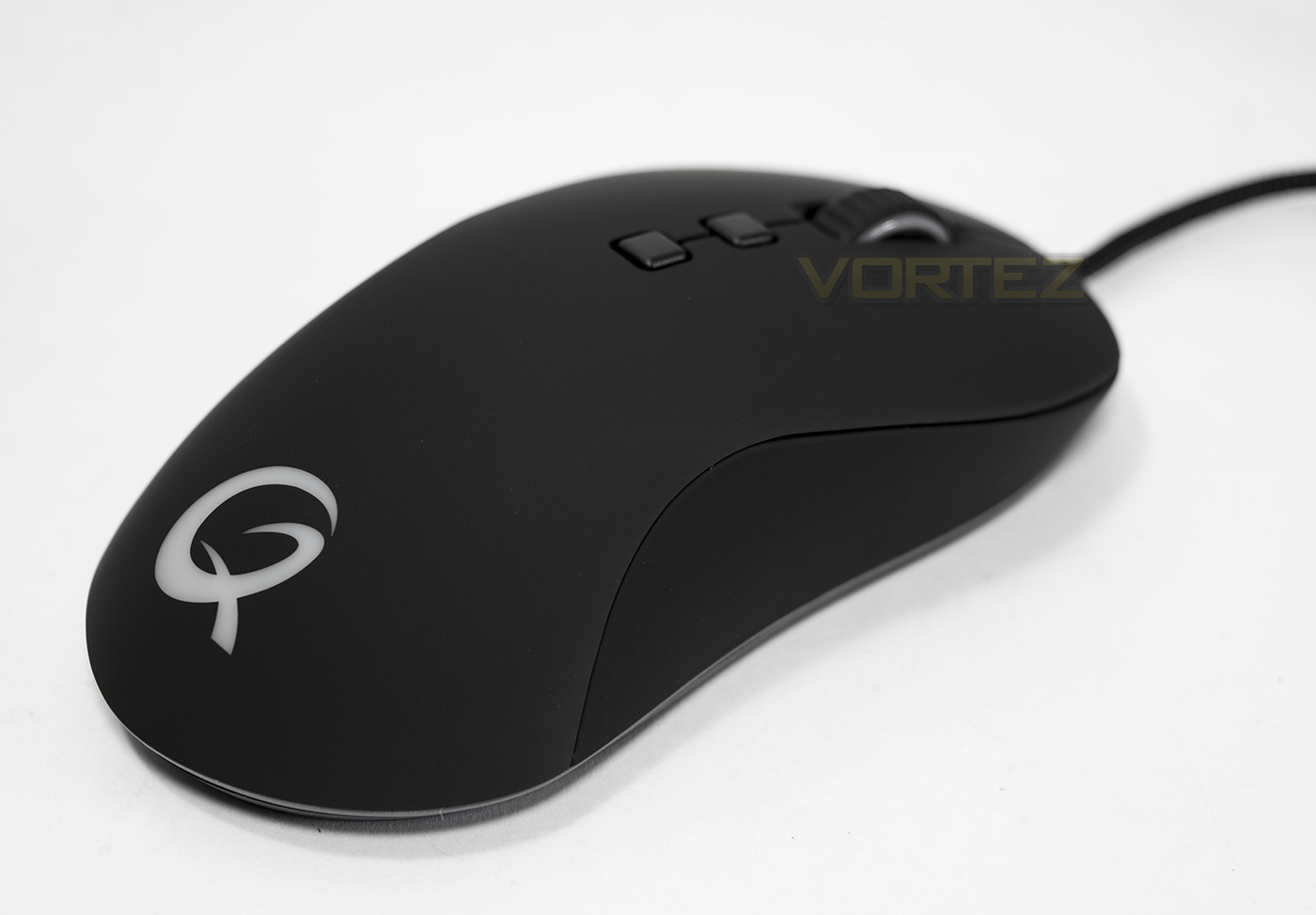
This is where we discuss the material coating as this mouse is using the rubberised/textured/coated plastic, something that many manufacturers are moving away from, favouring anti-sweat/anti-fingerprint materials that feel good, and look good for longer. After the rubberised plastic craze peaked, after a few years of use many started to note the sludgy, soft, worn, and outright disgusting feel and appearance of rubber coated plastic. Some may like the felty feel of the rubberised plastic, especially when it is fresh, and credit to QPAD, the finish of the DX-20 feels good quality… BUT… it is also the kind that is not anti-sweat or anti-fingerprint, and was soaking away all the oils from my fingertips and after just a short period, it had already retained permanent fingermarks.
Performance
We tested out the optical sensor on various surfaces, something that the DX-20 says is its strong point claiming ‘Few optical products can match the DX-20’s ability to work on so many surfaces’. Optical sensors are favoured amongst a large number of gaming enthusiasts for their precise/ rapid response and zero acceleration, though are often temperamental in regards to surfaces with a clear winner being matte, plain black fabric mouse mats. We are pleased to report that on the said surface, the DX-20 felt fantastic, and did so on the majority of uniformed matte surfaces including plain card. However, as with many optical sensors, it should be kept away from glossy/white surfaces as the tracking starts dancing to its own tune. In our testing we also noted that the default LOD (lift off distance) felt fairly high so is worth adjusting. Overall the sensor seems to do the trick, but considering the market point (RRP of €69) it feels a little lackluster especially when compared with the many fantastic optical mice available in the £30-40 price point.
Conclusion
The DX-20 is the latest mouse released by QPAD for quite a while, and it seems like their have gone for a do-it-all mouse that should be a fairly safe release. The design, features, presentation are good, and the result is a modern and capable gaming mouse. Its design makes it fairly universal for the majority of people and the lighting is attractive.
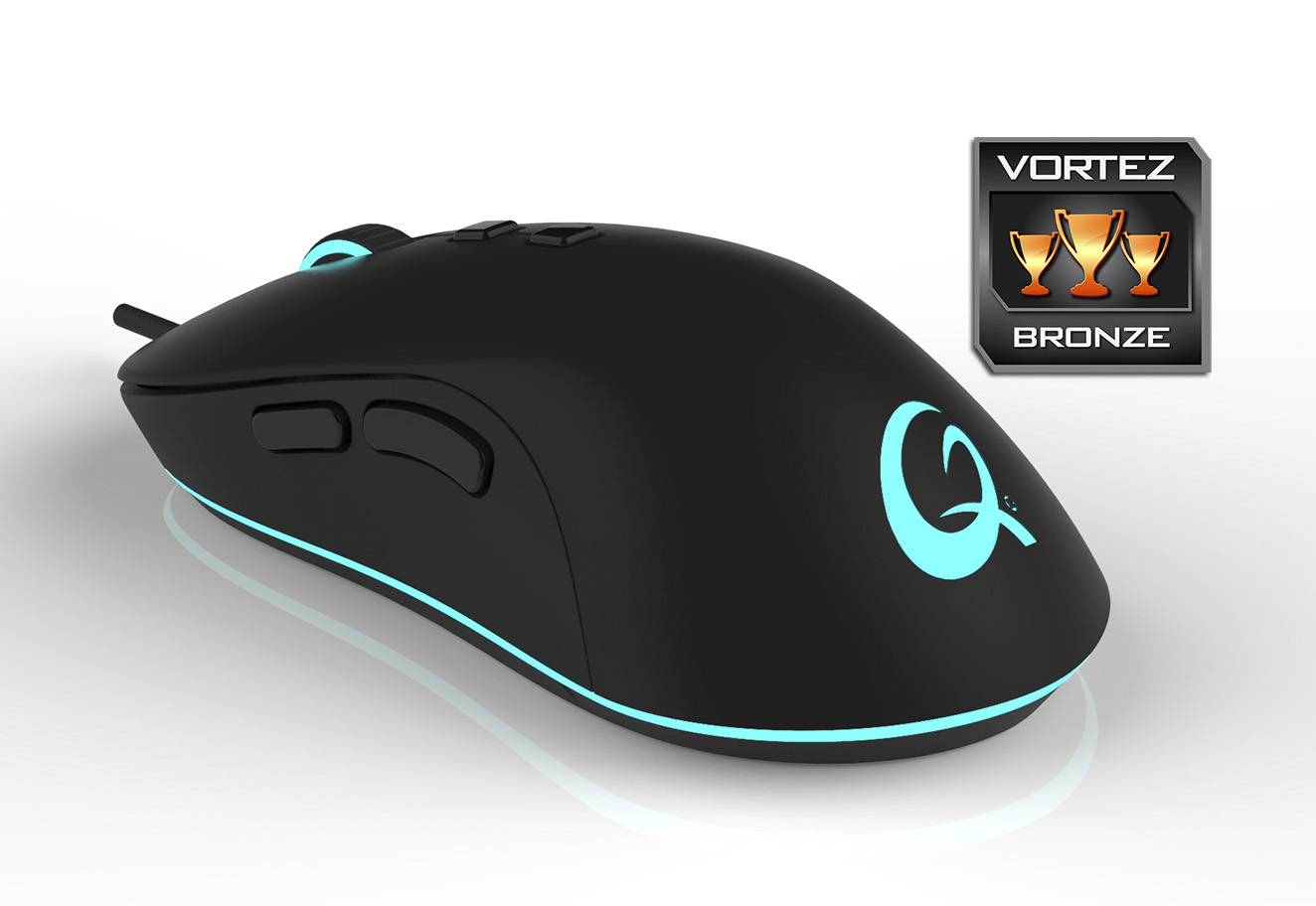
The DX-20 feels like a mouse that should have ‘just worked’, yet there is a lot about it that seems to cause a struggle. Most of these considerations may be highly subjective and down to preference, such as the stiff main mouse clicks. Over time they may break in, or some may actually prefer having a more stiff mouse click, making the mention worth over looking. Again, Though the base plate lighting looks awesome, it is still shades away from the likes of the Razer Chroma line.
There are other areas about this mouse that make it feel like a throwback from 2010, such as the sweat leeching rubberised coating and the standalone driver install. These things alone aren’t particularly worth mentioning but they add up to the multitude of things where it feels like QPAD seem to have lost their way.
The sensor QPAD have used in the DX-20 is the Pixart 3320 and its vague promise of superior surface tracking, yet in testing it tracked the same as most optical sensors which is to be expected, but in our testing, it didn’t particularly feel as responsive as we would have liked causing us to question why QPAD didn’t opt to use a tried and tested, well renowned optical sensor such as the 3090 or the 3310. Finally we have to move on to address the misleading statement of the DX-20 being ‘ambidextrous’, while true in form, the lack of side buttons on both sides may feel like QPAD has made an effort to troll the left handed gaming community.
The considerations and statements made may seem a little strong, but when you consider the pricing, there are elevated expectations. At a street price of £50 GBP and an RRP of €69, the DX-20 feels over priced. The SteelSeries Rival 100 and the ROCCAT Kiro are two mice that instantly jump into my mind for high quality, high performance optical mice and each are over £15 cheaper.
Overall, nothing is an absolute deal breaker with the DX-20 as it is a solid gaming mouse that has a lot to offer. The lighting gives it character and charm while the overall quality of the product is good; it just has some strong competition.
Pros.
+ Solid build quality
+ Suitable for various grip types
+ Attractive lighting
Mediocre
+- Rubberised plastic
Cons.
– Price
– No thumb buttons for left handers
+ Solid build quality
+ Suitable for various grip types
+ Attractive lighting
Mediocre
+- Rubberised plastic
Cons.
– Price
– No thumb buttons for left handers
Click here for an explanation of our awards at Vortez.net.