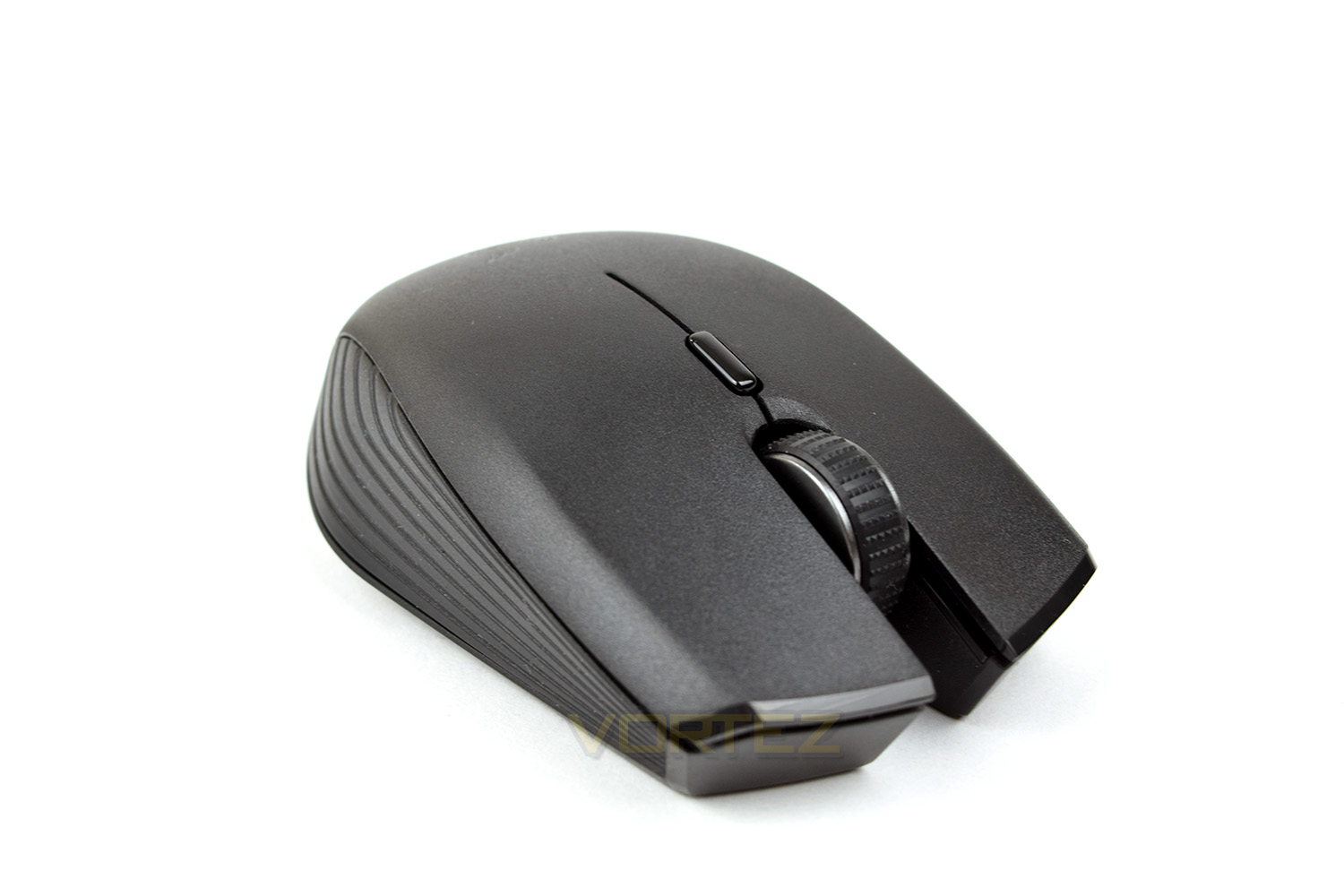
With Razer turning its attention to mobile users, have they hit the nail on the head with the Atheris? Read on to find out.

Product on Review: Razer Atheris
Manufacturer: Razer
Street Price: £54.99 / $49.99
The Atheris is an affordable travel mouse that promises performance when you need it.
Razer has dropped us a sample of the Atheris, their latest mobile mouse; sporting a 7,200 DPI sensor, a proprietary 2.4GHz or Bluetooth connection and up to 350 hours of battery life, this could be the ideal solution for those wishing to blast some foes while out and about.
Perhaps the most stand out feature is the inclusion of both Bluetooth and Razer’s proprietary 2.4GHz signal transmission, featuring Adaptive Frequency Technology; this technology claims to offer industry-leading transmission stability no matter how busy the radio spectrum is.
The Atheris packs a lot of performance into the tiny shell. Let’s find out if it’s actually any good.
Razer on the Atheris:
Technical Specifications
• Battery life: Approximately 350 hours of continuous gaming*
• True 7,200 DPI optical sensor
• Up to 220 IPS / 30 G
• Adaptive Frequency Technology
• On-the-fly sensitivity adjustment
• Gaming-grade tactile scroll wheel
• Ambidextrous design with enhanced rubber side grips
• Five independently programmable Hyperesponse buttons
• 1000 Hz Ultrapolling
• 2.4 GHz dongle
• Razer Synapse 3 enabled
• Approximate size: 99.7 mm / 3.9 in (Length) X 62.8 mm / 2.5 in (Width) X 34.1 mm / 1.35 in (Height)
• Approximate weight 66g / 0.14 lbs (Excluding batteries)
• Includes 2 X AA batteries
Packaging & First Look
In a rather understated affair, considering it’s from Razer, the Atheris arrives in a fairly standard looking box. The photograph of the mouse is 1:1 scale giving an idea of the size of the device. There’s not a great deal of information on the front.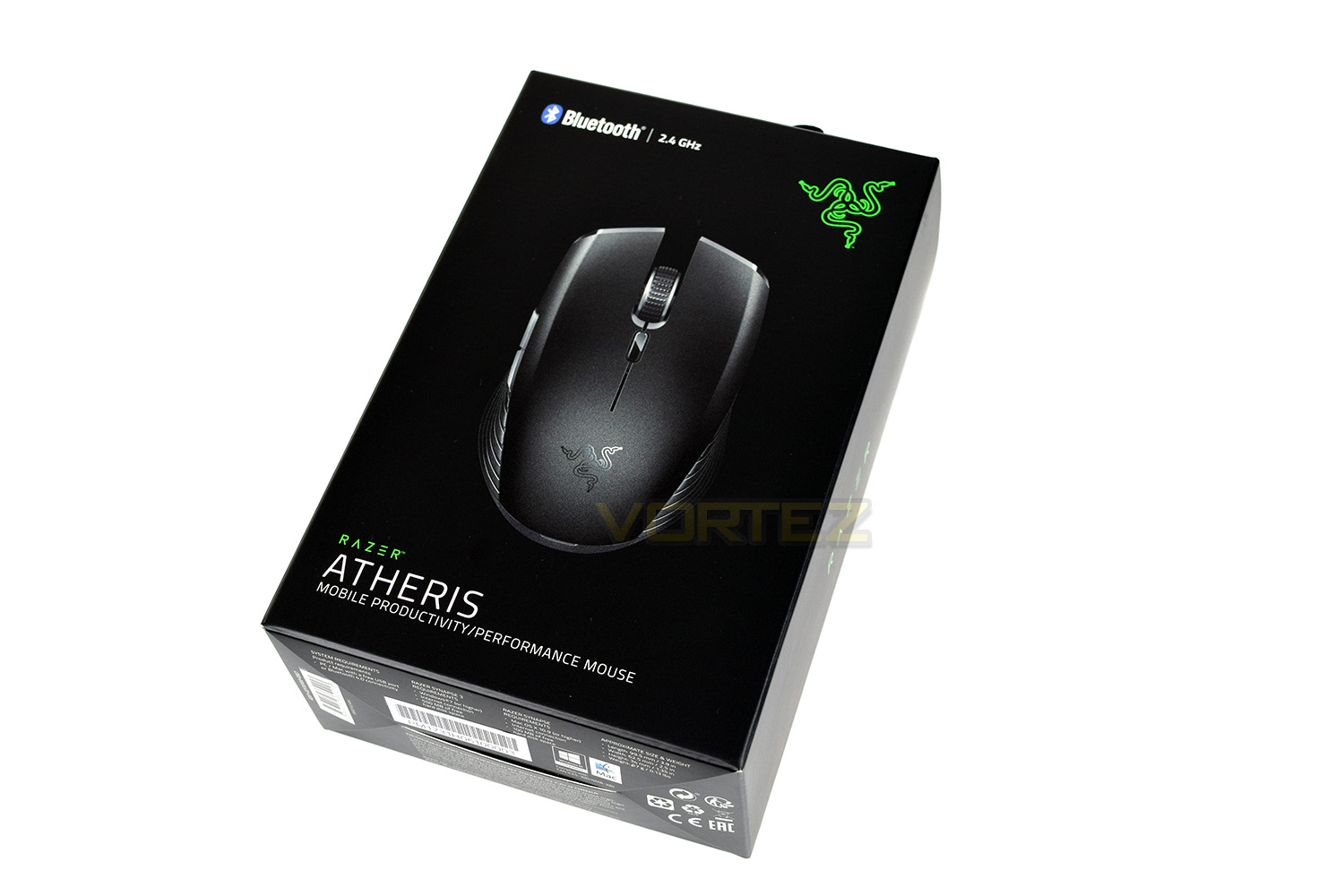
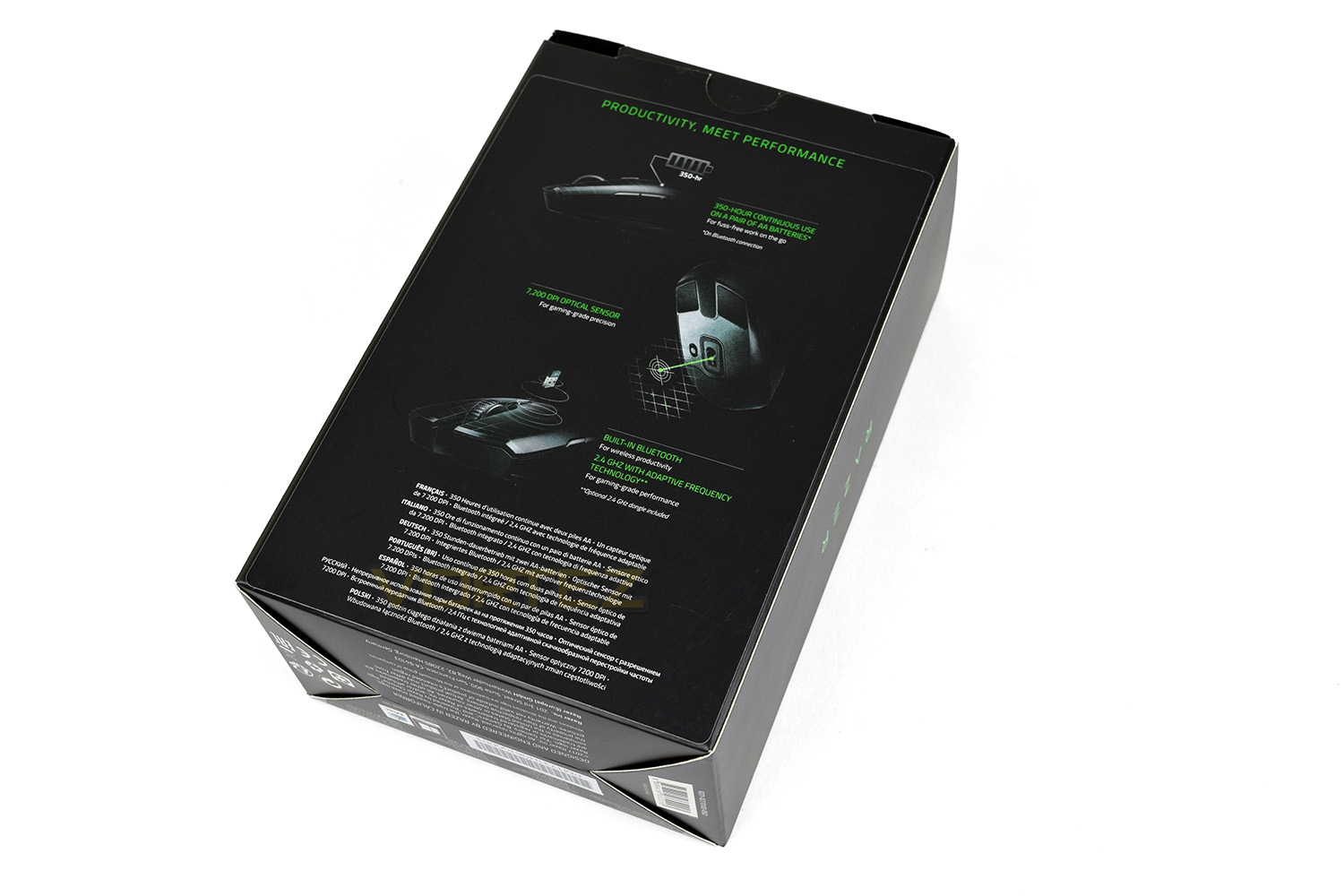
Flipping the box over, we’re given a reasonably detailed breakdown of the key features, showing off the battery life, 7,200 DPI optical sensor and the included wireless technologies.
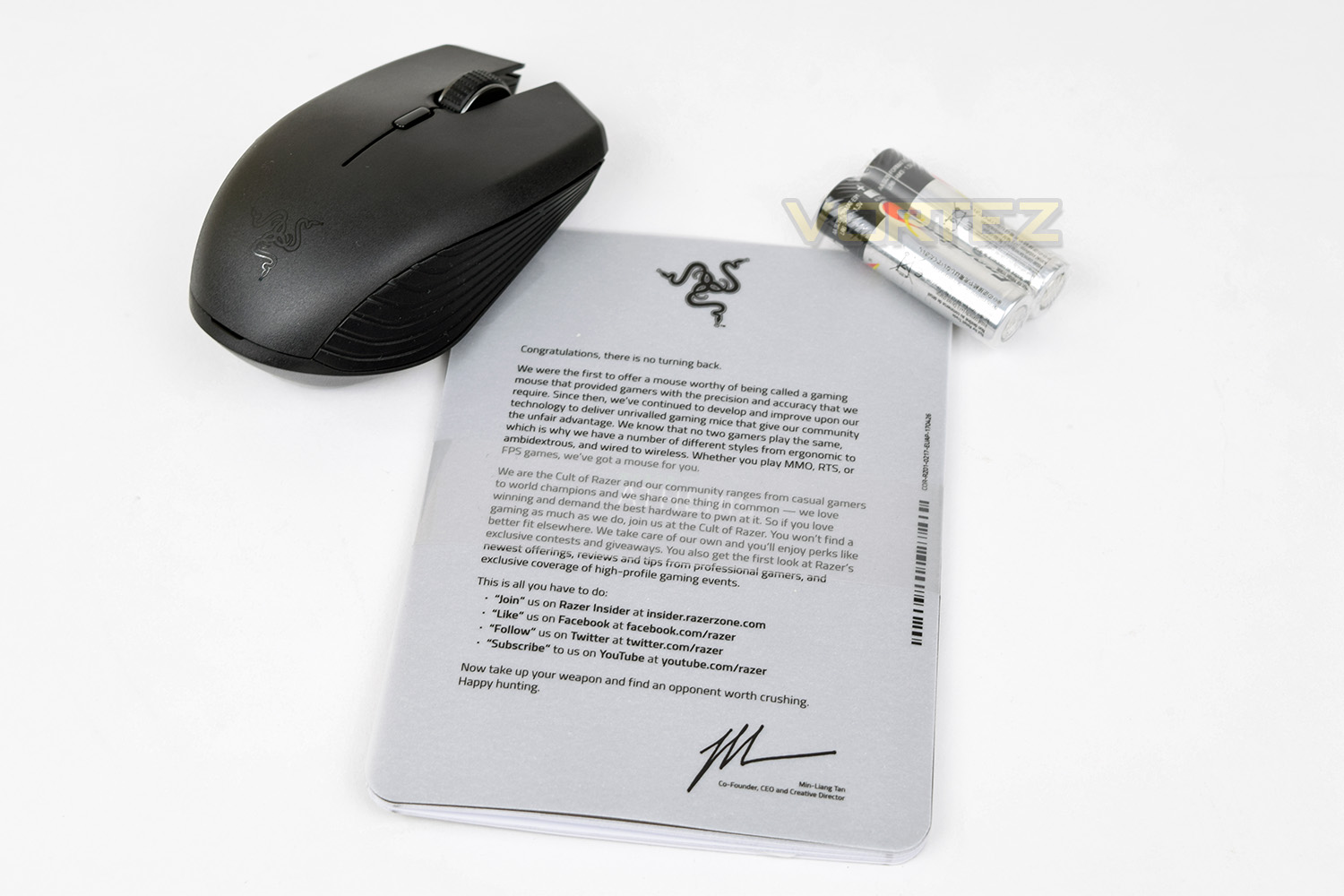
Included in the box are the Razer Atheris, a couple of Energizer batteries (they haven’t cheaped out there.) and the typical Razer welcome note.
Closer Look
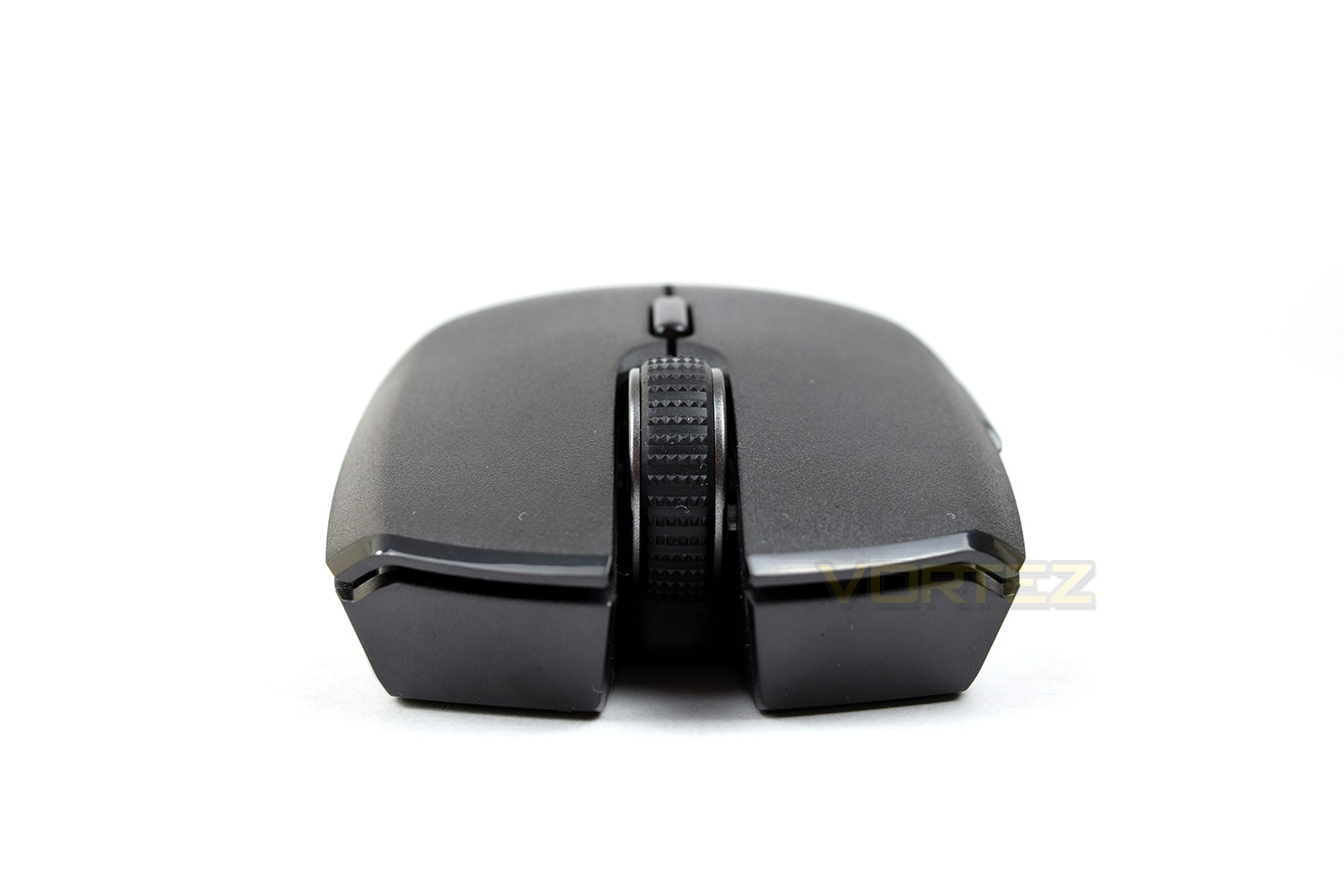
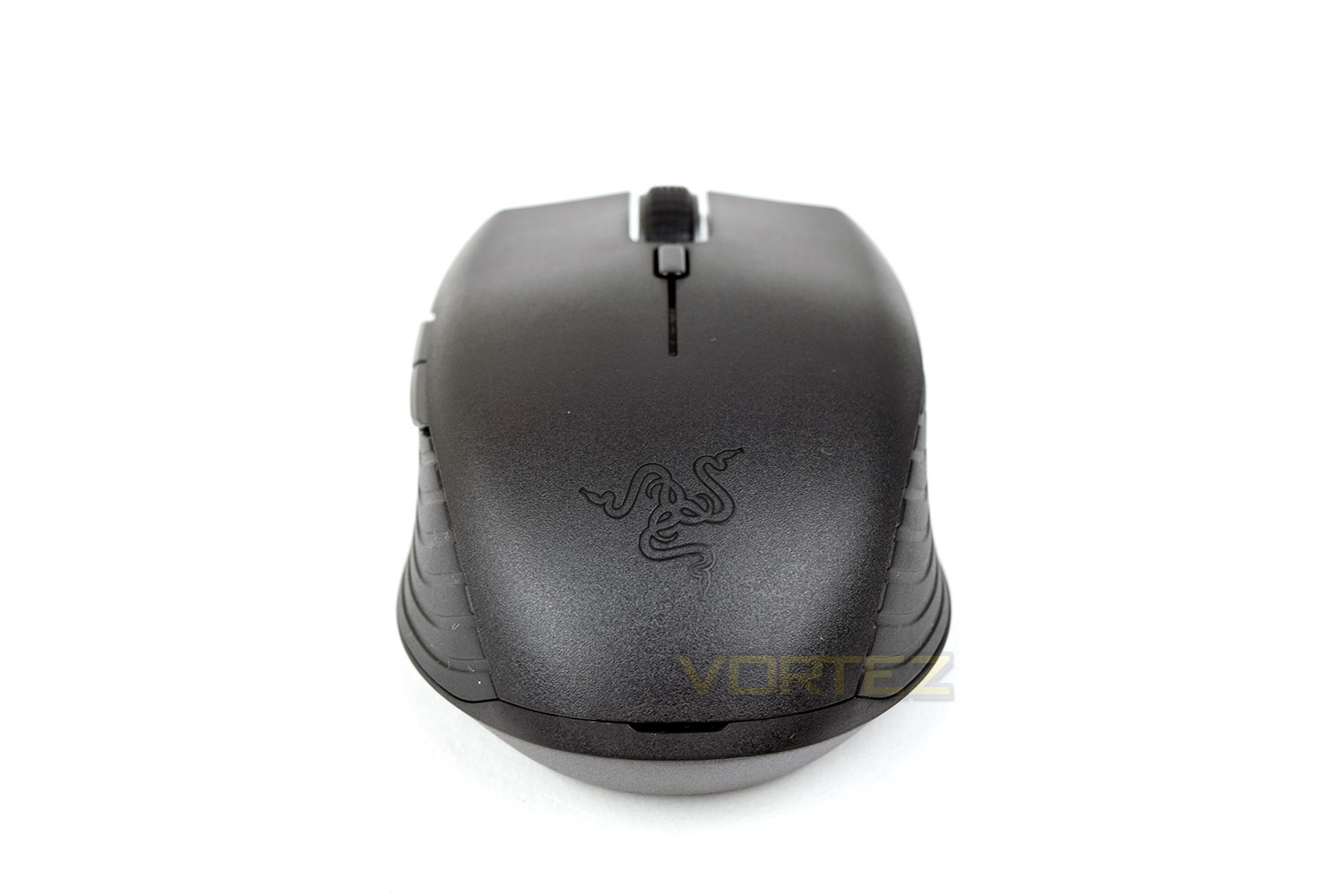
The Razer Atheris appears to take a great deal from the Razer Lancehead, which we reviewed a couple of months ago. Those grips on either side featuring the horizontal lines, the chunky, studded scroll wheel and the gunmetal colour, they’re all reminiscent of the Lancehead. Still, it looks great!Looking at the mouse from the front, there’s a huge void under the scroll wheel. The ambidextrous shape and flat top mean the mouse looks very wide.
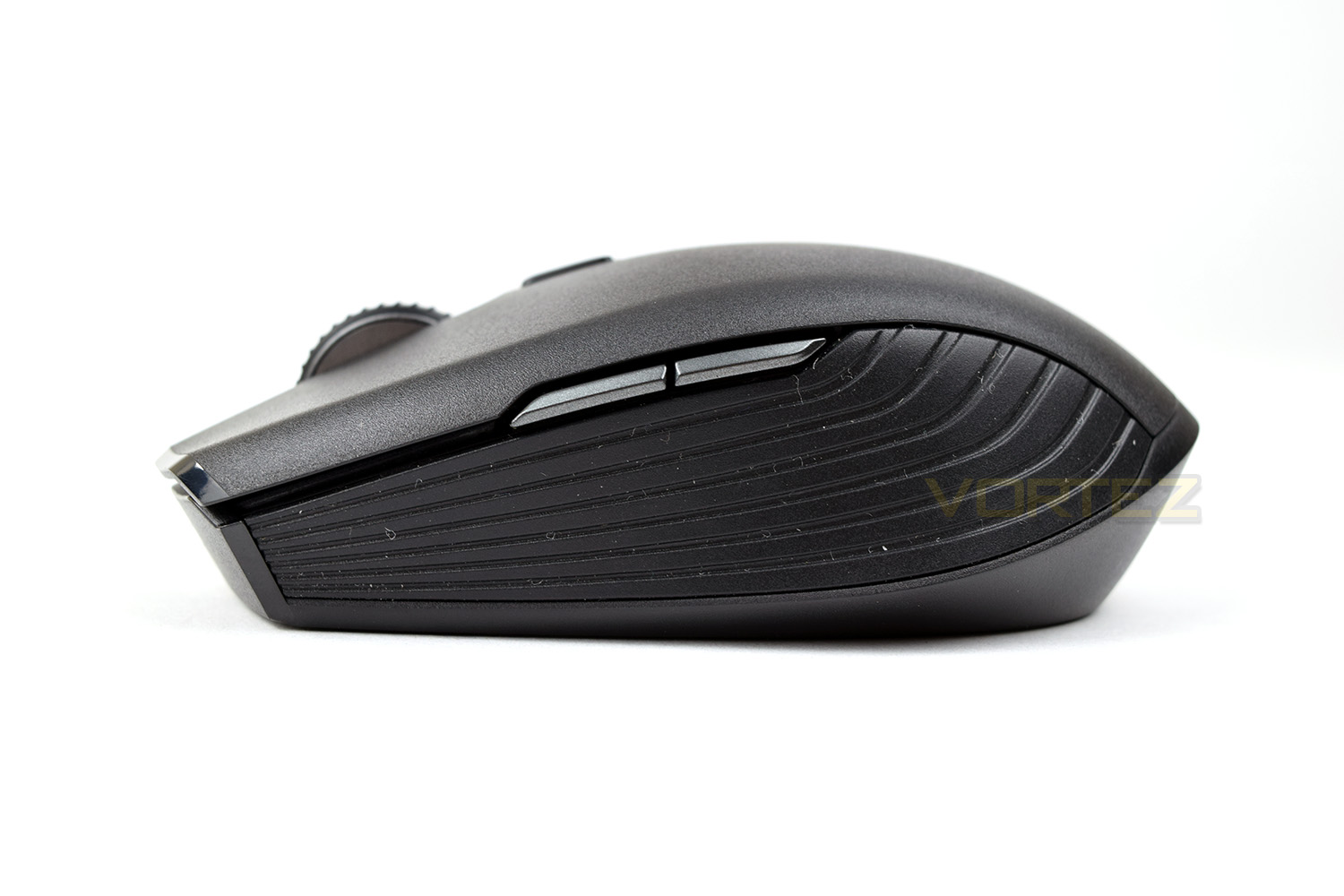
Despite the ambidextrous chassis, Razer has only placed thumb buttons on the left-hand-side which may annoy some lefties. The mouse is roughly 100mm in length, ensuring the device remains decidedly mobile.
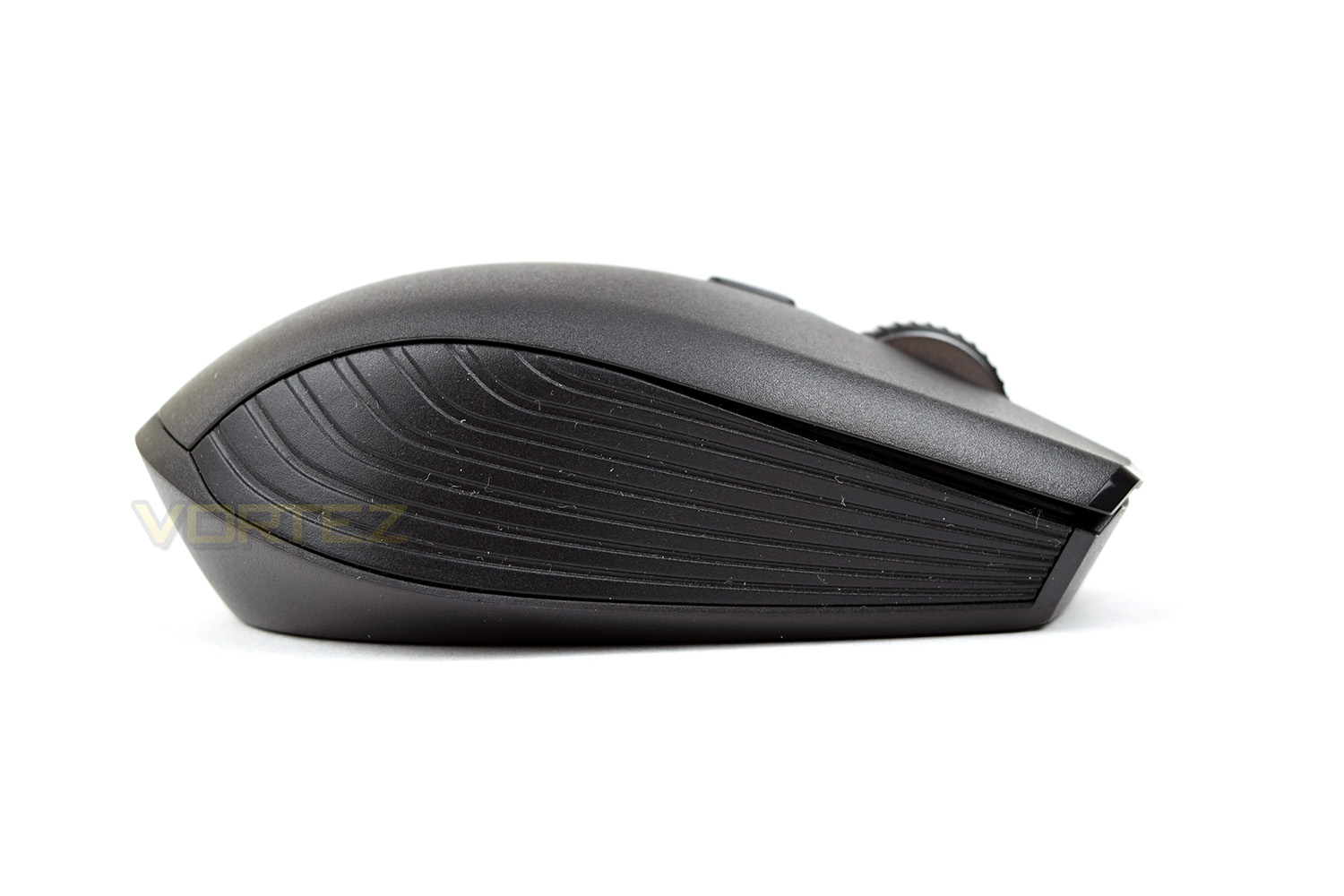
The right-hand-side mirrors the left almost perfectly, only lacking those thumb buttons.
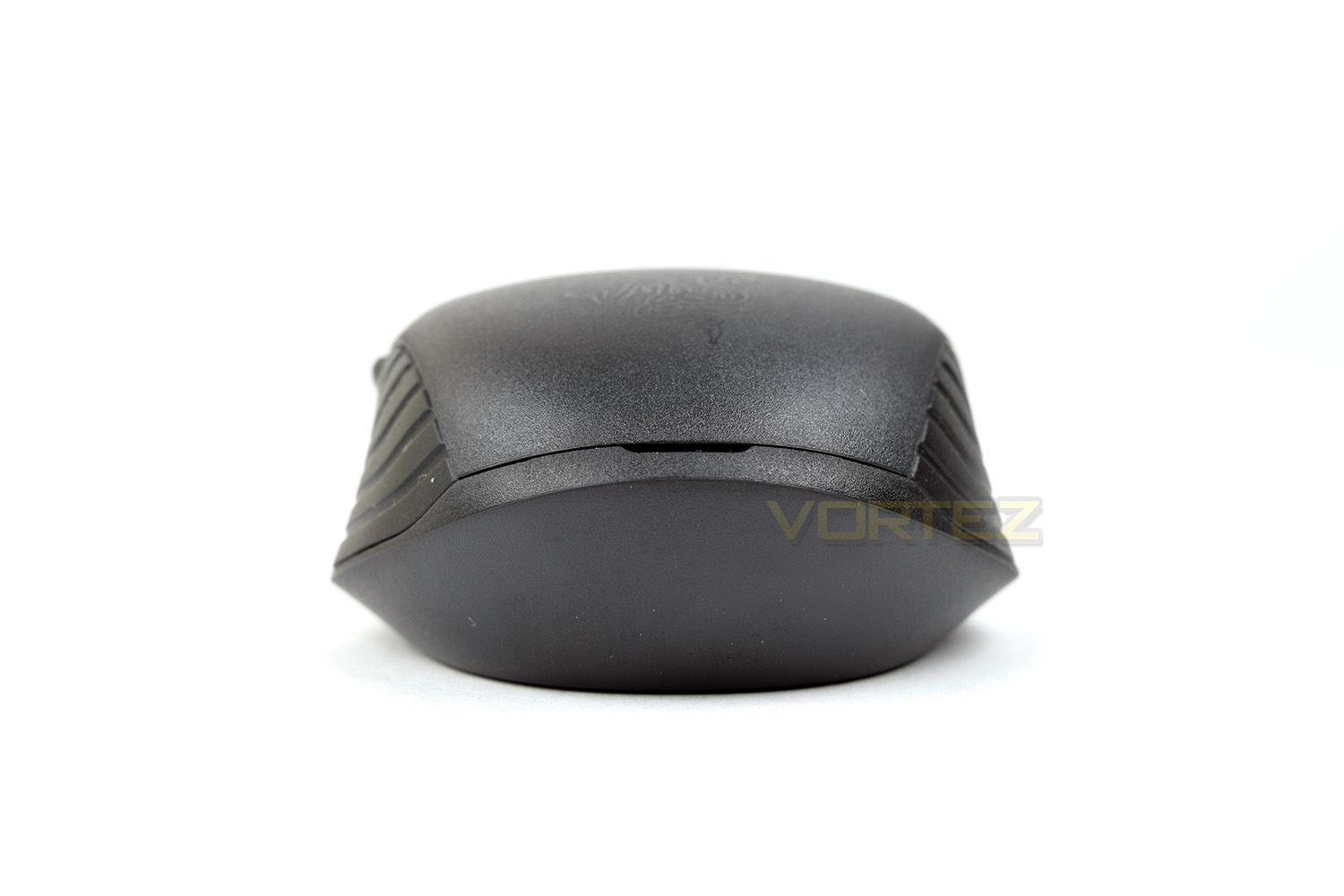
Looking at the mouse from the back, you can see those grips come all the way to the back. That Razer logo is etched into the top shell, though it lacks any kind of RGB to preserve battery life.
Just behind the scroll wheel is the DPI selection button, which is configured within the software. This button contains a small LED which displays connection statuses via a blue or green LED.
Closer Look (Continued)
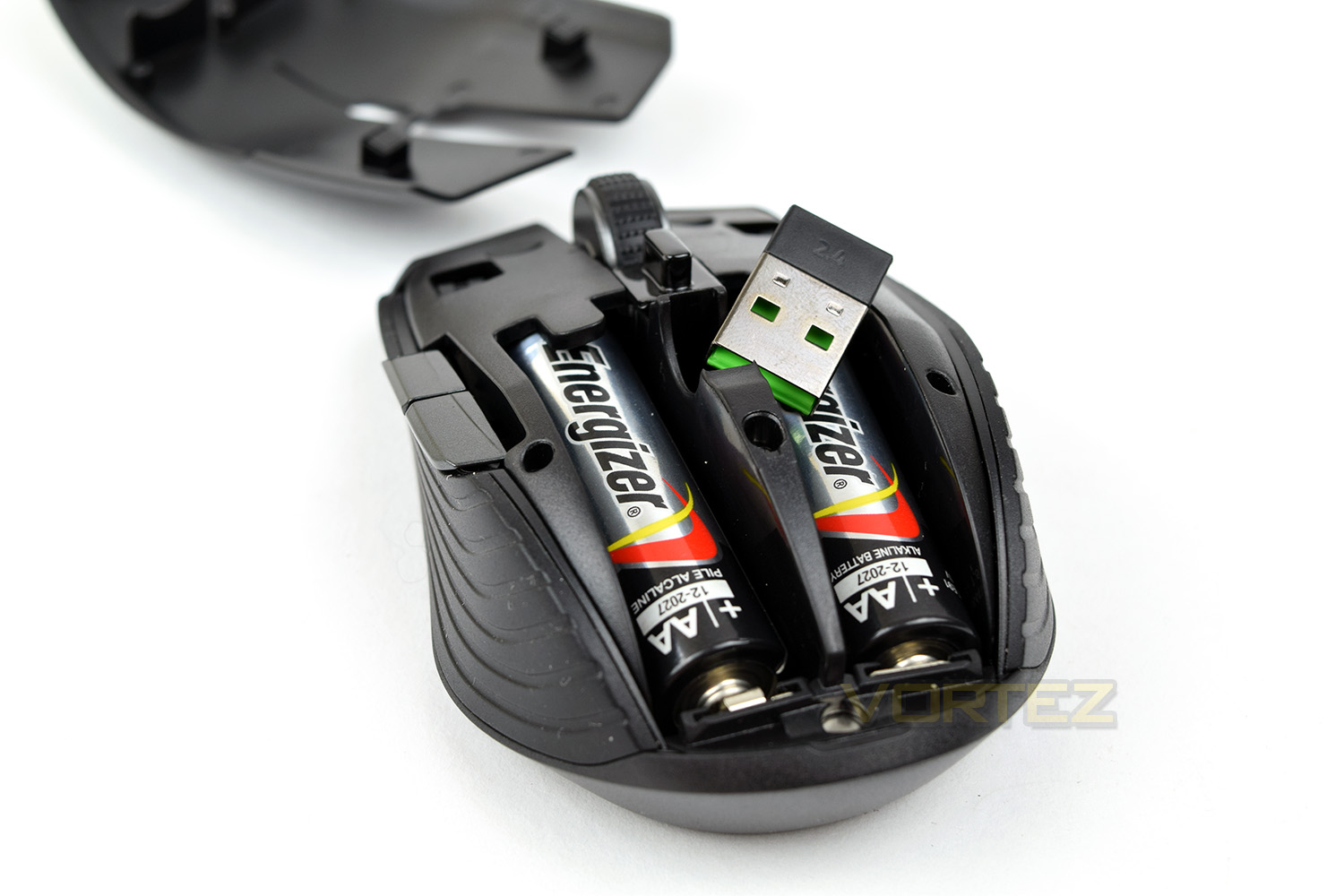
Using a small crevice at the back of the device, the top of the mouse lifts up to reveal the storage compartment for the 2.4GHz dongle and the battery placement.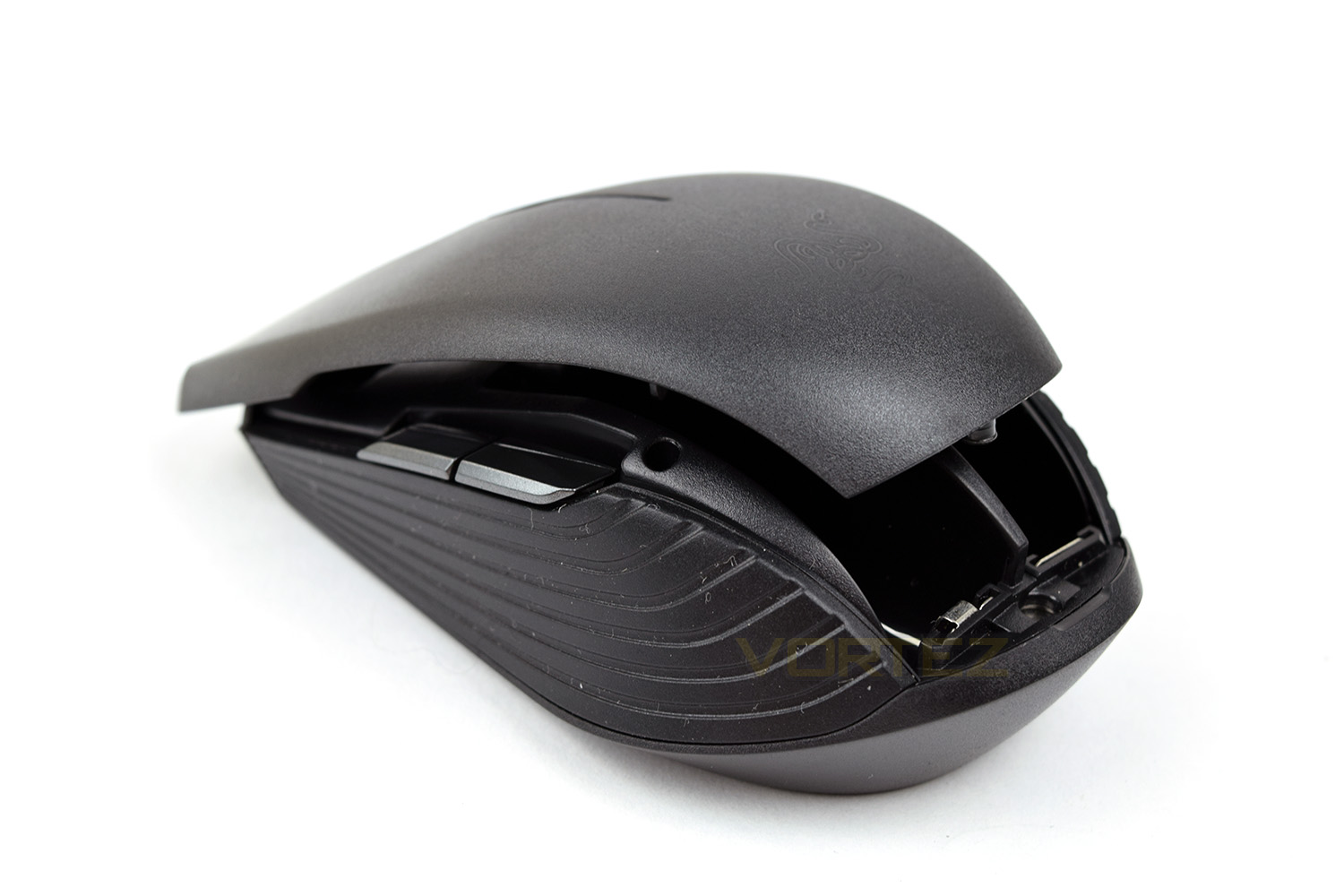
It’s good to see that Razer has provided a pair of AA batteries, which they claim will last up to 350 hours on a Bluetooth connection, though we’ve been unable to find any quoted figures for Razer’s 2.4GHz AFT connection.
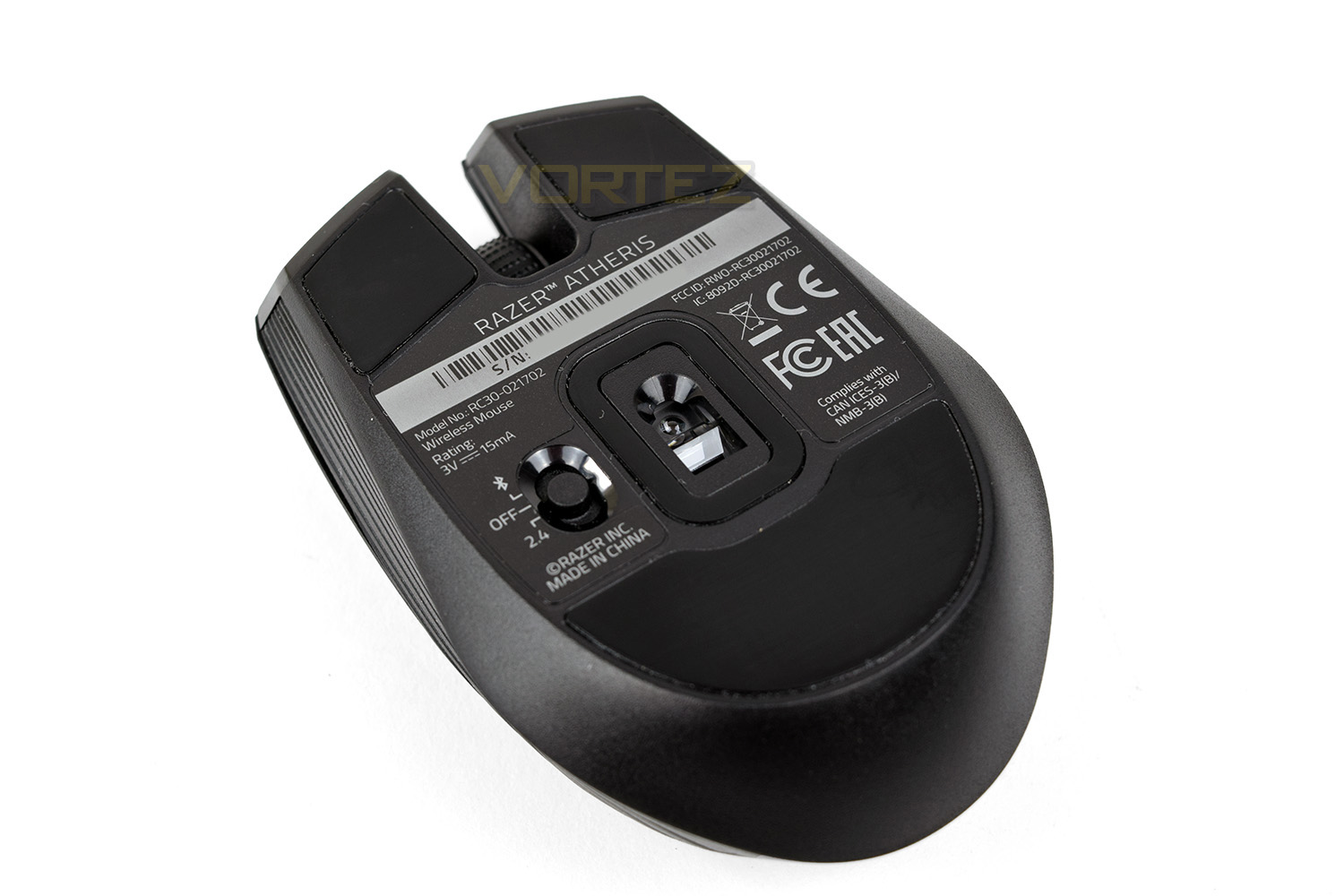
On the underside are 3 large Teflon pads to ensure the mouse will glide about easily. In the centre of the mouse, surrounded by a Teflon strip to help ensure dirt doesn’t enter the aperture, is the 7,200DPI optical sensor. Next to that sensor is the communication switch. You slide it up to enable the Bluetooth connection, downwards for Razer’s own 2.4GHz Adaptive Frequency Technology connection.
Software
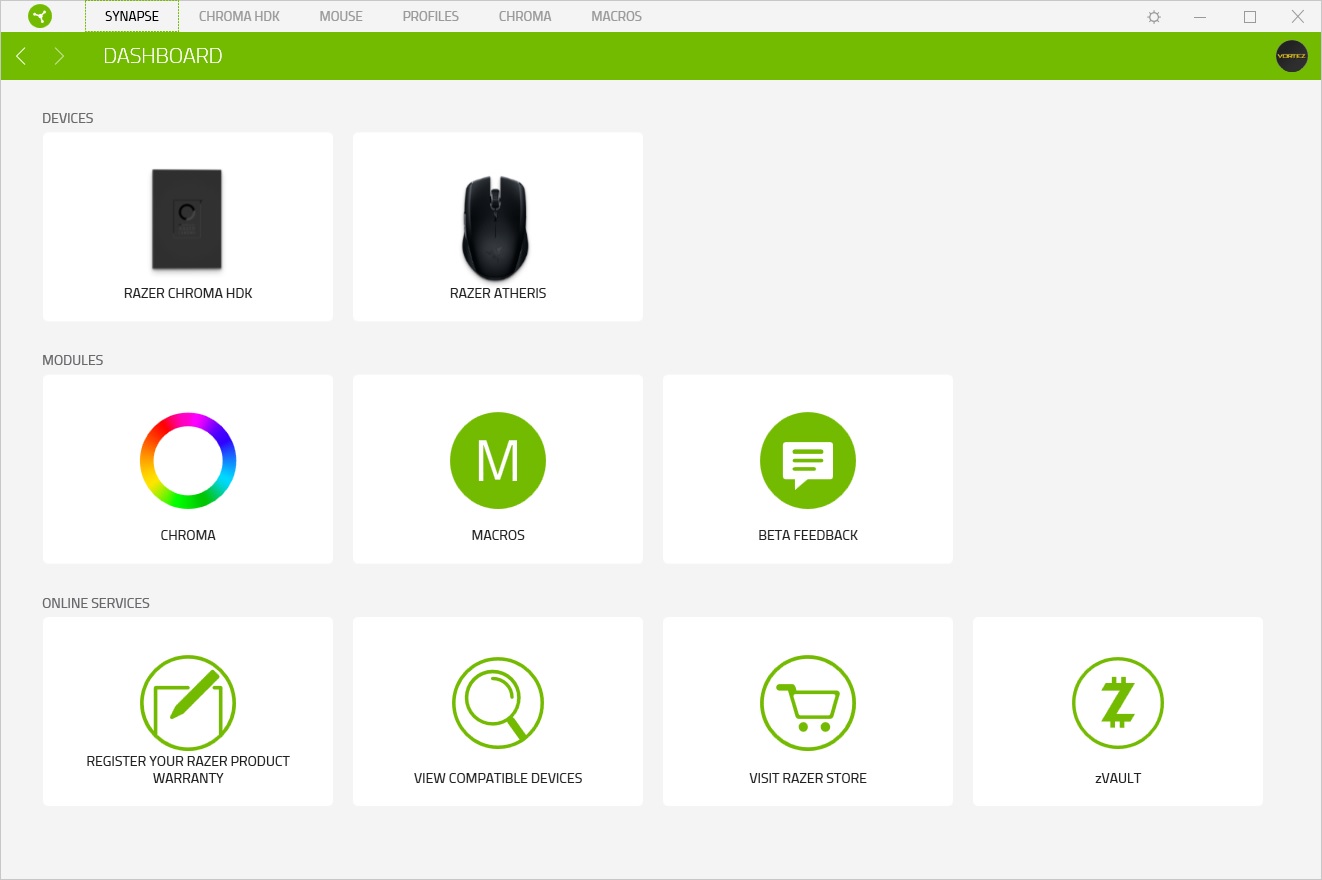
As part of Razer’s evolving plan to use Razer Synapse 3.0, the Atheris is one of few devices that utilises the latest beta version. They do plan to slowly transition all of their products to the latest version but it’s a gradual process.Opening up the software, you’re presented with the dashboard, which shows all compatible devices connected. You can see that we have the Razer Hardware Development Kit and the Atheris plugged in.
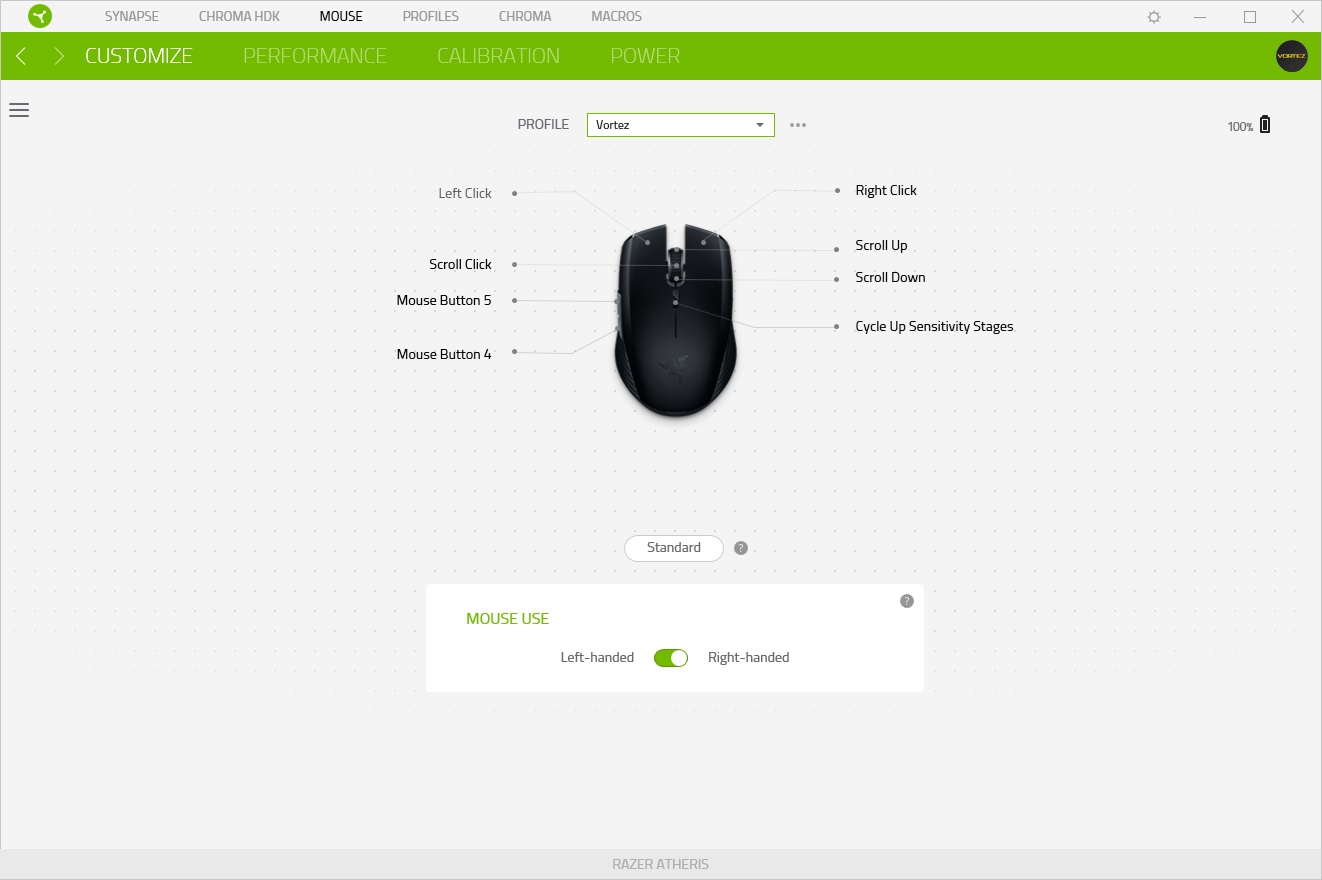
Selecting the Atheris from the dashboard, you’re presented with the customize screen, this allows you to set up custom button-profiles to configure the mouse to your requirements. You can also select right or left-handed usage.
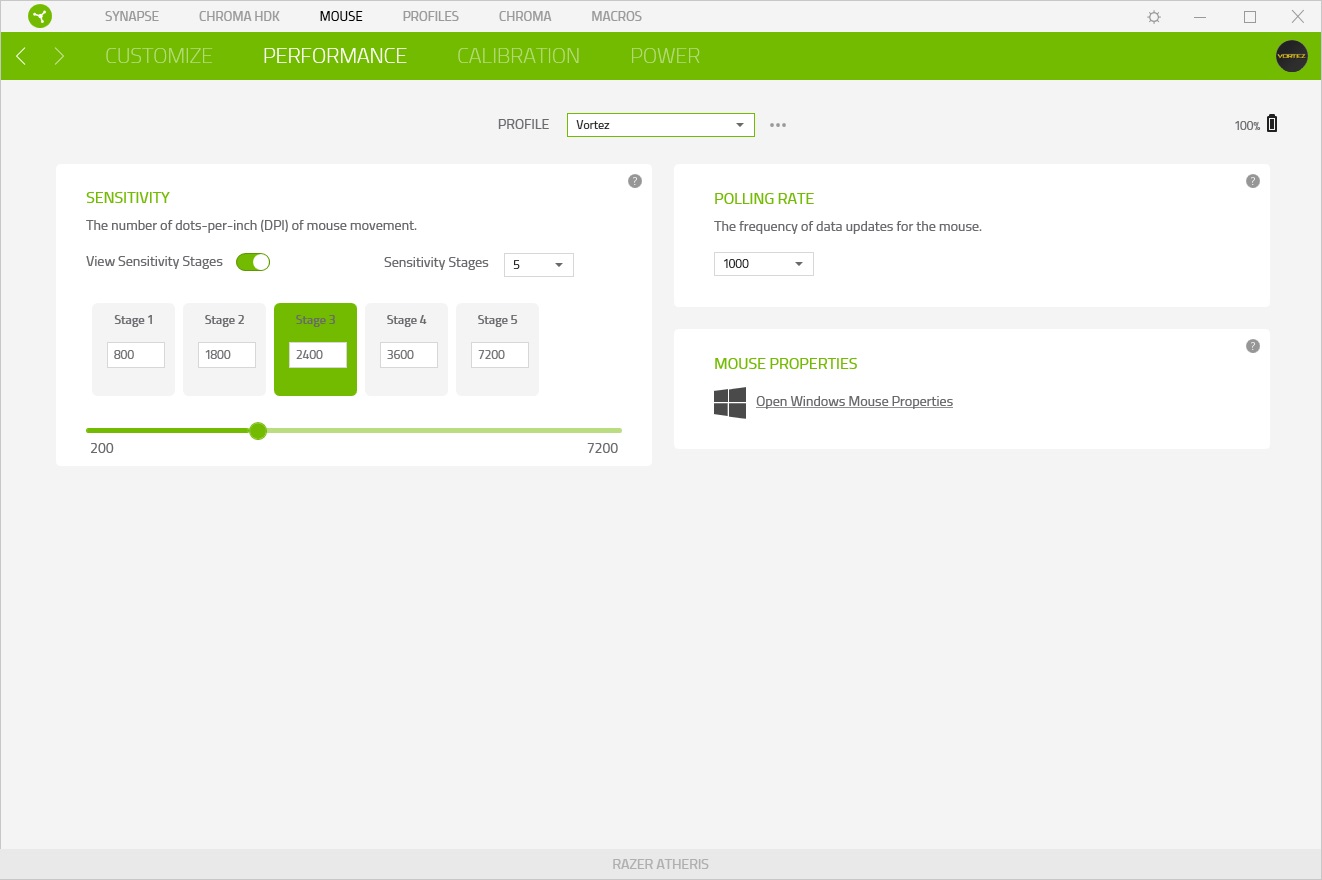
Moving to the next tab, performance is tweaked within this screen. The DPI selection button on the top of the mouse, just behind the scroll wheel, is configured here. You can select between 2 and 5 stages, allowing multiple setups to be loaded onto the mouse. This feature can also be turned off completely if you don’t require the on-the-fly adjustment.
The polling rate can be tweaked here, which may help to conserve battery life if you don’t need the instant response of the 1000Hz updates.
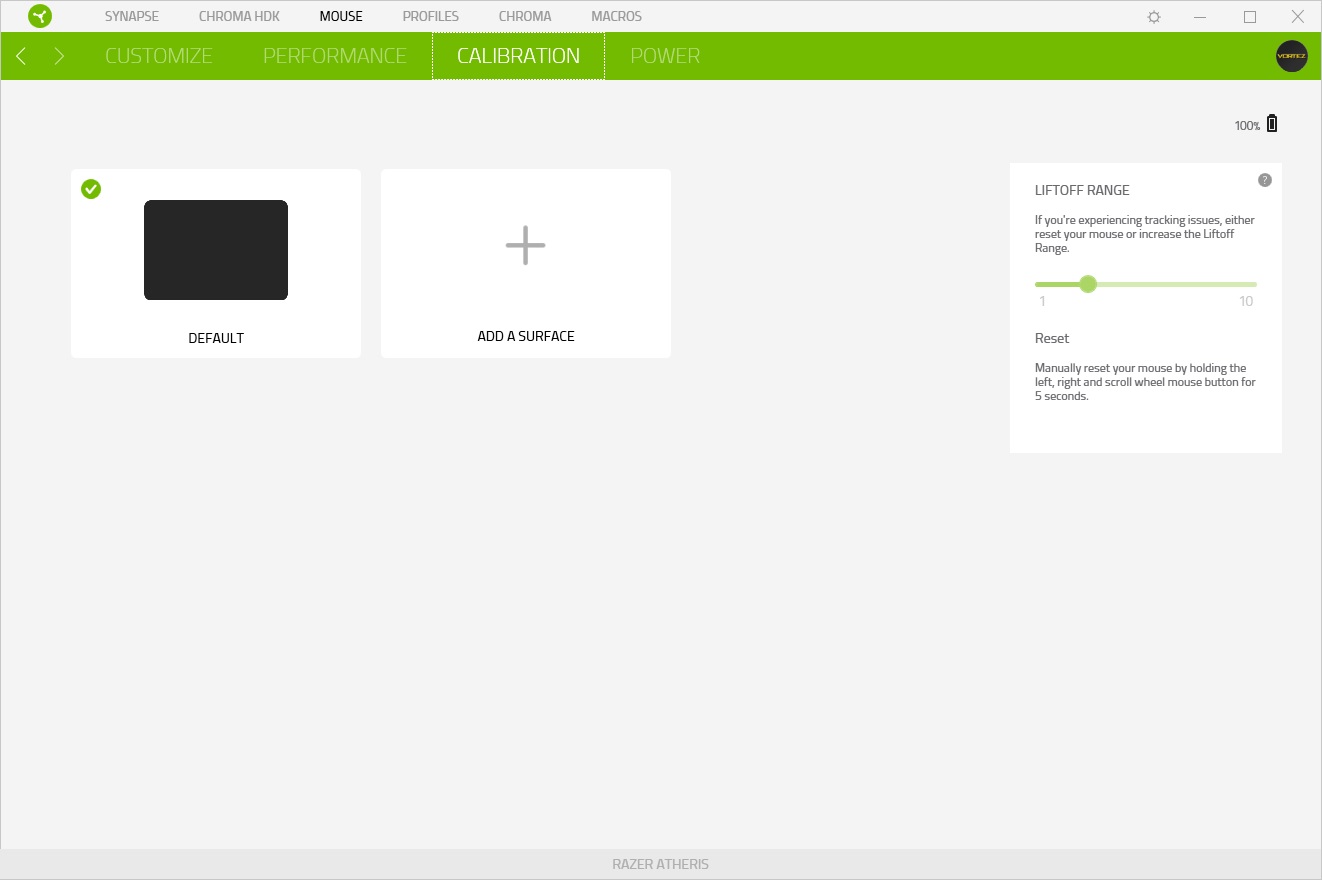
The mouse can be calibrated to the surface if you experience any issues with the current calibration.
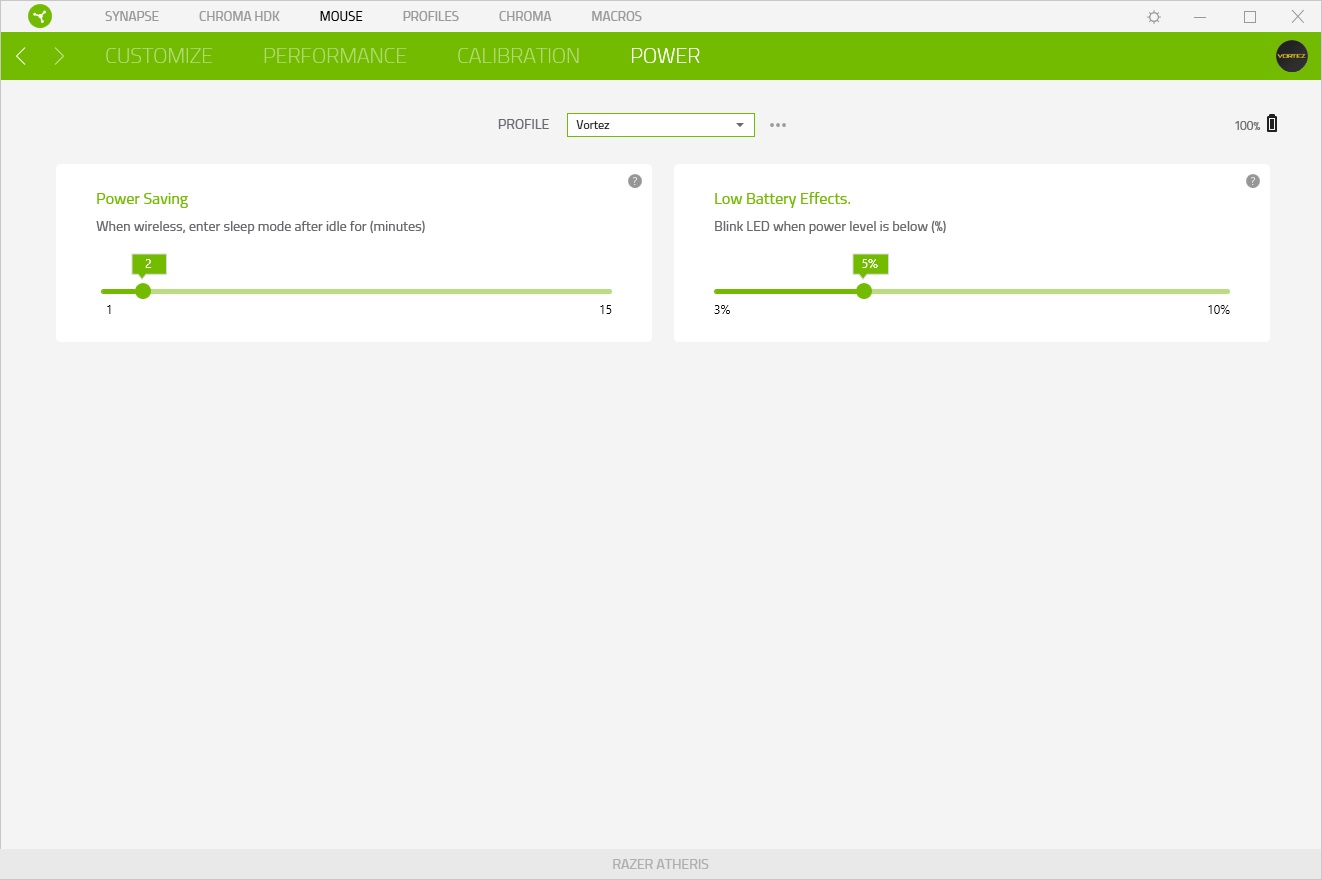
The final page is about saving power, which is obviously fairly important with a wireless device. However, the “when wireless” wording is a little odd, due to the wireless-only communication of this device. This may be a slight oversight due to the wired/wireless nature of the Lancehead, which is the only other mouse that uses Synapse 3.0.
Performance Testing
Firstly, the big thing with the Atheris is its ability to connect via Bluetooth or a 2.4GHz connection, giving the mouse great flexibility. Razer doesn’t quote an expected battery lifespan while using the 2.4GHz connection, though we suspect it to be considerably lower than Bluetooth; however, that being said, we’ve been using the mouse for nearly a week on the 2.4GHz and Bluetooth but the battery is still reporting 100%. Razer’s claims of a 350-hour battery life equate to almost 9 working weeks, assuming the mouse is constantly powered on during the working day. Razer’s choice to use AA batteries instead of a concealed rechargeable battery is actually quite clever; you may not be able to find a store that will sell the correct cable to charge your mouse, but you can guarantee there will be somewhere selling AA batteries.
Connecting the mouse to the system via the 2.4GHz signal was a walk in the park, it took a matter of seconds. Once connected, the mouse seemed stable and very useable. After leaving the mouse for a period of time (configured within software) the Atheris will go into sleep mode to conserve battery life; upon moving the mouse again, it becomes responsive within less than a second, this was very impressive, especially when compared to the Lancehead which took 2 or 3 times as long to wake up.
Gaming performance was tested in Battlefield 1 and PLAYERUNKNOWN’S BATTLEGROUNDS; these games felt great, largely thanks to the 7,200 DPI optical sensor and the 1000Hz polling rate. Unfortunately, the Bluetooth connection couldn’t be tested for gaming.
Connecting the mouse via Bluetooth to a Samsung Galaxy S7 was a doddle, requiring you to hold the two side buttons and the DPI toggle switch for 3 seconds to enable pairing mode, the rest is simple. Unfortunately, we didn’t have any other devices which use a Bluetooth connection to test this facility out, but syncing was simple and the mouse performed well, even on a smartphone.
If you possess the hands of an adult Human, comfort isn’t likely to be a strong suit of such a small mouse, there are certainly better-shaped mice out there, but not many this portable. Razer has done incredibly well to pack so much technology into the tiny device while keeping the weight low. You must bear in mind that this device is designed to be ultra-portable while providing a strong, stable connection for your gaming.
Left-handed players may be slightly perplexed by Razer’s choice to omit the side buttons from the right-hand-side of the mouse, despite its claims of being ambidextrous.
Conclusion
Razer has developed a really good mouse with the Atheris, it performs remarkably well in games via the 2.4GHz connection, provides a huge 350-hour battery life, looks fantastic and is reasonably comfortable despite its size.The Razer software is currently in beta, so we cannot be too critical, however, it works remarkably well and provides a wide range of options to tweak. We look forward to seeing what Razer can do with this software in the coming months.
The decision to add both Bluetooth and Razer’s proprietary AFT 2.4GHz connection is brilliant, it adds such a large degree of flexibility, allowing use on any laptop equipped with Bluetooth, a huge array of smart devices and many Apple Macbooks etc.
The chassis certainly wouldn’t look out of place next to a Razer laptop in a local café nor would it at a LAN event which says a lot about Razer’s styling cues. The scroll wheel is chunky and positive while the overall size remains very small.
Pricing is the final point to touch on, arriving around the £50 mark. For a mouse produced by Razer, with both Bluetooth and their 2.4GHz connection technology, this strikes us as reasonable value for money.
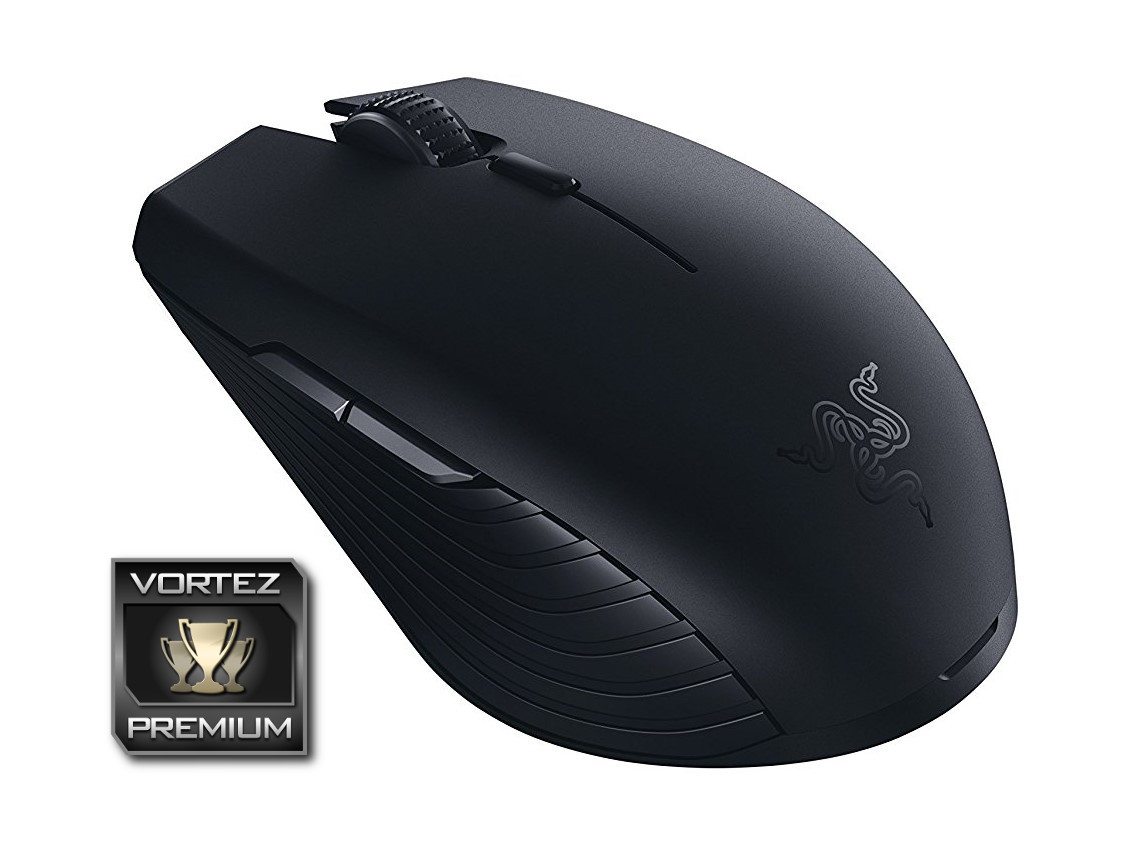
If you require a mobile mouse which is also capable of gaming, you will be hard pushed to find anything better than the Atheris.
+ 350-hour battery life
+ 2.4GHz or Bluetooth
+ Small, compact form factor
+ Lightweight
+ Excellent signal strength
+ Looks great
Cons
– Slightly too small to be fully comfortable
– Side buttons only for right-handed users
Click here for an explanation of our awards at Vortez.net.
Stay connected with the Vortez Social Media pages: