Featuring custom mechnanical switches and 16.8 million per-key customisable lighting and programming, we aim to find out if the Razer BlackWidow TE Chroma is the ultimate compact gaming keyboard.

Product on Review: Razer BlackWidow Tournament Edition Chroma
Manufacturer and Sponsor: RAZER
Street Price: £124.99/ $139.99
Since its release in September last year, the ‘Razer BlackWidow Ultimate Chroma’ has recently undergone a more palatable naming scheme for its various versions, quietly ushering out the ‘Ultimate’ moniker from the Chroma range. Now, to keep it simple there are two versions, a full keyboard and a smaller ‘tenkeyless’ version under the ‘Tournament Edition’ tag. Right now these are available with Razer’s custom green clicky switches as standard and is later expected to be rolling out with ‘Stealth’ variants, using silent orange switches.
In this review, we take a look at the compact, ‘tenkeyless’ Tournament edition, something that many gamers on the go may have been eagerly waiting for, and it couldn’t have come at a better time. The drivers and customisations are steadily developing and there is now an advanced custom lighting option (Chroma Configurator) made available within the Synapse software. Chroma is part of Razers vision of synchronicity between each peripheral with applications making the development of the Chroma line via the Chroma SDK a serious investment towards user experience.
Along with its older sibling, the BlackWidow TE Chroma has fully programmable keys with live macro recording, 10KRO for anti-ghosting and comes with a neat carry case for easy transportation, though foregoes the USB and audio pass-through.
Overview by Razer
The Razer BlackWidow mechanical gaming keyboard was first launched in 2010 and quickly became the most popular and highest selling gaming keyboard worldwide, making its mark as the primary choice for eSports athletes. Four years later, the Razer™ Mechanical Switch was introduced, giving the Razer BlackWidow an even greater advantage with the world’s first mechanical switch designed from the ground up specifically for gaming.
Now with Chroma customizable backlighting, this gaming icon is raising the bar once again by introducing individually controlled multi-color backlit keys that allow for extreme customization. Bearing the distinct Razer BlackWidow design, the Razer BlackWidow Chroma gives you the unbridled freedom to truly express yourself, not just with an impressive spectrum of colors but with personalized lighting controls as well.
More information from Razer
Now with Chroma customizable backlighting, this gaming icon is raising the bar once again by introducing individually controlled multi-color backlit keys that allow for extreme customization. Bearing the distinct Razer BlackWidow design, the Razer BlackWidow Chroma gives you the unbridled freedom to truly express yourself, not just with an impressive spectrum of colors but with personalized lighting controls as well.
More information from Razer
Technical Specifications
– Razer™ Mechanical Switches with 50g actuation force
– 60 million keystroke life span
– Chroma backlighting with 16.8 million customizable color options
– 10 key roll-over anti-ghosting
– Fully programmable keys with on-the-fly macro recording
– Compact layout
– Detachable braided fiber USB cable with cable strap
– Carrying case for protection
– 1000Hz Ultrapolling
– Razer Synapse 2.0 enabled
– Approximate size: 366mm/14.40” (Width) x 154mm/6.06” (Height) x 30mm/1.18” (Depth)
– Approximate weight: 950g/2.09lbs
– 60 million keystroke life span
– Chroma backlighting with 16.8 million customizable color options
– 10 key roll-over anti-ghosting
– Fully programmable keys with on-the-fly macro recording
– Compact layout
– Detachable braided fiber USB cable with cable strap
– Carrying case for protection
– 1000Hz Ultrapolling
– Razer Synapse 2.0 enabled
– Approximate size: 366mm/14.40” (Width) x 154mm/6.06” (Height) x 30mm/1.18” (Depth)
– Approximate weight: 950g/2.09lbs
Packaging & Bundle
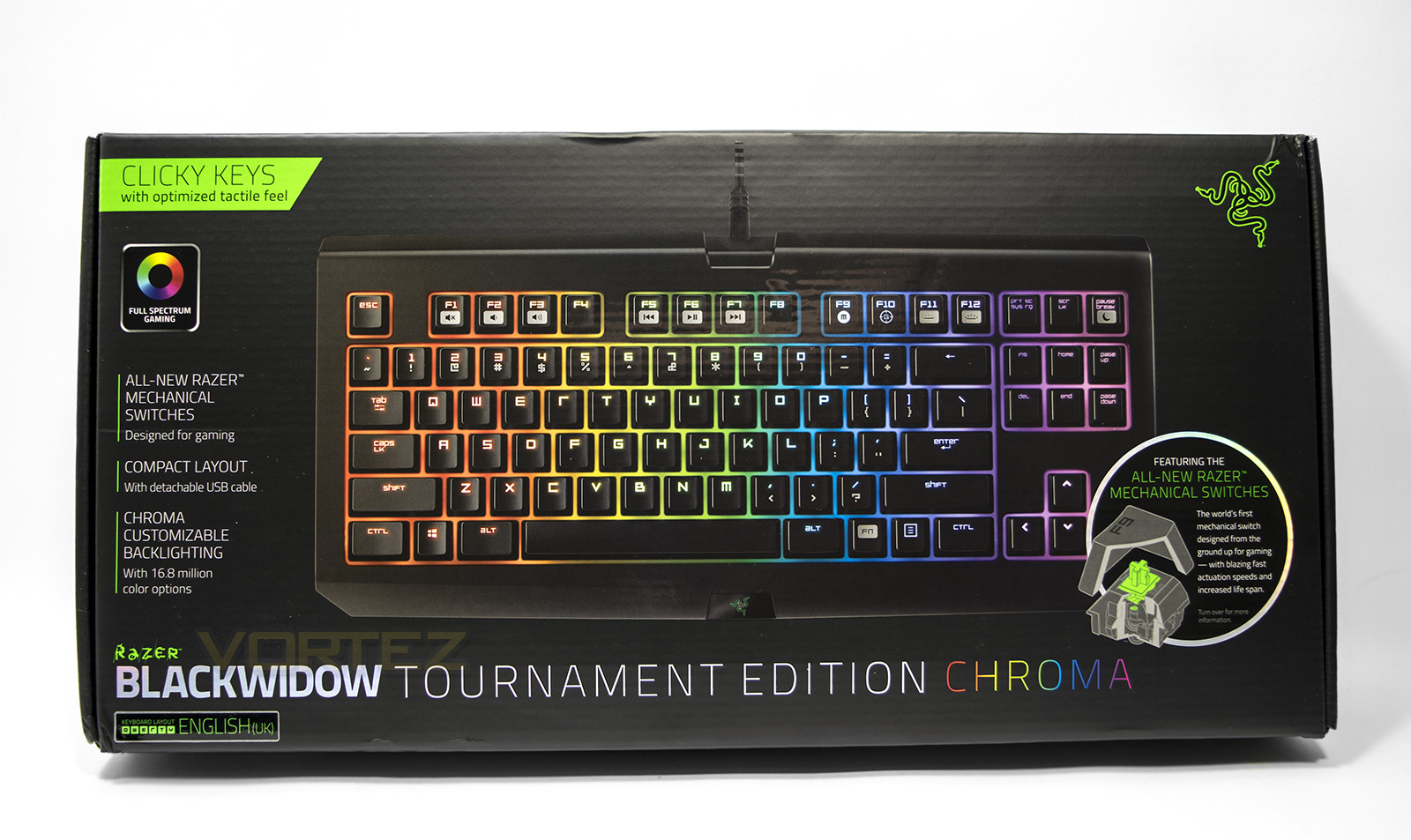
The box is noticeably compact compared to a full size keyboard, though features all the information on the packaging about the specific features of the BlackWidow TE Chroma.
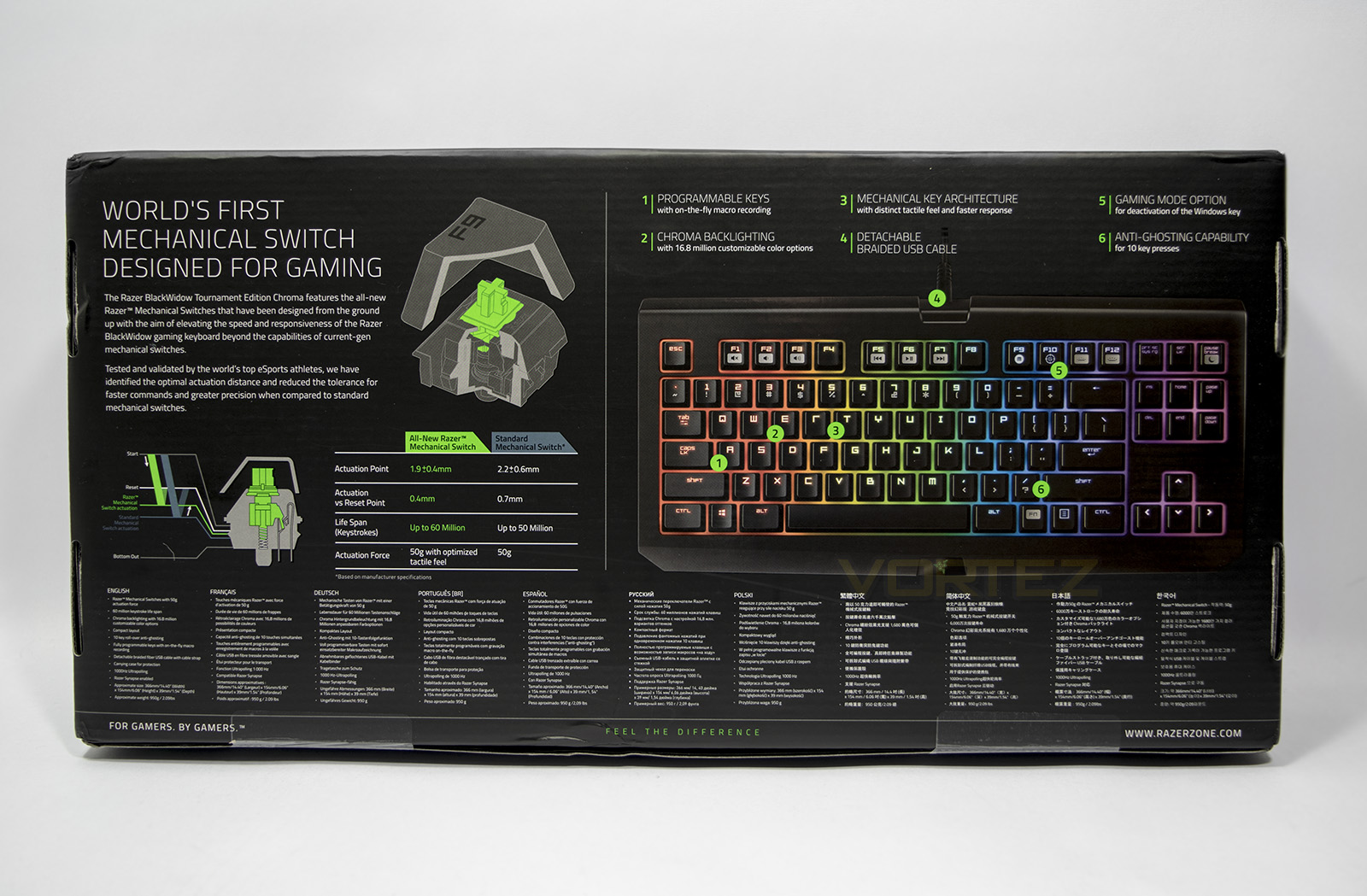
At the back we get information about Razer’s custom mechanical switch as well as detailed specifications in various languages.
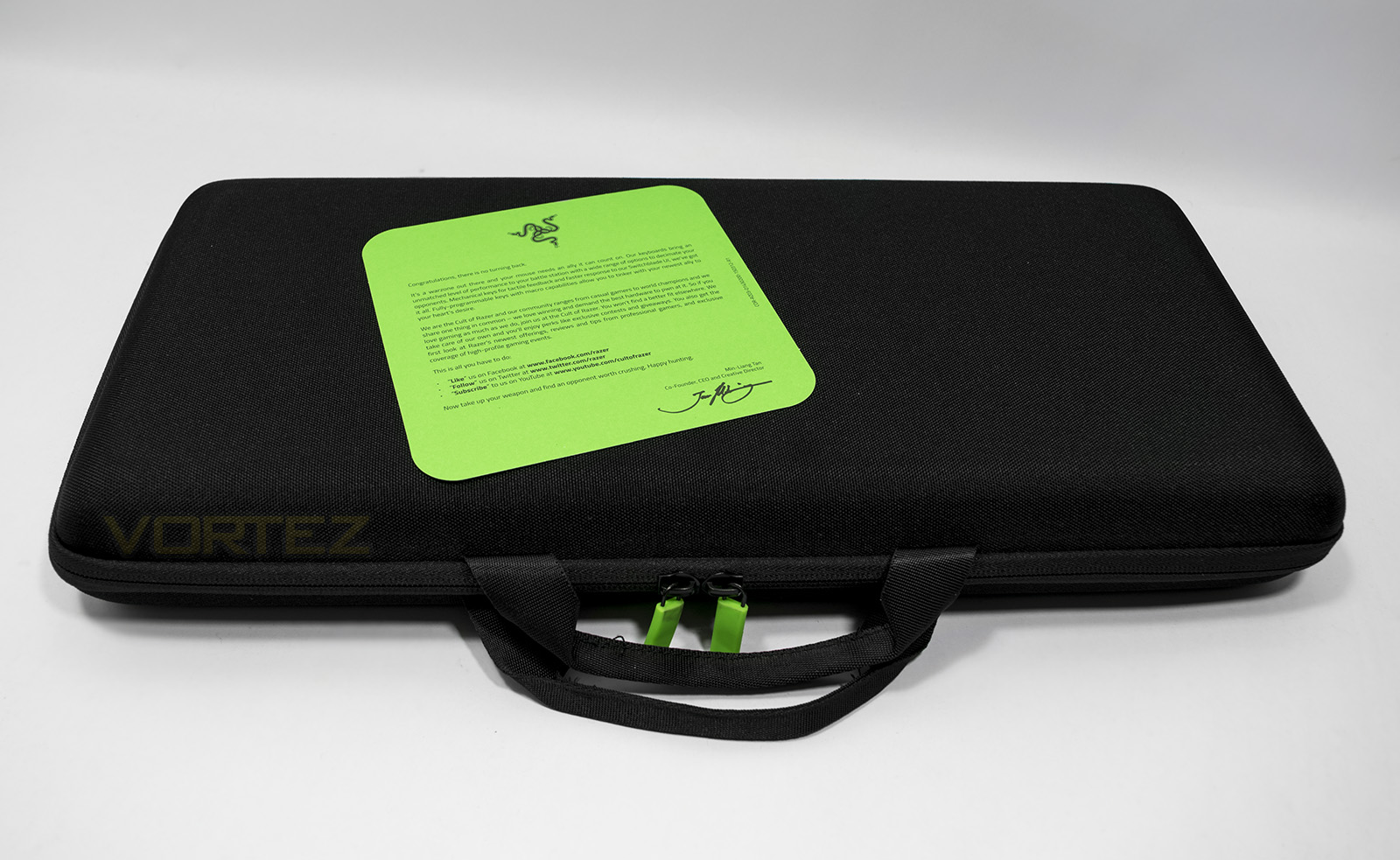
Inside the box we are greeted by Razer’s ‘Welcome Card’, as well as a large hard case. The case feels robust and should be able to withstand general light travel while protecting the contents on the move.
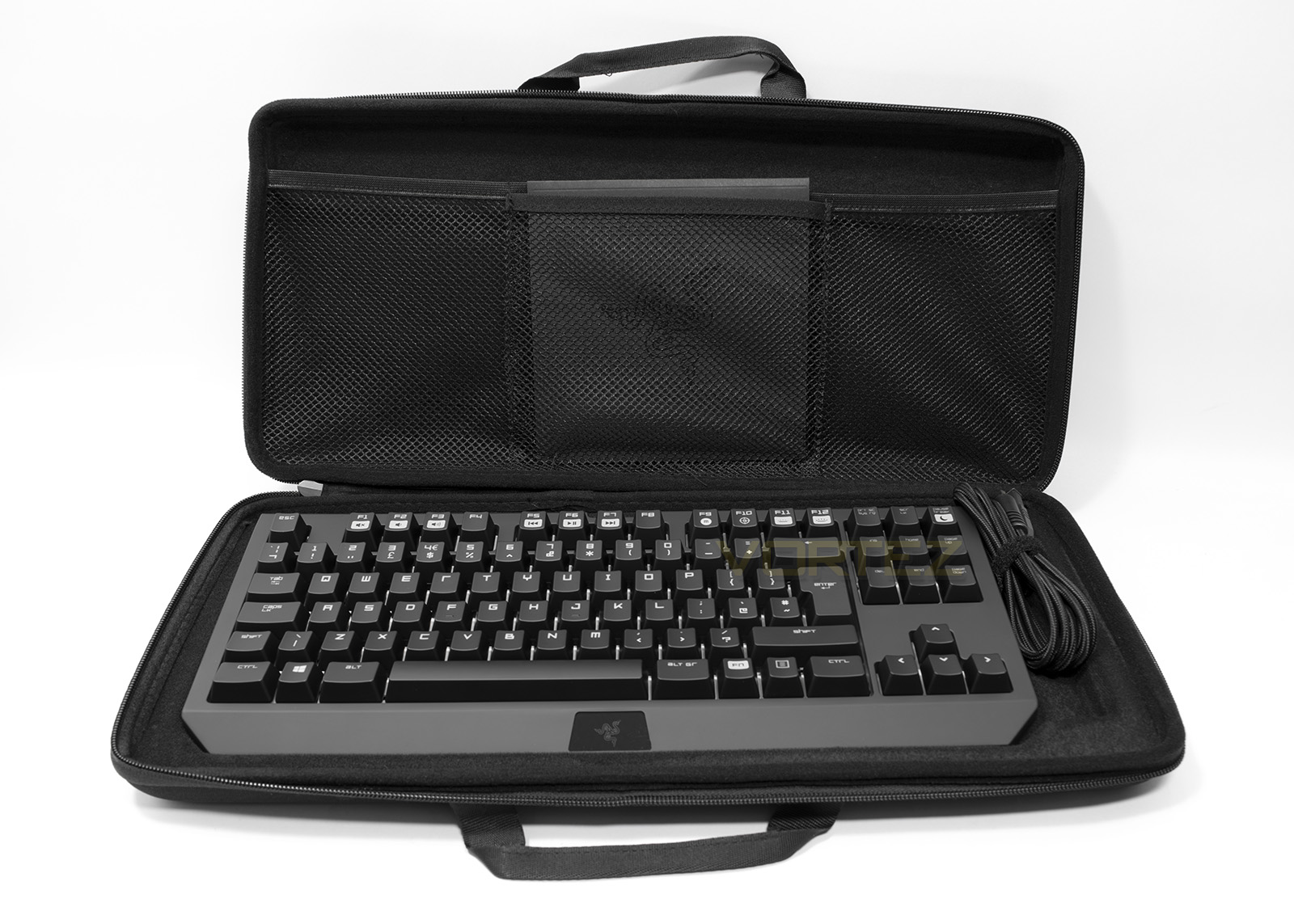
Opening up the case, in the top side pocket we get general information and a guide on the BlackWidow TE Chroma while the keyboard itself takes up the main body inside. The cable is detachable which is sweet (maybe one day we may see a wired/wireless gaming keyboard with modular cables too) as constant movement can create wear on the cable and this creates an easy fix.
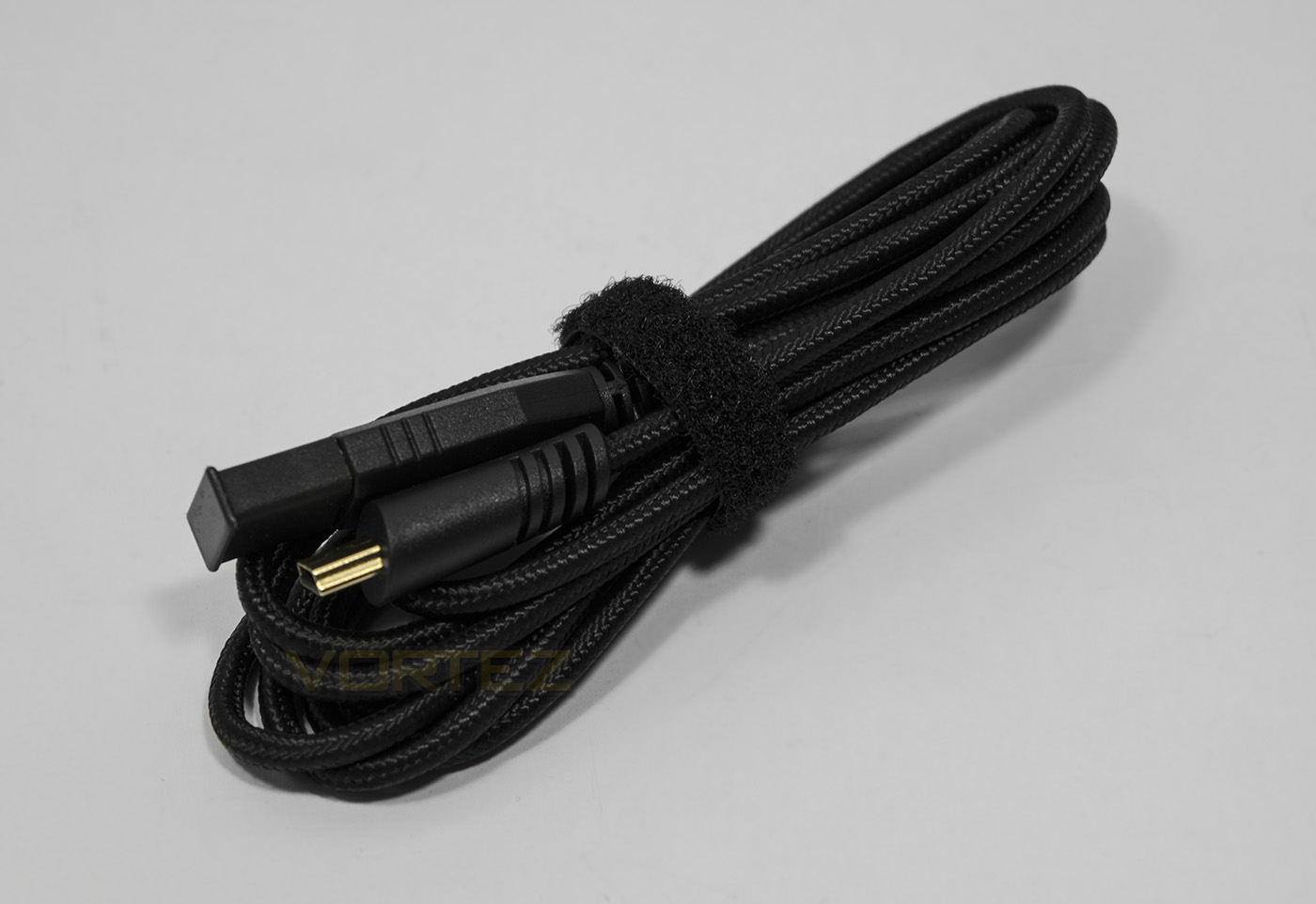
The included cable is braided and features gold plated USB to micro USB connectors.
Closer Look
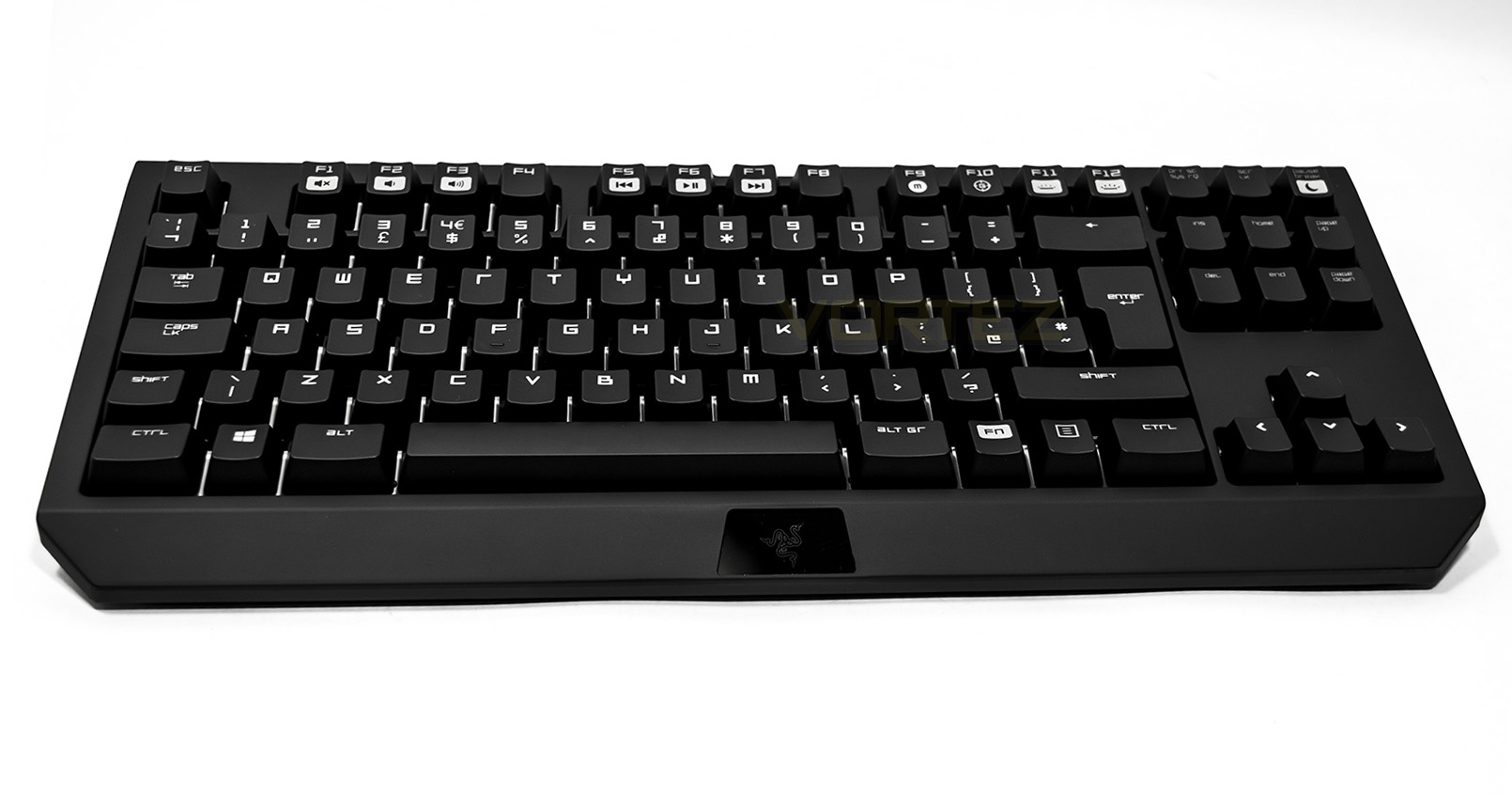
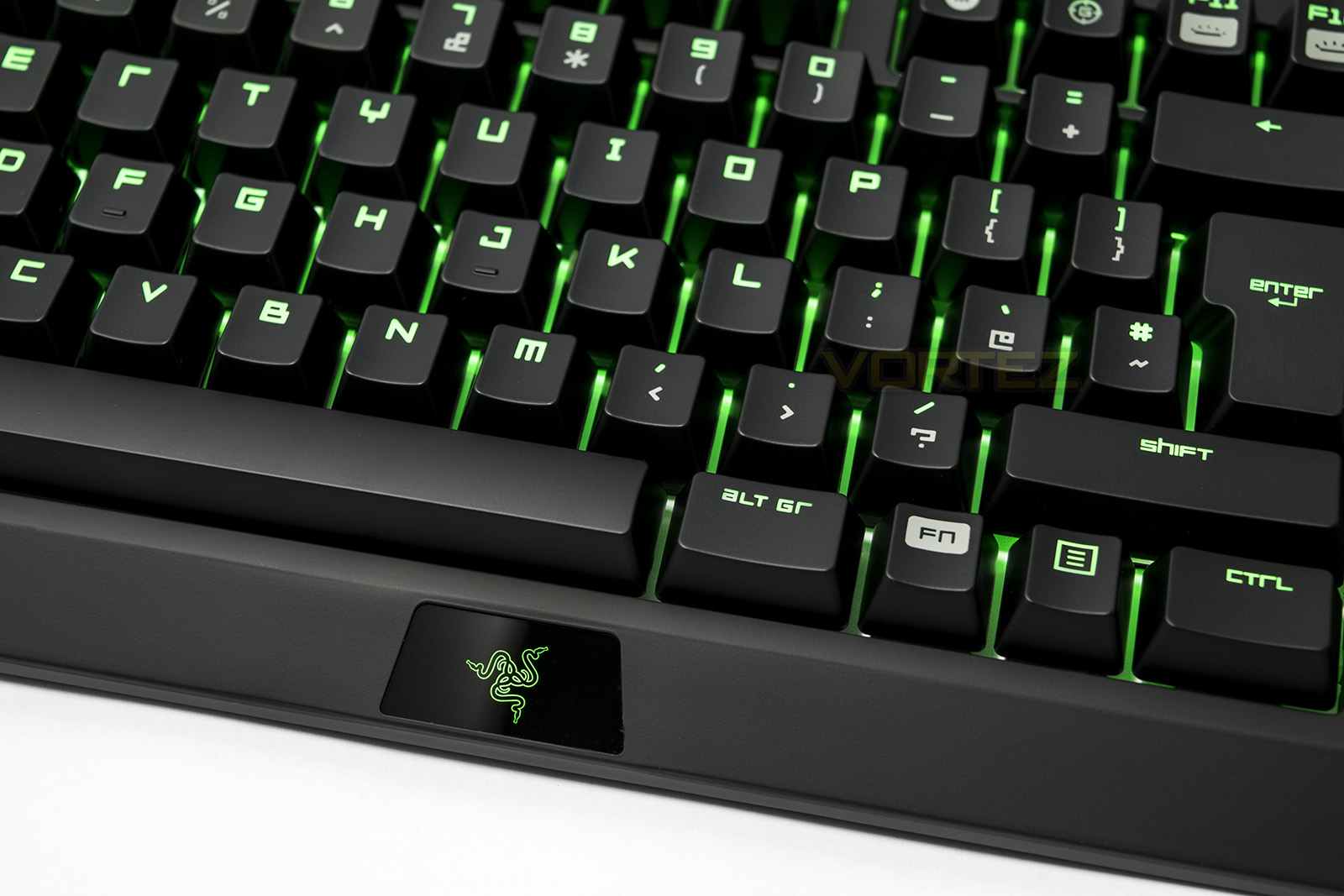
The Razer BlackWidow TE Chroma follows the sized version in build quality and material down to the font type, giving the impression of a high quality product. You can clearly see a reflective background under the keycaps, which is there to help the lighting really pop out, though it may also help highlight how dirty things can get through long term use.
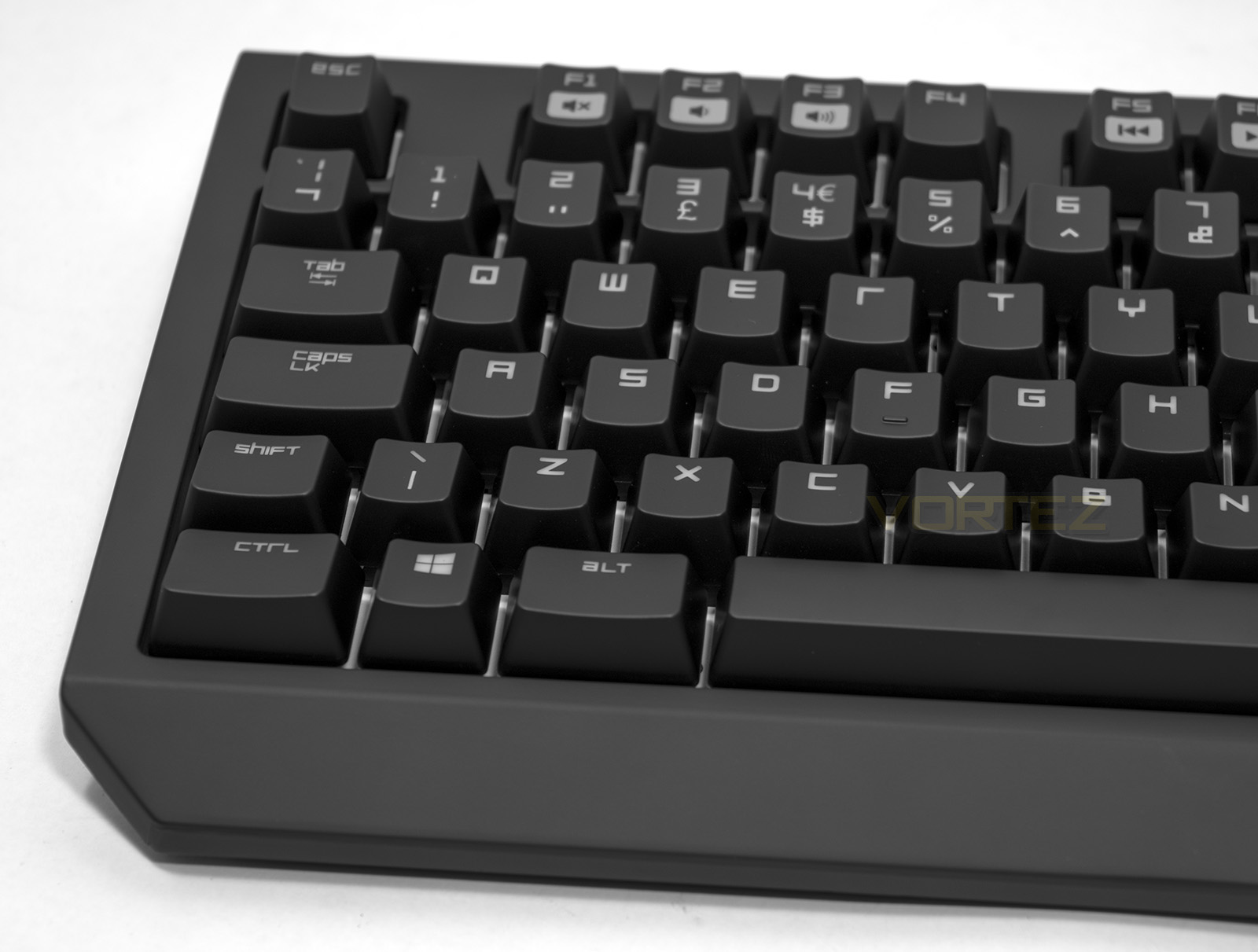
Unlike the full sized BlackWidow, this version focuses on being compact so does away with the 5 extra included macro keys.
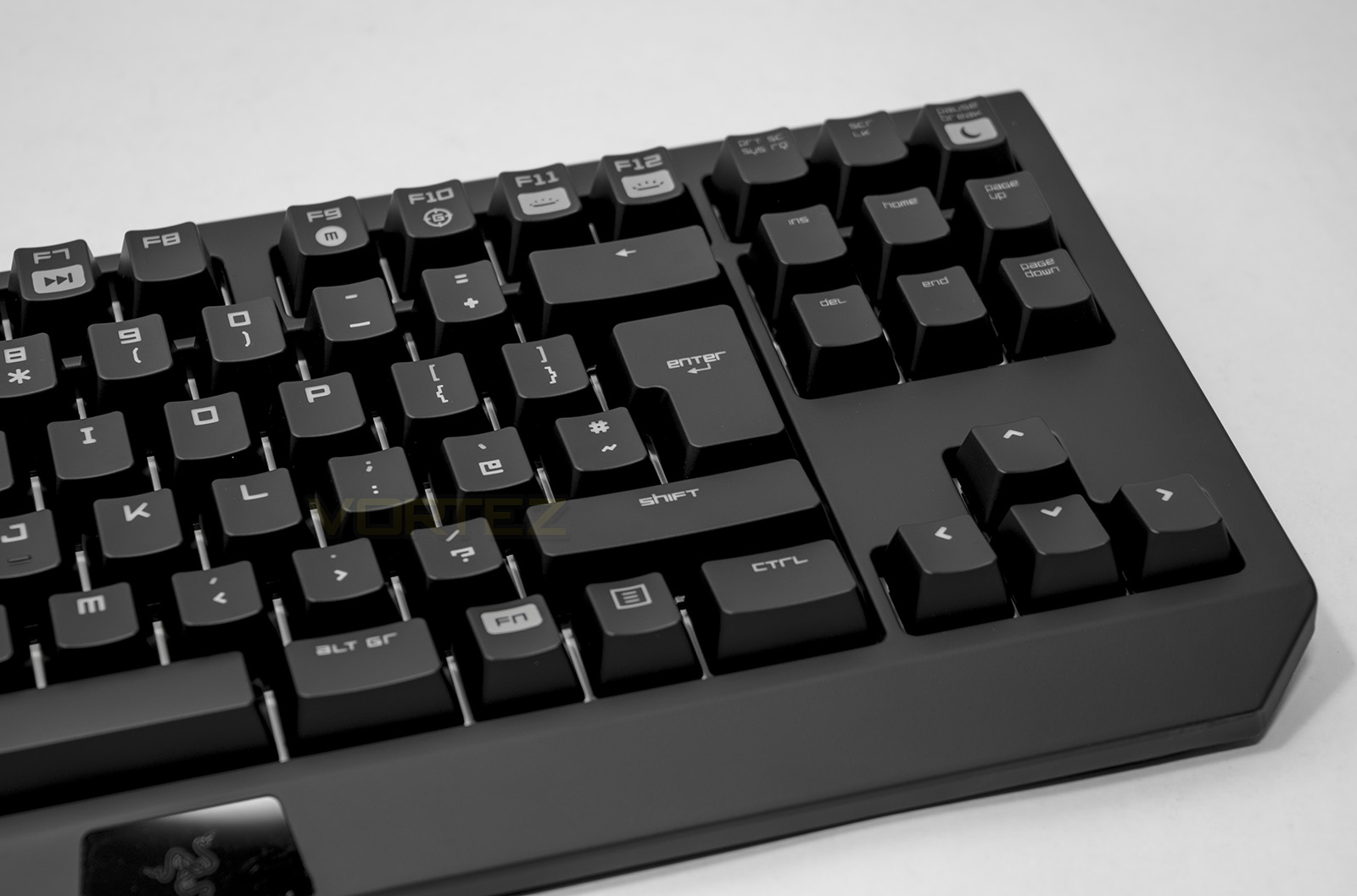
On the right hand side you can get an idea of how cut down the BlackWidow TE Chroma is with such a slim bezel around the keycaps.
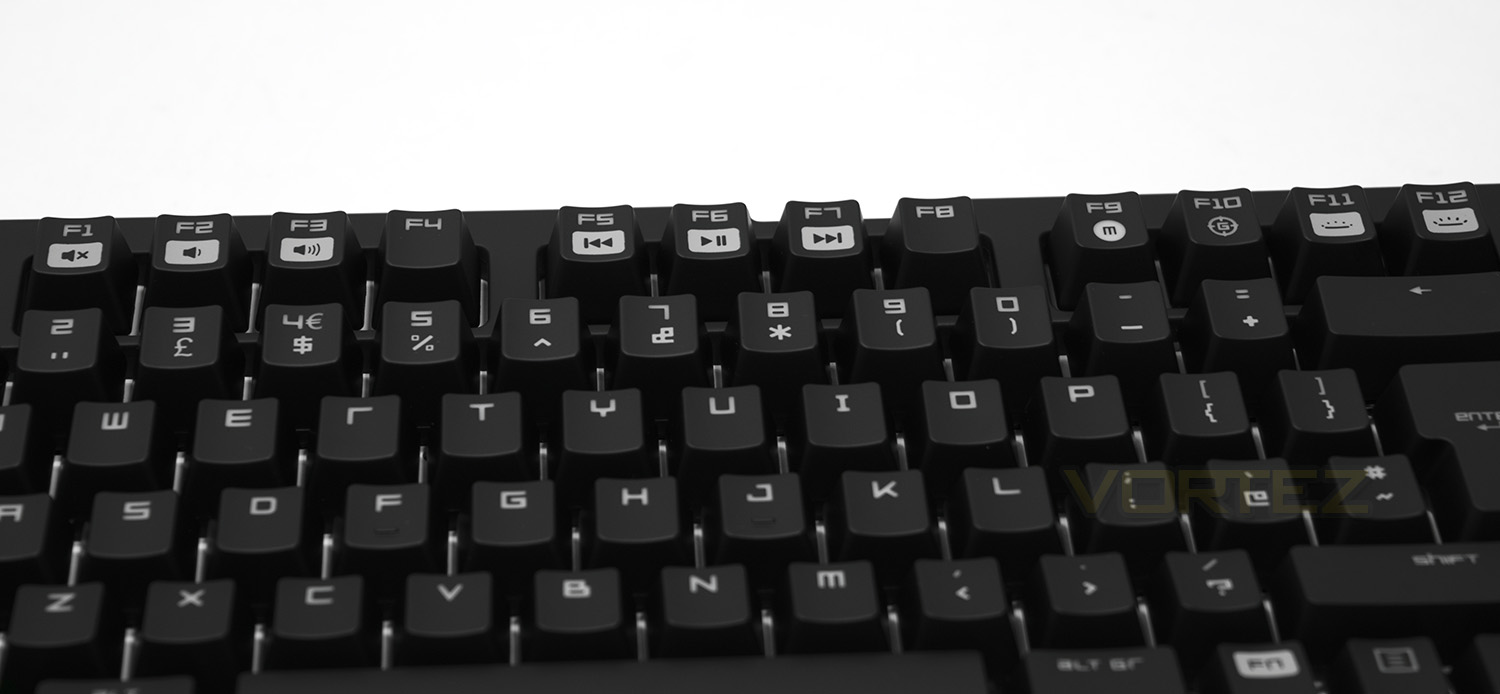
The FKeys break up into various media functions including volume controls, previous, play/pause and skip track, macro recording and gaming mode (disables window key etc.) as well as brightness adjustment.
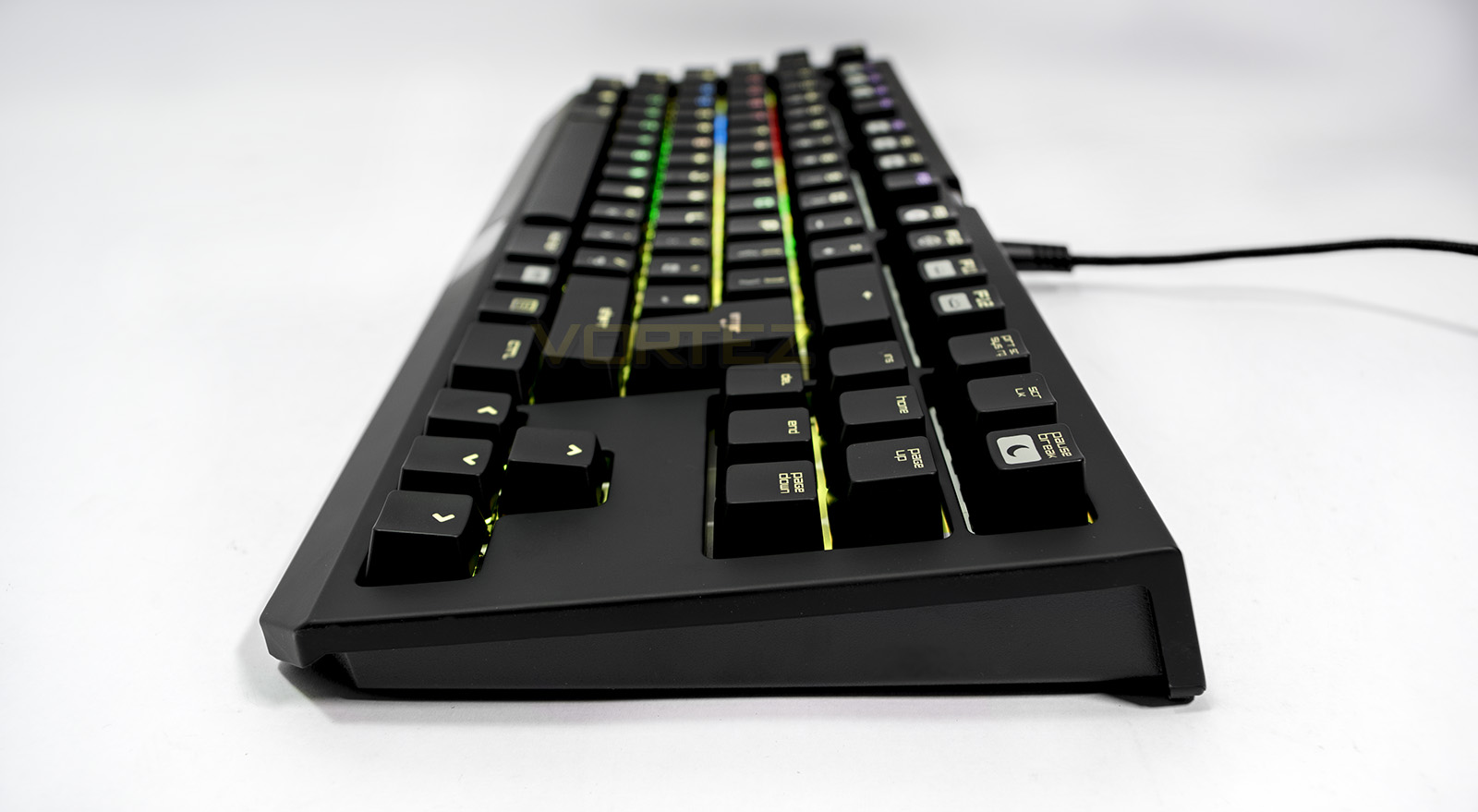
The Razer BlackWidow TE Chroma stands at just 30mm at its thickest compared to the standard BlackWidow Chroma which is 39mm, again highlighting its focus on being compact.
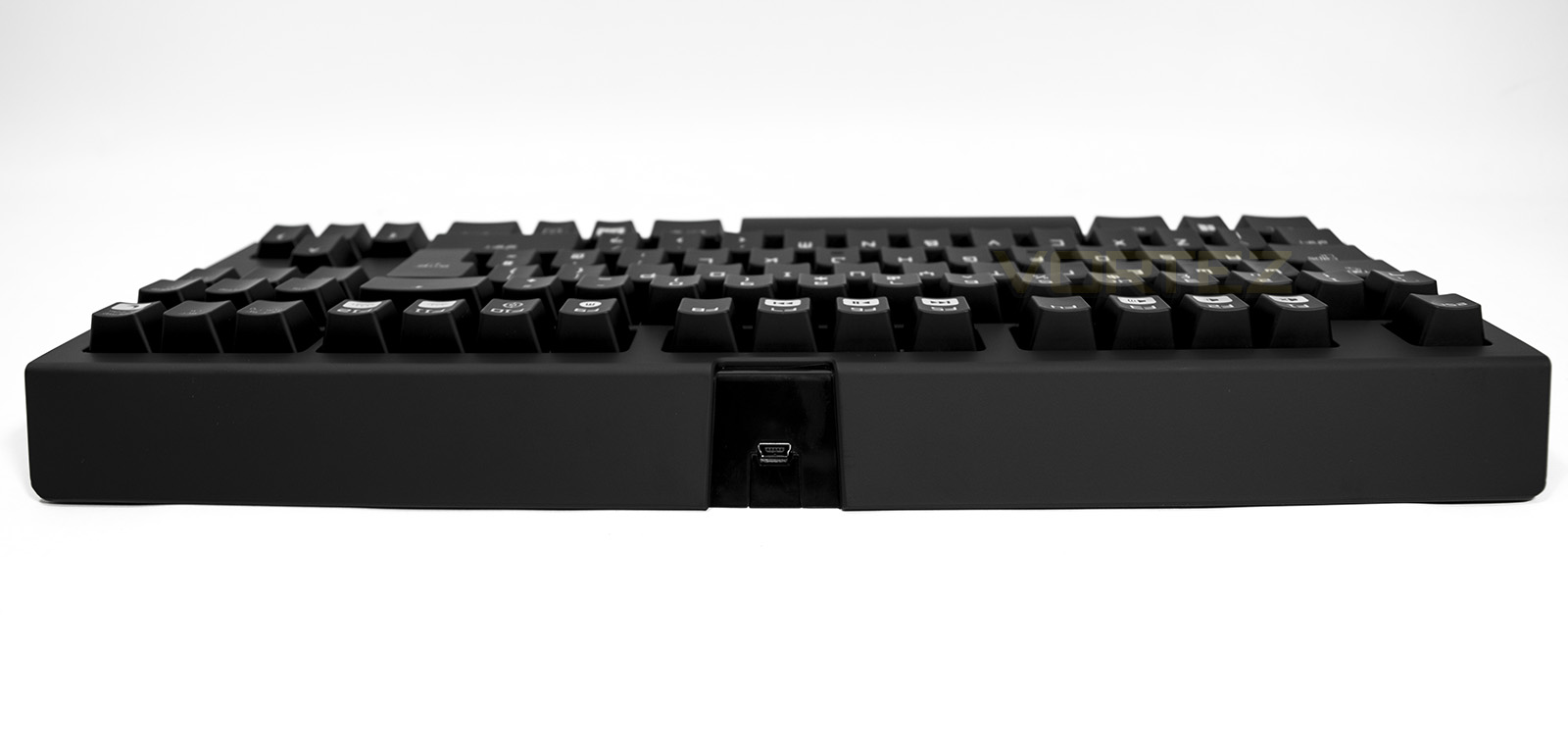
Some may be puzzled by having a removable cable, but it makes a lot of sense in regards to durability and longevity, especially in regards to a keyboard designed for gamers constantly on the move. After a lot of movement, cables can shear internally causing disconnection, malfunction or cause it to simply stop working all together. Being able to replace such a simple feature easily solves this issue and should be a welcome feature on any product.
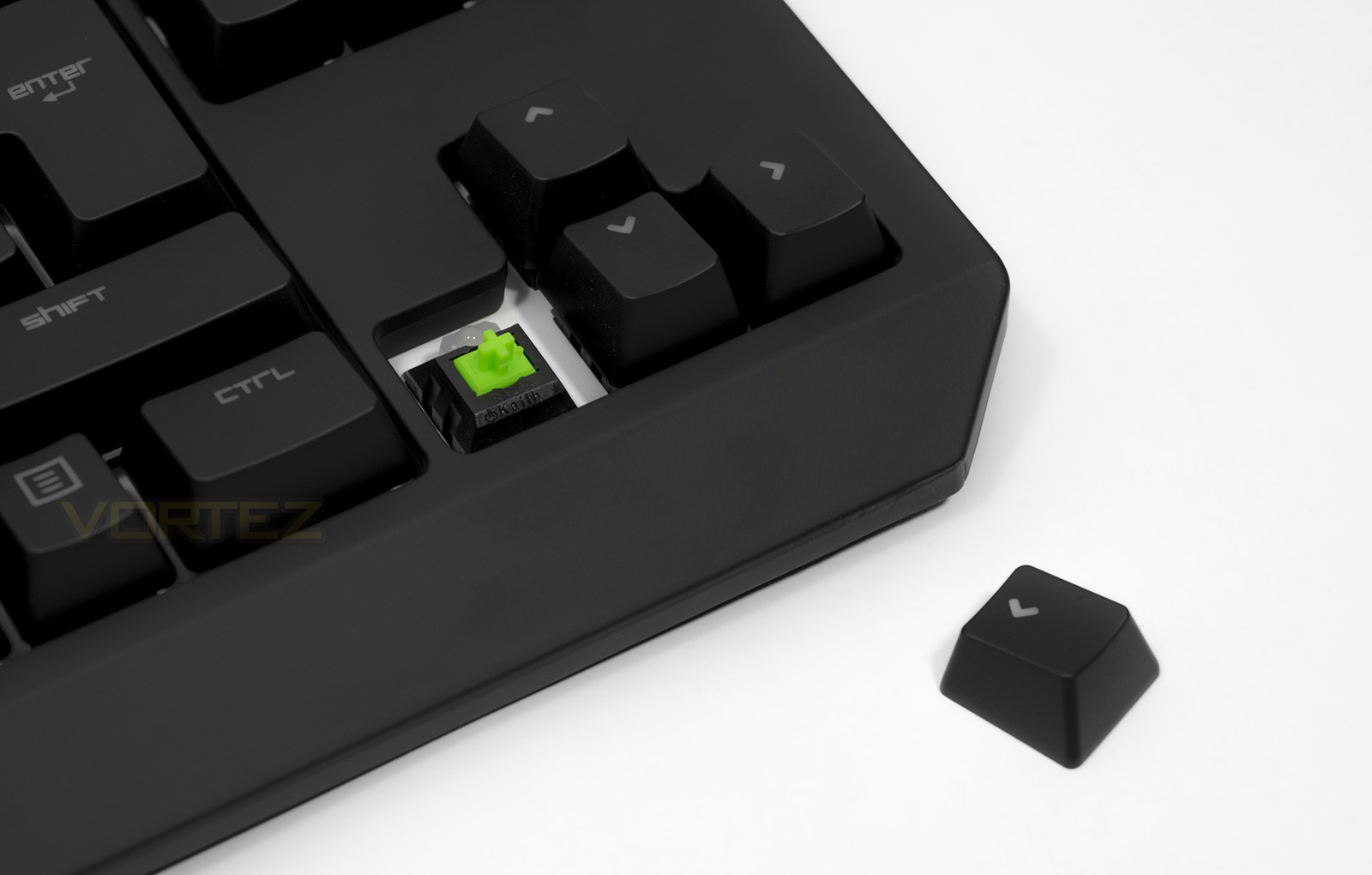
Under the keycaps we find the Kailh made custom Razer switches, the green switches have a shorter actuation distance than standard, and are ‘clicky’.
Software & Lighting
The Razer Synapse software is attractive and easy to browse and will be familiar to many people. While it does serve as a fairly bulky app and takes a while to install from scratch, it is a must to get the most of of your Razer product. You can assign each individual key a command or macro as well as customise the per key lighting to match. The advanced ‘Chroma Configurator’ is available in the lighting effects which allows for countless possibilities by creating various layer effects.
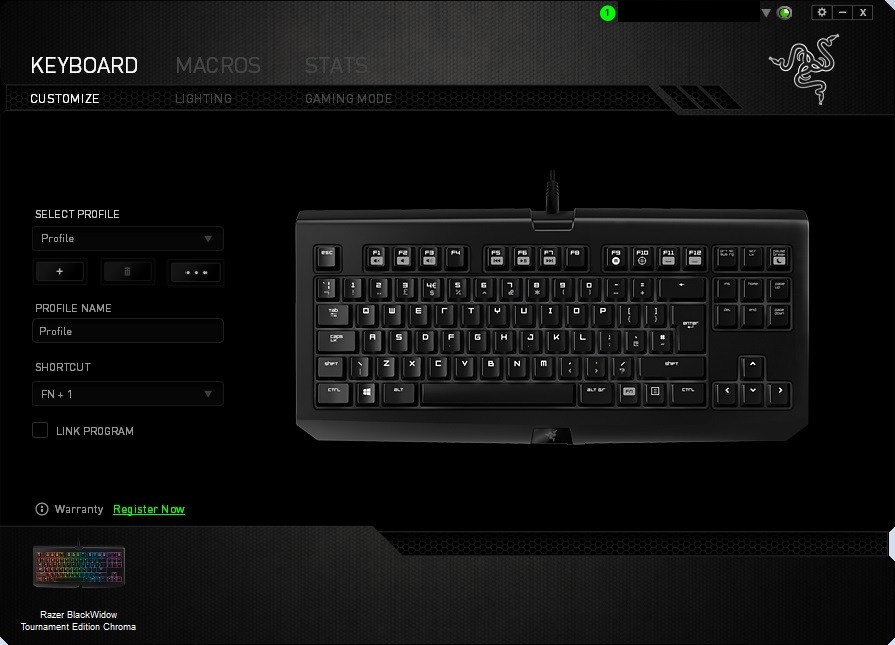
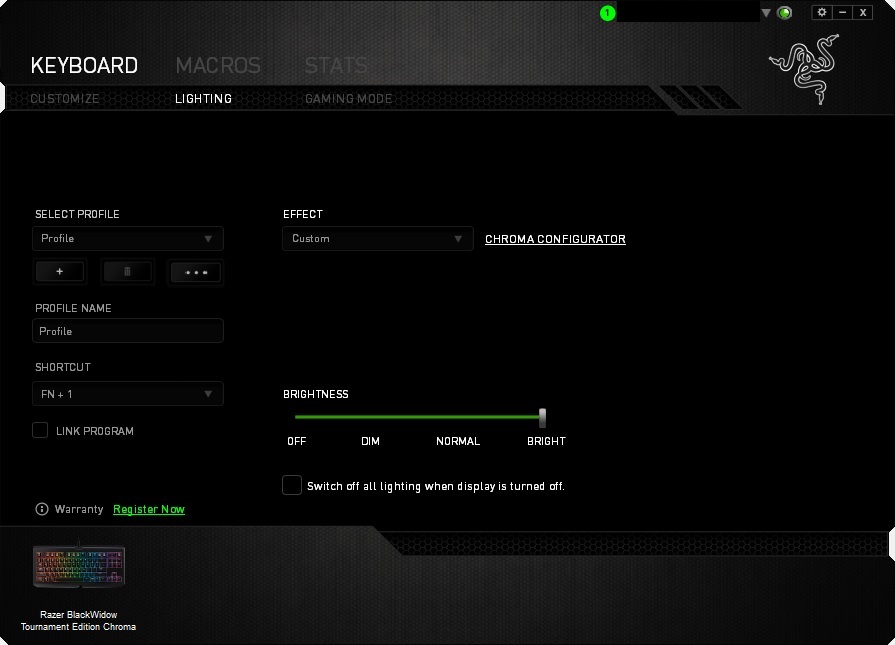
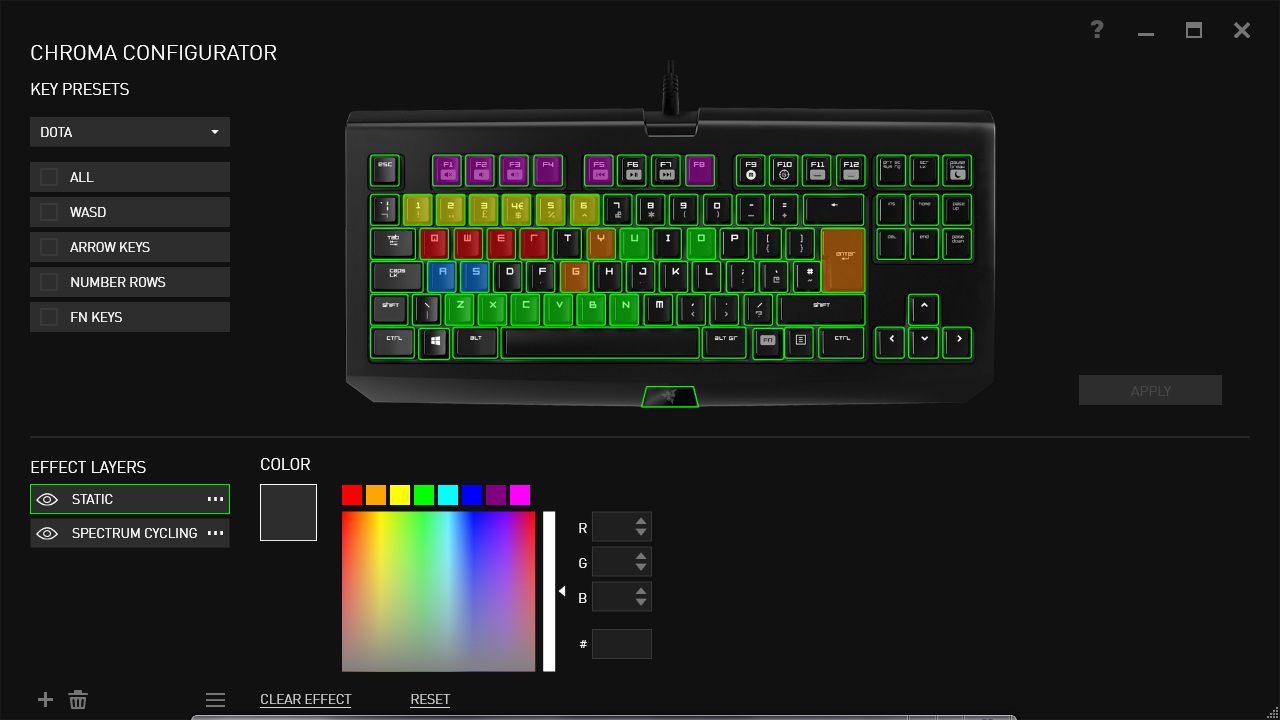
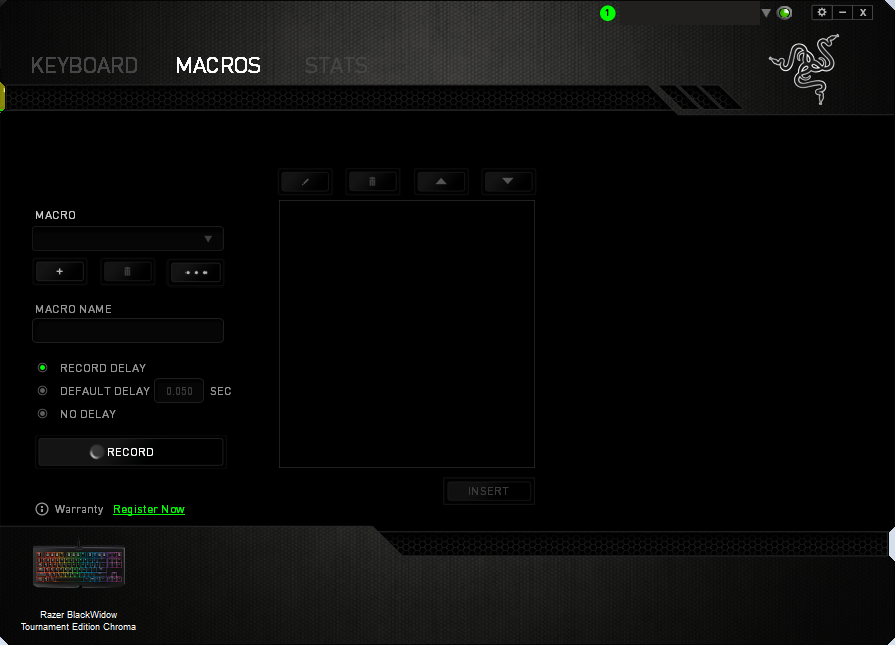
The ‘16.8 million’ colours is a bit of a stretch as most colours outside of the preset grid tend to default to a washed out ‘off white’ colour, lacking in vibrance. Though being able to do all the expected colours of the rainbow with vivid clarity does offset this, just don’t expect any obscure colours to be perfectly replicated. That being said, the lighting effects with the BlackWidow Chroma series are insane. Limited only by imagination (maybe a little bit by processing and total number of keys), it doesn’t take too much effort to see the extent of some peoples designs with a wealth available to be seen and shared for others to use.
The whole ‘lighting’ thing may divide many people as it may be easy to cast off as a party trick of gimmick. I would like to remind said people that it wasn’t too long ago when backlit keyboards became highly sought after due to the convenience when used in low light settings, arguably a situation many gamers are accustomed to (despite the various health warnings). So from convenience to gimmick there will be no pleasing everyone.
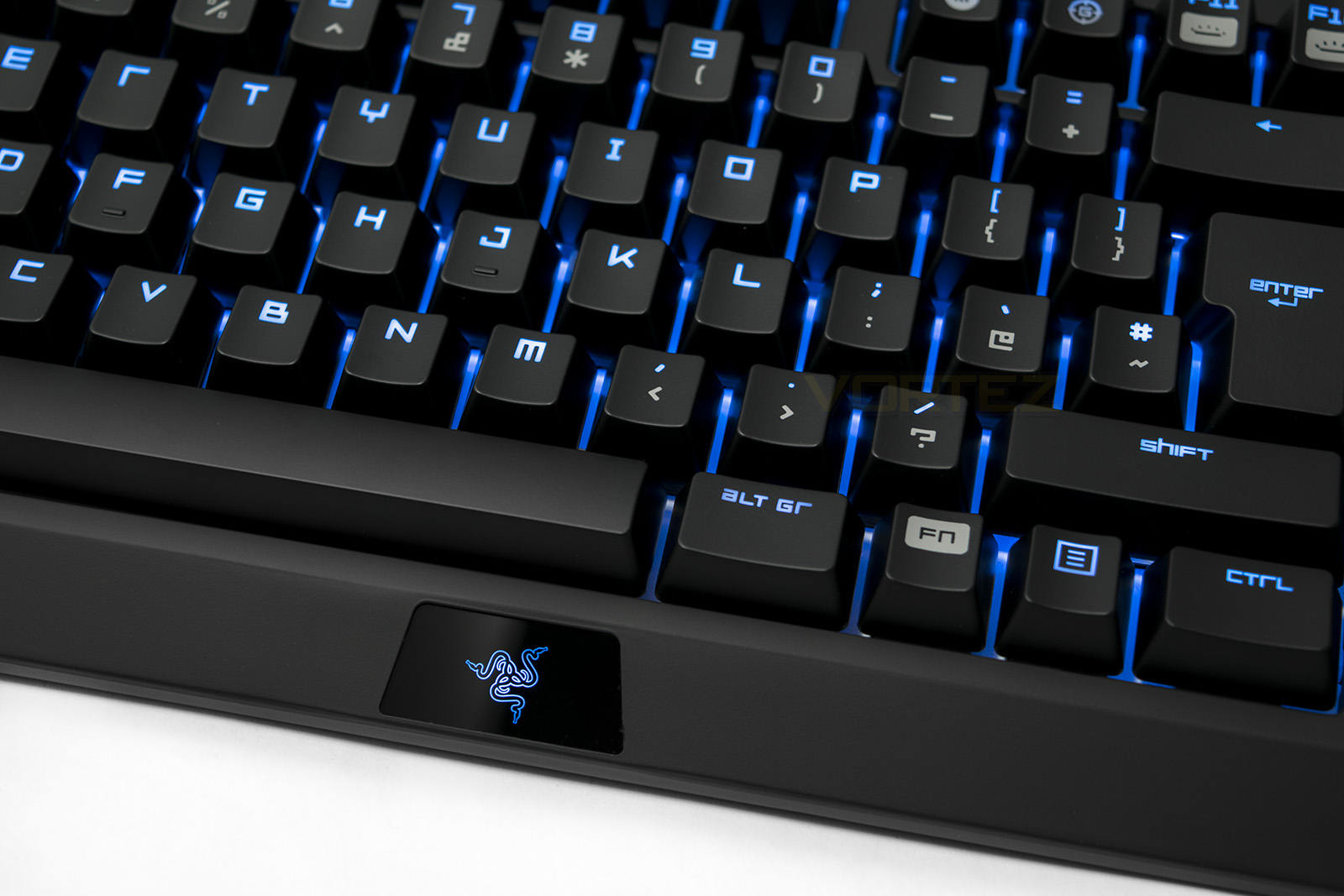
The lighting is vivid and clear through each keycap.
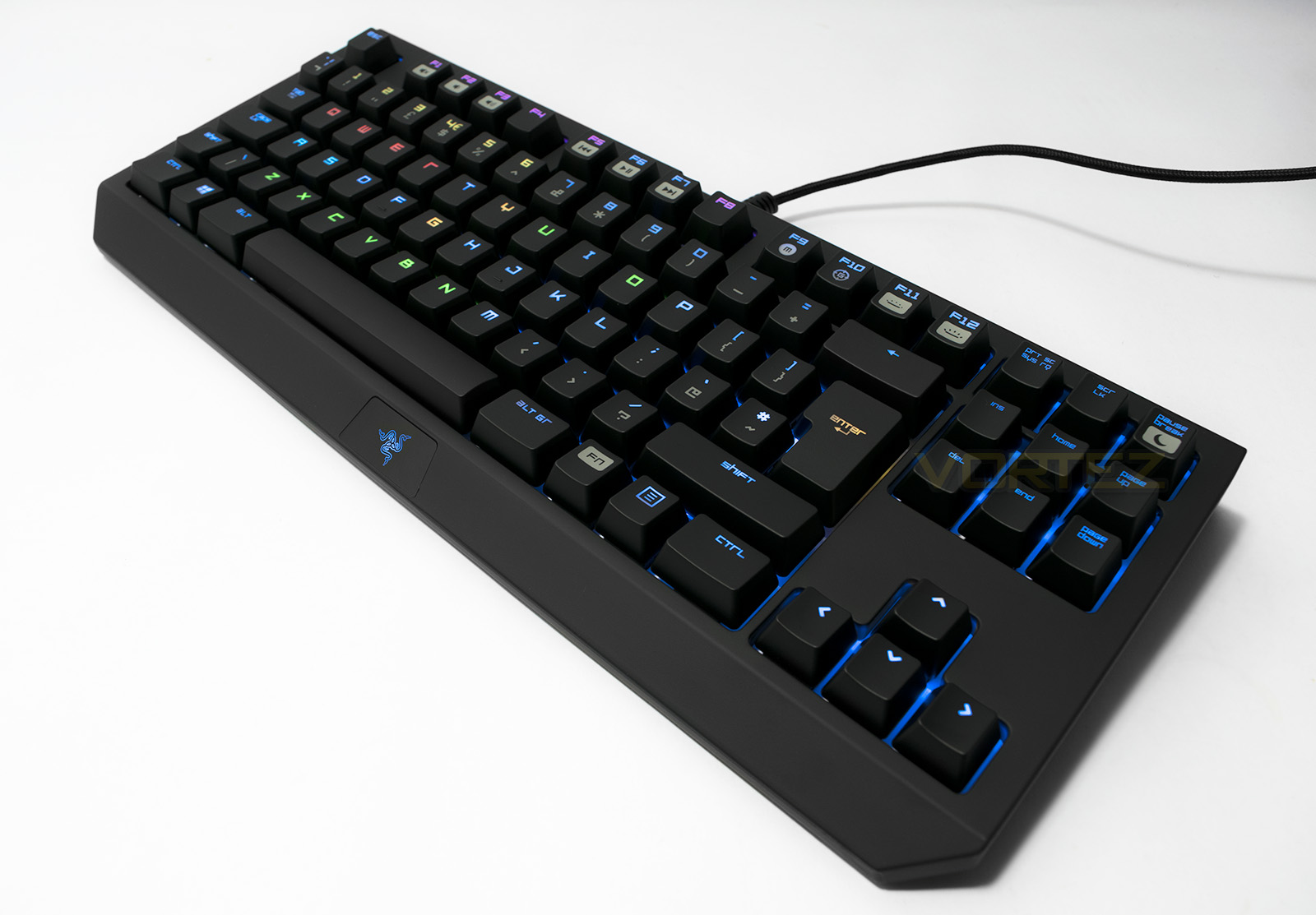
The ‘DOTA’ preset
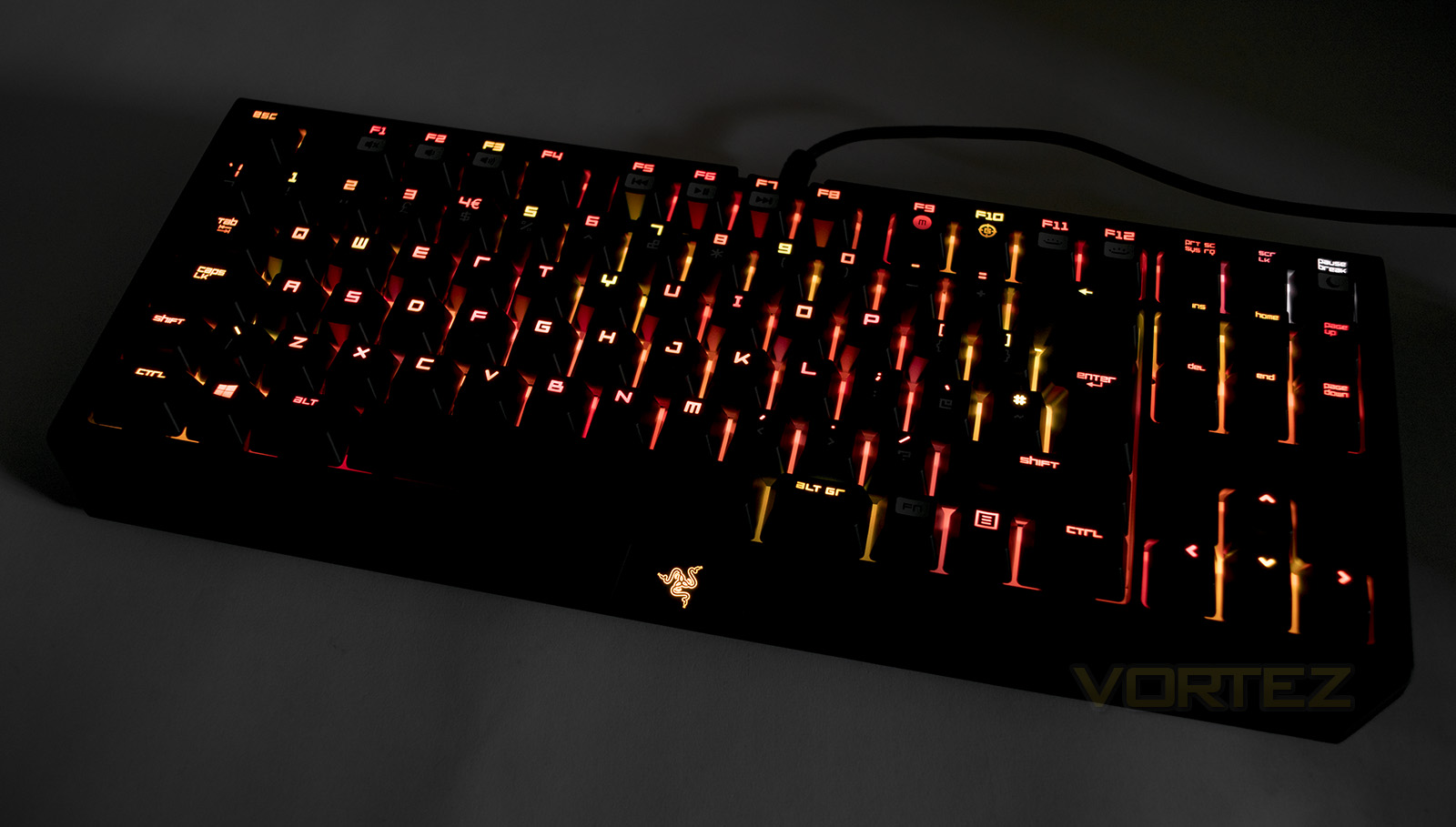
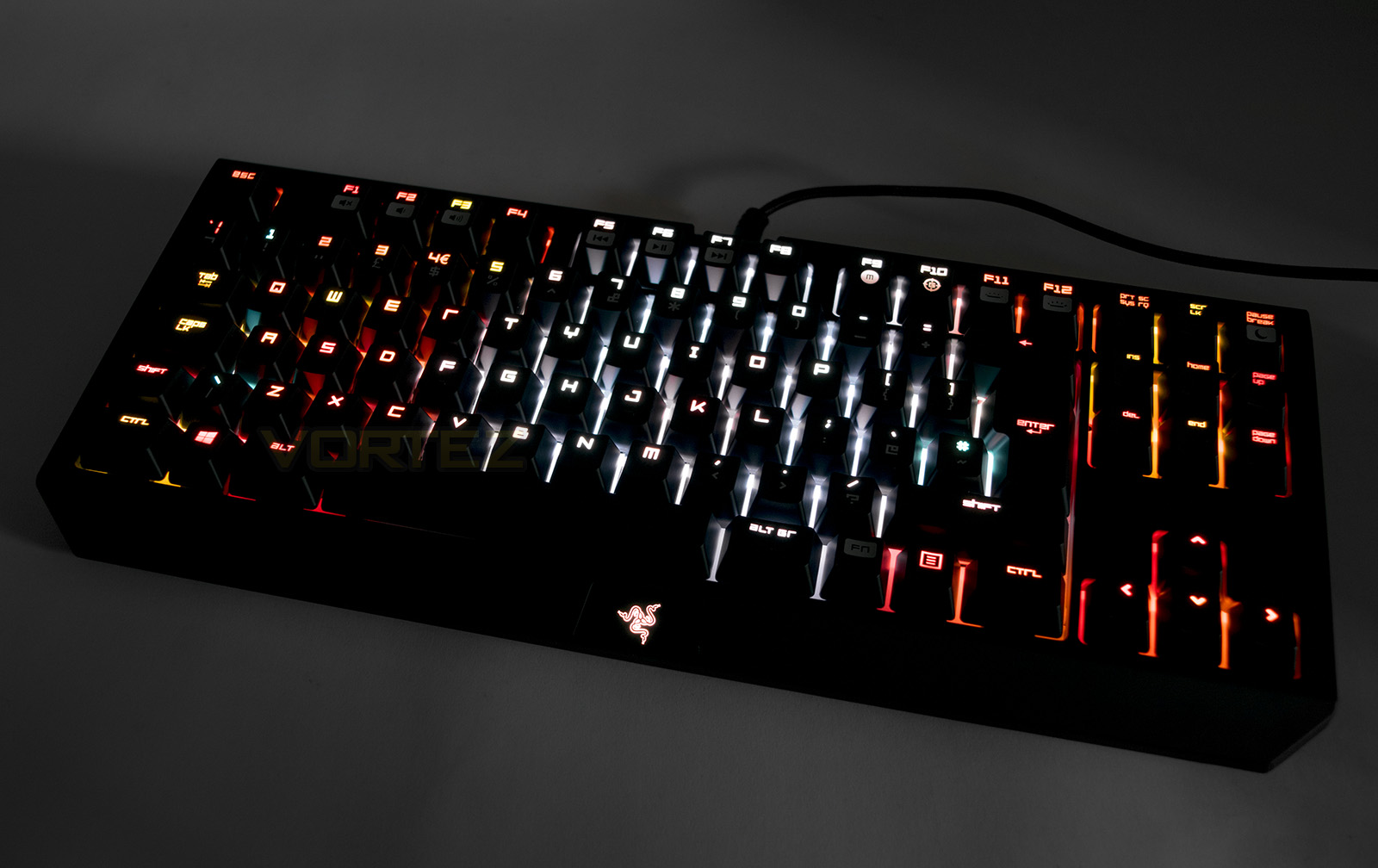
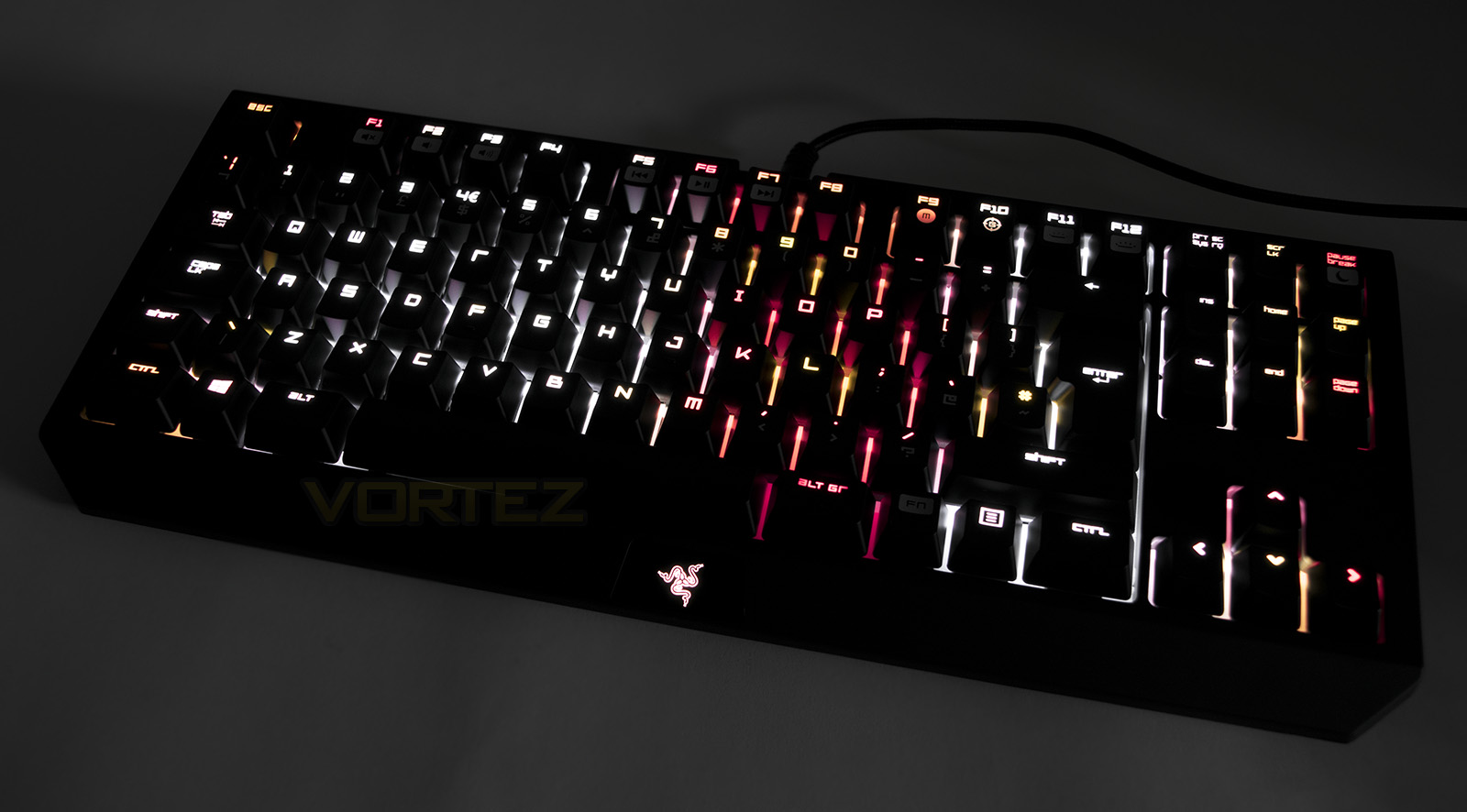
The Heaven and Hell effect by ‘Himself’
After a while of use with the BlackWidow Chroma, playing around with custom settings and layouts for our favourite games, we eventually arrived at several conclusions.
1. Keyboard illumination is not essentially needed.
2. Keyboard illumination does help in low light, making it desirable.
3. Extensive customisation of keyboard illumination fine tunes convenience. (Who doesn’t like an easier life?)
4. Extensive lighting effects and customisation of keyboard illumination fine tunes convenience and creates new experiences. (Well, this is new!)
That last point is likely the most important factor of the BlackWidow Chroma and arguably any keyboard with such extensive customisation. Razer have picked up on this concept and have provided the tools for gamers and game makers to create new experiences not too dissimilar to dynamic ambient backlighting for TVs. Why would this be any less true for gaming peripherals? The ‘wave’ lighting preset is definitely the party trick of the BlackWidow Chroma and provides an instant display of vibrancy. So don’t judge a book by its cover, this is just a performance piece that is there to demonstrate the endless possibilities available. Besides, we found it too distracting to be actually useful in everyday use.
The bottom line is, you can turn the lighting off if you wish, but you are likely to receive a far greater benefit from spending the time creating your own custom profiles.
Performance Testing
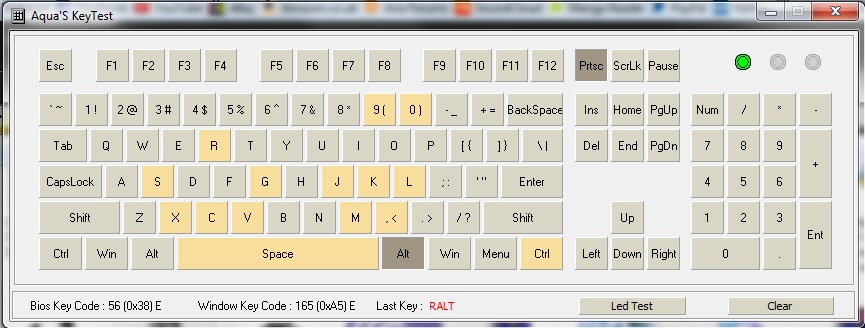
After installing the Synapse software from Razer, you will then need to wait for it to detect and update with the relevant software for the individual product. The BlackWidow TE Chroma is surprisingly very compact, yet feels sturdy and secure in position, at 950g, it has enough mass to stop it move around unintentionally. As with the BlackWidow Chroma, the TE also features 10-Key Roll over, enough for each finger the majority of people will be able to throw at it, though some may prefer peace of mind with full NKRO in regards to anti-ghosting.
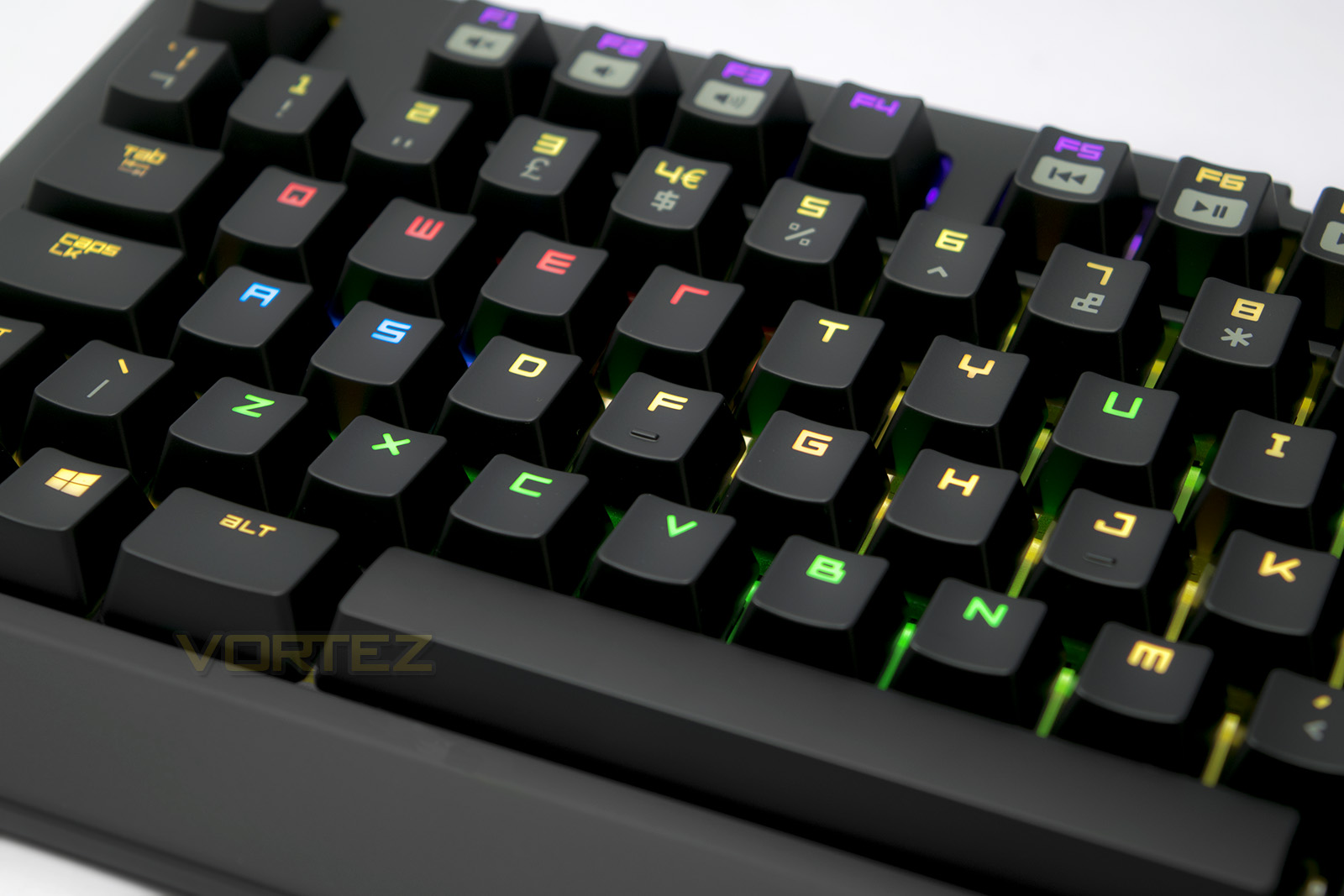
In typing tests I found that the keycaps felt strong and there was no comfort issue. The small frame at the front keyboard did little to get in the way of your hands. The soft feel material though may split decisions. I have never really outright enjoyed the feel of ‘rubberised coatings’ some range from soft and acceptable, some feel like you are stroking wool as found here. It leeches oil from your fingertips and palms leaving grubby smudges and almost forces you to recognise that you in fact sweat from your hands too. Though the keycaps aren’t covered in the same finish, you may find yourself having to rub the frame down one in a while. Other than this, the general aesthetic is sleek and relatively minimalistic (until powered up), the inclusion of the main carry case and a focus on the compact size really helps this target professionals and LAN gamers that move around often. Of course you do not need to be either to enjoy this product but many may see no need to go for a Tenkeyless (TKL) keyboard in a static situation. Considering that the RRP of the BlackWidow Tournament Edition Chroma is around £15 less than the full version, some may simply prefer to sacrifice a numpad for a small saving.
We repeated a typing speed test several times and the Razer switches can feel a little inconsistent with the actuation force required. Some felt lighter or stronger but once you get used to it, it almost felt like a unique fingerprint that says ‘I feel like this’. There didn’t seem to be any issue with rapid actuations though if you do not release a key far enough the keys ‘click’ doesn’t seem to reset, however, this didn’t affect performance. Once we moved through various games including DOTA 2, and Dying Light, the BlackWidow TE Chroma just felt solid. It became apparent that you can’t really see through your hands to appreciate all that work gone into creating your own custom lighting at first, but once you get a glance at your controls in the middle of a game to reset your hand position, we found things click in your head and everything just makes sense. This creates quite an appreciative sense of ‘wow, this is actually quite sweet!’.
Conclusion
After spending some time with the Razer BlackWidow TE Chroma, you realise that the lighting actually becomes an important feature for your gaming and interaction with your OS. Though, working down to the very core of what a keyboard needs to do, the lighting becomes less important. Factoring that out, you are left with a small and solid keyboard that is perfect for the travelling gamer or those who simply want to downsize.
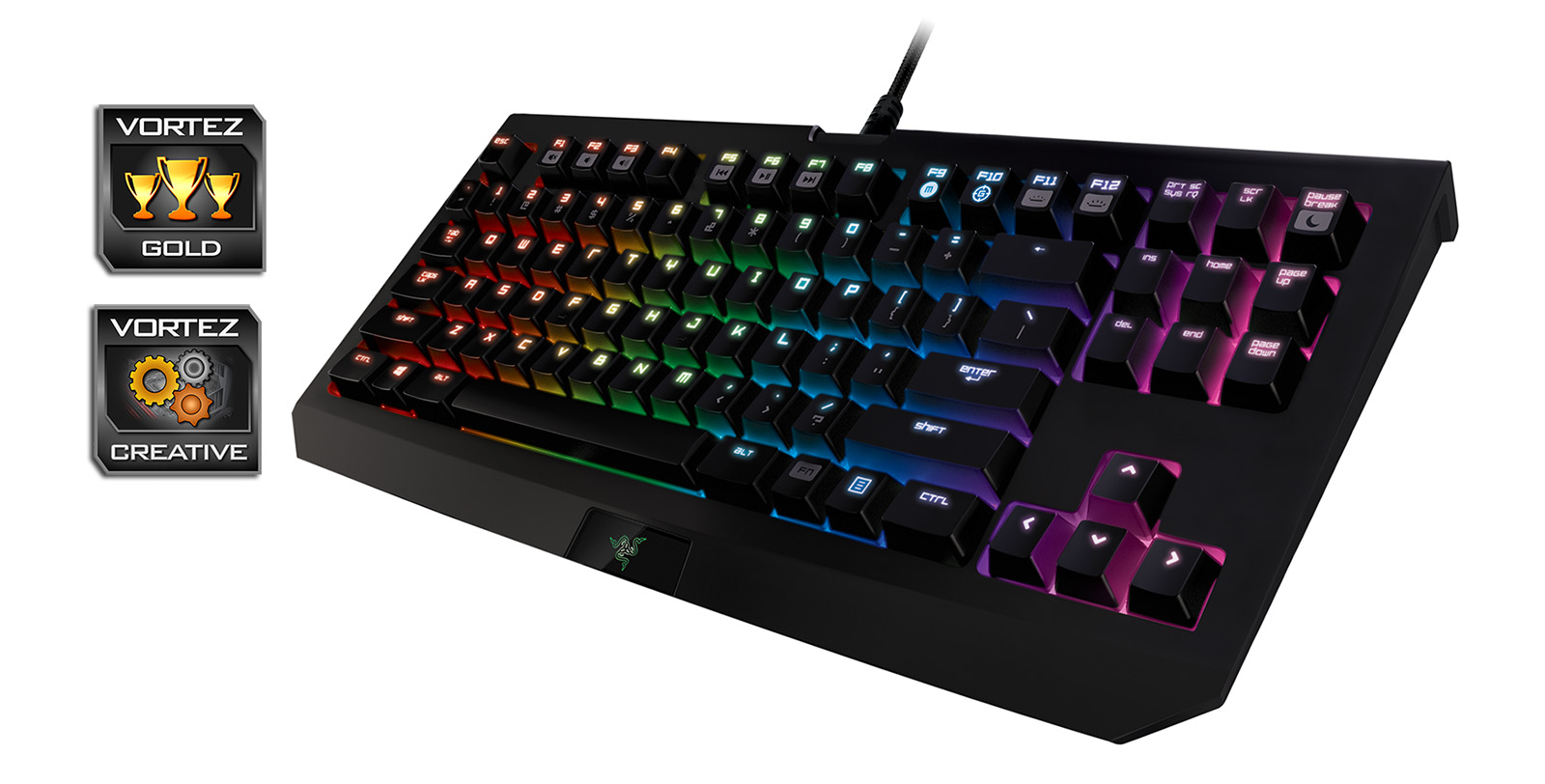
There are various oversights, which indeed would apply to its full size sibling too, firstly the Razer switches can seem a little ‘strange’ at first, as it feels like there is a loose tolerance for the actuation force. Despite this, the performance didn’t faulter one bit. Another point is how the sleek aesthetic tarnishes by absorbing oil and sweat from your fingertips which creates blemishes wherever the rubberised coating is to be found. This can be a pain and some may find themselves compelled to give it a regular wipe down.
Other considerations too are the lack of conveniences like the extra macro keys and the USB and audio pass-through that are featured on the full size BlackWidow Chroma. Though all of these little things barely puts a dent in how exhilarating this product can be. The sheer level of customisation really allows it to reach a personal level. If you are looking for a compact TKL Keyboard that can travel to each battle ground with you while bursting to life with sheer vibrancy, Razer has a great product with this and it will immediately jump into the foreground at many LAN events. Even if you aren’t a travelling gamer and simply want a compact, solid performing keyboard, you may be surprised at how much the Razer BlackWidow TE Chroma can do for you.
The Razer BlackWidow TE Chroma is a powerful yet compact gaming keyboard that can easily be personalised through its software.
Pros.
+ Attractive design and lighting
+ Highly customisable
+ Compact layout
+ Carry Case
+ Removable cable
+ Competitive pricing
Cons.
– ‘Soft feel’ coating collects fingerprints and smudges
– Switches ‘feel’ inconsistent
+ Attractive design and lighting
+ Highly customisable
+ Compact layout
+ Carry Case
+ Removable cable
+ Competitive pricing
Cons.
– ‘Soft feel’ coating collects fingerprints and smudges
– Switches ‘feel’ inconsistent
Click here for an explanation of our awards at Vortez.net.