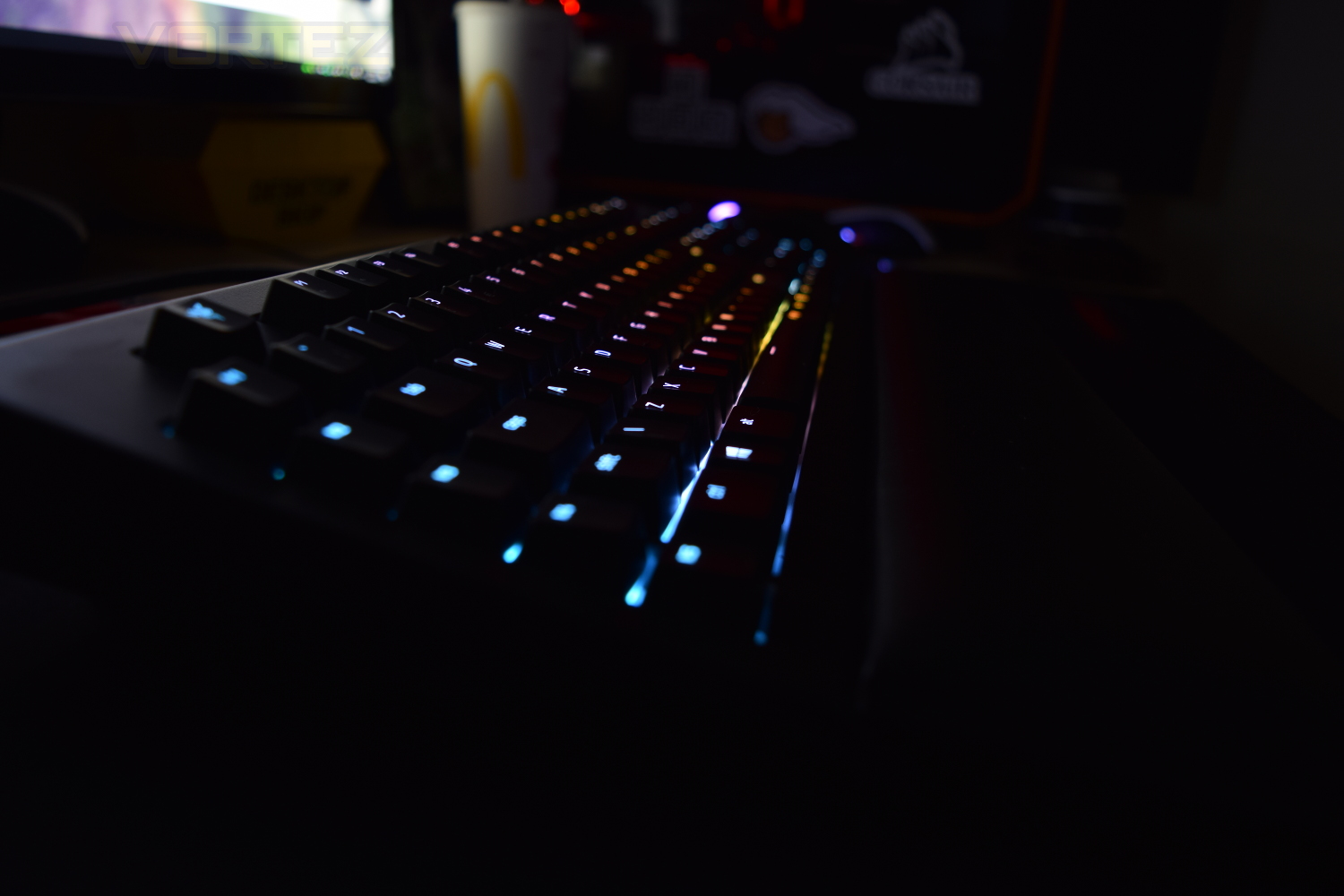
Razer’s latest flagship keyboard, featuring a choice of switches, detatchable wrist rest, RGB backlighting, macro keys and much more. Read on to find out our verdict.

Product on Review: Razer Blackwidow Chroma V2
Manufacturer: Razer
Street Price: £169.99/$169.99
Razer are back, with their latest flagship keyboard, offering their very own mechanical keys, available in three flavours this time, along with a new wrist rest, brighter-than-ever full RGB per-key lighting, macro keys and a 3.5mm audio pass-through.
The Blackwidow line of keyboards is often a go-to option for seasoned PC gamers, but with fierce competition from Asus, Corsair and Logitech, how does the Razer Blackwidow Chroma V2 fare?
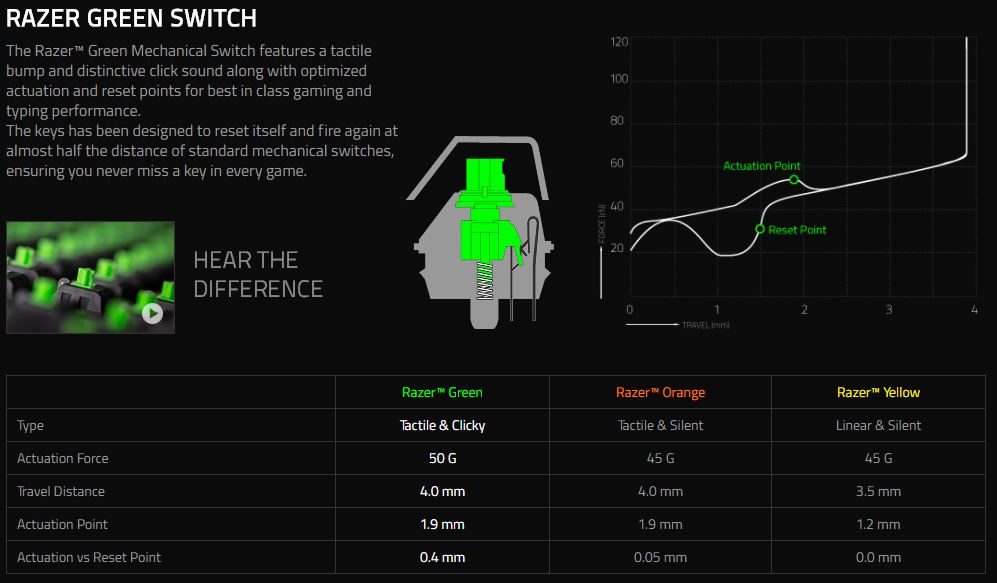
The Razer Blackwidow V2 continues the legacy of offering the best tactile switches with the Green and Orange variants, and adds an alternative – the Razer Yellow switch. Its linear and silent design and reduced travel distance allows keys to be pressed faster than ever before. The new switches feel and properties are meant for FPS and MOBA players who press certain keys thousands of times over the course of a match session.
Technical Specifications
Razer™ Mechanical Switches with 50g actuation force
80 million keystroke life span
Chroma backlighting with 16.8 million customizable colour options
Razer Synapse enabled
10 key roll-over anti-ghosting
Fully programmable keys with on-the-fly macro recording
5 additional dedicated macro keys
Gaming mode option
Audio-out/mic-in jacks
USB pass-through
1000Hz Ultrapolling
Braided fiber cable
Approximate size: 475mm/18.72 in (Width) x 171mm/6.74 in (Height) x 39mm/1.54 in (Depth)
Approximate weight: 1500g/3.31lbs
80 million keystroke life span
Chroma backlighting with 16.8 million customizable colour options
Razer Synapse enabled
10 key roll-over anti-ghosting
Fully programmable keys with on-the-fly macro recording
5 additional dedicated macro keys
Gaming mode option
Audio-out/mic-in jacks
USB pass-through
1000Hz Ultrapolling
Braided fiber cable
Approximate size: 475mm/18.72 in (Width) x 171mm/6.74 in (Height) x 39mm/1.54 in (Depth)
Approximate weight: 1500g/3.31lbs
Packaging & First Look
Absolutely no surprises with their packaging; black and green, a simple design and a tendency to show off their RGB scheme. Also included on the front of the packaging is a sample key, used to provide an example of how the Razer green mechanical keys feel; this also doubles as a keyring, which you’ll see later.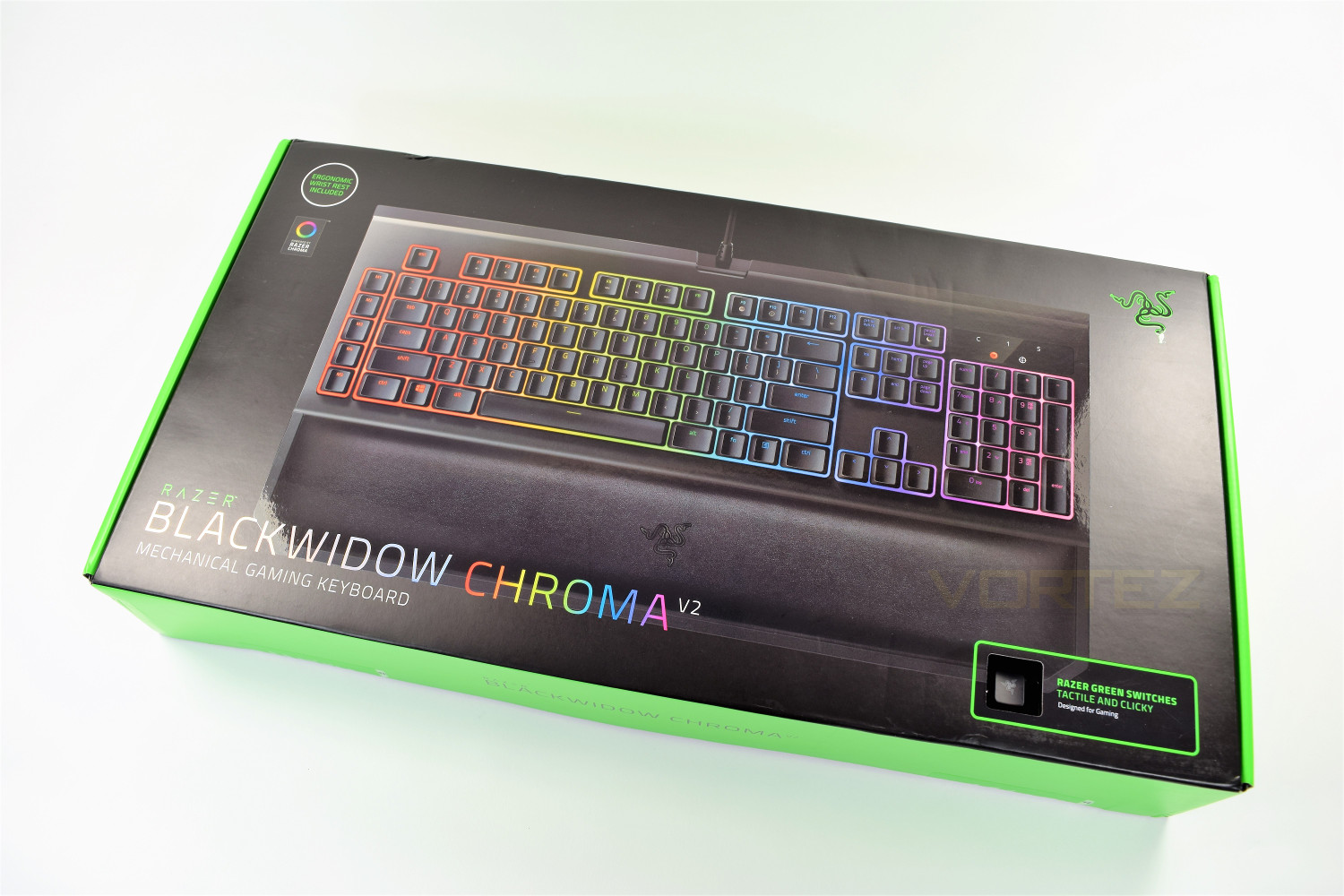
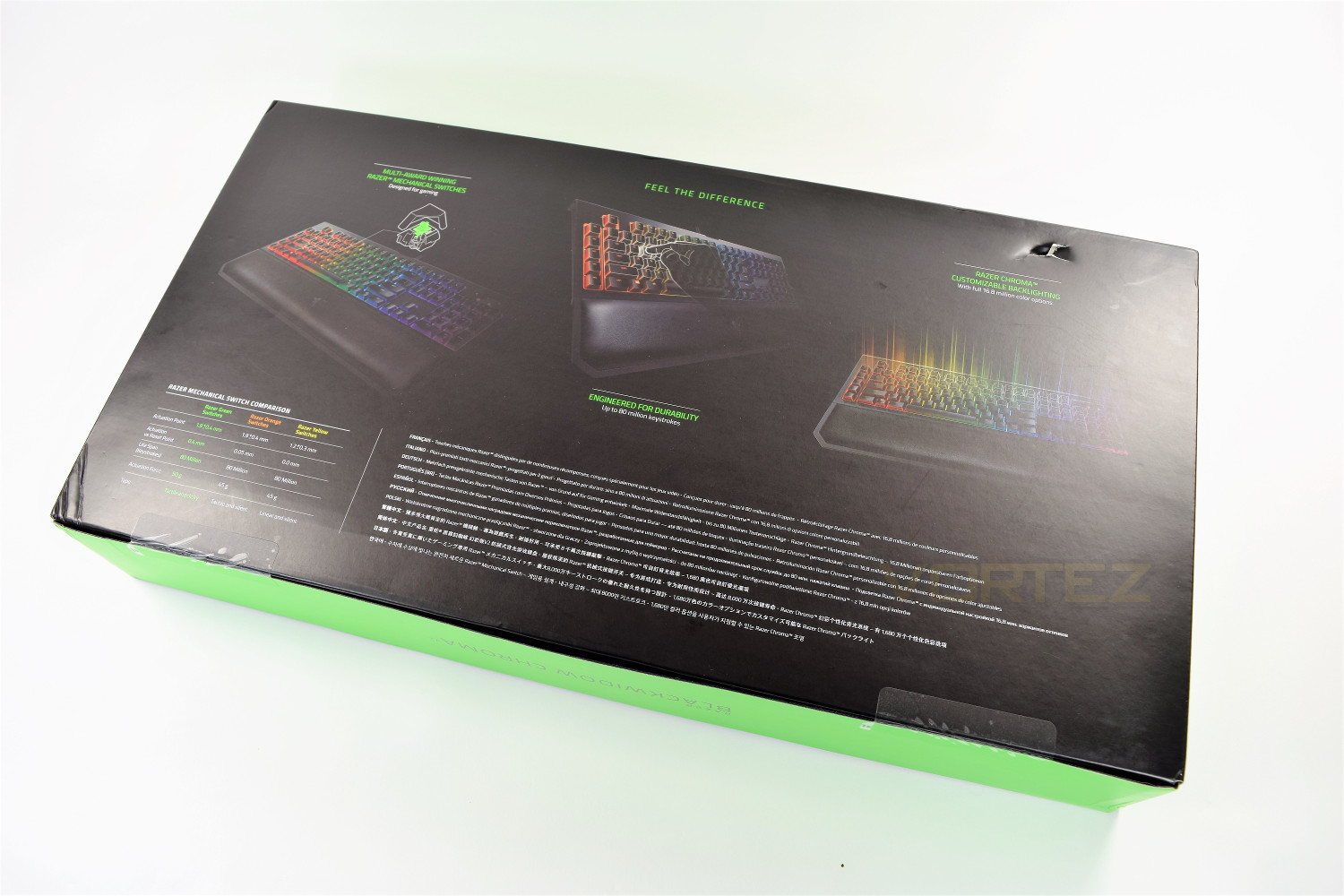
The rear of the box highlights the main features, including the differences in the three switches that Razer now offers: Green, Orange and the brand new Yellow.
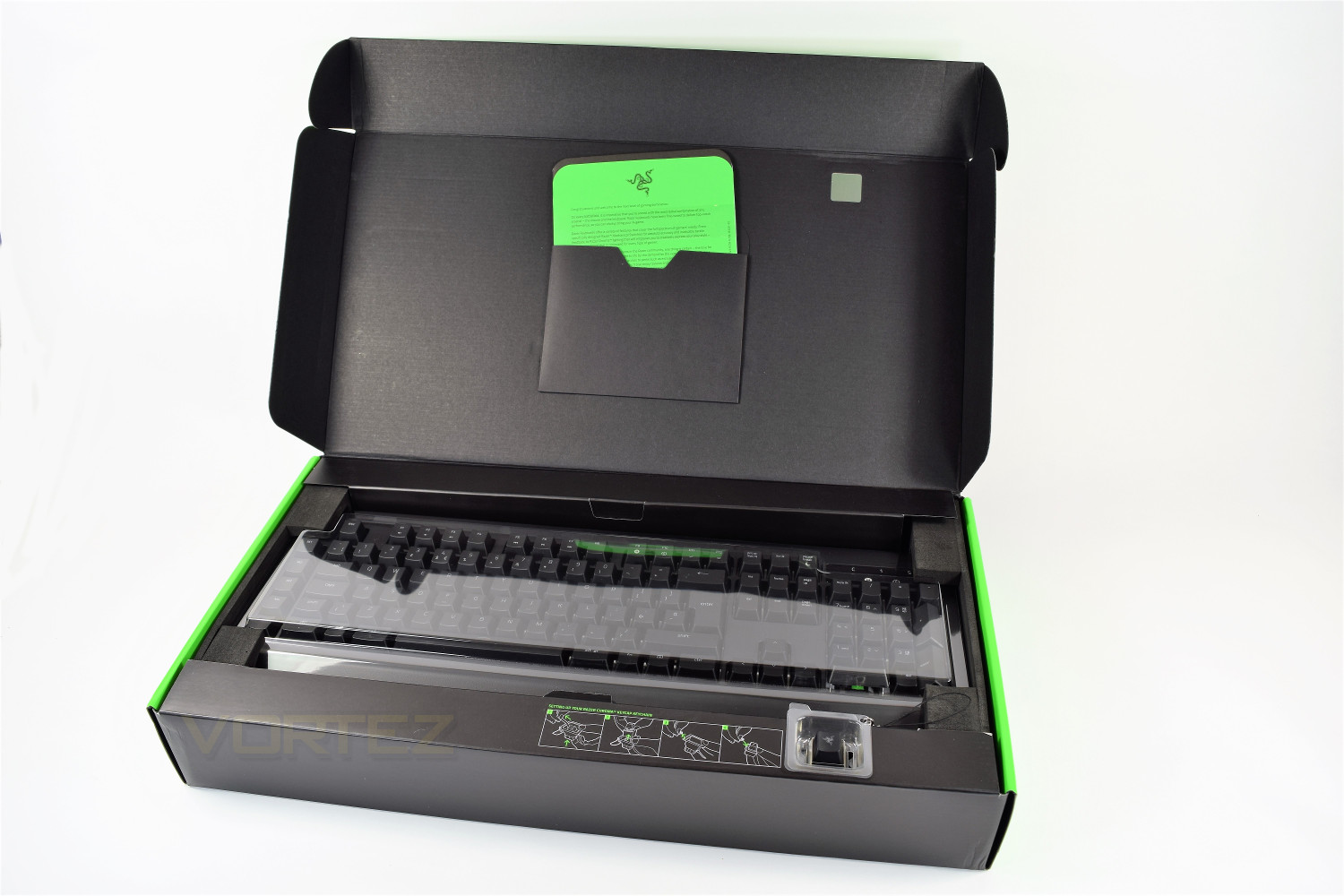
Once opened, the keyboard is held in place by soft foam at either end, with a protective plastic shield over the top. Inside the lid are the instruction manual and a small ‘Welcome to the cult of Razer’ greeting card, from the Co-Founder of Razer, Min-Liang Tan. You will also notice, along the bottom of the box, is a 4 step process on setting up your Razer Keycap Keychain.
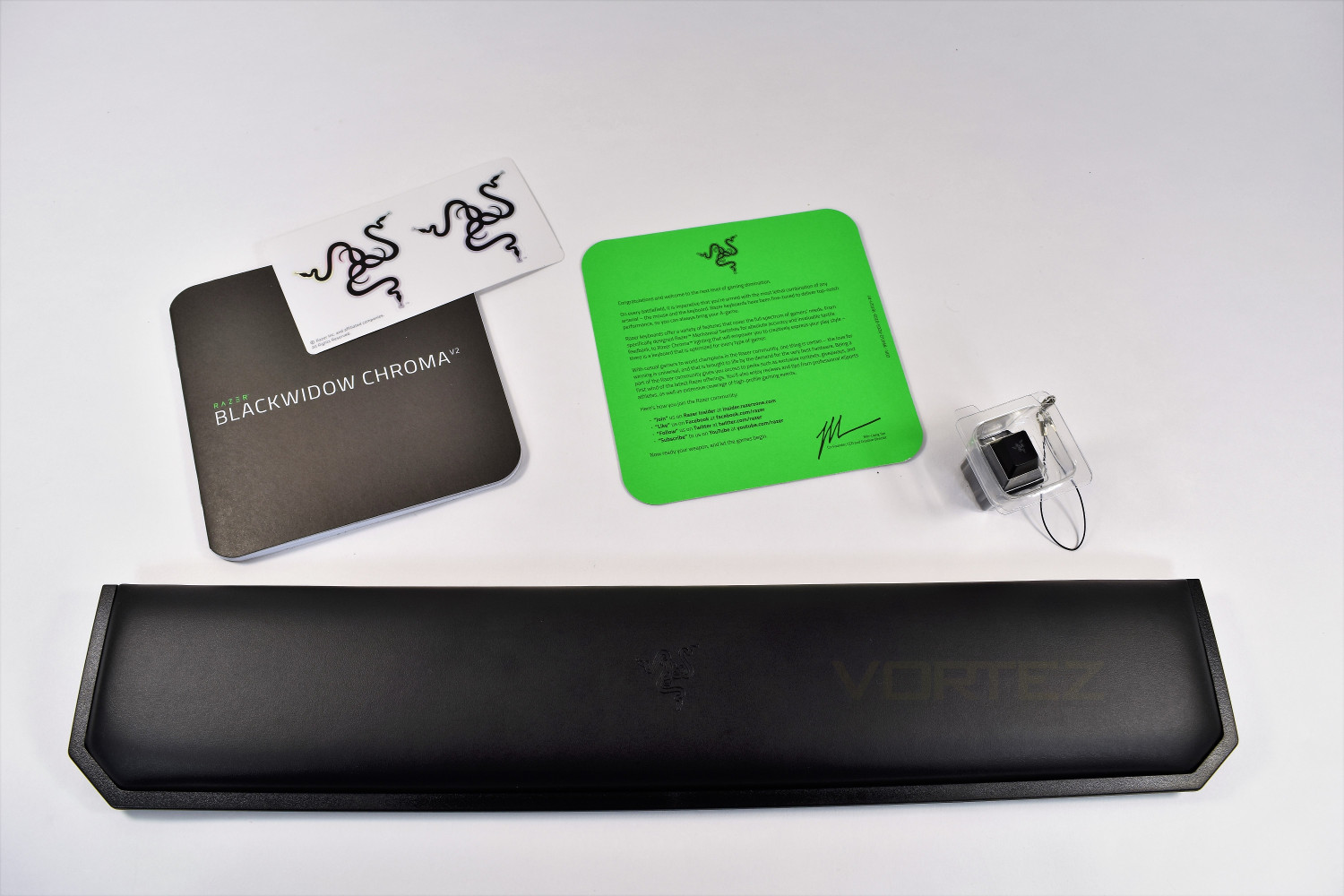
Included within the box, along with the keyboard, is the wrist rest, which features a magnetic strip to align with the keyboard, this means there’s no clips to break. There’s also a duo of Razer stickers, the instruction manual, a small write up, and the Razer Keycap Keychain, which features the Razer Green mechanical switch and RGB lighting effects when pressed.
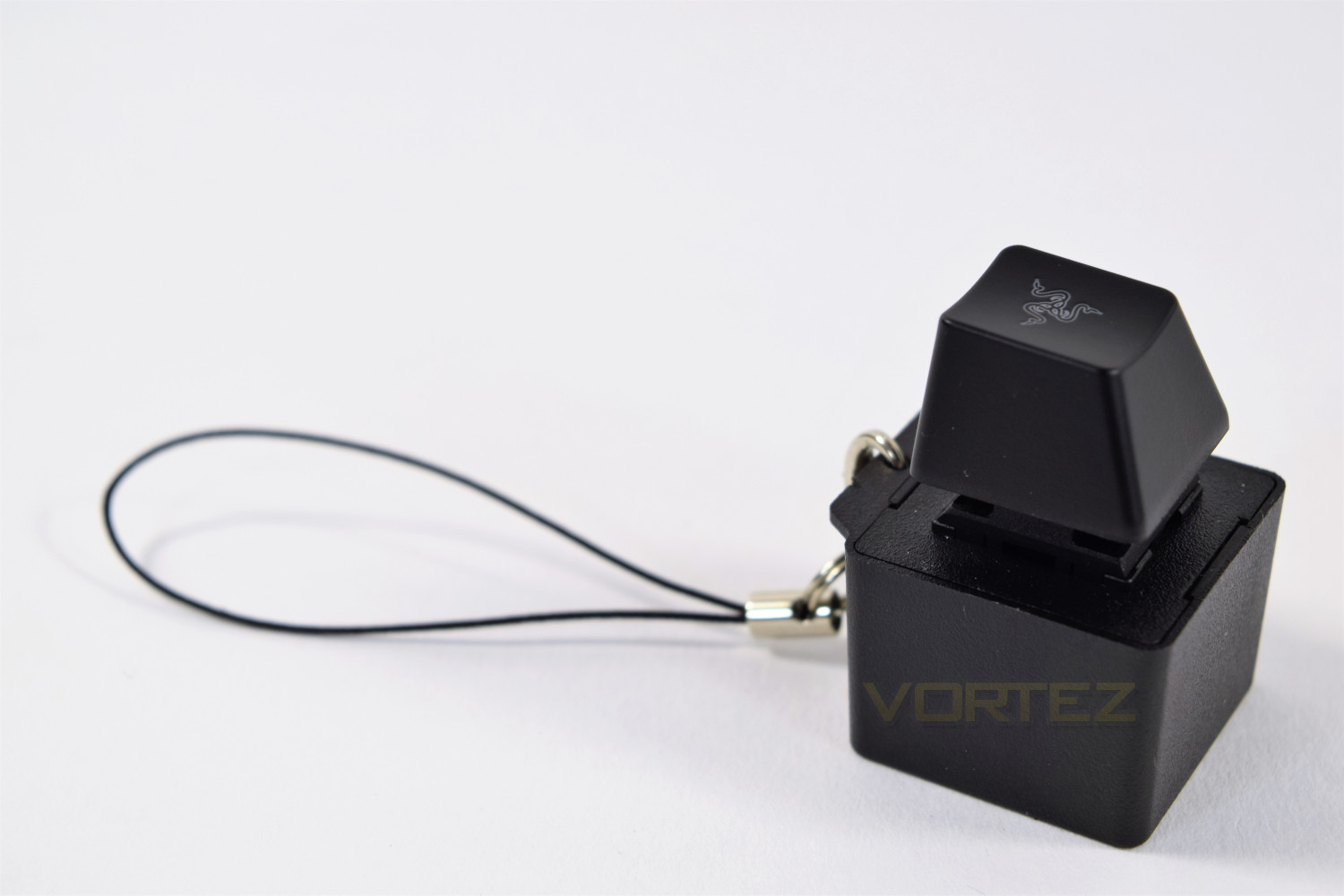
The Keycap Keychain; this is a genius use of a redundant part of the packaging. We decided to use the keycap in replacement of the “esc” key, purely for aesthetic purposes.
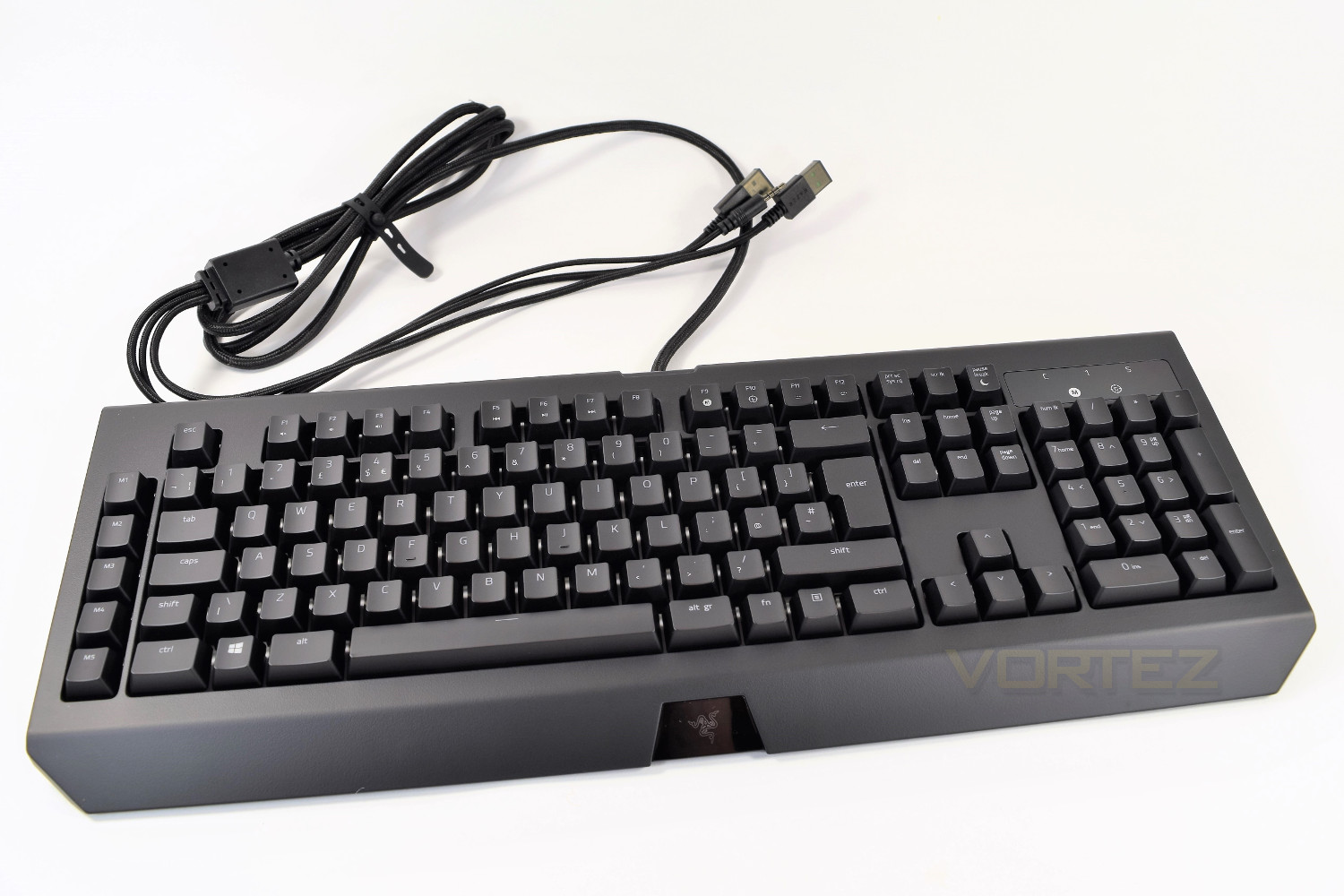
The keyboard, featuring an all new font, a matt black plastic front and back, 5 Macro keys along the left hand edge, soft plastic keycaps and a large, glossy panel in the top right.
Closer Look
The Razer Blackwidow Chroma V2 is a large keyboard, featuring a full keyboard layout which includes the number keys and Macro keys. No dedicated media keys, though. Fn keys have been added in the place of dedicated media keys, along with a couple of other functions: on-the-fly macro recording is assigned to F9, with a Gaming mode toggle option added to F10. Situated in the top right corner of the keyboard is the glossy indicator panel; by way of 4 white LEDs which shows the current status of NUM lock, CAPS lock and SCROLL lock, along with the Gaming mode; the on-the-fly Macro recording is indicated with a red LED.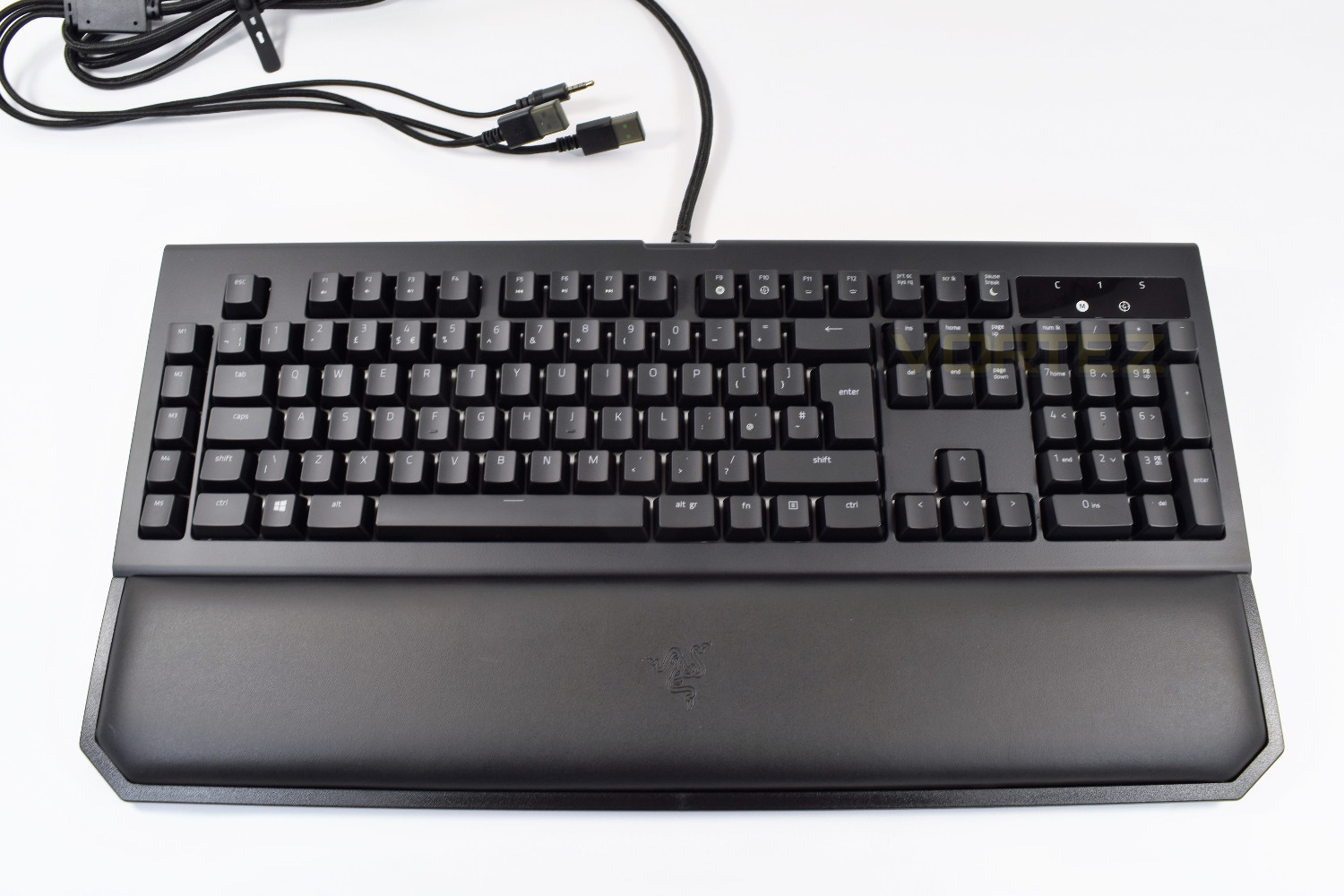
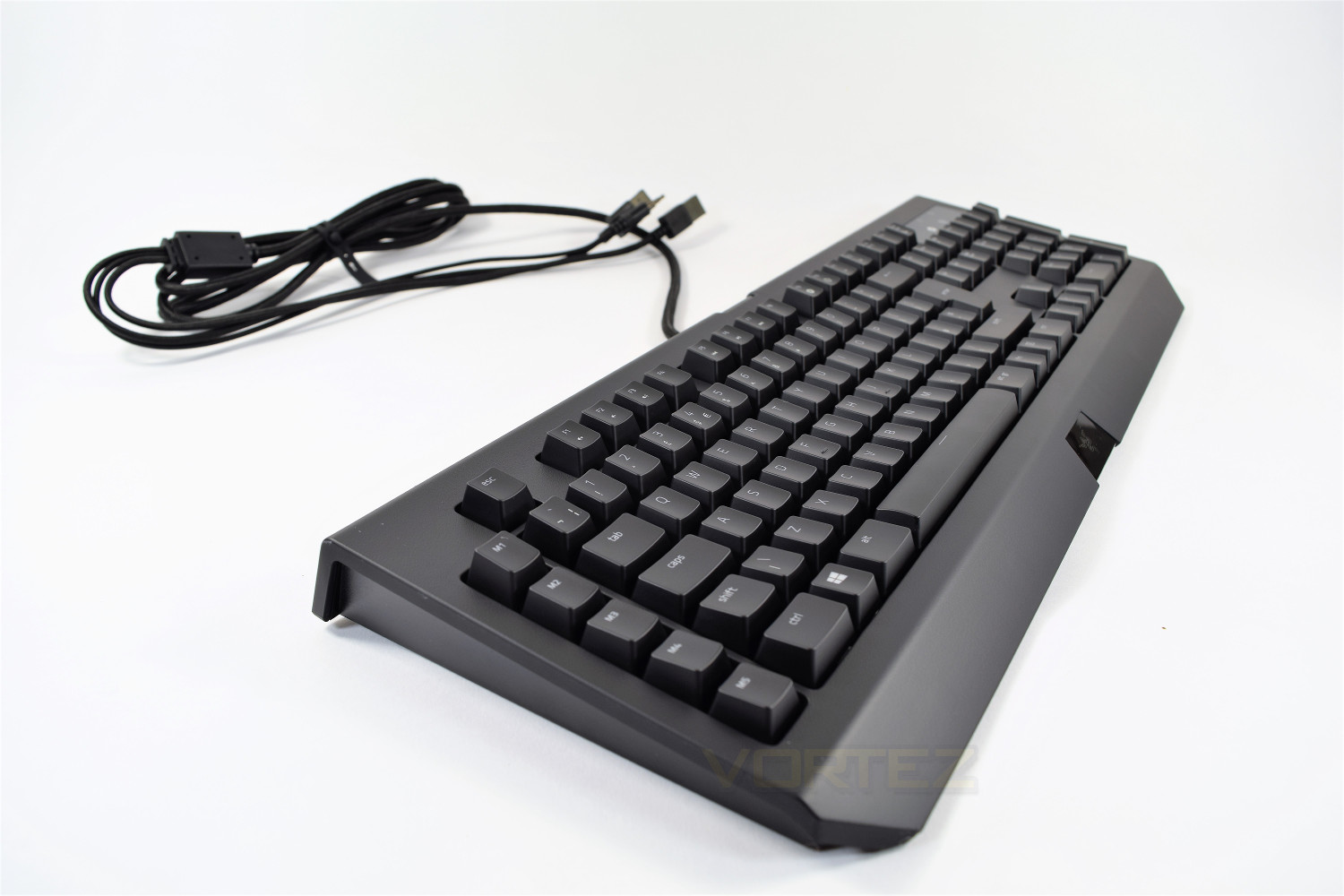
Looking at the keyboard from the side, you can see the tapered design employed by Razer. This can be further extended using the feet on the underside, which are absolutely rock solid. The feet add 14mm to the height, from 35mm to 49mm.
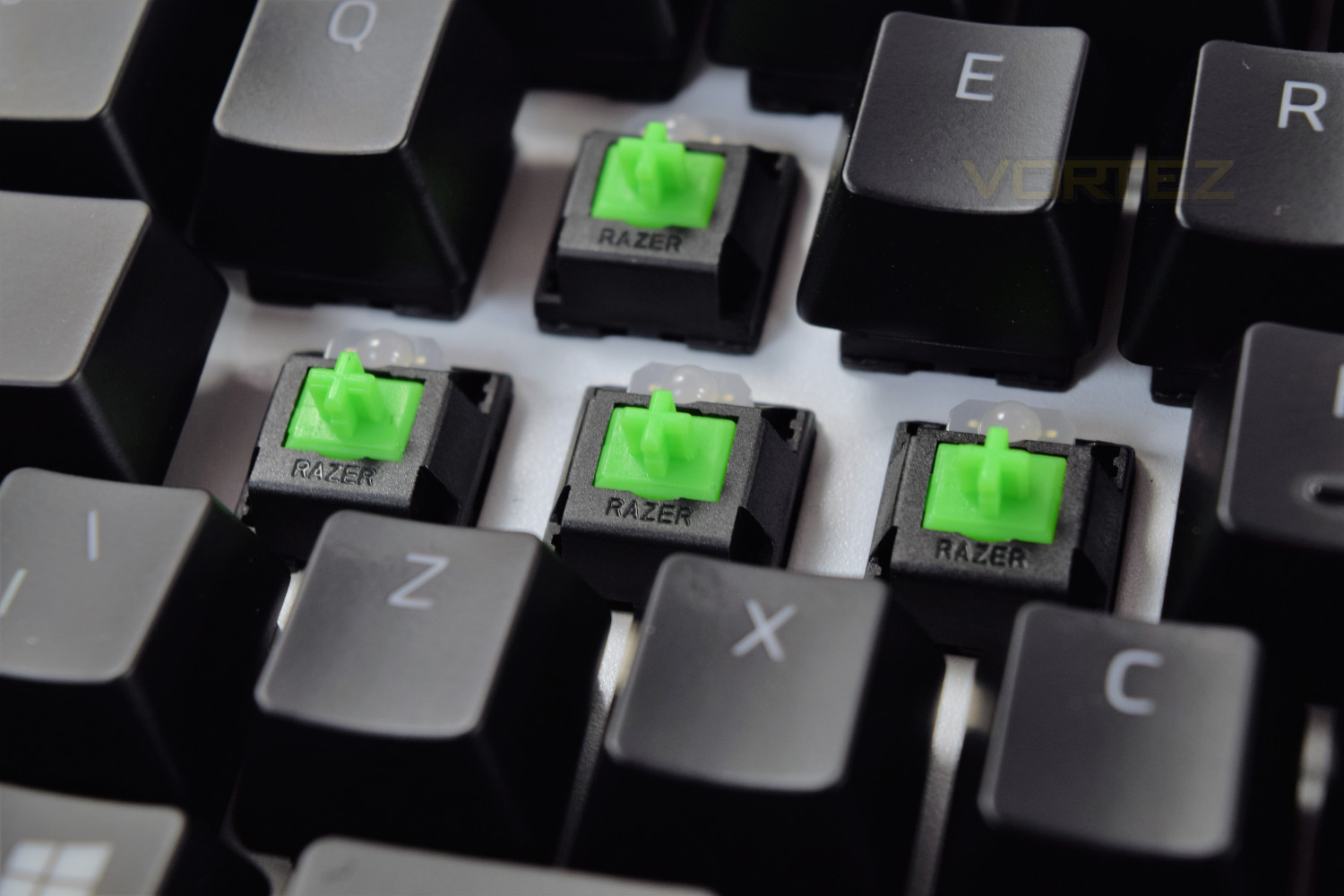
Razer, since 2014, have been producing their own mechanical keys, starting off with the green switches, and then later developing orange and yellow, each with their own distinctive differences. Razer has provided us with the green switches for testing this keyboard, marketed as their “clicky and tactile” key.
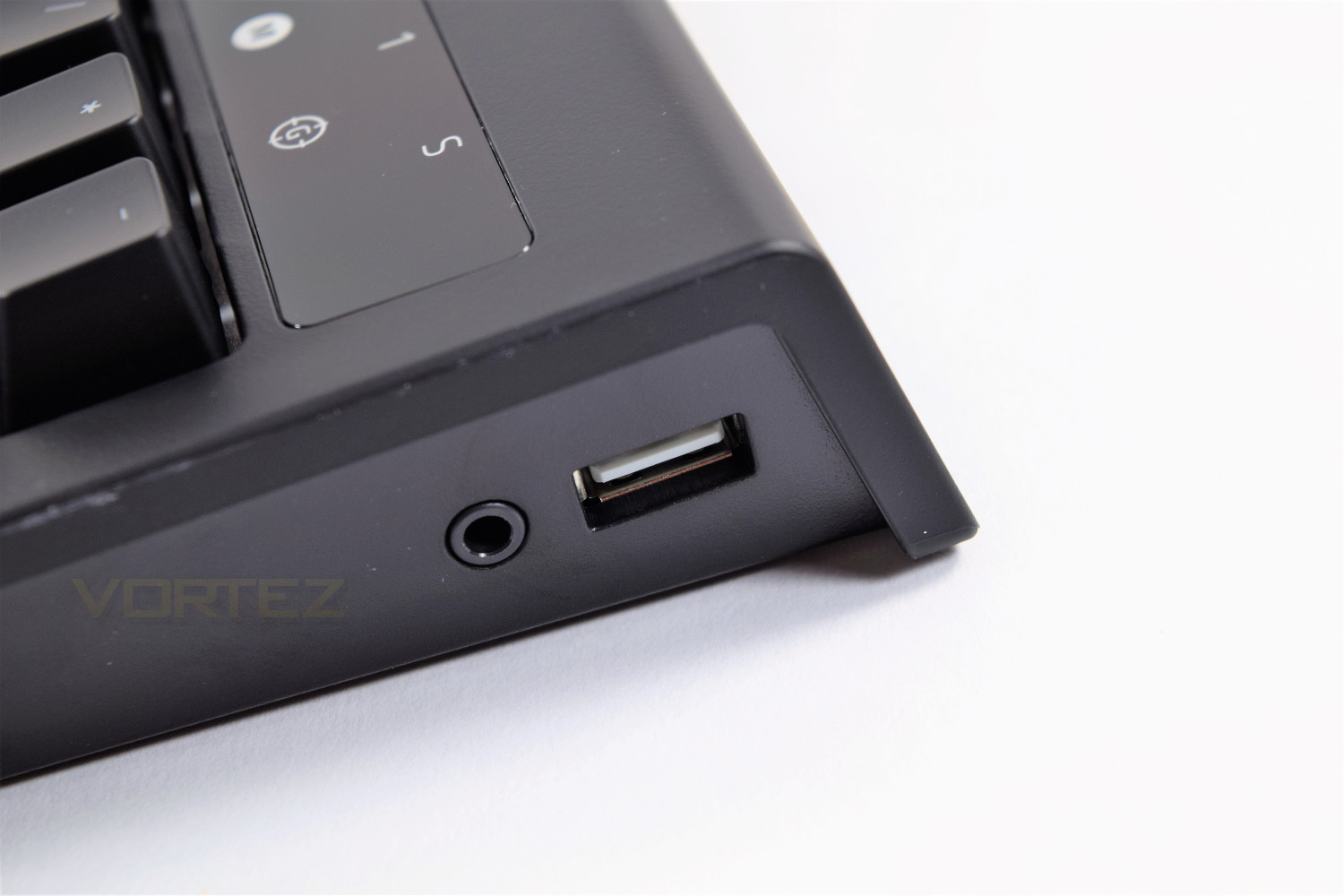
On the right hand edge of the Blackwidow V2 you will find a USB2.0 pass-through, along with a 4-pole 3.5mm audio pass-through, helping to keep your desk free of cables.
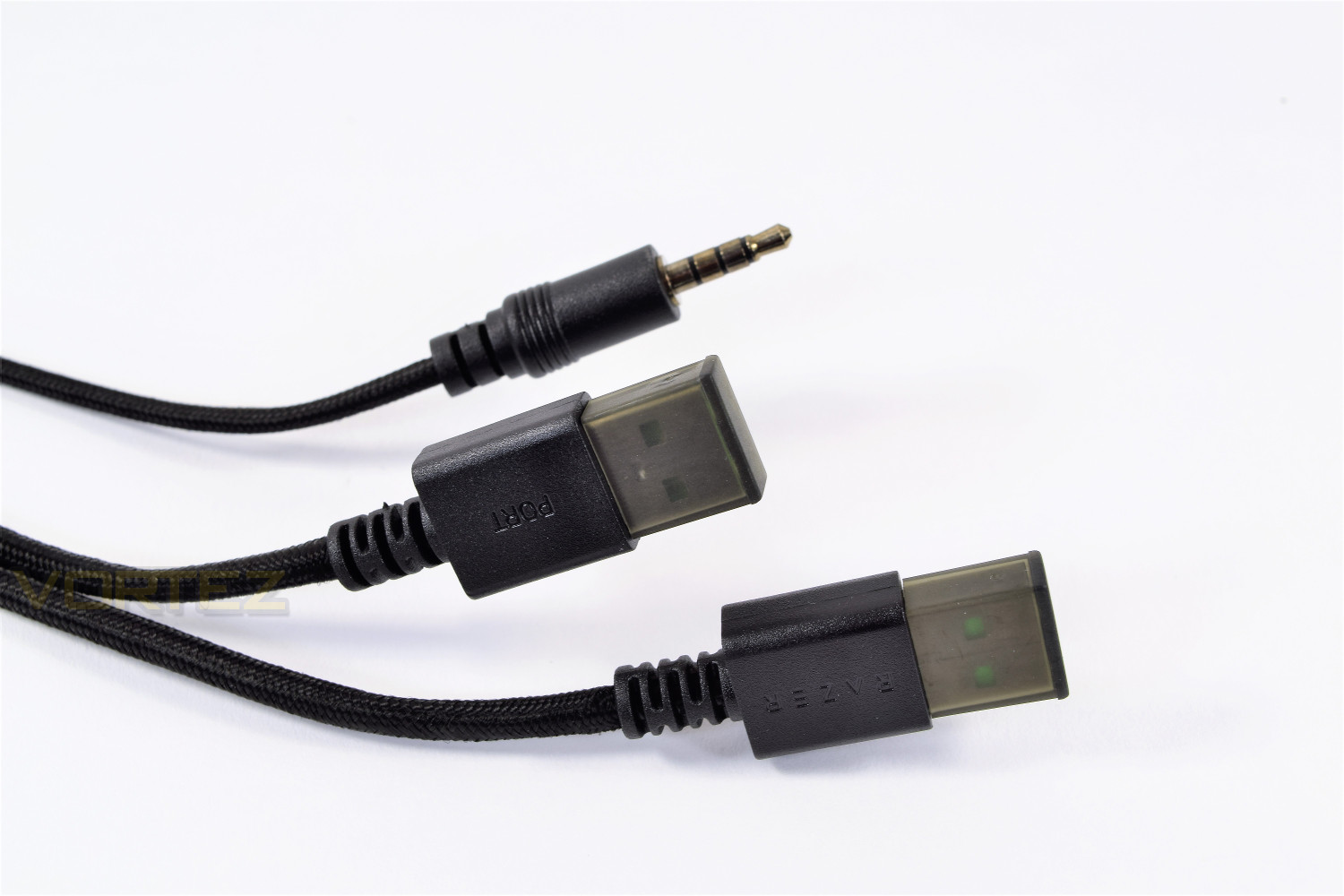
At the other end of the 1.8M braided cable, it splits into the separate USB ports, labelled accordingly, along with the 4-pole 3.5mm audio jack. Razer has chosen to use a 4-pole jack to suit their headset range, which are all supplied with a splitter to separate the sound/microphone for use on your PC, instead of a gamepad or mobile phone.
Closer Look (Continued)
The underside of the keyboard is basic, to say the least. Adorned with 5 small rubber patches for grip and 2 plastic feet, each tipped with rubber. Other Razer keyboards have seen cable routing on the underneath but due to the audio pass-through, this has been missed out.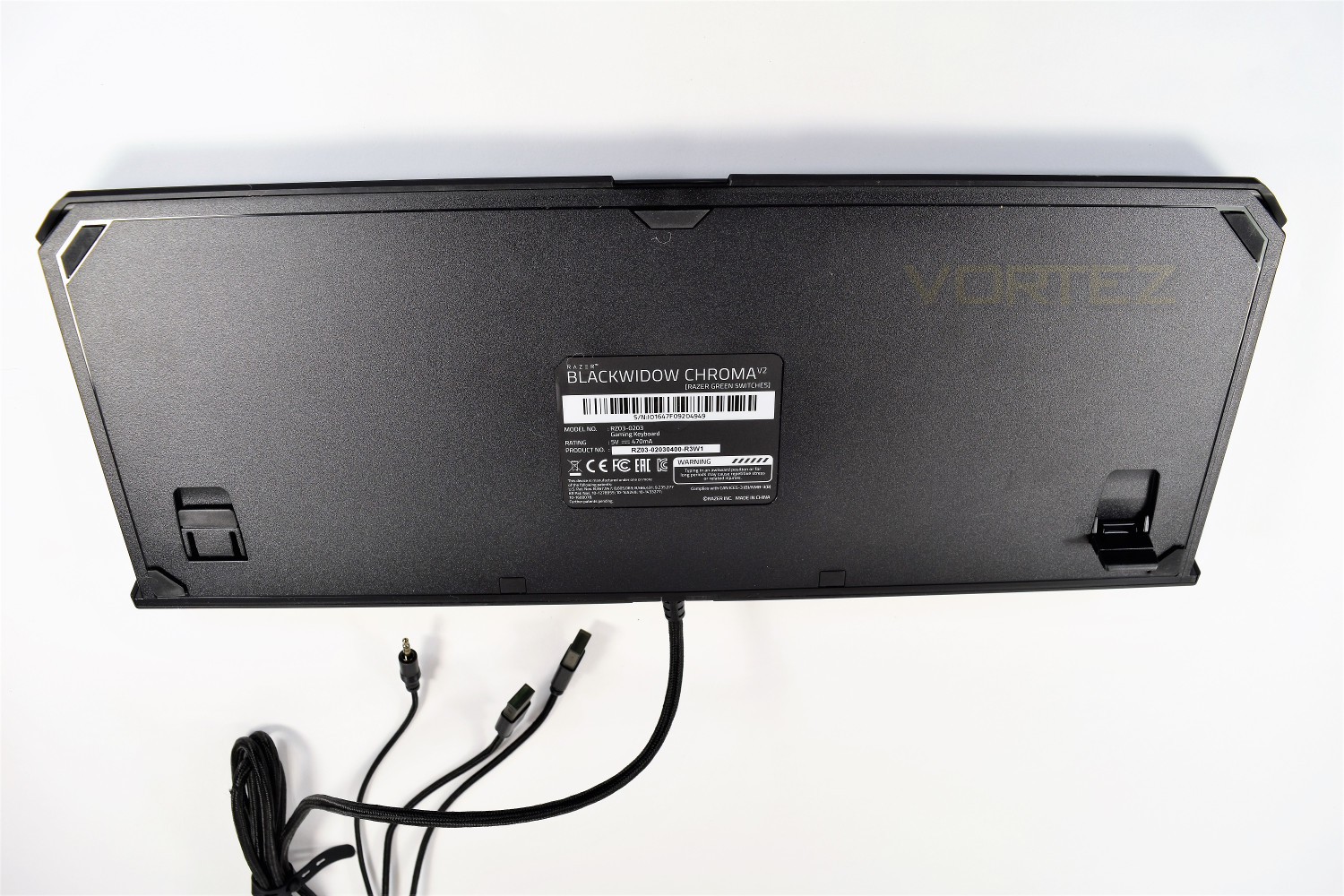
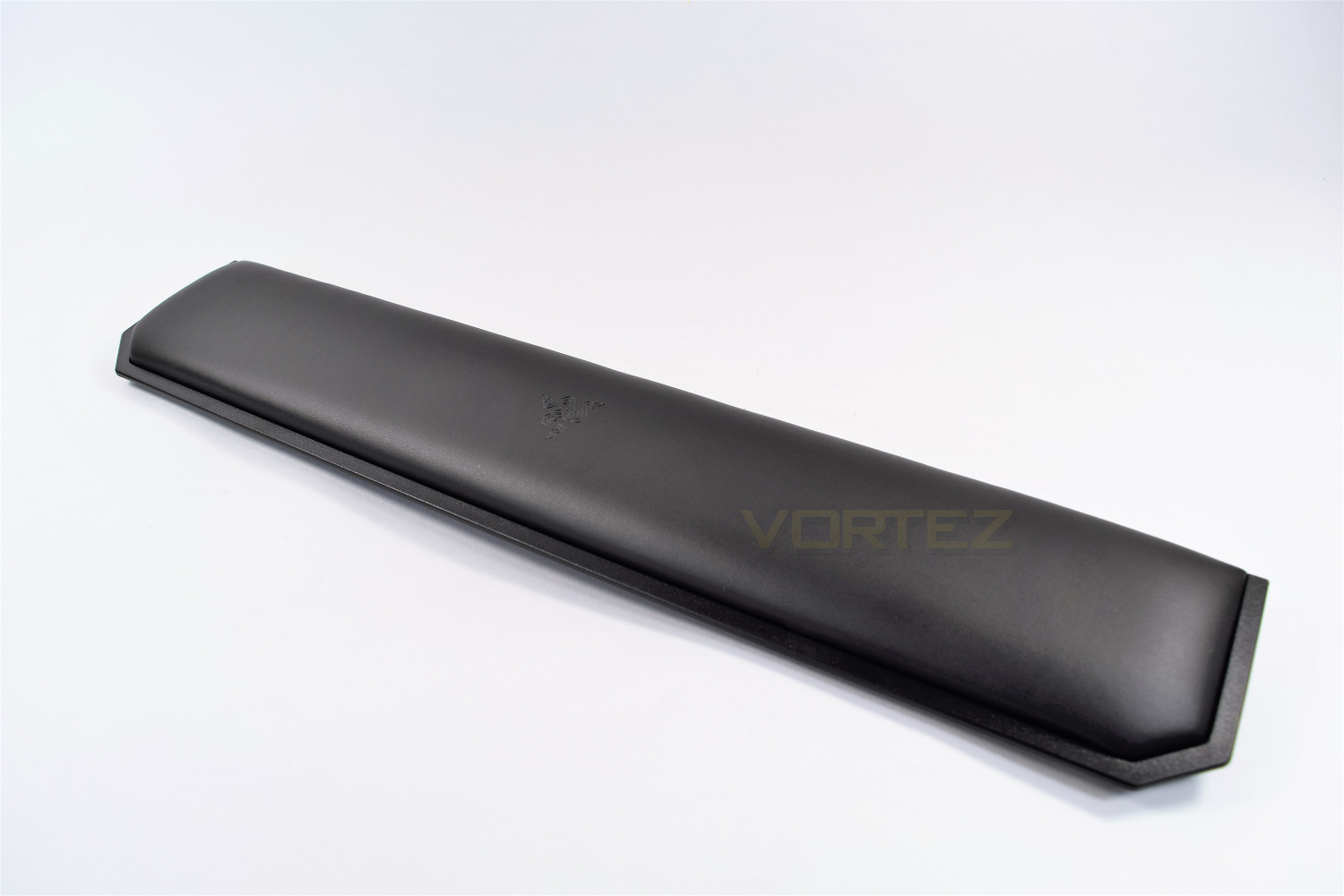
The wrist rest is made from an extremely soft leather-type material, adding a huge degree of comfort to the keyboard, while typing or gaming. The magnetic system employed to locate the wrist rest is fantastic, allowing the user to move around the rest with absolute ease, and without fear of breaking any plastic clips. The wrist rest sports the Razer logo embedded into the cover.
Software
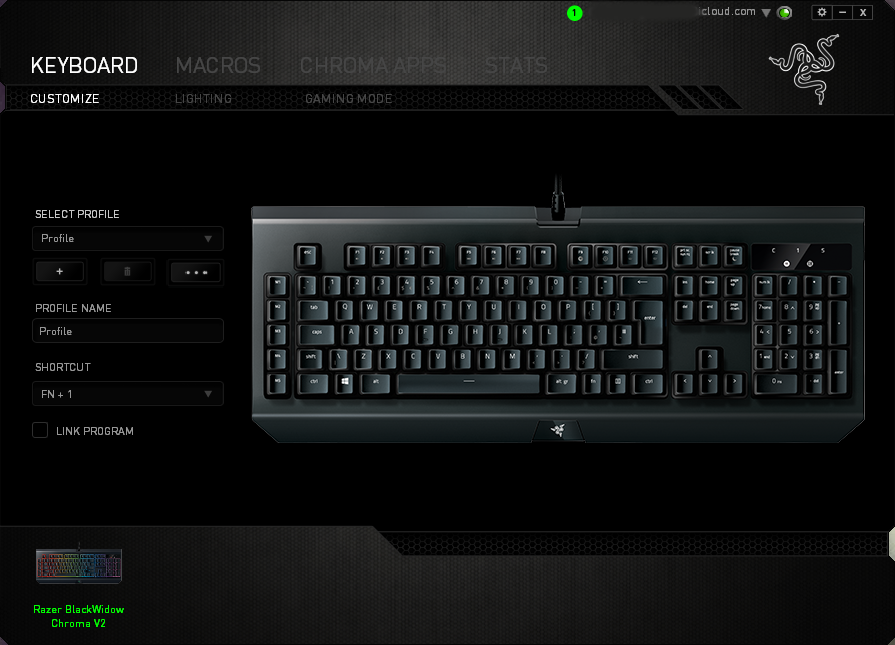
Razer Synapse, the software designed to work seamlessly with your Blackwidow Chroma V2, is a fantastic piece of development, capable of being as intricate or simple as you like. If you can think of it, chances are, Razer have too.Once you’ve set up your account, which is required to allow you to sign in on any PC and download your settings, you’re met with the Customize screen. This screen allows keys to be assigned different purposes and for profiles to be constructed, with the ability of assigning profiles to any program, therefore allowing certain setups to launch automatically, as soon as a game or piece of software is booted.
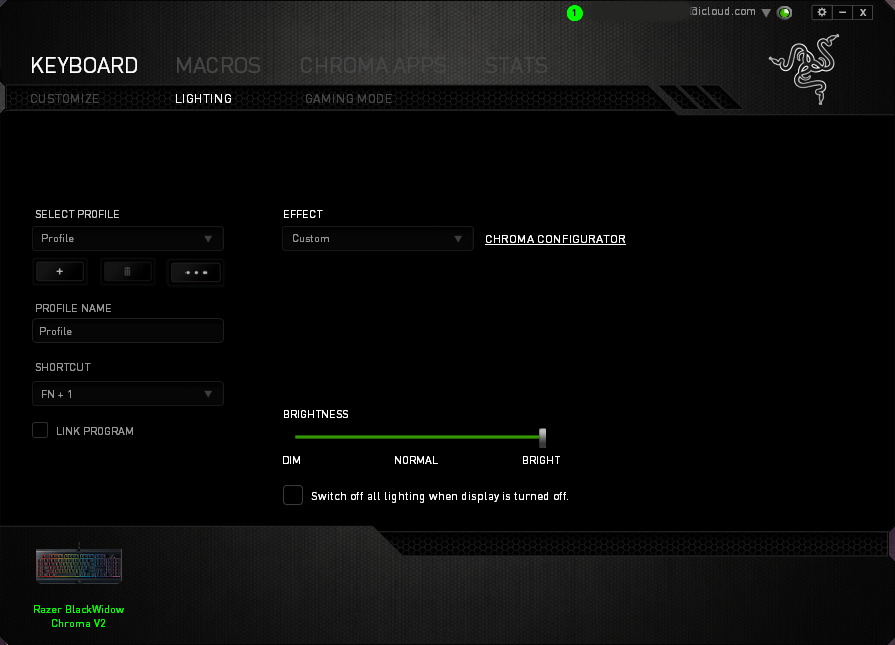
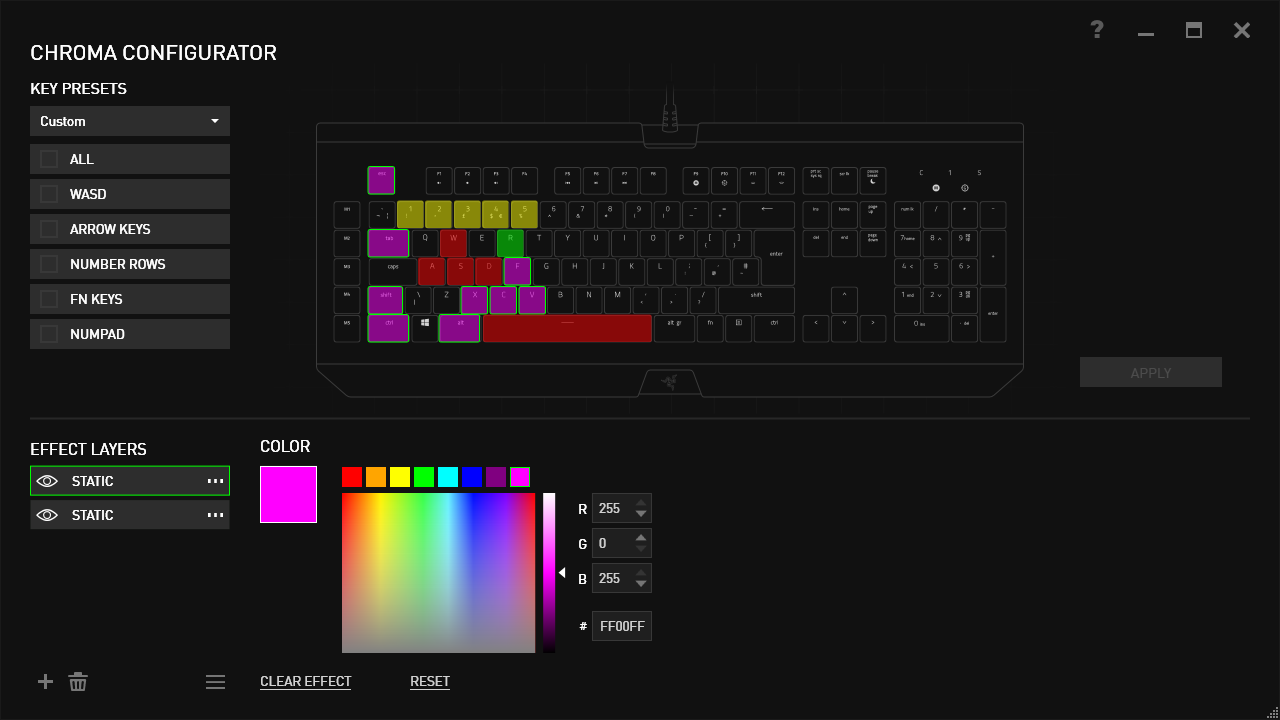
Next up, lighting, this is where the fun begins. The RGB lighting on this keyboard is worthy of an award on its own, so the software needs to be useful to fully utilise its abilities. Many different effects can be chosen, including starlight which lights up random keys, one at a time, in a choice of your colours. Fire is pretty fun, using orange, red and yellow to create the effect of a fire, roaring up from the bottom of the keyboard.
It’s also possible to download profiles from Razer’s website, created by Razer themselves or by the community.
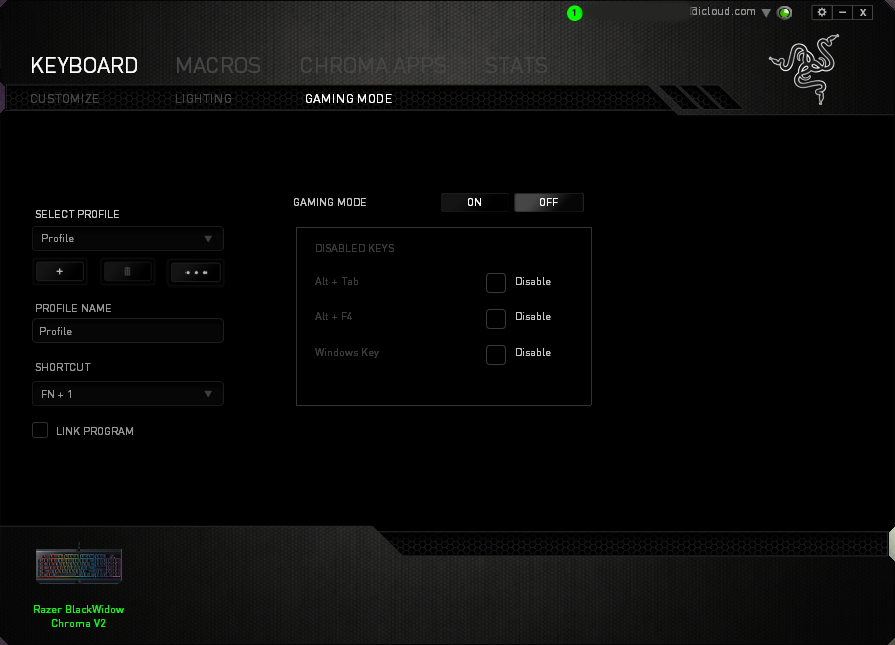
Gaming mode can be enabled within the software, which disables certain keys of your choice, to prevent them being accidentally clicked in the heat of battle; this setting can also be enabled using Fn + F10, marked on the key accordingly.
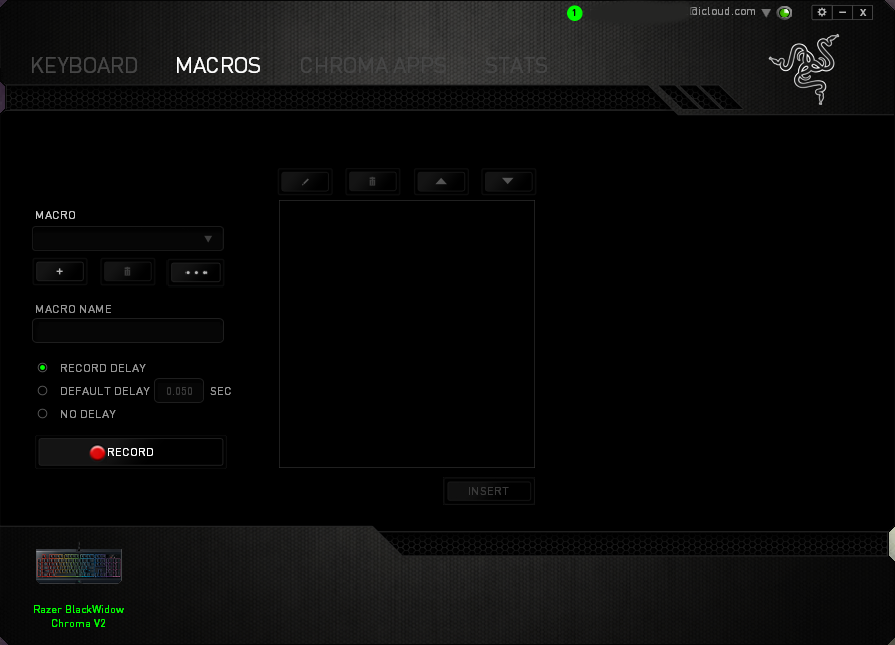
Macros can be assigned to any key on the keyboard, however Razer have placed 5 dedicated macro keys on the left hand edge of the keyboard, numbered M1 to M5. Setting up macros is incredibly easy, with the software able to record everything you do and repeat it perfectly, at the click of a button. We found this feature handy for starting our in-game recording software but the possibilities are near endless.
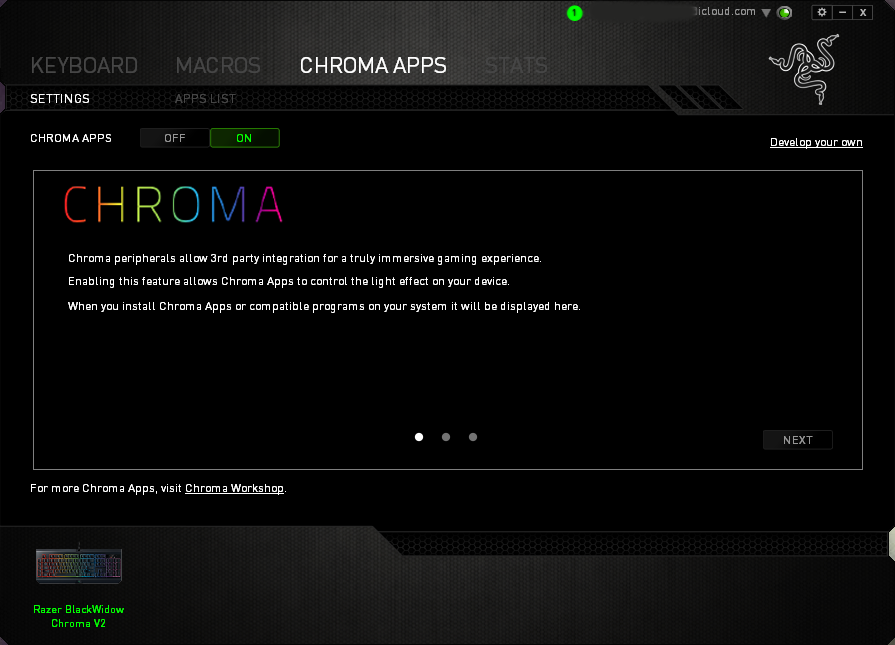
Chroma Apps is a big deal, giving users a practical use for the RGB backlit keys. Razer have developed an SDK that developers, and third party users alike, can use to take control of the lighting on the keyboard; for instance, only highlighting the keys required while playing a game, or displaying the direction of which you’re being attacked from in an FPS game, by way of flashing keys in that corner. We tested this in Orcs Must Die: Unchained and Rise of the Tomb Raider, both of which performed incredibly well; we didn’t feel that this is just a gimmick but has actual merit. Many big titles have adopted this feature, a list of which can be found here (https://www.razerzone.com/chroma-workshop/integrations)
This feature was also used to test out the audio visualiser, which plays along to the beat of any song or sounds generated by the PC. This looked stunning, another great use for the RGB lighting.
Performance Testing
The Razer Blackwidow Chroma V2 is a great piece of design, with many features you’d expect for your hard earned cash.The Razer green mechanical keys feel excellent; definitely the “tactile and clicky” keys that Razer describe. They took no bedding in at all, immediately feeling very useable and natural, though if you prefer a quieter experience, we would recommend the brand new yellow keys, sporting the same price tag; however, they lack the tactile feedback of the green keys, with the orange finding themselves somewhere in the middle, with a less-tactile feel than the green but also less noisy.
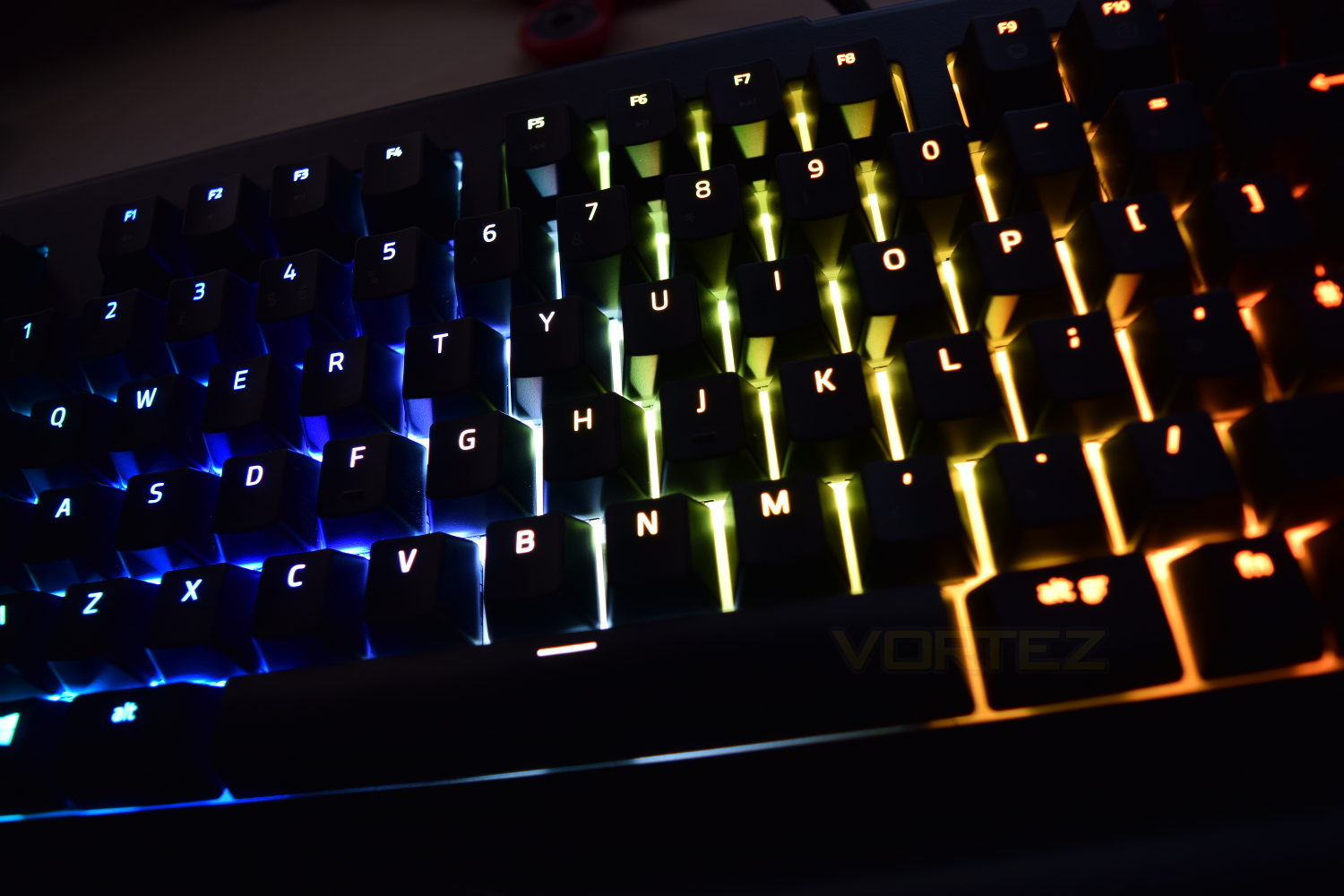
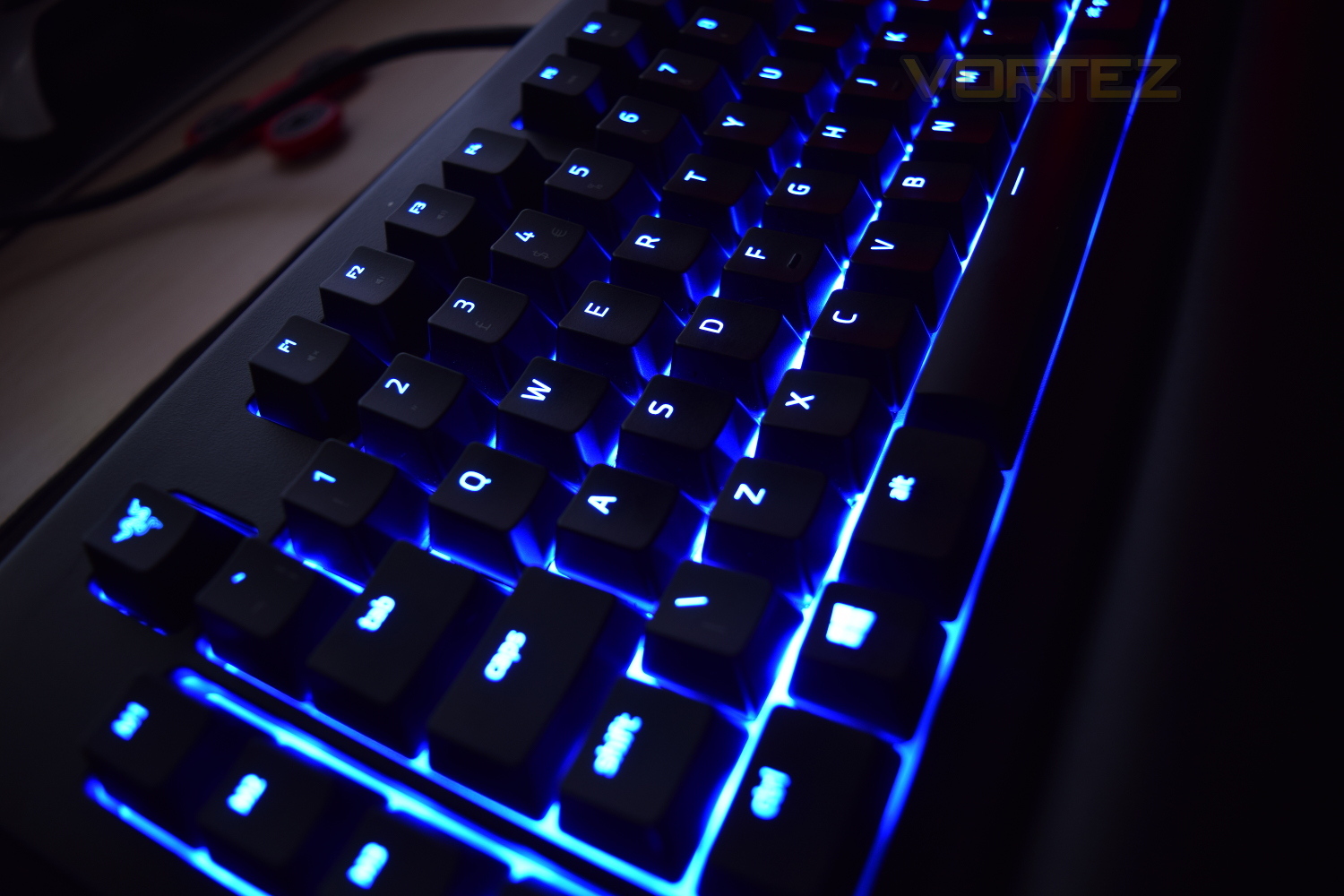
Key placement and sizing is spot on, making typing and playing games a dream. The all-new font used on the keys is a nice change from other keyboards, which works brilliantly with the RGB backlighting; not allowing too much light to escape, reducing glare. The Fn keys are placed along the keys at the top of the keyboard, with F1-F3 being the volume functions, F5 – F7 being media functions, F9 controls the on-the-fly macro recording, F10 toggles the Gaming mode, F11 and F12 control RGB brightness and pause break doubles up as a sleep function.
Razer’s ability to allow developers access to the RGB lighting on the keyboard is a truly magnificent idea, giving real purpose and value to RGB lighting, other than looking pretty and matching your chosen colour scheme. Testing in Tomb Raider was fantastic, only illuminating the keys actually required at that time, reducing distraction and minimising glare.
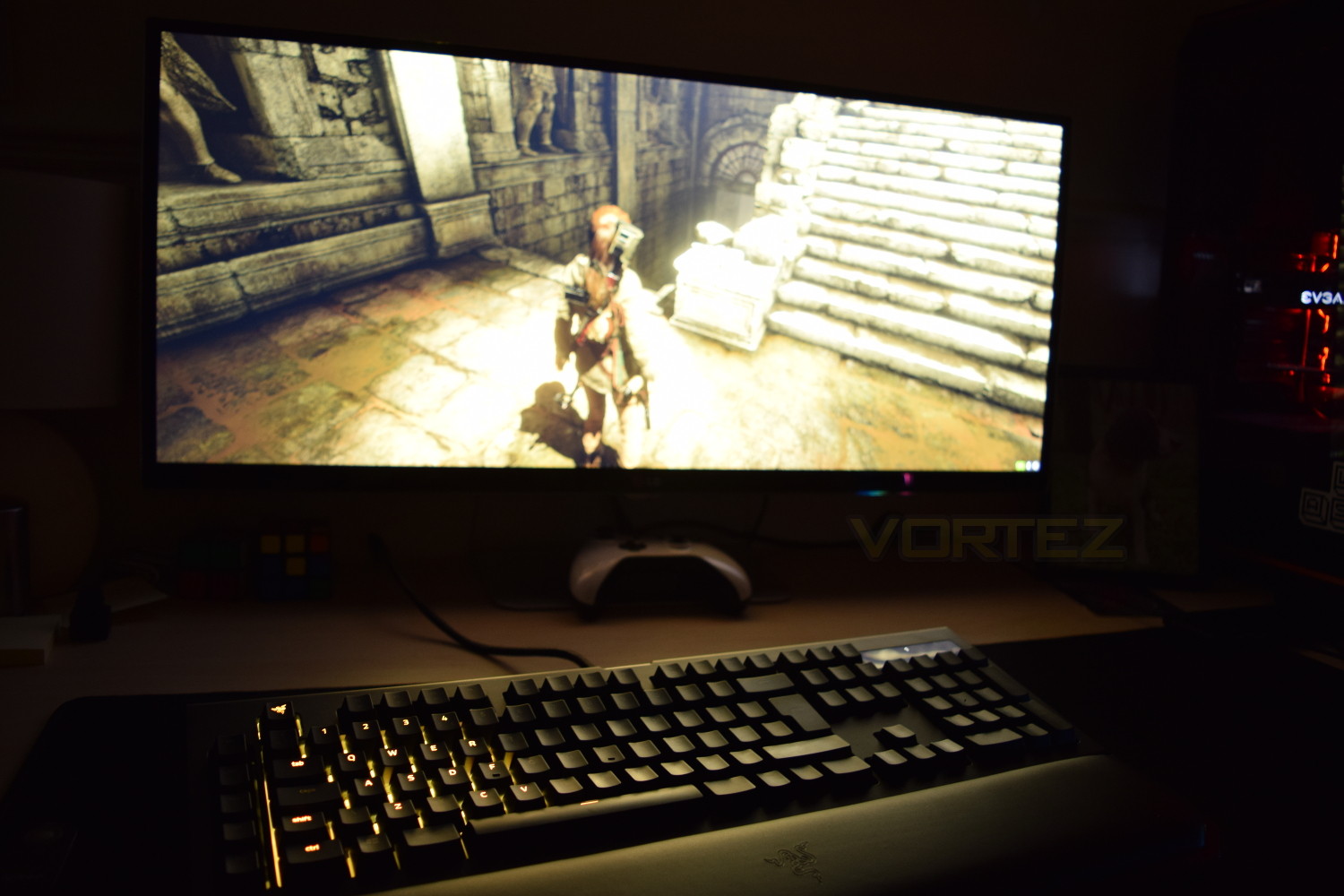
The keyboard is enclosed, meaning no light bleed from the outer edges of the keys, which can be particularly annoying if you own a reflective screen; this serves a second purpose of helping to highlight only the important areas, the keys, without the rest of the keyboard being bathed in unwanted lighting. This may not be to all tastes but we felt this was a better approach. The bed on which the keys lay on is a glossy white, which reflects all colours effectively. One small issue, especially for those who don’t instinctively know their country’s keyboard layout, is that the RGB backlighting doesn’t illuminate a key’s 2nd function, the @ symbol below the ‘ symbol, for instance, or the & as part of the 7 key.
The inclusion of a wrist rest with this keyboard is a great choice from Razer, keeping your arm and hand in as straight a line as possible, reducing the possibility of injury or discomfort. The soft leather-like material and cushioning underneath has clearly been tried and tested to a huge degree, resulting in pure comfort. One negative of using the wrist rest is that it blocks the illuminated Razer logo along the bottom edge of the keyboard, which plays along with all of your RGB colour schemes, though, Razer have embossed the wrist rest with their signature logo.
Conclusion
The Blackwidow Chroma V2 is glorious in every respect, Razer have gone to extreme lengths to produce the best keyboard that they possibly can. The performance is excellent with the Green mechanical keys feeling magical while typing or gaming. The RGB backlighting is absolutely mindblowing, especially when considering the qualities that the Chroma SDK can add to your games and software, which gives RGB lighting some real substance, rather than just looking pretty.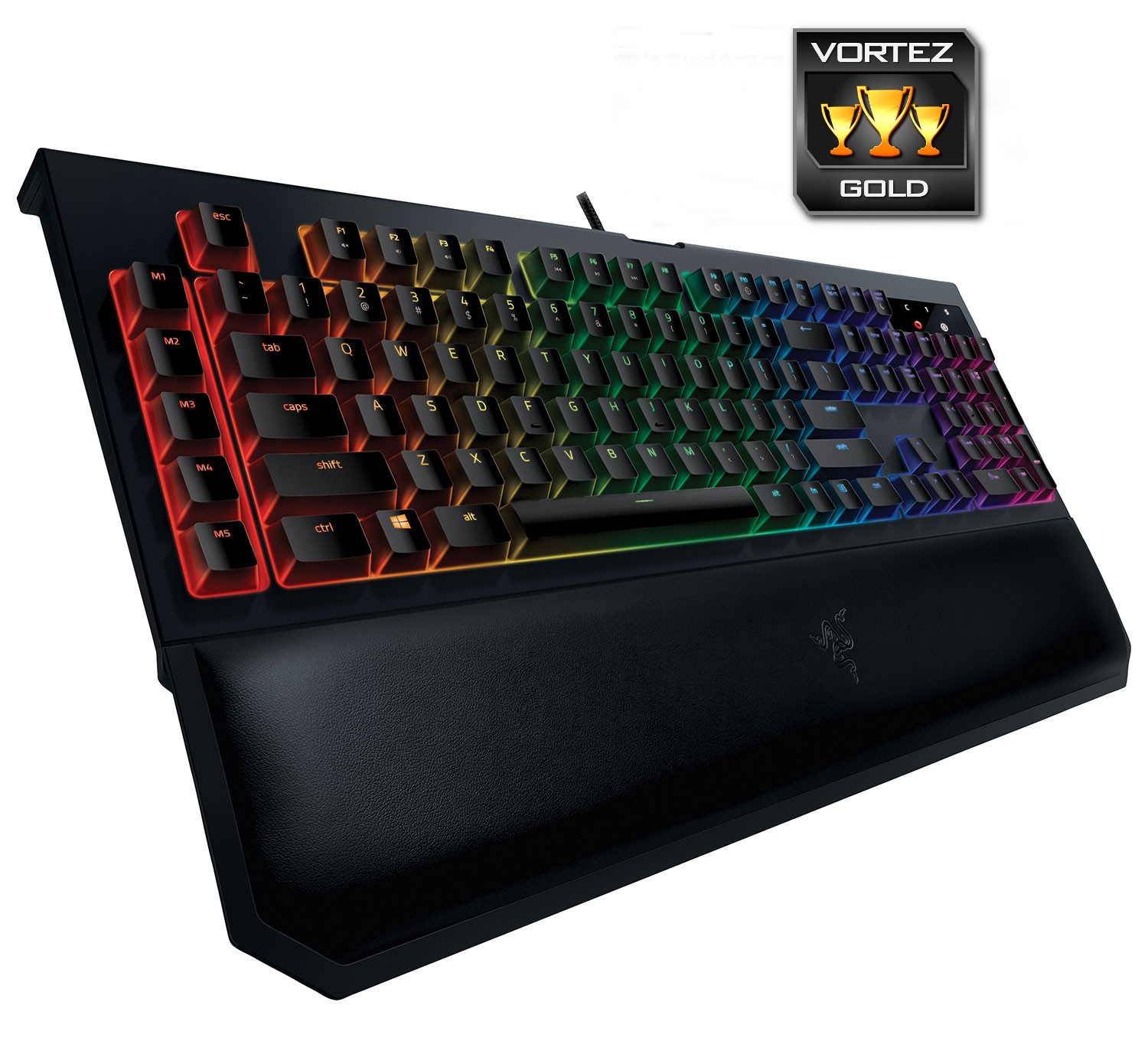
The Razer Blackwidow Chroma V2 isn’t perfect, but it’s almost there; if Razer can add dedicated media keys and possibly work on reducing that price somewhat, there really would be absolutely no reason not to purchase. If price isn’t a consideration and you’re just looking for the best keyboard, the Razer needs to be high up on your list. Build quality is exquisite, Razer’s own mechanical switches feel great, the RGB backlighting, backed up by their Chroma integration is unparalleled and the USB/audio pass-through helps keep your desk clutter-free, regardless of your choice of headset.
The Razer Blackwidow Chroma V2 fights through some tough competition but manages to hold its own. If money is no object, make sure to consider Razer.
Pros
+ Choice of Razer’s green, orange or yellow mechanical keys
+ RGB backlighting is incredible
+ Razer Chroma works brilliantly
+ Wrist rest is extremely comfortable
+ Magnetic system employed for wrist rest
+ 5 Dedicated macro keys
+ USB pass-through
+ 3.5mm audio pass-through
+ Beautiful design
+ Razer Keycap Keychain
+ Extendable feet are solid
Cons
– May be too pricey for some
– No dedicated media keys
+ Choice of Razer’s green, orange or yellow mechanical keys
+ RGB backlighting is incredible
+ Razer Chroma works brilliantly
+ Wrist rest is extremely comfortable
+ Magnetic system employed for wrist rest
+ 5 Dedicated macro keys
+ USB pass-through
+ 3.5mm audio pass-through
+ Beautiful design
+ Razer Keycap Keychain
+ Extendable feet are solid
Cons
– May be too pricey for some
– No dedicated media keys
Click here for an explanation of our awards at Vortez.net.