The BlackWidow Ultimate has undergone various changes since its first release and we now get to take a look at the 2016 edition, featuring various improvements including advanced lighting controls.

Product on Review: Razer BlackWidow Ultimate 2016
Manufacturer: Razer
Street Price: UK: £99.99, US: $109.99
The BlackWidow is a gaming keyboard that gamers everywhere, at some point, would have had a look at over the past 6 years. The Ultimate 2016 edition has had a complete overhaul in a ground up redesign that represents a more ‘raw’ edition to the BlackWidow series. What is meant by this, is that the backlighting is limited to ‘Razer Green’, though it now features the advanced lighting effects of the Chroma range. This version features Razer’s custom ‘green’ switches that were originally a modified Kailh Blue switch, however, in our previous outing with the BlackWidow Chroma these switches were rated at 60million key strokes, here that number has been moved up to 80million. This could be down to a more refined production/process or control by Razer (see video below) thus giving a higher reliability rating.
The feature list of the BlackWidow 2016 reads as you would imagine, 10 key rollover, 1000hz ultrapolling and USB/audio pass through. Though there are some important yet subtle changes worth mentioning. Firstly, the appearance has changed. There is a green background under the keys and gone is that awful fingerprint/smudgy rubberise surface that has instead been replaced by a matt, anti-smudge coating. The audio pass through is now compatible with 4 pole jacks, providing compatibility with the growing trend of more universal gaming headsets.
Overview by Razer
The Razer BlackWidow Ultimate has been redesigned from the ground up with an all-new set of features, and is equipped with the multi-award winning Razer™ Mechanical Switches, the first and only mechanical switches designed specifically for gaming.
The biggest advancement to the latest edition of the Razer BlackWidow Ultimate is the introduction of the advanced lighting technology from the Chroma line in its individually backlit green LEDs that can each be customized through Razer’s Synapse software to display a range of unique lighting effects. Preset effects include Wave, Ripple, Reactive, Starlight and more. Gamers can also create their own lighting patterns via the advanced lighting effects configurator within Razer Synapse.
The biggest advancement to the latest edition of the Razer BlackWidow Ultimate is the introduction of the advanced lighting technology from the Chroma line in its individually backlit green LEDs that can each be customized through Razer’s Synapse software to display a range of unique lighting effects. Preset effects include Wave, Ripple, Reactive, Starlight and more. Gamers can also create their own lighting patterns via the advanced lighting effects configurator within Razer Synapse.
Technical Specifications
– Razer™ Mechanical Switches with 50g actuation force
– 80 million keystroke life span
– Individually backlit keys with Dynamic lighting effects
– Razer Synapse enabled
– 10 key roll-over anti-ghosting
– Fully programmable keys with on-the-fly macro recording
– Gaming mode option
– Audio-out/mic-in jacks
– USB pass-through
– 1000Hz Ultrapolling
– Braided fiber cable
System Requirements
– PC or Mac with a free USB port
– Windows® 10 / Windows® 8 / Windows® 7 / Mac OS X (v10.8-10.11)
– Internet connection
– 100 MB of hard disk space
Razer Synapse registration (requiring a valid e-mail), software download, license acceptance, and internet connection needed to activate full features of product and for software updates. After activation, full features are available in optional offline mode.
– 80 million keystroke life span
– Individually backlit keys with Dynamic lighting effects
– Razer Synapse enabled
– 10 key roll-over anti-ghosting
– Fully programmable keys with on-the-fly macro recording
– Gaming mode option
– Audio-out/mic-in jacks
– USB pass-through
– 1000Hz Ultrapolling
– Braided fiber cable
System Requirements
– PC or Mac with a free USB port
– Windows® 10 / Windows® 8 / Windows® 7 / Mac OS X (v10.8-10.11)
– Internet connection
– 100 MB of hard disk space
Razer Synapse registration (requiring a valid e-mail), software download, license acceptance, and internet connection needed to activate full features of product and for software updates. After activation, full features are available in optional offline mode.
Packaging & First Look
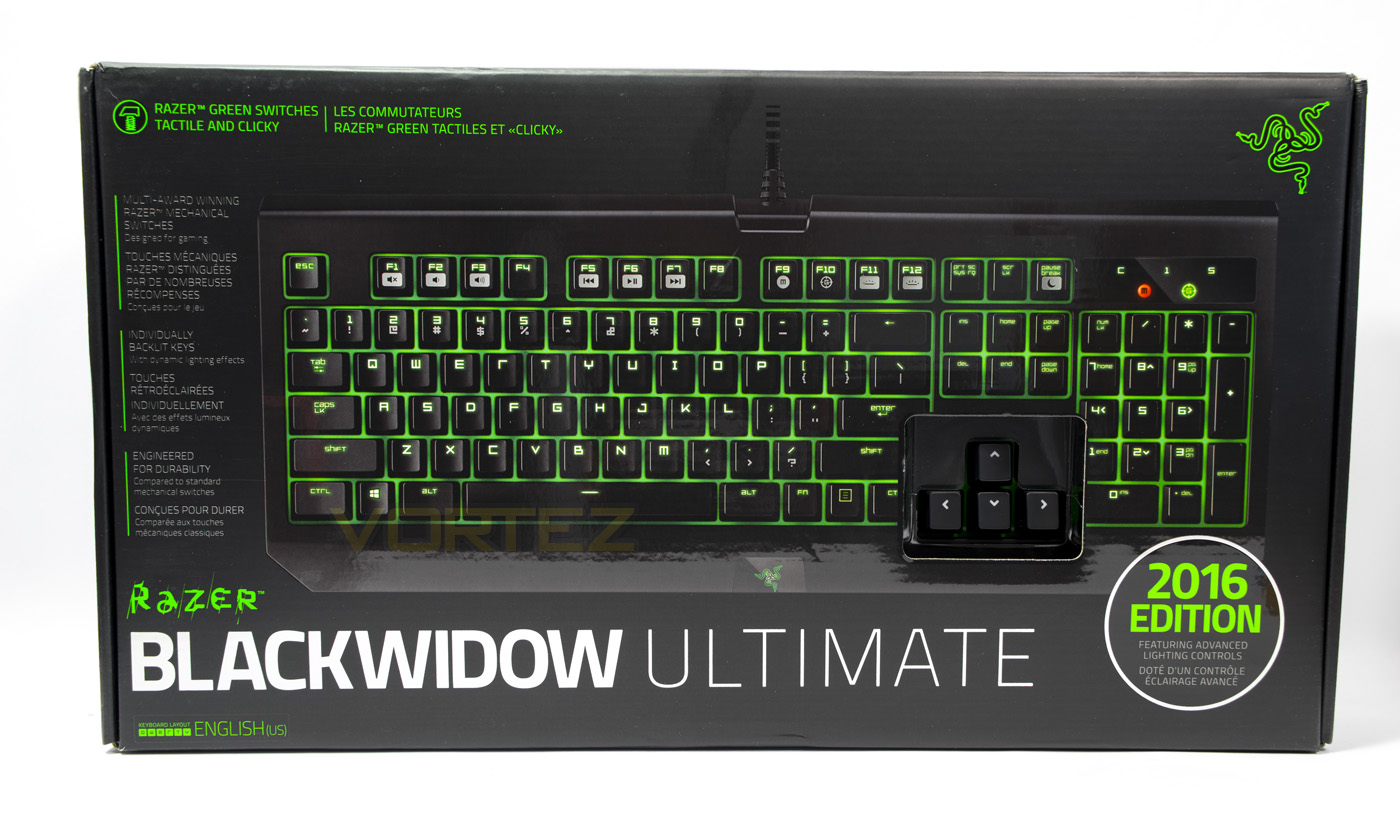
The BlackWidow Ultimate 2016 packaging is very ‘Razer’ and is easily identified as such, though I am a little disappointed that they are still showing off a cut for people to test the switches. Though it is a nice ‘in store’ feature, it creates a weak point in the packaging which contamination could make it inside the box as well as being a weak point for the packaging itself. I previously experienced a torn opening here (not sure if that was a good use of words), as well as a damaged plastic cover (that is meant to protect the keyboard) which has shattered and released shrapnel floating around inside the box and under the keys. This time however all was fine.
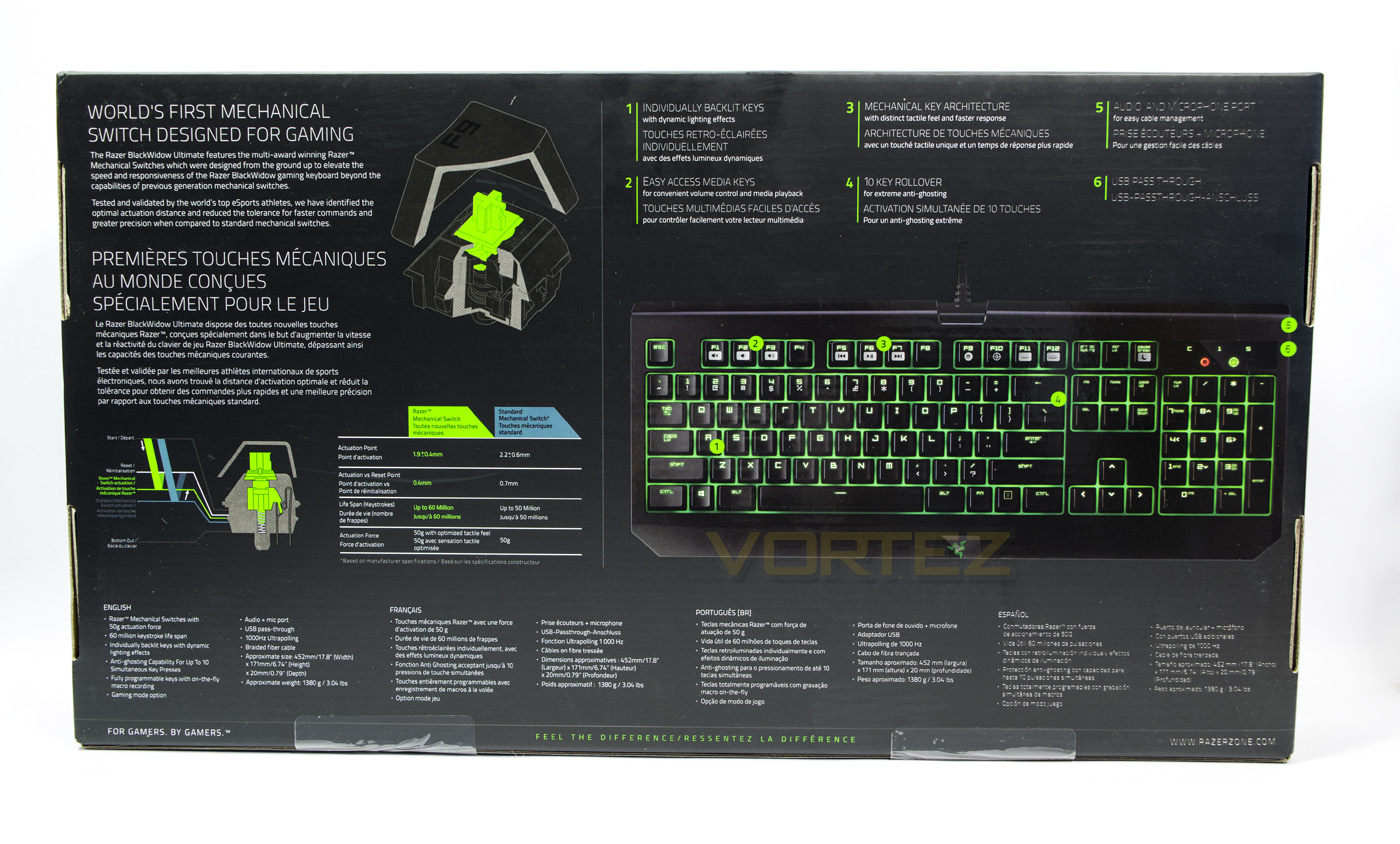
At the back there is more information about Razer’s custom switches as well as giving information about various features. Listed at the bottom are the detailed specifications in various languages.
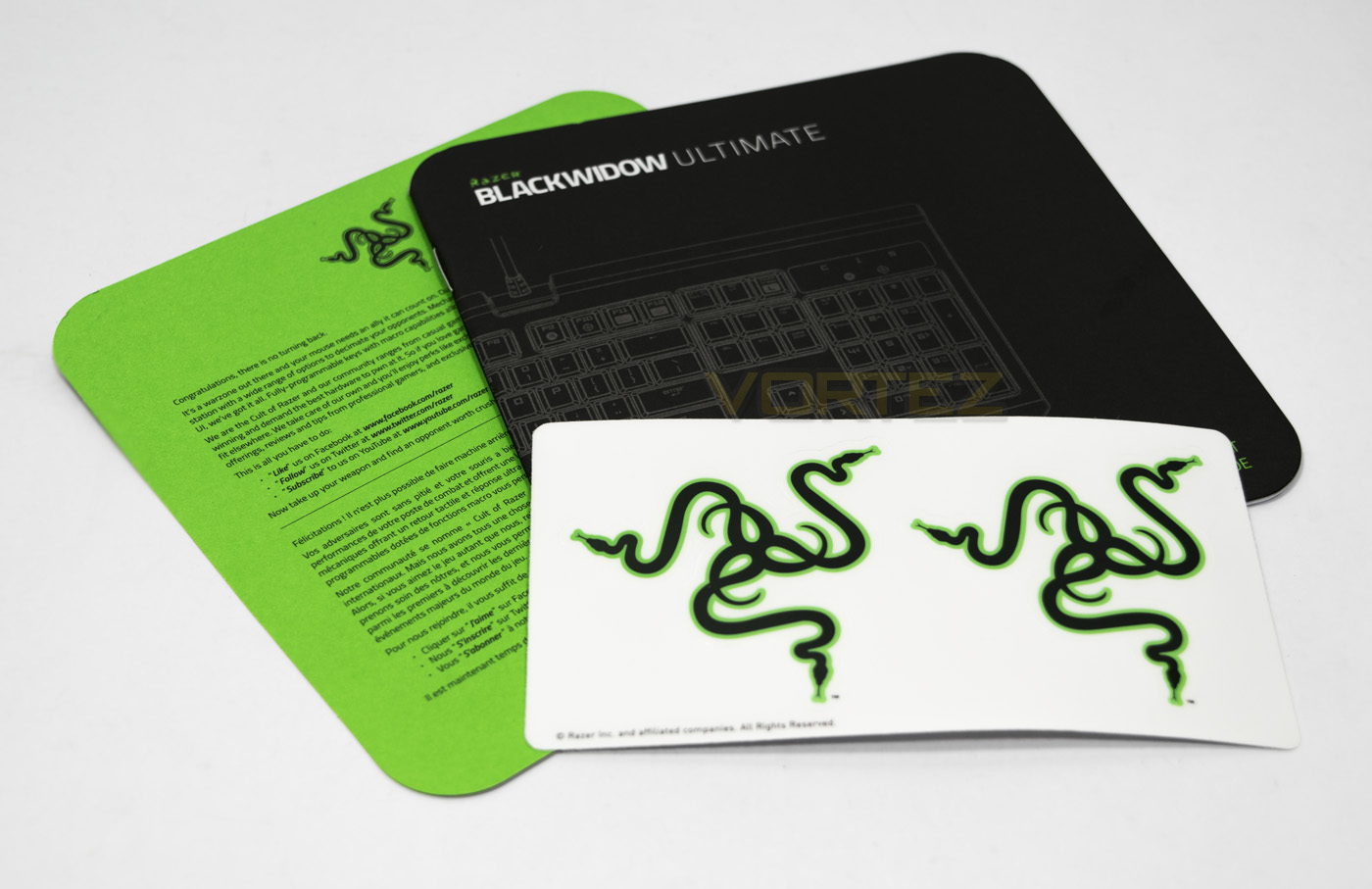
Inside the box is the standard Razer Greeting and manual as well as the Razer stickers.
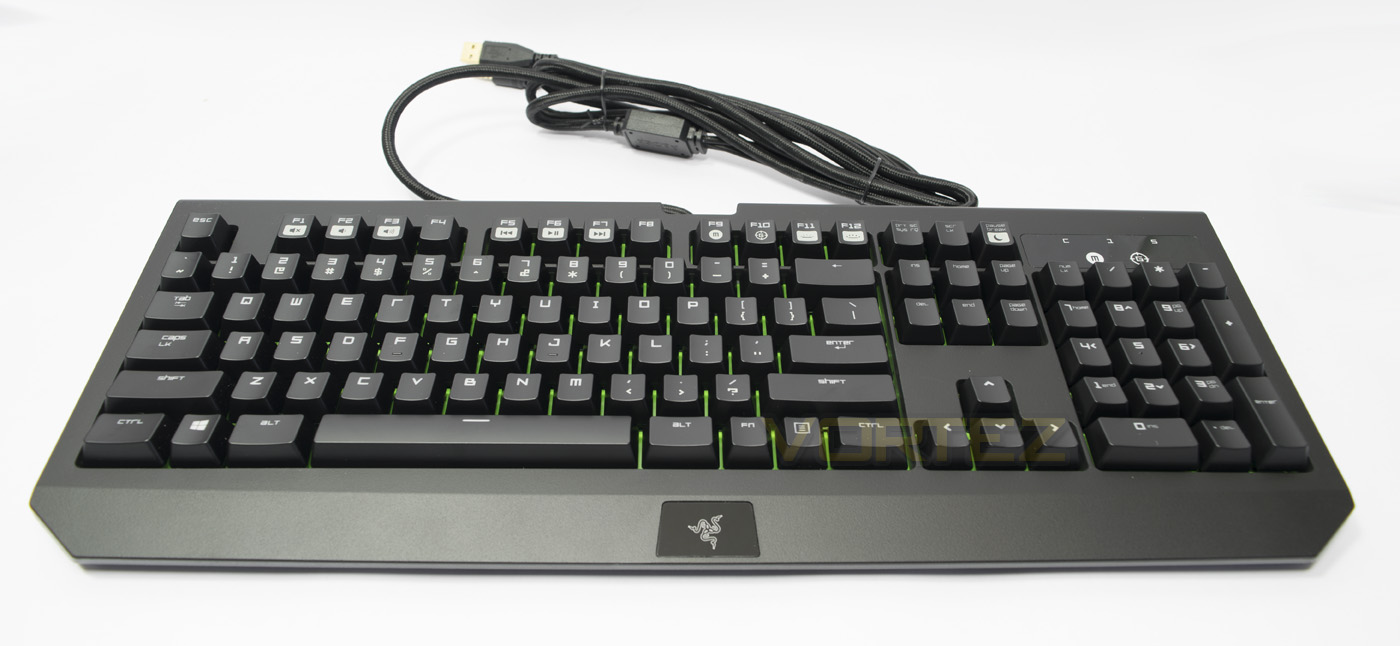
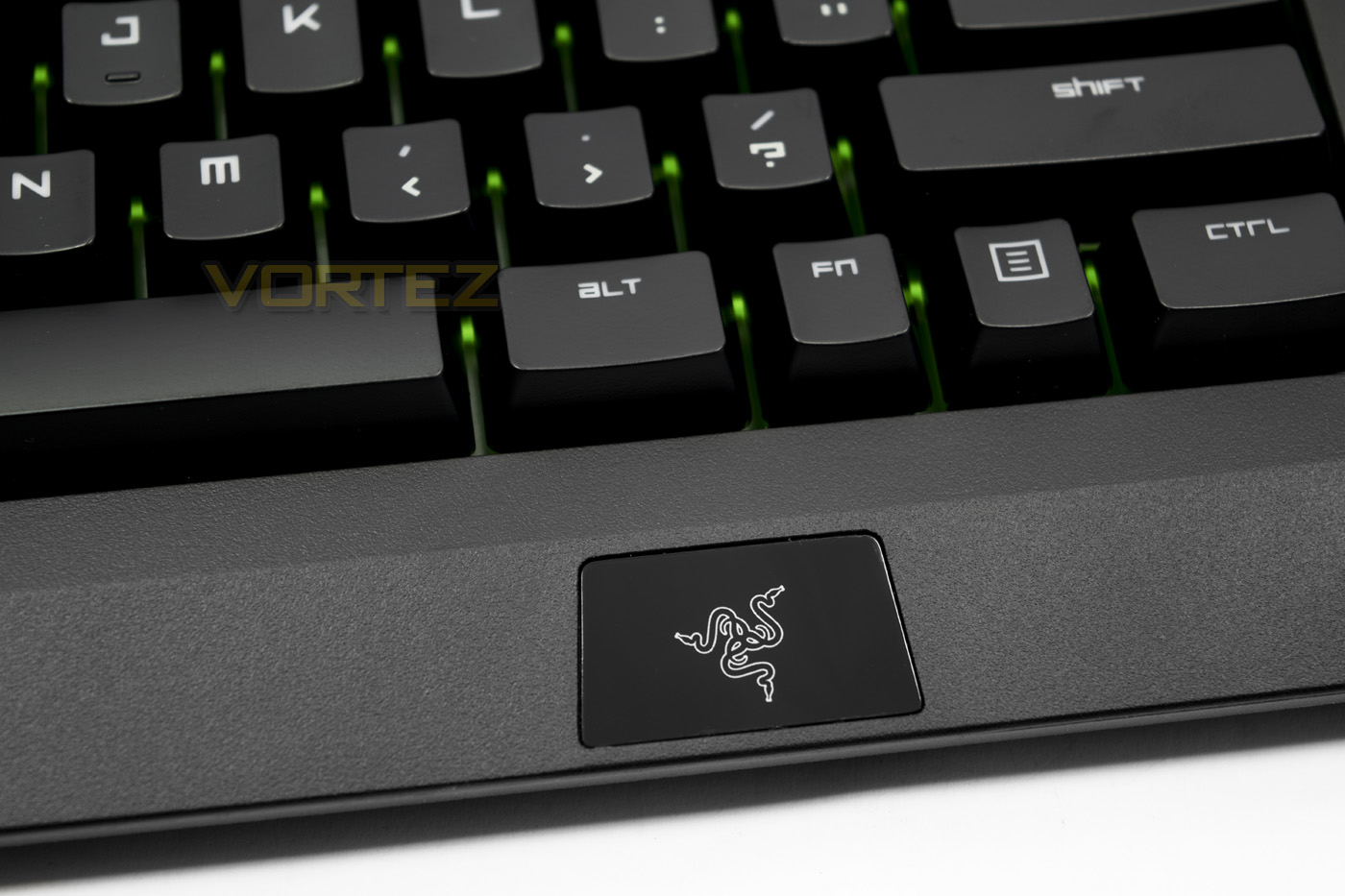
The Razer BlackWidow Ultimate 2016 edition with the iconic Razer logo in the centre. The dimensions are said to be a little slimmer than the previous Ultimate edition, and there are no dedicated macro keys either.
Closer Look
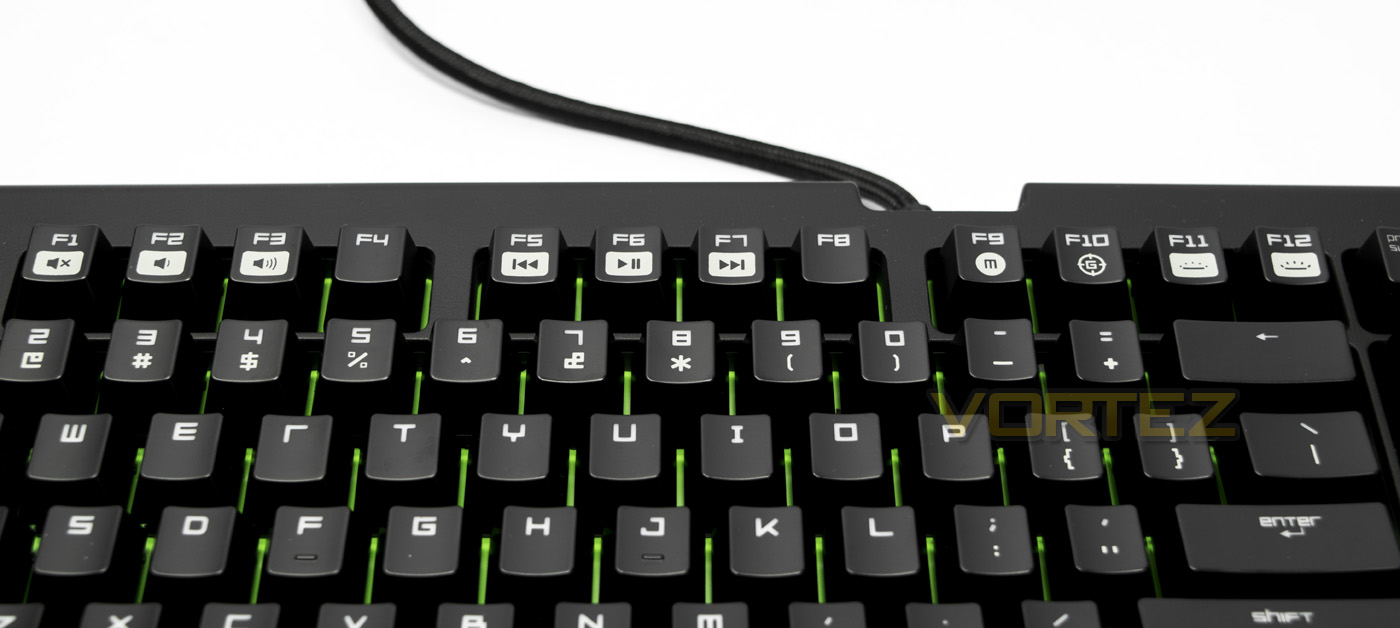
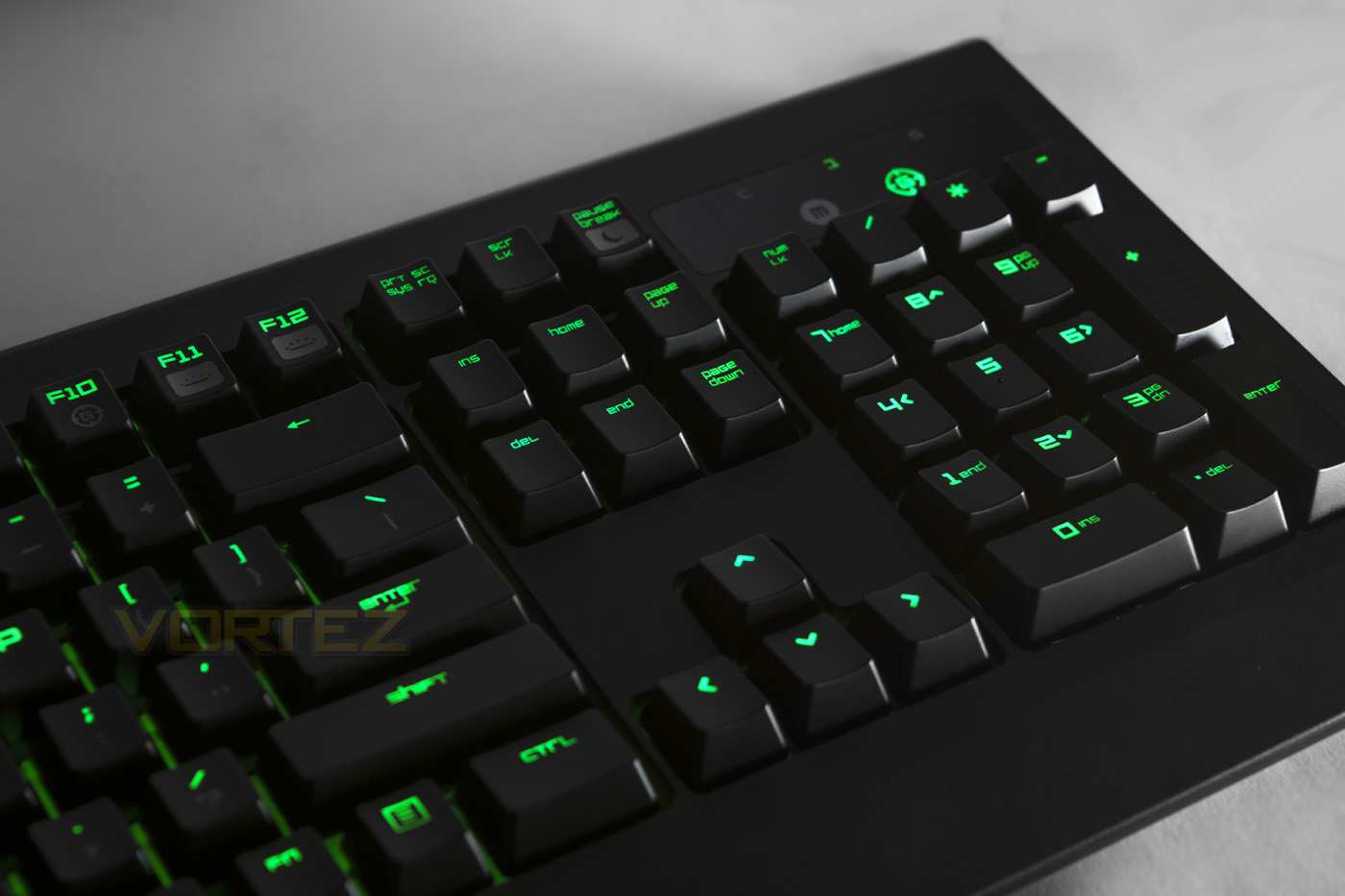
The Fkeys double as media keys with use of the FN button. In order there are controls for Mute, volume down, volume up, skip back, play/pause, skip forward, macro record, game mode, brightness down and brightness up.
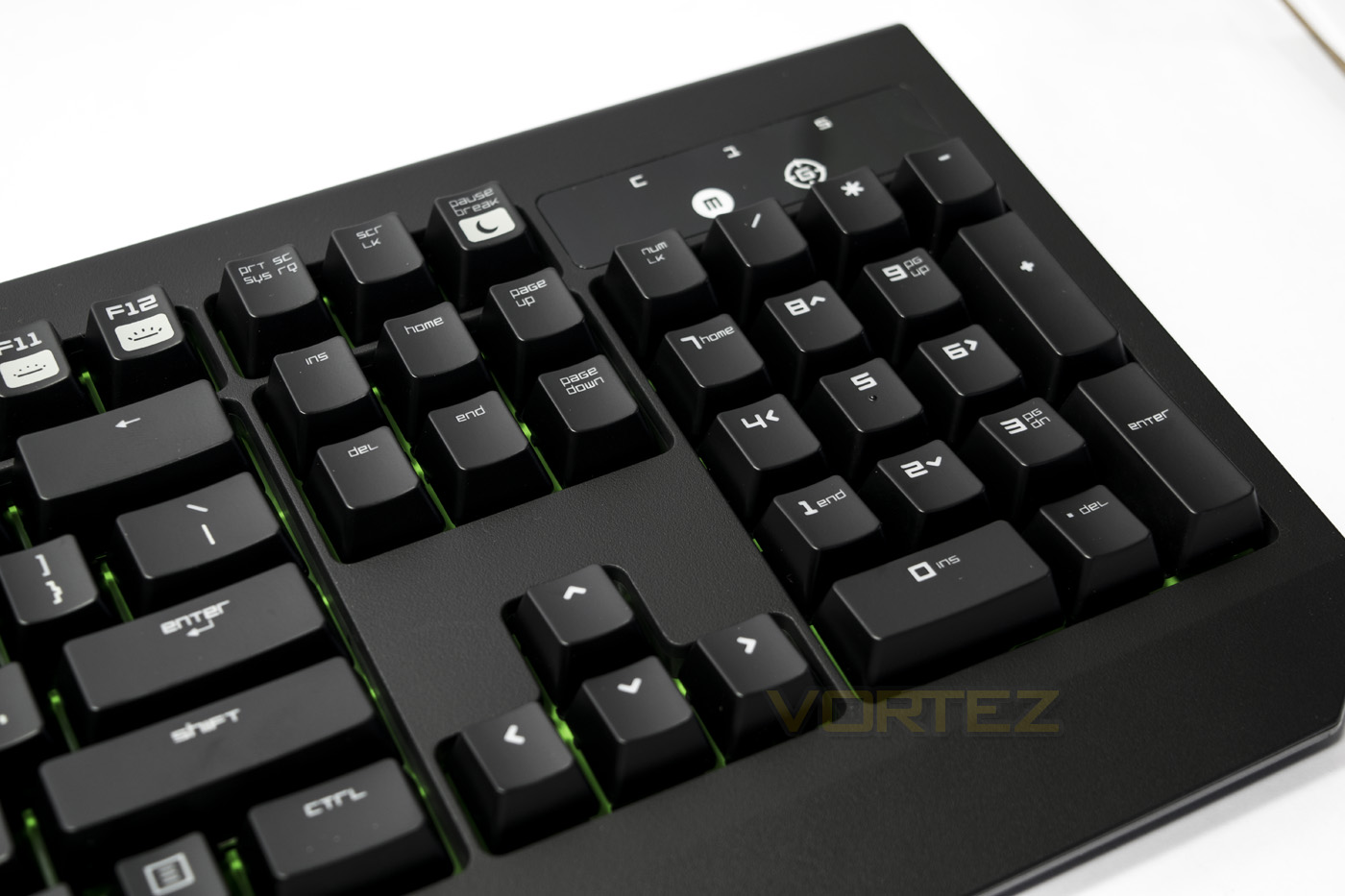
In the numpad area we see the pause/break button double as the sleep button as a FN feature, while in the indicator area there are separate lights to display game mode on/off, as well as macro recording.
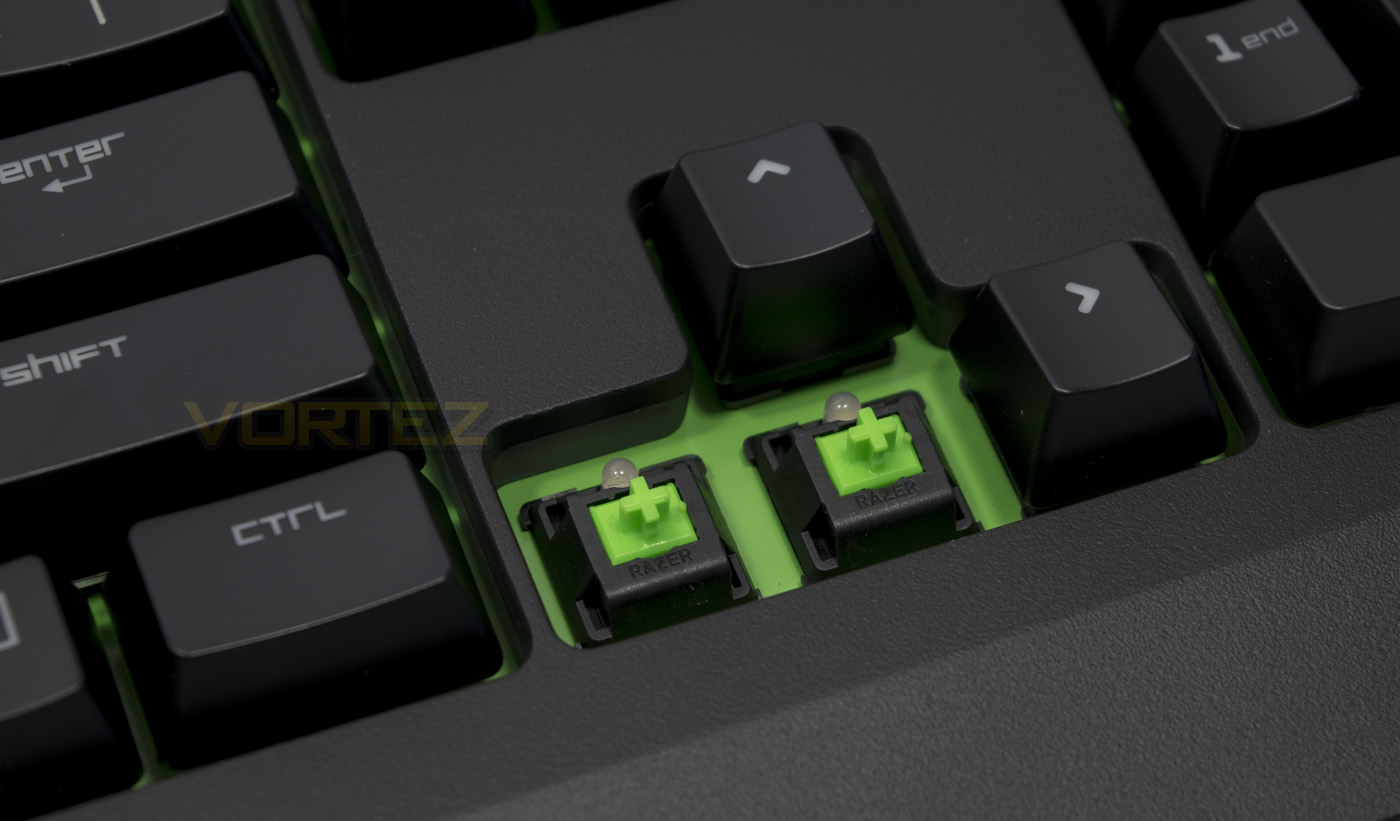
The Razer switches are green clicky switches, while the Ultimate ‘stealth’ would feature orange linear switches. The larger keys, unfortunately do not use dummy switch stabilisers as seen in higher end keyboards, rather, they use a more crude metal bar as a pressure distributioThis will work fine, but seems a bit of a cop out on a £100 keyboard.
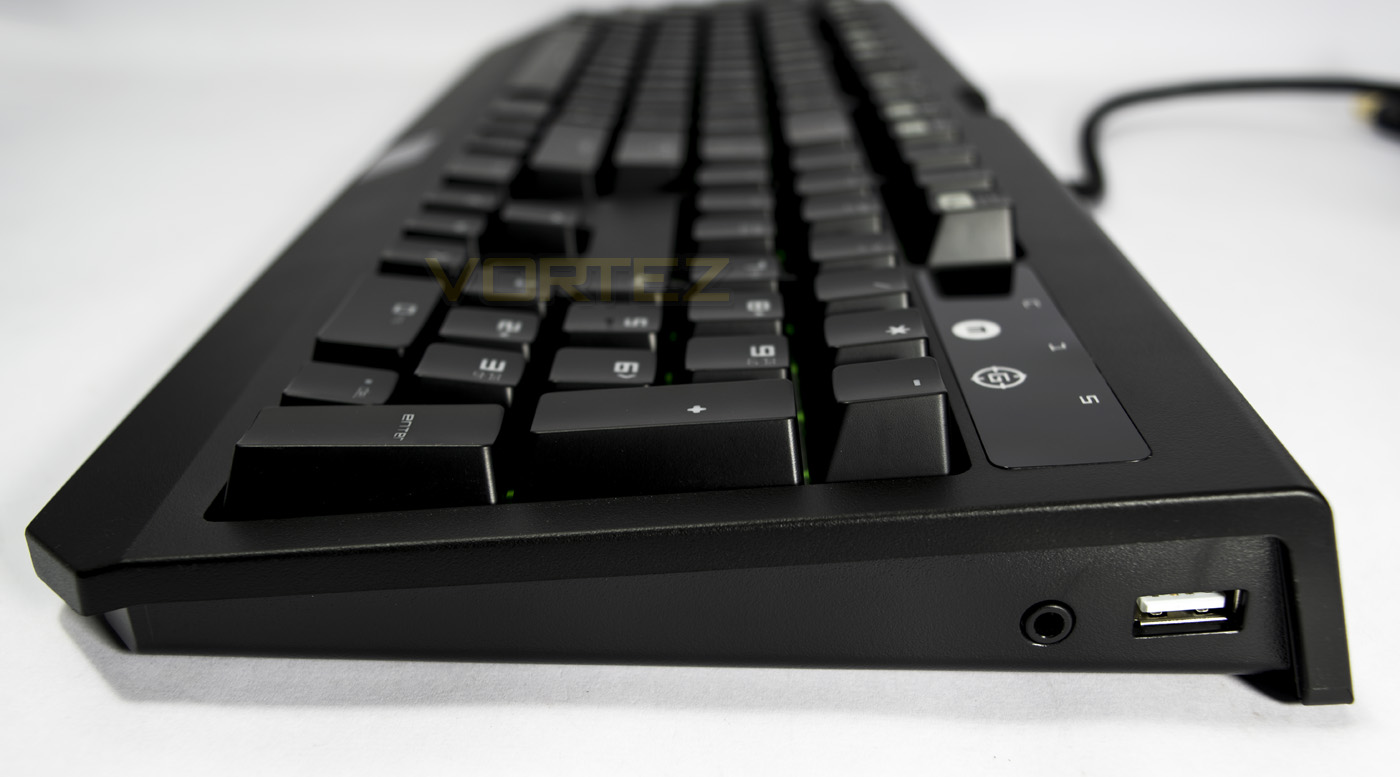
The included audio out/mic in port as well as the USB pass through port is situated on the right side.
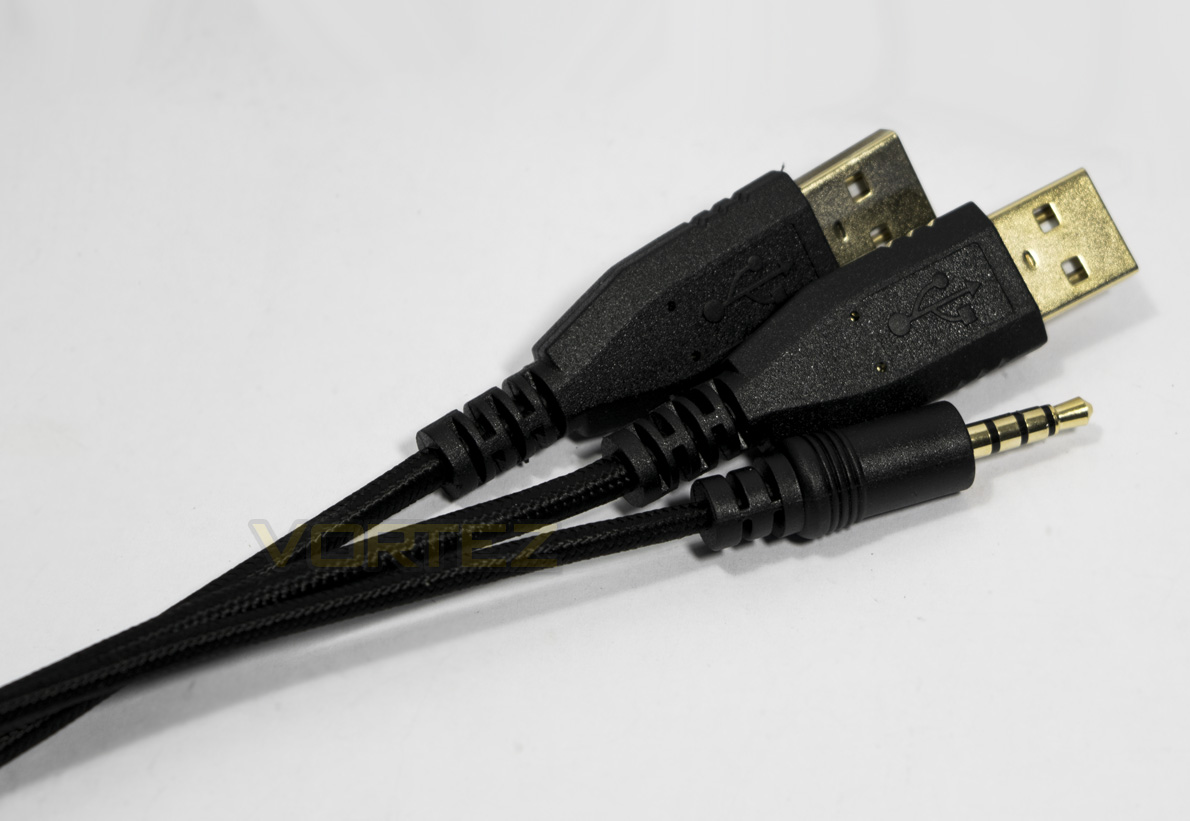
The connectors are 2x USB (main and pass through) and one 4 pole jack, annoyingly, many systems will require an adaptor to use with their desktop, and Razer have not included one.
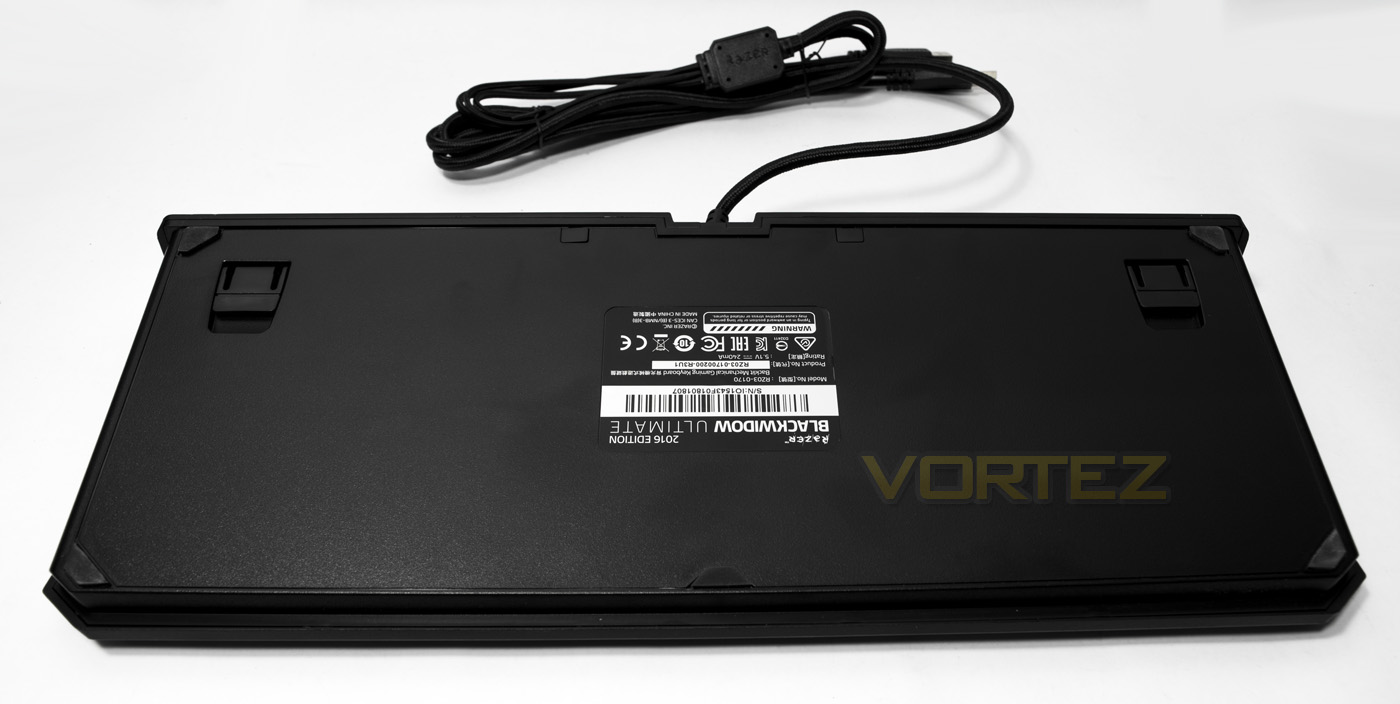
The underside features the non-slip pads as expected as well as the customary feet to increase the angle.
Software & Lighting
A criticism many make of Razer products is the use of the cloud based Synapse software to store profiles rather than featuring on-board memory. The software also requires the creation of an account and sign in. To do this, it means you need to be online. Though once you have signed in, it will then function perfectly in an offline mode, uploading any saved changes to the cloud once you are online next. This can be a pain for some, but if you have already done this, it is a fairly straight forward process. To make up for this, the Synapse software is intuitive, looks good and has every control you need. From reprogramming each individual key, down to customisable per key lighting.
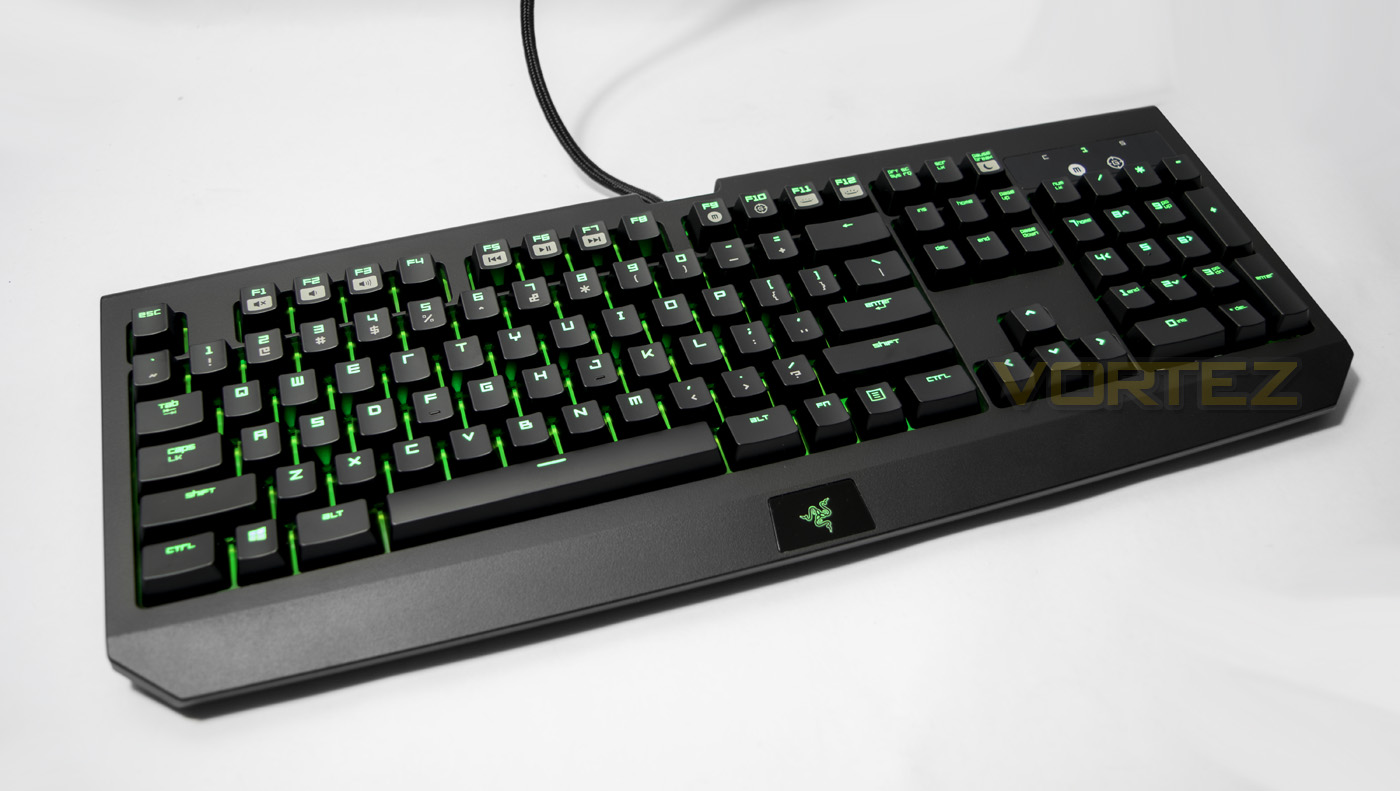
The BlackWidow Ultimate 2016 has many advanced lighting effects including a starlight effect, ripple, wave and many others you will find on the Chroma edition keyboards, only with the Ultimate, the lighting is limited to various brightnesses of green. This doesn’t diminish how awesome the lighting actually is, each effect is smooth, and looks rather awesome. The green background really helps the lighting to pop out more, though its a shame the switch casings are not transparent as the black casing is clearly inhibiting the lighting a little.
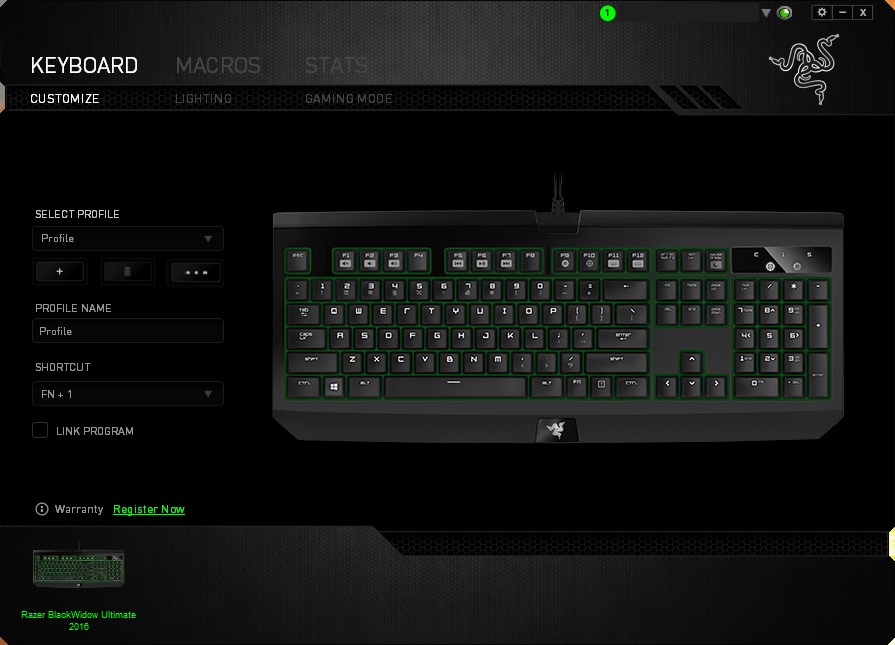
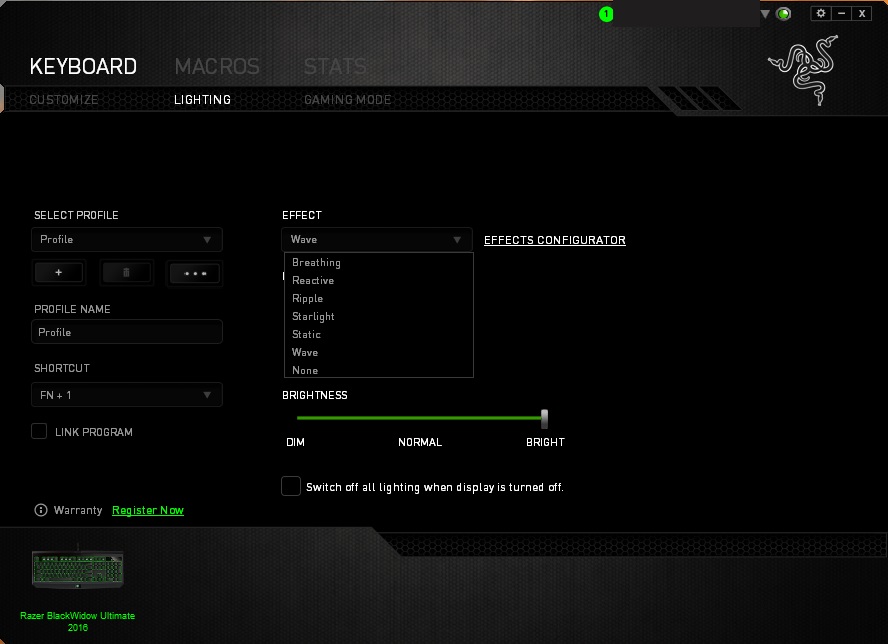
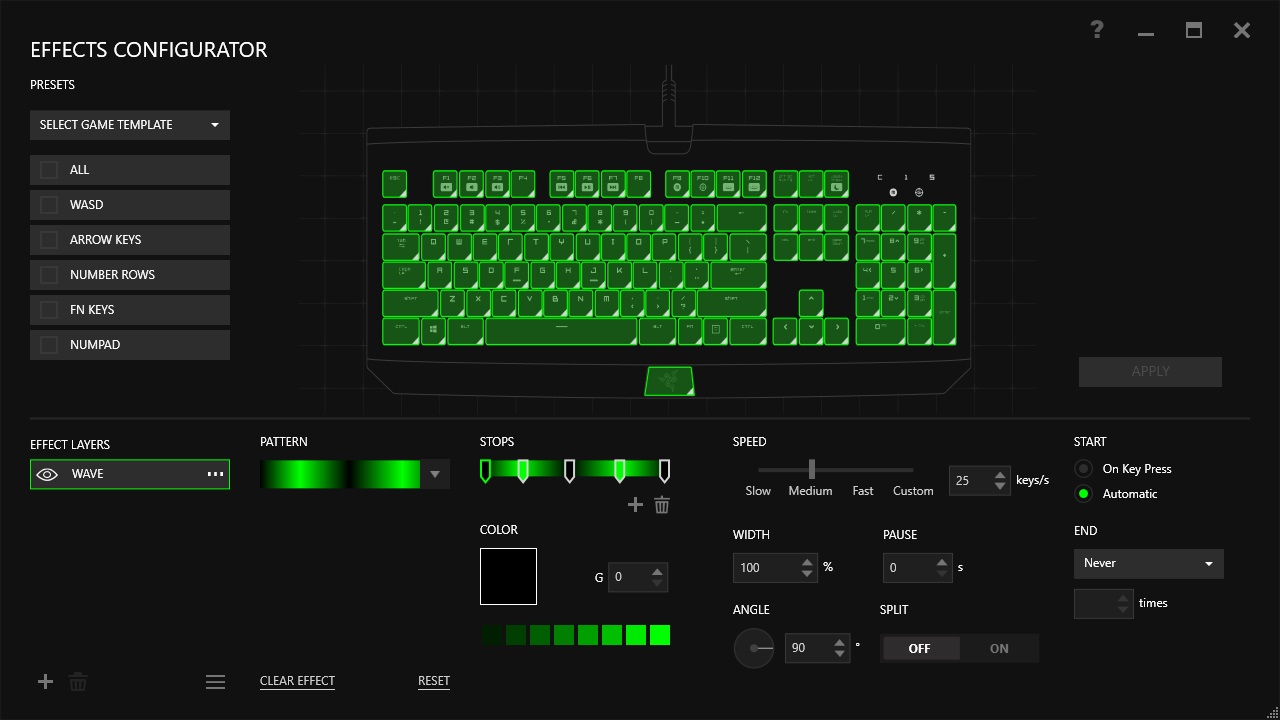
The lighting brightness has many steps (12-13 including off) and so can range from dim to bright as one prefers.
Performance Testing
Setup, Design & Observations
Plugging in the Razer BlackWidow Ultimate 2016 will require 2x USB ports and a 4pole front audio out/mic in port, if your system does not have this, you will need to get an adaptor. Without an adaptor you will be able to use stereo audio without any real problems, but the microphone part will not work. The Synapse software isn’t required for the keyboard to work, though to use the full functionality of the keyboard it is recommended.
The keyboard itself is attractive, and the finish is far more pleasing than the rubberised fingerprint magnet that is found on older models and it was difficult to see/create any lasting smears. This is a much needed improvement. The key caps look/feel good though it would have been nice to find a bundled selection of additional keycaps, like those found with the Corsair STRAFE.
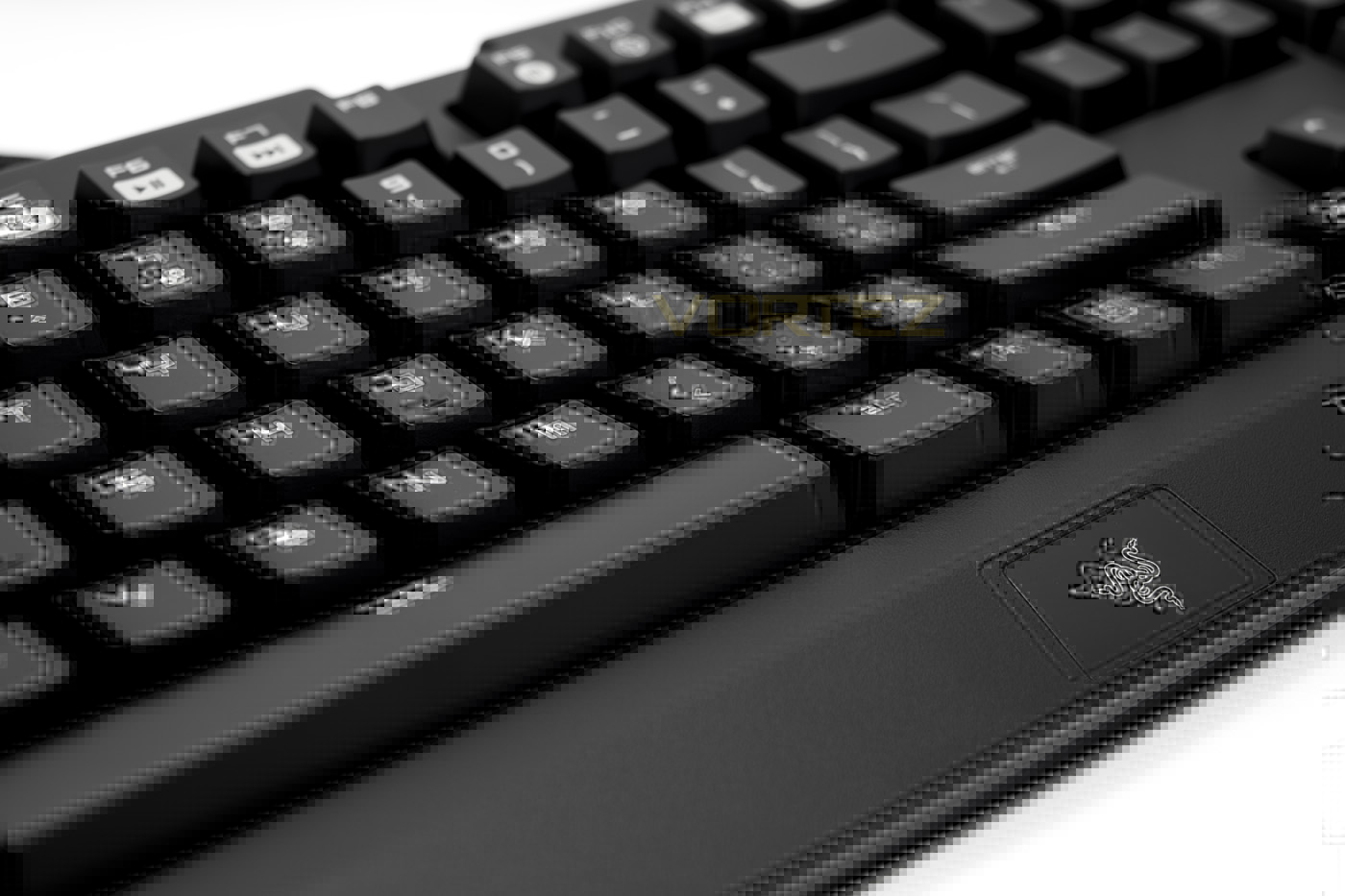
In use, I found the BlackWidow Ultimate to be a good height and was comfortable without the need for a wrist rest anyway, though some may feel it would have been a nice inclusion. The switches felt a touch wobbly at first but I found them enjoyable to use. The shorter actuation point is noticeable considering that I have been used to MX Browns for a rather long time now. The 50g actuation force helped to give a rather fast and snappy typing experience while in game the keys were spammable and solid. Though how much difference the actuation point made was very difficult to determine and any advantage in game will be slight. In the grand scale of things the Razer switches do fall short in light of our recent experience with the CHERRY MX Speed Silver, though considering they are locked to a significantly more expensive product, the Razer switches are still pretty good. I just wish that Razer would have used dummy/stabiliser switches on the larger keys rather than metal bars. The overall experience I had with the BlackWidow Ultimate 2016 is very good. I personally would have preferred a non-clicky switches, but this is a subjective preference. If you like clicky switches, check these ones out the next time you happen to find it in store courtesy of exposed packaging.
Conclusion
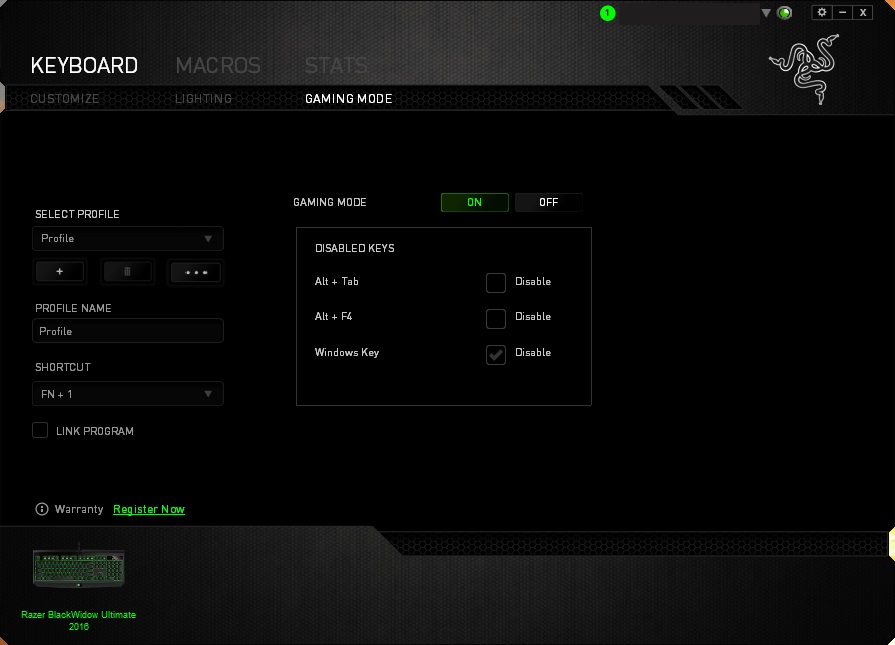
The BlackWidow Ultimate 2016 edition makes some interesting advances that fans of the BlackWidow will really enjoy. The advanced programmable lighting is great, especially if you are someone that isn’t hugely interested in buying into the RGB options. This means you get all the customisable lighting you could ever want while keeping to the Razer green lighting. Then you have the full programmability of each key, on the fly-macro recording, game mode (locks Windows key, Alt + Tab and Alt + F4 to prevent accidental bouncing to desktop). The Razer switches are rather enjoyable to use, and if you like clicky switches (I.E. MX Blue, blue) you will like the Razer green switches. Considering they are now rated for an incredible 80million keystrokes, that is a true sign of confidence in their reliability.
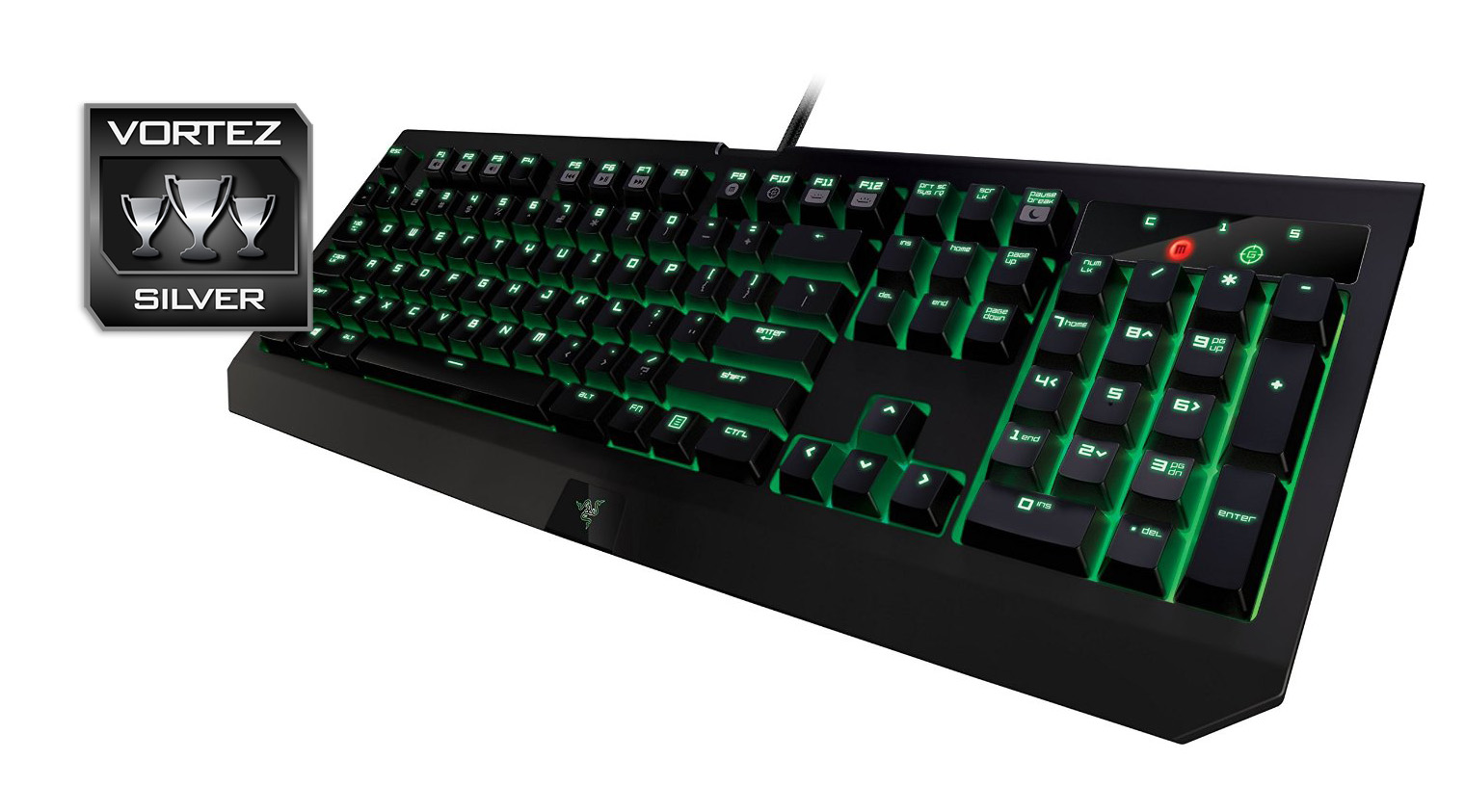
There are things that may be a little hit and miss with people, such as having no dedicated macro keys, though some may prefer the smaller footprint. The main considerations that hold the Ultimate 2016 back is the lacking bundled extra, no bonus FPS/MOBA key caps and more importantly no included 4 pole adaptor, something that is likely to be needed by anyone that plans on using this keyboard with a standard desktop system. Also, the use of metal bars for the large keys felt a little cheap and could be an annoyance to people as they are known (especially in the space bar) to sometimes collapse in use, requiring the user to remove the keycap and reset the bars.
Aside from these points, Razer could have made progress in regards to including full NKRO instead of sticking to 10 key roll over and it would too be a great joy to see on-board memory for internal profile storage. Though these things are oversights considering that people only have 10 fingers, and the Synapse software, despite its online requirements, works incredibly well. This makes the BlackWidow Ultimate 2016 a great keyboard to use and a viable alternative to competitors in its price range.
The BlackWidow Ultimate 2016 comes with various subtle improvements such as anti-smudge coating, helping it stay looking fresh and though it is limited to green backlighting, it can now fully implement advanced lighting effects and customisations that can be configured within the Synapse software.
Pros.
+ Anti-smudge surface
+ Programmable lighting
+ Fully programmable keys
+ Razer switches
+ USB/audio pass through
Cons.
– Non-existent bundled accessories
– Metal bar stabilisers
+ Anti-smudge surface
+ Programmable lighting
+ Fully programmable keys
+ Razer switches
+ USB/audio pass through
Cons.
– Non-existent bundled accessories
– Metal bar stabilisers
Click here for an explanation of our awards at Vortez.net.