Based on an exposed metal top design, gamers get a choice of a smaller, sleeker variant of the BlackWidow Chroma keyboard.

Product on Review: Razer BlackWidow X Chorma
Manufacturer: Razer
Street Price: UK: £134.99, US: $159.99 (Also available as a Tournament Edition)
Though released a few months ago, we now manage to have a hands on with the BlackWidow X Chroma, something we are rather excited to see. The key differences over the BlackWidow Chroma, is that the BlackWidow X Chroma(BWXC) has a footprint that is approximately 10% smaller, freeing up some precious desk space, as well as having an attractive exposed metal top plate design. The added bonus is, that the BWXC is £15 cheaper than the standard BlackWidow Chroma.
It comes with various specifications we come to expect from a Razer mechanical keyboard, including 1000Hz Ultrapolling, 10-Key rollover, and Razer’s own mechanical switches that are rated for 80 million keystrokes. The BWXC does however forego a few things, most notably the USB/audio pass-through.
Overview by Razer
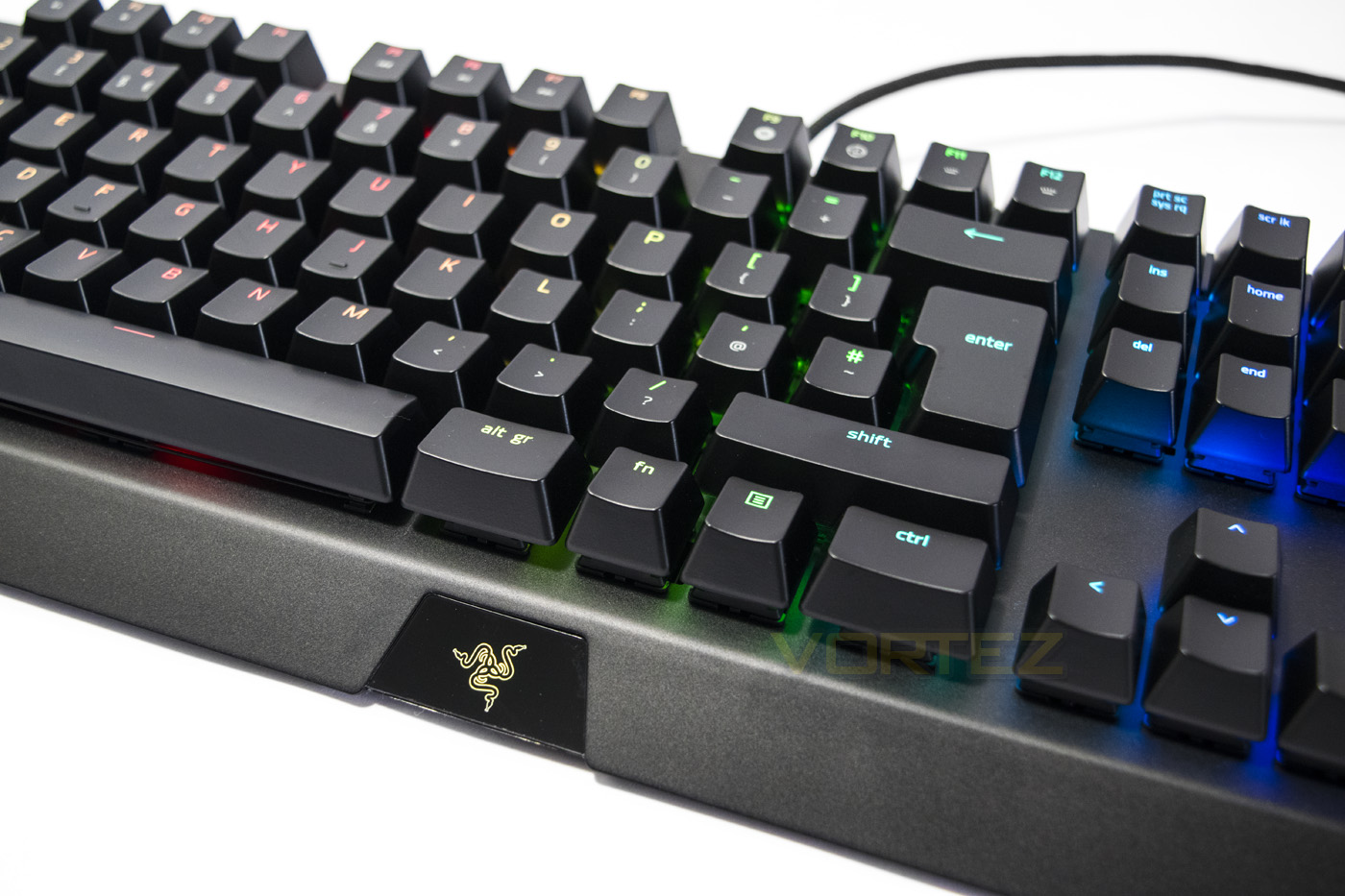
The Razer BlackWidow X Chroma features a whole new look, one that’s been stripped down to reveal a sleek and compact piece of engineering ingenuity. Constructed from military grade metal, the polished body of the Razer BlackWidow X Chroma is both rugged and durable, ensuring you’ll enjoy stellar performance even during the most intense gaming sessions.
Technical Specifications
– Razer™ Mechanical Switches with 50g actuation force
– 80 million keystroke life span
– Chroma customizable backlighting with 16.8 million color options
– Military grade metal top construction
– Razer Synapse enabled
– 10 key roll-over anti-ghosting
– Fully programmable keys with on-the-fly macro recording
– Gaming mode option
– Cable management routing
– 1000 Hz Ultrapolling
– Braided fiber cable
SYSTEM REQUIREMENTS
– PC or Mac with a free USB port
– Windows® 10 / Windows® 8 / Windows® 7 / Mac OS X (v10.8 – 10.11)
– Internet connection
– 100 MB of hard disk space
Razer Synapse registration (requiring a valid e-mail), software download, license acceptance, and internet connection needed to activate full features of product and for software updates. After activation, full features are available in optional offline mode.
– 80 million keystroke life span
– Chroma customizable backlighting with 16.8 million color options
– Military grade metal top construction
– Razer Synapse enabled
– 10 key roll-over anti-ghosting
– Fully programmable keys with on-the-fly macro recording
– Gaming mode option
– Cable management routing
– 1000 Hz Ultrapolling
– Braided fiber cable
SYSTEM REQUIREMENTS
– PC or Mac with a free USB port
– Windows® 10 / Windows® 8 / Windows® 7 / Mac OS X (v10.8 – 10.11)
– Internet connection
– 100 MB of hard disk space
Razer Synapse registration (requiring a valid e-mail), software download, license acceptance, and internet connection needed to activate full features of product and for software updates. After activation, full features are available in optional offline mode.
Packaging & First Look
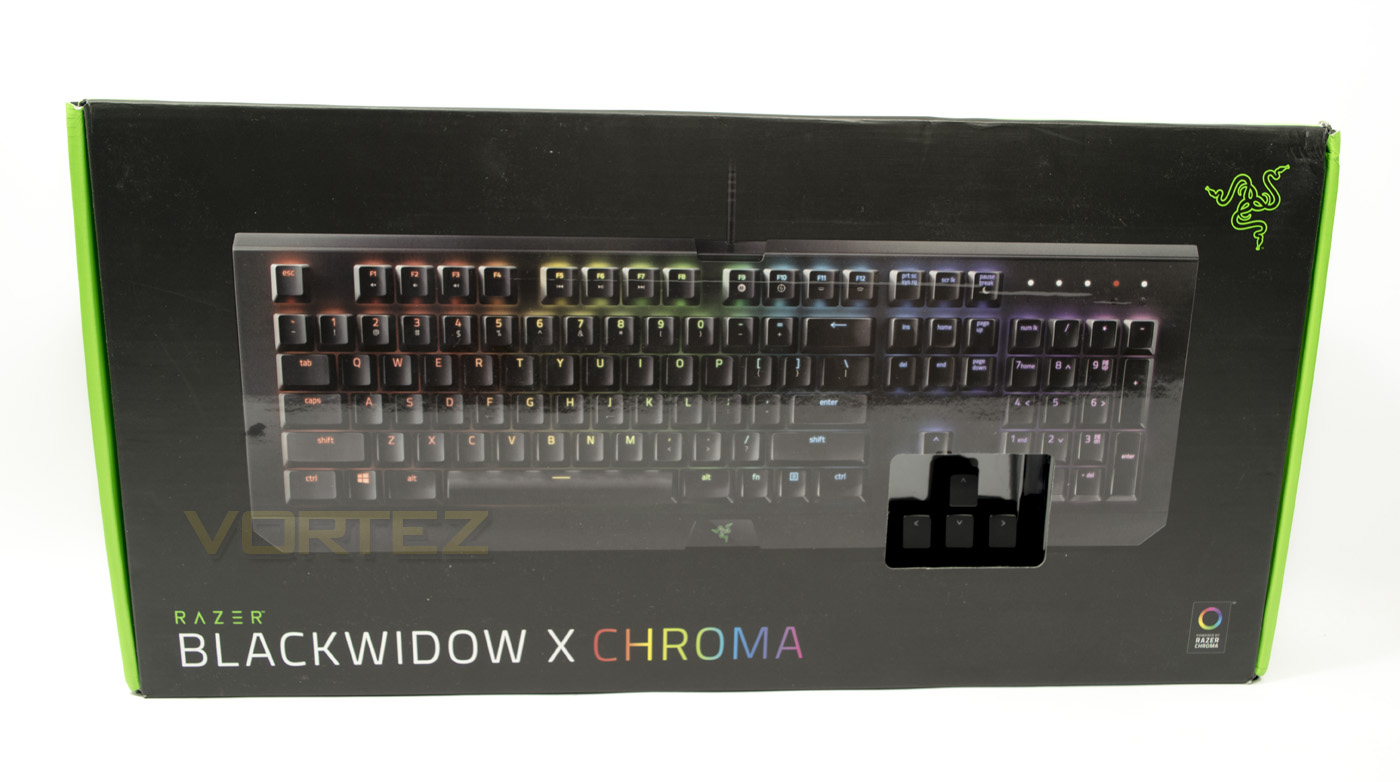
The BWXC comes packed in a similar box to other Razer keyboards, featuring a high quality, glossy printed image of the product, reflective lettering and a cut-out hold for prospective buyers to try out the Razer switches. I would like to see an end to this hole as it directly allows debris to fall into the packaging and creates a weak spot in the protective packaging.
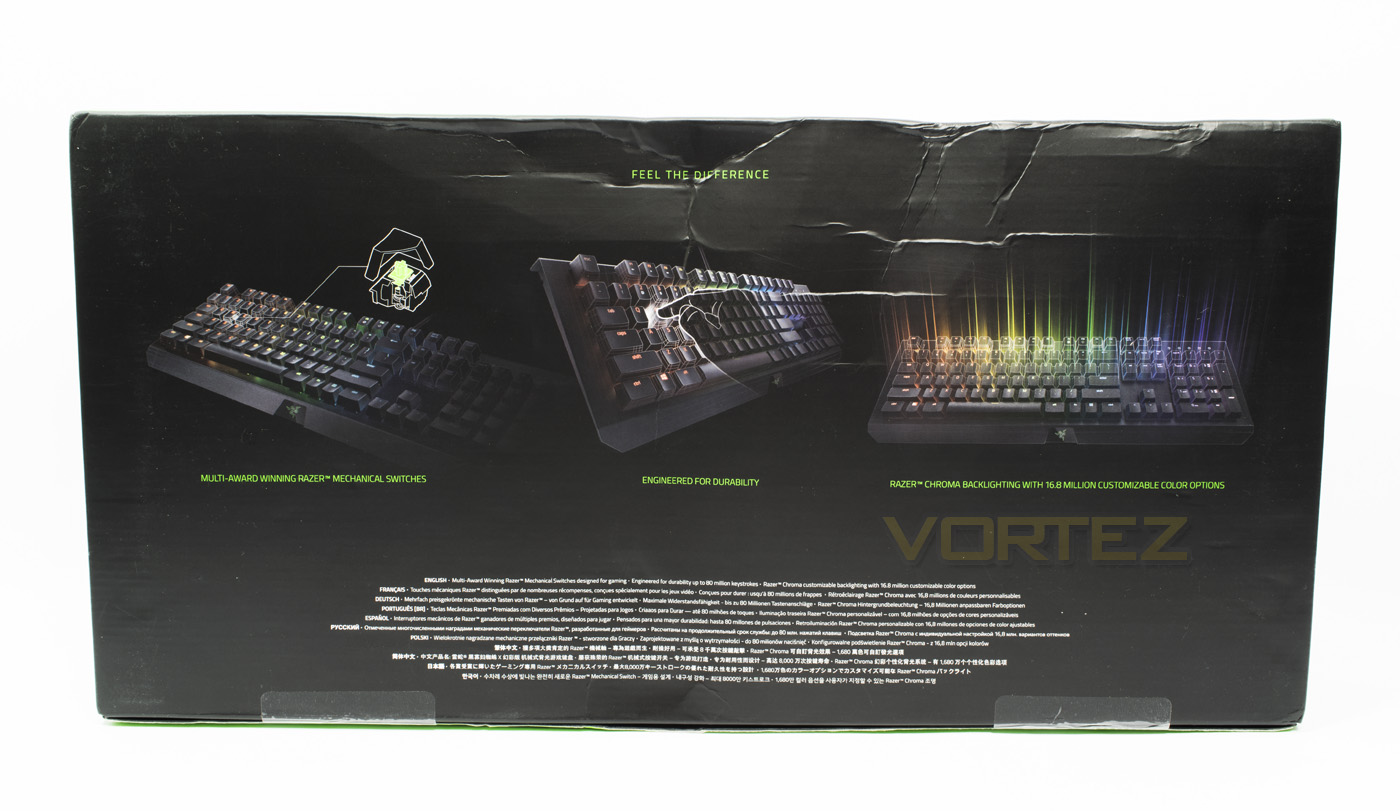
Point in question, when we received the BWCX, it obviously experienced a slight crush. The reverse side shows off some key features, listed as the ‘Class leading Razer engineering’ and the ‘Chroma’ lighting.
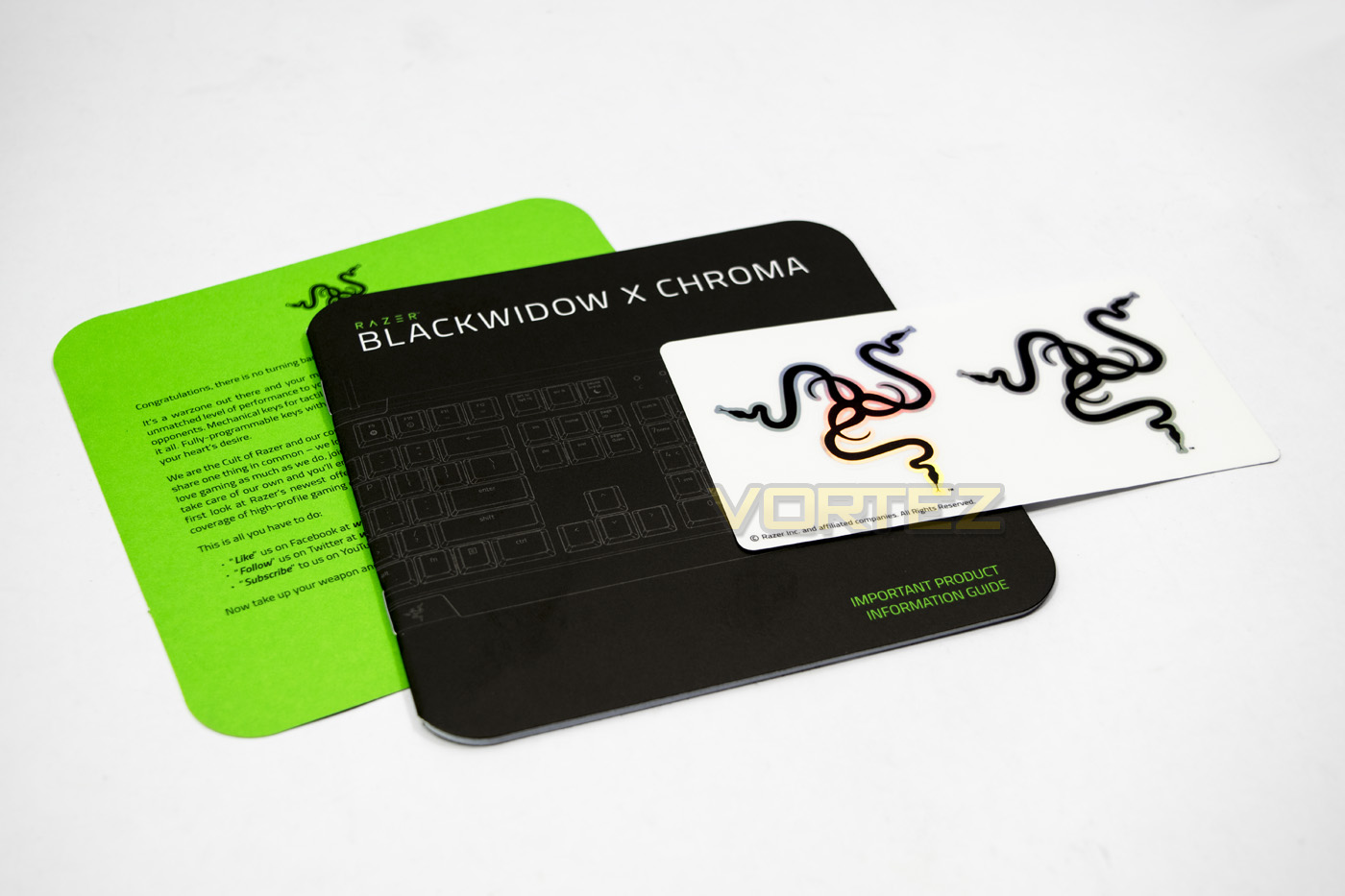
Inside contains the customary welcome package seen with many Razer products featuring a welcome note, manual and some Razer stickers.
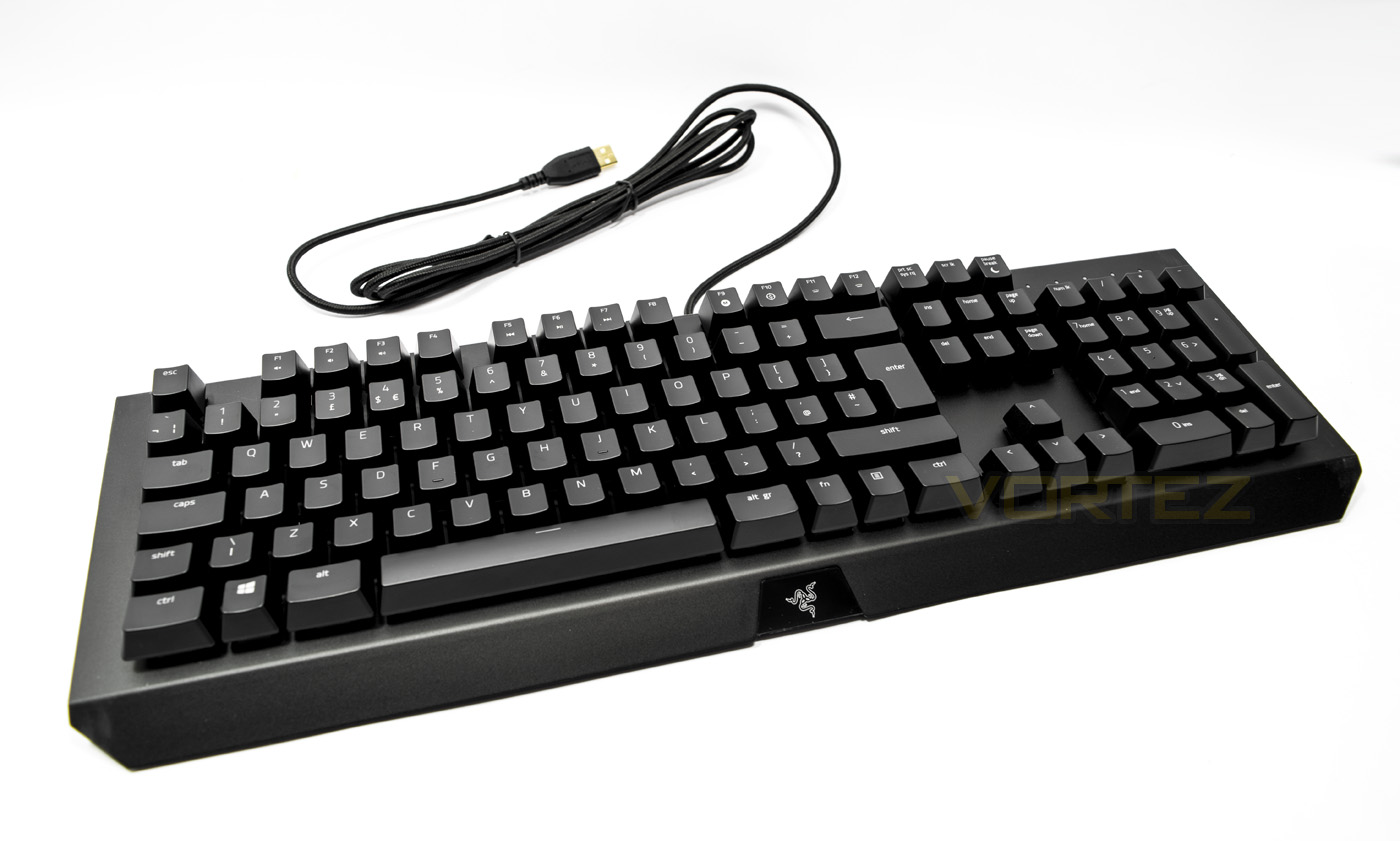
The Razer BlackWidow X Chroma keyboard has a 1.8m braided cable with gold plated USB connector attached.
Closer Look
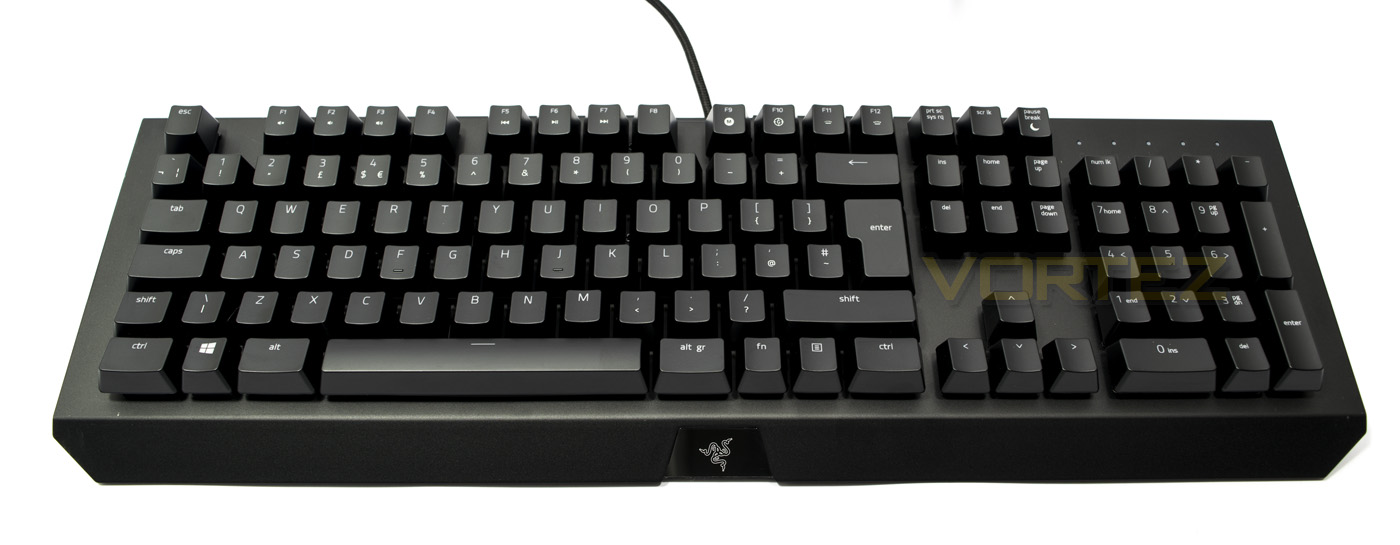
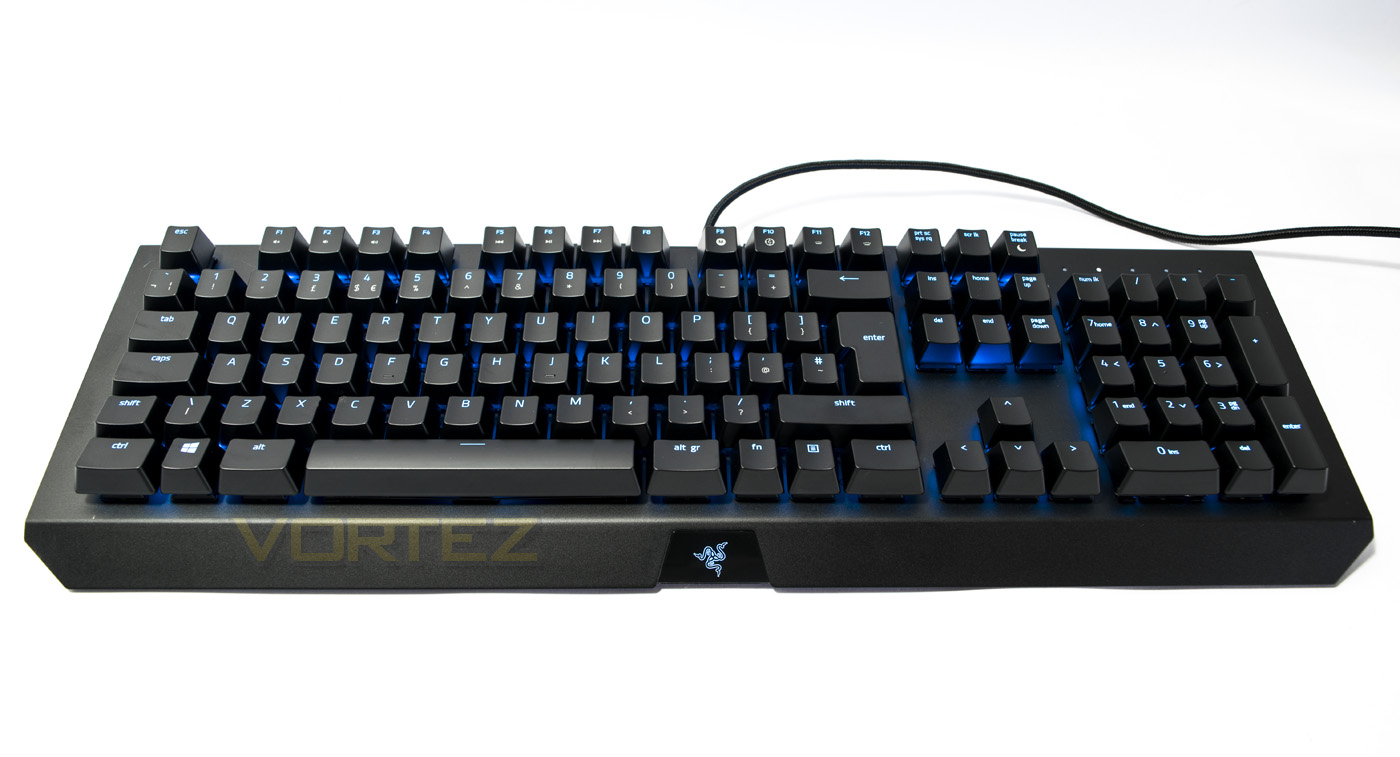
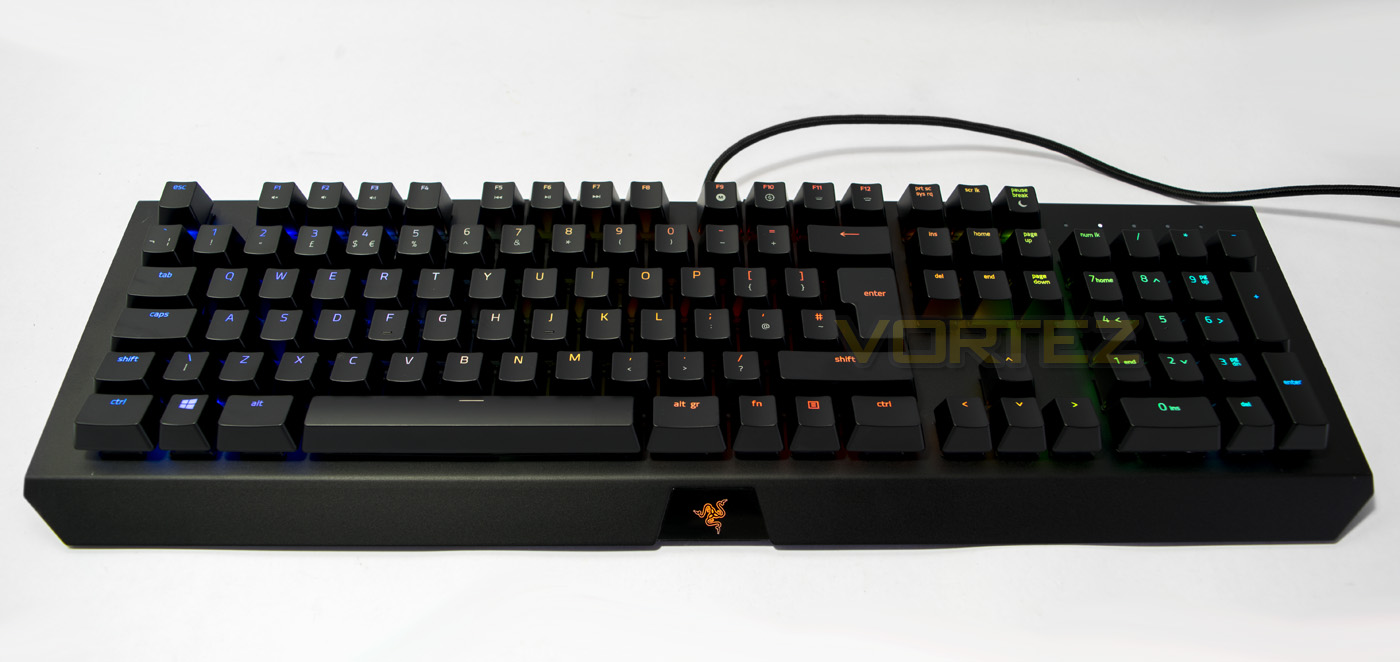
First impression of the BWXC shows a sleek and attractive metal top plate that is coated in a anti-finger print black surface. The overall shape still looks similar to other models in the BlackWidow range and shares the central backlit logo, a somewhat iconic feature.

The BWXC makes use of Fn keys, featuring mute, volume down, volume up, skip back, play/pause, skip forwards.
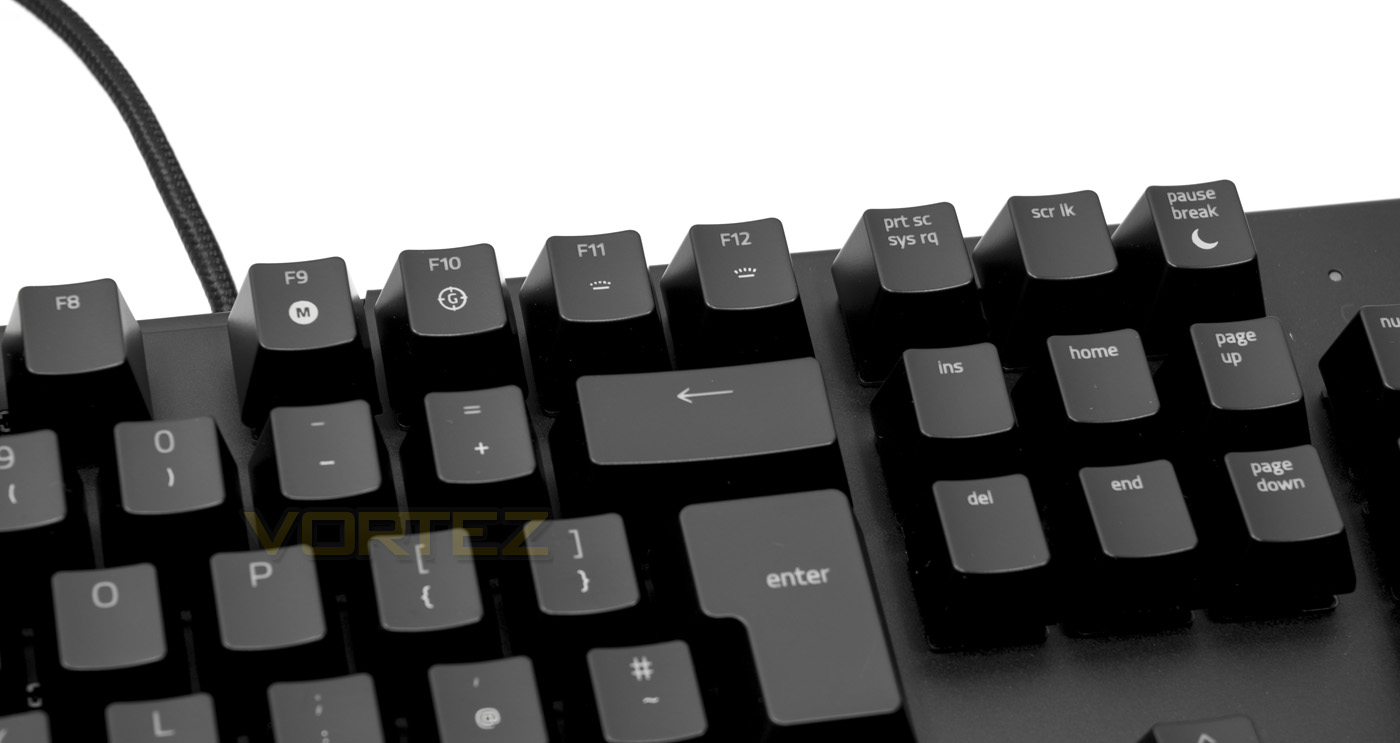
Other Fn keys include Macro recording, Game mode, brightness down, brightness up and sleep.
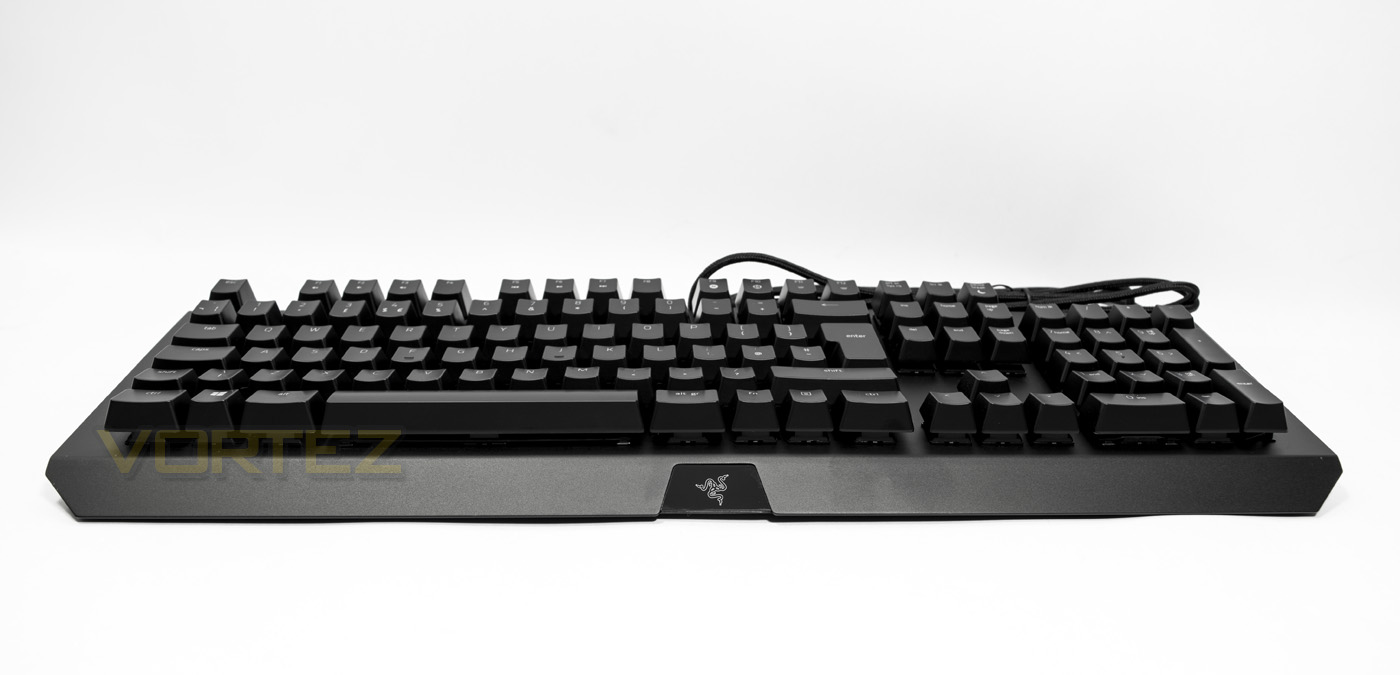
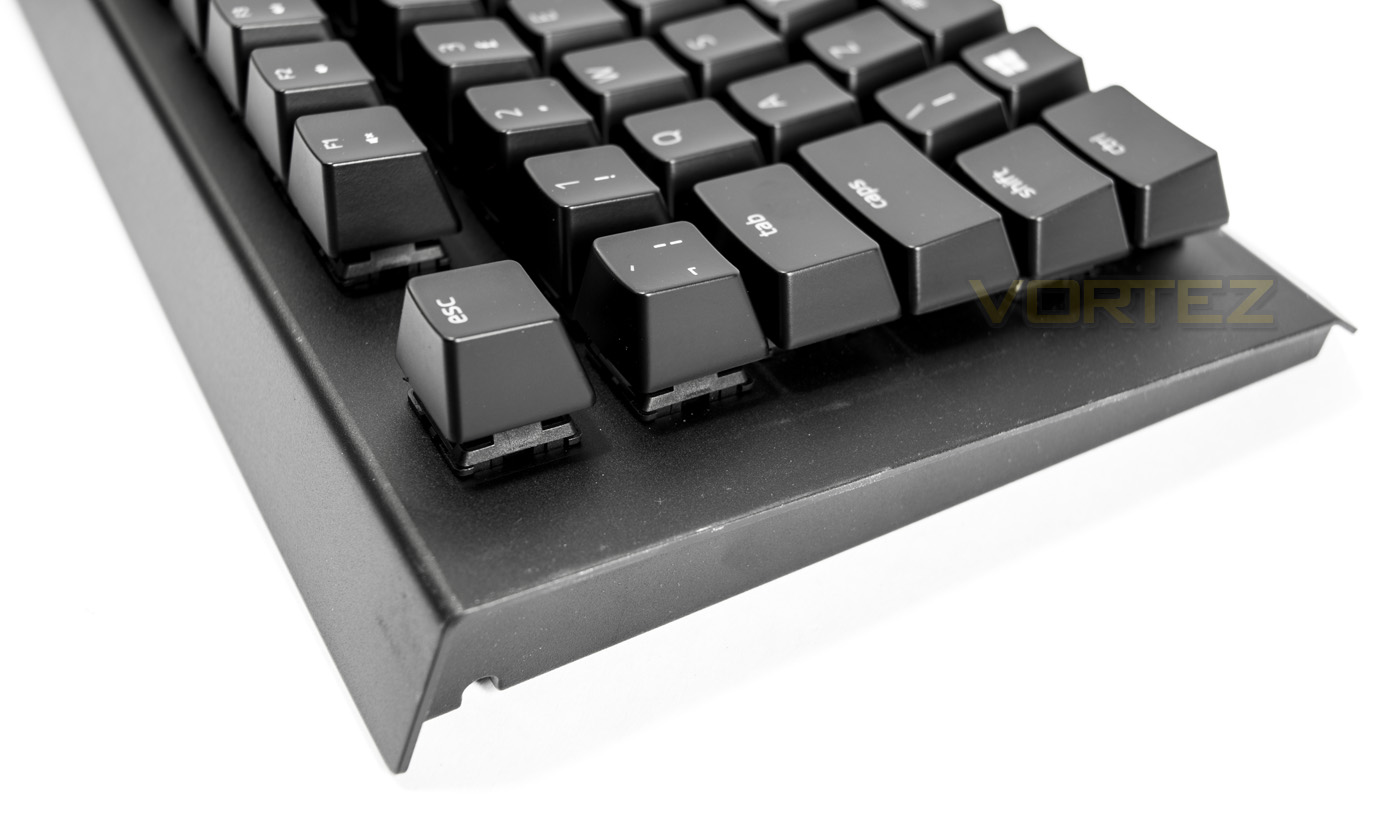
As this is an exposed type keyboard, the switches are set directly into the metal top plate. This will make maintenance and cleaning significantly easier, though you are trading off a nice recessed reflective background that will add brightness and vibrancy for the RGB lighting.
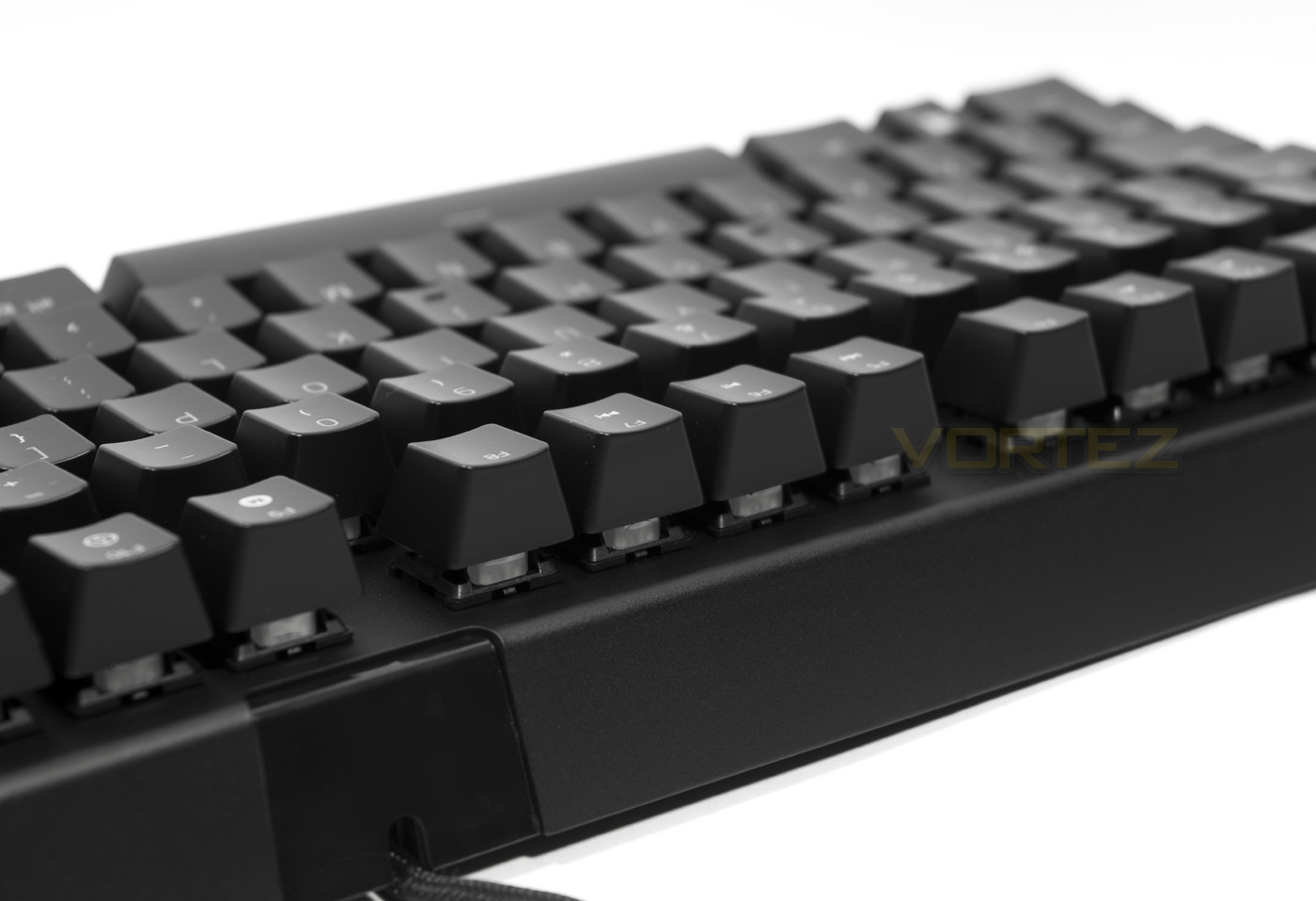
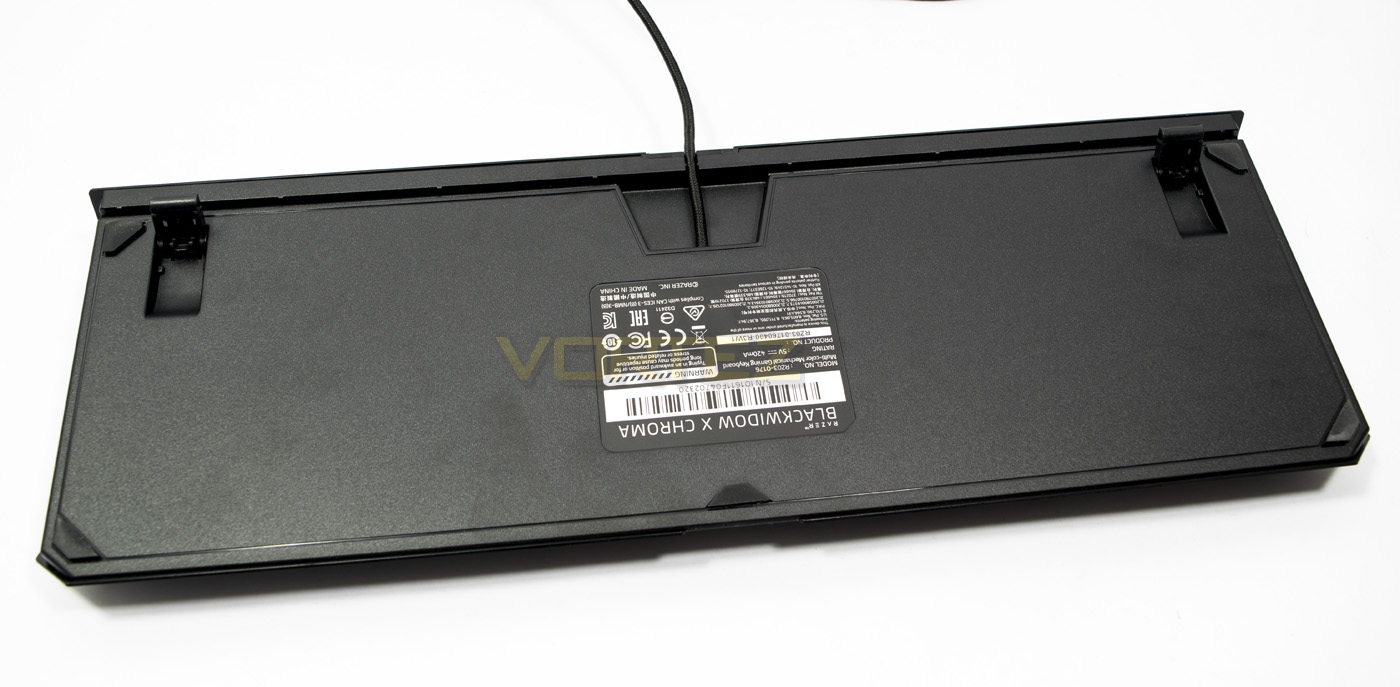
There are three cable channels (middle, and at each side) for convenient routing, though unfortunately there are no USB or audio ports to be seen.
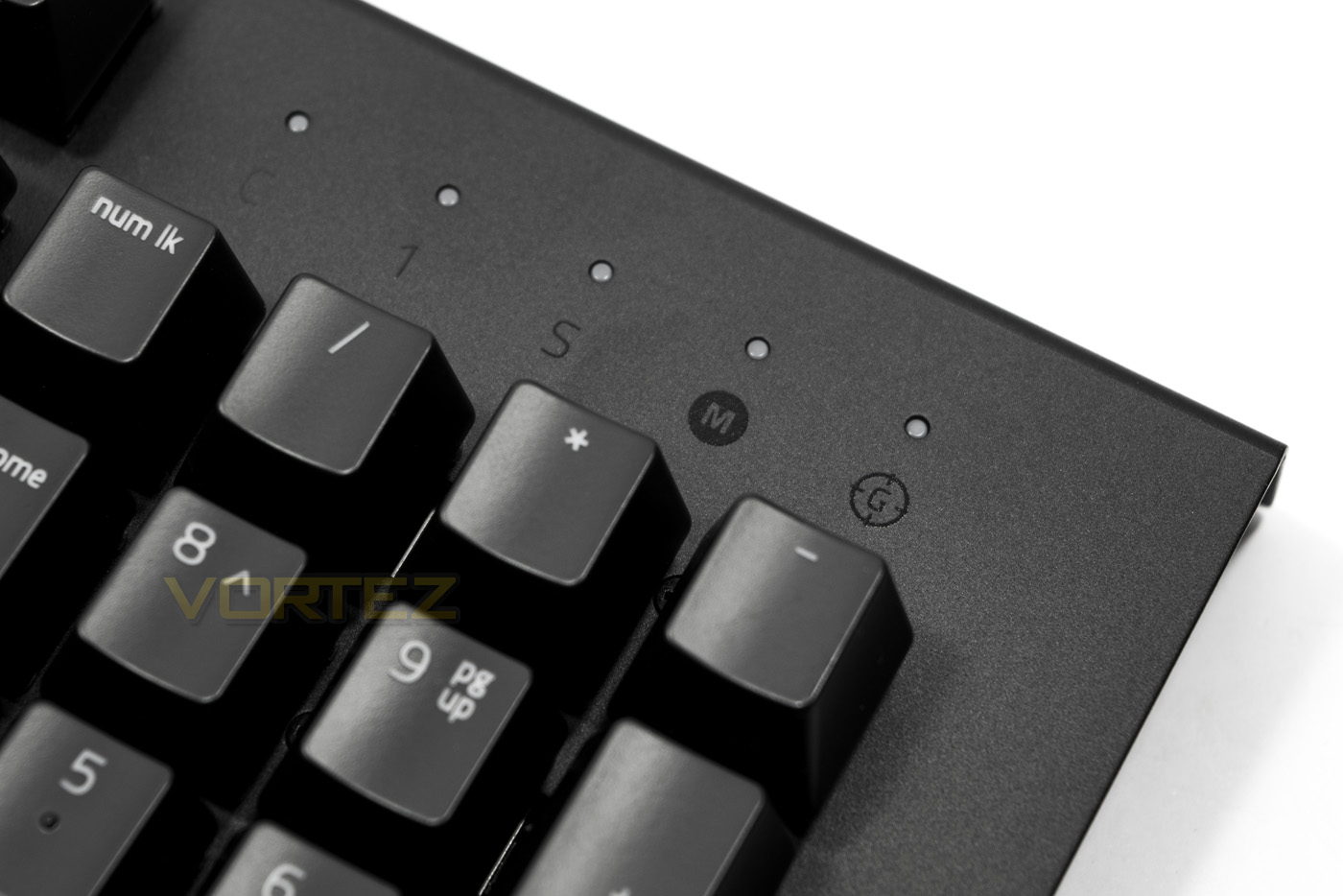
Elegant indicator LEDs for the various locks as well as to indicate macro recording and gaming mode.
Software & Lighting
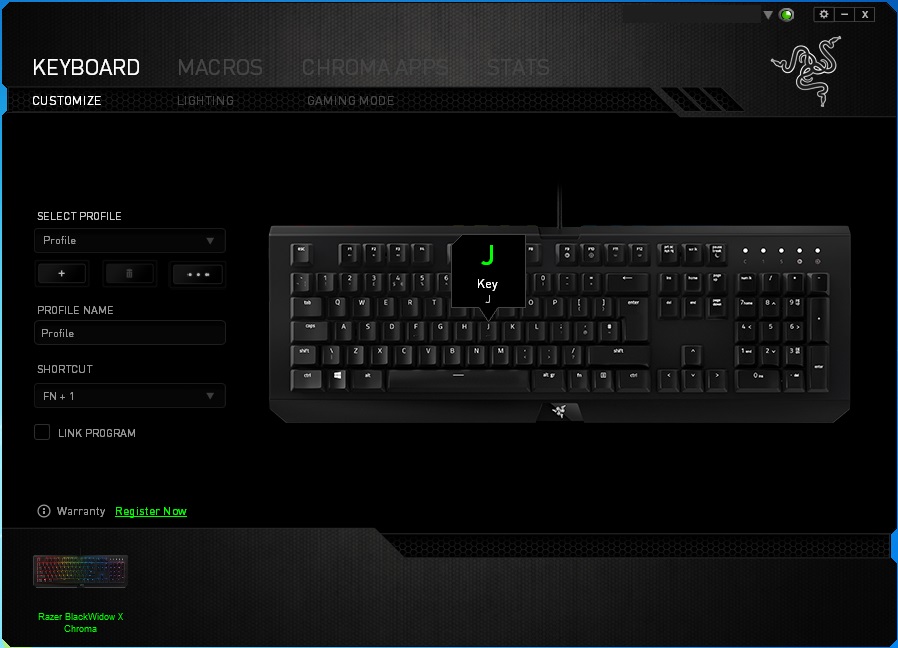
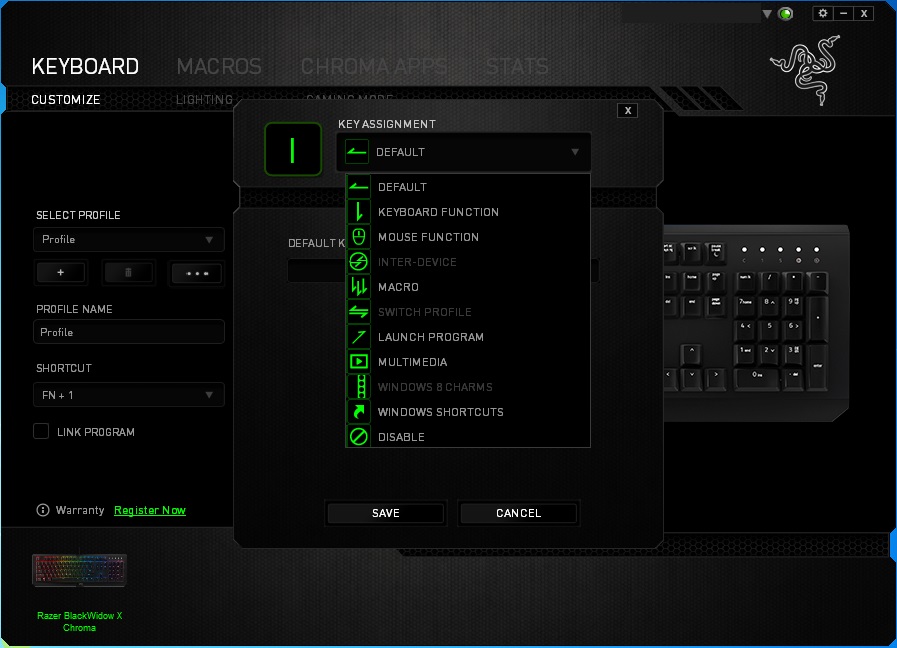
Razer Synapse is an essential cloud based universal software driver for Razer products if you want full access to your device features. You will then be required to sign up for a free account with Razer. Once you have gone through this process and downloaded the necessary drivers/updates, the software will then function offline. This can be a little long winded for some, though arguably, by doing so, you will then have access to on of the industries leading peripheral software. You can program each key as you see fit with commands, shortcuts as well as create your own macros, either on-the-fly using the macro shortcut, or in software. The macro recording part works fantastically but lacks some of the options you will find in Corsairs CUE software. Unlike Corsair’s CUE, the more user friendly UI as seen in the Chroma configurator is much more intuitive to create advanced lighting effects with multiple layers, so if you want specific keys to spectrum cycle, or be reactive with various colour gradients, you can create impressive custom lighting effects quickly. Alternatively you can search online for groups sharing their lighting profiles, amongst which there are some incredible themes to choose from.
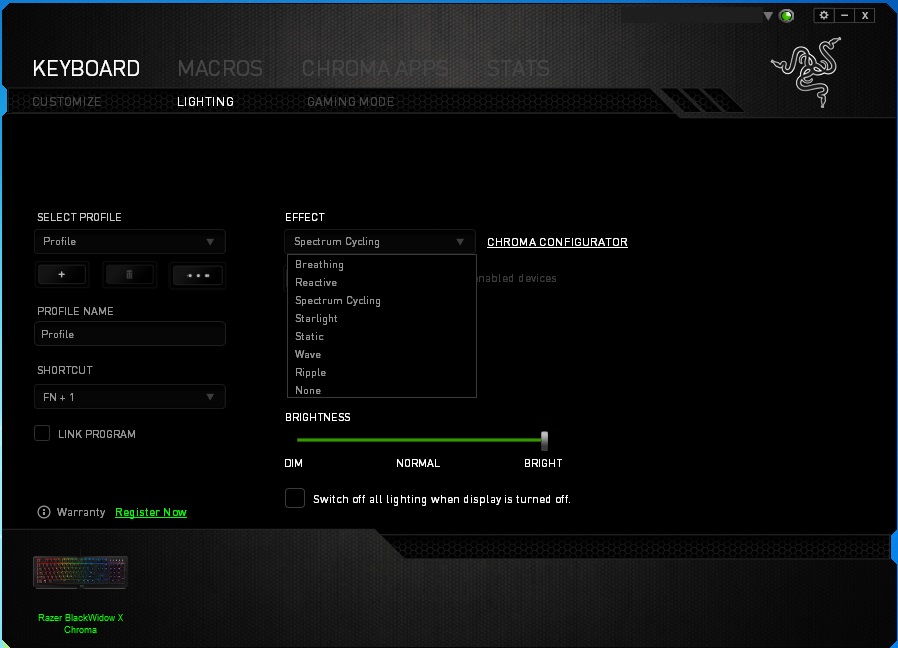
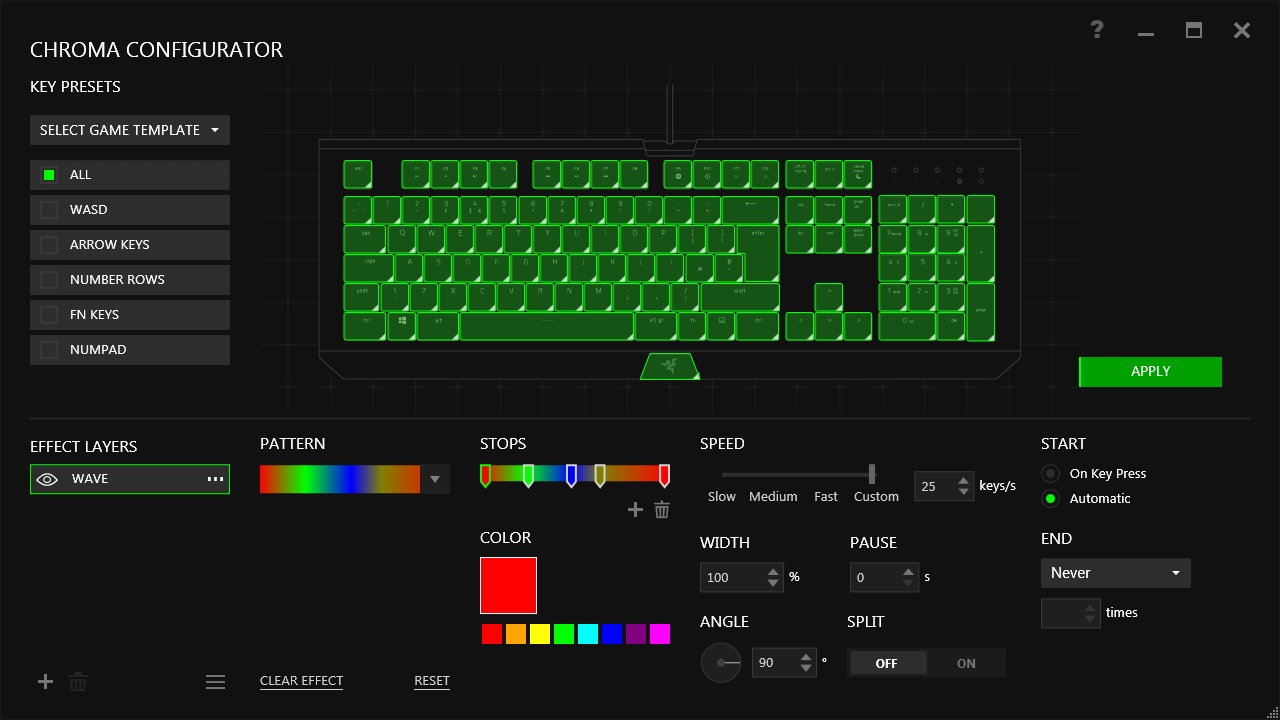
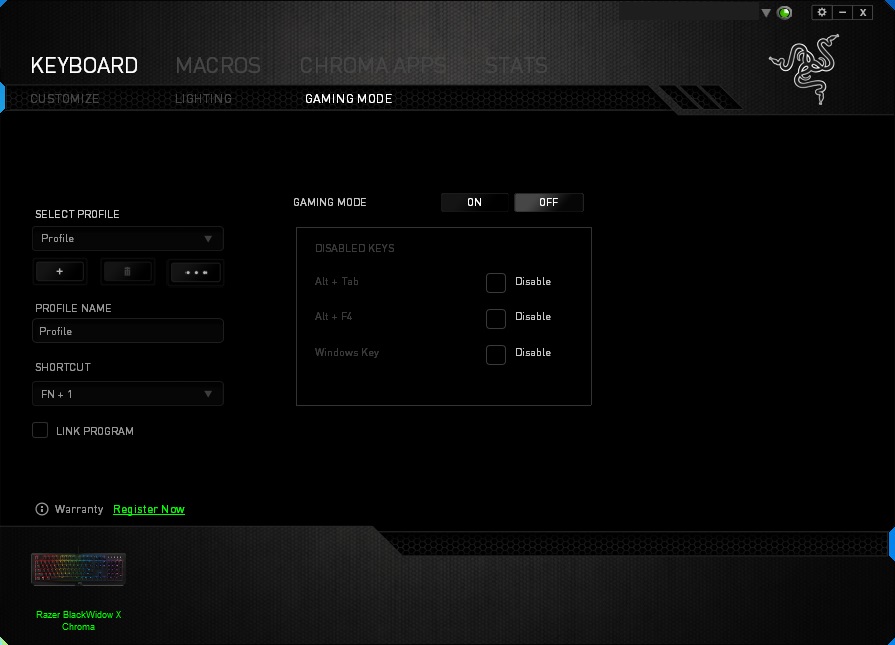
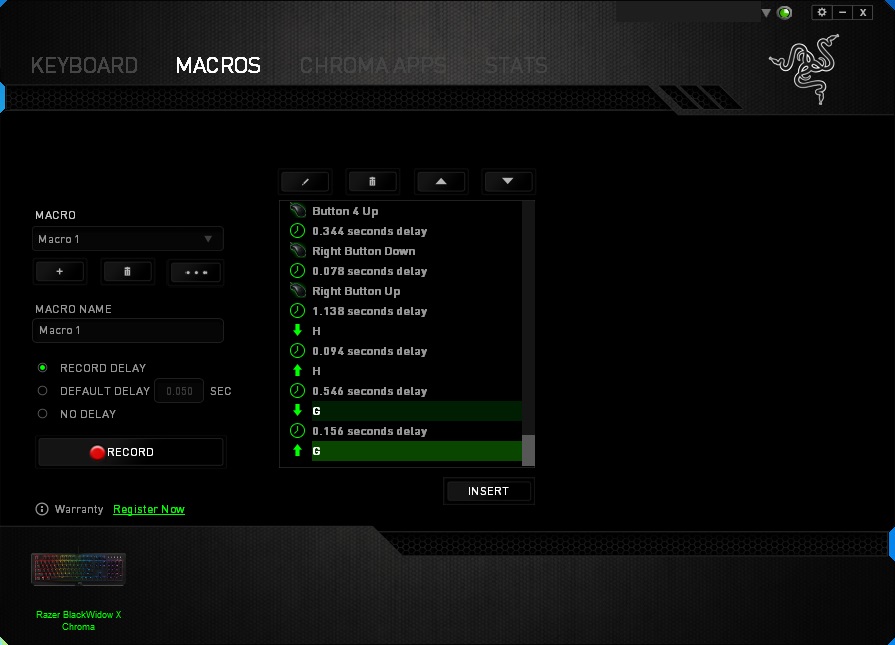
The RGB lighting in the BWXC doesn’t appear as bright as the BlackWidow Chroma, though the RGB colour rendering seems much more accurate. White seems closer to white in the BWXC with a slight bluish hue as opposed to outright pink observed in the standard BlackWidow Chroma, while all other hues (specifically yellow, turquoise/cyan) are much more outstanding.

Performance Testing
Setup, Design & Observations
As with many keyboards you will need a free USB port to connect the BWXC to, though as there are no additional USB or audio pass-throughs, the cabling is a lot more manageable. It does function perfectly fine without the software, if you want to access any features you will need to download and install Razer Synapse.
Aesthetically, the BWXC looks very sleek with its black top plate and seems like Razer’s answer to Corsair’s K70. Though the difference is, with Corsair you get a brushed aluminium top plate in gun metal grey, or you get a matte black with Razer. On opening the packaging, there were some tarnishes around some keys which is slightly annoying as it seems like it was caused by the plastic protective covering, pair this with the test-me hole in the packaging, there is a chance you may experience some imperfections while it is in transit, similar to the knock ours received.
In use, the BWXC is a nice height, not too tall at 41mm, remaining comfortable over long periods of use, however, it would still be nice to have seen Razer include a wrist rest so people at least had the option to use it. Something I did note was that in use, specifically while typing in the central area, that the BWXC bent in the middle, while the top plate caused a kinda bounce-back effect. This was exacerbated by the thick grips on the base that elevate the keyboard around 3mm off of the surface, leading me to think that they could have used thinner rubber grips, or could have implemented one that spanned the whole front of the surface for a more solid, stable typing experience. Alternatively, Razer should have reinforced the product internally for a more sturdy design.
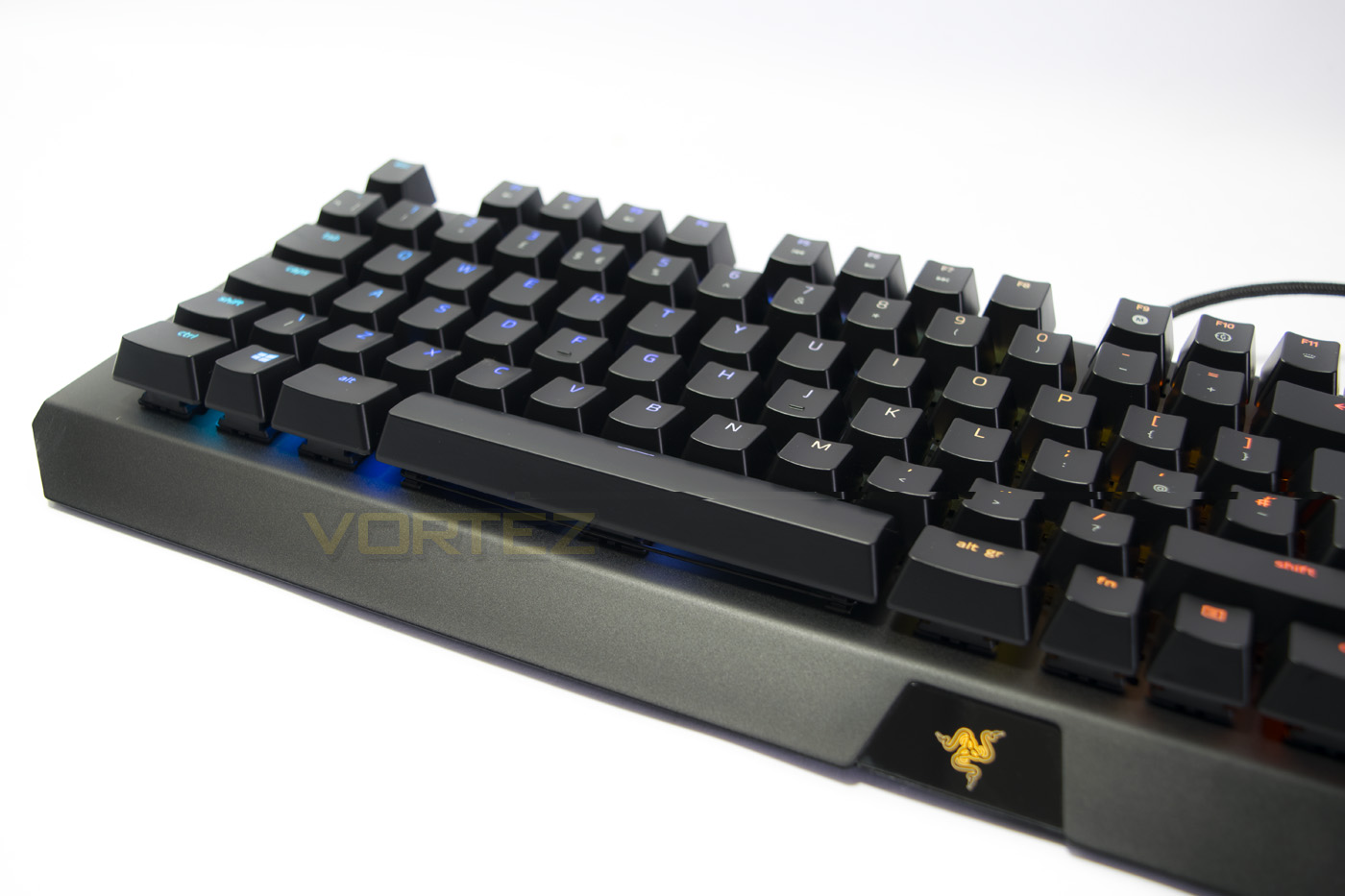
It is hard to calculate the actual times between human reaction, actuation and latency outside of strictly controlled conditions, though in our experience with the impressive CHERRY MX Speed Silver switches, it seems reasonable to assume that actuation distance can help to cut some of that time down. Something that is vital for split second decisions while gaming, something that Razer took note of very early in regards to those jumping on the CHERRY MX train. Since the lifespan of the Razer switches has recently jumped by a third from 60million keystrokes to 80million, it is reasonable to assume that the quality and production of the switches has improved. Practically, they feel very similar to CHERRY MX Blue, though we are given an assurance by Razer that they have a shorter actuation and reset point than most standard mechanical switches and indeed in game or general typing they feel great. Any discernible advantage is likely to be negligible, but you never know.
Conclusion
The Razer BlackWidow X Chroma makes a charming appeal to gamers that are looking for a sleek, good quality mechanical keyboard that features some of the highest quality customisable RGB lighting on the market. The footprint is relatively small compared to many other gaming keyboards as it does away with additional macro keys and so will free up space on desks that are rather constrained. The exposed switch mounting means that it is easier to maintain and clean, though there is a little trade off with outright brightness of the LED lighting.
There are a few downsides we can note with the BlackWidow X Chroma, firstly, even though it is cheaper than the standard BlackWidow Chroma, does away with some conveniences that seem disproportional to the price point regardless. Such as the lack of USB/audio pass-through. Then, we discovered that the whole keyboard bends in the centre while in use too, something that simply feels like it should not happen. Then we can get to some small niggles such as the use of metal bar stabilisers in the larger keys rather than the use of dummy switches, something that simply feels better and more convenient to fix should there be any issues.
Considering that the BWXC is priced similarly to the Corsair K70 RGB, you certainly get the impression that Razer are not offering similar value for money, especially after all the considerations made and then realise that Razer did not include any bundled accessories. Though comfortable in use, Razer could have included a nice wrist rest purely to give people that choice.
Despite these considerations, the BlackWidow X Chroma is a fantastic keyboard with some top quality features. Whether it is the sleek black aesthetic, or the top class RGB lighting, this will be one to consider amongst the best of them.
Razer remix the BlackWidow formula into a sleeker, more mature aesthetic, yet still features the exceptional top quality Chroma lighting and per-key programmability.
Pros.
+ Sleek aesthetics
+ Excellent programmable RGB lighting
+ Fully programmable keys
+ Comfortable to use
+ Razer switches
Cons.
– Price
– No USB/audio pass-through
– Top plate bounces/bends
– Metal bar stabilisers
+ Sleek aesthetics
+ Excellent programmable RGB lighting
+ Fully programmable keys
+ Comfortable to use
+ Razer switches
Cons.
– Price
– No USB/audio pass-through
– Top plate bounces/bends
– Metal bar stabilisers
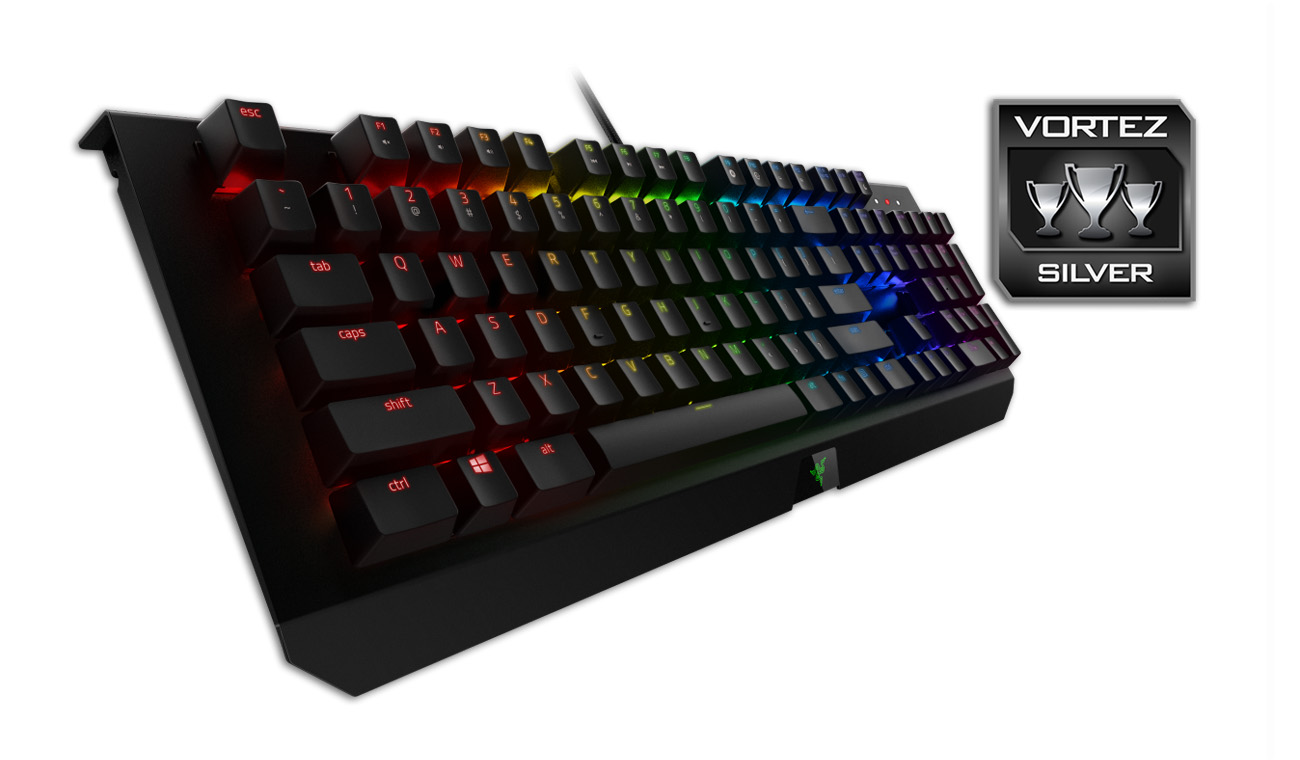
Click here for an explanation of our awards at Vortez.net.