Today we look at the least expensive keyboard in Razer’s current lineup, featuring gaming-grade keys, per-key RGB backlighting and 1000Hz Ultrapolling. How does it fare?

Product on Review: Razer Cynosa Chroma
Manufacturer: Razer
Street Price: £64.99 / $59.99
It may seem that we only review only the most expensive, feature packed keyboards that will do everything, including making your wallet scream; instead of the typical trend of mechanical keyboards with all the bells and whistles, today we take a look at the Razer Cynosa Chroma, a bare essentials gaming keyboard for gamers on a budget.
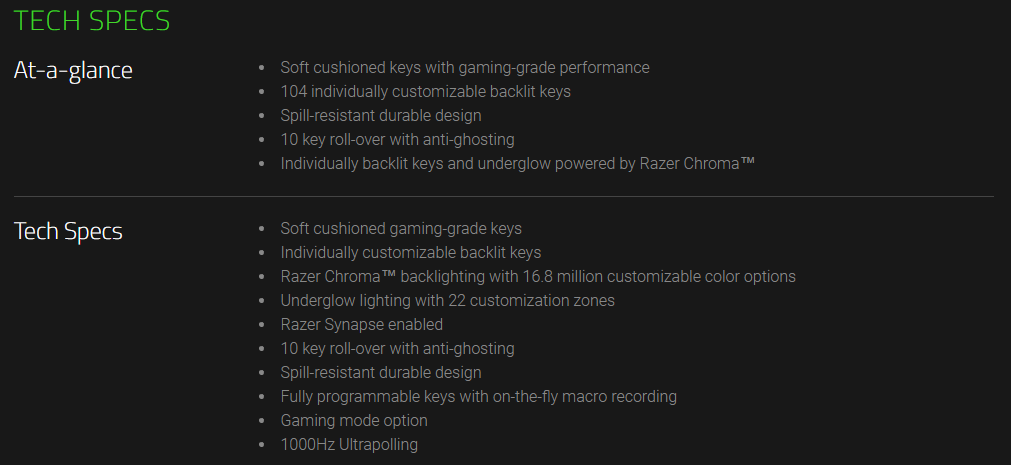
The Cynosa Chroma boasts RGB per-key backlighting which can be configured using Razer Synapse 3, 10-key rollover, 1000Hz ultrapolling, a spill resistant design and gaming-grade keys – all the essentials any gamer would need from a keyboard.
Priced on the shelves at £64.99, the Cynosa Chroma seems to offer great value for money, from one of the best known brands in the industry, however, when things seem too good to be true, they often are. Read on to find out if the value for money is genuine or if too many corners have been cut.
Razer on the Cynosa Chroma:
If you think a keyboard with all the essentials couldn’t get better—think again. With the Razer Cynosa Chroma, we kept the necessities and amped it up with features. It now boasts all-round gaming performance with individually backlit keys, so you have more room for customization.
Technical Specifications
Packaging & First Look
It wouldn’t be Razer if it didn’t arrive in a black and green box. There’s a huge image of the keyboard on the front of the box, along with some very basic information.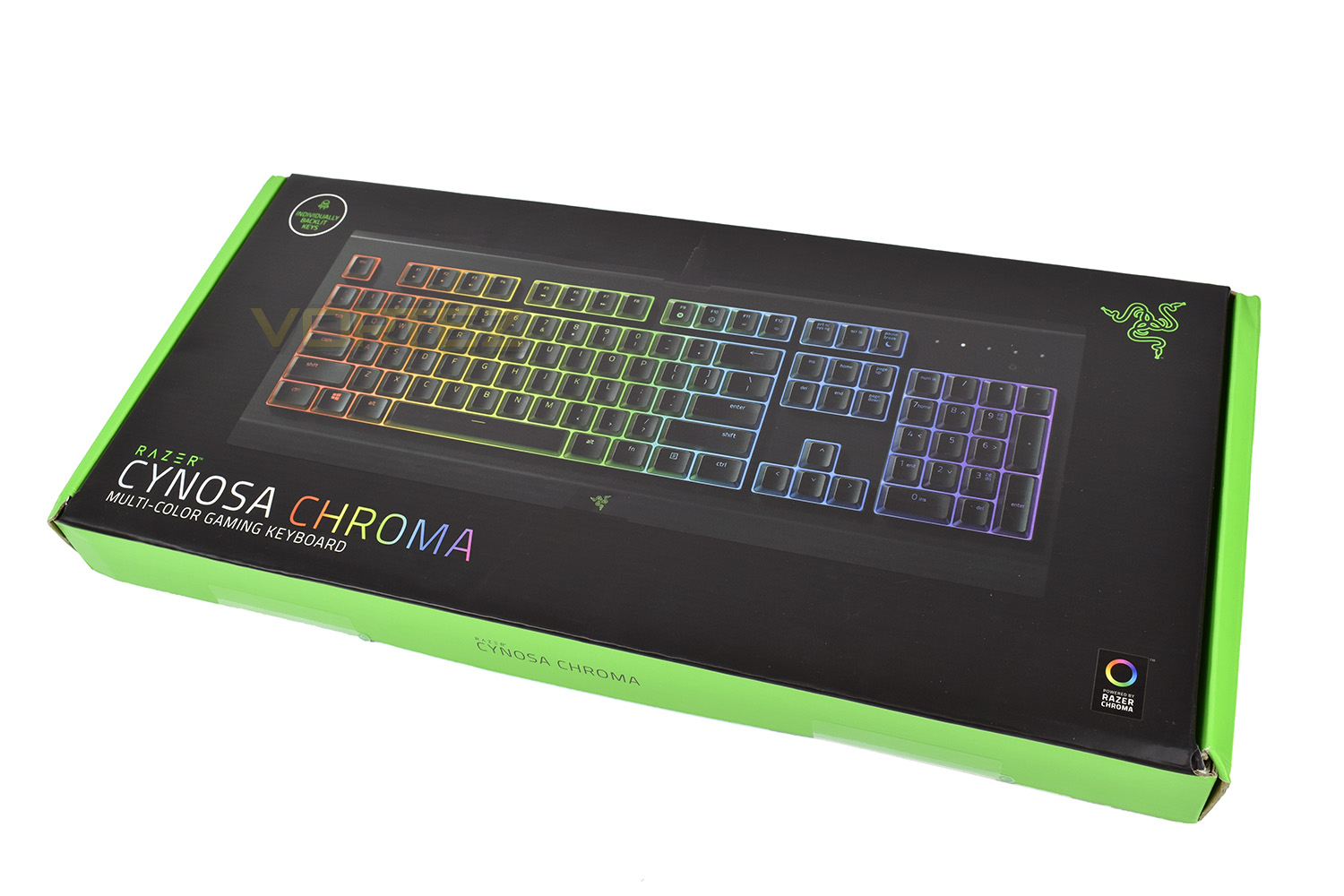
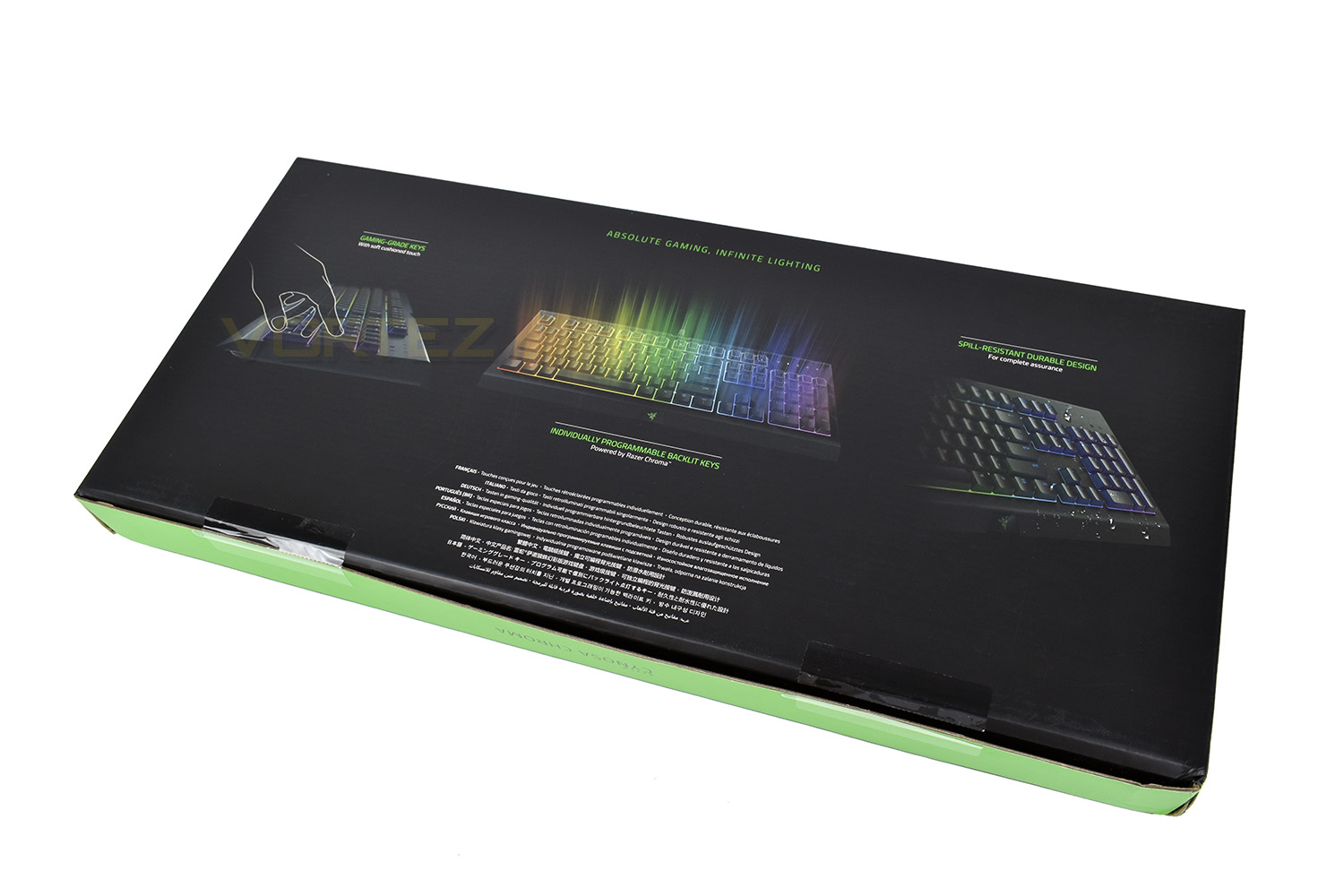
The reverse side of the box goes over the key features, including the gaming-grade keys, individually backlit keys and the spill resistant design.
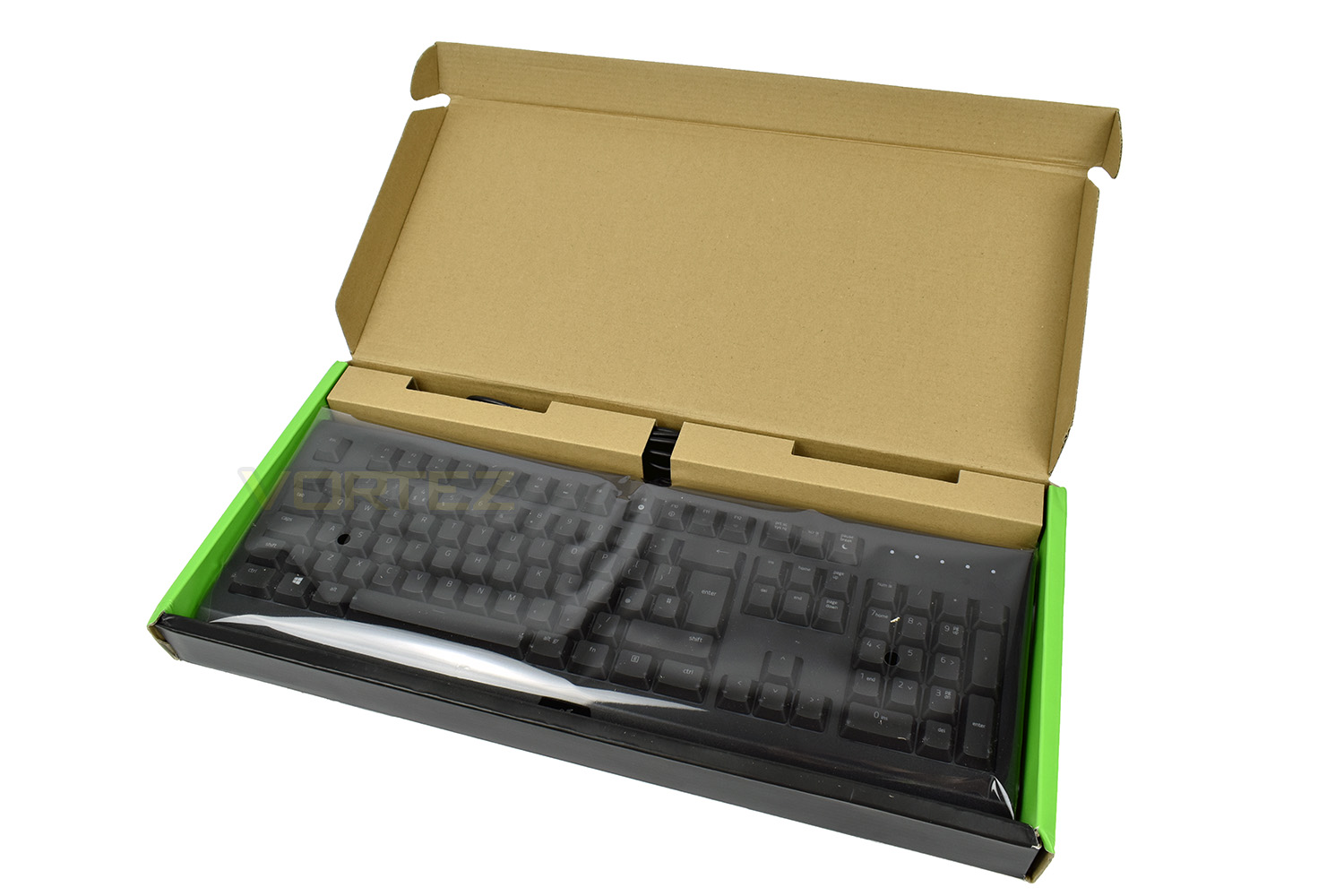
The Cynosa Chroma is sealed away in a plastic bag, protecting it from the ingress of any dust or moisture before it arrives at your desk.
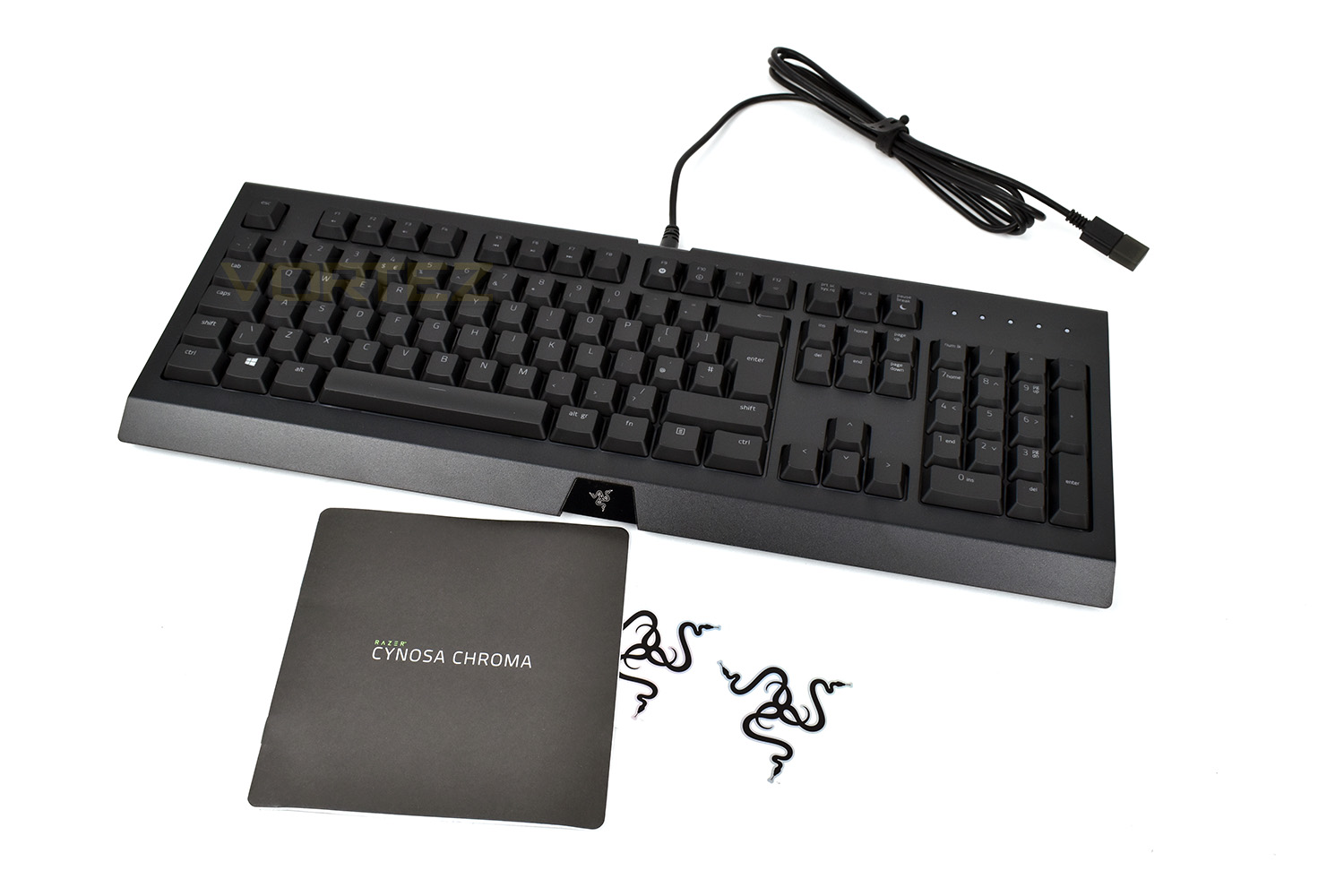
Keeping costs to a bare minimum, the Cynosa arrives with only a pair of Razer stickers, a small instruction manual and the keyboard itself.
Closer Look
As far as the bare essentials go, the Razer Cynosa Chroma is kitted out fairly well. The keyboard is laid out fairly typically, with only the top row of F keys receiving any fancy treatment.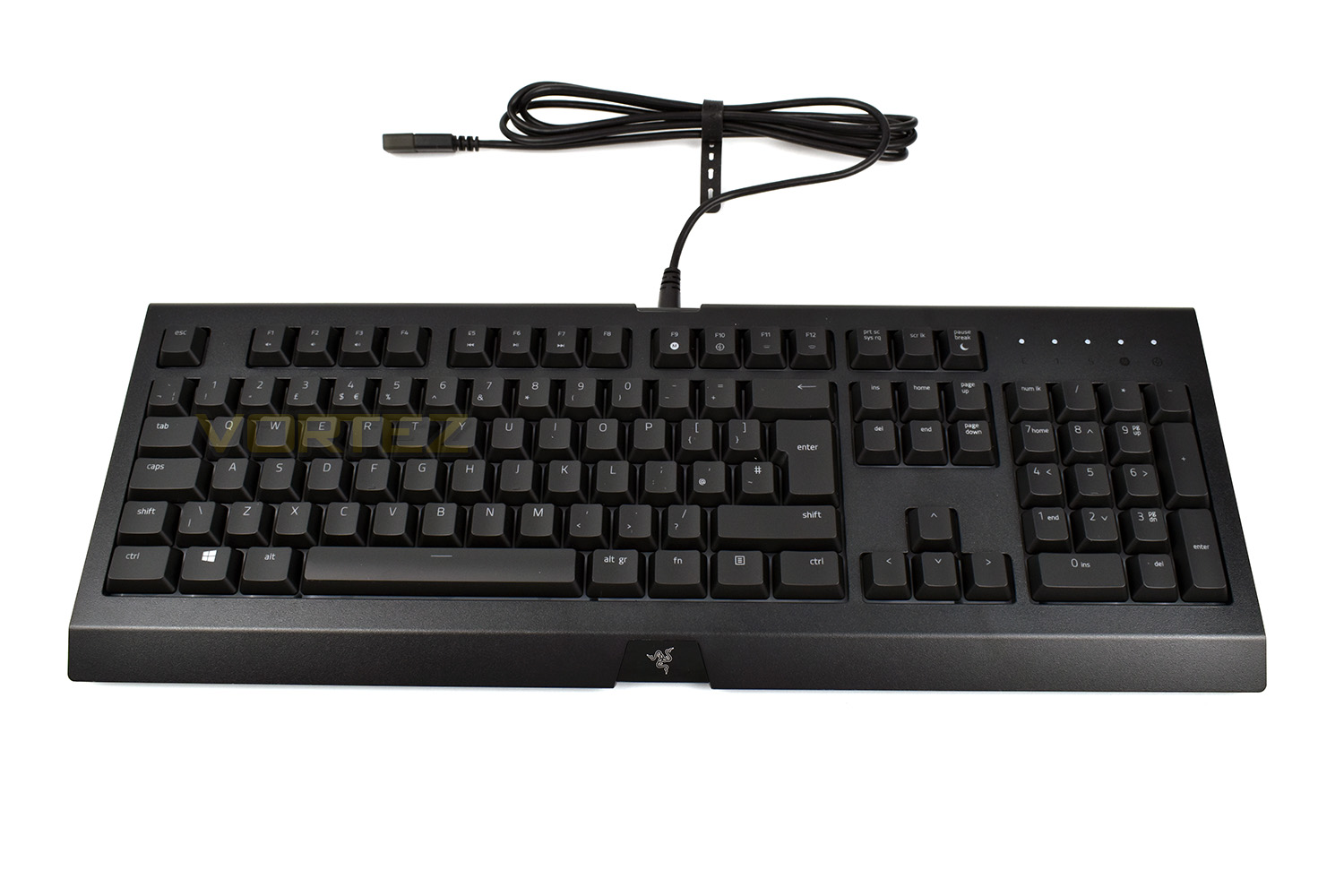
Despite the lack of mechanical keys, the keyboard still retains a high profile to accommodate the deep depression of the gaming-grade keys. The overall shape is very flat.
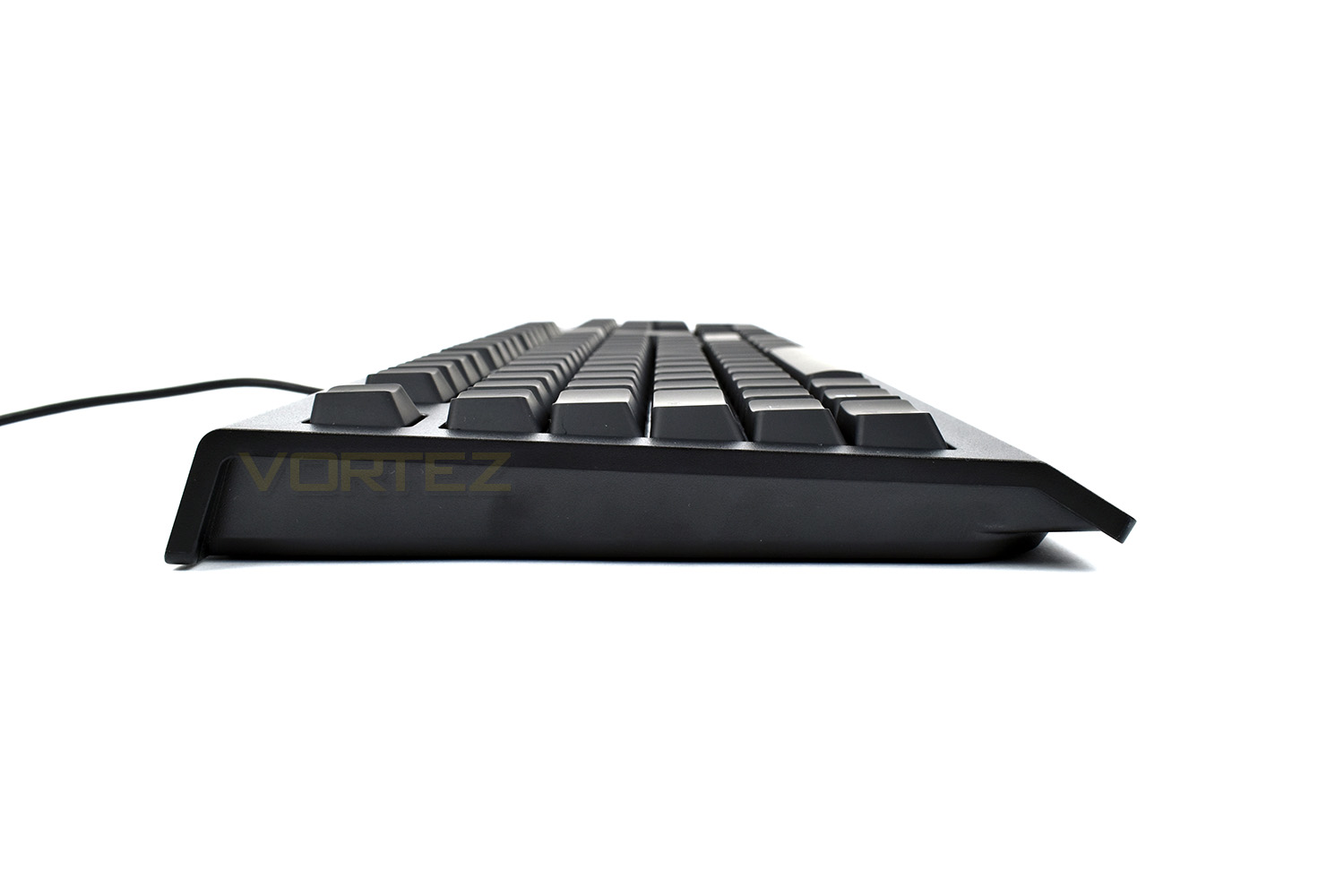
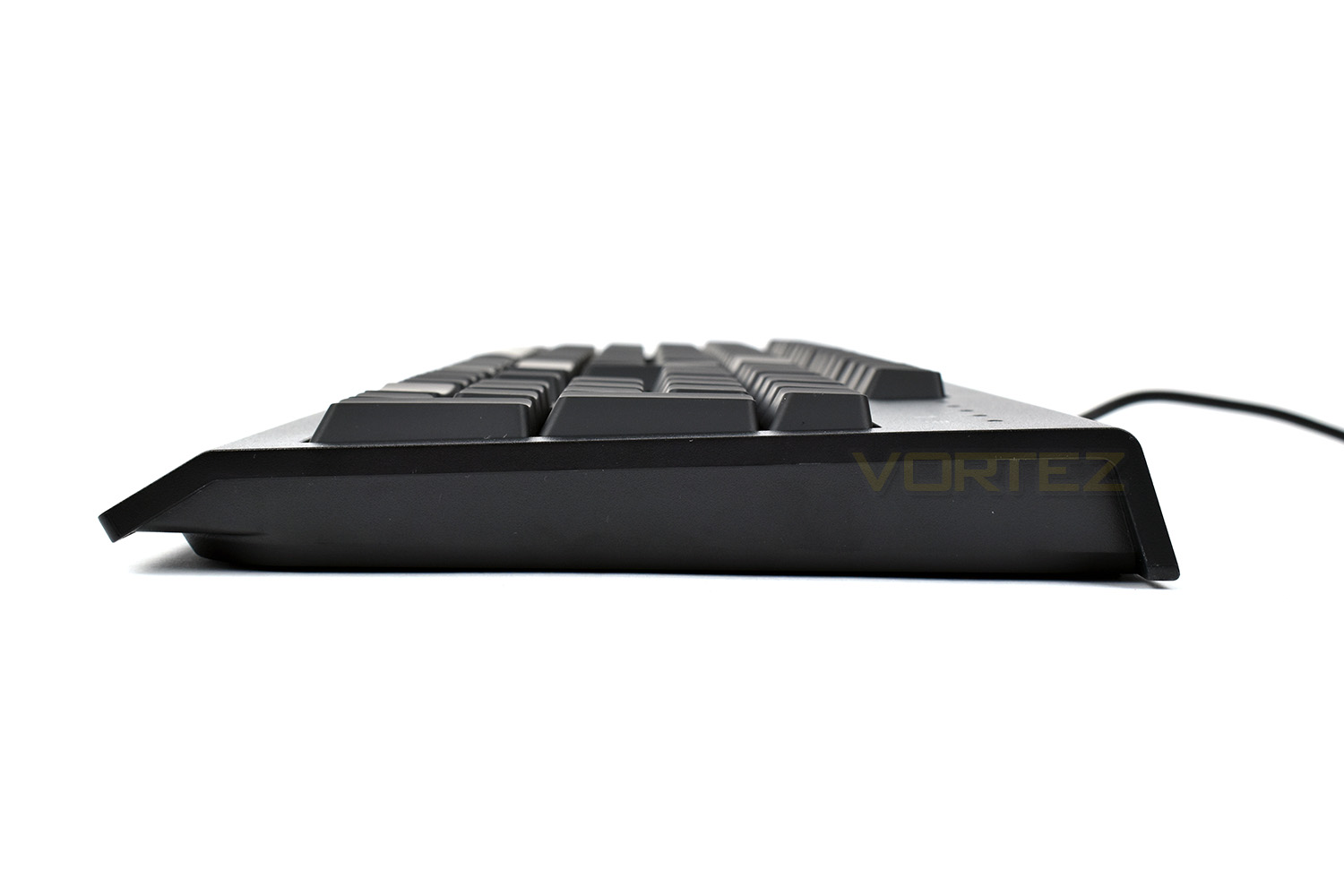
The keycaps are a soft-touch plastic, mounted above a tactile feeling gaming-grade keyswitch. The typical Razer font applies.

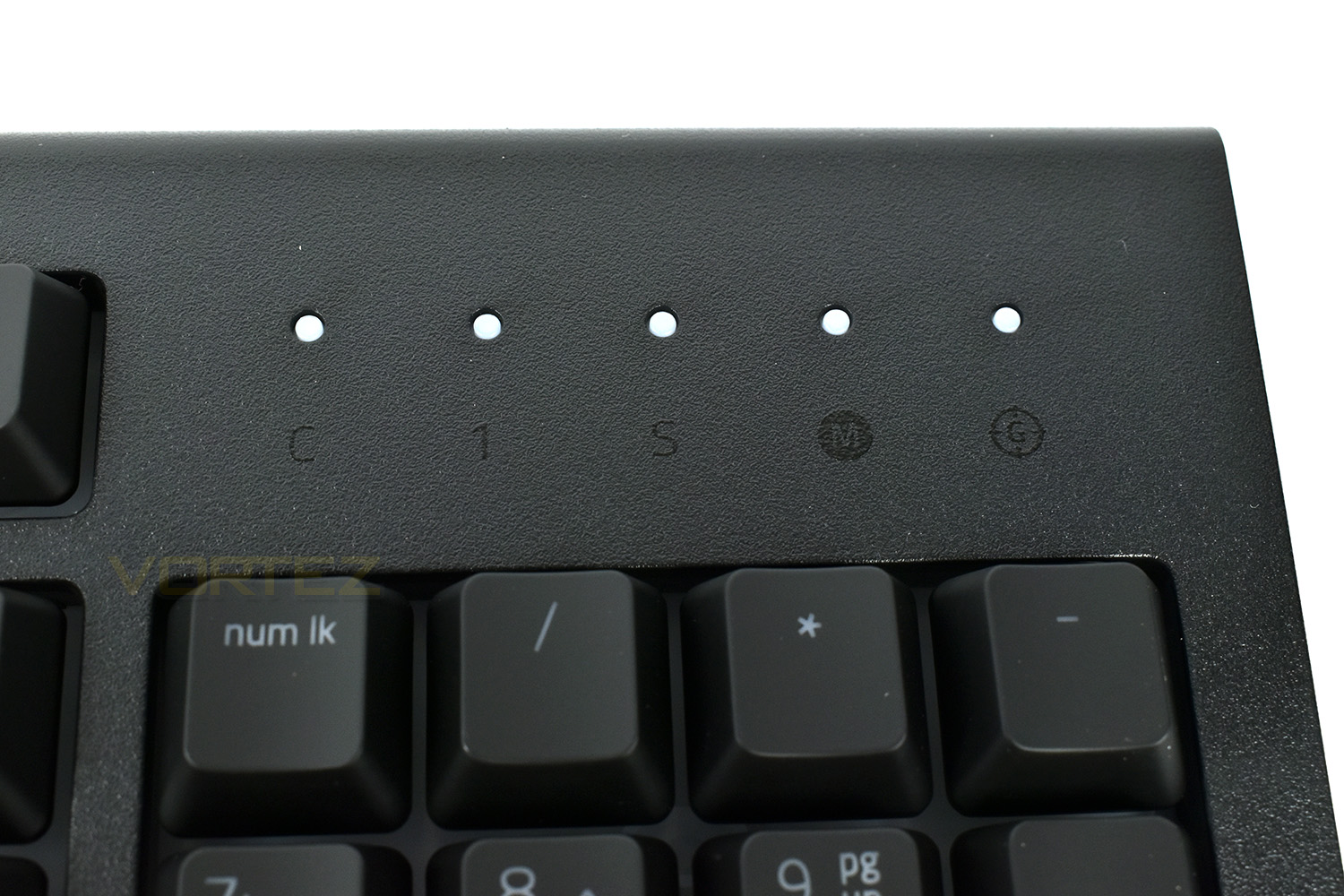
The top-right section of the keyboard features a total of 5 white indicator LEDs, the traditional CAPS lock, Num lock and Scroll lock are there, as well as a Macro recording indicator and a Gaming mode.
Closer Look (Continued)
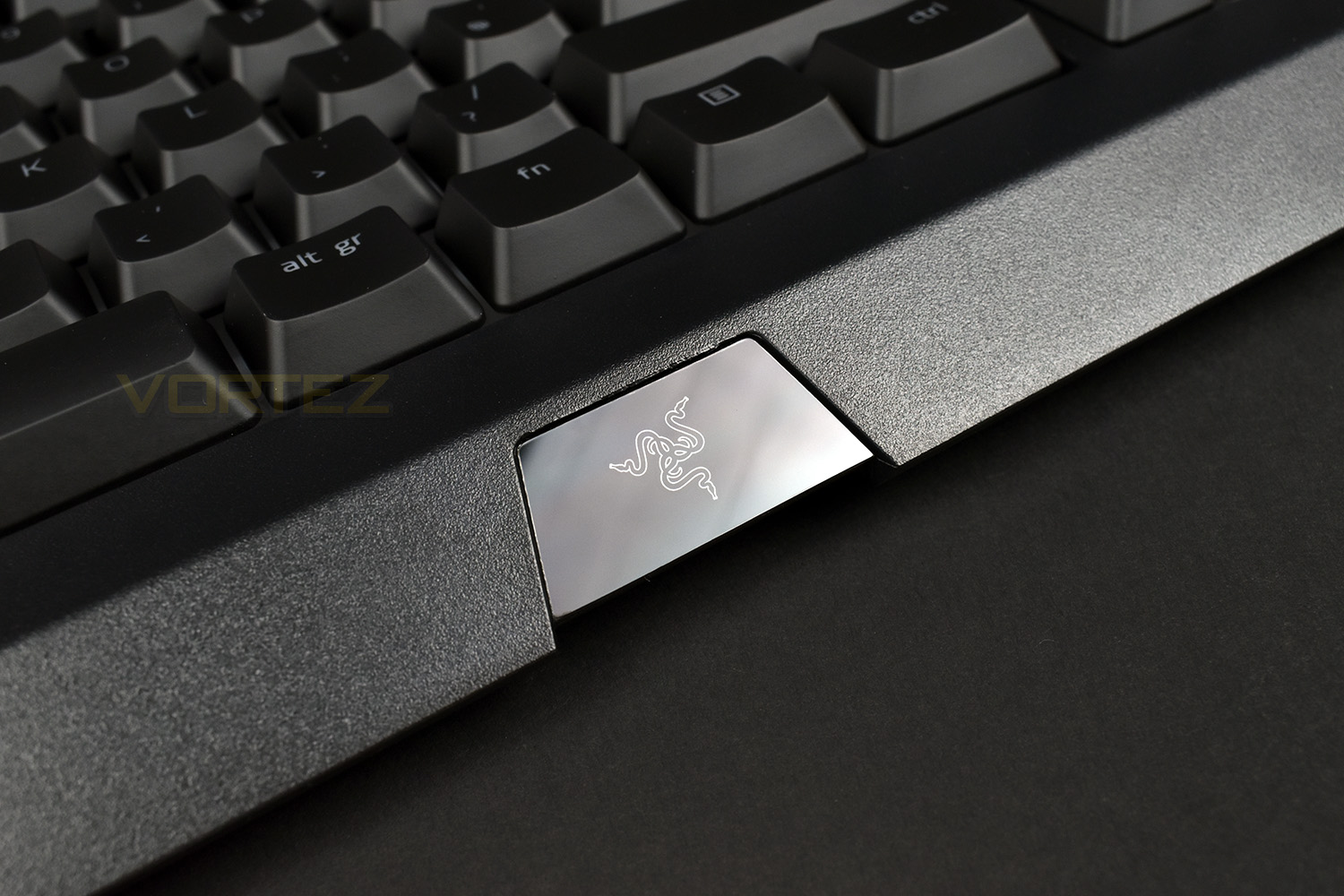
On the front edge, Razer have placed a small glossy trapezoid shape, housing an RGB backlight Razer logo. This is a finger print magnet, so hands off!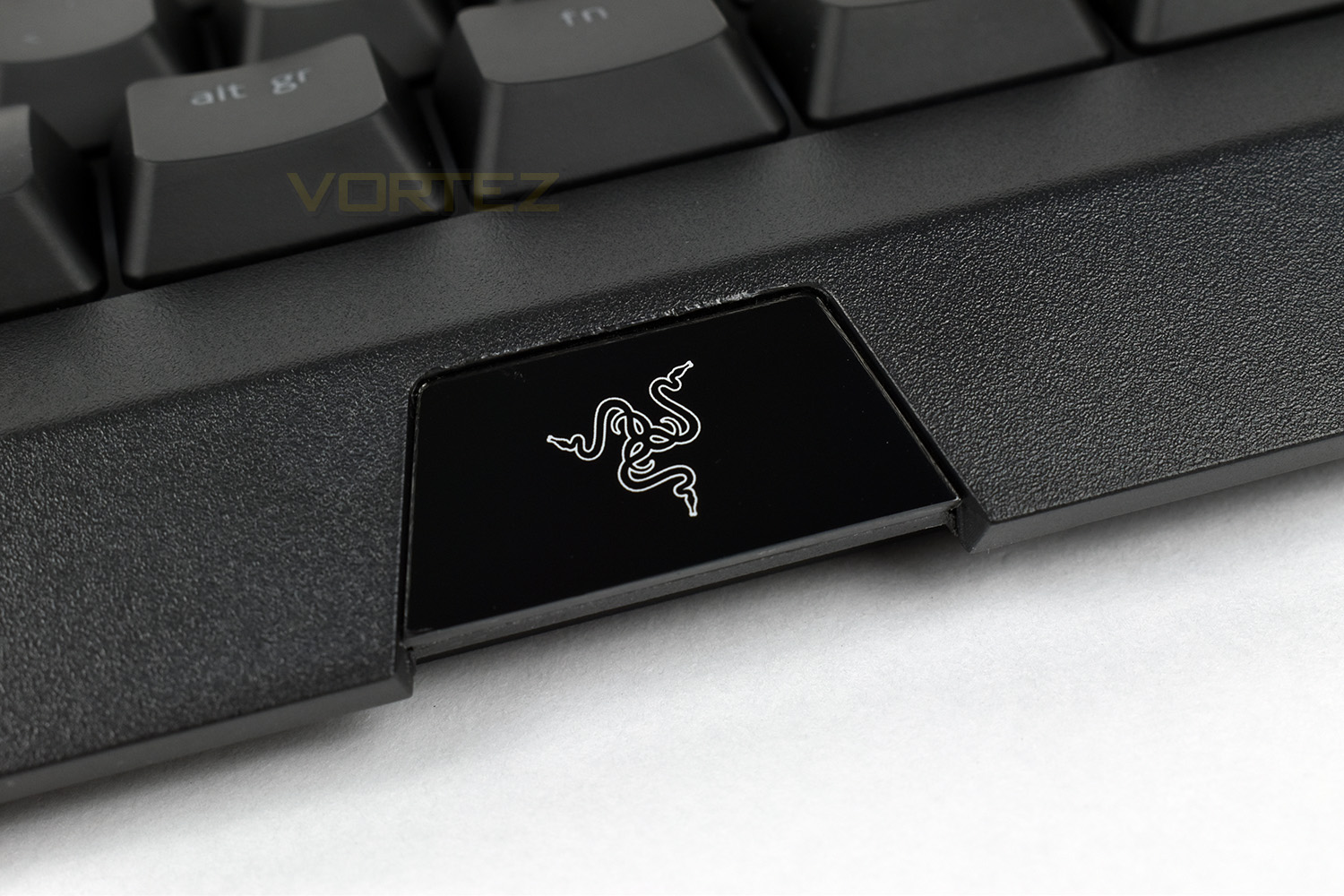
The underbelly of the keyboard has some massive rubber pads to prevent the keyboard from moving around during your heated battles. These are much larger than we’re used to seeing. The spill-resistant design is also apparent here, with the 6 small holes towards the front of the keyboard, to allow the liquid to drain out onto your desk.
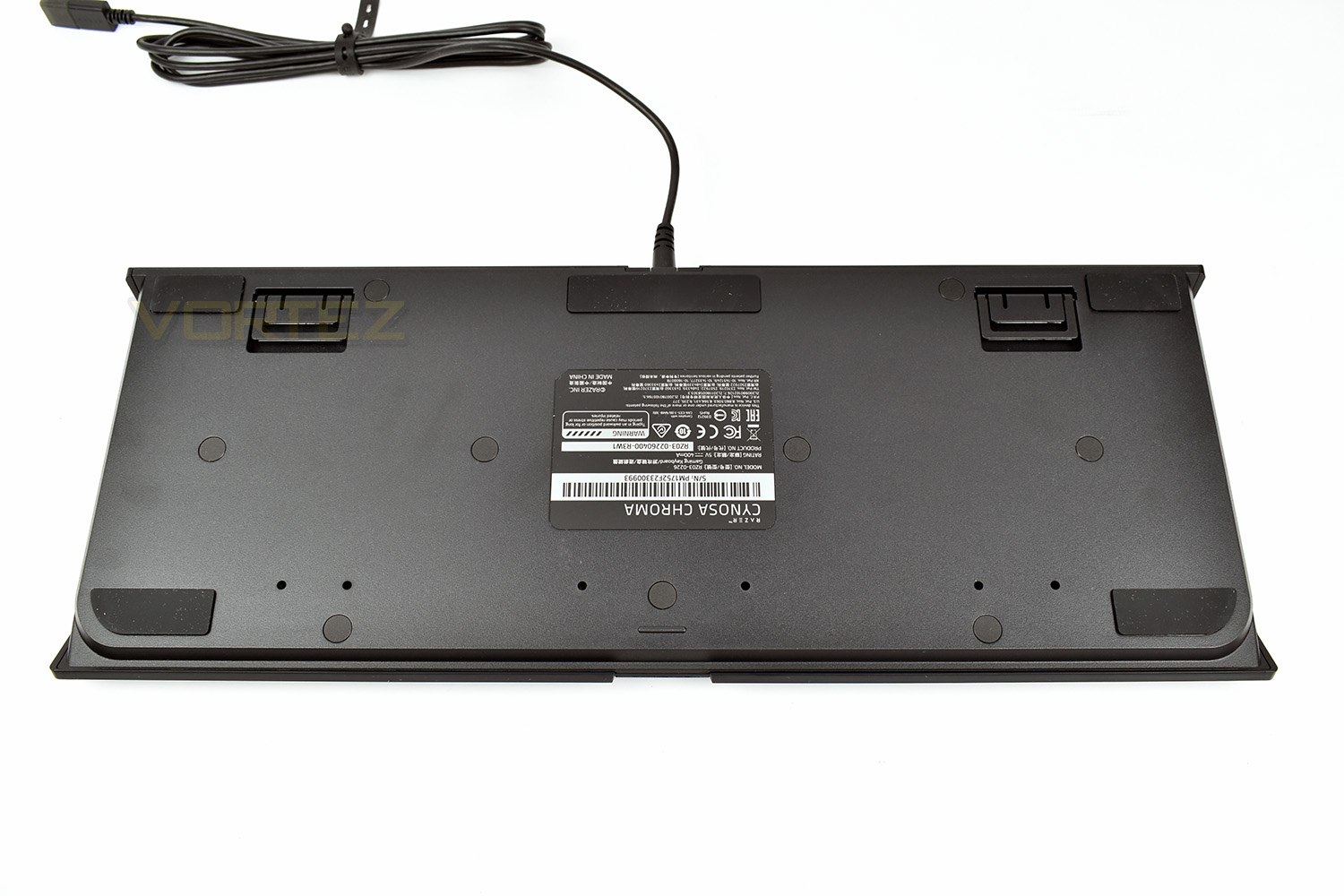
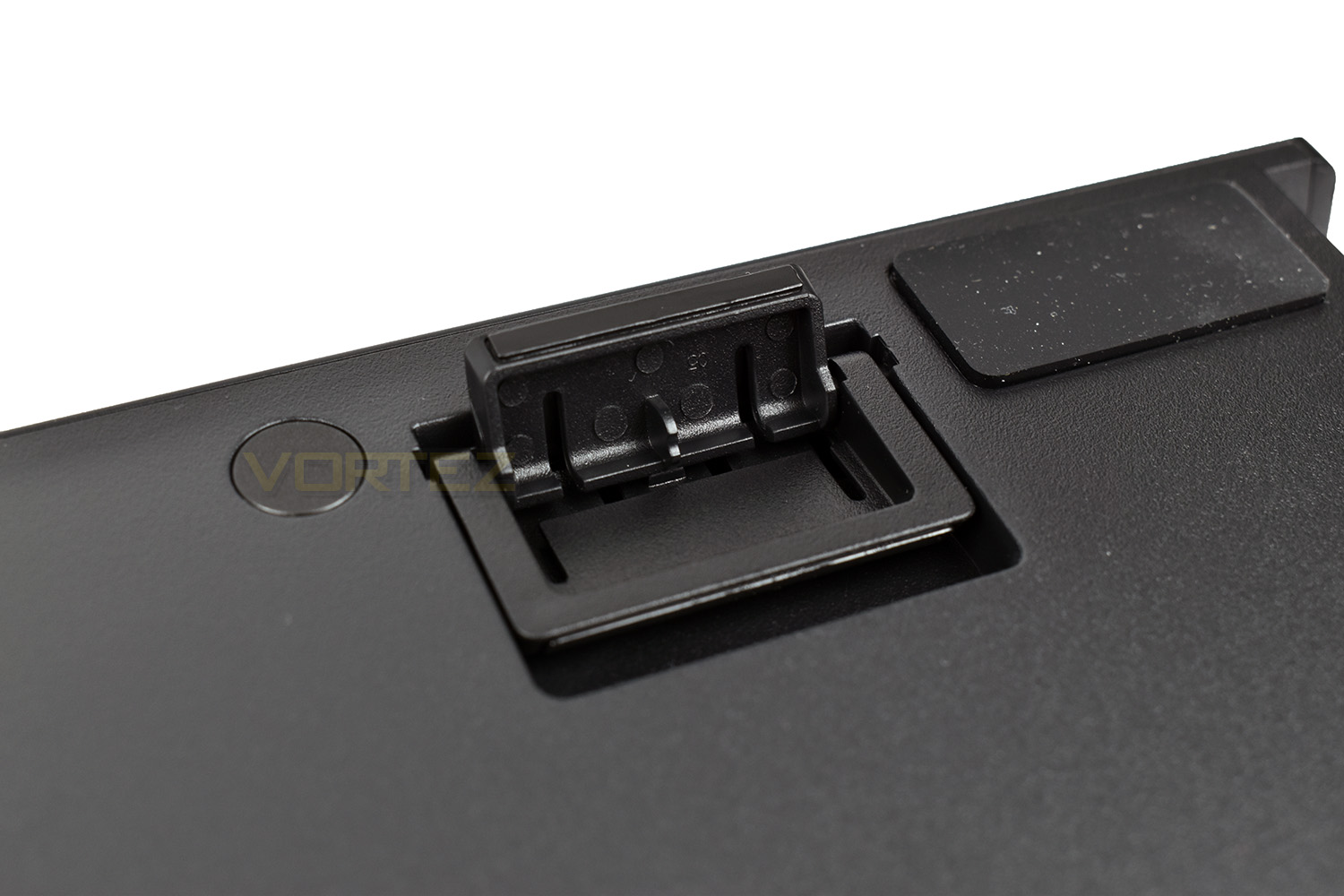
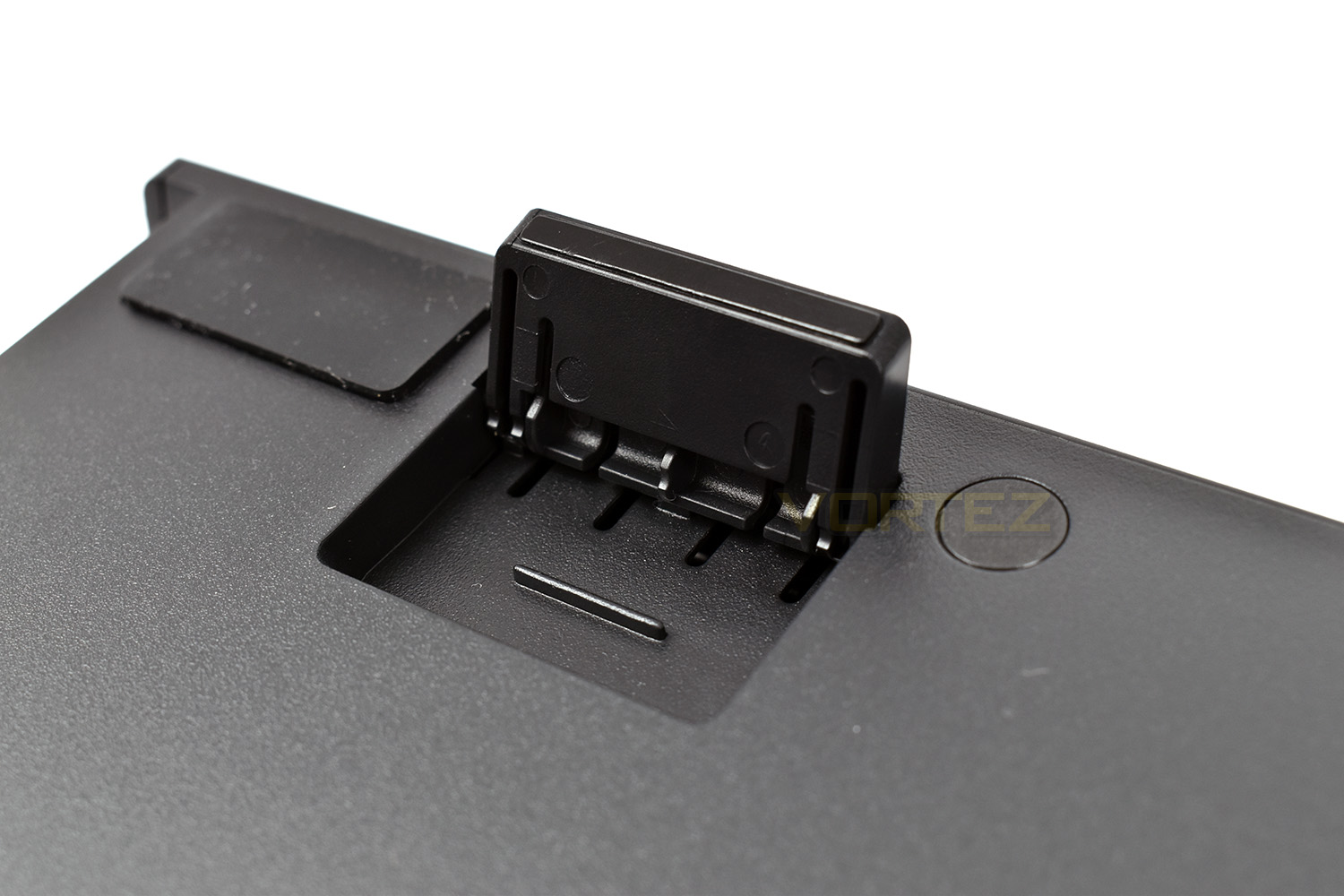
The elevation feet can be configured to two different heights, with the smaller foot residing within a recess of the taller one. Lying flat, the keyboard is 25mm tall, rising to 30mm with the small feet then 37mm with the large feet.
Software
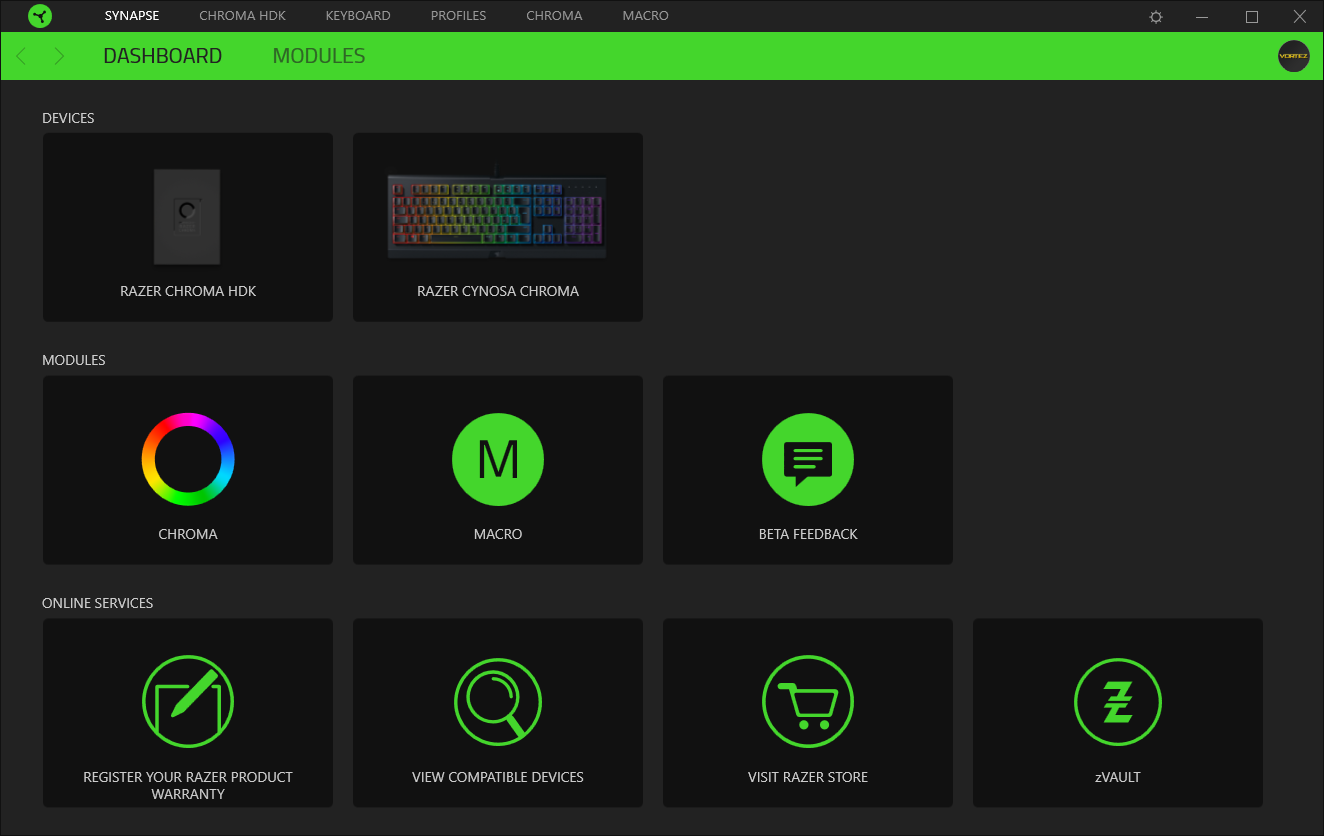
To get the most from your Razer Cynosa Chroma, you must install the Razer Synapse 3.0 beta, this is Razer’s software suite, designed to give you full control of every feature on the keyboard.The homepage of the software gives you quick access to many of the most commonly used features. The more keen-eyed amongst you might’ve noticed the dark theme that Razer have introduced since we last looked at the Synapse 3.0 beta.
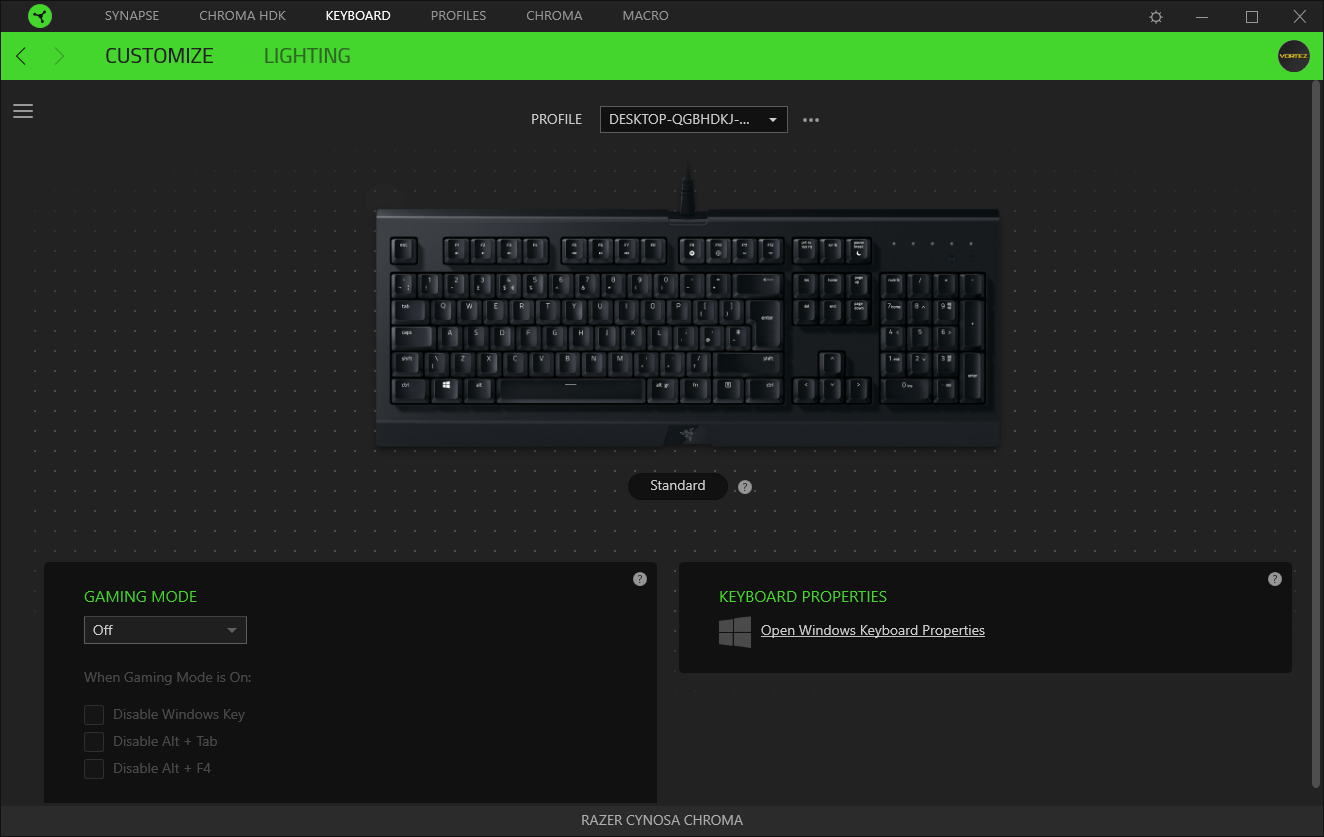
Going into the keyboard customisation, it’s possible to effect a change of any key on the board, whether that’s assigning a macro or changing the function completely – it’s up to you.
The bottom left is where you configure what goes on when the Gaming Mode is activated; by default the Windows Key is disabled, to prevent you pressing it during a game and ending up at the desktop, althought ALT+TAB and ALT+F4 can also be disabled.
The Windows keyboard properties link takes you to settings such as repeat delay, repeat rate and other finicky bits.
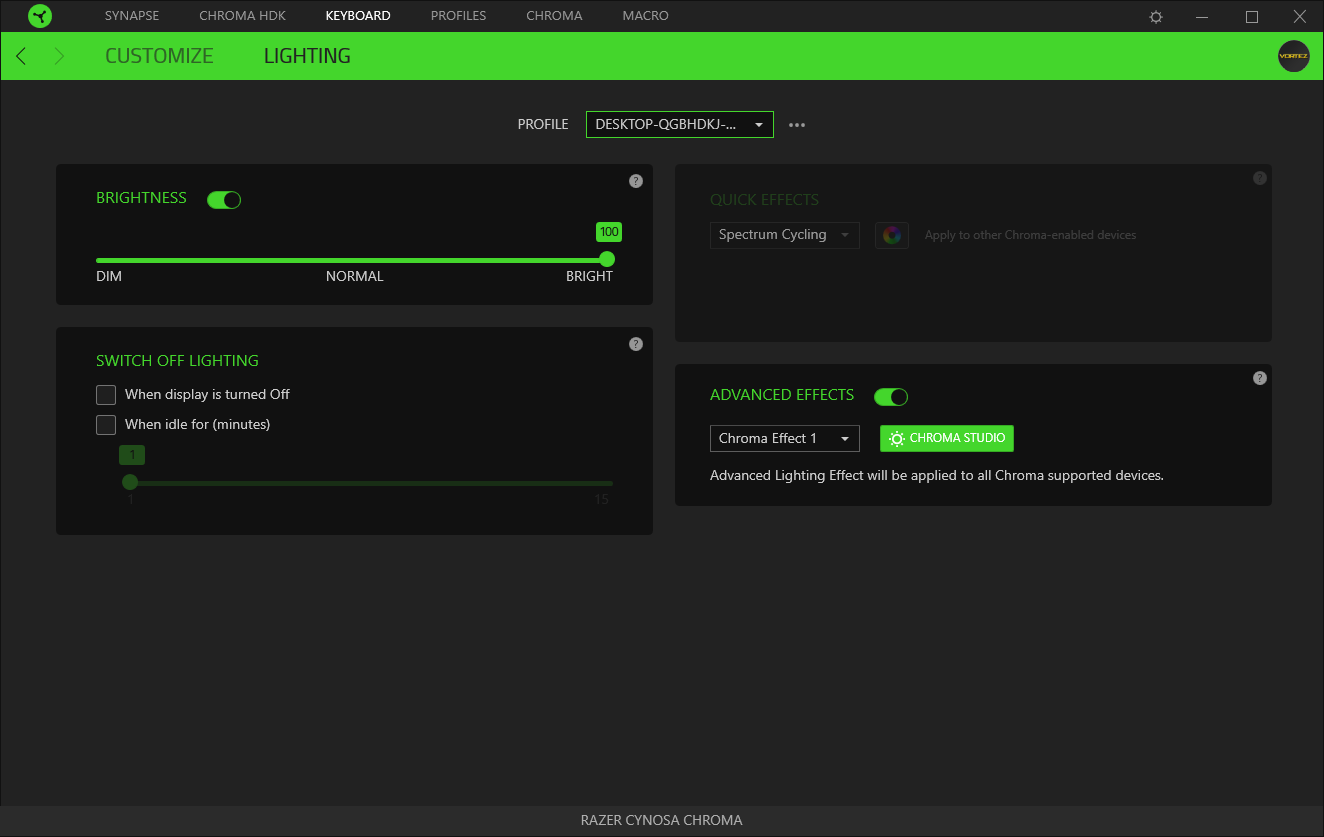
Next along is the lighting, often the only reason people install the software in the first place. Luckily, the Razer Synapse 3.0 offers a plethora of features to adapt the lighting to whichever fashion you please. Within the initial page, brightness, and preset settings can be applied, but that isn’t all.
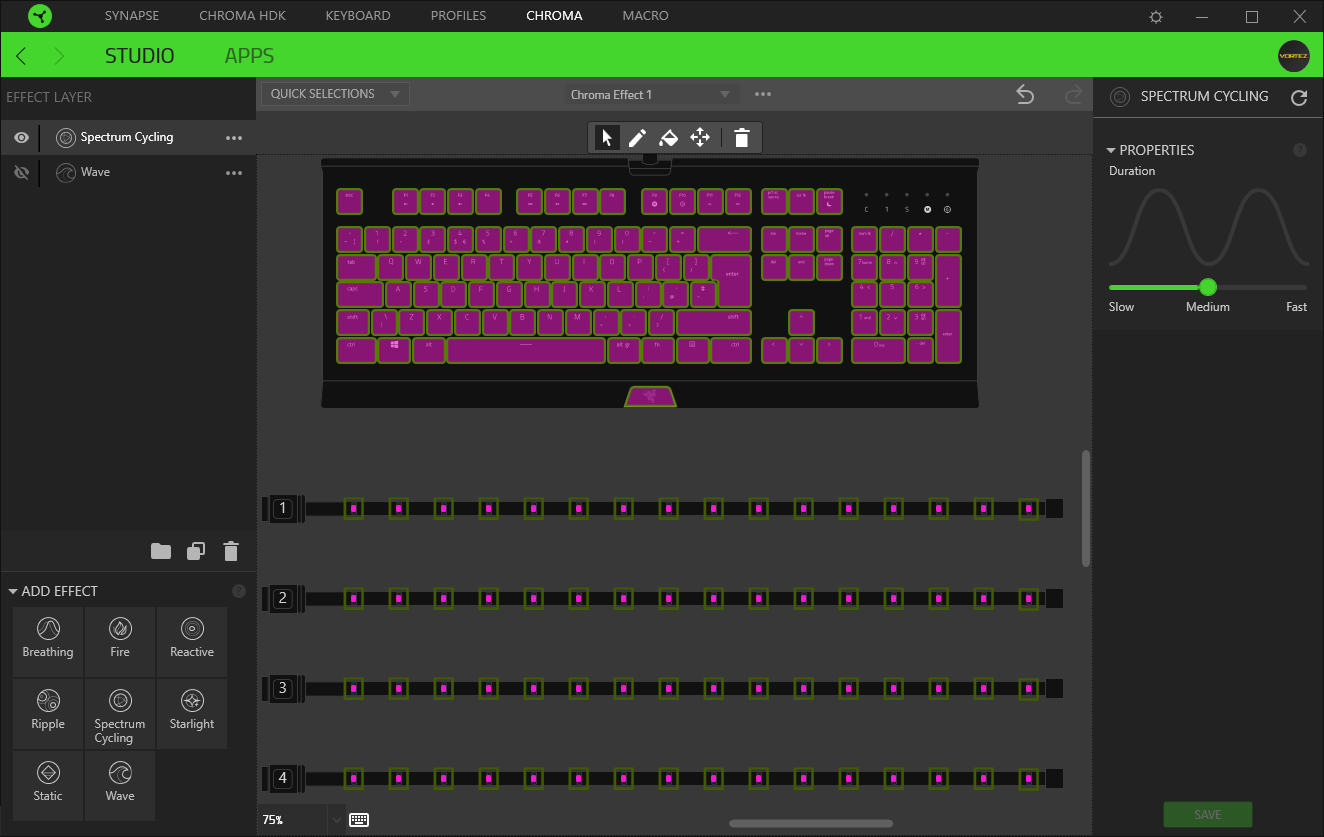
Following on from the lighting is the Chroma Studio, allowing you to assign effects across all of your Razer Chroma enabled devices. This studio has come along leaps and bounds since we last played around with it. The customisation possibilities are almost infinite.
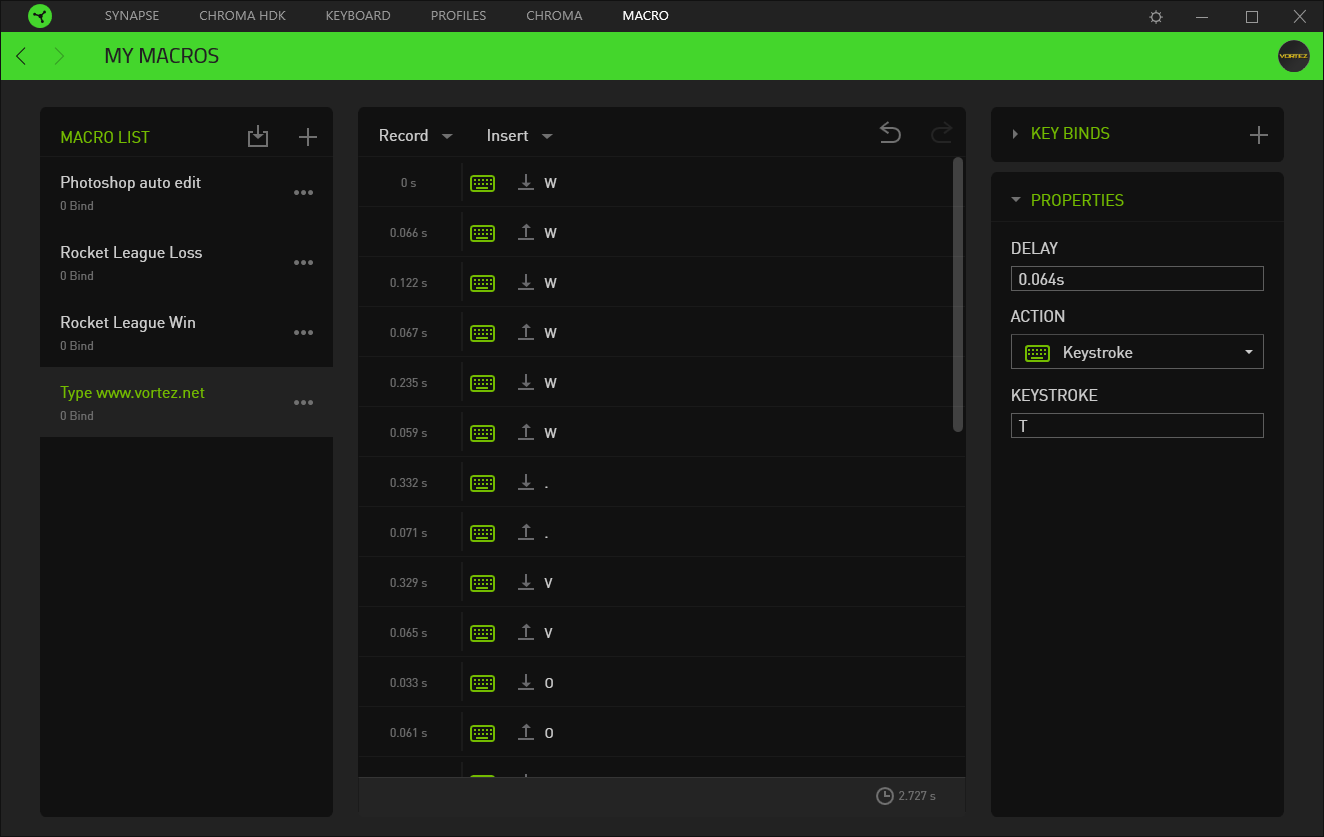
The Razer Cynosa Chroma doesn’t feature any dedicated Macro keys, but it’s possible to assign Macros to any redundant keys, or a specific string of keypresses. The Macro recording facilities within the Synapse 3.0 beta is excellent and well thought out.
Performance Testing
The Razer Cynosa is aimed heavily towards the gaming crowd, with features like Macro recording and a Gaming Mode, with the keys tuned for a positive feel while playing your favourite title.Despite the gaming industries current craze for mechanical gaming keyboards, they’re not to everyone’s taste or budget. The “gaming-grade” keys on the Cynosa offer a positive feel, yet are much quieter and not as tactile as a typical mechanical keyswitch. The coating on the keys are also a soft touch plastic, giving the keyboard a premium yet friendly feel. We’ve become accustomed to playing games and typing on a mechanical keyboard, of varying different keyswitch types, but we rarely venture into anything else; in spite of this, we enjoyed gaming on the Cynosa just as much, with typing also feeling positive.
The keycaps are still removable, but will require more force to extract. This will make periodic cleaning much easier.
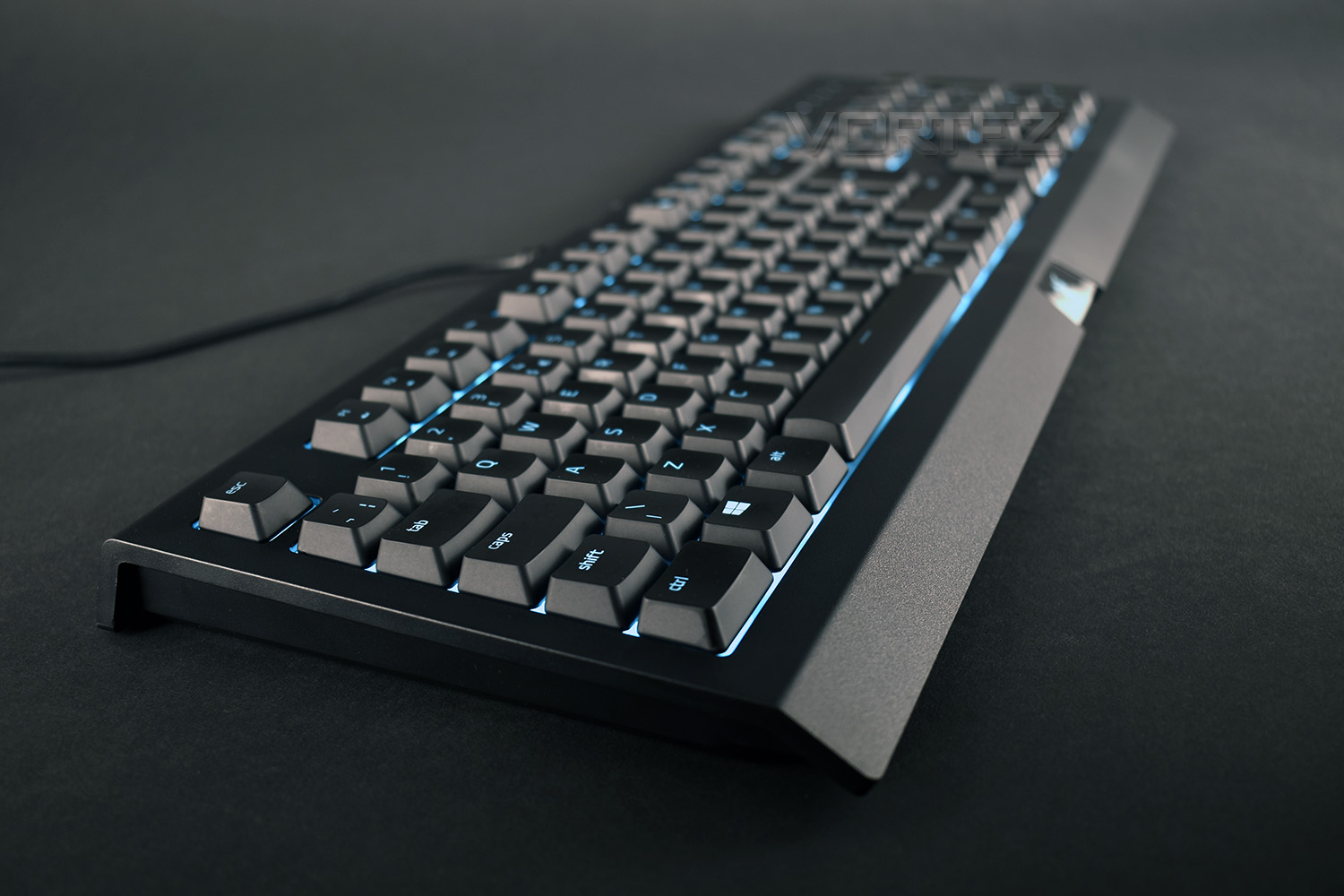
The RGB backlighting is much brighter and more noticeable than we expected on a keyboard in this price bracket. Razer employs a white backing behind the keys, just like it does with the more expensive keyboards, to help reflect the LED lighting towards the user. Not only that, but due to the design of the keys, being shallower than your typical mechanical keyboard, the light has less plastic to work its way around. The overall effect being a brighter and more colourful keyboard; the lighting is truly glorious.
The Fn keys along the top row are handy when performing media functions, such as adjusting the volume or skipping to the next track but what we really liked was that these keys become highlighted while the Fn key is pressed. All other backlighting is switched off momentarily and the F keys along the top row are illuminated in white.
Conclusion
There’s no doubt that Razer are known for their relatively expensive, yet well designed and manufactured products, with the Razer Cynosa being no different. The keyboard feels very premium with a solid build quality.The soft touch coating on the keys and gaming-grade key switches are good for gaming and typing alike, offering some feedback as opposed to a typical rubber dome style of key. The soft touch keys help to prevent your fingers slipping off the keys, reducing any excuses you can have for poor gameplay!
The work Razer have done on the RGB backlighting is pure excellence – the white backing behind the keycaps illuminates the outside of each key with amazing brightness while the LEDs produce clear, accurate colours. We genuinely love the RGB lighting on this keyboard.
Razer Synapse has received bad press over recent years, being the main reason many users give their products a wide berth, but with the Synapse 3.0 beta, we’ve seen some huge steps forwards in the last few months, especially in regards to stability and features, despite still being at the beta stage.
Onto the price, which at £65, is relatively cheap for a Razer keyboard, and is in-fact the cheapest keyboard in their current lineup, but with options from other brands, giving much of the same features, and proper, fully fledged, Cherry MX keyswitches, the Cynosa is ultimately difficult to recommend; that is, unless you really want some beautiful RGB lighting and the excellent software.
The RGB lighting is cracking, the keys feel great and build quality is solid, but other brands offer the same for less money.
Pros
+ Gorgeous RGB
+ Solid build quality
+ Keys feel good
+ Soft touch keycaps
+ Razer Synapse 3.0 software has improved remarkably
+ Spill resistant design
+ 1000Hz ultrapolling
Cons
– Arguably still pricey
– Mechanical still feels better
– No N-key rollover
+ Gorgeous RGB
+ Solid build quality
+ Keys feel good
+ Soft touch keycaps
+ Razer Synapse 3.0 software has improved remarkably
+ Spill resistant design
+ 1000Hz ultrapolling
Cons
– Arguably still pricey
– Mechanical still feels better
– No N-key rollover
Click here for an explanation of our awards at Vortez.net.
Stay connected with the Vortez Social Media pages:
Join in with the discussions on Discord