The Razer Naga is a popular choice for fans of MMOs, over time it has gone through various subtle but important transfigurations. Is the Naga EPIC Chroma finally nearing the apex of mouse design?

Product on Review: Razer Naga EPIC Chroma
Manufacturer and Sponsor: RAZER
Street Price: UK: £115 USA: $129.99 EUR: 129.99€
The Razer Naga in its original inception was painstakingly designed to balance comfort with an easy to use grid of buttons to give serious MMO players a key advantage in game. Considering the success of the Naga, it would be fairly safe to say that the demand for such a mouse was high. After various iterations including a MOBA specific ‘HEX’ variant, a left handed version as well as various themes and colours, the Naga has evolved further. Now featuring a more ergonomic grid of mechanical buttons in a slightly concave shape, each button is specifically shaped to give a more intutitive understanding of the whereabouts of your thumb. This aids in easily identifying each key while getting a fast and tactile acutation.
More specific to the Naga EPIC Chroma, is of course the customisable lighting and the option for wired or wireless modes.
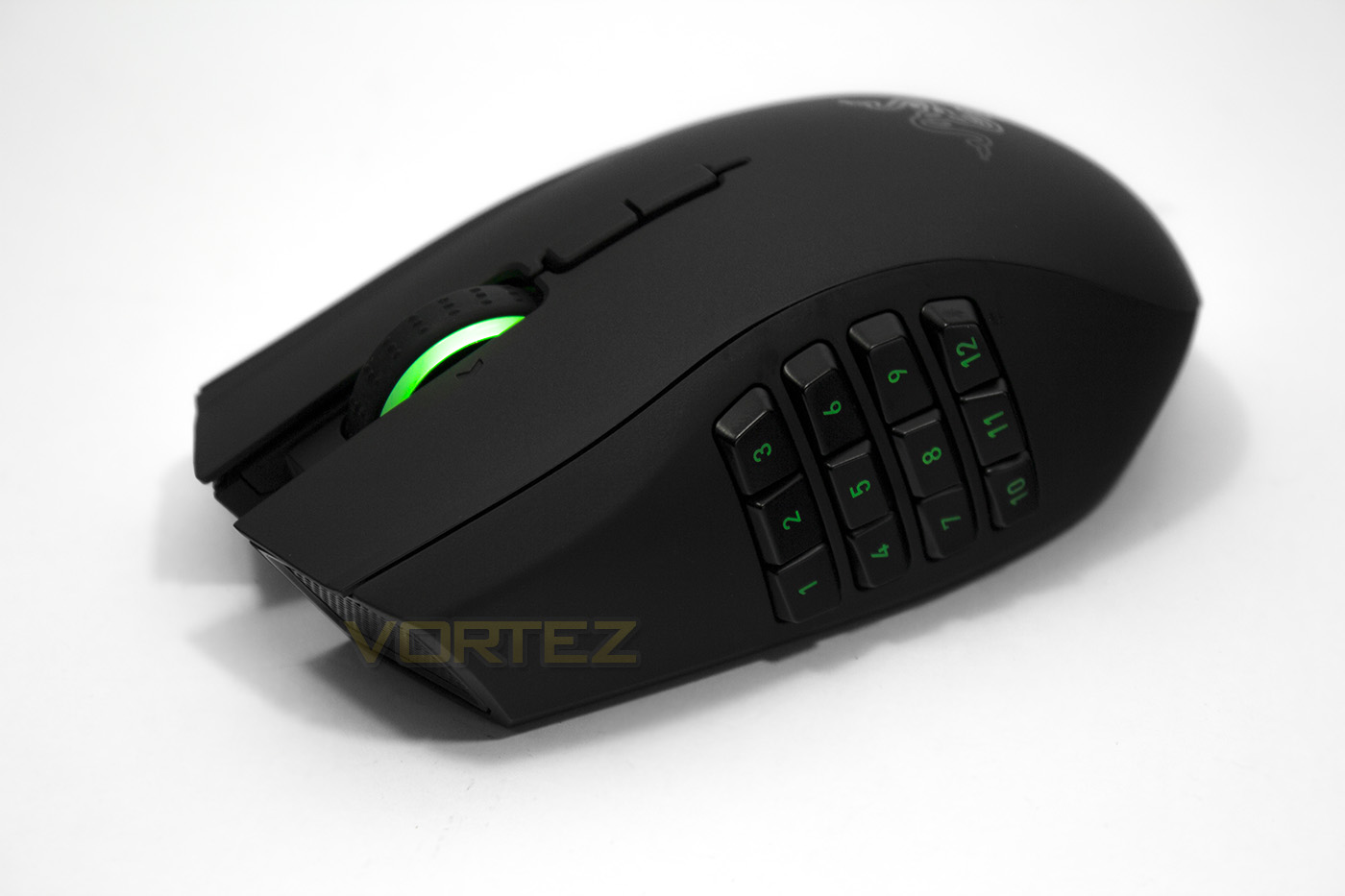
Overview by Razer
The Razer Naga Epic Chroma showcases the new Chroma lighting on its tilt-click scroll wheel and mechanical thumb grid, a feature that allows personal color customization through Razer Synapse. This one-size-fits-all ergonomic MMO gaming mouse offers a total of 19 buttons with 12 mechanical buttons situated on the iconic Razer Naga’s thumb grid. It is outfitted with an 8200 DPI 4G laser sensor that captures up to 200 inches per second and offers a maximum acceleration of 50 G, and also features both a wireless and wired mode with 1,000 Hz Ultrapolling and a 7-foot, lightweight, braided fiber cable.
Technical Specifications
– 19 MMO optimized programmable buttons
– 12-button mechanical thumb grid
– Tilt-click scroll wheel
– 8200dpi 4G laser sensor
– Wireless gaming-grade technology
– Charging dock
– Chroma lighting with 16.8 million customizable color options
– Razer Synapse enabled
– 1000Hz Ultrapolling
– 200 inches per second/50g acceleration
– Zero-acoustic Ultraslick mouse feet
– 7 foot/2.1m braided fiber USB charging cable
Approximate size:
Length: 119mm/4.68”
Width: 75mm/2.95”
Height: 43mm/1.69”
Approximate weight: 150g/0.33lbs
Battery life: Approximately 20hrs (continuous gaming)
The life expectancy of this battery depends upon its usage
System Requirements
PC or Mac with a free USB port
Windows® 8 / Windows® 7 / Windows Vista® / Windows® XP (32-bit) / Mac OS X (10.7 – 10.9)
In-game configurator support is compatible with Windows® 8 / Windows® 7 / Windows Vista® only
Internet connection
100MB of free hard disk space
Razer Synapse registration (requiring a valid e-mail), software download, license acceptance, and internet connection needed to activate full features of product and for software updates. After activation, full features are available in optional offline mode.
– 12-button mechanical thumb grid
– Tilt-click scroll wheel
– 8200dpi 4G laser sensor
– Wireless gaming-grade technology
– Charging dock
– Chroma lighting with 16.8 million customizable color options
– Razer Synapse enabled
– 1000Hz Ultrapolling
– 200 inches per second/50g acceleration
– Zero-acoustic Ultraslick mouse feet
– 7 foot/2.1m braided fiber USB charging cable
Approximate size:
Length: 119mm/4.68”
Width: 75mm/2.95”
Height: 43mm/1.69”
Approximate weight: 150g/0.33lbs
Battery life: Approximately 20hrs (continuous gaming)
The life expectancy of this battery depends upon its usage
System Requirements
PC or Mac with a free USB port
Windows® 8 / Windows® 7 / Windows Vista® / Windows® XP (32-bit) / Mac OS X (10.7 – 10.9)
In-game configurator support is compatible with Windows® 8 / Windows® 7 / Windows Vista® only
Internet connection
100MB of free hard disk space
Razer Synapse registration (requiring a valid e-mail), software download, license acceptance, and internet connection needed to activate full features of product and for software updates. After activation, full features are available in optional offline mode.
Packaging & Bundle
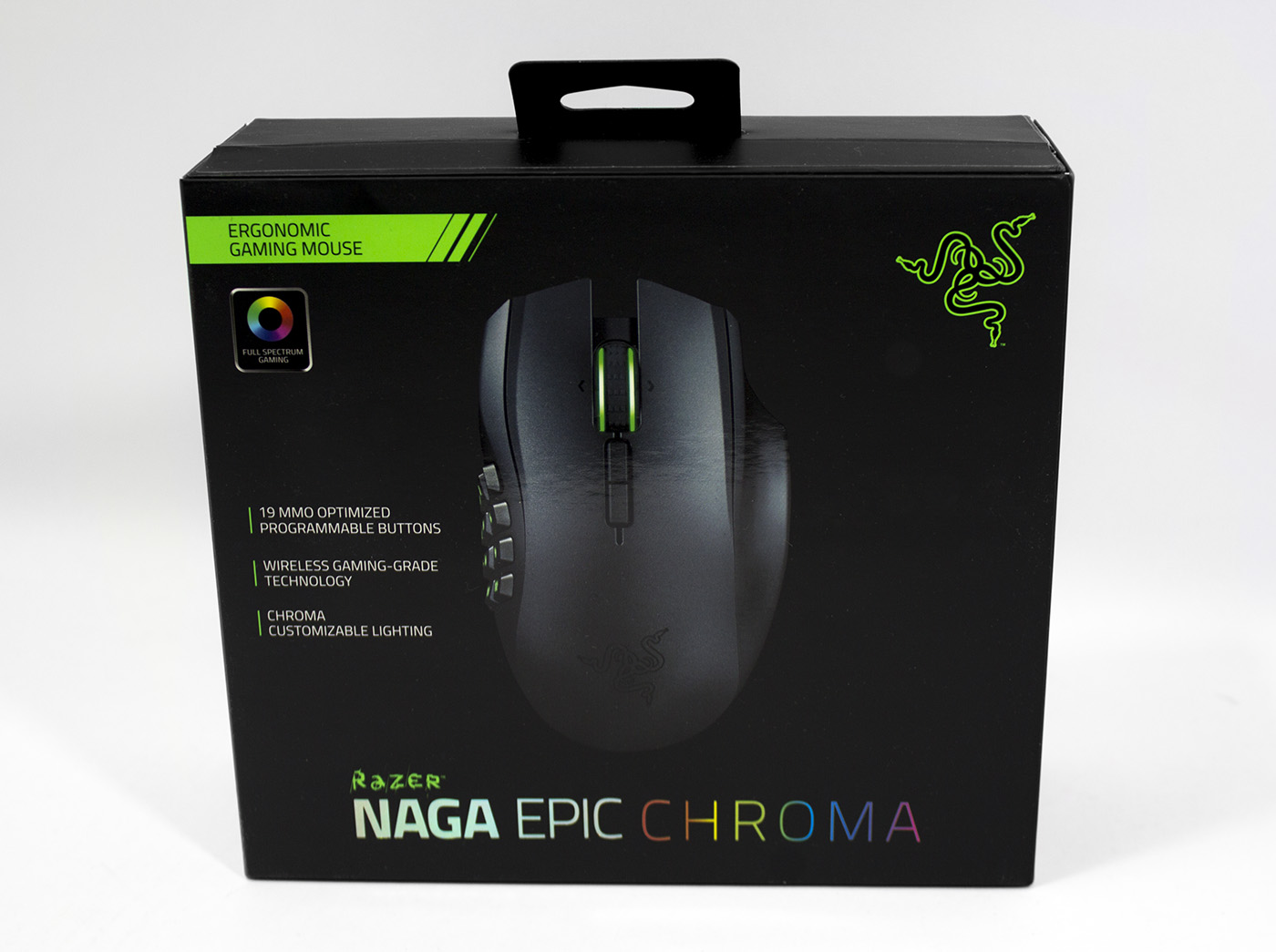
The packaging is in similar keeping to other contemporary Razer products with high quality cardboard and print in use. The front clearly displays and image of the product and lists the major features.
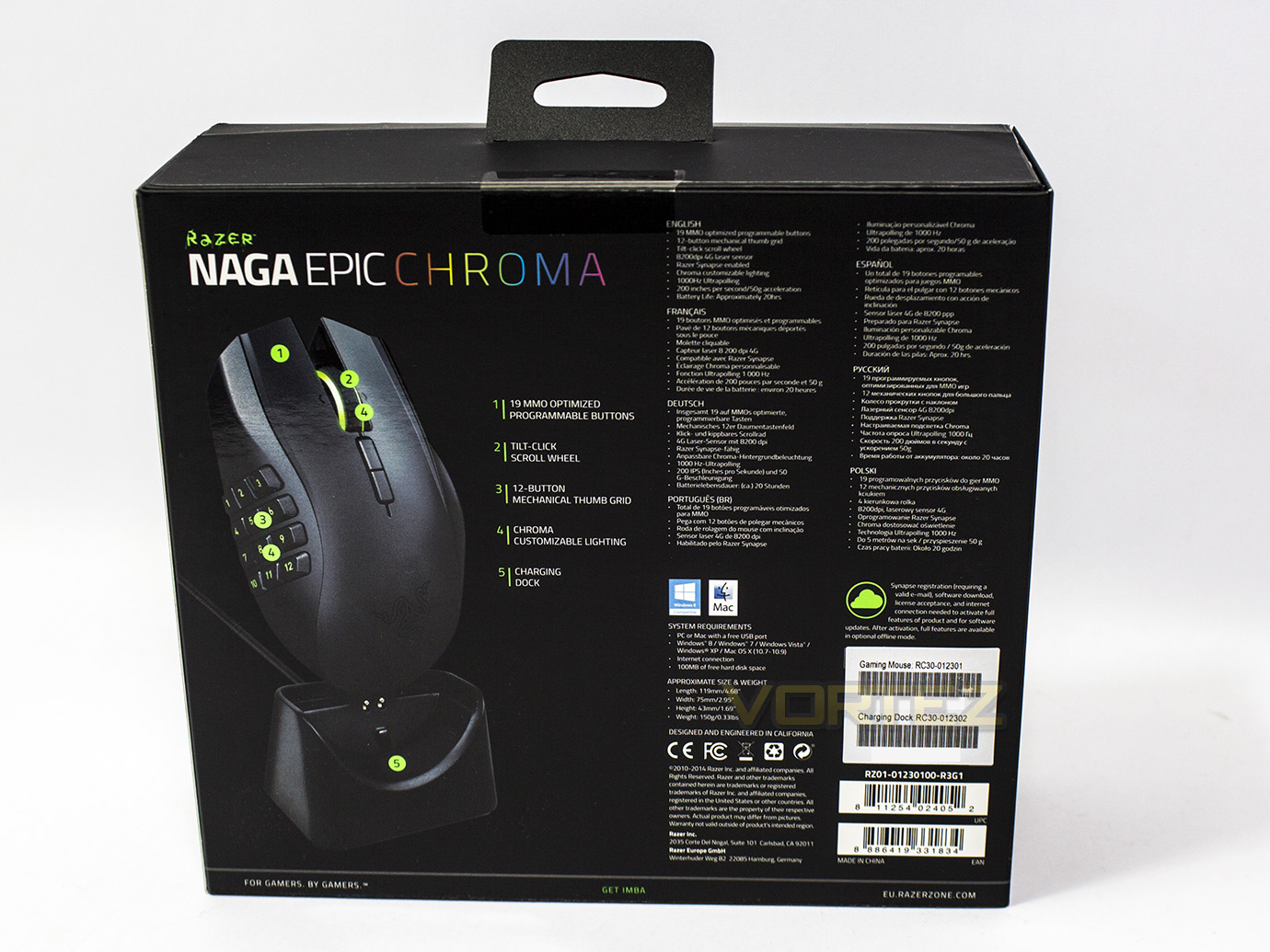
At the back there is a more detailed breakdown of the features and specifications in various languages.
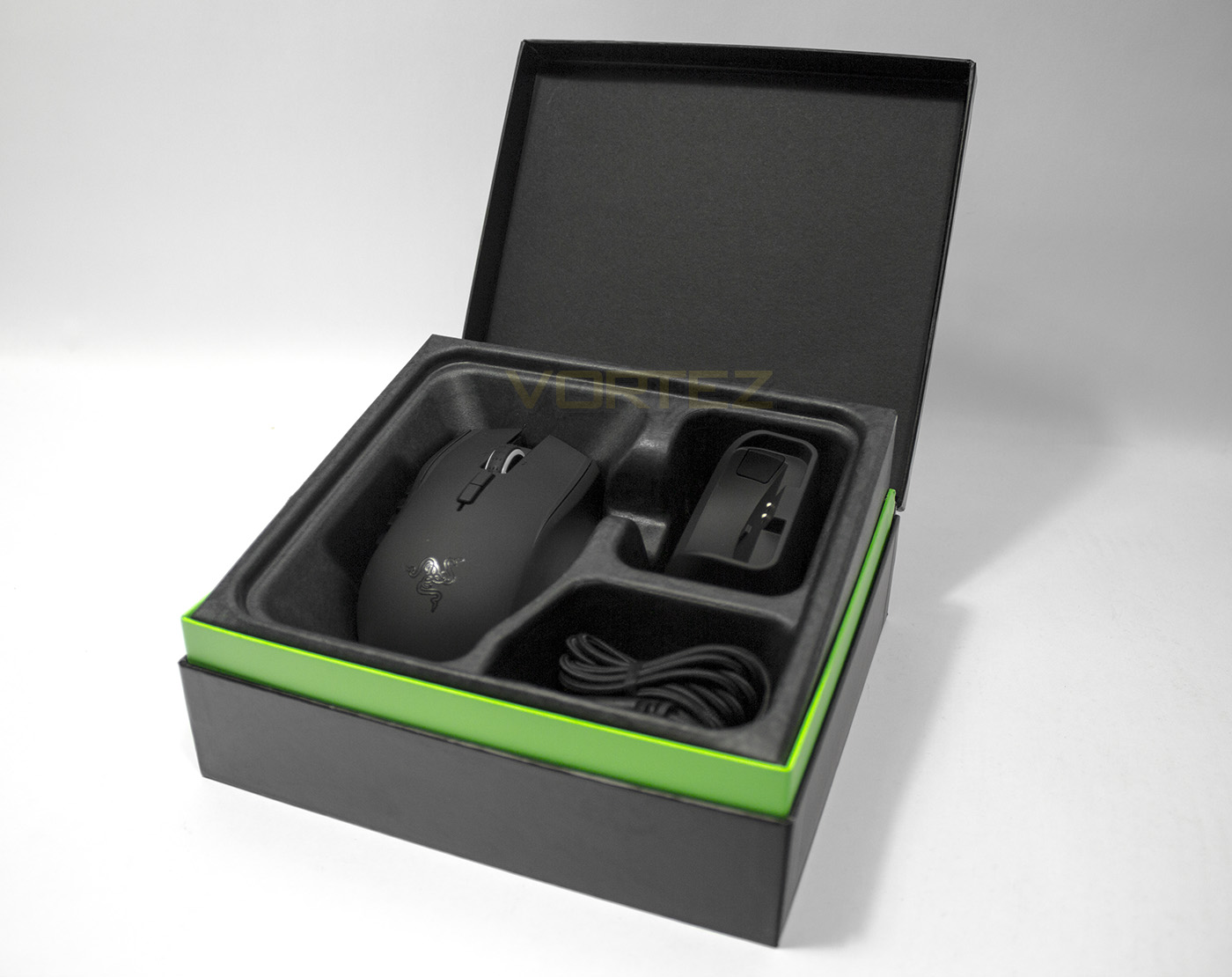
Once you remove the card sleeve and open the chest like box, there is a built in mechanism that raises the contents towards you like magic, it was certainly a neat touch.
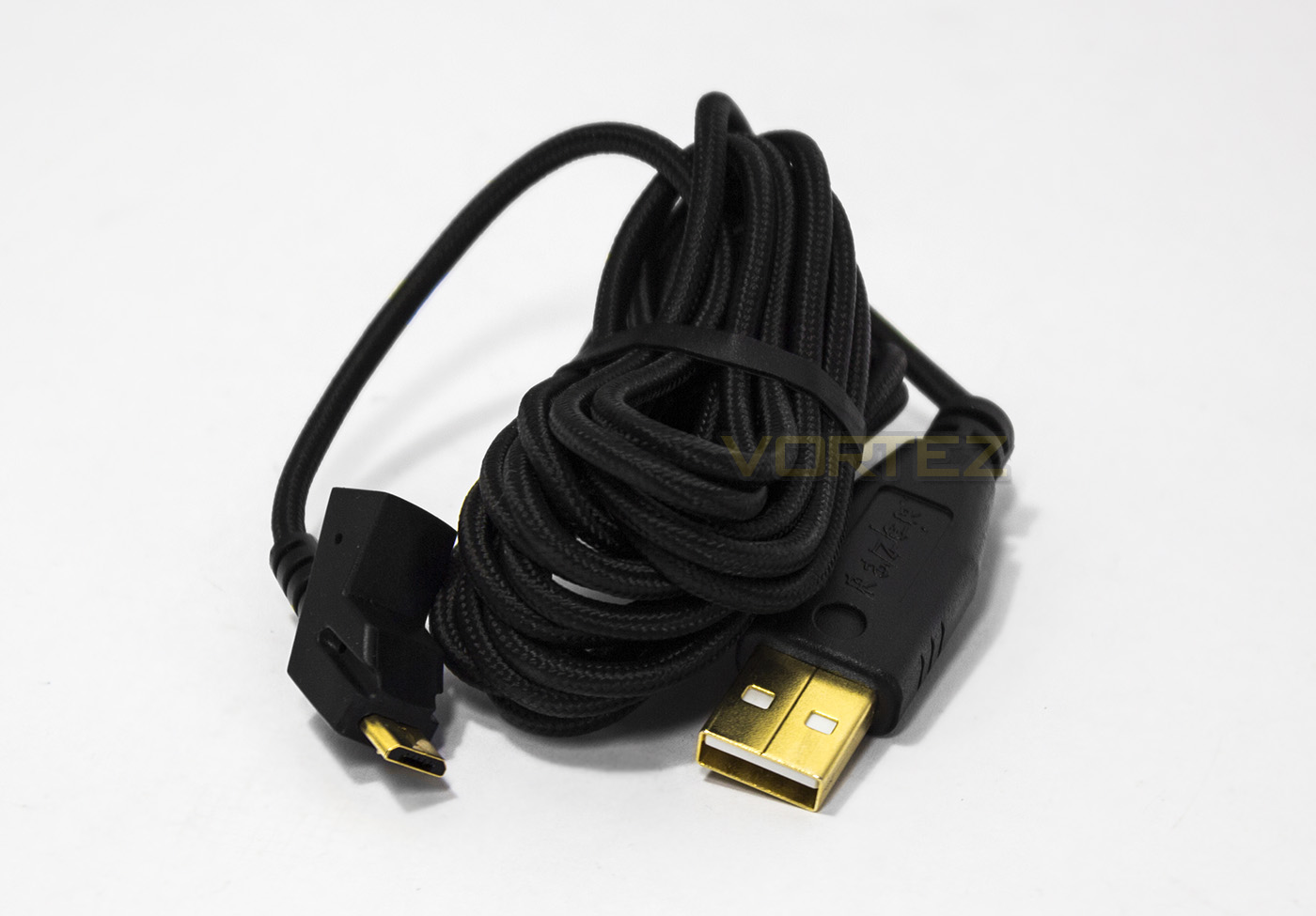
The Razer Naga EPIC Chroma is wireless or wired, meaning it comes with a 2.1M/7ft braided cable. This can either plug into the charging/wireless dock, or directly into the mouse.
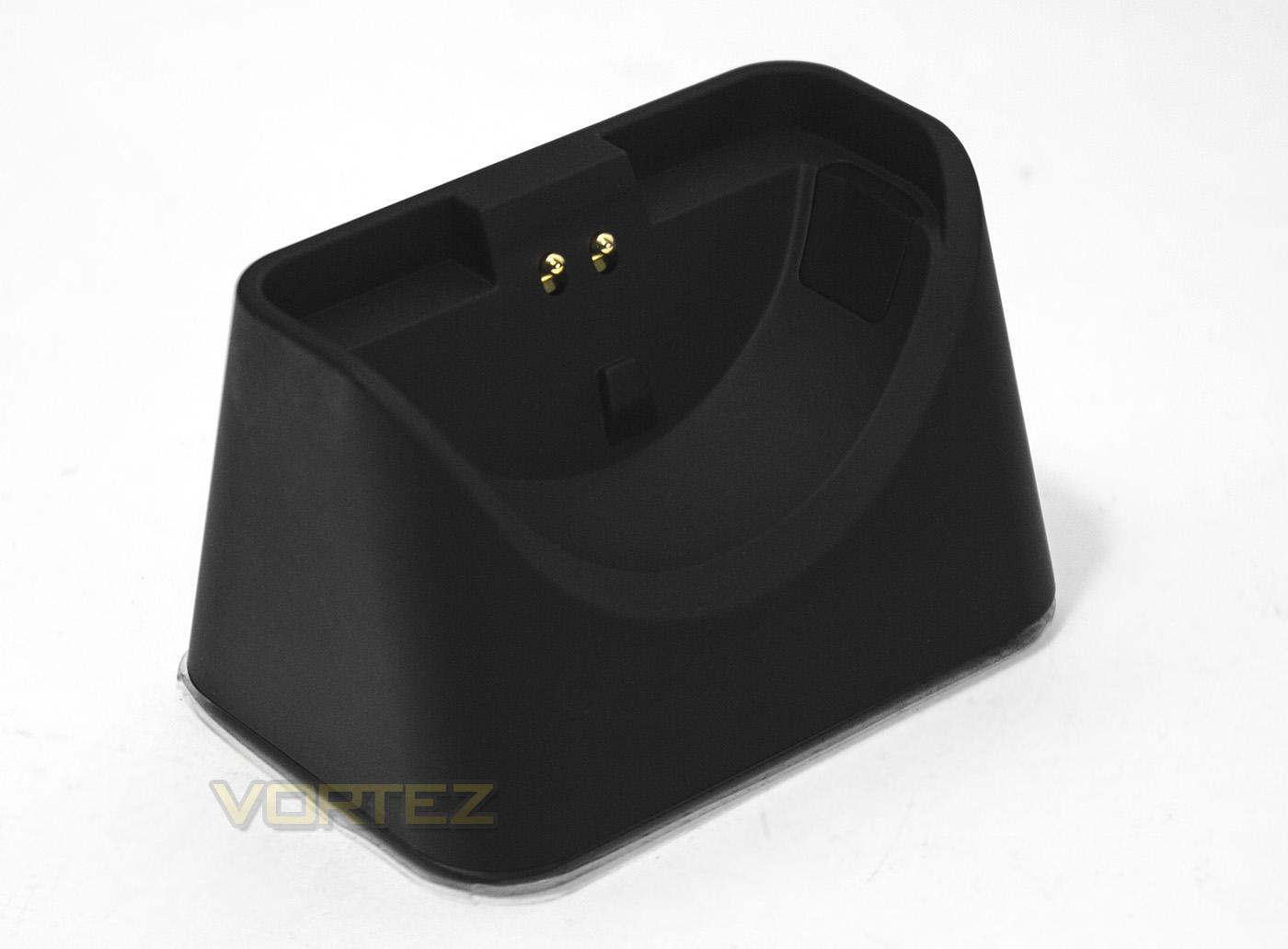
The dock is fairly weighty and shouldn’t move with the wind so to speak so will happily sit in place without falling provided it is on a stable surface. It acts as a charger and the wireless unit for the mouse.
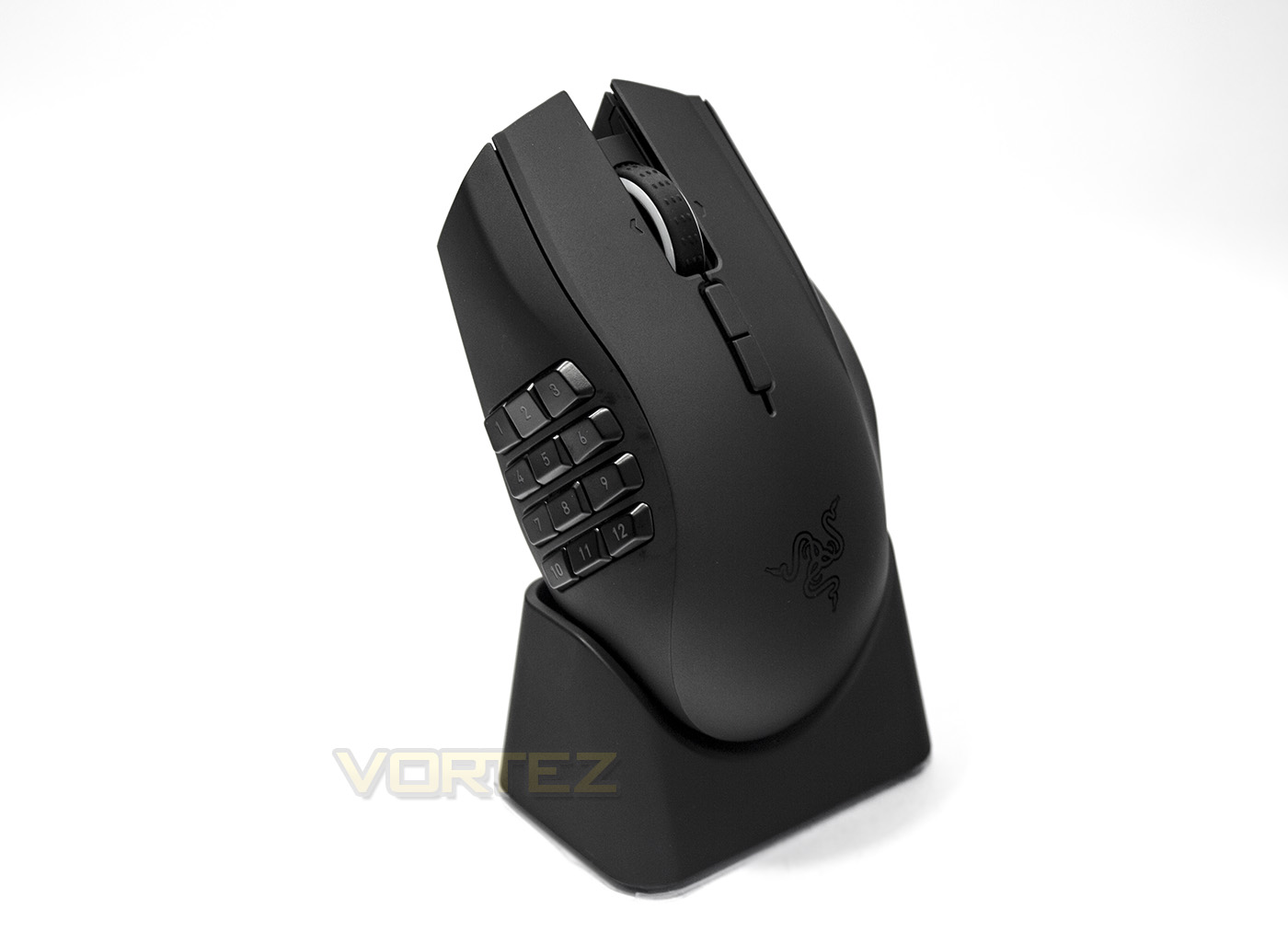
The Razer Naga EPIC Chroma seated in the dock.
Closer Look
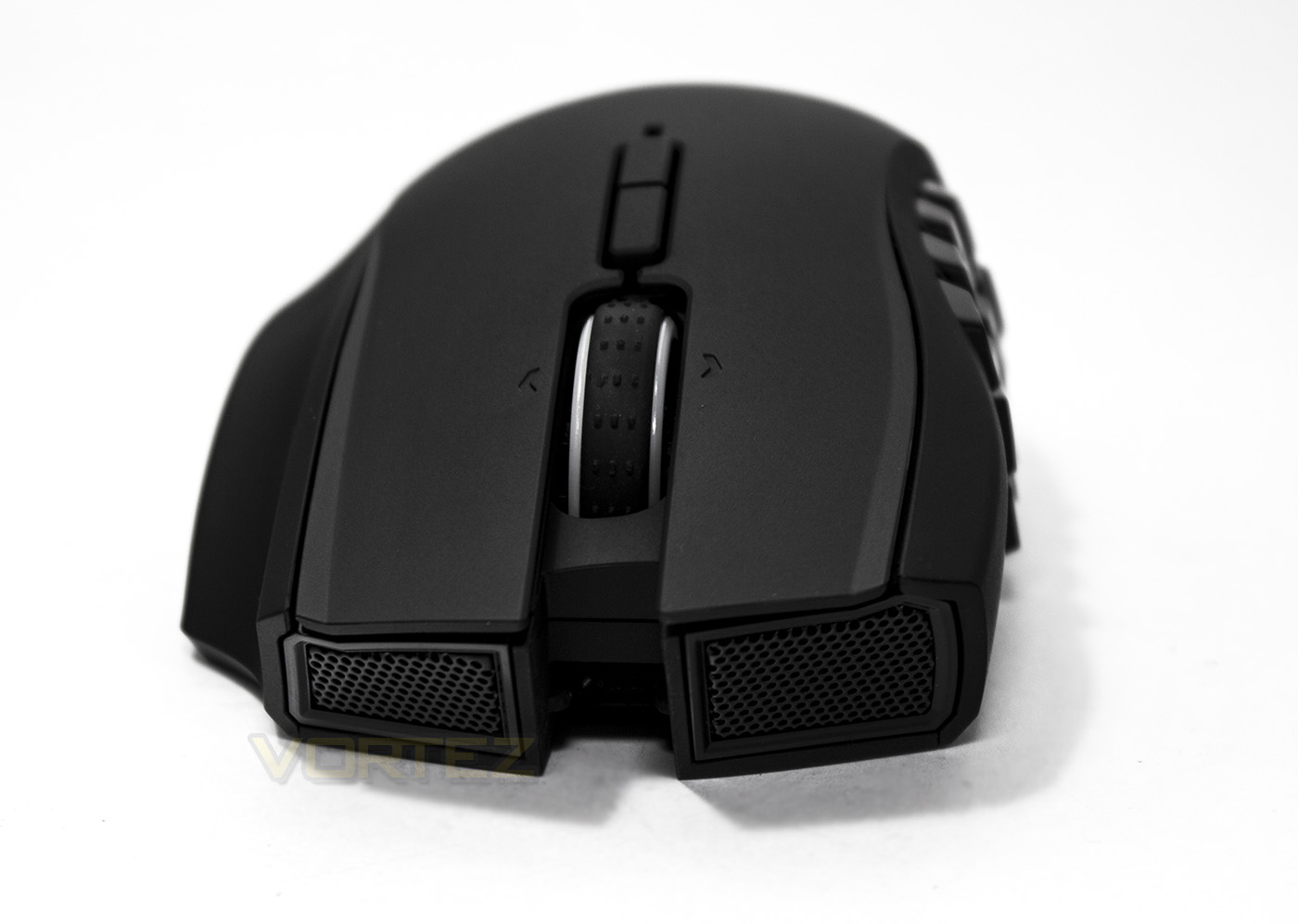
At the front we get an aggressive grill as we saw with the Mamba TE, the Naga is quite a wide mouse which seems more suited to a palm grip with a much less pronounced ergonomic dynamic.
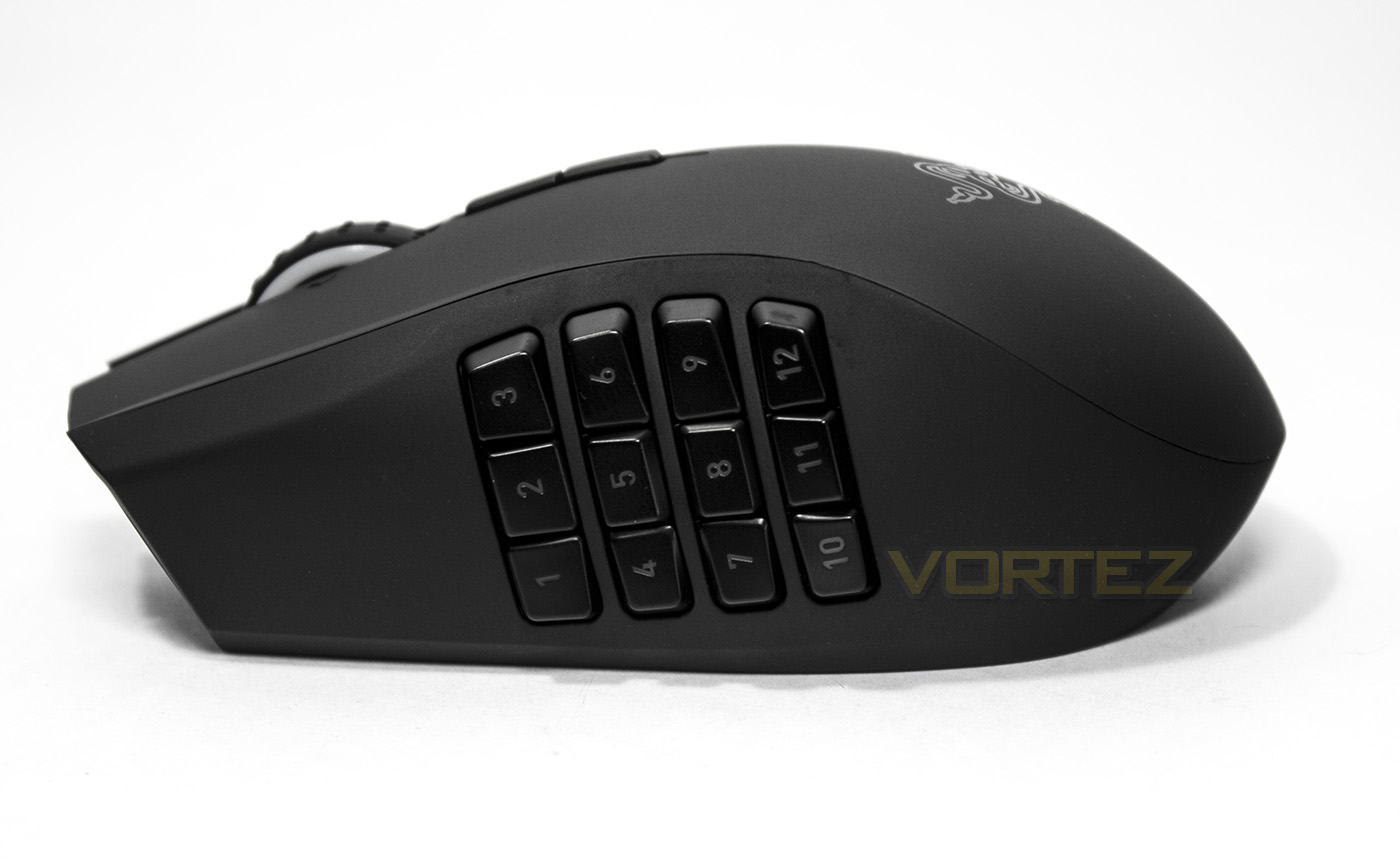
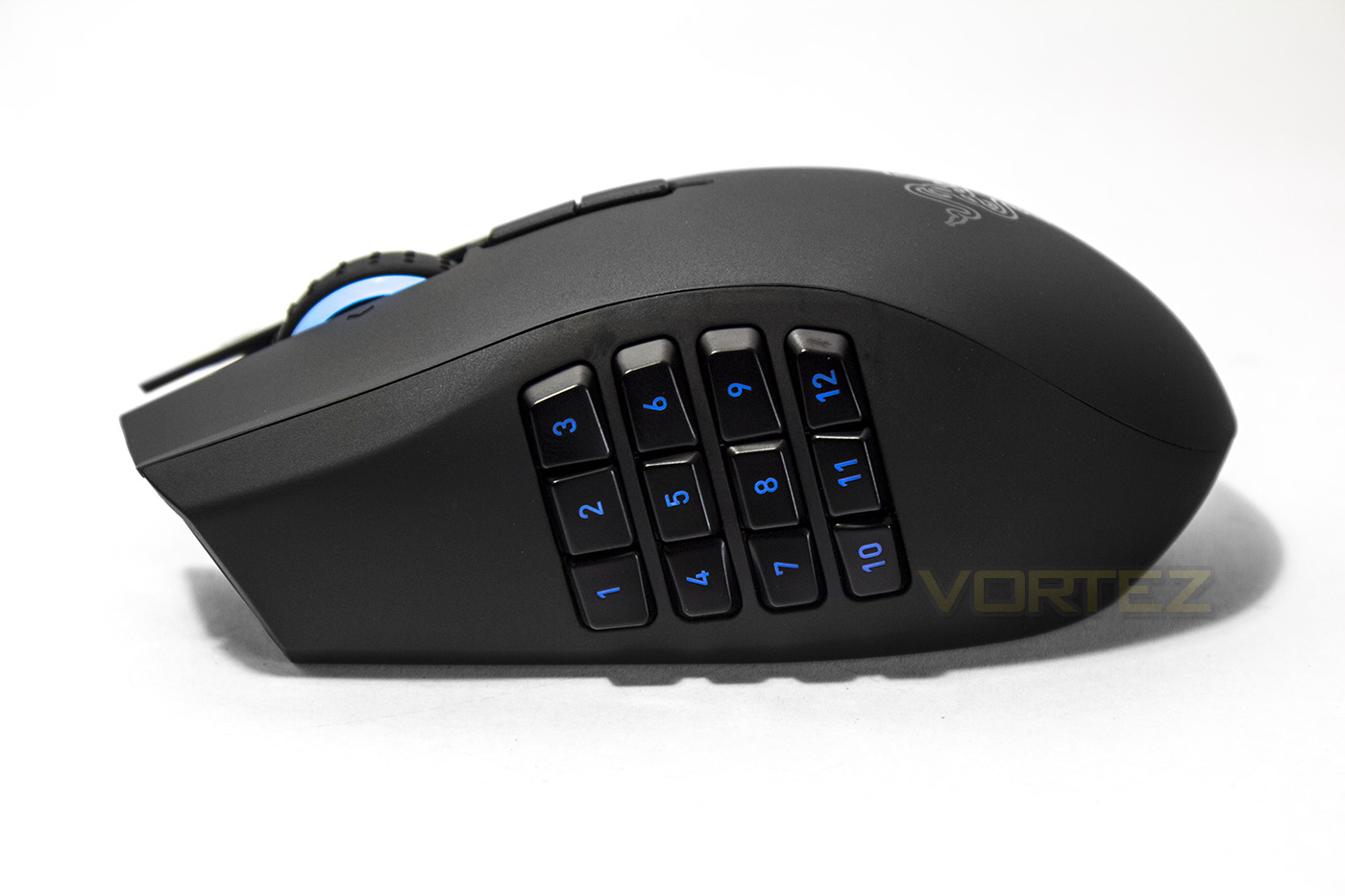
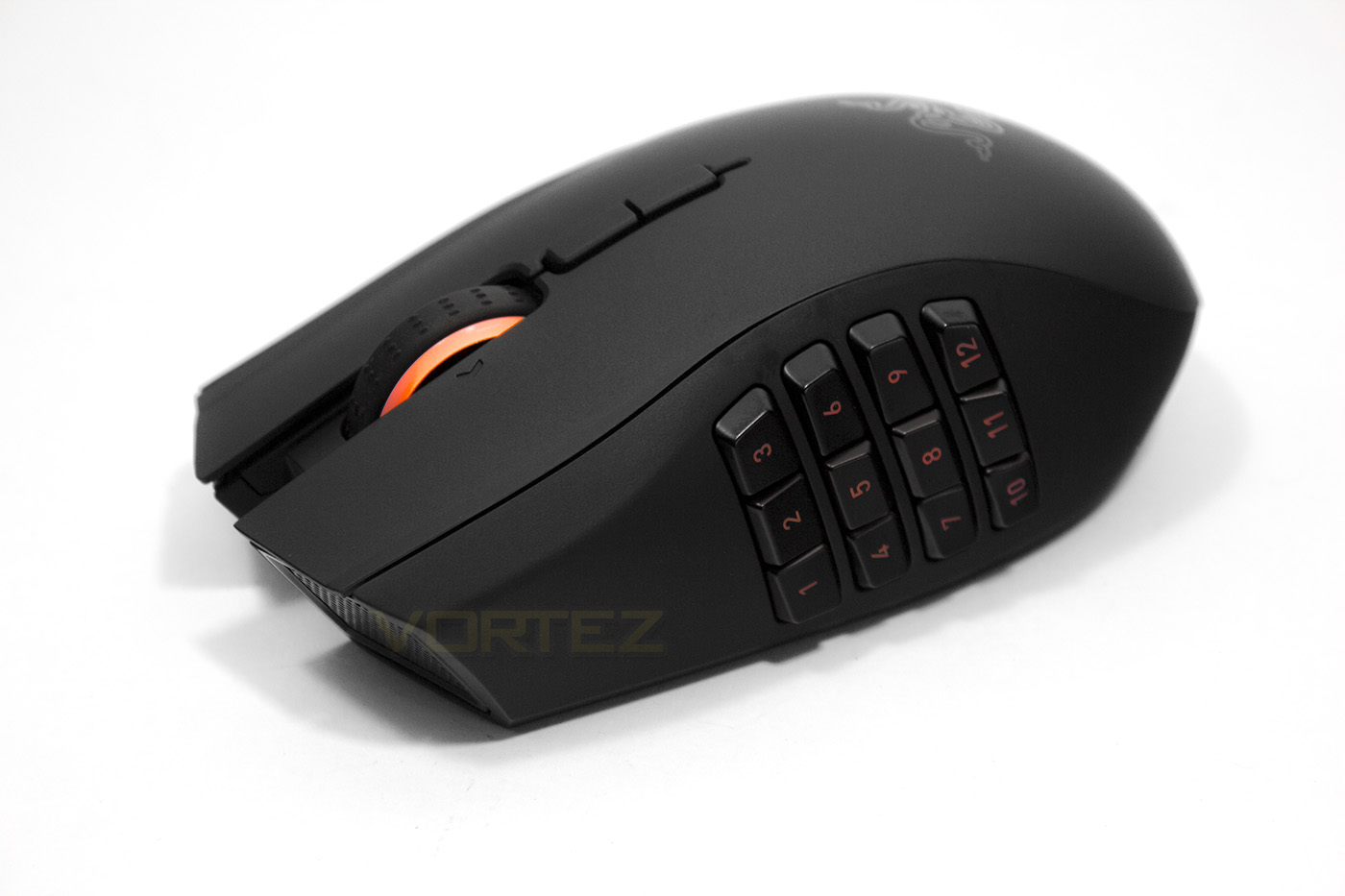
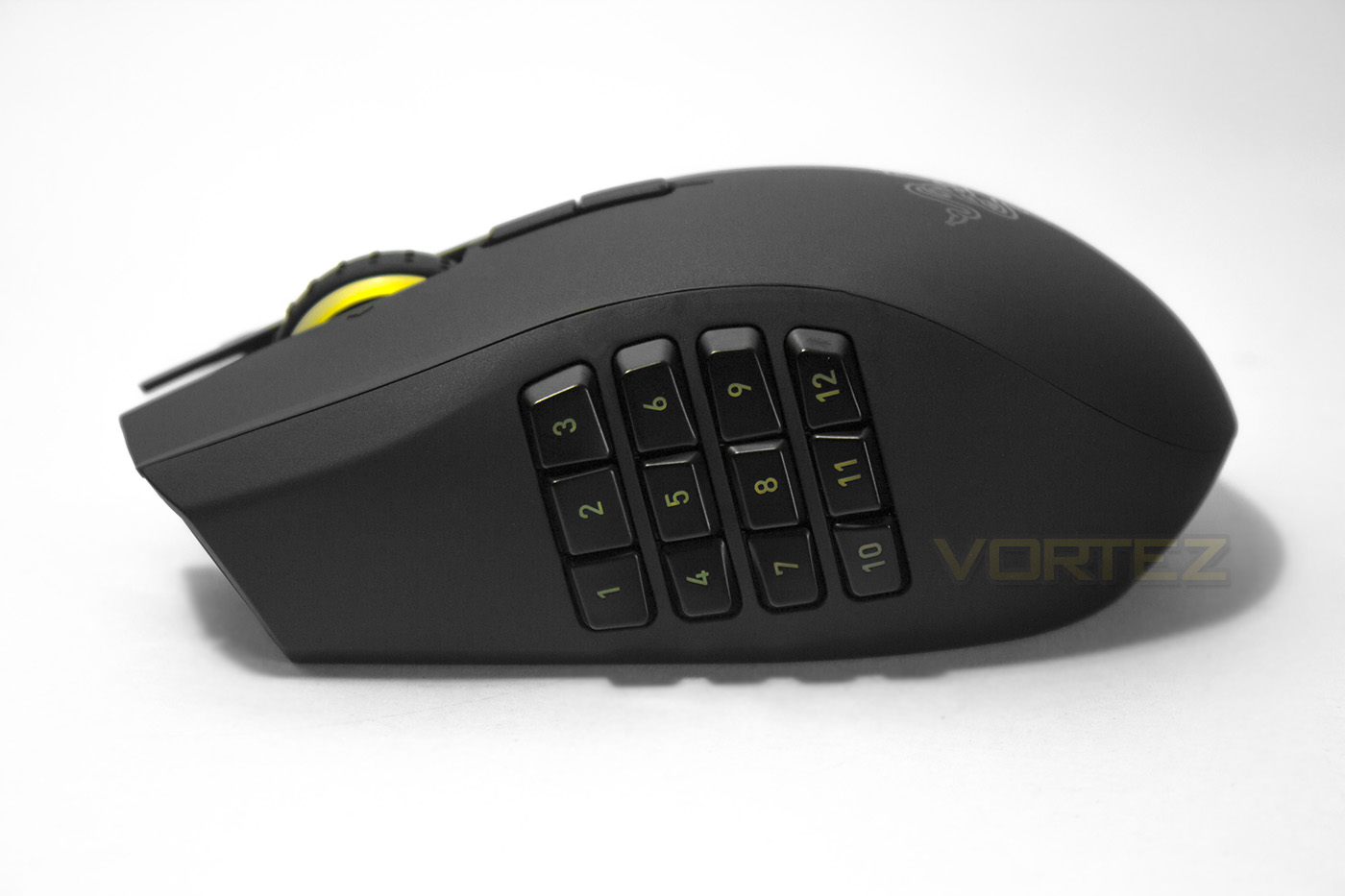
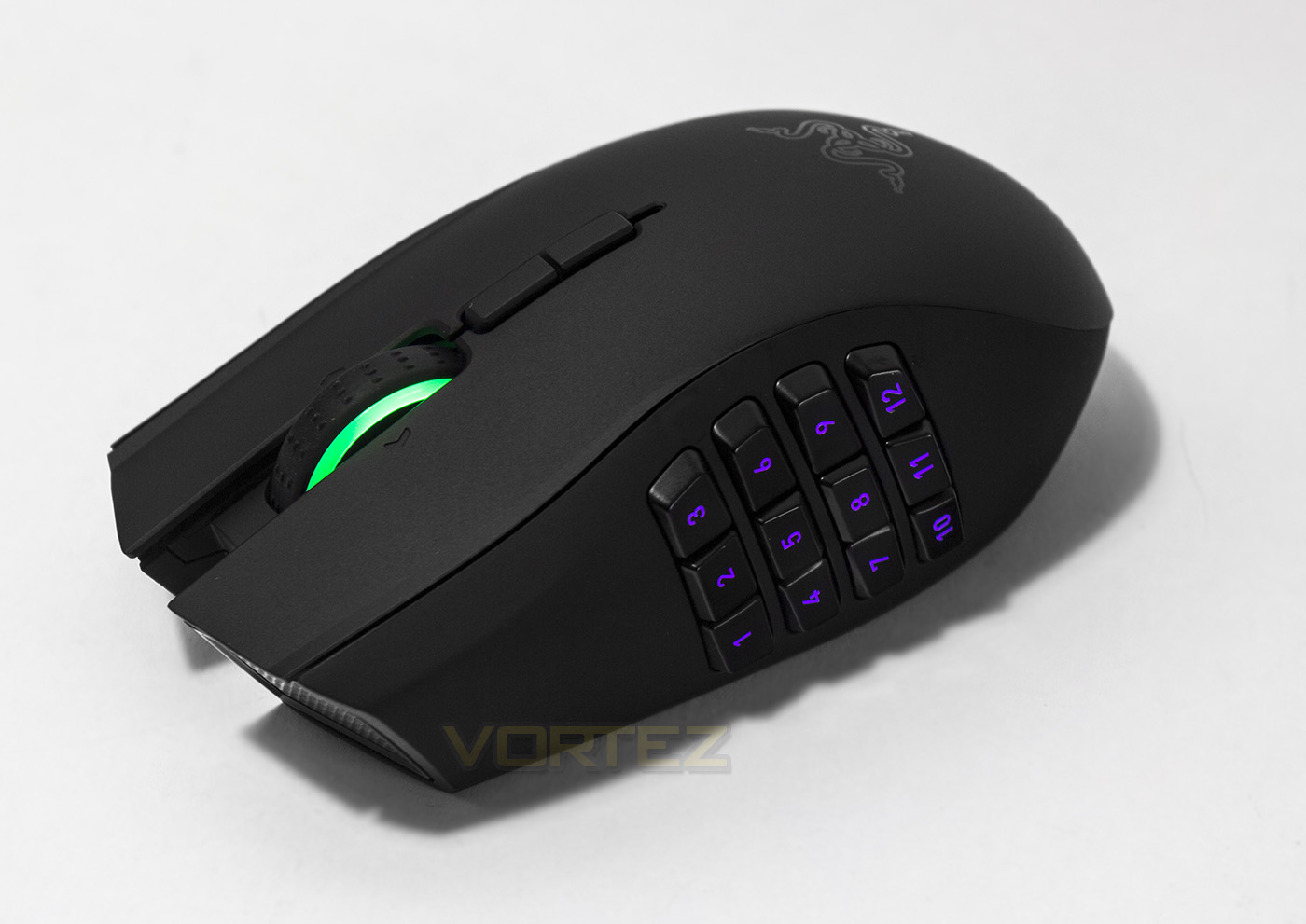
The grid of 12 mechanical buttons each with their unique shape to make use easier with the thumb unlike older versions where the buttons would follow the shape of the mouse.
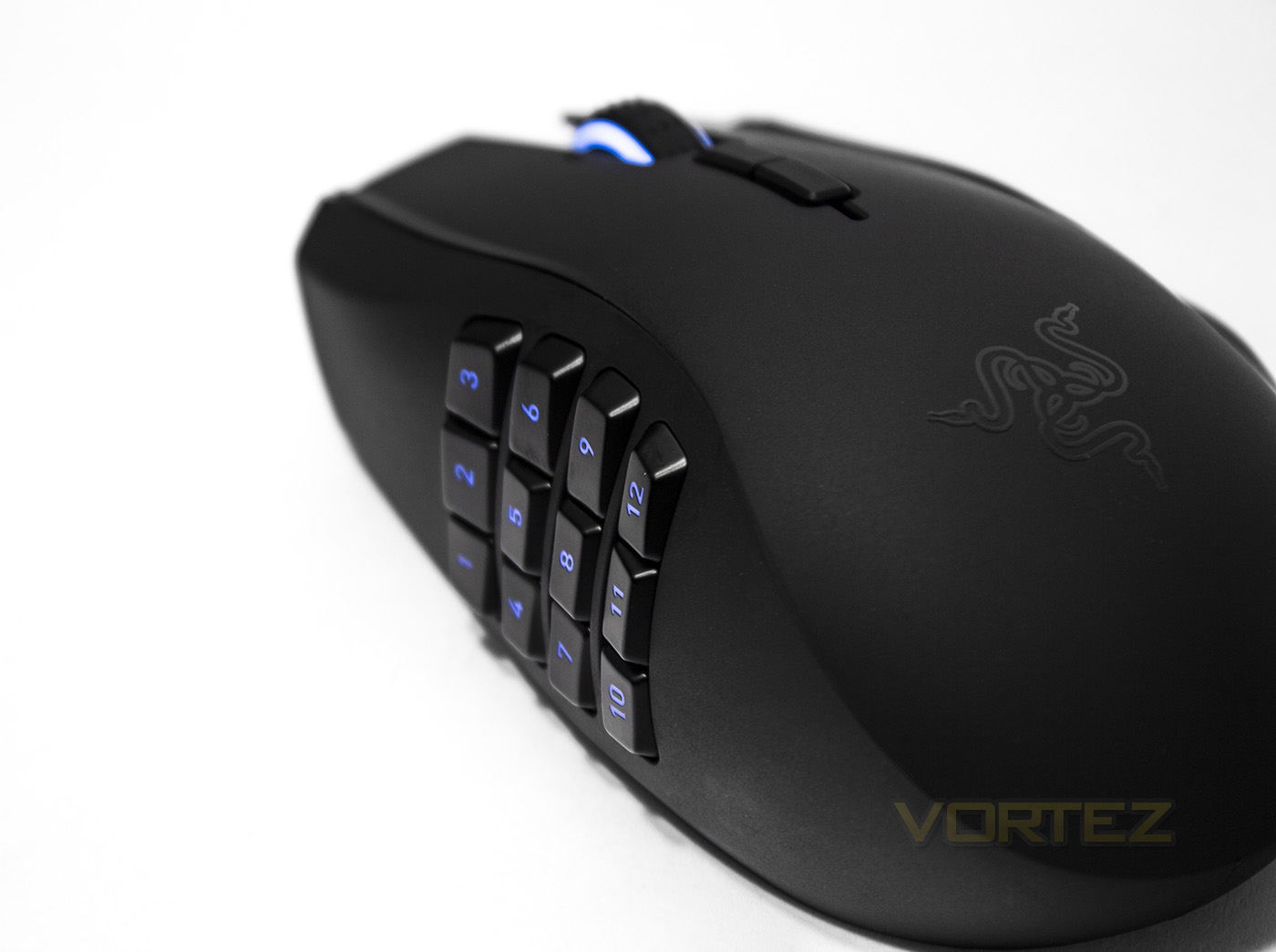
A closer look at how the buttons are arranged.
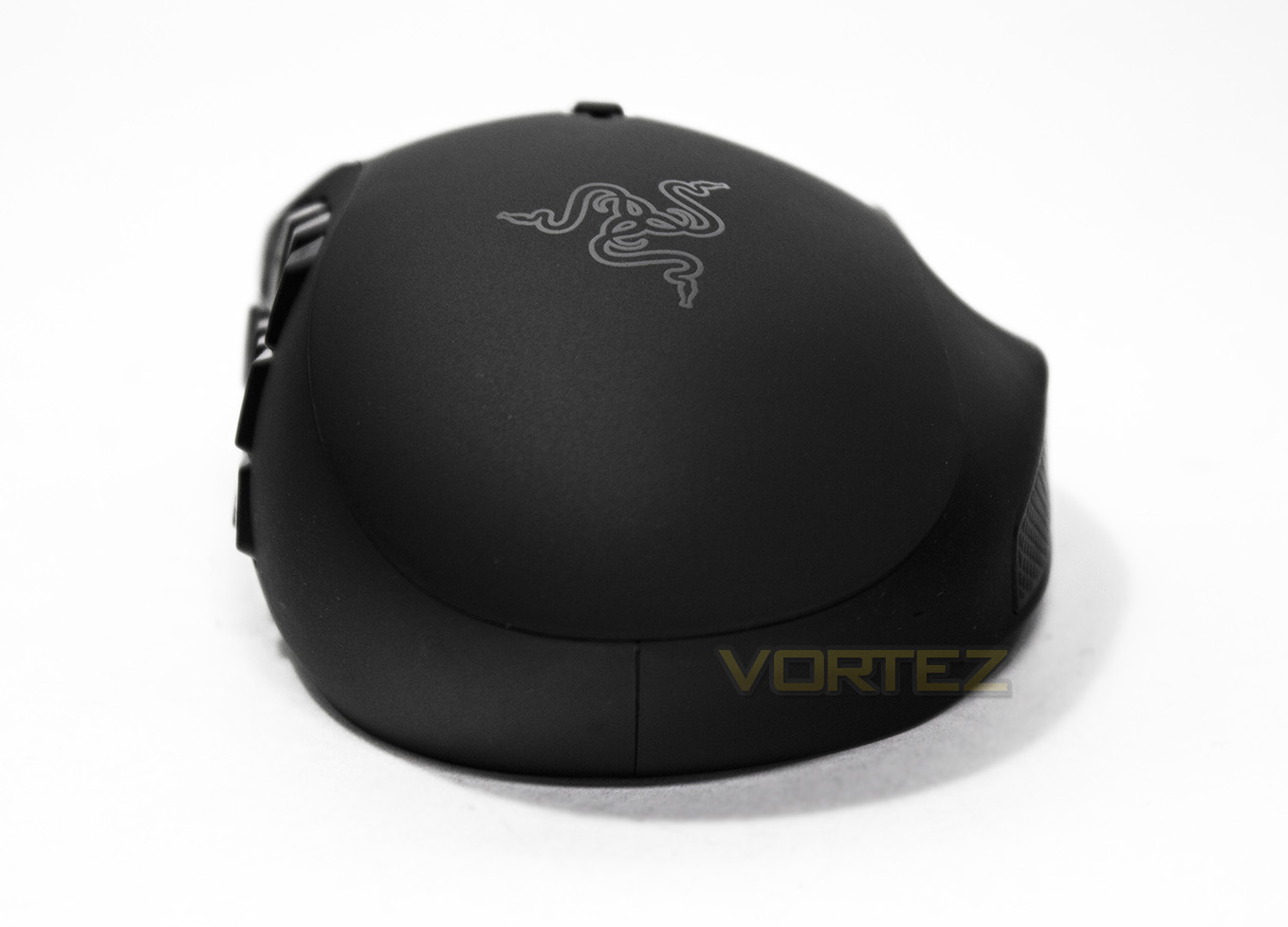
Looking at the Naga from behind you get a better idea of the width, alas there is no lit up logo either.
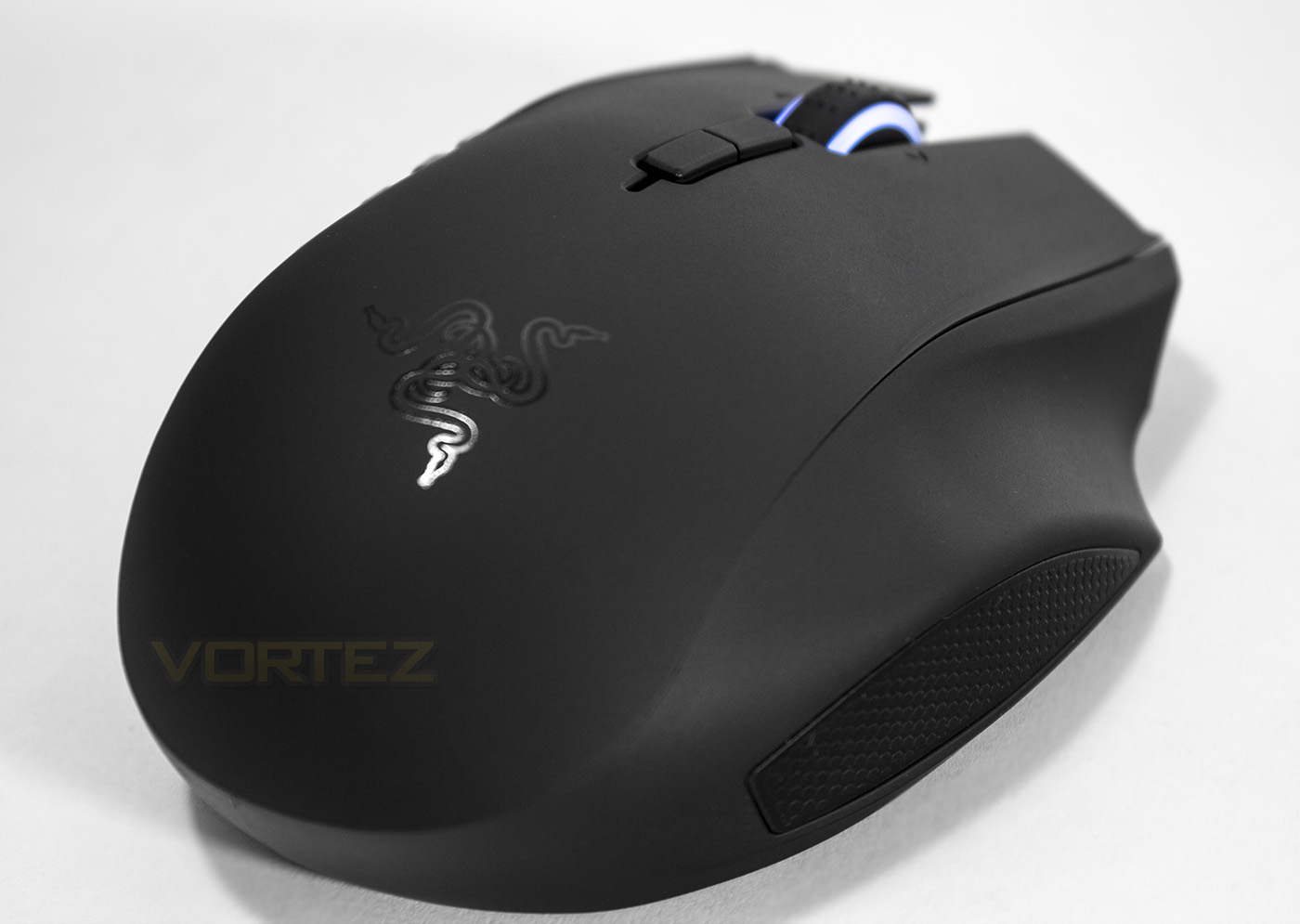
As the Naga is more suited for a palm grip, the ergonomic design also features seating for a third finger which many may enjoy.
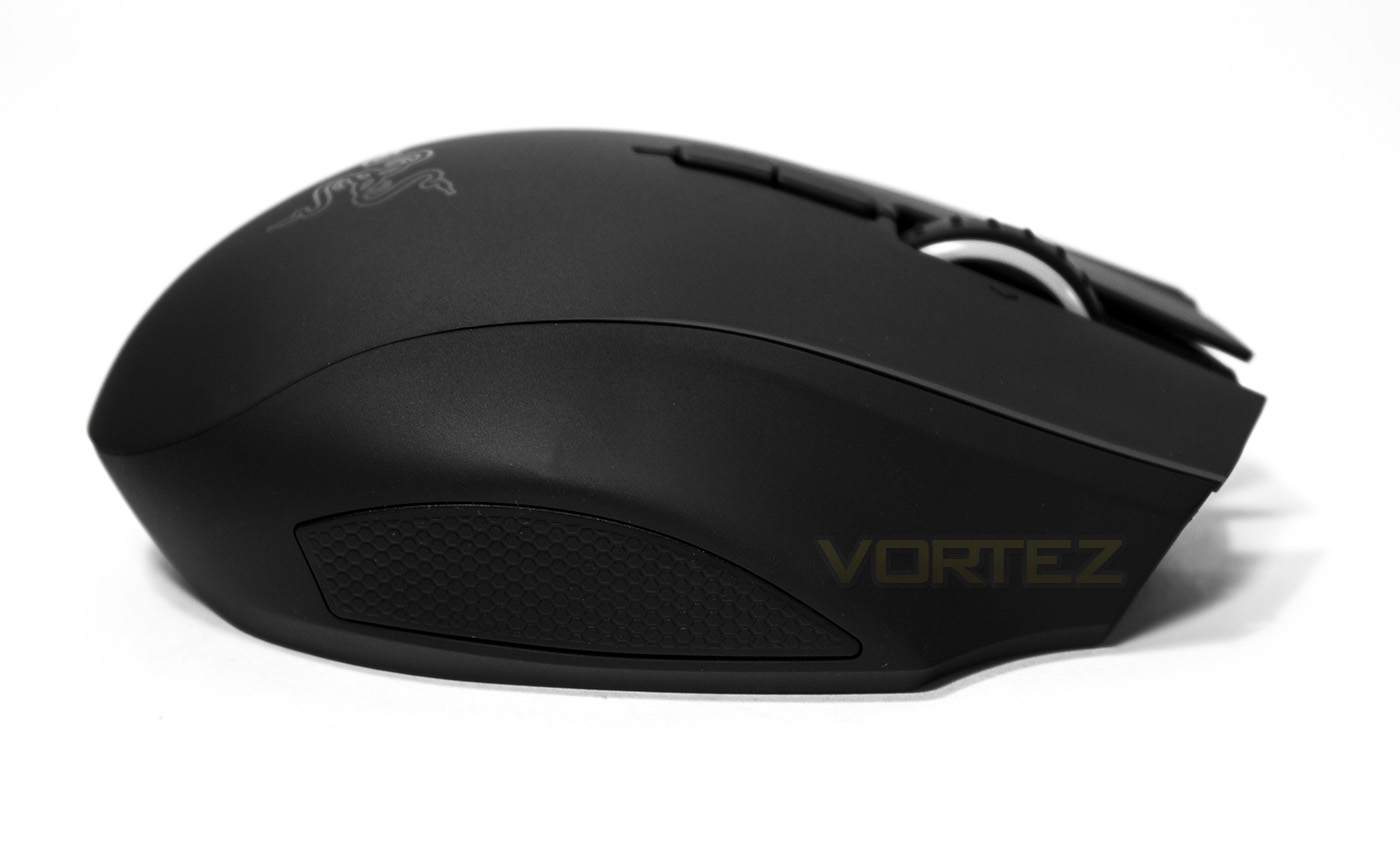
On the offside, there is soft textured rubber to aid with grip and comfort.
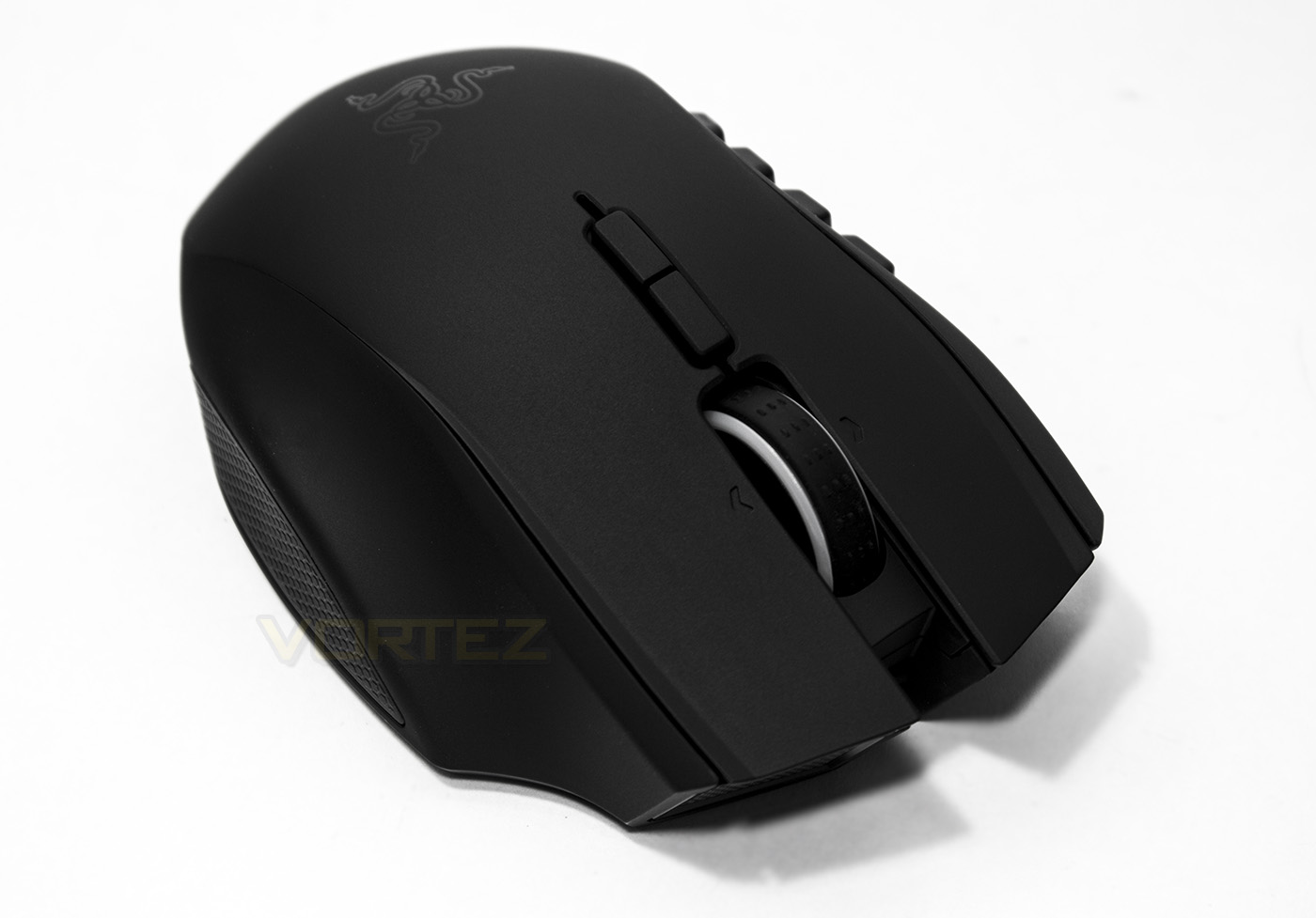
The scroll wheel is sturdy and can also tilt left and right. Behind the scroll wheel, the on-the-fly DPI adjustment buttons reside, these can also be assigned as macros.
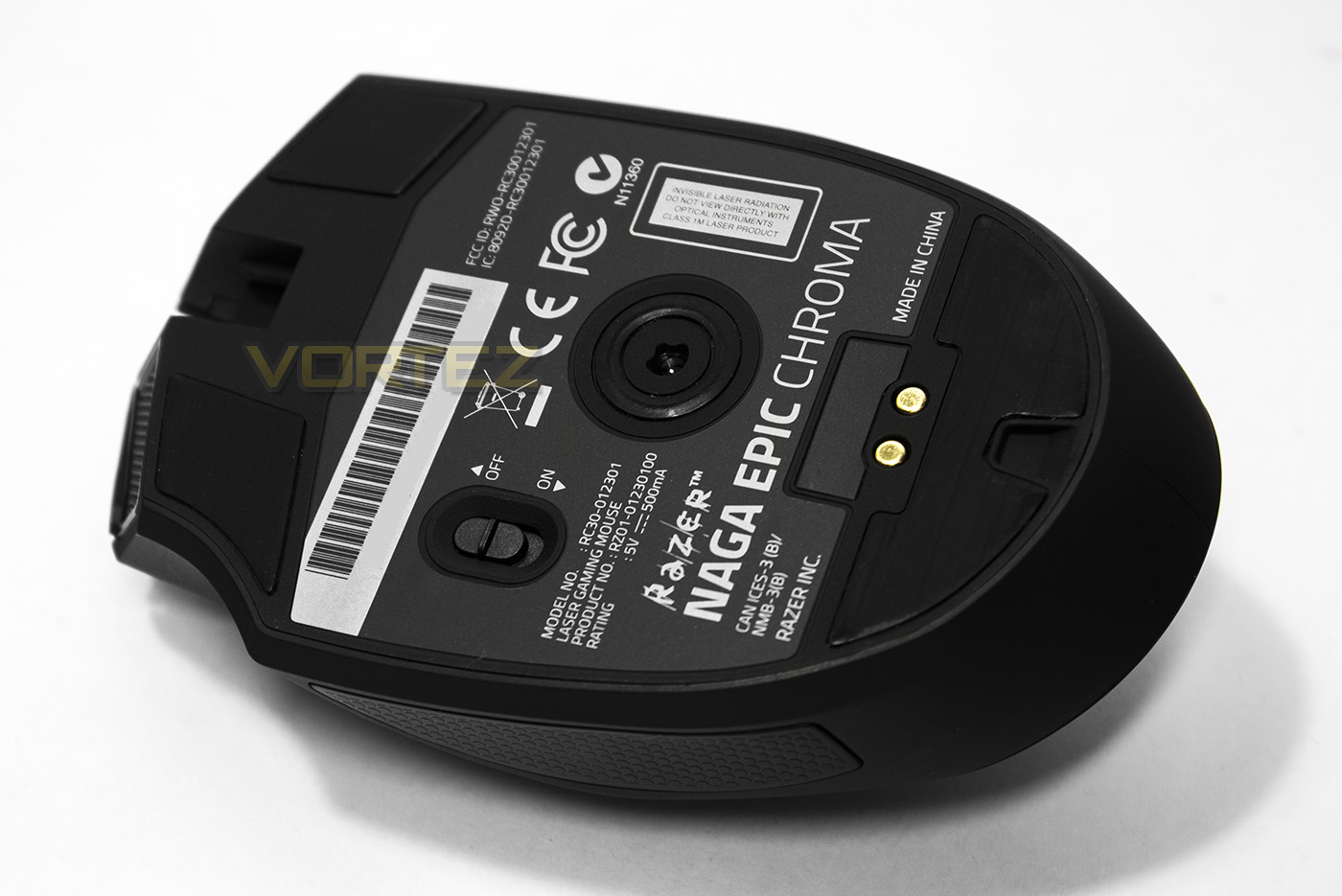
Turning the Naga on its back reveals the wireless on/off switch as well as the ultraslick mouse feet and the sensor.
Software & Lighting
The Razer Synapse software takes a fair bit of time to find> download> install> Sign up> Log in> download specific update for your device> install, but once it is going, it is easy and intuitive to use. The options are each clearly laid out and easy to find and features handy options such as scroll wheel light blinks when battery is low. You can save and sync various profiles with other Razer Synapse devices should you wish too. Since the release of the Naga EPIC Chroma, there has been known issues with the Synapse software particularly with the Naga EPIC Chroma being used wireless and the tracking going a little funny when the battery drops below 77%, I am happy to report that I encountered no such issue from full charge down to around 65% which equates to around most of the day spent gaming.
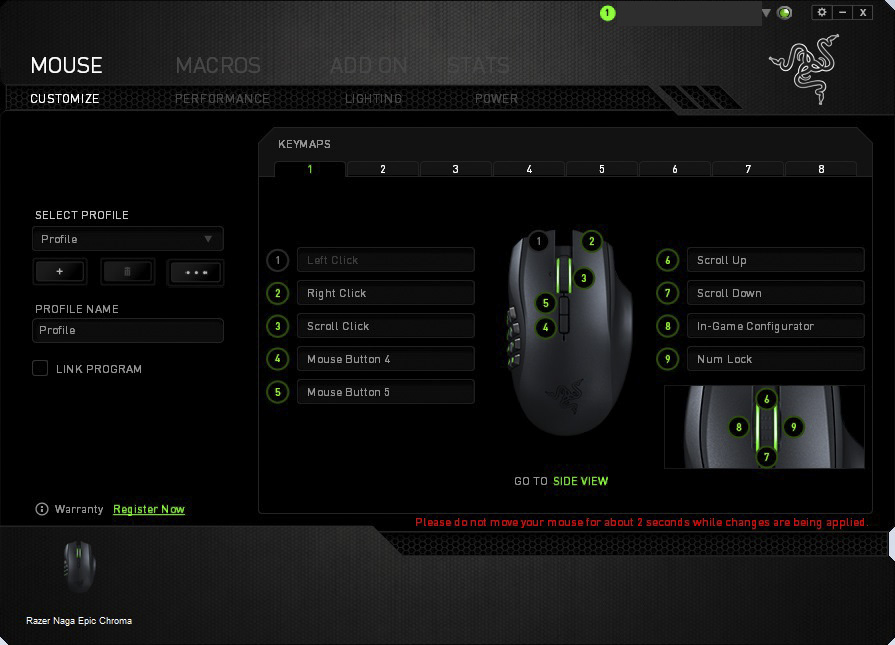
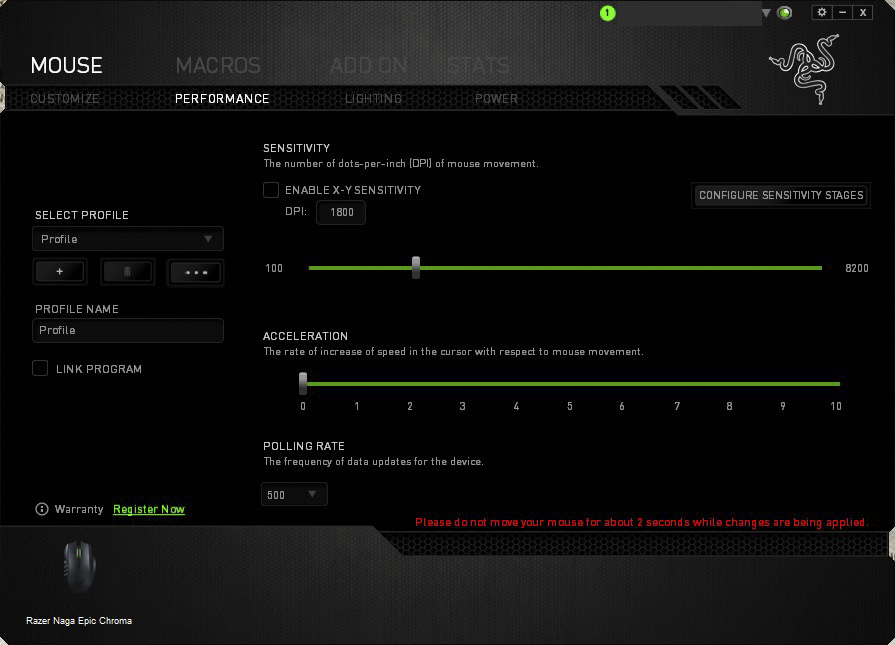
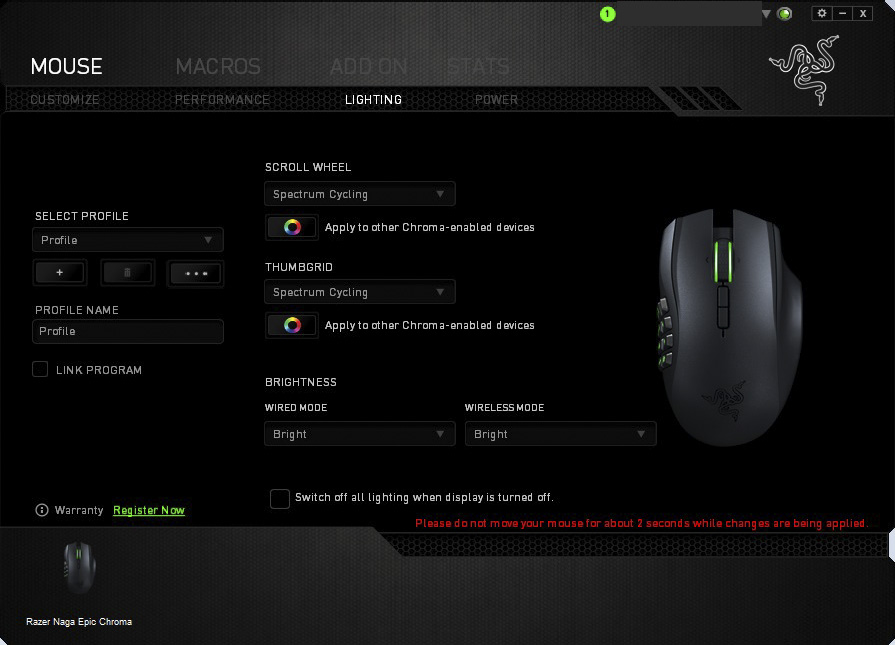
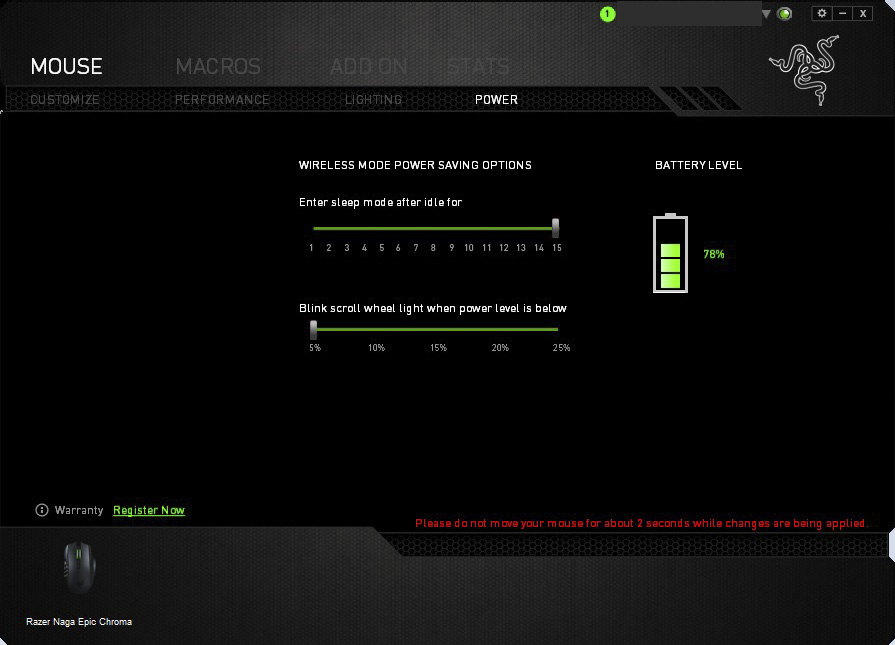
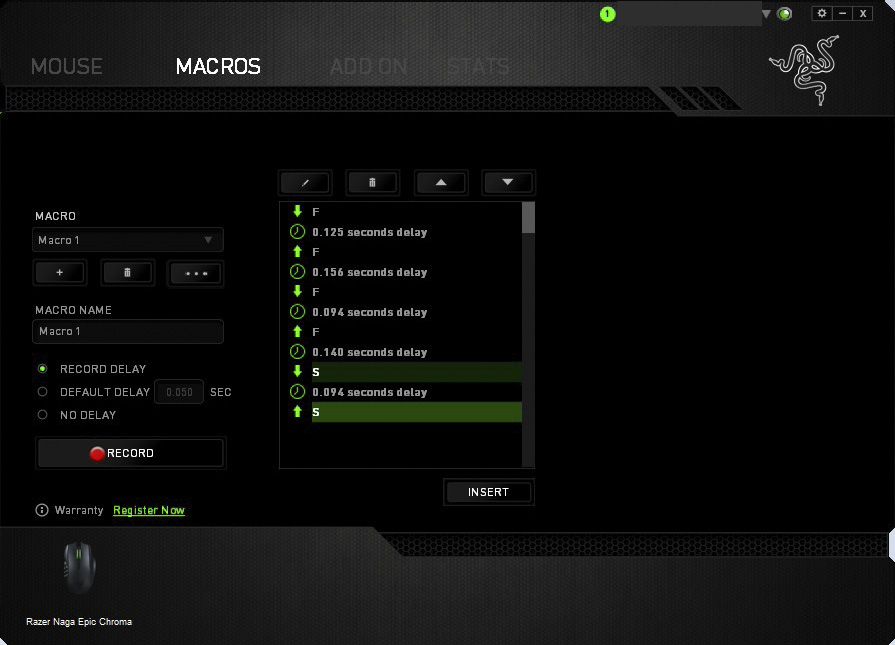
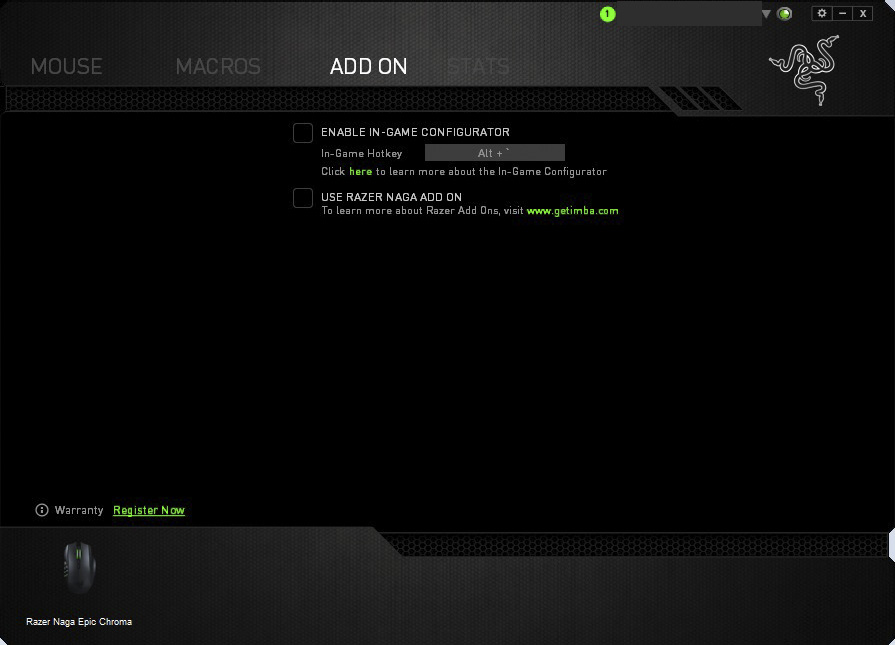
The Lighting doesn’t seem as ‘Out There’ when compared to say the Razer Mamba TE or the Firefly (or even the Blackwidow Chroma*), and takes a more subtle lighting effect with just the buttons and the scroll wheel. It would have been nice to have seen the Razer logo illuminated too, but some may prefer this level of subtle illumination, similar to what was seen with the Kraken 7.1. The Colour locations are divided between the scroll wheel and the side buttons, but I think its a shame that there wasn’t control for the colour of each individual button as this could have been useful for identifying specific buttons, macros and settings you have created for that next level customisation, however the lighting is attractive vivid where it counts.
Performance Testing
Setup, Design & Observations
In the hand the Naga defaults your hand into palm grip and feels comfortable and solid. It is a little heavier than the Mamba TE at 150g, but didn’t feel ‘weighty’. This could be more about being well balanced across the sensor, as we found with the Mamba, this design ethic is actually impressive and may contribute more to precise movement and comfort than what it is credited with. The most impressive thing about using the Naga EPIC Chroma, was actually the layout and feedback of the mechanical buttons. I have various friends who are using the Naga Molten edition and have the pleasure of using them whenever I visit. As a person who prefers a claw grip, I couldn’t quite get used to positioning my thumb higher to make use of the grid of buttons. The buttons are wide, and follow the contour of the mouse making it difficult to reach the top row of buttons with my stubby thumbs. This new layout makes it a breeze, each button surrounds your thumb, making it easy to distinguish where and which button you are pressing. The mechanical buttons are easier to press, requiring less force and the tactile feedback makes sure you are aware that it has indeed been pressed!
The charging/wireless dock didn’t light up, which was a disappointment, but is solid and good quality, as with the flexible braided cable included to be used.
Performance
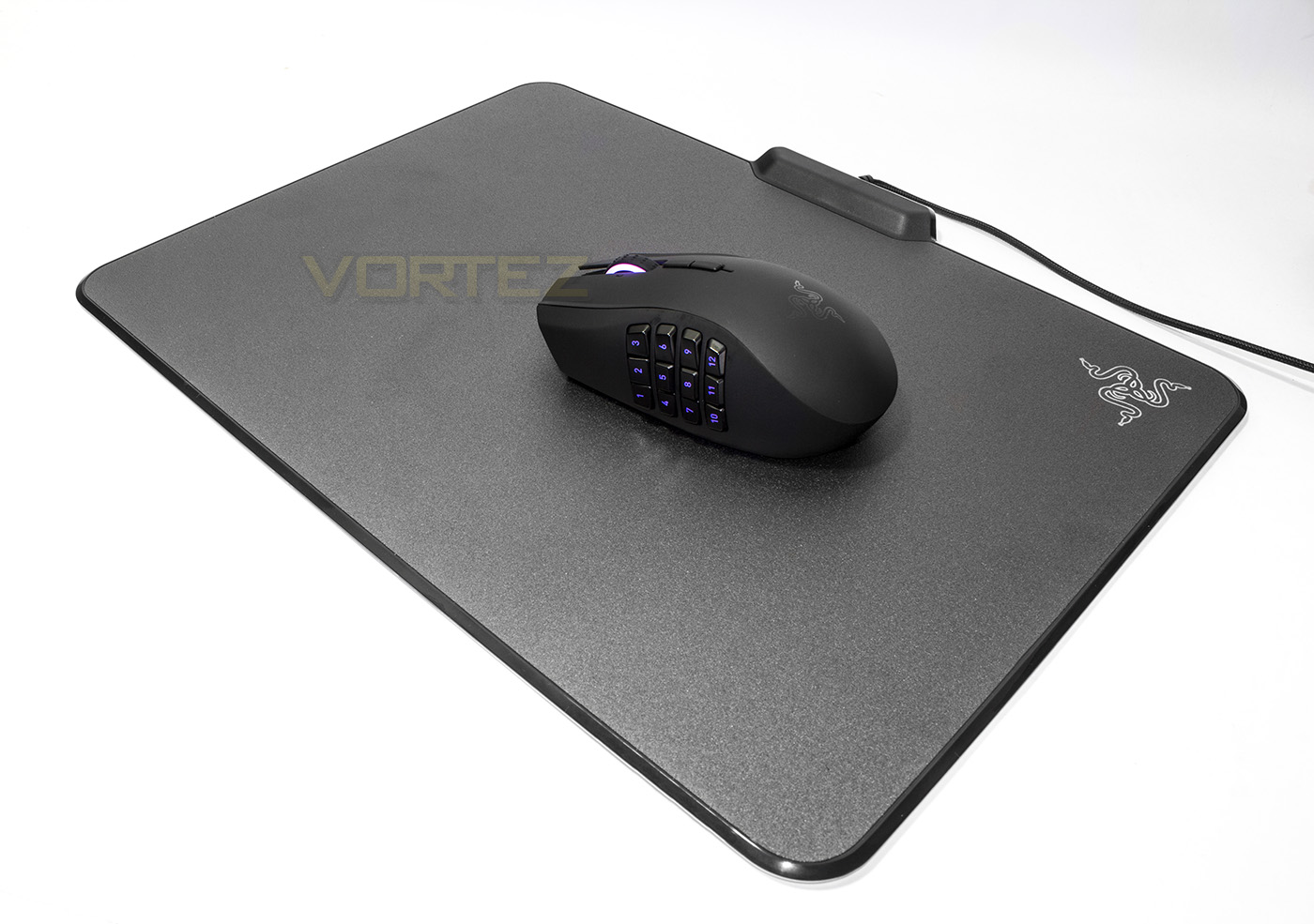
Setting the DPI to the maximum 8200, and testing on various surfaces (white paper, black mouse mat, shiny desktop and coloured card), there were no real tracking issues to report other than getting a little slidy on the printed card when lifting off, but this is an oversight. The sensitivity here may be a little much for most people and if you enjoy low DPI for high accuracy then this can go down as low as 100 DPI. Use in DOTA2 was a breeze though I only utilised 2 buttons on the mouse so it is more suited to MMOs over MOBAs but there is no problem regardless how many of the keys you choose to use and in whatever genre you enjoy. To really get the full benefit of the Naga EPIC Chroma, I jumped on FFXIV to run around and do some griding while checking out the features in the latest patch of the game. Setting the buttons up was easy as you have 3 rows of 4 on the side, making it easy to assign and remember where each ability and action are.
Conclusion
As I have experienced the older Naga, I was interested to see how much the latest iteration will fare. If you naturally prefer a palm grip, the Naga Epic Chroma will certainly feel comfortable and at home in your hand, though the many buttons on the side may be daunting don’t be put off! Though clearly aimed at fans of MMOs, you do not need to be a fan of MMOs yourself to enjoy the Naga EPIC Chroma and the benefits it can provide. If you are looking for a comfortable, good quality mouse suited for a palm grip and allows you to move various functions off keyboard, whether thats in FPSs or MOBAs or any genre, the Naga is capable of providing that escape which you may desire to get that edge in your games.
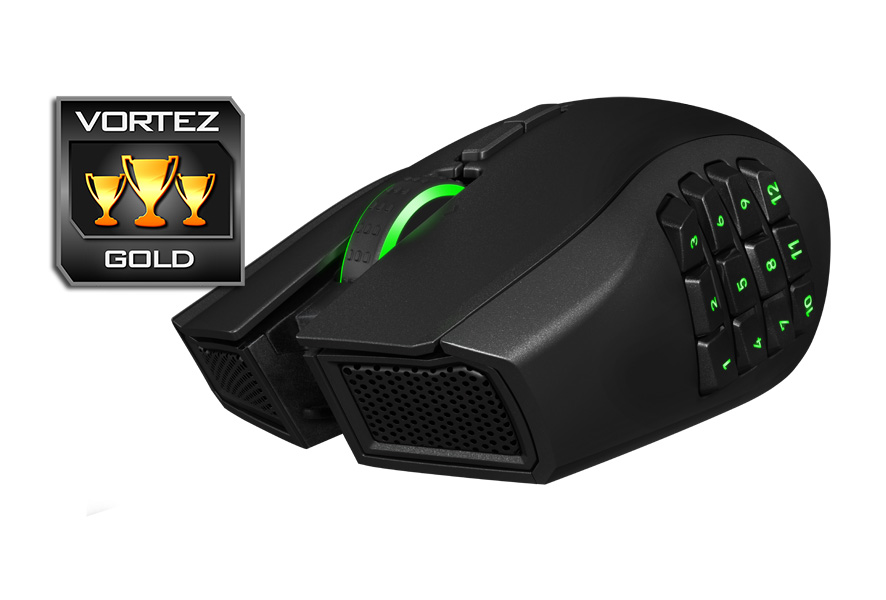
If you are a fan of MMOs, then you will be keen to maximise the features and use all 12 buttons. The button design far exceeded my expectation of how easy they are to use, specifically when compared to the older Naga layout and the mechanical buttons are a joy to use. All this, plus the attractive lighting and the top quality wireless action sets the Naga Epic Chroma in a category of its own. It is a little pricy but not exceedingly so for a top teir wireless mouse. Highly recommended.
Fans of MMOs will love the customisable features of Naga EPIC Chroma, the wireless performance adds that extra touch of freedom and class.
Pros.
+ Comfortable ergonomic shape
+ Well balanced
+ High precision sensor
+ Mechanical buttons
+ Wireless
Cons.
– None
+ Comfortable ergonomic shape
+ Well balanced
+ High precision sensor
+ Mechanical buttons
+ Wireless
Cons.
– None
Click here for an explanation of our awards at Vortez.net.