Designed specifically for MOBAs, it has 7 mechanical side buttons that are arranged in a wheel so they are easy to access without any misclicks.

Product on Review: Razer Naga Hex V2
Manufacturer: Razer
Street Price: UK: £69.99, US: $79.99
The Razer Naga Hex was originally conceived as a pure MOBA mouse that gave instant access to 6 side buttons, and for some it was and still is a valid mouse to be using. Refreshing that MOBA mouse amidst a growing storm of MOBA fans, whether it is DOTA2 or LOL, is a wise decision. So we get the Hex V2. Yes, with seven buttons, Hex… with seven buttons. Aside from maybe the initial numerical reference, maybe they could argue that Hex now refers to a commmon ability found within MOBAs?
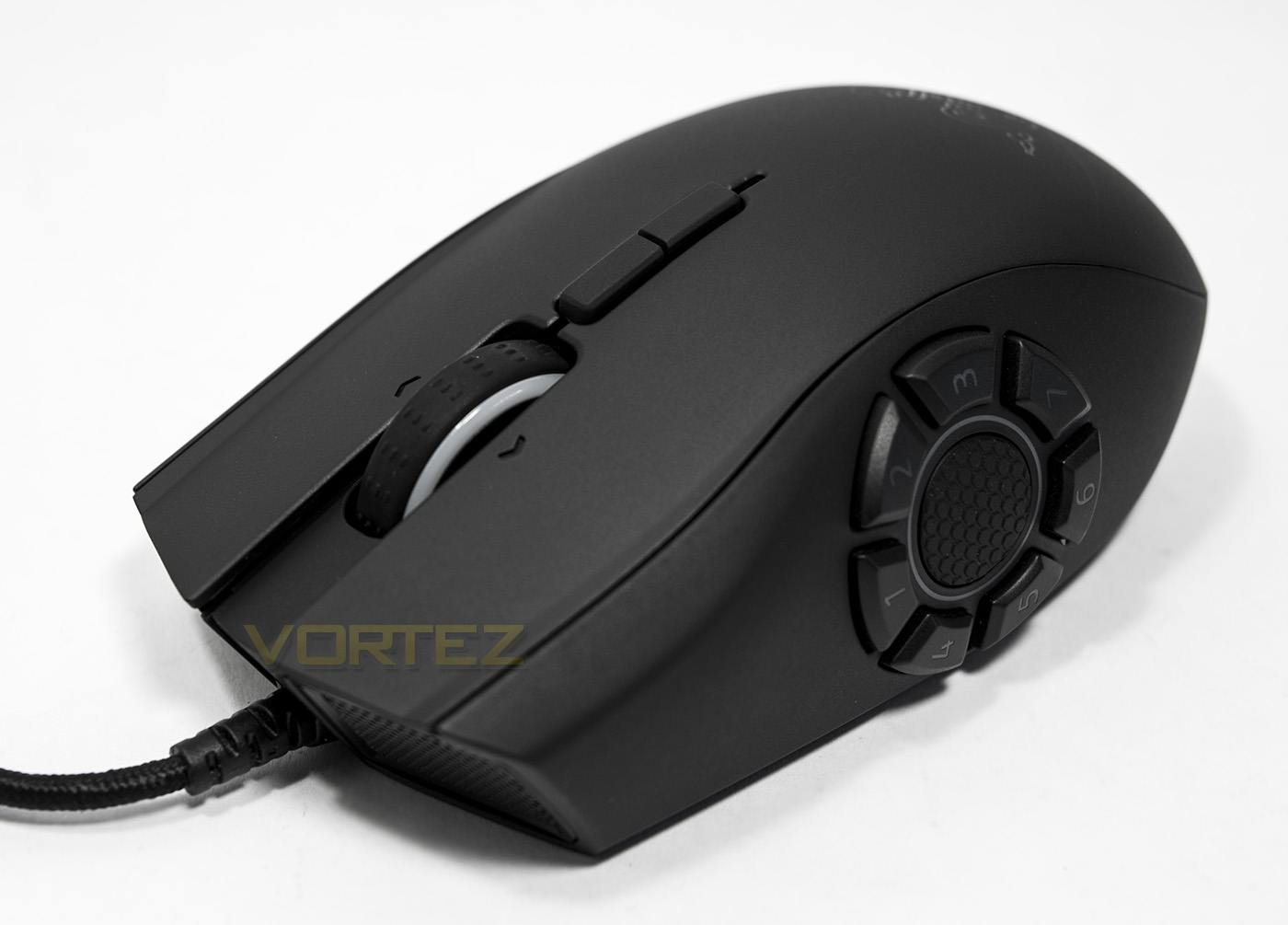
The 7 mechanical buttons form a complete ring around the thumb resting point with a soft rubber grip at its centre. The Hex V2 brings in other modern revisions that are contemporary with other Razer mice, including the lush textured surface that provides good grip and is far more pleasing to touch than the cringe worthy slippery-velvet rubber coating (maybe it is only me that doesn’t like this?) that is still unfortunately found on many gaming products. Razer have updated the sensor too, using the true 16,000 DPI 5G laser sensor as found on the Razer Mamba TE and the Naga Chroma, both of which were awesome. Of course, it wouldn’t be a new Razer product without Chroma lighting. Though it would appear that people are getting the point now and Razer didn’t feel the need to name it the ‘Razer Naga Hex V2 Chroma’, which would be quite the mouthful.
Overview by Razer
Created specifically for MOBA gamers, the Razer Naga Hex V2 comes with a 7 button mechanical thumb wheel, positioned in a way that ensures you never misclick. The thumb wheel was designed to position buttons equidistant from the thumb, all of which are programmable, giving quick access to multiple commands. At the center of the thumb wheel is a rubberized thumb grip, which provides a solid grip on the mouse, which is essential for the fast twitch movements needed in MOBA games.
Technical Specifications
– 7 button mechanical thumb wheel
– Total of 14 MOBA optimized programmable buttons
– Rubberized thumb grip
– True 16,000 DPI 5G laser sensor
– Tilt click scroll wheel
– Razer Chroma™ lighting with 16.8 million customizable color options
– Inter-device color synchronization
– Up to 210 inches per second / 50 G acceleration
– 1000 Hz Ultrapolling / 1 ms response time
– Razer Synapse enabled
– Zero-acoustic Ultraslick mouse feet
– 2.1 m / 7 ft braided fiber USB cable
– Approximate size : 119 mm / 4.68 in (Length) x 75 mm / 2.95 in (Width) x 43 mm / 1.69 in (Height)
– Approximate weight: 135 g / 0.30 lbs with cable
– Total of 14 MOBA optimized programmable buttons
– Rubberized thumb grip
– True 16,000 DPI 5G laser sensor
– Tilt click scroll wheel
– Razer Chroma™ lighting with 16.8 million customizable color options
– Inter-device color synchronization
– Up to 210 inches per second / 50 G acceleration
– 1000 Hz Ultrapolling / 1 ms response time
– Razer Synapse enabled
– Zero-acoustic Ultraslick mouse feet
– 2.1 m / 7 ft braided fiber USB cable
– Approximate size : 119 mm / 4.68 in (Length) x 75 mm / 2.95 in (Width) x 43 mm / 1.69 in (Height)
– Approximate weight: 135 g / 0.30 lbs with cable
Packaging & First Look
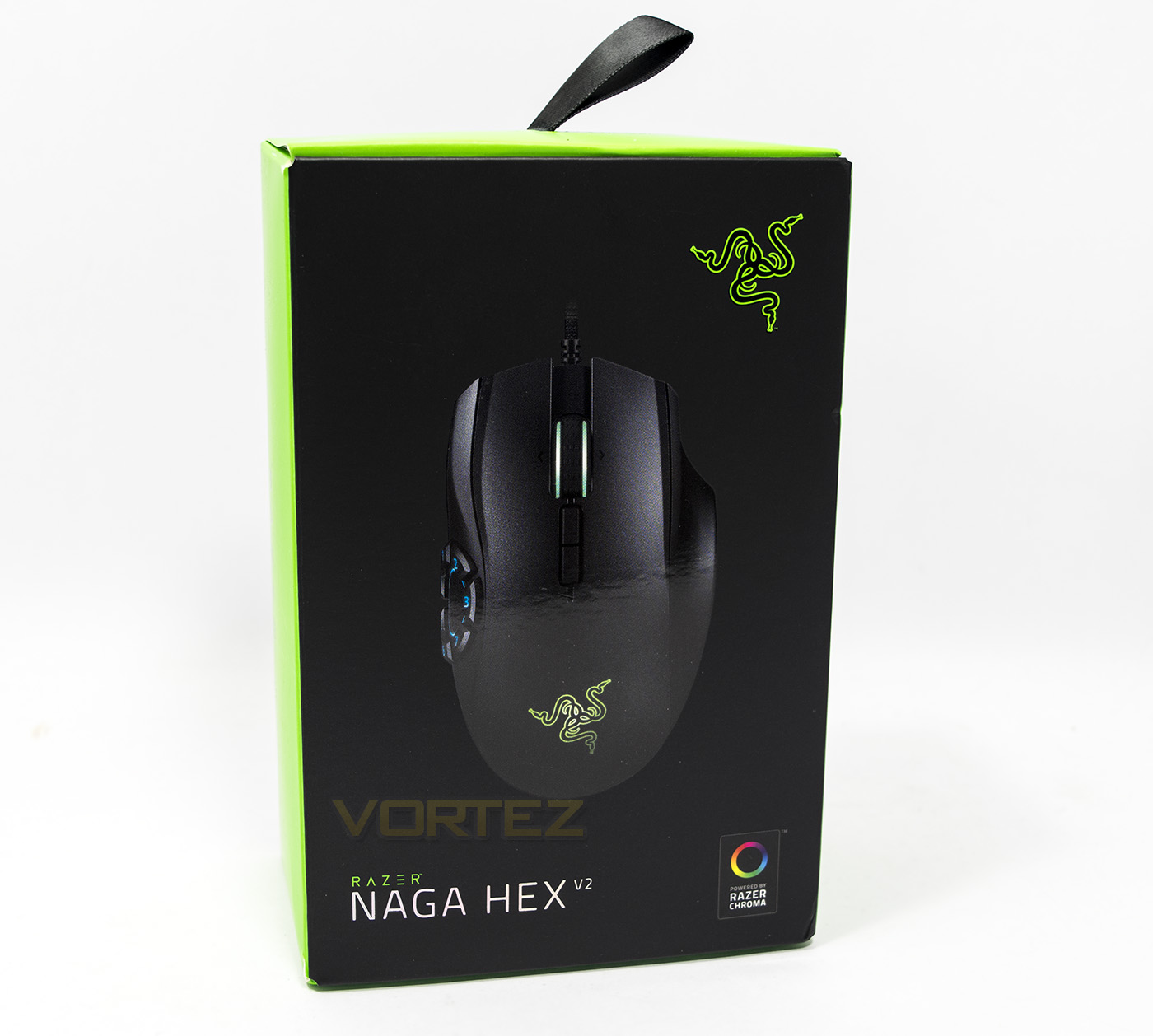
The packaging is sleek, even with minimalistic branding you can tell a mile away it is a Razer product. The opening of the box is held closed by velcro.
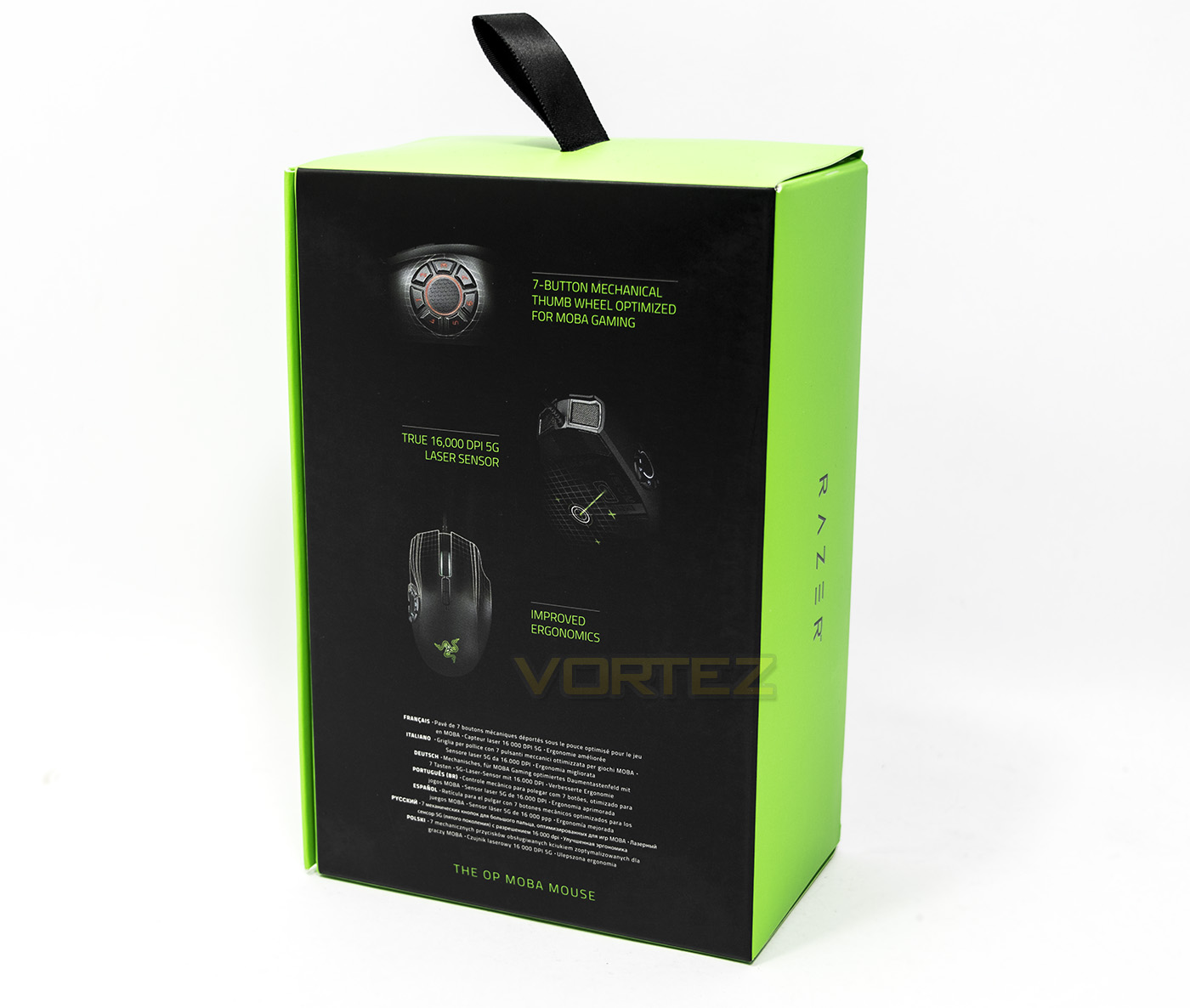
The reverse side of the packaging show off the latest changes to the Naga Hex V2, including the ergonomic shape change. There is also a list of specifications in different languages.
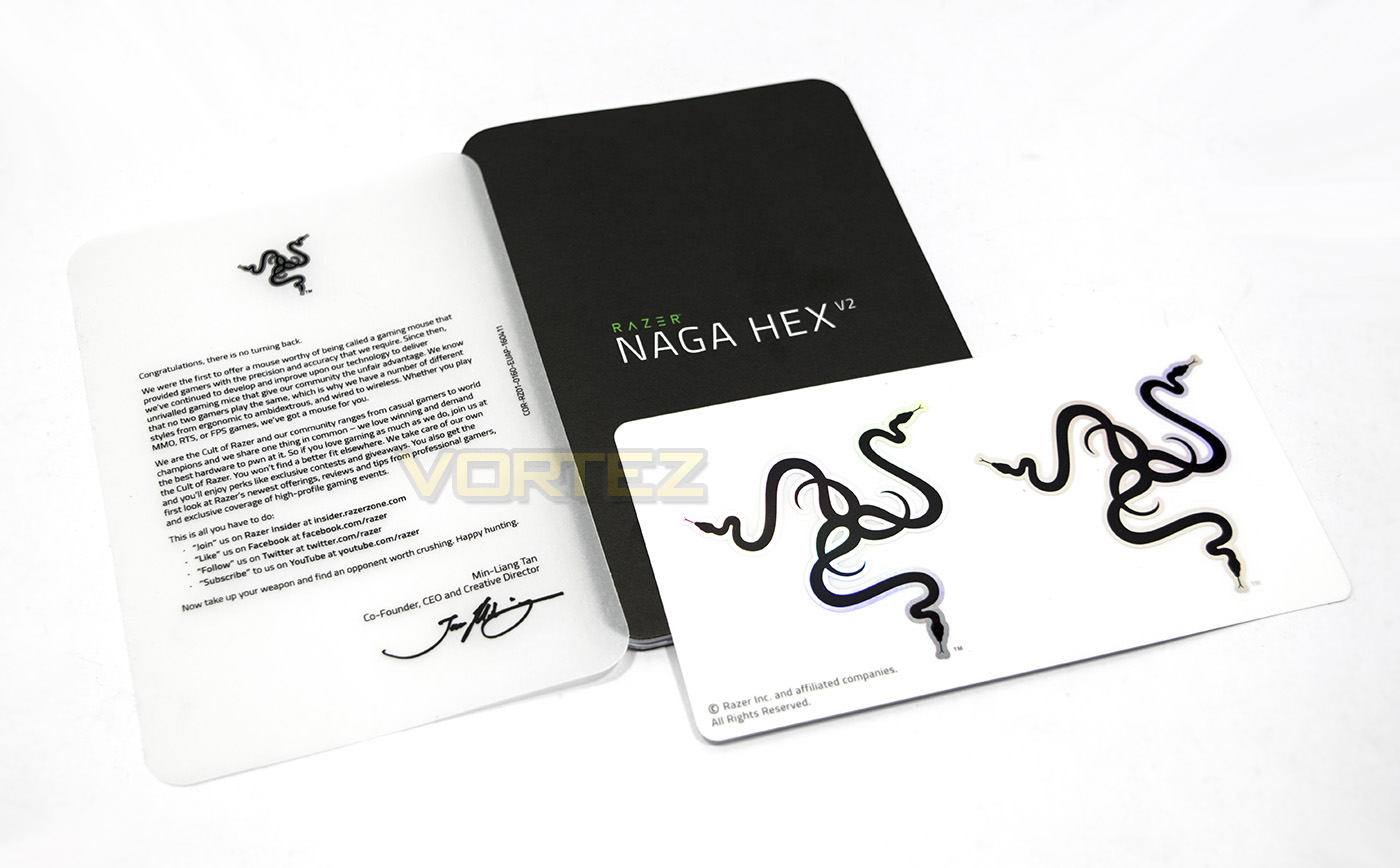
Inside the box we get some Razer indoctrination, a manual and some lovely Razer stickers.
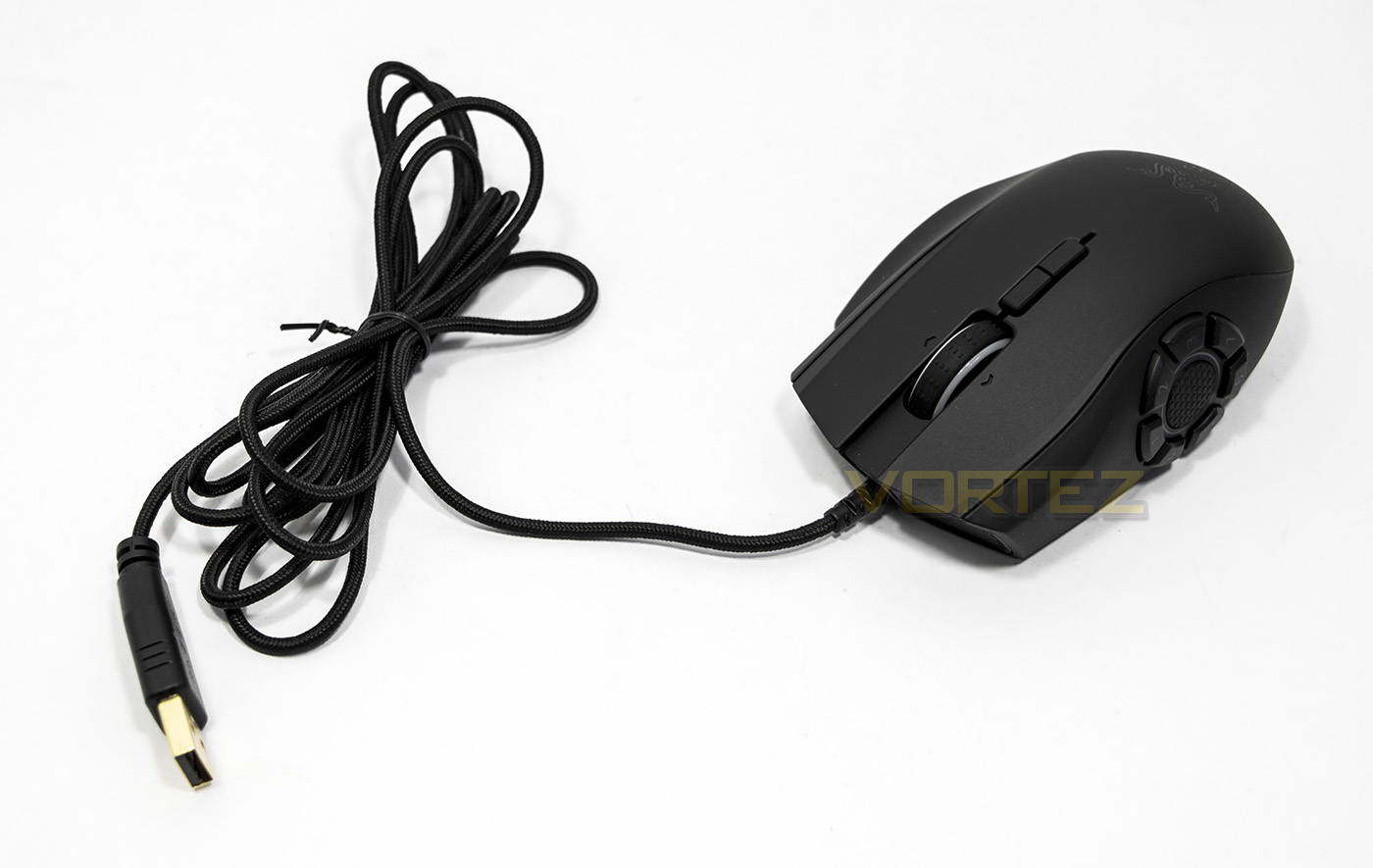
The Razer Hex V2 features a long 2.1m braided cable and a gold plated USB connector.
Closer Look
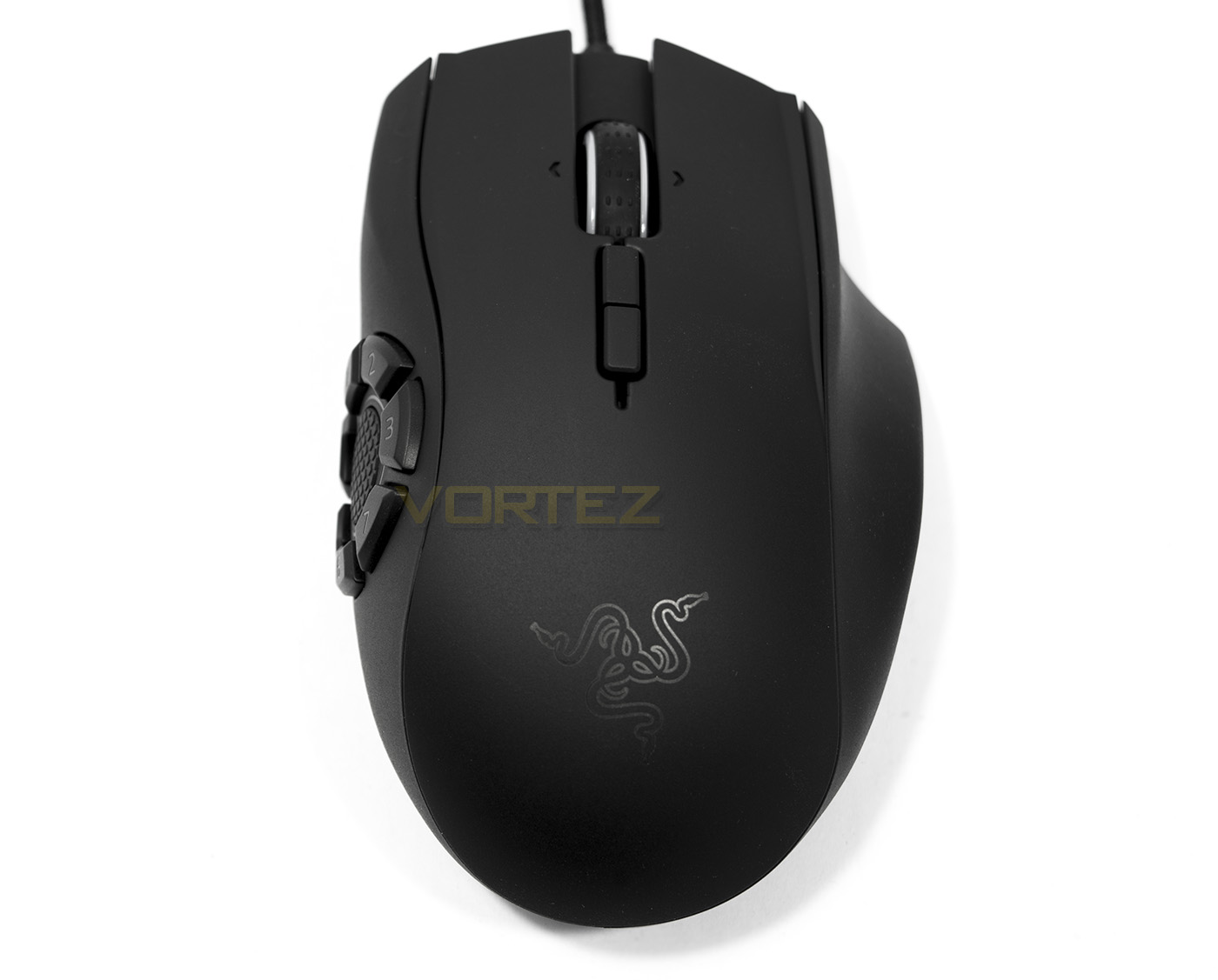
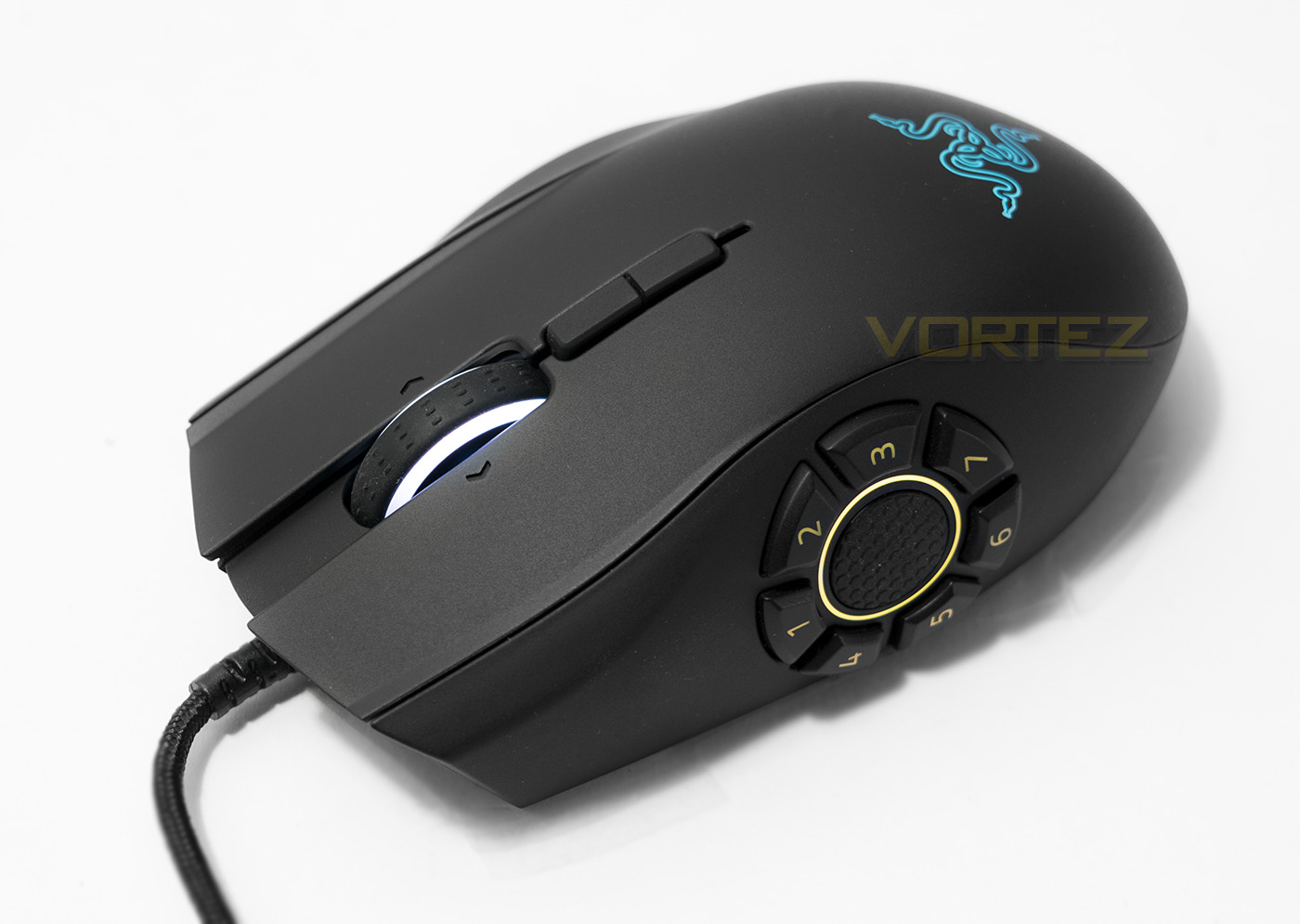
The Naga Hex V2 shares much with the Naga Chroma, including the tilt-scroll wheel and the ergonomics.
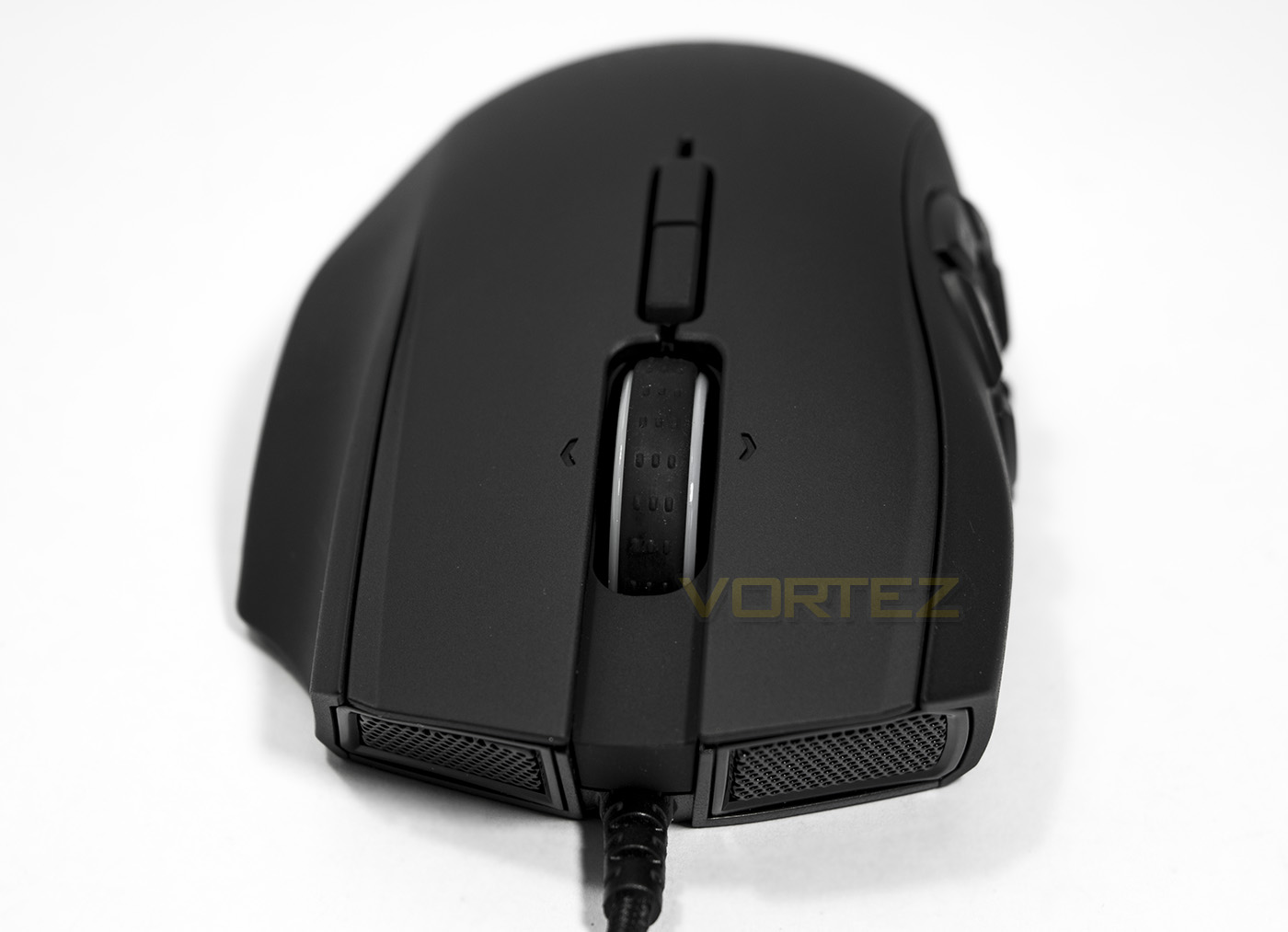
The front end of the Naga Hex V2 shows off that nice grille and the large, rubber coated mouse wheel.
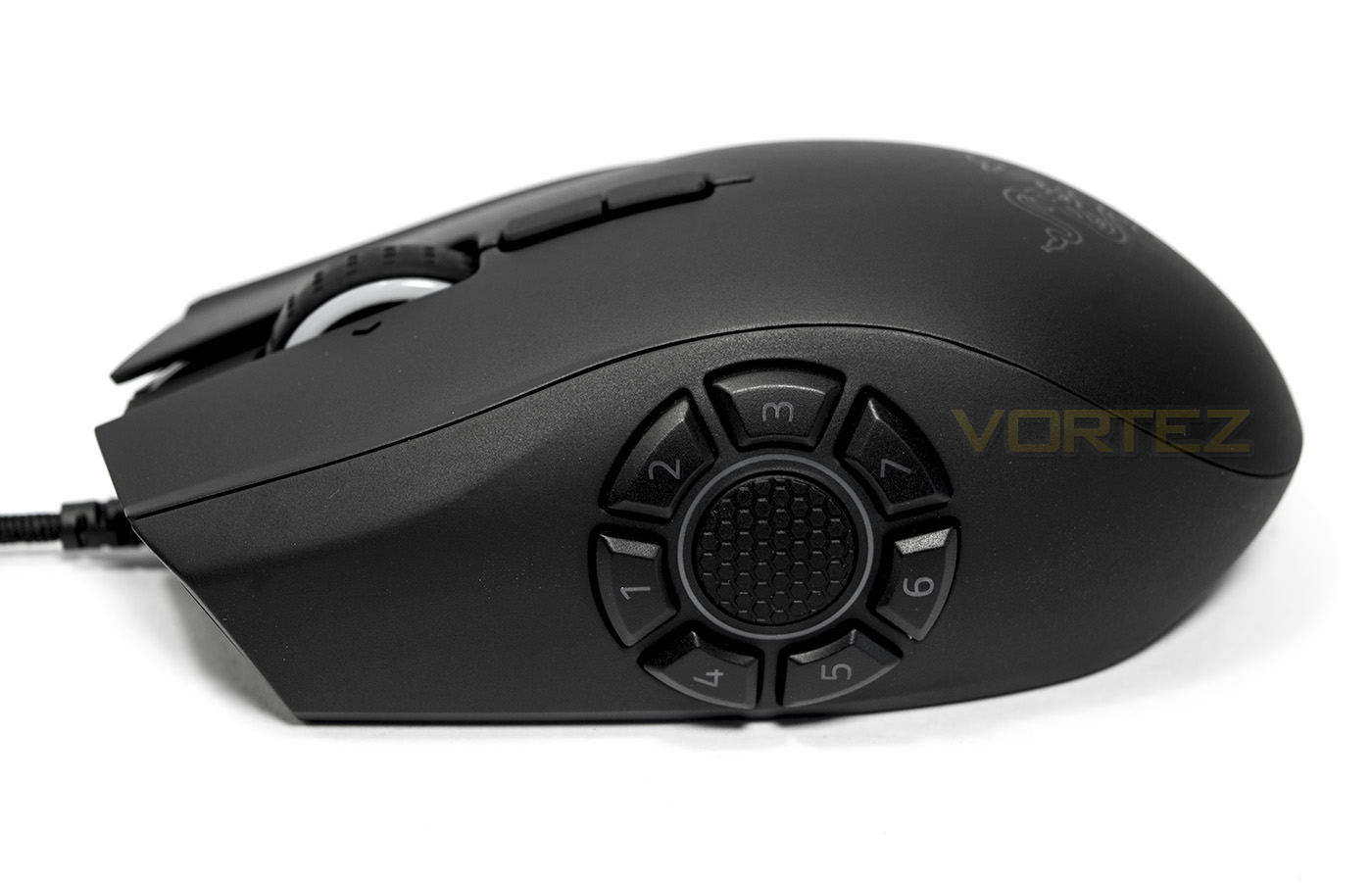
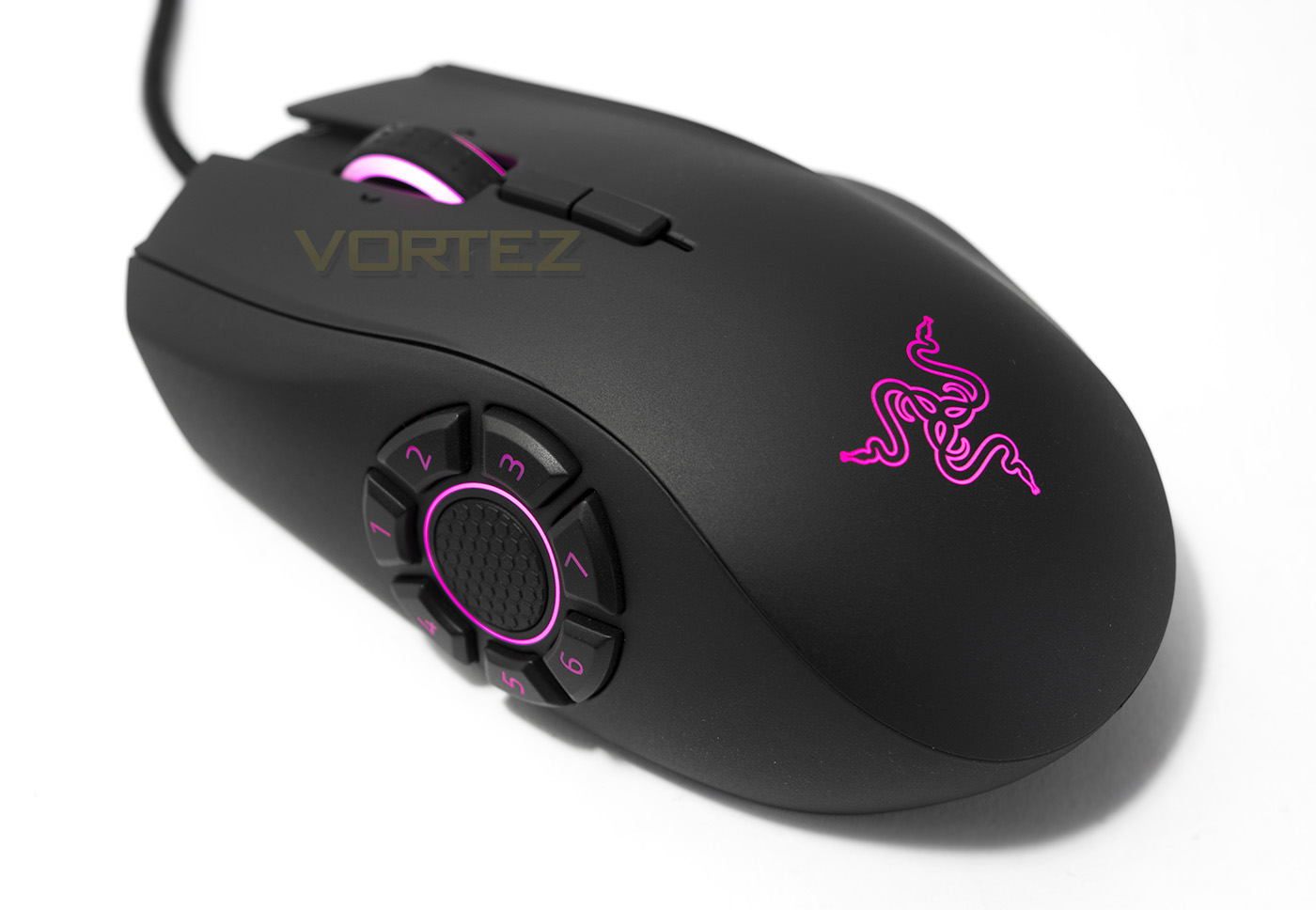
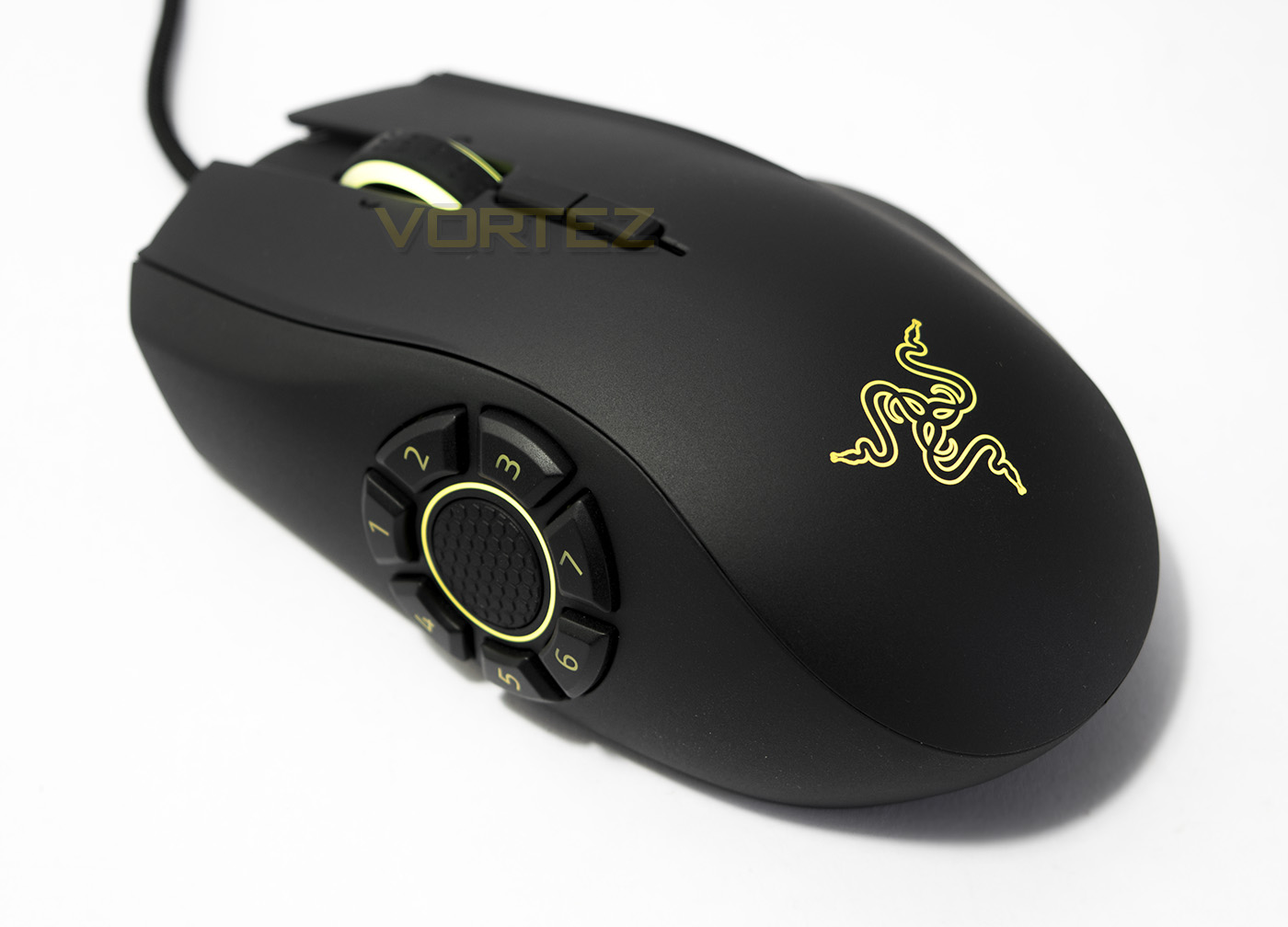
This is the business end of things with the Naga Hex V2, 7 buttons equidistant from a central thumb rest position. They are arranged in a way that could be described as a heptagon (50p coin), pointing up.
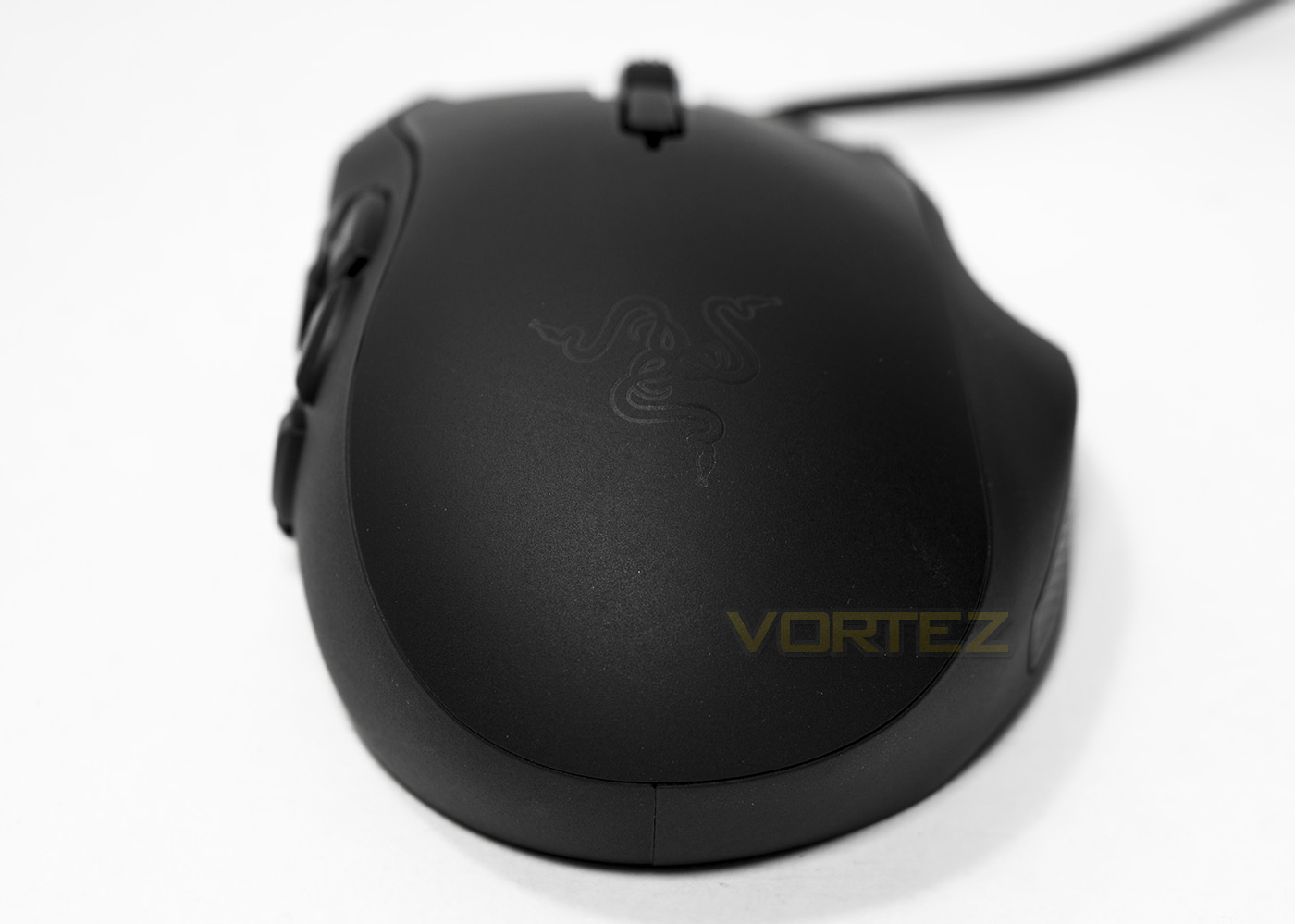
The rear side is similar with the Naga Chroma, in that it has a slightly lifted rear and this is where we find that Razer logo.
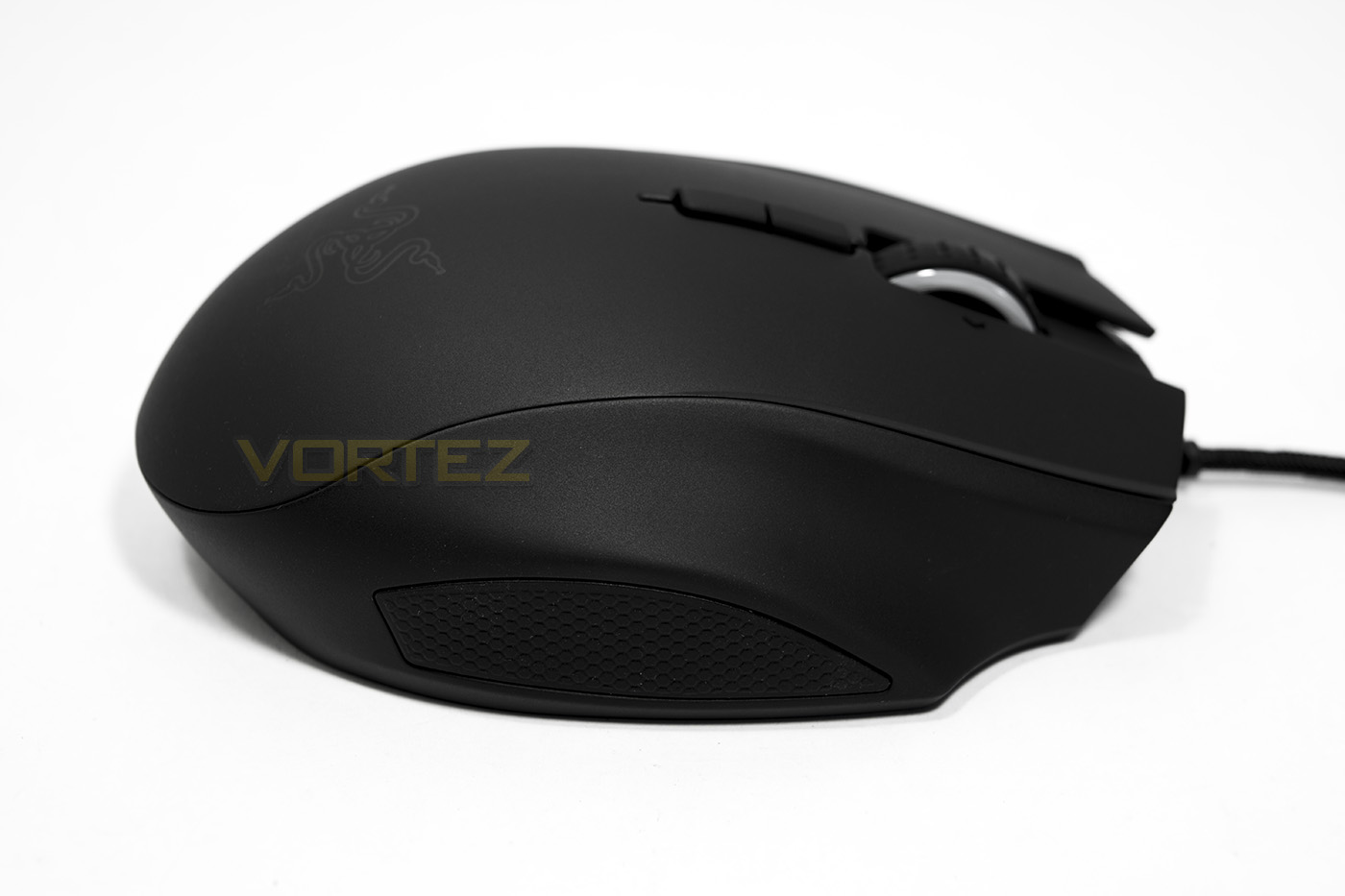
The right hand side has a small rubber grip and an extra space for your third finger to rest.
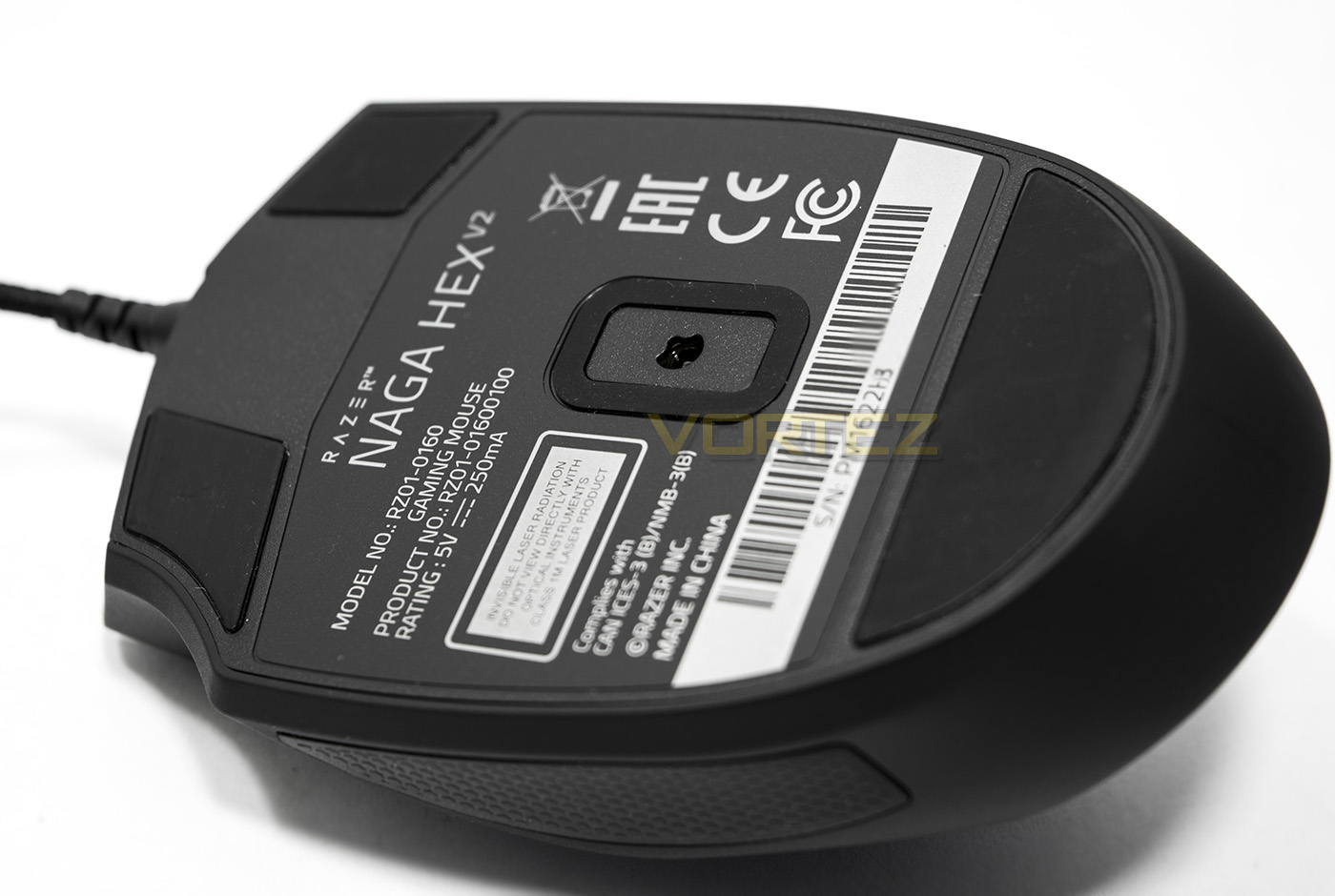
The sensor is positioned central to the mouse buttons, though looks off-centre due to the ergonomic shape. Razer have done a great job of making this point around the centre of mass also.
Software & Lighting
Razer Synapse is a love or hate affair with some people, though, as it stands it is arguably the industry leading unified software driver out there. It is a chore to have to download, sign-up/sign-in download and install the software update for your device, but then, you are granted with a sleek UI that is easy to understand and easy to navigate. You can save your personal customisations that can be stored and shared via a cloud service, or if you wish you can view the heatmap of your previous gaming session. Some would argue for Corsair’s CUE software, especially considering its more technical aspects, as well as touting various other key-stroke recording functions not found in Synapse, but then, you sacrifice the
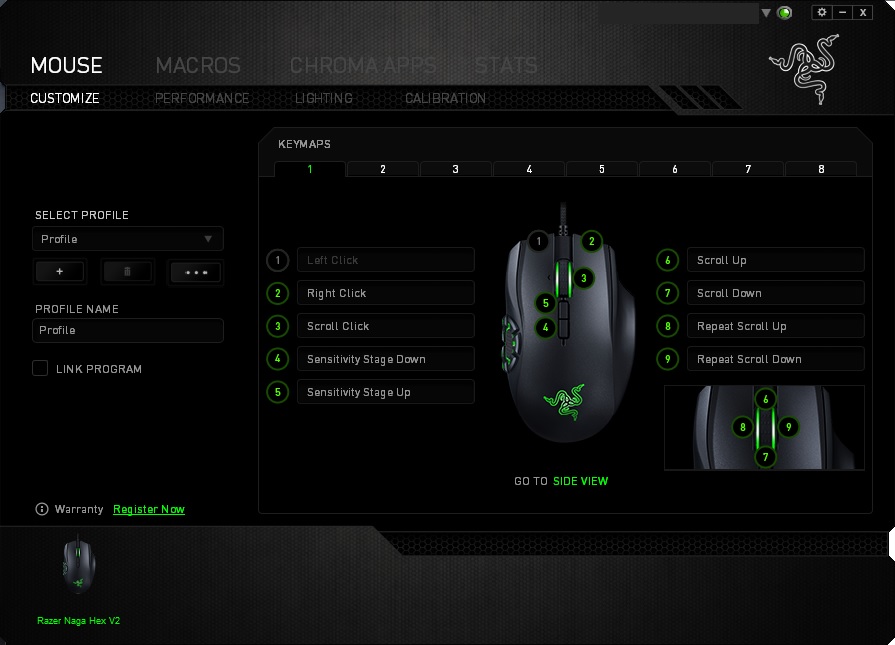
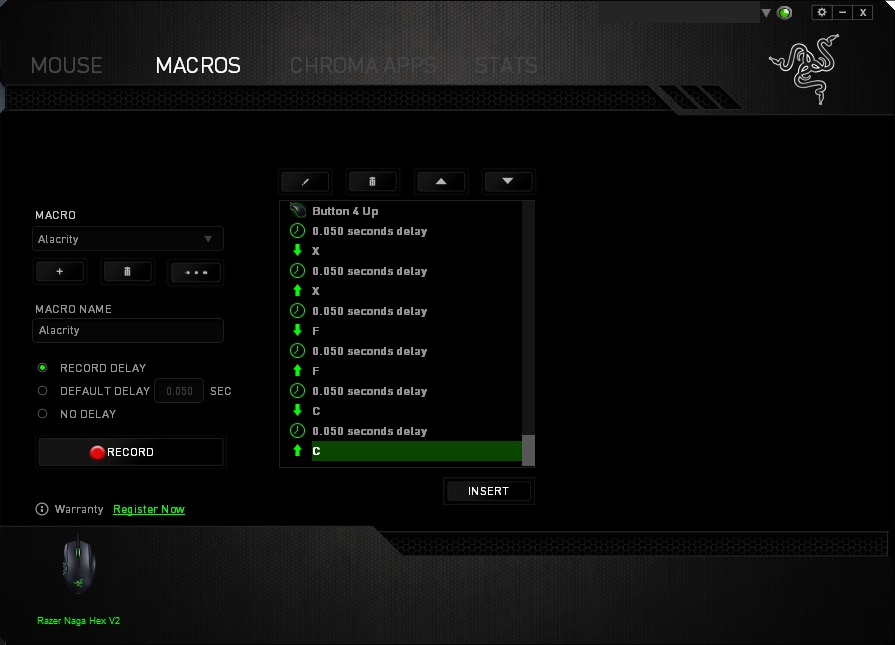
The Naga Hex V2 has 14 fully programmable buttons to which each you can assign a macro. The macro recorder within Synapse is smooth, powerful and easy to record and edit any keystrokes you desire including any action taken using the mouse buttons. There is also a surface calibration function as well as an adjustable lift-off-distance.
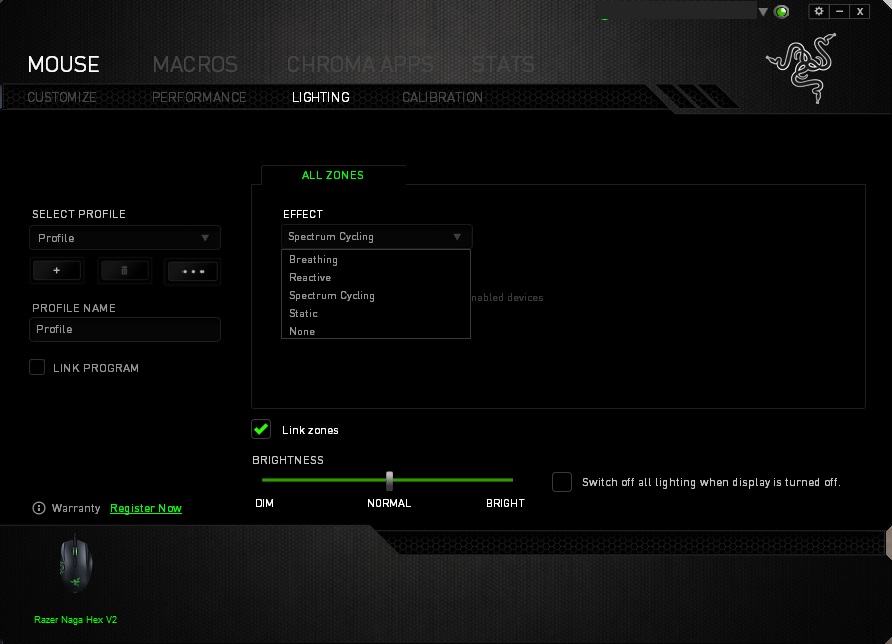
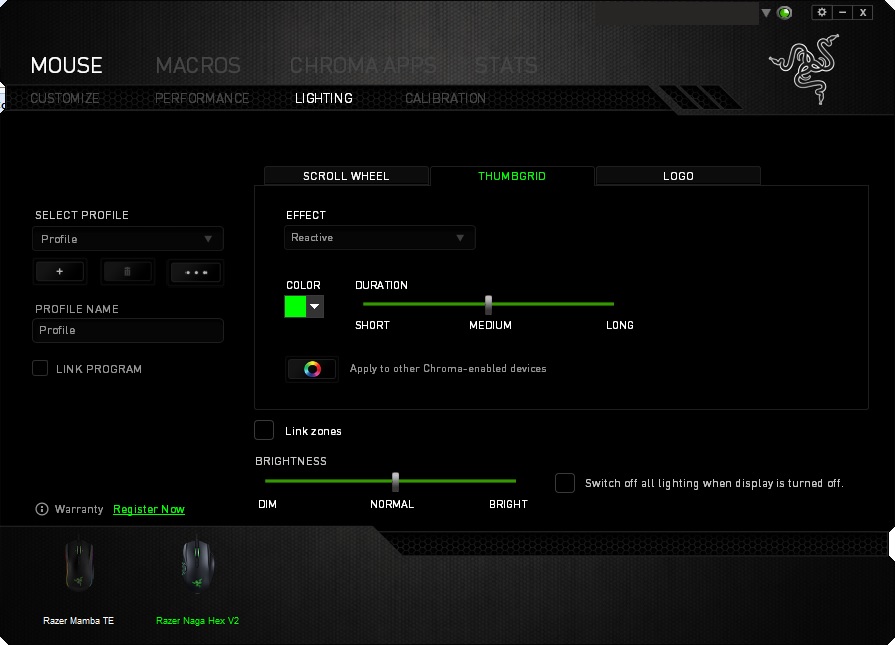
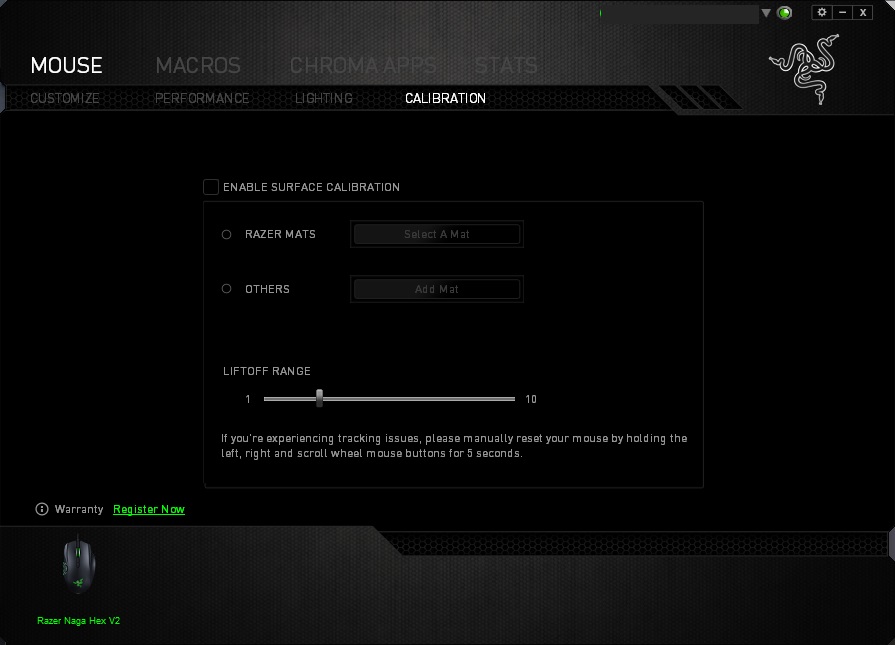
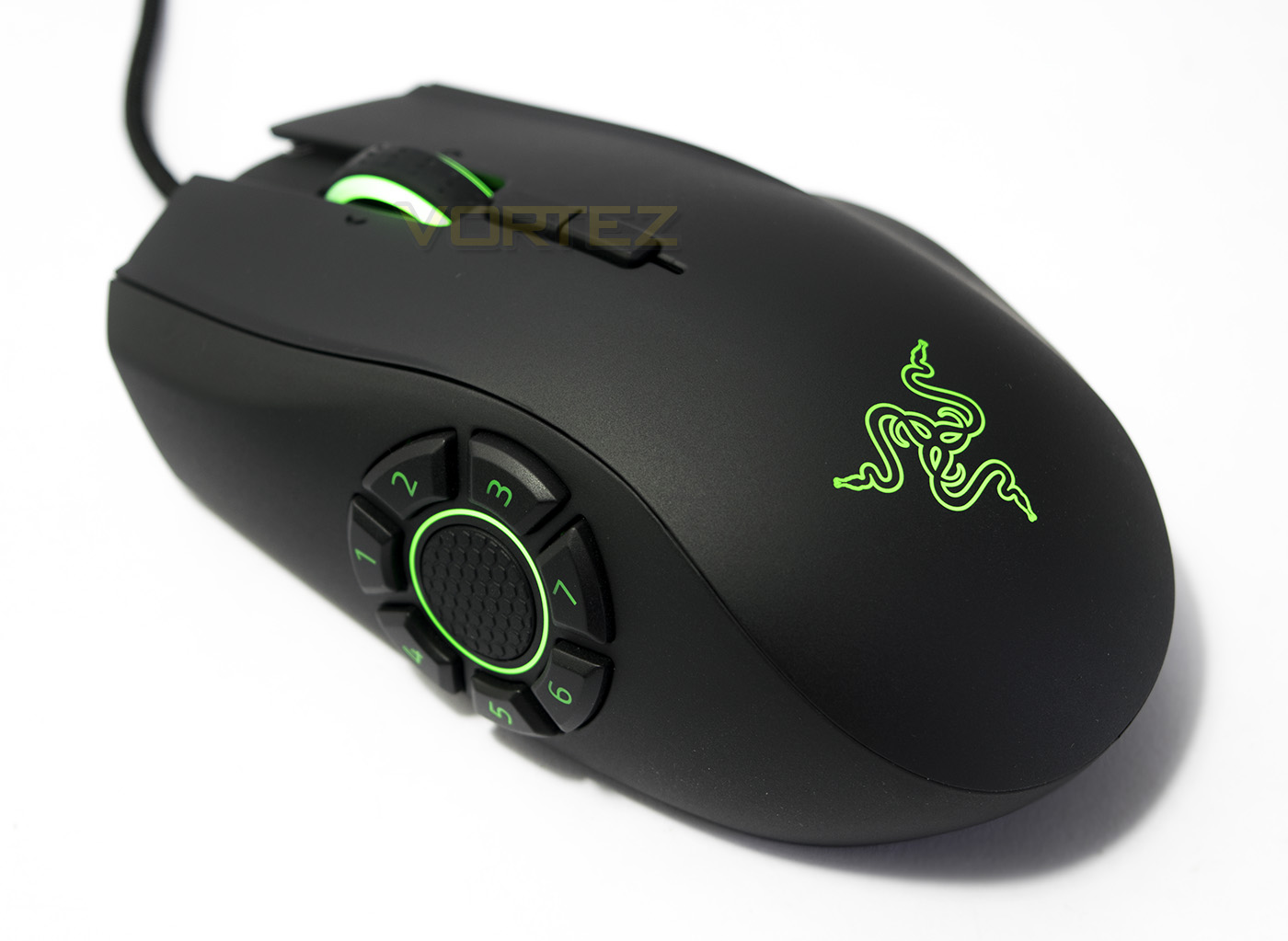
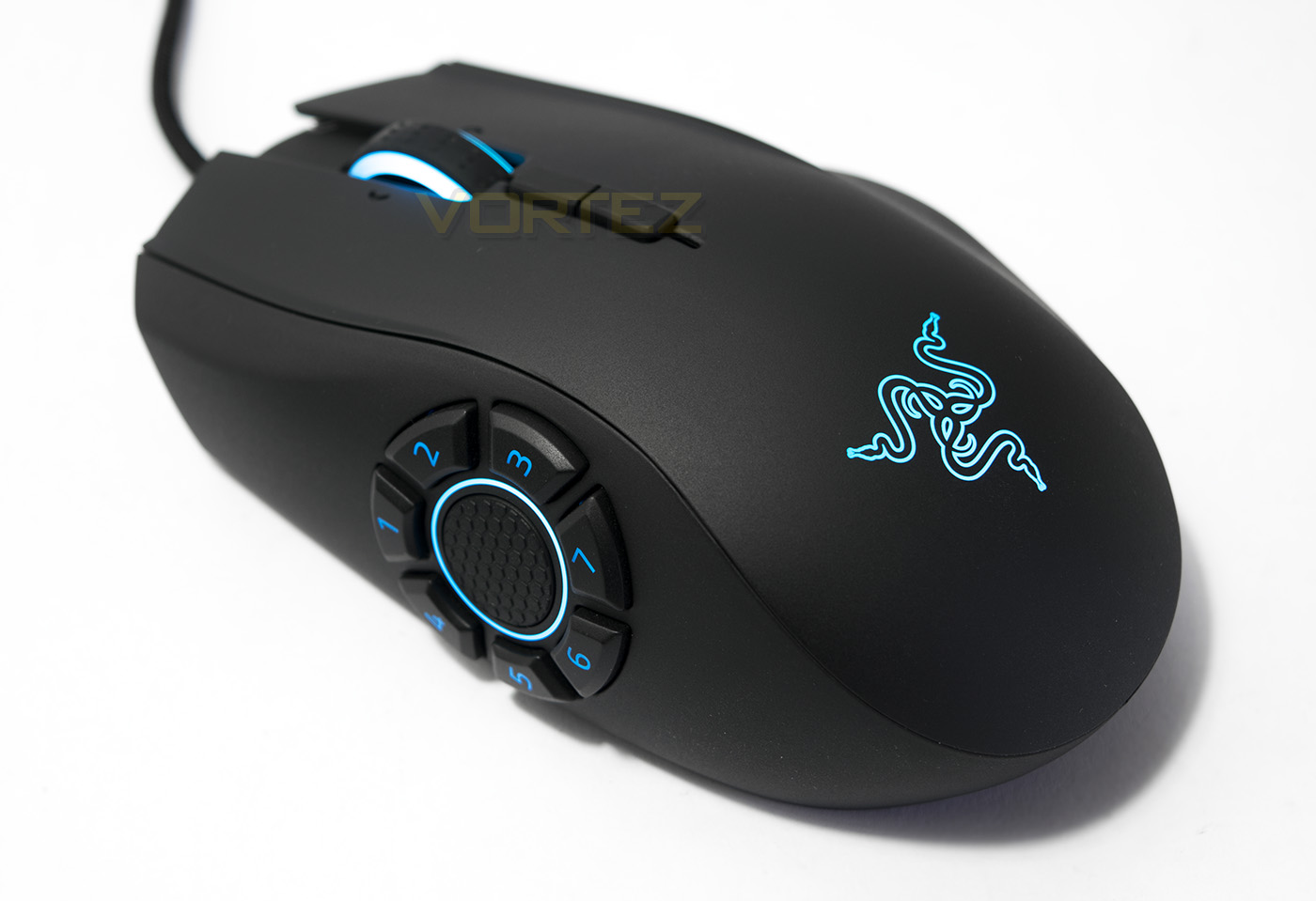
There are various lighting effects for the Naga Hex V2, including spectrum cycle, breathing, reactive and static. By default each of the three lighting zones are linked (wheel, buttons, logo), but you can unlink them and set an individual lighting effect in each different lighting zone. You can also synchronise the lighting effect with any other Chroma enabled peripheral you have. The lighting, as expected is bright (brighter than expected considering by default it is set to Normal (60% brightness). The colour rendering is great, very closely displays the expected hue, including white which only just has a touch of blue to it, giving it a slightly frozen white colour.
Performance Testing
Setup, Design & Observations
All you need to go is a spare USB port and away you go. The long, good quality braided cable will give you a fair amount of slack for the more complex desktop arrangements.
In hand, I have to say I am a fan of the anti-fingerprint textured surface that Razer now employ on their contemporary products. It gives good grip, feels nice and doesn’t leech sweat or grease from your finger tips. The year old Mamba TE I have used practically every day since release is only just starting to show some signs of smoothing or wear in the finger tip areas (not bad for 1.3 MILLION clicks in DOTA 2 alone!). The shape is very similar to the Naga Chroma, to which lends itself more to a flatter, palm grip rather than a claw or fingertip. Using a palm grip you will find that it is very comfortable while the side buttons are actually easy to find and press. I did get a little confused at times as I kept forgetting that it is not symmetrical and I kept expecting there to be an additional button in the centre/bottom of the ring. This is likely just a case of getting used to it. I did find that at times when I was reverting to my natural claw grip, the raised bony rear-end of the Naga jutting into my palm did start to cause a dull ache. So it isn’t something I would recommend to people, if like me, you use a claw grip where you pull the mouse firmly into your hand.
Performance
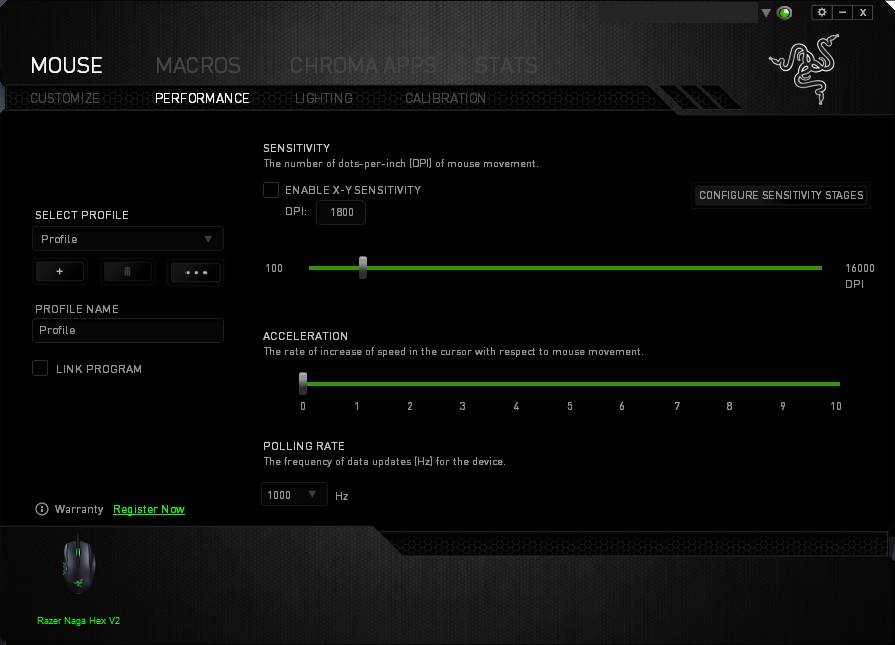
The DPI can be adjusted in intervals of 50 (using the slider) though you can set it directly to any whole integer by typing any number between 100-16,000. The 5G (PTE) laser sensor is virtually jitter free at all across its entire DPI range. On top of that, it perfectly tracks on practically any surface we have thrown at it. Glossy coloured card, wood, cardboard, white paper, black fabric, coloured fabric, all tracks immensely well. The only time we have found that it starts to falter on is, literally, on glass.
In DOTA2, I found that the Naga Hex V2 was effective and the side buttons were far easier to understand a placement than say, with the standard Naga mouse. As the side buttons are positioned in a way that all the buttons are fairly easy to access (I did struggle a little with 3/6/7 but this seemed to be more a learning curve, rather than a problem with their position). As to whether I genuinely prefer using all my abilities and commands on the mouse is a different matter. Though what I did was, I used my default controls/layout, where I would use the two, most fastest to access buttons on the mouse (4/1 for me) as QW (ability 1/2) then I assigned the various other buttons with some hotkeys, including buy TP scroll, call courier, send courier to secret base, and a Tornado, EMP, Meteor, deafening blast macro for Invoker (just to be a total noob). These options being as accessible as they are on the Naga Hex V2 really made the difference, and compared to the grid layouts on the MMO mice, the button ring, was more intuitive and easier to remember.
As this is a sensor I am very familiar with, it does have a downside despite being very smooth and fast. Meaning it suffers with a small amount of hardware acceleration. For MOBAs, it is not a huge problem but for those that like to dabble with FPSs and swear by a zero acceleration optical sensor (3310, 3366), you may end up sacrificing that little bit of absolute precision. Despite that, I would say that the Razer sensor here is absolutely better than all other laser sensors I have experienced.
Conclusion
It is hard to see any major faults with the Naga Hex V2, other than its name maybe. Why not the Naga Hept? Or Naga Siren?.. The build quality is great, the textured surface is fantastic, and the side buttons, are intuitively placed and easy to use. The ergonomics of the Naga Hex V2 is geared more towards palm gripers and those that enjoy a slightly larger/wider mouse. Supported by the Synapse software, you are granted with a total of 14 programmable buttons than can really seat you in an OP position within your favourite MOBA.
The price point of the Naga Hex V2 is a little higher than other competing premium mice (£69/$79 vs £59/69), so isn’t a bargain by any means. Though one could argue that you aren’t just paying for the Razer branding with this product. The lengths the Razer R & D team went through to create the Naga was a long and dedicated process, and is clearly still evolving today. The ring of 7 buttons may cause a little confusion at first, but is a far cry from the lethargic MMO grid of buttons.
Despite the default LOL and DOTA2 profiles you can download from the product page, the real magic happens with the assignment of time saving hotkeys, shortcuts and macros, rather than moving all your controls off keyboard. For this same reason, I would be unsure if I could really call the Naga Hex V2 ‘the ultimate MOBA mouse’ as a matter of preference, considering many are apt at using keyboard hotkeys. That won’t change the fact that with the right setup, in the right hands, this is one mouse that could truly give that IMBA advantage.
To list a few considerations, there is no word of a left-handed version yet, some may not like the hardware acceleration from the laser sensor, and claw grip users may not find the raised bony rear comfortable. In all other scenarios, Razer have another attractive mouse under their belt.
The 7 mechanical side buttons are surprisingly easy to use after a short period of adjustment, considering the powerful customisation options, the Razer Naga Hex V2 truly can be OP.
Pros.
+ Smooth, true 16K DPI sensor
+ Tracks well across almost all surfaces
+ Great for palm grip
+ Great build quality
+ 7 easy to access side buttons
+ Chroma lighting
Cons.
– Hardware acceleration
+ Smooth, true 16K DPI sensor
+ Tracks well across almost all surfaces
+ Great for palm grip
+ Great build quality
+ 7 easy to access side buttons
+ Chroma lighting
Cons.
– Hardware acceleration
Click here for an explanation of our awards at Vortez.net.