One could be forgiven for thinking that this is just another colourful keyboard from Razer. It is in fact among the first to feature a new mecha-membrane hybrid switch claims to be unlike anything else.

Product on Review: Razer Ornata Chroma
Manufacturer: Razer
Street Price: UK: £99.99, US: $99.99
Razer introduce a new patent pending technology with the Ornata (£/$79.99) and the Ornata Chroma keyboards. Dubbed the mecha-membrane, it is a ground up designed technology from Razer that intentionally merges the best aspects of both technologies. The result is said to give the soft touch, with a crisp, tactile actuation and feedback. So it would be fair to consider this as a completely new kind of switch technology.
Other key features, include full programmability, 10 key anti-ghosting, and an included large, padded wrist rest. As this is the Chroma version, we will also be greeted with full per-key customisable RGB backlighting, something that is rare with membrane keyboards.
Overview by Razer
The Razer Mecha-Membrane is the result of years of research and development that we’ve dedicated to build the best keyboards for gamers,” says Min-Liang Tan, Razer co-founder and CEO “When we moved to our own Razer Mechanical Switches in our production lines, we were excited to learn from real-use scenarios and apply that knowledge to perfect other technologies. The Razer Ornata is a great example of how our engineers can use feedback to innovate something truly amazing for gamers, in this case a solution that melds two seemingly disparate keyboard technologies for a phenomenal experience
Technical Specifications
Razer™ Mecha-Membrane Technology
Mid-height keycaps
Razer Chroma backlighting
Ergonomic wrist rest
Razer Synapse enabled
Fully programmable keys with on the fly macro recording
10-key roll over
Dedicated Gaming Mode
Anti-ghosting capability for up to 10 simultaneous key presses
Dimensions: (mm) 457 x 150 x 32
457 x 232 x 32 with Wrist rest
Mid-height keycaps
Razer Chroma backlighting
Ergonomic wrist rest
Razer Synapse enabled
Fully programmable keys with on the fly macro recording
10-key roll over
Dedicated Gaming Mode
Anti-ghosting capability for up to 10 simultaneous key presses
Dimensions: (mm) 457 x 150 x 32
457 x 232 x 32 with Wrist rest
Packaging & First Look
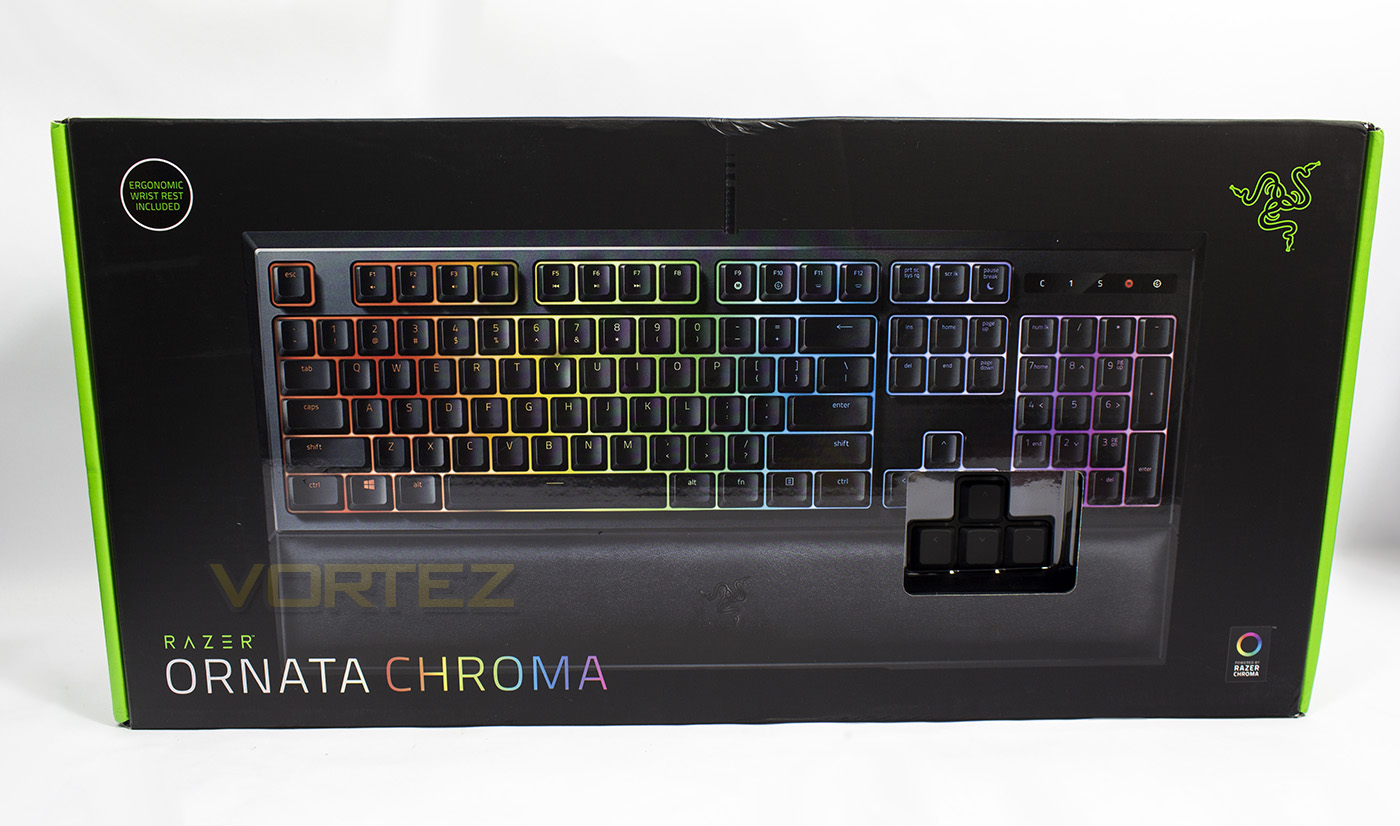
The packaging is sleek and clearly identifiable as a Razer product. There is a cutout in the box to test the keys as featured with many other Razer keyboards, despite this shop-floor try before you buy feature being rather useful, I think I speak for many when I say that it is something that could be done without, especially as it is a structural compromise in the protection of the product. I have experienced rips/tears/ debris contamination because of this during transit and I would feel much better knowing that the keyboard I had bought is guaranteed to be pristine.
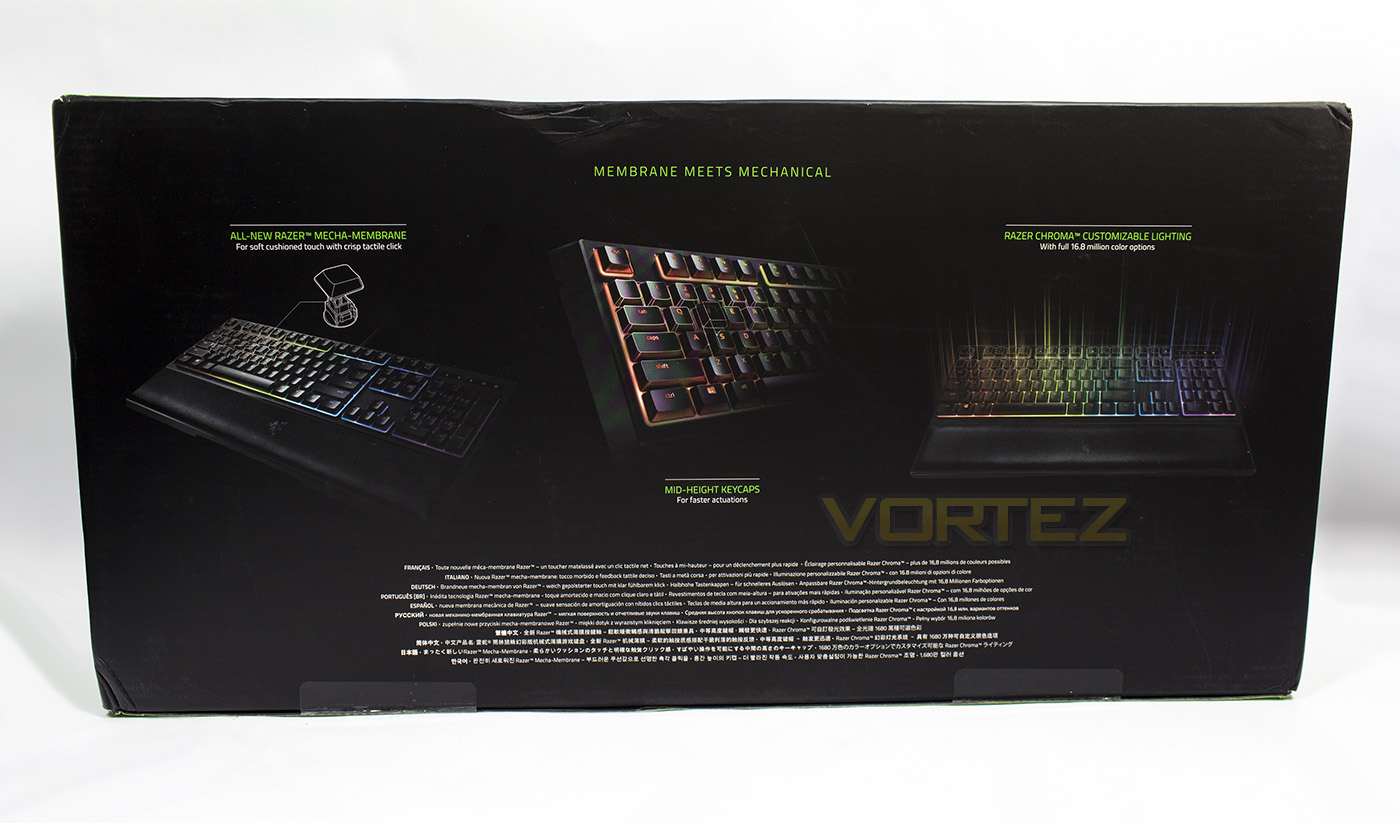
The rear of the packaging gives some information about the mecha-membrane technology employed in the Ornata keyboard, as well as the Chroma lighting.
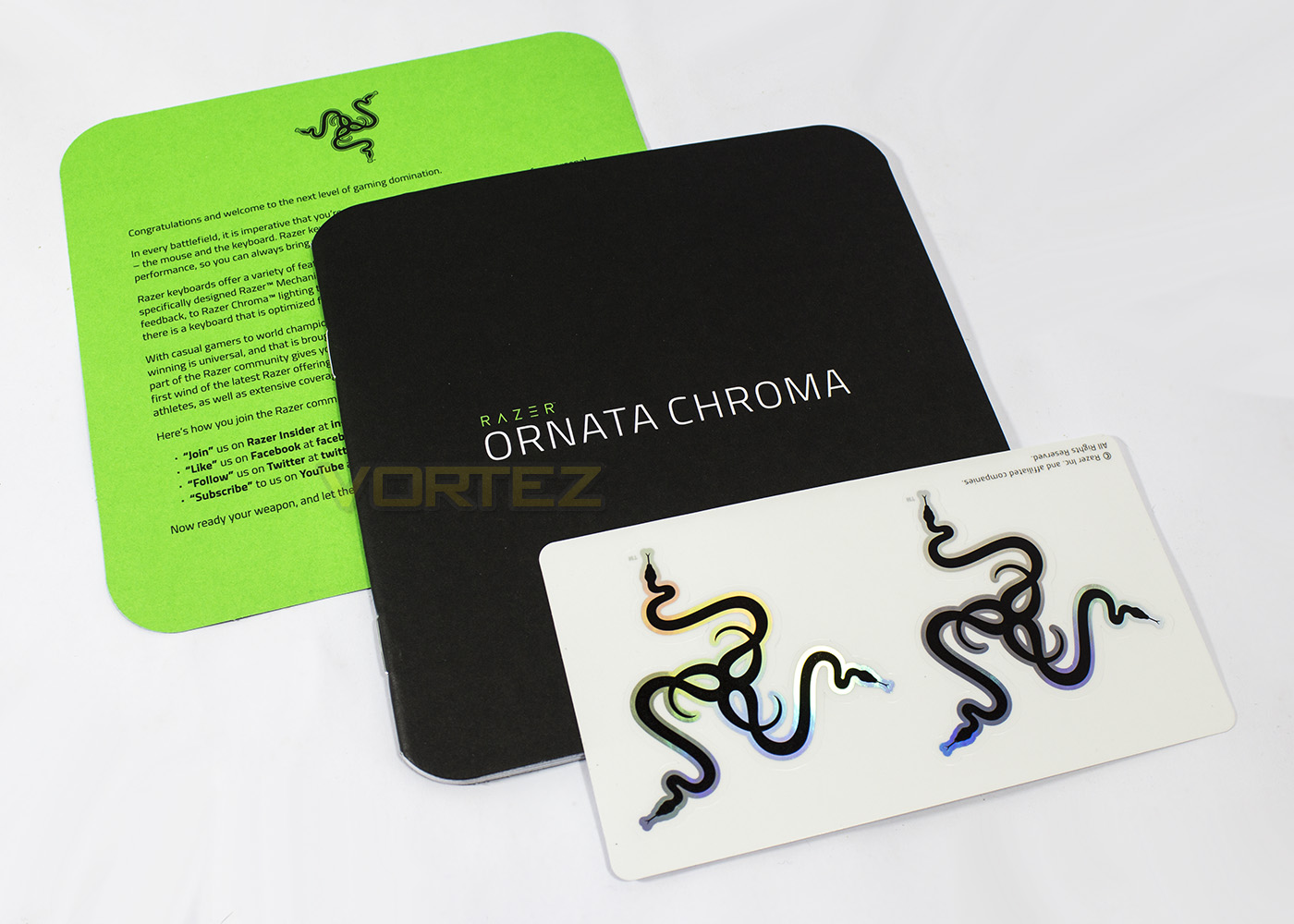
Inside we get the greetings from Razer, though they seem to have dropped the ‘cult’ word, maybe the symbolism has raised too much criticism, regardless you get a pair of awesome stickers too.
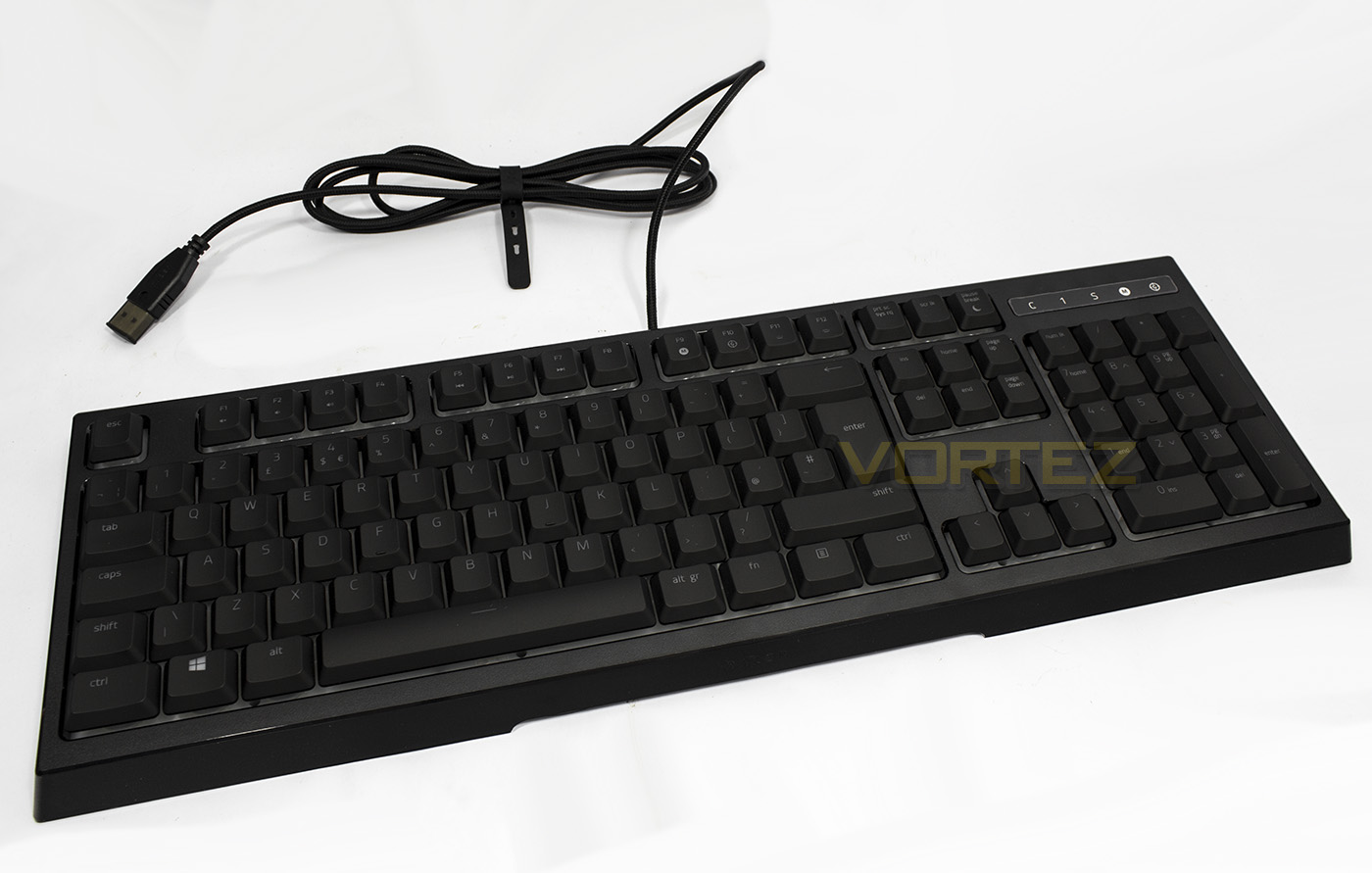
The keyboard itself is rather box-like and has a soft, flexible braided cable with a gold plated connector. As there is no USB pass-through, or audio pass-through it is just the one lonesome USB connector.
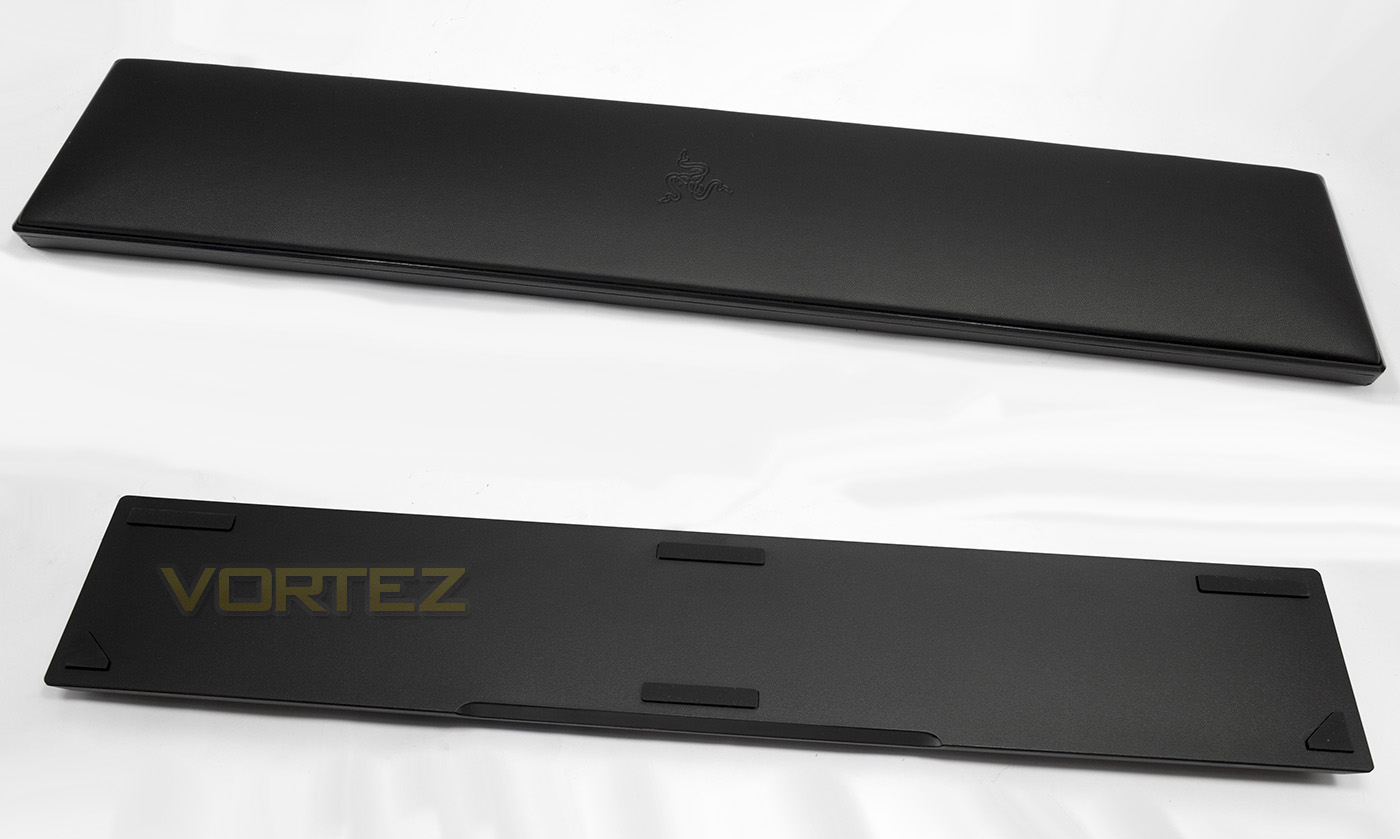
The included wrist rest is large and will suit any use, from typing to gaming as it gives cushioning the full length of the keyboard.
Closer Look
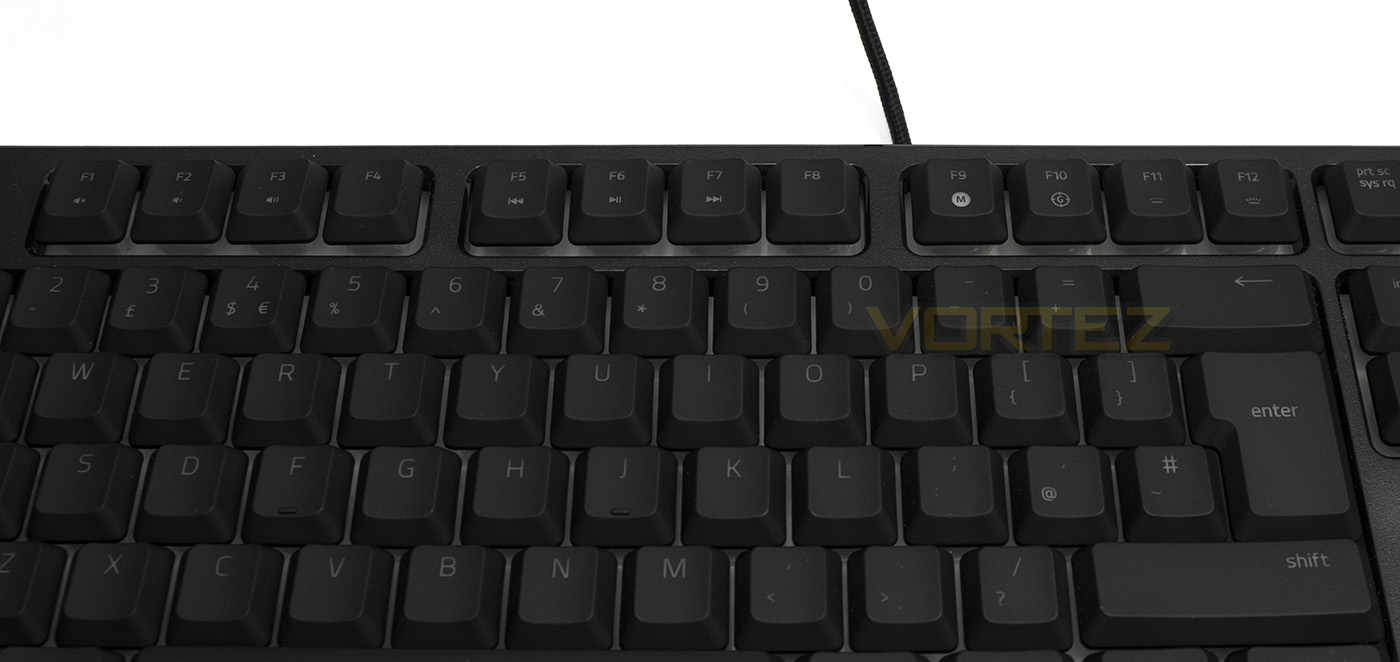
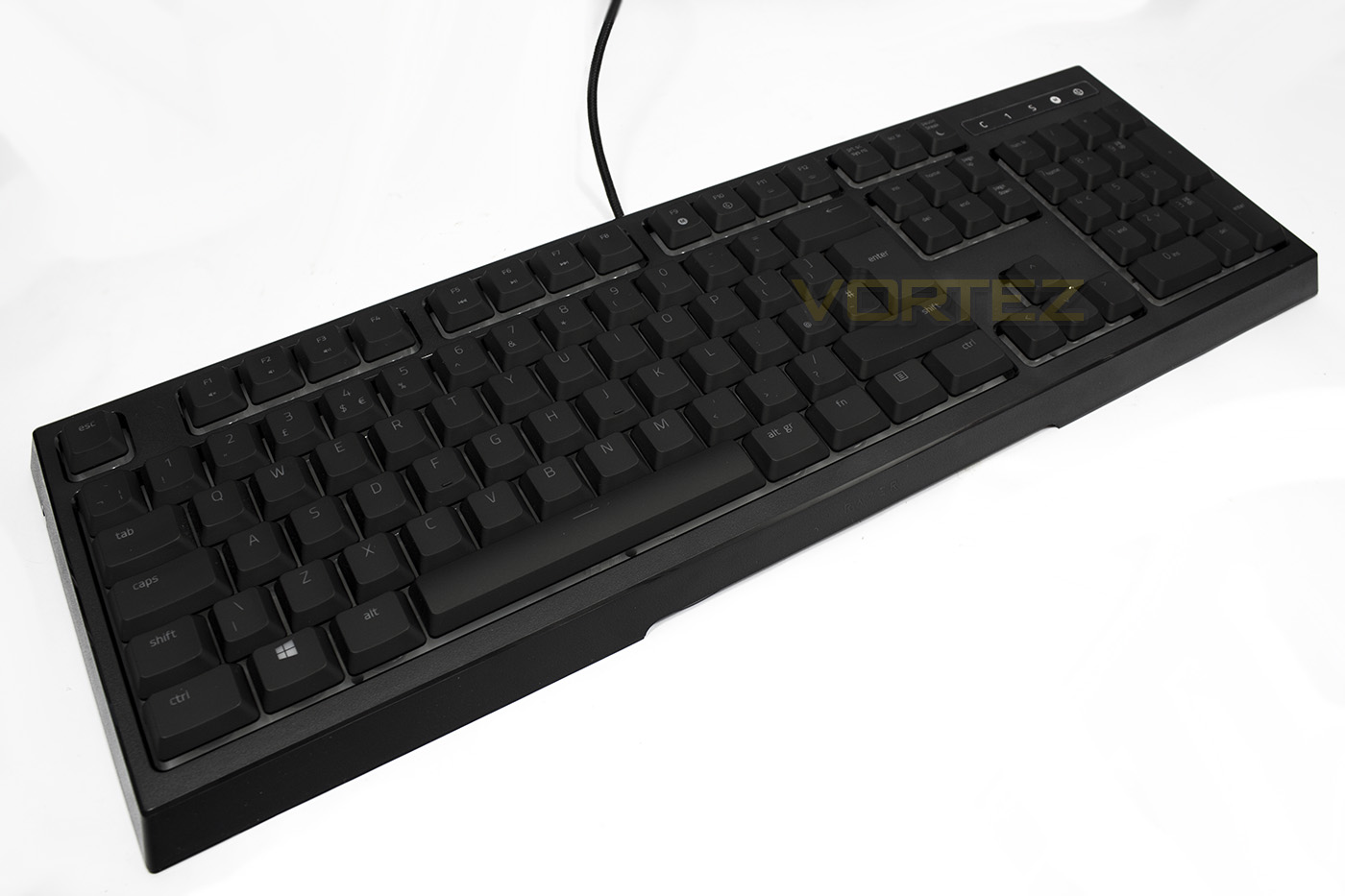
The Ornata Chroma doubles the F keys with Fn features, including volume controls and media controls, as well as on-the-fly macro recording and isn’t access to turn on game mode. Additionally there are controls to change the brightness of the LED lighting and to enable sleep mode.
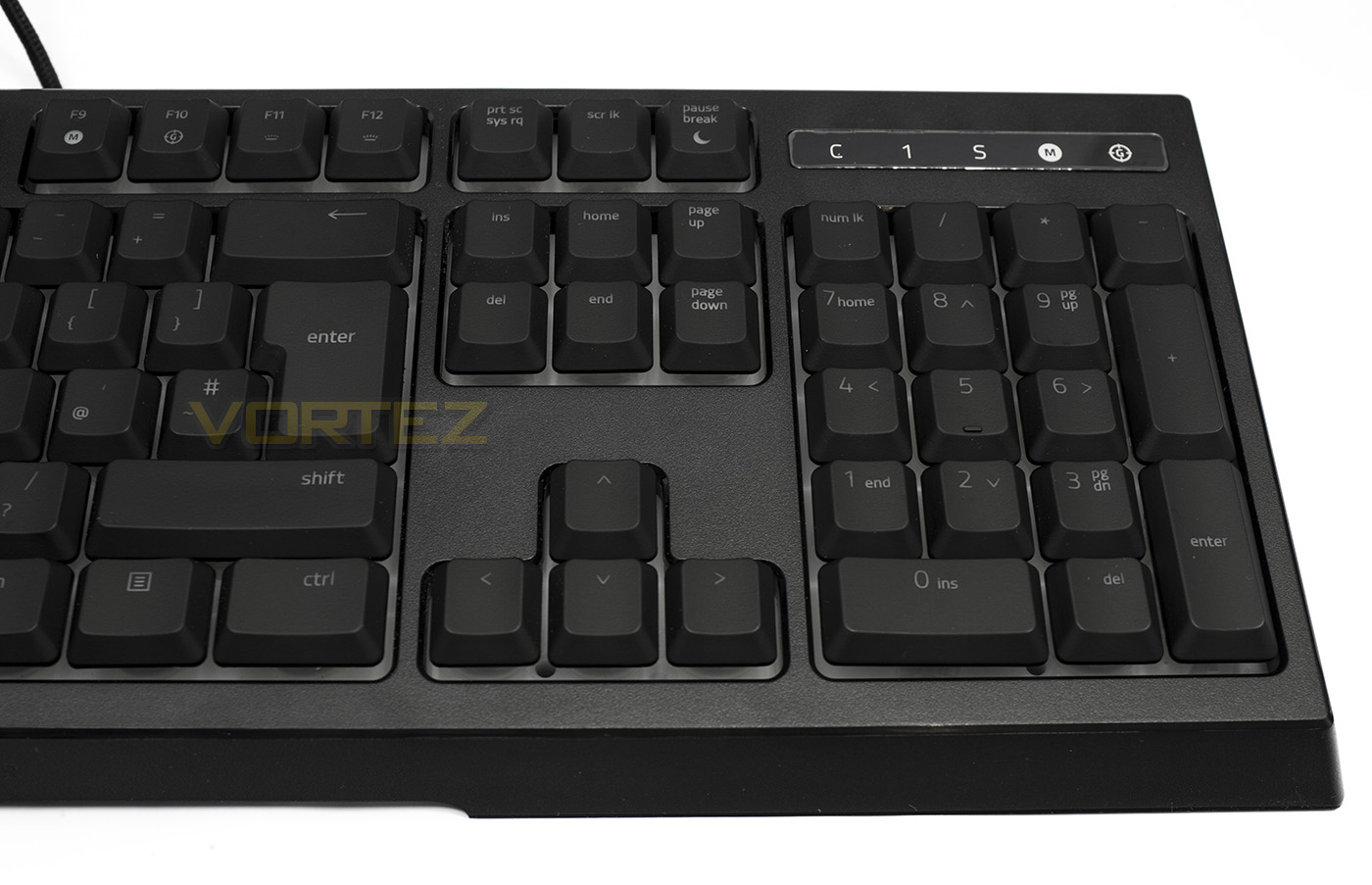
Above the numpad is a row of indicator lights for the various locks (caps/scroll/num) as well as for macro recording and game mode.
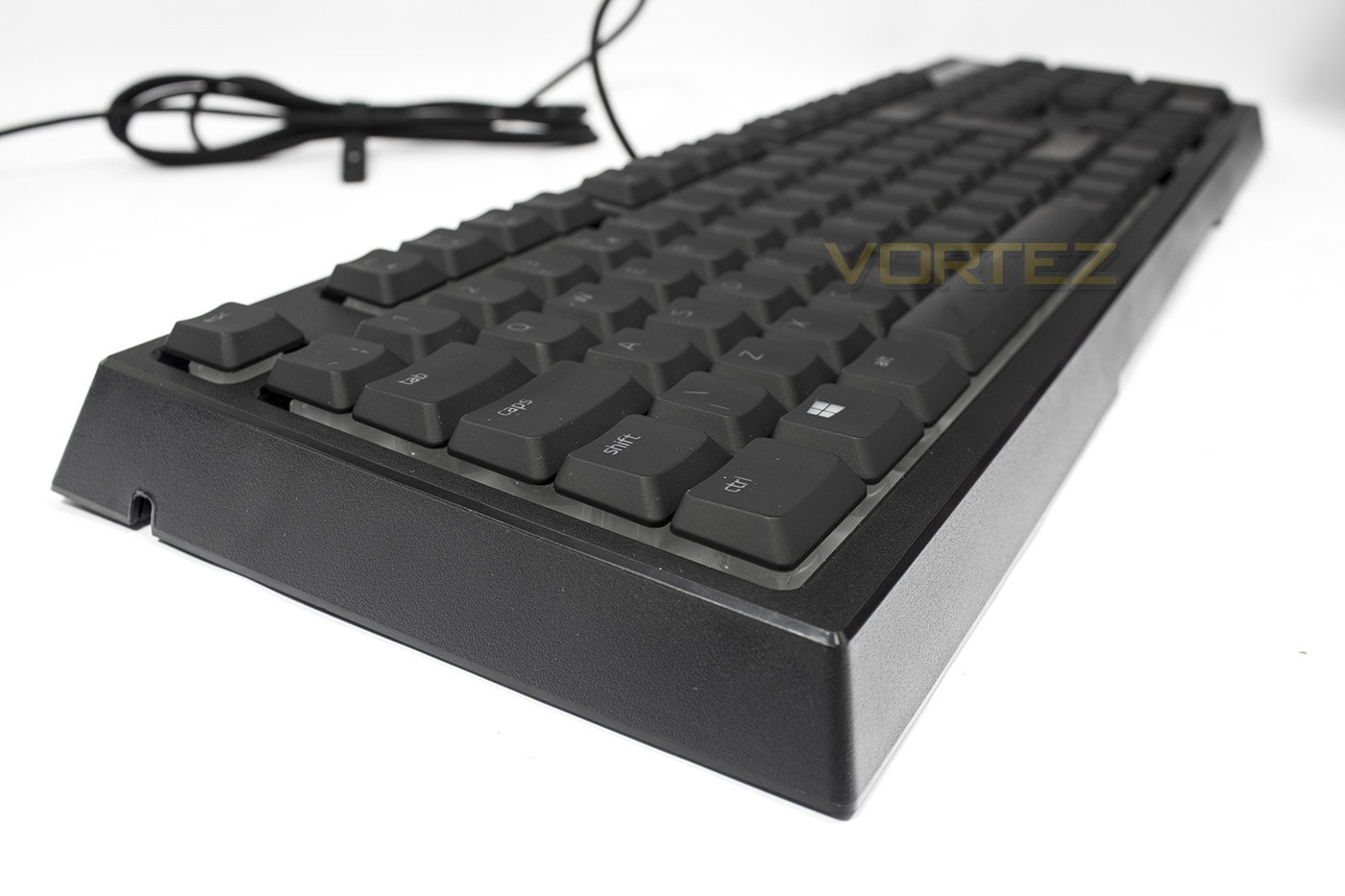
As the Ornata uses mid-height keycaps, it has a relatively low overall height at 32mm. This design implementation was for various reasons, one of which was to reduce the actuation point of the mecha-membrane keys but it also may result in better comfort for use without the wrist rest.
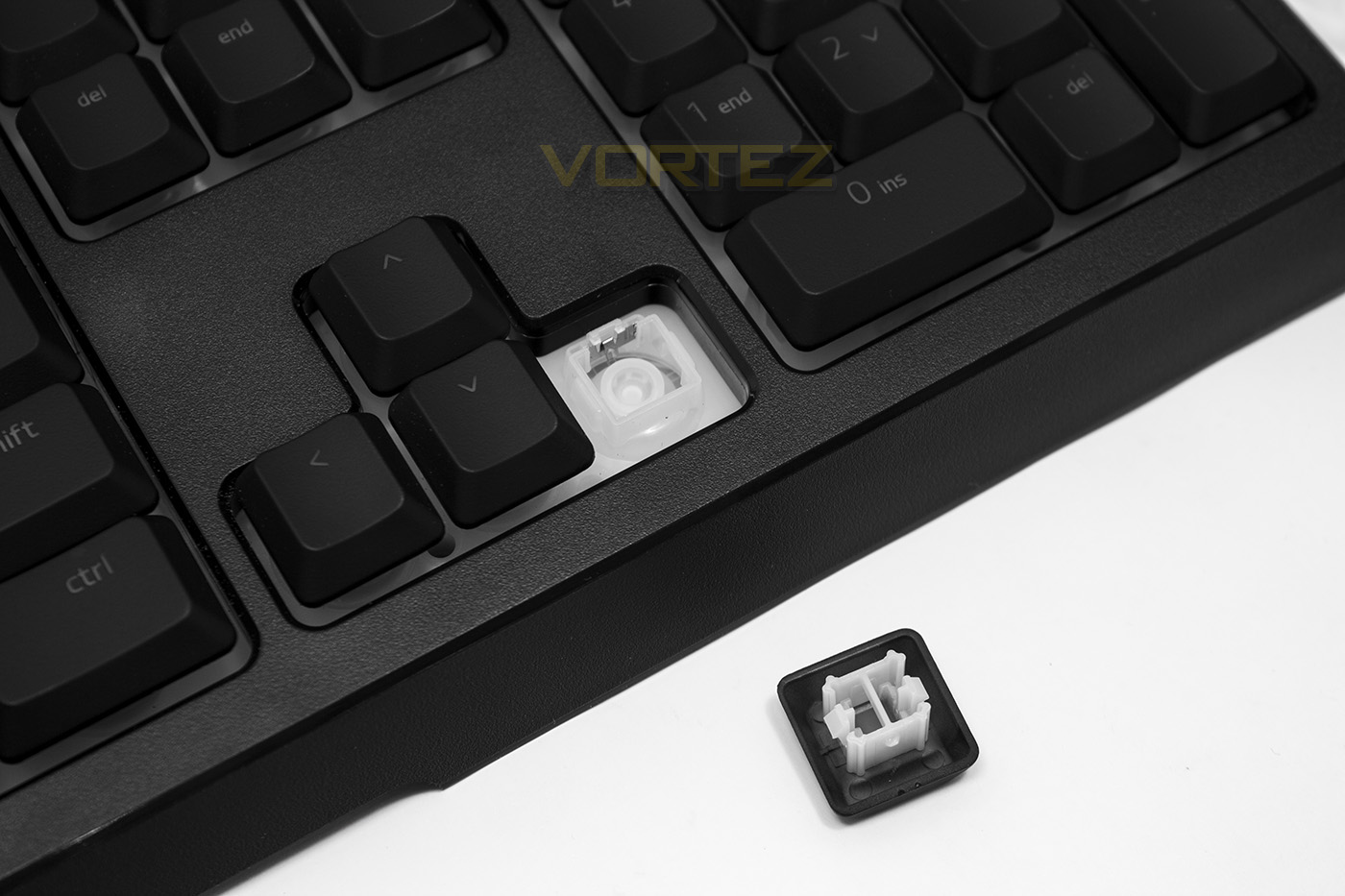
The mecha-membrane switches are a type of plunger with membrane spring, with a mechanical style contact and clicky added. The switches have a 3.5mm travel and actuation point, with the click point situated at 3mm, so it is a It is also worth adding that the large keys use a distribution bar, and that this keyboard features full fledged per-key backlighting and full Chroma lighting customisation, something rarely seen in membrane keyboards.
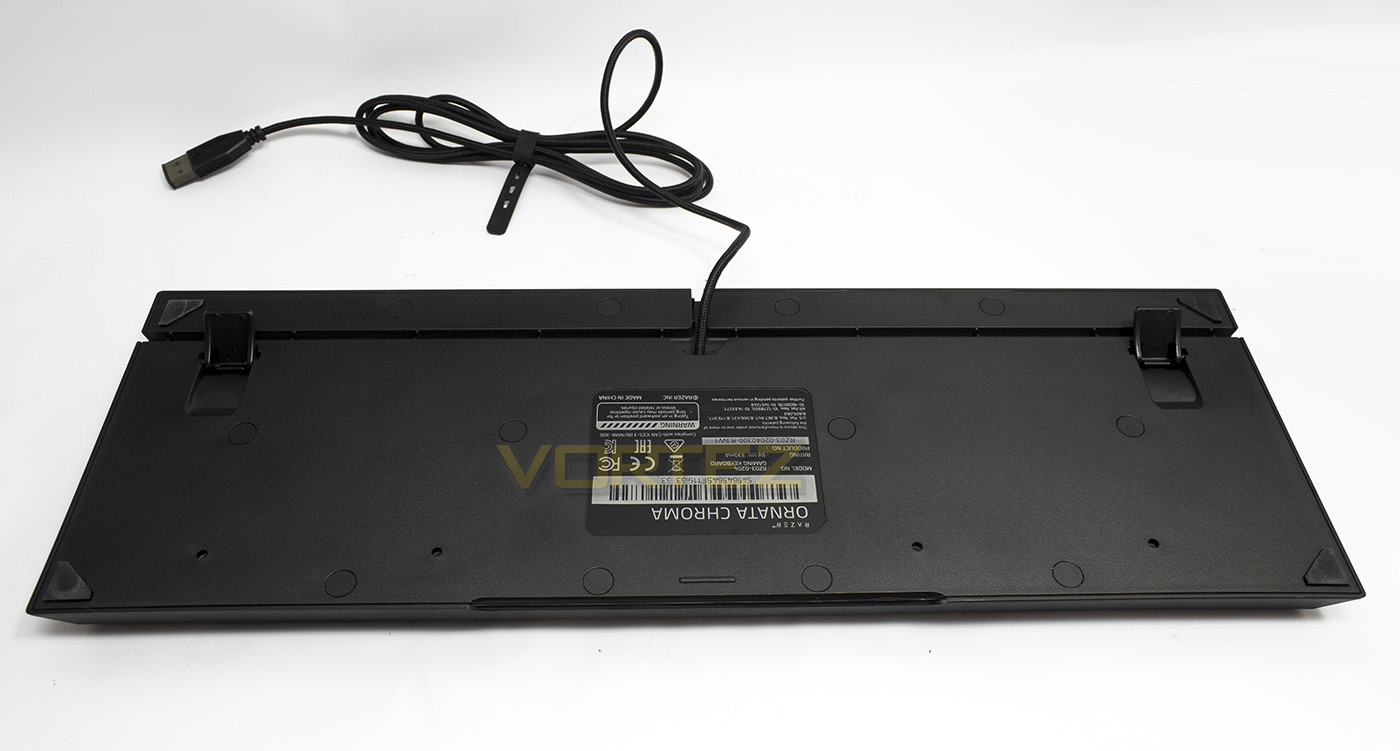
The underside has a three-way cable routing channel as well as the ubiquitous angle stands.
Software & Lighting
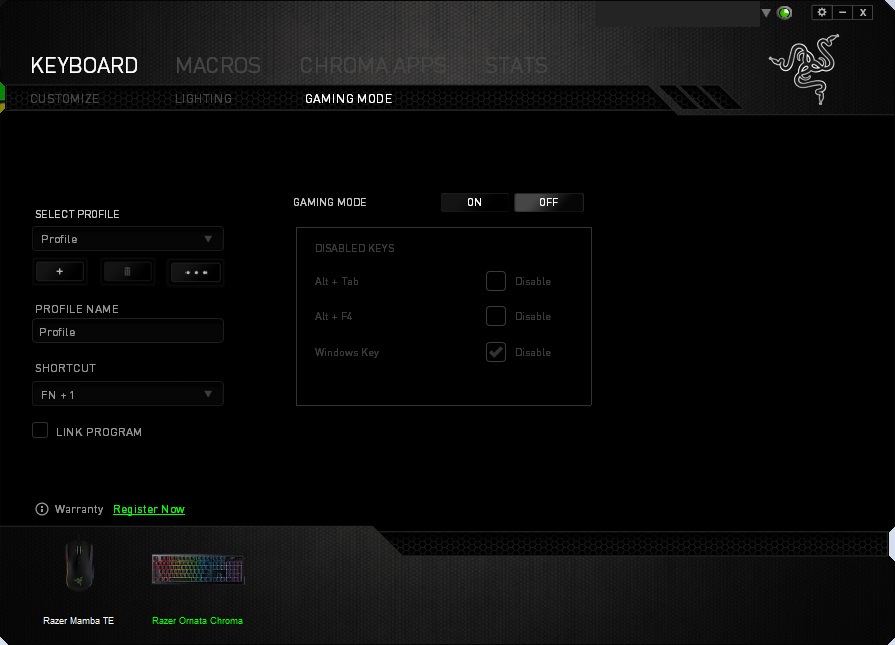
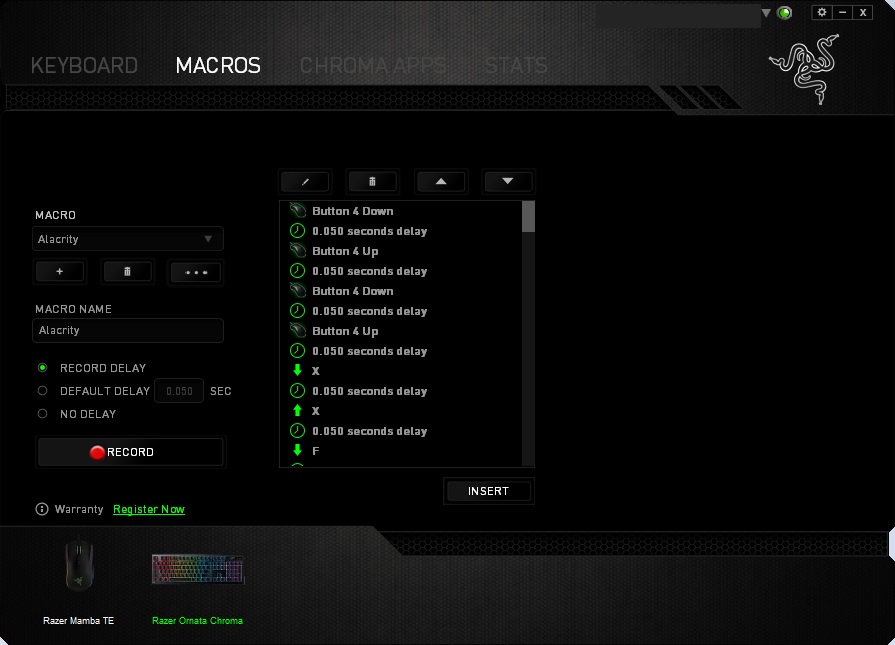
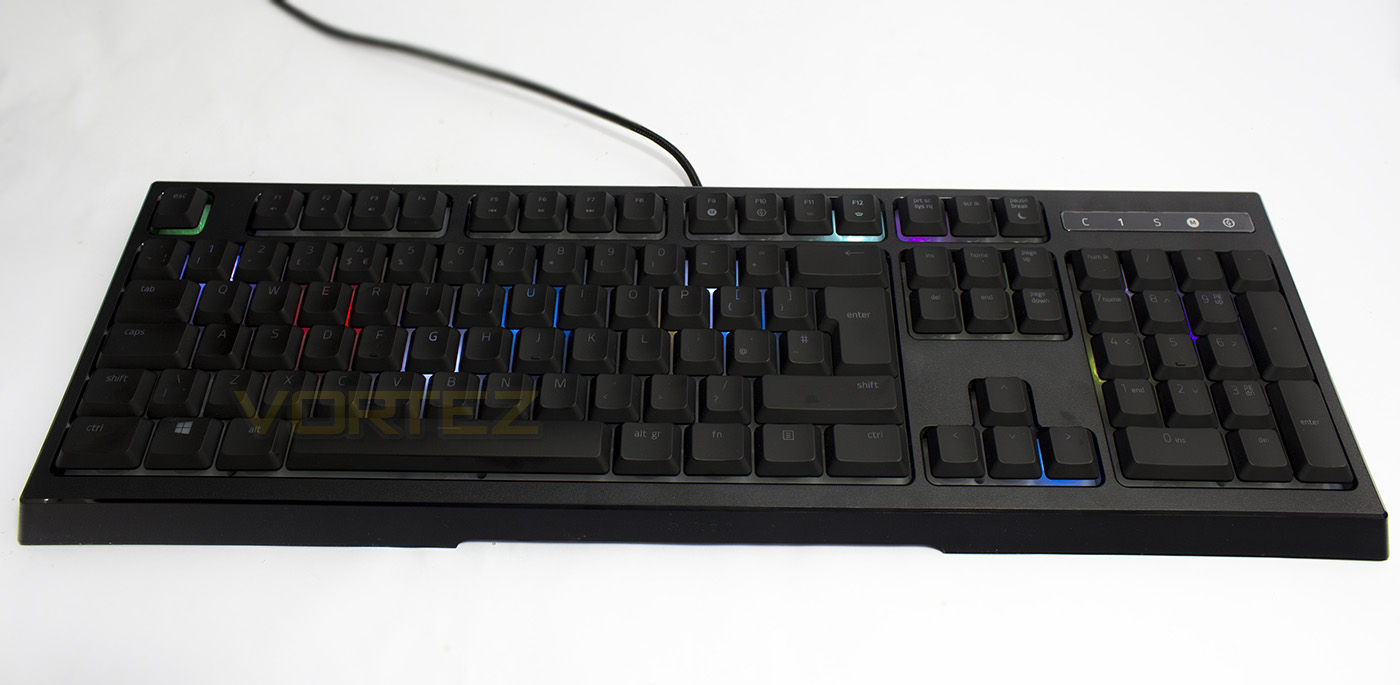
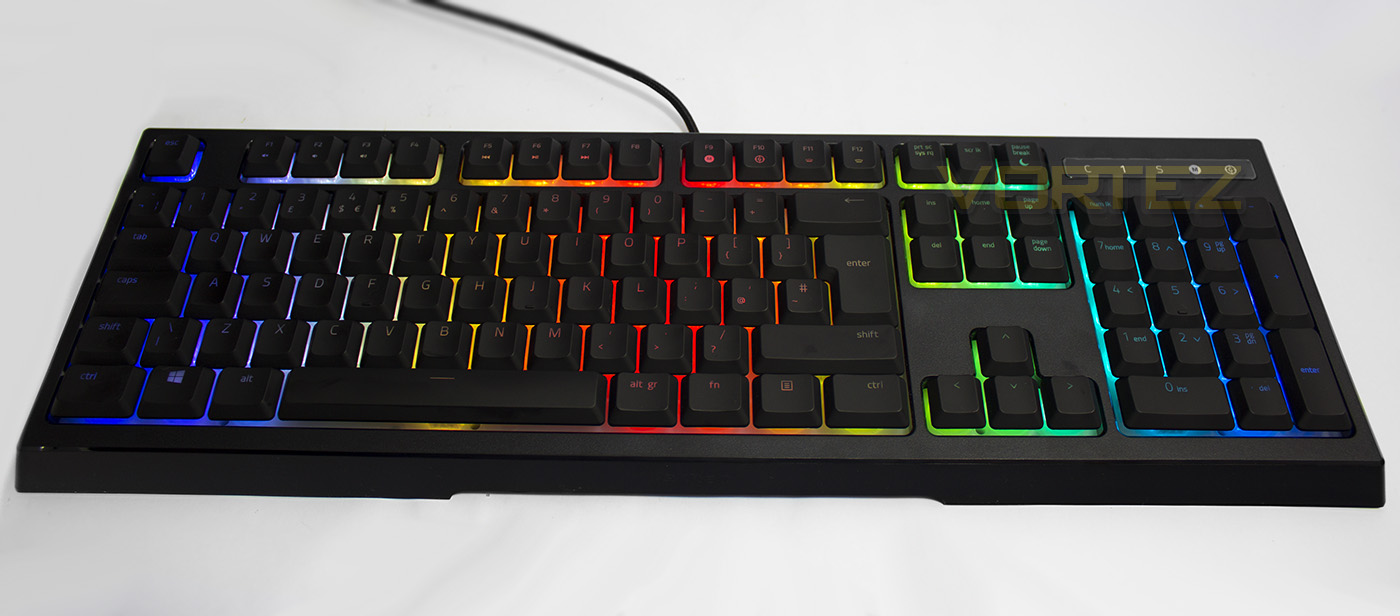
The Ornata Chroma keyboard will function without installing the software driver, however you will be stuck with a spectrum cycling lighting effect, with only the dimming controls at your disposal. The Razer Synapse software for some is fairly tedious at is one of the few which requires you to create an account (which is free), and then to sign in (requiring at least a one-time internet connection), then to download relevant software driver for your product. Though that sounds a lot more long winded than it is and you are then rewarded with one of the leading pieces of driver software. The GUI is easy to navigate and access all relevant features for your various connected Razer products, an easy to use macro recorder to which will store your saved macros online to be used later when you sign in on a different device. As well as the Chroma Configurator, providing per-key customisable backlighting and advanced effects. To date I do not recall witnessing this level of advanced lighting on a membrane or membrane based keyboard.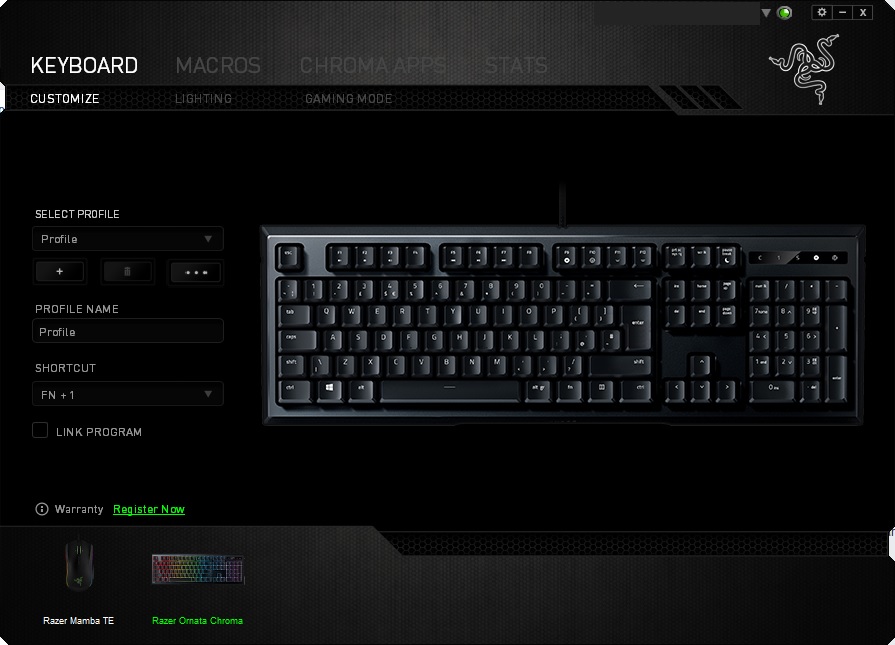
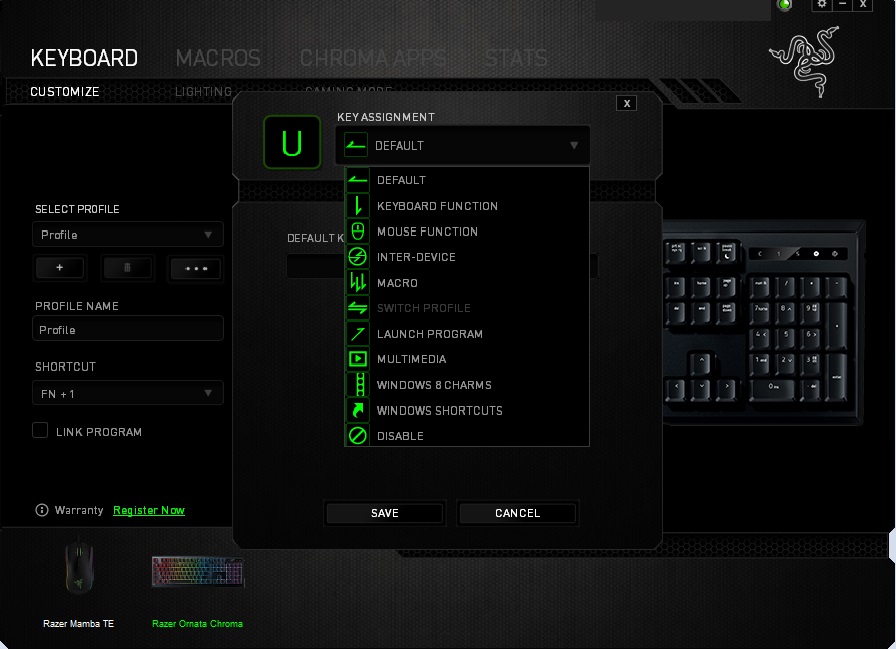
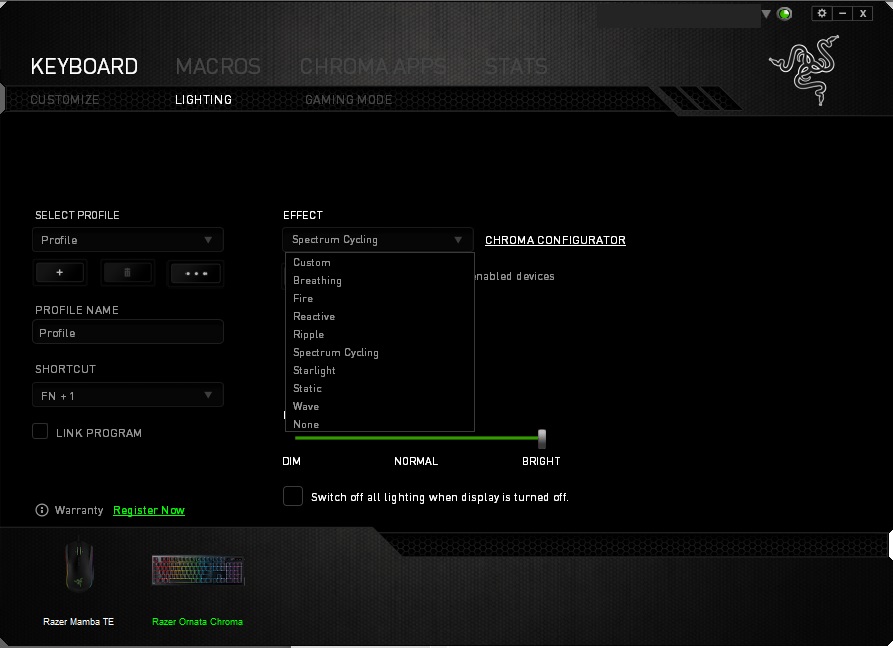
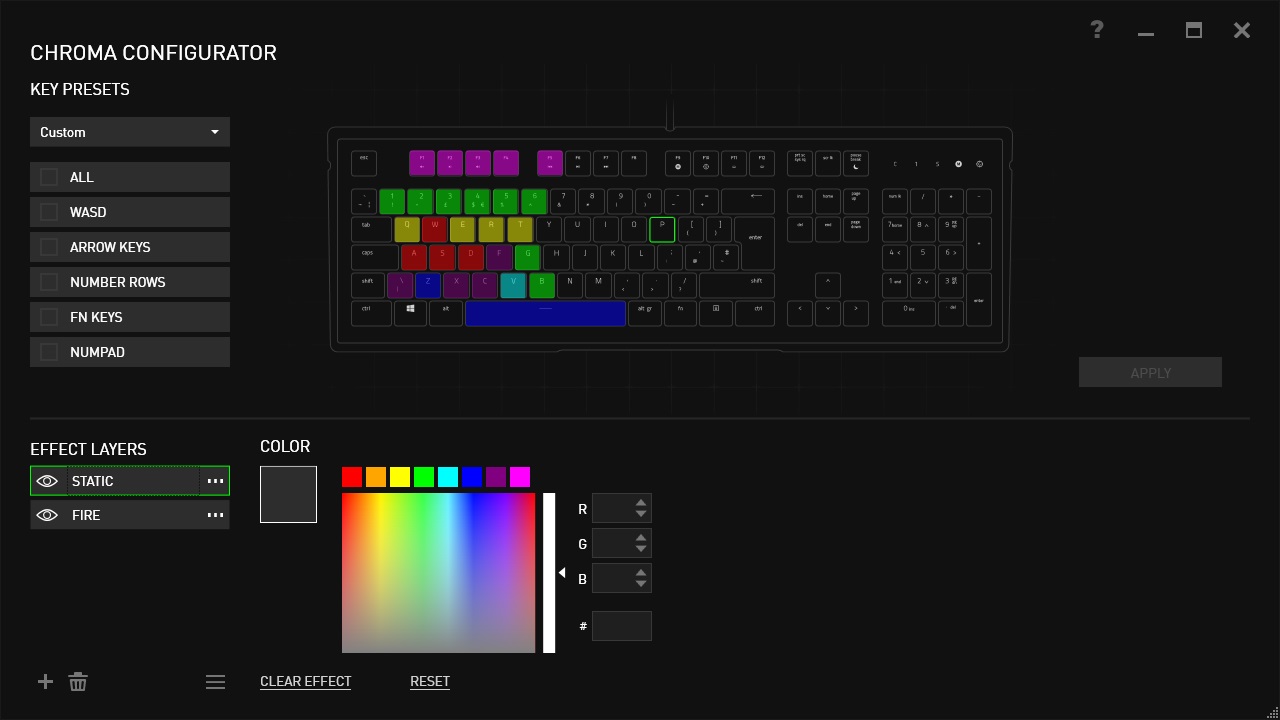
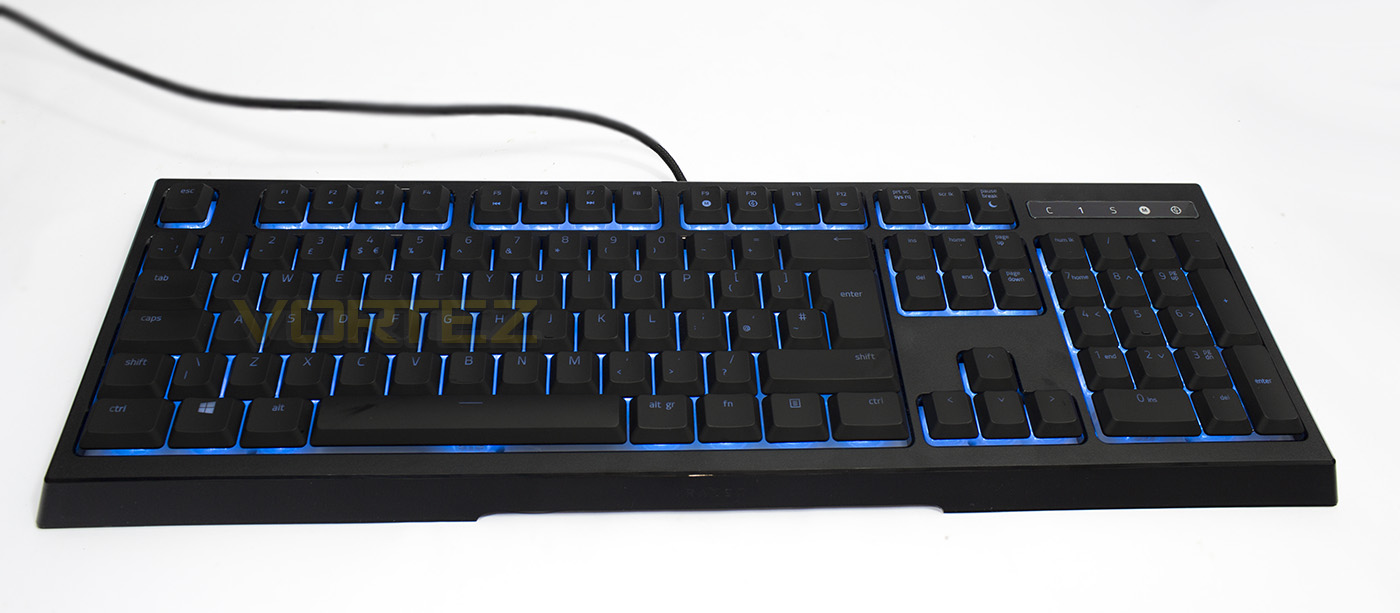
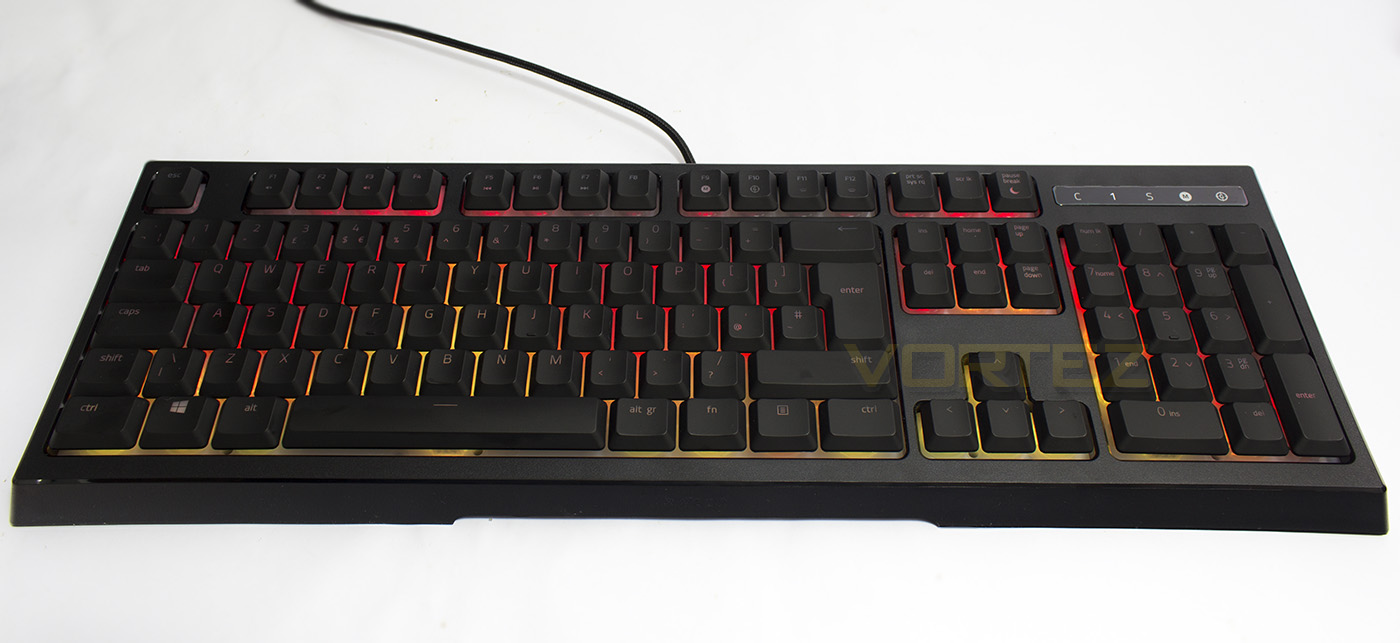
As the lighting isn’t seated directly beneath the keycap as in mechanical keyboards, the intensity of the lighting isn’t as strong as it could be, however because of the membrane/white background, the lighting merges and blends much better, giving a totally different lighting effect in its own right. The colours are vibrant, and accurately rendered, extending even to white. The lighting has an awesome fade-to effect when changing the colour the static mode, rather than instantly changing which simply feels rather classy.
Performance Testing
Setup, Design & ObservationsThe size of the Ornata Chroma keyboard is rather compact compared to the larger BlackWidow which features additional macro keys, and looks rather sleek, and attractive even without any backlighting. Though, due to the switch design, it can’t quite compare to the aesthetic of the exposed mechanical switch keyboards such as the BlackWidow X.
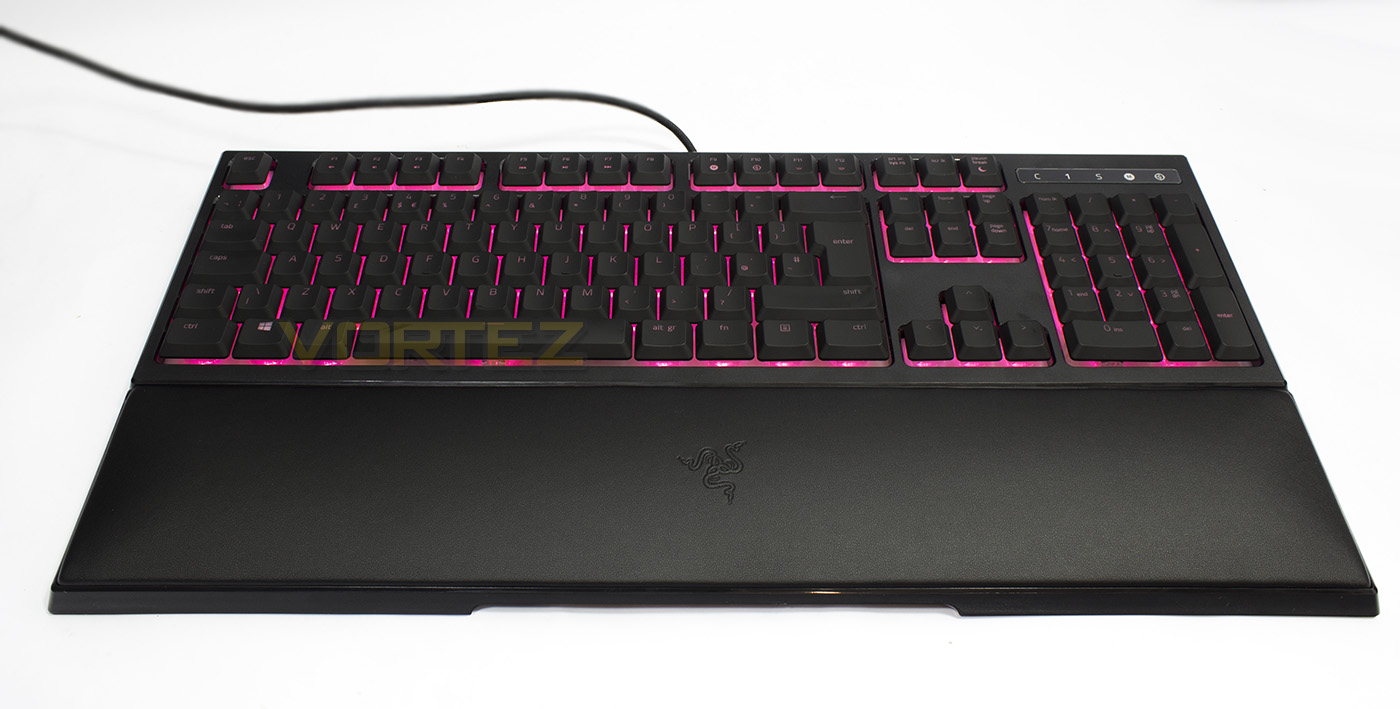
The Wrist rest connects to the base of the keyboard via magic-tism and provides a decent level of support for comfortable typing. Though considering the apparent amount of effort to include a full-sized wrist rest, and considering the overall price for this produce (granted the non-Chroma version is still £79.99), it would have been nice for Razer to have used cushioning that has slightly more substance to it, like a dense memory foam. After a while of use, all it did was keep my wrists warm. Though that said, its great to have a wrist rest and I did prefer typing with the wrist rest that without due to the steep/box shape edges to the keyboard (no real incline).
The lighting and per-key programmability and backlighting is always a fantastic feature to have, though at this price it would have been great to have had at least a USB pass-through also.
Performance
The switches are surprisingly good, fantastic in fact. They have the lightweight, soft touch to them with a nice, pure tactile click to them. There is no clack clack you get with most mechanical keyboards, often drowning out the noise of the click on CHERRY MX Blue. Though the faint click click click as you type, may actually not be what some people like, in fact, the clicking after a long period of typing is almost hypnotic. However, if you do like clicky style keyboards, you will love the feel of the mecha-membrane switches. Even in gaming they performed exceptionally well.
There is a downside I observed with the mecha-membrane switches, and I noticed it first with the space-bar. That is that the keys are a little wobbly, and they can feel different depending on where you press the keys. The space bar in particular sometimes felt like it required extra force to press resulting in a mis-click, this is likely to do with the distribution bar used in combination with this particular type of construct. I found that this was caused when pressing down on the top-edge part of the spacebar and whenever it happened I found myself conscientiously slowing down my typing speed. Other keys didn’t really have a detrimental effect other than having a different click sound. Though it is early days, this is something that could be improved upon.
Conclusion
The mecha-membrane switches are an interesting concept and Razer have practically nailed the implementation. The soft, quiet key presses feel superb, with just the clicky-click sound and tactile feedback punctuating each key press. This is a stark difference from the clackity clack of the majority of mechanical keyboards. The impression of the mecha-membrane switches could be an illusion, or trick, and they certainly are convincing in some manner and so it truly is the keyboard for any mecha-skeptic.
Unlike most membrane based keyboards, the Razer Ornata Chroma offers full fledged per-key backlighting and the whole host of Chroma effects, this level of advanced backlighting is rarely, if not ever seen in a traditional membrane keyboard. To top it off, with the support of Razer Synapse software, you get full per-key programmability too.
Though I love how the mecha-membrane switches feel, there is an element of inconsistency that causes a varying tactile response depending on which part of the keycap you press and this was most notable in the spacebar, so there is room for improvement.
There are some other drawbacks worth mentioning also. The wrist rest plays a fairly integral part in the use of the Ornata keyboard and considering the pricing, it would have been nice to have had better quality/luxury padding used. Other things to note are the lack of USB/audio pass-through and that the coating/surface of the keycaps are fingerprint magnets.
For £100, it certainly sits at a premium, and you can pick up a fantastic mechanical RGB keyboard that offers the same, if not, more in the way of features. So in truth, you are paying not just for the mecha-membrane switches, but the Razer badge too. The end user will need to decide if this keyboard is for them, and I would suggest that the mecha-membrane switches are at least worth experiencing (luckily they have that try before you buy cutout despite my dislike for it). If you are a mecha-skeptic or simply prefer non-mechanical keyboards, this is likely going to be the ultimate keyboard in that category right now. However, if you are a firm fan of mechanical switches you may not be so easily convinced, but you may find yourself pleasantly surprised.
Not everyone is sold on mechanical switches and these people may feel like they are being left behind. The Ornata Chroma addresses all of that with the awesome mecha-membrane switches providing the best of both worlds and full tilt customisation.
Pros.
+ Attractive aesthetic
+ The mecha-mebrane switches feel fantastic
+ 14 key roll over (despite claiming 10KRO)
+ Fully programmable keys
+ Full Chroma advanced lighting and effects
Cons.
– Wrist rest could be better
– Spacebar needs better stabilisation
– No USB/audio pass-through
+ Attractive aesthetic
+ The mecha-mebrane switches feel fantastic
+ 14 key roll over (despite claiming 10KRO)
+ Fully programmable keys
+ Full Chroma advanced lighting and effects
Cons.
– Wrist rest could be better
– Spacebar needs better stabilisation
– No USB/audio pass-through
Click here for an explanation of our awards at Vortez.net.