As a leader in gaming devices, Razer are known for their innovative solutions which can change the way people game, here we check out one of those solutions recently added to the Chroma range.

Product on Review: Razer Tartarus Chroma
Manufacturer and Sponsor: RAZER
Street Price: UK: £69.99, US: $79.99
Razer first released the Tartarus in 2013 where it was touted to provide gamers with immense power and control in the palm of your hands and by reinvigorating the Tartarus by blending in the Chroma lighting system, the Tartarus is now able to fit in with your other Chroma enabled devices.
The Tartarus is an ergonomically designed keypad with 25 keys at your finger tips with a further alt key and space bar straddling an 8 way thumb pad. You can instantly switch between 8 key maps, save unlimited profiles and unlimited macro lengths to the 25 fully programmable, full anti-ghosting keys. With all this taken into account, it is easy to see how in the Tartarus can become a highly versatile tool in the right hands. Another benefit to being designed for precision, speed and comfort, the Tartarus also comes as an inherently lightweight alternative to hauling your gaming keyboard to a LAN event.
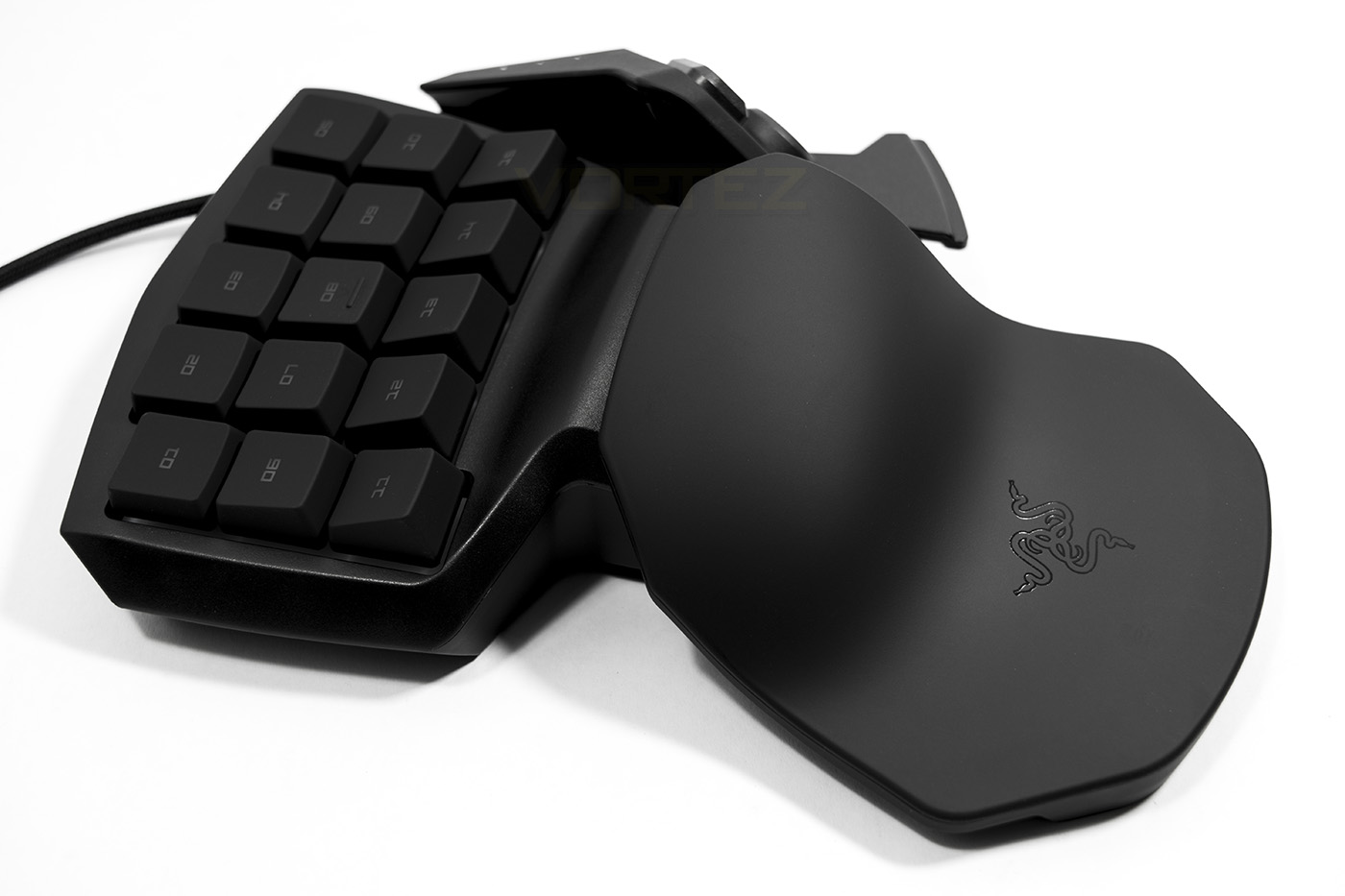
Overview by Razer
Get an infinite number of commands right at your fingertips with 25 fully programmable keys. Bind all your preferred skills, macros and hotkeys for a highly personalized gaming experience. The 8-way directional thumb-pad not only lets you move with precision, it can also act as modifier keys.
Technical Specifications
– 25 fully programmable keys
– Programmable 8-way directional thumb-pad
– Instantaneous switching between 8 key maps
– Chroma backlighting with 16.8 million customizable color options
– Improved ergonomic form factor
– Adjustable soft-touch wrist pad for remarkable comfort
– Full anti-ghosting
– Unlimited macro lengths
– Unlimited game profiles
– Razer Synapse enabled
– Approximate size: 54.8 mm / 2.16 in (Depth) x 153 mm / 6.03 in (Width) x 186 mm / 6.03 in (Height)
– Approximate Weight: 370 g / 0.66 lbs
– Programmable 8-way directional thumb-pad
– Instantaneous switching between 8 key maps
– Chroma backlighting with 16.8 million customizable color options
– Improved ergonomic form factor
– Adjustable soft-touch wrist pad for remarkable comfort
– Full anti-ghosting
– Unlimited macro lengths
– Unlimited game profiles
– Razer Synapse enabled
– Approximate size: 54.8 mm / 2.16 in (Depth) x 153 mm / 6.03 in (Width) x 186 mm / 6.03 in (Height)
– Approximate Weight: 370 g / 0.66 lbs
Packaging & First Look
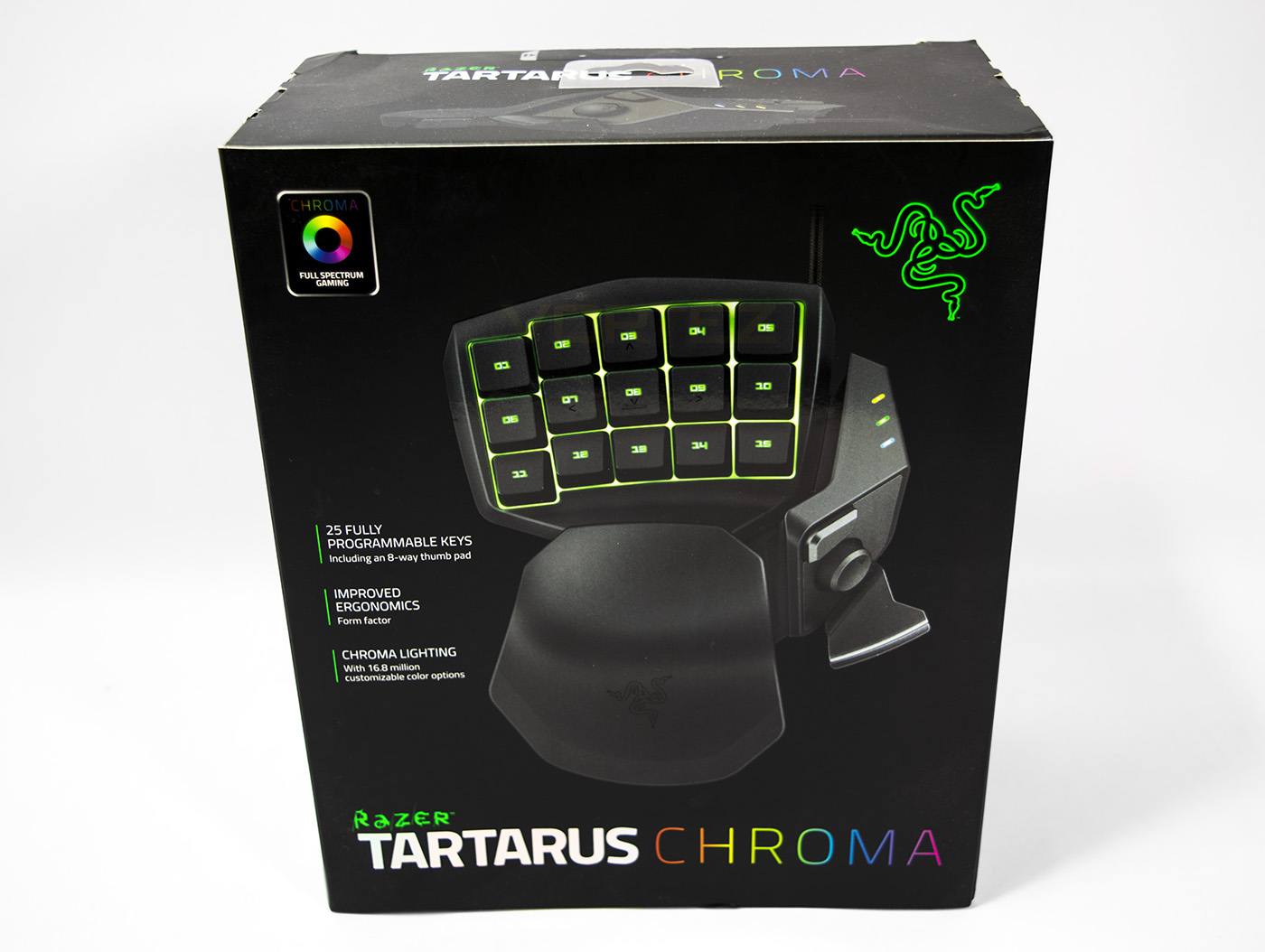
Exterior packaging will readily identify itself as a Razer product using sleek black packaging with the iconic green Razer logo clearly visible. In the centre there is an image of the Tartarus and a list of the primary features. It also clearly distinguishes itself to be part of the Chroma range.
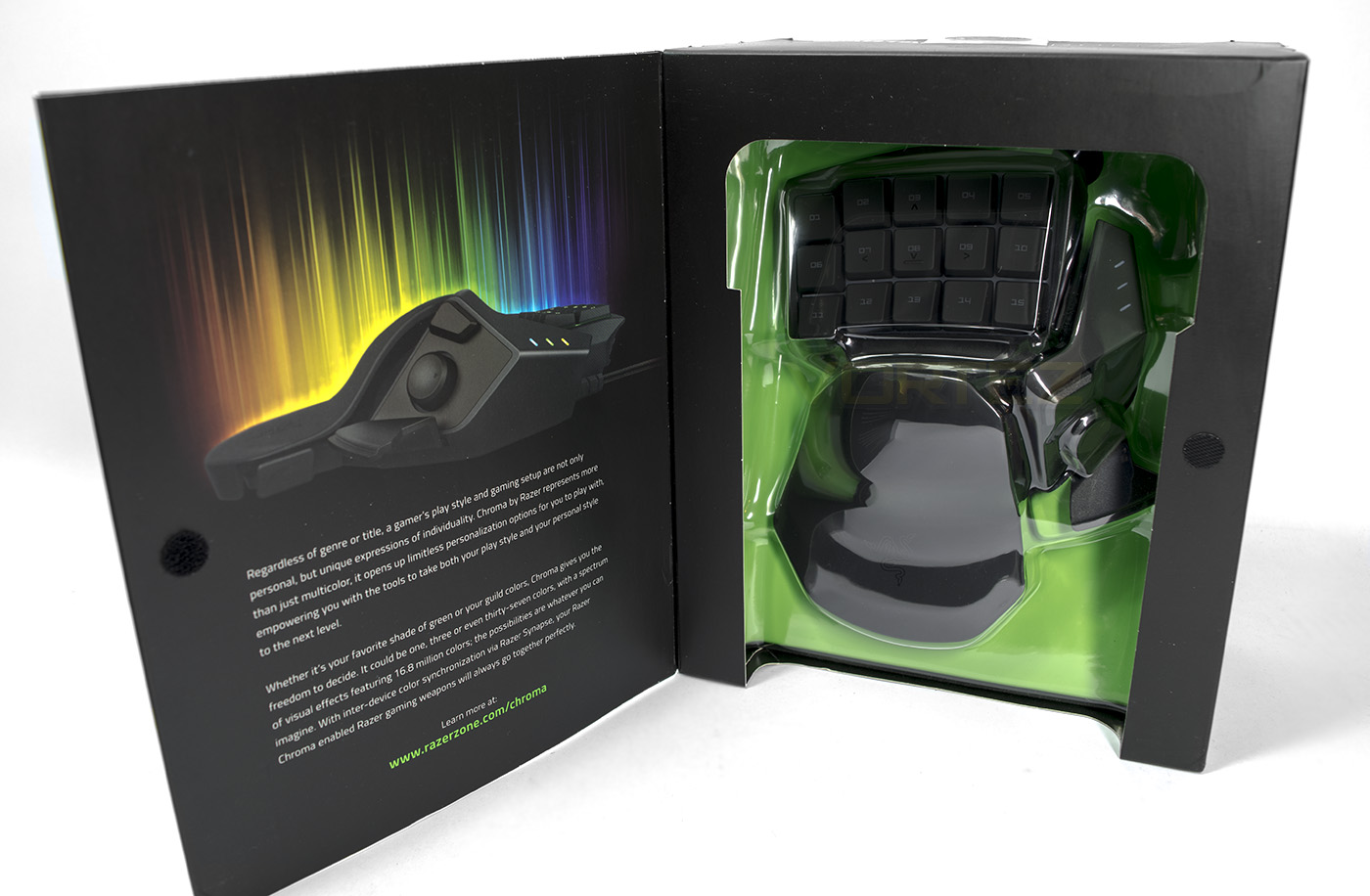
The front opens up to reveal and explanation of the Chroma philosophy and a windowed cut out so a prospective buyer can get a closer look at the Tartarus.
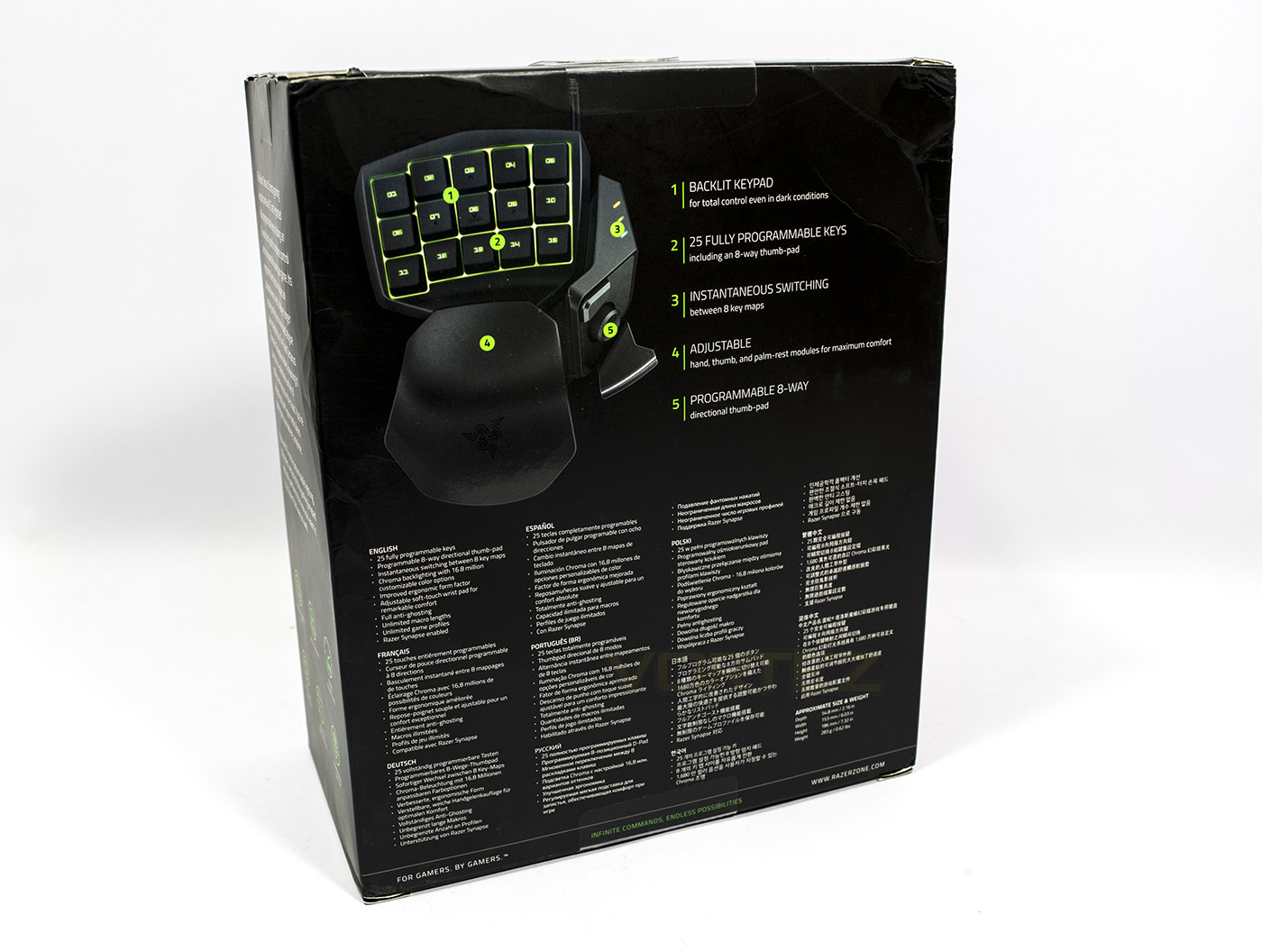
At the back there is a diagram locating various features, as well as having detailed information listed in various languages.
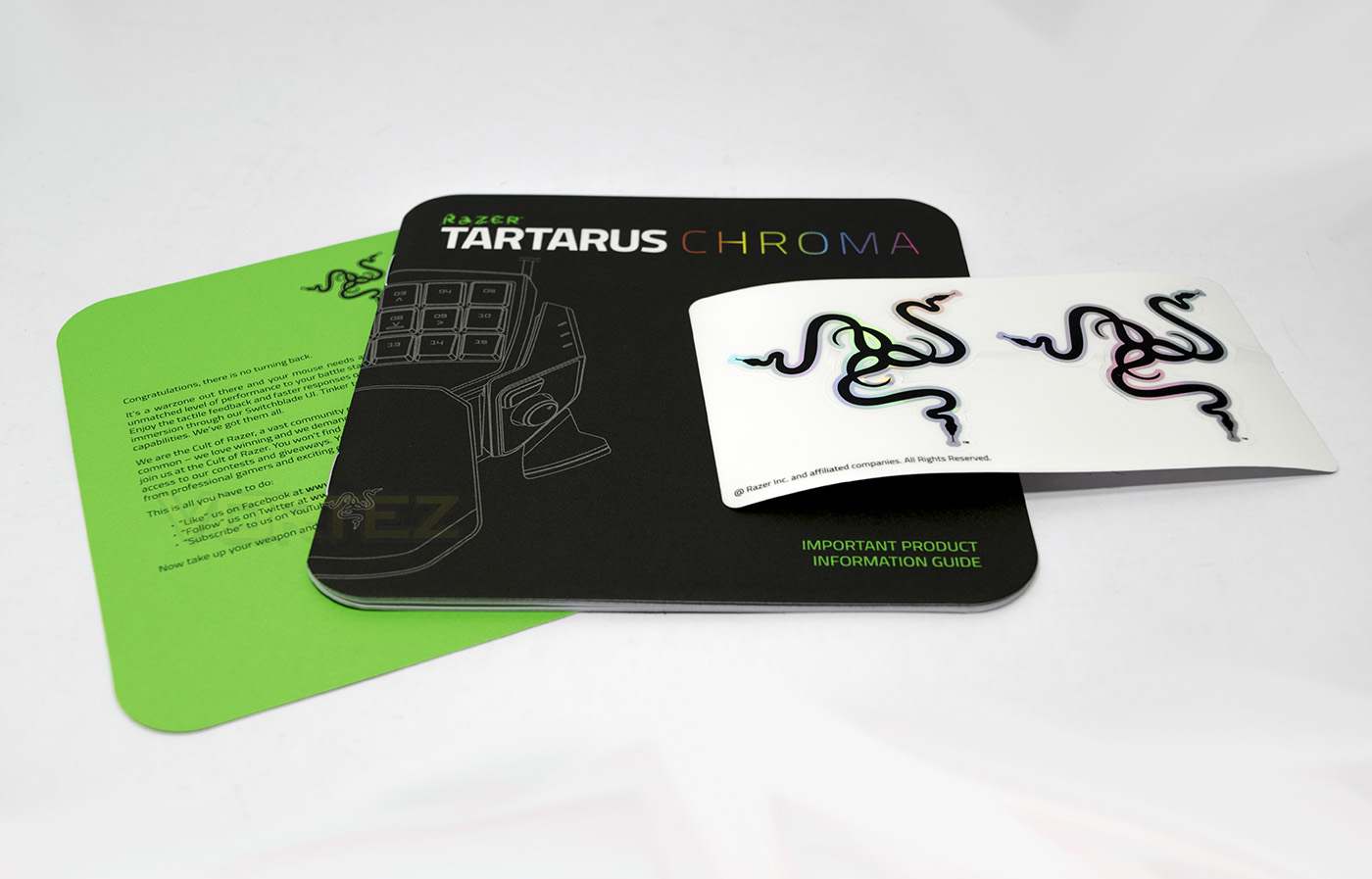
Inside we find the expected Razer indoctrination, guide and case stickers.
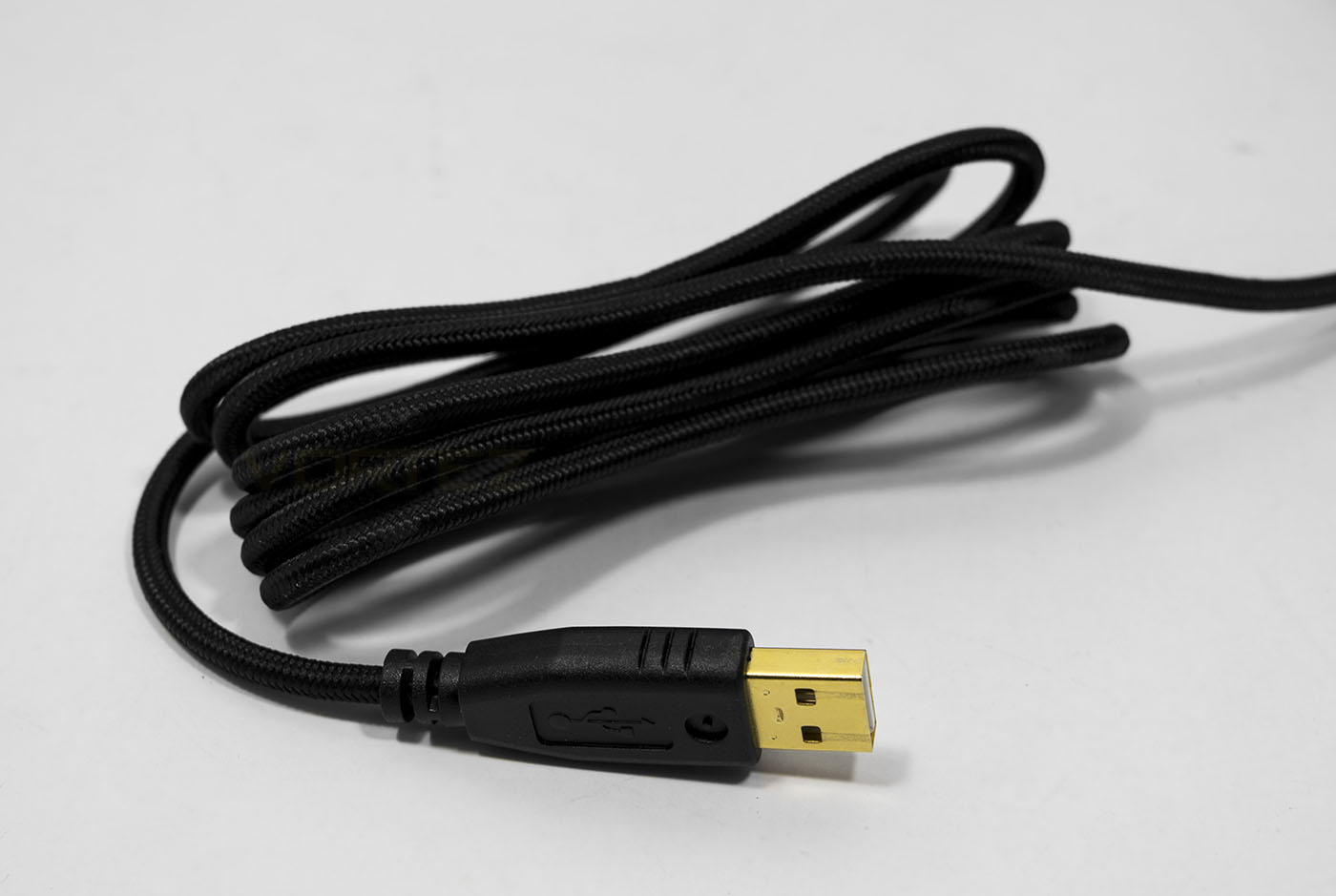
Braided cable and gold plated USB connector.
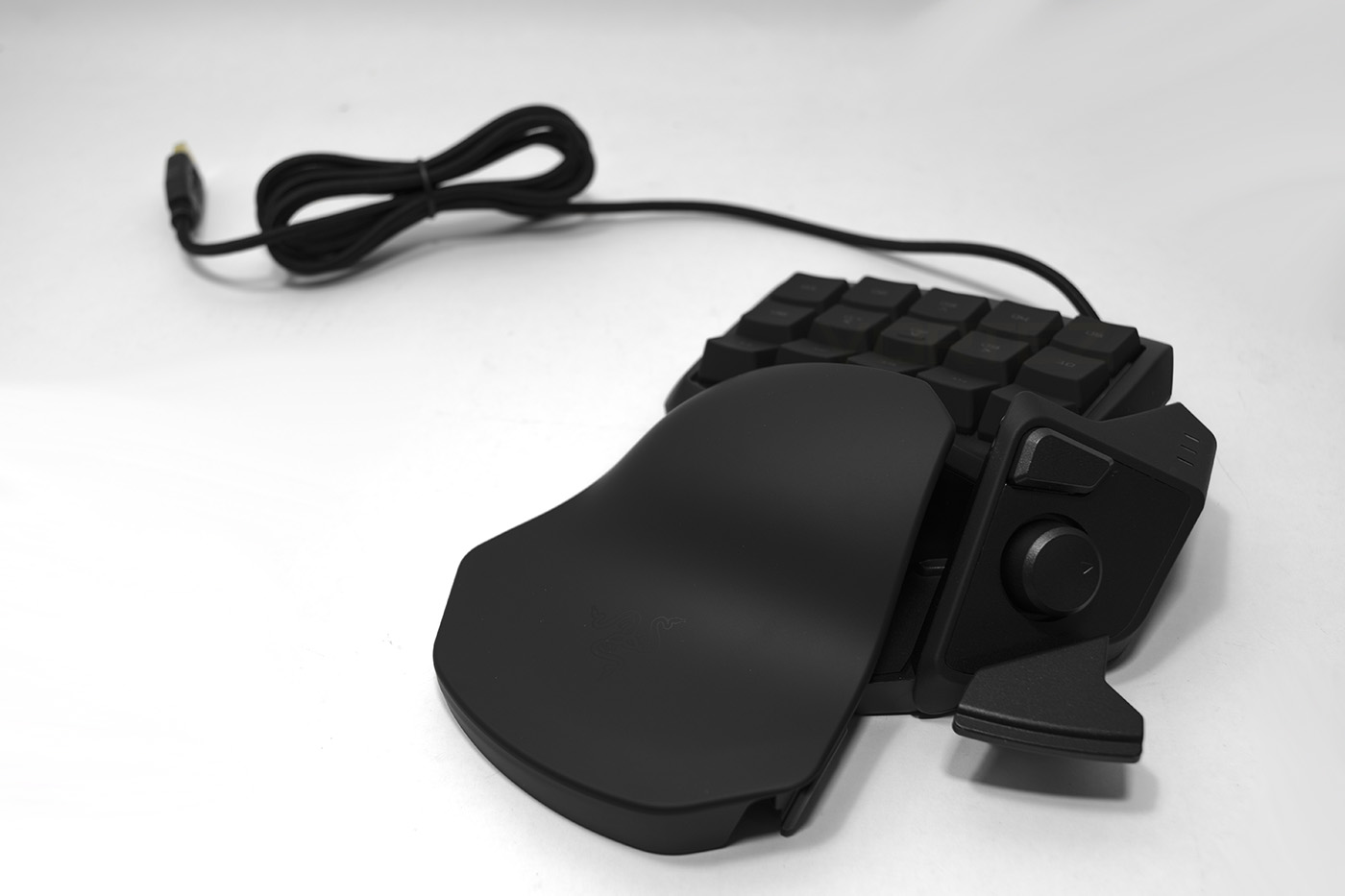
The Razer Tartarus Chroma.
Closer Look
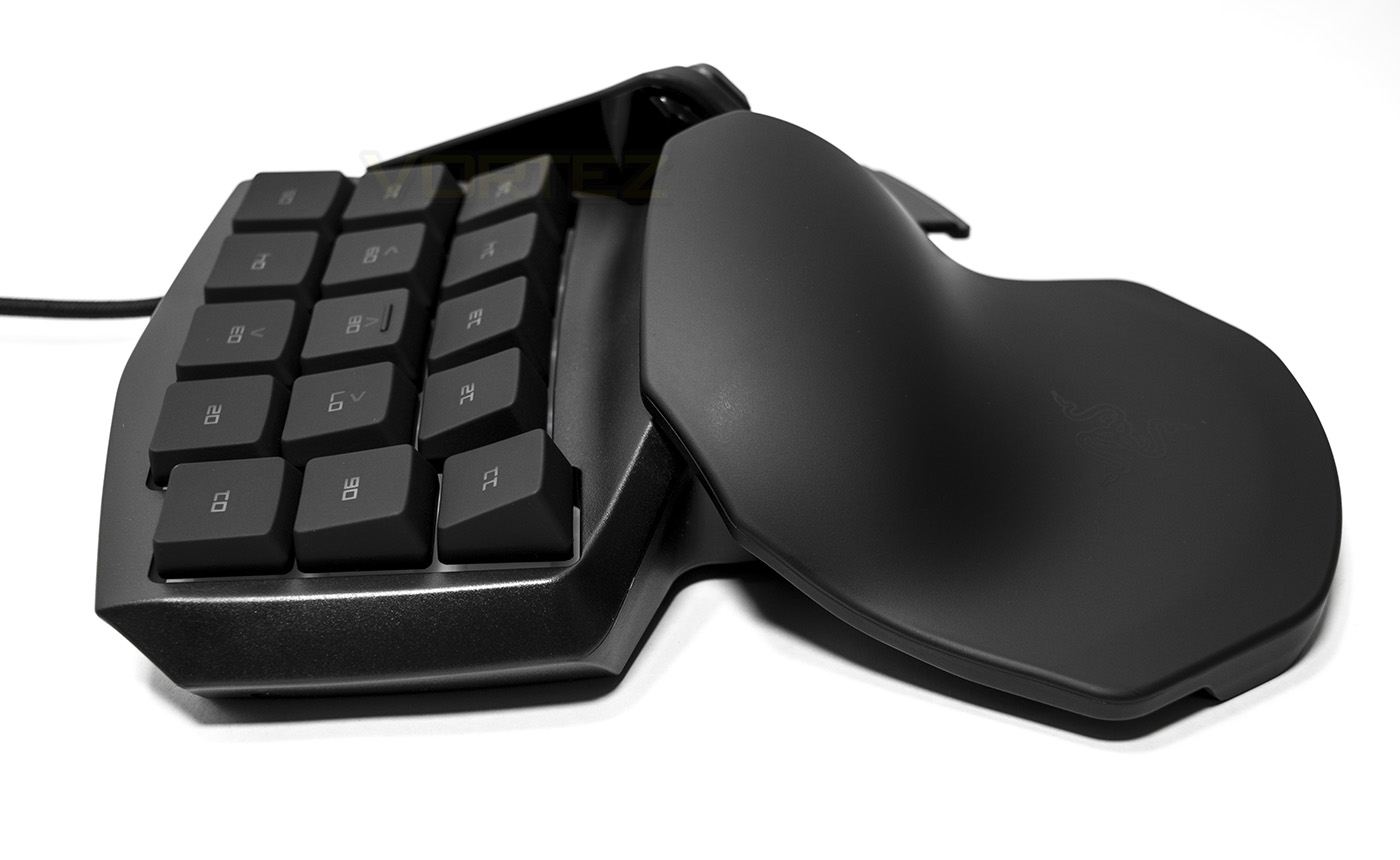
The ergonomic bulge can clearly be seen focussed in the centre, at a total height of 54.8mm.
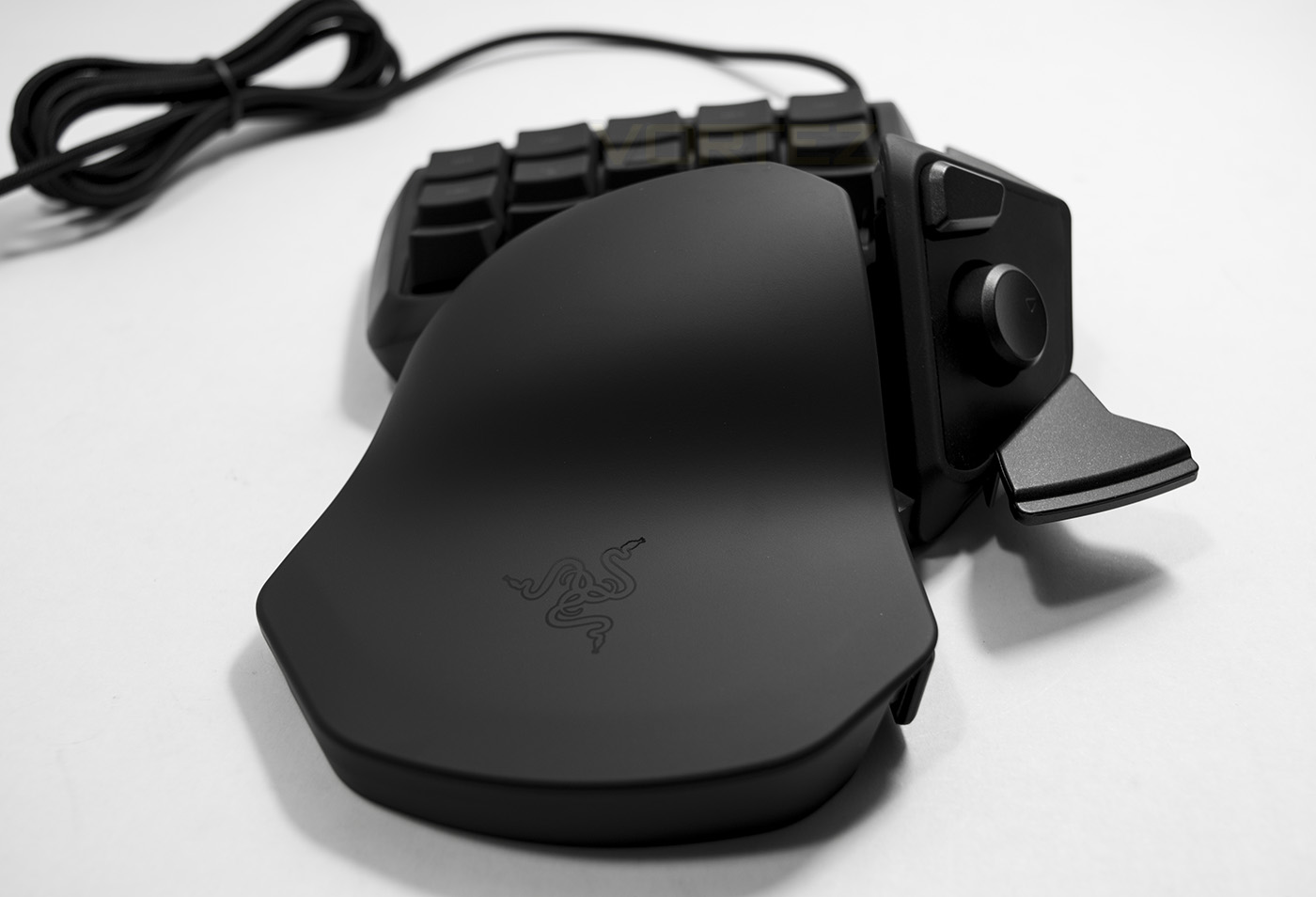
From behind you get a real sense of depth to the wrist pad.
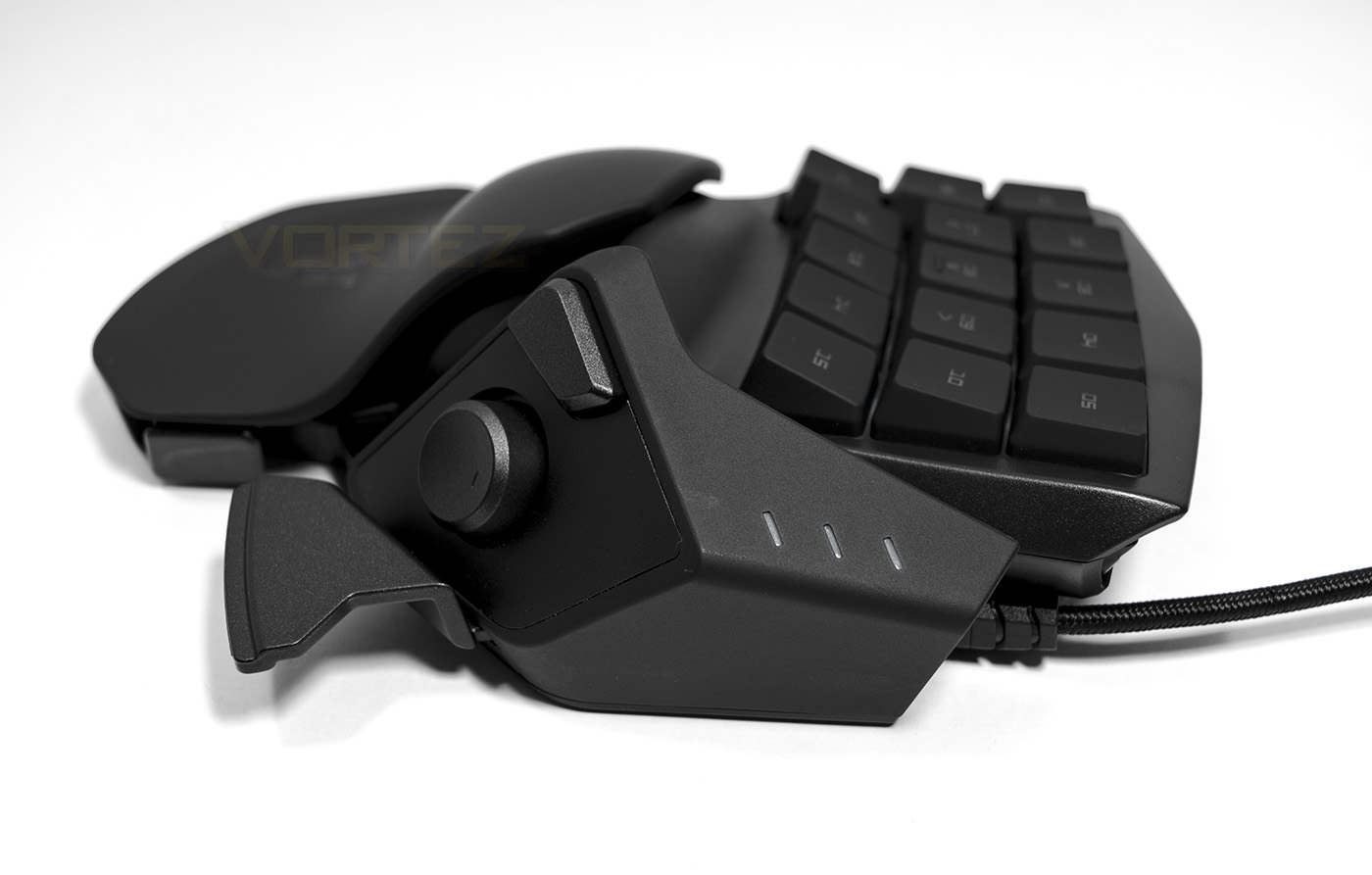
On the left you can see the thumbpad and other controls, while on the right there are LED indicators to display which of the profiles you are in.
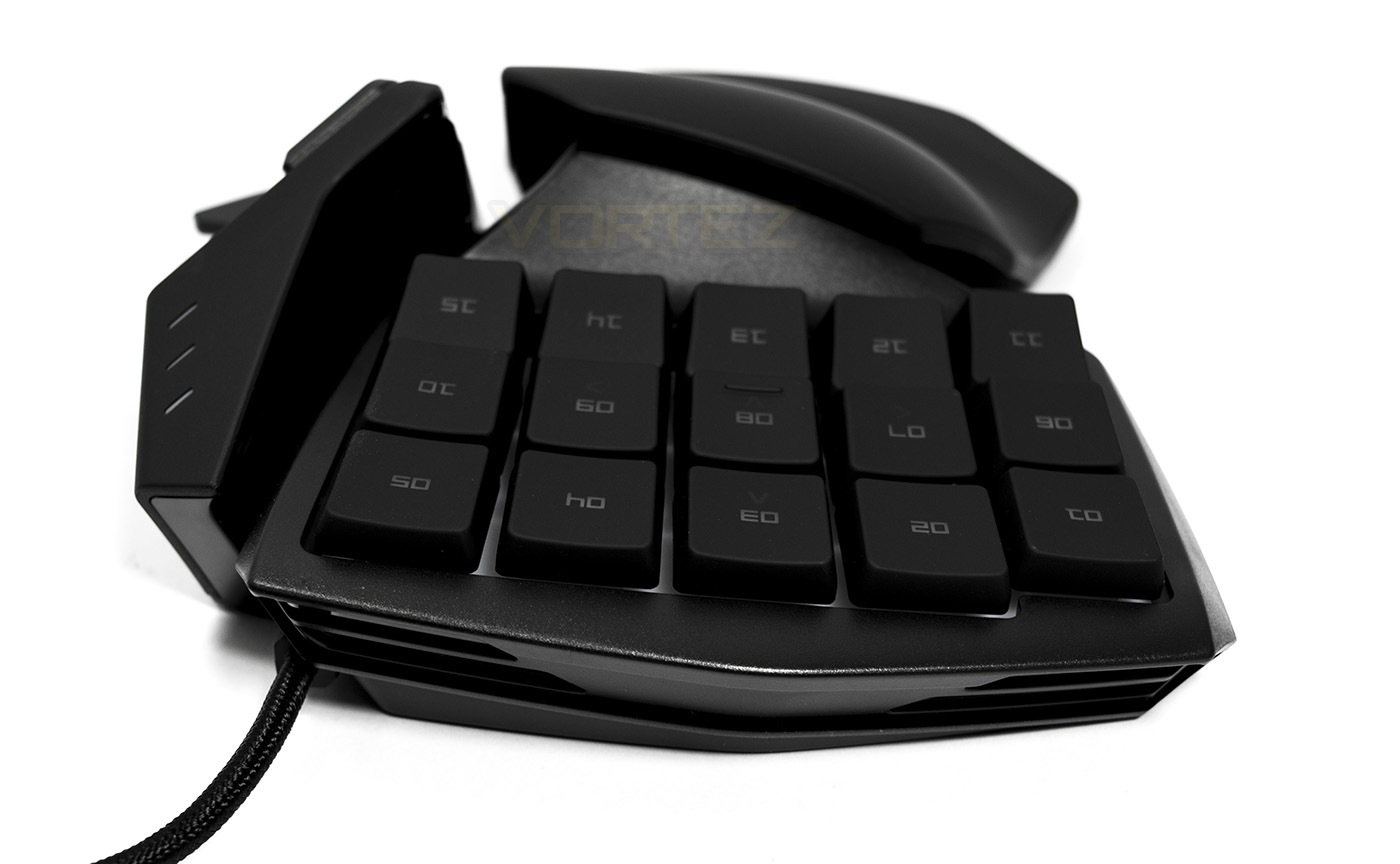
From the front you can see that the keys aren’t just arranged in a traditional keyboard layout, but more in an angled grid, with the rear row having forward facing keycaps to improve tactile awareness, and make them easier to press.
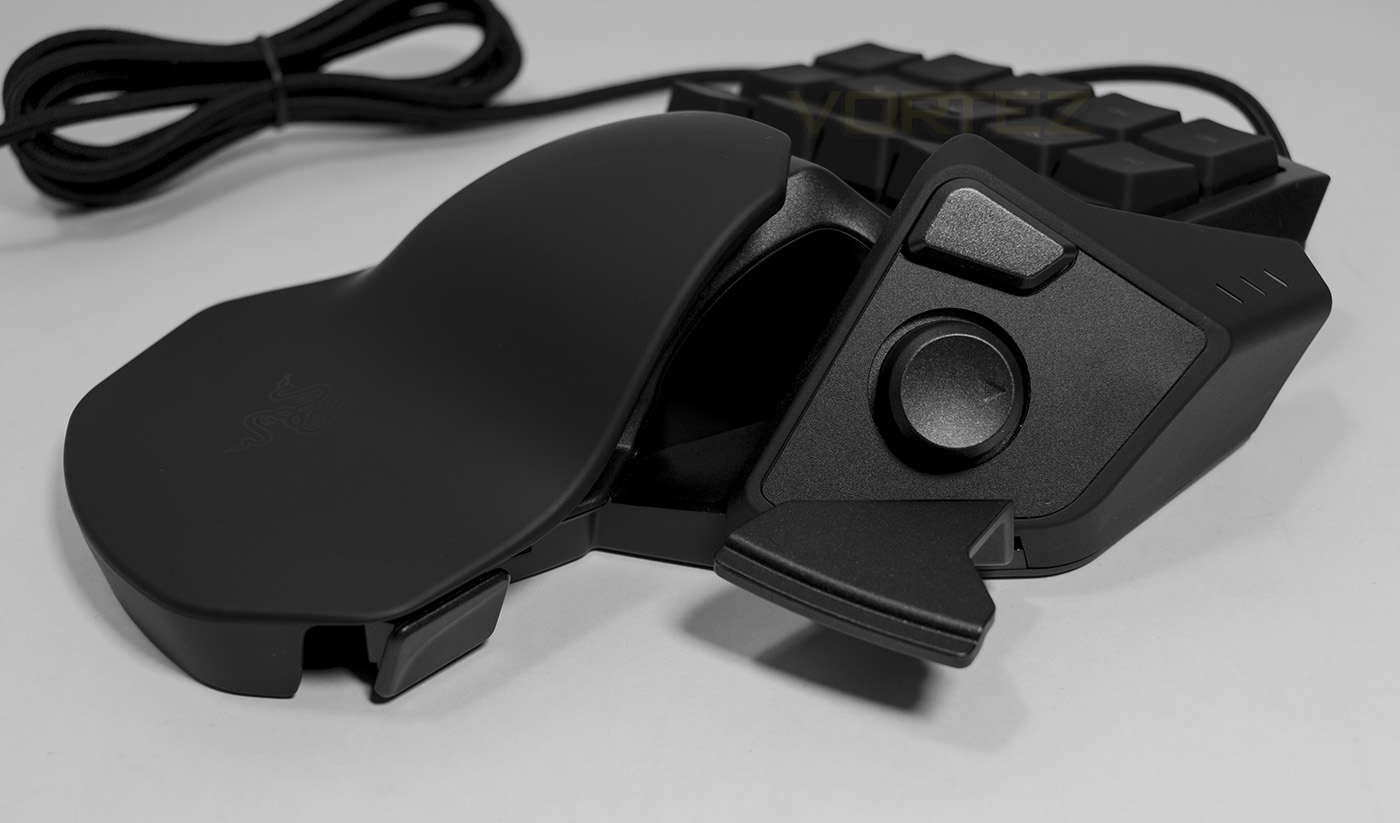
The thumb pad is an 8 directional wheel, the button above by default is registered as ALT, while the bar at the bottom is ‘SPACE’.
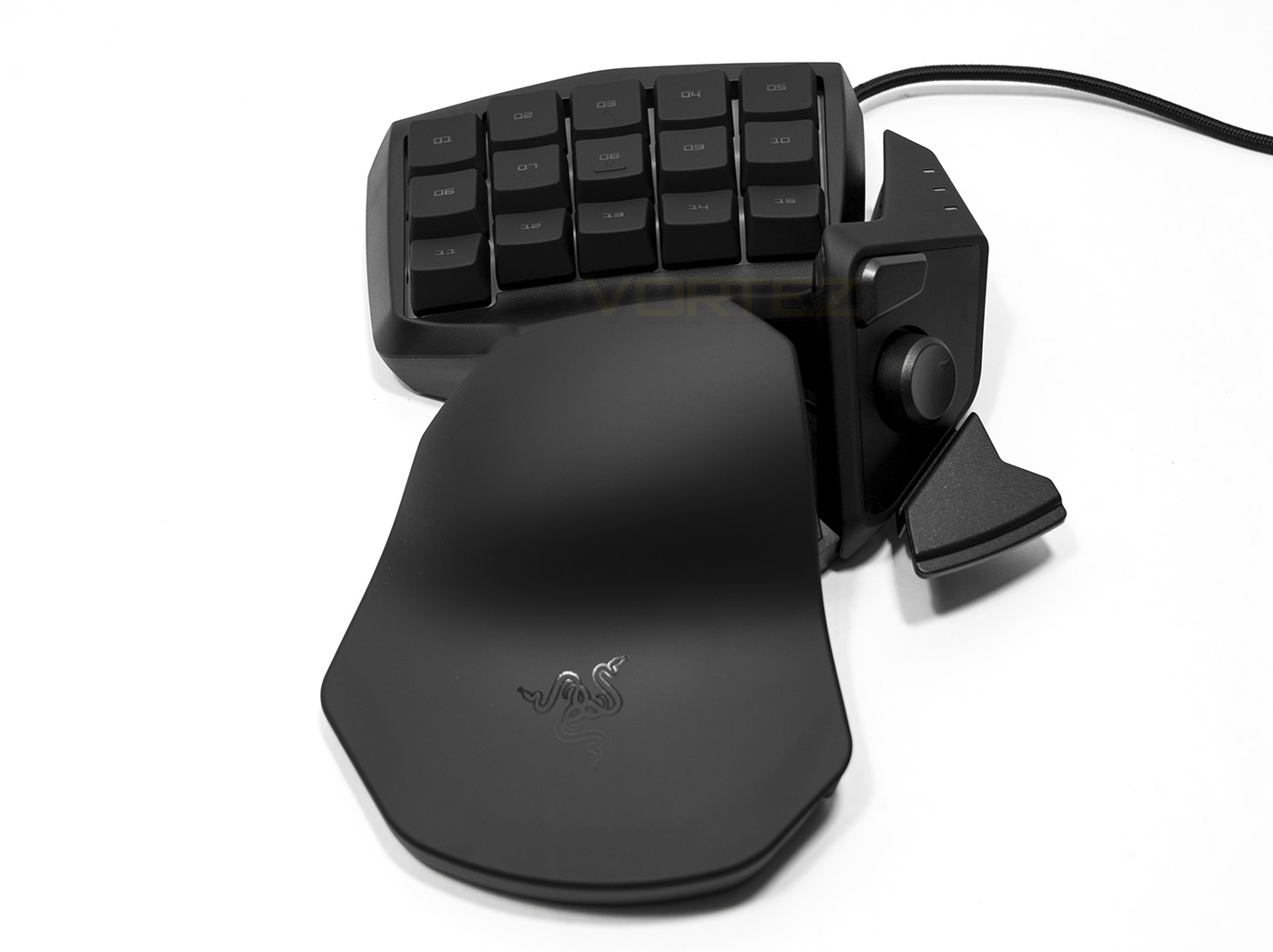
The Tartarus Chroma is fairly widespread, suitable for large hands, though the grip can be adjusted into two positions.
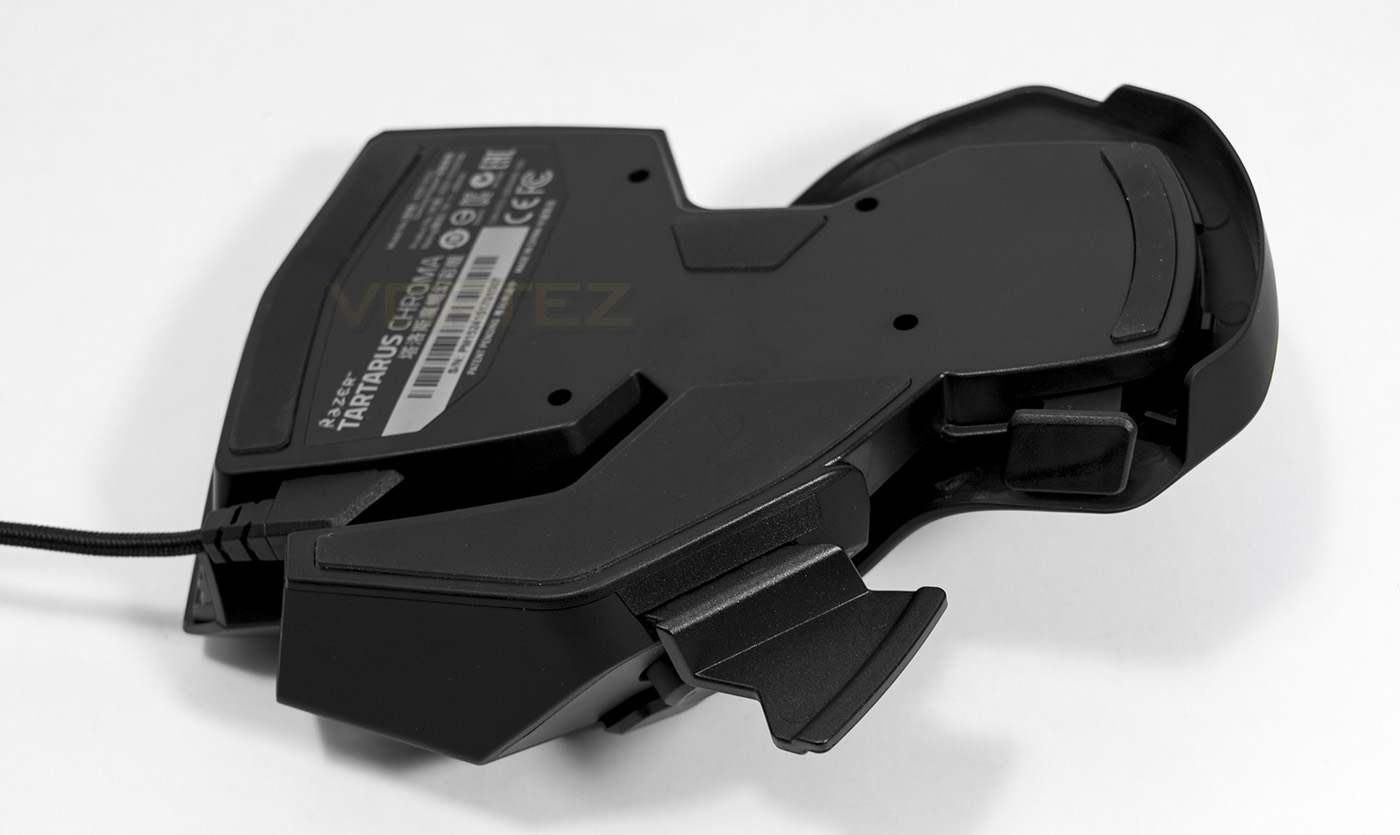
Underneath you can more clearly see the latch that adjusts the grip size, as well as view the non-slip rubber feet.
Software & Lighting
The Razer Synapse is a Cloud based all in one driver for Razer products, offering an easy to use interface, reassignment of keys, recording of macros, as well as syncing your Chroma enabled products. Once downloaded, You will either have to sign in to your account, or create a new account to proceed. The Synapse software will then go on to further download drivers for any connected Razer devices. This process is a little long winded for those that want to jump in and play, but once you have it set up, you will understand that this software is half the reason Razer are a market leader. Saving and assigning profiles is quick and easy, and each key can be programmed to your hearts content.
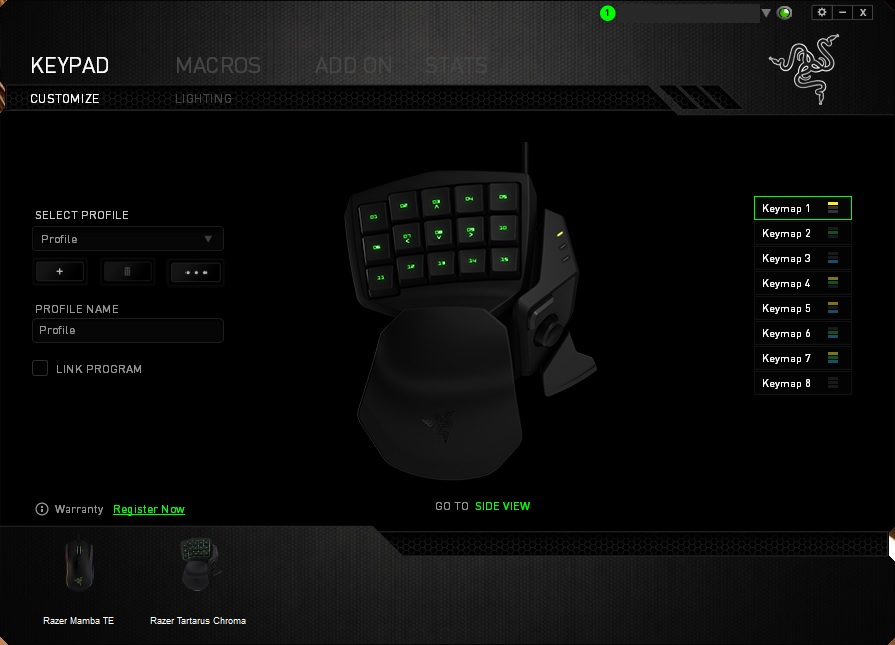
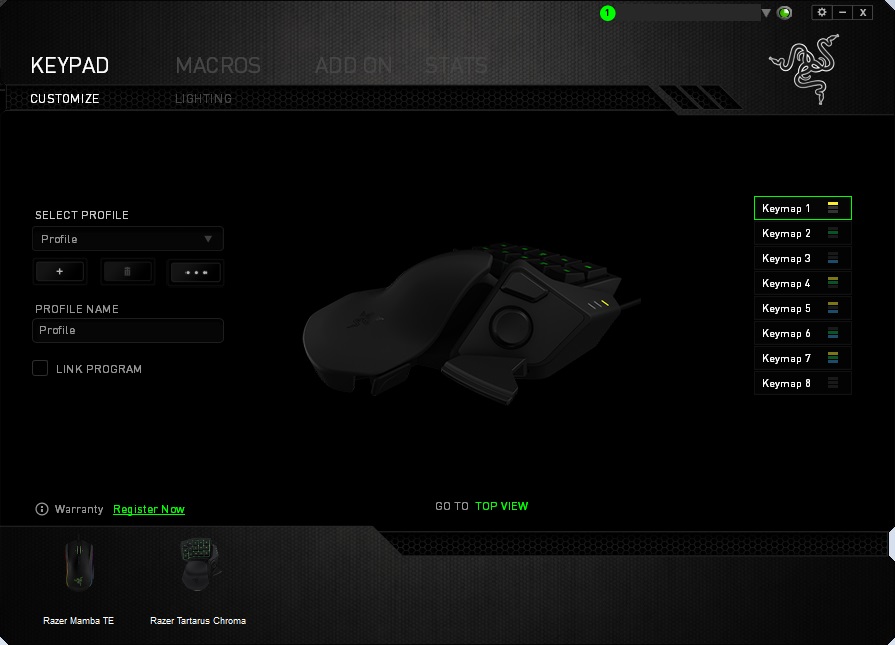
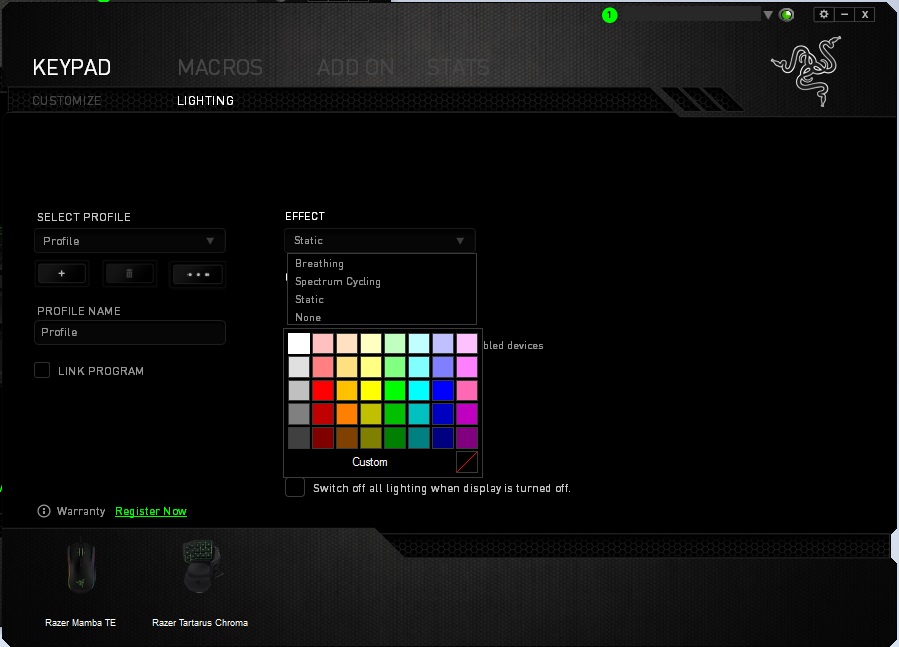
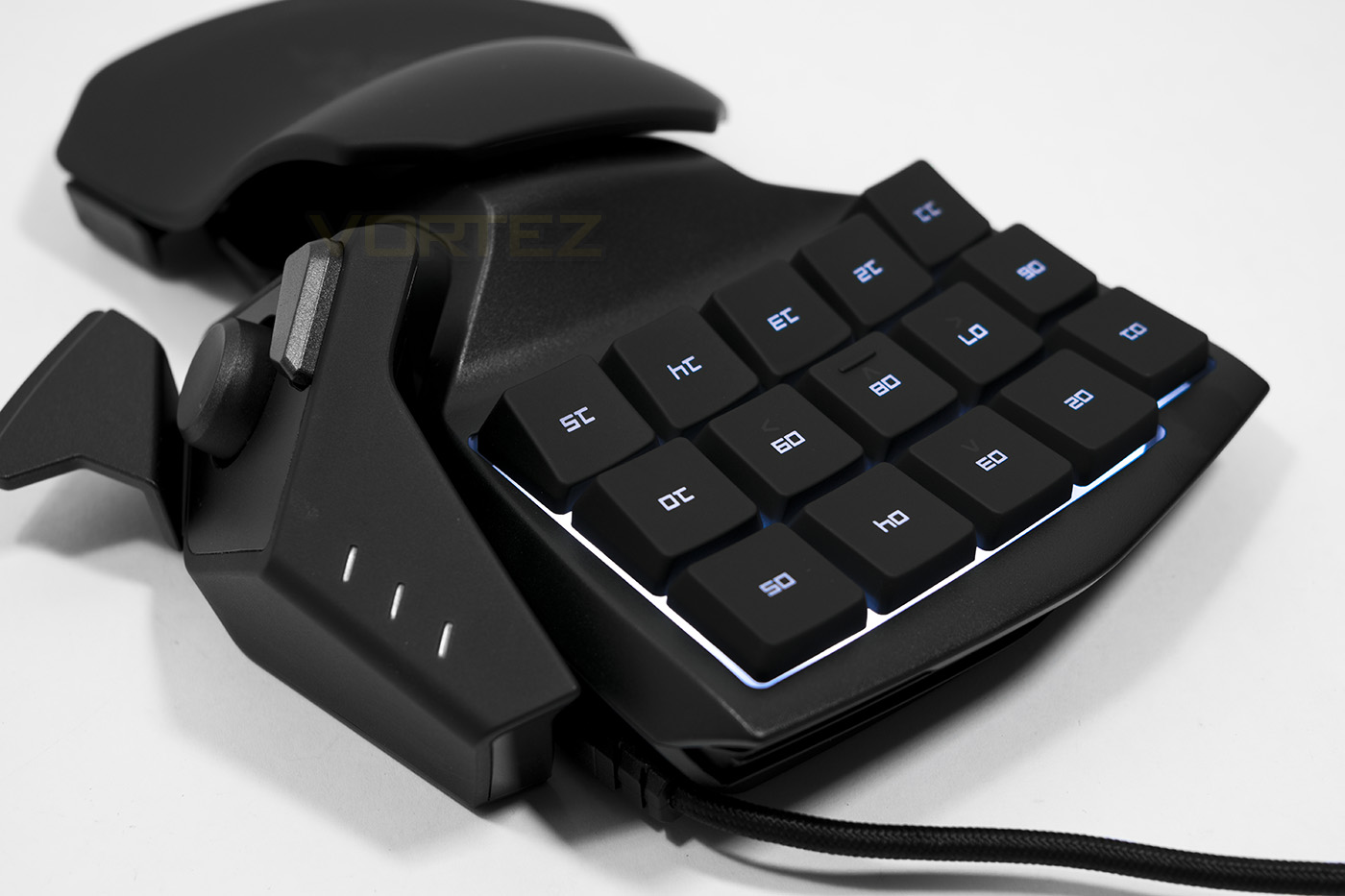
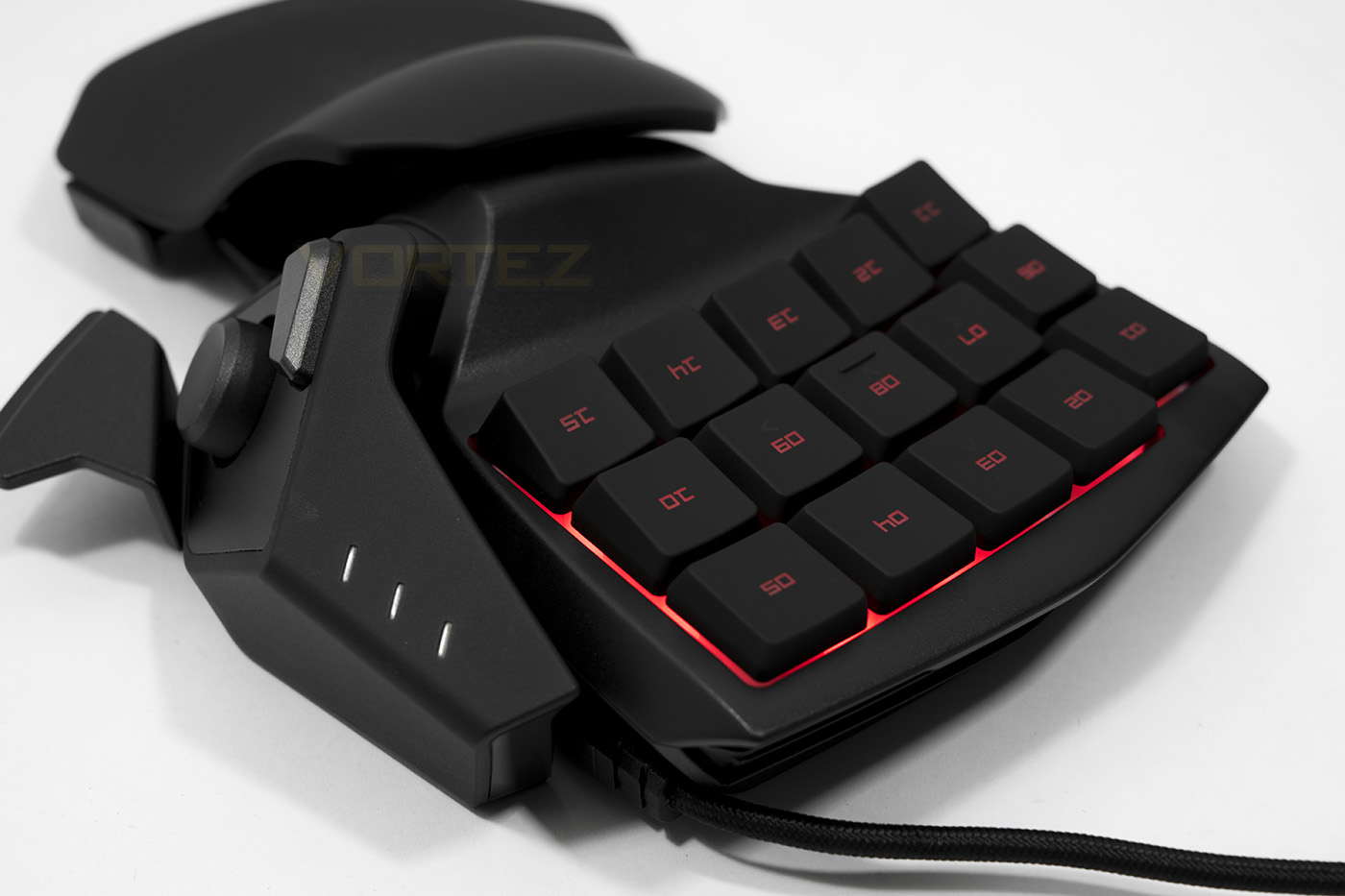
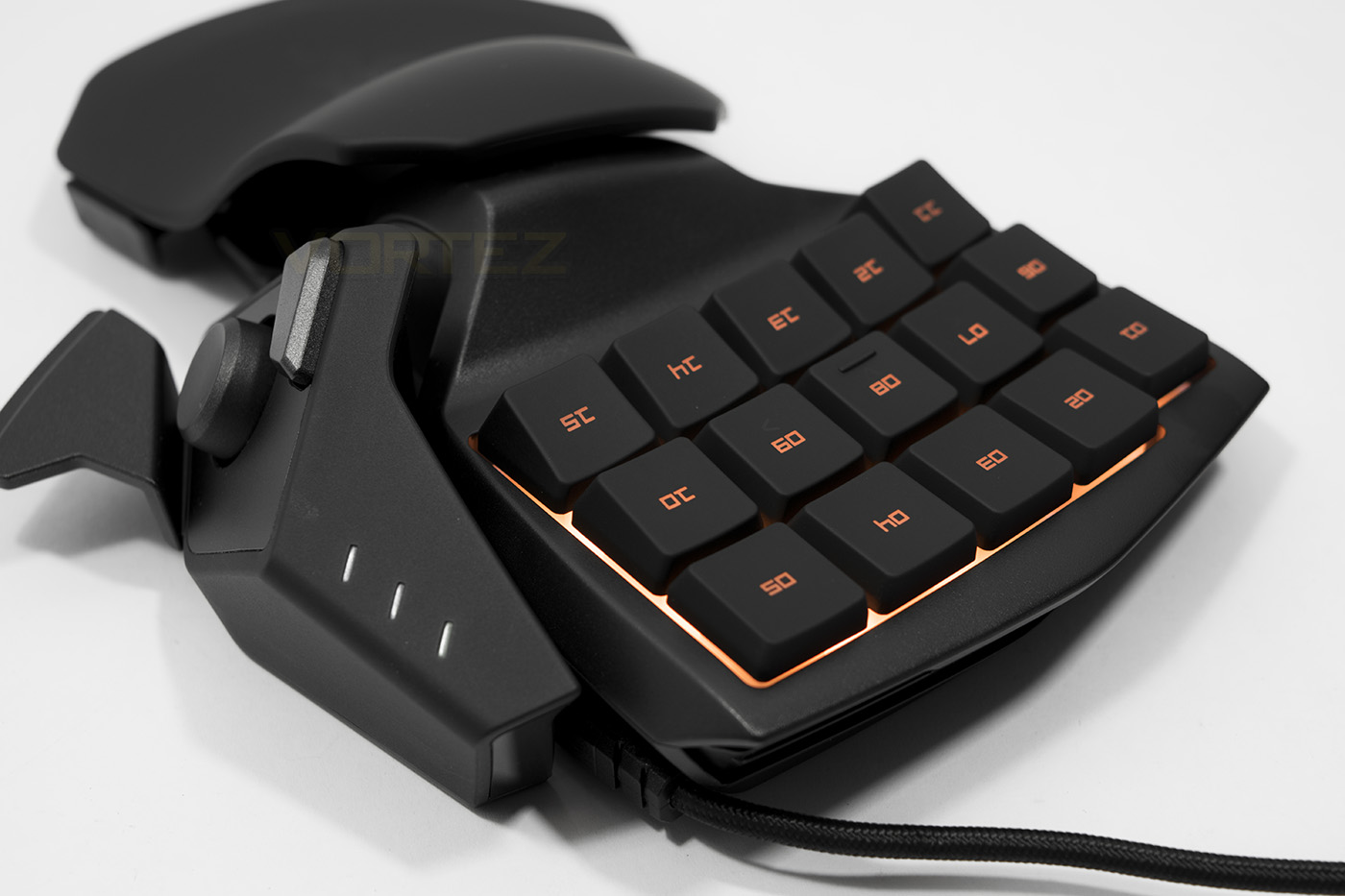
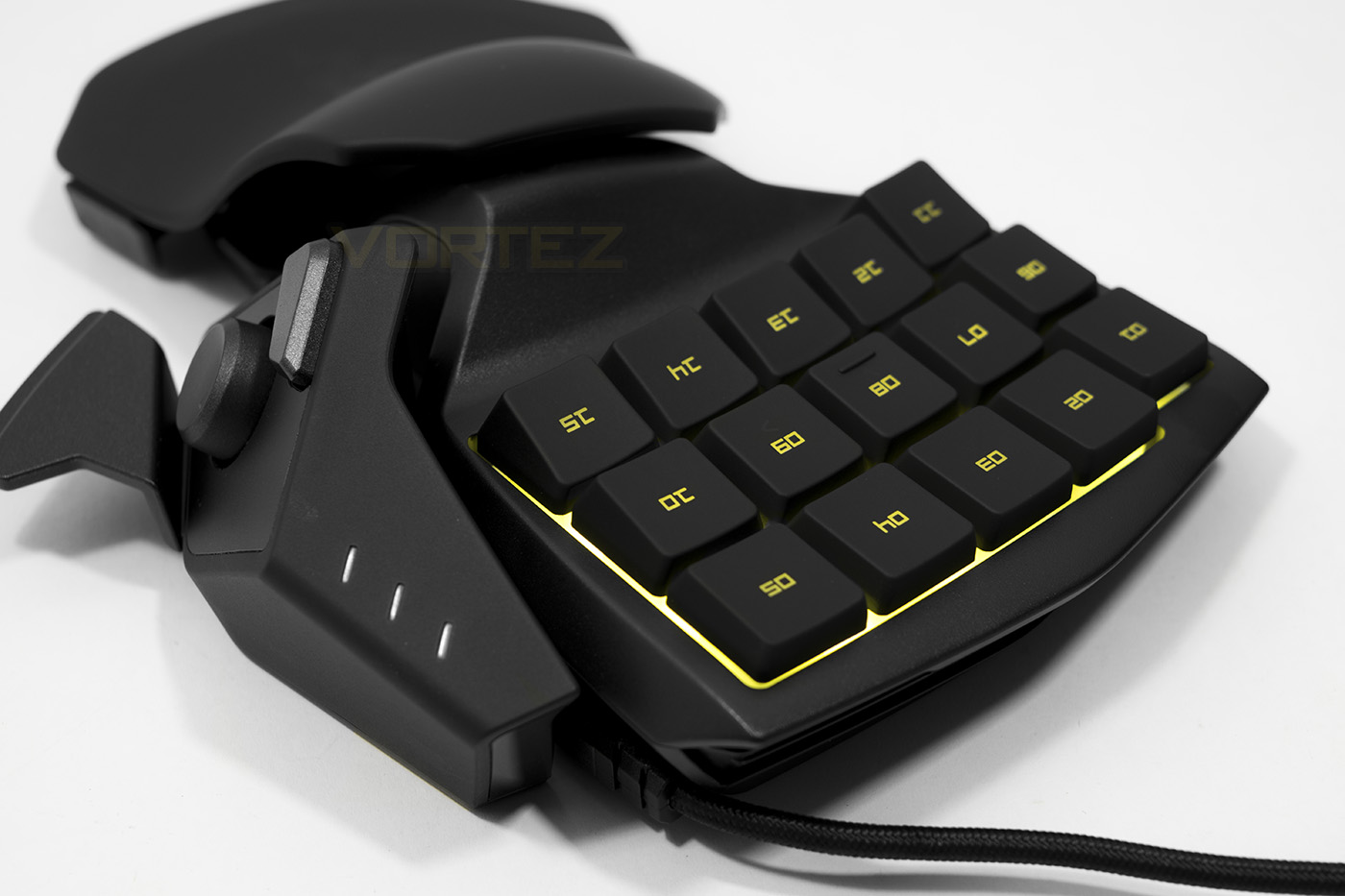
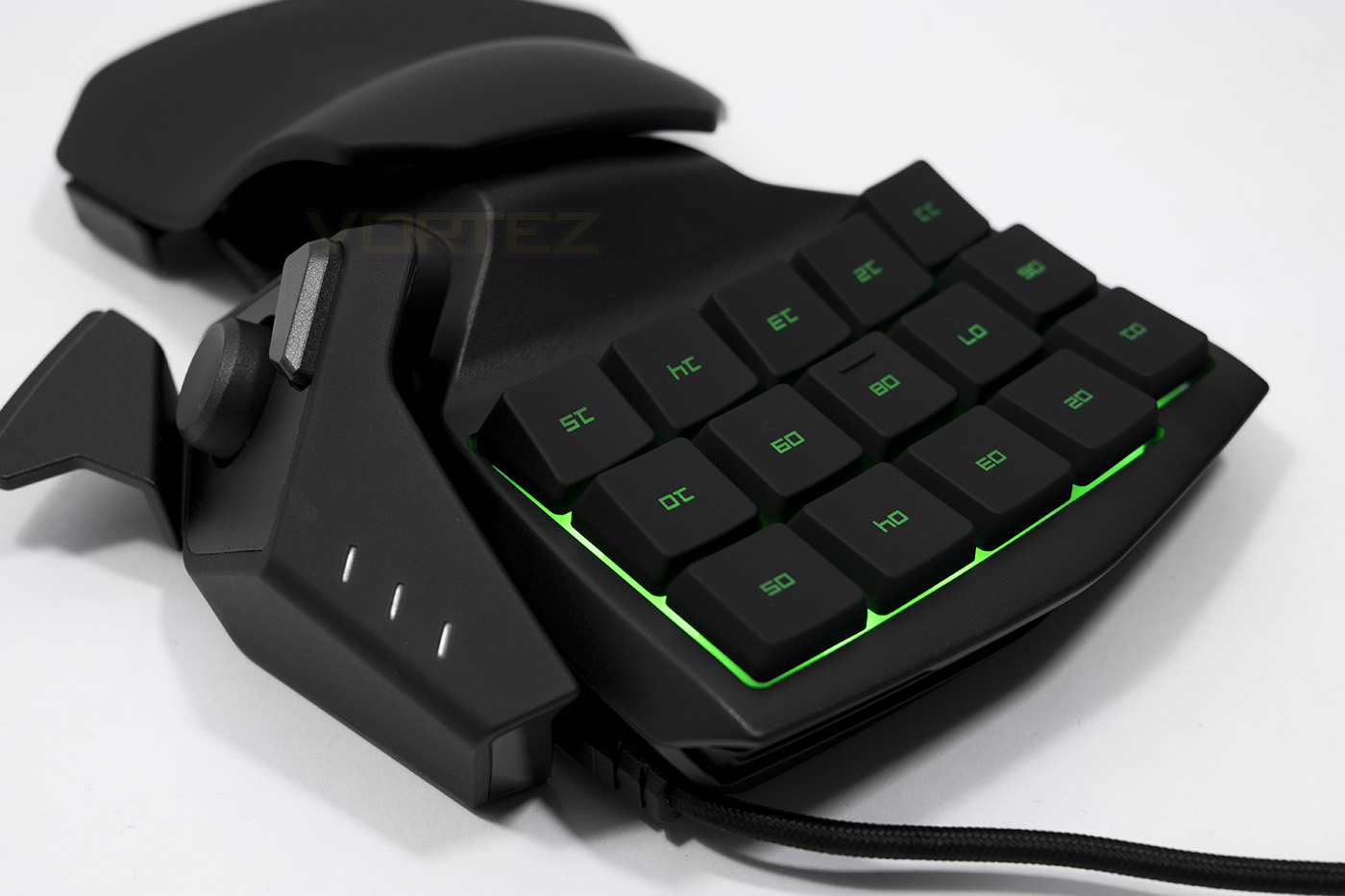
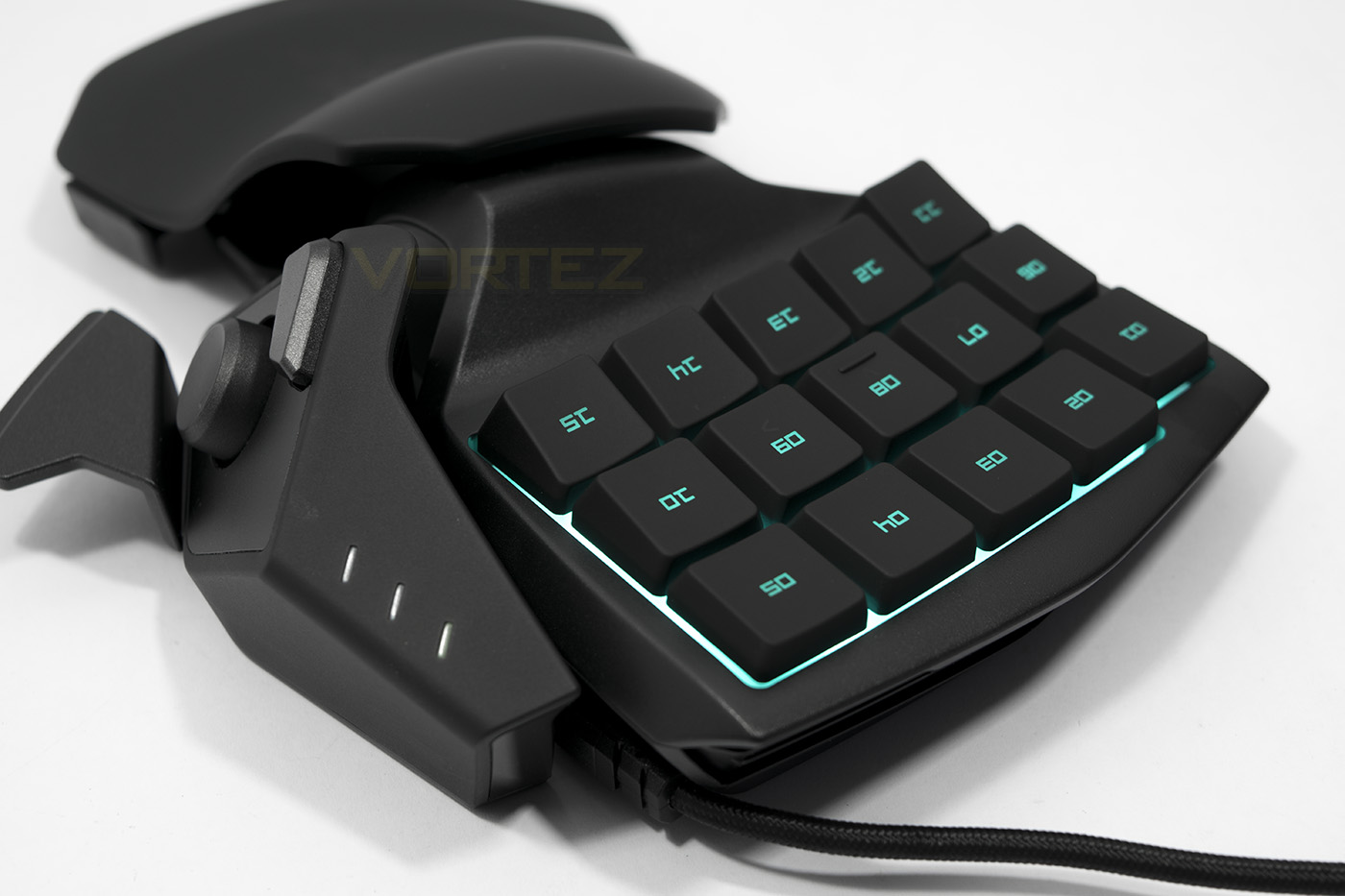
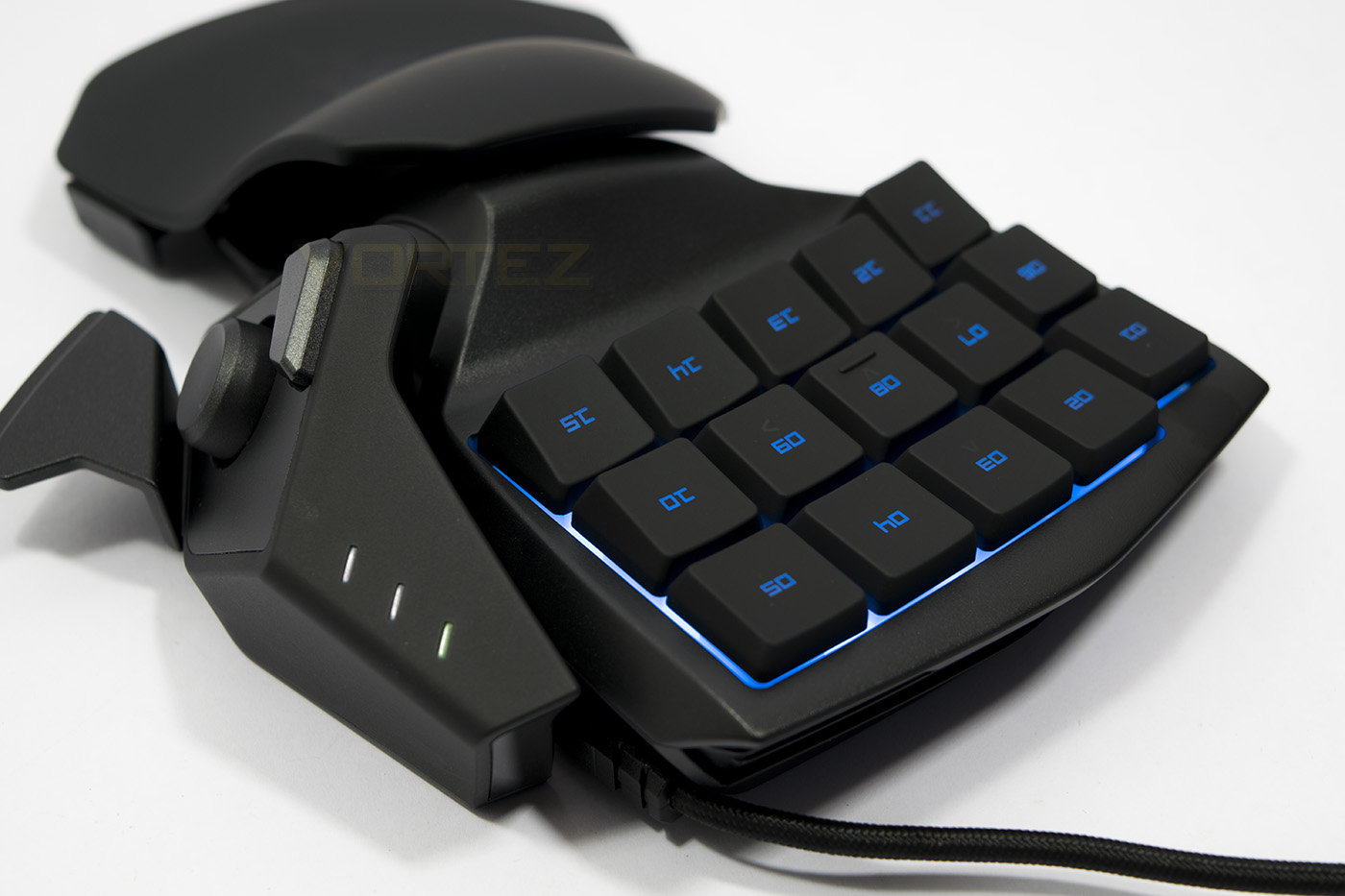
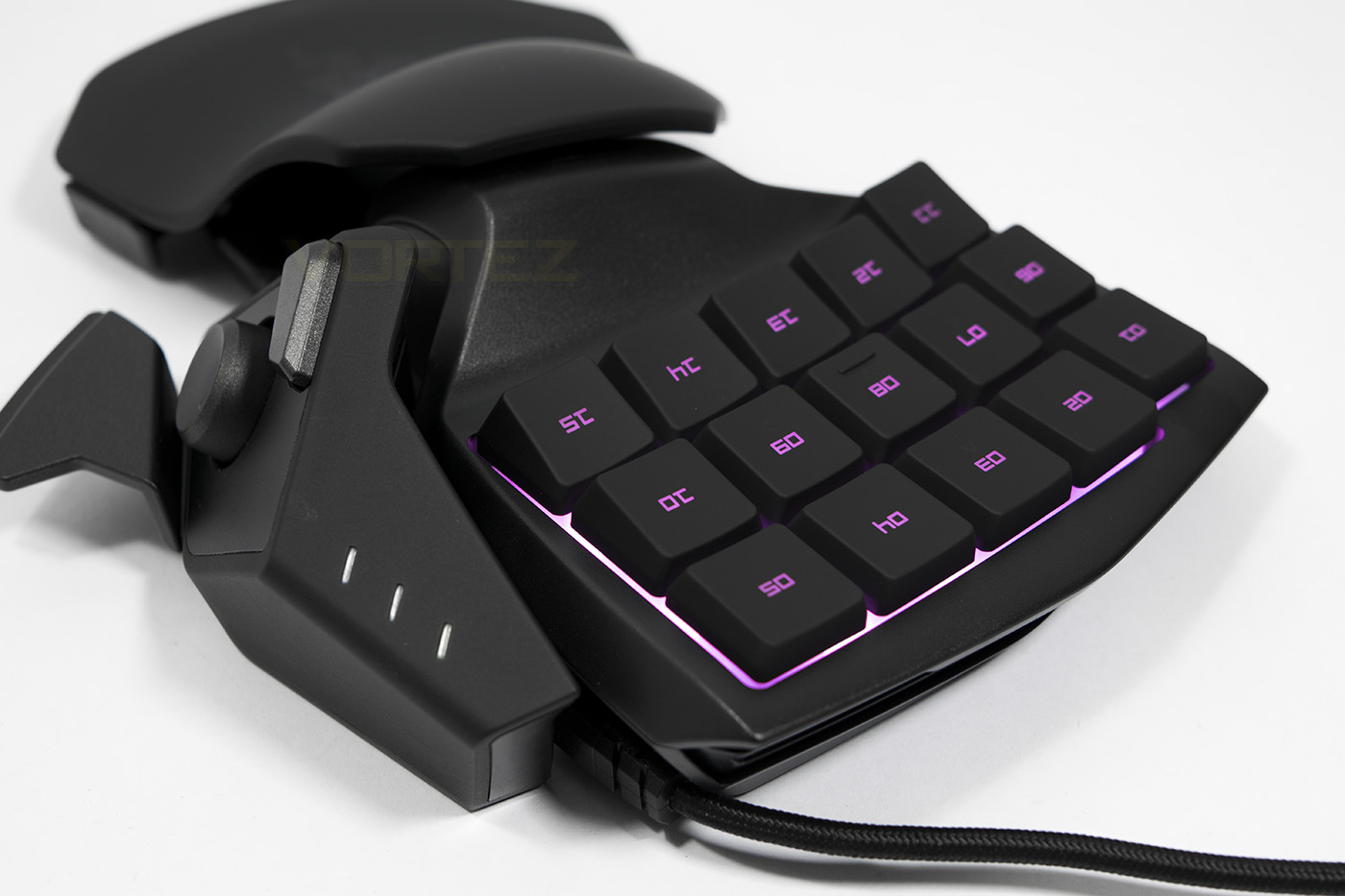
The keypad area has a white background as seen on the BlackWidow Chroma, helping the coloured lighting that little more vibrant. Though unfortunately there is no per-key customisation to be seen here, so we are limited to spectrum cycling, or static colours.
Performance Testing
Setup via USB is relatively painless, until it comes to the install of the drivers depending on whether or not you already have Razer Synapse installed. If you do, it will be rather quick, if not, it can be a little drawn out.
The plastics used to make the Tartarus grip seem a little, well plasticky, and doesn’t feel as soft as ‘soft feel’ would suggest, I.E. it is rather firm, and uncomfortable. The two positions for the grip, for me personally fell into a category of ‘too close’, or ‘too far’ and so the two position hand grip doesn’t seem like a great idea over a multi positional hand grip. The keys felt good quality, though I was disappointed to not be using mechanical switches, instead it uses membrane switches which came as a surprise considering the £70 price tag. Some may prefer membrane still and they were responsive and worked fine.
The thumb pad felt a little confusing and it feels like a missed opportunity to either be a decent mechanical dpad, or even analogue switch, though considering the scale of palm widening needed to use the tartarus, an analogue stick maybe just be more uncomfortable. The alt and spacebar buttoms felt good and easy to access with the thumb.
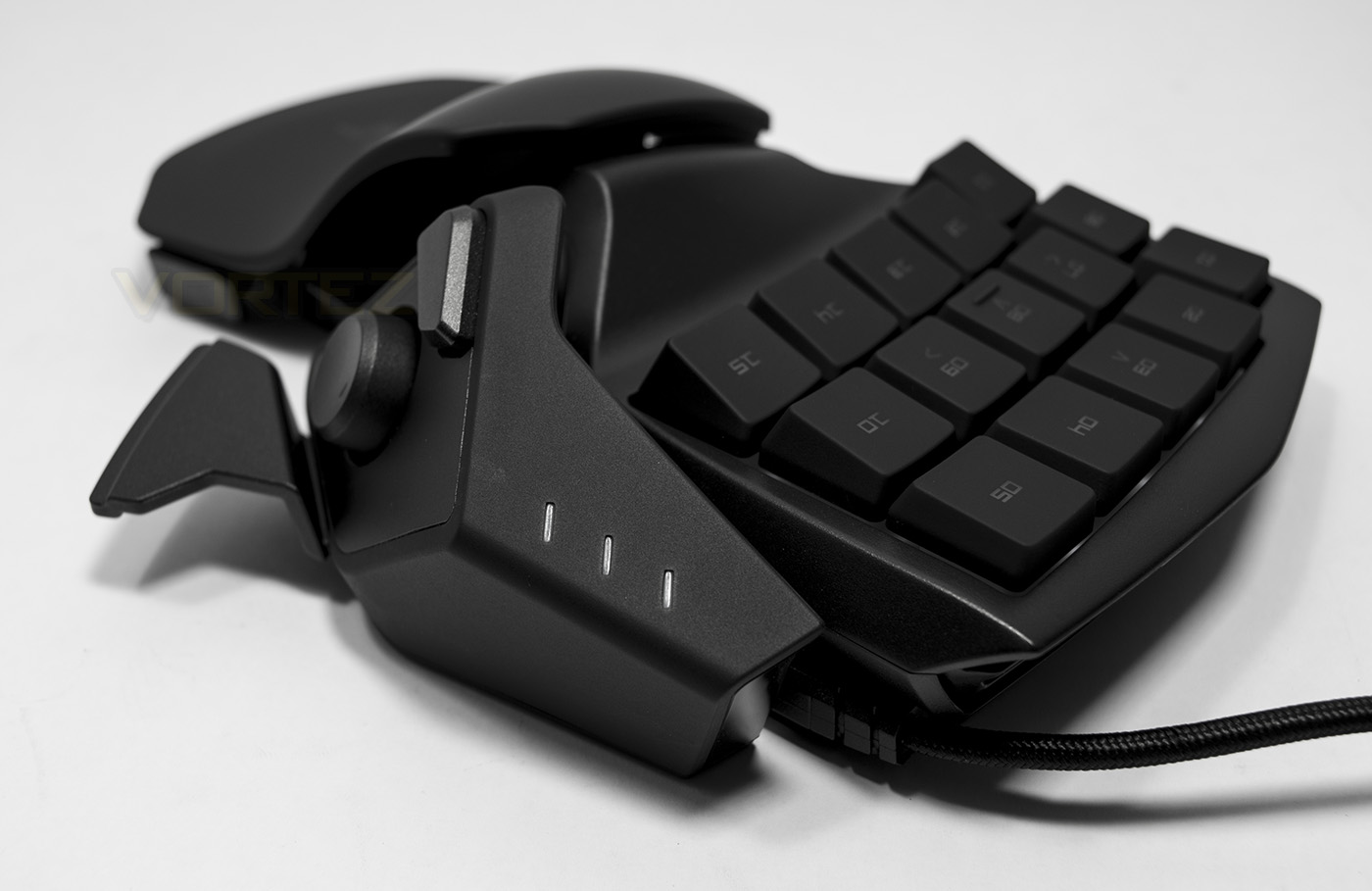
One of the best aspects of the Tartarus, is that you can game on FPSs, RTSs, MMOs, MOBAs, with relative ease, especially given the programmability of each key, without needing an entire keyboard in front of you (assuming you use voice chat over typing). The WASD positioning felt good, but positioning your fingers may take a little getting used to as it is a grid formation rather than standard keyboard layout. To really work with it, you will need to re-map all your keys to get the most out of it, though, considering the flexibility of the macros and profiles, it would be time well spent.
Conclusion
Products like the Tartarus may be a little niche for some, but for those looking to exploit a massive advantage that awaits after a little learning curve, may come to swear by it. The near limitless possibilities with macros and programmability are definite strong points that will shine particularly in fast paced action RTSs, though can easily cater for any genre out there.
The advantages of the Tartarus are marred by a few important factors. Firstly, I found that the hard plastic wrist rest to be fairly unforgiving, and the adjustable grips 2 size only policy did not suit my hand size at all. Sliding about 20-30mm between each position, an option for somewhere in the middle would have helped things greatly. The Tartarus also forces you into a wide open palm grip which feels rather unnecessary, like grabbing a hard plastic boob with a keyboard under your finger tips and the nipple under your thumb. The ALT and SPACE buttons were easily accessed but again, the movement distance between them is relatively far, slowing actuation time between them.
Secondly, is a combination of the lack of mechanical switches with per-key customisable lighting. Creating your own key maps with macros on different profiles is far more convenient with the visual cue of customised illumination, which as far as ‘Chroma sells itself’, people could be forgiven if this was part of their expectations. Overall, the Tartarus Chroma will fill that gap for gamers looking to get a non-conventional advantage from their gaming arsenal as there are many reasons why it would be worth getting used to such as its portability or simply maximising your macro commands to increase your potential in fast paced games. At this current stage in the development of the Tartarus doesn’t quite make it to the level where it is a must have for every gamer but that future potential can clearly be seen. For now, if you are looking for an alternative to a standard keyboard with the possibility of gaining an advantage, then you may have just stumbled across your new deadly partner.
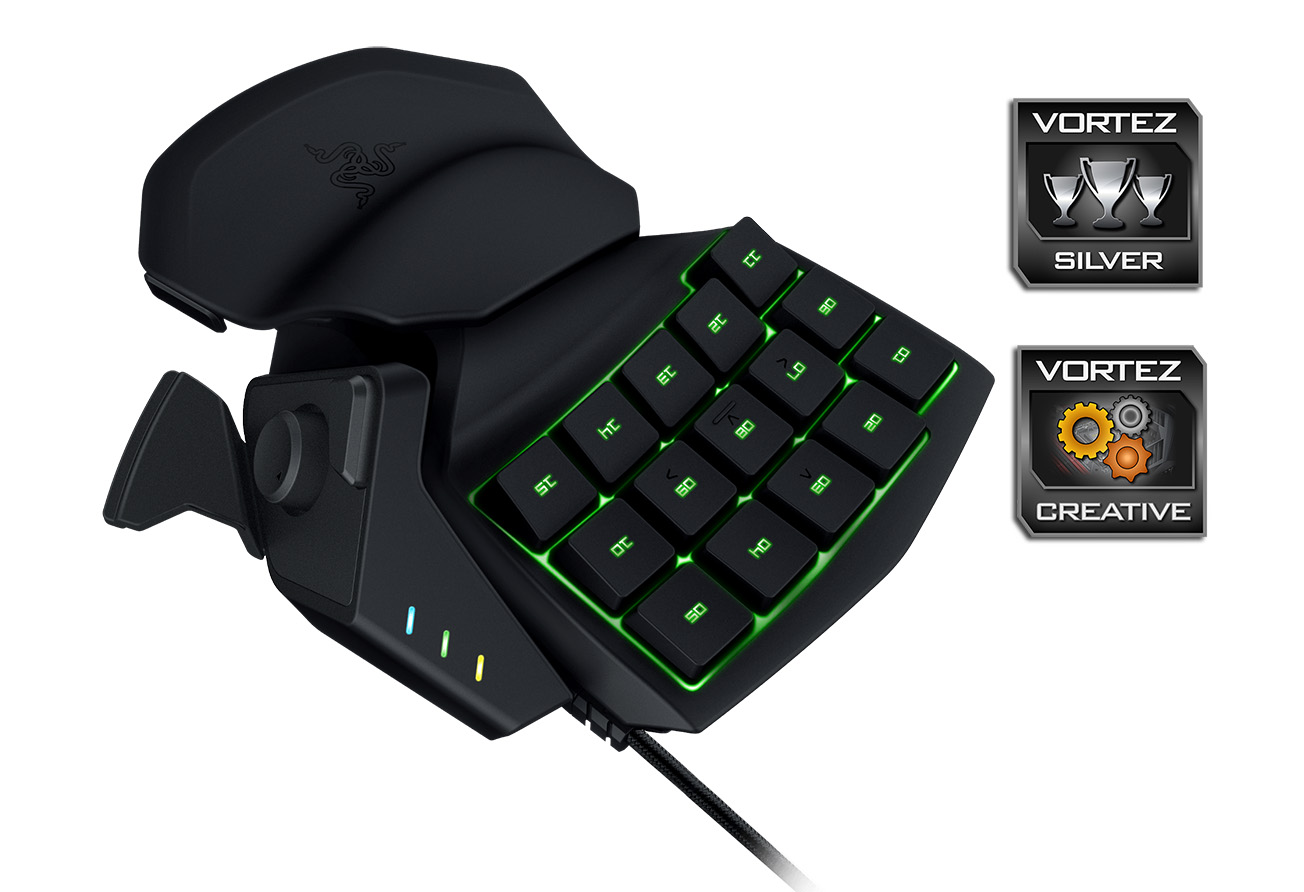
Razer prove their innovation with the Tartarus Chroma, offering gamers a powerful alternative to a traditional control pad or keyboard.
Pros.
+ Highly programmable
+ 8 Profile maps
+ Highly portable
+ Great for MOBA/MMO/FPS/RTS
Cons.
– Doesn’t use mechanical switches
– Not as comfortable as expected
– No per-key customisable lighting
+ Highly programmable
+ 8 Profile maps
+ Highly portable
+ Great for MOBA/MMO/FPS/RTS
Cons.
– Doesn’t use mechanical switches
– Not as comfortable as expected
– No per-key customisable lighting
Click here for an explanation of our awards at Vortez.net.