Celebrating the 10 year anniversary of the ROCCAT Kone, we take an in depth look at the ROCCAT Kone AIMO, tweaked, adjusted and evolved to be better in every way.

Product on Review: ROCCAT Kone AIMO
Manufacturer: ROCCAT
Street Price: £69.99 (£62.99) / $79.99 ($71.99)
It’s been a whole ten years since we saw the first ROCCAT Kone, an innovative mouse, to which, at least in a small part, we owe the current RGB trend to; ROCCAT was the first company to implement customisable lighting within a gaming peripheral.
Following over 30,000 people surveyed and ten years of development, Roccat has arrived at the Kone AIMO. Featuring RGBA lighting which is designed to be intelligent, ROCCAT’s incredibly impressive Owl-Eye sensor, on-board ARM Cortex-MO processor, 4D Titan Wheel and OMRON switches – at first glance, it seems to talk the talk.
Despite ten years of developments, ROCCAT has largely stuck to the original design of the Kone while revising ergonomics and button placement to enhance comfort further.
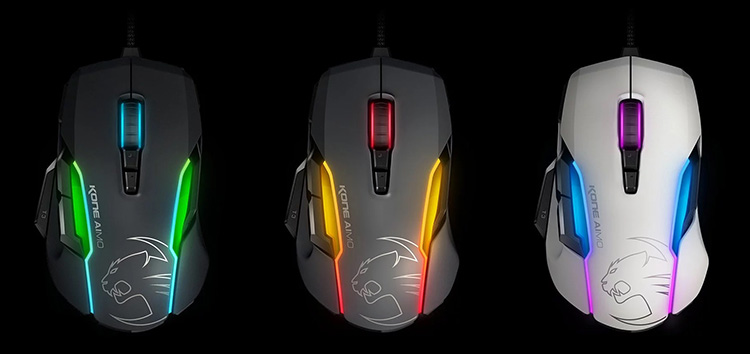
ROCCAT are offering the Kone AIMO in white, grey and black. We’ve been provided the black model for testing.
Is the ROCCAT Kone AIMO worth the £69.99 price tag? Read on to find out.
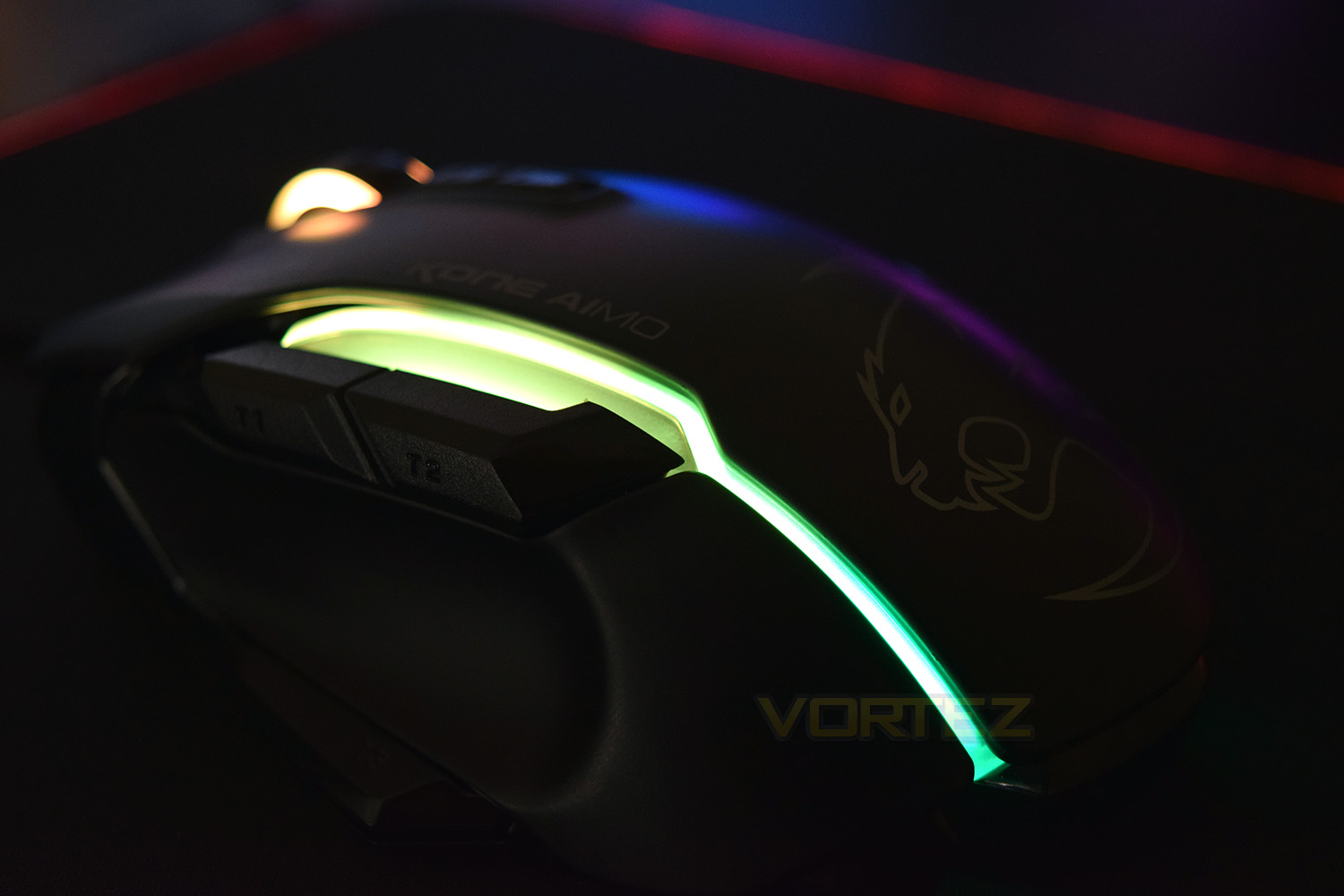
ROCCAT on the Kone AIMO:
With a striking design and a stunning feature set, the Kone AIMO triumphantly channels the legacy of its predecessor. Released in 2007, the original Kone was born as the first ROCCAT® product, setting a new industry standard with its groundbreaking innovations. Pioneered using ROCCAT’s signature know-how coupled with the input of almost 30,000 surveyed gamers and Kone-lovers, the Kone AIMO continues the ten years of rich tradition. It boasts refined ergonomics with enhanced button distinction, but what truly sets it apart is its RGBA double lightguides powered by the state-of-the-art AIMO intelligent lighting system plus its responsive and remarkably accurate Owl-Eye optical sensor. The Kone AIMO truly travels at the speed of light.
Technical Specifications
ROCCAT® Owl-Eye optical sensor with 12000dpi
ROCCAT® exclusive 50 Mio. lifecycle switches
1000Hz polling rate
1ms response time
50G acceleration
250ips maximum speed
Mouse acceleration: no
Angle snapping: on/off
Adjustable lift-off distance
ARM Cortex-M0 50MHz
512kB onboard memory
1.8m braided USB cable
ROCCAT® exclusive 50 Mio. lifecycle switches
1000Hz polling rate
1ms response time
50G acceleration
250ips maximum speed
Mouse acceleration: no
Angle snapping: on/off
Adjustable lift-off distance
ARM Cortex-M0 50MHz
512kB onboard memory
1.8m braided USB cable
Packaging & First Look
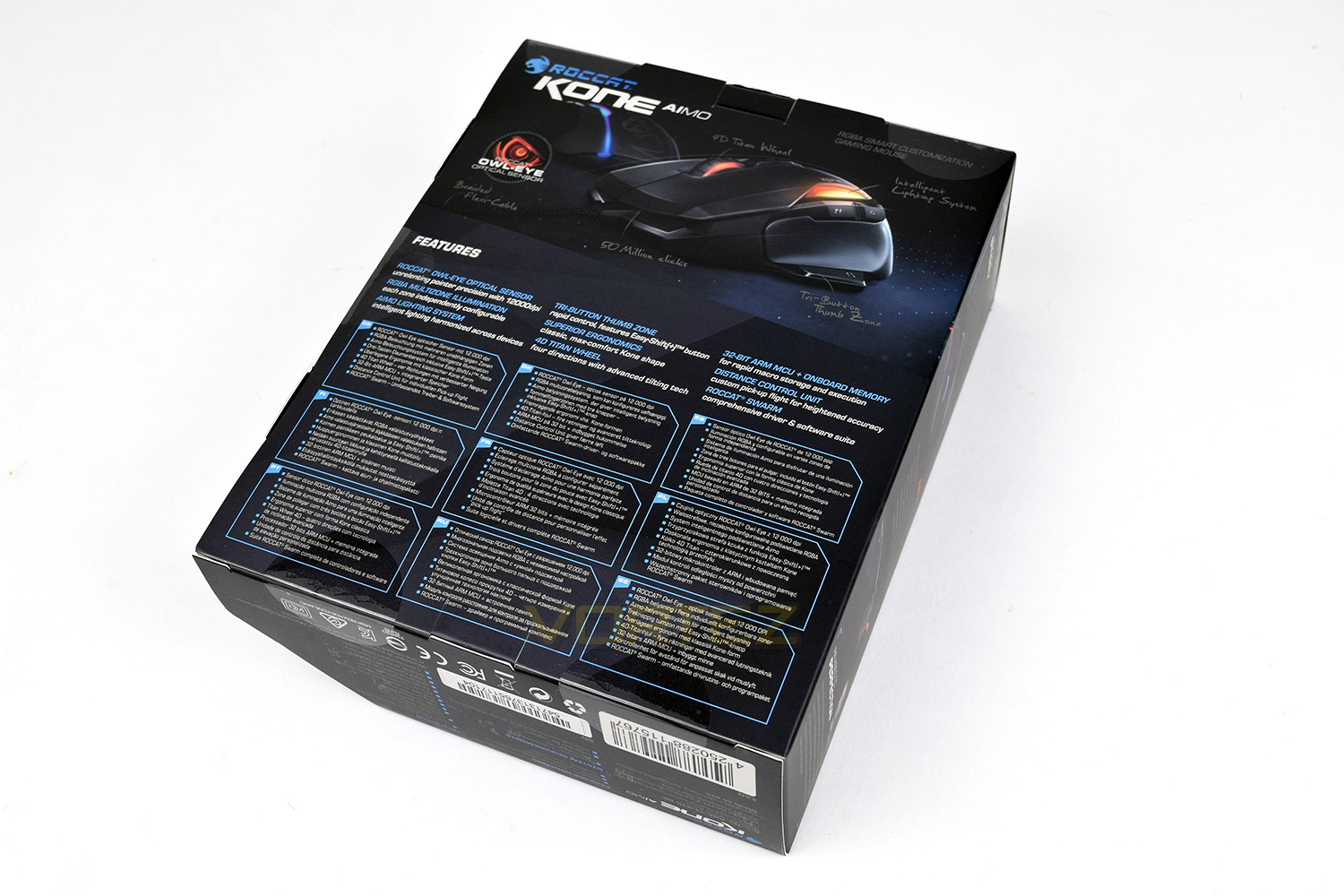
Almost a trademark now, is the shape of Roccat’s packaging, going with a 7-sided box, instead of the typical 6.The front of the packaging shows off a large image of the mouse and some mention of the 10Y anniversary but not much else.
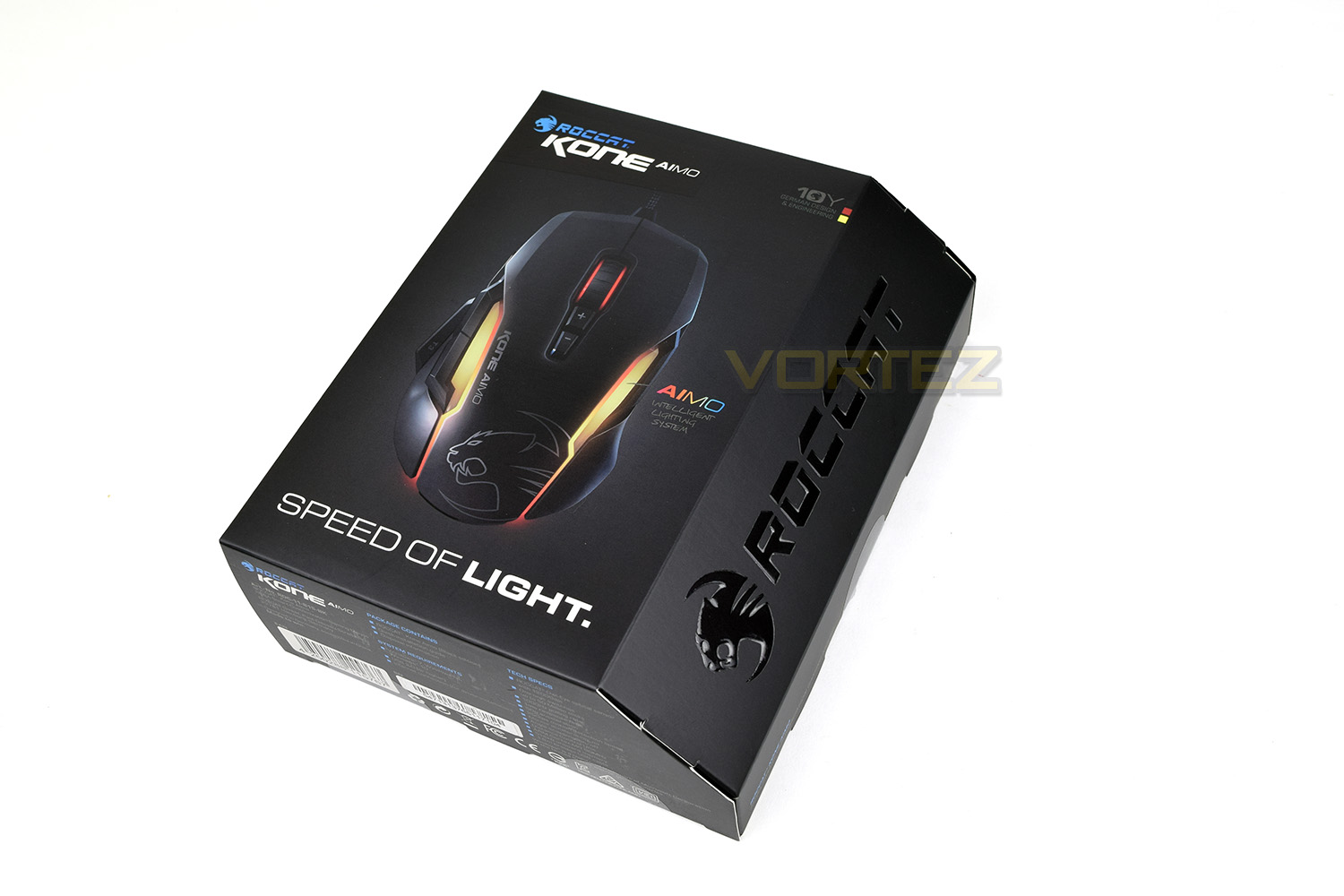
The rear of the box goes into great detail, specifying many of the features and showing annotations on the mouse image.
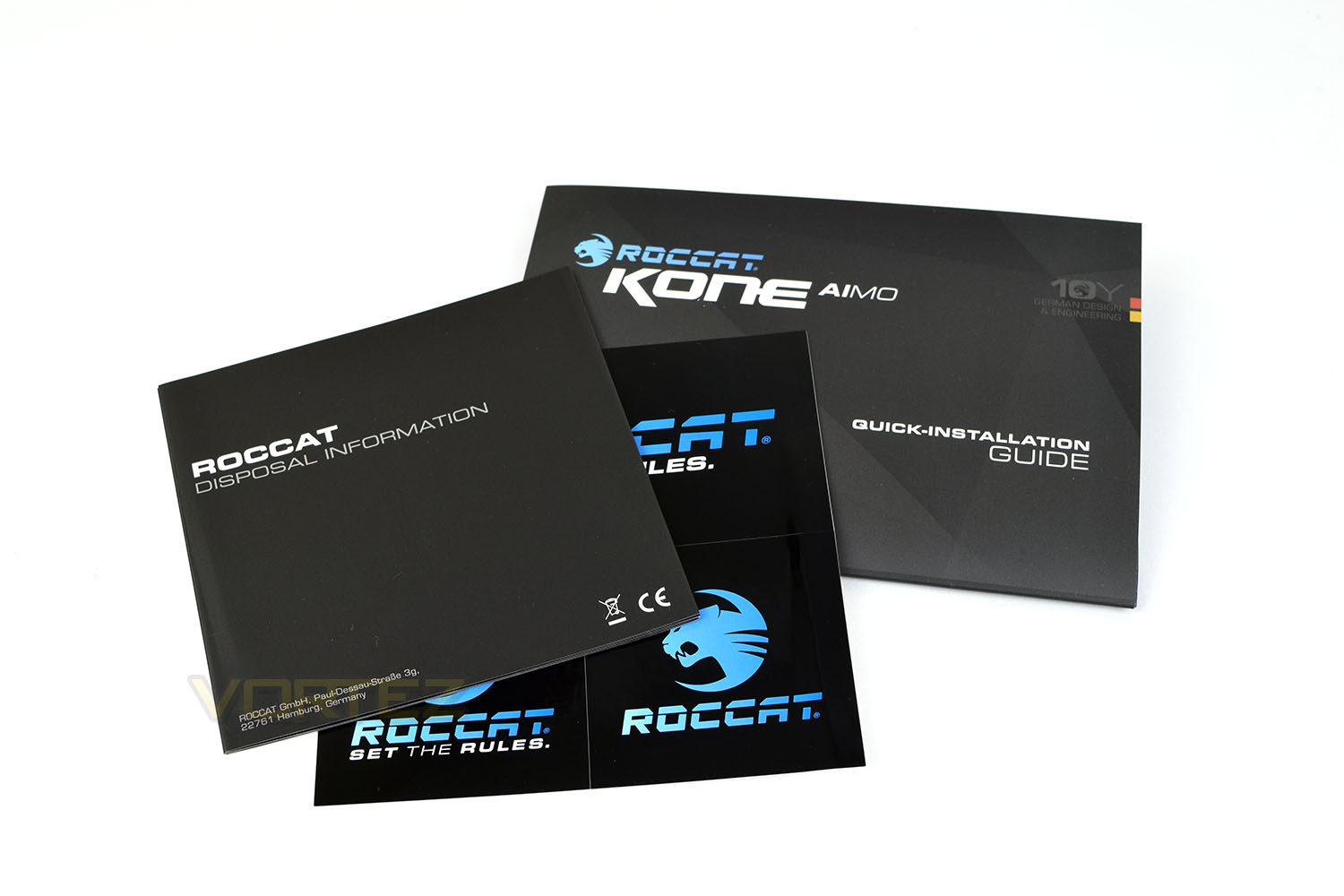
Included in the box are 3 ROCCAT stickers, all of which are different, an installation guide and disposal information. Unlike the original Kone, this mouse doesn’t feature any kind of weight adjustment.
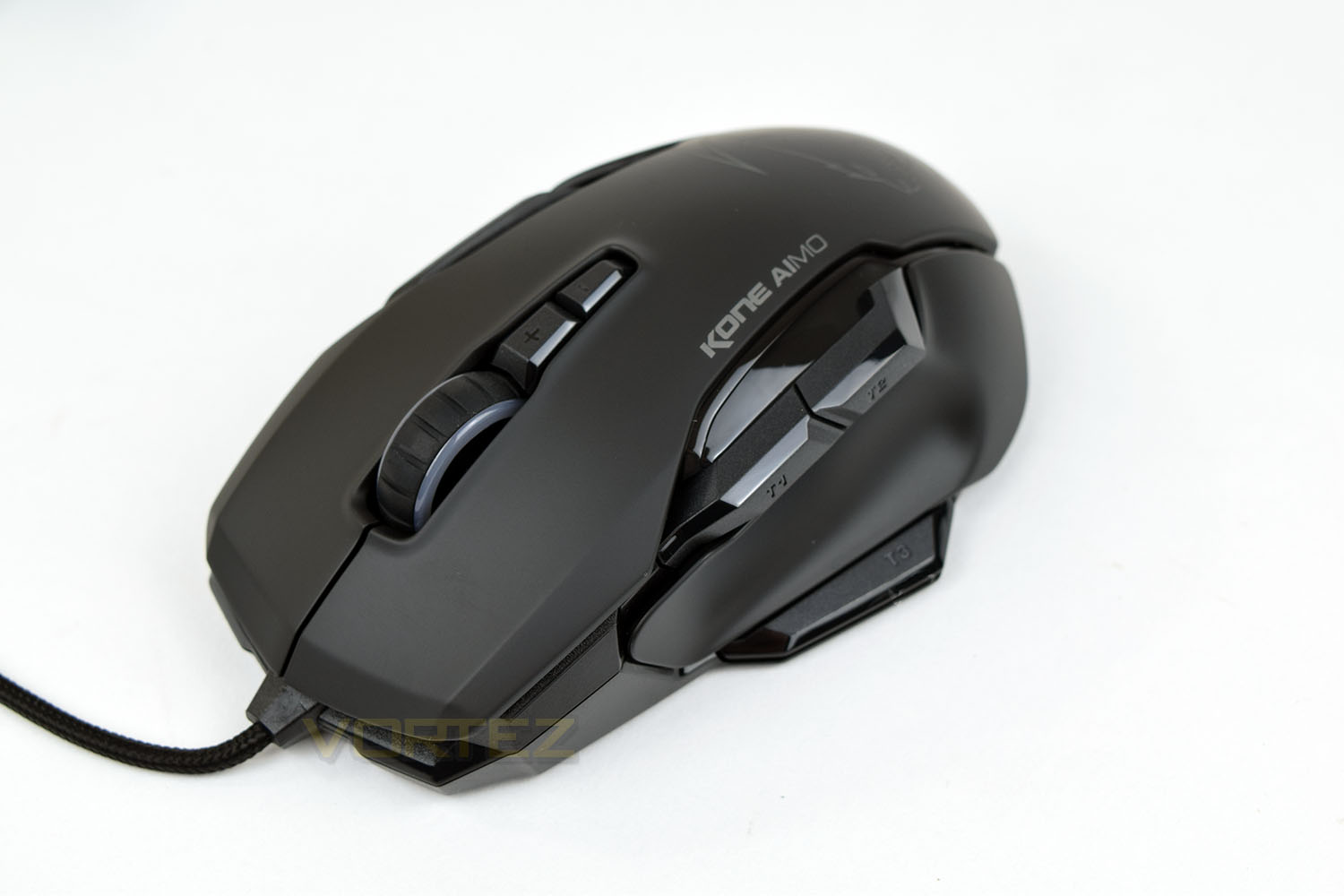
First and foremost, the Kone AIMO is very masculine, being chunky and robust in appearance; the thumb buttons are huge and the 4D Titan Wheel is rugged.
Closer Look
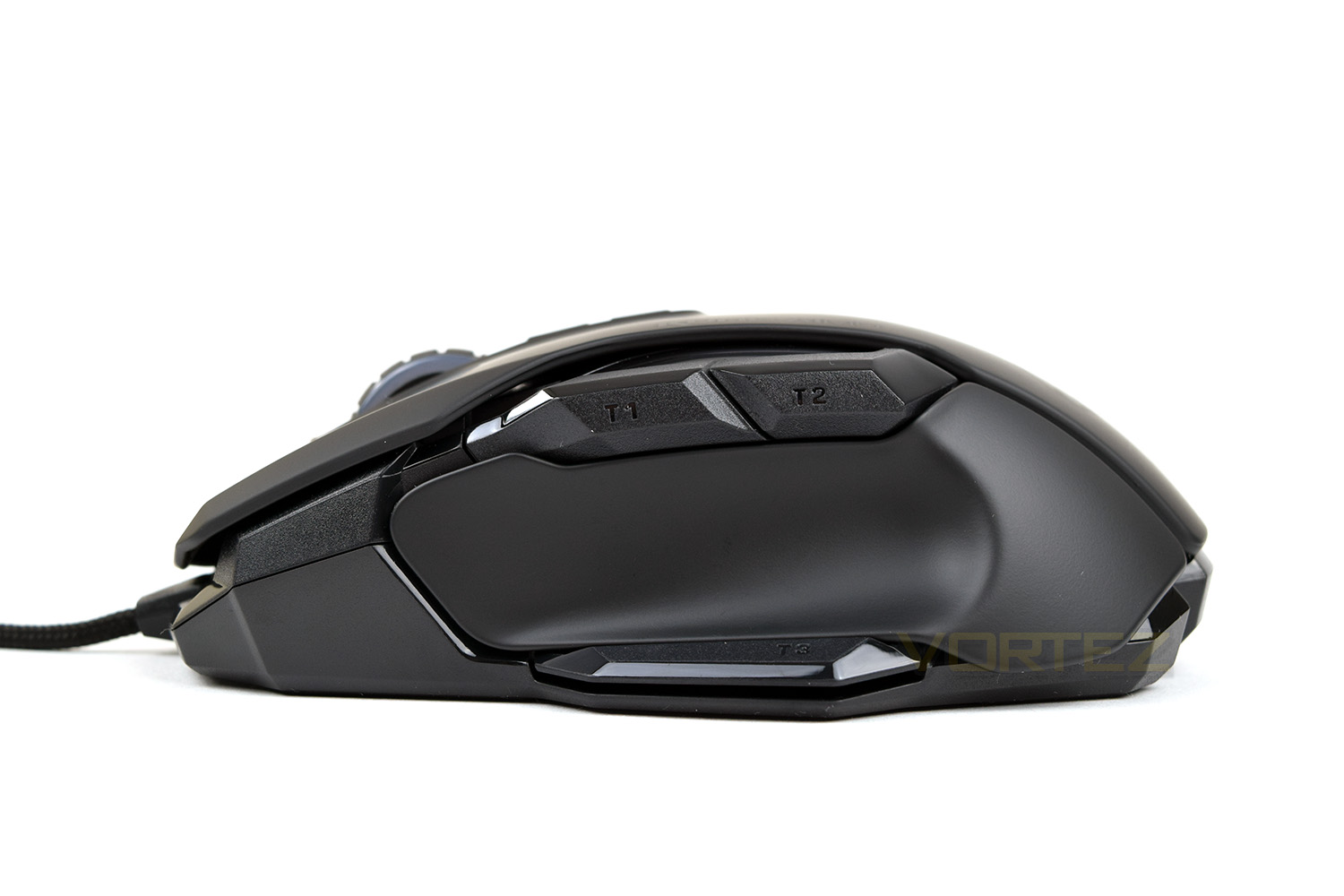
From this angle, you can see the large thumb section, located above the EasyShift[+] button.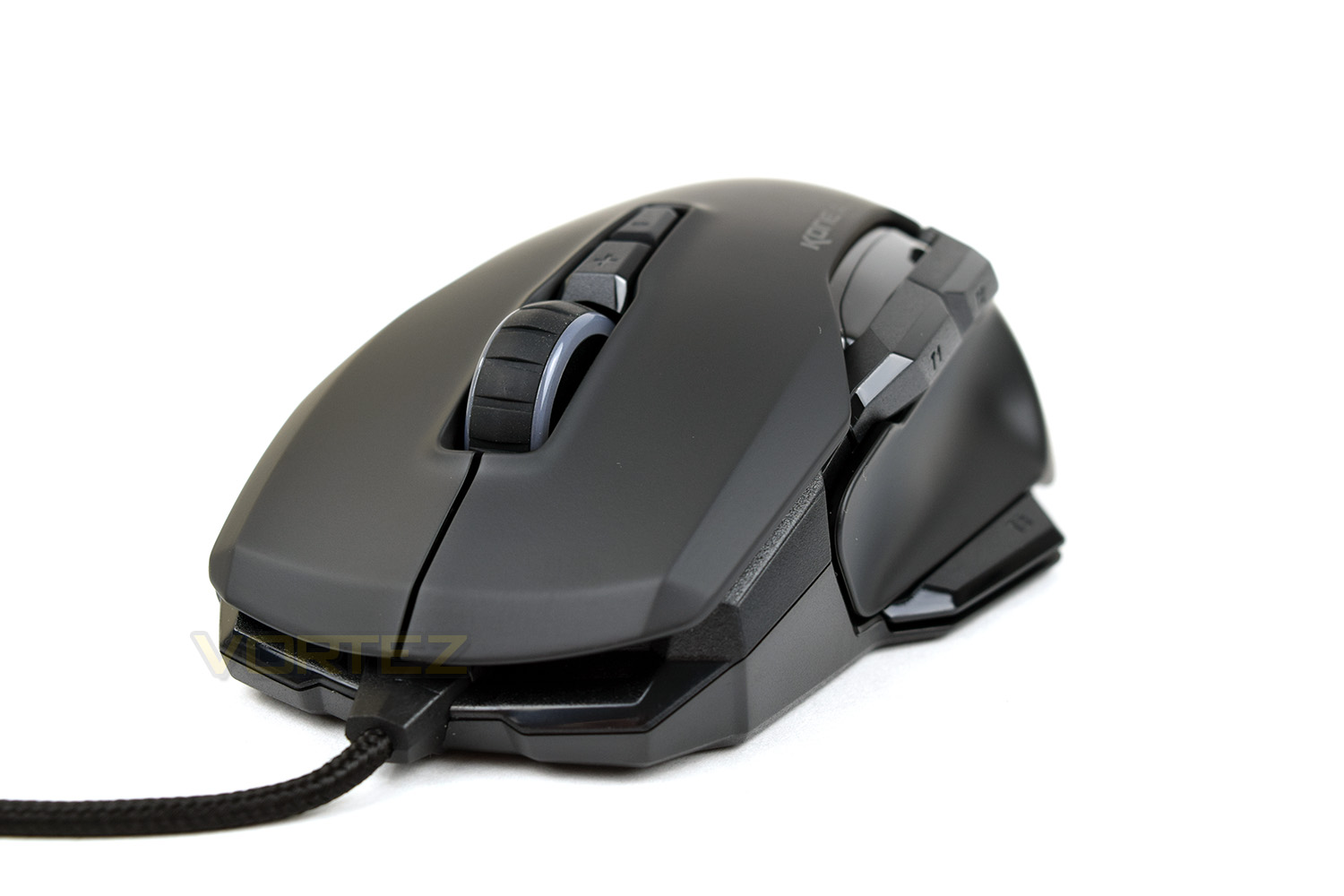
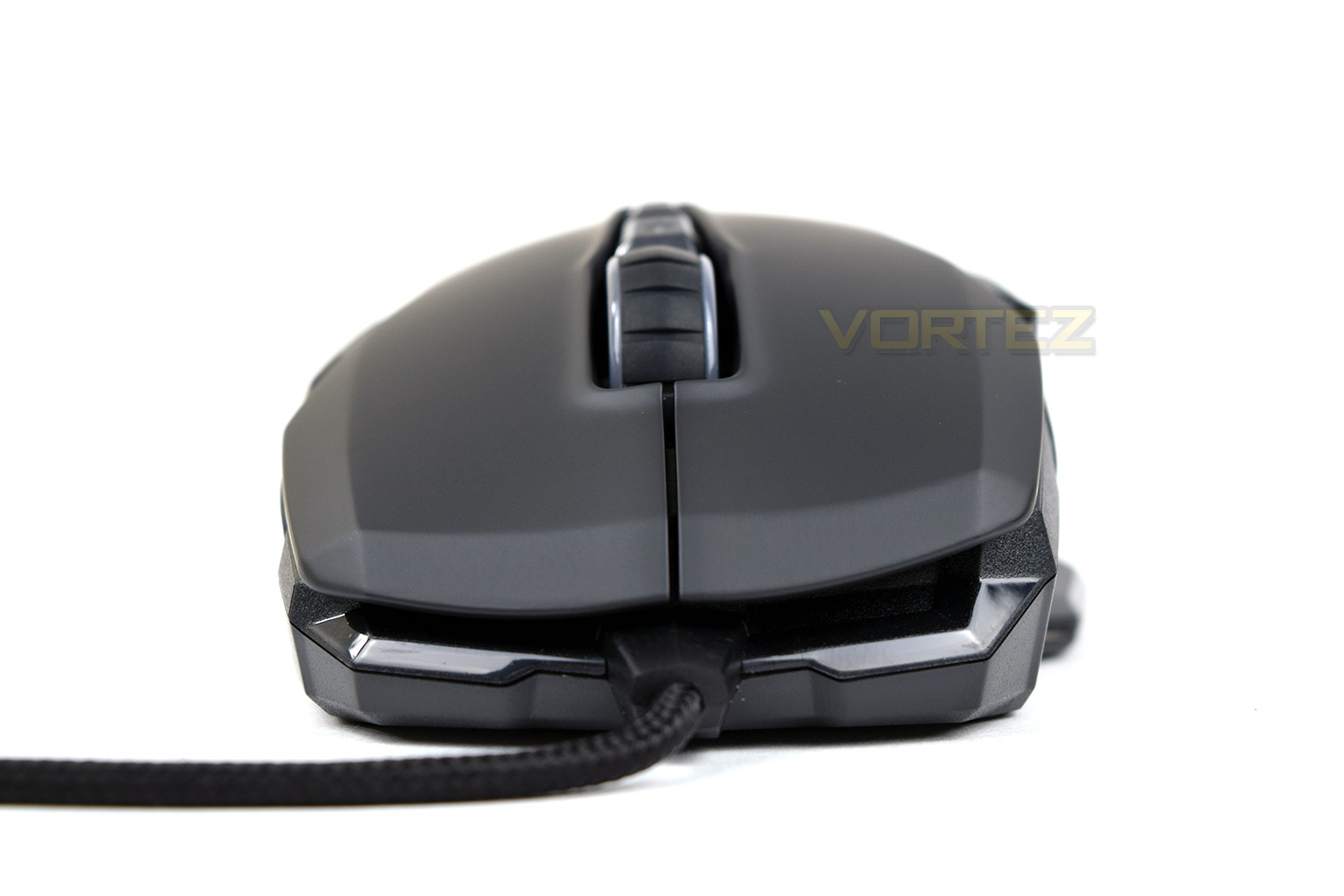
Directly from the front, the AIMO is angled to the right slightly, to aid comfort for right-handed users. The 4D Titan Wheel isn’t angled along with the rest of the mouse, which results in feeling slightly odd.
The left-hand-side features a concave section for your thumb to reside within comfortably, though you may not find quite the same comfort from claw or fingertip grip styles.
The thumb buttons, along with the EasyShift[+] are positioned directly above and below.
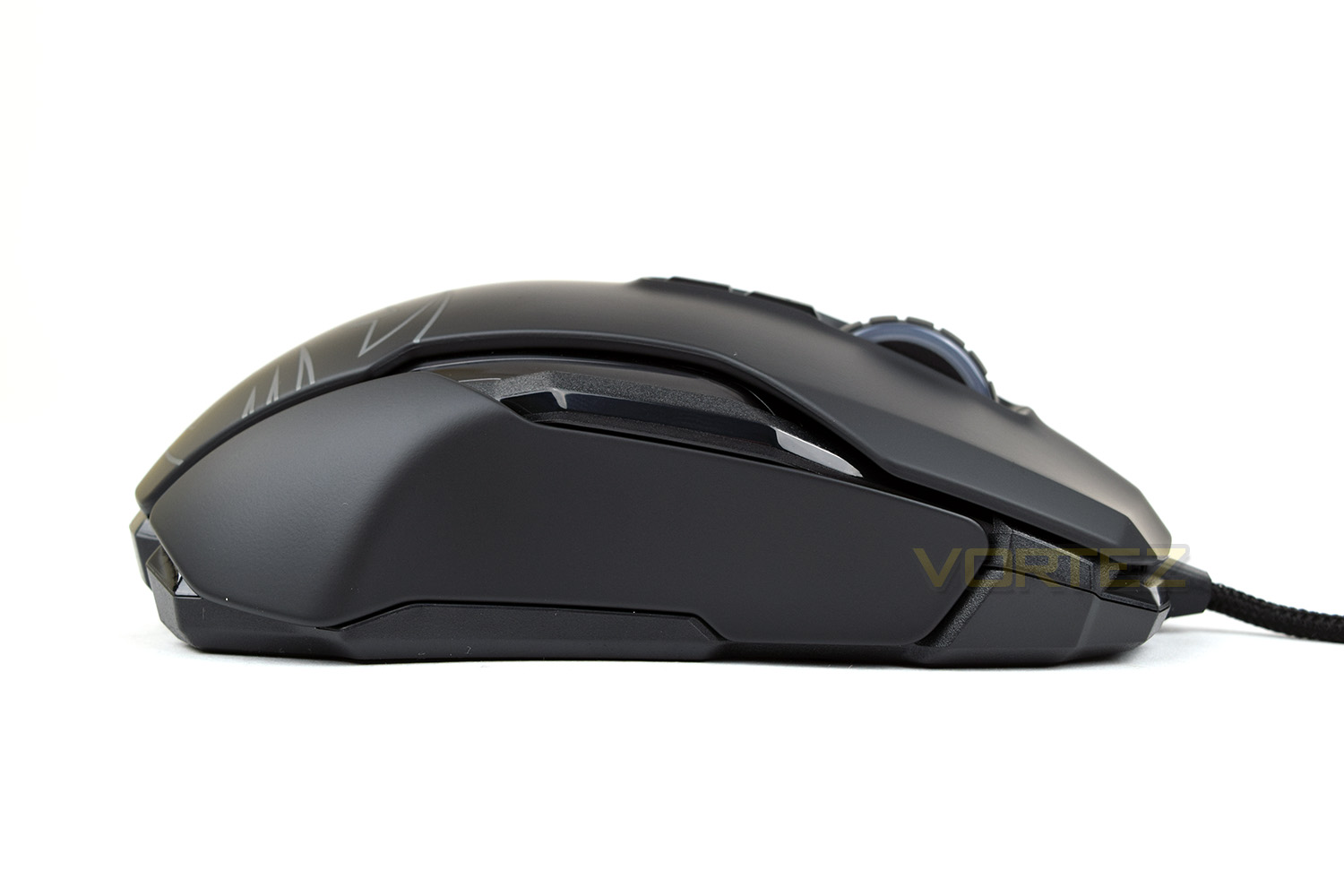
The right-hand-side is largely flat, void of anywhere for the pinky finger to sit. This angle helps to illustrate the height of the scroll wheel, showing how far it protrudes from the shell of the mouse.
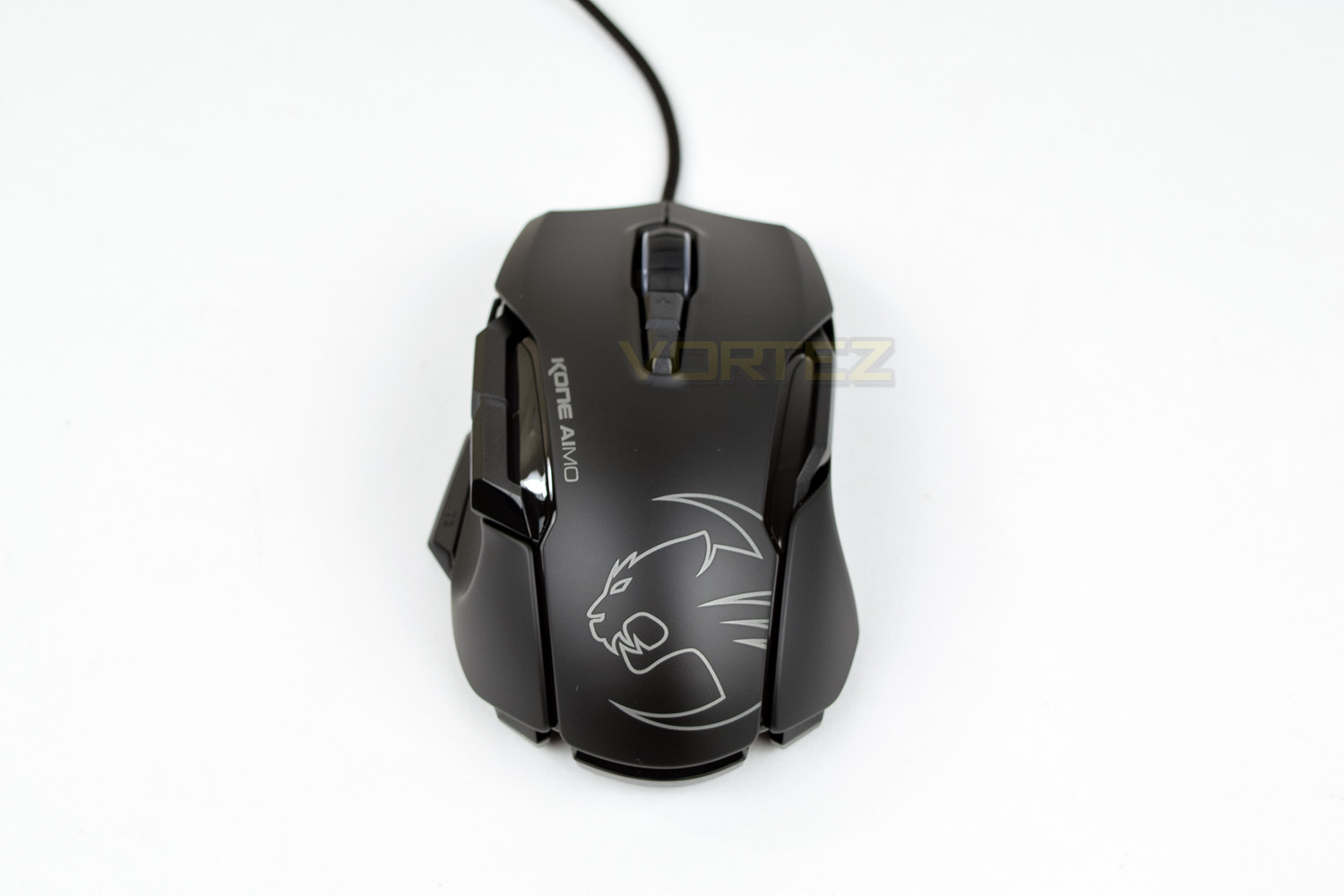
A ROCCAT logo dominates the rear of the mouse, etched onto the plastic. You can see the RGB strips along the two edges which start at the very bottom of the mouse.
Closer Look (Continued)
Looking at the mouse from behind, the angled shape is obvious.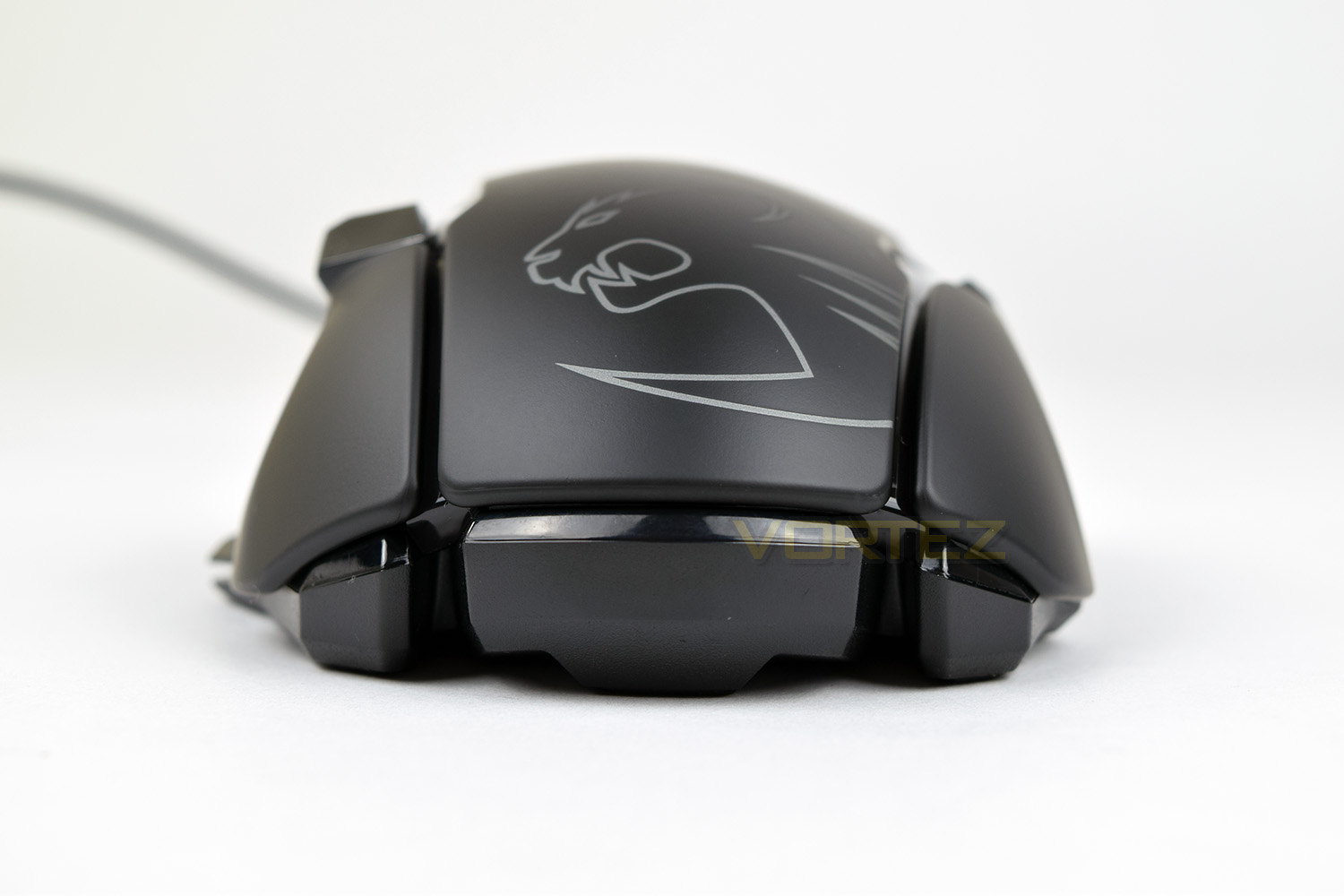
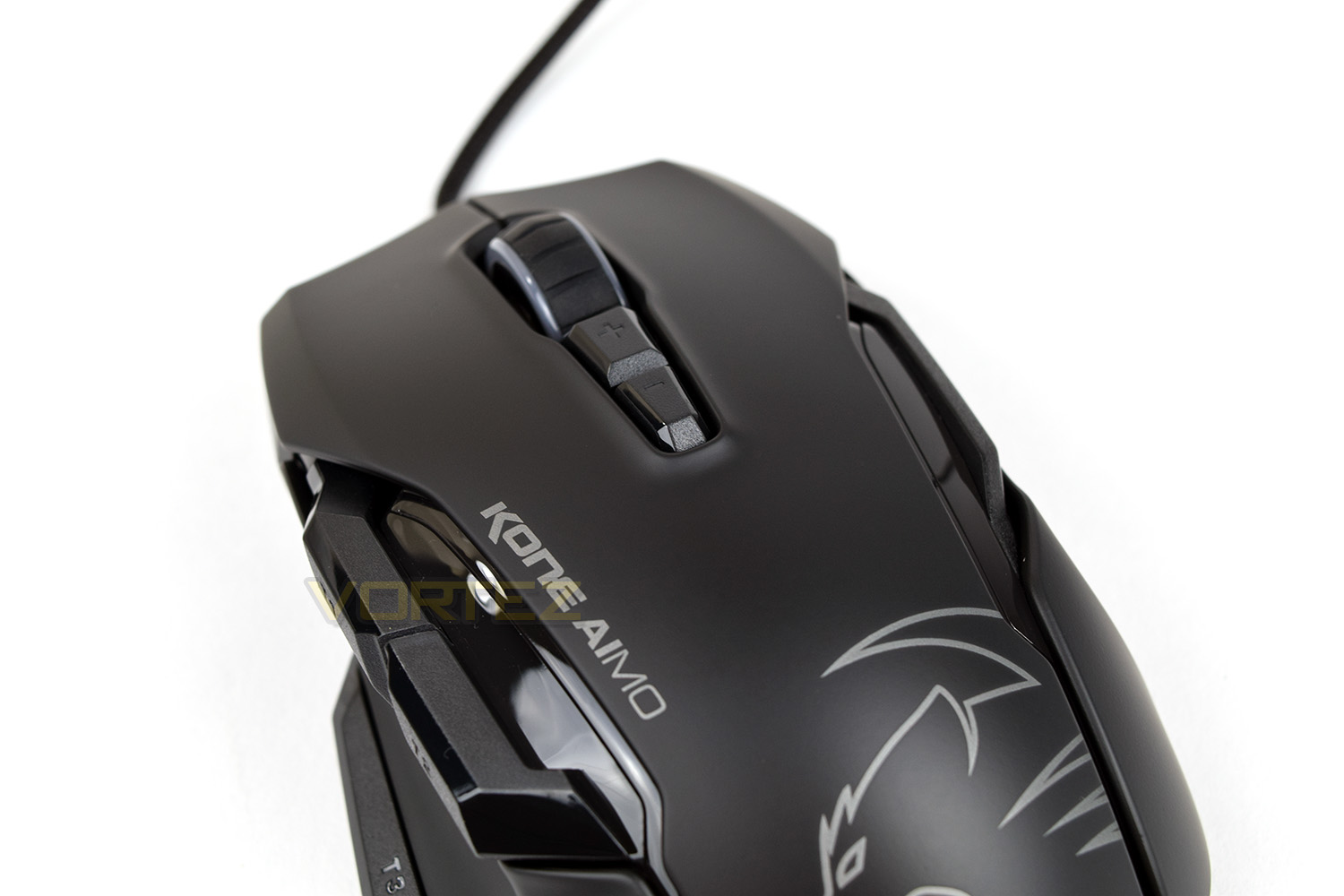
On top of the mouse, there are two buttons, responsible for controlling the DPI setting on-the-fly. In front of those buttons is the 4D Titan Wheel, which can be toggled left and right, clicked inwards and obviously used as the scroll wheel.
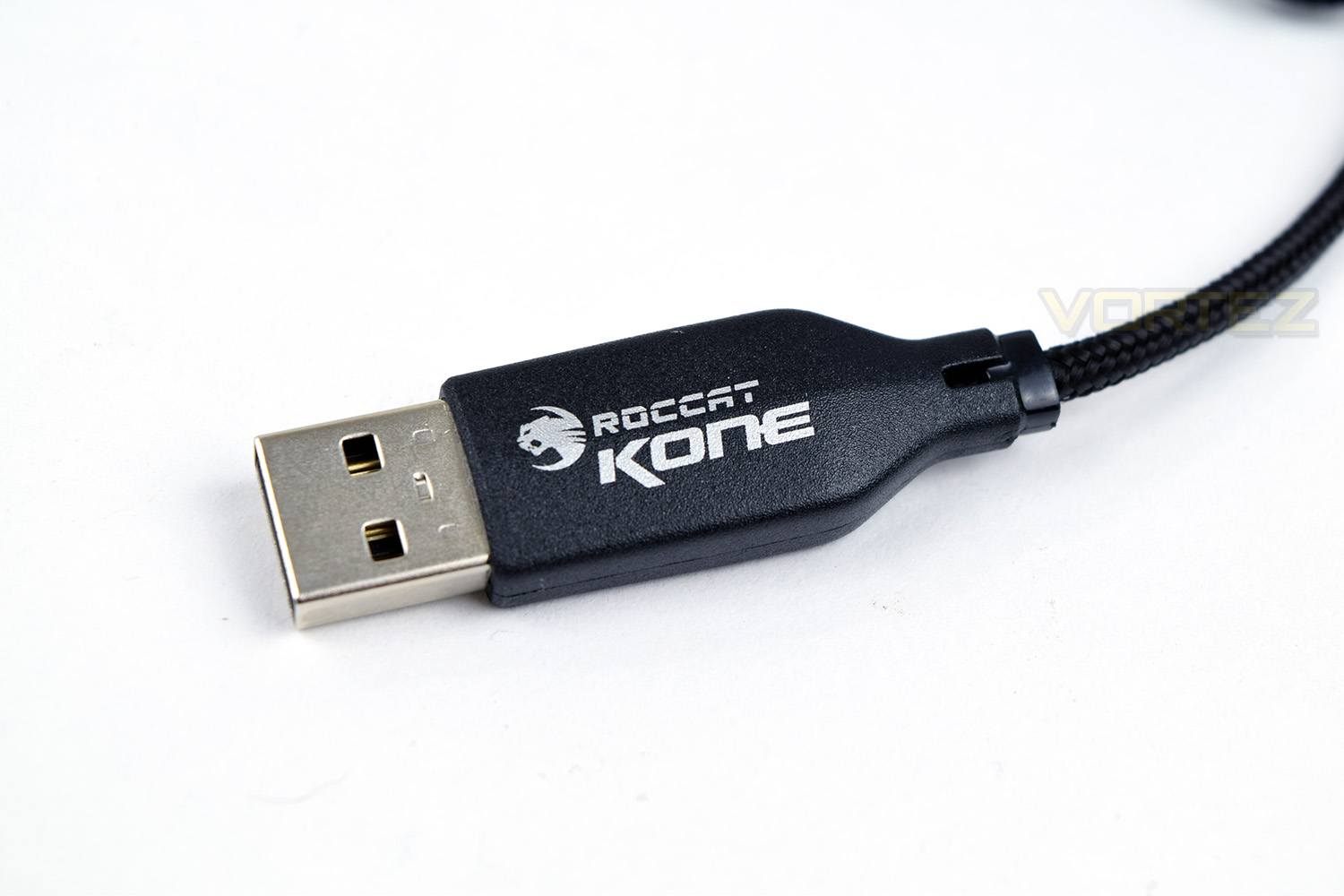
At the end of the 1.8M braided cable, there is a moulded USB header, with the name of the product printed onto the surround (handy for distinguishing cables behind your PC.)
Software
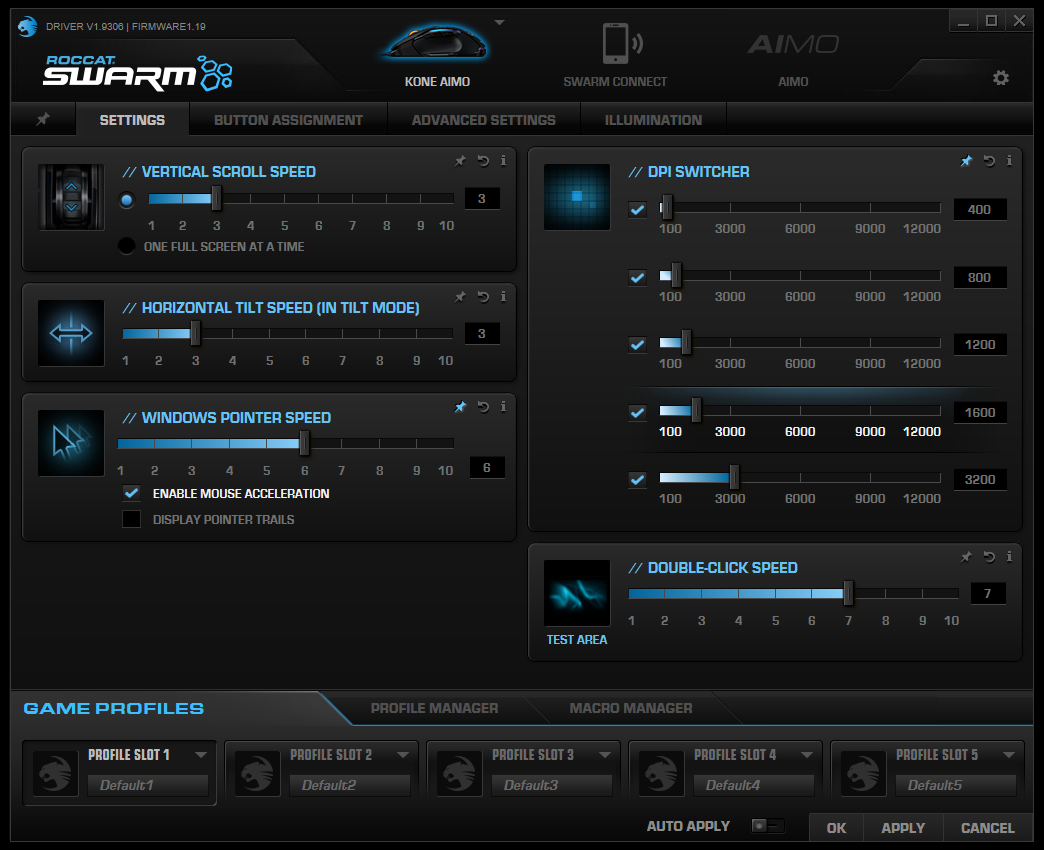
The Kone AIMO uses the ROCCAT Swarm software, designed as a central hub for all of your ROCCAT peripherals; within here it’s possible to adjust all of the settings and lighting.Before being able to proceed, the software will prompt you to update the mouse firmware – this is a painless experience and takes no longer than 30 seconds.
The Swarm software may appear to be a little daunting at first glance, but the layout is well designed and reduces the need for too many tabs or dilution.
Within the first page, you’re able to adjust sensor settings, such as configuring the DPI switch buttons, along with options for the 4D Titan Wheel.
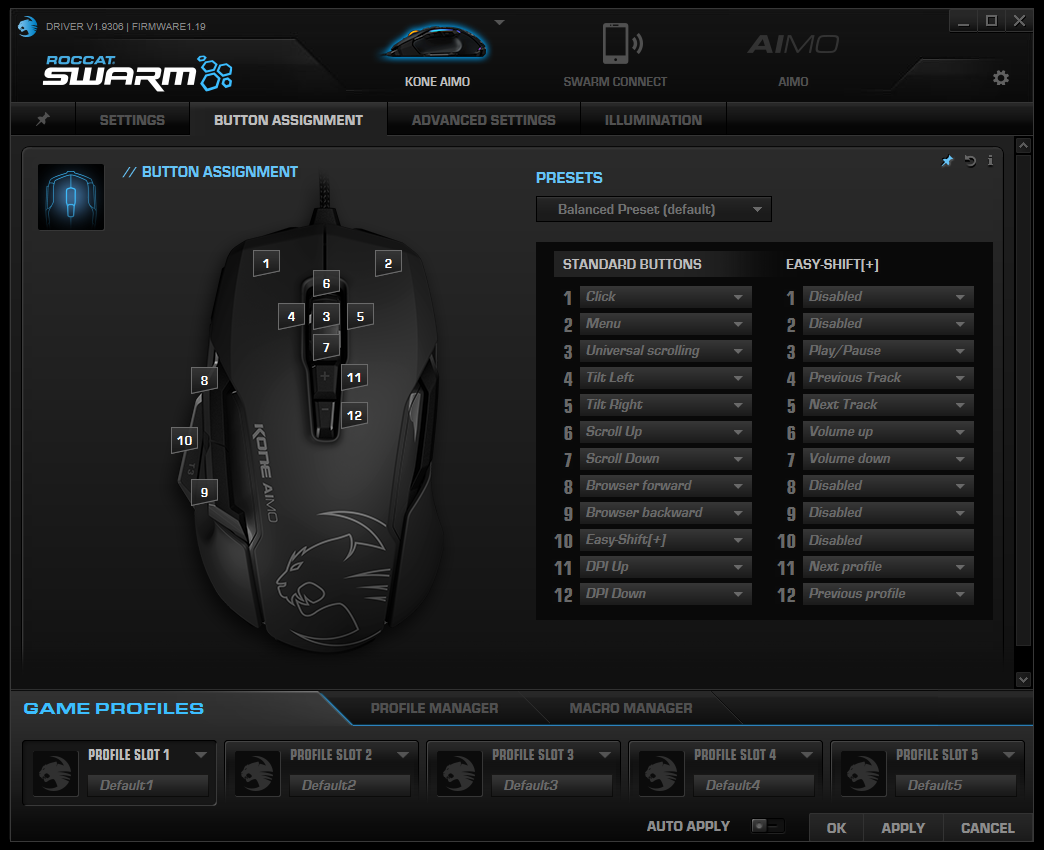
Next up is button assignment. This section of software generally goes untouched for most mice, with the vast majority using the standard layout; however, due to the EasyShift[+] button, you’re able to configure two entirely different button layouts on Kone AIMO. The variety of preset options for each button is vast, allowing a massive degree of customisation.
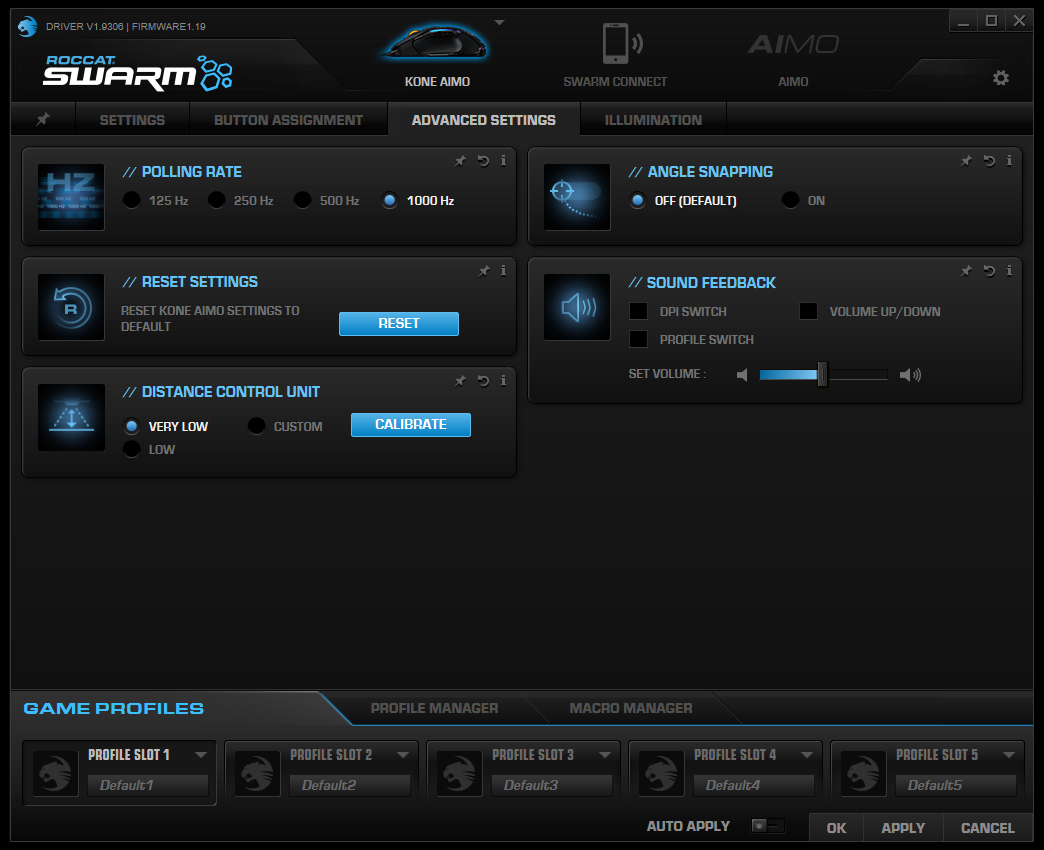
Advanced Settings allows the adjustment of the polling rate, which may fix issues with older systems, as well as being able to tweak the Distance Control Unit, which detects when the mouse is lifted from the surface and shuts off the sensor momentarily. Sound feedback and angle snapping can also be switched on from here.
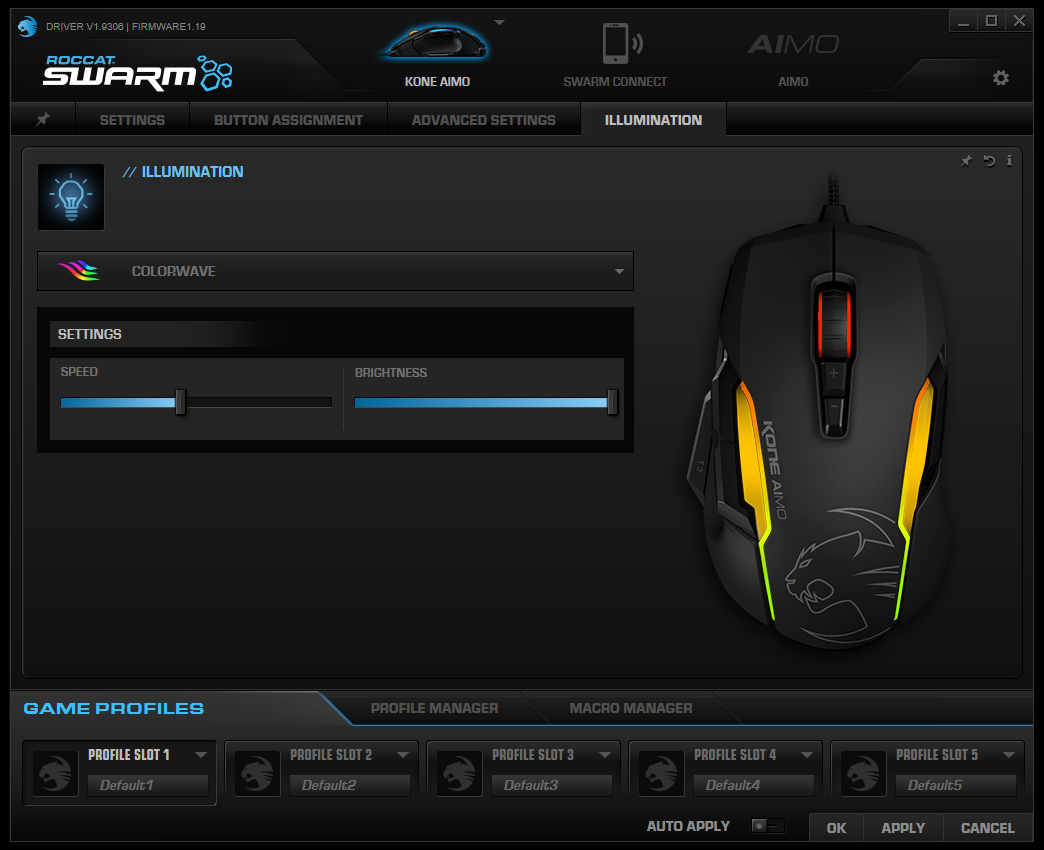
The final tab is used to adjust the four lighting zones on the Kone AIMO. The speed and brightness can be varied using the sliders and the preset effects chosen from the drop-down box.
ROCCAT have implemented something called AIMO Intelligent Lighting System, which claims to adapt intuitively and organically to usage. Despite numerous hours of testing, we’ve been unable to ascertain what that does.
Performance Testing
We looked at the ROCCAT Leadr back in July, featuring the same 12,000 DPI sensor. We loved it the accuracy and response of the sensor so much that we gave the mouse a performance award. We’re pleased to tell you; the Owl-Eye sensor feels just as good within the Kone AIMO chassis. ROCCAT themselves recommend using the sensor between 400 and 3000 DPI for a truly natural feel; for testing, we used 2300 DPI which gave an incredible balance between speed and accuracy.Mostly due to the shape of the mouse and the optical sensor, we loved testing the ROCCAT Kone AIMO. Battlefield 1, War Thunder and Fortnite were booted up for periods, all of which felt fantastic, we cannot find fault with its gaming performance or comfort.
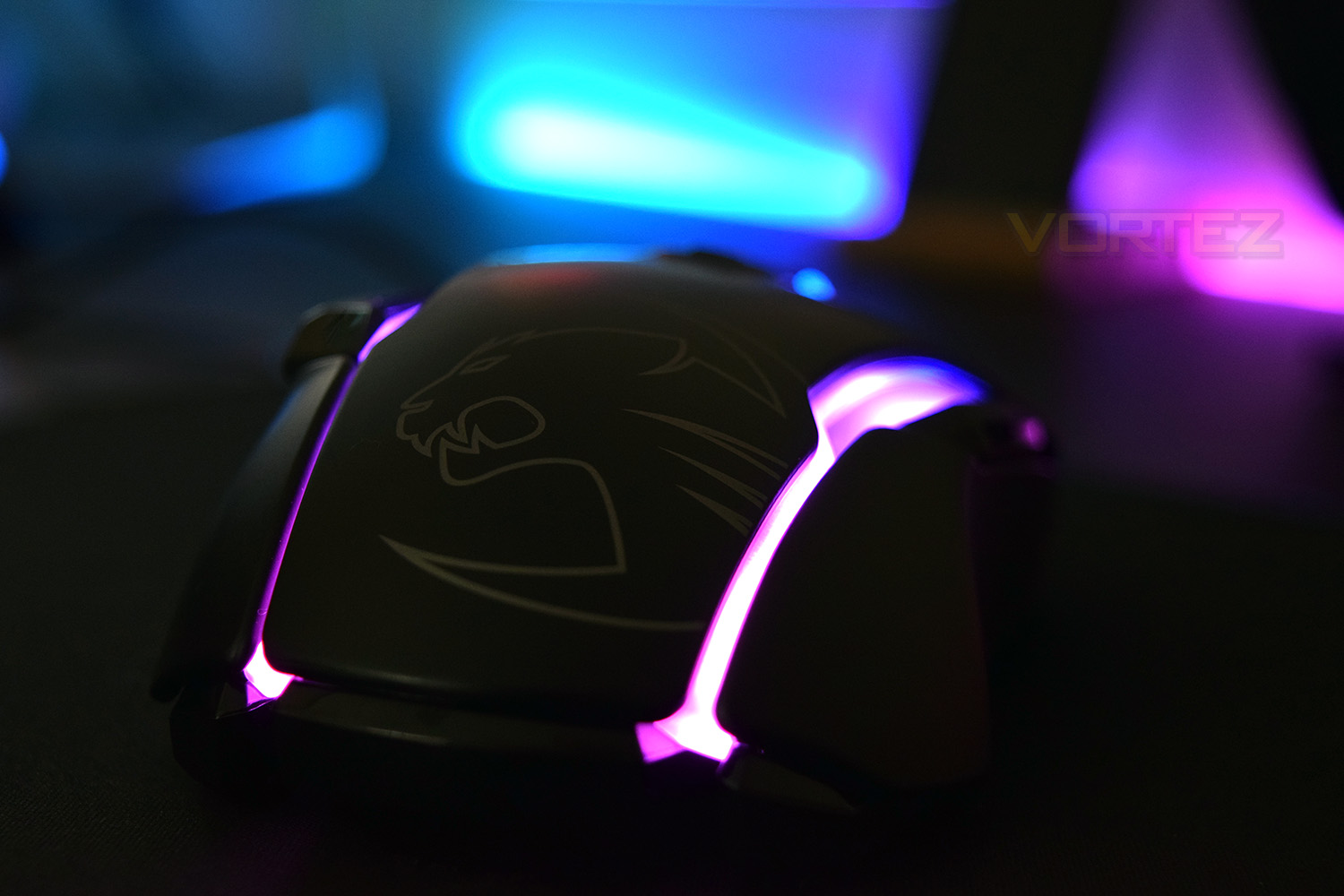
The RGB lighting is another strong suit, perhaps due to the customisable lighting pedigree from the original Kone. There’s a vivid display put on by the Kone AIMO, providing crisp RGB lighting across a vast portion of the mouse. That being said, the software promises a feature called an “Intelligent Lighting System”; this is designed to react intuitively to usage, providing an organic and changing experience. We couldn’t quite fathom what was happening – sometimes it was blue, sometimes it was orange. We’ve also been unable to find any literature to explain the workings of this system.
As also experienced on the ROCCAT Leadr, the EasyShift[+] button on the left-hand-side makes certain functions incredibly easy to execute. Things such as volume adjustment using the scroll wheel or play/pause by clicking the scroll wheel in very quickly become second nature.
Many people found the original ROCCAT Kone’s build quality to be lacking. However, that wasn’t my personal experience at all; having used mine for nearly eight years, through hundreds of games and tens of thousands of hours of gameplay – it still works to this day. We get the same sense from the Kone AIMO; it feels solid and well built.
Adjustable weights was a big selling feature of the original Kone, back in 2007. Unfortunately, this doesn’t seem to have made the cut. The mouse tips the scales at 130G, which will suit some users very well. Though, on the other hand, there aren’t many mice which weigh quite as much, which may put a lot of customers off. Some weight adjustment would open this up to a much wider market.
Conclusion
ROCCAT have priced the Kone AIMO at £69.99 in the UK; a very fierce price point, stuffed with worthy competition. Having looked at the Corsair Glaive, ASUS ROG Pugio and the SteelSeries Rival 310; all of which land within that ballpark price range, The ROCCAT can only really be recommended to users who adopt a solid palm grip, or tend to use their mouse for more than just gaming, at which point the EasyShift[+] feature comes into its own.ROCCAT also offer a 10% discount to any ROCCATEERS. The requirements to become a ROCCATEER are as follows: Own, and register, one ROCCAT product on their website. It’s nice of ROCCAT to reward its loyal customers with tangible discounts.
The Owl-Eye sensor requires another mention, we feel. The accuracy and responsiveness of the sensor is difficult to put into words – it feels like a natural addition to your hand. The ability of the sensor to hit 12,000 DPI, in our eyes, is a bit pointless, especially with the sweet spot being around a quarter of that. However, it’s a “nice to have”.
The RGB lighting is brilliantly vivid and covers a large portion of the Kone AIMO, which is all well and good, but the Intelligent Lighting System seems to be a bit of a gimmick and nothing more – we weren’t able to find a genuine use for such a feature.
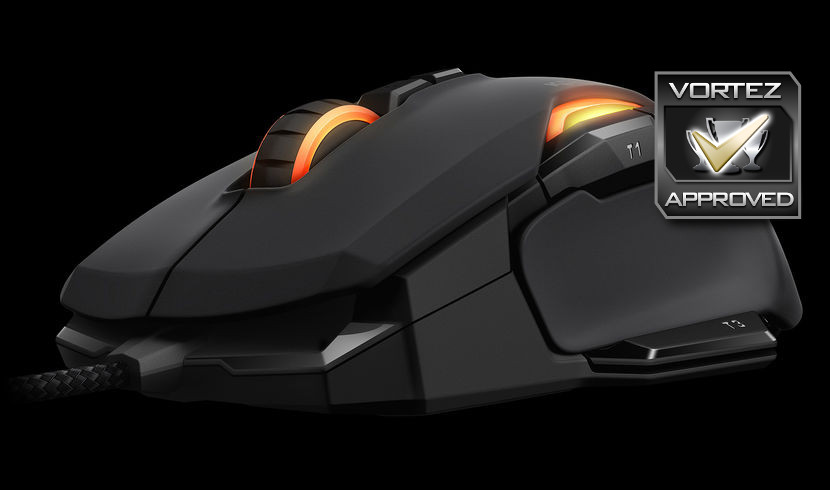
Ten years of evolution has resulted in an incredible gaming mouse but some tough competition from ASUS, Corsair and SteelSeries make it hard to recommend outright.
Pros
+ Owl-Eye optical sensor is amazing
+ OMRON switches
+ Bright, vivid RGB lighting
+ Comfortable shape for palm-grip users
+ Build quality
+ EasyShift[+] is excellent
Cons
– No adjustable weight (130G)
– Intelligent Lighting System feels pointless
– Tough competition
+ Owl-Eye optical sensor is amazing
+ OMRON switches
+ Bright, vivid RGB lighting
+ Comfortable shape for palm-grip users
+ Build quality
+ EasyShift[+] is excellent
Cons
– No adjustable weight (130G)
– Intelligent Lighting System feels pointless
– Tough competition
Click here for an explanation of our awards at Vortez.net.
Stay connected with the Vortez Social Media pages: