The ROCCAT NYTH boasts impressive customisation like no other with its modular buttons and side grips and is supported by the new unified driver software ‘Swarm’. Get ‘FUTURE READY’ and check out this highly modular mouse.

Product on Review: ROCCAT NYTH
Manufacturer and Sponsor: ROCCAT
Street Price: Approx UK: £90, USA: $129.99
ROCCAT are powering innovation with their ‘FUTURE READY’ concept and applying it to their design philosophy, they created the NYTH. Shown off earlier this year at CES, the NYTH generated due hype not just because of its highly modular button array but also because it will be supported by a catalogue of 3D printable designs and replacements truly making the NYTH one of the most customisable gaming products conceived to date. As a product it is clearly gunning for the lucrative MMO/MOBA market which is arguably dominated by the ‘NAGA/G600’ camps, less clearly, the NYTH also comes with a modular swappable grips, optimising comfort for claw type grip AND palm type grips, catering for FPS and all types of PC gamers, which again adds to the customisation of the NYTH mouse.
This mouse isn’t just about surface aesthetics either, featuring a Twin-Tech Laser Sensor which has adjustable DPI between 200 – 12,000, ROCCAT’s 72MHz Turbo Core V2 and built in memory, we can expect the smooth performance many have come to expect from a ROCCAT mouse too.
Overview by ROCCAT
Nyth meets the demands of MMO play with deep button modularity that fluidly transitions into a MOBA or FPS master tool with ease. Its near boundless customization extends its use far past the competition. No matter the genre or taste, its catalogue of side-parts and buttons joined with an expertly engineered foundation combine to make a revolutionary device that serves the imagination, creativity and high standards of gamers today.
Technical Specifications
– Twin-Tech Laser Sensor R1 with up to 12000dpi
– 1000Hz polling rate
– 1ms response time
– 50G acceleration
– 3.8m/s (150ips) single axis / 5.4m/s (212ips) both axis
– 16-bit data channel
– Adjustable lift-off distance
– Adjustable click accuracy to mitigate against minuscule movements
– Tracking & Distance Control Unit
– 72MHz Turbo Core V2 32-bit Arm based MCU
– 576kB onboard memory
– Zero angle snapping/prediction
– 1.8m braided USB cable
System requirements
– Windows® 10, Windows® 8, Windows® 7
– Internet connection for driver installation
– USB 2.0 Port
– 1000Hz polling rate
– 1ms response time
– 50G acceleration
– 3.8m/s (150ips) single axis / 5.4m/s (212ips) both axis
– 16-bit data channel
– Adjustable lift-off distance
– Adjustable click accuracy to mitigate against minuscule movements
– Tracking & Distance Control Unit
– 72MHz Turbo Core V2 32-bit Arm based MCU
– 576kB onboard memory
– Zero angle snapping/prediction
– 1.8m braided USB cable
System requirements
– Windows® 10, Windows® 8, Windows® 7
– Internet connection for driver installation
– USB 2.0 Port
Packaging & Bundle
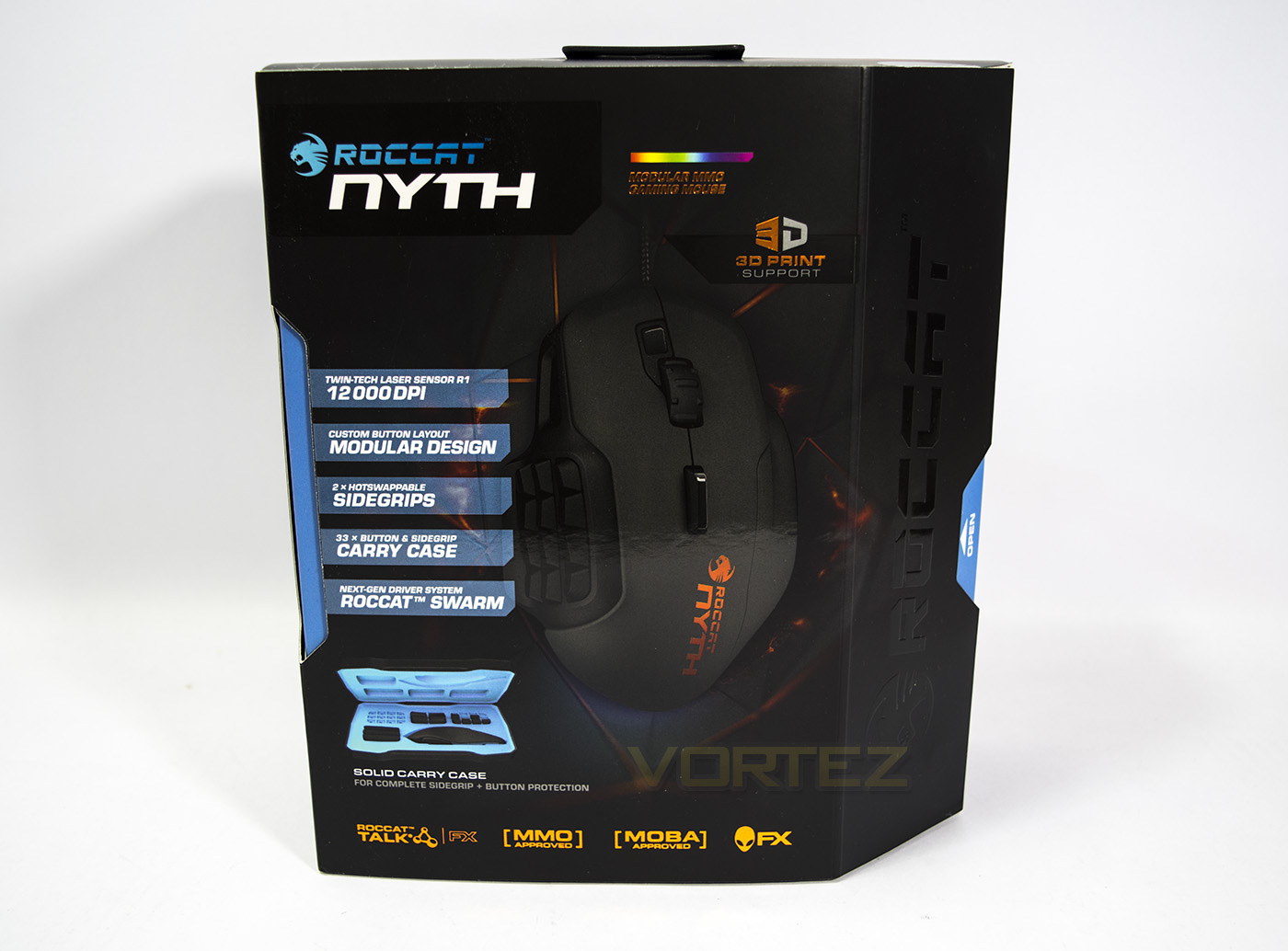
The packaging for the NYTH gives details of the product, including various features and included accessories.
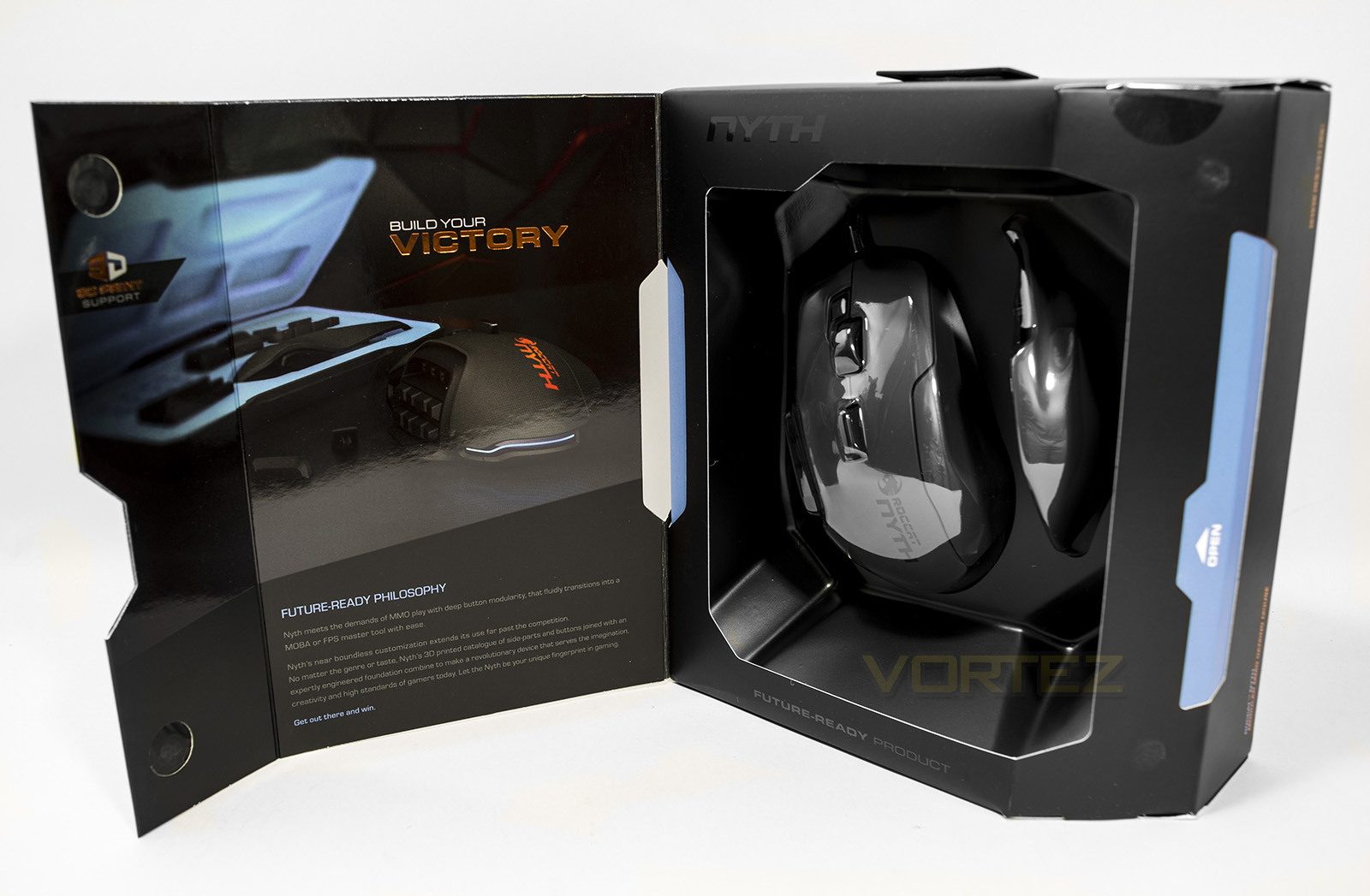
The front of the box can be opened up to reveal the product inside with an explanation of the design philosophy that drove the product of the NYTH. As with on the front, you can see the ‘3D print support’ logo. Through the window you can also see the extra ‘hot swappable’ grip included too.
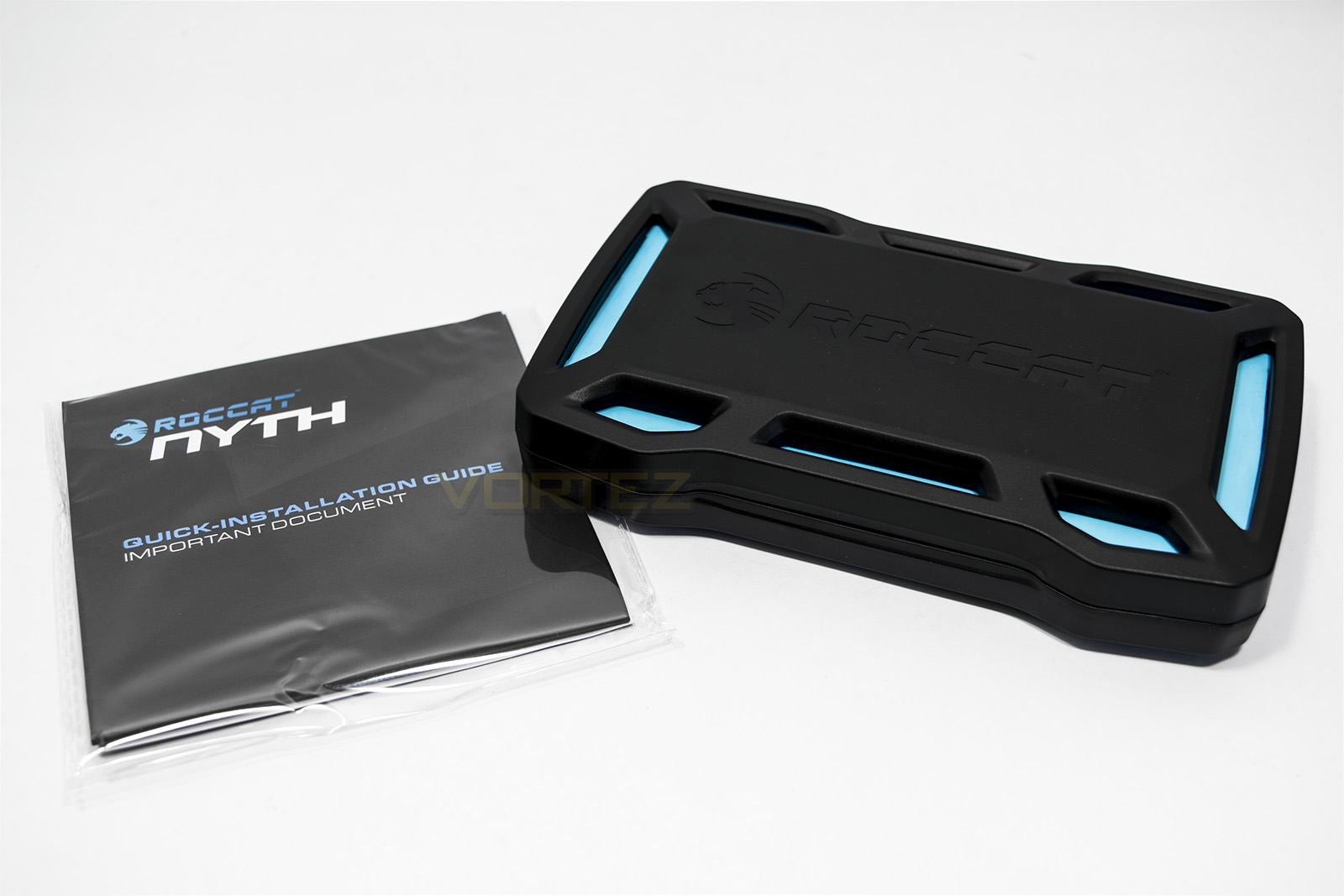
Included inside the packaging you will find the supporting documents (along with some ROCCAT stickers) and a hard plastic case.
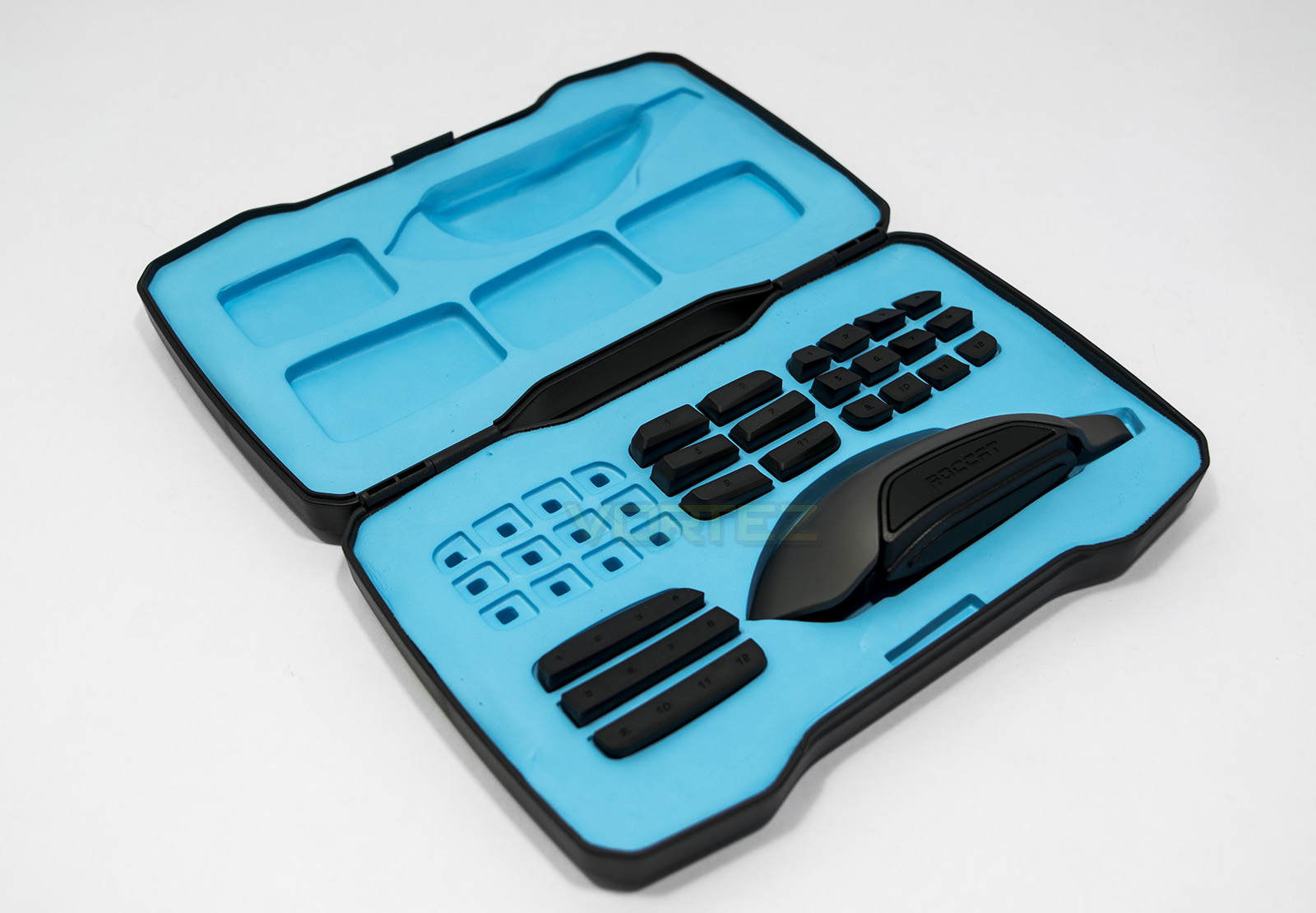
Inside that case you will find a host of plastic buttons set in a blue rubbery foam as well as space to store the extra grip. This is a convenient way to store all those extra accessories without them getting lost. There are alternate individual buttons, flat ‘covers’, as well as larger dual (forward – back) type buttons.
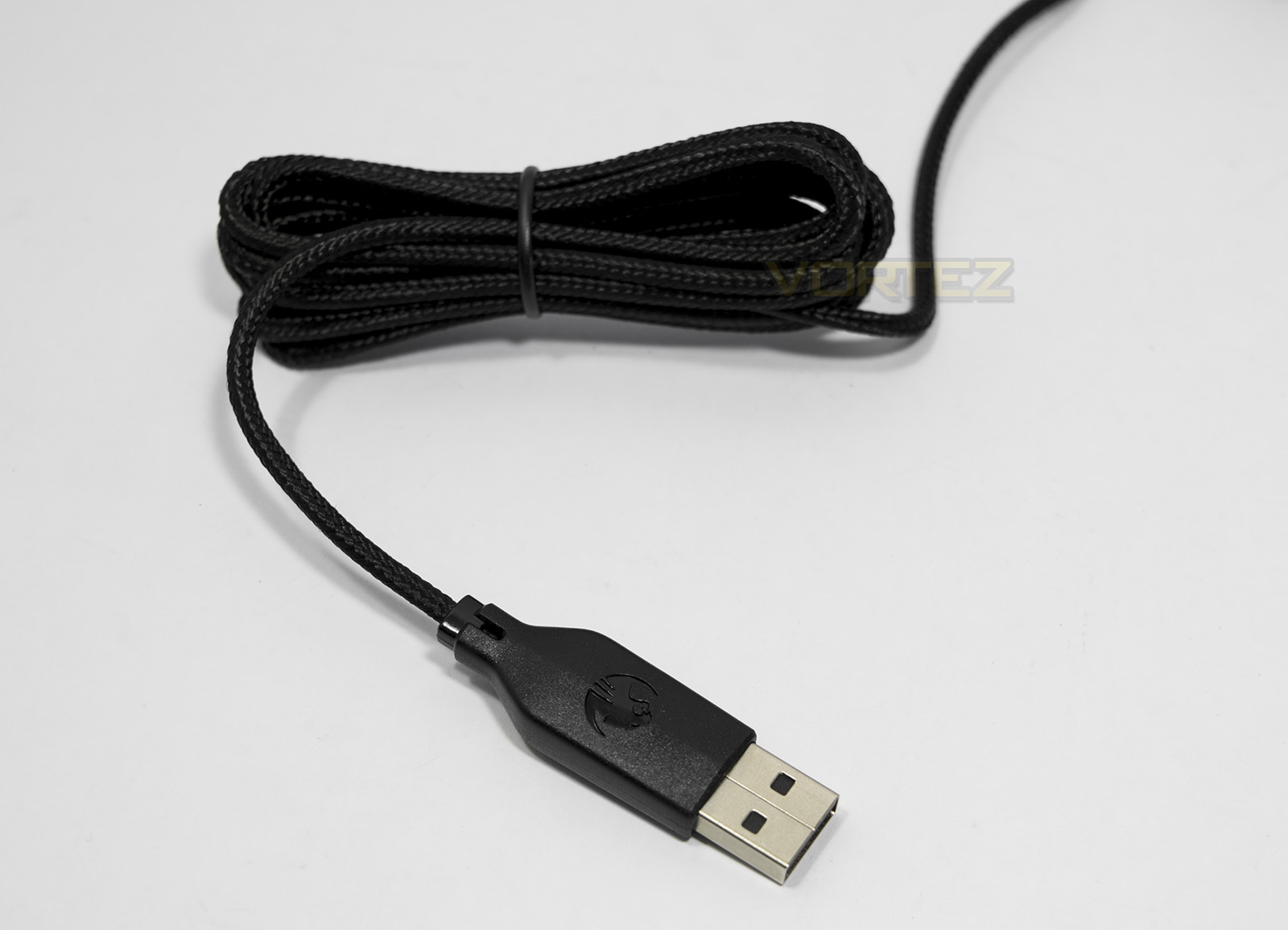
The NYTH comes with a 1.8m braided cable with a USB connector.
Closer Look
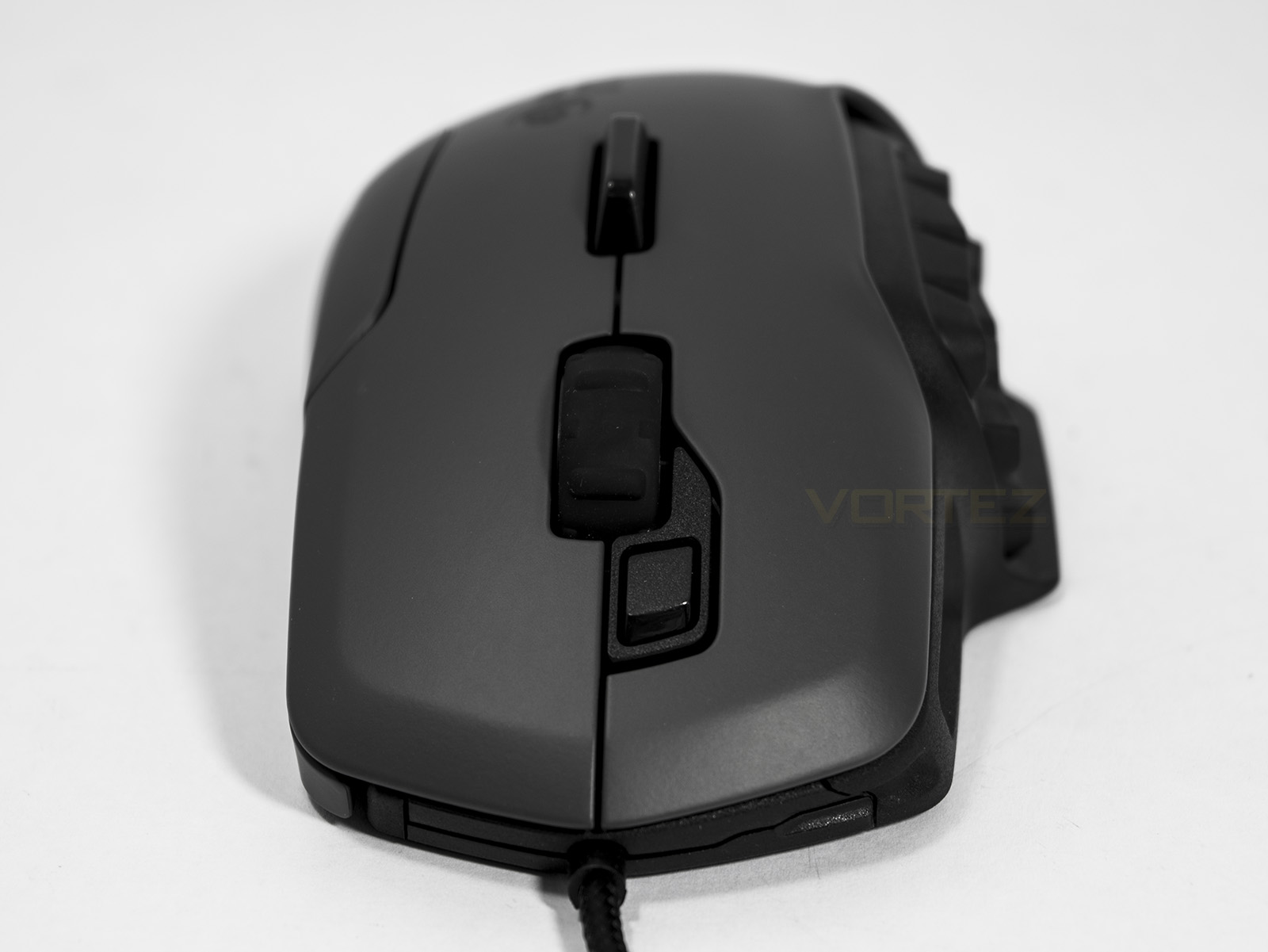
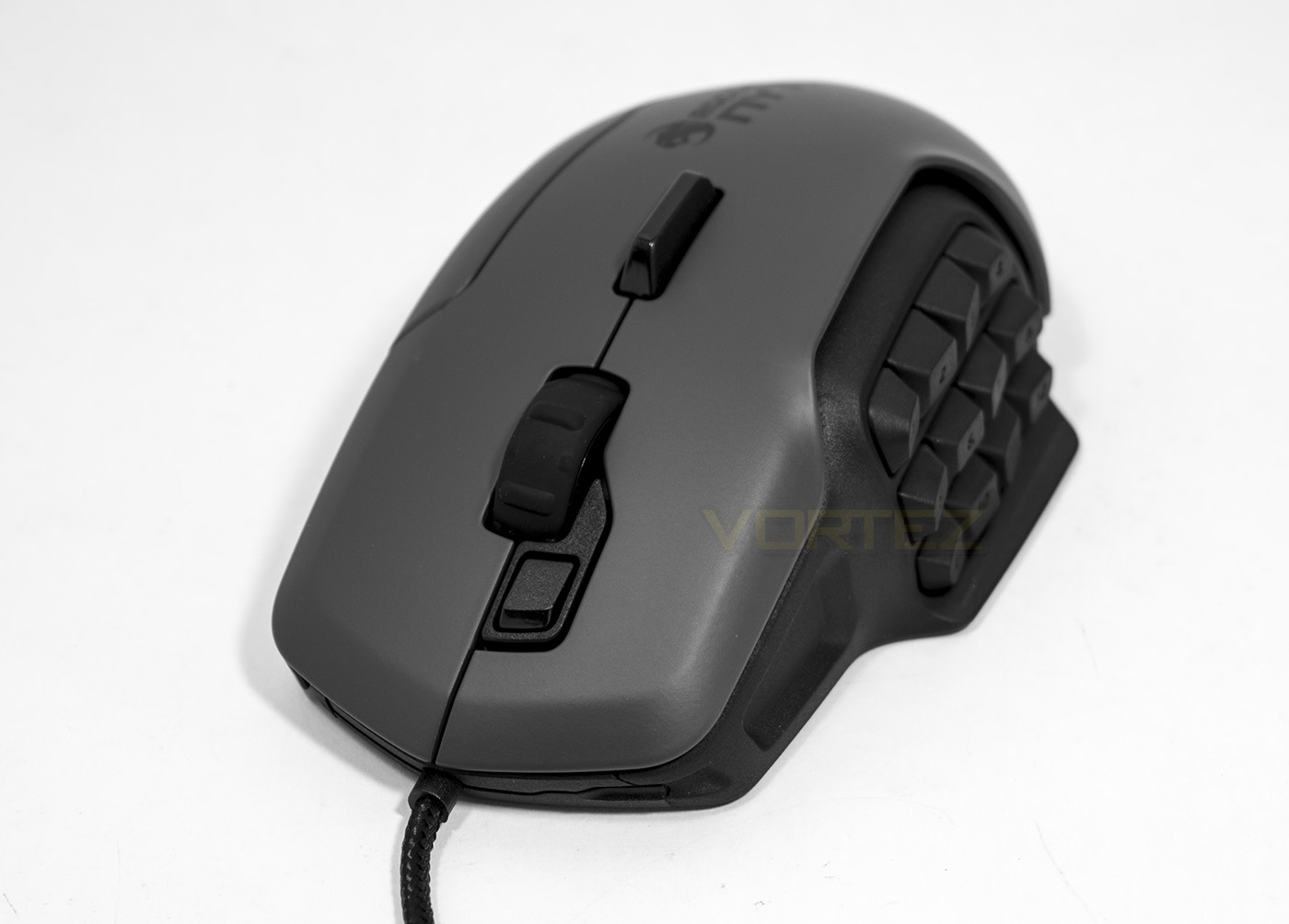
Front the front we can see the dorsal fin which acts as 2 separate buttons which can be used intuitively between your fingers. The scroll wheel is wide and finished off with a rubber surface for grip while just in front of the scroll wheel you can find the easy shift button.
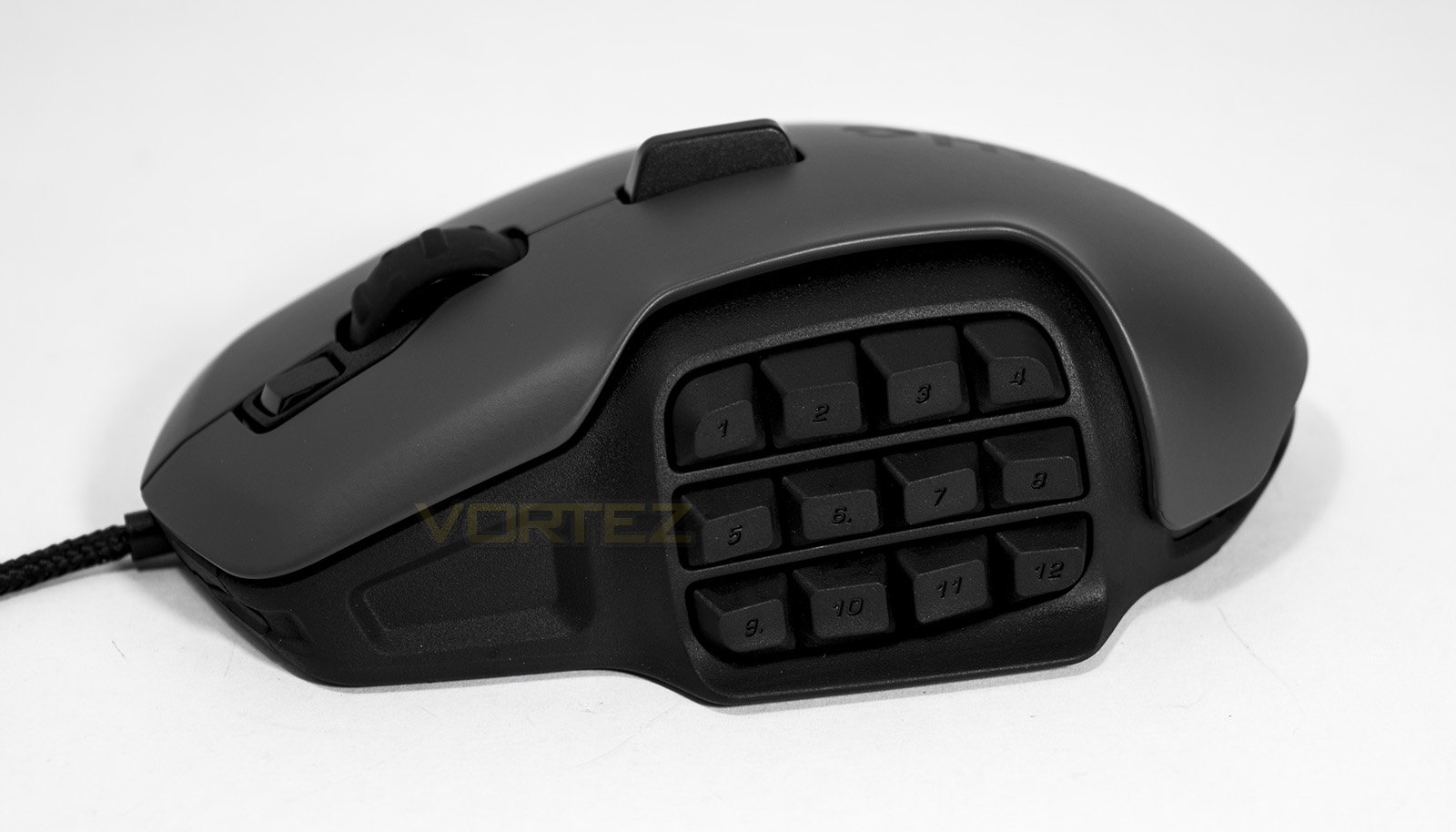
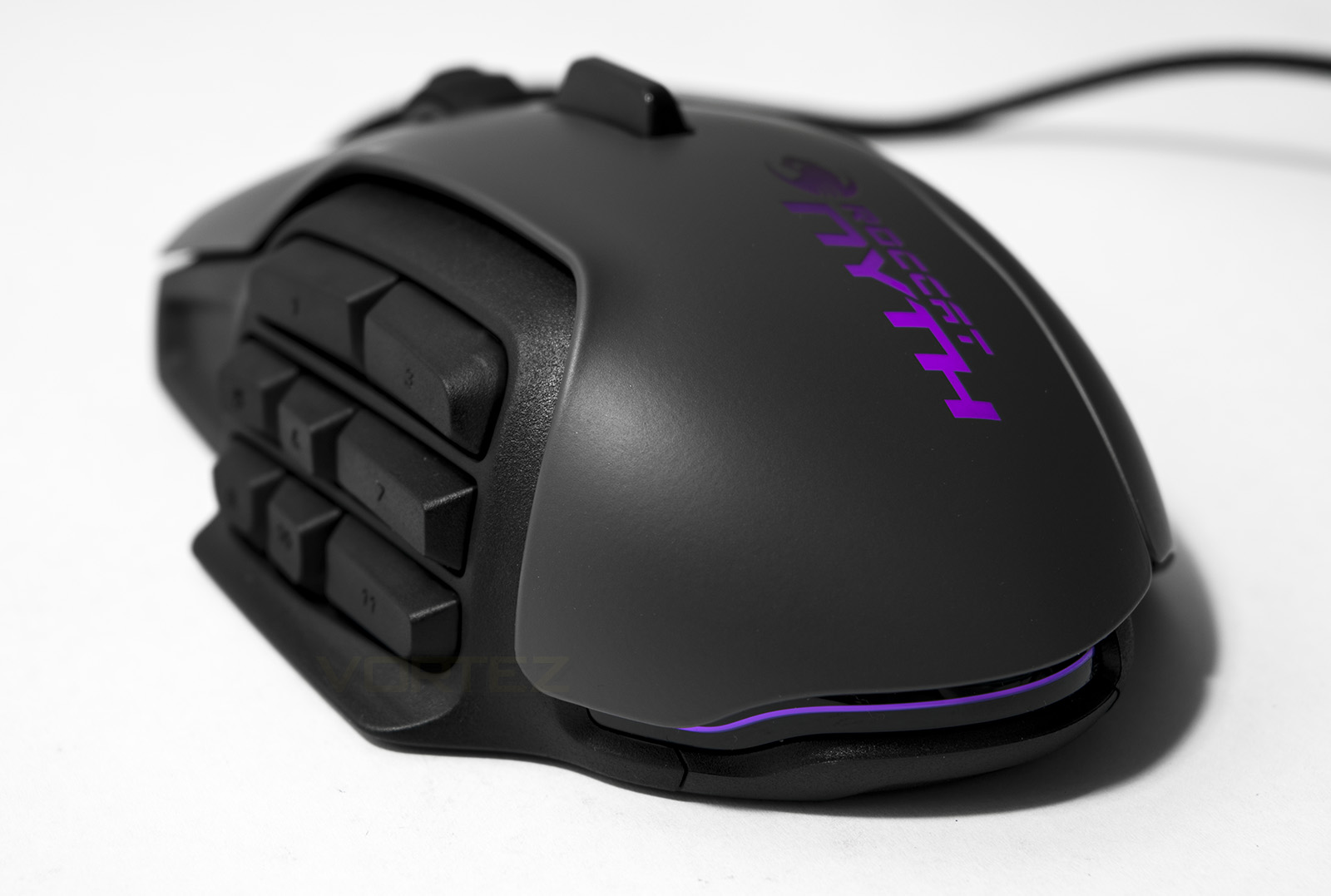
On the left had side you will find the button grid which is ergonomically stepped for easy access for your thumb.
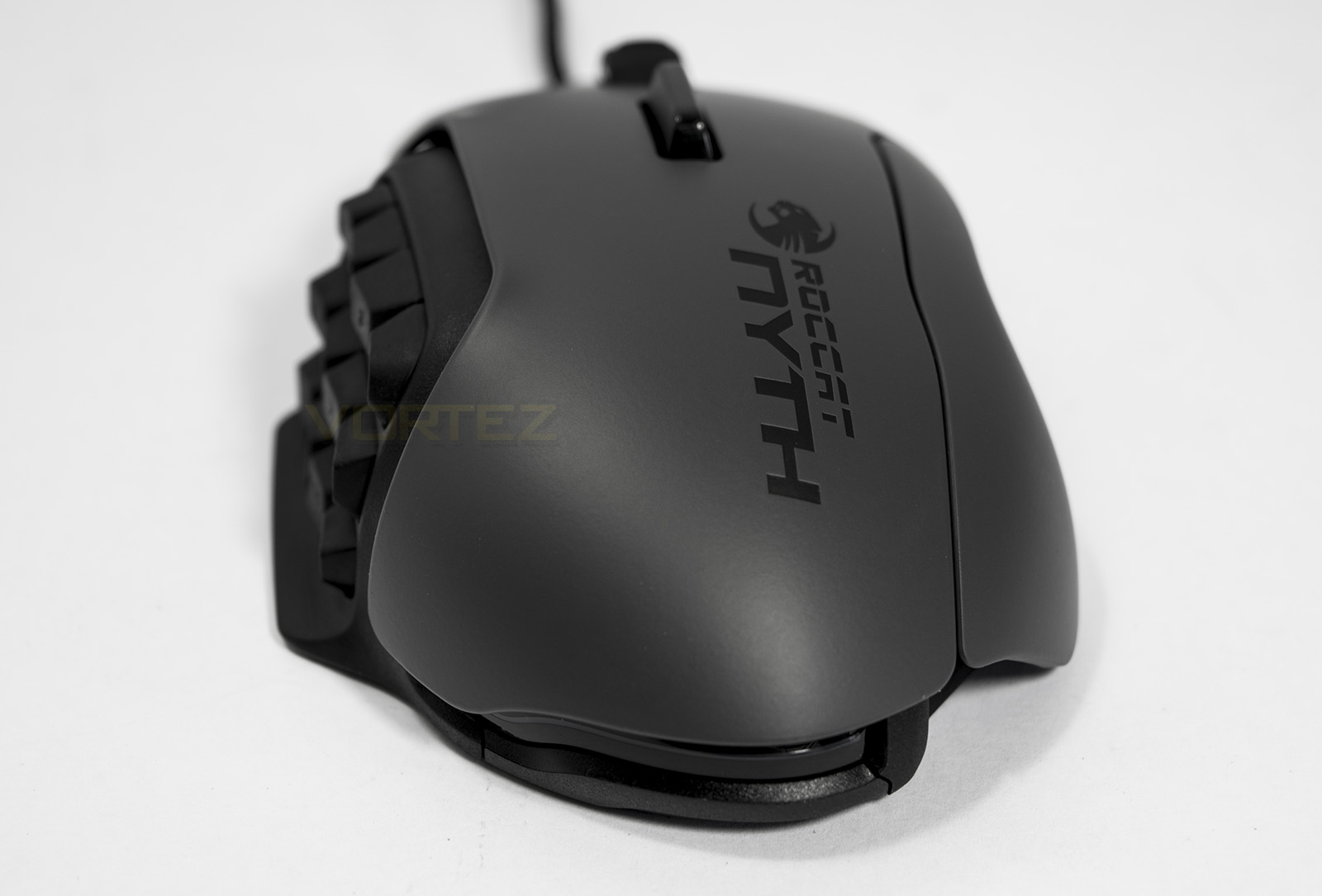
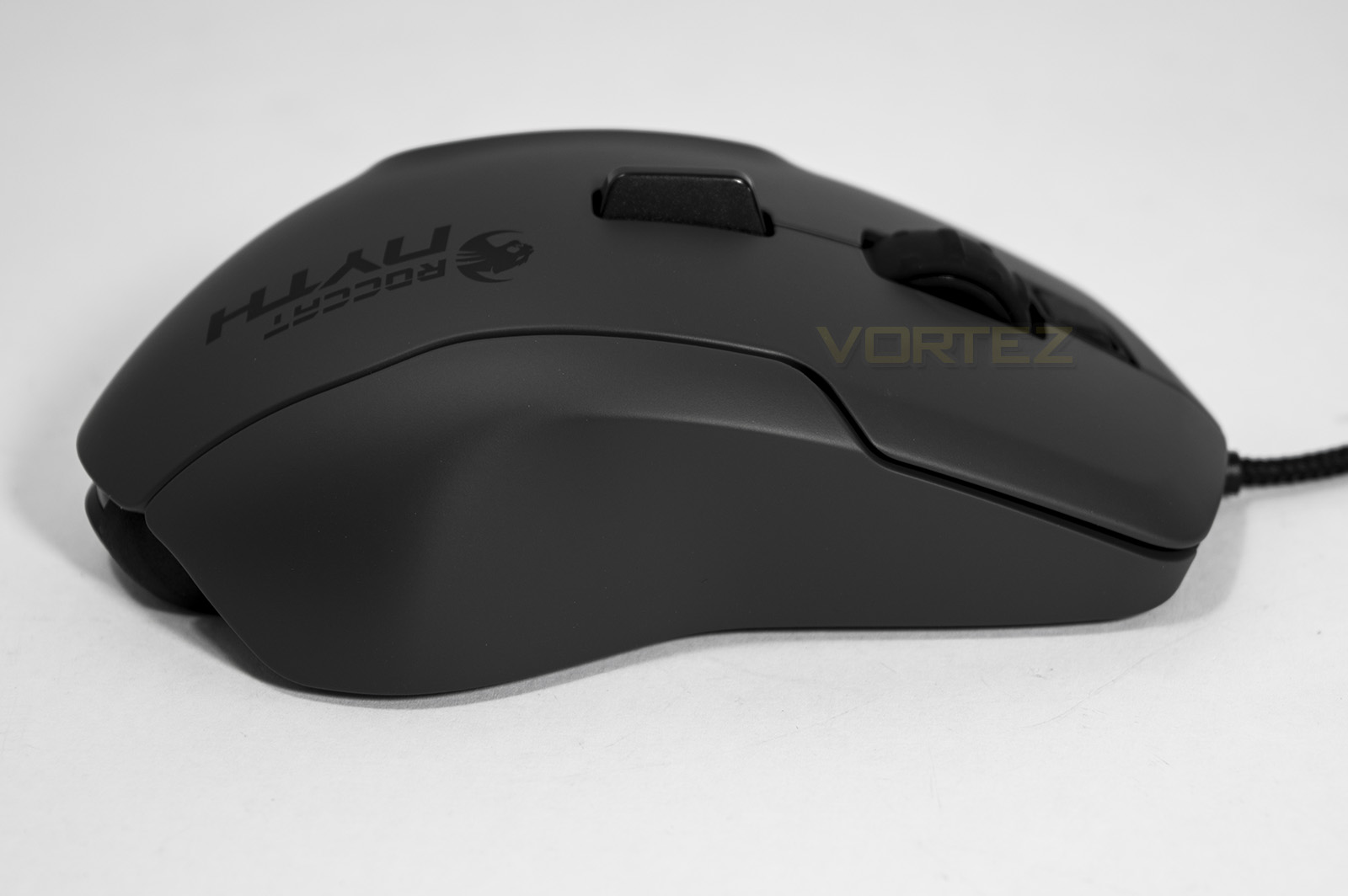
The overall shape of the NYTH can be seen from the back, including the stepped buttons as well as the arch.
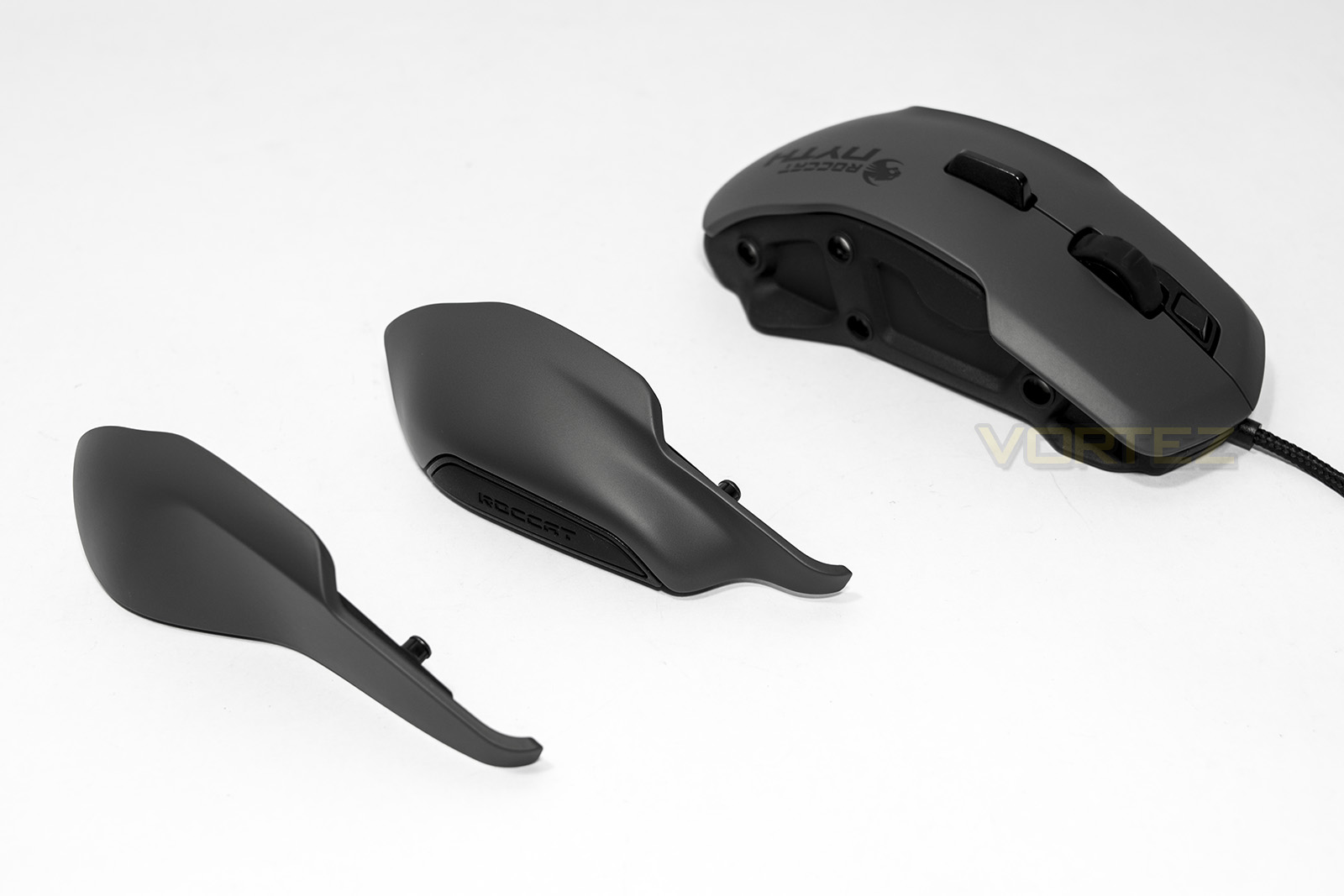
The grips are connected by magnets and are easily swapped for preference or play style.
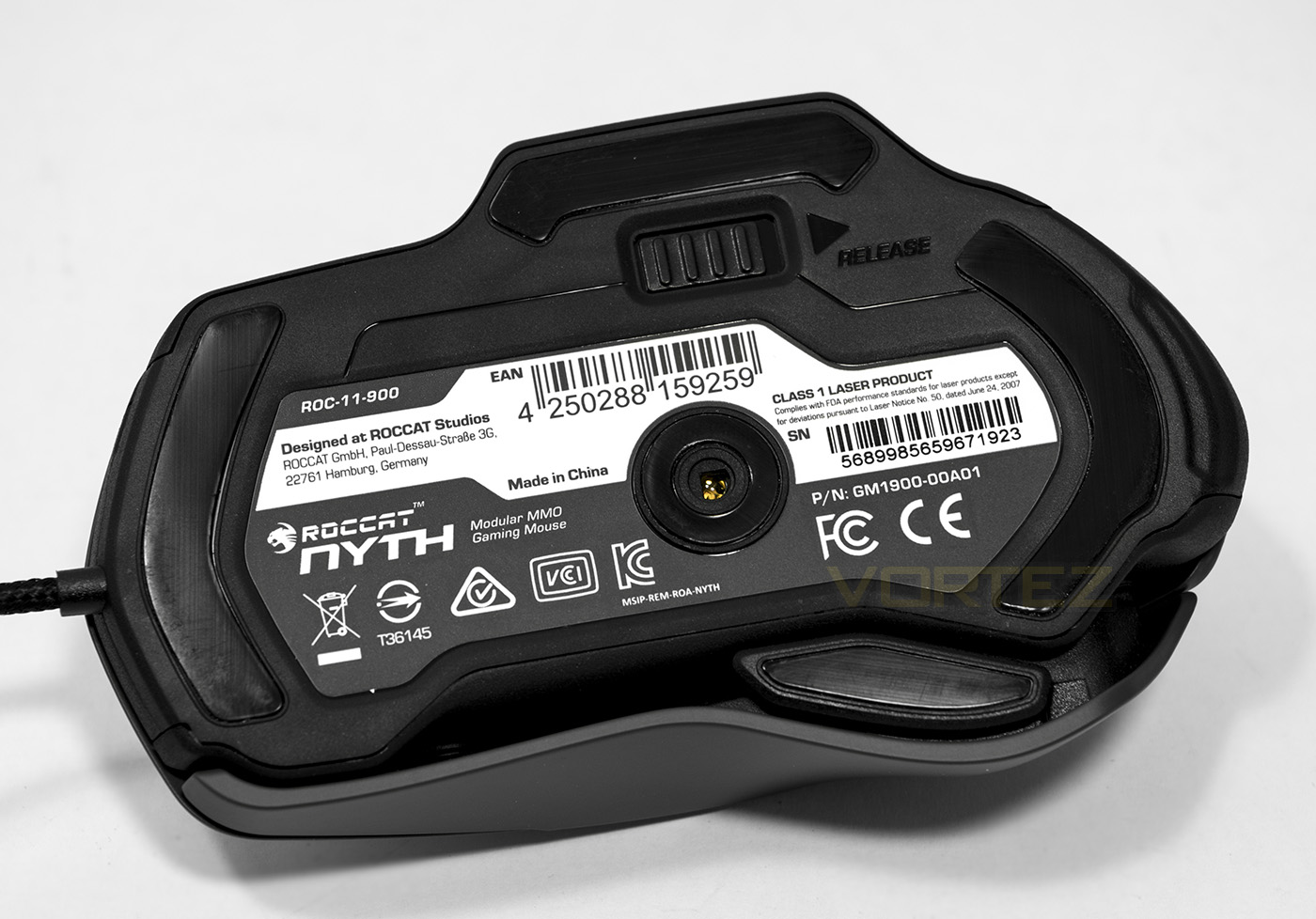
Underneath we find the sensor which is located slightly off centre, more towards the rear. Here we also find the button release switch. Hold it open and the buttons will fall out.
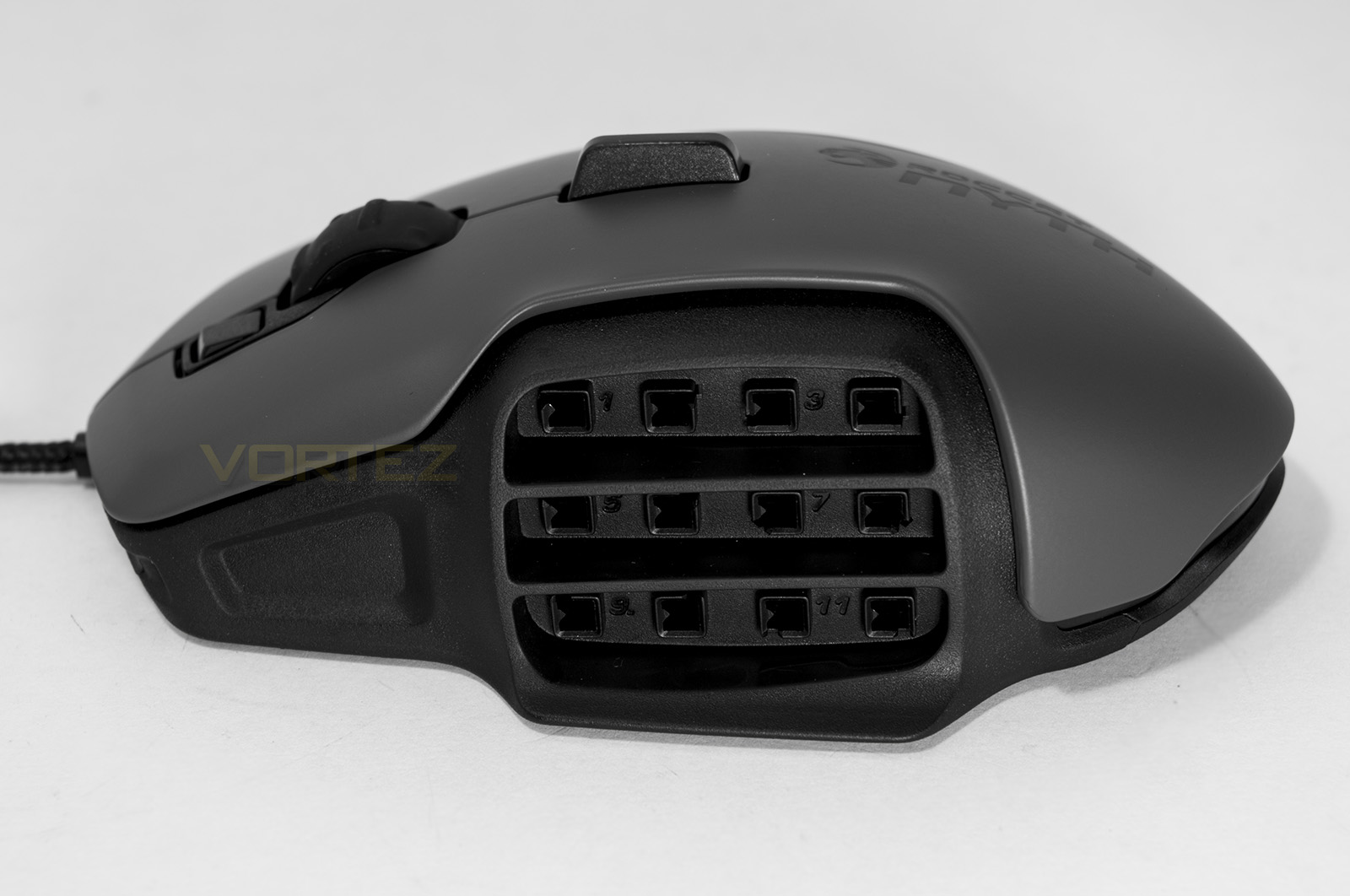
The array of connectors for each button is unique giving each a correct position ensuring that you can’t fit a button in an incorrect location. The connectors are however plastic.
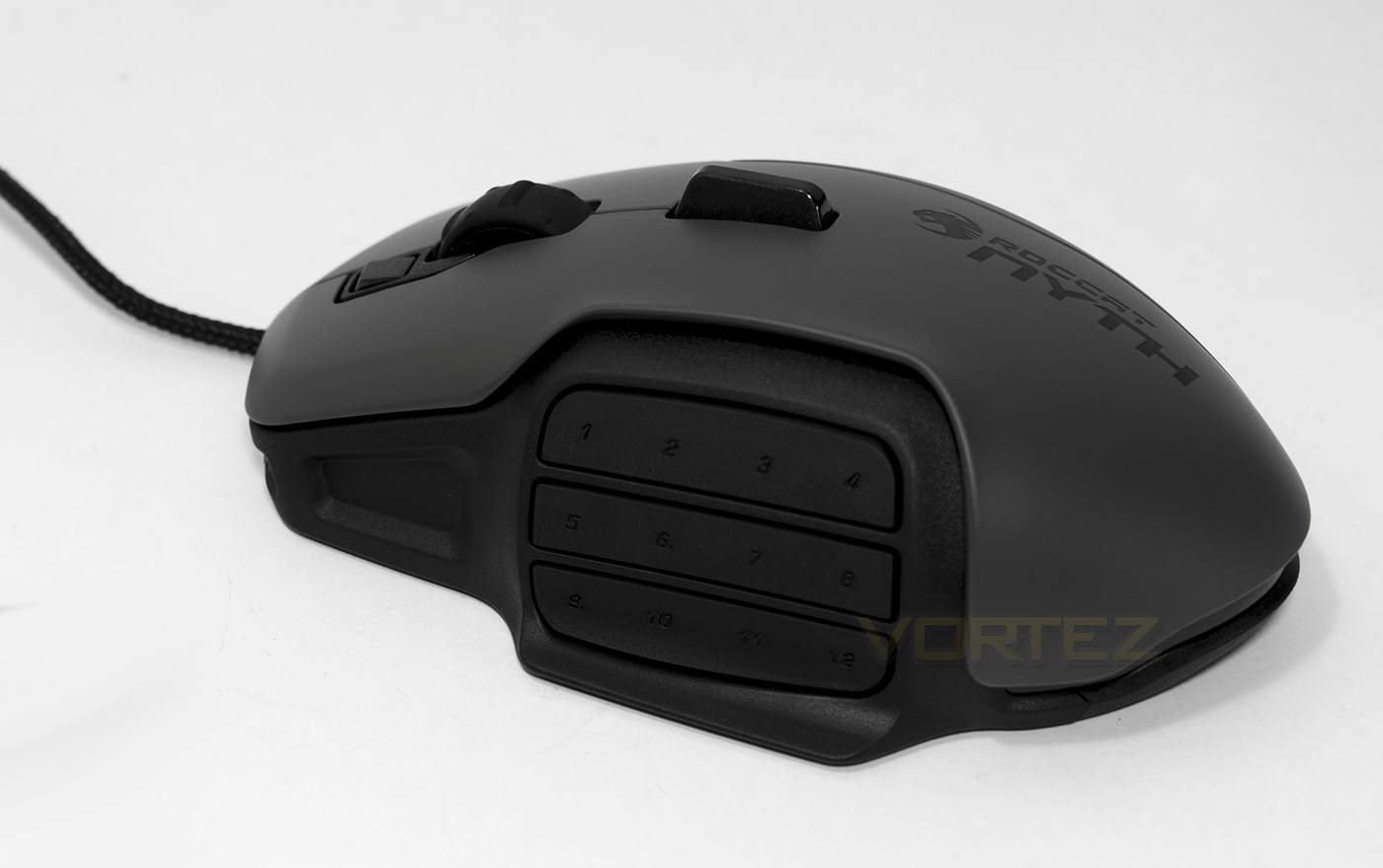
The included flat covers act as a way to block the use of buttons altogether.
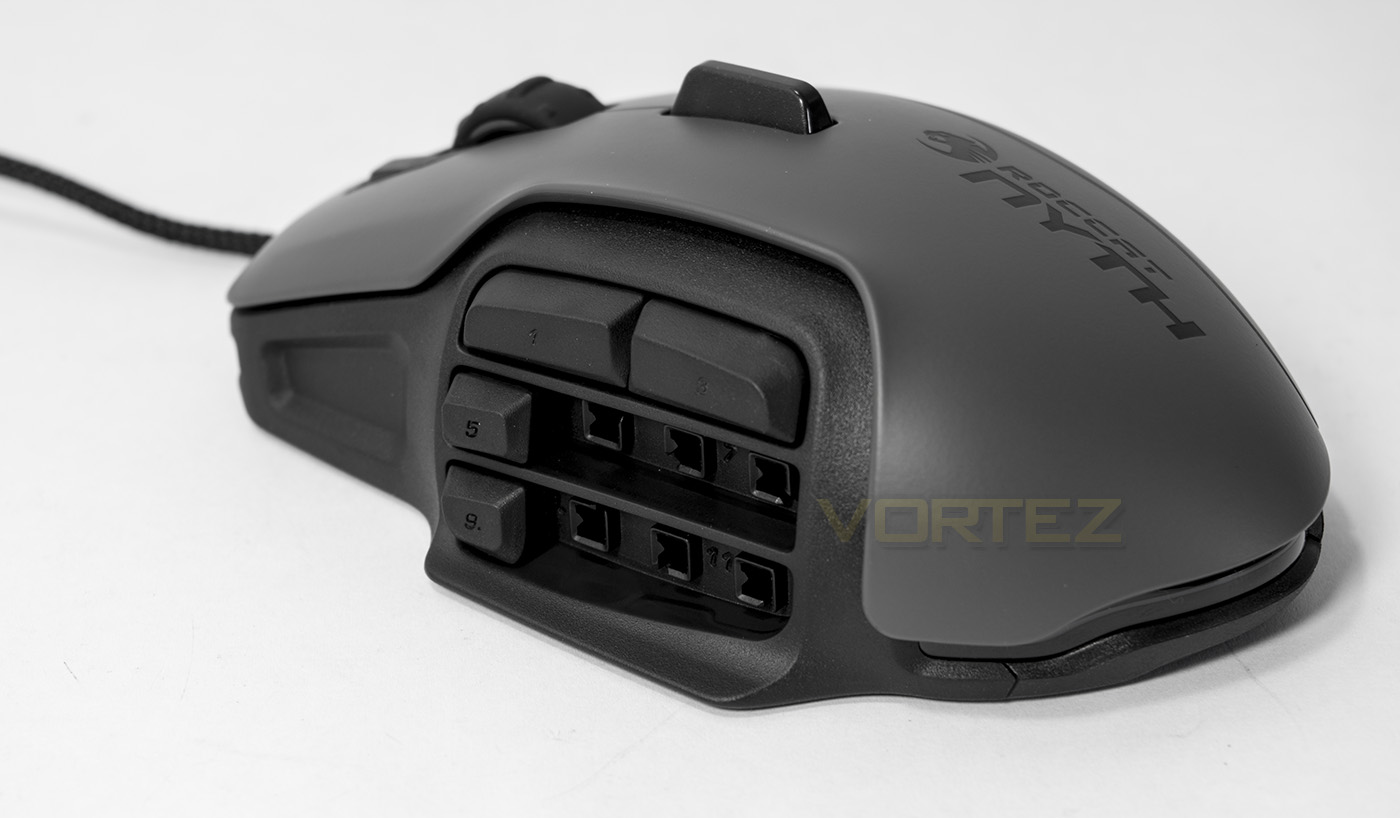
Customising the button layout to preference
Software & Lighting
ROCCAT Swarm is a new 4K ready cloud based unified driver which represents the software side of ROCCAT’s ‘Future Ready’ philosophy. Considering their past experience with the mobile app ‘powergrid’, naturally ROCCAT are keen to see more utilisation of accessible technology, this means Swarm will be supported by a smartphone app (which at time of writing is still a work in progress) this will allow full control of your devices and allow on-the-fly changes in game without having to tab out of game and waste time. Swarm will also integrate current technologies employed by ROCCAT including Talk, TalkFX and AlienFX.
Currently, NYTH is the only supported device, however this will undoubtedly change over time as new products become available. They also plan to add legacy controls for older ROCCAT products over time too. The UI is attractive, easy to understand and easy to navigate, there are useful information highlights that give extra information if you get lost. There is an including profile/macro manager too just to complete things.
The controls for the NYTH are comprehensive with a host of customisable options as well as preset suggestions for button assignments and physical mapping for use with different games such as CS:GO and League of Legends.
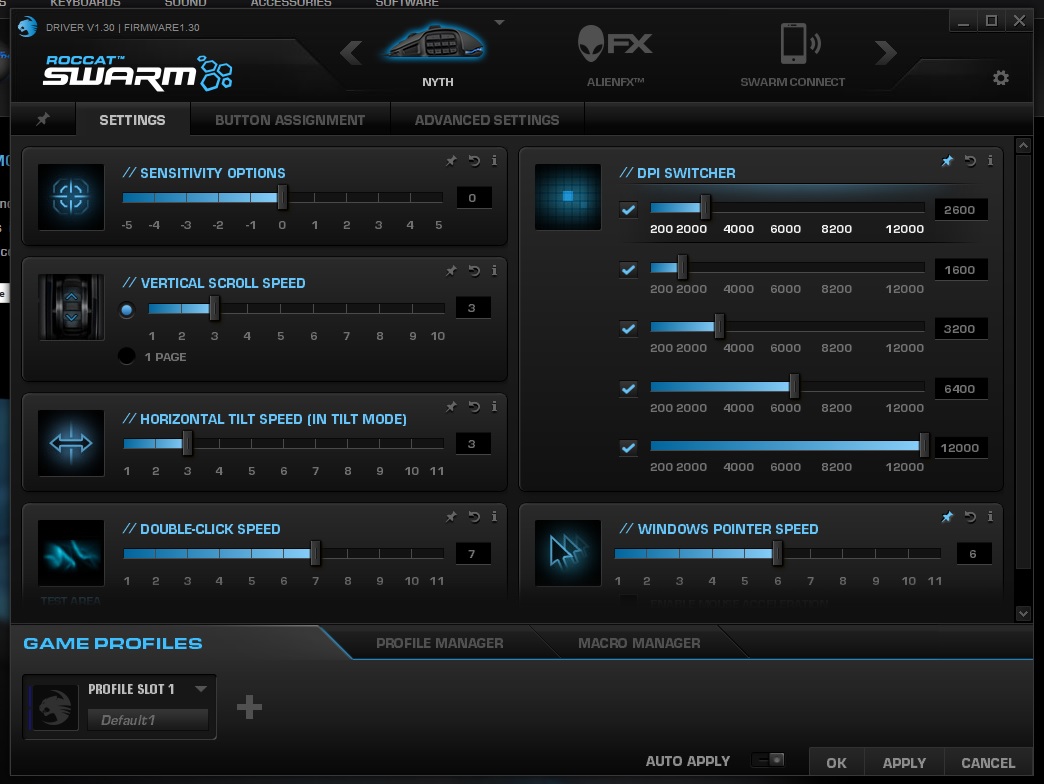
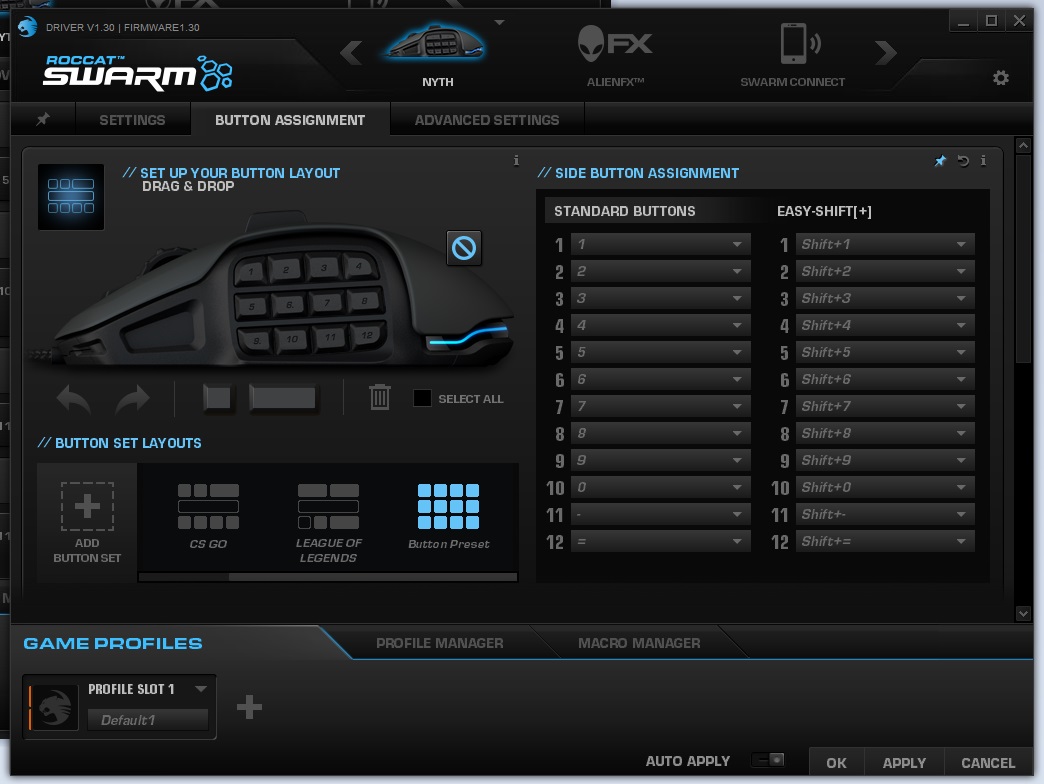
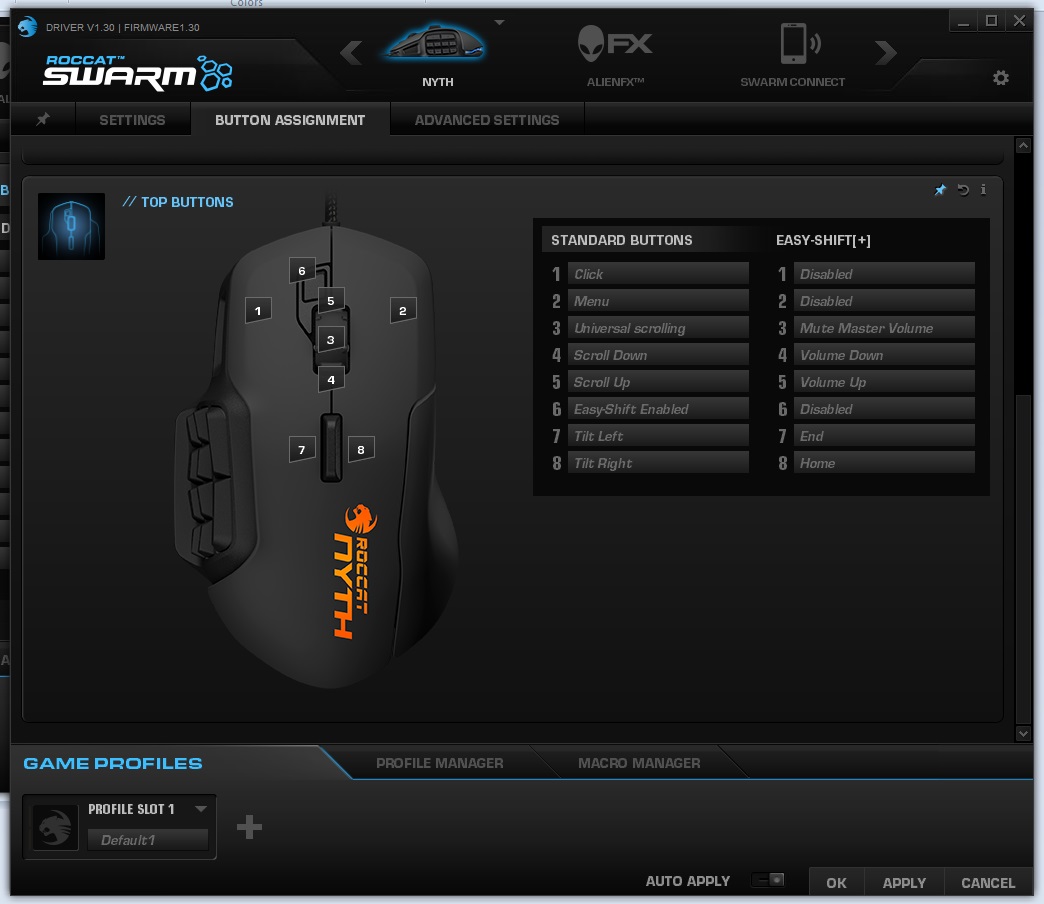
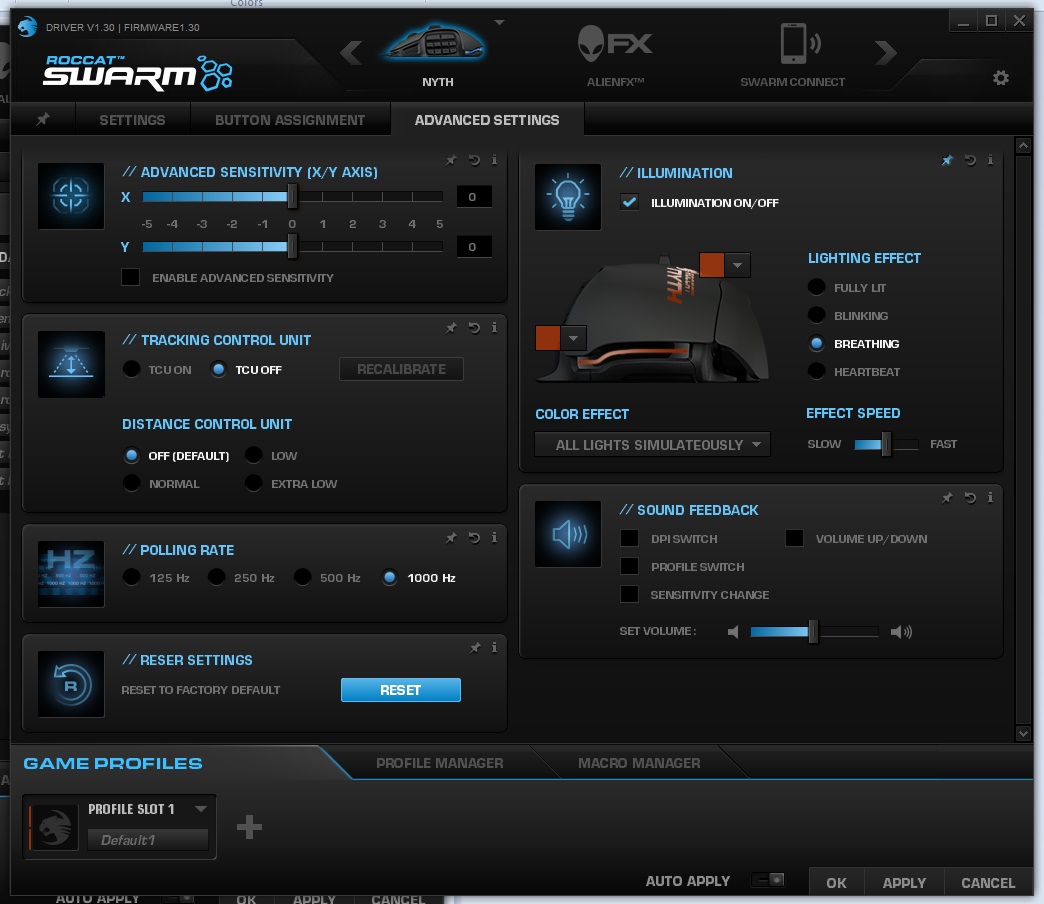
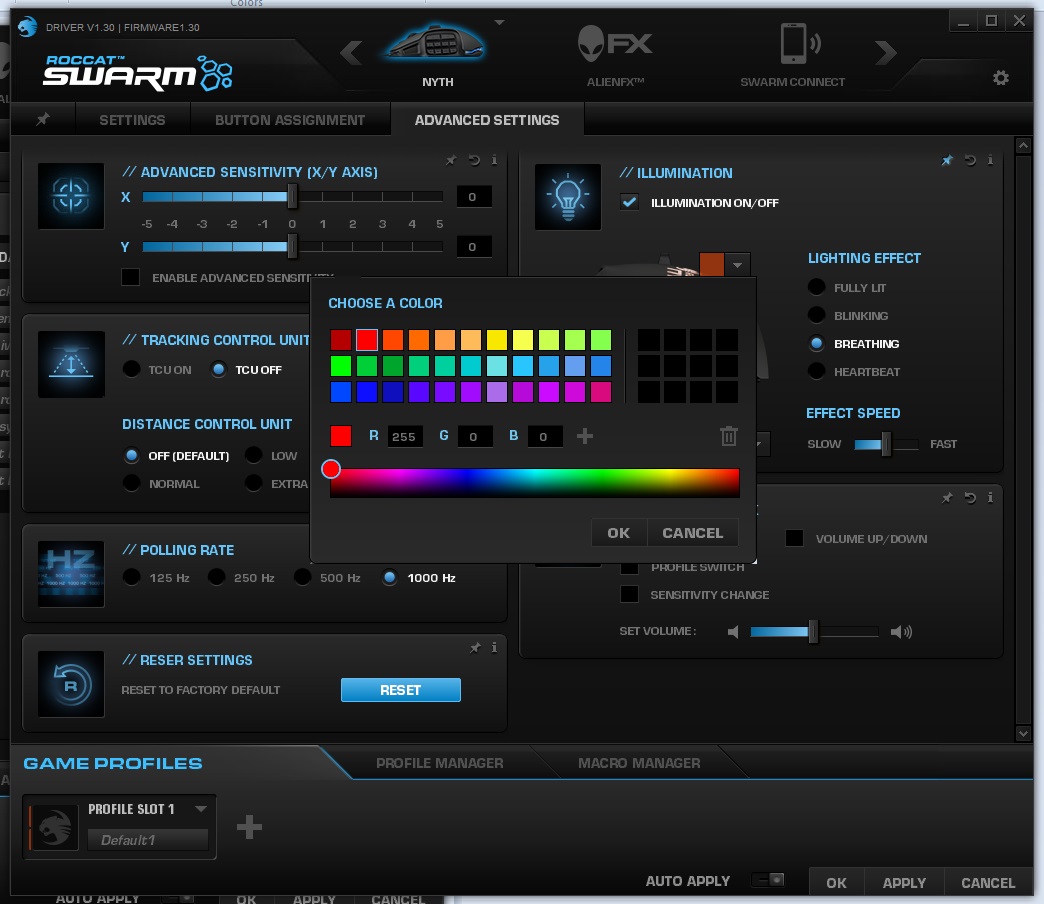
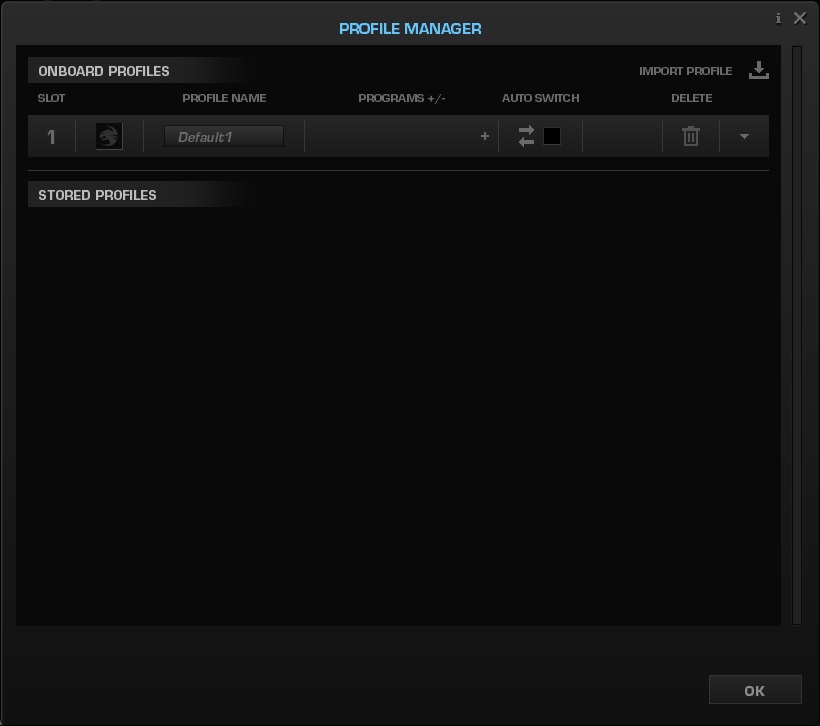
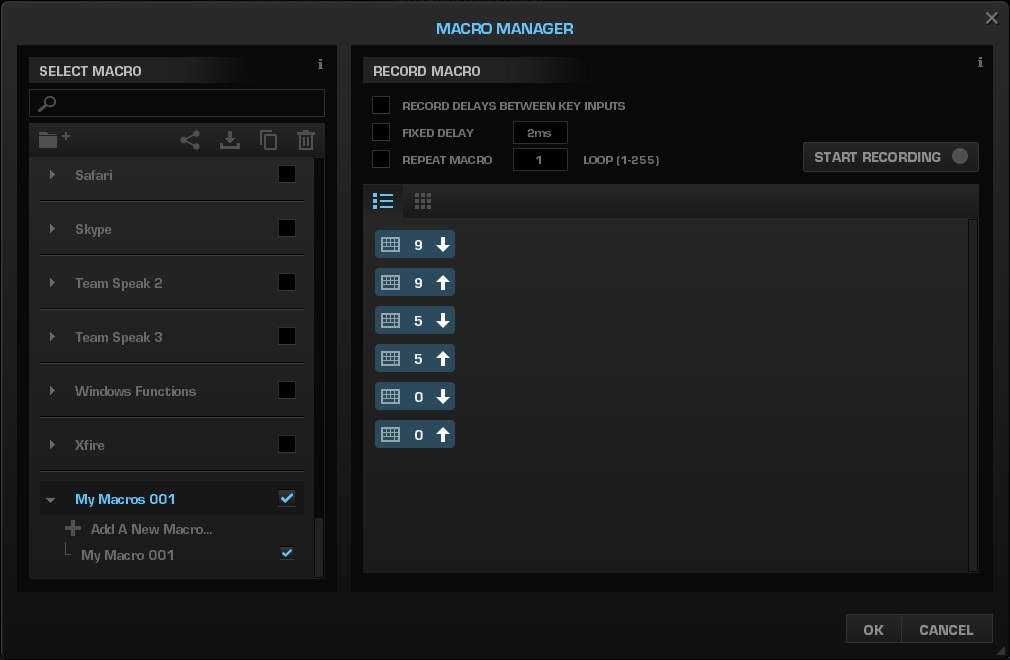
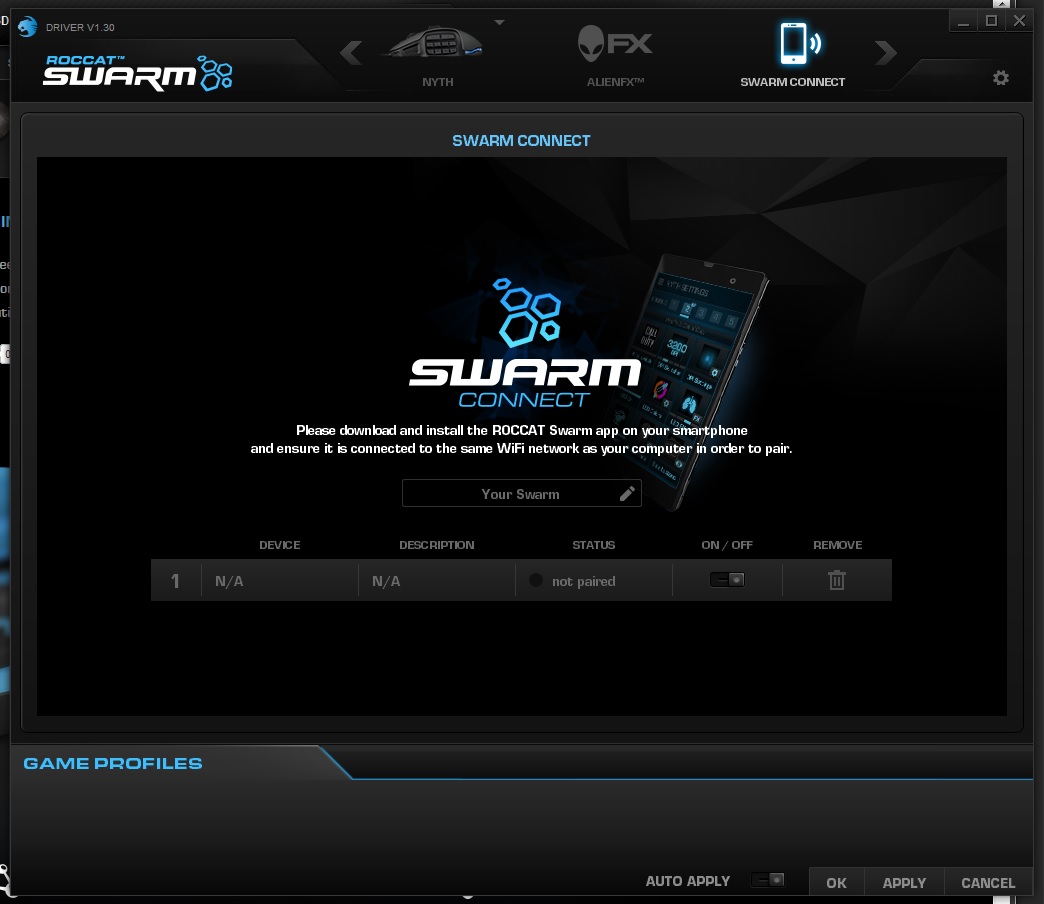
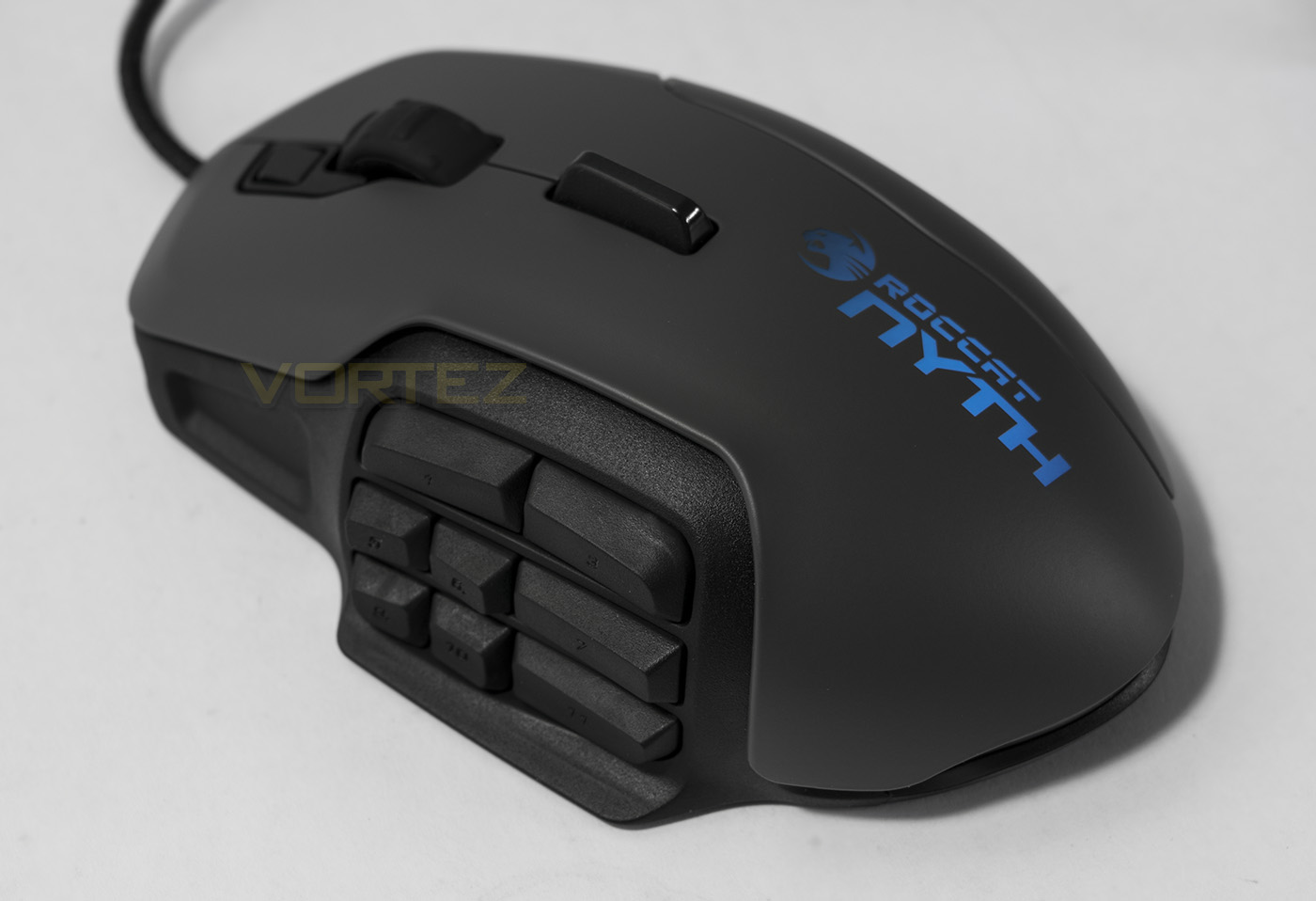
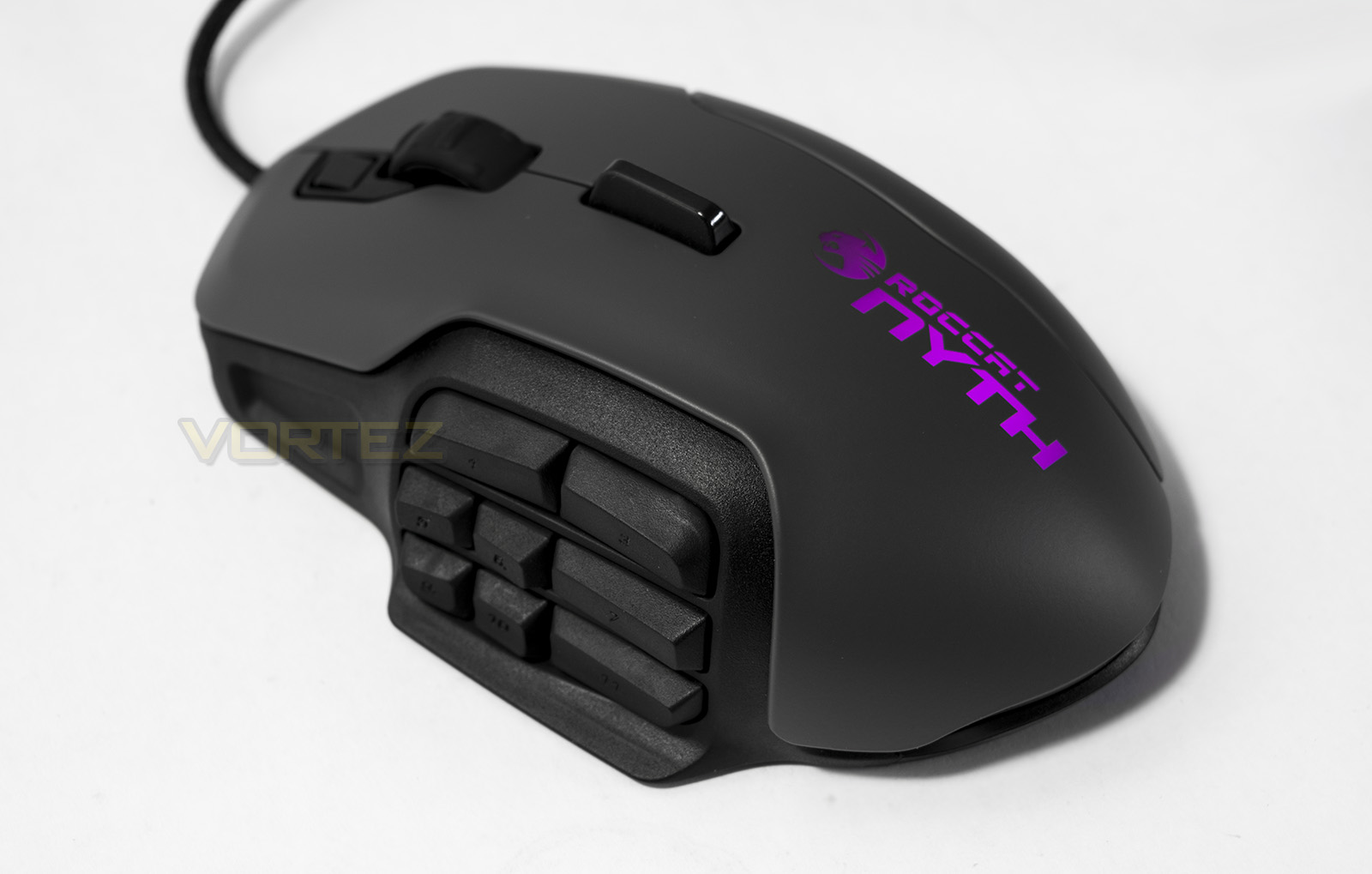
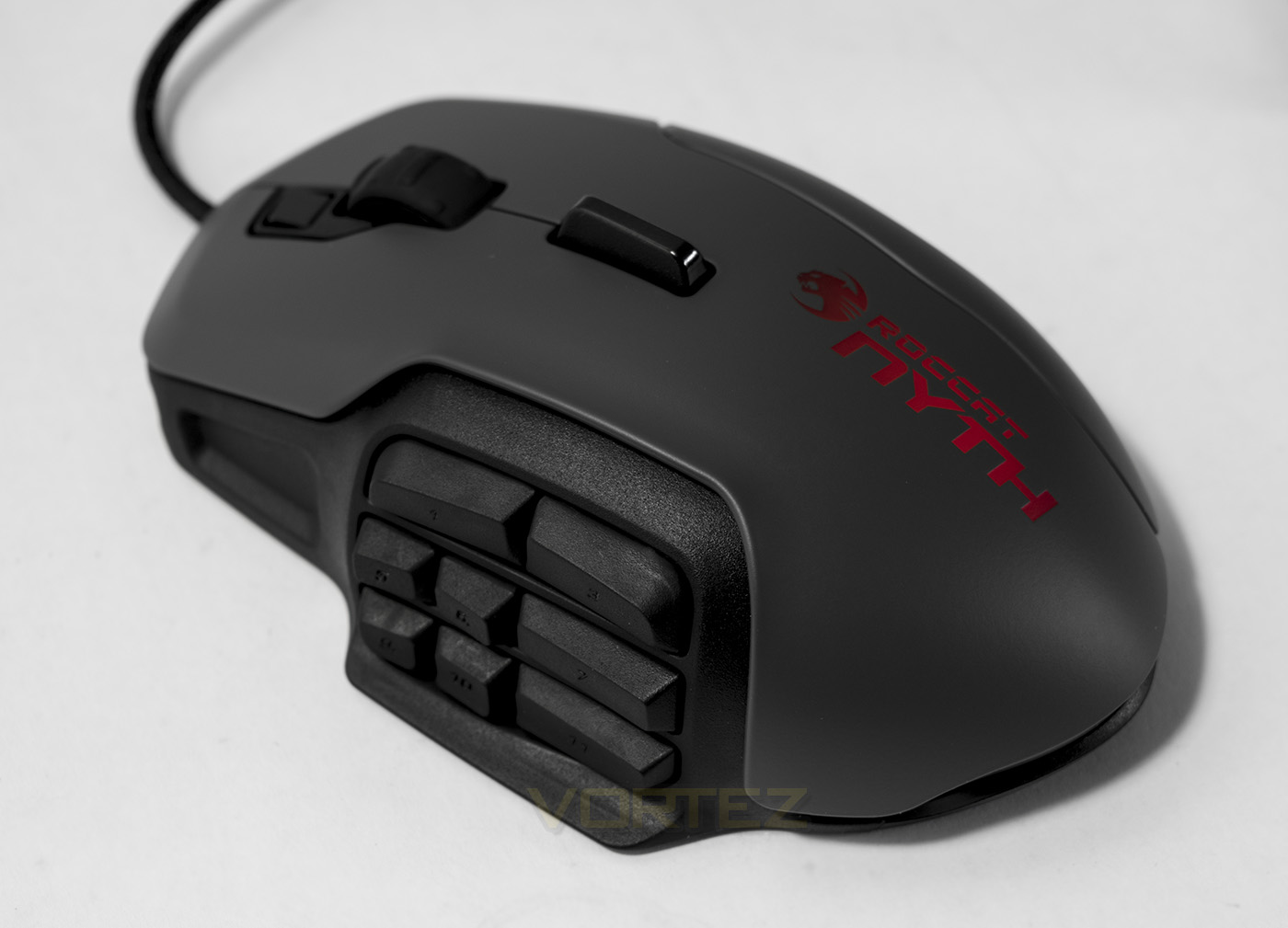
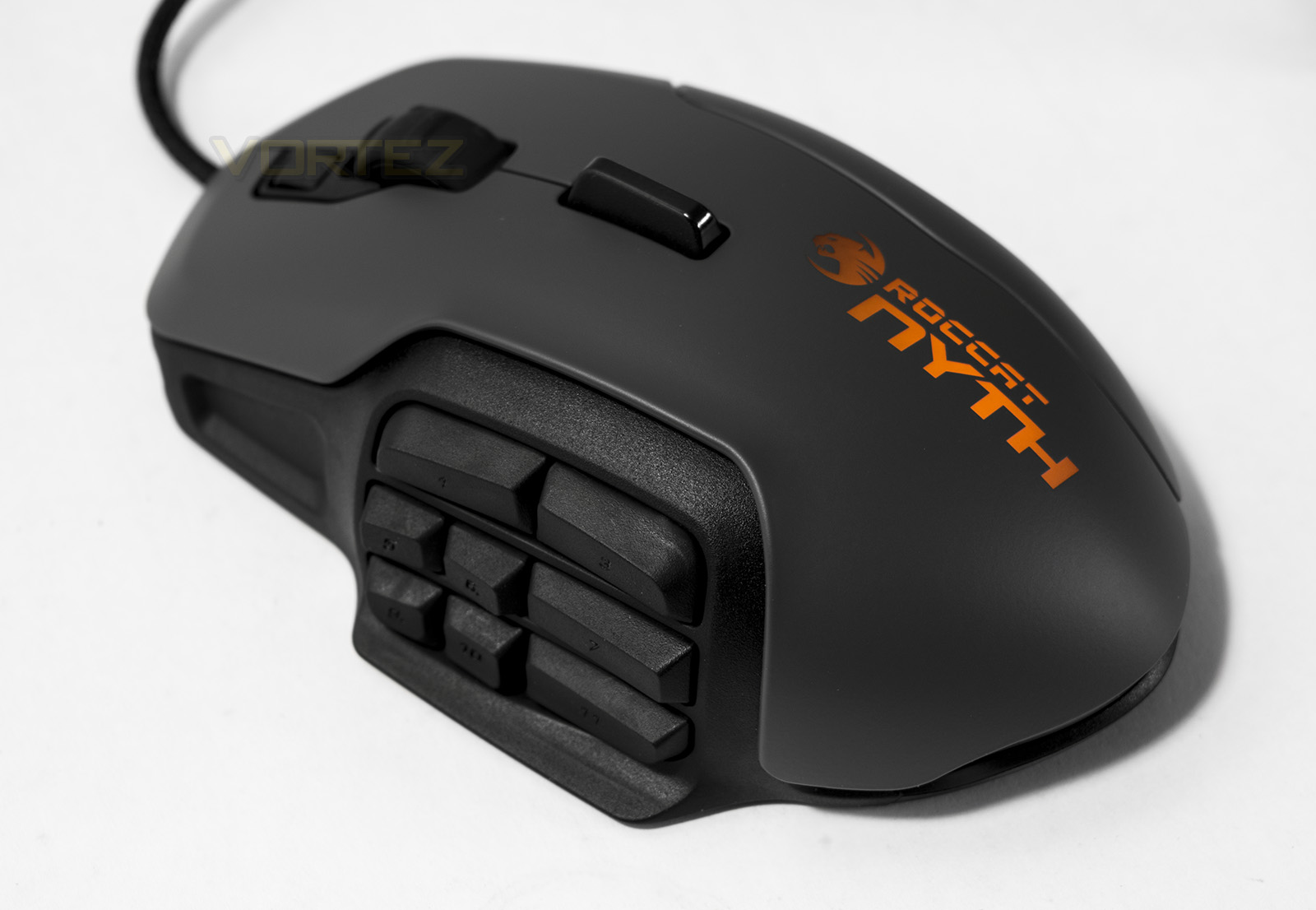
The lighting options seem to be a less prominent feature with the NYTH, though, considering ROCCAT have been at the forefront of offering RGB full spectrum lighting since their entrance to the market with the Kone, its understandable that they now simply have 16.8M colour customisation there, and don’t really mind for shouting about it. The NYTH has two colour zones, at the base and the logo, and can be used with ROCCAT TalkFX and AlienFX systems.
Performance Testing
Setup, Design & Observations
Setting up the NYTH is as easy as plugging the USB connector into your system and away you go. I couldn’t find an apparent on-the-fly DPI adjustment option as the default via P&P installation had it set at a rather low sensitivity. Once installed the new Swarm driver, you can then make the most of the NYTH with its functions and features.
The general comfort of the NYTH is good, though the Easy-Shift button feels a little awkward to use with a claw grip (my preference). The material used for the surface is very smooth and feels cool to the touch, certainly 1+ over most rubberised surfaces. The palm grip attachment is nice and wide, though with the claw grip I found that the steep drop created a noticeable edge which was felt by the inside of my ring finger. This did’t make it uncomfortable in anyway, just distracting.
The buttons are, well, quite awesome, being able to adapt the layout to your preference, not only allows you to create a layout useful to you, but also creates a distinctive and tactile feedback which allows you to intuitively know where your thumb is and what you are going to press. As pictured below, due to my preferred grip style I often find it difficult to press the buttons which are set farther back, while the thumb tip is capable of pressing the lower front buttons much more rapidly, so I was able to cater for this preference while maximising the useful potential available. On top of this, the dorsal fin I found easier to use with my middle finger, which again allowed me to consider this when layout out custom controls.
Performance
I tested the tracking on various mouse mat surfaces, including the ROCCAT Siru, the new Taito Control. I then tested the tracking on a variety of different surfaces including glossy desktop surface, cardboard, white paper and coloured printed card. There were no noticeable tracking issues (if you set to highest DPI you can tame the sensitivity by reducing the windows pointer speed option).
Use in DOTA2 and in FFIV was great, giving a similar feel to those accustomed to the Razer Naga, the buttons are easy to hit and the slight step in the button layout provides a recognisable system of determining where your thumb is located. In FPS gaming, you will appreciate having various commands on mouse taking some of the burden off of the keyboard.
Conclusion
The ROCCAT NYTH is a direct example of how the innovative minds at ROCCAT pushed the brand into the limelight not so long ago. Building on their experiences and looking forward, the NYTH mouse can literally do it all. People love customisation, and the modular buttons allows users to cater for their own style and needs, while the more experimental with access to 3D printers may find themselves taking further steps to create their own unique product. The Swarm software does NYTH justice by giving the ability to fine tune each key, this experience is sure to expand once the SwarmConnect app is available for your smartphone.
Looking deeper, the ROCCAT NYTH certainly delivers that reliable precision gamers need for in game action. Though we also need to consider the downsides.
Available on the market for around £90, some may feel that they didn’t get their moneys worth. Yes you get a case full of useful accessories, but many may set the mouse up to their own preference, like with removable weights, then it will stay in one configuration while the rest of the accessories will collect dust somewhere. Due to all of the extra R & D and extra material bumping costs some would question if that cut too far into the quality of the material value. This can be seen with the plastic side buttons, although they are solid and click reliably they fall short of quality feel of the mechanical switches you can find on on the Naga for example. This then raises the question of whether this level of modularity and customisation is ever going to be needed between gamers choosing a mouse based on preference?
If want a mouse that can swap between a palm grip MMO mouse to a fast paced claw grip with fewer buttons, the NYTH is highly capable and for those who jump on board with it will certainly find their perfect mouse somewhere inside.
The ROCCAT NYTH packs solid, reliable performance in a highly customisable frame which is supported by equally customisable software.
Pros.
+ Highly Customisable
+ Modular Buttons
+ Hot swappable grips
+ Comfortable in hand
+ Attractive design
+ Excellent performance
+ 3D Printing support
Cons.
– Feels overpriced
+ Highly Customisable
+ Modular Buttons
+ Hot swappable grips
+ Comfortable in hand
+ Attractive design
+ Excellent performance
+ 3D Printing support
Cons.
– Feels overpriced
Click here for an explanation of our awards at Vortez.net.