Featuring Hybrid Mechanical Blue keyswitches, an OLED display, wrist rest and RGB lighting, to name but a few, the Apex 5 may cost a bit less than you’d initially expect. But is it any good? Let’s have a look.

Product on Review: SteelSeries Apex 5
Manufacturer: SteelSeries
Street Price: GBP £109.99 / USD $99.99 / AUS $249.00
A few months ago SteelSeries allowed us the opportunity to test the excellent Apex 7 and Apex Pro, but they both had one major downside – cost. Today we’re putting their younger brother under the microscope with a much more affordable pricetag, the Apex 5.
The Apex 5, like it’s more expensive counterparts, sports a fancy OLED screen to display game info, Discord messages, GIFs and much more, with the keyboard also featuring an aircraft-grade aluminium body, 16.8M colour per-key RGB backlighting and a magnetic wrist rest for optimal comfort during prolonged sessions.
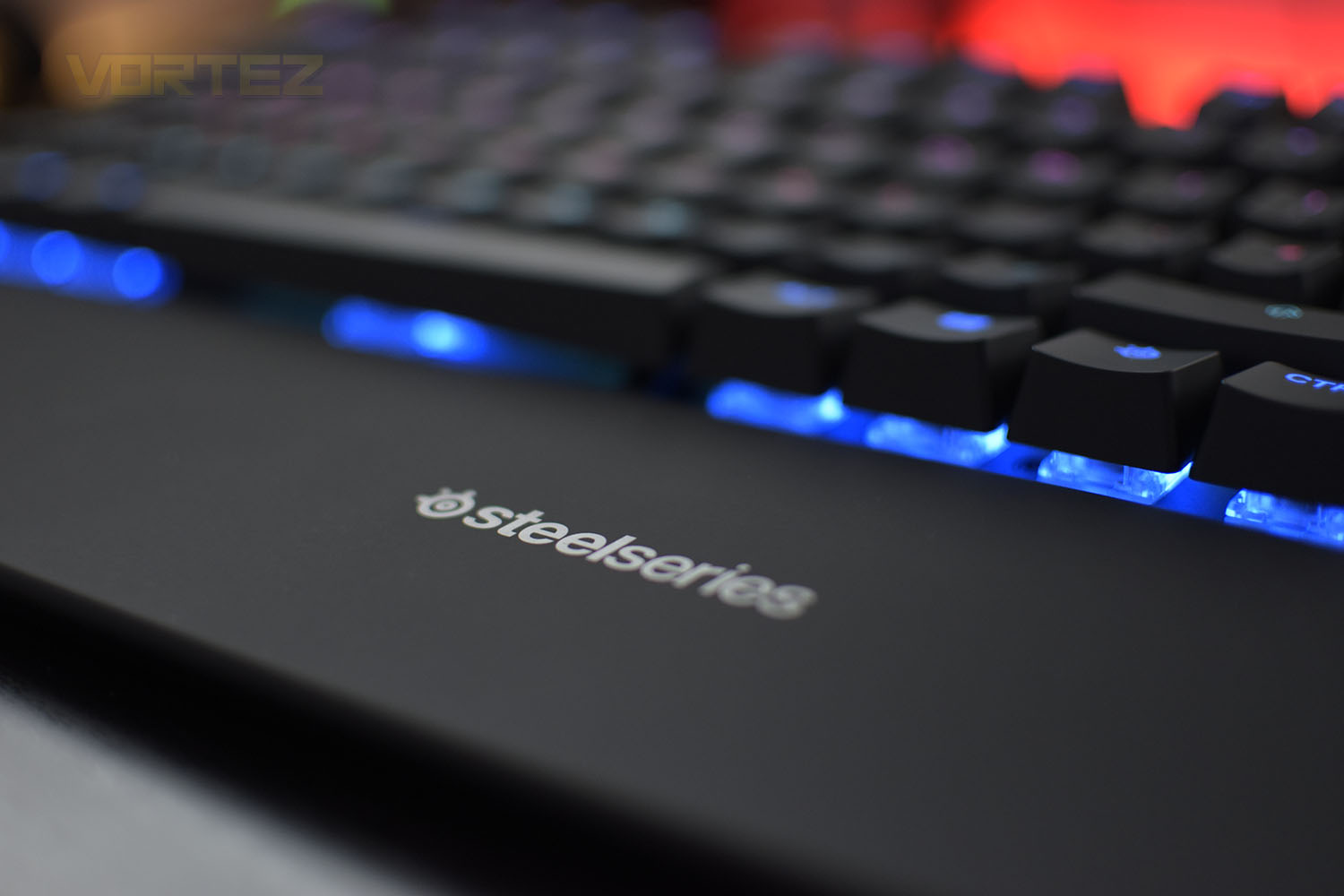
Perhaps the most exciting feature with the Apex 5 is the Hybrid blue mechanical switch, a combination of the smoothness of a membrane switch with the durability, performance and tactile click of a blue switch type. This allows SteelSeries to produce a more cost-efficient keyboard while retaining the premium characteristics of more expensive options.
Pricing is considerably less than the Apex 7 and Apex Pro but on the face of it, the majority of the functionality still remains. So, what exactly has changed and why is it so much cheaper? Let’s examine things a bit more in-depth and we’ll present our verdict at the end.
SteelSeries on the Apex 5:
The Apex 5 combines the smoothness of a membrane switch with the added durability, performance, and satisfying tactile click of a blue mechanical switch, for a premium gaming experience where you don’t have to choose one over the other.
[youtube= SVURlDjWuTY]
Technical Specifications
Design
Top Material: Aircraft Grade Aluminum Alloy Frame
N-Key Roll Over: 24-Key
Anti-Ghosting: Gaming Grade
Illumination: Dynamic Per Key RGB Illumination
Weight: 2.04 lbs (925g)
Height: 40.5mm
Width: 442.8mm
Depth: 139.2mm
Switch
Type & Name: SteelSeries Hybrid Mechanical RGB Switch
Switch Actuation: 2mm
Total Travel: 4mm
Force: 50cN
Lifetime: 20 Million Keypresses
Compatibility
OS: Windows and Mac OS X. USB port required
Software: SteelSeries Engine 3.15+ (coming soon) for Windows (7 or newer) and Mac OSX (10.11 or newer)
Packaging & Bundle
As superficial and irrelevant as it may be, SteelSeries produce some lovely packaging. The image of the keyboard on the front is crisp and vibrant providing a good representation of what you can expect inside. There’s also some helpful information dotted around the edges.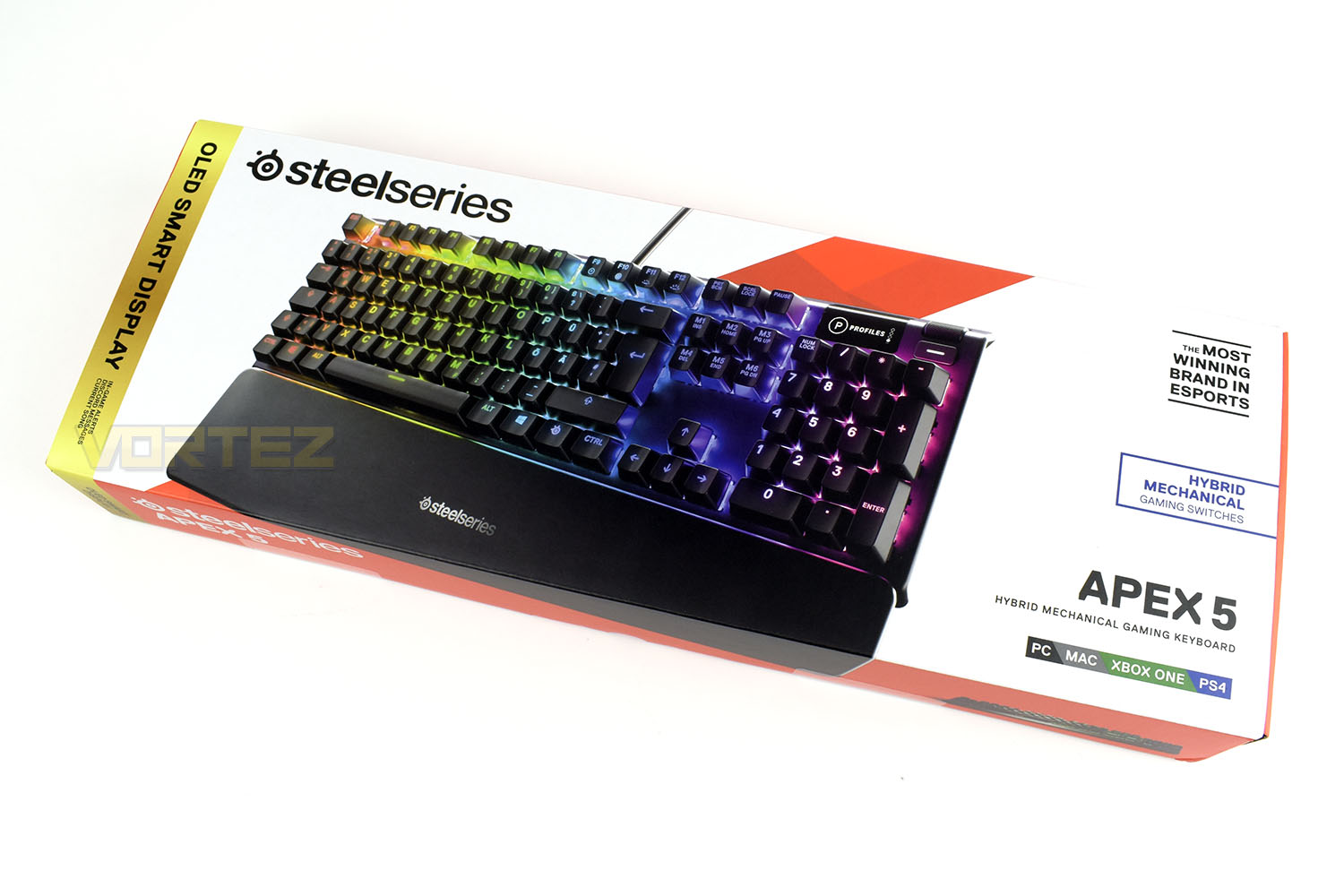
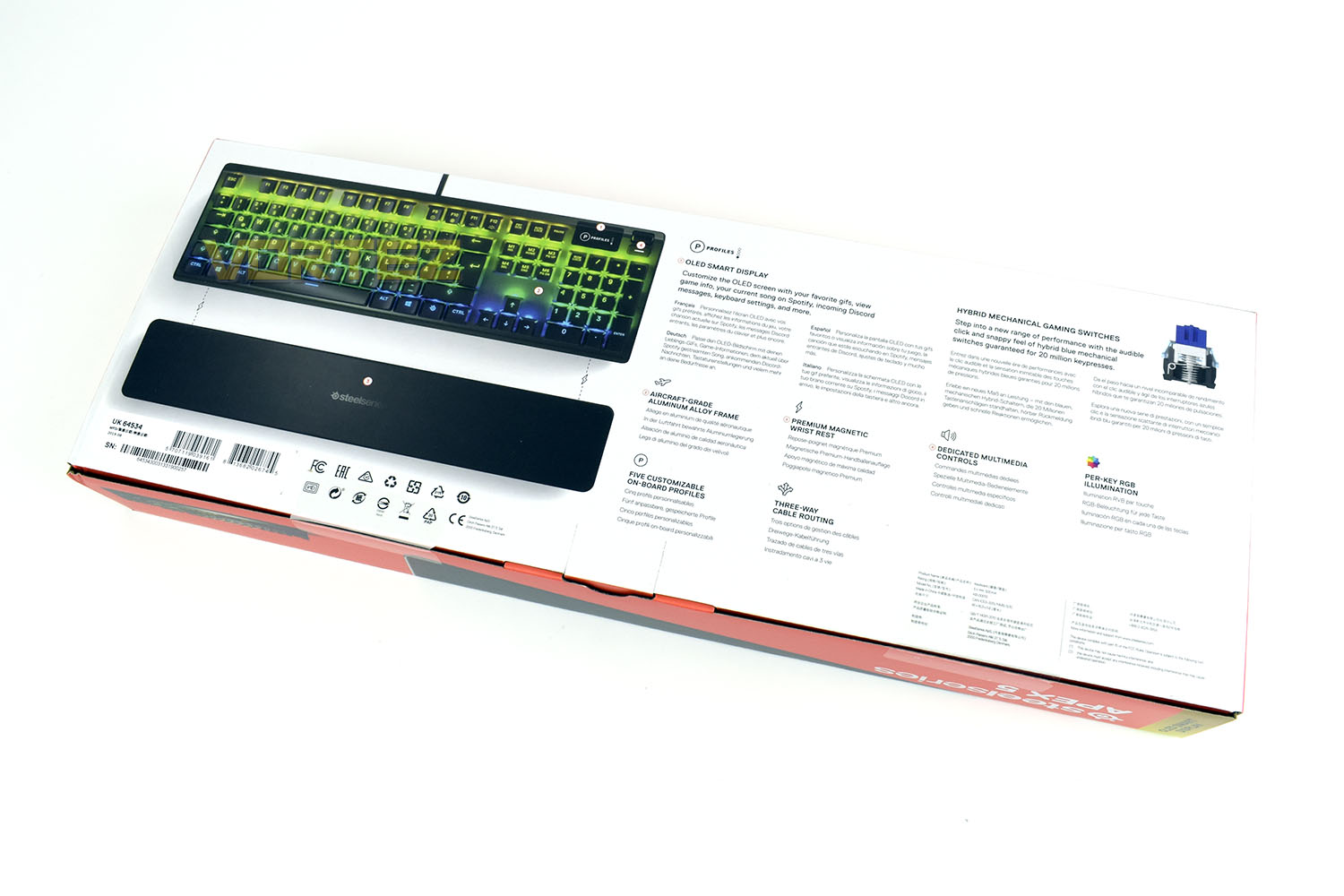
Flipping the box over, the main features and selling points of the Apex 5 are listed and explained with some specification details.
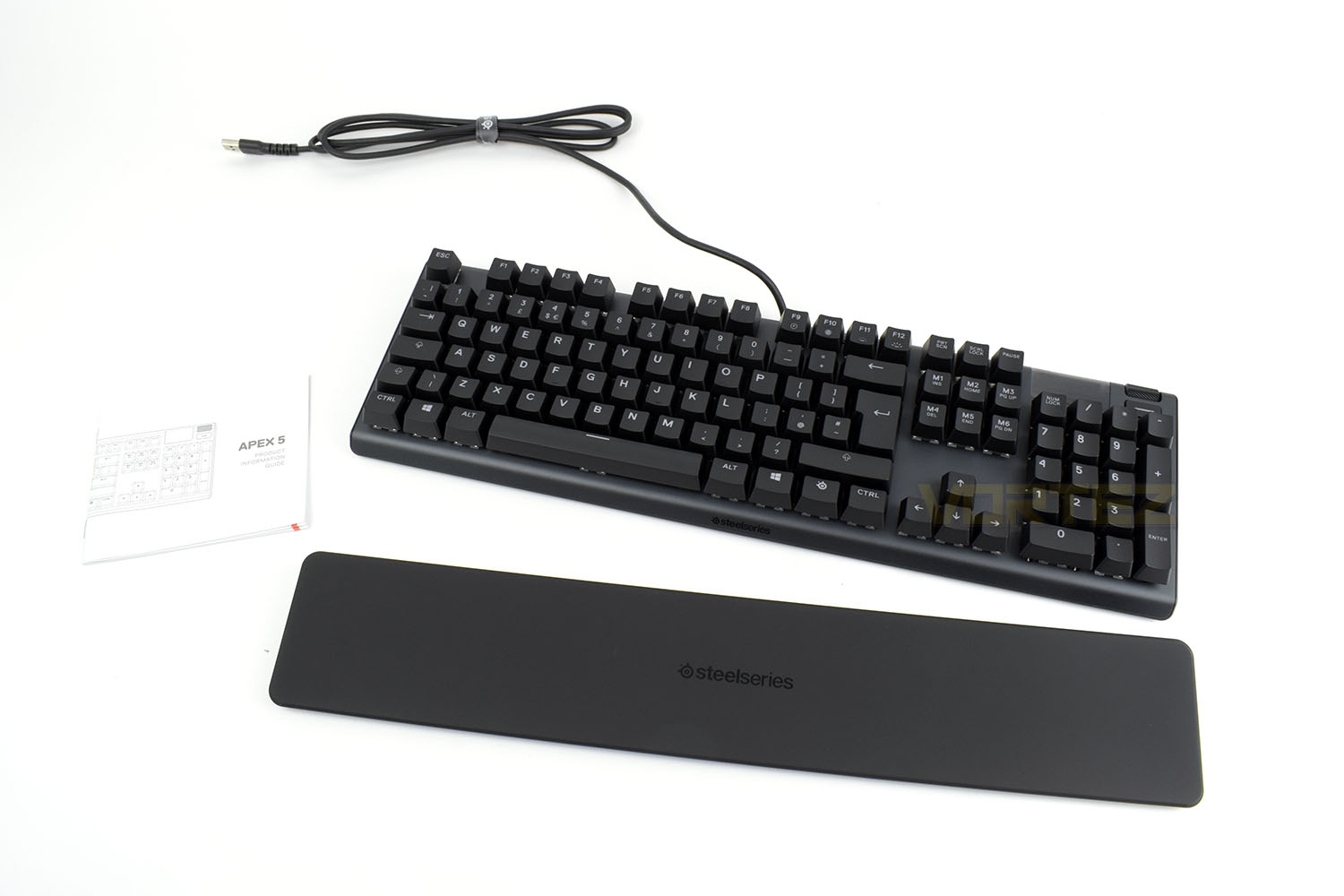
To cut the price of a product right down, the first things to go are unnecessary accessories. We get an information guide, the keyboard and a wrist rest. Nothing more, nothing less.
Closer Look
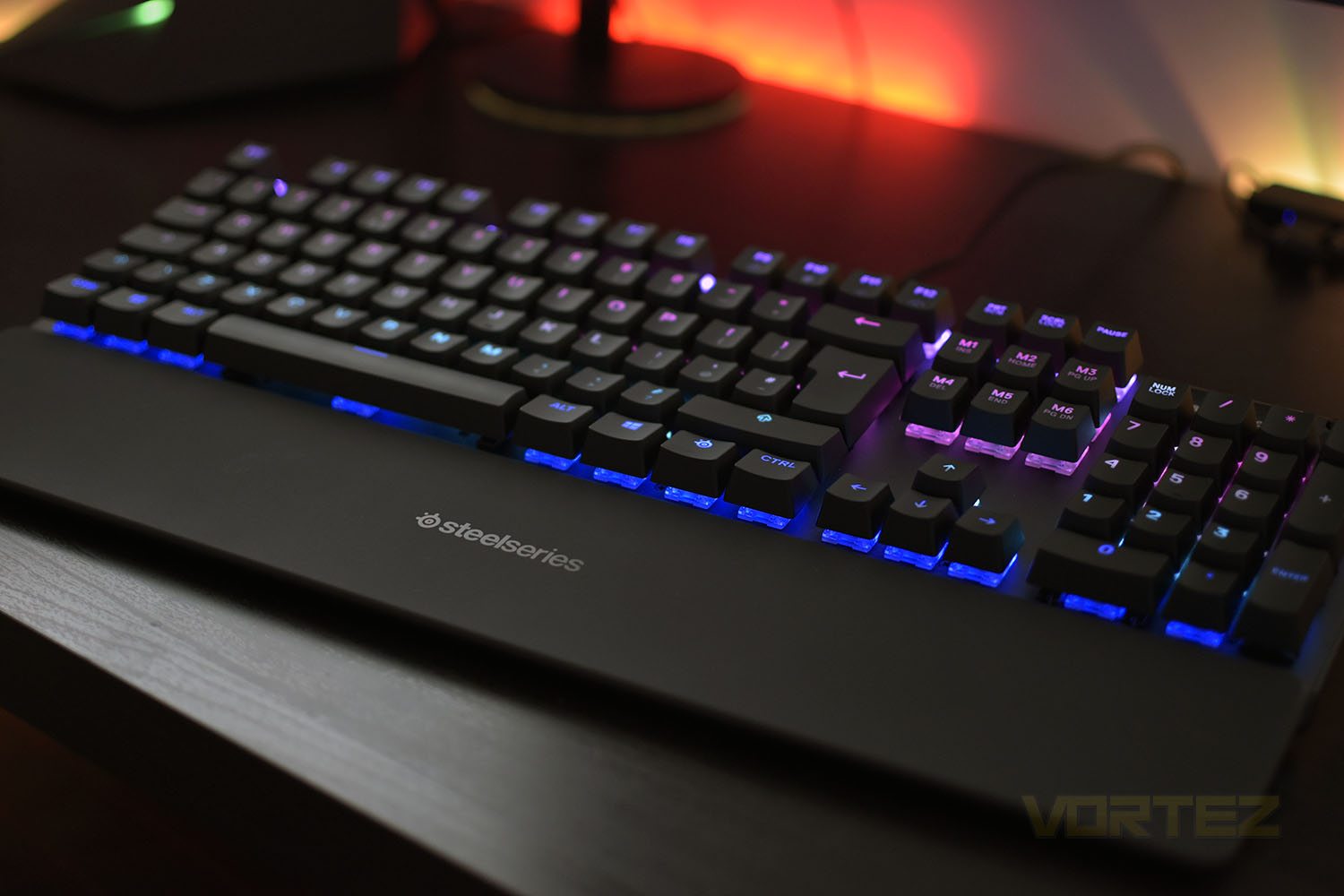
The Apex 5 rocks a full assortment of keys, but the space is used efficiently with very little wasted room. The keys are spaced normally with only a couple handfuls of keys used as modifiers so things remain simple and easy. The keyboard’s exact dimensions are 442mm wide, 140mm deep and 40mm tall so there’ll be ample space left on your desk.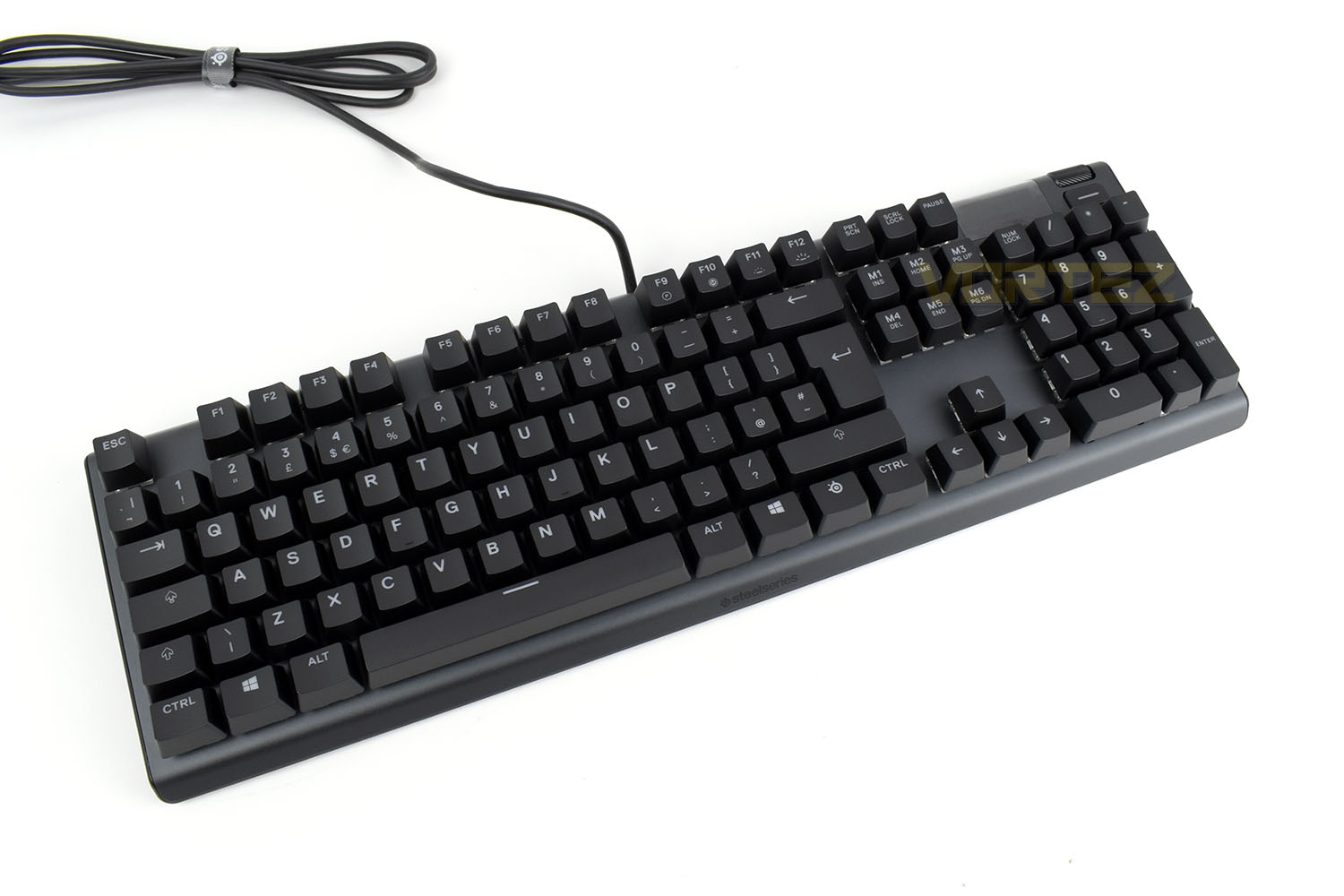
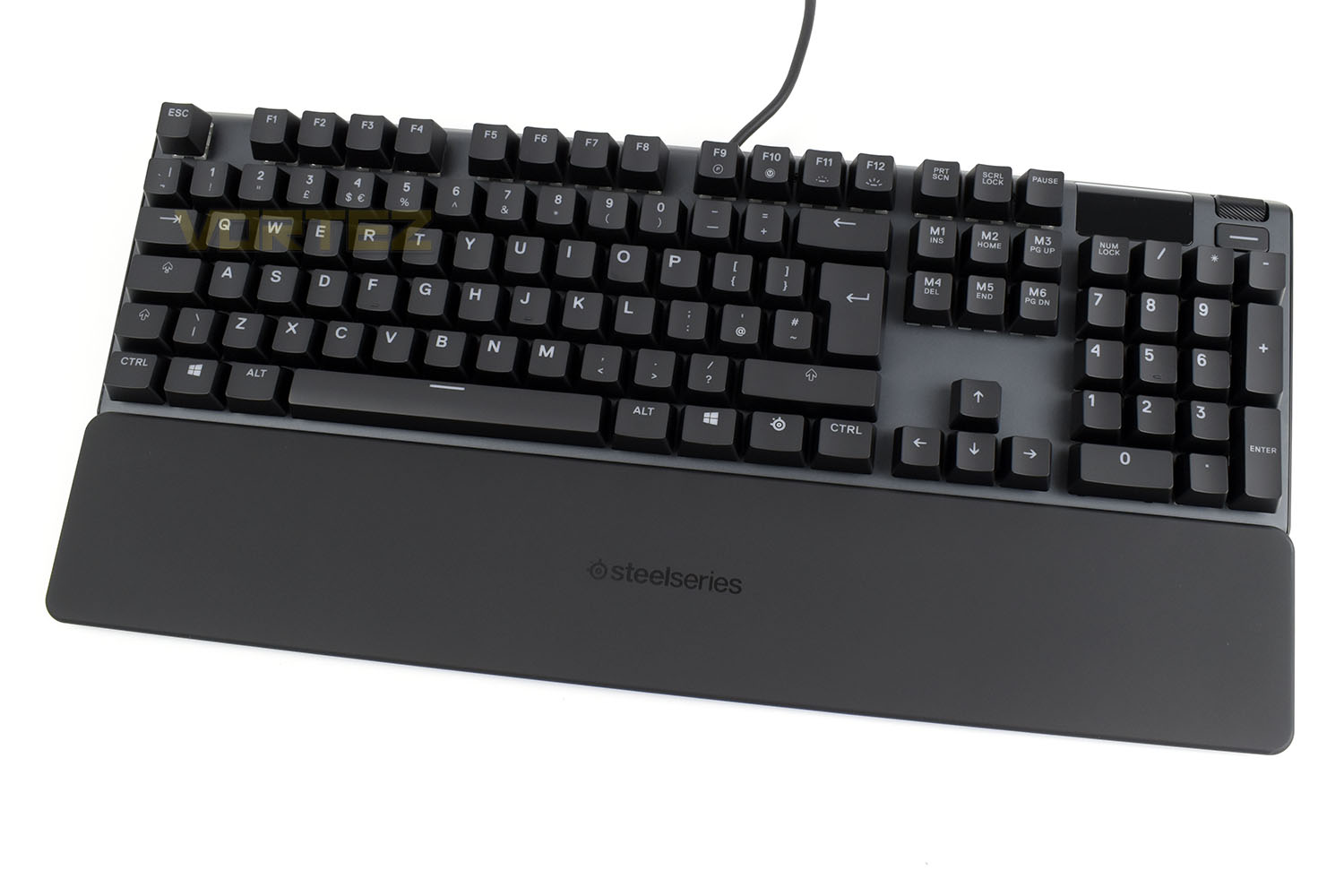
Magnetically attaching the keyboard is as simple as getting it somewhere close and then boom, it locates itself. The rubber coating on the wrist rest isn’t as comfortable as some competitors with their plush leatherette types but it’s definitely better than a hard-plastic rest, or none at all.
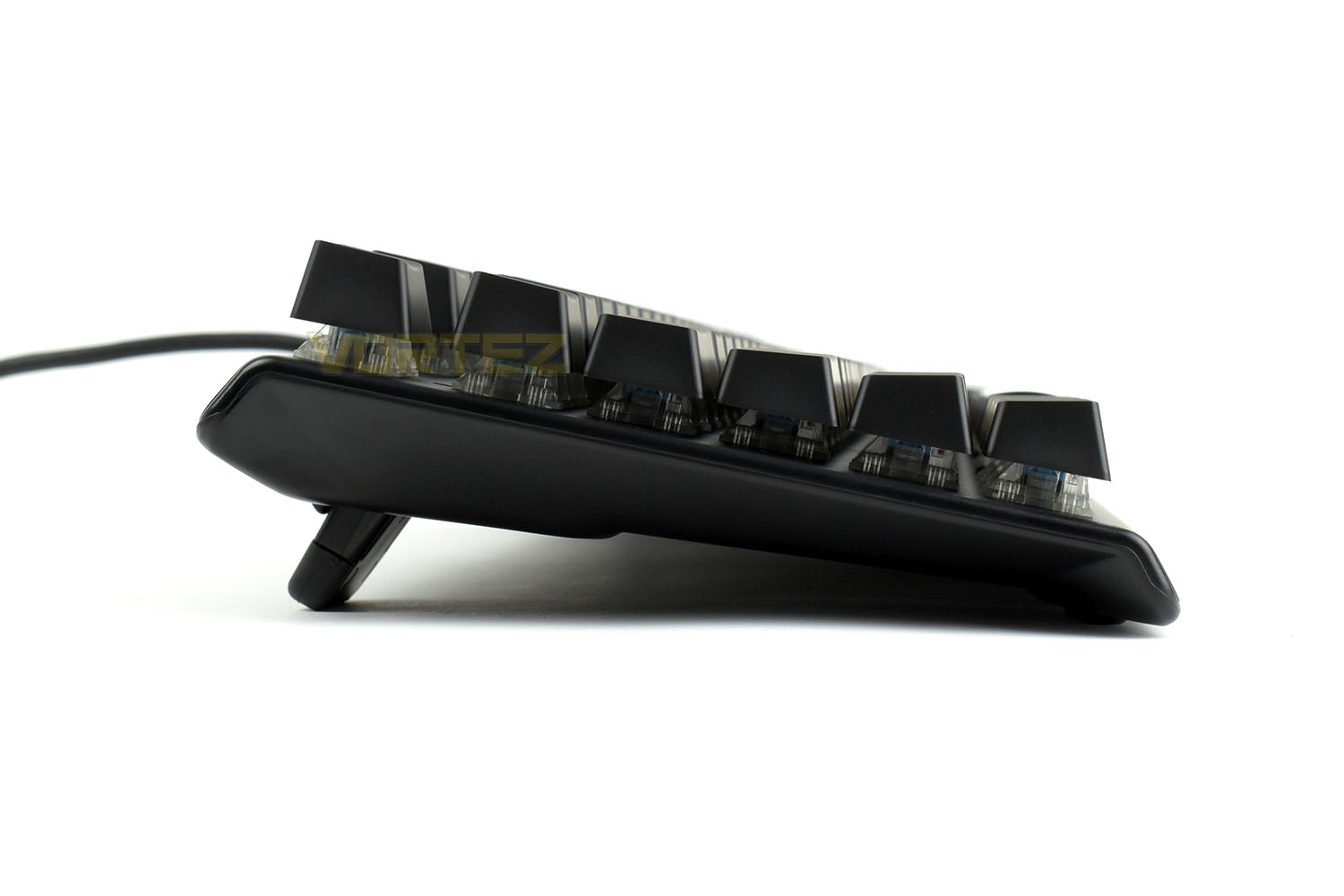
Looking at the keyboard from the left, the blue stems of the hybrid mechanical keys can be seen peeking through the clear housing. You can also see how thick the keyboard is and to what extent the riser feet help to push the rear of the keyboard skyward.
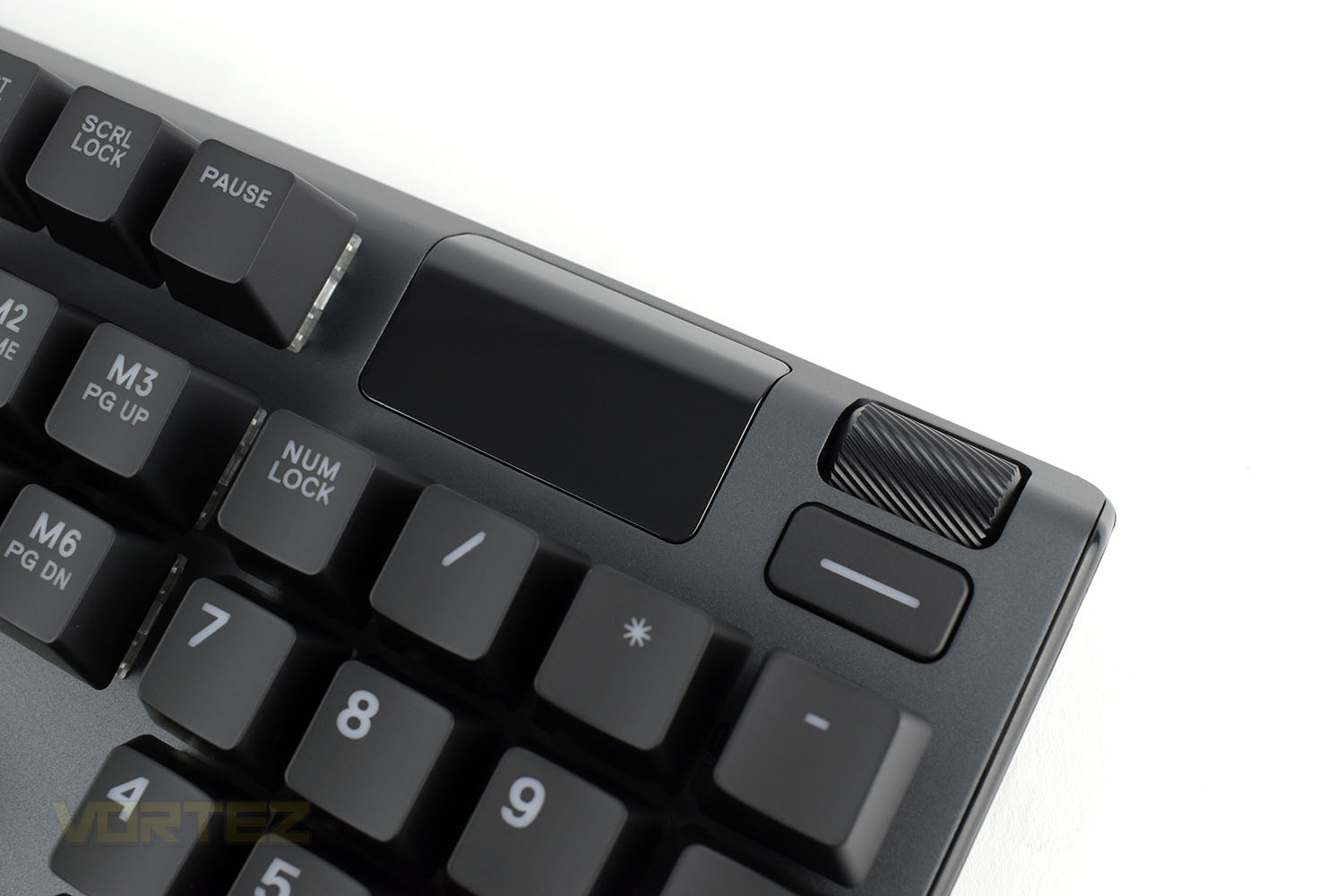
Top-right of the keyboard is a small OLED display. This can be customised in the Engine 3 software to display all kinds of things including Discord notifications, funny GIFs and even keyboard settings. The wheel and button to the right are used in conjunction with the screen.
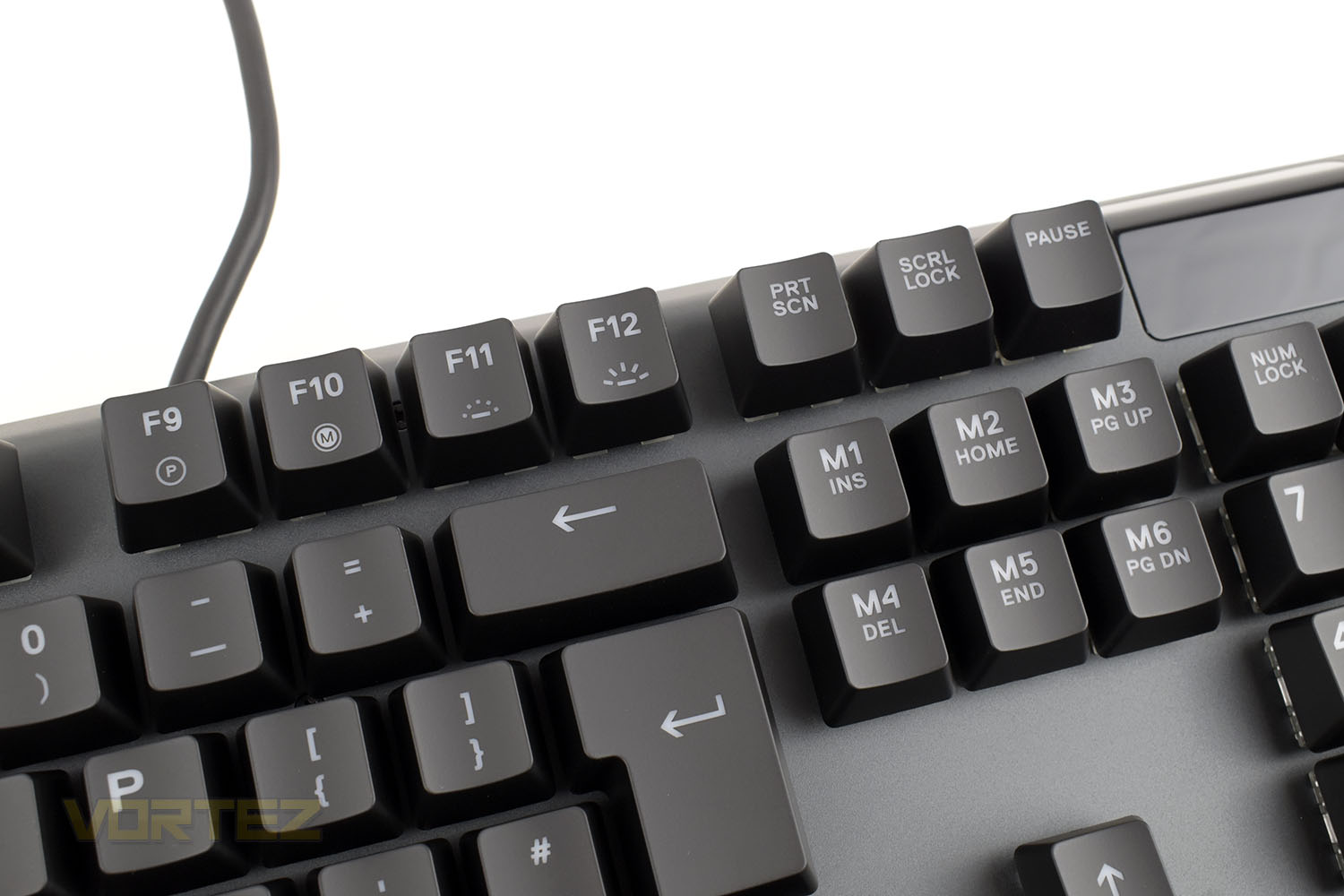
F9 to F12 are used as modifier keys, with Profile Select, Macro Editor and brightness up or down from left to right. The Insert, Delete, Home etc. are also set as macro keys that can be assigned in the software.
Closer Look (Continued)
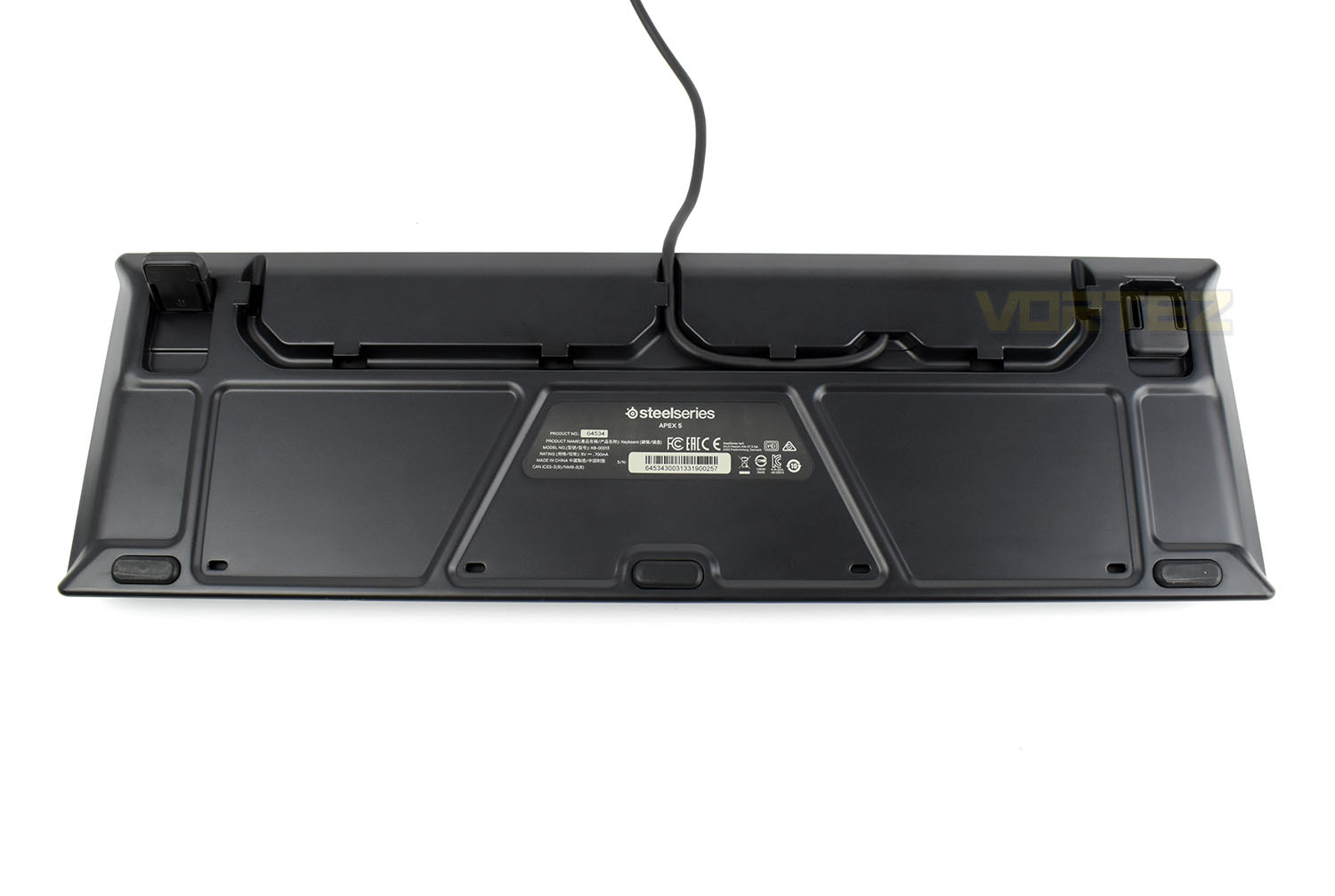
The underside of the Apex 5, like other keyboards in the range, offer a trio of cabling options through a recess. This will certainly help the more finnicky amongst you to clean up the appearance on your desk.In each corner, and in the centre at the front, are large rubber blocks that prevent the keyboard sliding about on slippery surfaces. The extension feet in the top corners are also rubber-tipped.
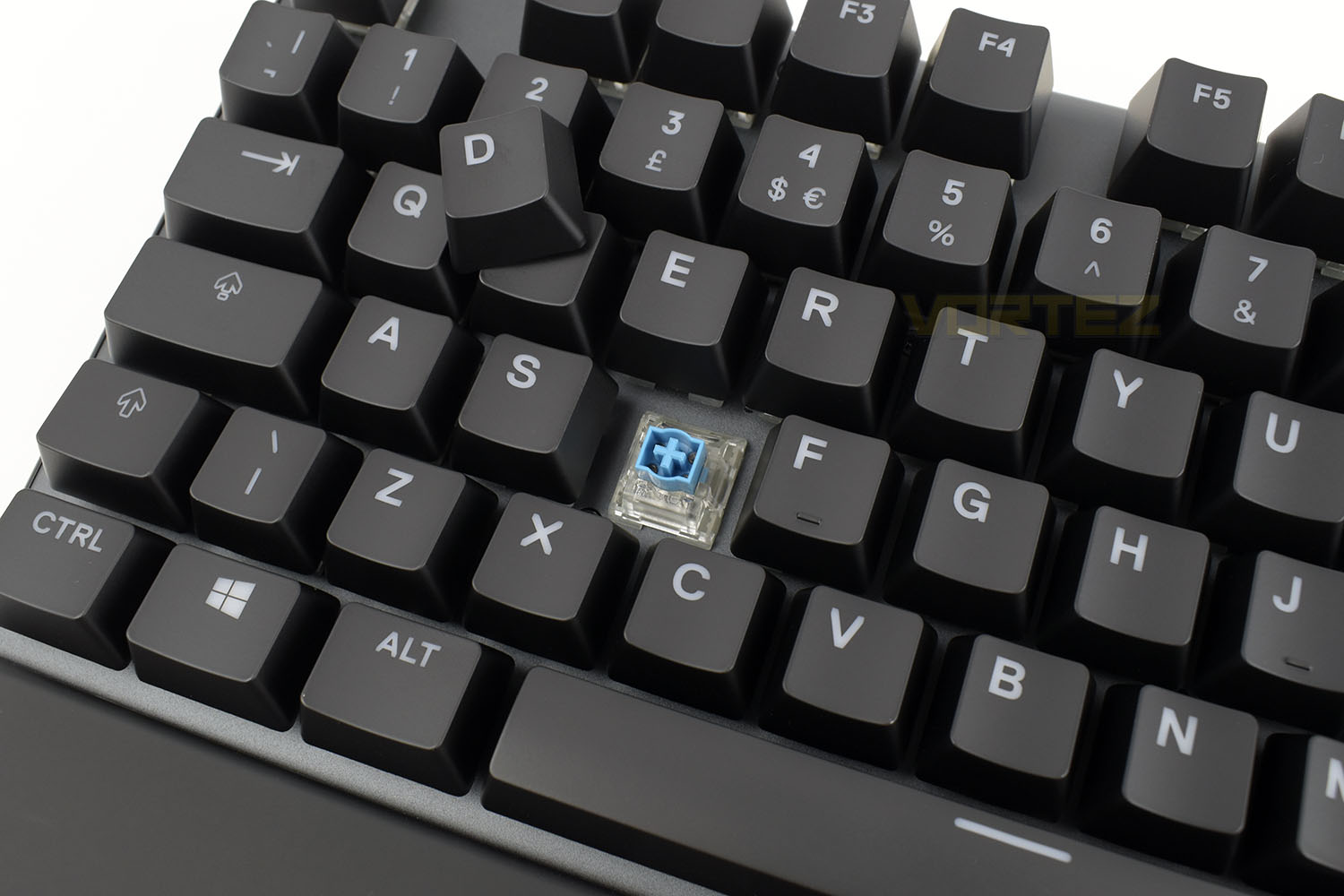
Under the matte keycaps are SteelSeries’ Hybrid Mechanical switches. These switches are still mechanical, and not just designed to feel as such, but the way they actuate has changed. The switch registers at 2mm and bottoms out at 4mm, just like a Blue switch from most other manufacturers, but the gold-plated circuits used in “proper” mechanical switches has been swapped out for a super durable membrane actuation. Click here if you want to read more
The stems are fully compatible with MX keycaps, if you feel like swapping them out.
Software
We’ll keep saying this until we’re blue in the face, the SteelSeries Engine 3 is a fantastic piece of software that we’ve experienced zero issues with. It’s snappy, easy to navigate and explains the complicated stuff to you, if you’re new to this kind of thing.Check out our short demo below:
Performance Testing
Getting up and running with the Apex 5 was a doddle, the firmware update in the Engine 3 software took a matter of seconds and the wrist rest locks into place using nothing but the power of magnetism. A strong start for sure.Using the keyboard on a daily basis for standard office-based tasks was good, the standard layout of the keys with the rubber-coated wrist rest provide a comfortable experience but when you step things up a gear and launch a few games, the keyboard is really able to show it’s true colours, both metaphorically and literally. Raising your wrist away from the desk for prolonged periods, without the aid of a rest, can put some serious strain on your wrist and hands, particularly so with the height of mechanical boards with the raised switches and thick keycaps. Thankfully SteelSeries are aware of this problem and haven’t removed the rest from the Apex 5 compared to the 7 and Pro.
Typing for long periods, such as when typing this very review, really opens your eyes to the subtle differences that are present within a keyboard’s switch type. We were a little sceptical at first, as we’re sure you are too, but SteelSeries have largely pulled it off. The tactile feedback hasn’t been lost at all, as they promised, and the key actuates with the audible click as it should. They’ve even designed the stems to accommodate keycaps designed for MX keyboards, as well as maintaining a standard-sized bottom row, so you can swap out the caps if you really want to. It’s evident that the switches aren’t produced to the same exacting standards that you expect from a true mechanical switch, and the 20M keystroke lifecycle falls way short of the 50-100M you get from other boards but it’s most of the way there. SteelSeries have done well here and we look forward to seeing if they attempt to mimic other switch types in their new Hybrid style.
We extensively tested the OLED screen on the Apex 7 and Pro keyboards and found that, while it’s a nifty feature, it does lack any real substance. For one, it’s not visible from a typical seating position and requires you to have your head almost directly over the keyboard to see it, rendering it pretty much useless as a means of receiving notifications. The main issue, though, is that using a wheel and one button to navigate the menu systems just doesn’t feel all that natural or intuitive. It is really fun to play with and put fancy GIFs on though, so providing it doesn’t increase the price of the keyboard by much, we’re more than happy for SteelSeries to keep including this.
RGB lighting. Which gaming keyboard would be complete without it? Well, the Apex 5 has it, and it has a lot of it. The Engine 3 software suite is rammed full of really great preset effects if you like to flick something on quickly, but it also allows a fairly decent array of customisability if you like that sort of thing. The lighting is bright and shines through the keycaps nicely but it does tend to look a little more pastel-like than other keyboards, though let it be known that we’re personally a fan of that.
Conclusion
SteelSeries have become known for their excellent quality hardware, but also the associated pricetag that would come with them. The Apex 5 proves that keyboards don’t need to cost £200 perform well.Comfort and usability are up there with any other keyboard, really. Sure, it’d be nice to have a comfier wrist rest, but many manufacturers don’t even include a simple plastic one to keep your wrists off the desk, so the rubber version that the Apex series of keyboards use is perfectly acceptable. Play/Pause can be done with the button next to the OLED display and volume can be tweaked with the notched wheel, a lovely quality-of-life feature that I couldn’t live without these days.
Gaming was also great. The main feature at hand here is really the Hybrid Mechanical switches, they really do feel just like blue switches from other manufacturers, only lacking the lengthy lifespan. I’d happily use this for typing up reviews in the future.
RGB lighting, bolstered by a wide selection of effects within the SteelSeries Engine 3 software, looks fantastic. We really enjoyed the pastel tones that peer through the keys, it’s a nice change from the norm that’s offered by most other manufacturers.
The bottom line is this, the Apex 5 makes a couple of small sacrifices, mainly in regards to the keyswitches lifespan, but overall it’s difficult not to recommend it at £109/$99/$249.
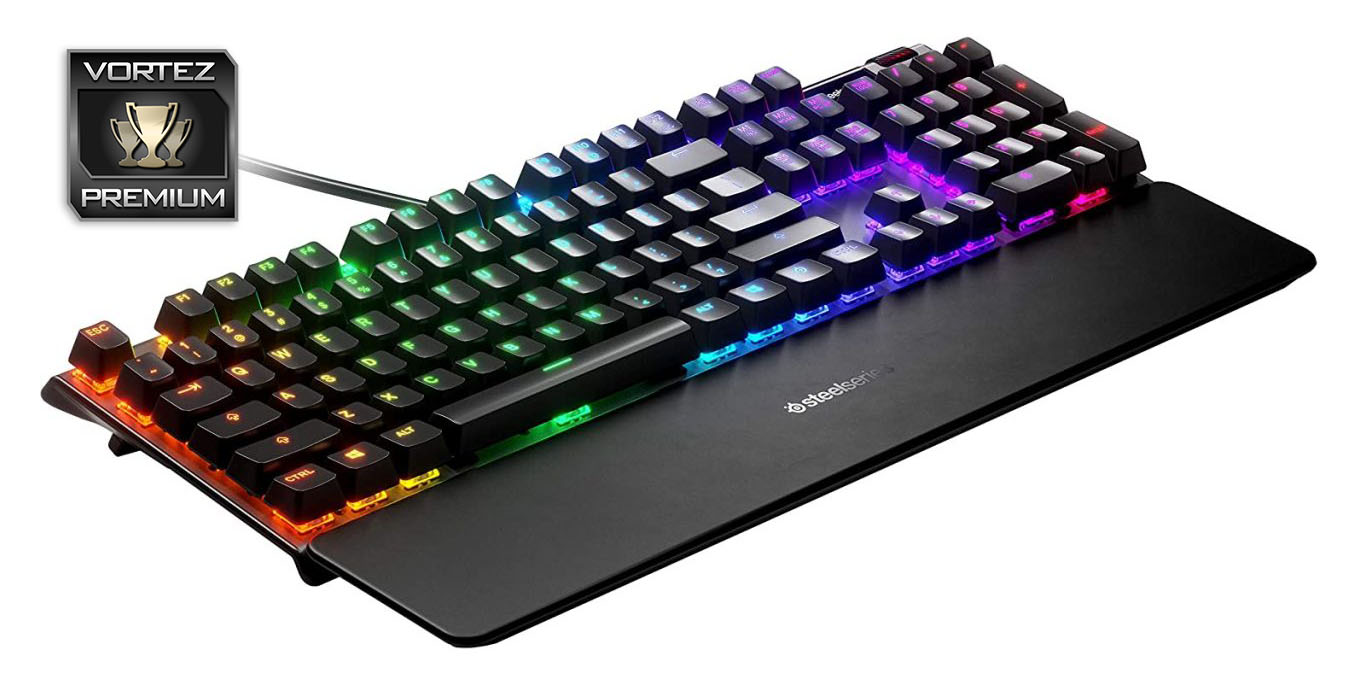
We’re sold on SteelSeries’ Hybrid Mechanical switches, they offer 99% of the benefits of mechanical keys without the associated cost. Good work!
Pros
+ SteelSeries Hybrid Mechanical keys live up to their claims
+ OLED display
+ Different but enjoyable RGB lighting
+ Price
Cons
– Considerably lower lifespan predictions than conventional mech keys
– OLED display feels very gimmicky, however fun it may be
+ SteelSeries Hybrid Mechanical keys live up to their claims
+ OLED display
+ Different but enjoyable RGB lighting
+ Price
Cons
– Considerably lower lifespan predictions than conventional mech keys
– OLED display feels very gimmicky, however fun it may be
Click here for an explanation of our awards at Vortez.net.
Stay connected with the Vortez Social Media pages:
Join in with the discussions on Discord