To kick off the week, we take a look at the SteelSeries Apex M750, featuring their very own QX2 mechanical keys alongside RGB backlighting and aluminium construction, the M750 promises to perform.

Product on Review: SteelSeries Apex M750
Manufacturer: SteelSeries
Street Price: £149.99 / $139.99
Cherry may provide the lion’s share of mechanical switches for the gaming market, but several manufacturers, SteelSeries included, are now producing their own tailor-made switches, to their exact requirements. Included within the Apex M750 are the QX2 switches, designed for speed above all else, with an actuation point of only 2mm and a required force of 45cN.
Of course, at £149.99, you’re going to expect a little more than just mechanical switches; the keyboard also comes equipped with full per-key RGB lighting, aluminium construction and real-time Discord notifications.
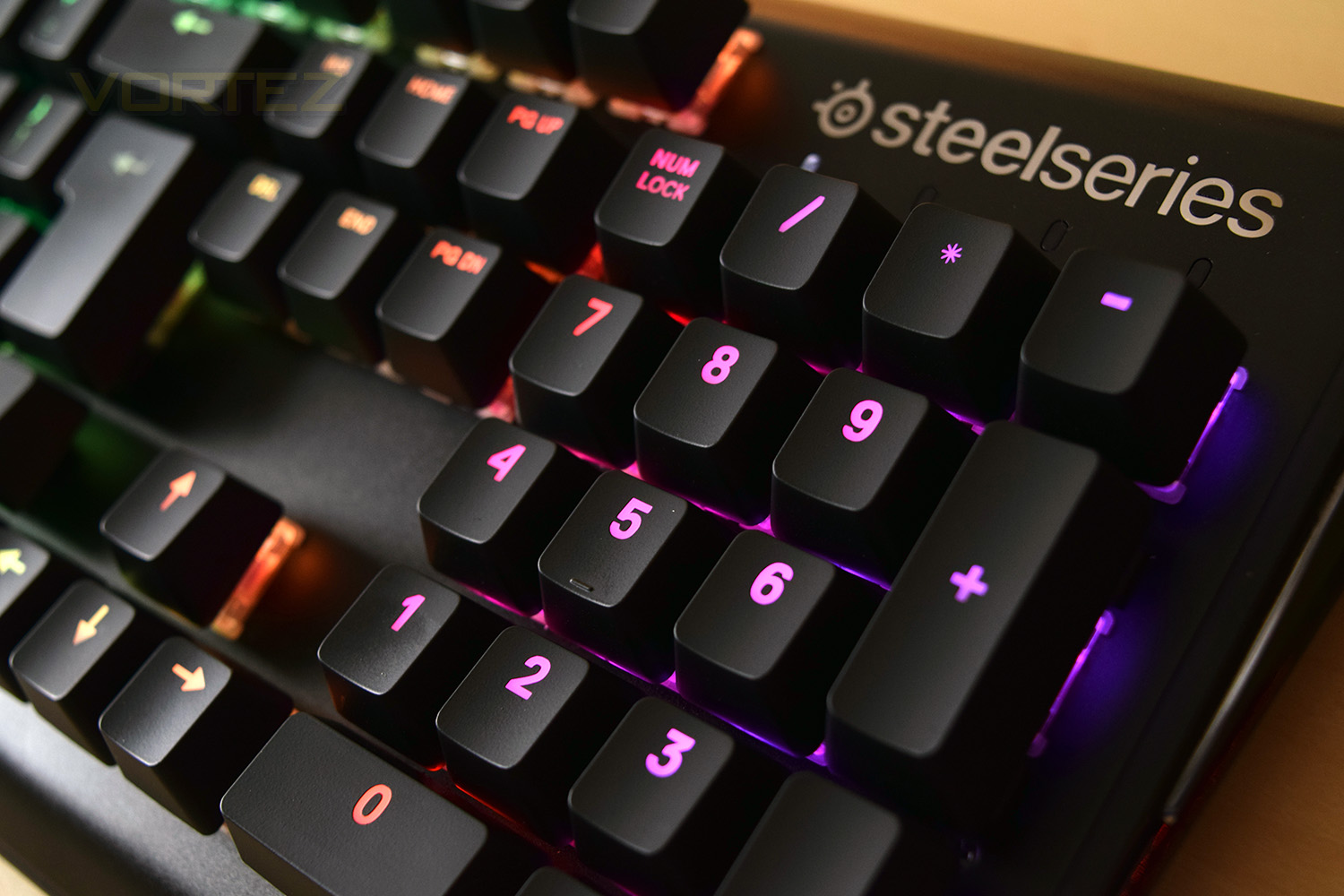
the Apex M750 utilises the latest SteelSeries Engine 3, a unified suite of software through which all of your SteelSeries kit can be controlled and synced together.
SteelSeries on the Apex M750:
The Apex M750 combines show-stopping lighting effects and crucial in-game notifications with sleek aluminium construction and durable SteelSeries QX2 mechanical switches.
Technical Specifications
Top Material: 5000 Series Aluminum Alloy
N-Key Roll Over: 104-Key(All)
Anti-Ghosting: 100%
Illumination: Individually controllable per-key RGB, including whole-keyboard patterns, and reactive typing effects
Weight: 2.2 lbs
Height: 153.5 mm
Width: 454 mm
Depth: 46.7 mm
Cable Length: 2 m, 6.5 Ft
Type & Name: SteelSeries QX2 Linear Mechanical RGB Switch
Actuation Point: 2 mm
Total Travel: 4 mm
Force: 45cN
Lifetime: 50 Million Keypresses
N-Key Roll Over: 104-Key(All)
Anti-Ghosting: 100%
Illumination: Individually controllable per-key RGB, including whole-keyboard patterns, and reactive typing effects
Weight: 2.2 lbs
Height: 153.5 mm
Width: 454 mm
Depth: 46.7 mm
Cable Length: 2 m, 6.5 Ft
Type & Name: SteelSeries QX2 Linear Mechanical RGB Switch
Actuation Point: 2 mm
Total Travel: 4 mm
Force: 45cN
Lifetime: 50 Million Keypresses
Packaging & First Look
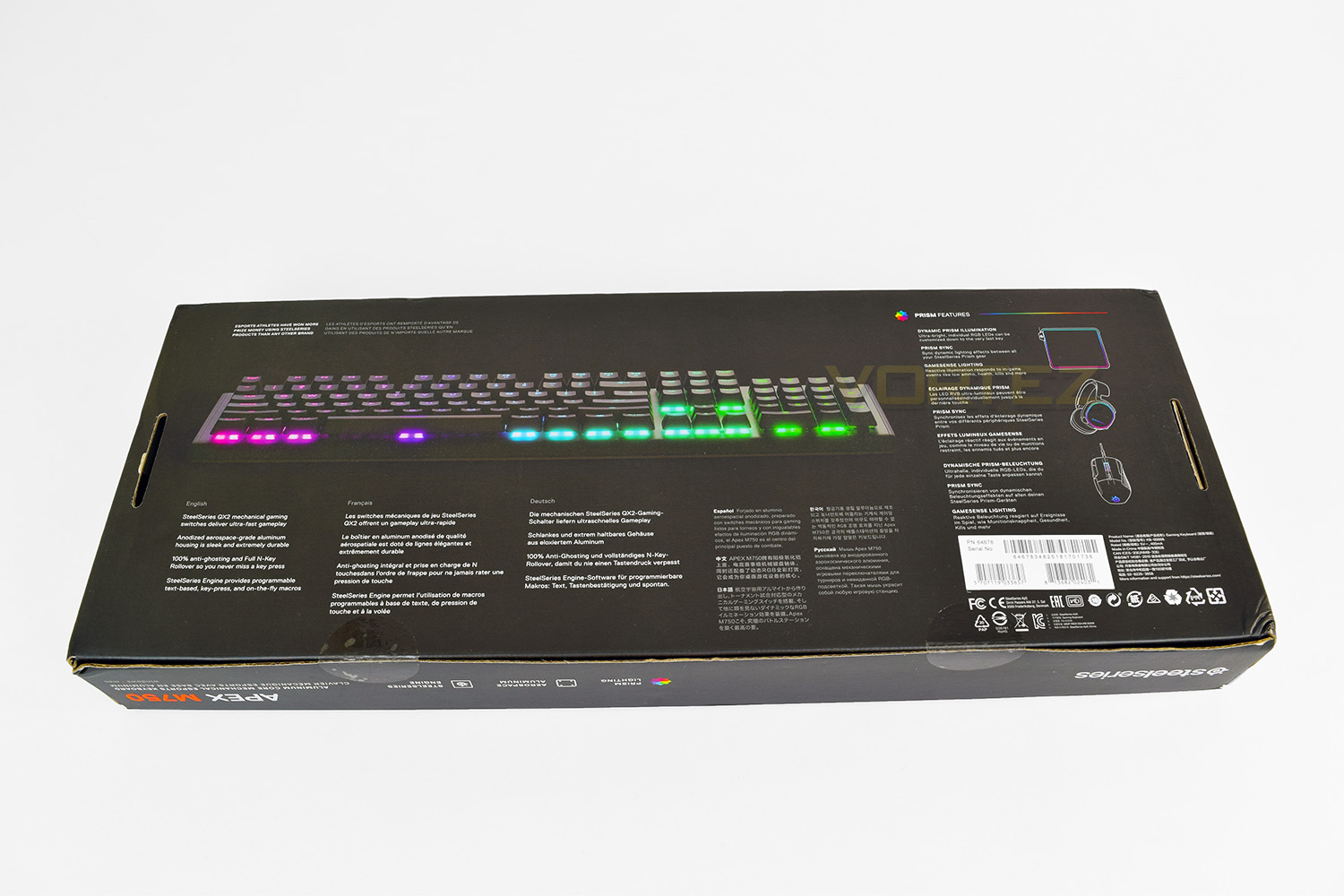
The packaging which the Apex M750 is captured within is bold and striking, featuring a graffiti styling on the background with the keyboard dominating the foreground. Plenty of information is displayed clearly, with most of the major features laid out in an orderly fashion. SteelSeries have also chosen an odd way of spelling aluminium.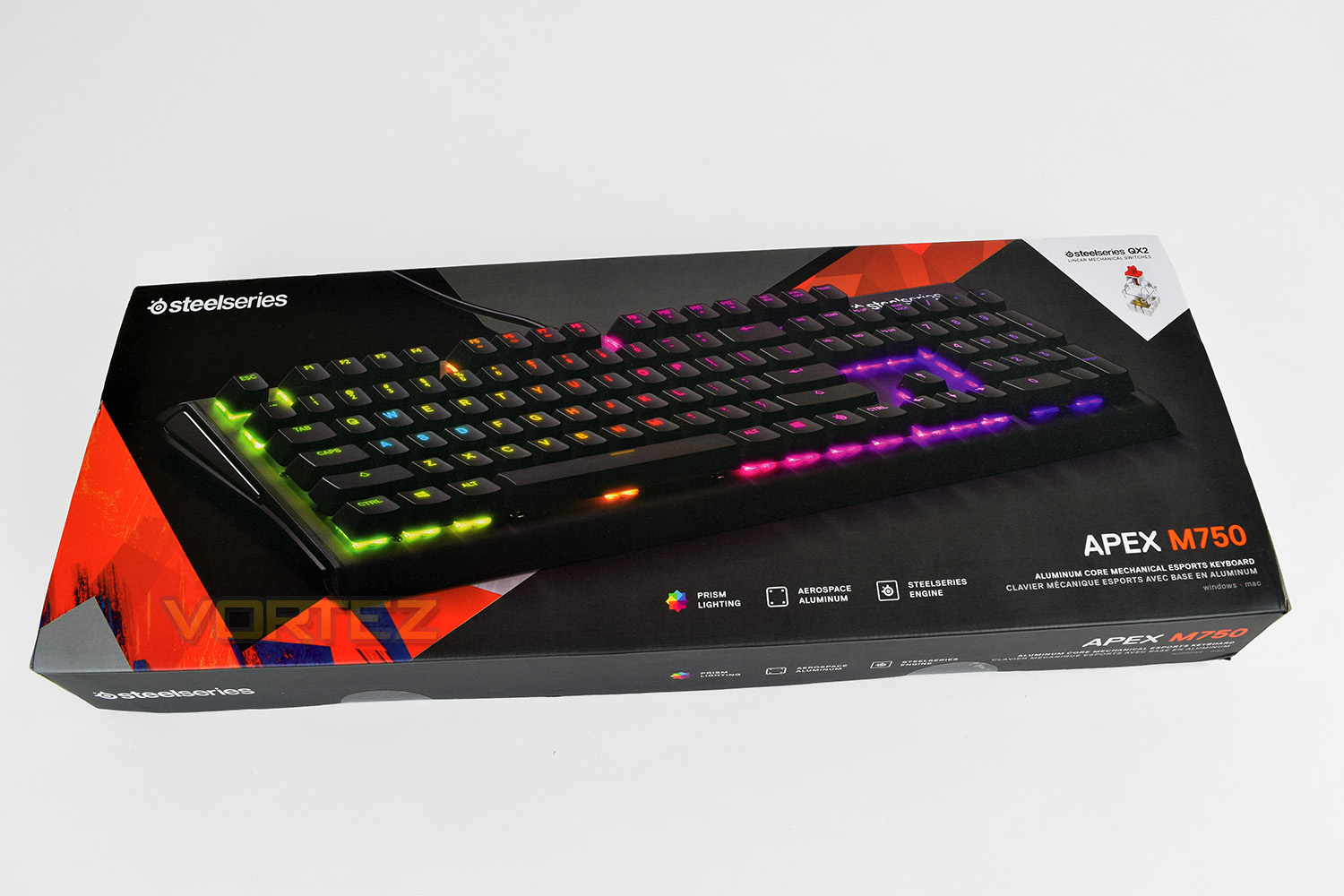
Flipping the box over, they go into further detail explaining the key features, as well as an angled photo of the M750. They also make reference to some of their other Prism-equipped hardware.
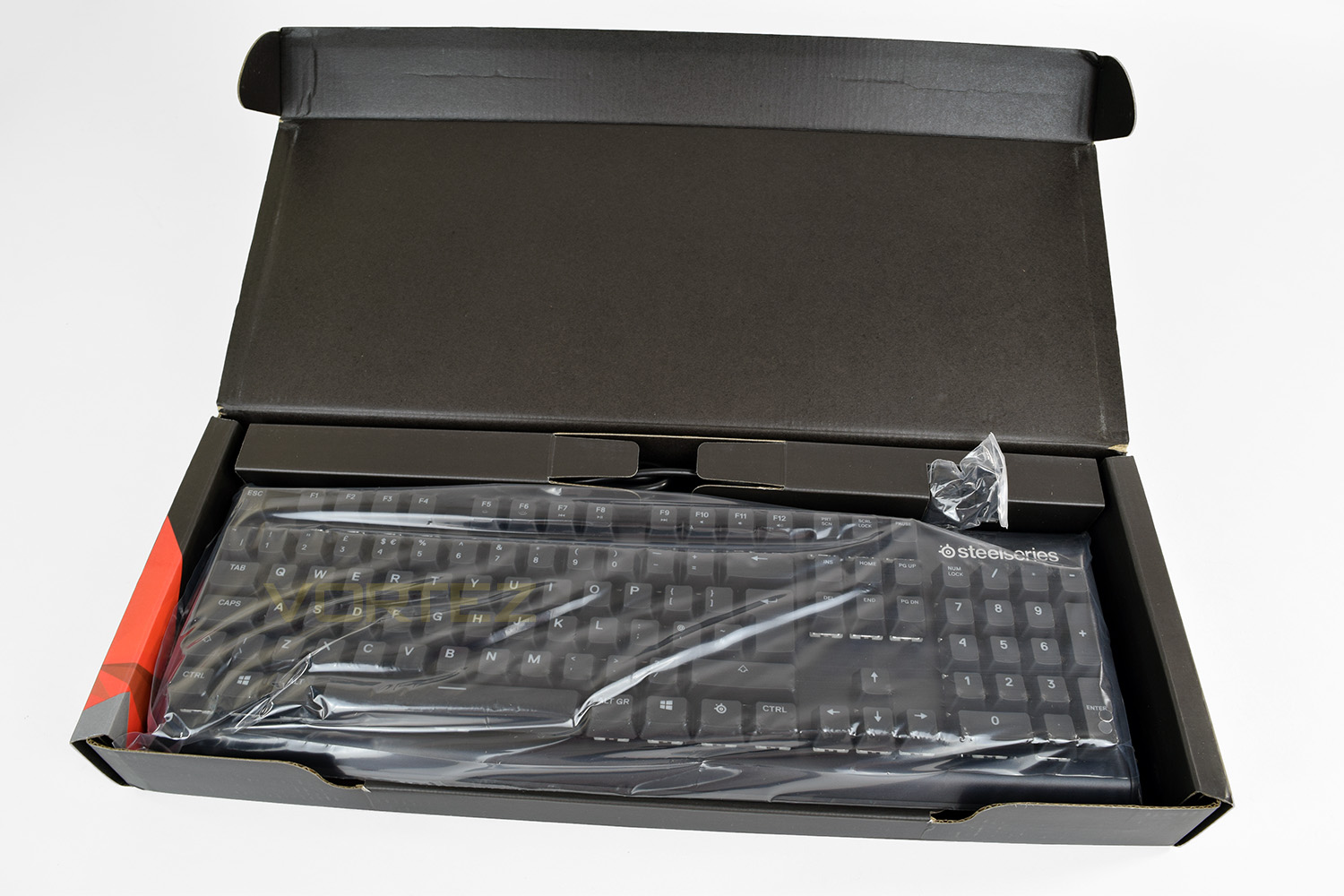
Underneath the cardboard lid is the Apex M750 inside a protective plastic bag. There are two extra feet, for extra lift at the rear of the keyboard.
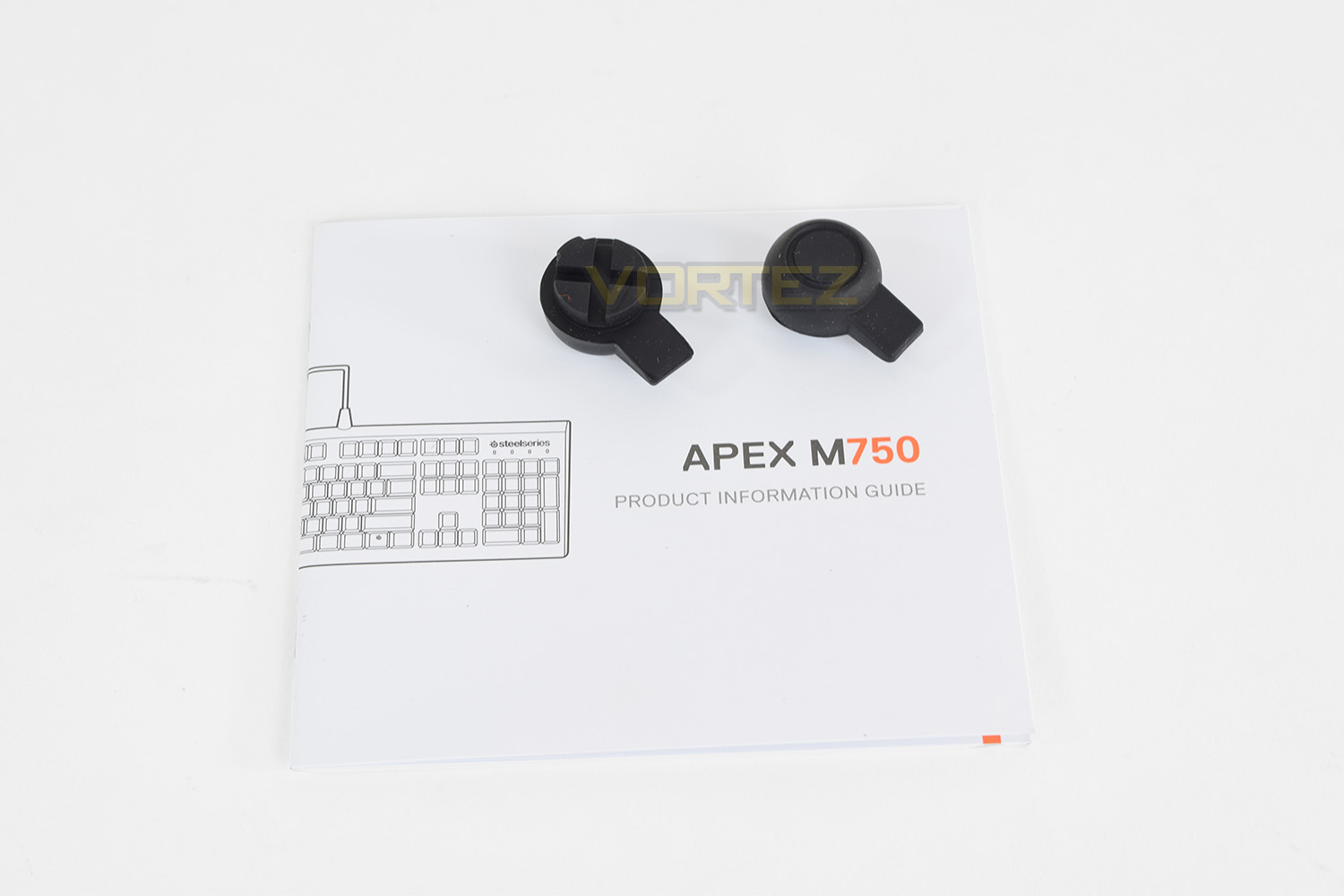
As far as included extras go, there’s a product info guide and some rubber feet for adding elevation at the back of the keyboard. Some stickers or a key ring would’ve been nice.
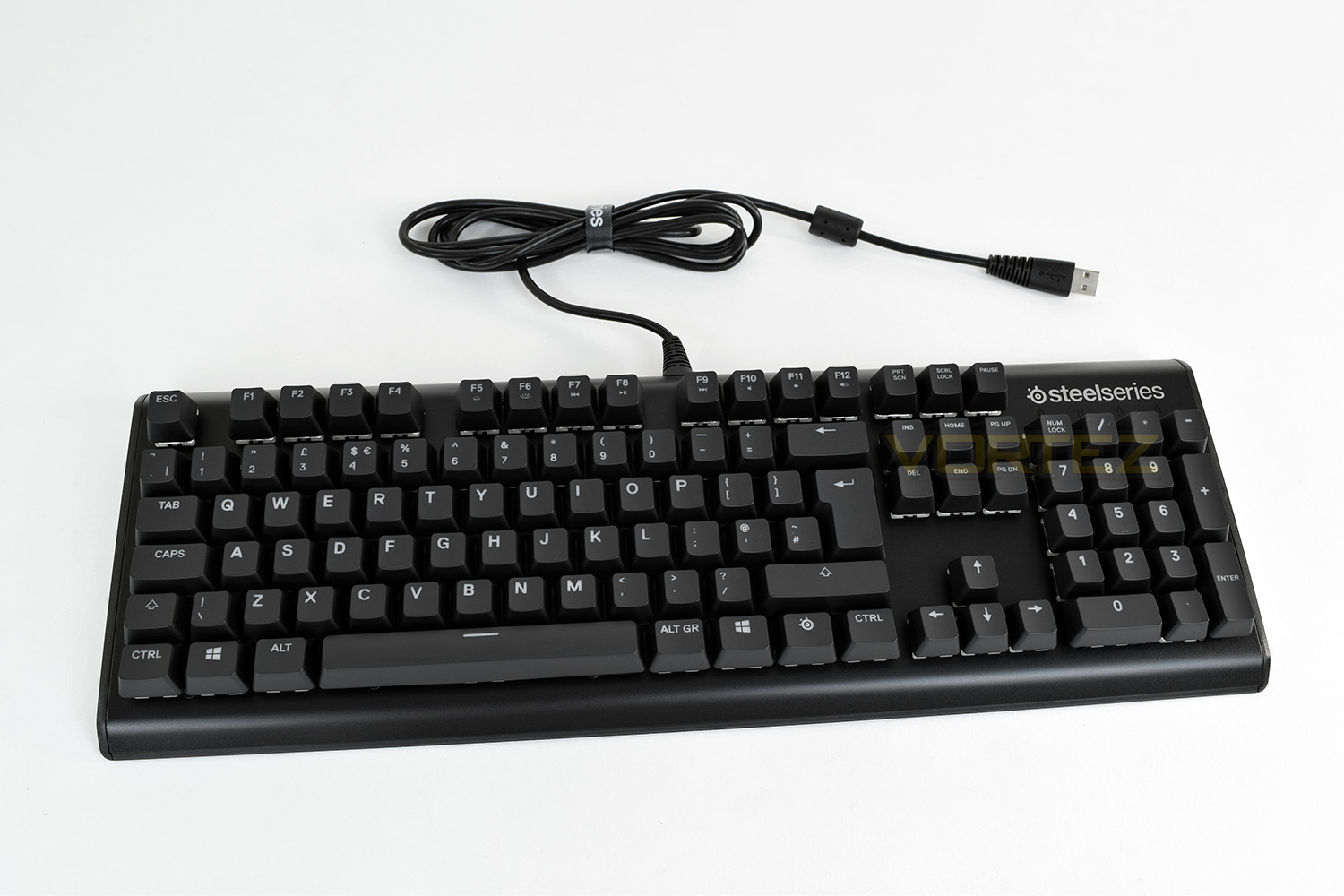
At first glance, you’d be forgiven for questioning the £149.99 price-tag. The aluminium construction feels and looks great but there’s not much else going on. Perhaps less is more?
Closer Look
The SteelSeries Apex M750 features a simple design, going with a solid aluminium top-construction and mechanical keys.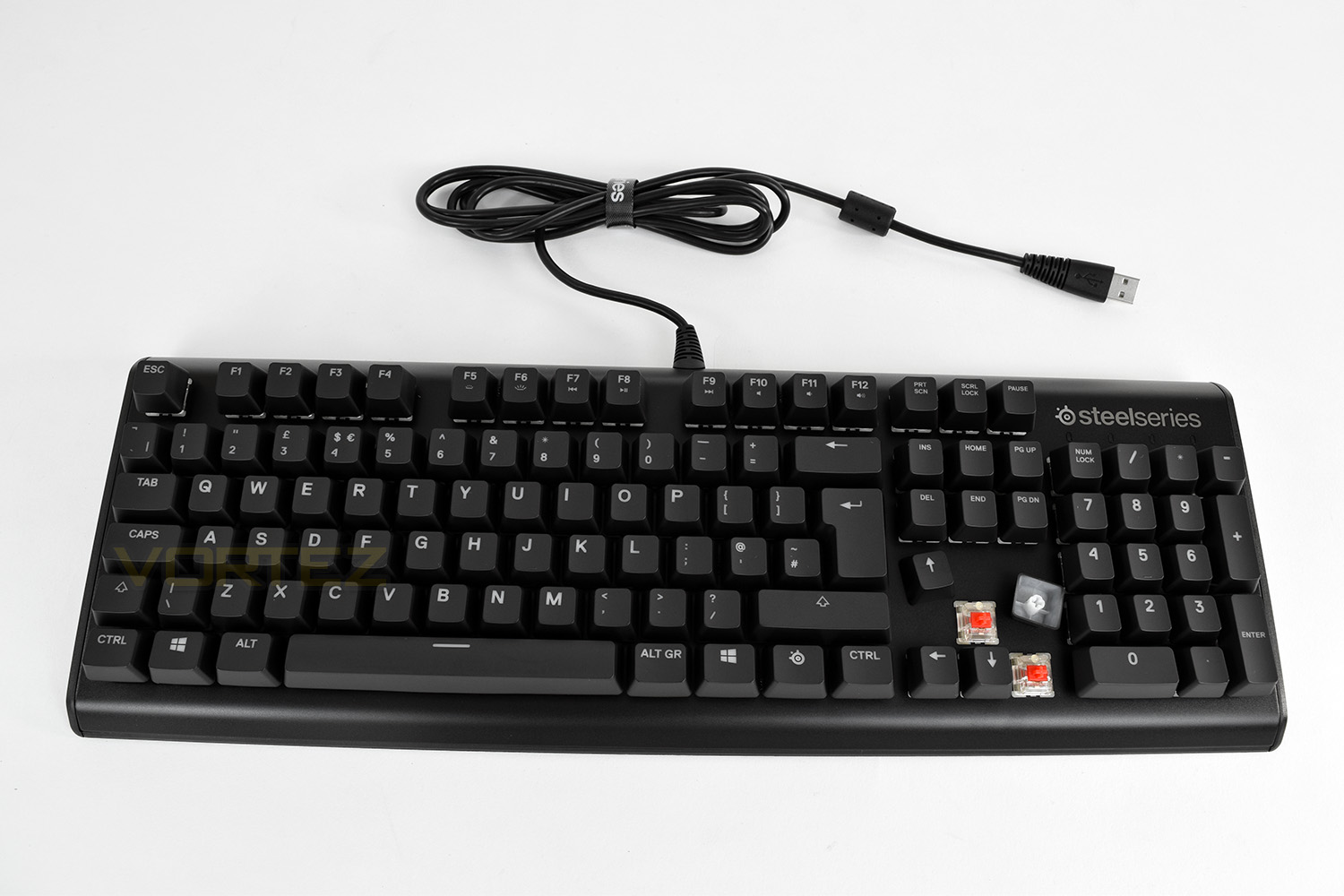
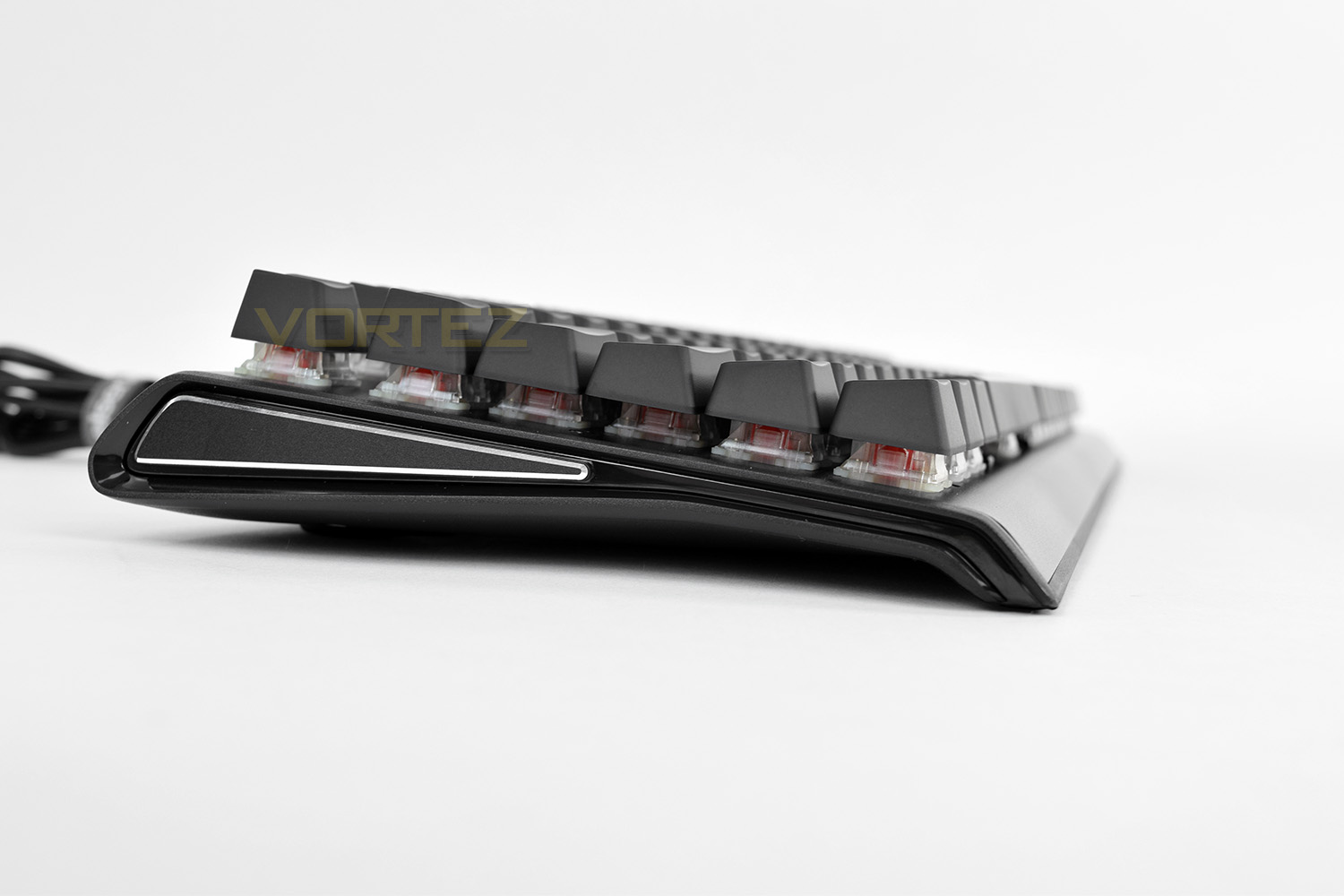
The right and left-hand sides are angled forwards to make usage more comfortable. There’s also a chamfered aluminium insert in the sides, this is purely cosmetic as far as we can tell; it looks fantastic though. Those clear keys are well spaced to make cleaning easier too.
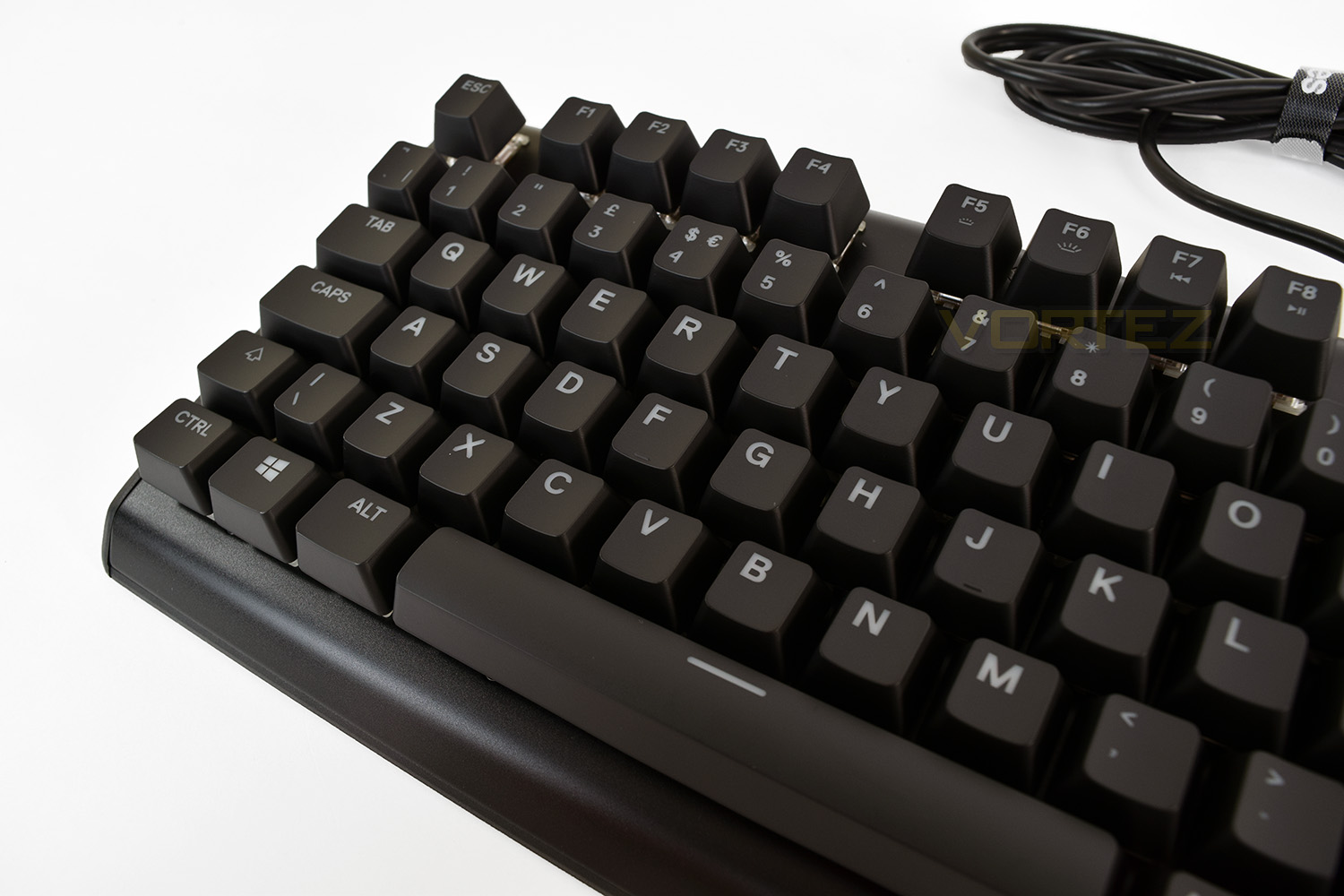
The alphabet area of the keyboard is as “standard” as it’s possible to get. The fonts are clear and easy to read, using a wide type to allow more of that RGB goodness through.
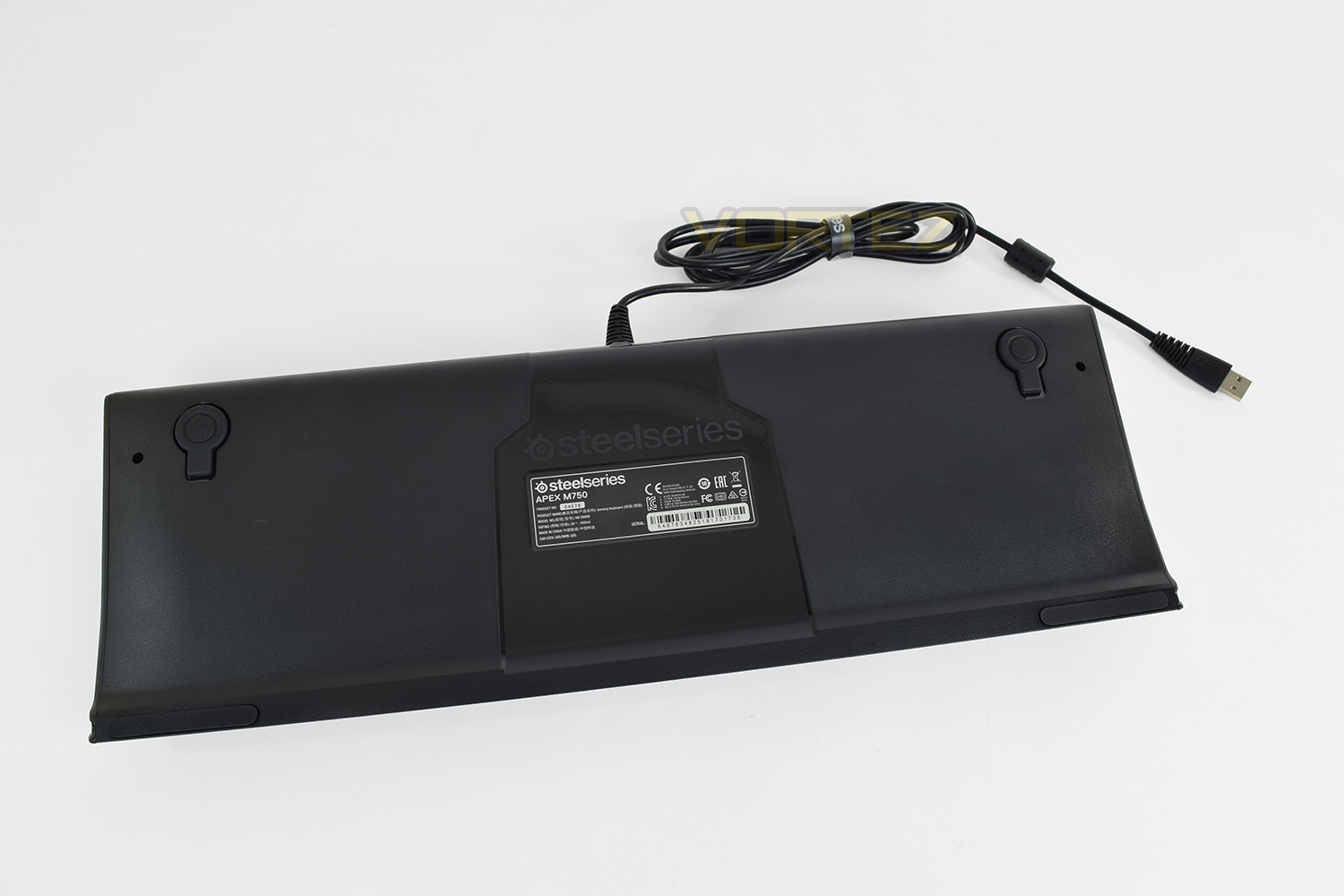
On the underside there are two long, thin rubber pads for grip, as well as those keyhole shaped rubber pads at the rear, which are removable, to be replaced with taller pieces to raise the keyboard. The centre section is a glossy plastic, which looks great, but is entirely pointless.
Closer Look (Continued)
F5 through F12 are multi-function keys, used in conjunction with the SteelSeries key, between the right-hand-side Windows key and CTRL; F5 and F6 are used to adjust the brightness while F7 to F12 is for media and volume controls. Print screen, scroll lock, insert, home, delete and end are all associated with a second function, although, referral to the manual is required for their function.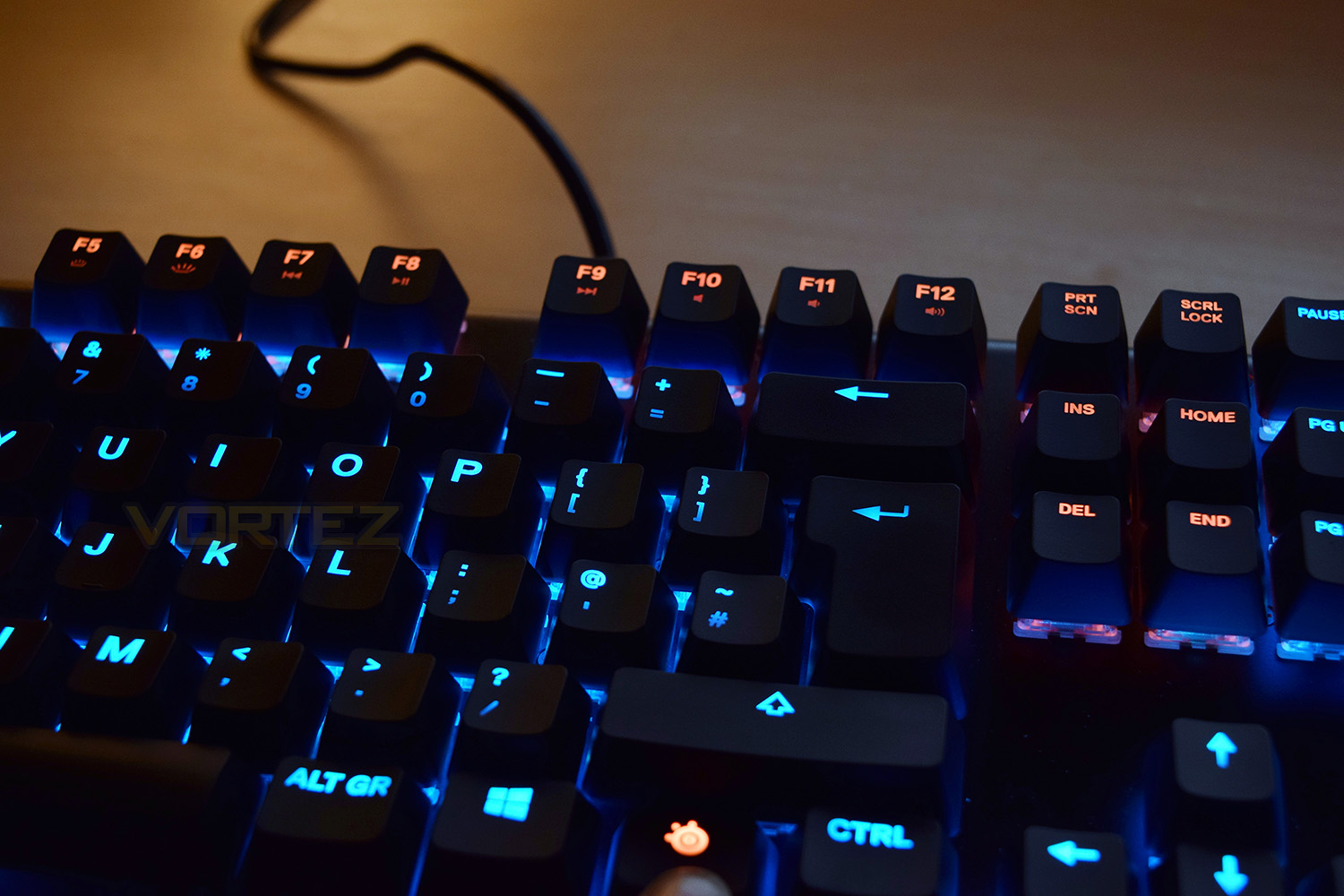
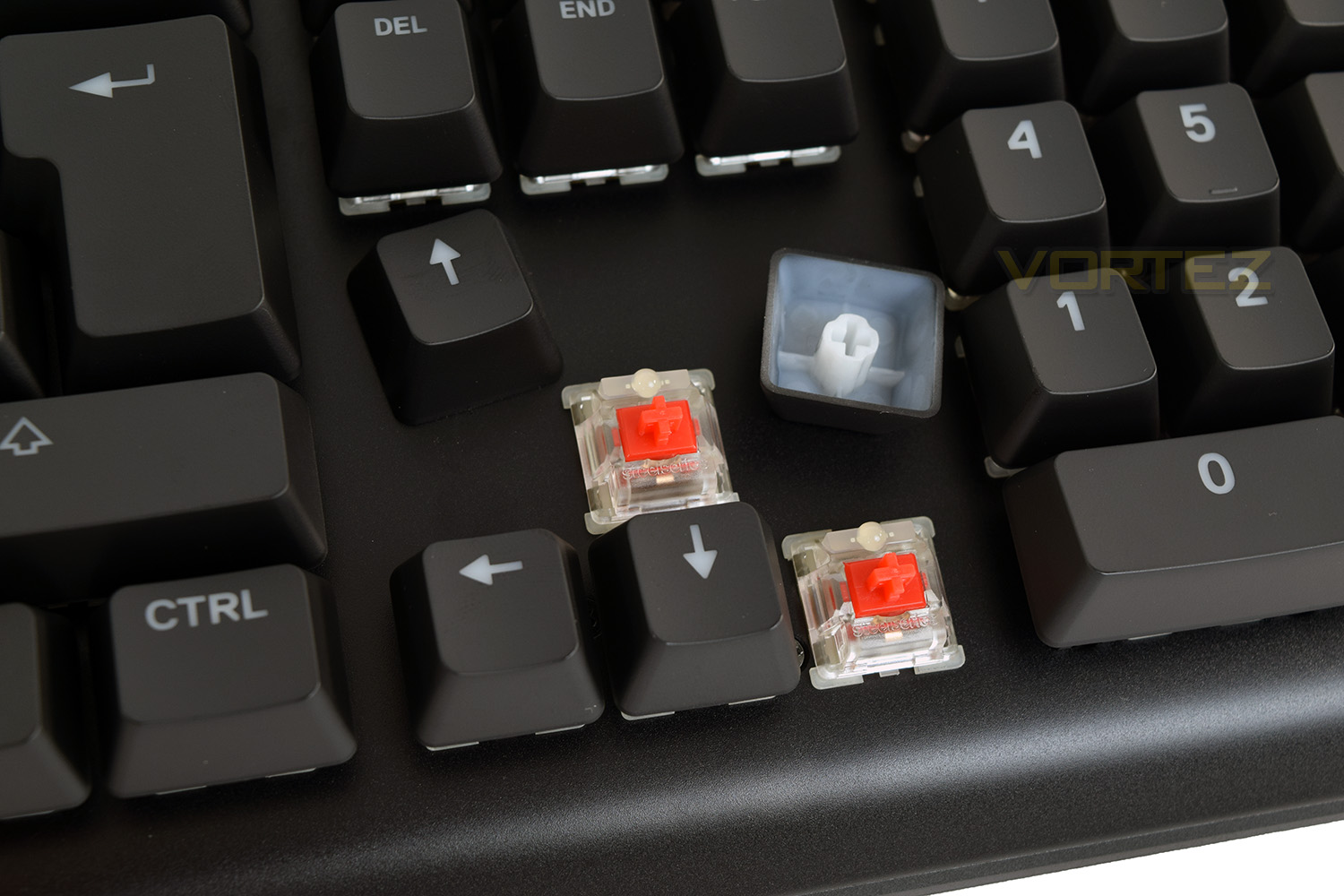
Lifting off the keycaps reveals the SteelSeries designed QX2 switches, produced by Gateron. The RGB LED is placed at the top, which is fairly typical of any mechanical switch. They feature the standard cross-shaped attachment method, allowing for custom keys to be used.
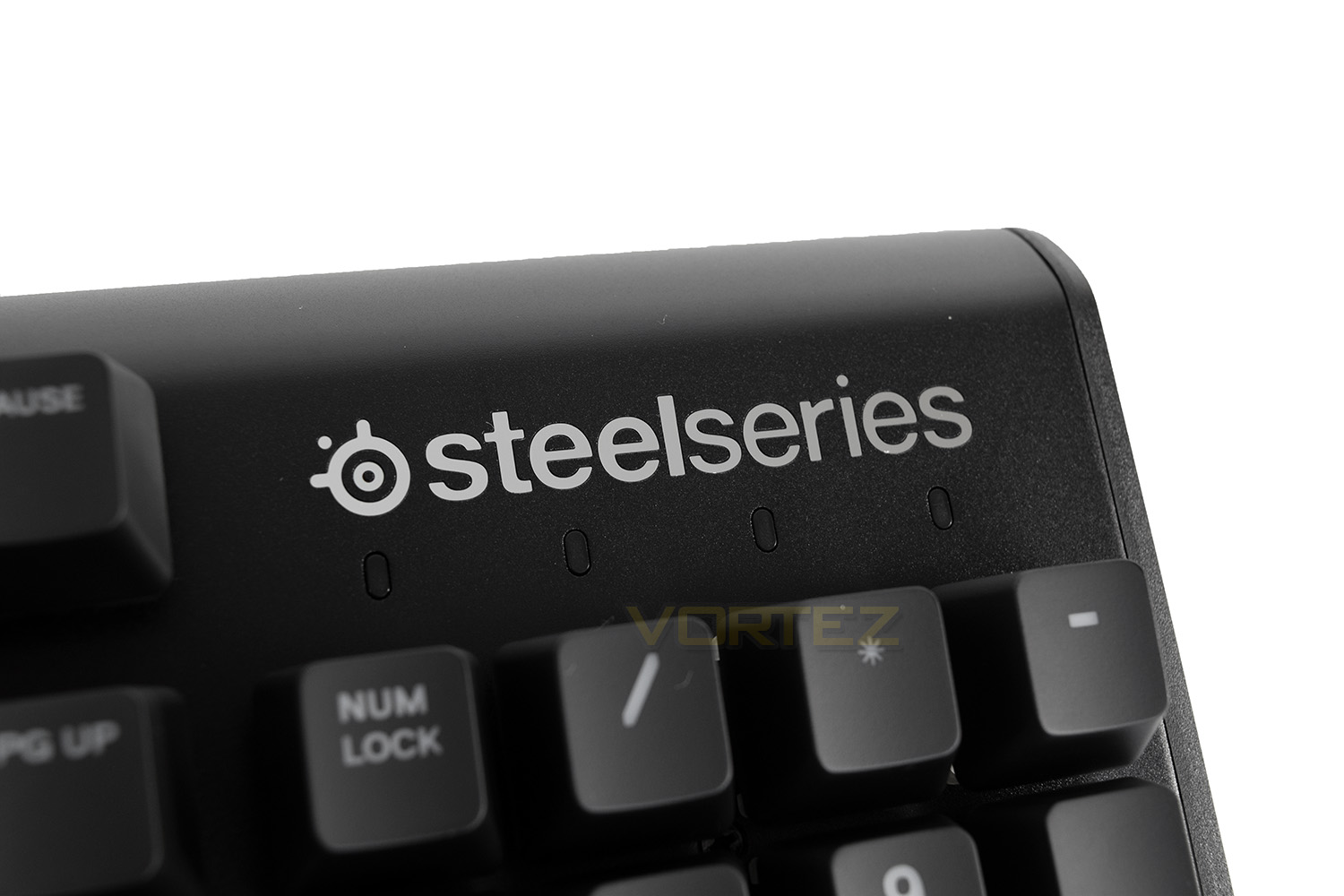
In the top-right section, SteelSeries has added a 4th indicator LED, alongside the typical CAPS lock, NUM lock and Scroll lock is an LED to indicate that the Windows key is disabled; the main purpose of that function is to prevent it from being accidentally clicked during gaming. The SteelSeries logo is ever-so-slightly recessed and made from an extremely glossy material.
Due to the lack of any USB-passthrough on the Apex M750, the keyboard only requires a single USB connection.
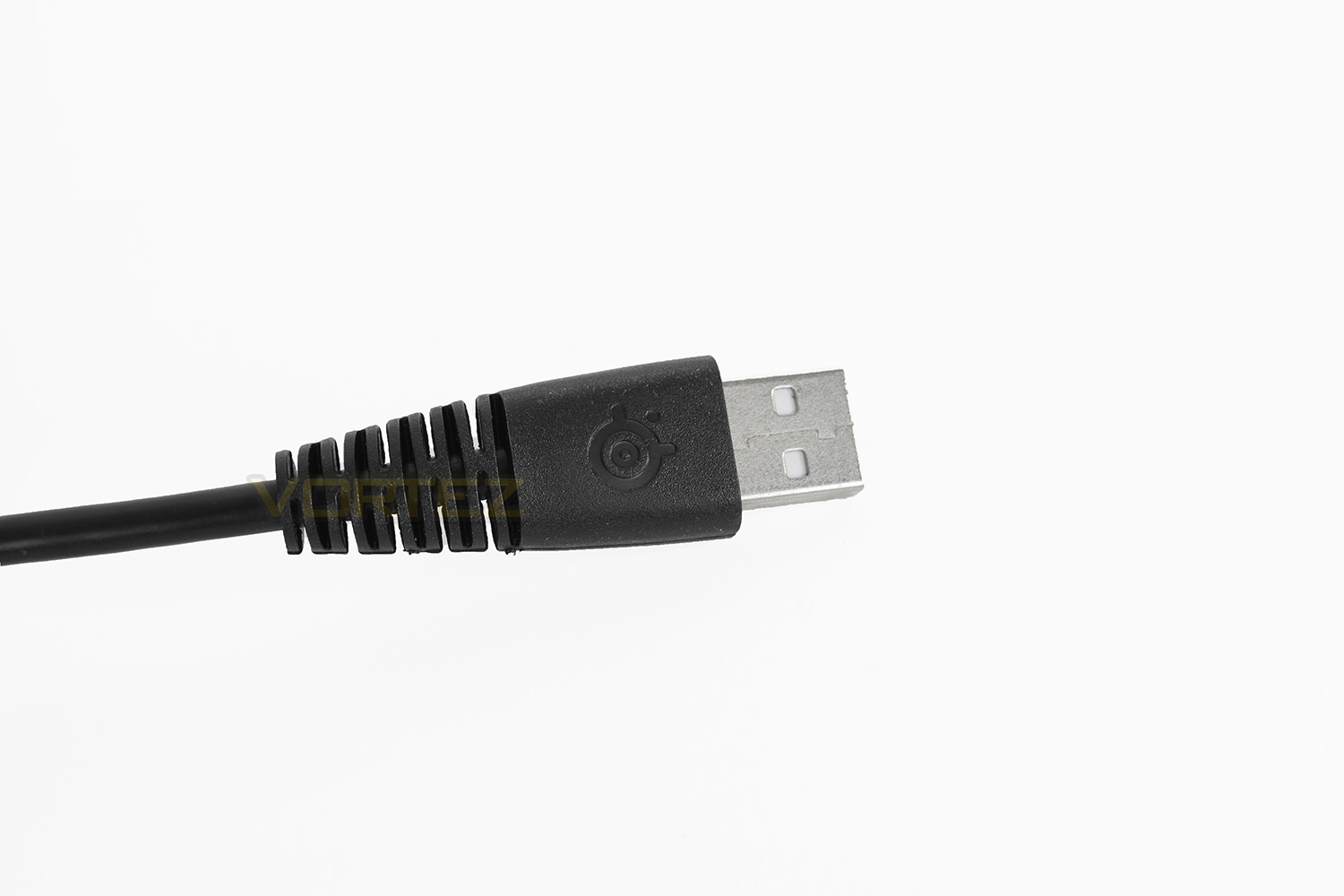
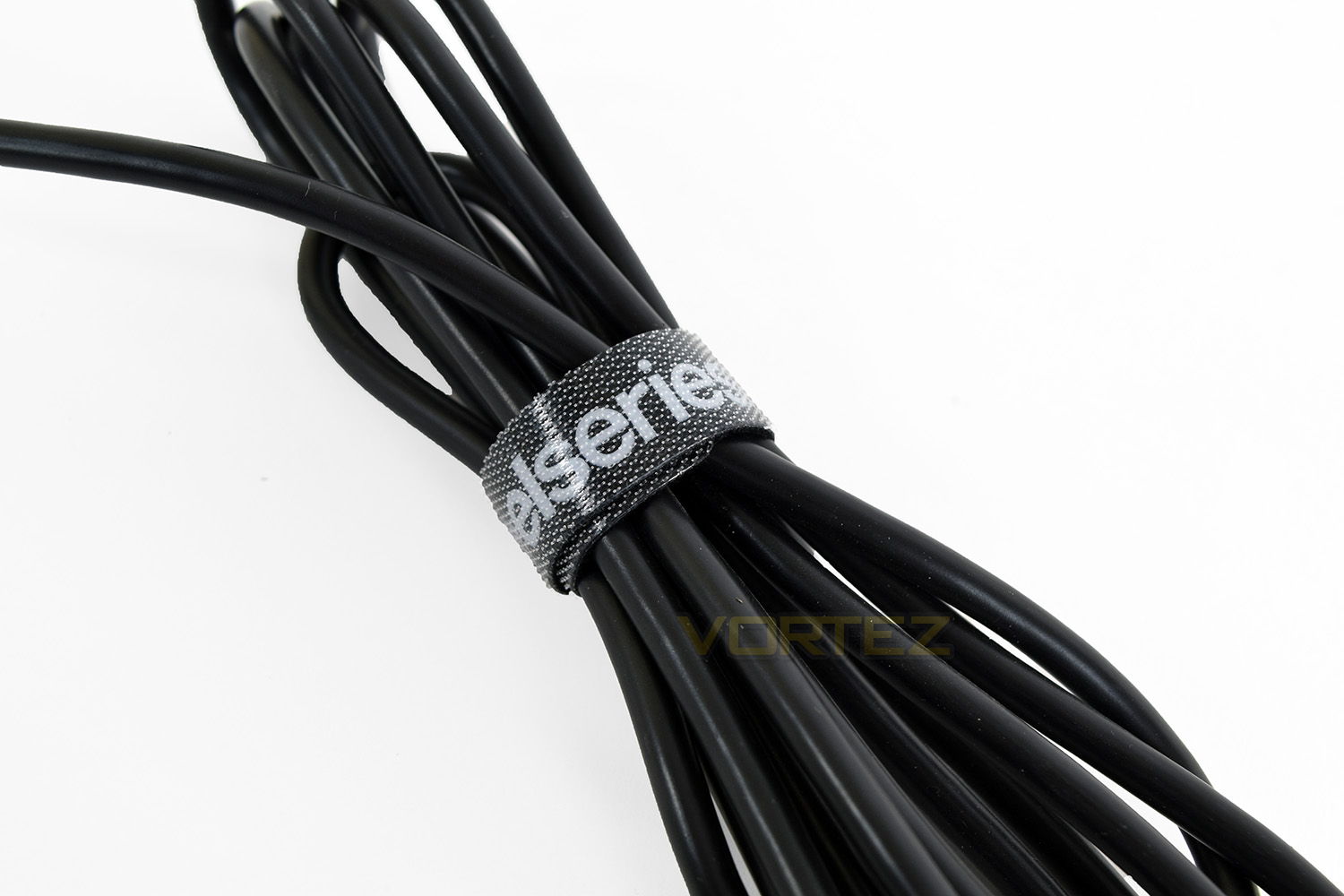
There’s an attached, SteelSeries branded, Velcro cable tidy at the end of the cable, to help tidy away excess length. The cable is 2M long.
Software
We’ve touched upon the SteelSeries Engine 3 in previous reviews, almost all comments have been positive.SteelSeries use the term “Software that doesn’t require a PhD”, referring to the simplicity of setting up lighting and macros etc. we tend to agree with this statement; the Engine 3 software is possibly the best we’ve used to date.
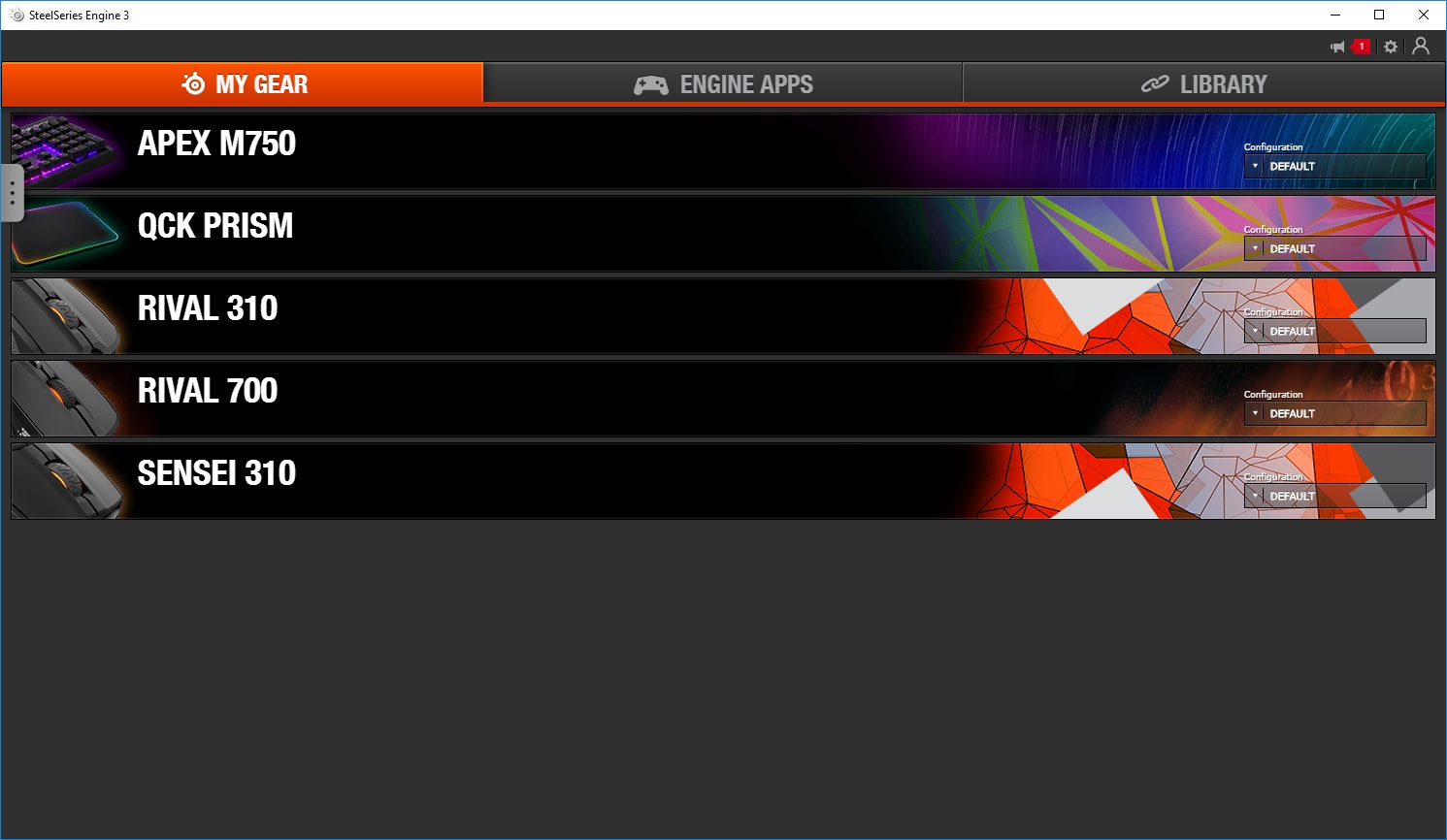
Within the initial splash page are all of the compatible devices connected to the machine. You can configure different profiles for each device and switch between them at this point.
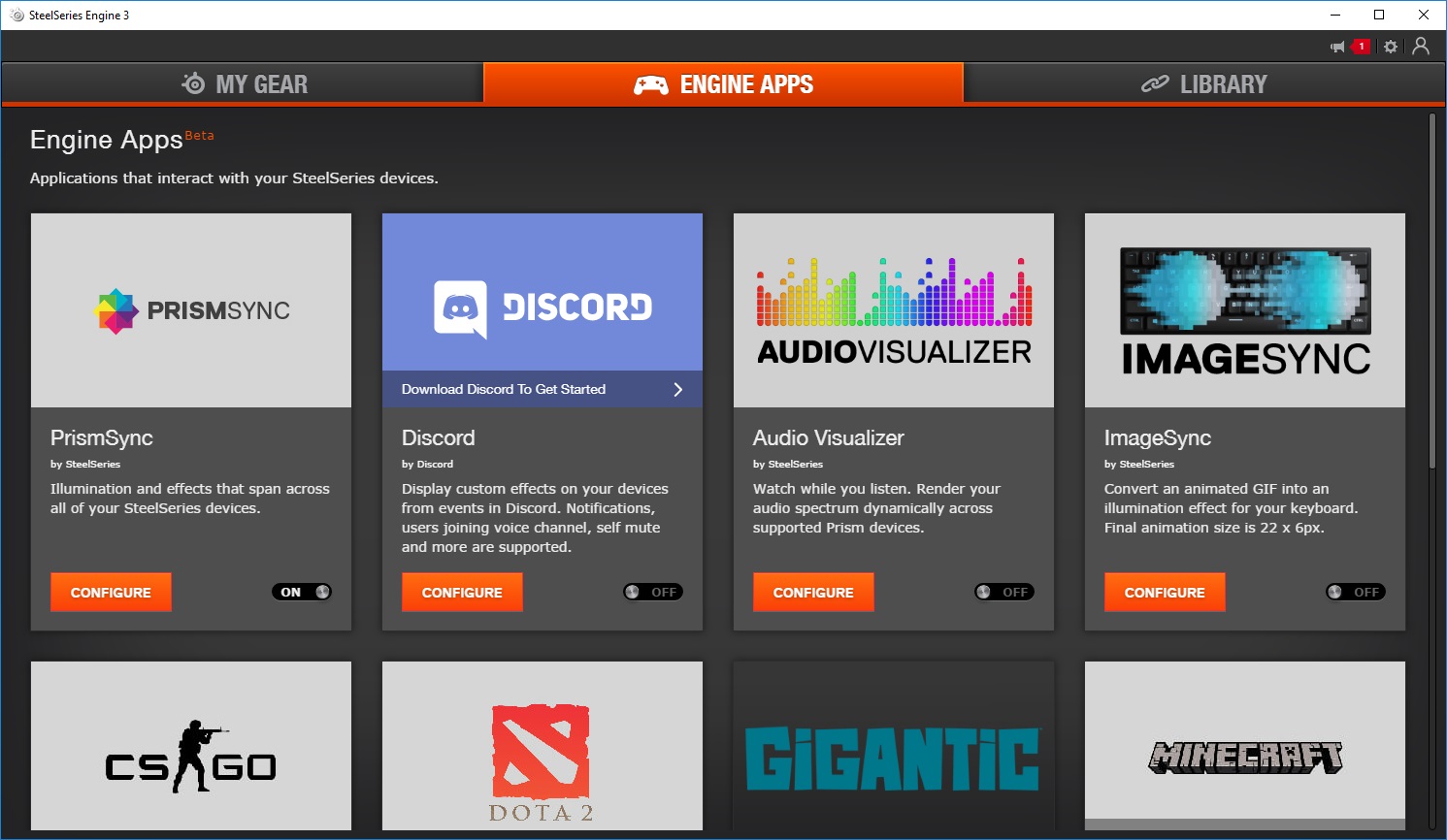
The following tab is Engine Apps, a collection of purpose-built applications and in-game integration. This is currently in Beta but works flawlessly, as far as we’re concerned. The PrismSync software allows you to configure a set of lighting effects to sync up between all of your compatible hardware, this covers motherboards, headsets, mice, keyboards and mousemats.
Compatible games are reasonably limited at the time of writing, but it does support CS: GO, DOTA 2 and Minecraft right now.
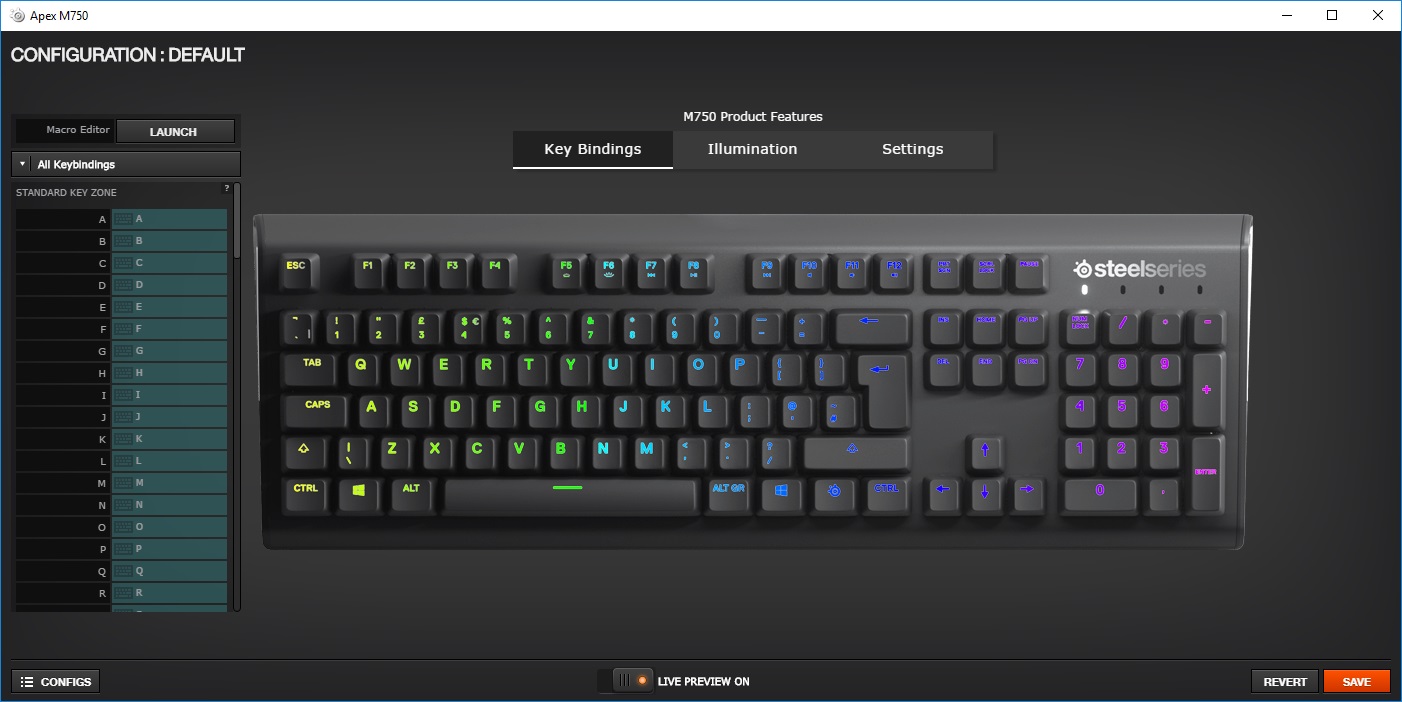
Referring back to the previous page, My Gear, selecting the device you wish to set up brings up an entirely separate screen. Initially, you’re given the option of adjusting the function of any key on the keyboard. This could be the focus of many pranks at a LAN event being able to swap letters around.
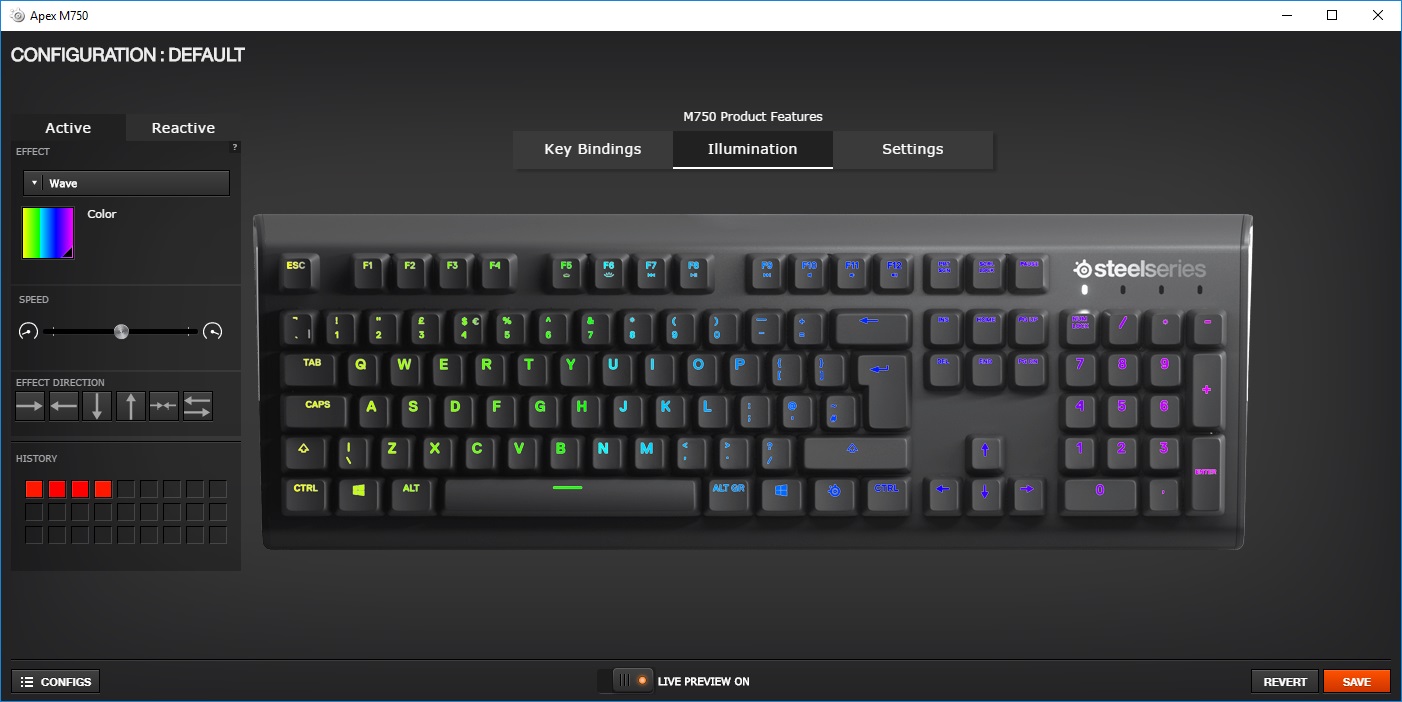
Illumination follows on from the Key Bindings, allowing a whole wave of effects and colours. Individual keys can be configured alongside background effects.
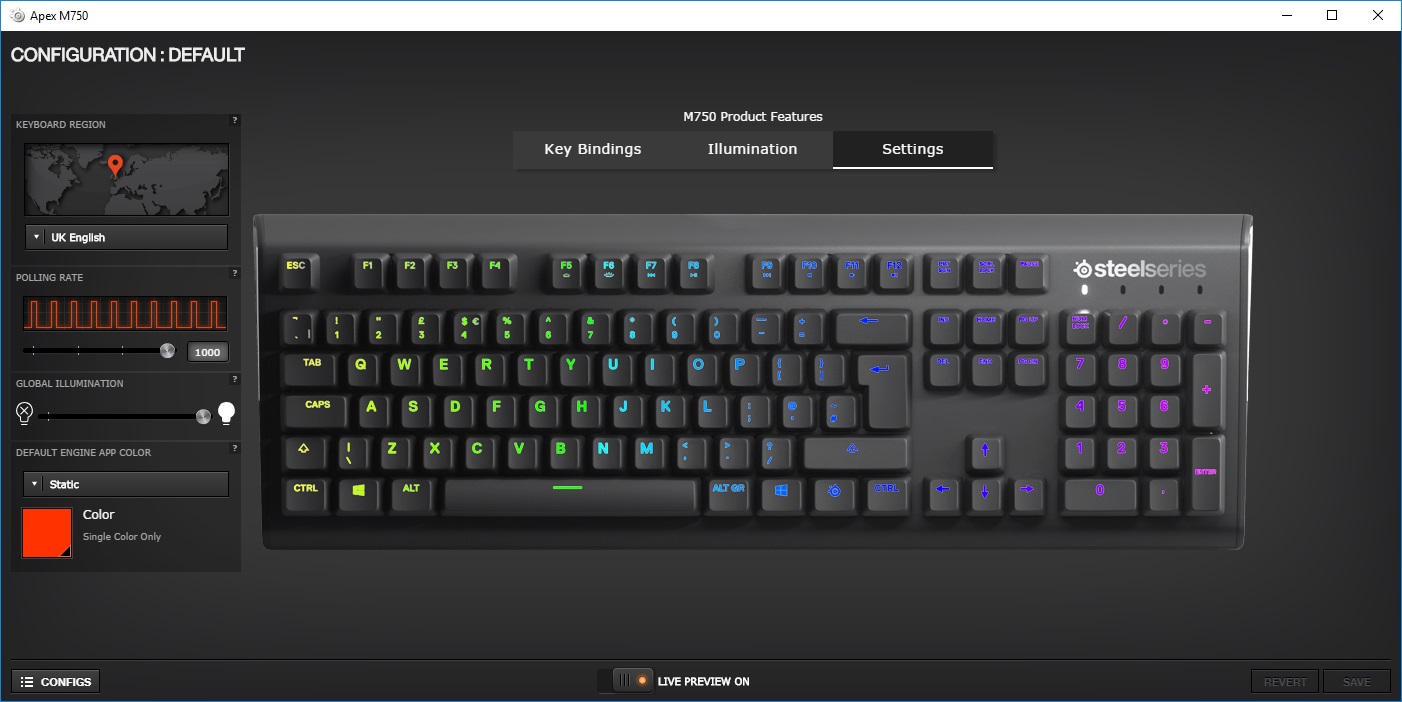
The final screen is used to configure settings such as Keyboard region layout, polling rate and keyboard brightness.
Performance Testing
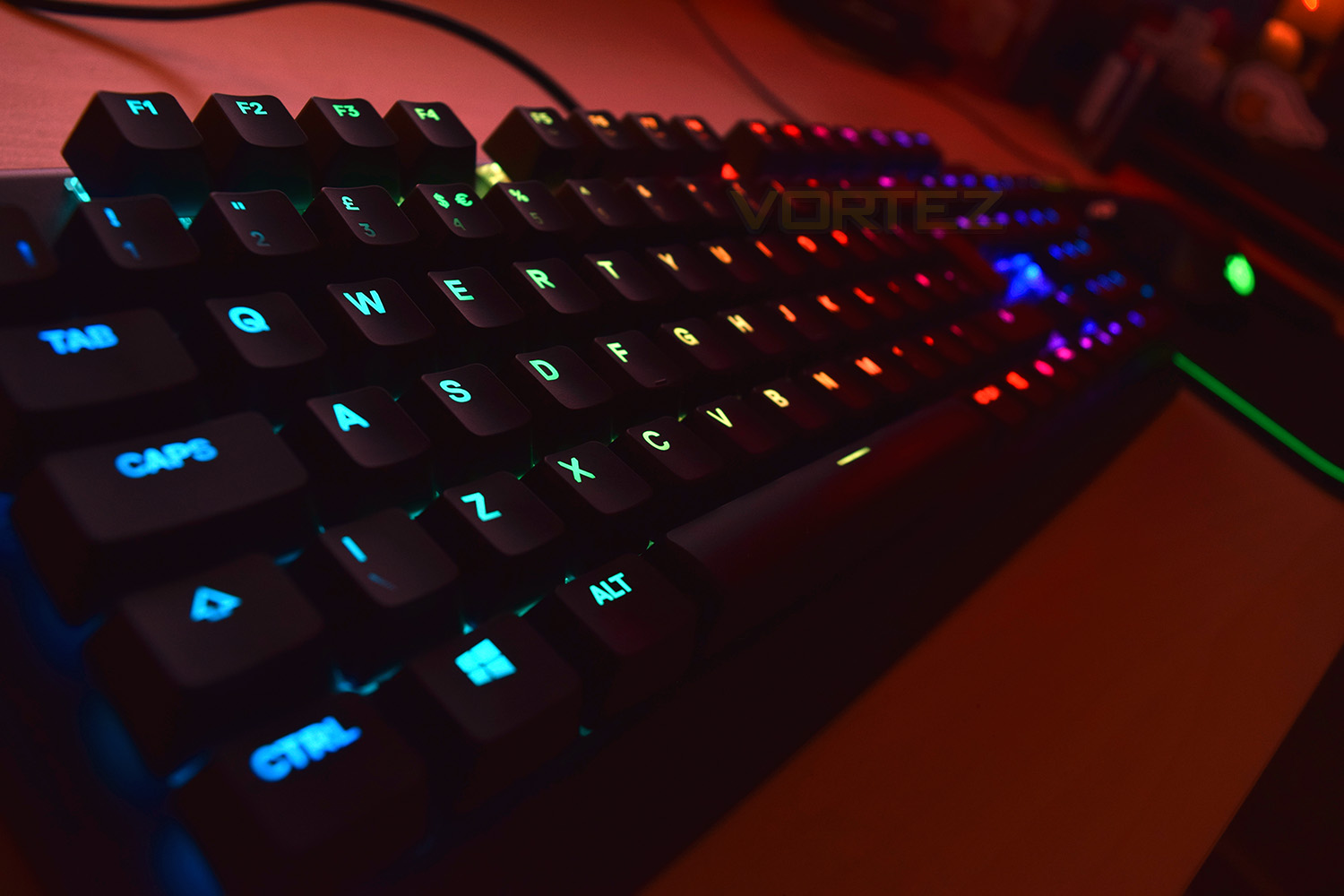
The most impressive feature of the Apex M750 is the RGB lighting, the LEDs are bright, produce accurate colours and the fade effects are like nothing else. The SteelSeries Engine 3 helps to support the RGB effort through an excellent ability to adjust the effects and even stack one upon another; the software can enable slow-moving waves of colour across the keyboard, but also stack reactive effects on top. The overall result is beautiful. The keyboard will also change the backlight colour of all the relevant keys once the SteelSeries key is pressed, allowing you to detect the media/volume keys quickly and easily.Thanks to the aluminium faceplate, the M750 is strong, resisting twisting and bending forces well. The underside, still made from plastic, also feels premium. The rubber feet on the underside do well to absorb key noises from the board instead of passing them into your desk. SteelSeries have chosen to go with large removable feet, instead of the typical “flip-up” style; the idea is good, in theory, but the act of swapping them over almost brought on a fit of rage – they’re far too fiddly to get into place.
SteelSeries have gone against the grain, opting to design their own mechanical switches, instead of using Cherry MX or anything similar. Gateron have been chosen to produce the QX2 switches to the SteelSeries spec. The overall aim of the QX2 switch is speed, above all else; the actuation point is 2mm with an overall travel of 4mm, this isn’t the fastest key out there, but the required force is low at 45cN (centiNewtons). During testing, the keys felt excellent for gaming, providing ample spring back, and being reasonably fast, but they’re loud, incredibly loud for such a light key; they could easily be very annoying to anyone else in the room, especially if typing for long periods. They feel like Cherry MX Reds but sound almost like Cherry MX Blues. We tested gaming performance with Battlefield 4, Paladins, Orcs Must Die: Unchained, PLAYERUNKNOWN’S BATTLEGROUNDS and War Thunder, all of these games seemed to benefit from the fast switches. The keyboard features full N-Key rollover to help assist you in tight situations. Unfortunately, the typing performance of the M750 was lacking, somewhat, with too little “feel” from the keys to get an accurate measure of when a key is pressed. We found that there were too many mistakes made, even after a few days of testing and opted to switch back to the “daily driver” to type the review. The keyboard was also a little uncomfortable for typing, which leads us on to the final point.
SteelSeries haven’t included a wrist rest with the M750, which for a tall keyboard isn’t the best move. They do, however, offer this as an optional extra, to the tune of £11.99 in the UK and $14.99 in the US; considering the keyboard is priced at £150, this really should be included as standard. The lack of any USB or audio pass-through, or a braided cable isn’t great, either; those are pretty common-place within the gaming peripherals market, especially when considering options upwards of £140.
Conclusion
We feel that SteelSeries may have invested too much of the keyboard’s budget within the development and production of their own mechanical keys while losing focus of some fairly common-place features most users come to expect, namely a USB pass-through and braided cable.The QX2 key feels great for gaming, offering rapid actuation and flawless performance, but they’re incredibly audible even when used lightly. These are the first mechanical keys that SteelSeries have produced, so hopefully, in the future, more “colour” options may be available which can help reduce the issue and open up the keyboard to more tastes.
The simple design of the Apex M750 looks fantastic, especially with the RGB lighting glaring away, however, for your £150, you’d expect more than this. CORSAIR, Razer, Logitech and ASUS all offer complete keyboards, some of which also feature custom-mechanical keys at around the same price point. That being said, if you’re a little fed up of these more intricate layouts from the big players, the SteelSeries may suit your tastes exactly.
SteelSeries Engine 3 is an absolutely fantastic piece of software, especially when used in conjunction with compatible hardware; during testing, we placed the Apex M750 alongside the QcK Prism mousemat and the Rival 700 mouse, the lighting was glorious.
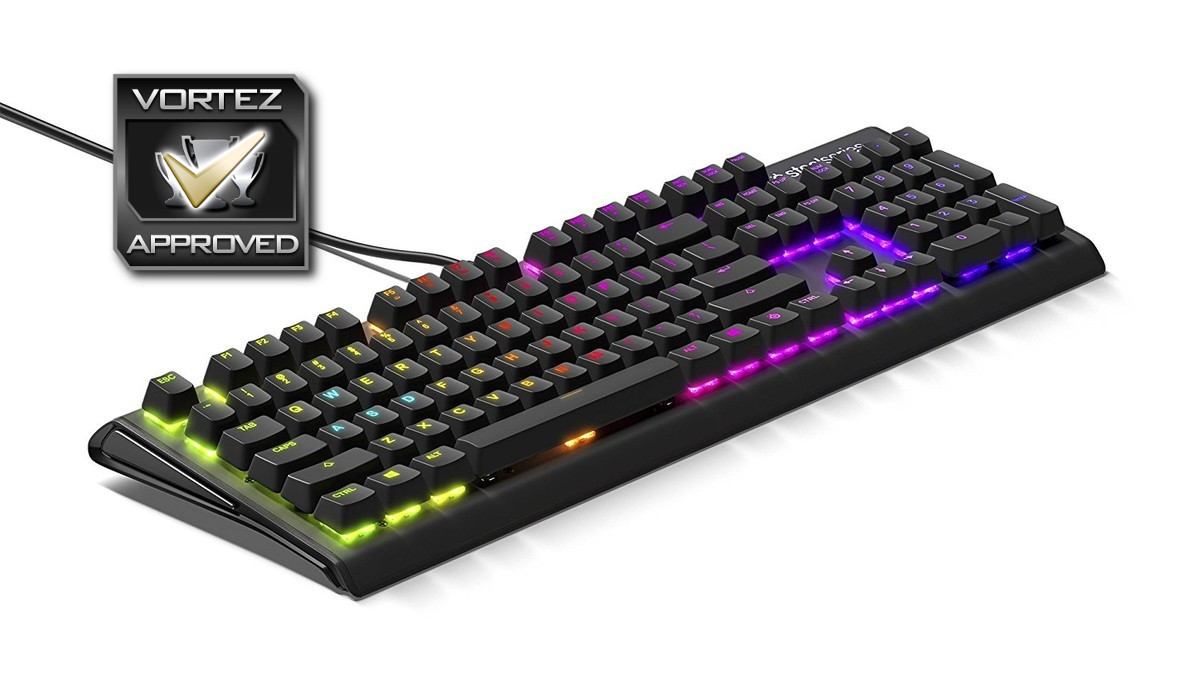
Taking all of these points into account, we feel that the SteelSeries Apex M750 works almost perfectly as a gaming keyboard, offering a simple design that won’t distract from the task at hand, though for everyday use, other options must be considered.
Despite the negative points, the SteelSeries Apex M750 performs unbelievably well as a gaming keyboard
Pros
+ QX2 mechanical keys felt excellent for gaming
+ RGB lighting is gorgeous
+ SteelSeries Engine 3
+ Simple, elegant design
Cons
– QX2 mechanical keys aren’t great for typing
– Lack of USB/Audio pass-through
– Lack of braided cable
– Lack of included wrist rest
– Rubber feet are a nuisance to swap
– Price
+ QX2 mechanical keys felt excellent for gaming
+ RGB lighting is gorgeous
+ SteelSeries Engine 3
+ Simple, elegant design
Cons
– QX2 mechanical keys aren’t great for typing
– Lack of USB/Audio pass-through
– Lack of braided cable
– Lack of included wrist rest
– Rubber feet are a nuisance to swap
– Price
Click here for an explanation of our awards at Vortez.net.
Stay connected with Vortez social media pages: