







With only 3 buttons, SteelSeries have wound things back to bring us great technology inside a simple shell. Check it out!
Product on Review: SteelSeries KinzuManufacturer and Sponsor: SteelSeries
Street Price: £21. (At time reviewed)

These days your typical gaming mouse would have up to 8 buttons, have a weight system and enable you to customize the colours in just a few clicks. Such a sophisticated device can only mean one thing, gaming mice have certainly progressed in the last couple of years. Recent trends have been to design gaming mice to be funky, modern and feature bursting, and as such you would expect to pay the price.
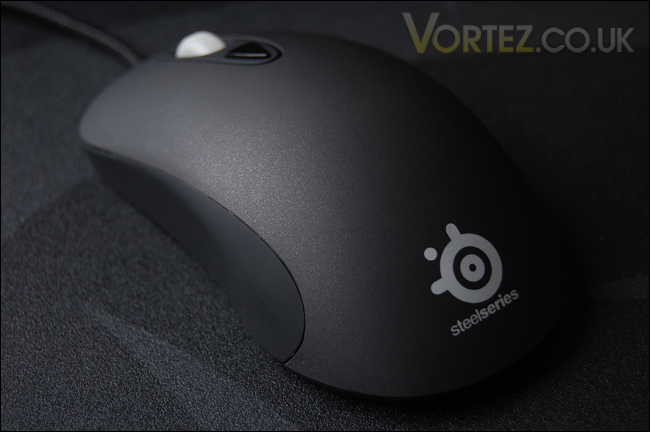
Today we have an attempt from SteelSeries to break out of this trend and offer a gaming mouse with a ‘minimalist’ approach. Behold, the Kinzu. The Kinzu could quite easily be mistaken for a standard optical mouse, sure enough it has just 3 buttons and a scrolling wheel. There isn’t anything special from its visual appearance either, but then this is the concept behind this mouse. It’s quite clear, the Kinzu is for the oldschool gamer that doesn’t need numerous buttons to play the games they love.
SteelSeries have commented on the Kinzu on their website and they say:
“SteelSeries Kinzu was developed in close cooperation with professional gamers to set new standards for performance in optical mice. The Gaming Grade image correlation sensor has been optimized to improve stability and eliminate jitter. The CPI settings are based upon those used and recommended by professional gamers. This compact ambidextrous mouse operates with 9375 Frames Per Second at movement speeds of 50 Inches Per Second and supports customizable polling rate (between 125-1000Hz) with as little as 1 millisecond delay between the mouse and the computer. SteelSeries Kinzu is compact, lightweight, optical and is in a league of its own when it comes to reliability and stability.”
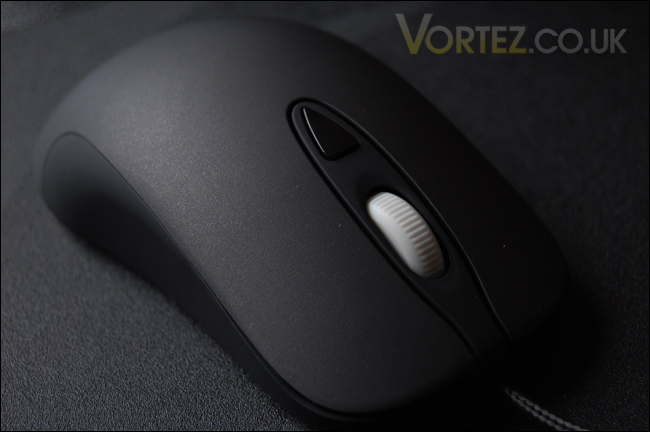
Visually, quite simple but underneath, the Kinzu speaks of quality and this is the kind of design notion that some gamers will be impressed by. Below are the specifications for the Kinzu.
Specifications
Specifications for SteelSeries Kinzu Optical:
– Frames per second: 9.375
– Inches per second: 50
– Megapixels per second: 3.75
– Counts Per Inch (CPI) : 400 – 3200
– Acceleration: 20 G
– Buttons: 3
– Cord: 2 m / 7,9 ft (braided to improve durability)
– Polling: up to 1000 Hz
– Lift distance: ~2.0mm
– Large pressure points that reduce friction for optimized glide
– Driverless, plug-and-play feature for LAN gamers
– Built-in memory for 3 profiles
– Measurements: 117 x 64 x 36 mm / 4,6 x 2,5 x 1,43 in
– Operating systems: Win XP / Vista / Win 2000 / Mac OS
*Configuration software only available for Windows operating systems
SteelSeries Kinzu
In typical SteelSeries fashion the mouse comes in a colourful box, the front is clear giving you a glimpse of what’s inside. There are the features and specification details on both the front and back.Inside the package we have just two items, an instructions manual/quick guide and the Kinzu itself. There is slightly less packaging than usual, due to the simplistic design and the fact the Kinzu is significantly smaller than the standard gaming mouse.
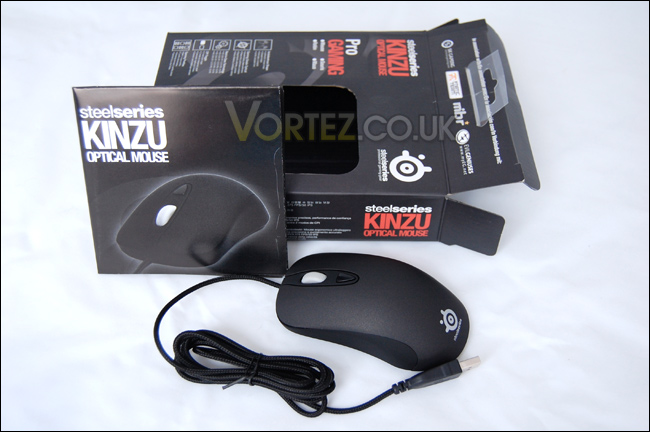
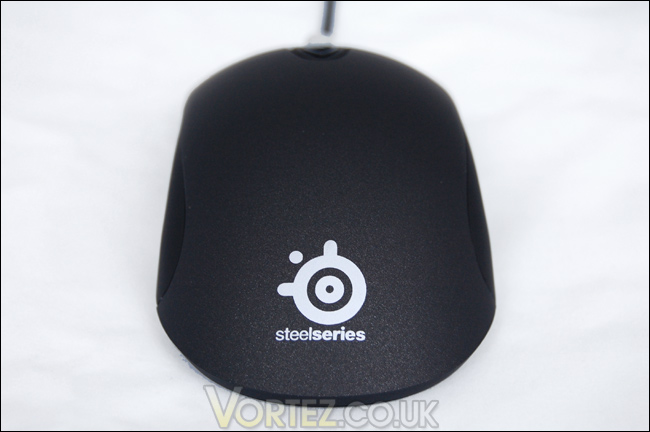
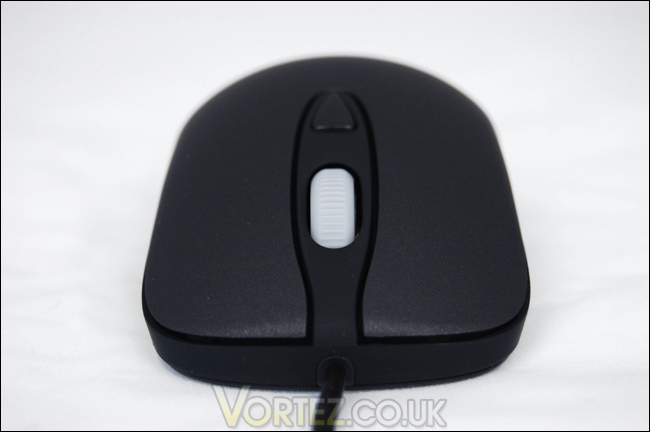
So with the Kinzu out of the box, we can take a closer look. As I mentioned in my opening remarks, the Kinzu won’t strike you as being particularly exciting visually. It looks like any other mouse. But when you handle the Kinzu, this is where things change. It has a really nice texture covering the top, SteelSeries don’t actually specify what has been used but the surface looks to have a matte finish but its actually smooth. The sides are similar but offer a little bit more friction to reduce sliding.
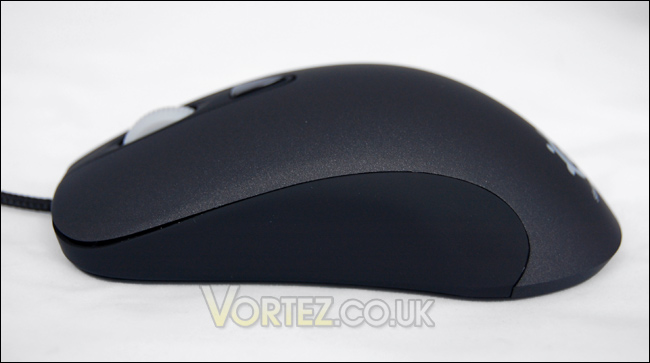
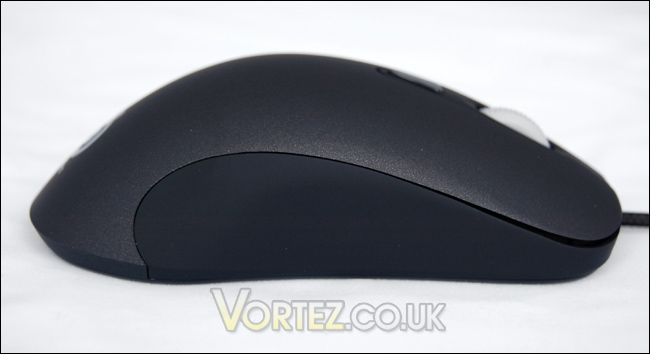
If you have been over to the SteelSeries website you will notice the Xai, which is actually very similar to the Kinzu except it offers more customization (and laser rather than optical) in the same shell. There are also more buttons on the Xai (James will be reviewing this soon). There are only 3 buttons present on the Kinzu, you will notice there are no side buttons present which may frustrate some if they are using the Kinzu for more than just gaming.
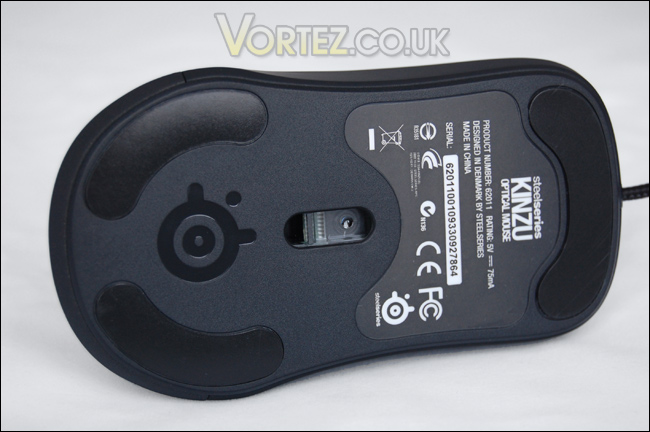
On the underside of the Kinzu, there is the glide pads and the imprint of the SteelSeries logo. The optical sensor is said to react in less than 1ms, and offers some interesting statistical performance with regards to polling rates. It will be interesting to see how this translates when in real use a little later on.
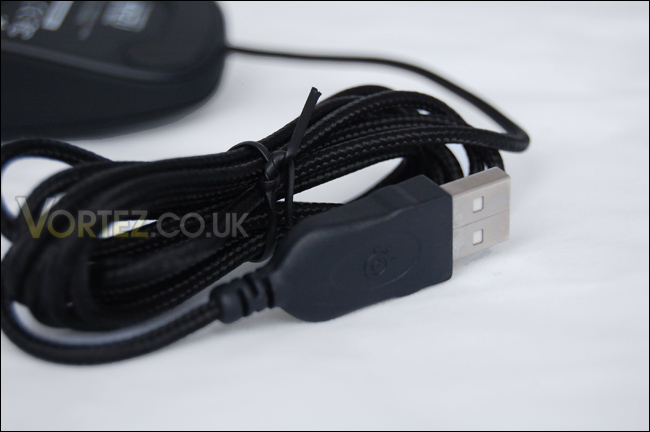
Lastly the USB cable for the Kinzu is corded for extra protection, something we see on most gaming mice nowadays – a nice idea nonetheless.
Performance and Conclusion
There\’s only one way to find out if the Kinzu is a good mouse or not. It\’s quite hard to ascertain whether a gaming peripheral is a good product or not because afteral we all have our individual preferences. But today, I\’m only going to comment on the Kinzu\’s performance based on its gaming use. It\’s weight, the materials, button placement, glide, and general feel. To test out the Kinzu I will be using it for over 2 hours in Call of Duty: Modern Warfare 2.Verdict
My first impressions of the Kinzu are that its super light. It feels weightless and it hardly feels like you have anything in your hand. Movements are effortless and the response in game is very pleasing.
The button on the center of the mouse, just behind the scrolling wheel controls the high and low sensisitivity. This comes in very handy. But the great thing about the Kinzu is that it comes driverless so there is no need for any installation of software and no tampering with settings. You don\’t have to know what polling rates or CPI settings are. Buttons clicks are very smooth and the general feel for the Kinzu is very positive. Initially I did feel the mouse would be too small for my hand, but this wasn\’t an issue when I began using the mouse in game. I guess It\’s down to preference when we mention the weight of the Kinzu. I personally have always liked heavier mice, but I actually quite like the response from the Kinzu even though its considerable smaller than anything I would usually touch.
Conclusion
SteelSeries have turned back time by presenting us with a gaming mouse that endorses a simple design, by doing this you would think the performance of the mouse would be affected, but it hasn\’t. The visual design is simple, but the technology is sophisticated.
The Kinzu reaches out to both right and left handed gamers because of its symmetrical design and this will appeal to a lot of people out there because most gaming mice on the market only cater for right handed individuals.
The only complaint that I might mention are the absence of side buttons, but the argument for these buttons not being present could be that its a mouse primarily for gaming. So whether this is a valid complaint or not you can draw your own conclusions!
With a price tag of just over £20 the SteelSeries Kinzu is one of the most affordable mice on the market. If you try and look for a gaming mouse for the same price and that fits under the specifications of the Kinzu you will struggle. It\’s amazing value for money. The bottom line is, the Kinzu is a simple, superlight, driverless and a top performer. Go and get one now… or two!
The SteelSeries Kinzu wins the Vortez Gold award.
Pros
+ Very comfortable
+ Simple
+ Plug \’n play
+ Extremely responsive
+ Great value for money
Cons
– Could be too light for some
– Lack of side buttons
Special thanks to Immacula and SteelSeries for providing this sample. Discuss this review on our forums


