Part 2 of our SteelSeries TrueMove3 mice reviews, the Rival 310 goes under the spotlight. Inside a right-handed ergonomic chassis, the sensor claims true 1:1 surface tracking.

Product on Review: SteelSeries Rival 310
Manufacturer: SteelSeries
Street Price: £59.99 / $59.99
You may have caught our review on the SteelSeries Sensei 310 Review a couple of weeks back. We awarded this the Premium award due to the incredible performance. Following on, this time around we look at the Rival 310, a right-handed chassis sharing the same engine and components as the Sensei 310; this review is certainly stacking up to be a good one.
The Rival 310 is running a powerful 32-bit ARM CPU, allowing all sensor processing to be carried out on the device itself, helping to decrease any latency and also allow profiles to be saved onto the device for eSports. Similar to the Sensei 310, the Rival also offers split trigger buttons bearing OMRON switches underneath.
This latest model under the Rival umbrella arrives with the TrueMove3 sensor, developed alongside PixArt, who knows a thing or two about putting a mouse sensor together. The TrueMove3 sensor is capable of 12,000 CPI but they also claim 1:1 tracking up to 3500CPI.
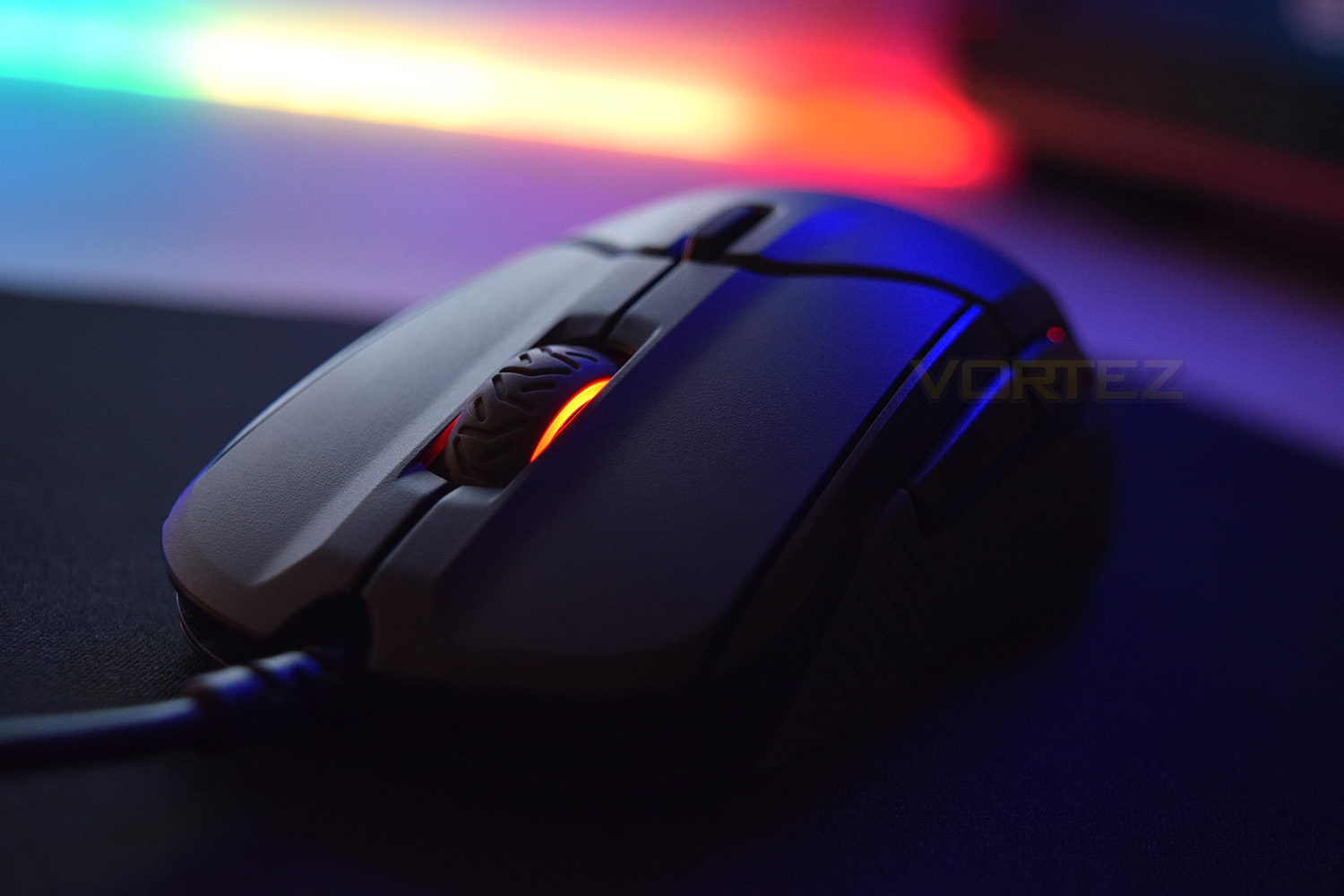
Steelseries on the Rival 310:
TrueMove3 is a 12,000 CPI, 350 IPS optical sensor built exclusively with industry leader PixArt. Instead of focusing on CPI alone, TrueMove3 was engineered for true 1-to-1 tracking. Moving a specific distance on a mousepad results in the same exact distance on screen, without introducing latency, interpolation, or affecting jitter reduction.
Technical Specifications
Sensor:Sensor Name: SteelSeries TrueMove3
Sensor Type: Optical
CPI: 100-12000, 100 CPI Increments
IPS: 350+, on SteelSeries QcK surfaces
Acceleration: 50G
Polling Rate: 1 ms
Hardware Acceleration: None (Zero Hardware Acceleration)
Sensor Type: Optical
CPI: 100-12000, 100 CPI Increments
IPS: 350+, on SteelSeries QcK surfaces
Acceleration: 50G
Polling Rate: 1 ms
Hardware Acceleration: None (Zero Hardware Acceleration)
Design:
Top Material: Finger Print Resistant Semi-Rough Matte
Core Construction: Fiber-Reinforced Plastic
Shape: Ergonomic, Right-Handed
Grip Style: Palm or Claw
Number of Buttons: 6
Switch Type: Omron Mechanical Rated For 50 Million Clicks
Illumination: 2 RGB Zones, Independently Controlled
Weight: 88.3g
Length: 127.6mm
Width: 57.16mm (front), 62.07mm (middle), 70.1mm (back)
Height: 41.98mm
Cable Length: 2m, 6.5ft
Core Construction: Fiber-Reinforced Plastic
Shape: Ergonomic, Right-Handed
Grip Style: Palm or Claw
Number of Buttons: 6
Switch Type: Omron Mechanical Rated For 50 Million Clicks
Illumination: 2 RGB Zones, Independently Controlled
Weight: 88.3g
Length: 127.6mm
Width: 57.16mm (front), 62.07mm (middle), 70.1mm (back)
Height: 41.98mm
Cable Length: 2m, 6.5ft
Packaging & First Look
Sticking with the cool styling from SteelSeries, the packaging features bright colours and almost a ‘graffiti’ styling to the front. The image on the front is 1:1 with the size of the mouse. There’s also a basic roundup of features to expect.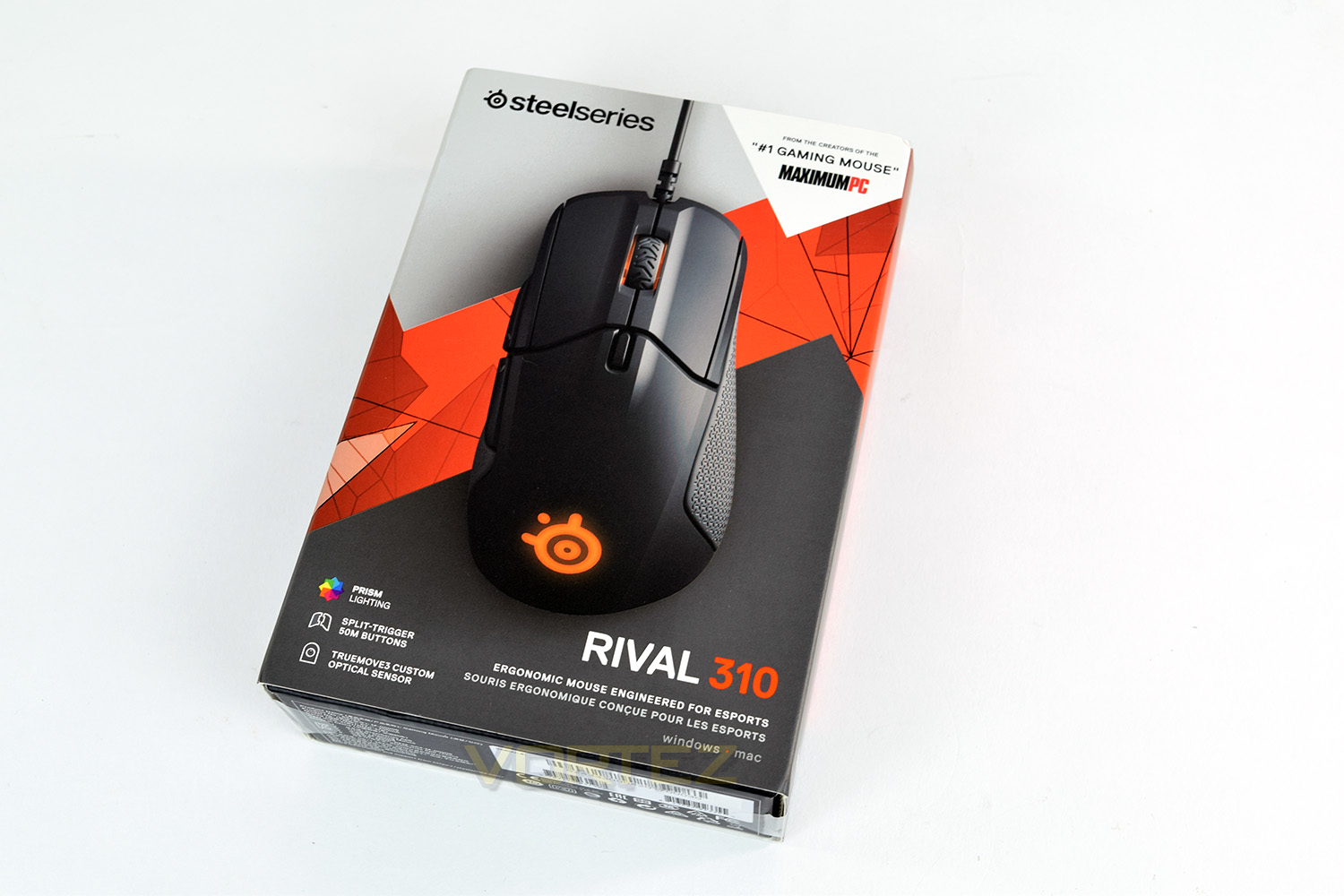
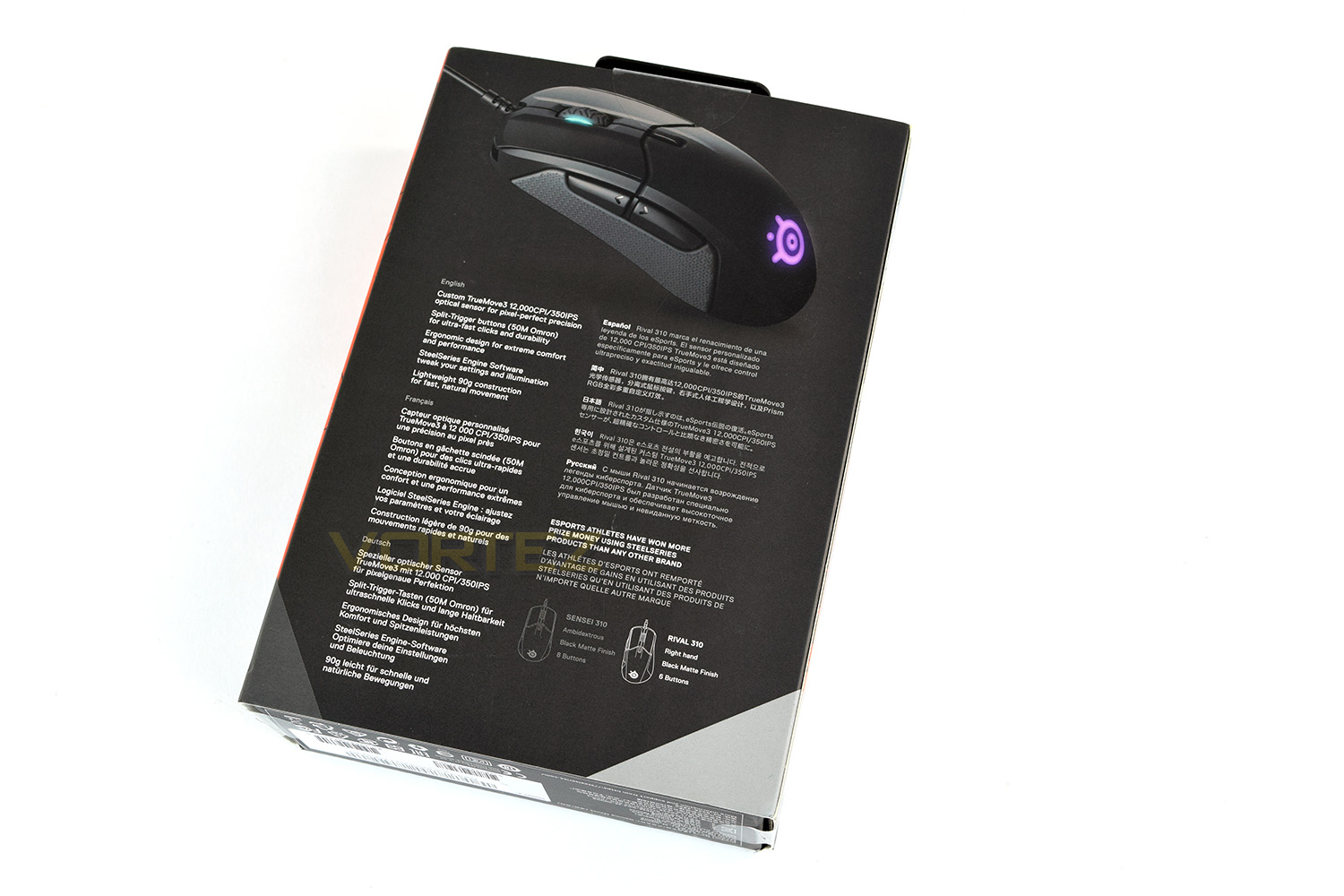
The rear of the box shows a smaller image of the mouse along with a list of some more in-depth details.
The mouse is housed within a double-corrugated cardboard box which is revealed by sliding away the cardboard sleeve. The SteelSeries motto “RISE UP” is printed on the front.
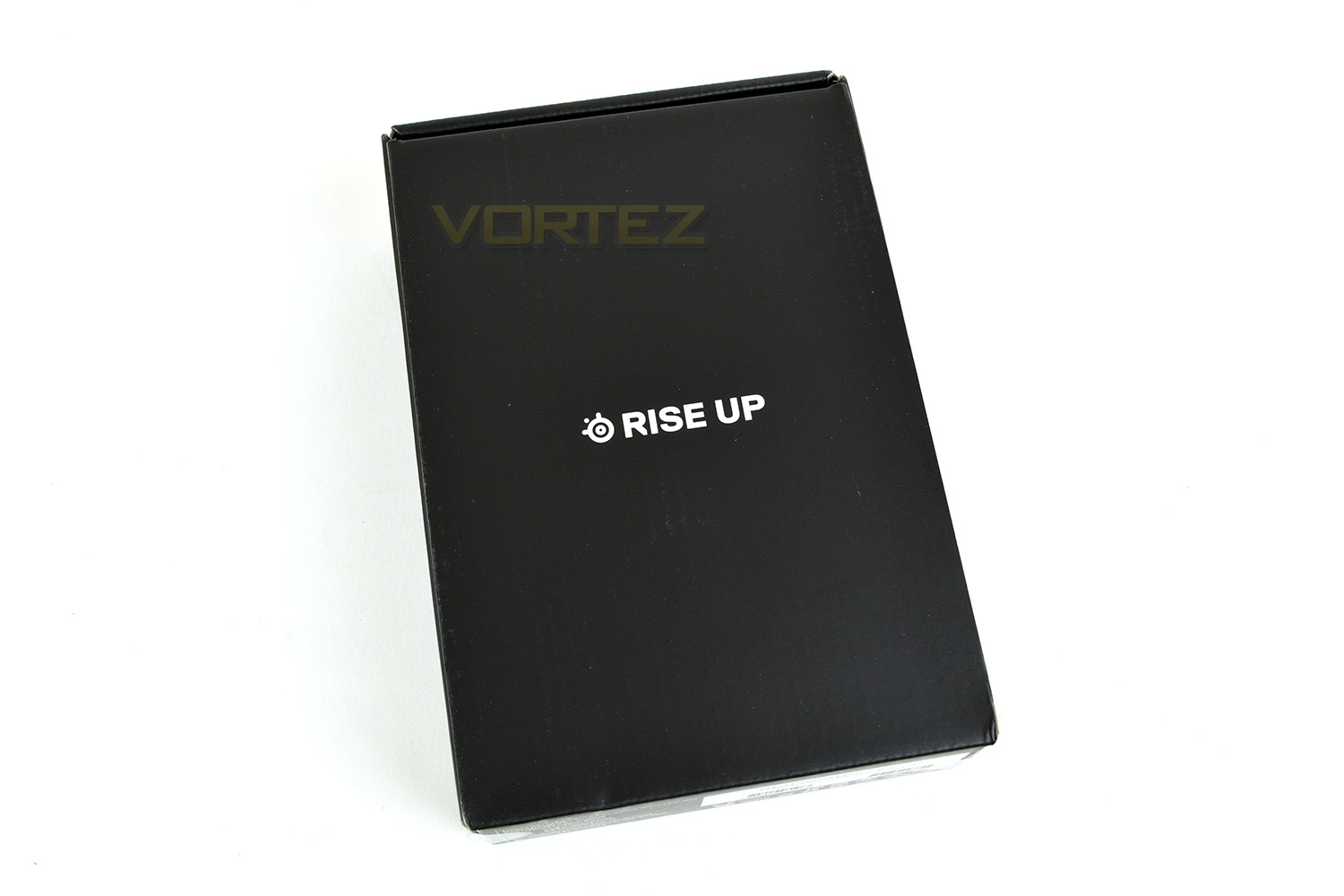
As mentioned in the Sensei 310 review, some stickers or something would be nice, but all the same, it’s perhaps better they spend the production budget on the mouse itself.
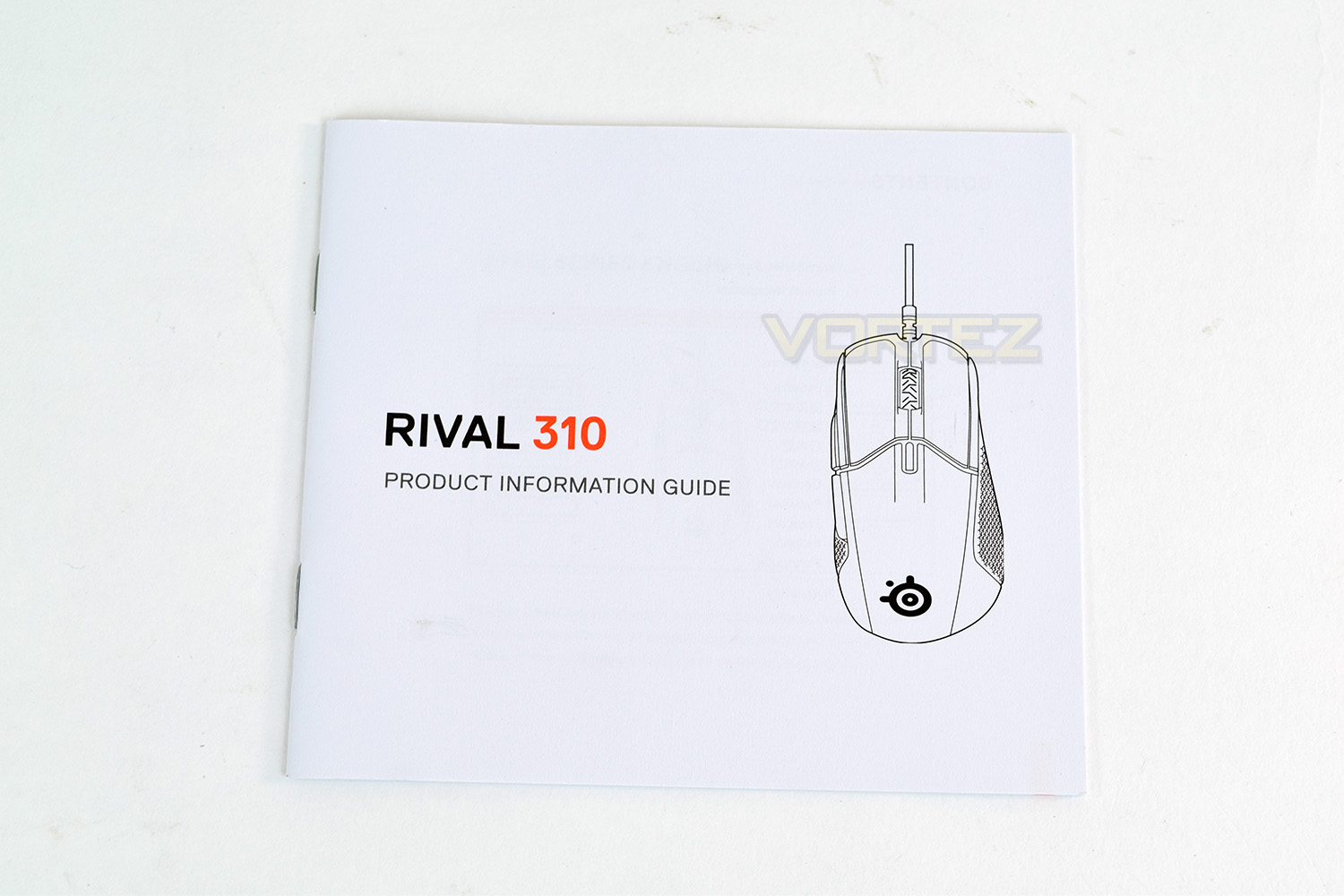
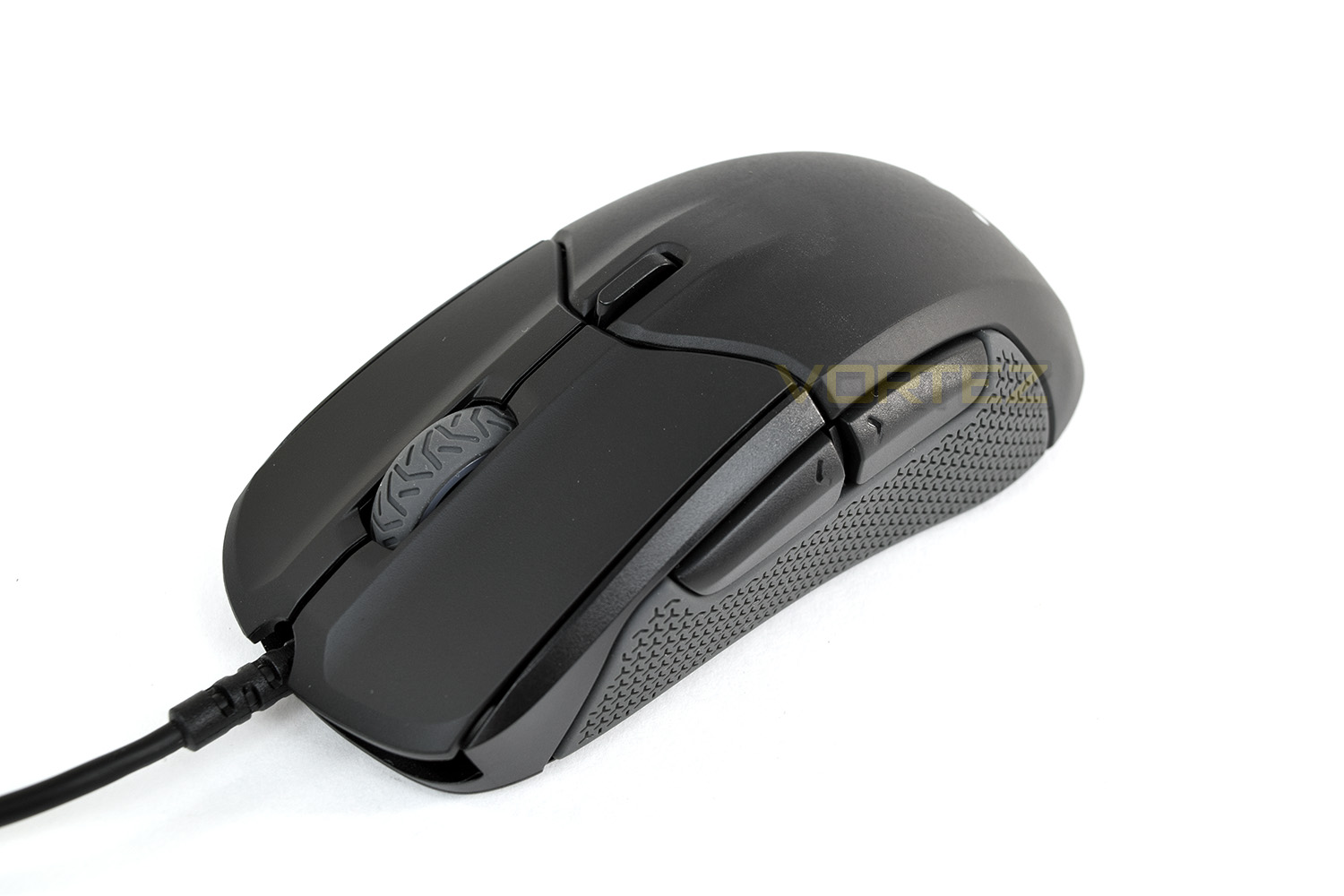
The right-handed chassis of the Rival 310 is just as masculine looking as it’s brother, the Sensei. From this angle, it looks fantastic.
Closer Look
As is clearly visible in the photo, the mouse is cambered outwards to allow a more comfortable grip for those who adopt a palm or claw grip. The scroll wheel looks a bit like a motorcycle tyre.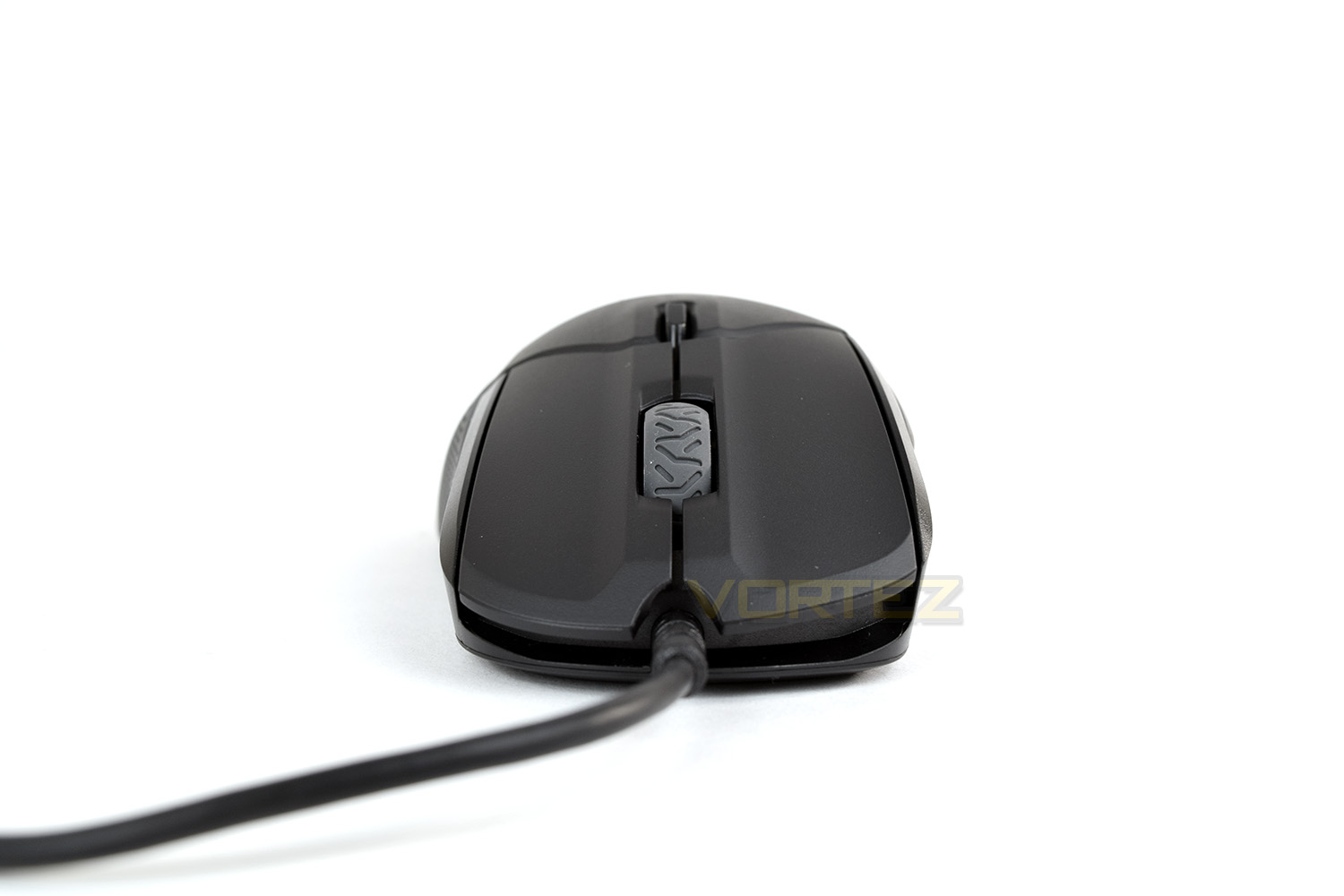
From the left, the mouse features a gigantic thumb grip made from pure silicone. Those thumb buttons are also very chunky and easy to locate.
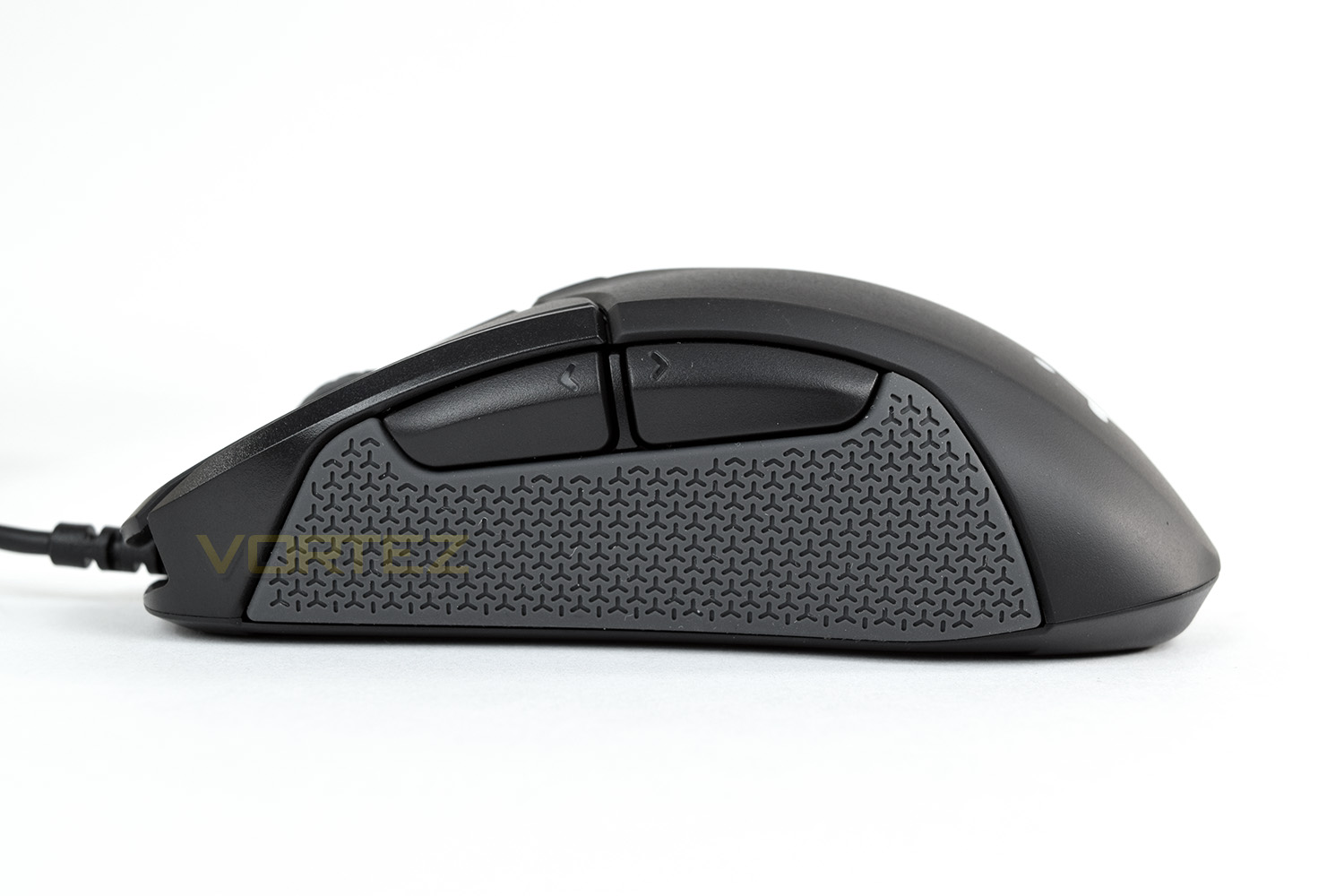
The right-hand side is covered by an even larger silicone grip. You can see that the mouse arches up quite significantly just behind the DPI selector switch. The Rival 310 is 3mm taller than the Sensei 310.
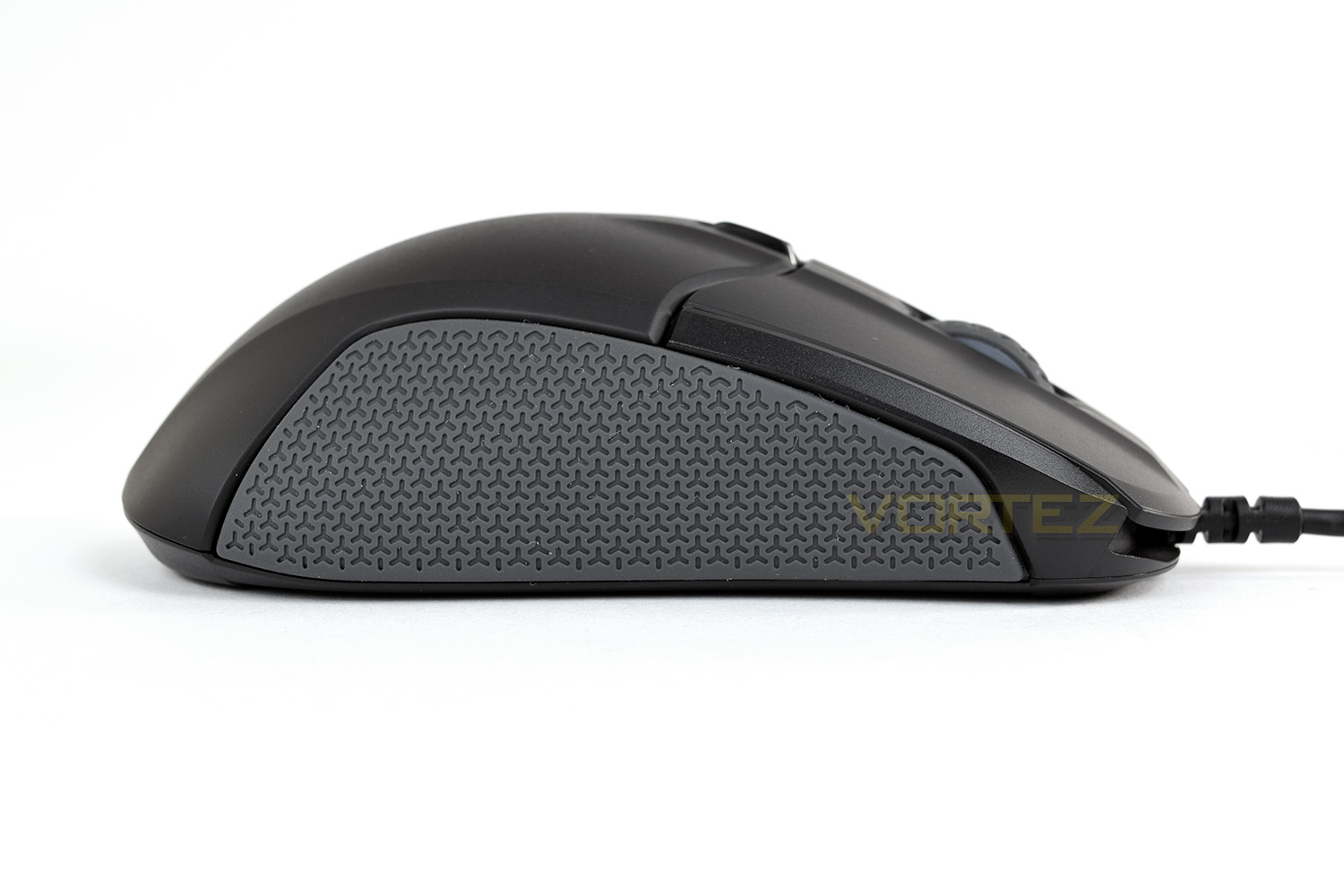
The RGB SteelSeries logo on the rear of the mouse is off-set to the left ever so slightly due to the right-handed shape used.
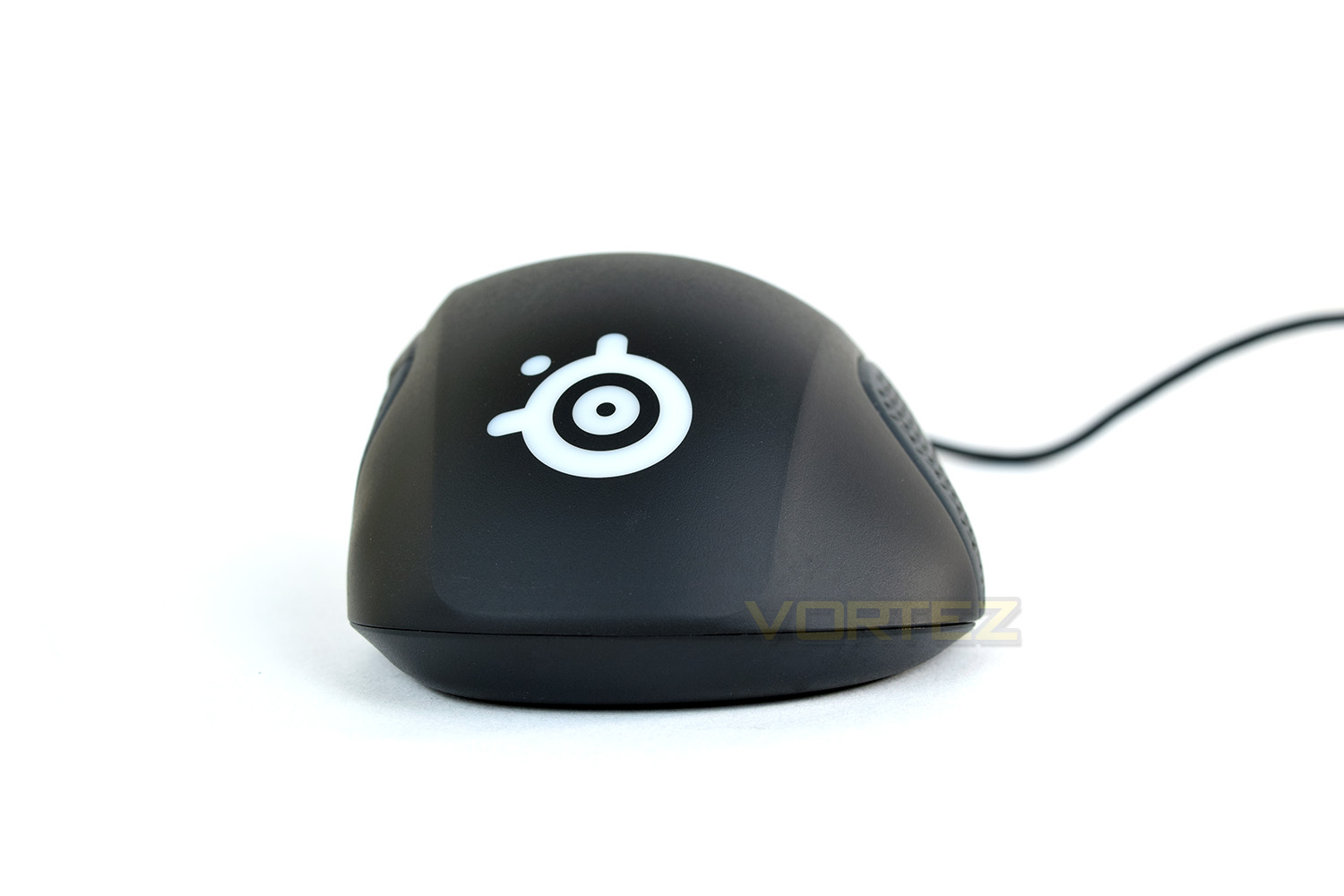
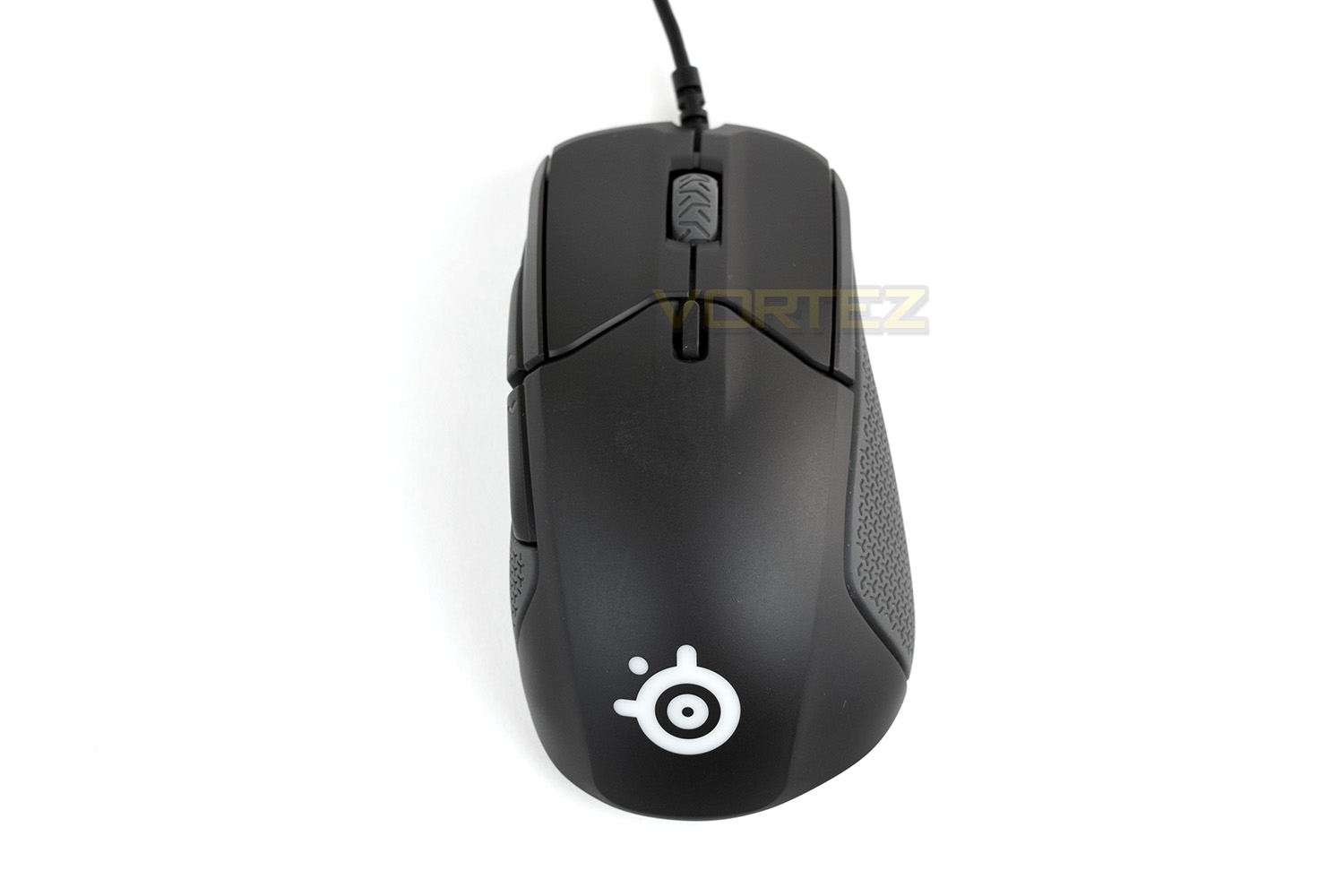
From above you can clearly see the large area for the outside of your hand. The size of those split-trigger front mouse buttons are also clearly illustrated.
Closer Look (Continued)
The underside of the mouse is fairly basic, with a large PTFE pad at the front and two smaller glides to the back, these all appear to be replaceable but we’ve been unable to find if SteelSeries sell replacements on its website. The sensor is located in the dead-centre of the mouse.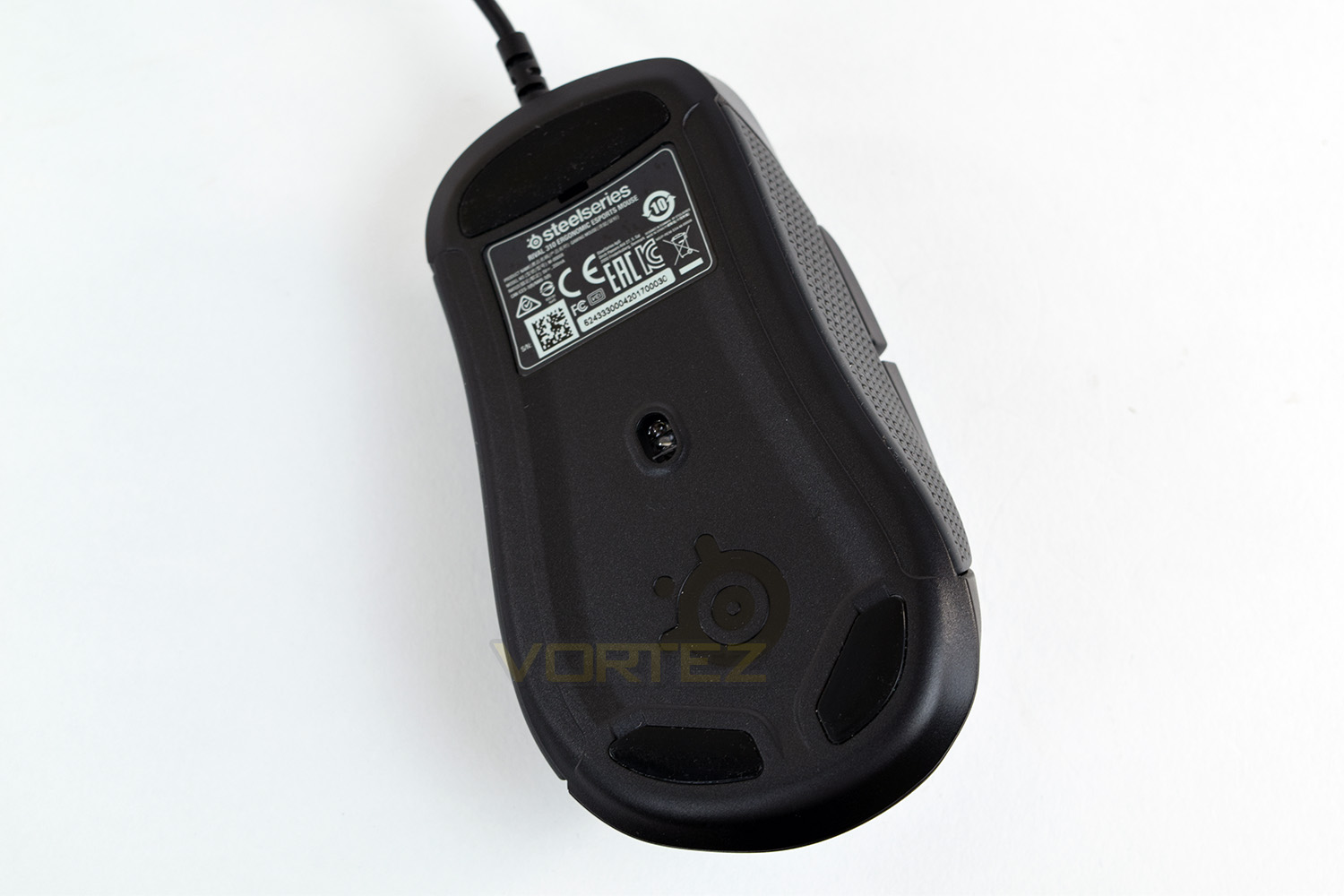
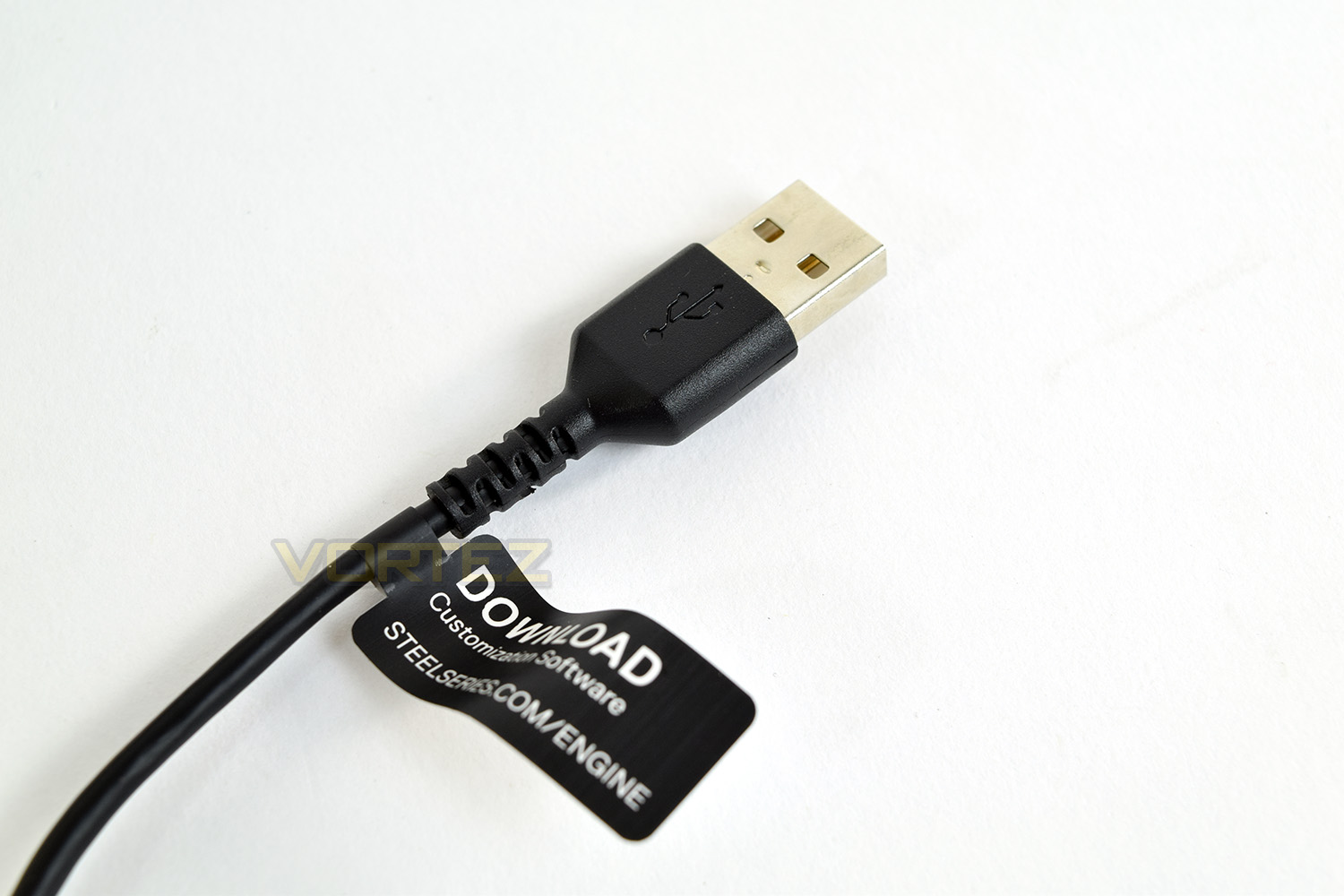
The USB cable is 2M in length and made from an incredibly supple rubber. SteelSeries have handily placed a small tag at the end of the cable with short instructions on how to get a hold of the SteelSeries Engine 3 software.
Software
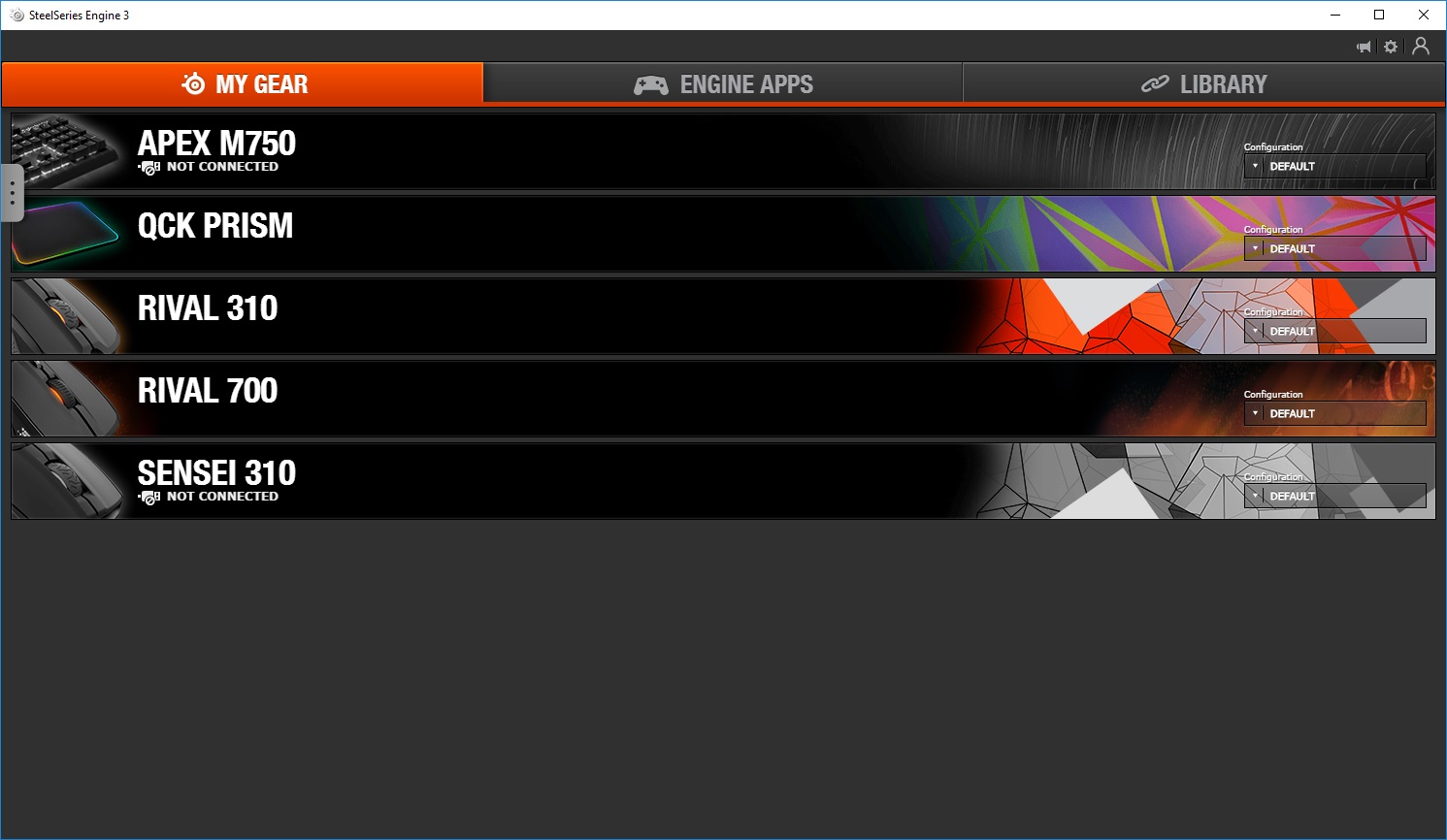
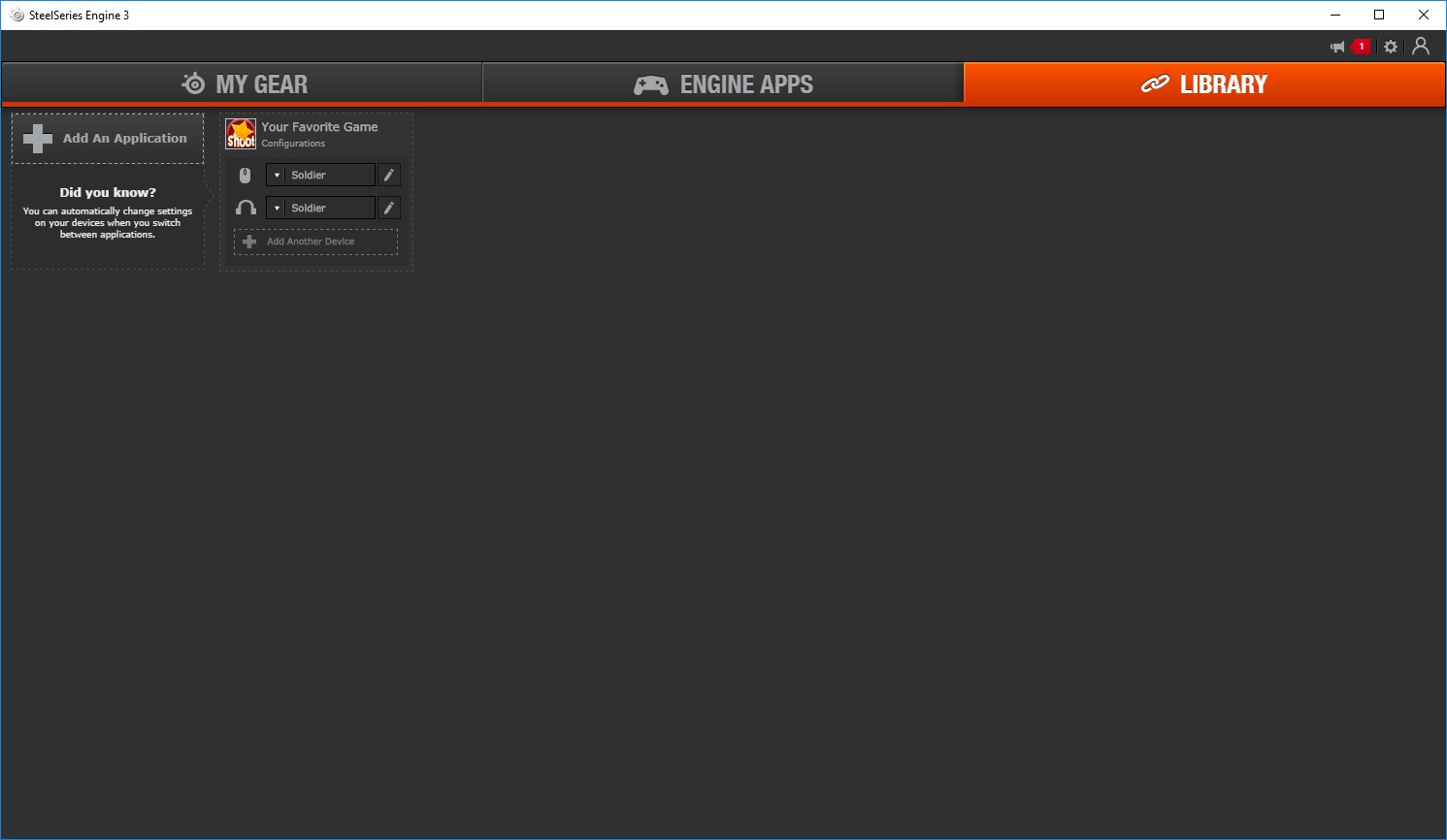
The Rival 310, as with all SteelSeries hardware, utilises the SteelSeries Engine 3. We’ve tested this software on a few occasions now, finding it to be one of the most stable and effective driver software out there.Within the initial screen, you can see all of the SteelSeries hardware attached to your PC, along with older hardware which you may have configured. Within this screen, you can quickly switch between profiles you have previously created.
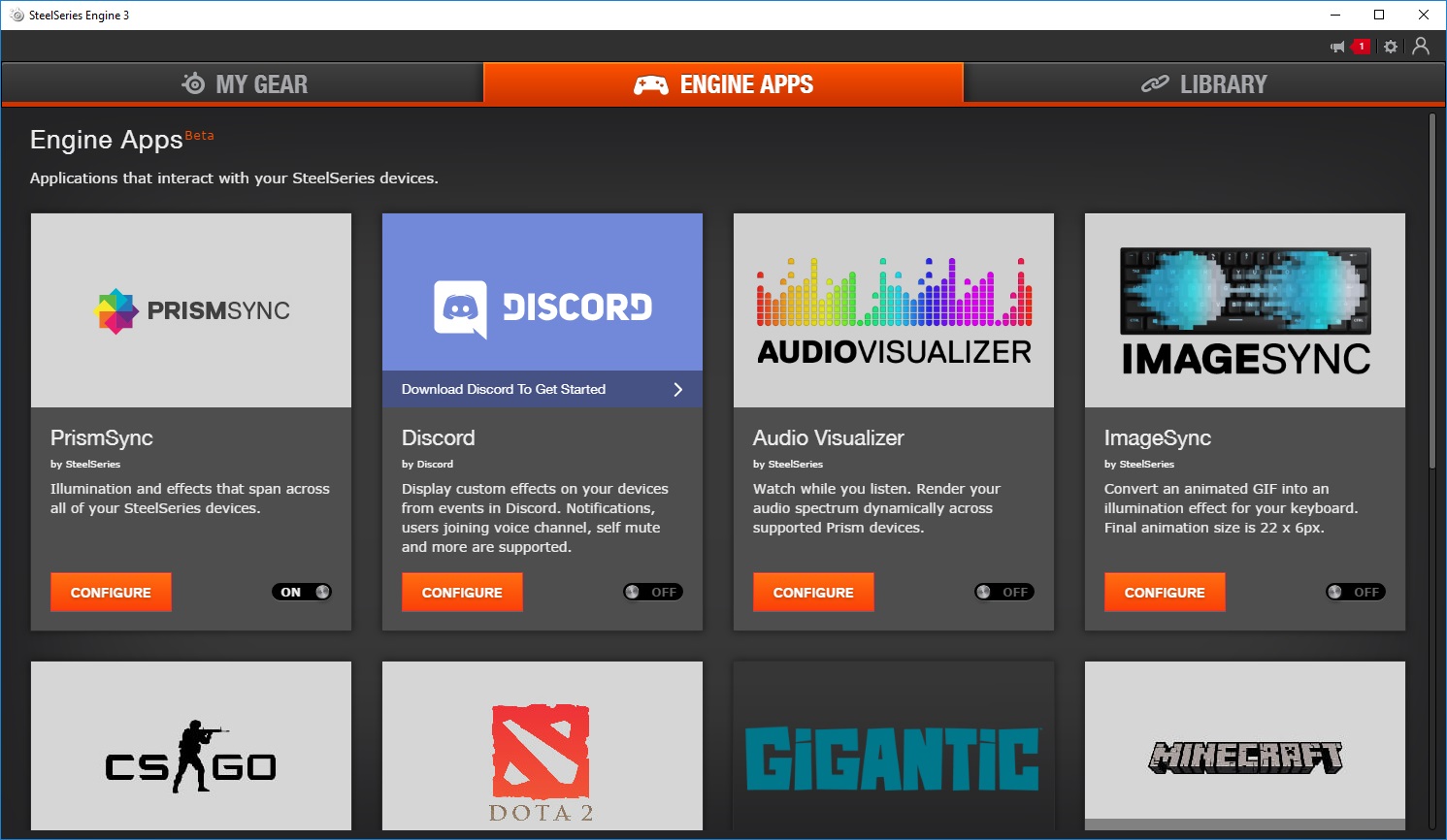
Engine Apps is the 2nd tab, allowing you to take advantage of integration of popular applications and games, mainly in relation to RGB lighting or button layouts.
If you wish for a specific profile to be activated or an action completed upon the loading of an application, Library allows this to be configured. Specifical colour schemes or keyboard layouts might be handy in your favourite games or applications like Photoshop.
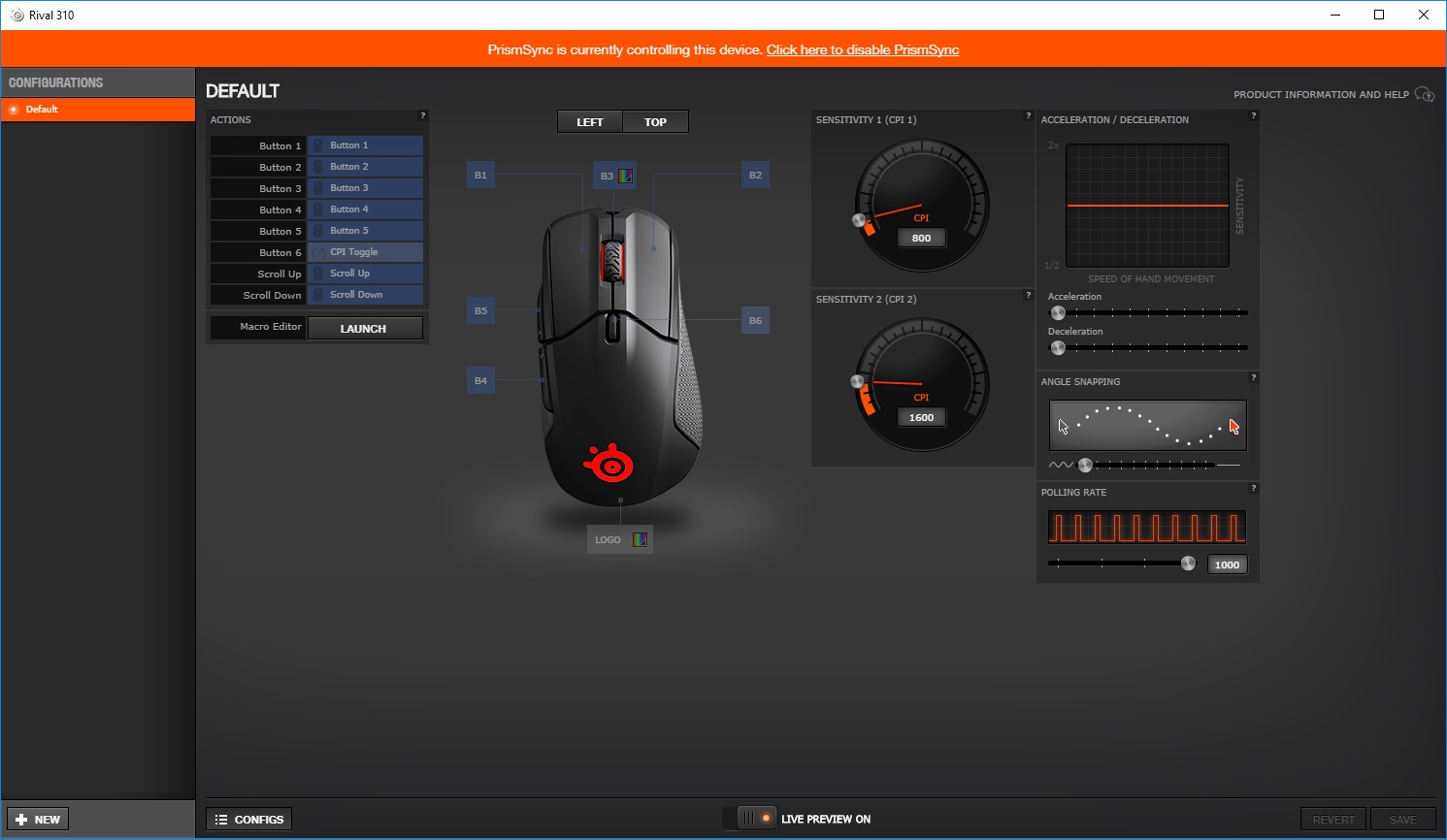
Configuring the Rival 310 is a relatively easy task, with all of the relevant options being available within the one screen. We use PrimeSync to configure the lighting across all SteelSeries peripherals, however, the two zones are very easy to set up (scroll wheel and rear of the mouse).
The CPI selector on the top of the mouse has two available options which are dialled in using this page. Polling rate, snapping and acceleration is all set up here.
Performance Testing
Picking up where we left off with the Sensei 310, our only criticism if you can even call it that, was the scroll wheel is a little too in-set to truly show off the RGB lighting. Hardly an issue, we know. The story is very much the same with the Rival 310, though it tends to find my hand much better due to the right-handed shape.Battlefield 1, PUBG and Orcs Must Die: Unchained were used to test the Rival 310, all of which showed just how well the TrueMove3 sensor works, along with those OMRON switches and excellent shape of the mouse. The TrueMove3 sensor claims an impressive 1:1 tracking up to 3,500 CPI though the sensor is capable of a massive 12,000 CPI; the built-in 32-bit ARM CPU handles all of the processing, in real-time, to provide a lag-free experience while gaming.
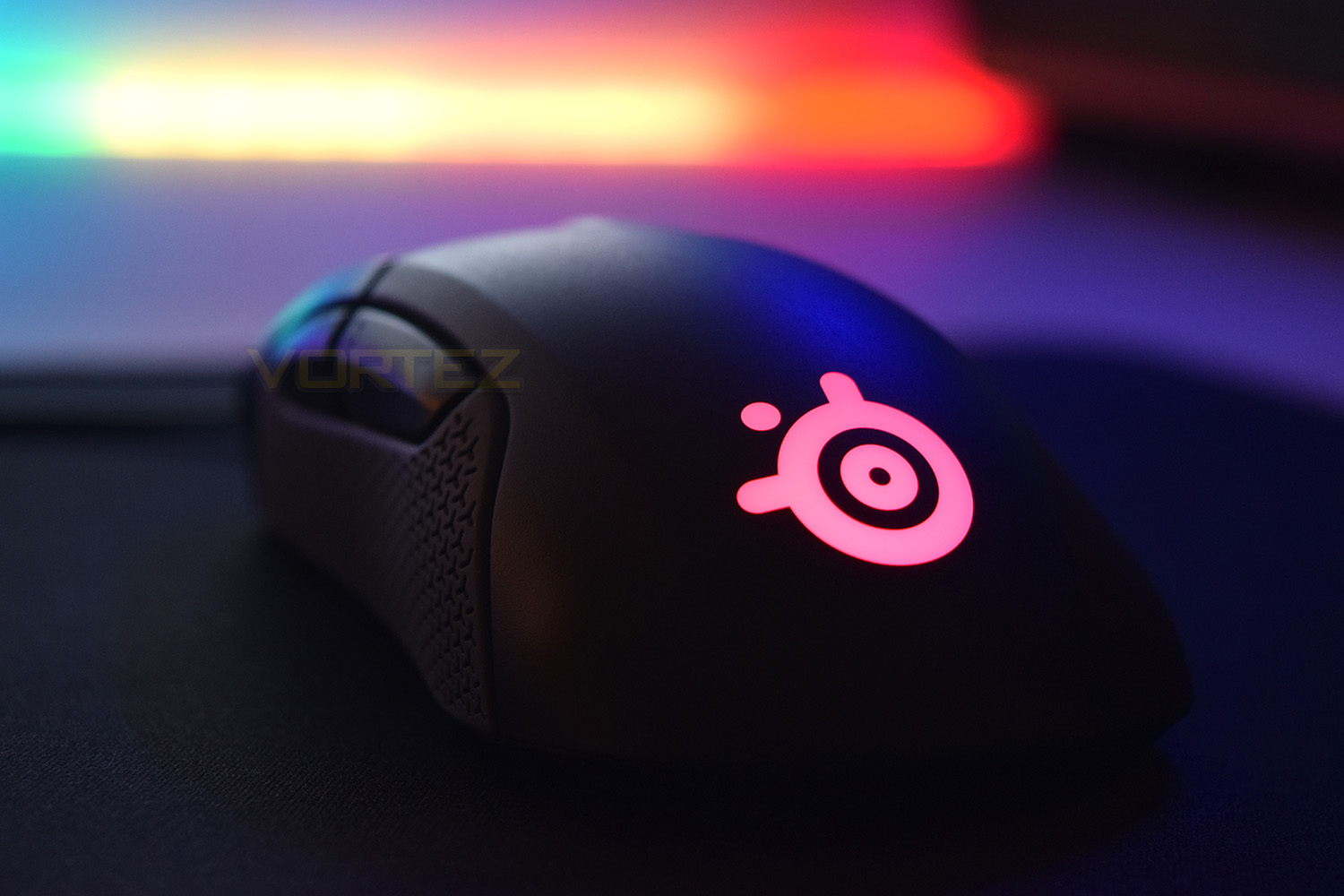
No gaming mouse would be complete without RGB lighting, which the Rival 310 provides through the SteelSeries logo on the rear along with the edges of the scroll wheel. The lighting is vibrant and uniform which, when paired with PrimeSync, looks absolutely fantastic.
The build quality of the Rival 310 is excellent, there can be no concerns about the longevity of the product. The OMRON switches used, which feel amazing by the way, are rated to 50,000,000 clicks each.
Conclusion
As expected, after reviewing the Sensei 310 a couple of weeks back, the Rival 310 smashes the competition, of which there is plenty around the £60 mark, out of the way in truly dominating fashion.The silicone grips provide all the grip you could ever need while feeling soft and great to touch. The thumb buttons are positioned incredibly well, while also being huge to allow for fluctuations between different grip-styles. The mouse 1 and 2 buttons, with their large area and split-trigger design, allow for lovely feedback, aided by the OMRON switches underneath.
SteelSeries put a lot of focus on the TrueMove3 sensor while marketing the Rival 310, and quite rightly so. The sensor is one of the best we have tested and at only £60 this makes it quite the bargain.
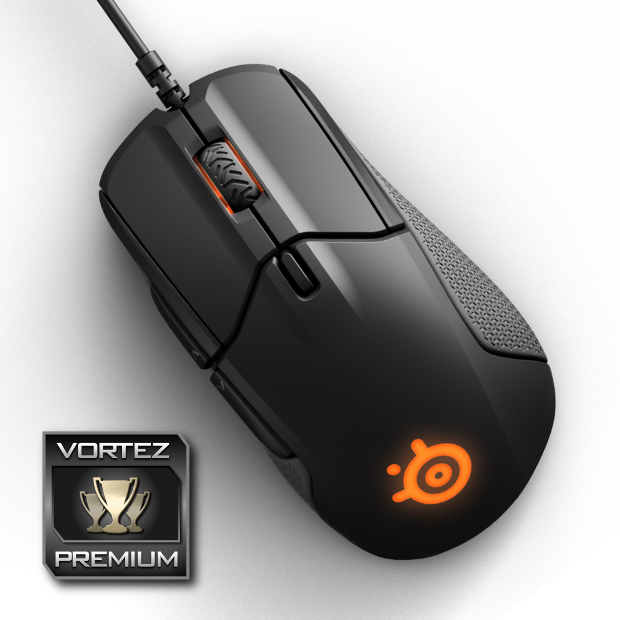
If you’re searching for a right-handed gaming mouse, there can be no qualms about purchasing the Rival 310. The 1:1 sensor is awesome and the shape is even better
Pros
+ TrueMove3 sensor is epic
+ Excellent shape
+ Lightweight, balanced design
+ Suitable for eSports
+ Also available in an ambidextrous chassis
+ Solid build quality (What do you expect from SteelSeries?)
+ OMRON switches
Cons
– No braided cable
+ TrueMove3 sensor is epic
+ Excellent shape
+ Lightweight, balanced design
+ Suitable for eSports
+ Also available in an ambidextrous chassis
+ Solid build quality (What do you expect from SteelSeries?)
+ OMRON switches
Cons
– No braided cable
Click here for an explanation of our awards at Vortez.net.