In the first part of a two part review, we take a look at the SteelSeries Sensei 310, an ambidextrous mouse claiming true 1:1 sensor accuracy.

Product on Review: SteelSeries Sensei 310
Manufacturer: SteelSeries
Street Price: £59.99 / $59.99
SteelSeries has provided us with the SteelSeries Sensei 310 and the Rival 310, both of which share the same engine and sensor, housed in separate chassis designs. We kick off this two-parter with the ambidextrous Sensei 310.
We’ve tested several SteelSeries Sensei mice over the years, all of which have received top marks with almost no flaws at all. The Sensei 310 promises to follow in its forefather’s footsteps; this time, however, touting SteelSeries TrueMove3, their latest and greatest sensor, developed in partnership with PixArt, offering 12,000 CPI and a true 1:1 tracking ratio.
The Sensei 310 is an ambidextrous shell, best suited for those who adopt the claw or finger-tip grip styles, though obviously will adapt to all grip styles and be suitable for lefties all the same.
Under the hood is a 32-bit ARM processor to increase responsiveness and allow you to save profiles onto the device for eSports events. There are also two split-trigger buttons up the front, housing OMRON switches for increased feel and longevity.
Certainly, upon the face of it, the Sensei 310 looks to offer everything you could ask for, and let’s not forget, the Sensei also features two RGB lighting zones for those desktop schemes.
Steelseries on the Sensei 310:
TrueMove3 is a 12,000 CPI, 350 IPS optical sensor built exclusively with industry leader PixArt. Instead of focusing on CPI alone, TrueMove3 was engineered for true 1-to-1 tracking. Moving a specific distance on a mousepad results in the same exact distance on screen, without introducing latency, interpolation, or affecting jitter reduction.
Technical Specifications
Sensor:Sensor Name: SteelSeries TrueMove3
Sensor Type: Optical
CPI: 100-12000, 100 CPI Increments
IPS: 350+, on SteelSeries QcK surfaces
Acceleration: 50G
Polling Rate: 1 ms
Hardware Acceleration: None (Zero Hardware Acceleration)
Sensor Type: Optical
CPI: 100-12000, 100 CPI Increments
IPS: 350+, on SteelSeries QcK surfaces
Acceleration: 50G
Polling Rate: 1 ms
Hardware Acceleration: None (Zero Hardware Acceleration)
Design:
Top Material: Finger Print Resistant Semi-Rough Matte
Core Construction: Fiber-Reinforced Plastic
Shape: Ambidextrous
Grip Style: Claw or Finger-Tip
Number of Buttons: 8
Switch Type: Omron Mechanical Rated For 50 Million Clicks
Illumination: 2 RGB Zones, Independently Controlled
Weight: 92.1g
Length: 125.1mm
Width: 60.77mm (front), 61.77mm (middle), 70.39mm (back)
Height: 38.95mm
Cable Length: 2m, 6.5ft
Core Construction: Fiber-Reinforced Plastic
Shape: Ambidextrous
Grip Style: Claw or Finger-Tip
Number of Buttons: 8
Switch Type: Omron Mechanical Rated For 50 Million Clicks
Illumination: 2 RGB Zones, Independently Controlled
Weight: 92.1g
Length: 125.1mm
Width: 60.77mm (front), 61.77mm (middle), 70.39mm (back)
Height: 38.95mm
Cable Length: 2m, 6.5ft
Packaging & First Look
SteelSeries package the Sensei 310 in a rectangular cardboard box surrounded with a thin cardboard sleeve. The front of the packaging features a scale photograph of the mouse along with some basic information on the specifications.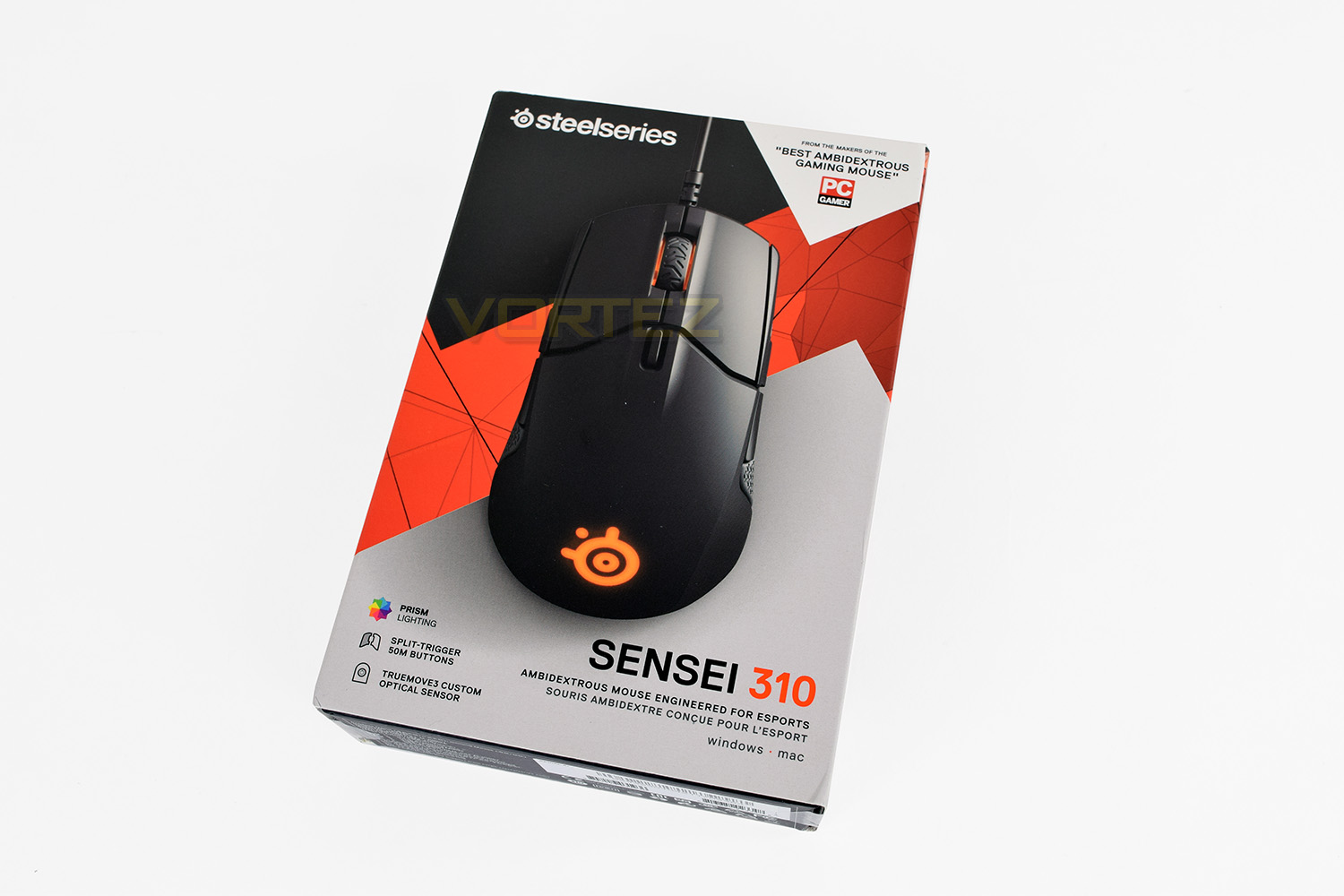
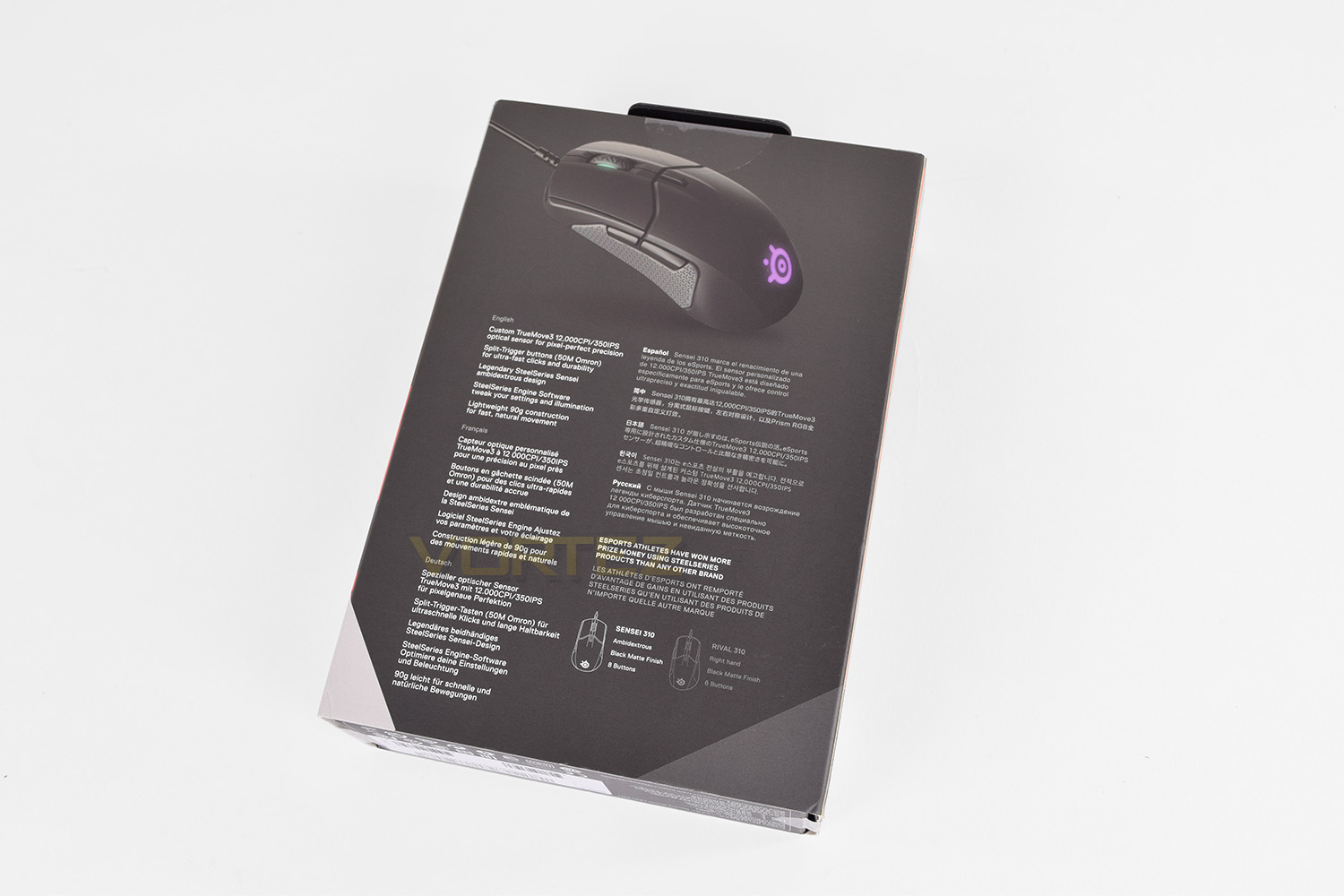
The rear of the box is multi-lingual, showing off the specifications and abilities of the mouse. Reference is also made to the Rival 310, which is identical to the Sensei apart from a right-handed design.
Sliding away the cardboard sleeve we find the inner, thicker cardboard box. RISE UP is printed on the front.
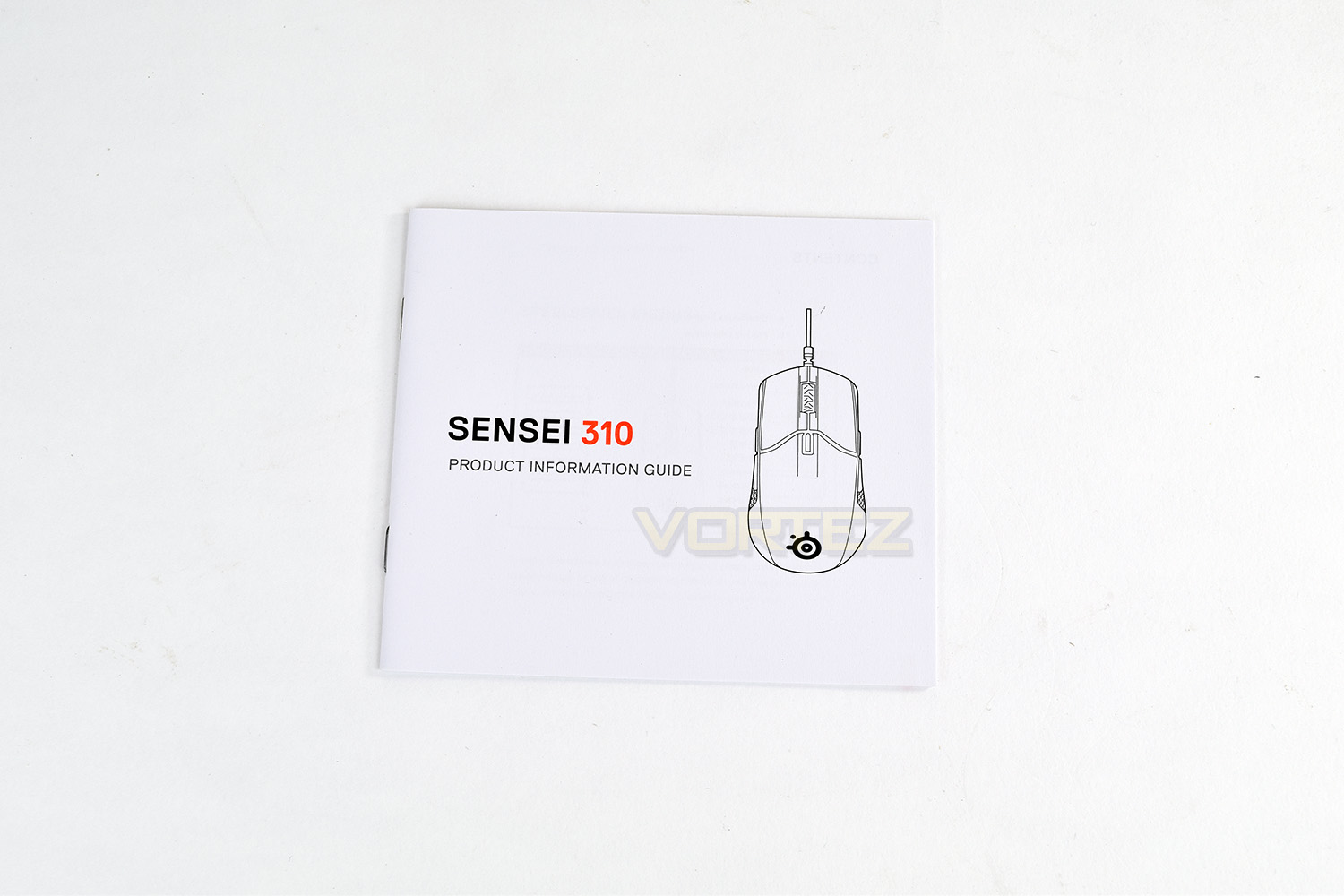
“Included extras” is perhaps the wrong term, with only a Product Information Guide accompanying the Sensei 310. Some stickers would be nice.
The Sensei 310 presents itself with a chunky appeal, looking very rugged and masculine.
Closer Look
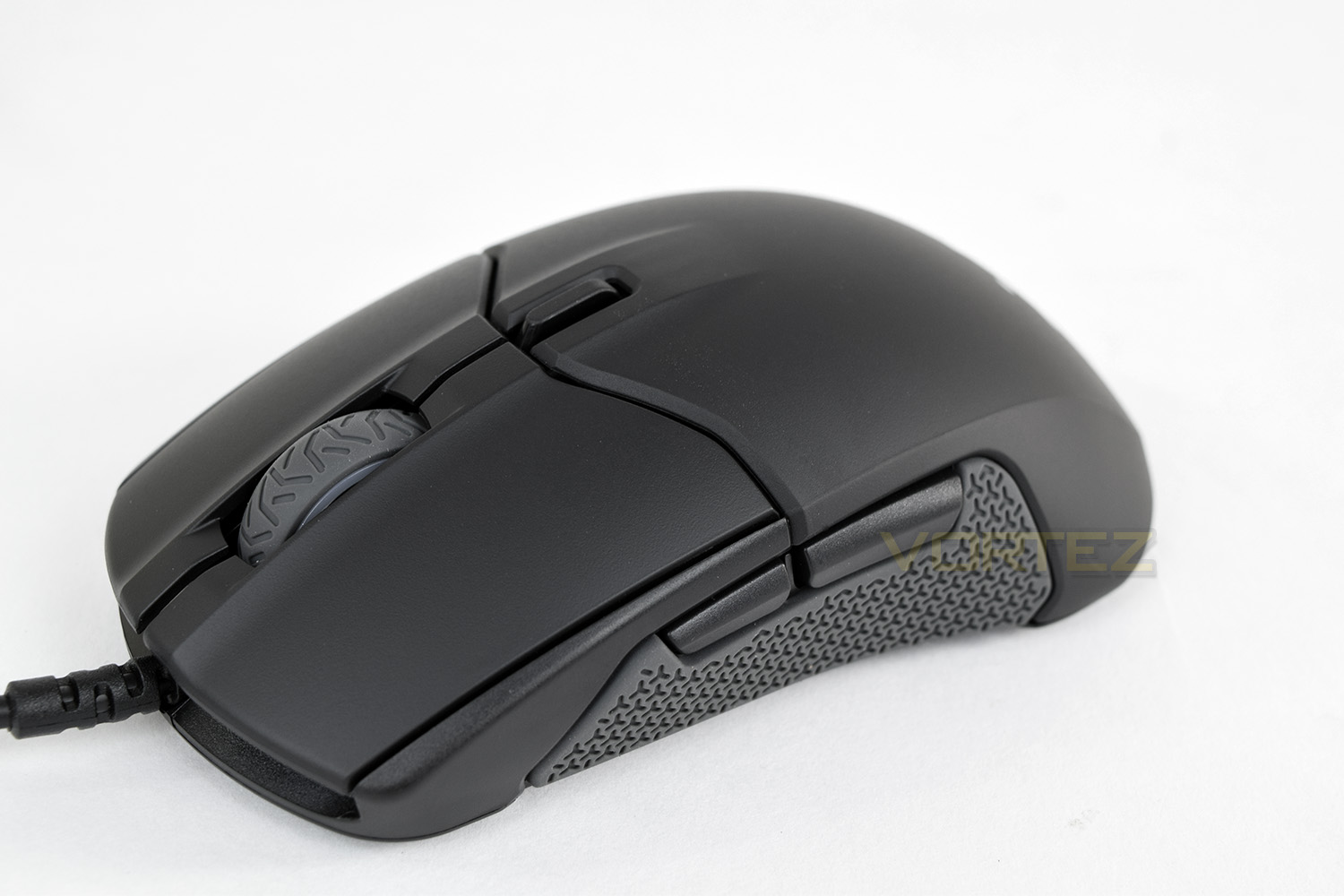
Taking a look at the mouse from the front, those big mouse buttons have plenty of clearance and extend a reasonable distance backwards. The scroll wheel also appears to have tread pattern like a car tyre.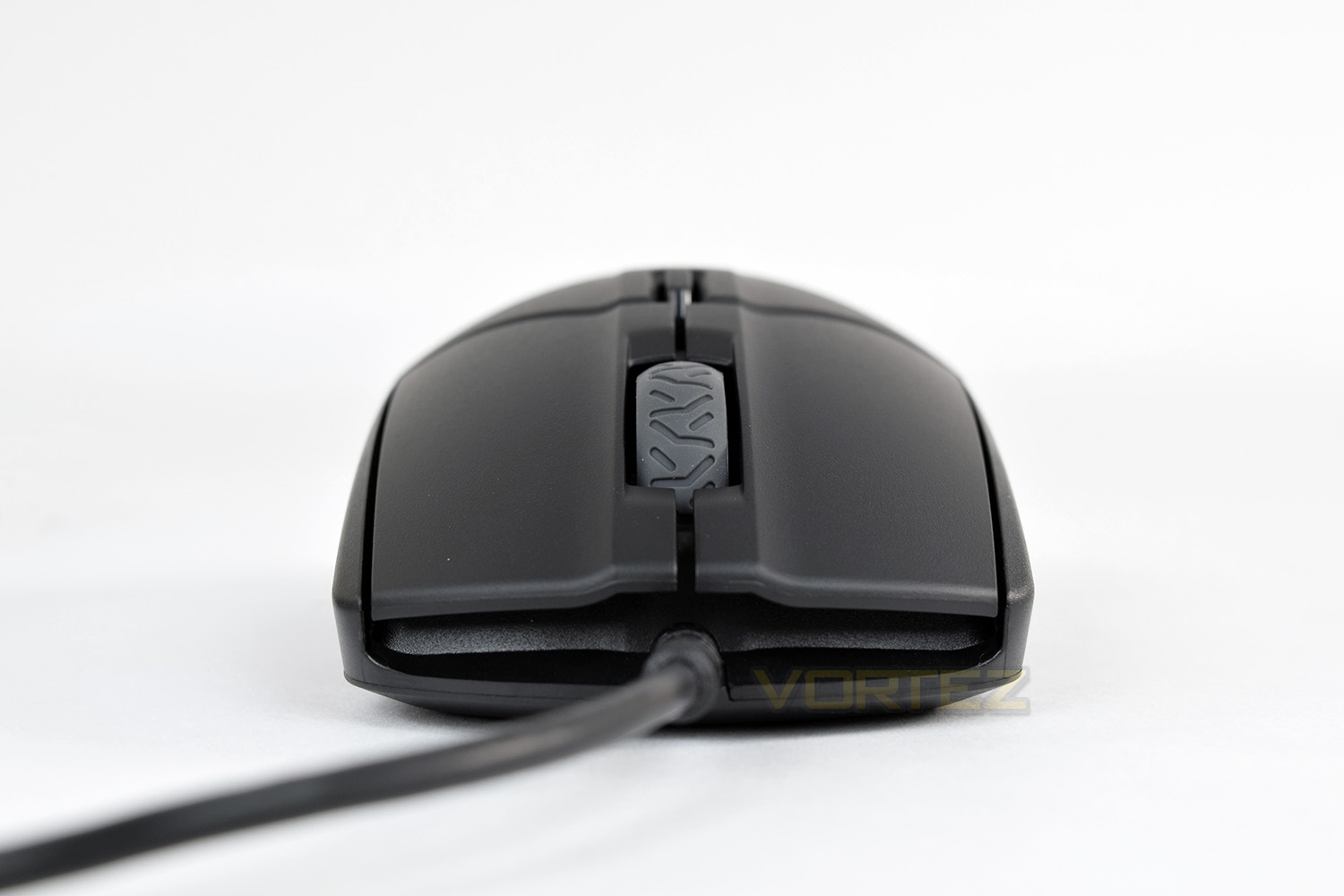
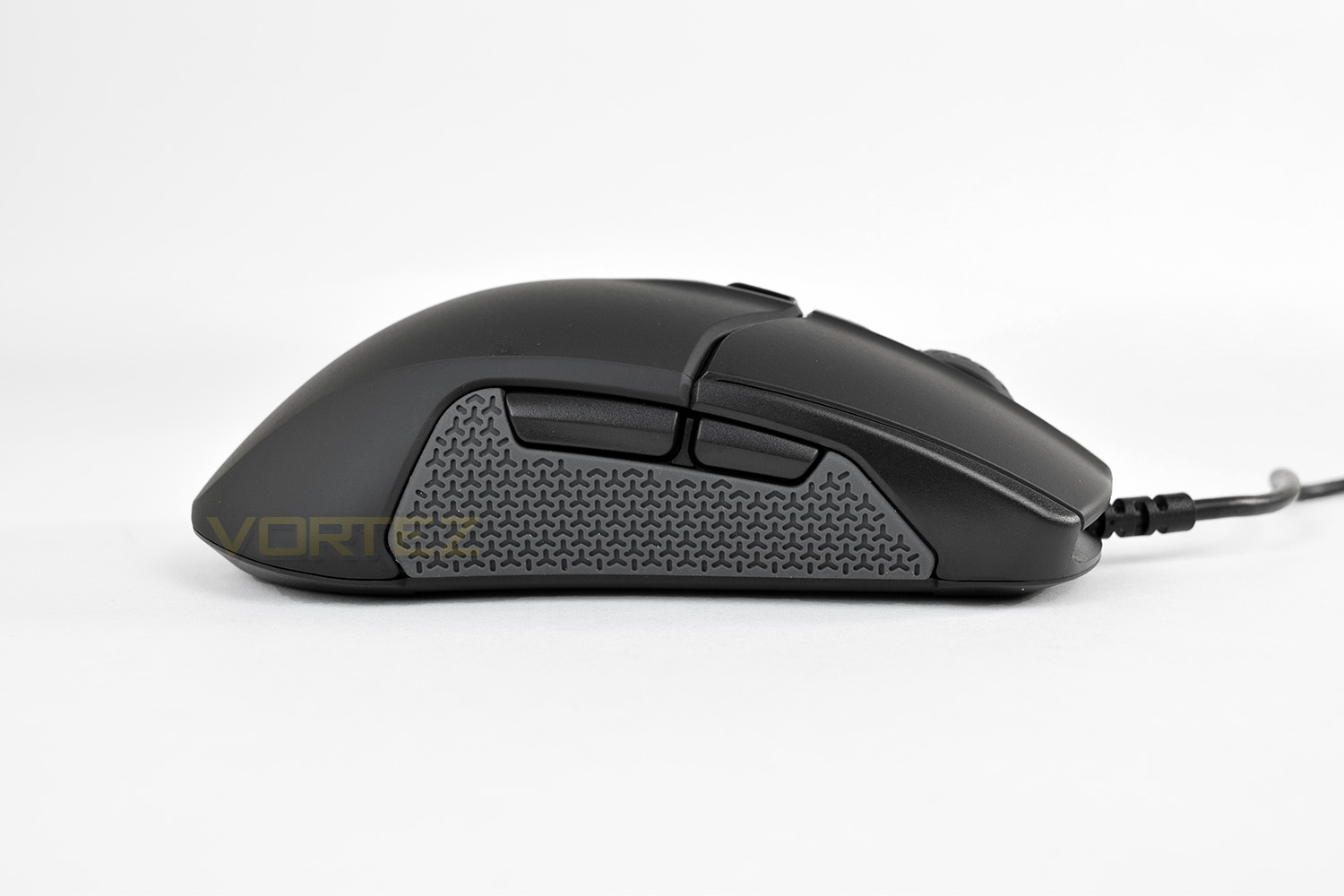
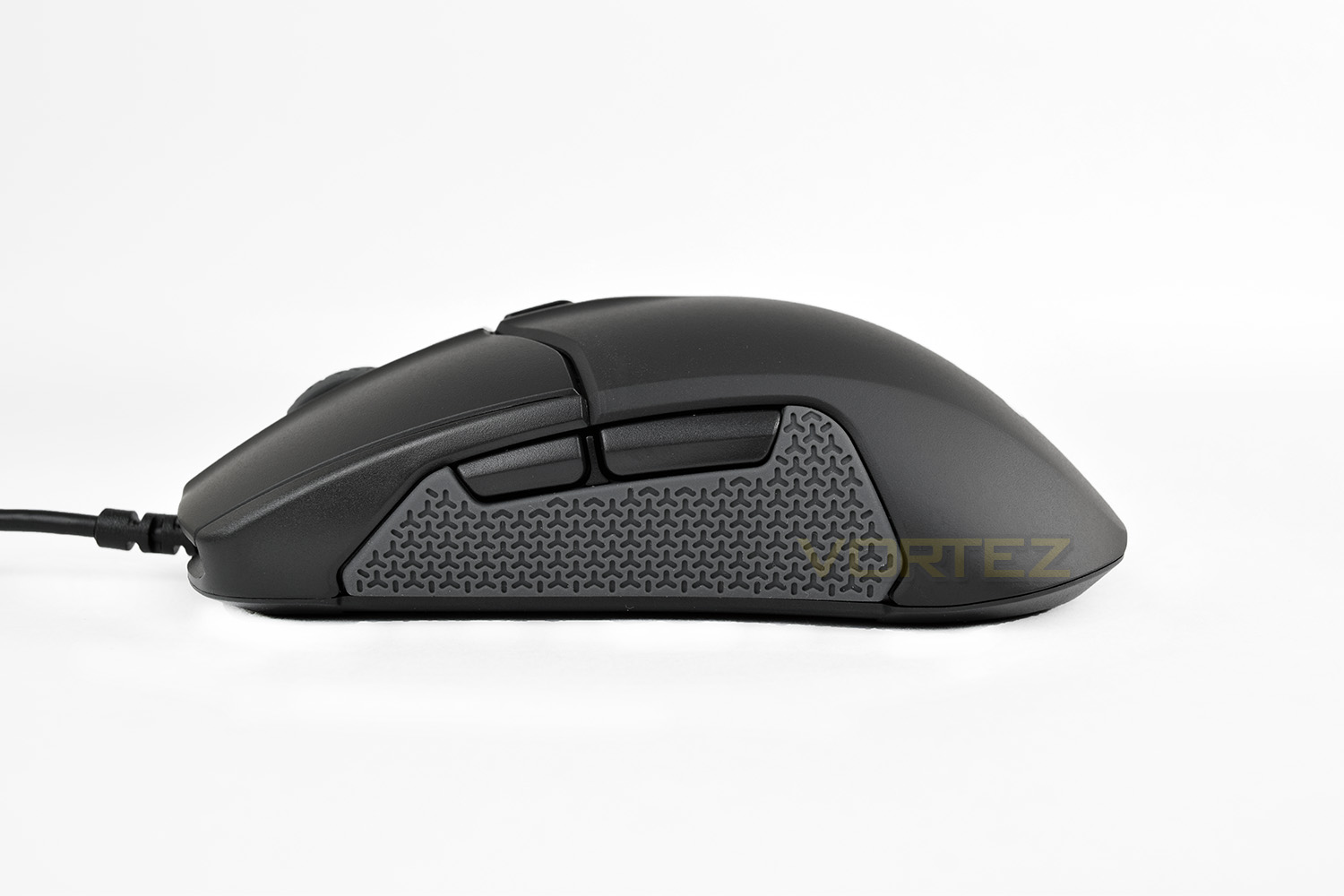
With the Sensei 310 being ambidextrous, the right and left-hand sides are identical. The Sensei has two more thumb buttons than the Rival because of this, to accommodate right or left-handed orientations.
Those large thumb/finger grips on each side have large, deep grooves which should provide plenty of traction. The silicone is reasonably soft, too.
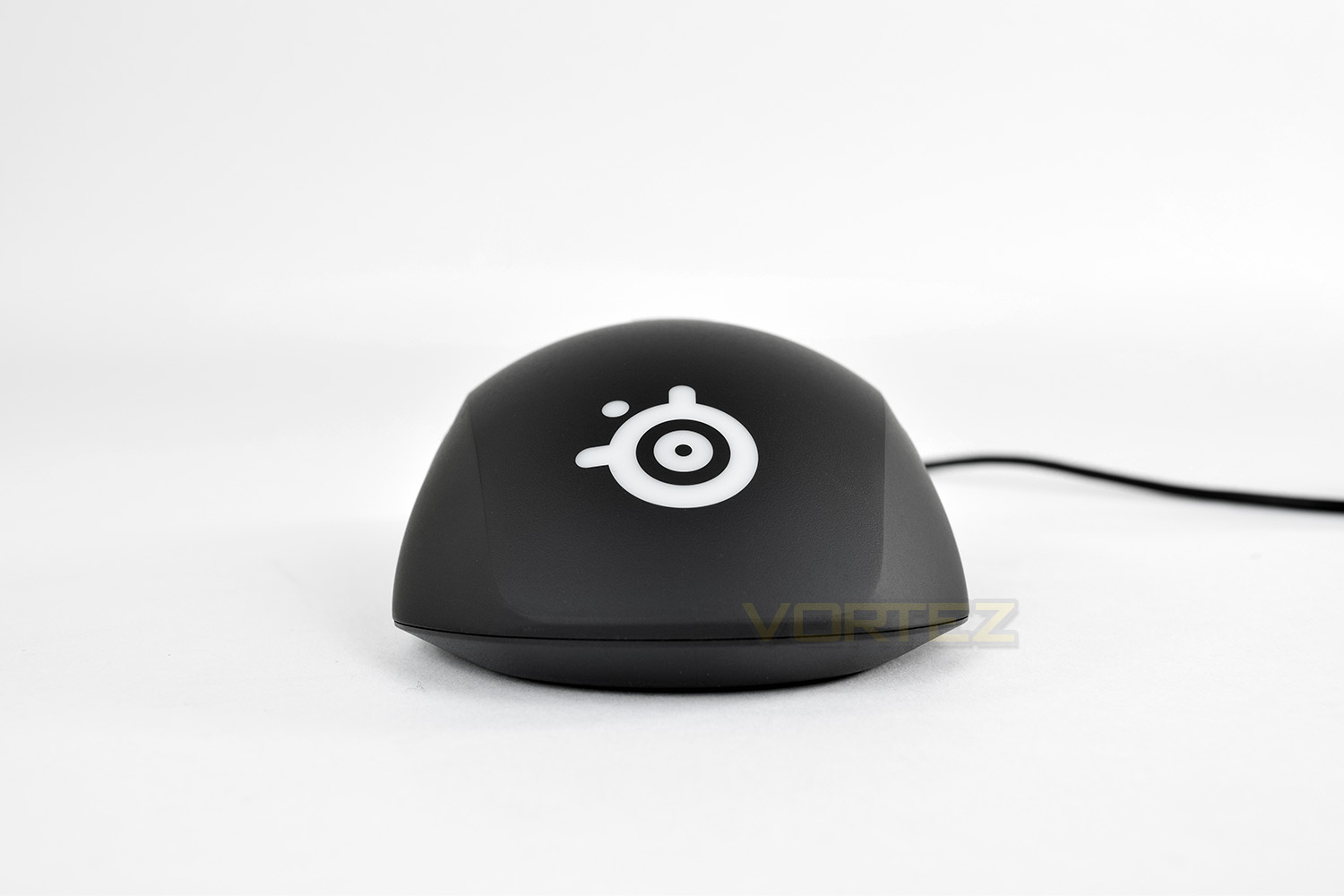
The rear end of the mouse is fairly simple, with only the RGB backlit SteelSeries logo.
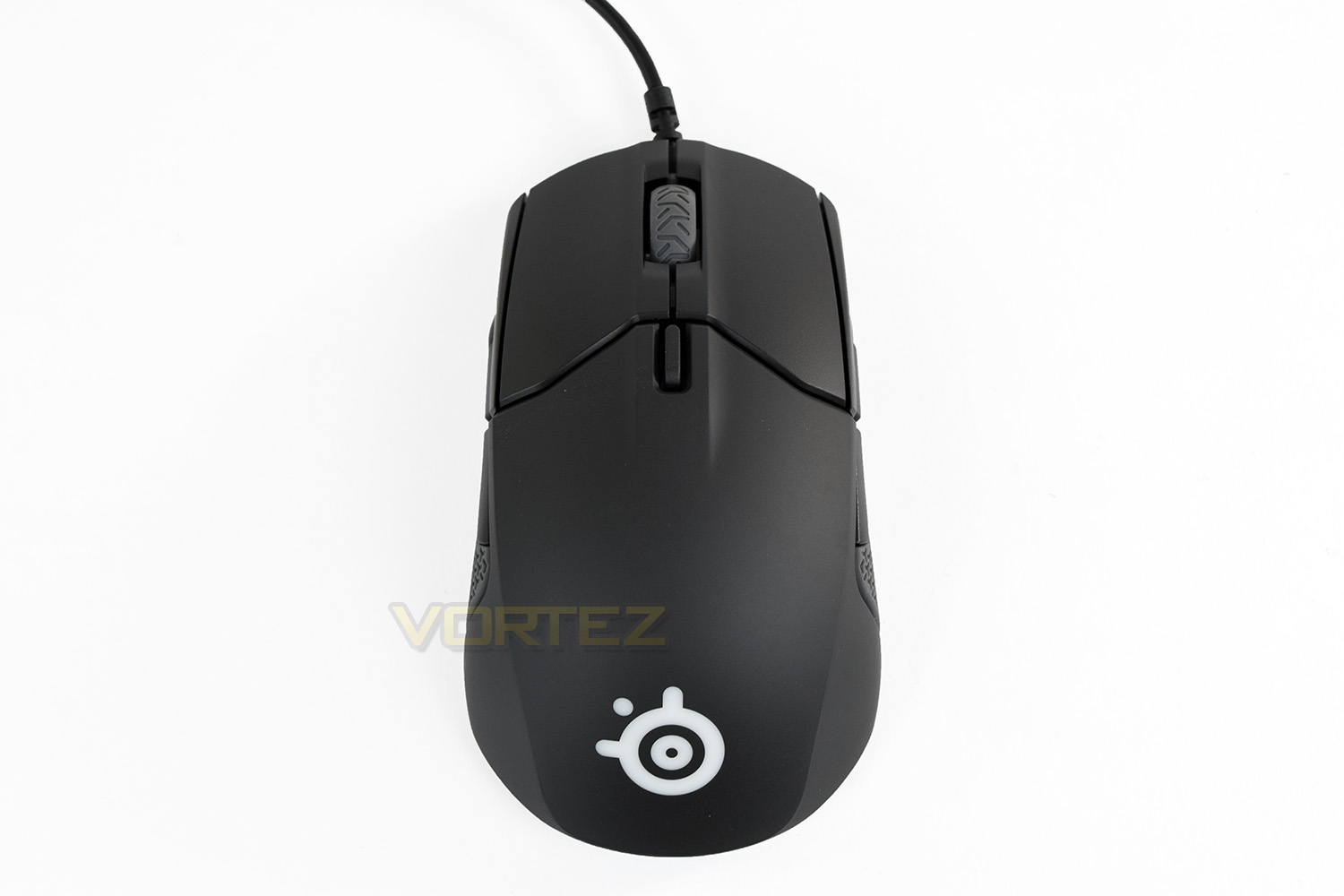
The top of the mouse illustrates the ambidextrous shape best. You can see the CPI selector switch, directly behind the scroll wheel; this is configured with the SteelSeries Engine 3 to two different CPI settings which you can toggle between.
Closer Look (Continued)
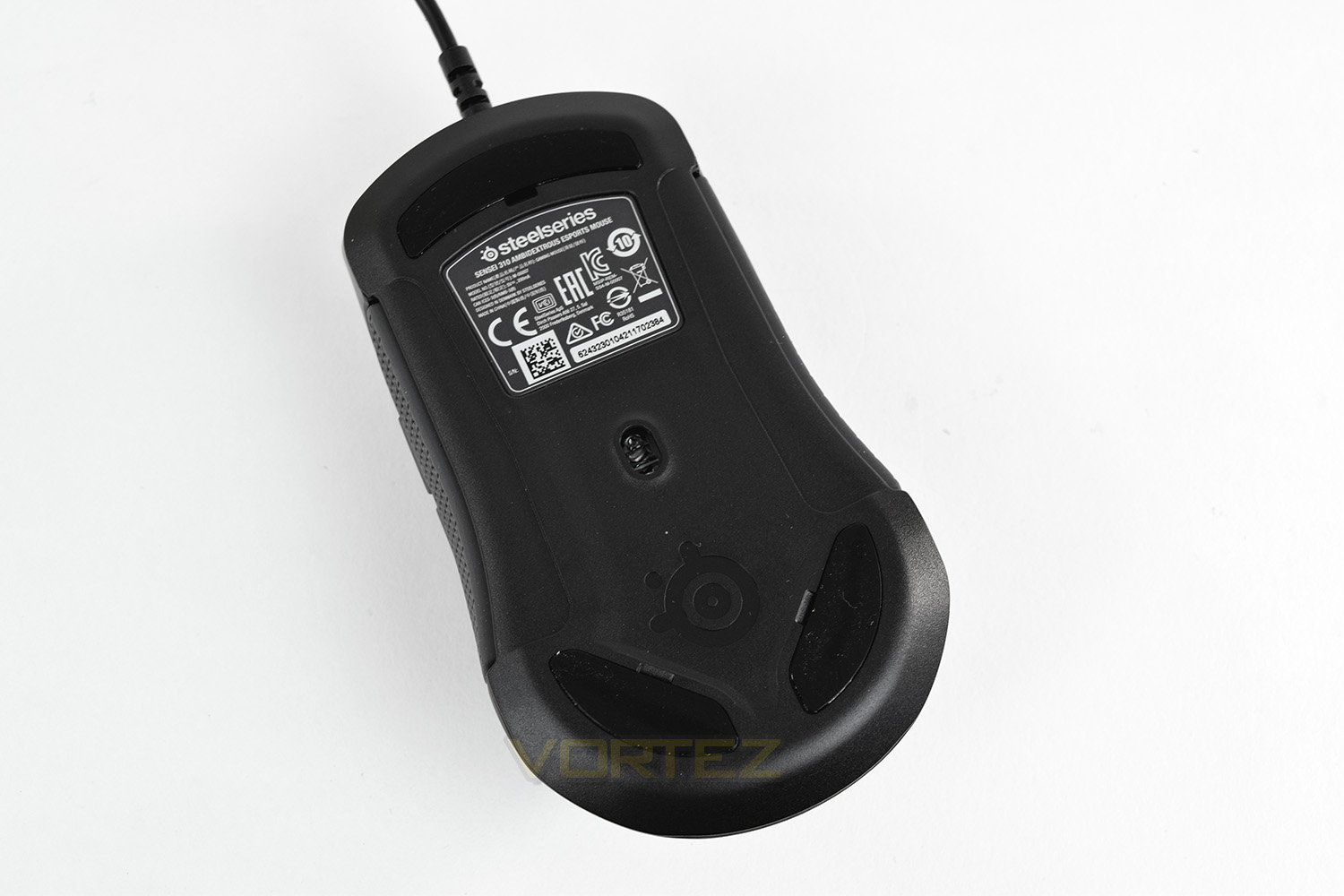
The belly of the mouse houses two smaller, replaceable PTFE pads at the rear, along with a larger, also replaceable, pad at the front.The sensor is placed a few millimetres closer to the rear of the mouse than the front but is positioned dead centre from left to right.
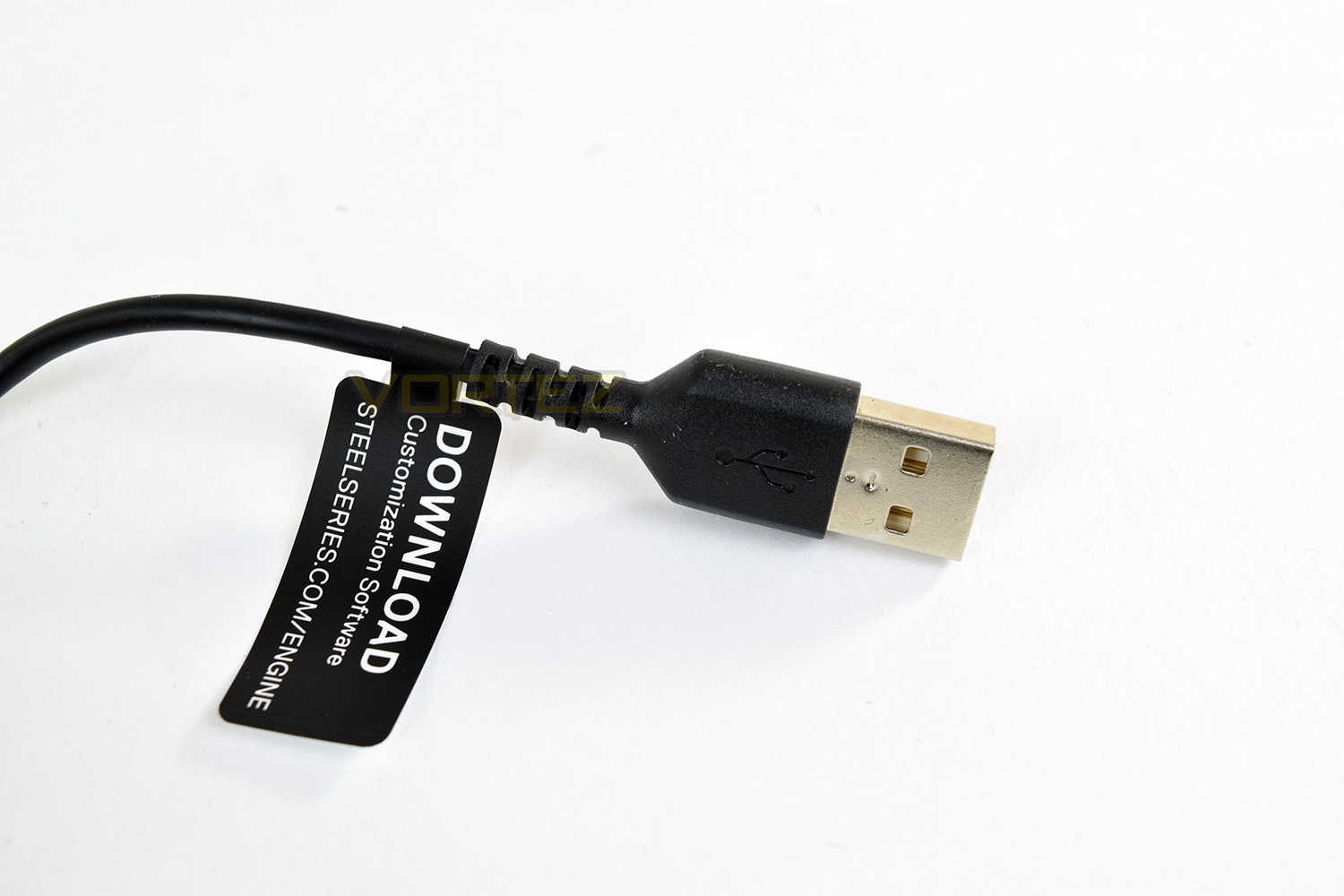
The USB cable is 2M in length and made from an incredibly supple rubber. SteelSeries have handily placed a small tag at the end of the cable with short instructions on how to get a hold of the SteelSeries Engine 3 software.
Software
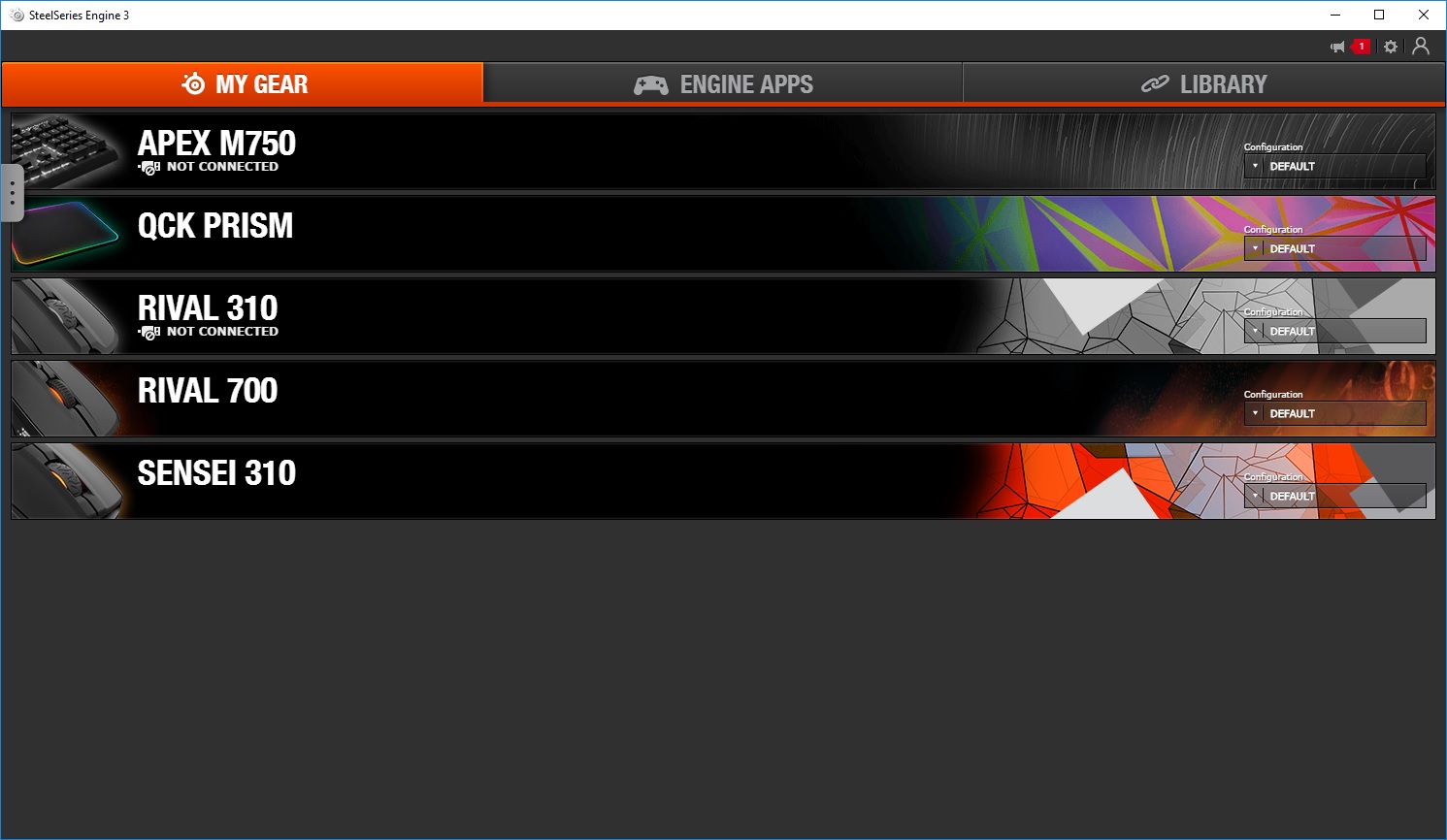
The Sensei 310, as with all SteelSeries hardware, utilises the SteelSeries Engine 3. We’ve tested this software on a few occasions now, finding it to be one of the most stable and effective driver software out there.Within the initial screen, you can see all of the SteelSeries hardware attached to your PC, along with older hardware which you may have configured. Within this screen, you can quickly switch between profiles you have previously created.
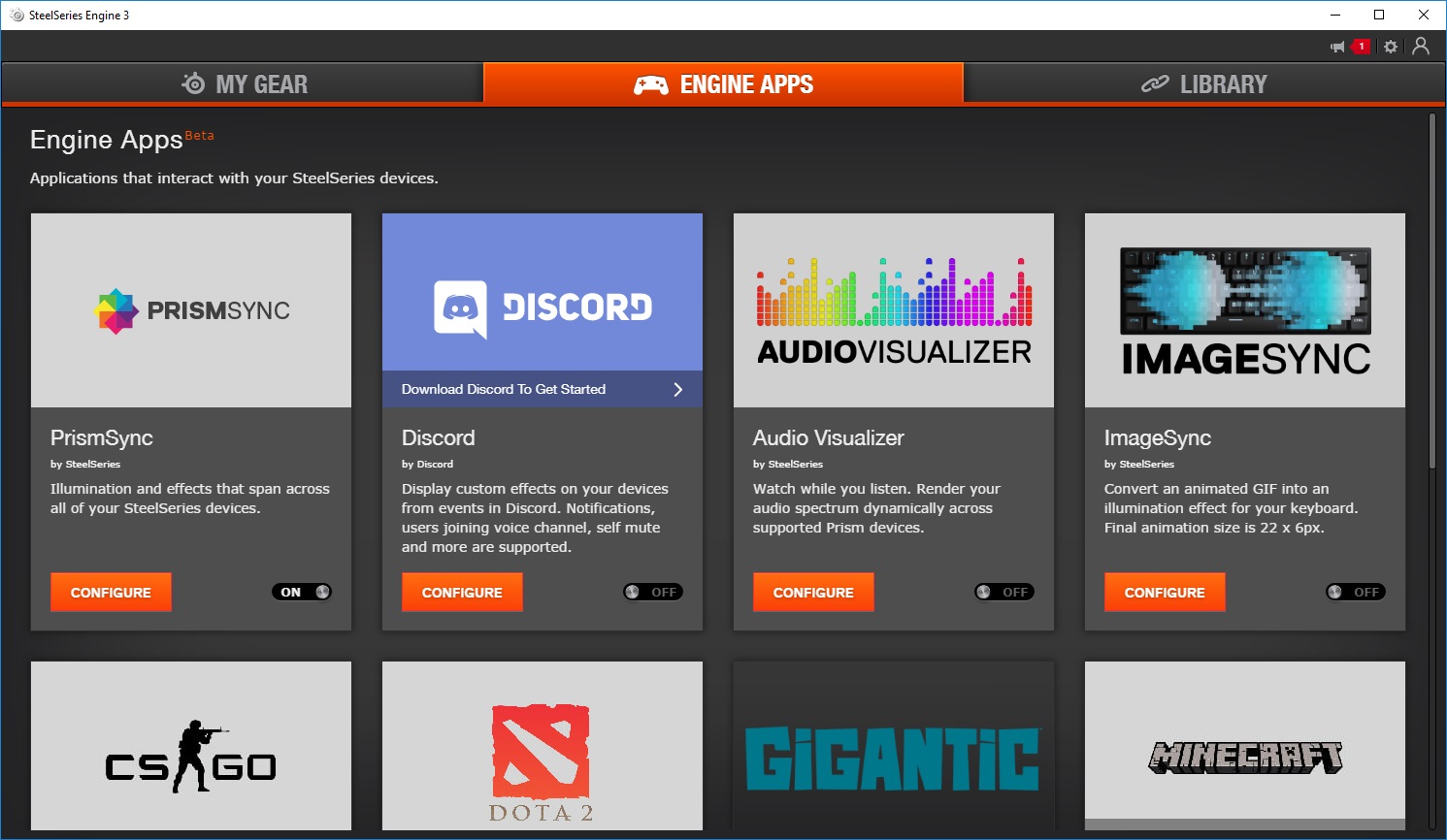
Engine Apps is the 2nd tab, allowing you to take advantage of integration into popular applications and games, mainly in relation to RGB lighting or button layouts.
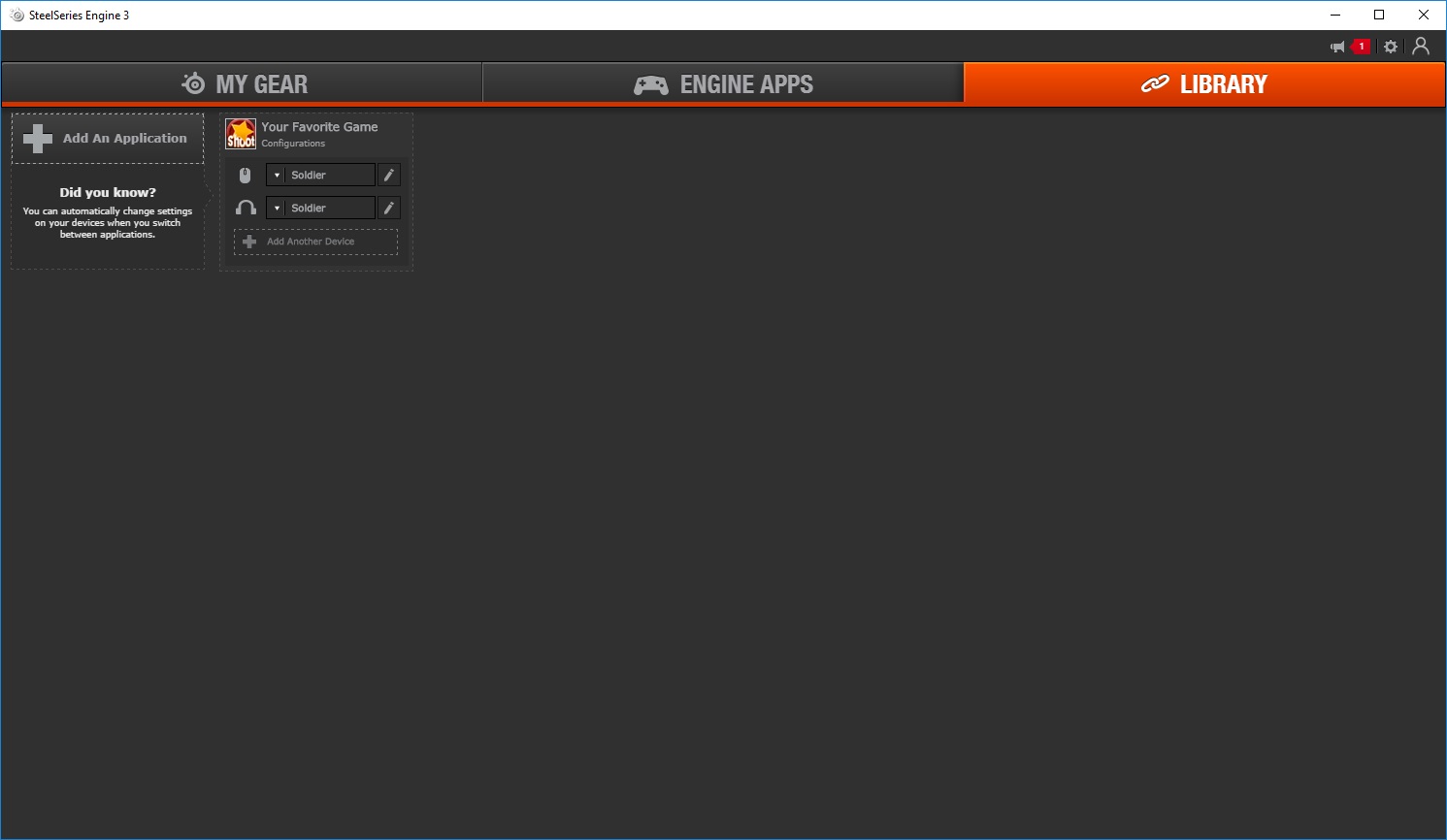
If you wish for a specific profile to be activated or an action completed upon the loading of an application, Library allows this to be configured. Specifical colour schemes or keyboard layouts might be handy in your favourite games or applications like Photoshop.
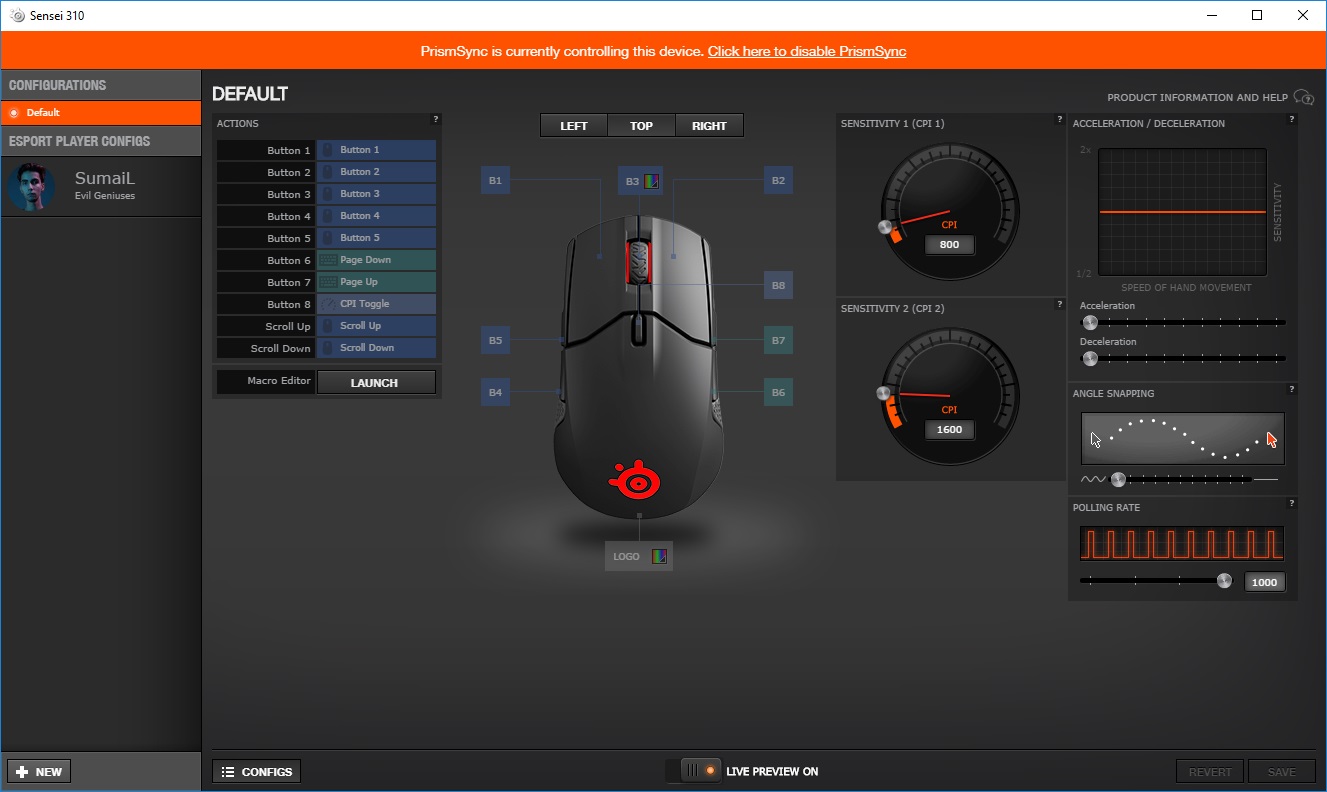
Configuring the Sensei 310 is a relatively easy task, with all of the relevant options being available within the one screen. We use PrimeSync to configure the lighting across all SteelSeries peripherals, however, the two zones are very easy to set up (scroll wheel and rear of the mouse).
The CPI selector on the top of the mouse has two available options which are dialled in using this page. Polling rate, snapping and acceleration are all set up here.
Performance Testing
The true beauty of the Sensei 310 lies within the TrueMove3 optical sensor, developed in partnership with PixArt, who know a thing or two about mouse sensors. The sensor may be capable of 12,000 CPI but that’s not the impressive feature; SteelSeries claim true 1:1 tracking up to 3,500 CPI. The built-in ARM processor handles all of this in real-time, all the while still providing a lag-free mouse.Testing the mouse was a joy, SteelSeries quotes were certainly backed up by the Sensei. War Thunder and Paladins demonstrated the greatest benefits, with accuracy being most important. Battlefield 1, PUBG and Orcs Must Die: Unchained all showed benefits, too. Overall, gaming performance was excellent. We tested the Sensei 310 on the SteelSeries QcK Prism mouse surface.
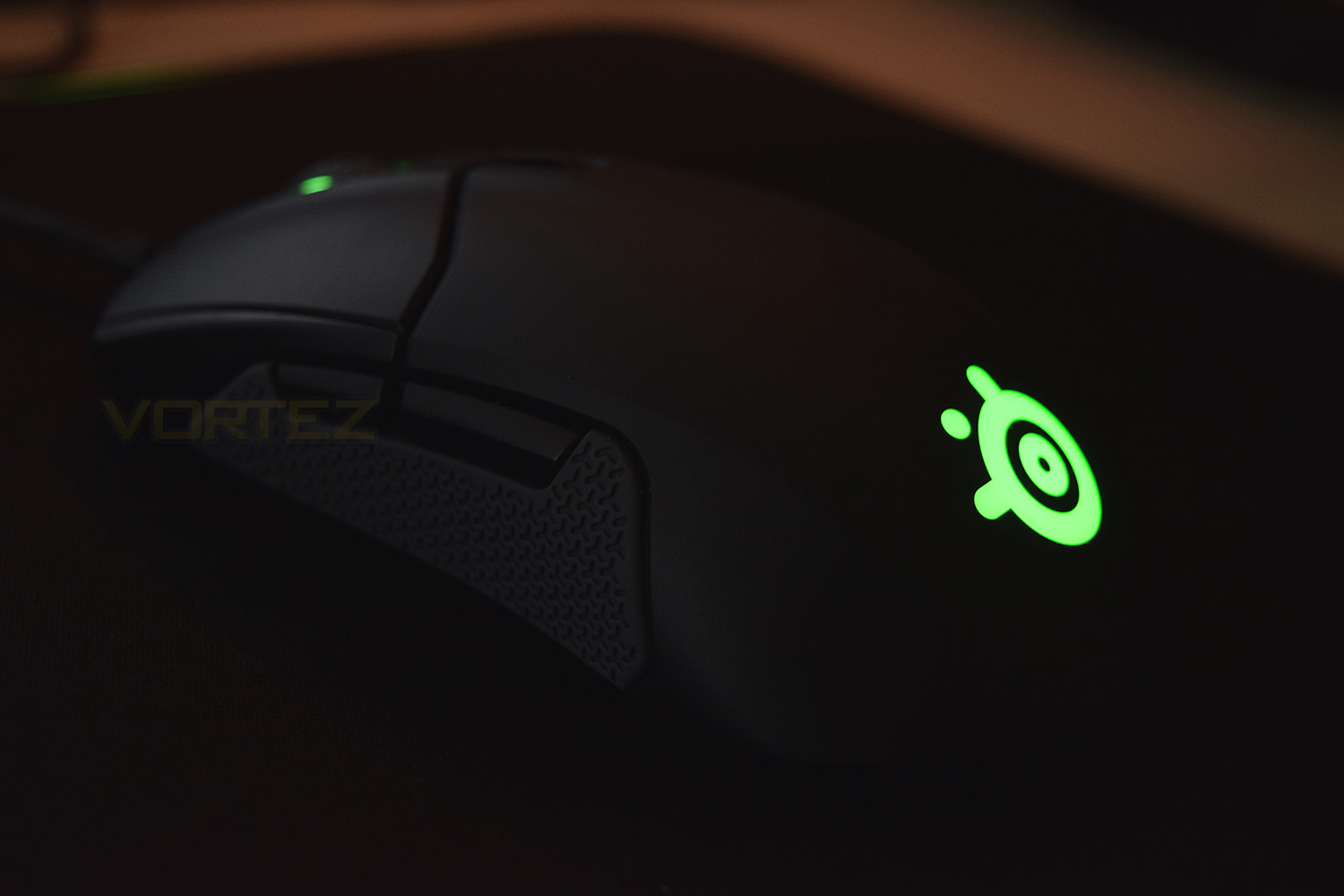
The RGB backlighting compliments any desktop, the scroll wheel is concealed a little bit too much to really make the RGB lighting worthwhile, though the SS logo on the rear glows incredibly brightly, with uniform illumination. PrismSync looks beautiful too, facilitating a unified display across all of your SteelSeries devices.
Generally speaking, build quality isn’t ever a concern with anything SteelSeries develop, this still applies to the Sensei 310. The silicone grips on the sides feel great, the scroll wheel appears robust with a not-too-intrusive tread pattern for grip.
The OMRON switches, each being good for 50 million actuations, feature a solid, clicky quality with plenty of life to see you through many-a-gaming-session, meanwhile, the independent split-trigger design is well implemented and works exactly as it should.
Conclusion
The SteelSeries Sensei 310 comes up against some tough competition within the £60 region, with most manufacturers focusing largely on this bracket. Despite the competition, the Sensei 310 is certainly one of, if not, the best.The spotlight is firmly on the development between PixArt and SteelSeries for the TrueMove3 sensor, offering 1:1 accuracy at up to 3,500 CPI (DPI is the same thing). We can safely say, with no hesitation whatsoever, that our in-game performance showed a marked improvement; being able to depend 100% on the sensor reporting exactly where you are is so important.
The shape of the Sensei may not suit everyone, especially right-handed palm grippers, but there’s the SteelSeries Rival 310 review just around the corner, which promises the exact same performance in a right-handed chassis; however, the Sensei feels great in the hand with the silicone grips certainly adding to the impression.
Everything considered, the SteelSeries Sensei 310 is a cracking mouse, and priced at £59.99, you’ll be hard-pressed to find anything better for your money.
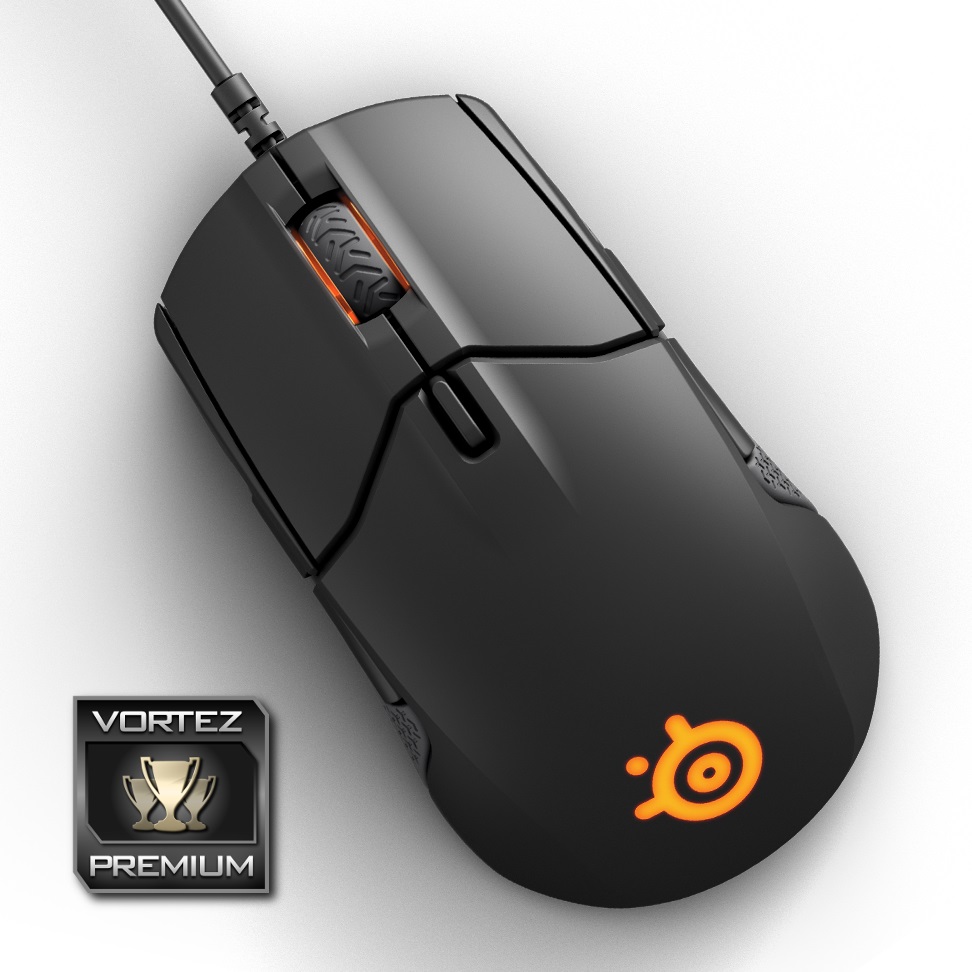
”True 1:1 tracking” is the claim made by SteelSeries, our testing entirely backs this up.
Pros
+ TrueMove3 sensor is epic
+ Excellent shape
+ Lightweight, balanced design
+ Suitable for eSports
+ Also available in a right-handed chassis
+ Solid build quality (What do you expect from SteelSeries?)
Cons
– No braided cable
+ TrueMove3 sensor is epic
+ Excellent shape
+ Lightweight, balanced design
+ Suitable for eSports
+ Also available in a right-handed chassis
+ Solid build quality (What do you expect from SteelSeries?)
Cons
– No braided cable
Click here for an explanation of our awards at Vortez.net.
Stay connected with Vortez social media pages: