







SteelSeries have sent us their Xai laser gaming mouse for review. Lets see how this model performs!
Product on Review: SteelSeries Xai
Manufacturer and Sponsor: SteelSeries
Street Price: £57.20 (At time reviewed)

SteelSeries have sent us the Xai gaming mouse for review.
It’s a high performance gaming mouse with a raft of functions that should help any high or low sensitivity gamer get the edge.
Here’s a little about the company:
From day one, SteelSeries has been focused on making professional gaming gear that provide meaningful benefits to gamers of all skill-level, with the most demanding being those gamers whose lively hood depends on the performance of our products. We believe, as most gamers do, in winning, not trying!
They have this to say about the Xai:
SteelSeries Xai is a tool – not a gadget. The SteelSeries Xai Laser Mouse features state of the art technology and groundbreaking technical specifications. The technology, shape, size, weight and surface of the SteelSeries Xai were designed with one purpose: to enhance the users performance. Research and development was done in close cooperation with fulltime professional gamers from USA, Europe and Asia.
The sensor offers huge improvement over current laser mice, processing 12,000 Frames Per Second at movement speeds of 150+ Inches Per Second. This level of performance results in completely reliable tracking even during the most frantic and fast-paced games. SteelSeries Xai can be fully configured via a LCD menu system on the back of the mouse, while supporting advanced macro capabilities of up to 200 strokes per button programmable through the lean software.
Specifications
Technologically the Xai is right up there with the big boys.
Looks to be a lot on offer with many modifiable features!
Let’s take a look at the mouse itself.
Packaging and contents
The Xai arrived in a tidy looking package that showed off the mouse in its entirety. The design iquite subtle and to the point like the other SteelSeries kit we’ve reviewed before.
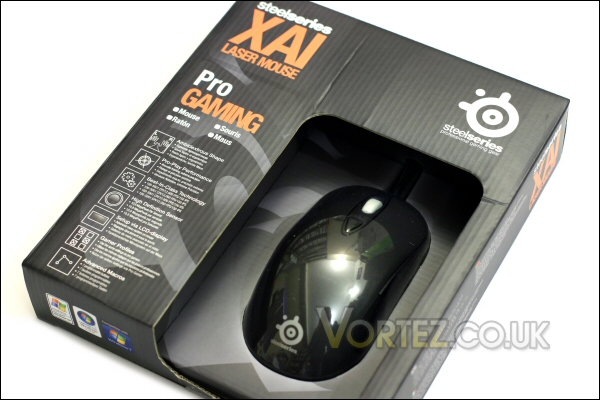
Simple but tidy looks.
The front lists some of the general features of the Xai.
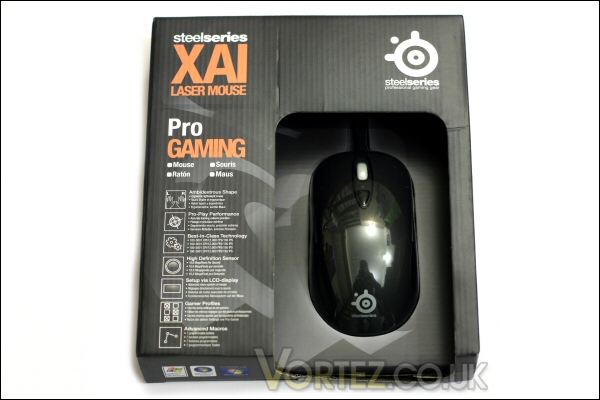
Box front.
The rear is more focussed and contains specific information regarding the more subtle features of the mouse.
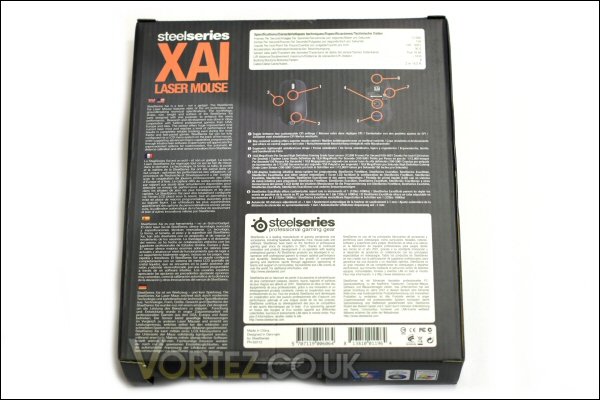
Box rear.
The top interestingly contains the logos from the gaming teams directly associated with SteelSeries.
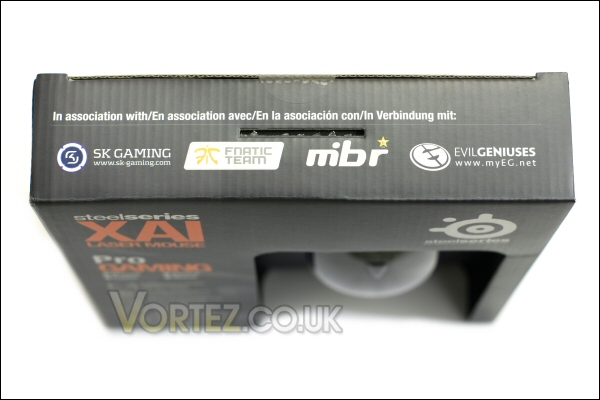
Box top.
Upon opening we see that the mouse is carefully packed into a formed plastic bubble. The cabling and additional bits and bobs are contained in the surrounding boxes and under the mouse itself.
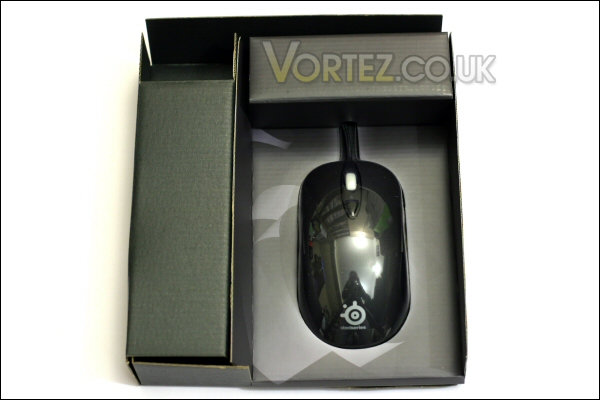
Box open.
The additions supplied with the mouse are a SteelSeries branded sticker, the Xai instruction manual and a Steelseries product brochure.
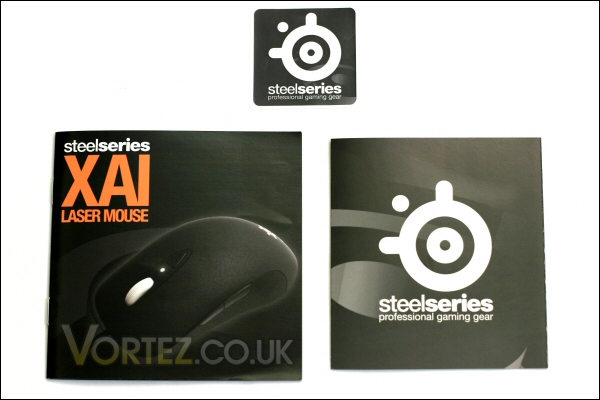
Included extras.
The Xai up close
The Xai is a clean looking mouse – totally in keeping with what i would expect from a SteelSeries piece of kit. The cable is also a good length coming in at 2m.
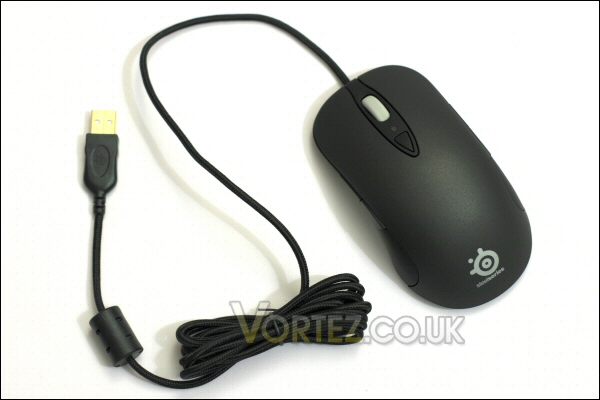
The Xai.
We have a gold plated moulded USB plug.
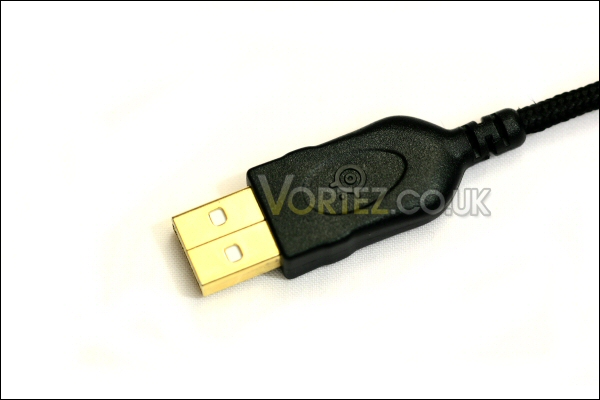
USB plug is nice quality.
That long cable is also braided for extra durability.
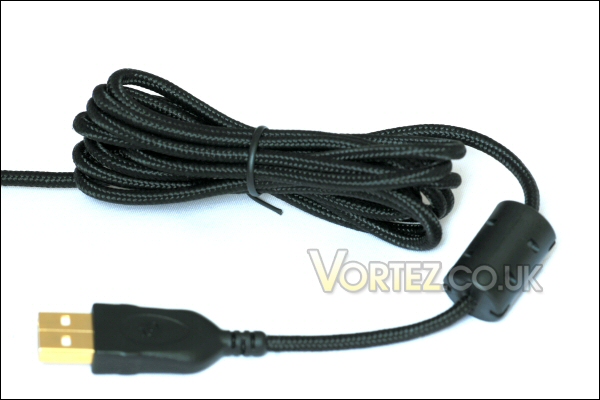
Braided cable is more robust.
Here we see the standard right button, scroll wheel and left button configuration. Just behind the wheel you can see an additional button. This allows users of the Xai to switch between sensitivity settings – i’ll talk more about this and the related programming functions later.
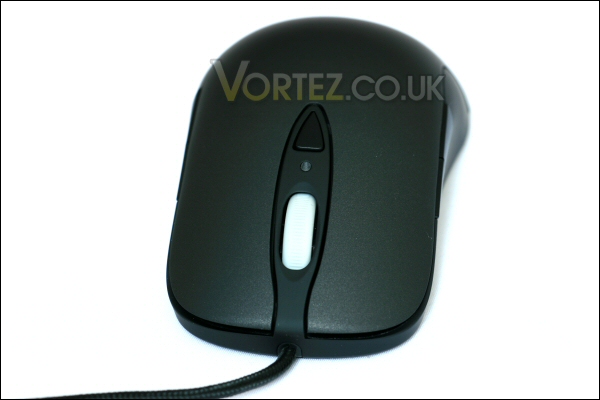
Xai front.
Being an ambidextrous mouse the shape of the Xai is symmetrical. Each side has twin thumb controlled buttons – these normally control forward and backwards movements in programs like Internet Explorer but can be modified using SteelSeries software.
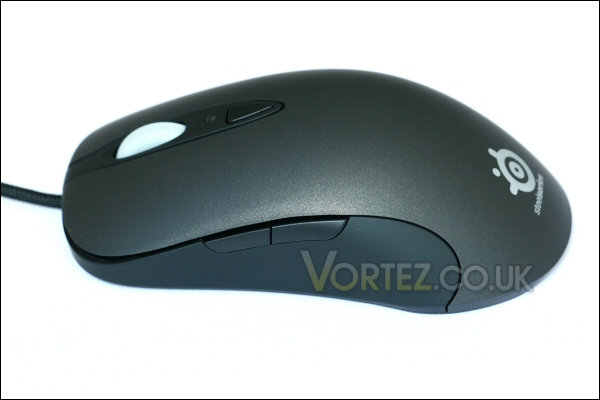
Xai left.
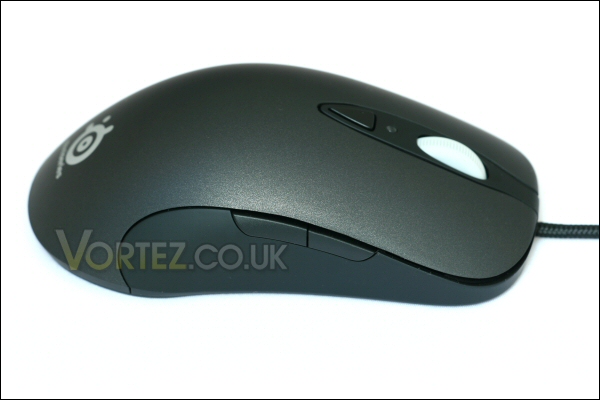
Xai right.
The rear of the mouse carries the SteelSeries logo. I can tell you that i really like the tidy and minimalist look.
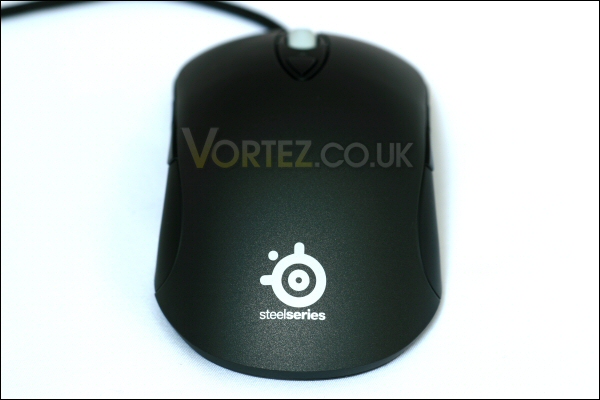
Xai rear.
Upon flipping the Xai over you can see the three large teflon pressure points and the hole for the laser optics to do its job. Additionally, and rather uniquely compared to most mice, there is an LCD panel. This is a very useful feature as it allows on the fly set up when used in conjunction with SteelSeries software and the actual mouse buttons themselves.
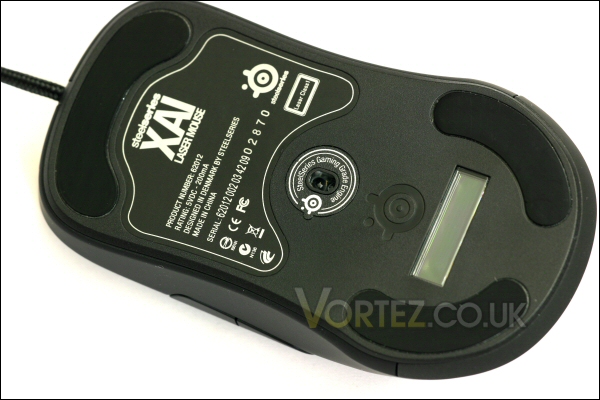
Xai base.
LCD panel and software
Once plugged in the mouse fires up and comes to life. The initial screen shows the firmware number and then the SteelSeries name appears and acts as a holding screen during normal use of the mouse. It will work normally without the SteelSeries software but if the user wants the full functionality of the Xai then software must be downloaded from the website.
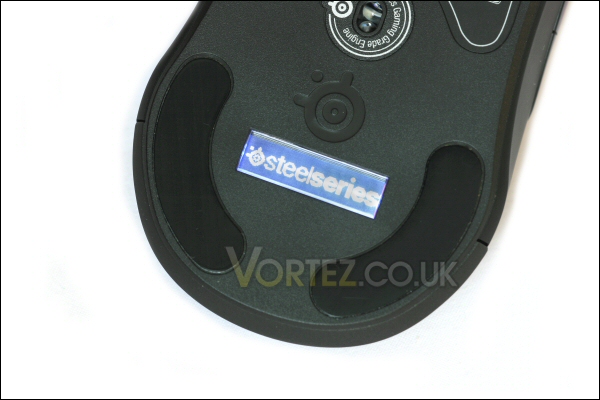
SteelSeries logo after initial startup.
After software install and upon first use the Xai the software identified that there was a newer firmware available.
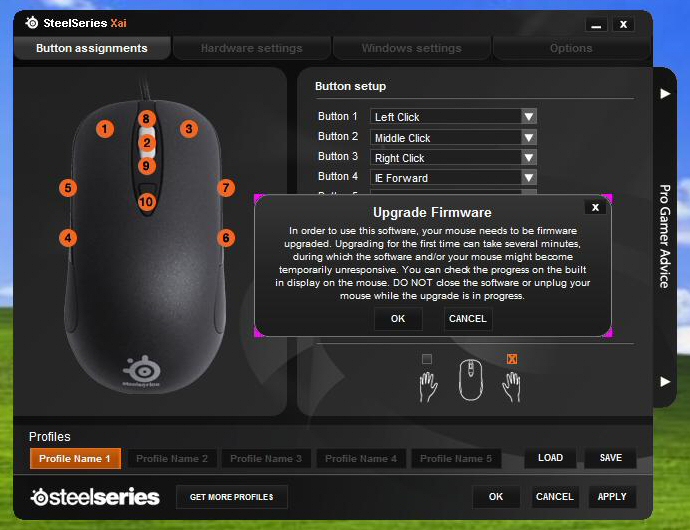
Update prompted.
A button push later and the software was updating the mouse directly.
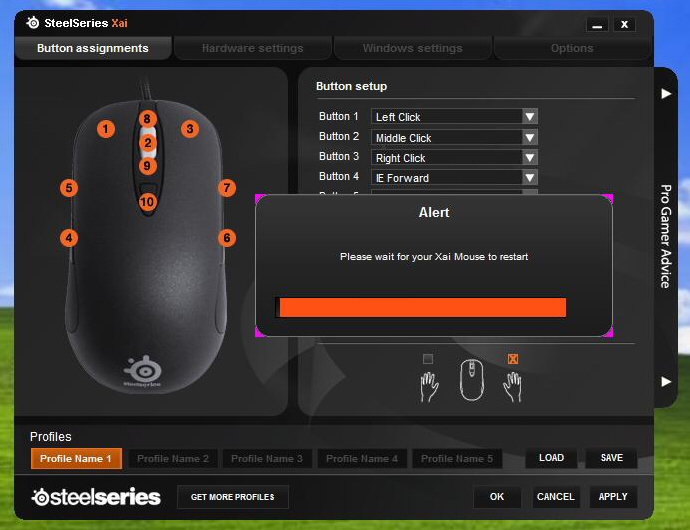
Update in progress.
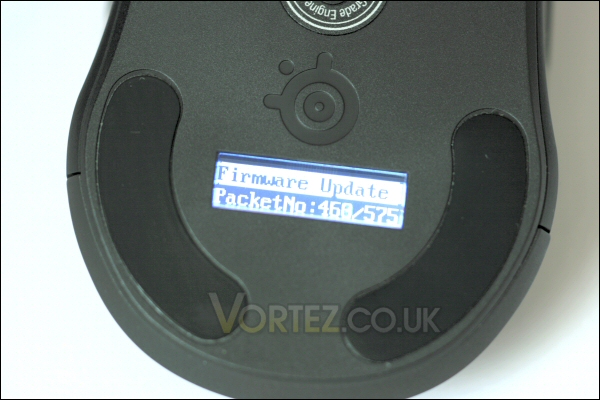
Also visible on mouse LCD.
Once completed the newer firmware number appeared and full use of the software was allowed.
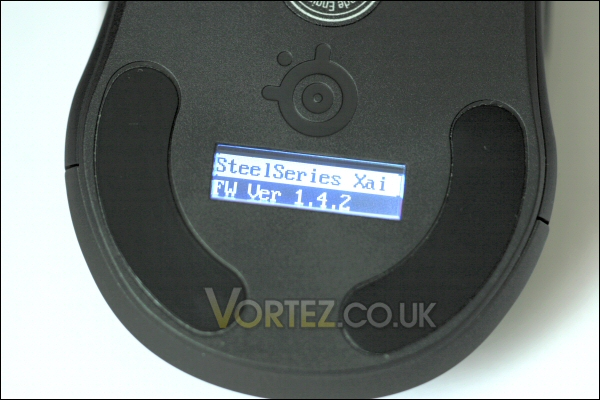
Update complete.
The start screen gives direct access to changing the specific button assignments. There are five profiles available and each one allows each and every mouse button to be assigned to whatever you want.
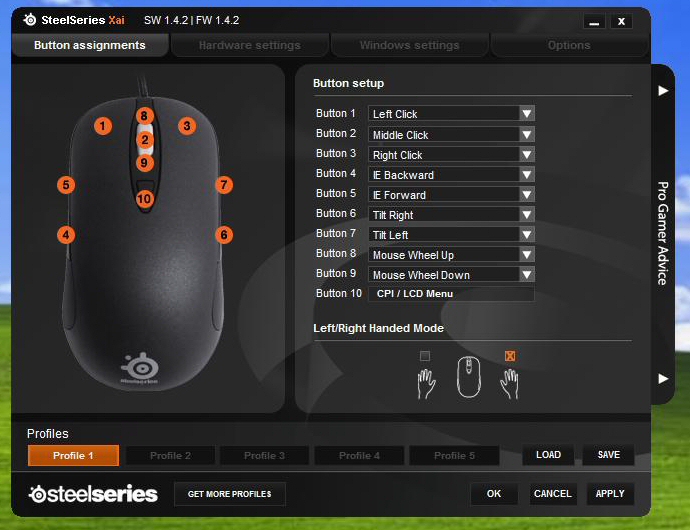
Button assignment screen.
There’s also an additional pull out advice tab at the right of the window. This links to the SteelSeries website and gives specific advice relating to the specific function you chose to query.
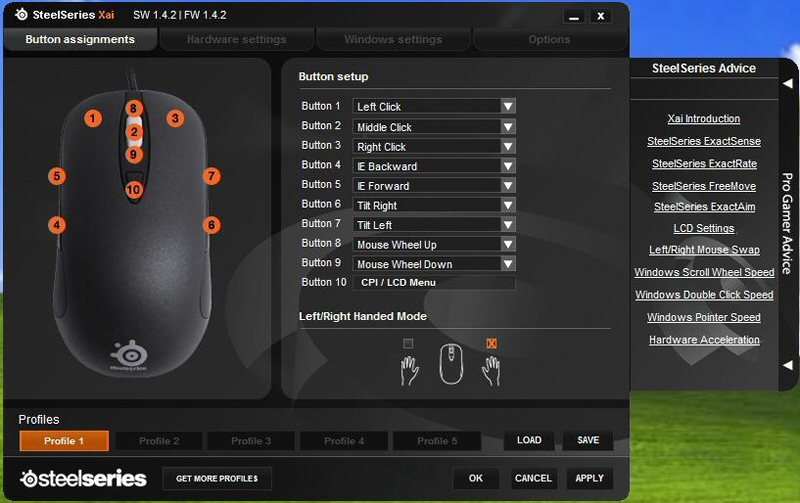
Advice tab is useful.
LCD panel and software cont'd
The second tab brings up the hardware settings – here we see sensitivity settings for tracking, aiming, acceleration and so forth. You can change these settings within each of the five profiles mentioned earlier. There are also two ExactSense settings that can be changed and these can be toggled using the button behind the scroll wheel.
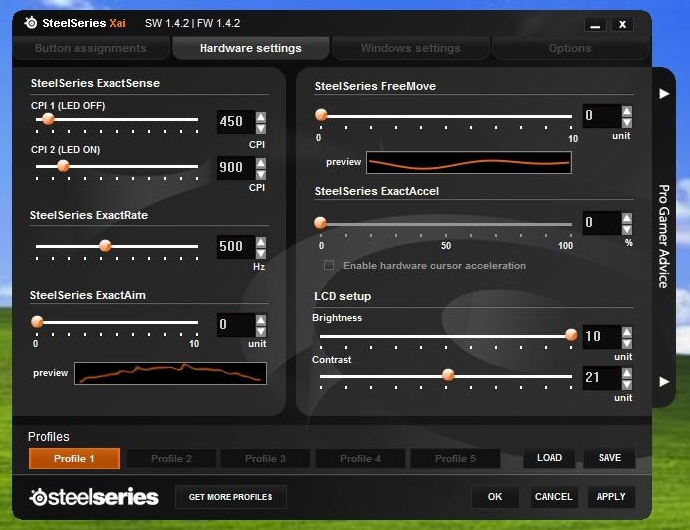
Hardware settings.
Sensitivity for this can range from 100 CPI (Counts Per Inch) all the way up to a mind boggling 5001 CPI.
An additional led placed between the button and wheel is used to signify the ExactSense setting. The LED is off when on the first setting and illuminates after the button press to signify the second setting is active.
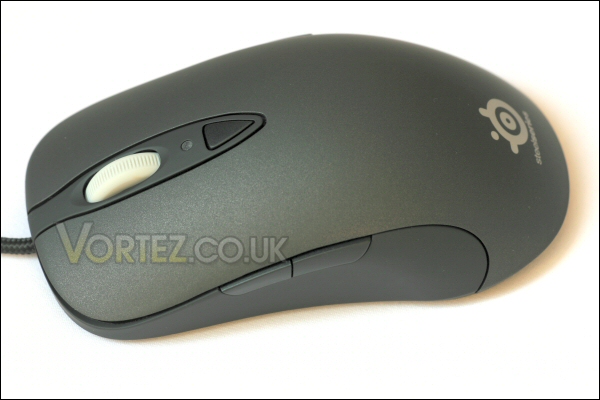
LED off = CPI setting No 1.
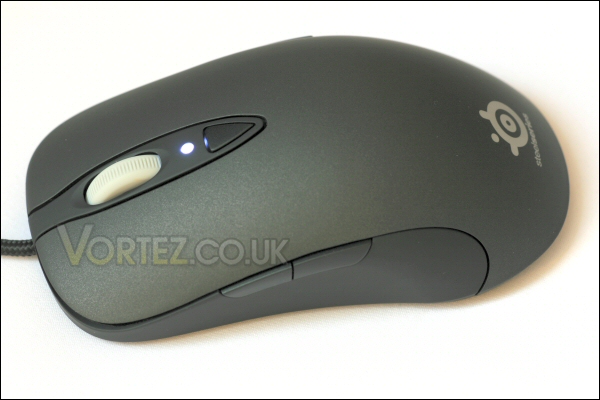
LED on = CPI setting No 2.
Also, if applying these settings yourself seems a tad daunting you are able to download gamer profiles created by pro gamers themselves! They can even be game specific too which is useful!
The third tab allows basic windows tailoring so you can get the perfect cursor and double click speed!
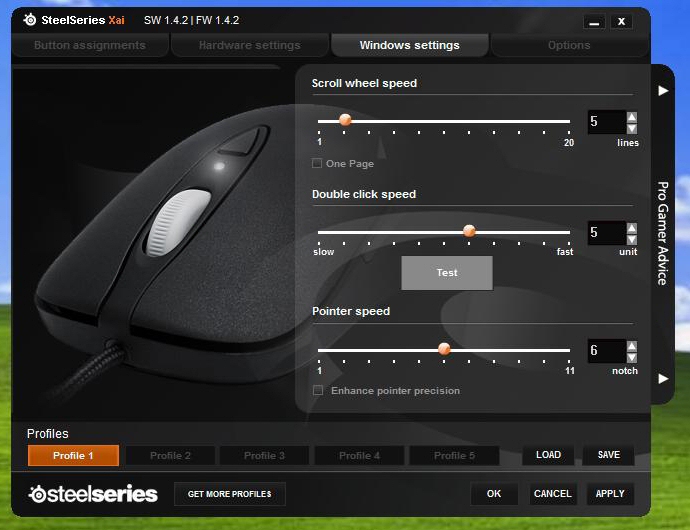
Windows pointer settings.
The final tab gives Xai hardware and software info as well as useful links to updates and support info.
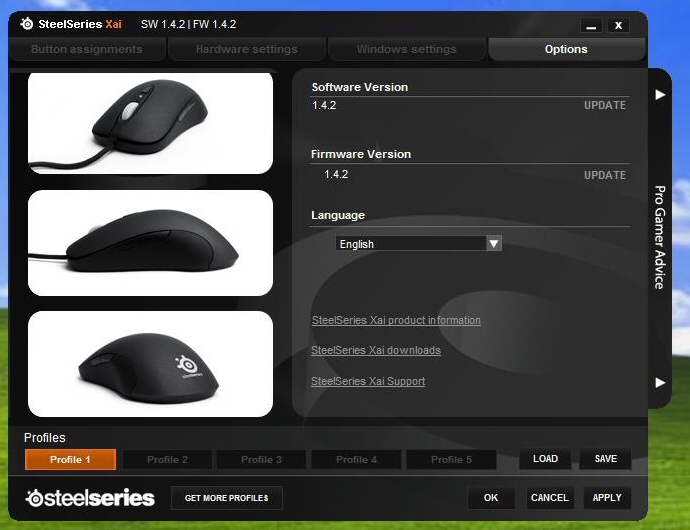
Useful support links are available here.
An extended push of the control button behind the scroll wheel activates the Xai’s LCD menu system. Here you can delve into the profile you want then either adjust the setting of your choice, save and then activate or simply reset the mouse to its original defaults.
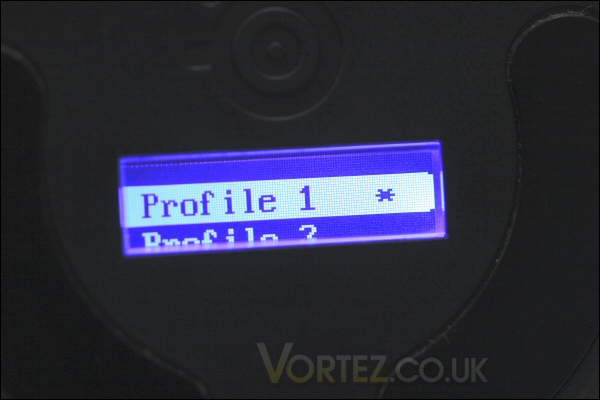
General profile change.
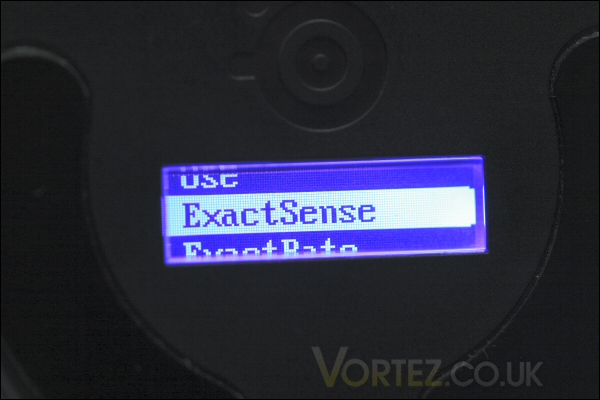
Specific settings modification.
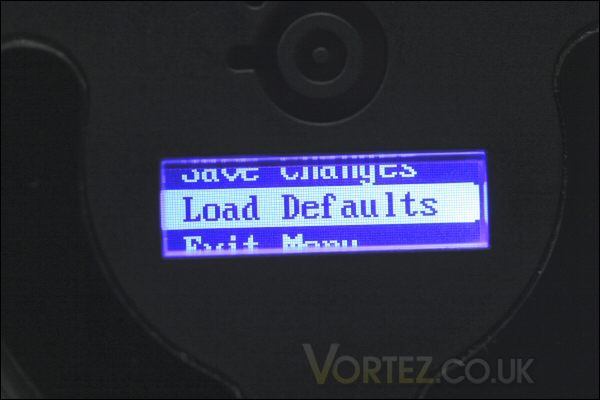
Return to defaults if needed.
It’s very straight forward and quite intuitive.
Once complete it syncs to the PC for a second or two and then you’re good to go!
Performance
Comfort
The Xai is an incredibly comfortable mouse. It’s just the right size and proved very comfortable over extended web surfing, forum reading, word processing and graphics work.
I never had any tracking issues and my hand didn’t feel cramped or tired after use.
Gaming
I played some Far Cry 2, Crysis: Warhead and Fallout 3 with the Xai. Once again i found it to be well balanced and comfortable. In fact it was quite a nice weight too despite not having a weight system on board. This might be an issue for some who like heavier/lighter mice.
I don’t tend to change sensitivity much mid game but i gave it a try for the test. It switched smoothly and very quickly. I experienced no lock ups or tracking headaches here either. The LED system also allowed full profile changes mid game which could be useful for some.
Finally i’d say that it had quite a fluid and natural feel – just came across as less ‘digital’ if that makes sense!
Conclusion
The Xai is an impeccably presented mouse. It looks good, feels good and works very well indeed.It’s sensitivity range, configurable button options as well as macro functionality makes it incredibly flexible.
It is a pricy bit of hardware but in all honesty something like the Xai would probably be the last mouse you’d ever buy.
The Xai is an excellent gaming mouse.
In conclusion i\’d recommend the SteelSeries Xai to those looking to invest in a flexible and powerful mouse and although i would have liked to see a weight system of some kind i’d still give it a gold award. If you’re serious about your mice then it’s a worthy investment!
Pros:
– Incredibly well specified
– Highly programmable
– Macro functionality
– Braided cable and gold plated USB
– Ambidextrous design suitable for both righties and lefties
– Comfortable to use
– LCD display makes profile selection and editing easy
– Works well out of the box without additional drivers or software
– Software works well and is intuitive to use
Cons:
– Quite pricy
– No weight system (although weight was not personally an issue for me)
We would like to thank SteelSeries for providing the Xai laser mouse. Discuss this review on our forums
