Armed with a Intel Celeron J4125 processor and 8TB of storage, BeeStation Plus (BST170-8T) seeks to offer a private cloud storage/media service for the home and small team. BST170-8T.

Product on Review: BeeStation Plus 8TB
Manufacturer & Sponsor: Synology
Street Price: £400 GBP | $410 USD | $800 AUD
Synology has expanded its personal cloud lineup with the BeeStation Plus, a more powerful alternative to the original BeeStation designed for users who want simple, secure access to their data without the complexity of traditional NAS setups. While both devices share a plug-and-play philosophy and cloud-focused design, the BeeStation Plus targets more demanding users with notable upgrades in hardware and usability. In this review, we’ll examine the technical capabilities of the BeeStation Plus checking out its performance as a personal storage device.
The BeeStation Plus is equipped with an Intel Celeron J4125 quad-core processor, a significant step up from the ARM-based Realtek RTD1619B found in the original BeeStation. This x86-based CPU is paired with 4GB of DDR4 RAM, quadrupling the memory capacity and enabling support for heavier workloads such as Plex Media Server, AI-powered photo indexing, and concurrent access by multiple users. Storage has also been doubled, with the Plus model featuring an 8TB 7200 RPM drive, compared to the 4TB 5400 RPM unit in the standard version. The higher rotational speed should yield faster read/write performance.
Other key enhancements include support for multi-user access (up to 8 users) with permission controls, USB external drive support, and expanded mobile backup functionality. Despite these upgrades, Synology retains its clean and minimal BeeStation OS interface, focusing on accessibility for non-technical users. Will this Plus be a credible alternative to a traditional NAS for households or small teams?
Hardware Specifications
Below are the hardware specifications regarding BeeStation Plus provided by Synology:
Packaging & Bundle
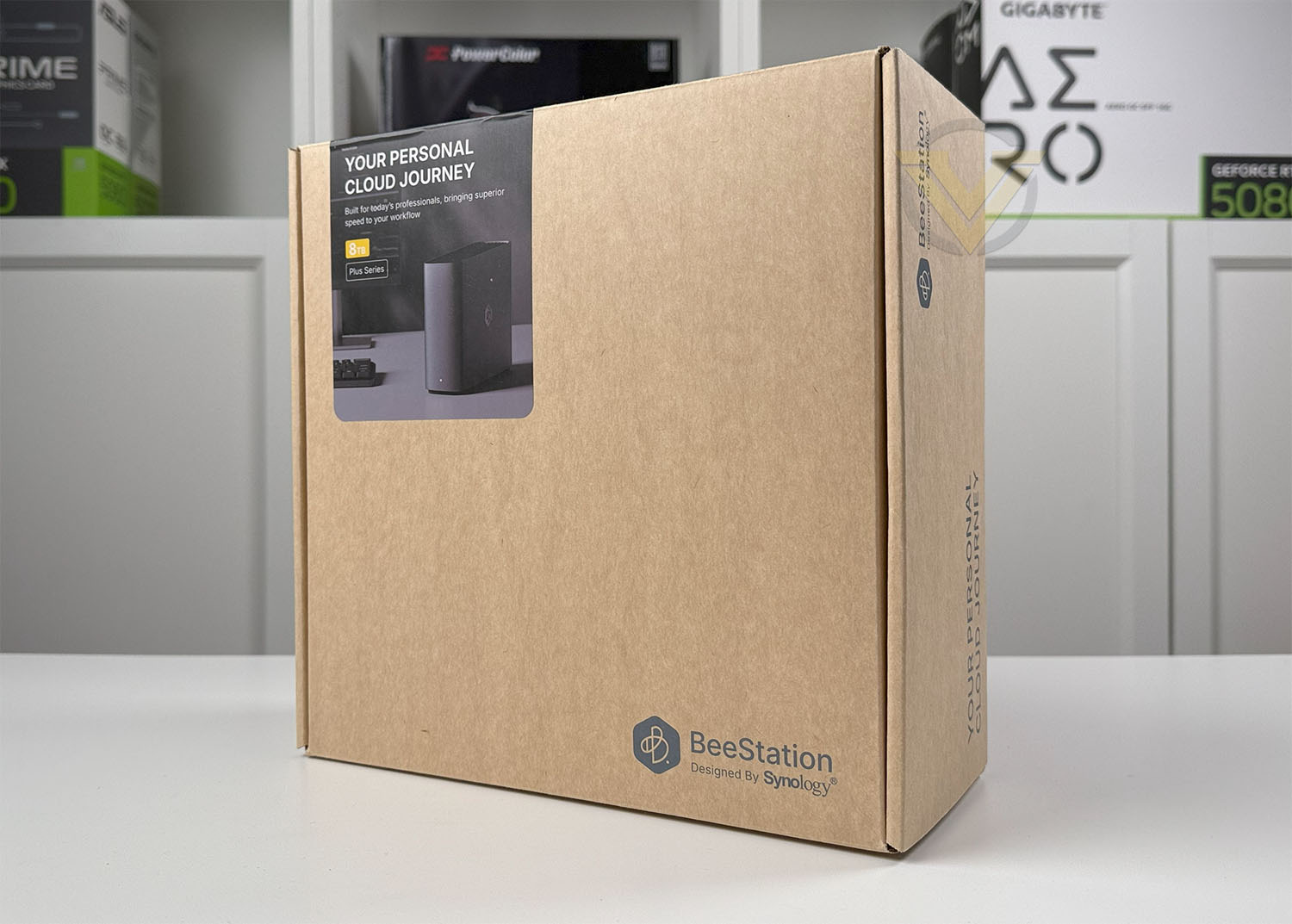
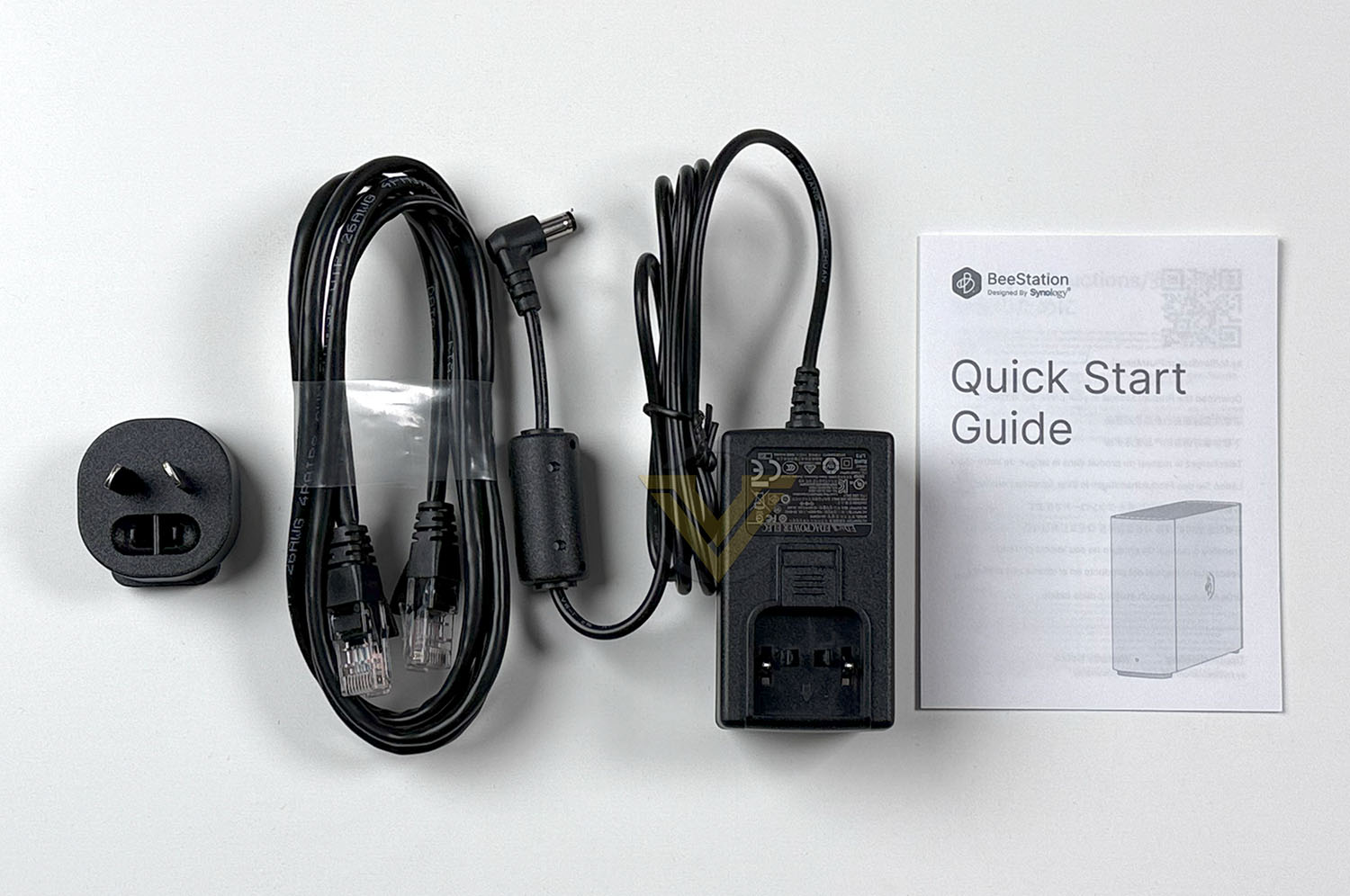
As we’ve seen with countless Synology products over the years, packaging adopts an eco-friendly approach. BeeStation Plus comes in a fairly plain box, with all the associated items compartmentalised.
Within this box, the included accessories consist of the following:
• 1 x BeeStation main unit
• 1 x AC power adapter
• 1 x RJ-45 Ethernet cable
• 1 x Quick start guide
Closer Look
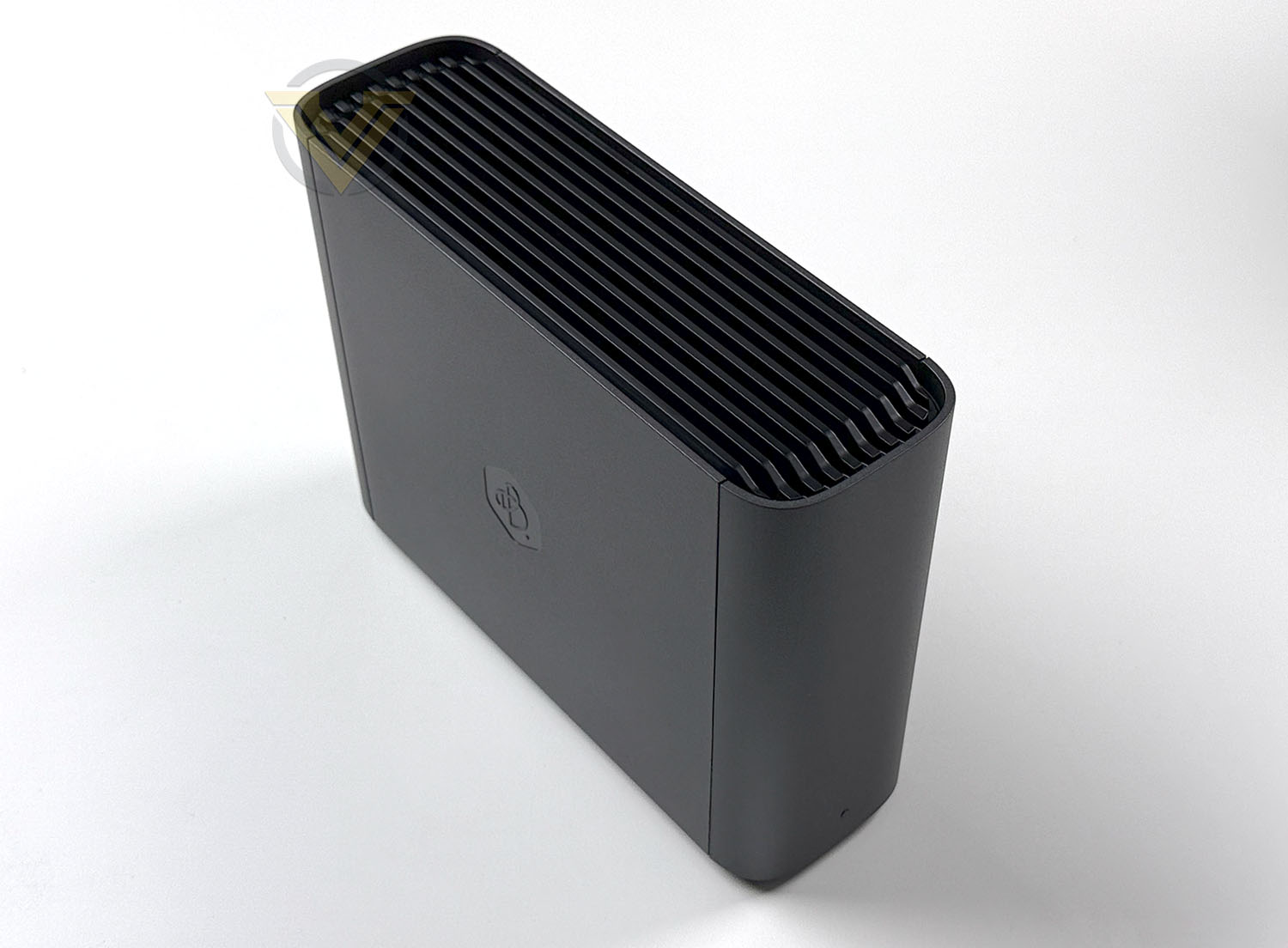
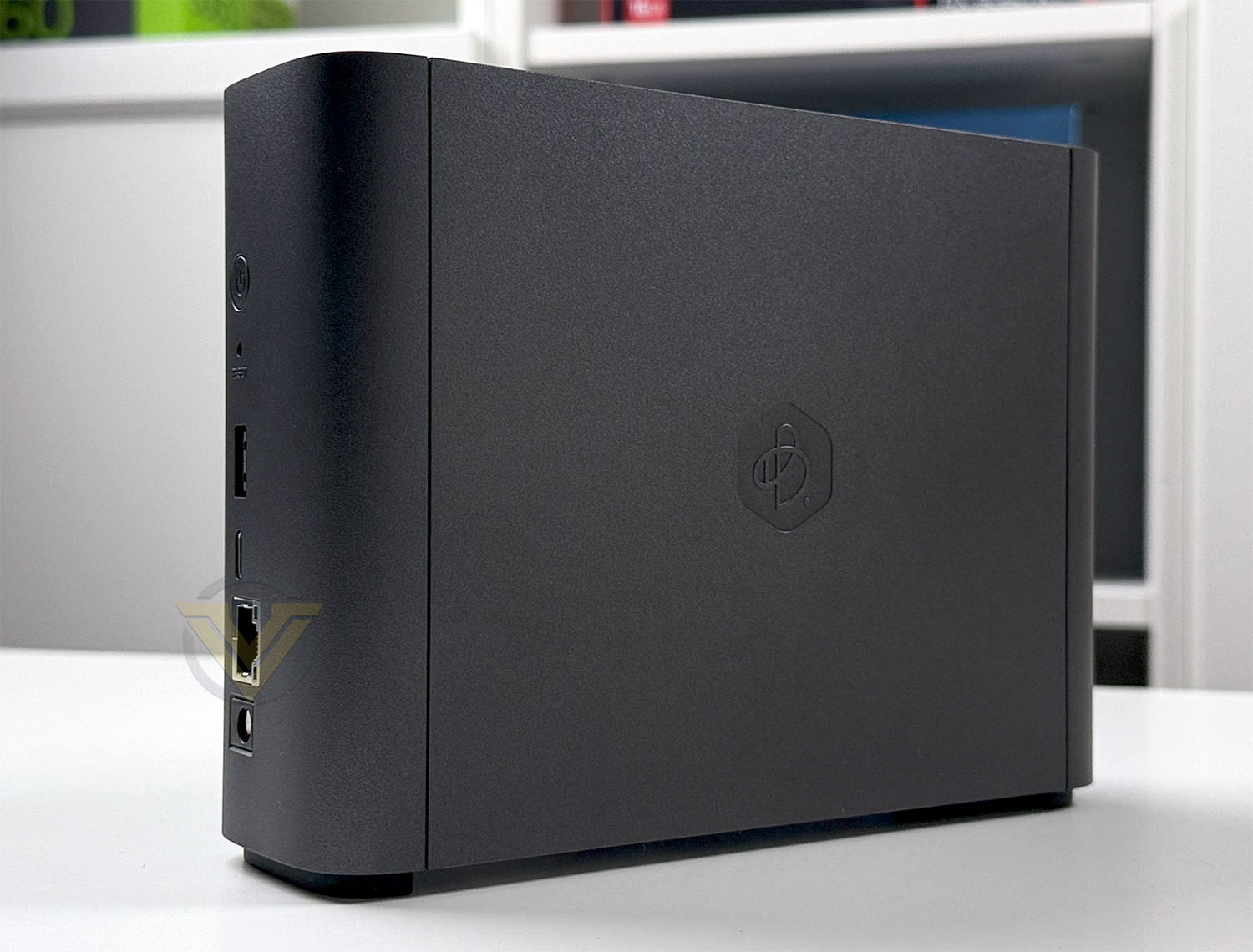
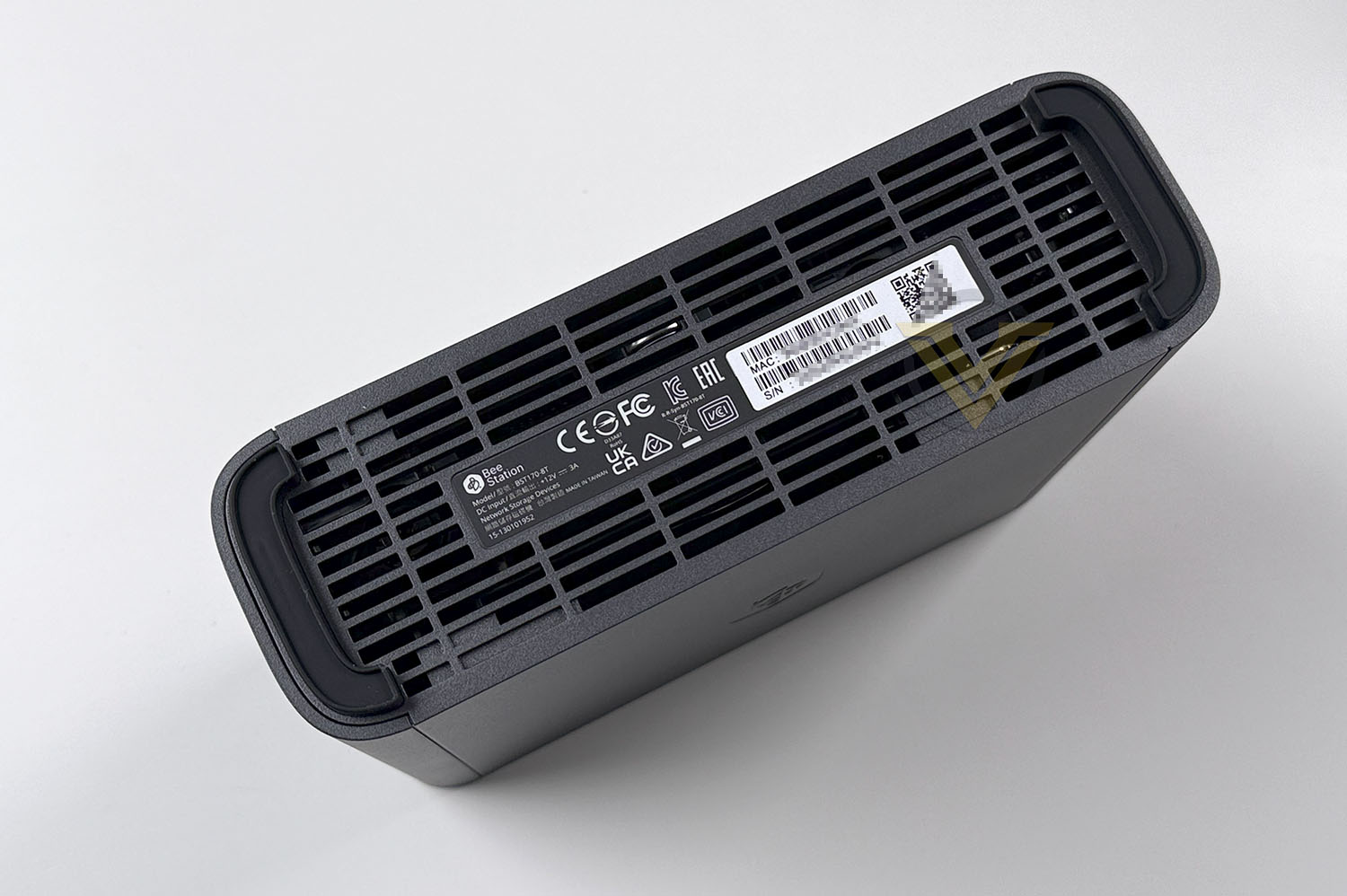
Plus is very plain in its appearance and much in keeping with Synology’s line of NAS models, retains that sleek and basic aesthetic. On the front, there are no distinctive or notable features except for an LED status indicator. The sides bear the BeeStation logo, while the top features ventilation for the internal components.
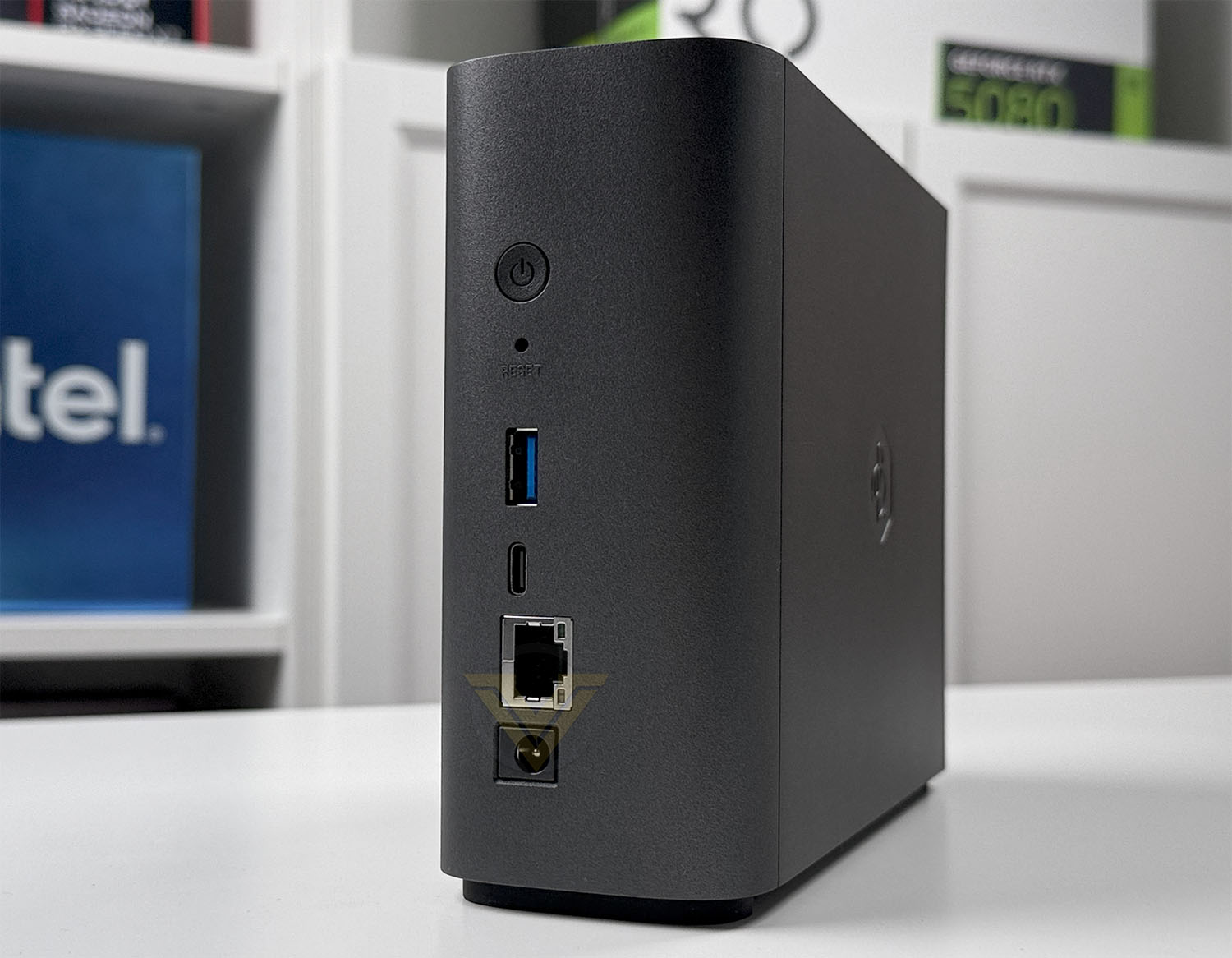
Turning the attention to the back-side of Plus, we have a selection of ports/buttons aligned vertically. These include: power button, reset switch, USB 3.2 Gen1 Type-A and Type-C, 1 GbE LAN port, DC-in port.
While the hardware inside isn’t visible, the specification is as follows:
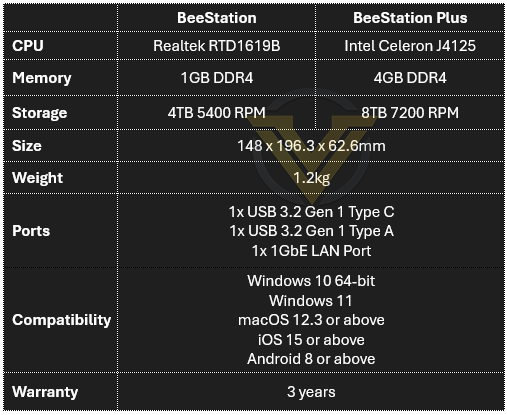
So, what we’re essentially getting is double the storage capacity, and a performance enhancement by way of the CPU and memory – making Plus a much more capable machine when it comes to multitasking, management of data, file indexing and more!
Setup, Performance and Plex
Setting up the BeeStation Plus is simple. There are two methods that can be employed – either scanning the QR code and going down the mobile pathway or conversely, inputting “portal.bee.synology.com/setup”. An account needs to be created, but the set up wizard guides you through the process. Below is the interface that you are met with and the options that are available.
Featured in the video below we showcase the options for local access with Windows Explorer, and how to install/access Plex.
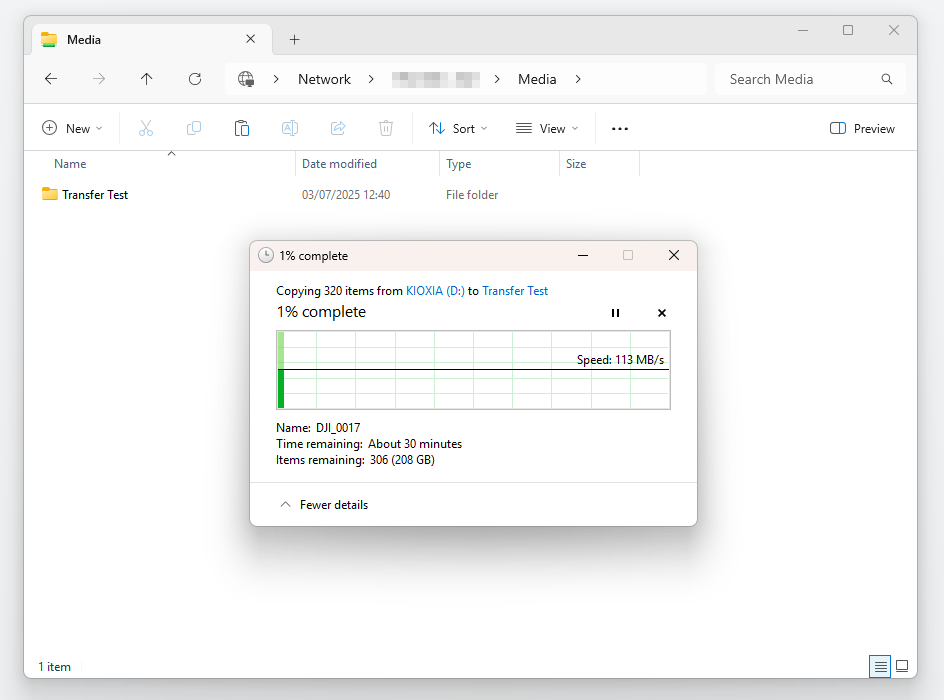
FILE TRANSFER PERFORMANCE
Bearing a 1GbE network connection and a 7200RPM HDD, we can estimate the file transfer performance between a computer and this device. For the purpose of this test we simply transfer a folder of media (videos, photos) from our machine to Plus.PLEX DEMONSTRATION
Plex is very easy to set up and you can be up and running within 5 minutes. (A Plex account is needed). There are a few methods to transferring media to Plus for use on Plex, but the most common option is shown below by accessing the folder via the GUI, and uploading media folders directly.As you can see from the video below, there are no delays when scrubbing through content and all of the associated information about the movie are available instantaneously.
Conclusion
The Synology BeeStation Plus is an appealing solution for users who want the convenience of a personal cloud without the complexity of managing a traditional NAS. Its sleek, minimalist design and plug-and-play setup make it ideal for households or professionals looking for private data control without dealing with IP settings, storage pools, or volumes. The inclusion of 8TB of pre-installed storage, AI-driven media organisation, and Plex support means it’s ready for use straight out of the box, whether you’re backing up photos or streaming movies.
Where the BeeStation Plus shines is in its ability to offer many of the essential features of a NAS—such as file sharing, remote access, and media serving—while dramatically lowering the barrier to entry. Synology’s lightweight BeeStation OS streamlines the experience, offering a modern UI accessible from both web and mobile devices. Its Intel Celeron J4125 CPU and 4GB of RAM provide enough power to handle multiple users and even run Plex without stuttering, something many basic NAS units at this price point would struggle with without upgrades. The 3-year warranty also adds long-term peace of mind, especially considering the integrated nature of the hardware.
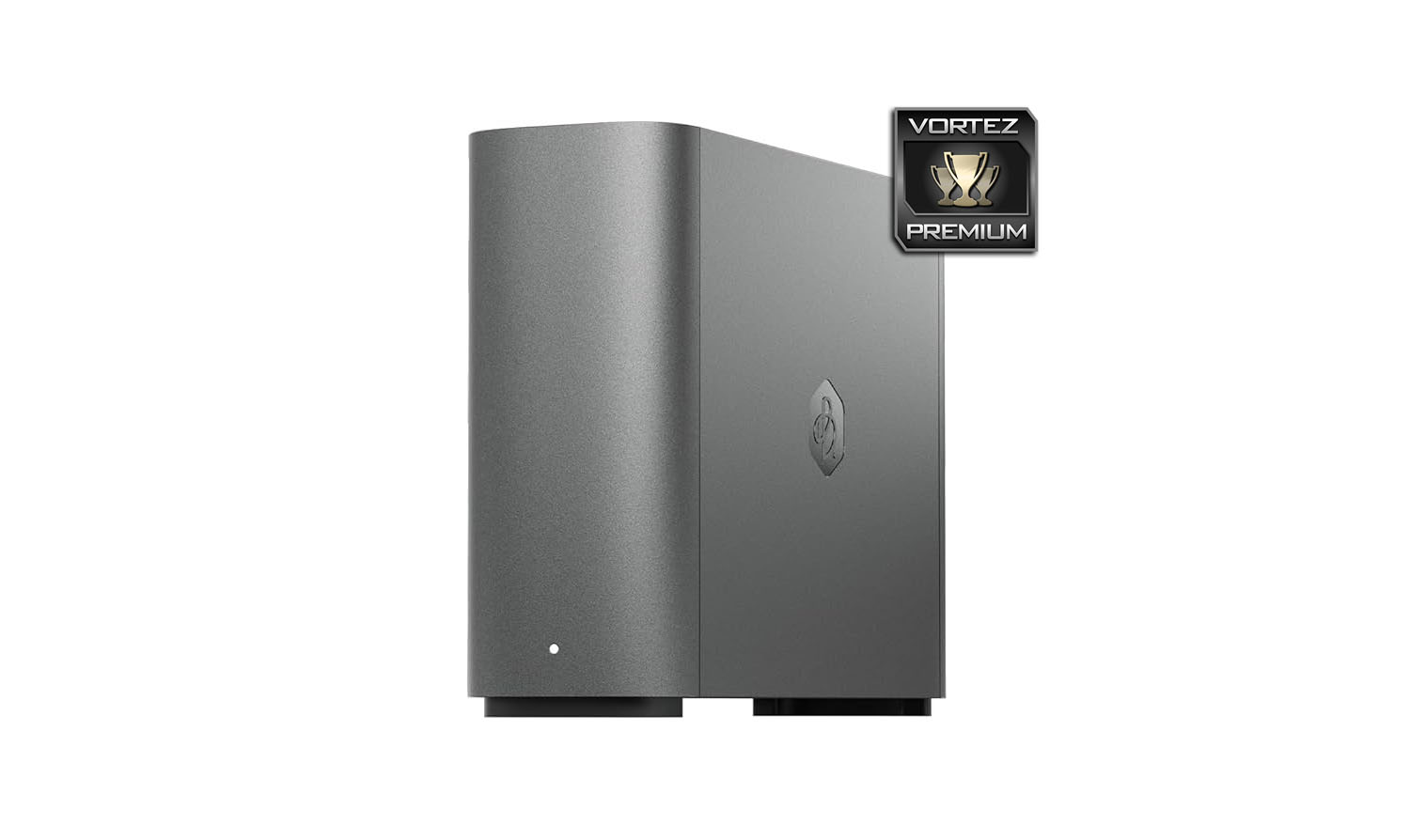
That said, the BeeStation Plus does not completely replace a full-featured NAS. Advanced users may find its lack of RAID support and non-upgradable storage limiting in terms of redundancy and scalability. If your storage needs grow beyond 8TB or you want the protection of drive mirroring, a traditional NAS like Synology’s DiskStation series offers more control and expansion options. Likewise, the BeeStation OS, while simple, lacks the extensive app ecosystem found in Synology DSM or other NAS platforms, which support containers, virtual machines, and a wide range of third-party services.
In summary, the BeeStation Plus is a great middle-ground device that offers NAS-like benefits without NAS-like complexity. It’s a smart choice for users who want a personal cloud that’s fast, private, and easy to maintain—especially those who don’t need heavy customisability or advanced data protection features. While it may not satisfy power users looking for full control, it’s an excellent, hassle-free alternative to traditional NAS for most everyday users who prioritise simplicity, integrated storage, and a refined user experience.
Pros
+ Slimline and sleek
+ Simple to use
+ Is ready for Plex
+ Comes with 8TB storage already installed
+ AI features for media organisation
+ Can synchronise with cloud services
+ Has 3 years of warranty
Cons
– Lacks app-suite of a NAS
– No RAID
– Storage cannot be upgraded
+ Slimline and sleek
+ Simple to use
+ Is ready for Plex
+ Comes with 8TB storage already installed
+ AI features for media organisation
+ Can synchronise with cloud services
+ Has 3 years of warranty
Cons
– Lacks app-suite of a NAS
– No RAID
– Storage cannot be upgraded
Click here for an explanation of our awards at Vortez.net.
Stay connected with the Vortez Social Media pages:
Join in with the discussions on Discord