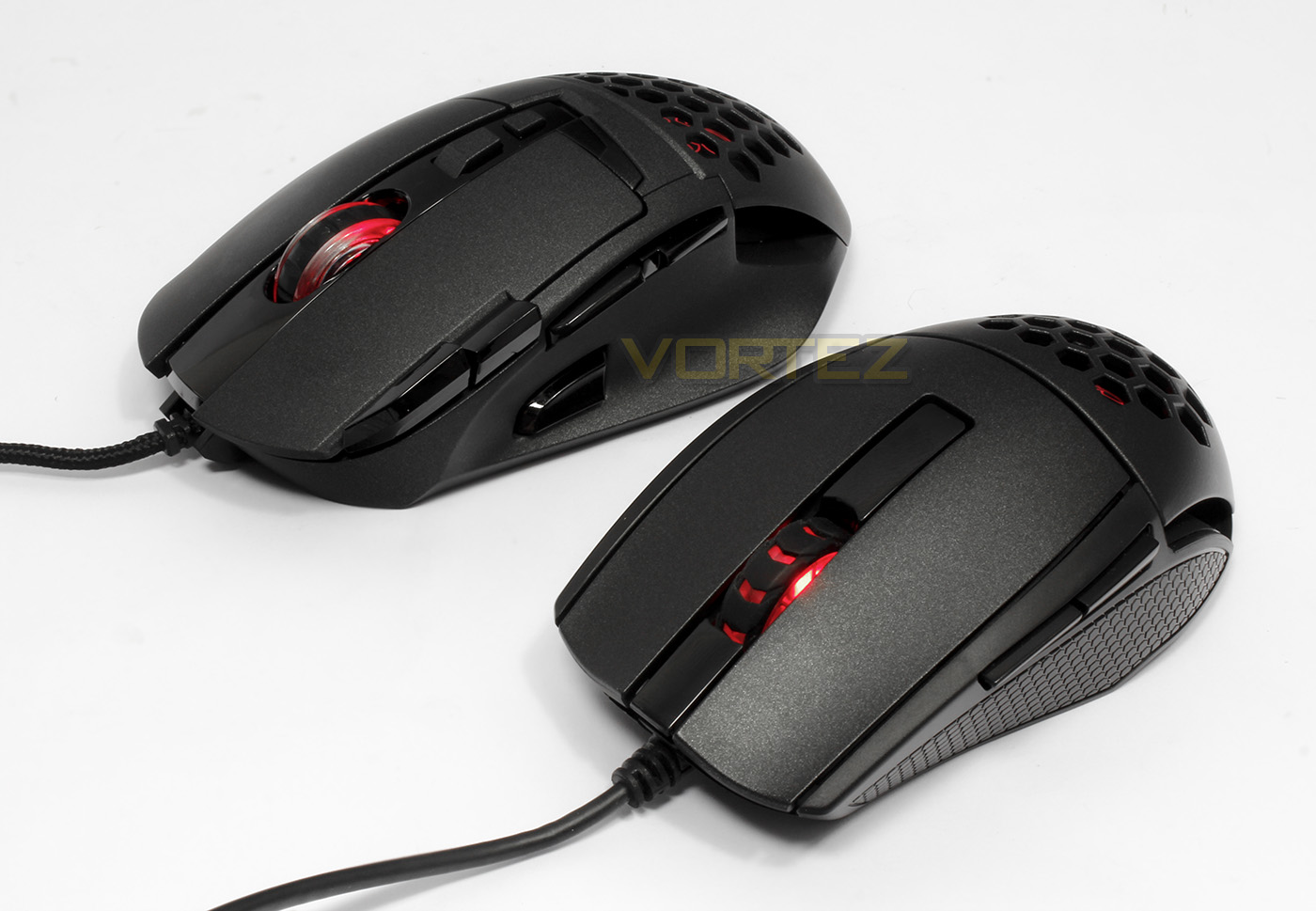
We take a look at the latest optical and laser mice from Tt eSPORTS, each take inspiration from the Level 10M to feature aerodynamically engineered ventilation to keep your hand cool in those long gaming sessions.

Product on Review: Tt eSPORTS Ventus R, Ventus Z
Manufacturer and Sponsor: Tt eSPORTs
Street Price: Ventus R: UK – £29.99, US – $34.99
Ventus Z: UK – £49.99, US – $59.99
Tt eSPORTS have shown a relentlessness to deliver fantastic quality products at competitive prices across the entire spectrum of gaming peripherals and that continues with the two latest Ventus gaming mice. The Ventus series ran with the aerodynamically engineered ventilation system featured on the Level 10M series mice and brought it to more mainstream and affordable options. Despite any skepticism, in our previous testing we found that this cooling ventilation for the hand does actually work and is especially noticeable over long gaming sessions, thus making it a nice feature to have.
The Ventus R is a high-speed, ambidextrous mouse that is lightweight and features the renowned PWM3310 optical sensor, while the Ventus Z is a larger, ergonomic mouse with additional buttons, adjustable weight and features the AVAGO 9500 laser sensor. Each use OMRON switches, an alps encoder and feature a 32bit ARM MCU and 256kb of memory.
Overview by Tt eSPORTS
The VENTUS R features a PIXART PMW-3310 optical sensor with up to 5000 DPI that offers superior tracking across the widest variety of surfaces; and comes equipped with an ARM based 32bit microcontroller with 32KB flash memory, 5 programmable keys for 5 different gaming profiles and 256kb of on-board memory to meet all the performance needs of the gaming enthusiast. With a unique aerodynamic engineered air-through ventilation system coupled with smart ergonomic design, a perfect balance is struck from hand-to-mouse to create the most optimal touch feel user experience.
The VENTUS Z features an AVAGO 9500 11000 DPI laser sensor, a new coating with a feel that’s somewhere in between the feel of plastic and rubber coating; a balance between rigid surfaces and a soft to touch finish. Tt eSPORTS Aerodynamically Engineered from its flagship Level 10 M series of mice is inherited into this iteration of the VENTUS Z; keeping gamers hands cool even when gaming for long durations!
The VENTUS Z features an AVAGO 9500 11000 DPI laser sensor, a new coating with a feel that’s somewhere in between the feel of plastic and rubber coating; a balance between rigid surfaces and a soft to touch finish. Tt eSPORTS Aerodynamically Engineered from its flagship Level 10 M series of mice is inherited into this iteration of the VENTUS Z; keeping gamers hands cool even when gaming for long durations!
Technical Specifications
Ventus R
Weight(g): 98.6
Color: Black
Shape: Ambidextrous For Right Hand And Left Hand
No. of Buttons: 5
No. of Macro Keys: 25
No. of Game Profiles: 5
USB cable length: 1.8m
Omron Switches: Rated For 20 Million Clicks
Weight-In Design: No
Graphical UI: Tt eSPORTS Command Center
Gold-Plated USB: No
Dimension: 113.52 X 60.45 X 37.40 mm
LED COLOR OPTIONS: 16.8 Million RGB Colors
LIGHTING EFFECT: Static , Pulse , Spectrum Running
Sensor Name: PIXART PMW-3310
SENSOR TYPE: Optical
DPI: 5000 DPI
Default DPI: 400, 800, 1600, 3200
IPS: 130
Acceleration: 30g
Polling Rate: 1000Hz, 500Hz, 250Hz, or 125Hz (1ms, 2ms, 4ms or 8ms).
Ventus Z
Weight(g): 130
Color: BLACK
Shape: Ergonomic Shape Designed
No. of Buttons: 10
No. of Macro Keys: 50
No. of Game Profiles: 5
USB cable length: 1.8m
Omron Switches: Rated For 20 Million Clicks
Weight-In Design: 4.5G*3 Weights (REMOVABLE)
Graphical UI: Tt eSPORTS Command Center
Gold-Plated USB: Yes
Dimension: 111.0 X 88.5 X 38.89 Mm
LED COLOR OPTIONS: 16.8 Million RGB Colors
LIGHTING EFFECT: Static , Pulse , Spectrum Running
Sensor Name: Avago 9500
Sensor Type: Laser
DPI: Up To 11000 DPI via Overdrive Mode
Default DPI: 400, 800, 1600, 3200
IPS: 150
Acceleration: 50g
Polling Rate: 1000hz, 500hz, 250hz, Or 125hz (1ms, 2ms, 4ms Or 8ms)
Weight(g): 98.6
Color: Black
Shape: Ambidextrous For Right Hand And Left Hand
No. of Buttons: 5
No. of Macro Keys: 25
No. of Game Profiles: 5
USB cable length: 1.8m
Omron Switches: Rated For 20 Million Clicks
Weight-In Design: No
Graphical UI: Tt eSPORTS Command Center
Gold-Plated USB: No
Dimension: 113.52 X 60.45 X 37.40 mm
LED COLOR OPTIONS: 16.8 Million RGB Colors
LIGHTING EFFECT: Static , Pulse , Spectrum Running
Sensor Name: PIXART PMW-3310
SENSOR TYPE: Optical
DPI: 5000 DPI
Default DPI: 400, 800, 1600, 3200
IPS: 130
Acceleration: 30g
Polling Rate: 1000Hz, 500Hz, 250Hz, or 125Hz (1ms, 2ms, 4ms or 8ms).
Ventus Z
Weight(g): 130
Color: BLACK
Shape: Ergonomic Shape Designed
No. of Buttons: 10
No. of Macro Keys: 50
No. of Game Profiles: 5
USB cable length: 1.8m
Omron Switches: Rated For 20 Million Clicks
Weight-In Design: 4.5G*3 Weights (REMOVABLE)
Graphical UI: Tt eSPORTS Command Center
Gold-Plated USB: Yes
Dimension: 111.0 X 88.5 X 38.89 Mm
LED COLOR OPTIONS: 16.8 Million RGB Colors
LIGHTING EFFECT: Static , Pulse , Spectrum Running
Sensor Name: Avago 9500
Sensor Type: Laser
DPI: Up To 11000 DPI via Overdrive Mode
Default DPI: 400, 800, 1600, 3200
IPS: 150
Acceleration: 50g
Polling Rate: 1000hz, 500hz, 250hz, Or 125hz (1ms, 2ms, 4ms Or 8ms)
Packaging & First Look: Ventus R
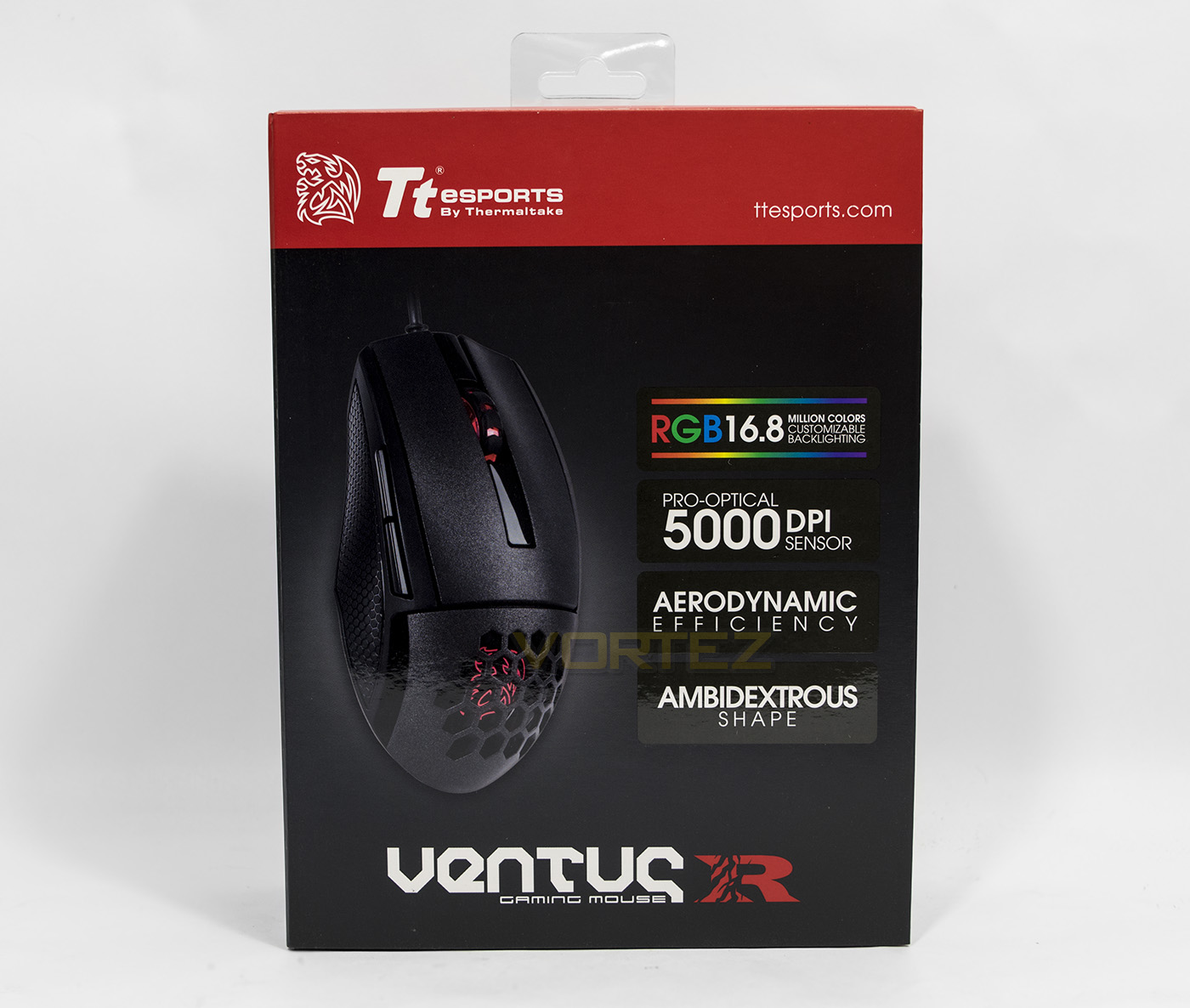
The packaging is typical of Tt eSPORTS current designs, opting for a clear and professional presentation of the product along with some of its primary features.
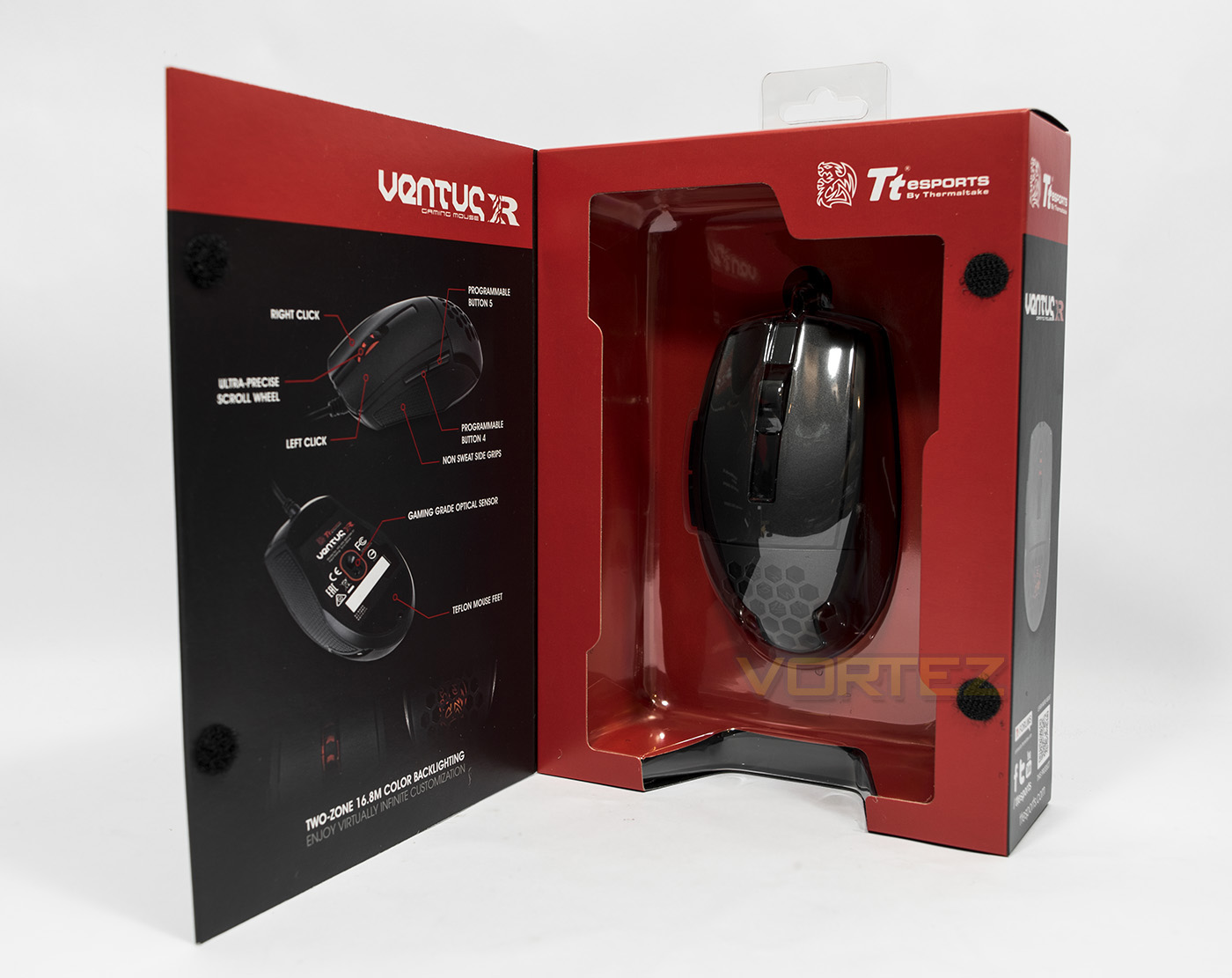
The packaging contains an openable front cover enabling you to have a closer look at the product inside. The inside leaf contains a diagram showing off the physical features of the mouse.
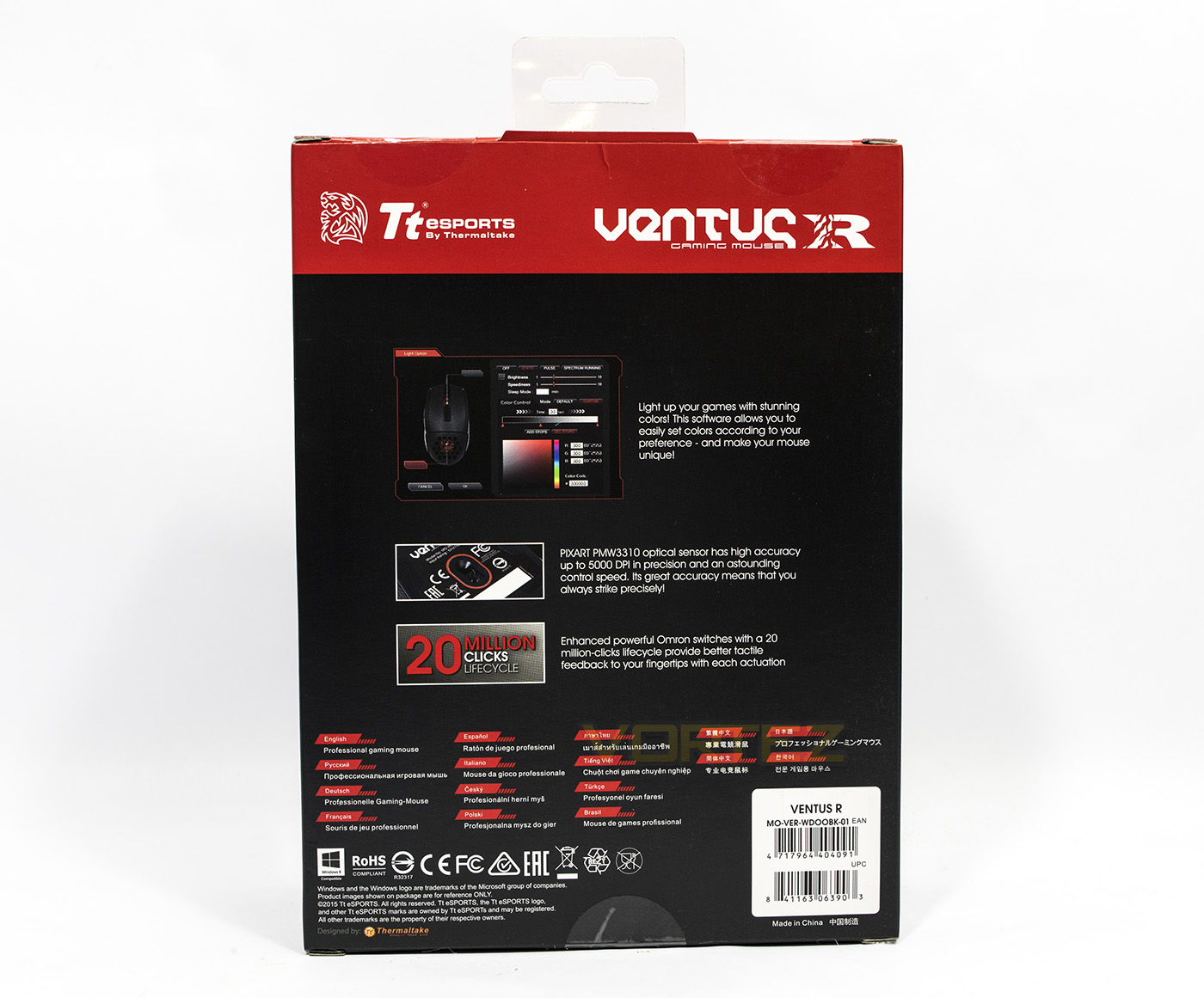
At the back we are provided with some finer details including the use of the PIXART PWM 3310 optical sensor, the OMRON switches as well as information about Tt eSPORTS Command Center software.
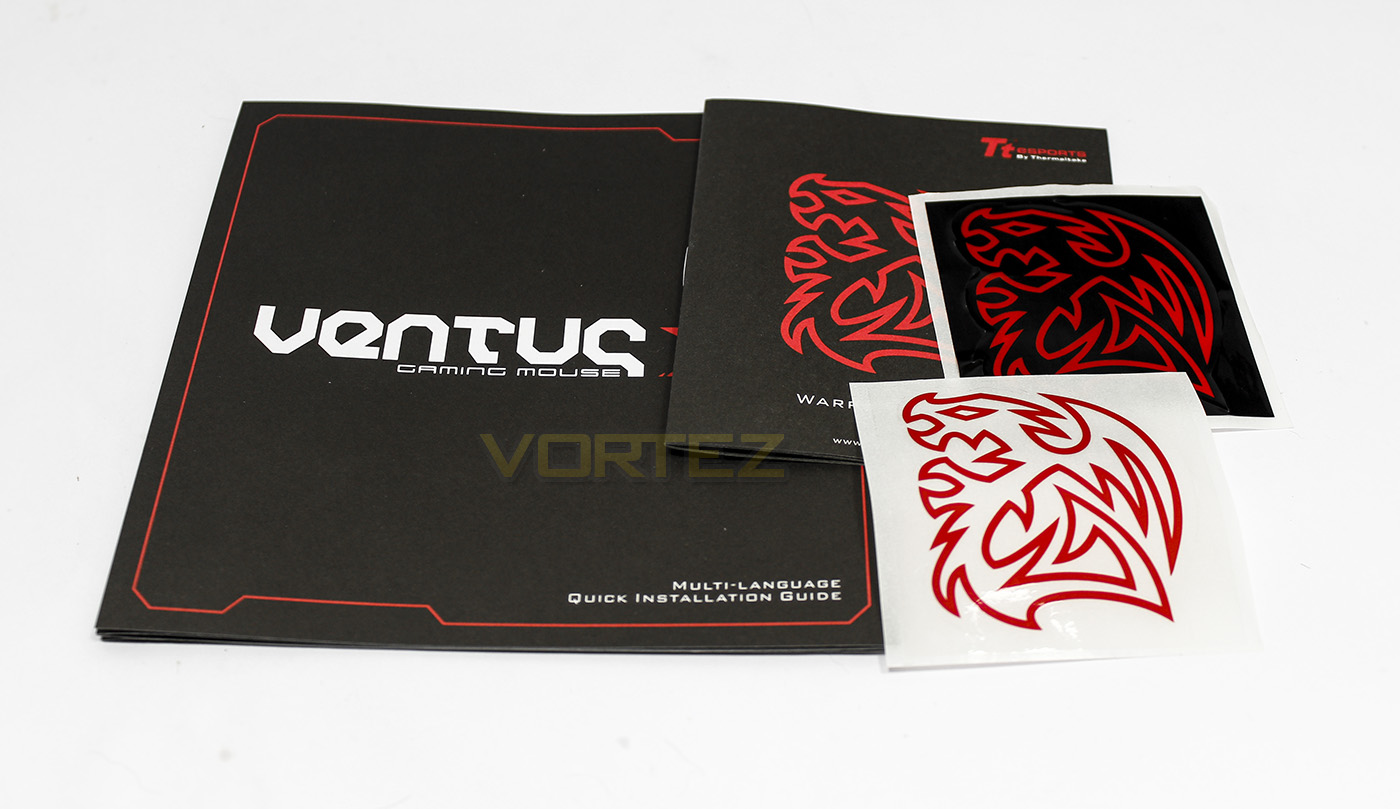
Inside we get a fairly standard package of the quick start guide, some warranty information as well as a black and white battle dragon sticker.
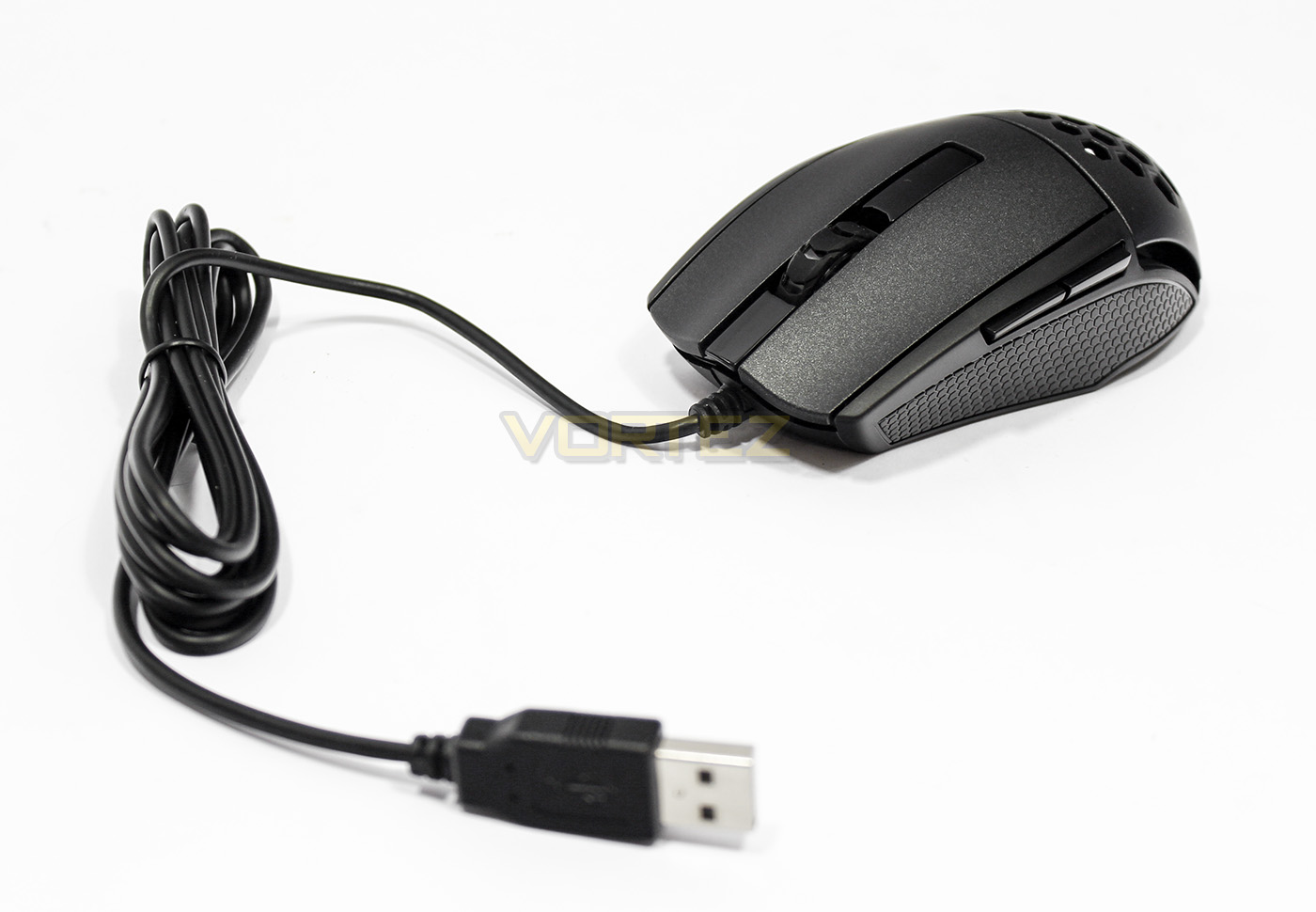
The Ventus R gaming mouse has a 1.8m long non-braided cable, and has large rubber side grips and is finished off with a surface similar to the Level 10M.
Closer Look: Ventus R
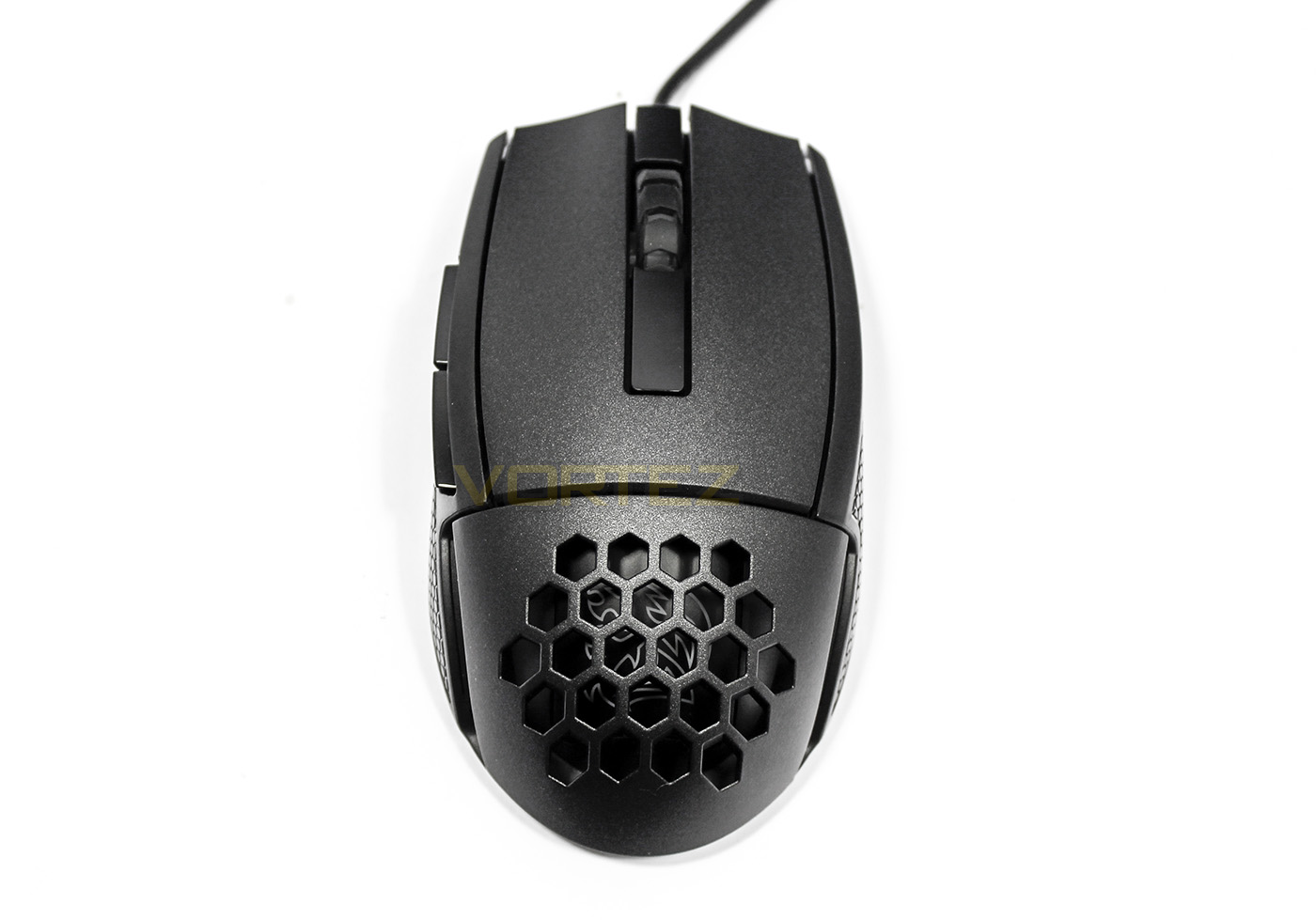
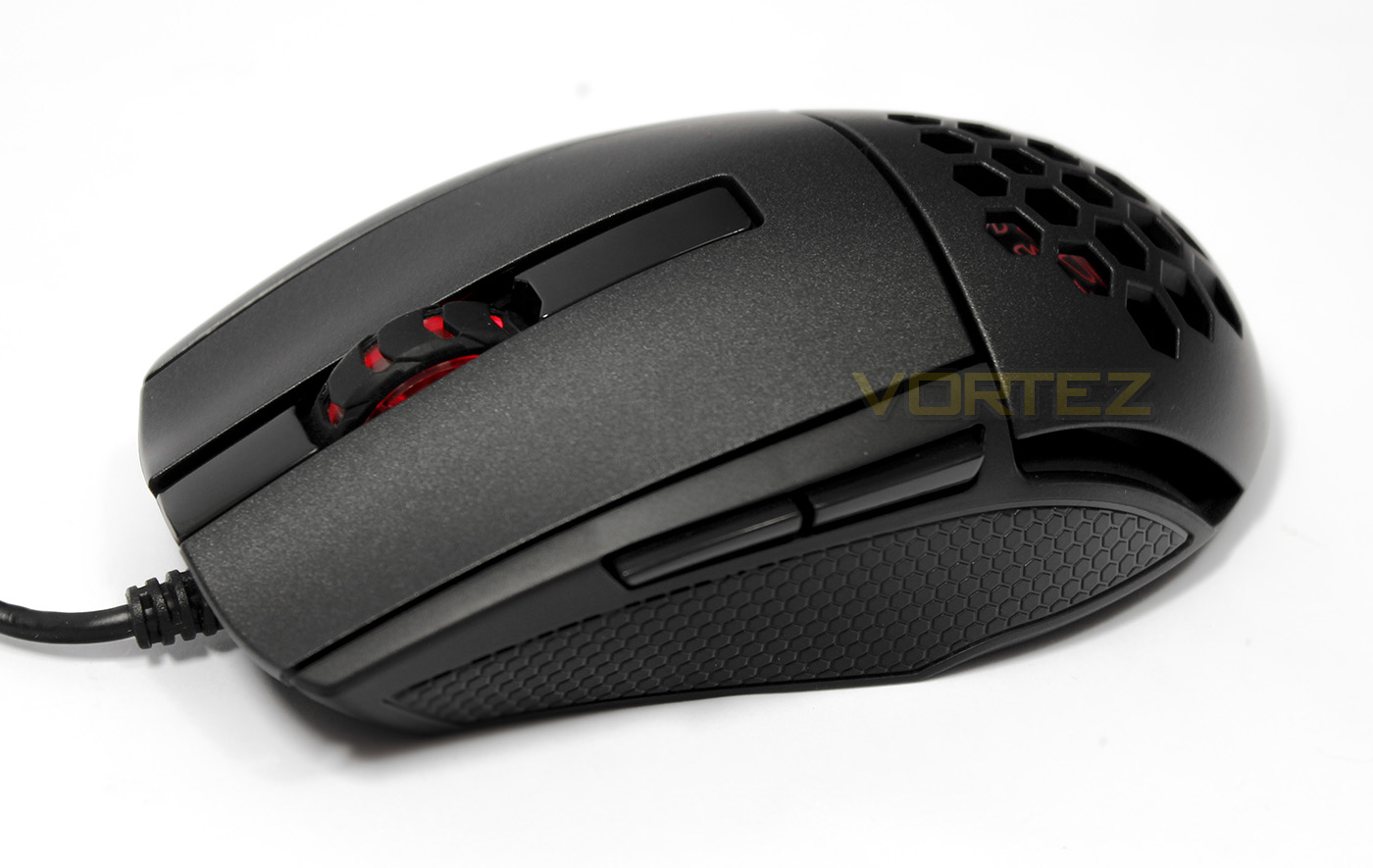
The Ventus R is a classic ambidextrous shape, though only features buttons on one side. The design seems to have split the mouse in half, with the main mouse buttons at the front and a large ventilated area at the back.
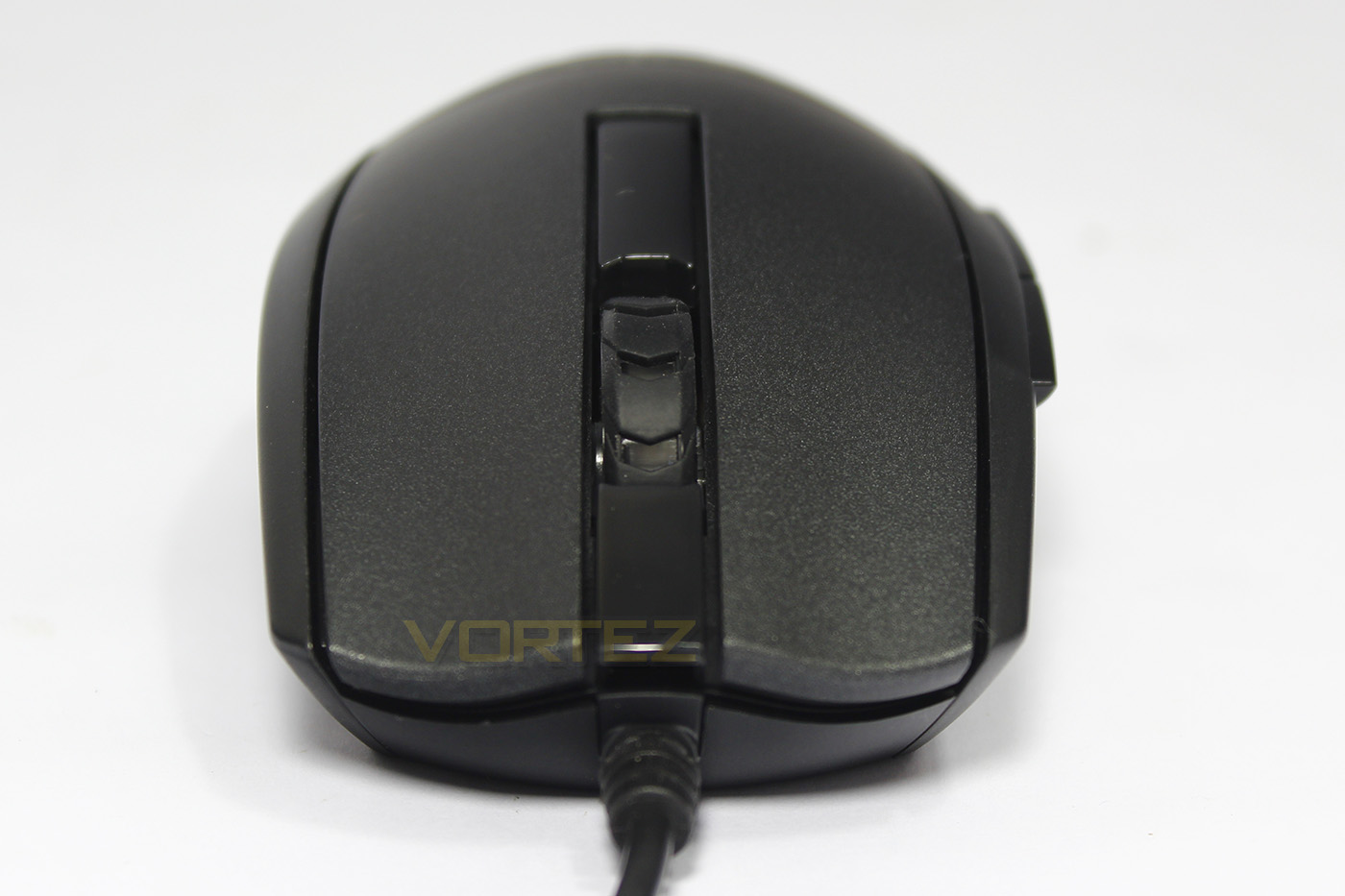
Face on, we can see the subtle curves of the Ventus R as well as that glittery textured finish.
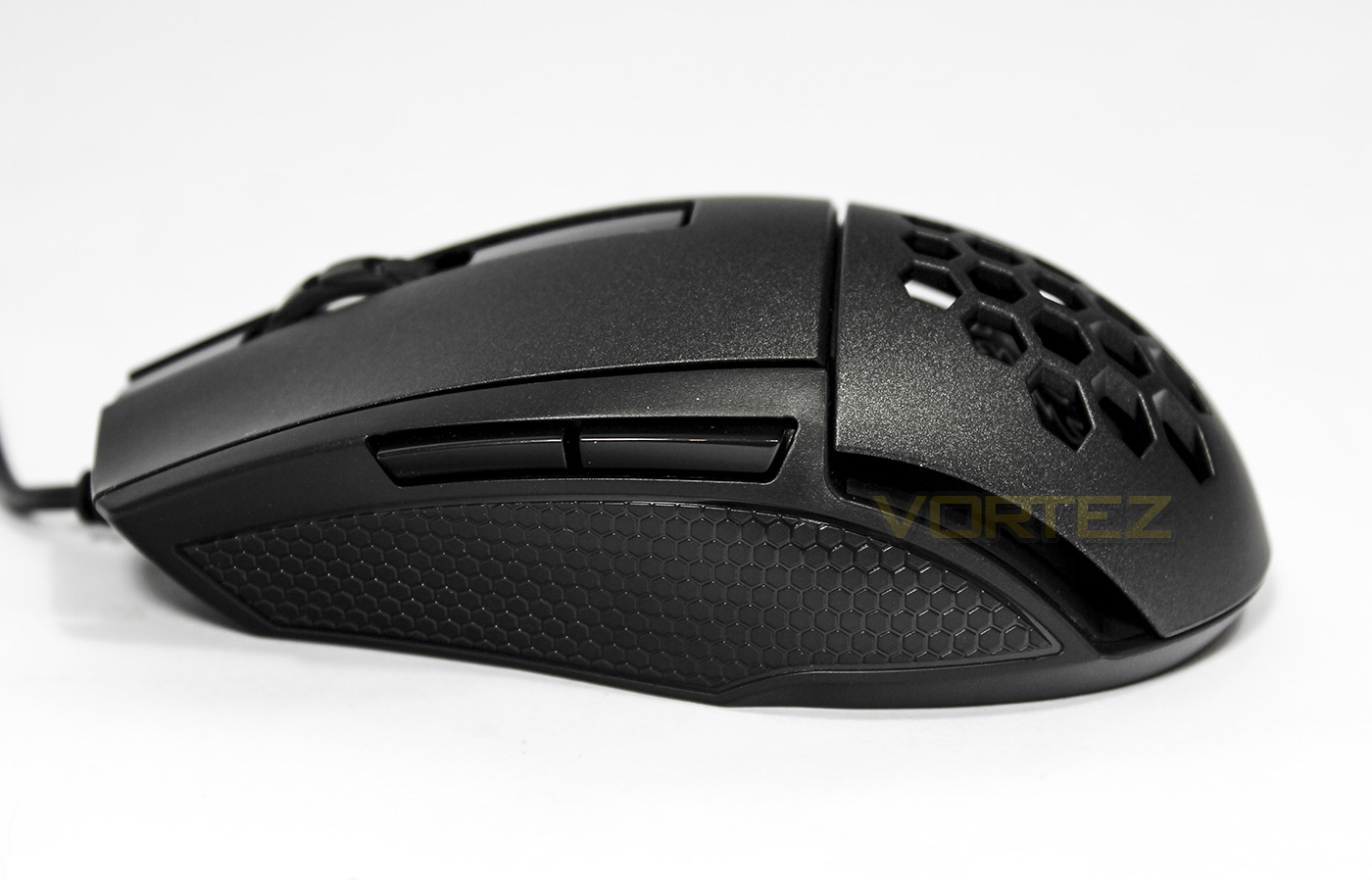
This side features thumb buttons for right handers as well as a non-sweat, rubber grip. Towards the rear there is a large ventilation slot to ensure good airflow while the mouse is in motion.
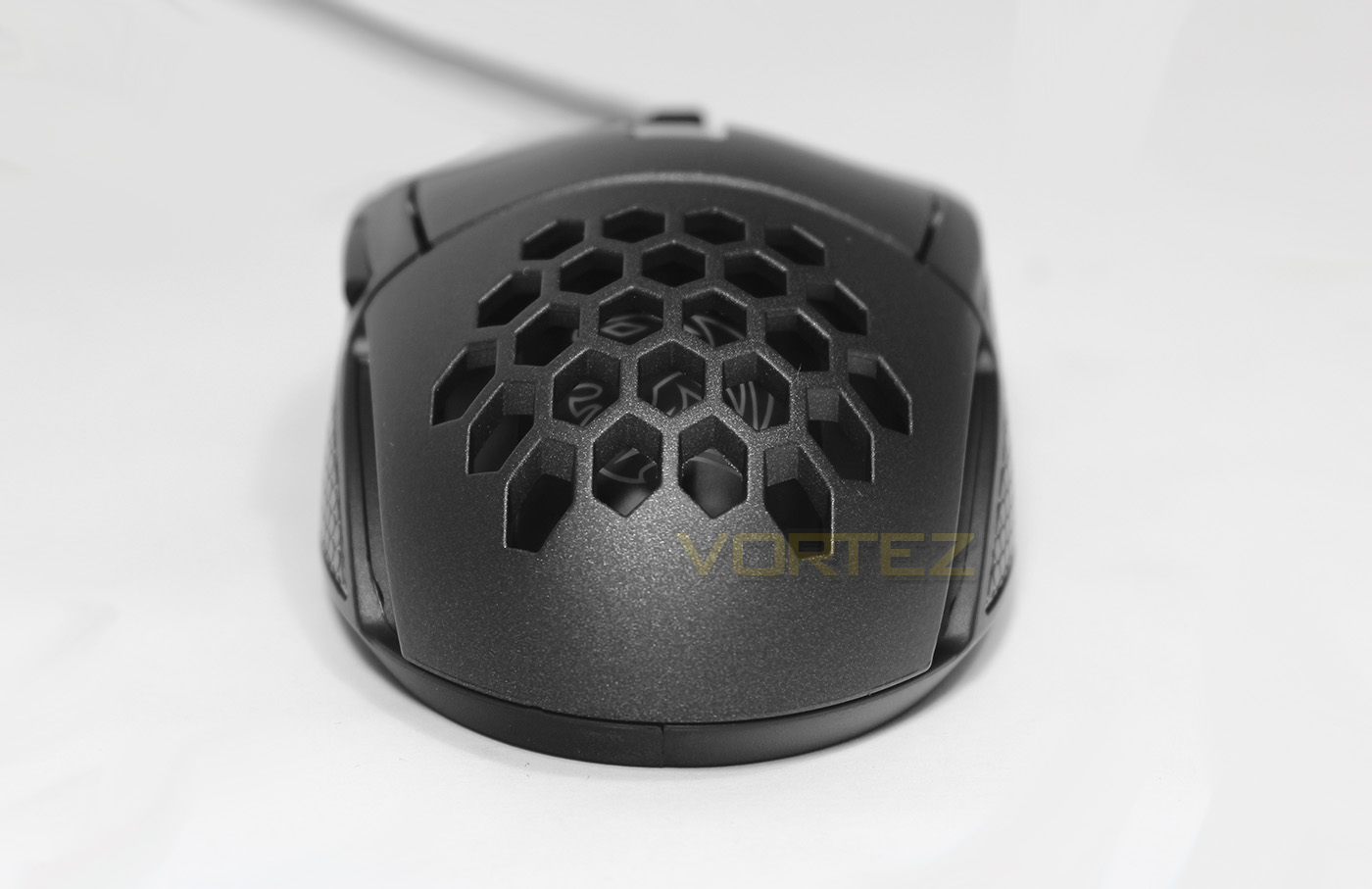
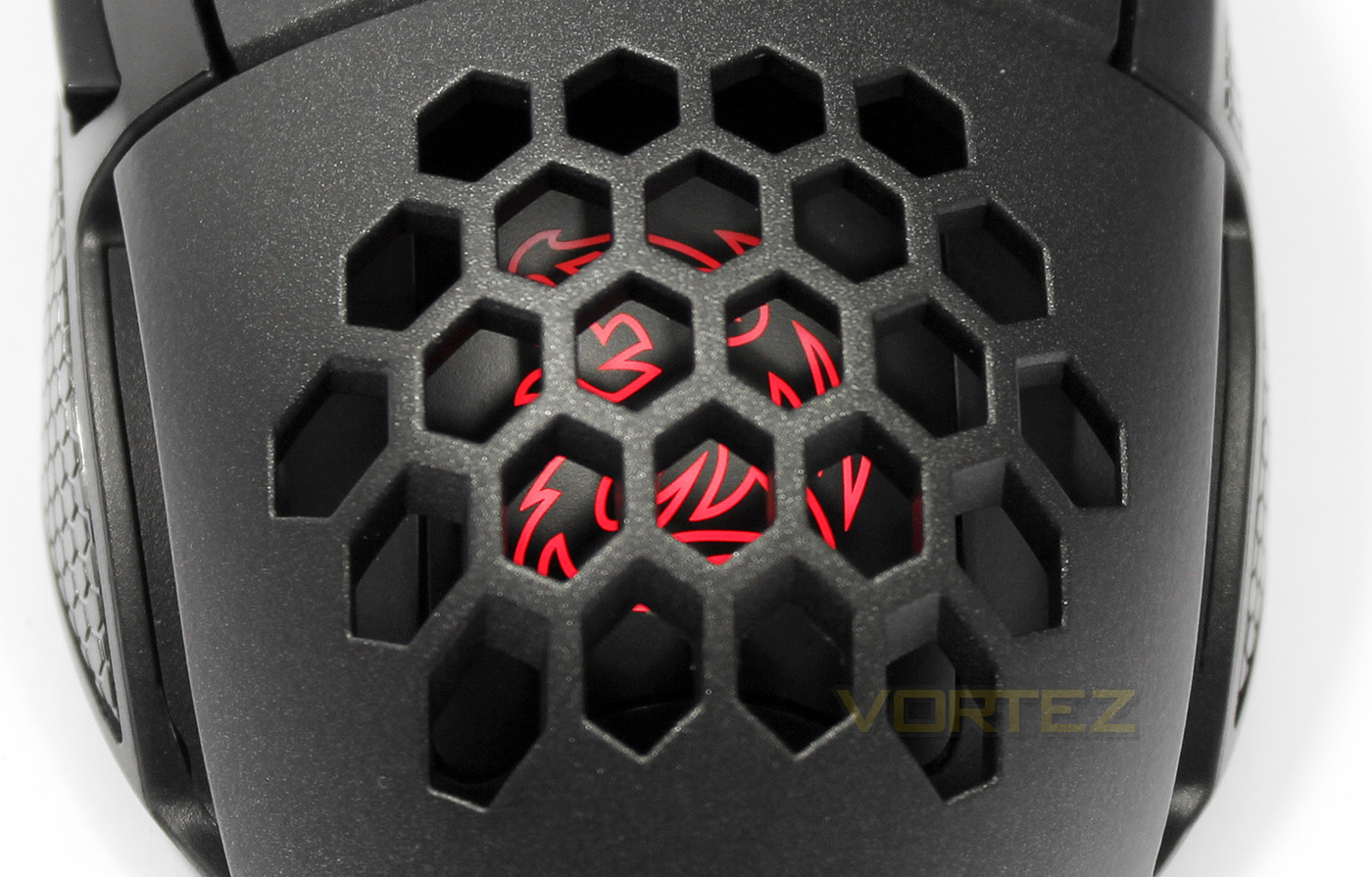
Hiding beneath the hex-grid ventilation is the Tt eSPORTS Battle Dragon, that acts as an RGB lighting zone.
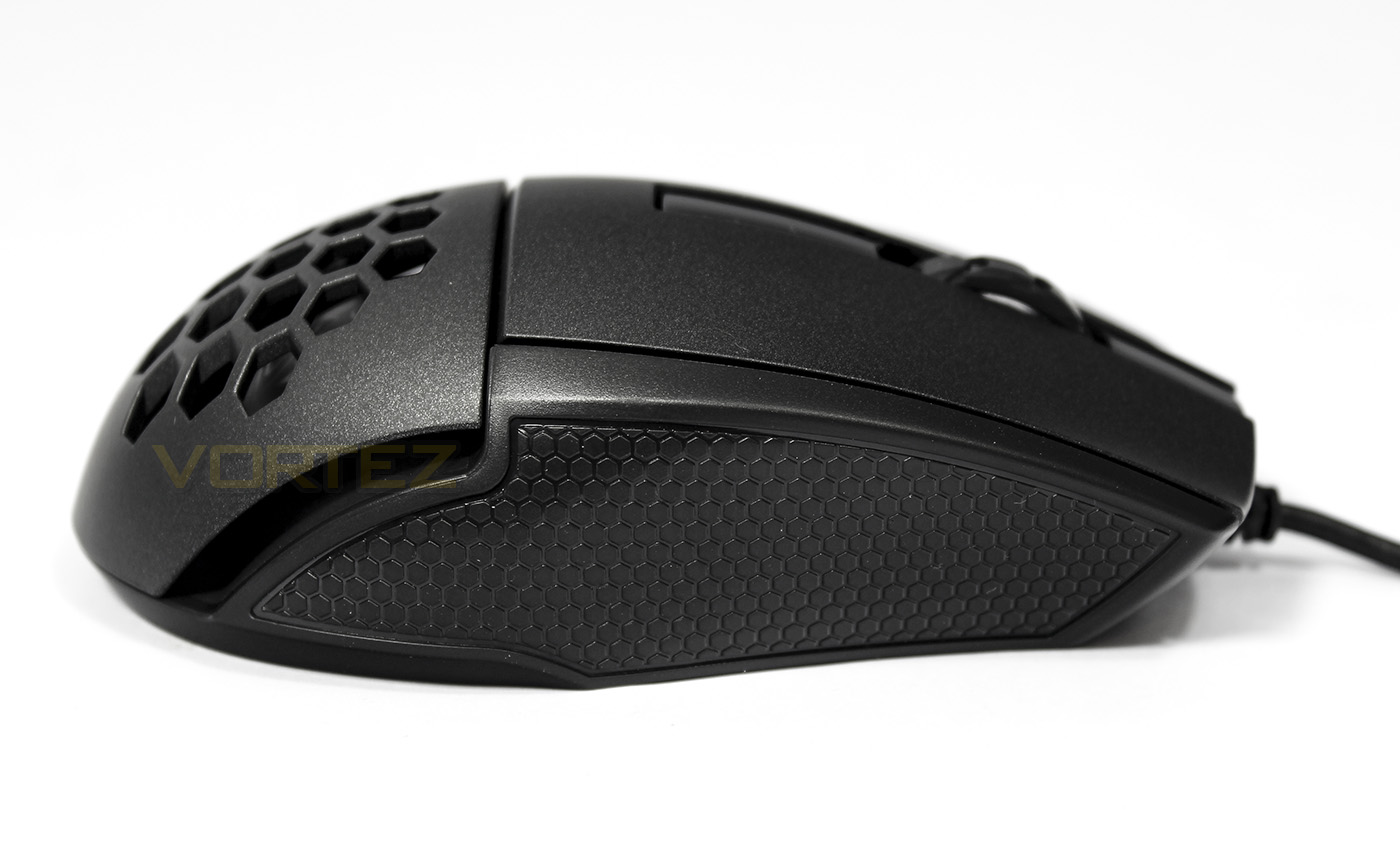
Here there is more rubber grip though no buttons for left handers.
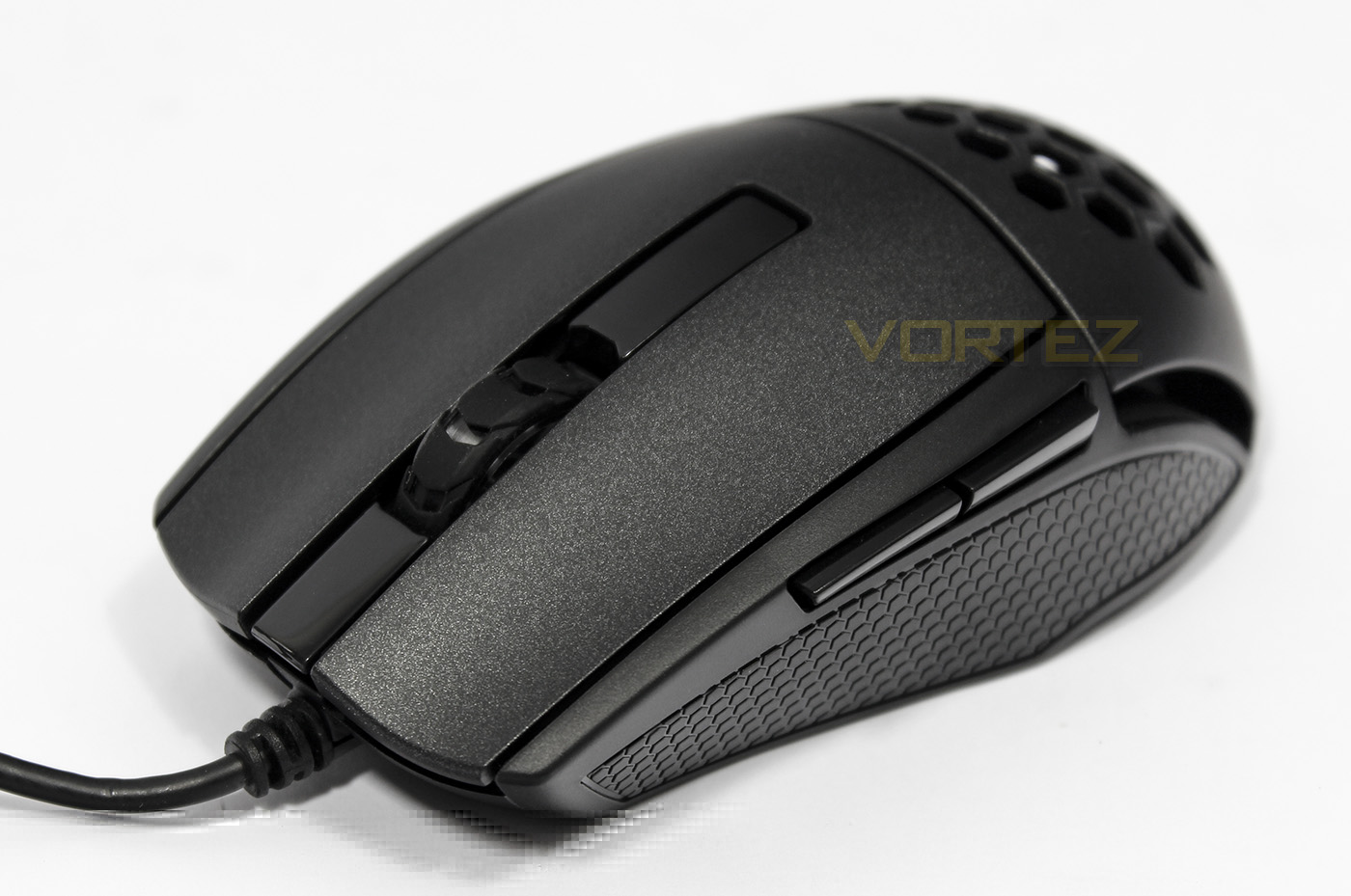
The mouse wheel is wide and coated in a rubber surface, though because it serves as another RGB lighting zone, the main body is transparent.
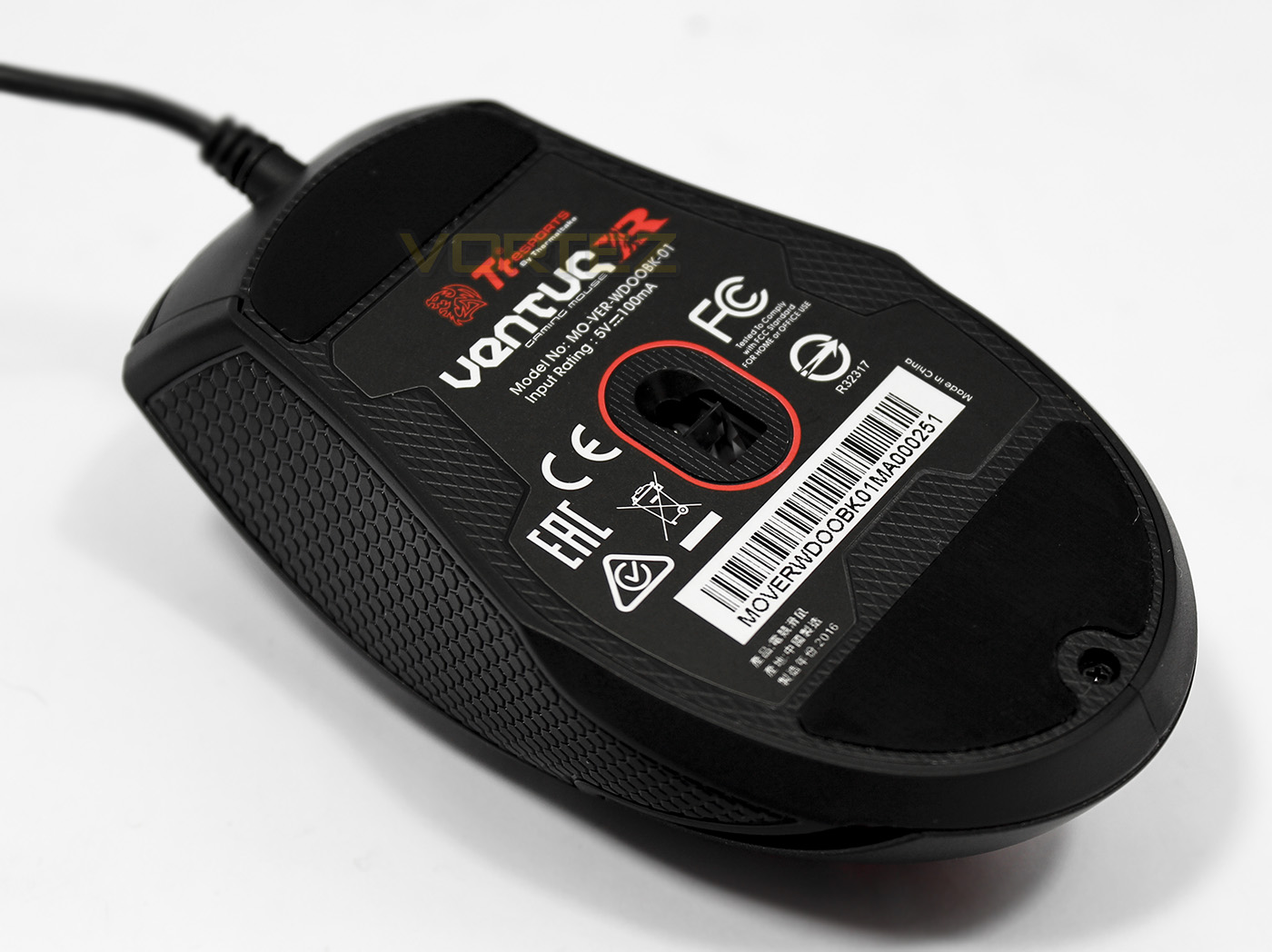
The sensor is position approximately central to the base, though we note that the front part of the base is much narrower than the rear, likely part of an ergonomic design. The teflon slip pads are large but seem to standout quite a bit from the base.
Packaging & First Look: Ventus Z
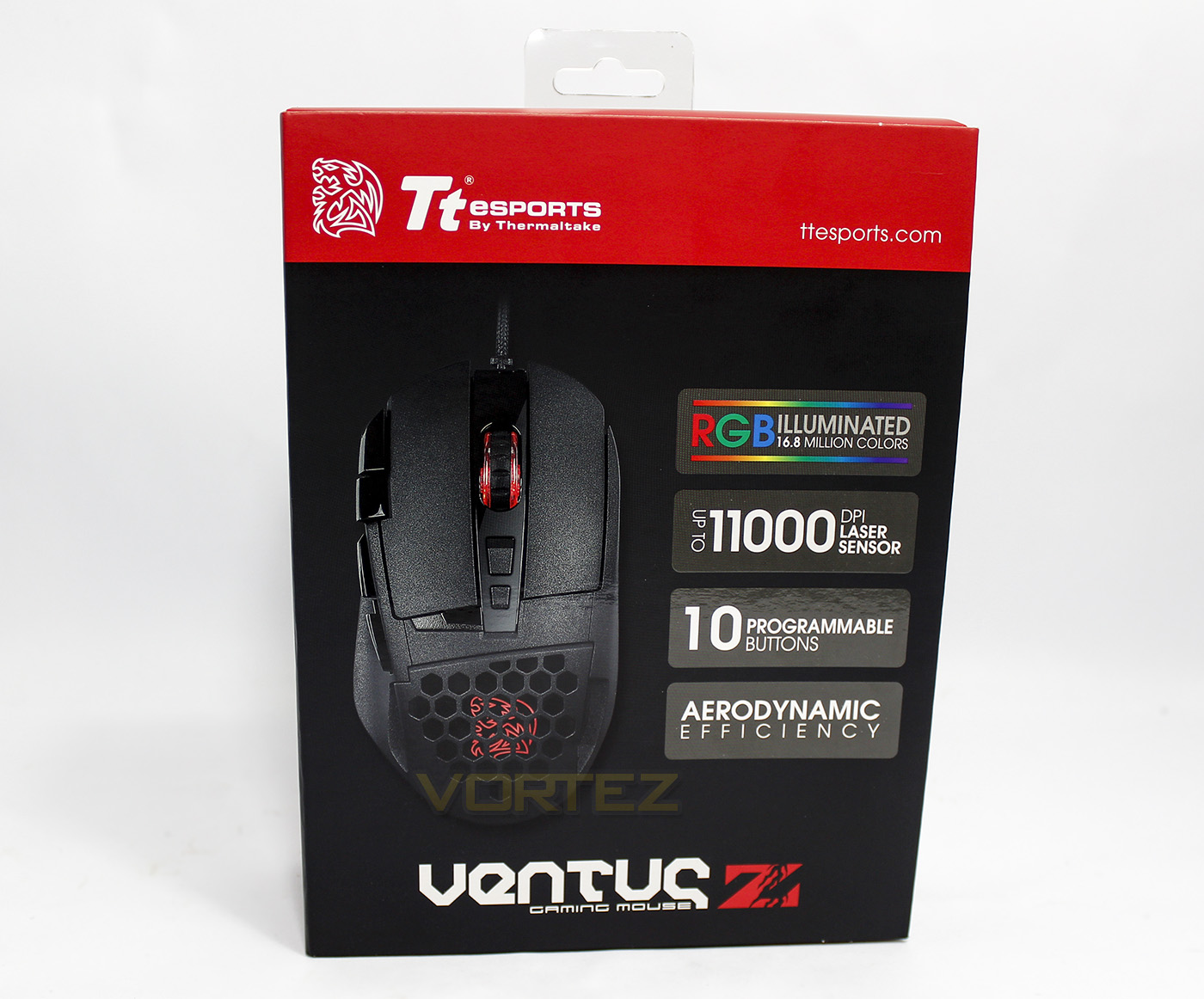
The Ventus Z shares similar packaging to the Ventus R, though of course making a point of its 11,000 DPI, and its 10 programmable buttons.
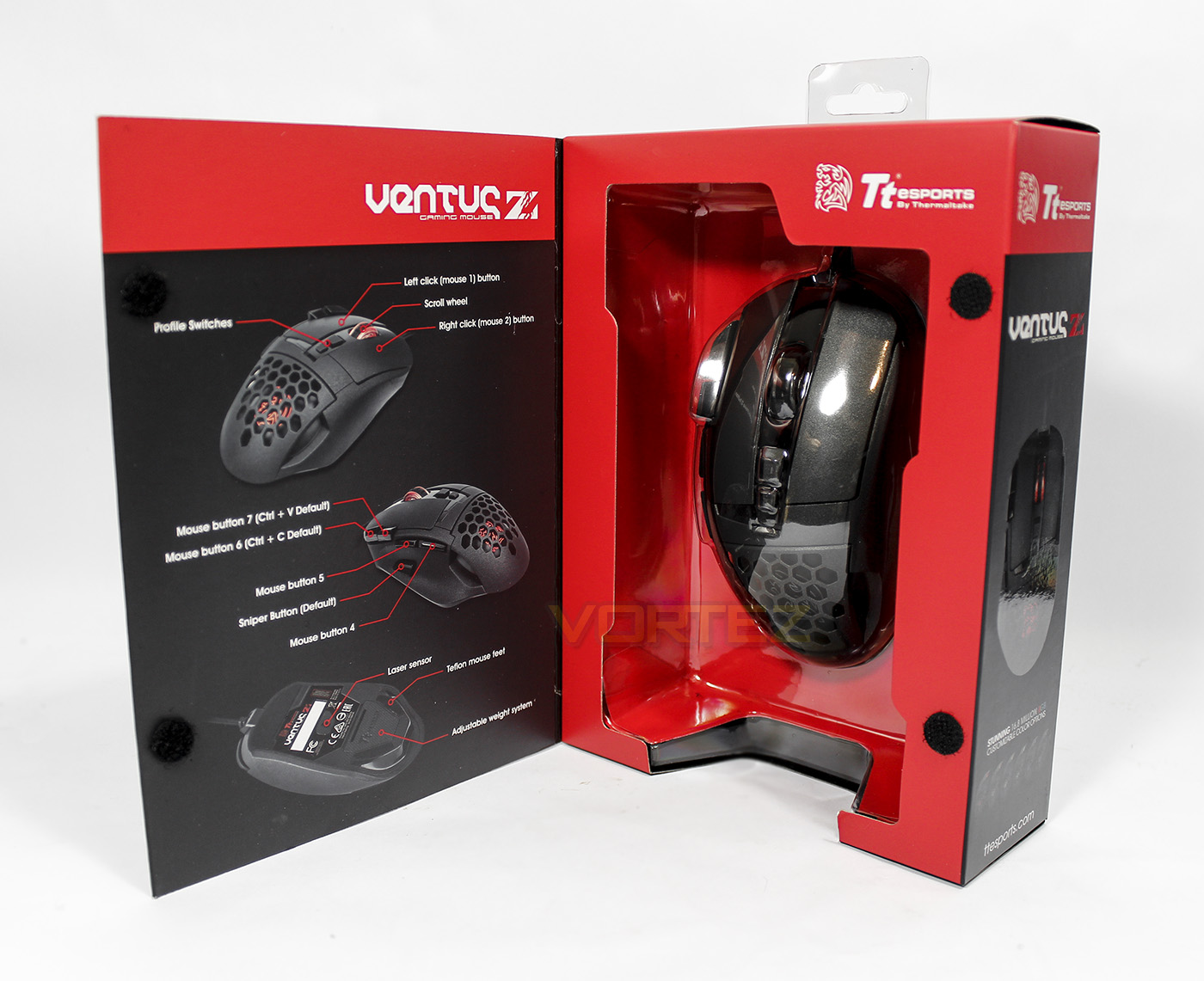
The front can again be opened up to view the product directly, along with the diagram pointing out the physical features.
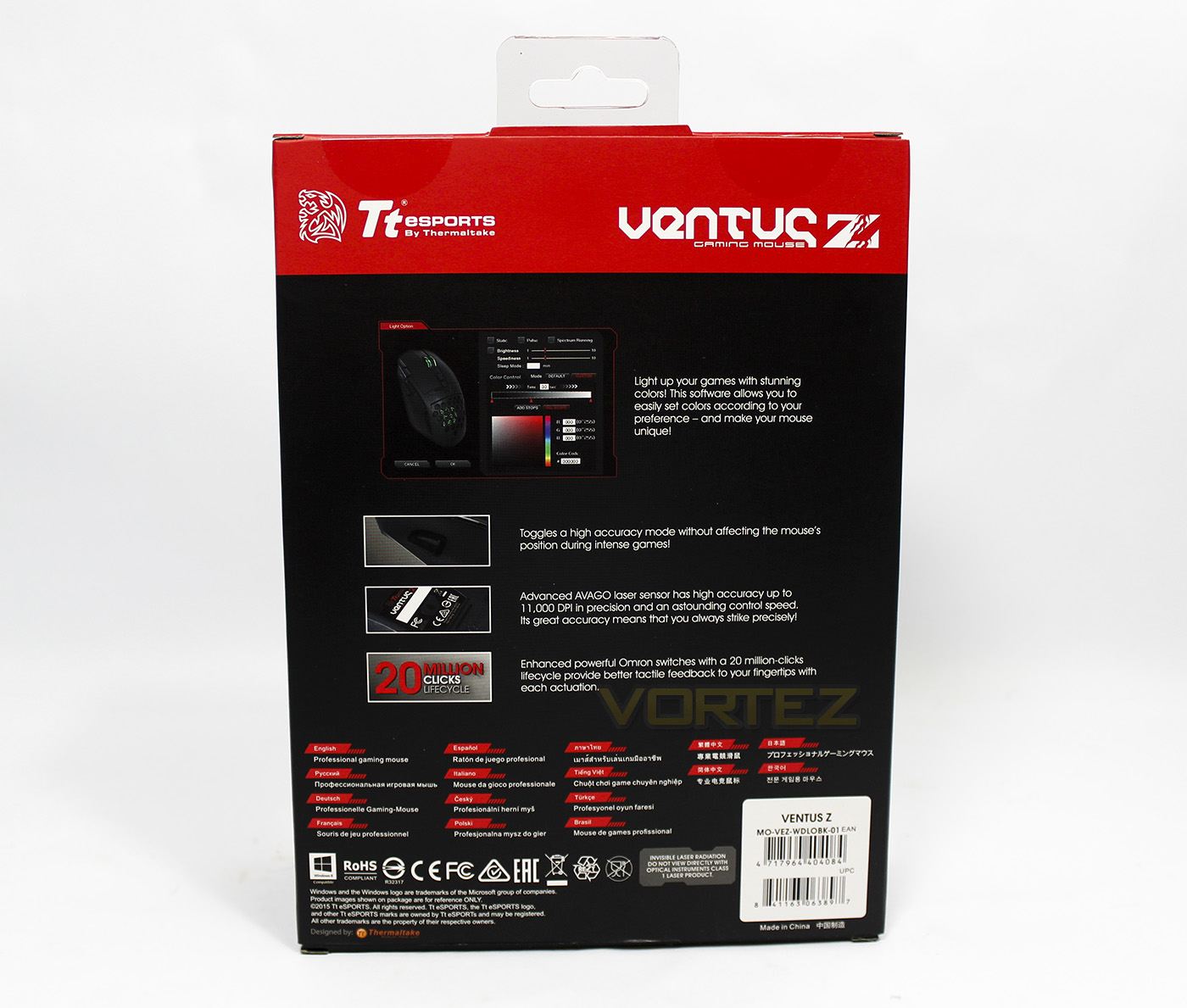
The rear side displays its compatibility with the Tt eSPORTS Command Center software, and gives information about the laser sensor used as well as its sniper button and use of OMRON switches.
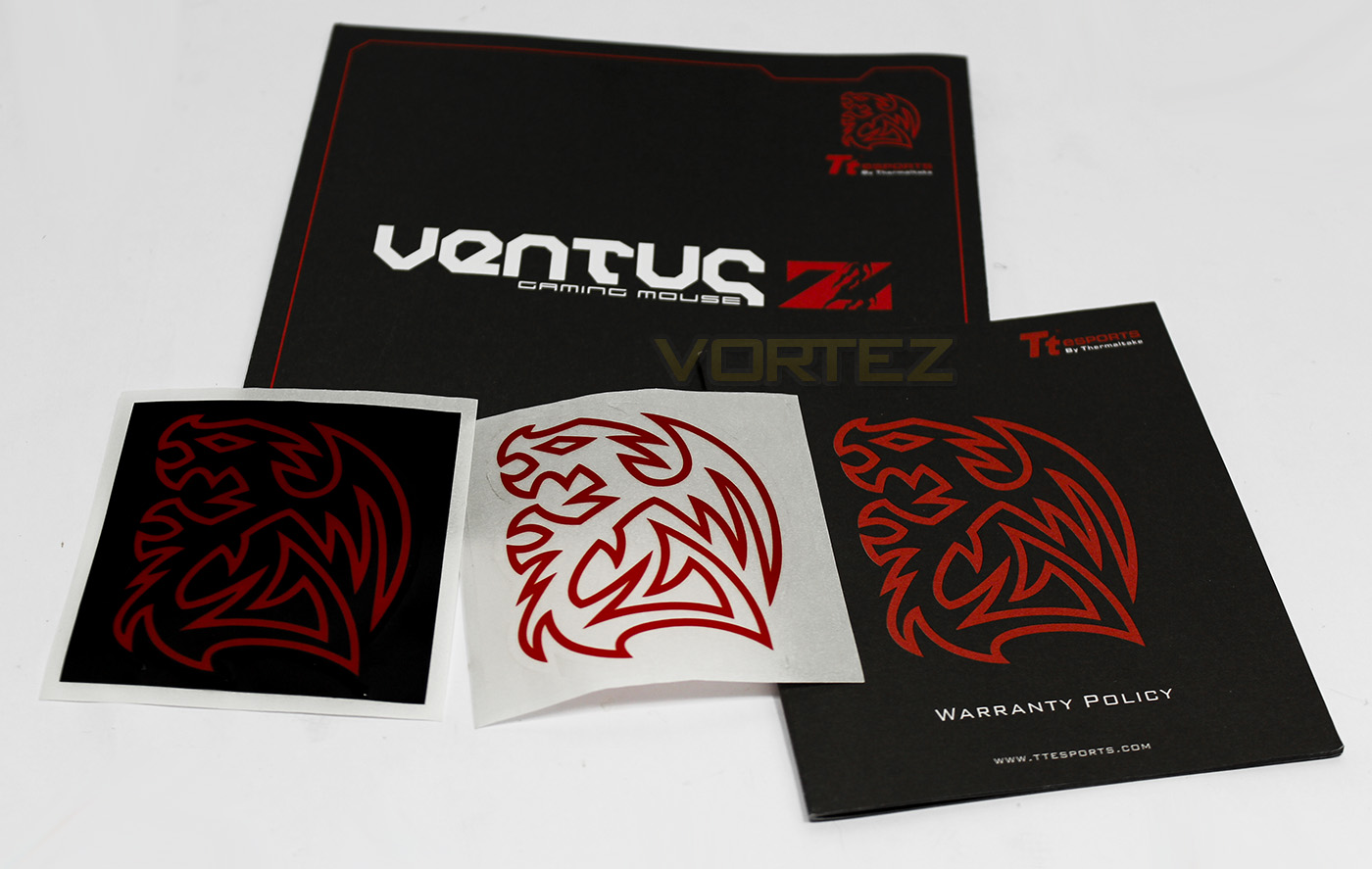
The included information is identical to the Ventus R, that being a guide, warranty information and two battle dragon stickers.
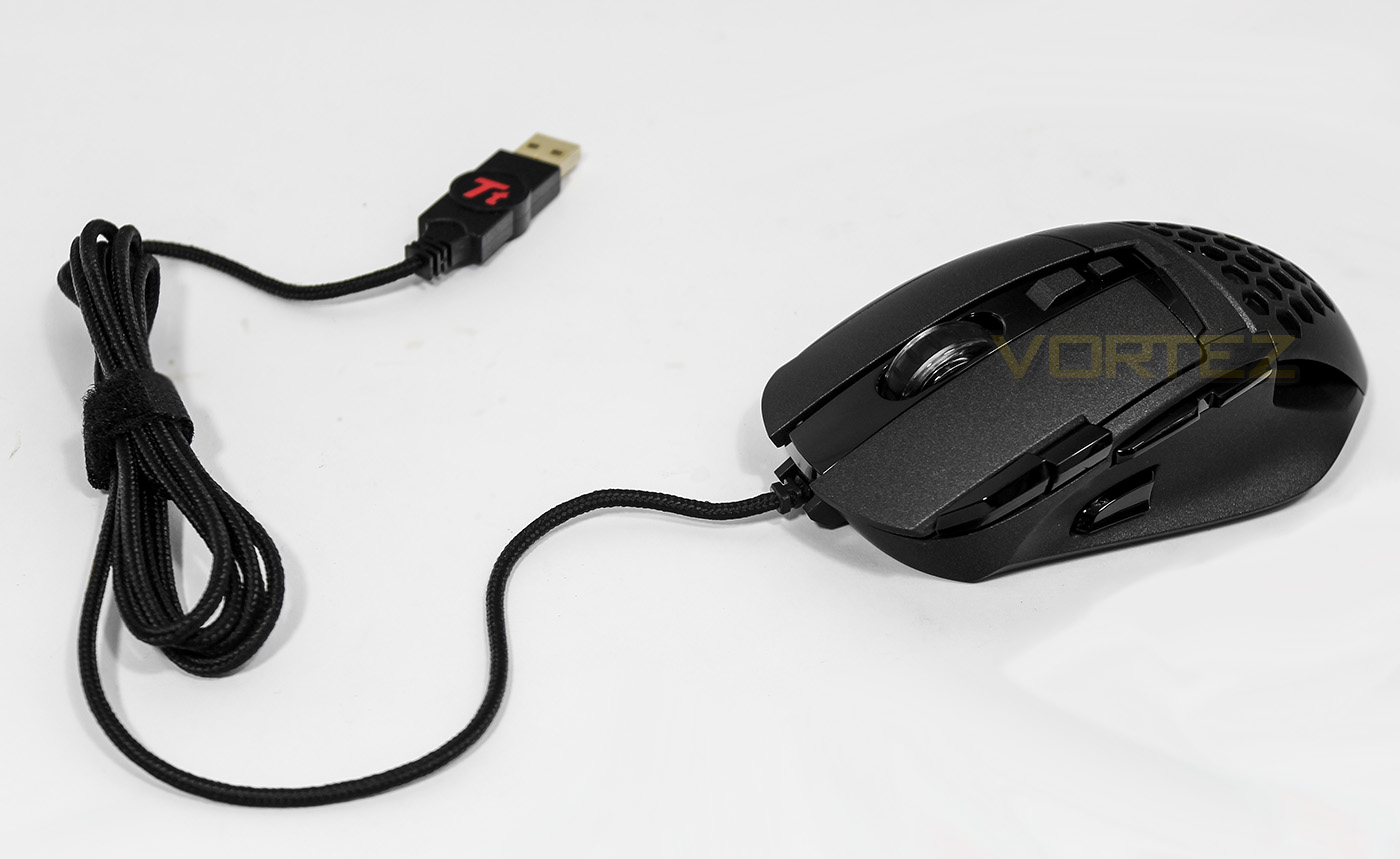
The Ventus Z features a braided cable and a gold plated USB connector, most notably you can see that it is more saturated with buttons than the Ventus R.
Closer Look: Ventus Z
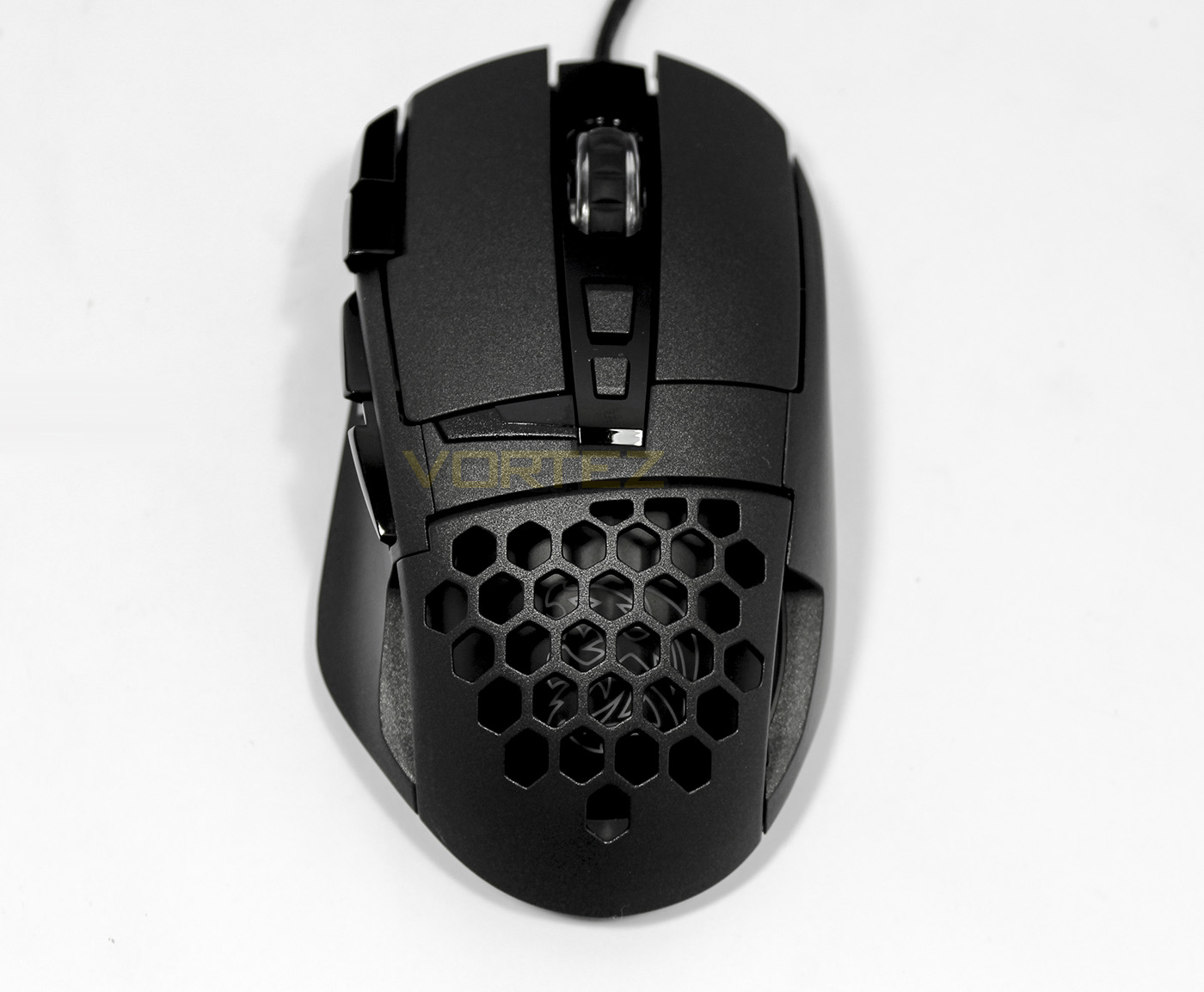
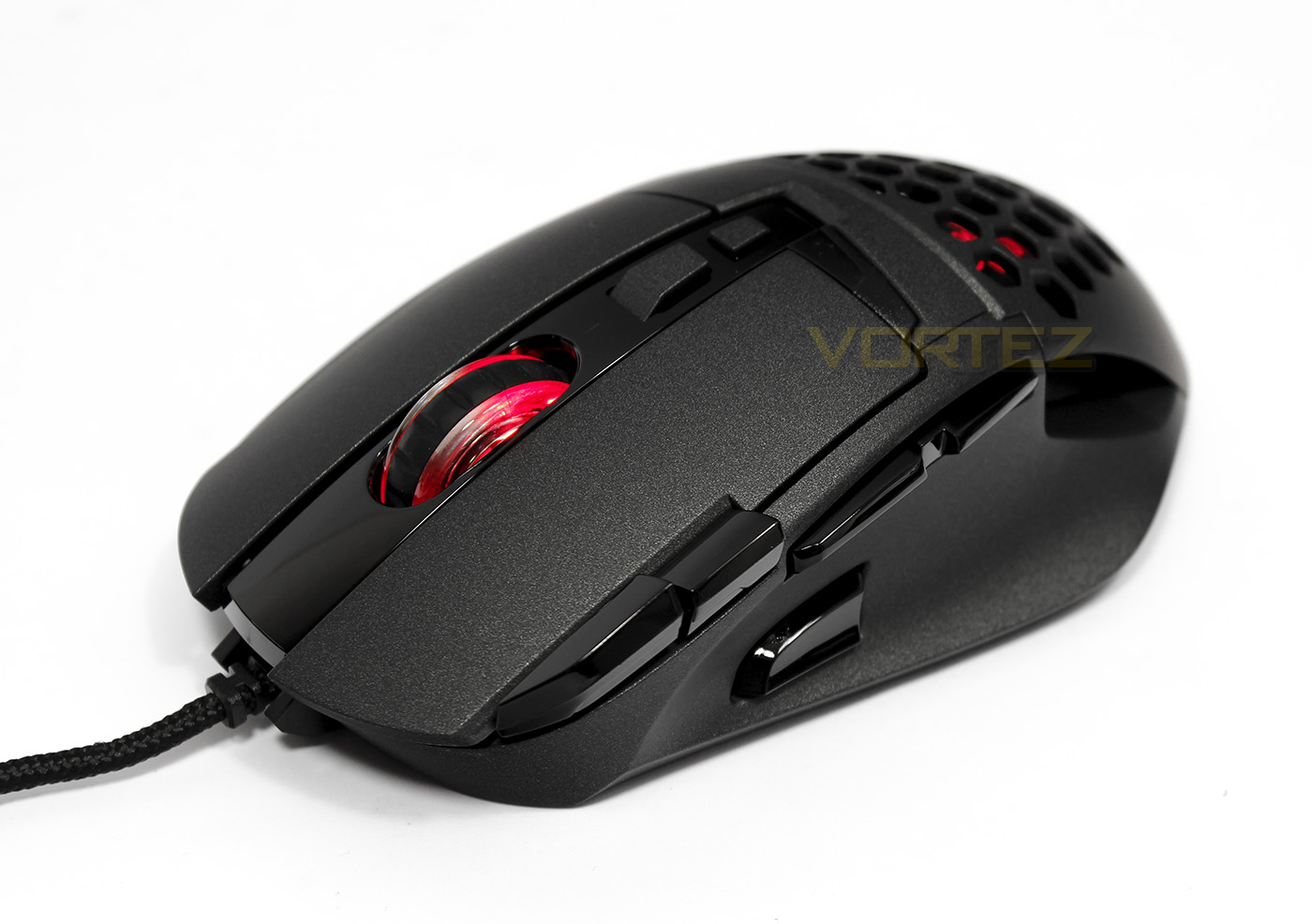
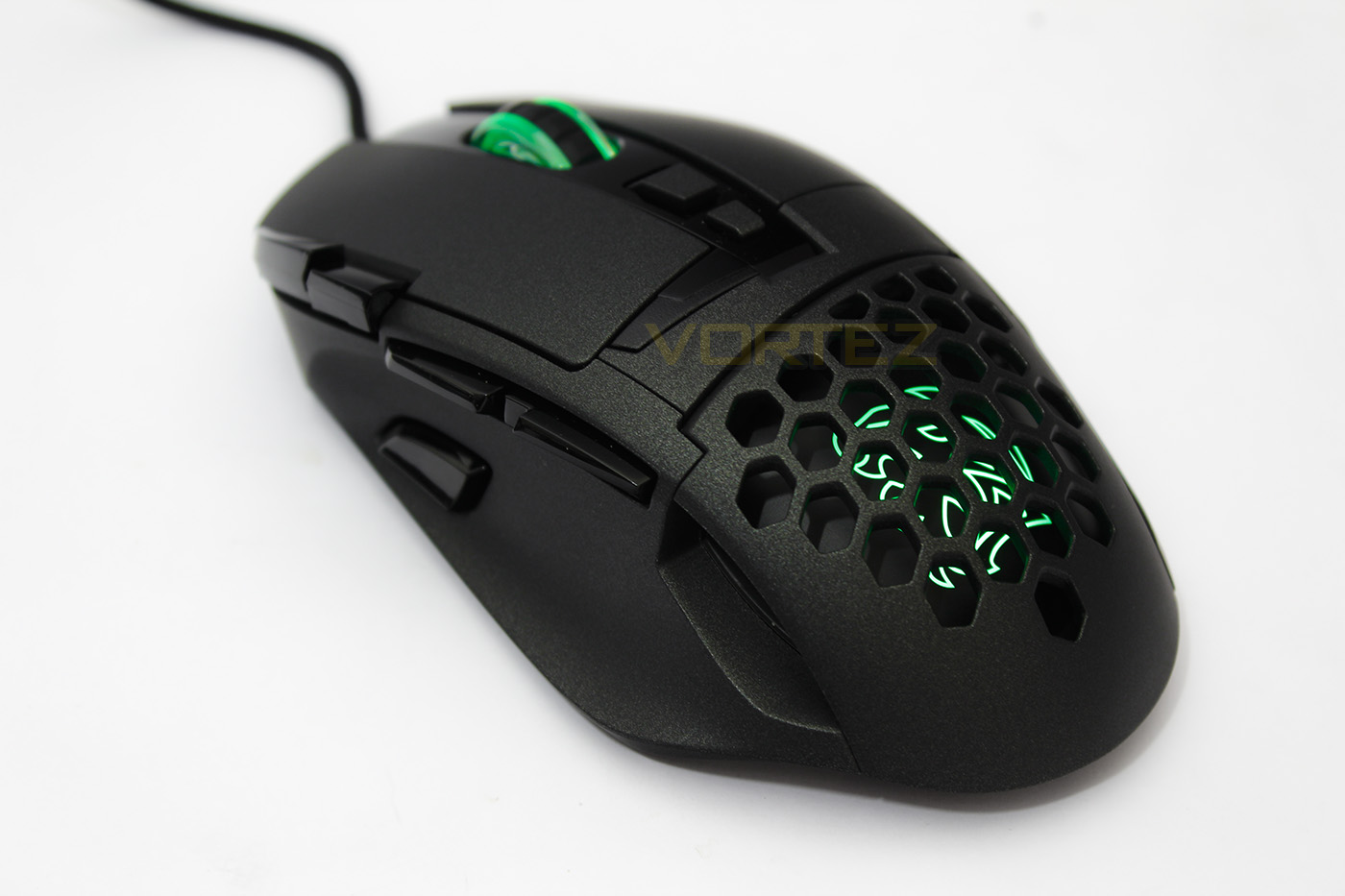
The bird’s eye view of the Ventus Z shows off its more ergonomic shape, catering for a palm grip style. Each mouse click is made from independent parts, and the rear side features large area of ventilation.
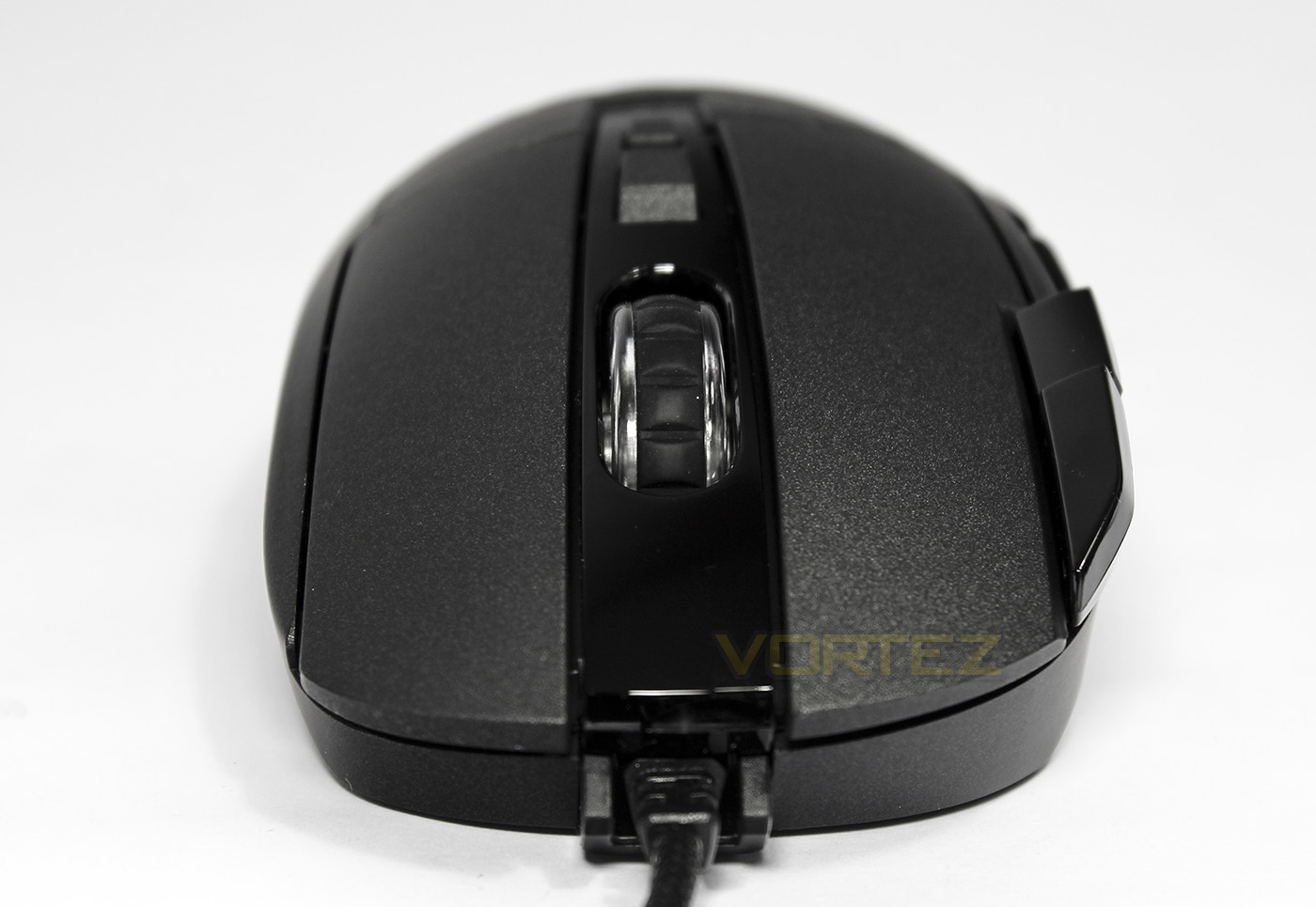
The front view shows a wider, more domed appearance than the Ventus R.
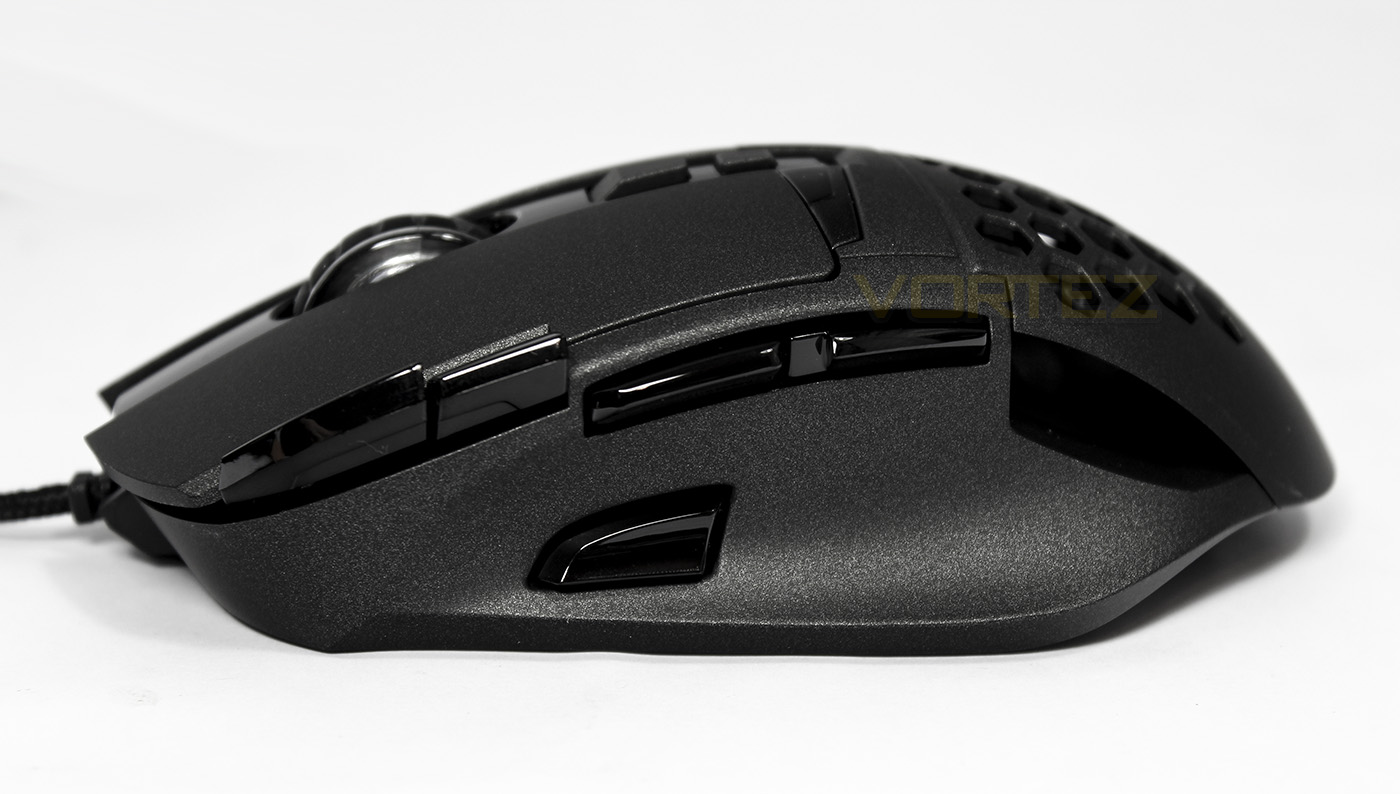
On the left side we find a whole host of buttons, towards the top left are the copy/paste buttons, followed by the forward/back buttons and a sniper button at the bottom.
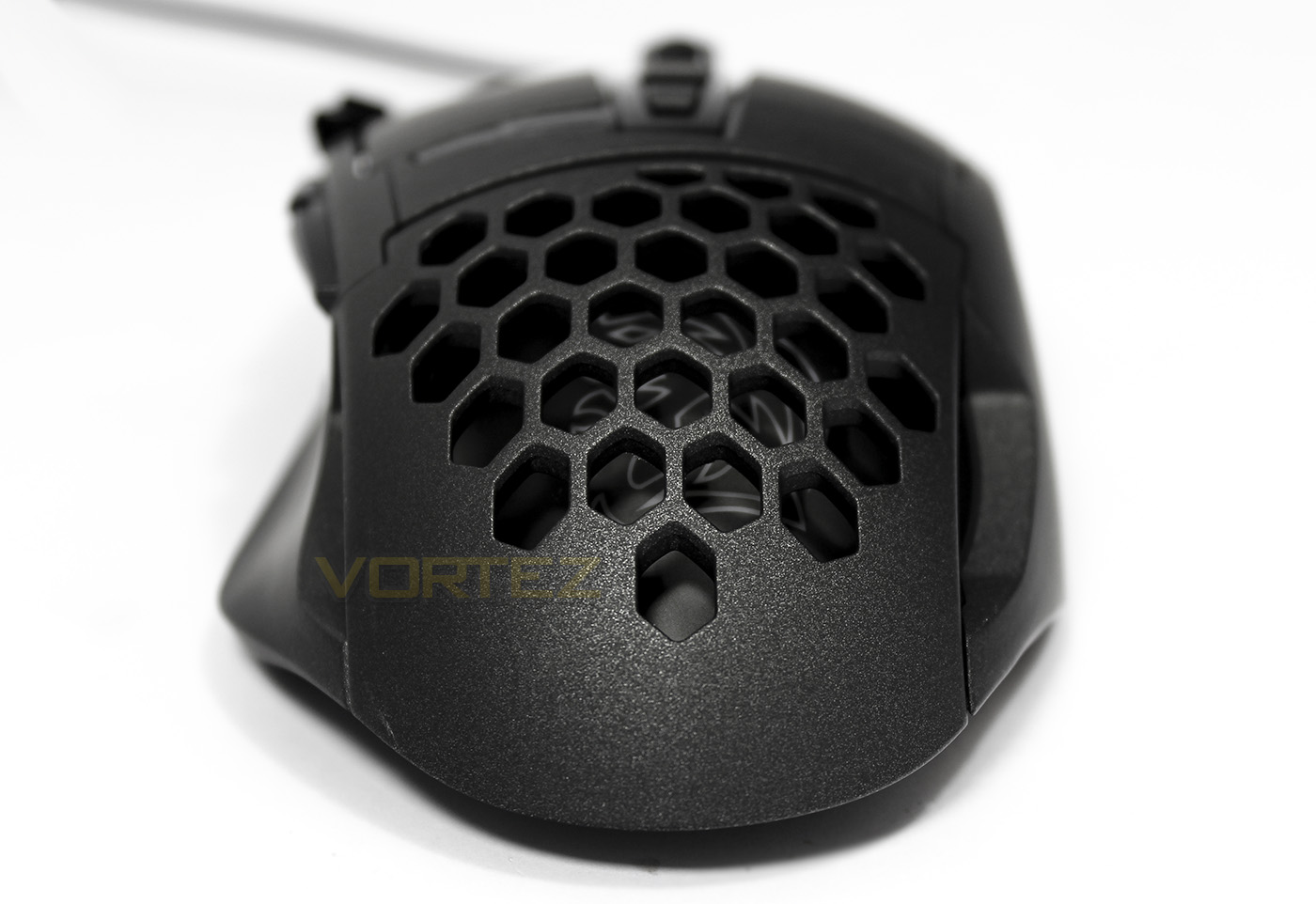
The Ventus Z features a large area of ventilation that widens the farther up the mouse, giving good coverage when used with a palm grip.
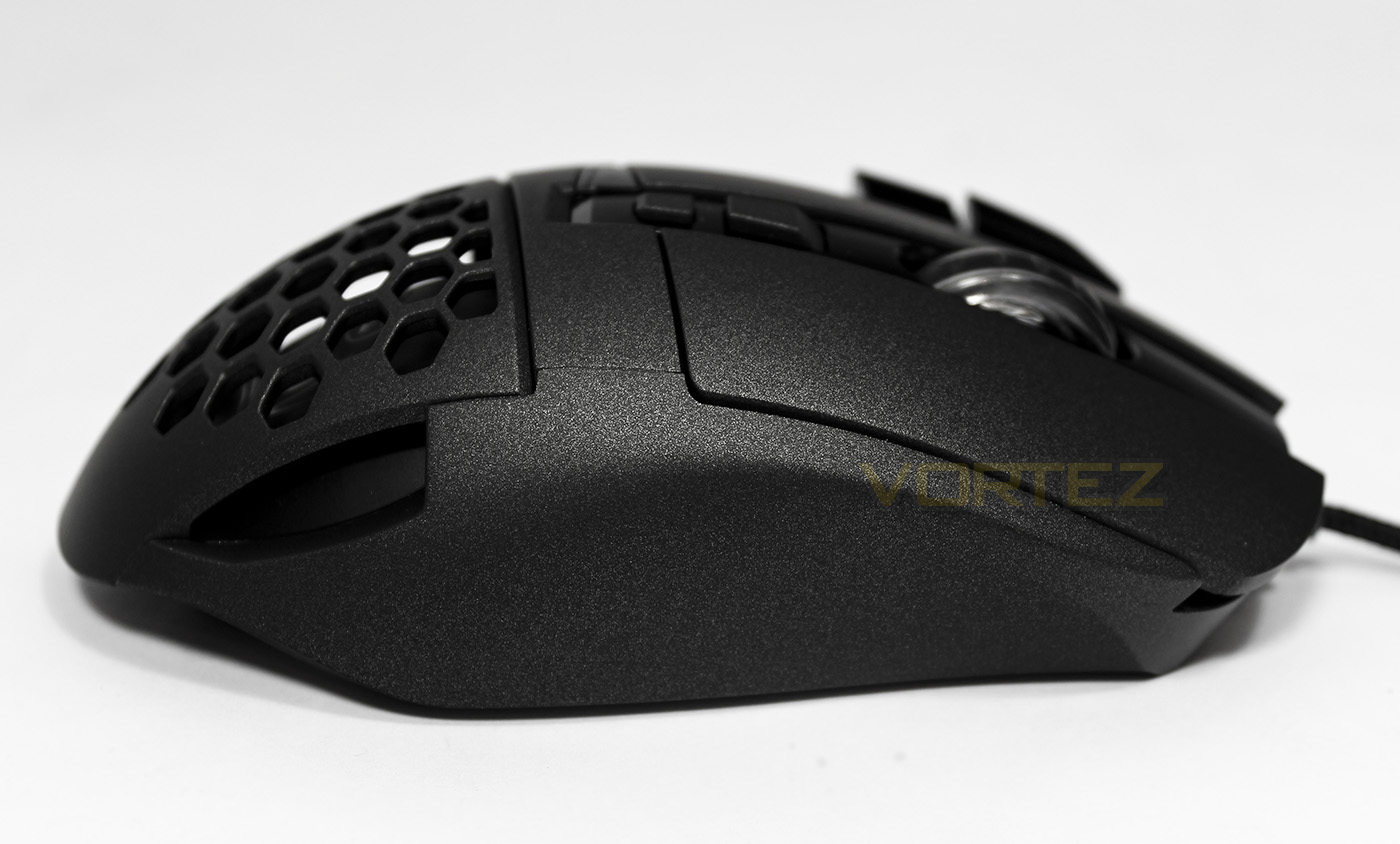
Over on the offside is largely plain, but we get a great look at that amazing textured surface.
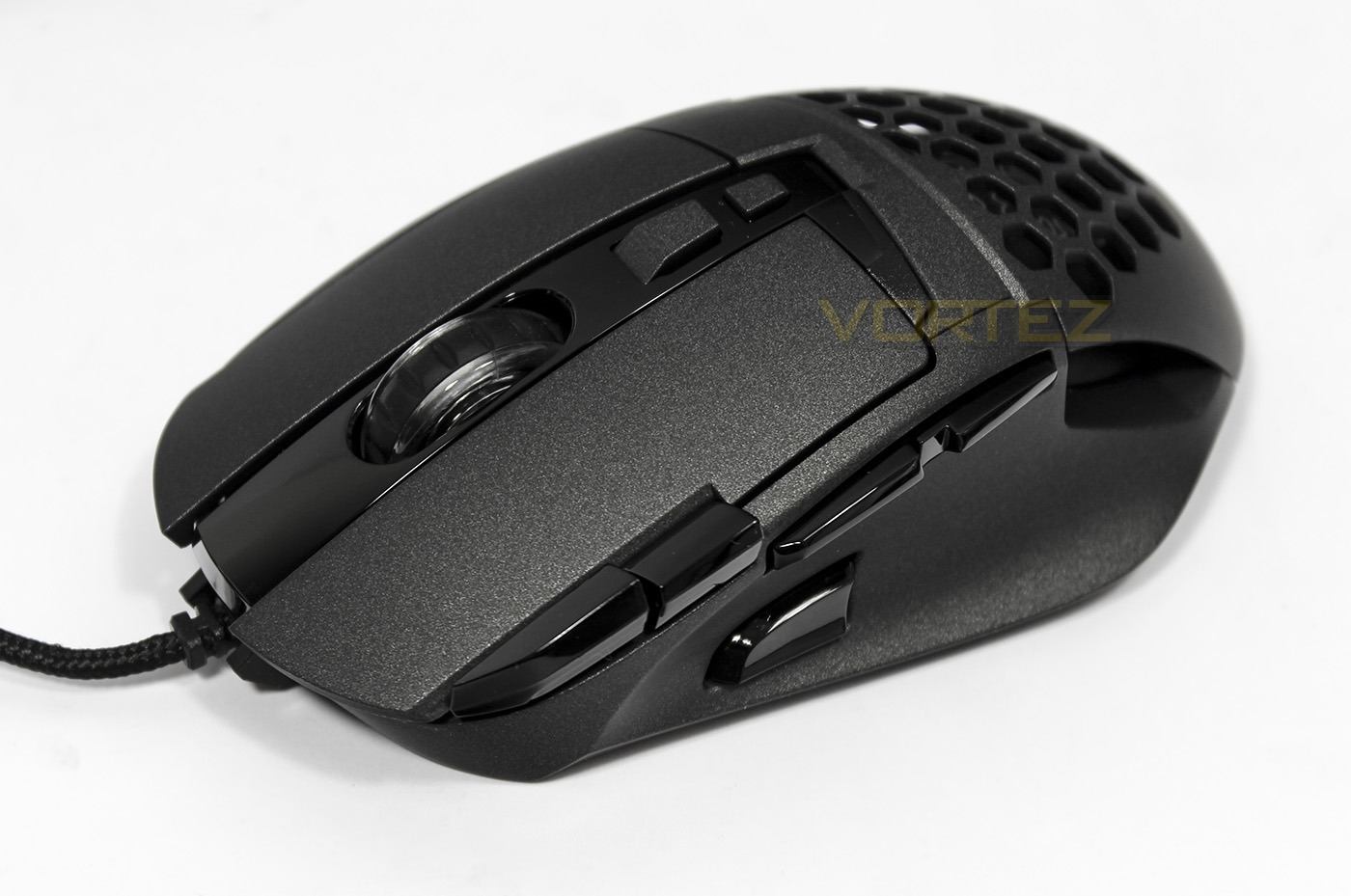
The mouse wheel is wide and has a rubber surface for grip, while being made of transparent plastic for light emission. Sitting behind the mouse wheel are the two profile selection buttons.
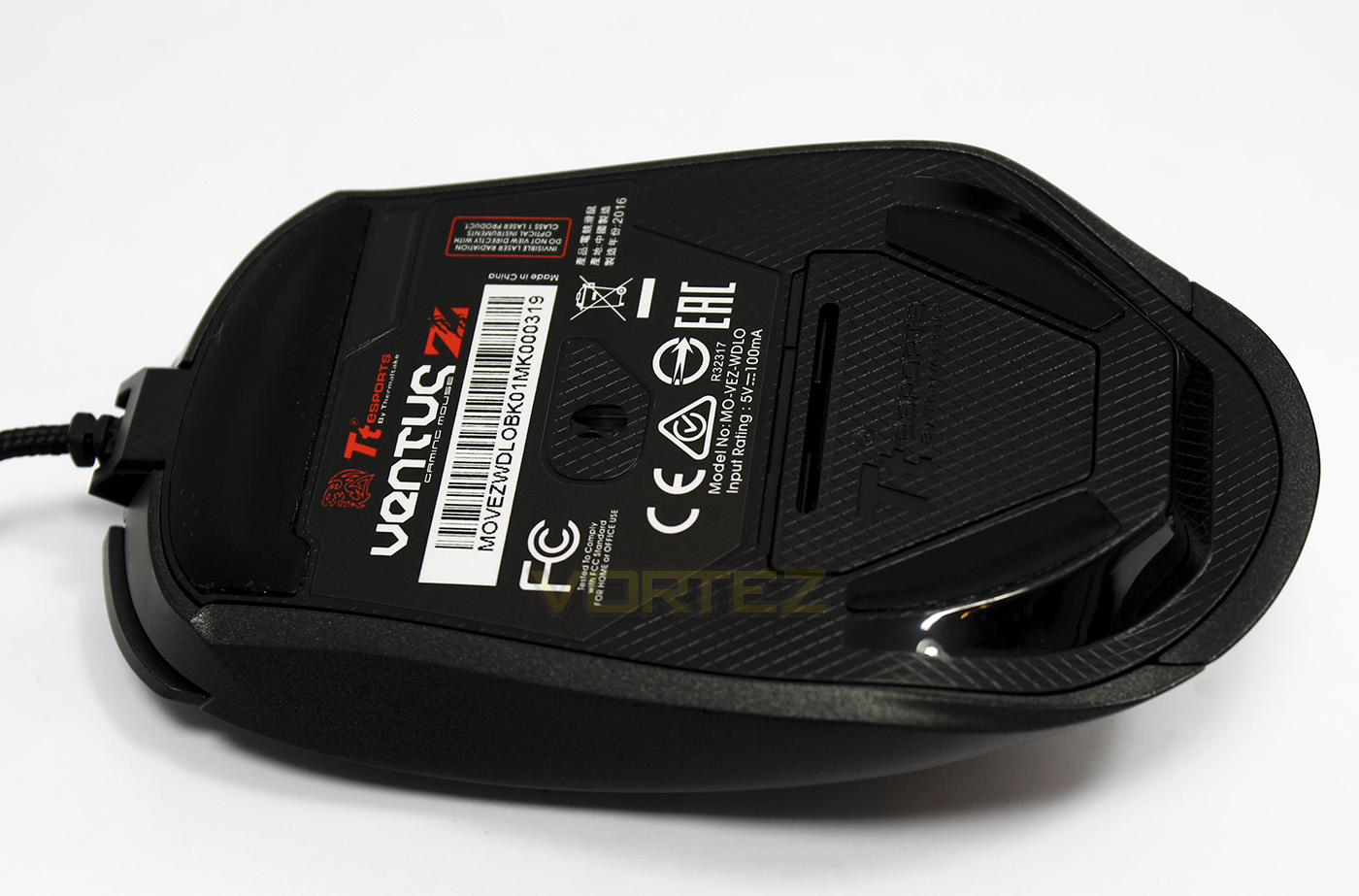
The base is large and features several Teflon slip pads with the sensor positioned slightly towards the front.
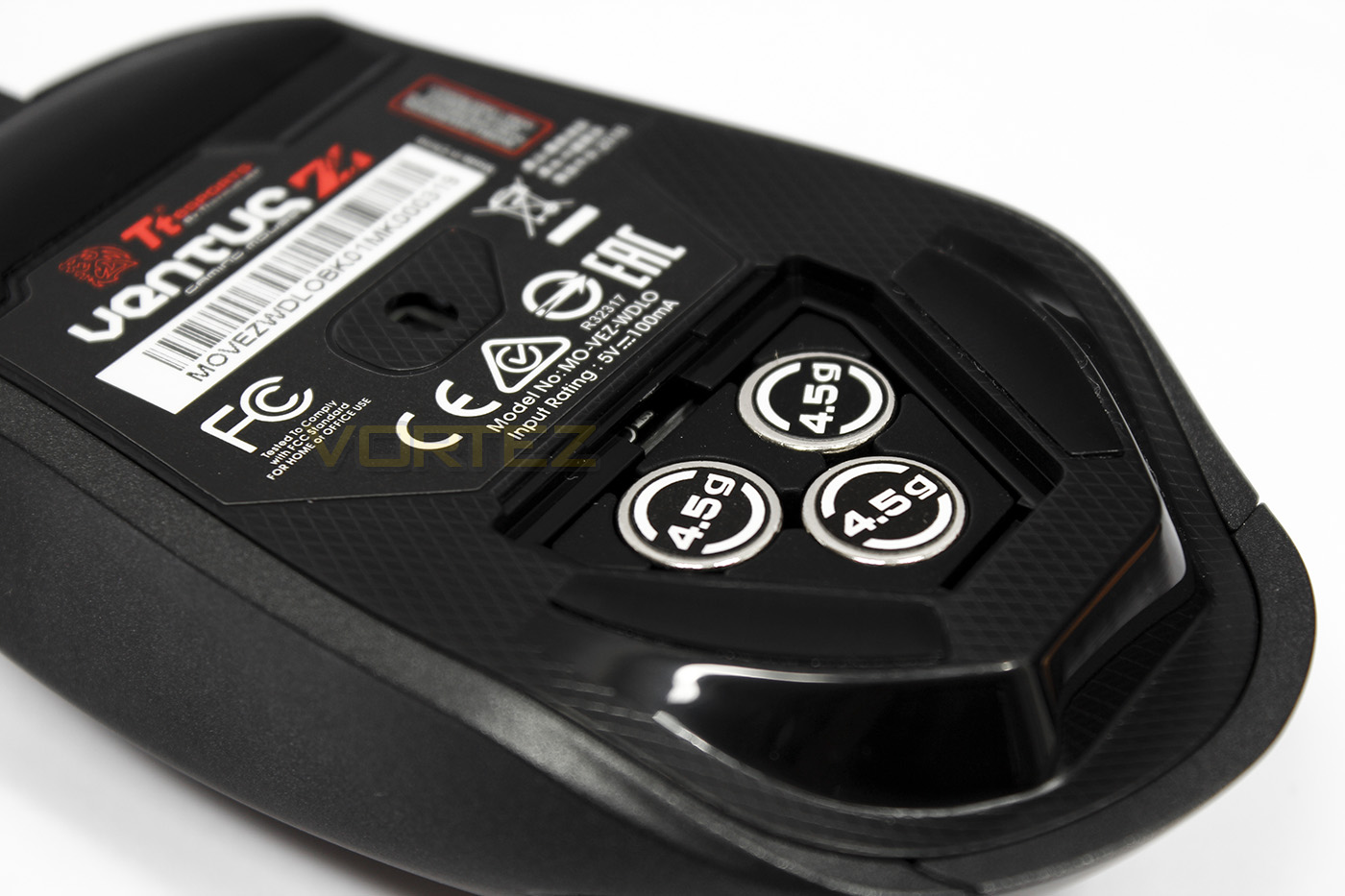
There is a removable plastic cover to access the adjustable weights.
Software & Lighting
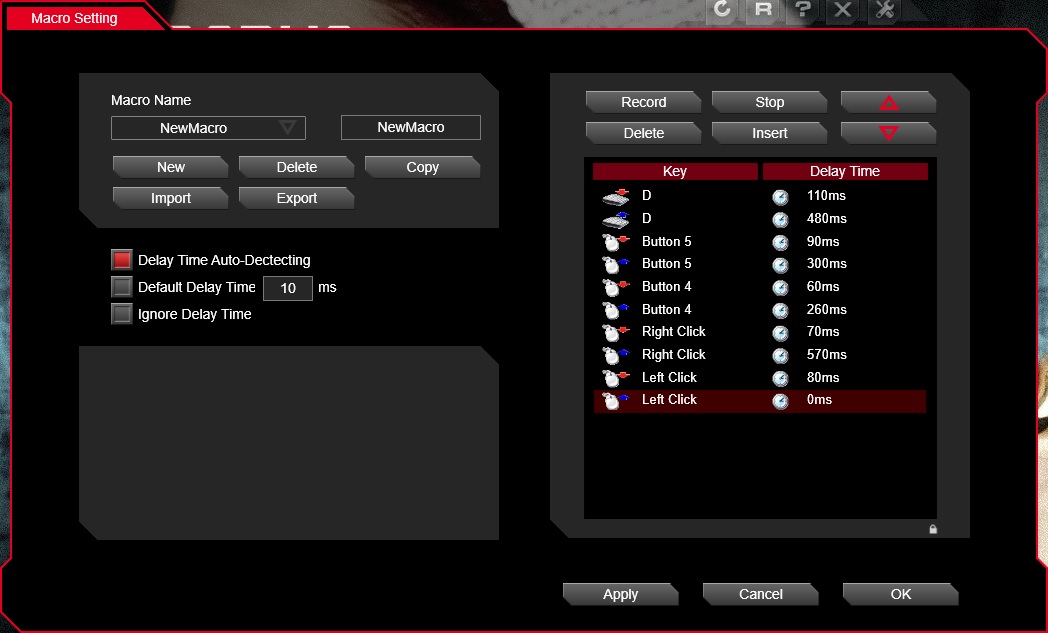
Tt eSPORTS have been working on their own unified software driver for their products and the result was the Tt eSPORTS Command Center. Though the mice will work via plug and play, for full features and customisation, the software is recommended to be used. After installation, it will recognise any compatible Tt eSPORTS devices and automatically update the firmware where available. Once done you will then be presented with an easy to navigate GUI that will enable you to reprogram any buttons, record any macros, and customise the lighting effects. Something that we overlooked before is the ‘link to program’ feature, which automatically swaps profile which you have customised for whichever application you choose.
The Ventus R and Z share some similar features, such as 5 customisable profiles, with 4 stage DPI selection as well as similar lighting effects (static, off, pulse, spectrum cycle). The primary differences would be in the laser sensor in the Ventus Z, giving it adjustable angle snapping and lift off distance, though we do not find any acceleration controls.
The macro editor works smoothly and I am happy to report that it does register all mouse actions (all clicks and buttons).
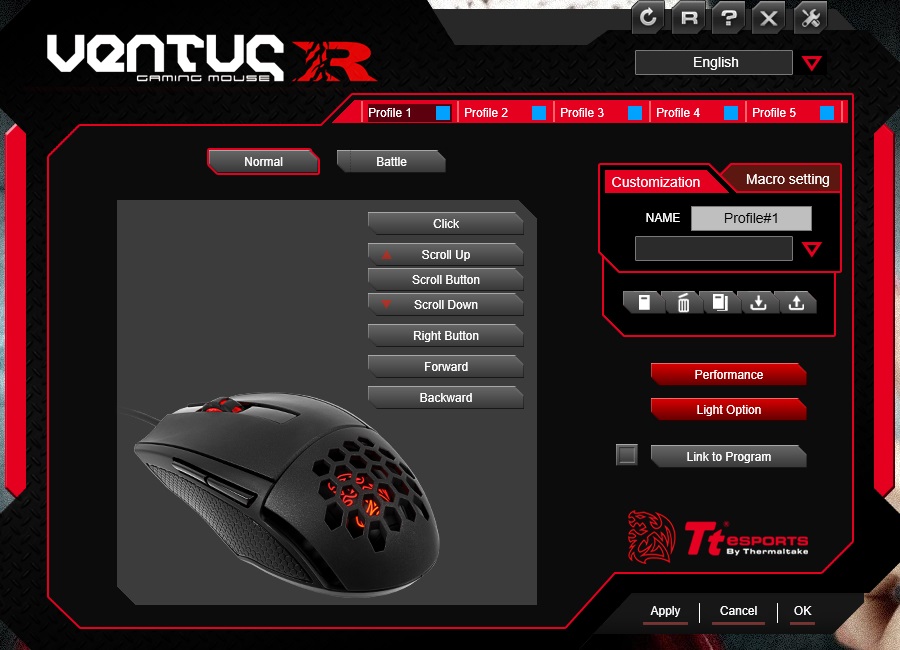
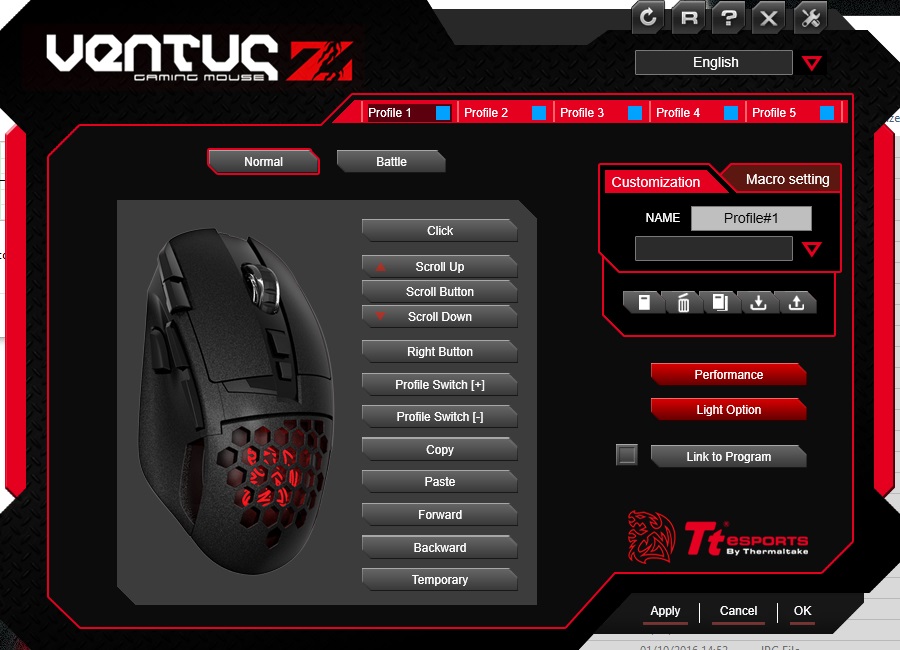
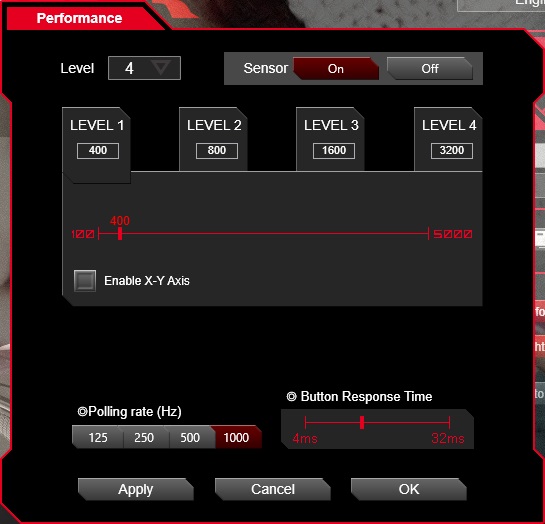
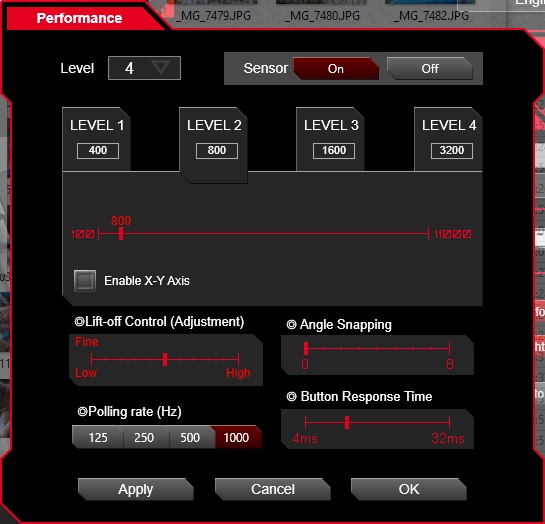
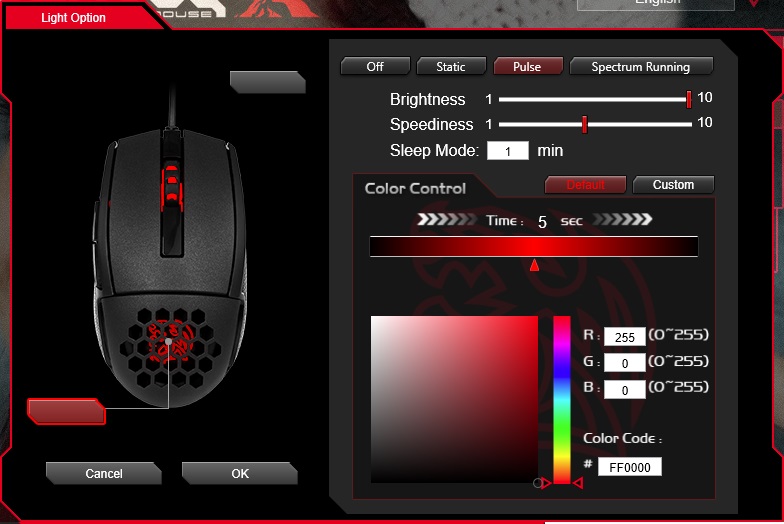
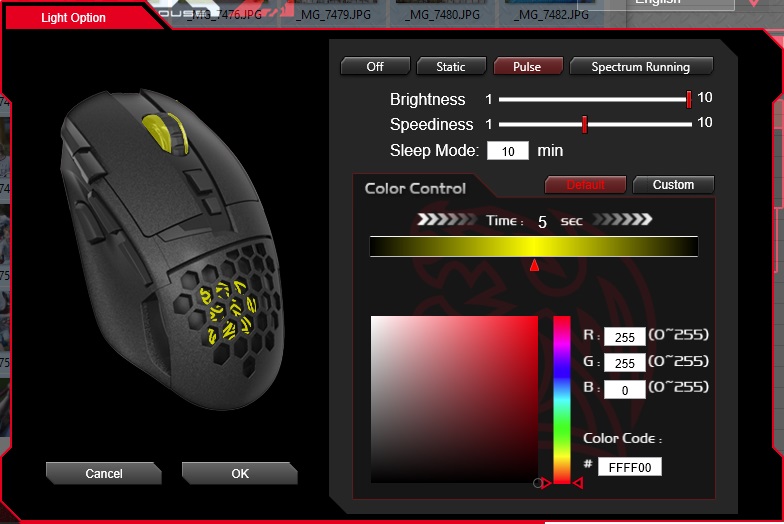
The lighting is vibrant and renders most colours accurately, white is slightly cool but easily passes for white.
Performance Testing
Setup, Design & Observations
Ventus R
The first thing people will notice with the Ventus R is how light and small it is. While it isn’t a tiny mouse, it is certainly smaller than what many may be used to and so may deter people that prefer larger, heavier, palm grip orientated mice. Though fans of high speed, claw or finger tip grip mice will love the feel of the surface, and the rubber side grips Tt eSPORTS have chosen to use. This mouse is ambidextrous, however left-handers will have to forego the use of the convenient side buttons.
The mouse clicks are fast and feel satisfying to press, something that extends to the side buttons also (despite creating a loud hollow clicking sound). The mouse wheel scrolls fantastically but feels a little strange when pressed, having a very short and stiff actuation. I couldn’t find a way to adjust the DPI on-the-fly which was a minor inconvenience, there was no way mentioned in the guide, nor combination of buttons (like hold mouse wheel + right click) that seemed to work.
The only thing we noticed that could be annoying was that the front of the base narrows a lot compared to the top of the mouse, combined with the narrower still slip pad that is raised a fair bit off of the base (maybe 1mm), in use we observed that without a secure grip, it was easy to rock and tilt the mouse off its based, so a poorly placed click could have detrimental effects on tracking in game. It isn’t something we had a problem with in practice, but it was certainly noticeable and I found myself rocking the mouse side to side on purpose just because it was easy to do.
Ventus Z
In contrast to the Ventus R, the Ventus Z is a palm grip mouse that is is shaped for comfort, and is significantly heavier. This will cater for those that prefer palm grip mice. If you prefer it to be slightly lighter than the 130g, you can remove the 3x 4.5g weights. We preferred the mouse without the weights because we found that it was a little rear heavy which could cause a slight problem with torsional motion (the front end is easier to move than the rear, causing a twist in motion causing tracking issues). This isn’t something many people will notice or have a problem with, but we preferred the balance without the weights.
The Ventus Z features five additional programmable buttons including a sniper button, copy/paste button, and profile up/down button. the copy/paste buttons are placed convenient for your index finger to press, and as with the Ventus R, each button feels great and satisfying. Though the mouse wheel again, feels fantastic to scroll, but is a little stiff in its actuation.
Another recurring feature is that the Ventus Z is a little easy to roll specifically when using the top side copy/paste buttons. Generally having a very stable base that will allow any required down force upon the mouse without the mouse flipping, tilting or rolling is good design practice. Comparatively, the Ventus Z isn’t as unstable as the Ventus R, likely due to its size and weight.
Performance
Ventus R
The tracking performance of the PWM 3310 sensor is fantastic, and in reasonable DPI ranges up to 3200, it is entirely smooth and jitter free, while at the maximum of 5000DPI, a small amount of jitter is introduced, but the MCU keeps it under control and is perfectly usable. The 3310 sensor tracks perfectly well on most surfaces, we tested it on a standard black fabric mouse matt, white paper, glossy wood veneer desk, and coloured paper and it handed that all perfectly.
In game the mouse was a joy to use, responsive, accurate, comfortable and reliable. The unstable base didn’t really make any noticeable impact in game on DOTA2 or CS:GO, and I realised that this mouse has a very low lift off distance, which helps to negate any lift-off travel that may be caused.
Ventus Z
The Ventus Z features the AVAGO 9500 laser sensor, and like its big brother, the 9800, we found that it tracks perfectly across most surfaces. Though we did find that it was slightly more jittery on the glossy wood veneer (bare desktop). The DPI rating is a little ambitious, considering the amount of jitter it has. We see a small amount of jitter enter around 2000 DPI and gradually becomes stronger as the DPI increases. 3200DPI is certainly usable, though I would recommend against using this mouse at a high resolution.
Starting some matches in DOTA2 the mouse remained comfortable and easy to use, however, in CS:GO, I started noticing a strange acceleration property where, if you accelerate too quickly the mouse kinda slows itself down, like it is using some kind of anti-acceleration setting enabled to compensate for any hardware acceleration of the laser sensor.
Conclusion
Touching on the positives of both, Tt eSPORTS have clearly made two high quality mice that fill difference market sectors. They are both supported by the Tt eSPORTS Command Center software that has come into its own as a great piece of supporting software. Finally, it is worth talking about the feature that these mice are named after. That is the ‘aerodynamically engineered’ ventilation holes. Regardless of your grip, you won’t notice that they are even there and the effect is subtle and pleasing. Though it is something that is easily overlooked and many may never even care to give it any thought. It does the job of keeping the palm of your hand cool and sweat free, especially over long gaming sessions.
Mice are often a matter of preference as it still reigns as the best MMI device available and without being too philosophical, it is a rather intimate device. Tt eSPORTS have got you covered with the Ventus R and the Ventus Z. The Ventus R weighs a meagre 98.6g and has the awesome PWM 3310 optical sensor for raw, zero acceleration performance enabling it to fulfil its role as a lightweight, high speed gaming mouse. The body is more suited for claw and finger tip grippers, but this doesn’t mean palm users won’t be able to use it at all, we just need to point out that it is slightly smaller than what many may be used to.
Aside from not being able to find a way to change the DPI on the fly, our only gripe with the Ventus R is its stability, which seems to be caused by a combination of a thick slip-pad and a narrowed base towards the front. Though this didn’t cause any real in-game issues, it could reduce your confidence a little. It won’t likely effect many people, as it will entirely depend on your grip style, and it is arguably an easy fix for Tt eSPORTS to resolve.
Despite all that, it is worth remembering that this mouse has an MSRP of just £30/$35, sitting next to the SteelSeries Rival 100, and the ROCCAT Kiro. Both of which cater for left handers, both are equally fantastic. The Ventus R comfortably sits as a worthy alternative to these, and despite its flaws, Tt eSPORTS have the advantage due to using the PIXART 3310 sensor, making the Ventus R an absolute bargain.
The Ventus R is a high-speed, lightweight mouse that featuring the accurate and responsive PIXART 3310 optical sensor, giving it an advantage against some of the top mice in its price range.
Pros.
+ Attractive aesthetics
+ Solid build quality
+ Lightweight
+ Responsive and accurate performance
+ On-board MCU and memory
+ Suitable for claw and finger tip grips
+ Hand ventilation
+ Price
Cons.
– Has a slightly unstable base
+ Attractive aesthetics
+ Solid build quality
+ Lightweight
+ Responsive and accurate performance
+ On-board MCU and memory
+ Suitable for claw and finger tip grips
+ Hand ventilation
+ Price
Cons.
– Has a slightly unstable base
The Ventus Z fills the role of a more versatile, ergonomic mouse that many may prefer. Featuring a comfortable body and some additional buttons to make life a little easier. It is a fair bit heavier than the Ventus R at 130g, though this can be reduced by removing any of the 3x 4.5g weights to suit.
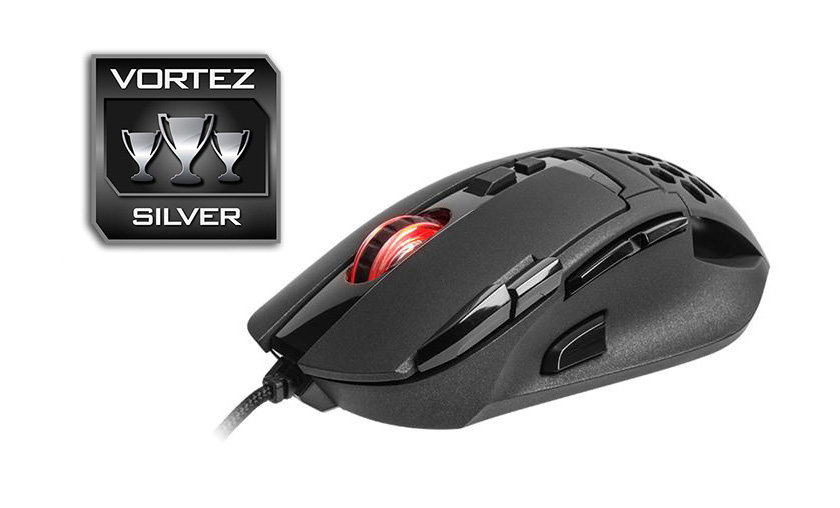
The down side to the Ventus Z is the choice in sensor. Despite some people preferring ‘laser’ over ‘optical’ over some misguided belief that ‘laser is better’, the AVAGO 9500 sensor reduces its credibility as a serious gaming mouse. We can argue that its performance is good at reasonable settings (<3000 DPI), but that is countered by its increasing jitter at higher sensitivity. Regardless of the sensitivity setting you will use, we discovered it has a strange acceleration property that feels unnatural no matter which way you use it.
As it stands it is a top quality mouse that is balanced by its slightly under-par 9500 sensor. Arguably, the performance is great for every day gaming, but if it was unleashed with something like the PIXART 3360 optical sensor, the Ventus Z would likely be a better mouse than the Level 10M Advanced.
Tt eSPORTS have another solid mouse with the Ventus Z, it features 10 programmable buttons including a sniper button, and a responsive laser sensor that is wrapped up in a comfortable, ergonomically shaped body.
Pros.
+ Attractive aesthetics
+ Solid build quality
+ 10 programmable buttons
+ On-board MCU and memory
+ Responsive and snappy laser sensor (low DPI)
+ Adjustable weight
+ Suitable for palm grip
+ Hand ventilation
Cons.
– Rather jittery at high DPI
– Strange acceleration/ deceleration
+ Attractive aesthetics
+ Solid build quality
+ 10 programmable buttons
+ On-board MCU and memory
+ Responsive and snappy laser sensor (low DPI)
+ Adjustable weight
+ Suitable for palm grip
+ Hand ventilation
Cons.
– Rather jittery at high DPI
– Strange acceleration/ deceleration
Click here for an explanation of our awards at Vortez.net.