The Zalman ZM-M600R is a sleek, ambidextrous mouse that features the renowned AVAGO 3090 optical sensor for resolutions of up to 4000 DPI, OMRON switches and LED lighting.

Product on Review: Zalman ZM-M600R
Manufacturer & Sponsor: Zalman
Street Price: US: $29.99, UK: £29.99
Zalman have been a long standing brand that is known by PC enthusiasts for their cooling products and have moved into various other areas, and while they have undergone some hardship as company, they are still with us today. The ZM-M600R mouse comes as part of a new line of products from Zalman and while doesn’t aim to set the world on fire, it does look like a safe, yet solid addition to the market.
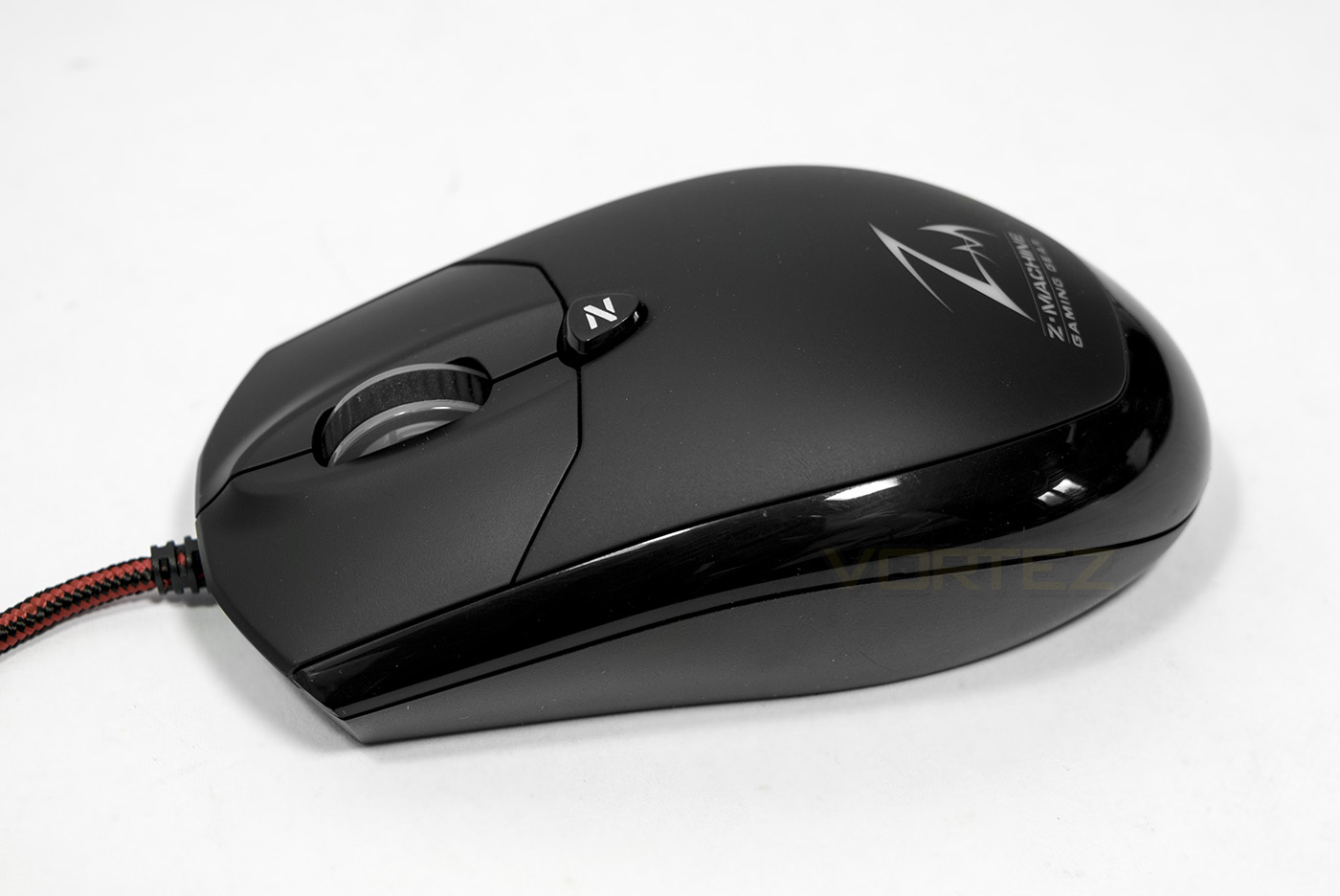
The outside design looks relatively neutral, and has no side buttons. This is something which will likely be the deciding factor for people choosing this mouse as some may prefer to have no side buttons, others can’t live without them. The shape is said to be designed for the comfort of all grip types (Palm, Claw, Finger tip) and has been given finishing touches of an auto changing RGB LED lighting for the logo, while the mouse wheel LED is used as a DPI indicator.
Moving inside, the AVAGO 3090 optical sensor is widely renowned for being one of the better optical sensors on the market, throw in some OMRON switches rated for 20 million clicks and a 32bit processing unit for precise tracking, all of which is then mounted on a high quality PCB to provide low latency for a quick reaction time, you begin to realise that this little mouse is packing some serious hardware for a wallet friendly price.
Overview by Zalman
Real 4000 DPI, AVAGO 309 Sensor / Self-developed MOUSE 32bit MCU / 600, 1000, 1600, 4000 – 4 steps DPI Manual control / 4 different LED Cooler for 4 step DPI Control / 400~4000 – 16 steps DPI control via custom firmware / 600 DPI low sensing mode support for an aimed shot / Ultra polling 1000Hz support / 4 steps polling rate control (Auto ~1000Hz) / 125Hz manual selection support / 60 IPS scanning 60 inches per sec / 6469 FPS high speed scan-rate and powerful 20G acceleration / Human engineering design for best grip feeling / 20 million OMRON switches / Sleek bilateral design for both Left and Right Hander / Back button on Top for the convenient internet surfing / Auto changing RGB color breath LED.
Technical Specifications
Packaging & First Look
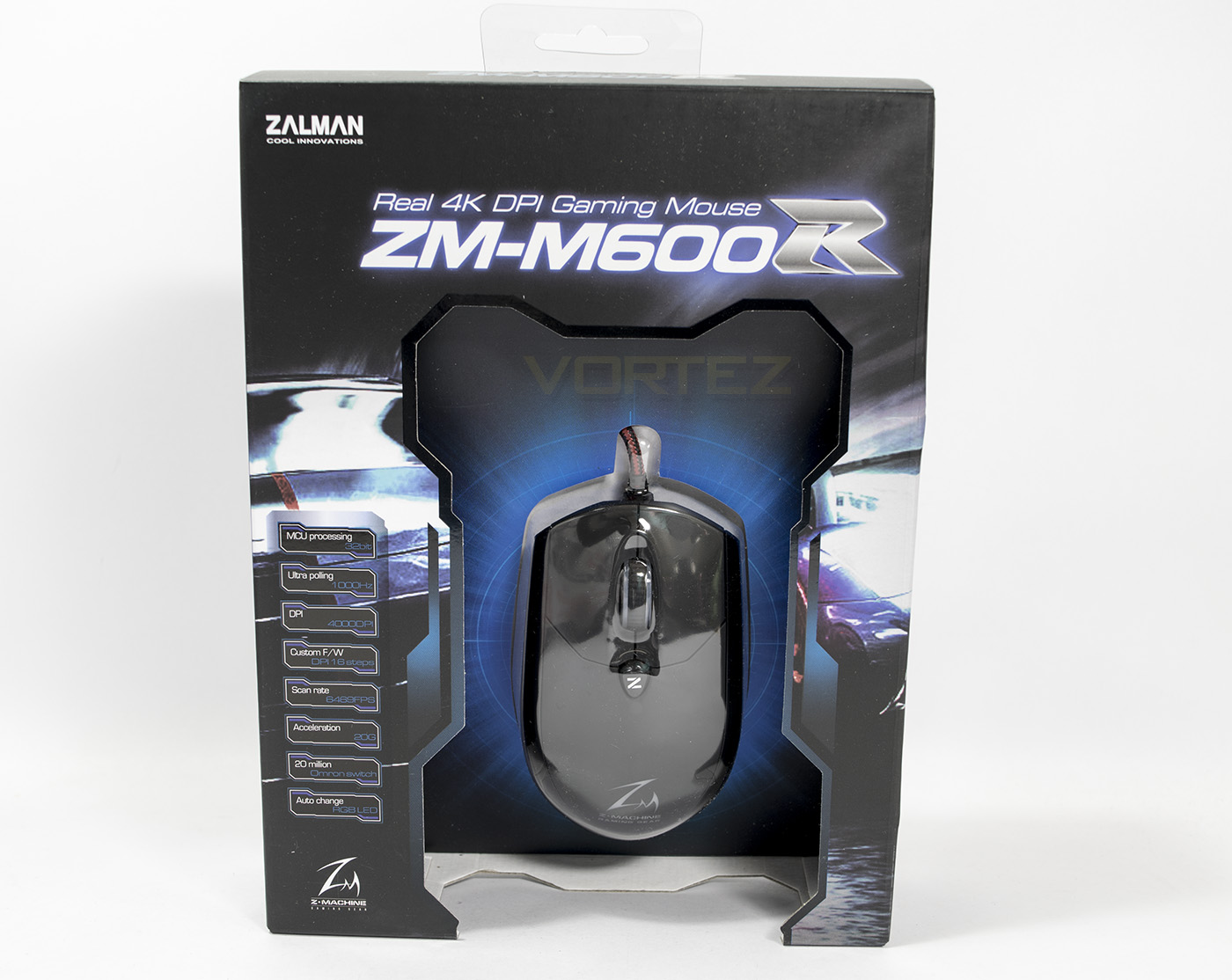
The packaging is nice aggressively stylised with a gamer edge, yet doesn’t over do it. There is a large window displaying the mouse in its entirety which is then framed by a list of all the primary features.
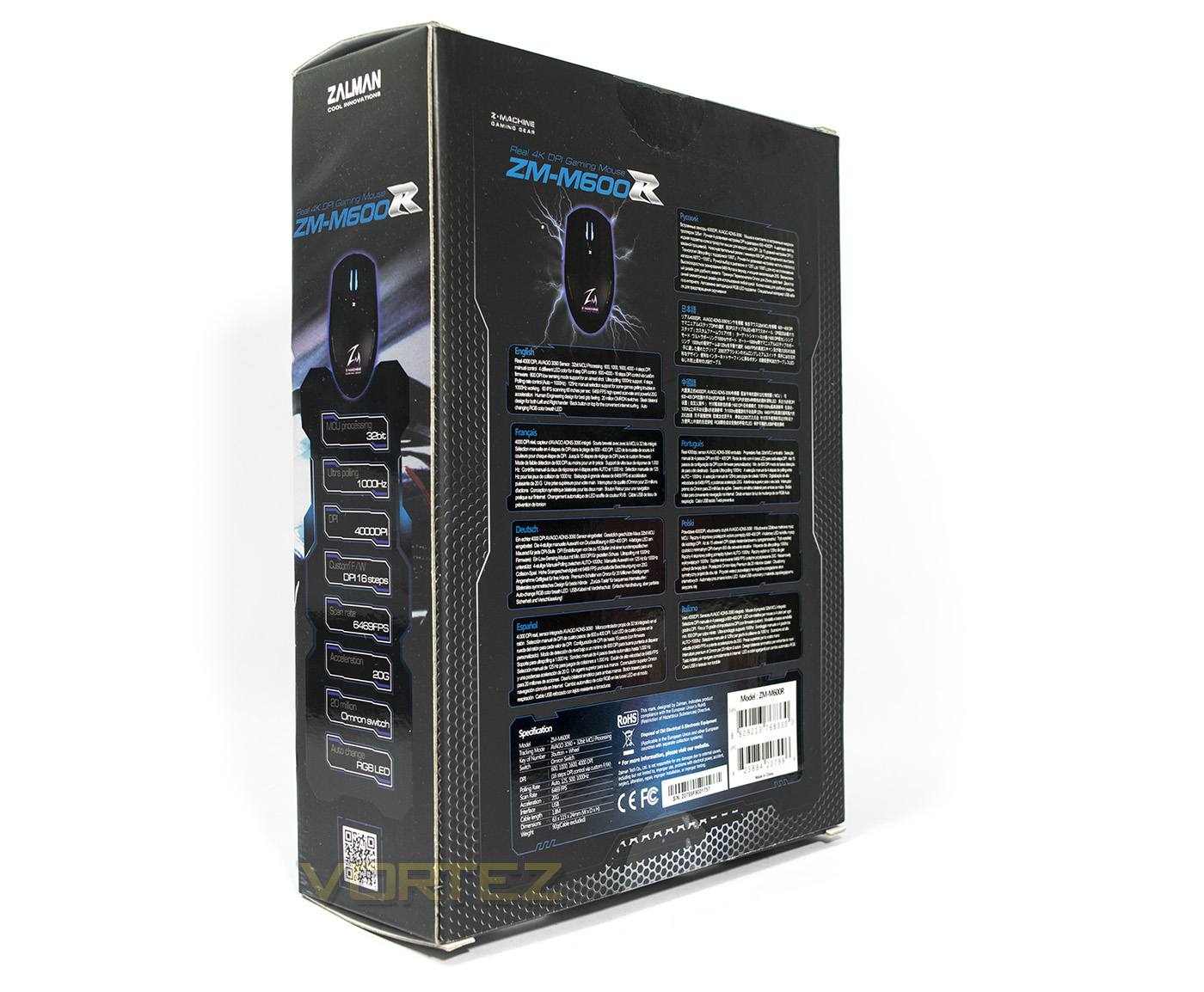
At the back there is a more detailed specification and more listing of its features in various languages.
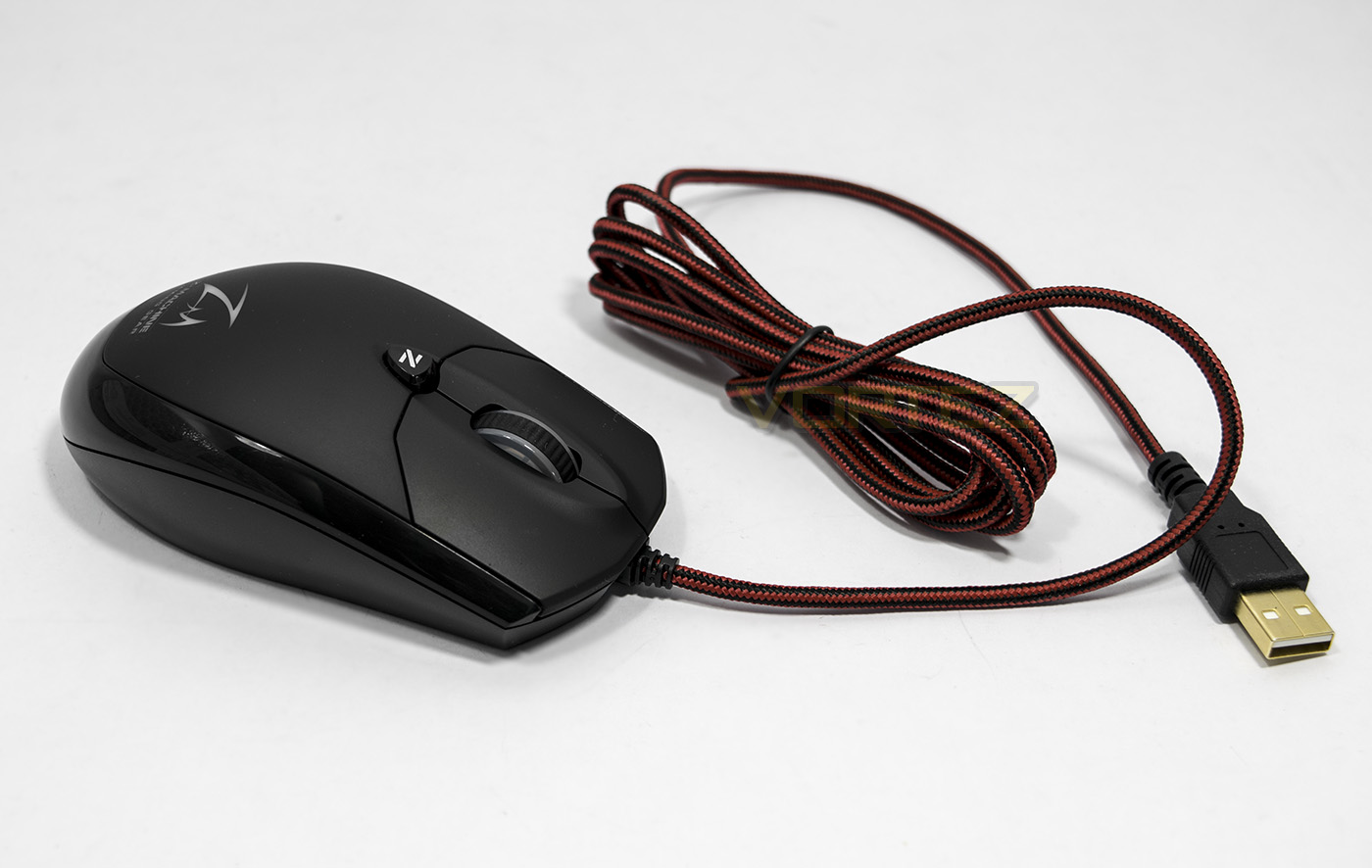
The mouse has a red/black 1.8M braided cable and is connected via USB. The mouse itself looks like a smooth peardrop shape with a single ‘back’ button on top.
Closer Look
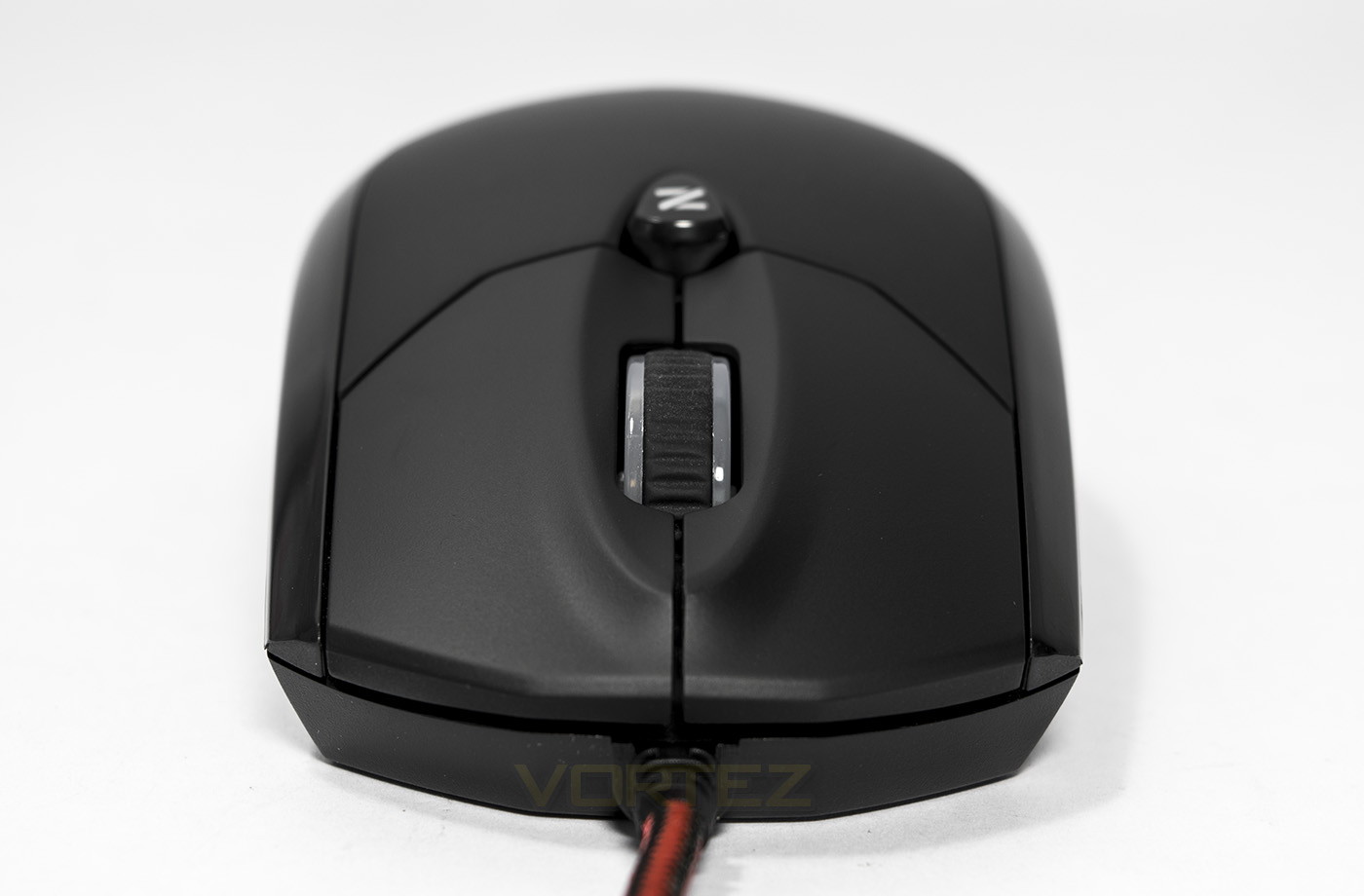
The button configuration is pretty standard, the only exception is that the rear button is used as ‘back’ rather than the DPI toggle switch.
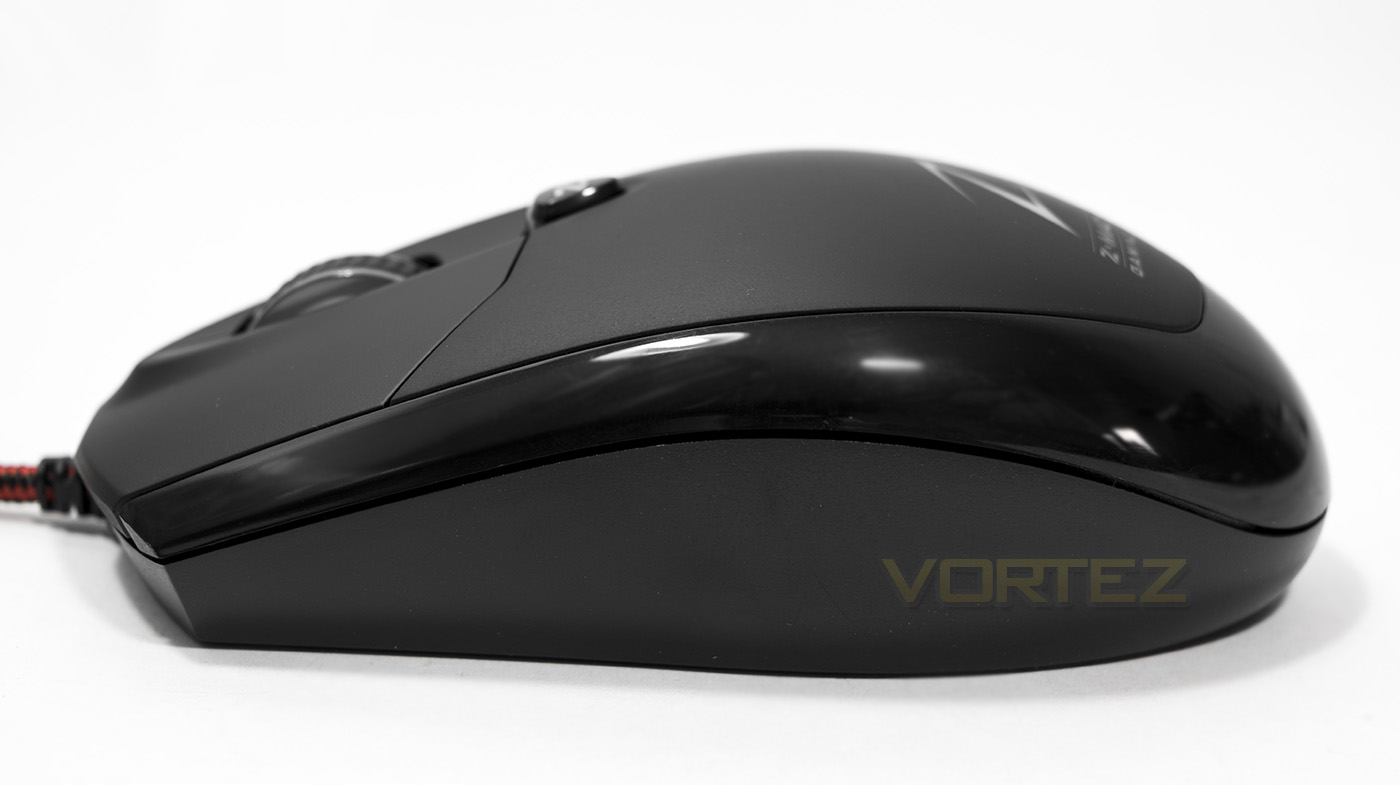
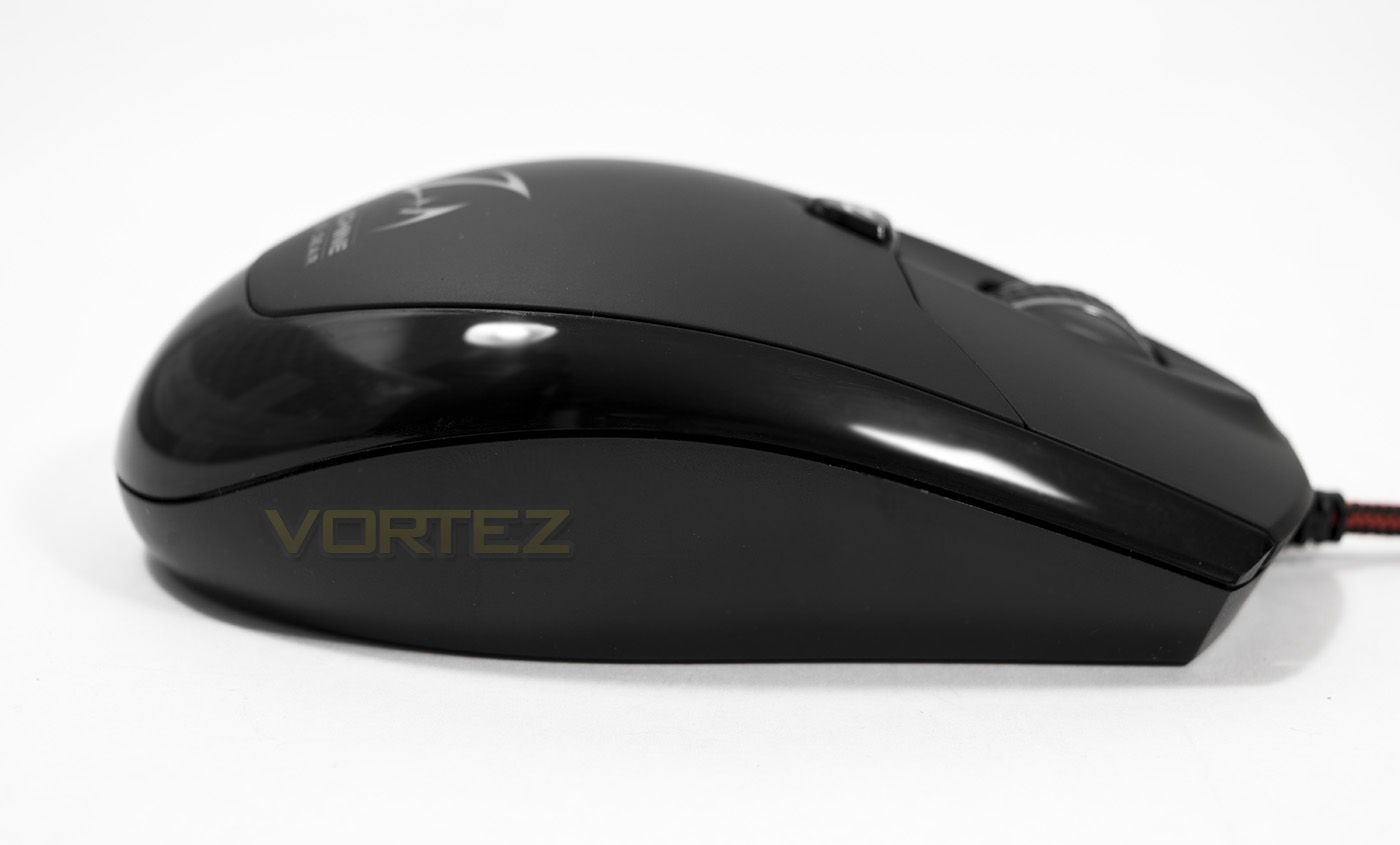
The mouse is symmetrical, allowing it to be ambidextrous as well as neutral in terms of grip.
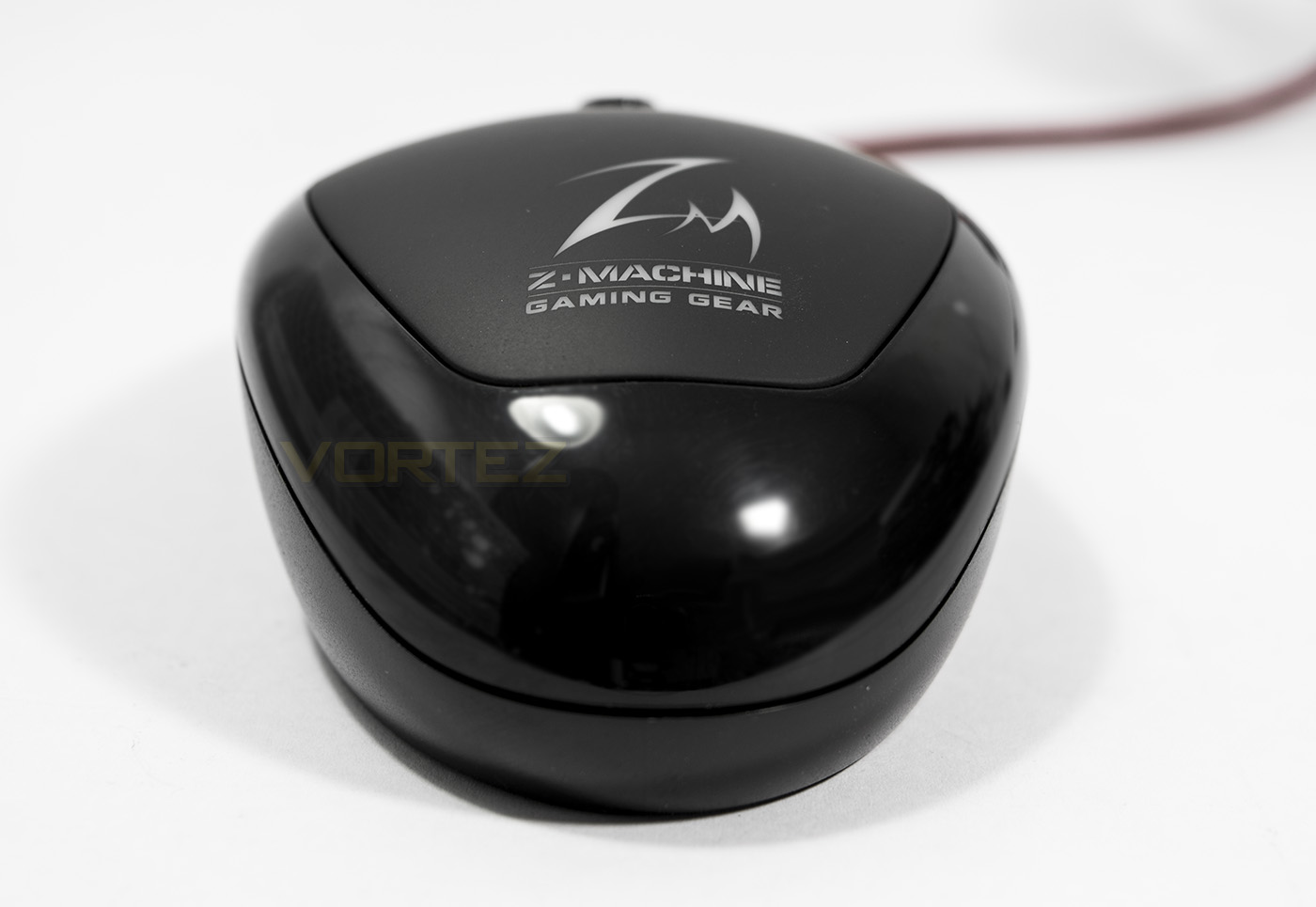
Around the centre of the mouse is a glossy section, contrasting against the textured surface, this will likely be a fingerprint magnet, though does add an interesting contrast to the comfort.
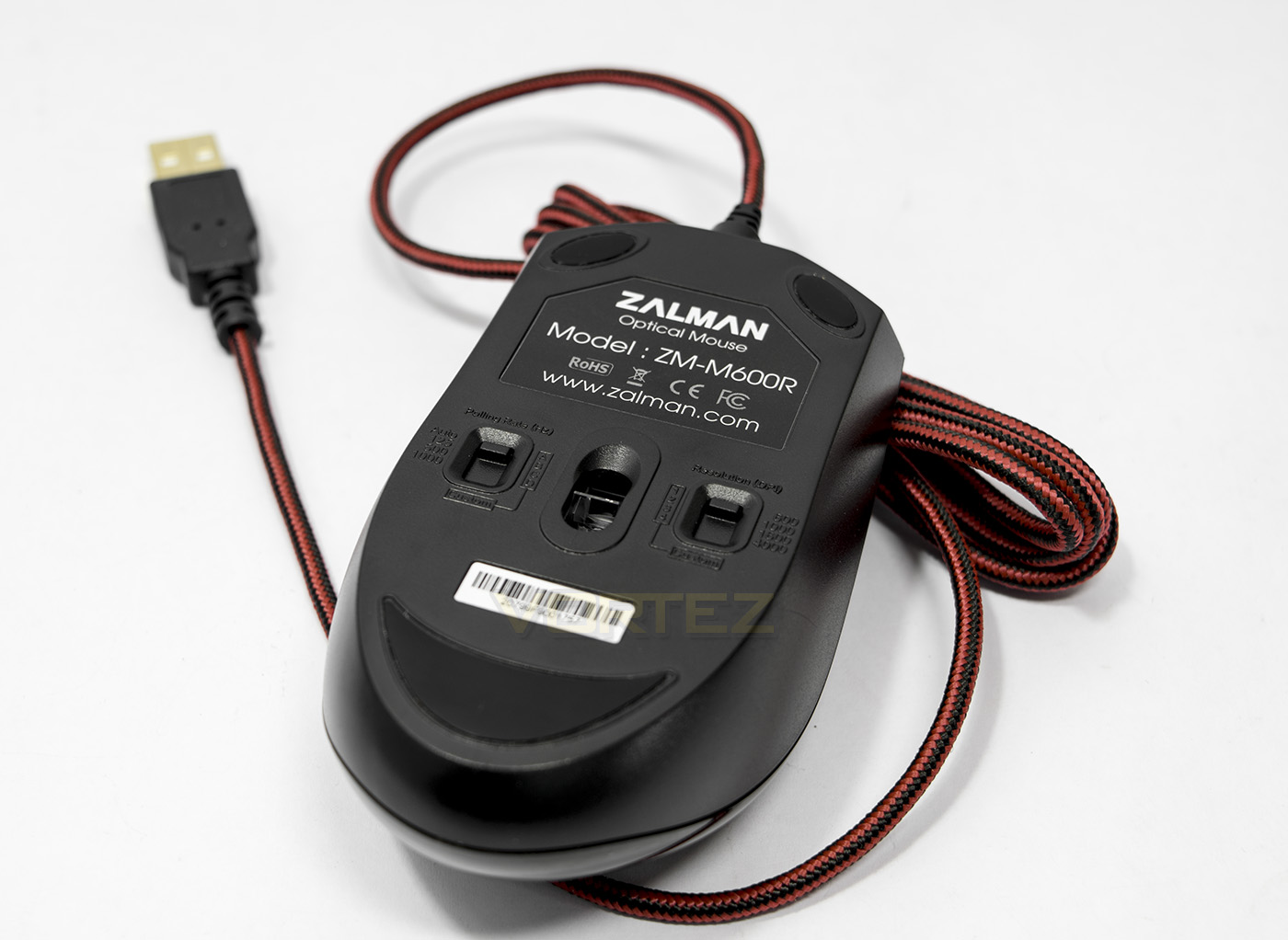
On the underside the sensor is positioned almost centrally and the weight seems well distributed. There are 2 selector switches, one for polling rate (AUTO, 125, 500, 1000 Hz) and another for DPI (600,1000,1600,4000). It is an interesting place to have the selection though is also understandable considering that this mouse is has no supporting software.
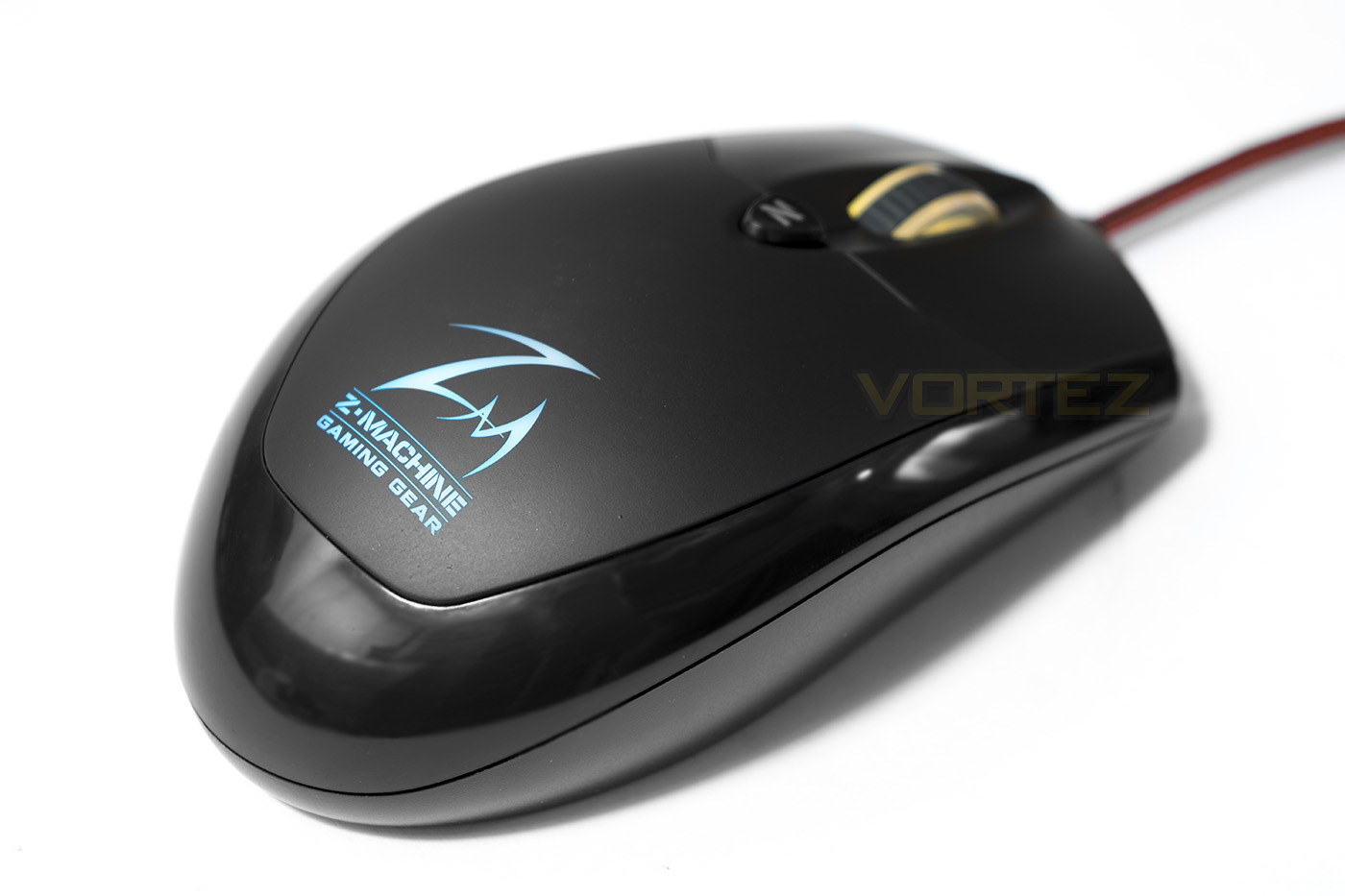
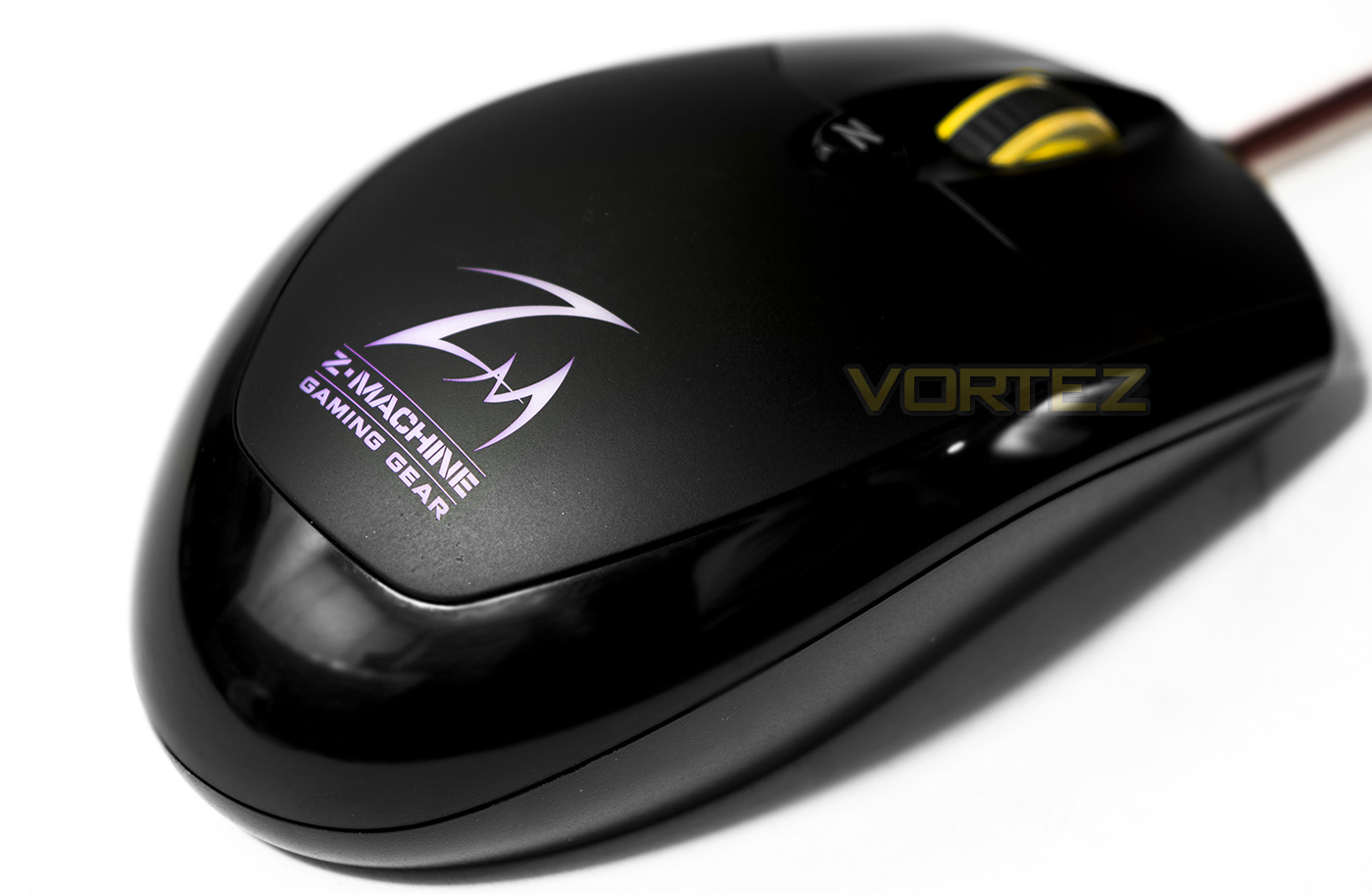
There are two lighting zones and none are customisable, the logo lighting cycles through various colours, while the wheel lighting changes depending on which DPI setting you use. By default, yellow – 600 DPI, blue – 1000 DPI, red – 1600 DPI and magenta – 4000 DPI.
Performance Testing
Setup, Design & Observations
The Zalman ZM-M600R is quick and easy to setup due to having no need for additional software, DPI and polling rate can be set on the mouse itself and takes little time to do. Though, making these adjustments on the fly or in game can be a little tedious as it requires lifting the mouse. The button on the back of the mouse is actually a ‘browser back’ button, rather than a DPI switch, which is a shame as it would have been more useful as such, especially when you consider that the appeal of this mouse is to have no additional buttons, the luxury of a ‘back’ button is almost pointless. Despite that it is easy to press and can be used as an additional key in game.
In the hand, it feels very good quality, and as it is rather small in stature, the 90g makes it feel that little more heftier than you would expect. Using a palm grip felt fine, though many that prefer this type of grip may find it too small as it will only give space for your thumb, index and middle finger, though if you use a claw grip of finger tip grip, you may find that the shape of this mouse is ideal. The clicking of the mouse buttons and the scroll wheel feel good, giving a nice tactile feedback without being too strong or light.
At the front, the LED lighting is rather vibrant and bright, each colour looking solid and rich, though the RGB lighting for the rear Zalman logo is rather washed out and you can only make out which hue is being used when it is dark. The lighting isn’t customisable either which is a shame, though these are the limitations when you run with no software.
There is a form of customisable functions by creating and editing different firmware, to do this one is required to get the firemware you wish to swap to, hold the back button on the mouse, then press 3 of the front buttons together (while still holding the back button). This will enable the mouse to register as a storage device, where you can then manually change, replace or update the firmware. This process seems rather sketchy and long winded putting many users in the dark with anxiety over having control of the firmware, though more knowledgeable users may welcome this function.
Performance
Testing the mouse out in DOTA 2 at 4000 DPI, we get an accurate pointer, reliable and flawless in its tracking. Testing it our on matte paper displayed similar results, but we found that it didn’t do so well on and glossy or coloured surfaces. This is true for many optical sensors however and it is best paired with a plain black fabric mouse pad. In CS:GO, we found that the button clicks reacted quickly and the movement is smooth, flowing well with a well balanced central mass.
Conclusion
We enjoyed using the M600R and for those looking for a smaller mouse without side buttons, you can rest assured this it is good. It comes in looking like a plain old mouse but hidden under its shell is some impressive circuitry and components. The renowned AVAGO 3090 optical sensor combined with Zalman’s in-house developed 32bit processor provided the stable and accurate performance we expect from a top quality mouse. Though some may find it rather small for a palm grip, it feels comfortable and well balanced for the claw/finger tip grips while having enough mass (90g) for precise control.
Considering that the ethos of this mouse is about simplicity, like doing away with any side buttons, the ‘back’ button seems a little out of place. I believe that it would have served better as a DPI switch because having a manual DPI switch underneath the mouse seems rather counter intuitive and can be a pain if you wish to adjust the DPI in game. There are other oversights too, such as the LED lighting not being overly impressive on the LOGO and would have been better if it was a more vibrant customisable RBG LED, or simply if it wasn’t there at all; leaving just the coloured DPI indicator on the wheel.
There are various other concessions made too and it seems to be caused by having no supporting software. There are various features that can be adjusted by creating custom firmware but this process seems a touch sketchy or relatively advanced for the average user. Though this may make the M600R a more attractive product for those that have a penchant for tinkering with their gear.
All things considered, we really liked the Zalman ZM-M600R and we feel many others will too, so it deserves praise and recommendation. The only real downside seems to be caused by the lack of supporting software, creating a slight rift in regards to customisation and convenience, but this won’t really effect any user that intends to leave it on one setting.
Sleek and simple, the ZM-M600R proves that top performance doesn’t need to cost top dollar.
Pros.
+ Attractive finish
+ Comfortable for all grip types
+ High quality components inc. AVAGO 3090 optical sensor
+ Solid performance
+ Ambidextrous
+ Price
Mediocre
+- LED lighting
Cons.
– Inconvenient DPI switch
– No supporting software
+ Attractive finish
+ Comfortable for all grip types
+ High quality components inc. AVAGO 3090 optical sensor
+ Solid performance
+ Ambidextrous
+ Price
Mediocre
+- LED lighting
Cons.
– Inconvenient DPI switch
– No supporting software
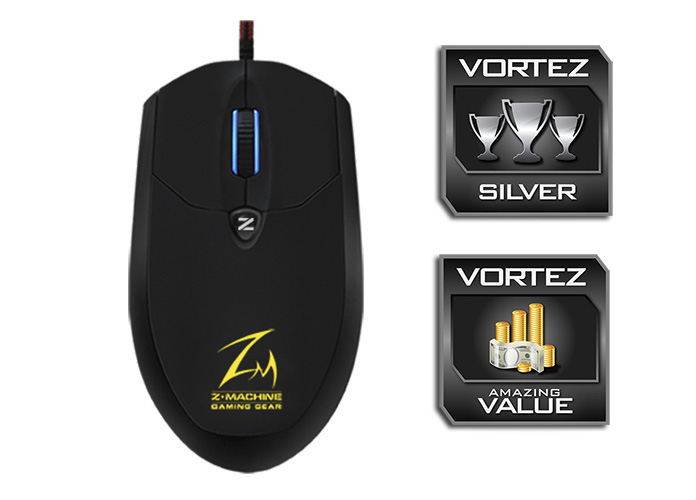
Click here for an explanation of our awards at Vortez.net.