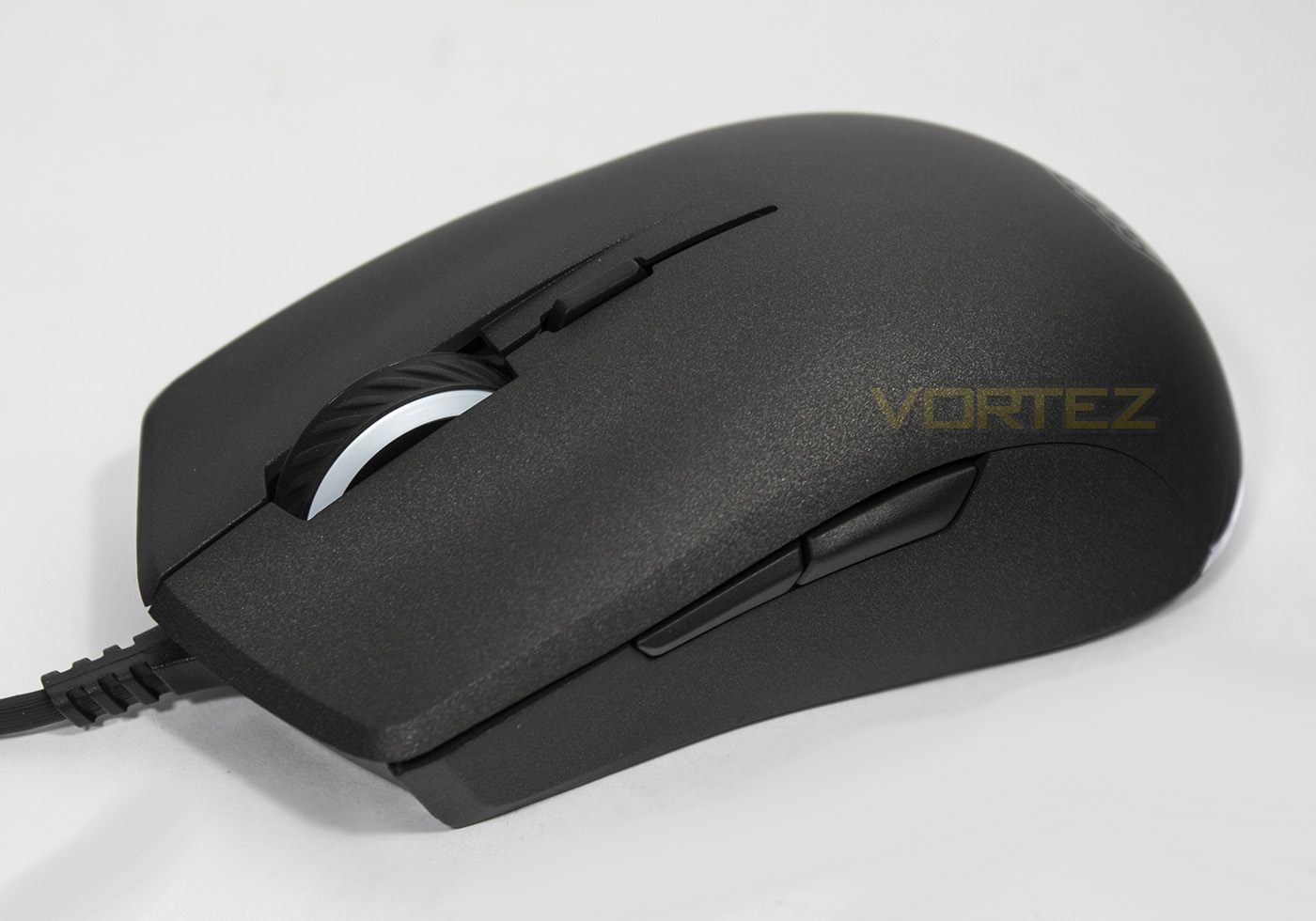
The MasterMouse S has a special contoured design along with an advanced surface finish, while on the inside it features Pixart’s latest gaming grade optical sensor.

Product on Review: Cooler Master MasterMouse S
Manufacturer & Sponsor: Cooler Master
Street Price: UK: £34.99, EU: €39.99, US: $39.99
As a follow up to the Cooler Master Mastermouse PRO L, the MasterMouse S is aiming more for a mainstream audience. Though Cooler Master have gone all out to ensure that despite its more wallet friendly pricing, that it remains an absolute non-compromise product.
Something we are rather fond of, and are pleased to see is the use of Cooler Masters’ advanced textured surface that not only looks great, but also deters the build up of finger-prints while providing a stable grip for extra control. Inside we find a 32bit ARM MCU, 512KB of onboard memory, and the new 7200DPI PWM3330 optical sensor from Pixart. The MasterMouse S is accompanied by similar software that was supplied with the MasterMouse PRO L, which means we can expect an advanced level of customisation and performance controls, including the Storm Tactix feature that will expand the number of programmable buttons from 6 to 9 + 1 switch.
Overview by Cooler Master
“Get in touch” with MasterMouse S and discover a pleasurable and satisfying grip brought about by its special contoured design and advanced surface finish. Under the perfected exterior, a gaming grade PixArt sensor with up to 7200 DPI waits impatiently for your command. Customize the brilliant RGB illumination offering 16.7 million color options and match your rig’s color scheme. Spot-on sensor and lighting settings can be achieved via the easy to use ecosystem software that comes along with the mouse.
Technical Specifications
Sensor: PixArt PMW3330, Optical
DPI: Up to 7,200, 4 levels
Buttons: 6
Software: Yes
Macro Support: Yes
Onboard Memory: 512KB
LED: Yes, RGB
LOD (Lift Of Distance): <2mm, Adjustable
Cable: USB 2.0, Patterned PVC, 1.8m, Nickel-plated USB
Dimensions (LxWxH): 117(L) x 63.5(W) x 38(H) mm
Weight: 121g
Weight (without cable/weights): 89g
Grip Style: Palm & Claw
Warranty: 2 years
DPI: Up to 7,200, 4 levels
Buttons: 6
Software: Yes
Macro Support: Yes
Onboard Memory: 512KB
LED: Yes, RGB
LOD (Lift Of Distance): <2mm, Adjustable
Cable: USB 2.0, Patterned PVC, 1.8m, Nickel-plated USB
Dimensions (LxWxH): 117(L) x 63.5(W) x 38(H) mm
Weight: 121g
Weight (without cable/weights): 89g
Grip Style: Palm & Claw
Warranty: 2 years
Packaging & First Look
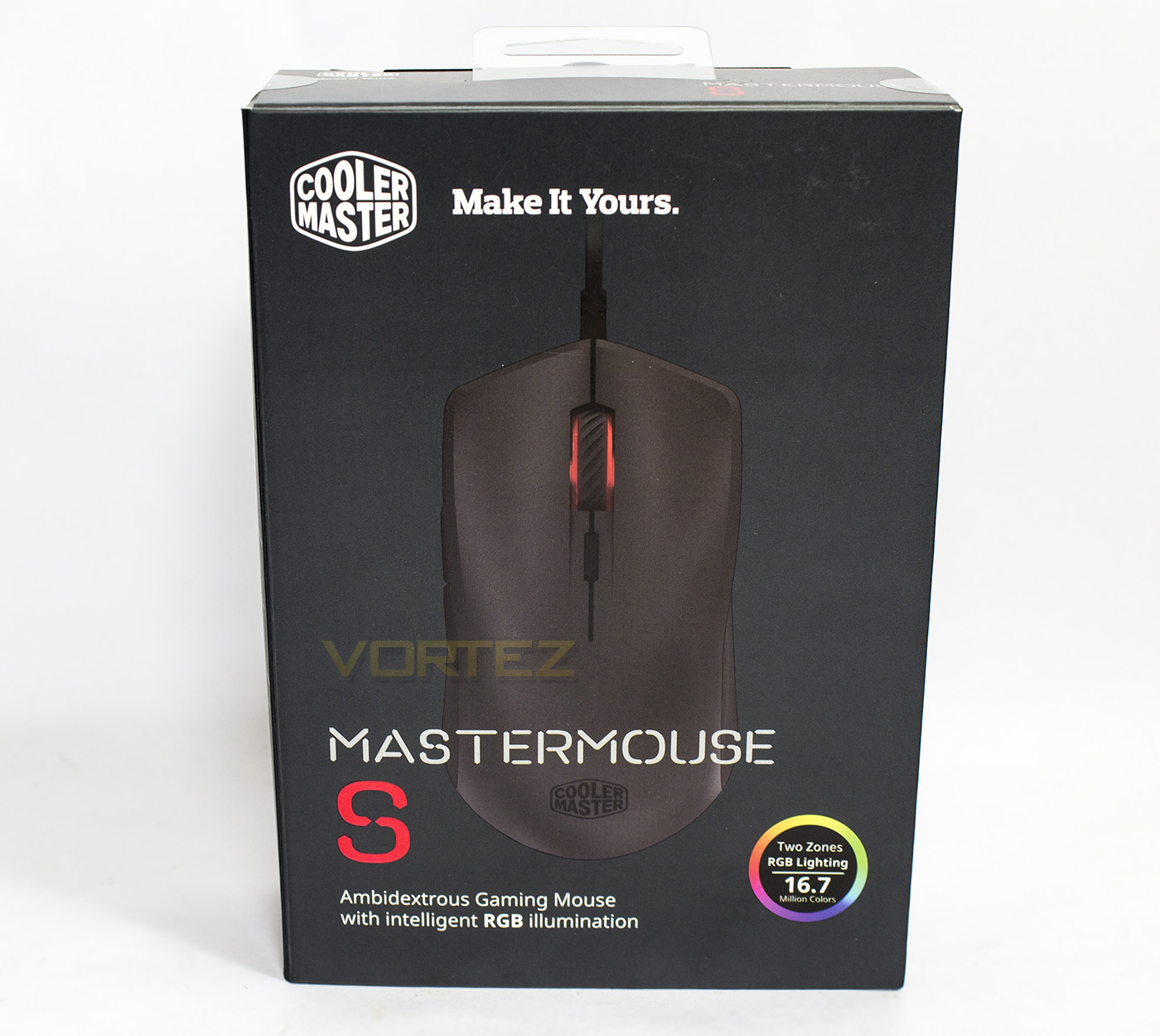
Cooler Master showing off their more sleek, less cluttered packaging in an attractive gun grey colour. The product picture is surrounded with the Cooler Master logo and some basic information including the product name, and designation as an ambidextrous gaming mouse with RGB lighting.
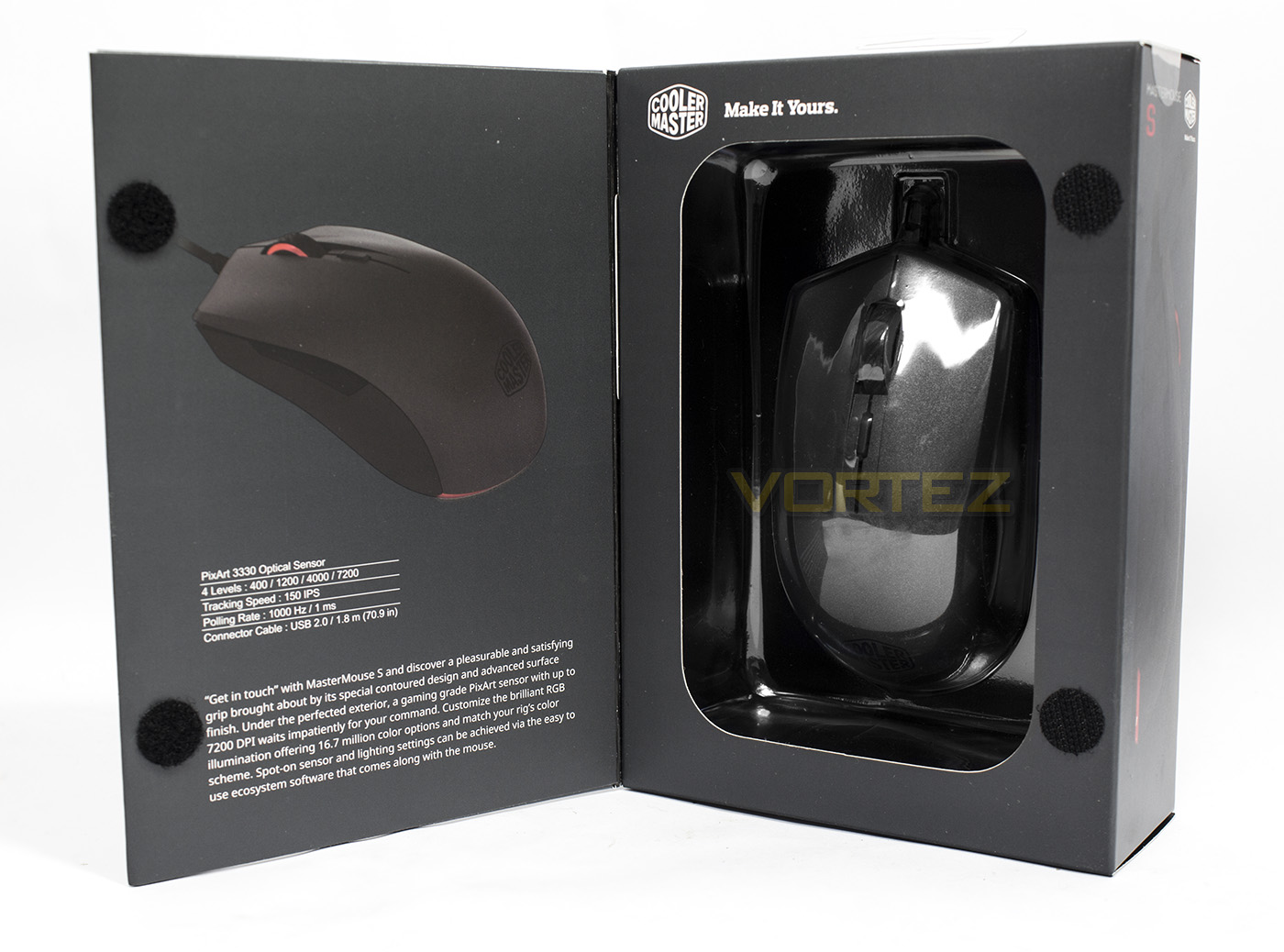
The front panel opens up to show off the product inside, we are also presented with the product overview along with the more detailed specifications.
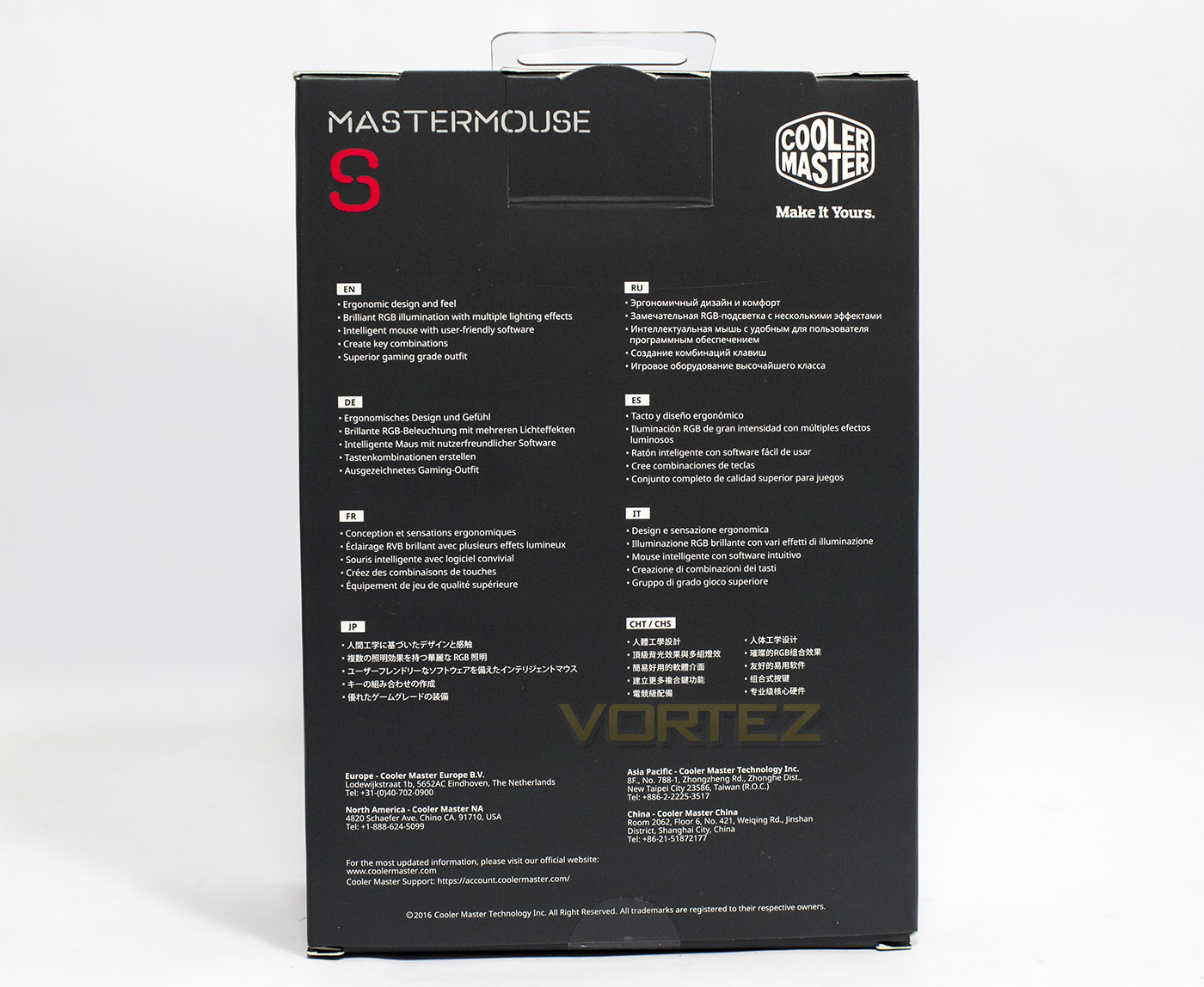
The rear side gives some modest information about the MasterMouse S in various languages, but not in such a way that over sells itself.
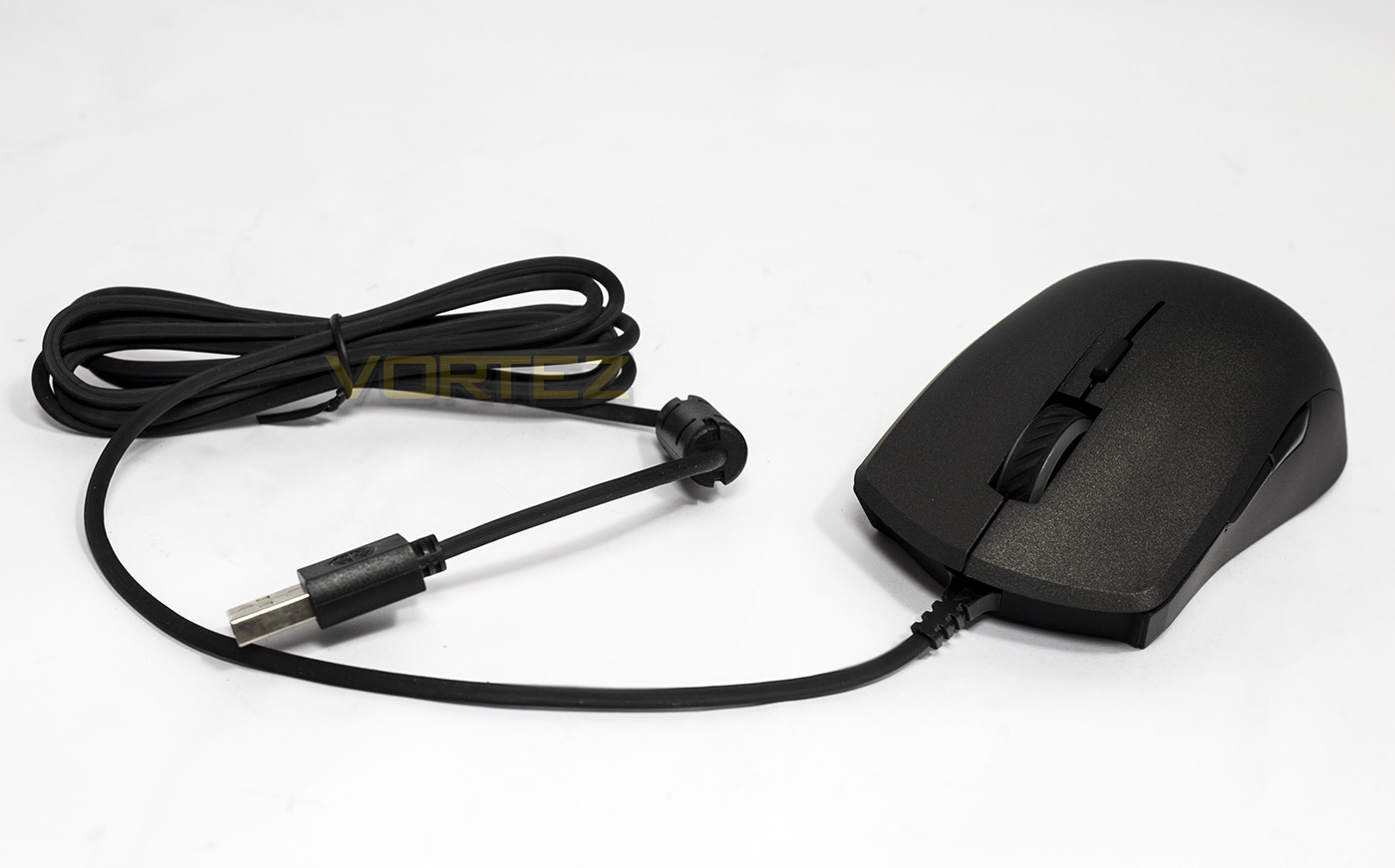
Connected to the mouse is a 1.8m flexible, anti-tangle cable with a nickel coated USB connector at the end.
Closer Look
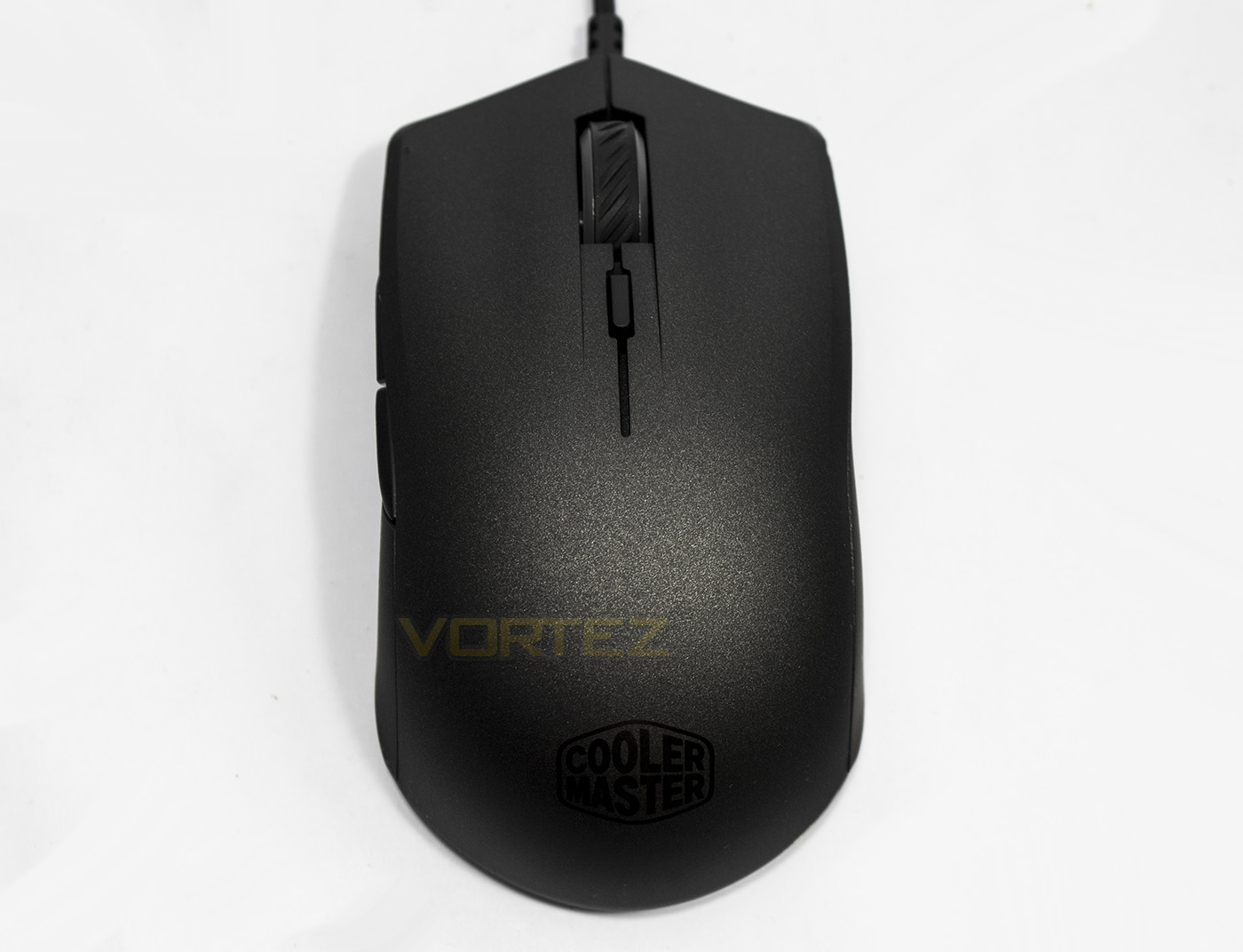
The mouse is 117mm long, so is on the smaller side of mid-sized mice, and has an ambidextrous shape. There is subtle ergonomic shaping such as finger grooves and a slightly narrower centre portion.
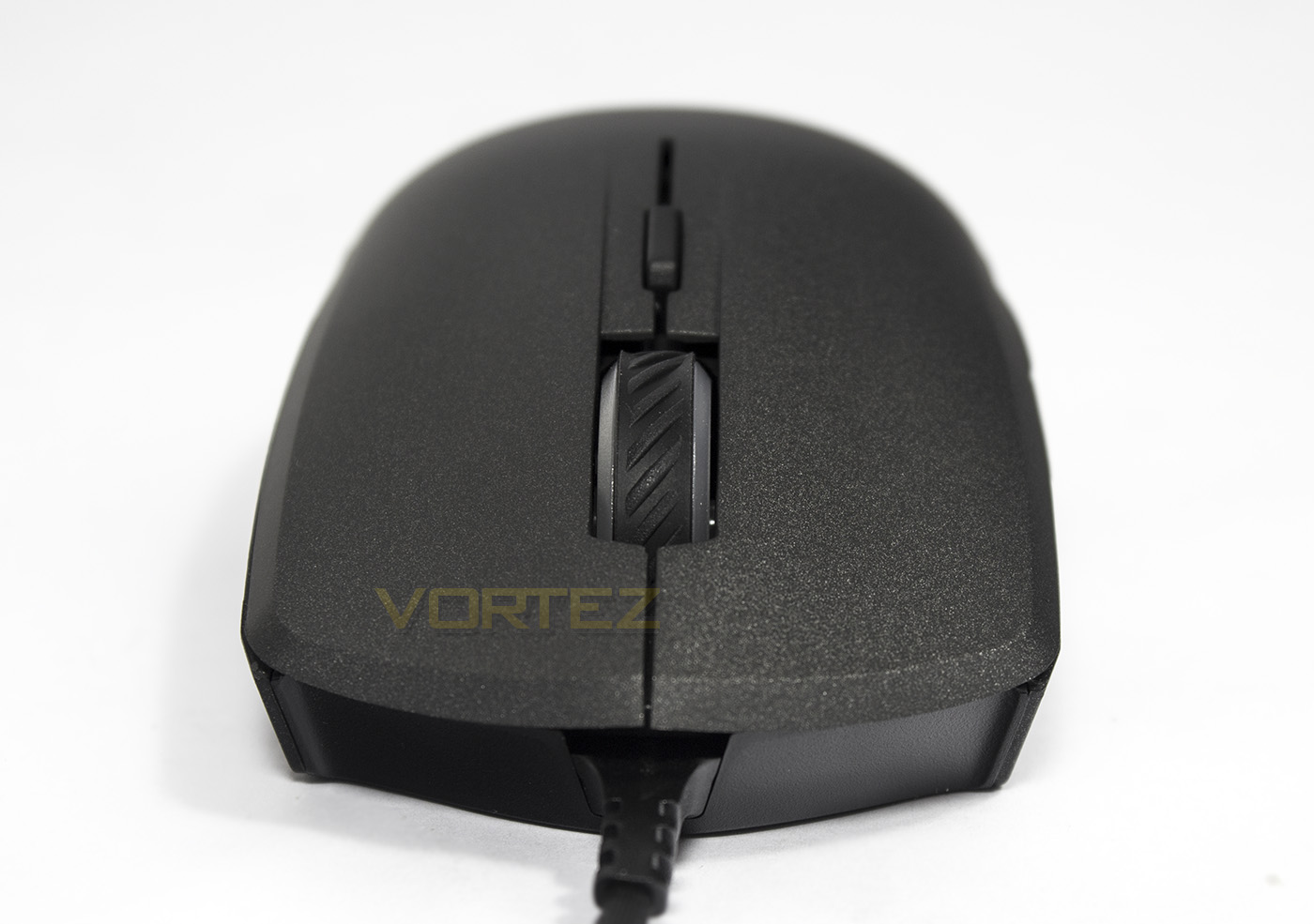
The mouse wheel has a rubber coated grip on top and acts as one of the two RGB lighting zones, behind which there is a single DPI toggle button.
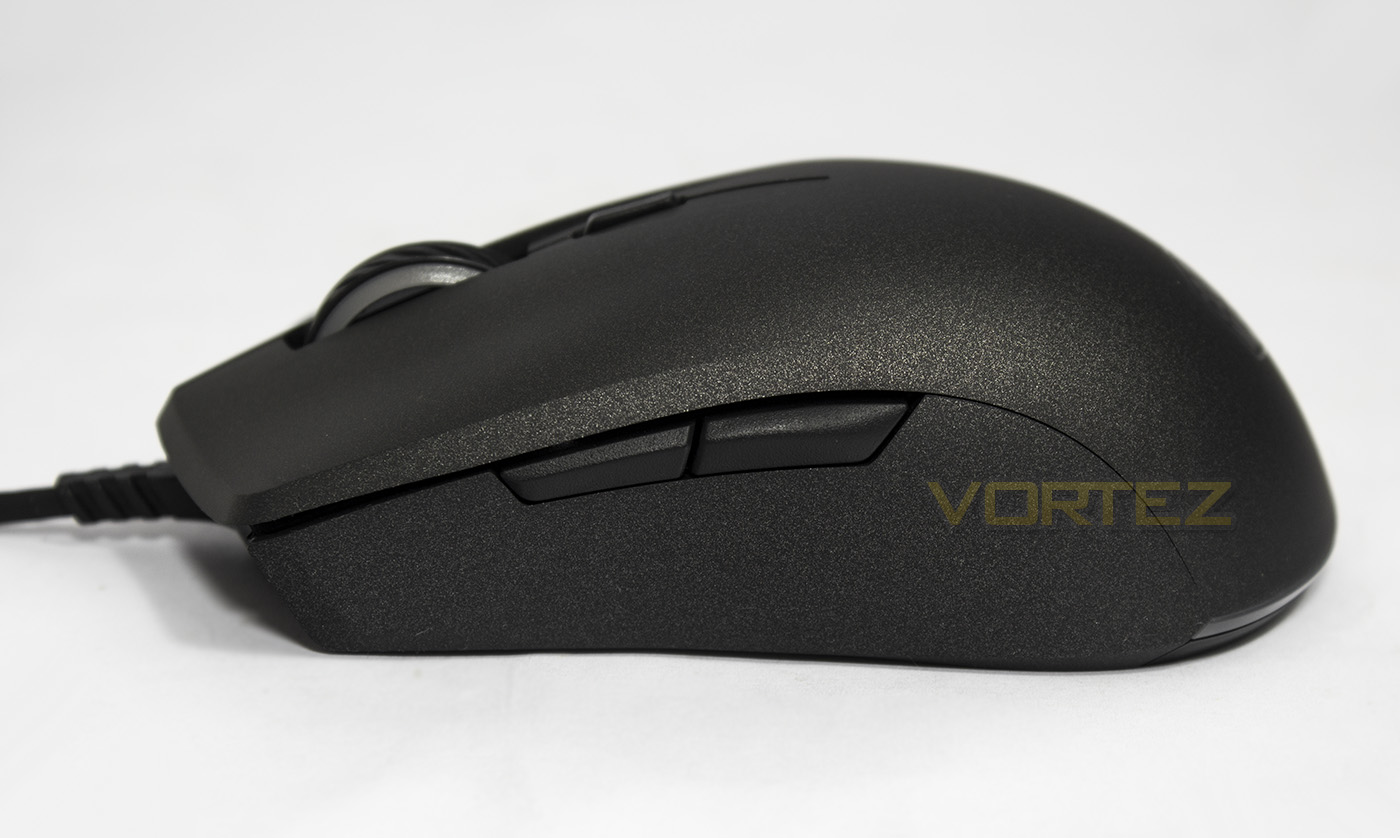
The forward and back buttons follow the shape of the mouse and are a nice size, not too small, but not overbearingly large. The mouse hump is slightly more towards the rear, though as it is a little smaller than other mid-size mice, it should suit most grip types.
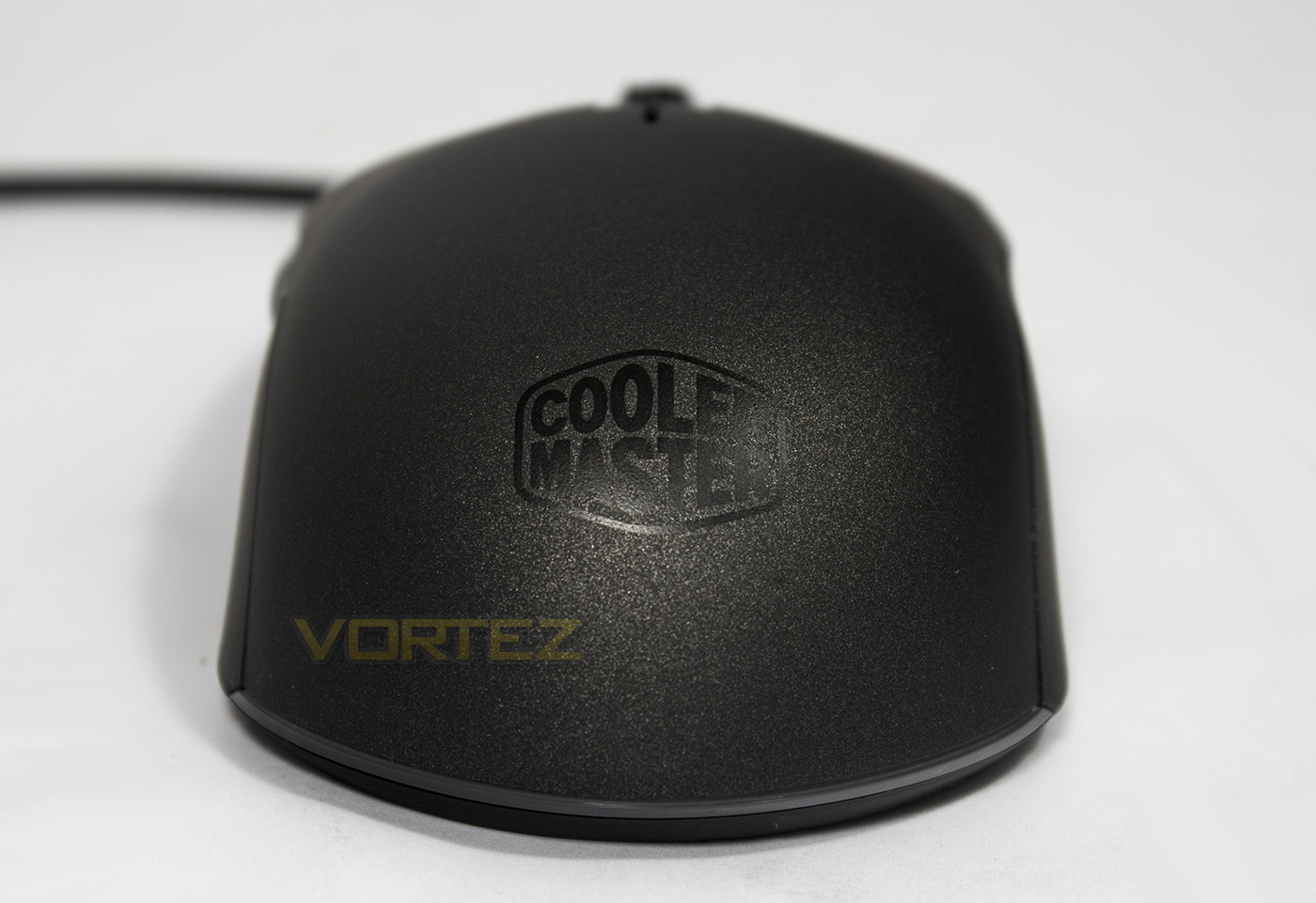
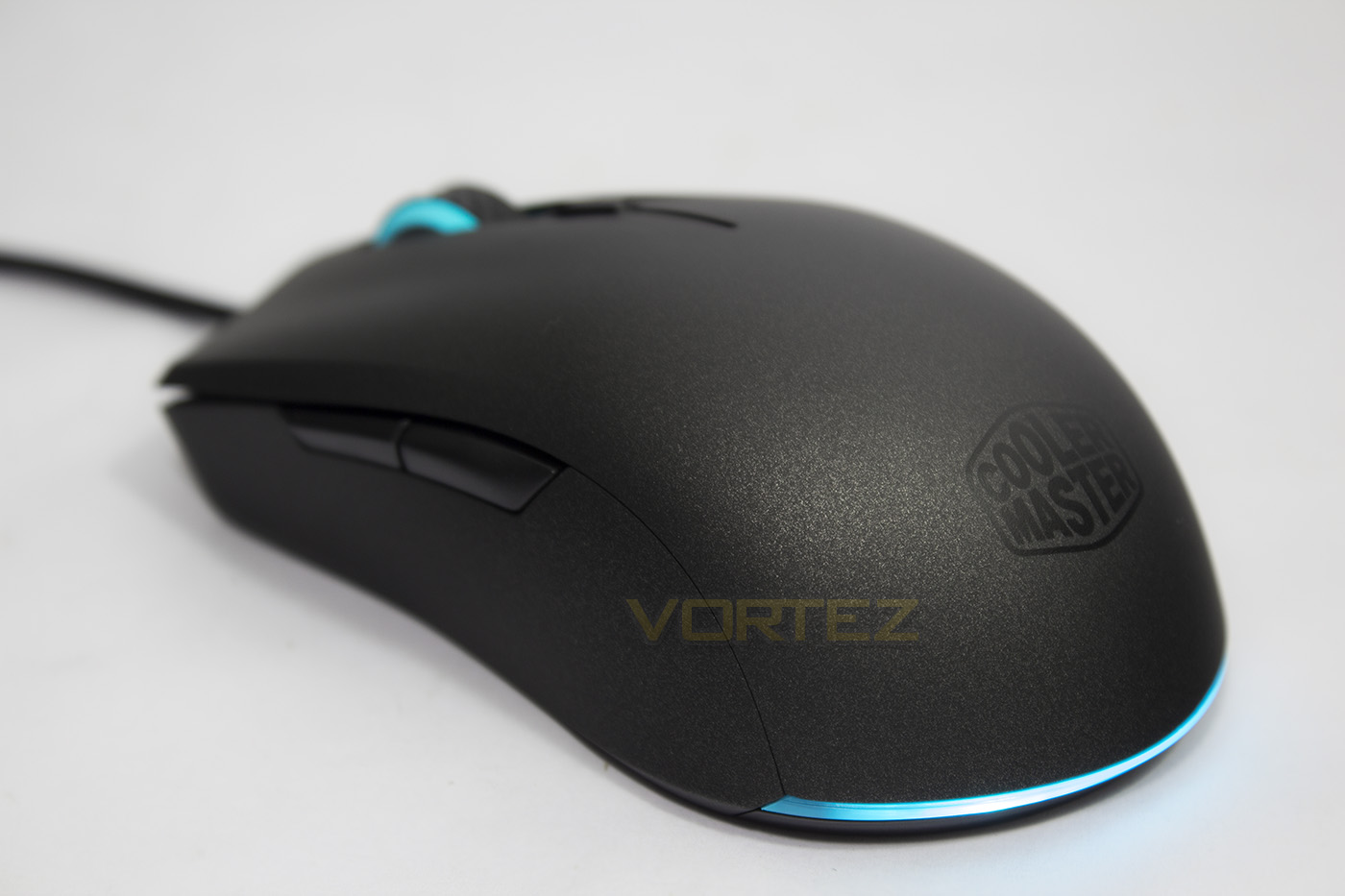
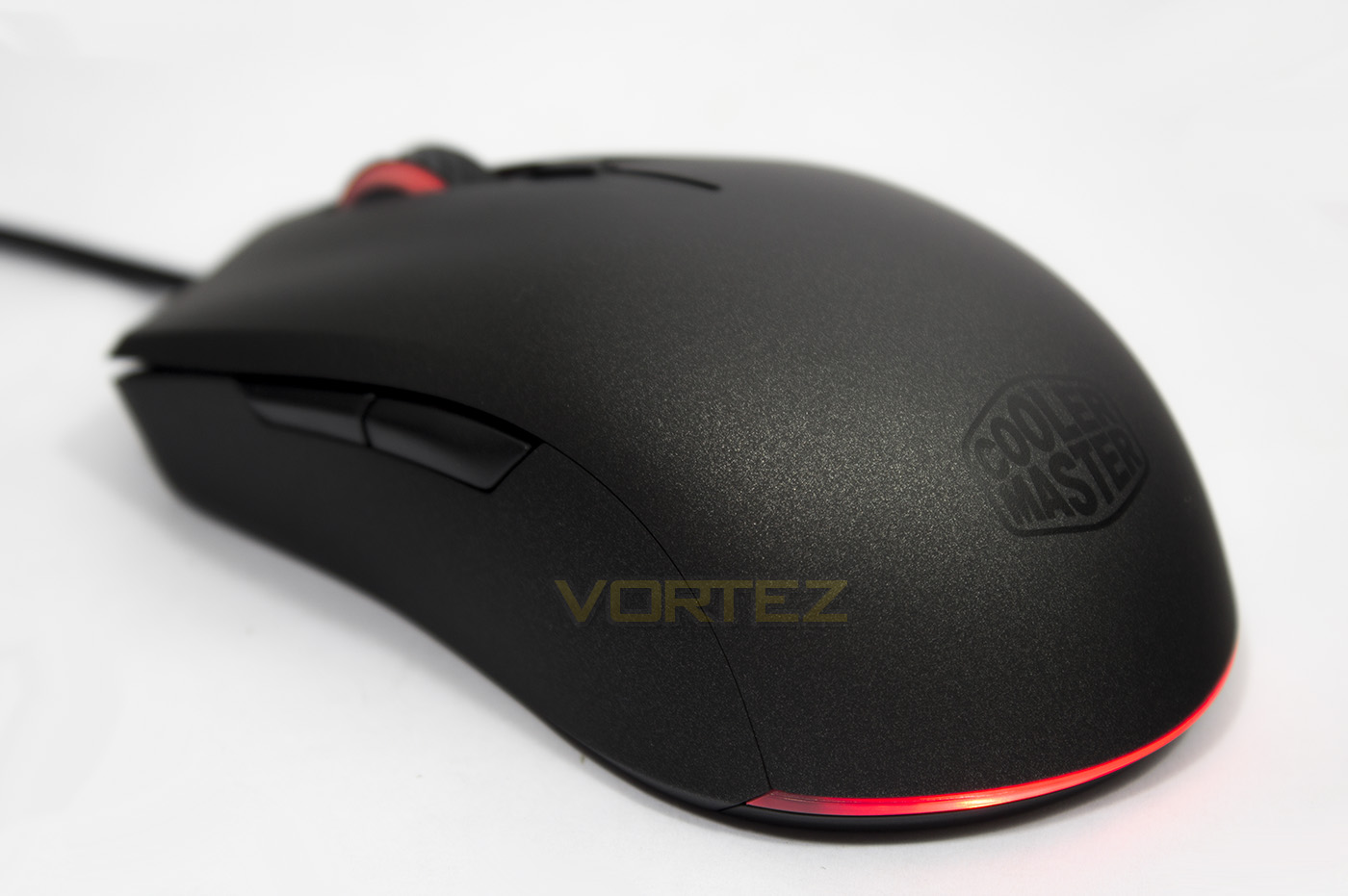
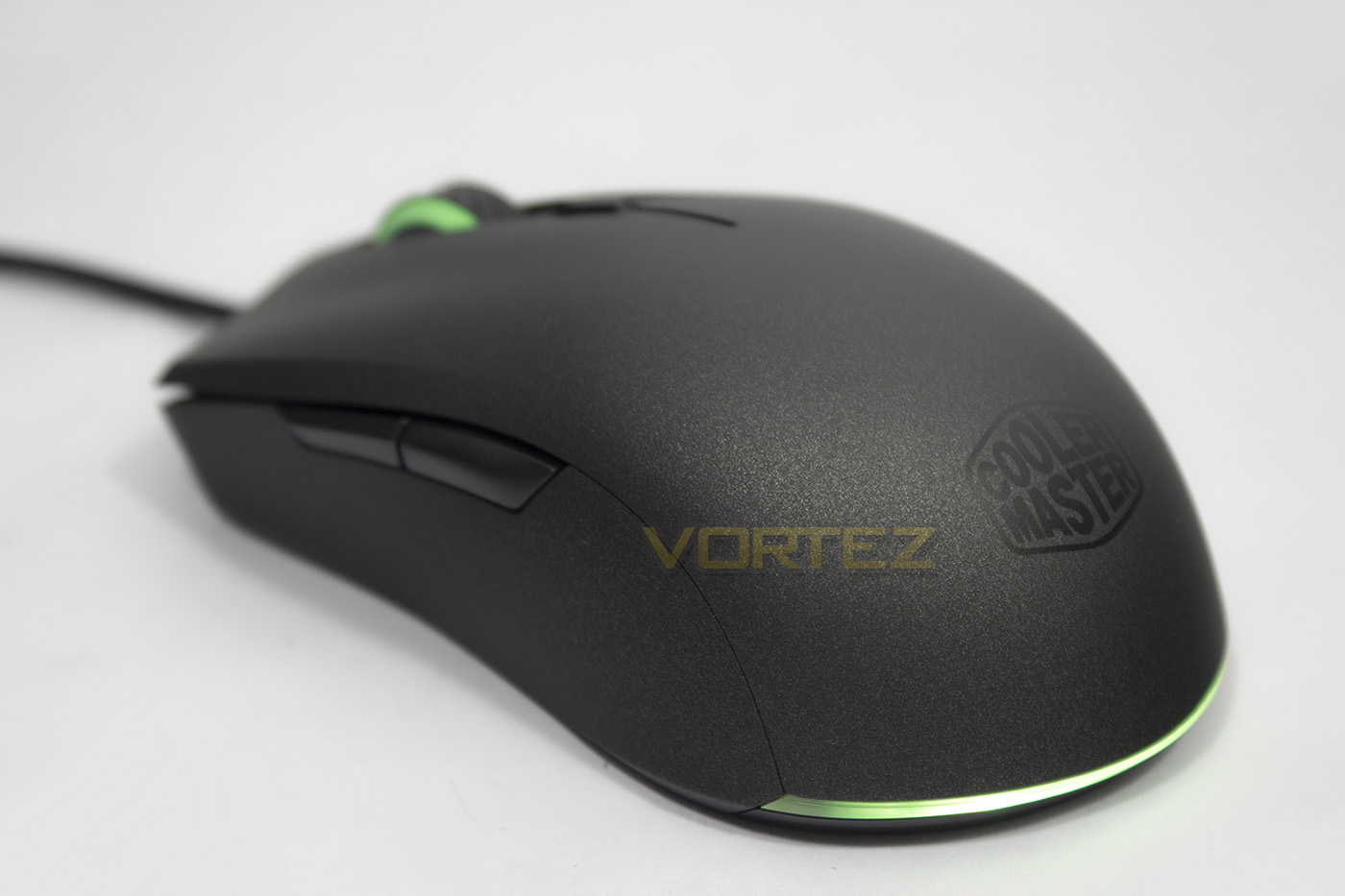
At the back, the MasterMouse shows its Cooler Master logo, but that isn’t the second RGB lighting zone, its actually the narrow band at the base, similar to the MasterMouse PRO L. This is an attractive and more interesting style of lighting compared to others that light up the logo that will always be hidden by the hand.
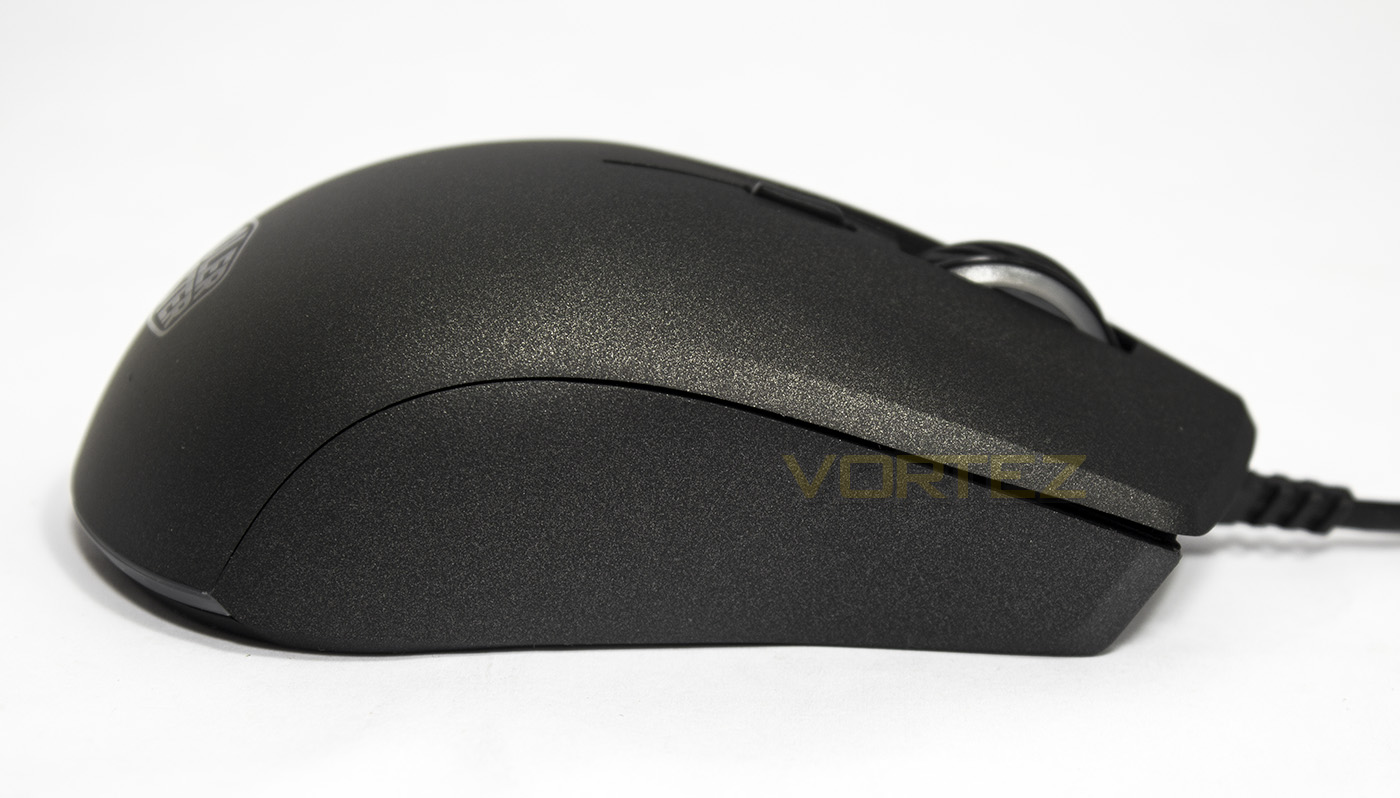
Though the MasterMouse is ambidextrous, it only features a set of forward/back buttons on its left side.
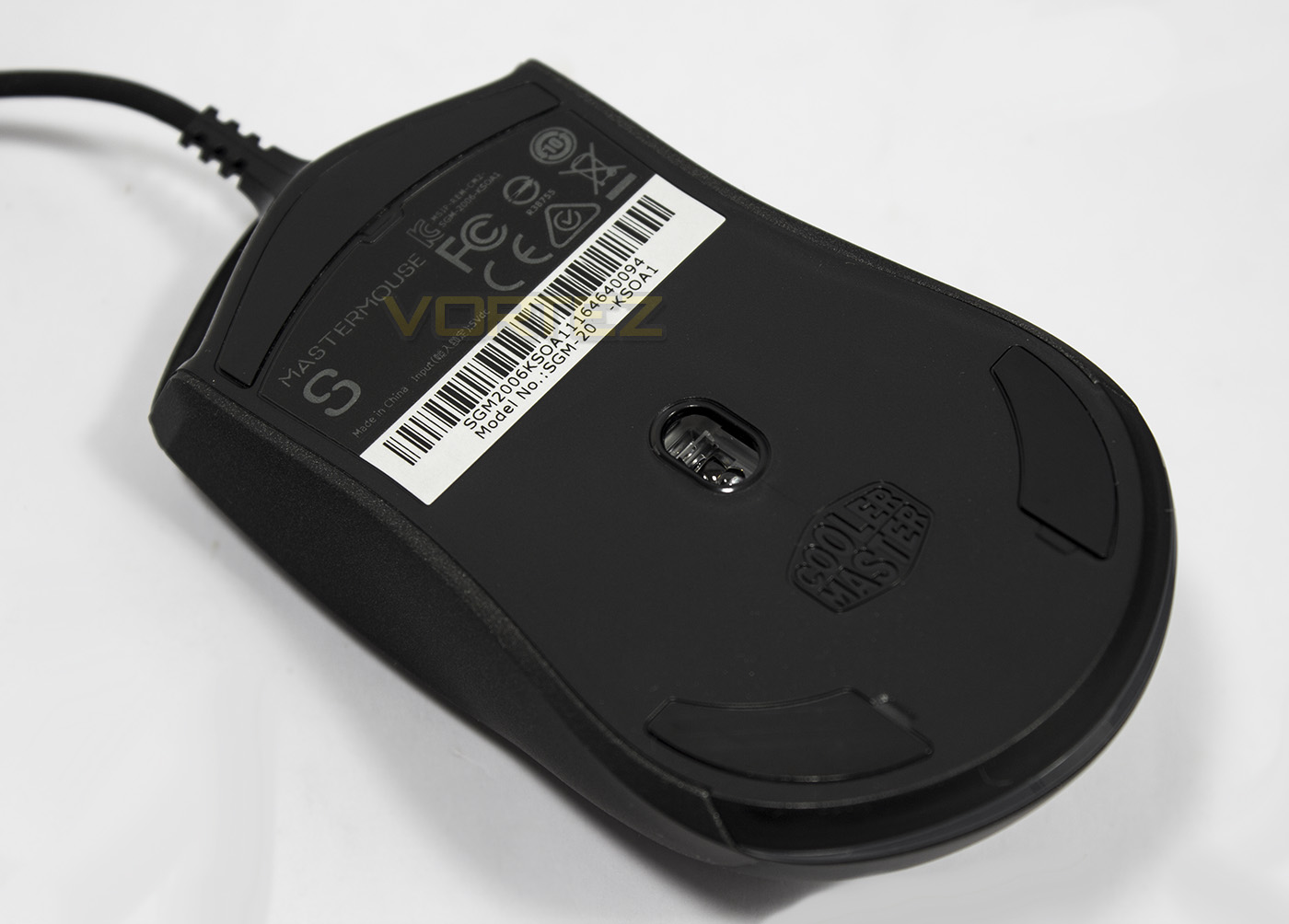
Here we find that the sensor is positioned slightly more towards the rear, while the PTFE slip pads are symmetrically placed.
Software & Lighting
Though the software isn’t essential to use the mouse, if you wish to access all the features, it is recommended and can be downloaded from the product page.
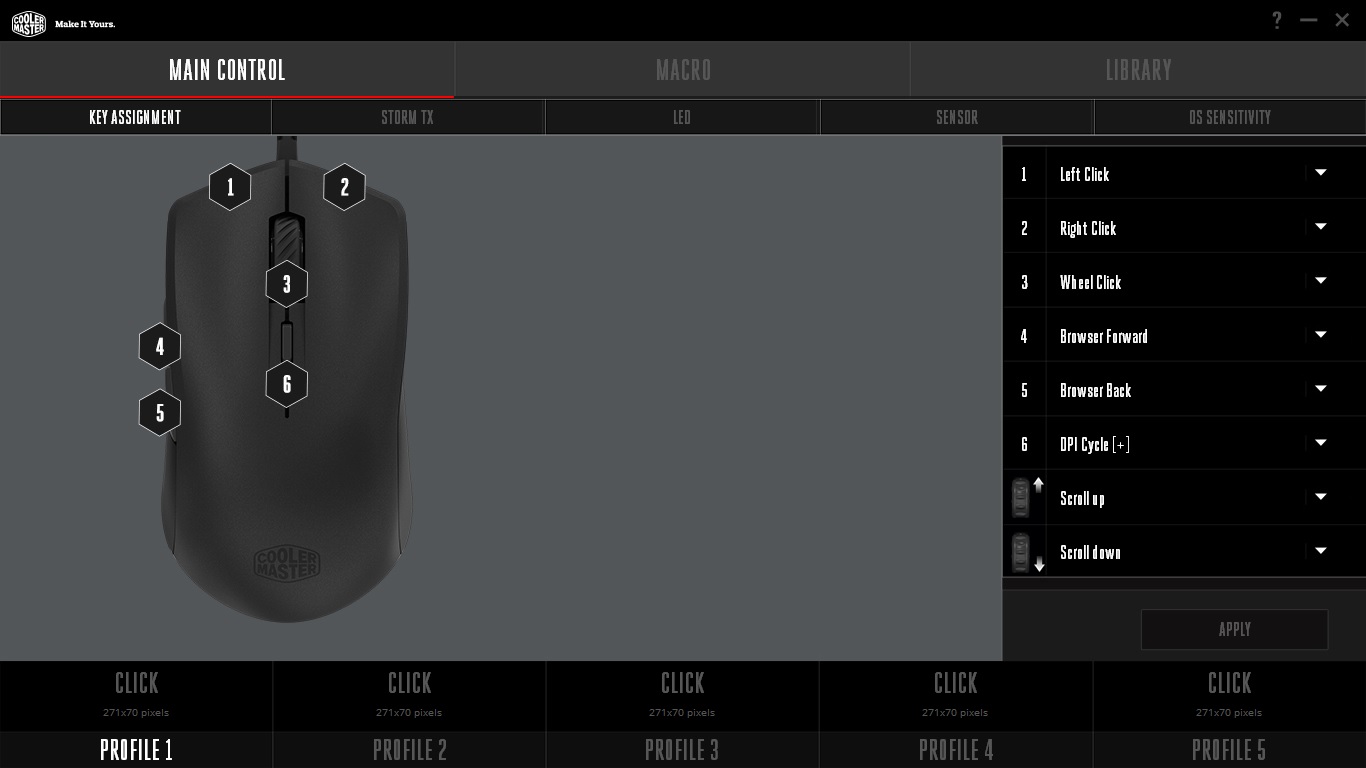
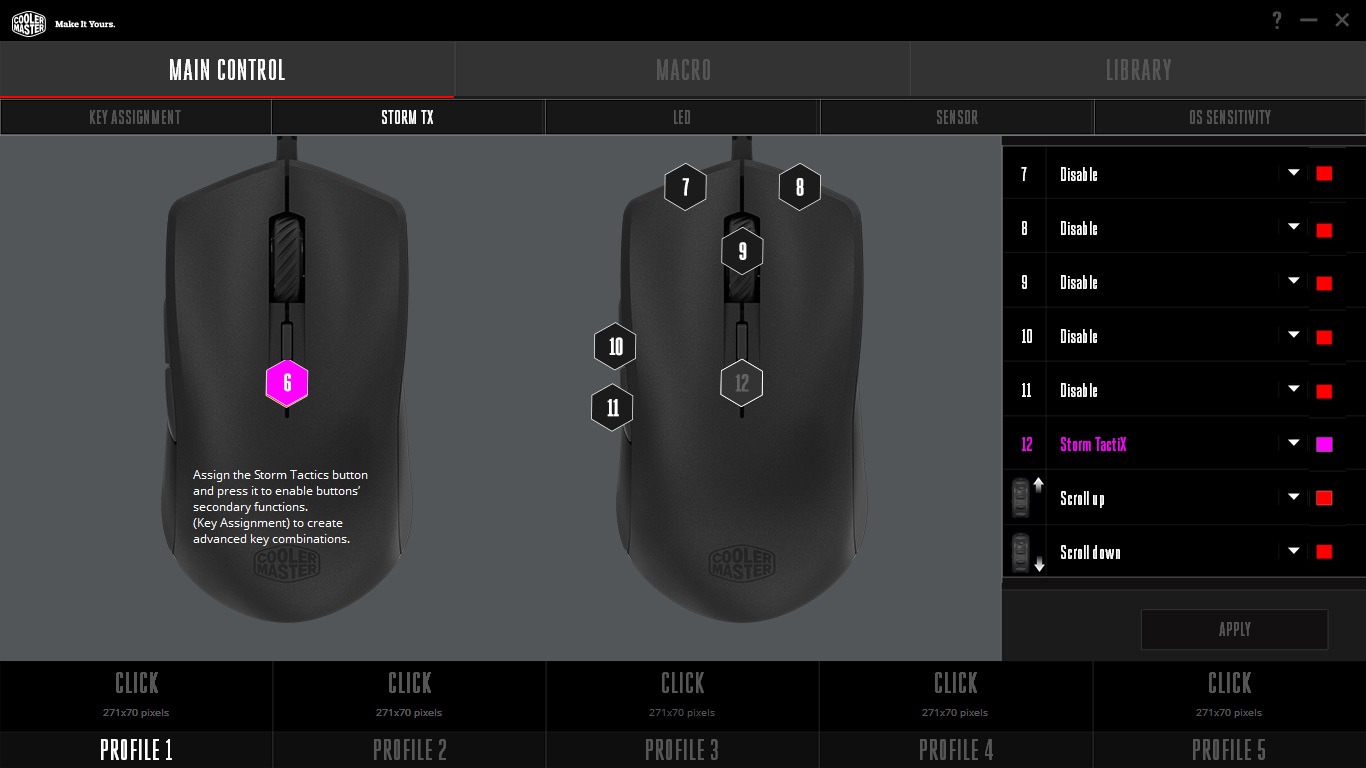
The layout is similar to the contemporary software we found with the MasterMouse PRO L, and is clear, well laid out and easy to use. The initial page is for key assignment, allowing you to reprogram any of the buttons on the mouse. I found it a little frustrating when navigating the options available because if you use the mouse wheel to scroll down through the options, if the mouse cursor highlights any option with a dropdown, it will then pause and scroll through each individual item. If you assign the Storm TX button, you can then access the second layer of key assigmnents in the Storm TX tab, expanding the number of available keys.
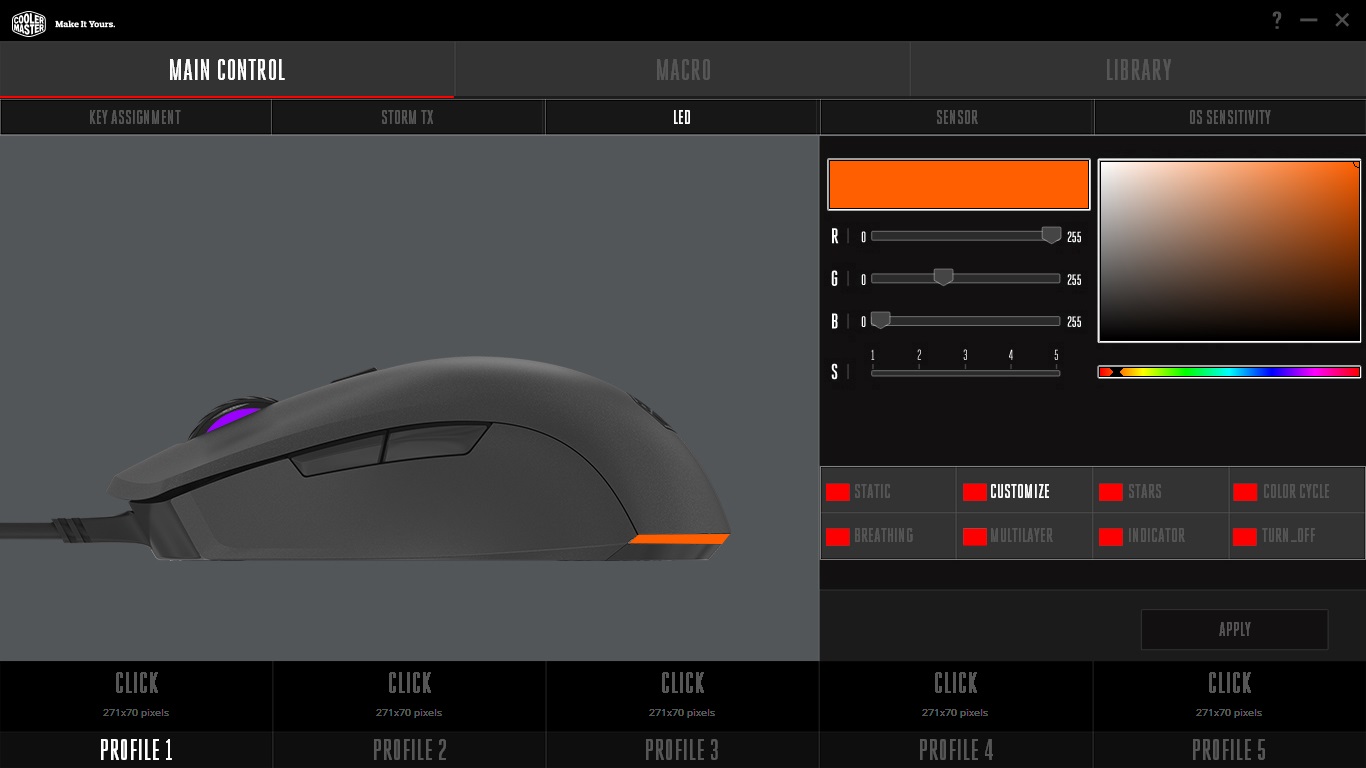
The LED lighting controls are interesting, and despite only having 2 lighting zones, you can customise each with different effects using the multi-layer feature (meaning you can have the mouse wheel doing a spectrum cycle, while the rear lighting zone breates a static colour). Colour rendering is good overall, easily able to provide any colour or hue one should desire, and white is a little bluish by default but can be corrected using the RGB values.
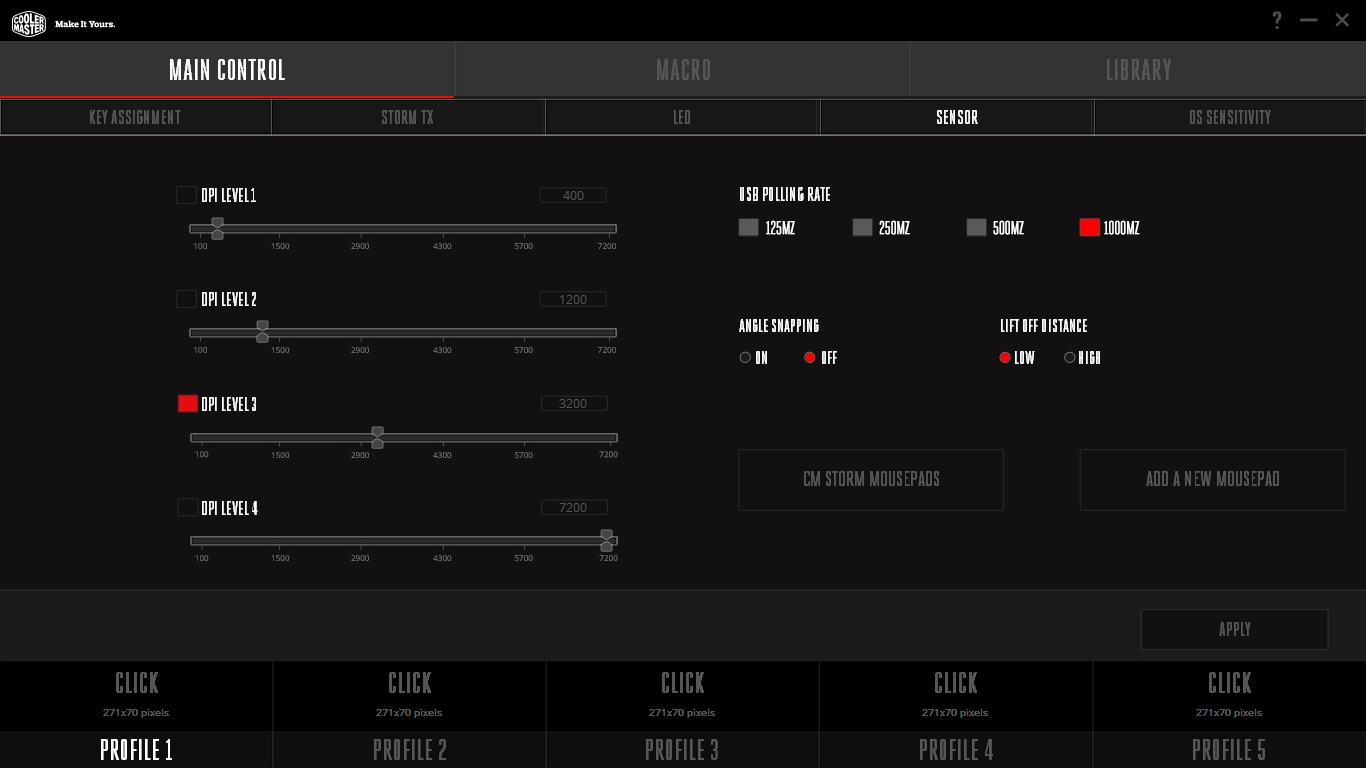
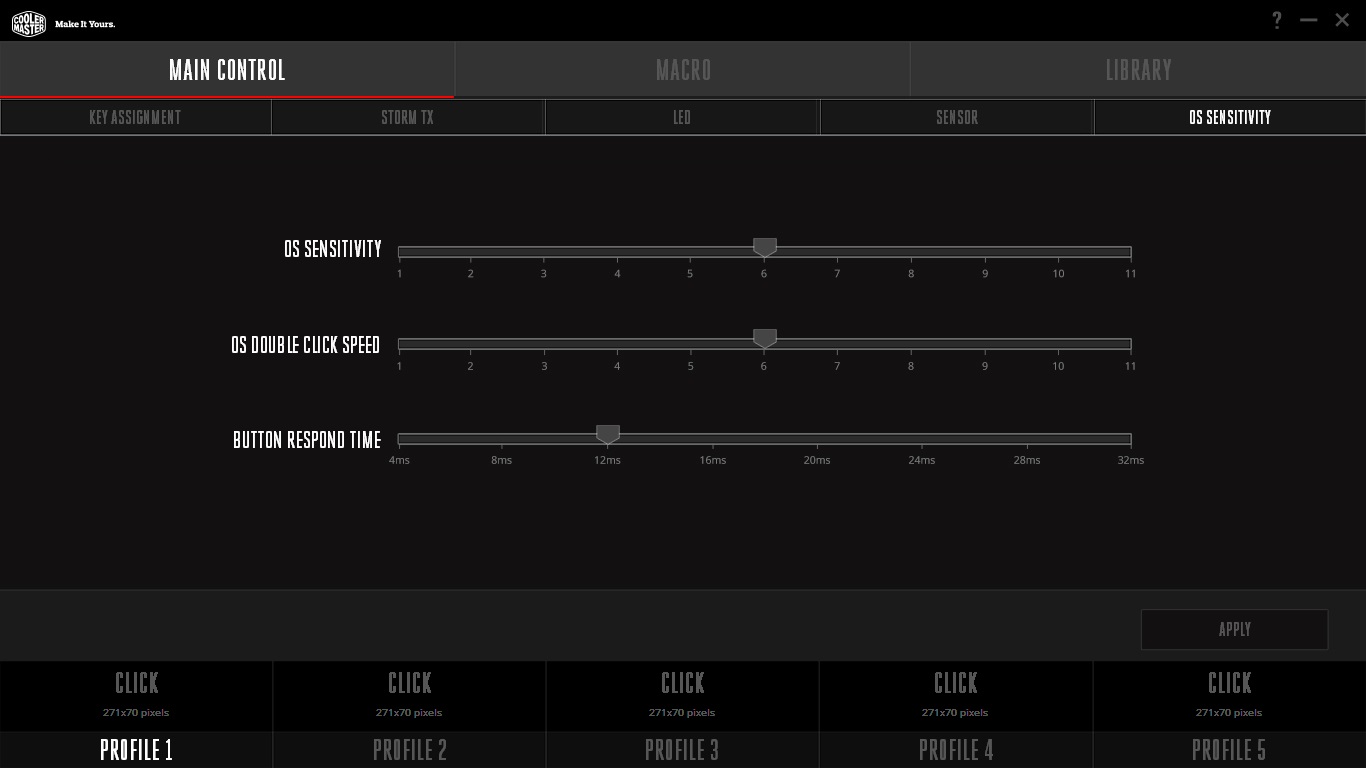
In the sensor controls, you can set up to 4 switchable DPI settings to your preference, as well as adjust the polling rate, lift of distance height, or enable/disable the angle snap feature. There is also a surface calibration function to ensure precision with your mouse, as well as providing in-app access to the Windows mouse controls.
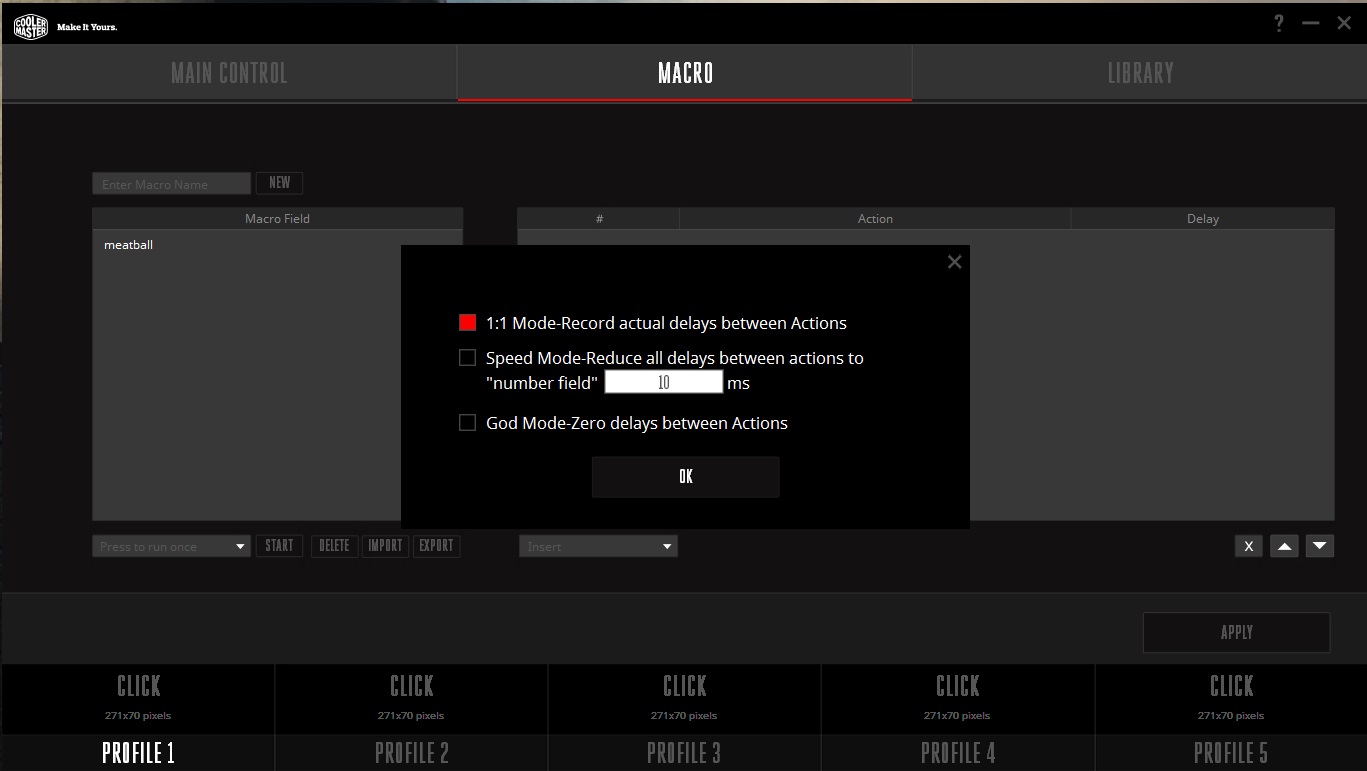
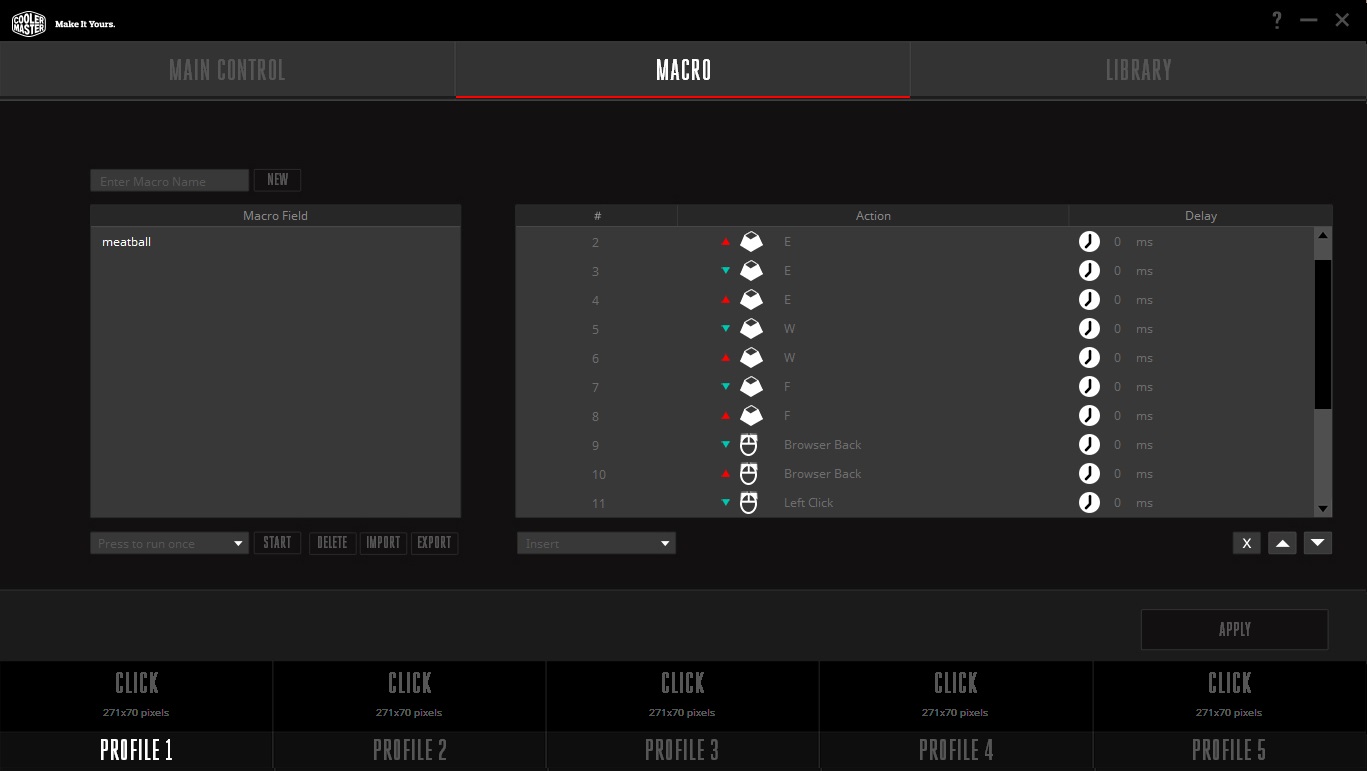
The macro recorder is easy to use and features 1:1 recording, or with customisable and adjustable delay times. It records all mouse key strokes too which is great!
Performance Testing
Setup, Design & Observations
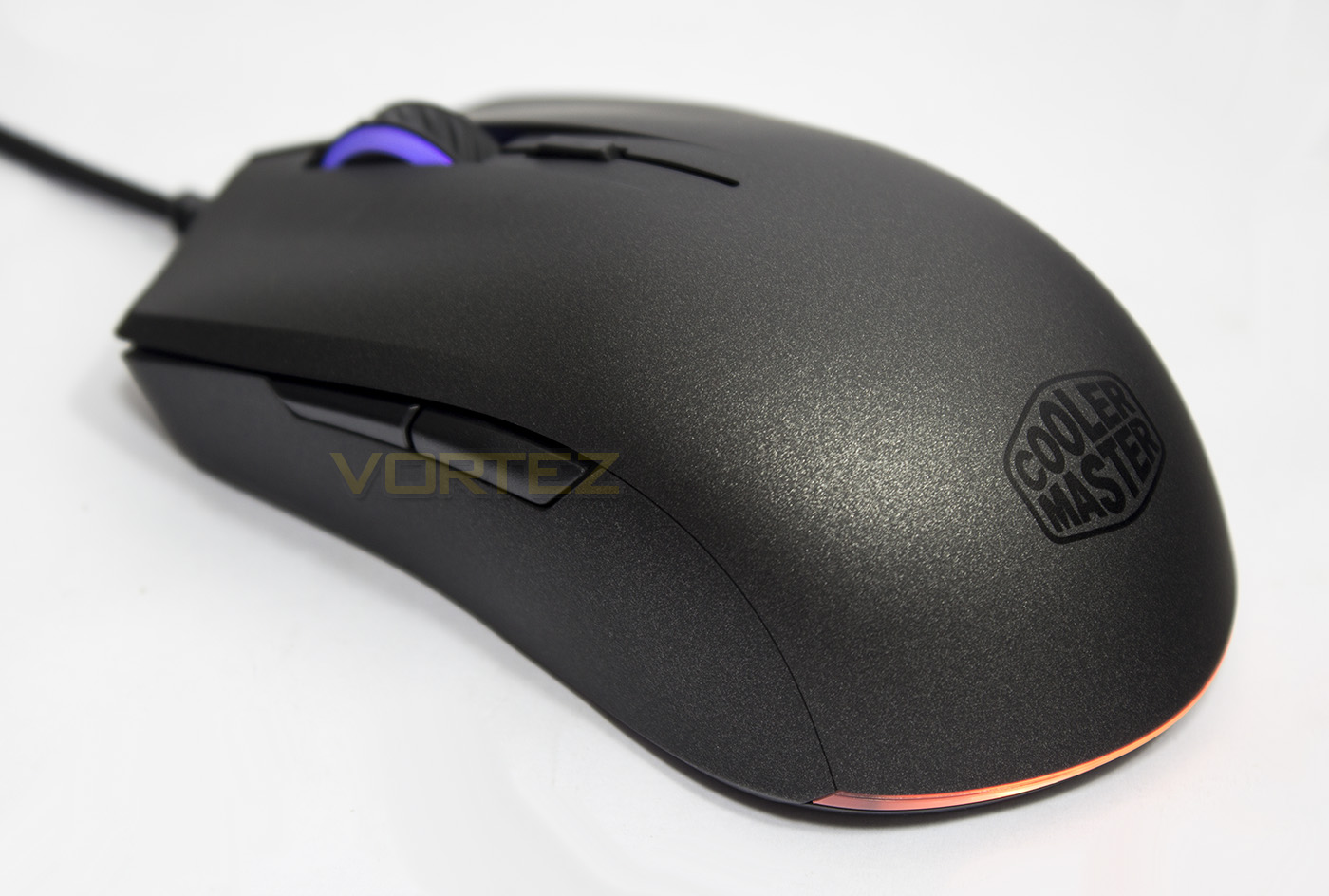
Though the MasterMouse body itself is only 89g, it feels dense, and well built, and perfectly balanced. We have mentioned previous that it is a smaller mid-sized mouse, meaning, it is a little off the standard 130mm length sitting at 117mm, but it isn’t small enough to be considered a ‘small’ mouse. So if you are palm grip user with large hands, you may prefer a slightly larger mouse. That being said, the MasterMouse S is comfortable in both palm and claw grips, with that advanced Cooler Master UV coating providing a pleasant grip and texture.
The mouse wheel feels solid, with no rattling to be heard, its scrolling is punctuated with tactile steps. The mouse mouse clicks feel a little spongy and could do with being tightened up a little, though the use of Omron switches rated for 20 million clicks provides peace of mind. The side buttons don’t give the most satisfying click, giving a rather loud *tuk* kinda sound, though they too feel solid and don’t distract from in game performance.
Despite generally preferring braided cabling, the cable style used on the MasterMouse S looks attractive and is supple and flexible without causing any hindrance.
Performance
Setting the sensor to its maximum 7200DPI, I was surprised to find very little jitter, and throughout its entire DPI range, the MasterMouse S remained responsive and precise. Testing the sensors tracking across various surfaces we found that it operated flawlessly across black fabric mouse mat, white paper, coloured paper, bare desk, plain cardboard and glossy, coloured card. I guess it goes without saying that the PWM3330 sensor is a worthy successor to the 3310.
In our testing we found that Cooler Master have implemented the Pixart PWM3330 sensor perfectly, providing fast, reliable and accurate performance across our favourite games including Battlefield 1, CS:GO, DOTA 2 and more. The general hallmark of a great mouse is its ability to instill the comfort and confidence one needs regarding its accuracy you need in those clutch moments (like a game changing blink> Black hole) without messing things up.
Conclusion
The MasterMouse S is one of those mice that can just do-it-all. From the outside in, everything just feels, right. The grip and control, the comfort and texture, the subtle aesthetics of the textured surface complimented with the RGB lighting, and more importantly, its performance is simply fantastic. All this without even mentioning the easy to use supporting software that provides advanced customisation and programmanility.
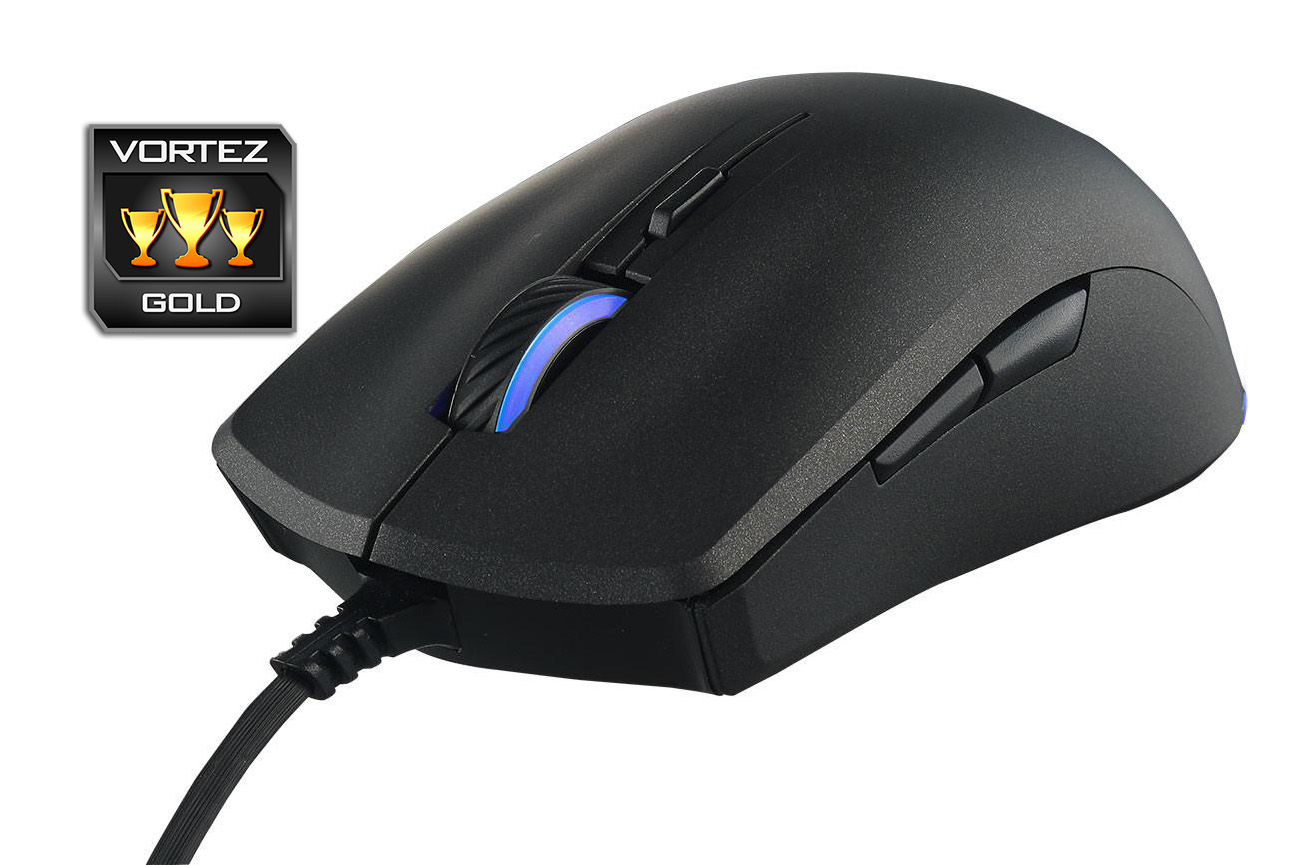
Considering its price point there are some aspects that don’t quite live up to some expectations when compared to higher end products, such as the slightly spongy main clicks and side buttons, but in testing, these factors fade into obscurity and didn’t even register while focusing in game. Some people may prefer a larger or more shaped mouse especially if you have large hands and use a palm grip. Though as someone with hands measuring 200mm from tip to wrist, we found it ideal for a claw grip.
Compared to the competition, there are some very competitive mice out there that are similarly priced (£30-40), and so it would come down to the user to decide which is best for their grip style. If you like neutral, ambidextrous shaped mice, or you use a claw grip, the MasterMouse S is a fantastic place to start. Welcome to 2017.
If you were looking for a good value claw grip mouse, look no more. The MasterMouse S is beautiful, accurate, and full of good stuff.
Pros.
+ Comfortable for any grip
+ Ambidextrous
+ Top quality UV coating
+ Excellent software support
+ Attractive aesthetics and lighting
+ On-board processor and 512kb memory
Cons.
– Buttons could be a little less squishy
– Some may prefer a slightly larger mouse
+ Comfortable for any grip
+ Ambidextrous
+ Top quality UV coating
+ Excellent software support
+ Attractive aesthetics and lighting
+ On-board processor and 512kb memory
Cons.
– Buttons could be a little less squishy
– Some may prefer a slightly larger mouse
Click here for an explanation of our awards at Vortez.net.