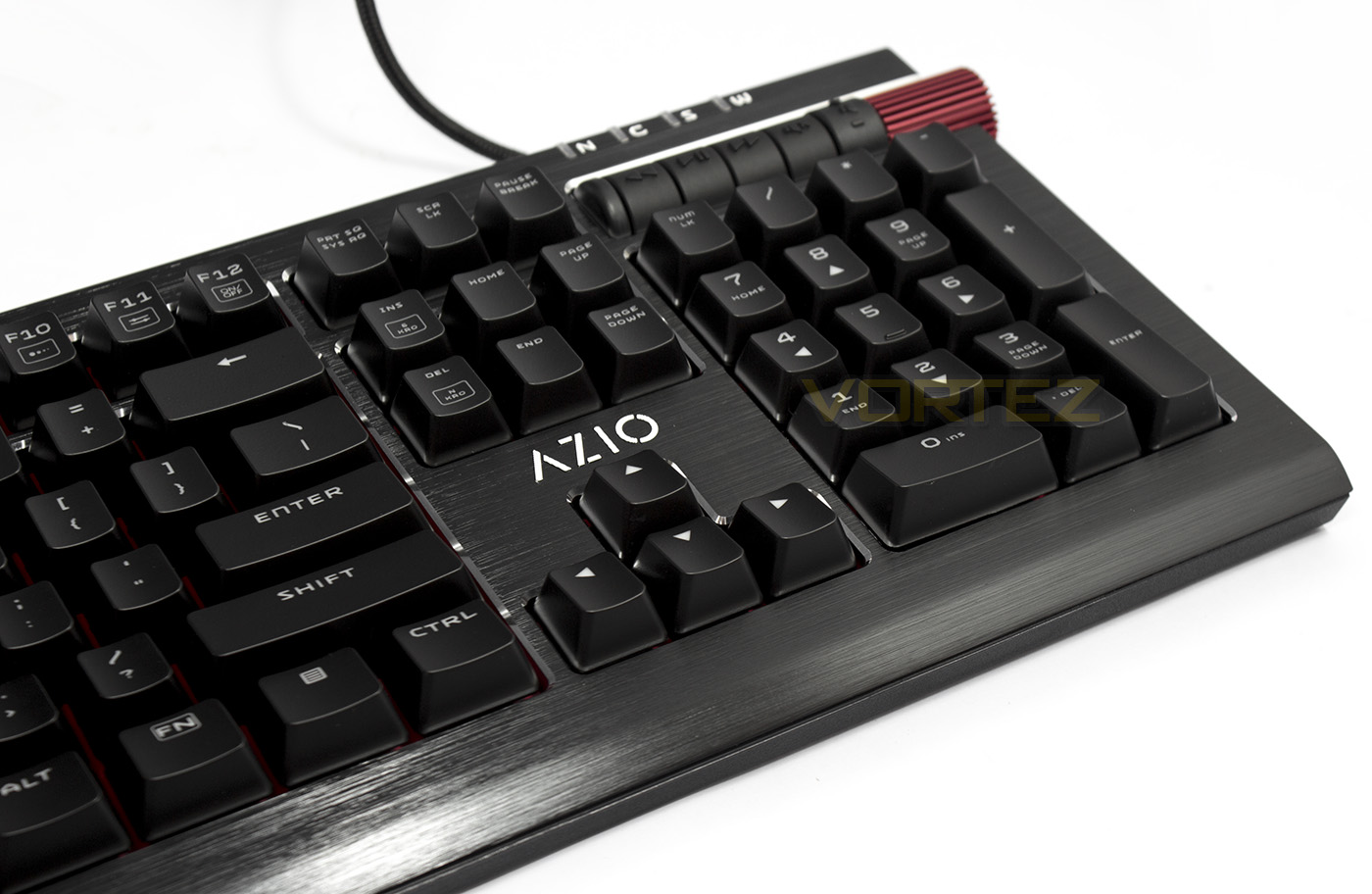
The Armato mechanical keyboard from Azio throws out a seductive design owed to it brushed aluminium frame and elegant trims, will you give in to the temptation?

Product on Review: AZIO ARMATO
Manufacturer & Sponsor: AZIO Corp
Street Price: US: $129.99
Azio show a keen spirit towards designing striking products and the Armato may very well be the embodiment of their mission. Crafted from fine materials, the Armato certainly stands out.
Inside they have chosen to use the quiet/tactile Cherry MX Brown switches accompanied by red LED lighting and a selection of lighting effects. So it would seem that Azio are targeting those that consider LED back-lighting as a purely functional, no-nonsense feature. The red LED lighting is then set against a black anodized brushed aluminium top plate, that is then matched with a striking red mesh spanning from side-to-side. Despite its minimalistic design ethic, the Armato affords the gamer a selection of dedicated macro keys, media keys, FN commands, along with 100% anti-ghosting, ensuring that this keyboard provides competitive performance.
Overview by AZIO
The Azio Armato embodies simplicity, purity, and boldness. Its sophisticated daring design captures attention at first glance. This keyboard offers striking aesthetics and essential gaming functionalities.
Technical Specifications
INTERFACE: USB
SWITCH TYPE: Cherry MX Brown
BACKLIGHT: Crimson Red
N-KEY ROLLOVER: Full NKRO
CABLE: 6 ft. Braided
OS SUPPORT: Windows XP, VISTA, 7, 8, 10
DIMENSIONS
Keyboard / 6.5×19.0x1.2 in
Palm Rest / 2.8×19.0x0.5 in
WEIGHT: 3.0 lbs / 1361 g
BOX CONTENT: Armato Keyboard / Palm Rest / Key Puller / Thank You Card / User Guide
WARRANTY: 2 Year Limited
SWITCH TYPE: Cherry MX Brown
BACKLIGHT: Crimson Red
N-KEY ROLLOVER: Full NKRO
CABLE: 6 ft. Braided
OS SUPPORT: Windows XP, VISTA, 7, 8, 10
DIMENSIONS
Keyboard / 6.5×19.0x1.2 in
Palm Rest / 2.8×19.0x0.5 in
WEIGHT: 3.0 lbs / 1361 g
BOX CONTENT: Armato Keyboard / Palm Rest / Key Puller / Thank You Card / User Guide
WARRANTY: 2 Year Limited
Packaging & First Look
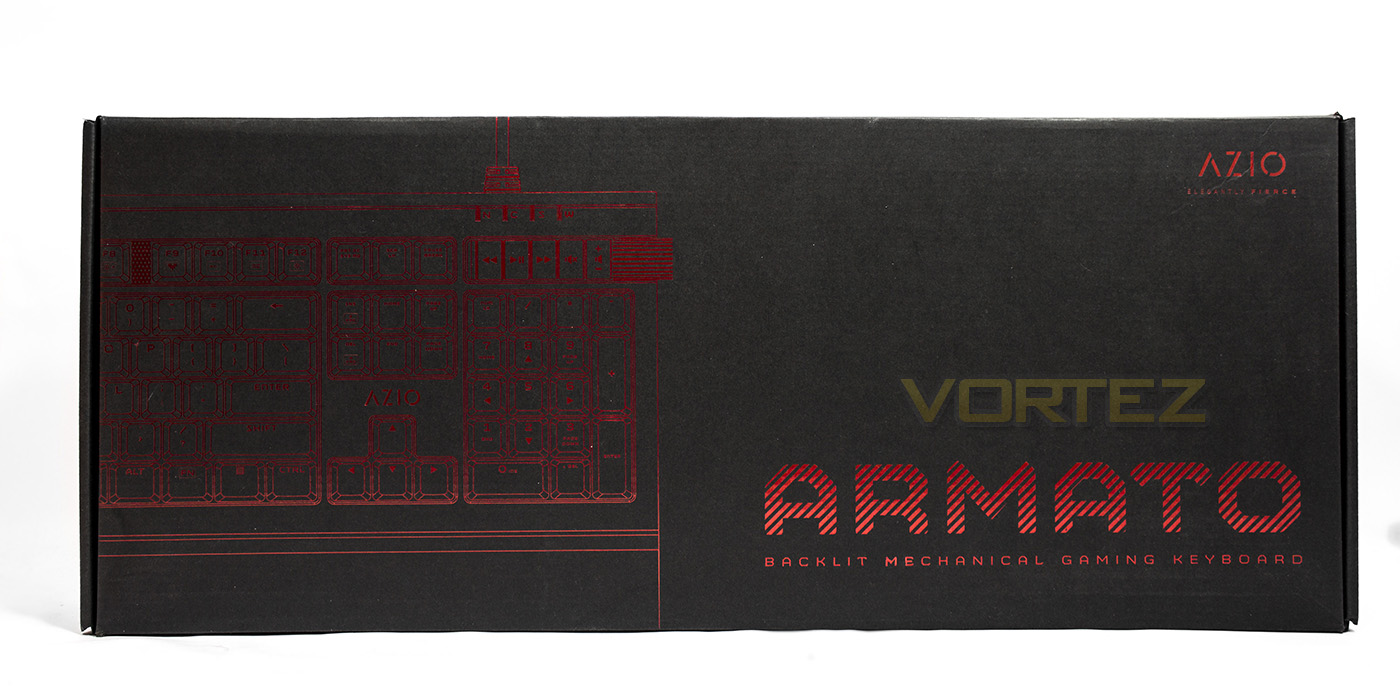
As with our previous outing with Azio, the packaging is a sleek black with a metallic red print giving a vague outline of the product and the product name and what it actually is.
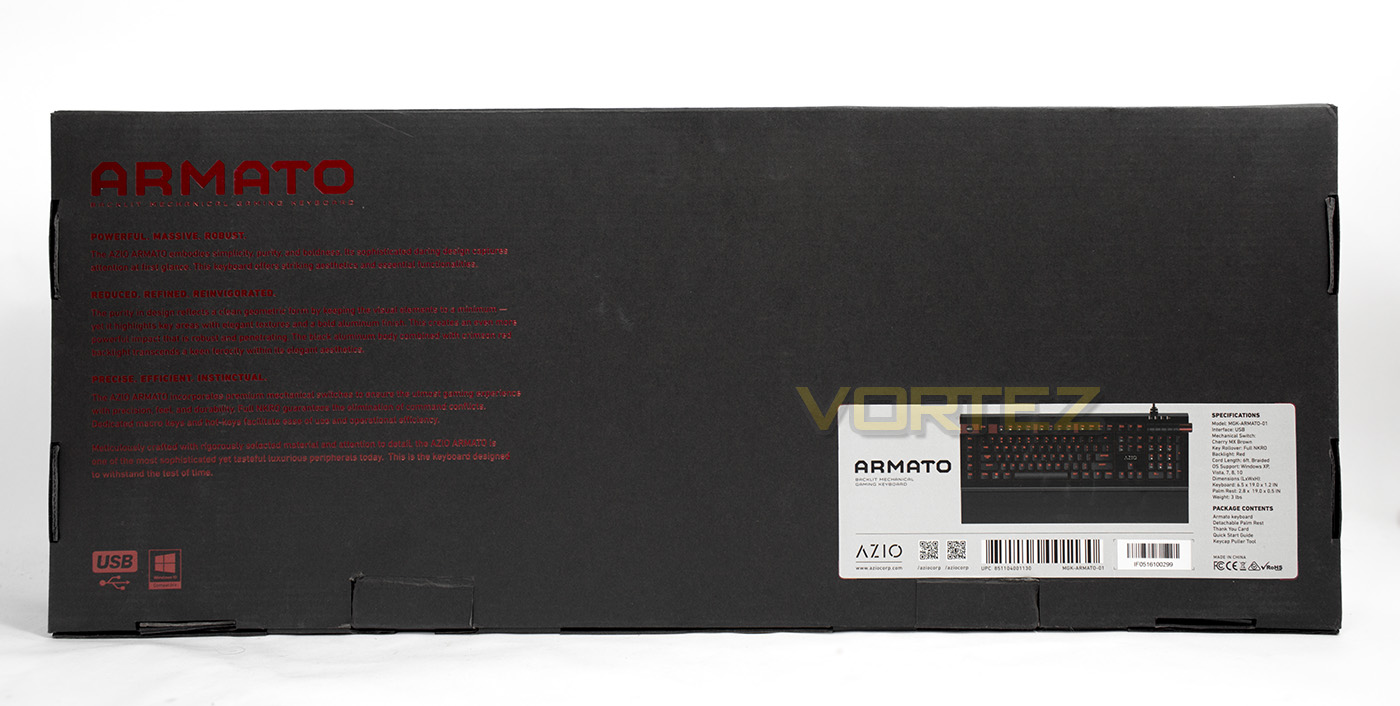
At the back there is an overview of the product and its features as well as an actual printed image of the Armato (I am so tempted to say tomato). Alongside the image of the keyboard there is information about its specifications, and the package contents.
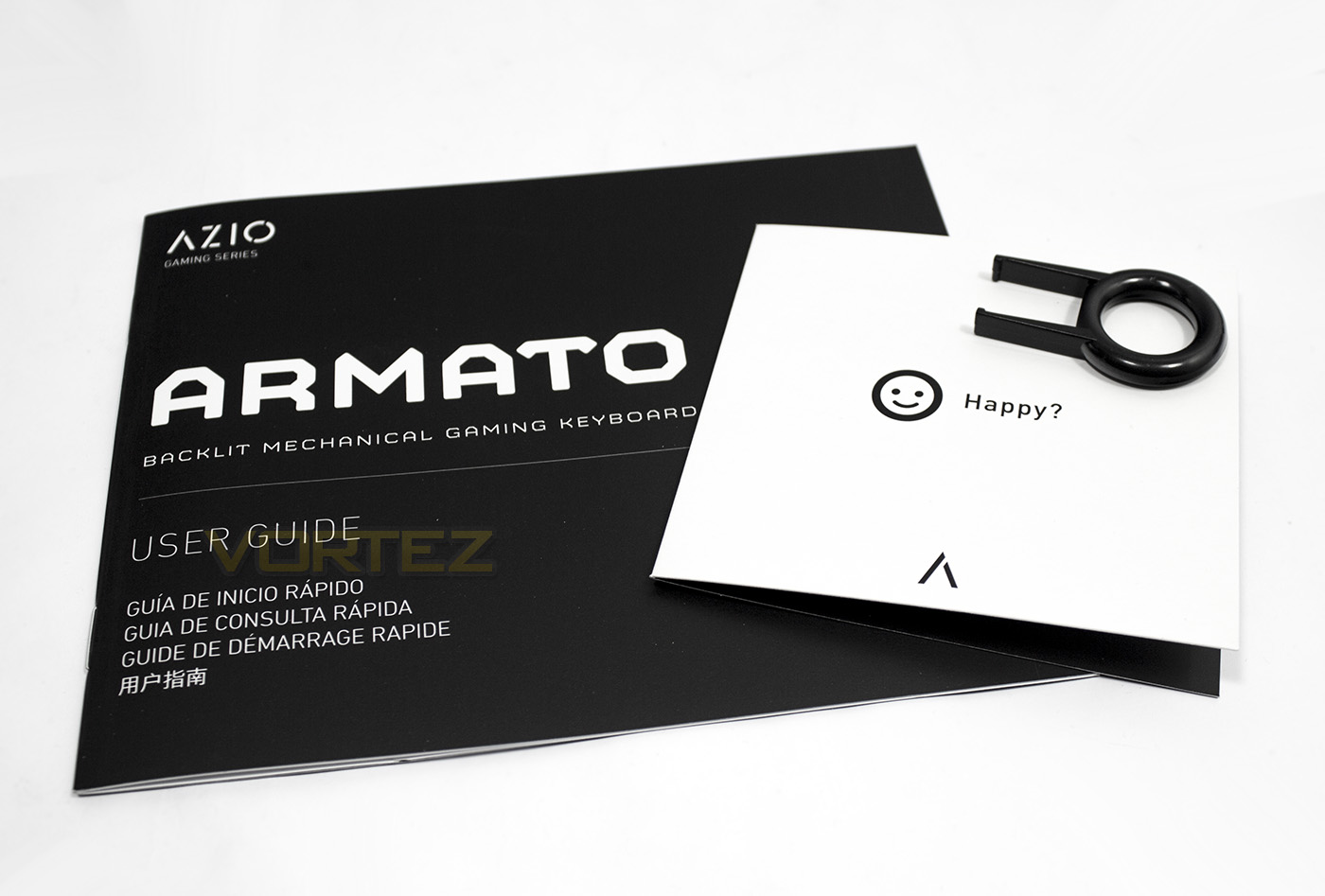
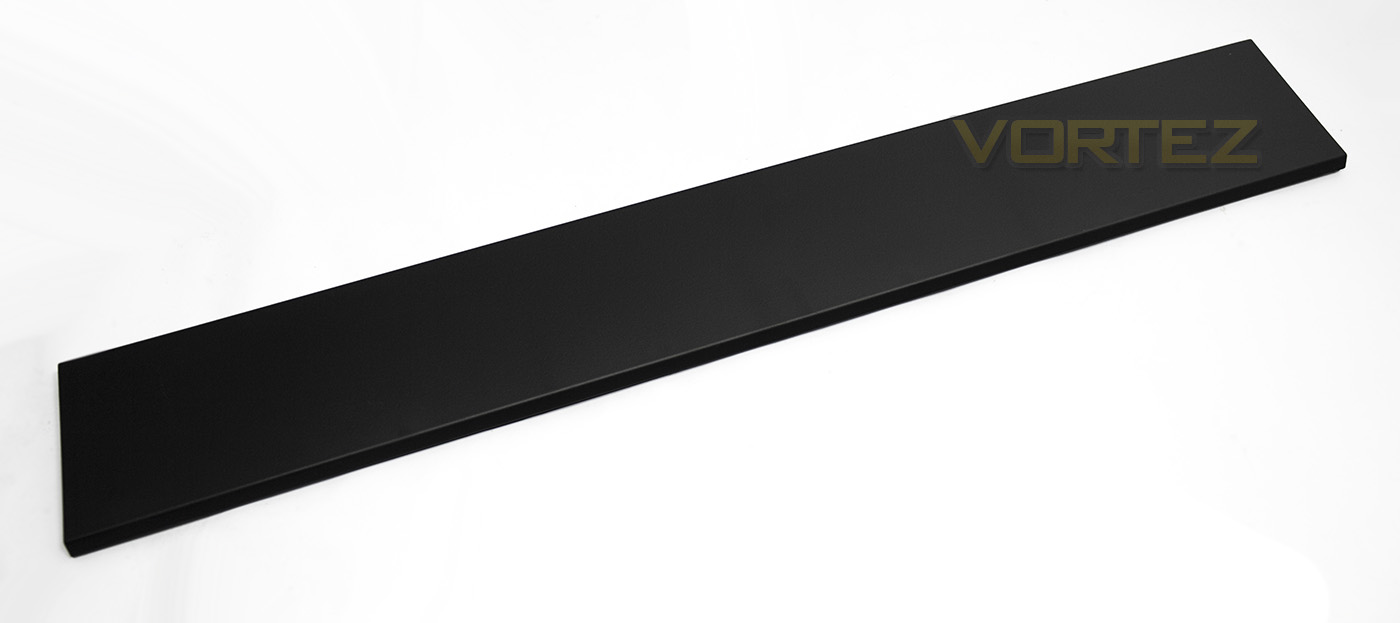
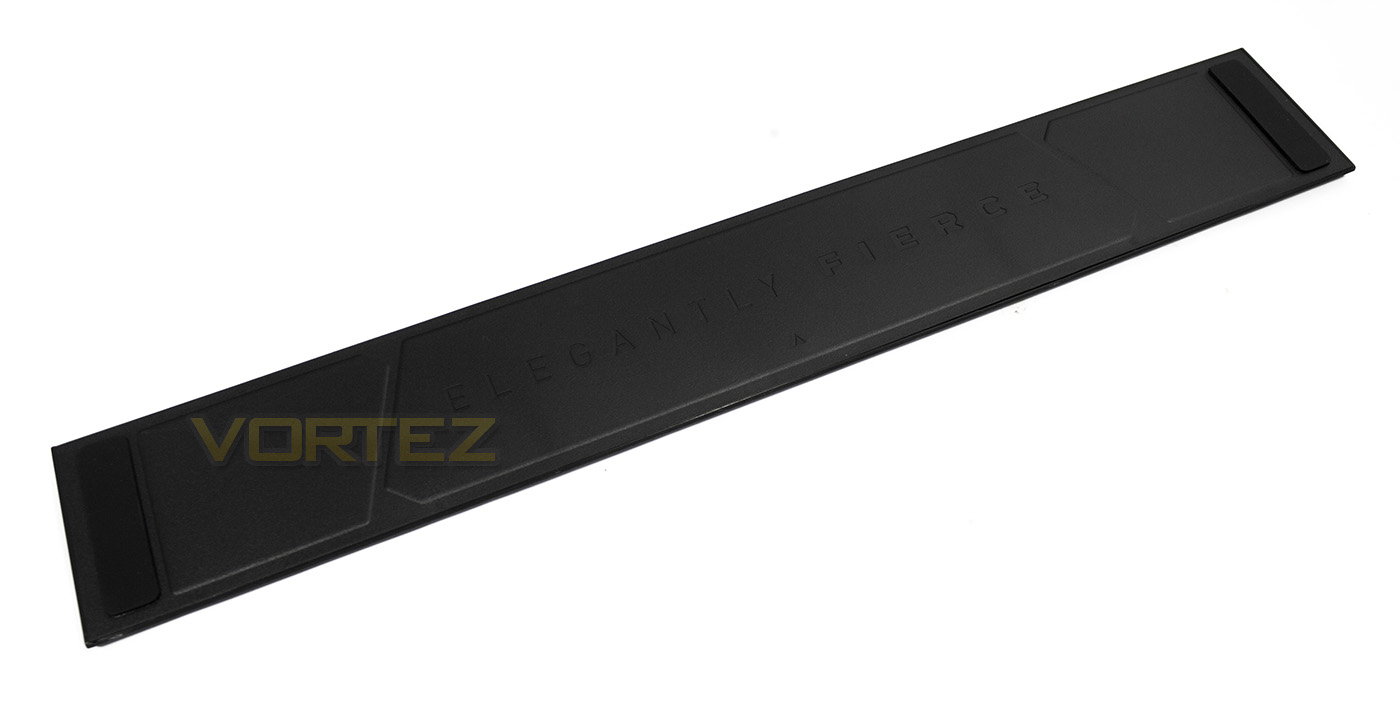
Shipped with the Armato, Azio have included a manual, a thank you note, a key-cap puller, and a magentic wrist-rest (palm rest, same difference). The underside of the palm rest features large non-slip pads and the Azio motto ‘ELEGANTLY FIERCE’, and while we could say that it does fall into the category of gaming jargon, we also felt it was a nice touch. The top side of the wrist-rest has a slight softness to it.
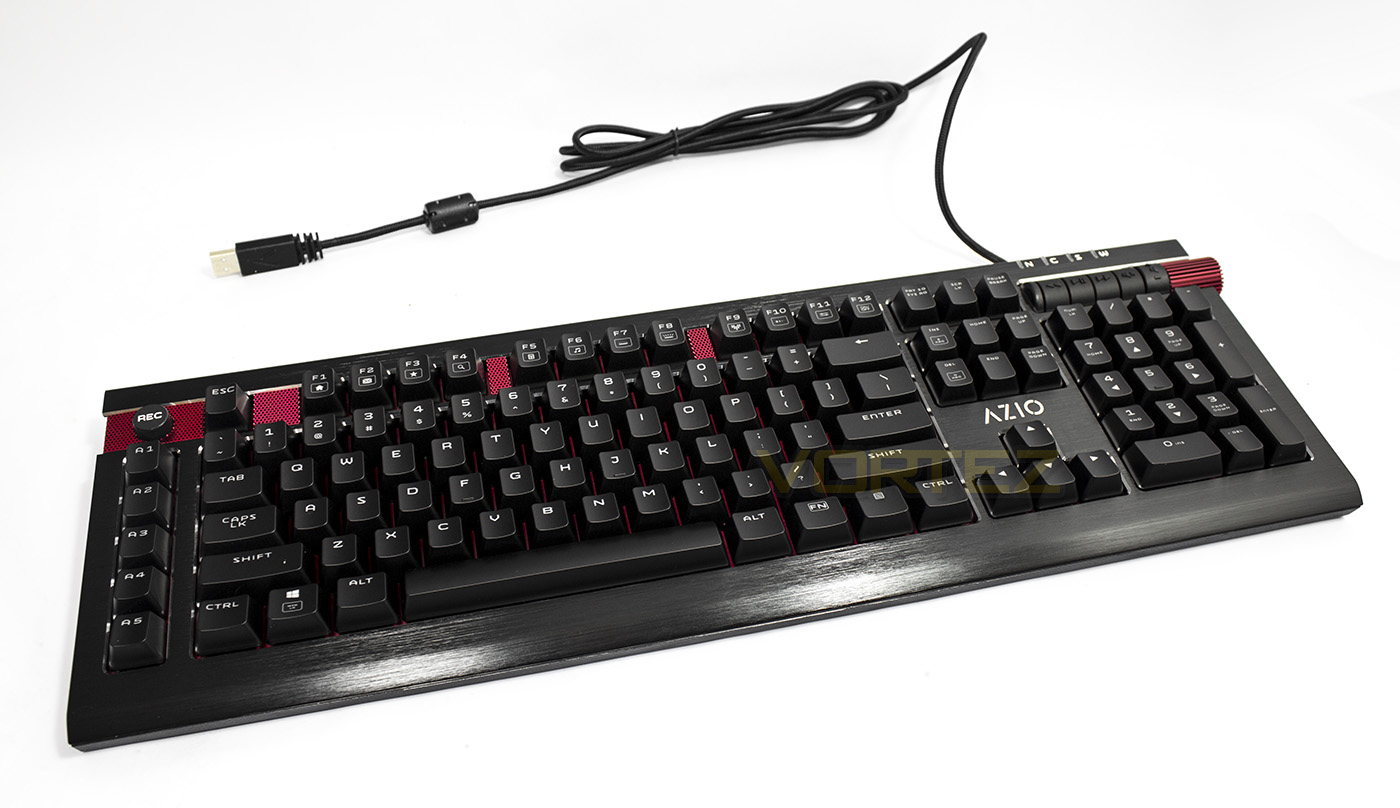
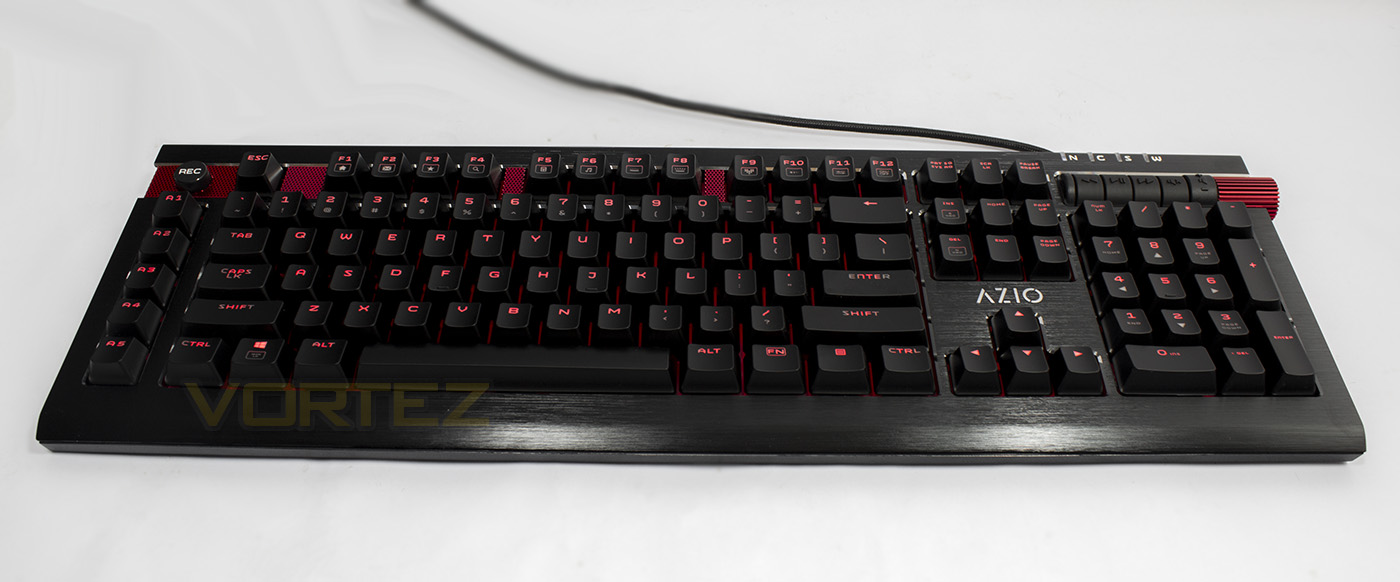
The Armato keyboard is a little larger than some keyboards which is expected considering the additional macro keys, however its overall presence isn’t garish, or in your face. The black aluminium has sleek milled edges around each block of keycaps, giving that additional sexy definition. Behind the key-caps we can see that there is a red backplate to aid the transmission of the red LED lighting. The cable is a fairly standard 1.8m long that has been braided, and ends in a gold plated USB connector.
Closer Look
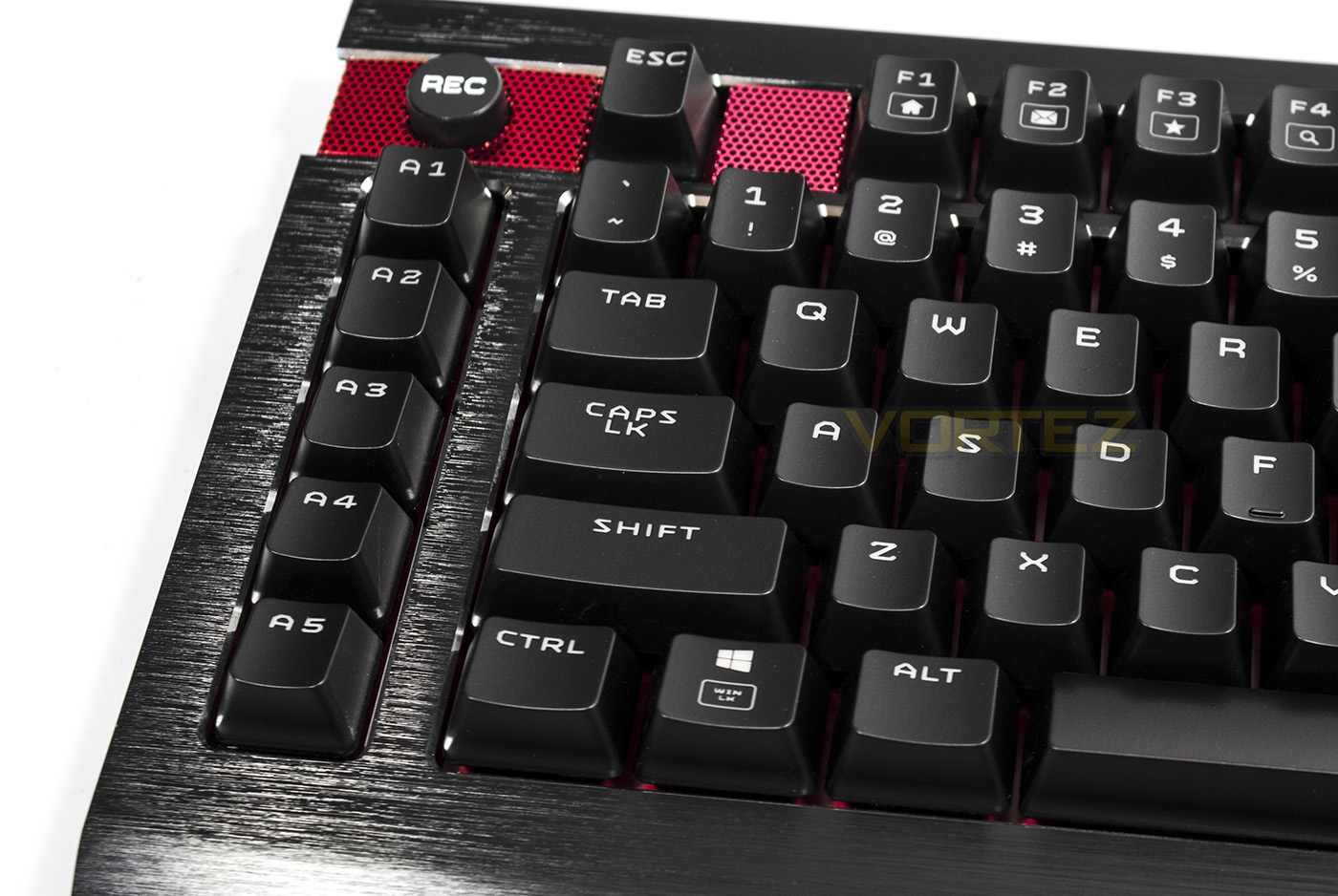
The left-hand side features a row of 5x dedicated macro keys, along with a macro record button.
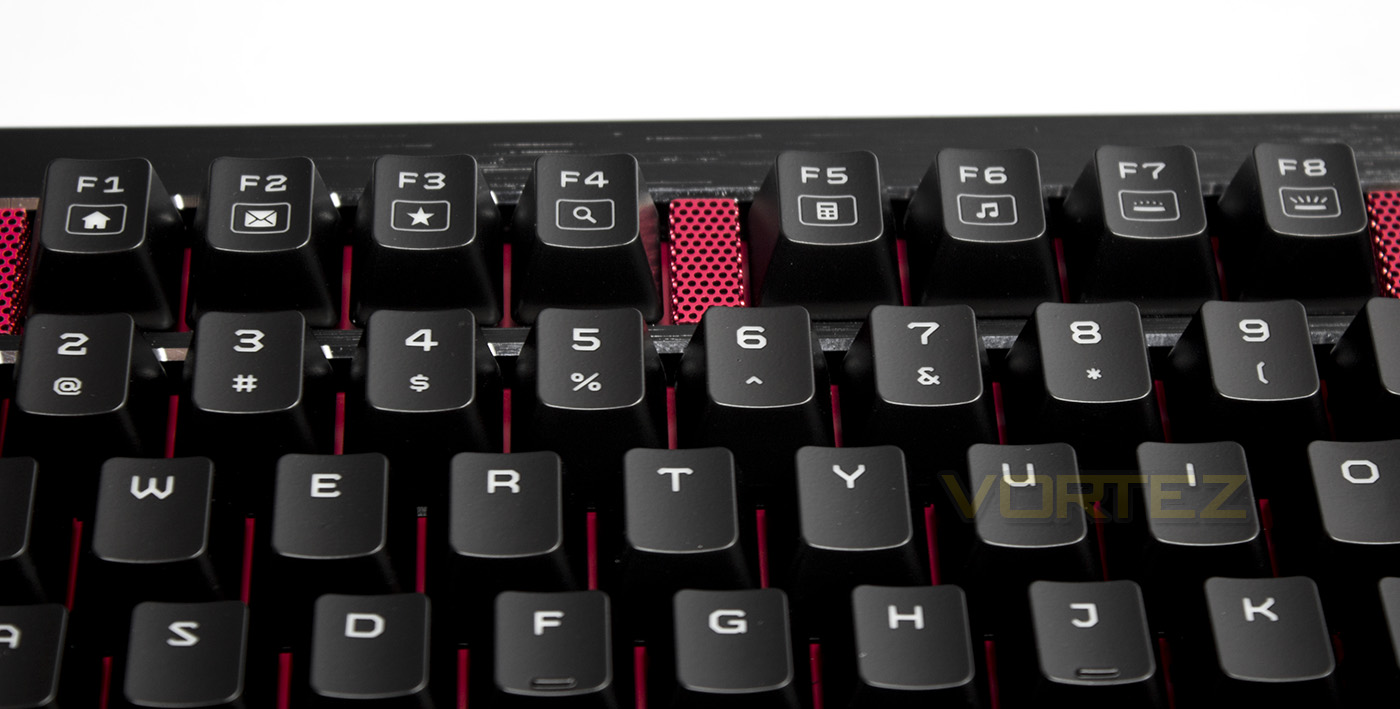
The F keys double as Fn keys, including various web based shortcuts, along with a media player and calculator shortcut. F7-8 act as brightness controls.
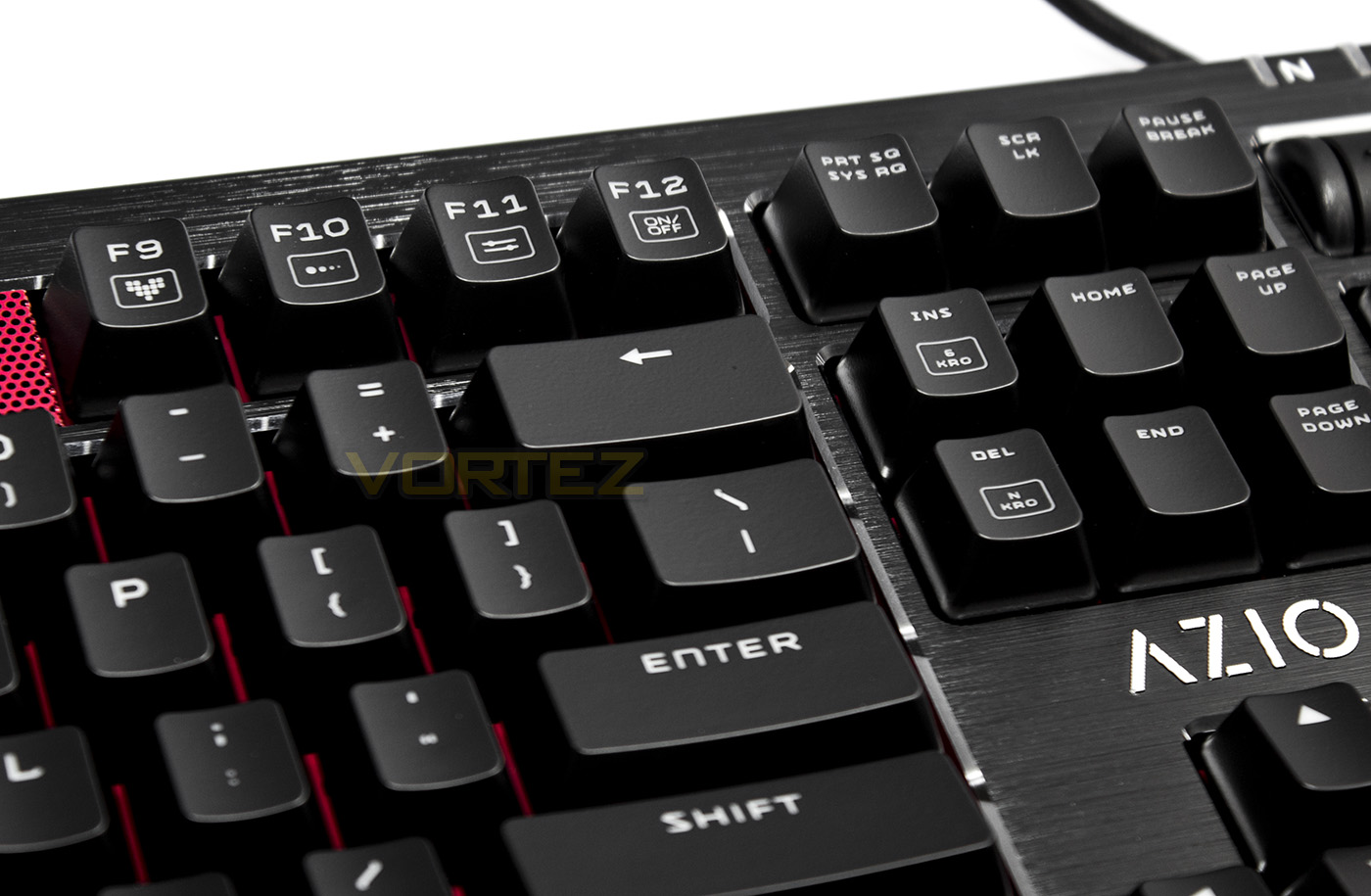
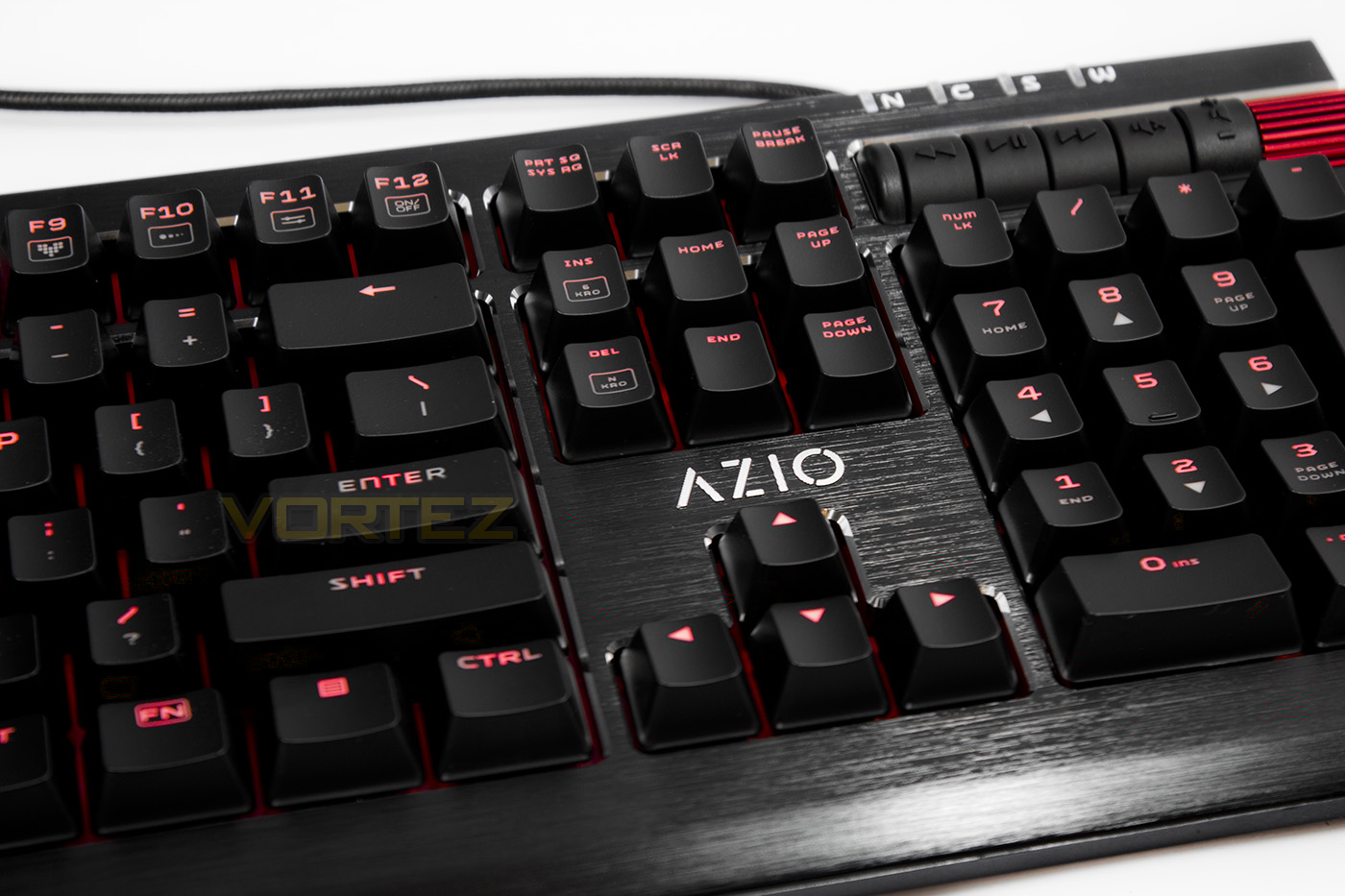
F9-F12 act as additional lighting controls, including keys for breathing mode, pulse mode, custom mode, or on/off. The insert/delete keys also act as a toggle between 6KRO and NKRO.
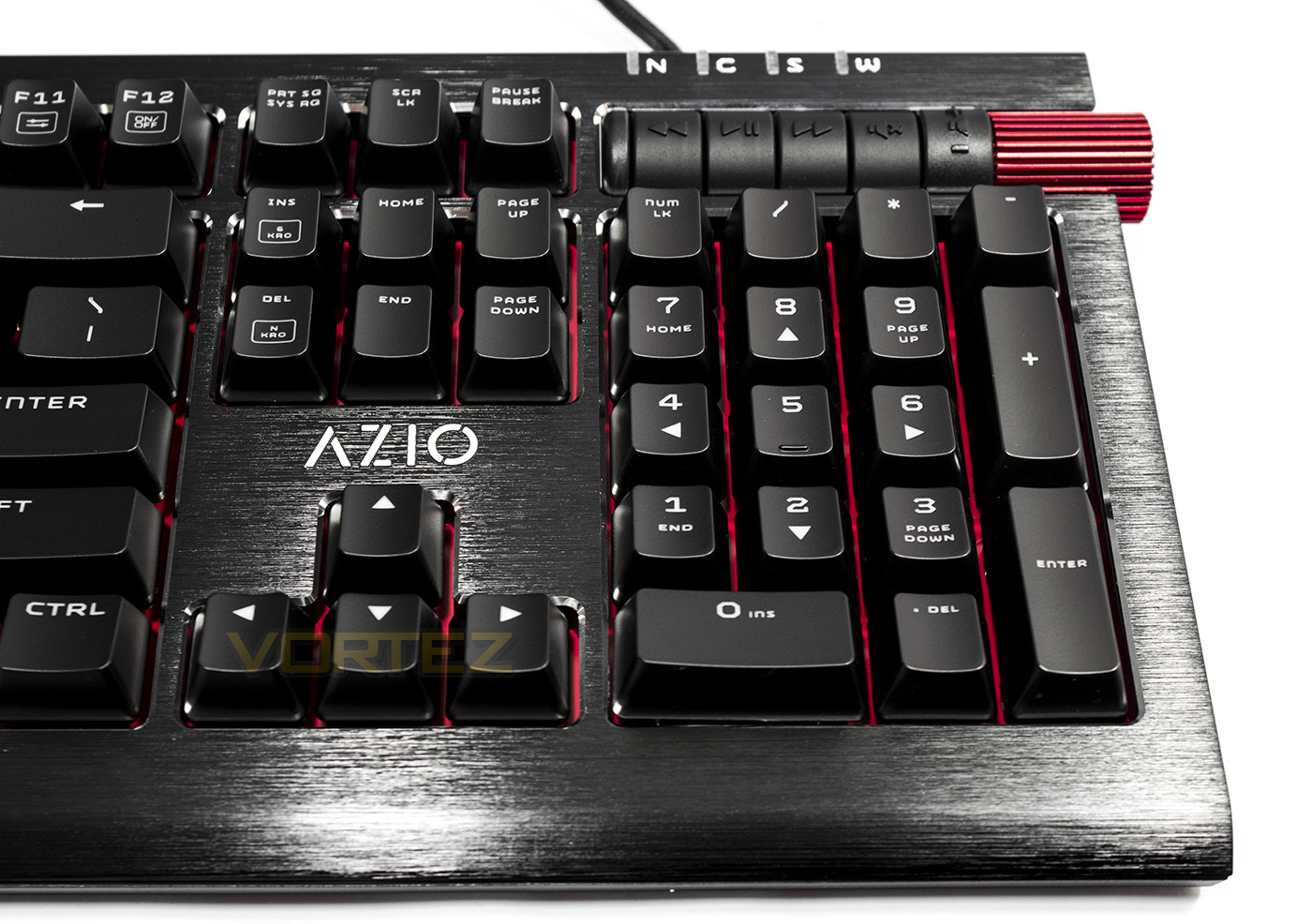
The Armato features a full size num-pad that is accompanied by some dedicated media keys for previous, play/pause, next, mute along with that red volume roller. The very top of the board reveals indicator LEDs for the various locks (Num, caps, scroll and Windows), giving clue to the fact that you can lock the Windows key by pressing Fn + Win keys together.
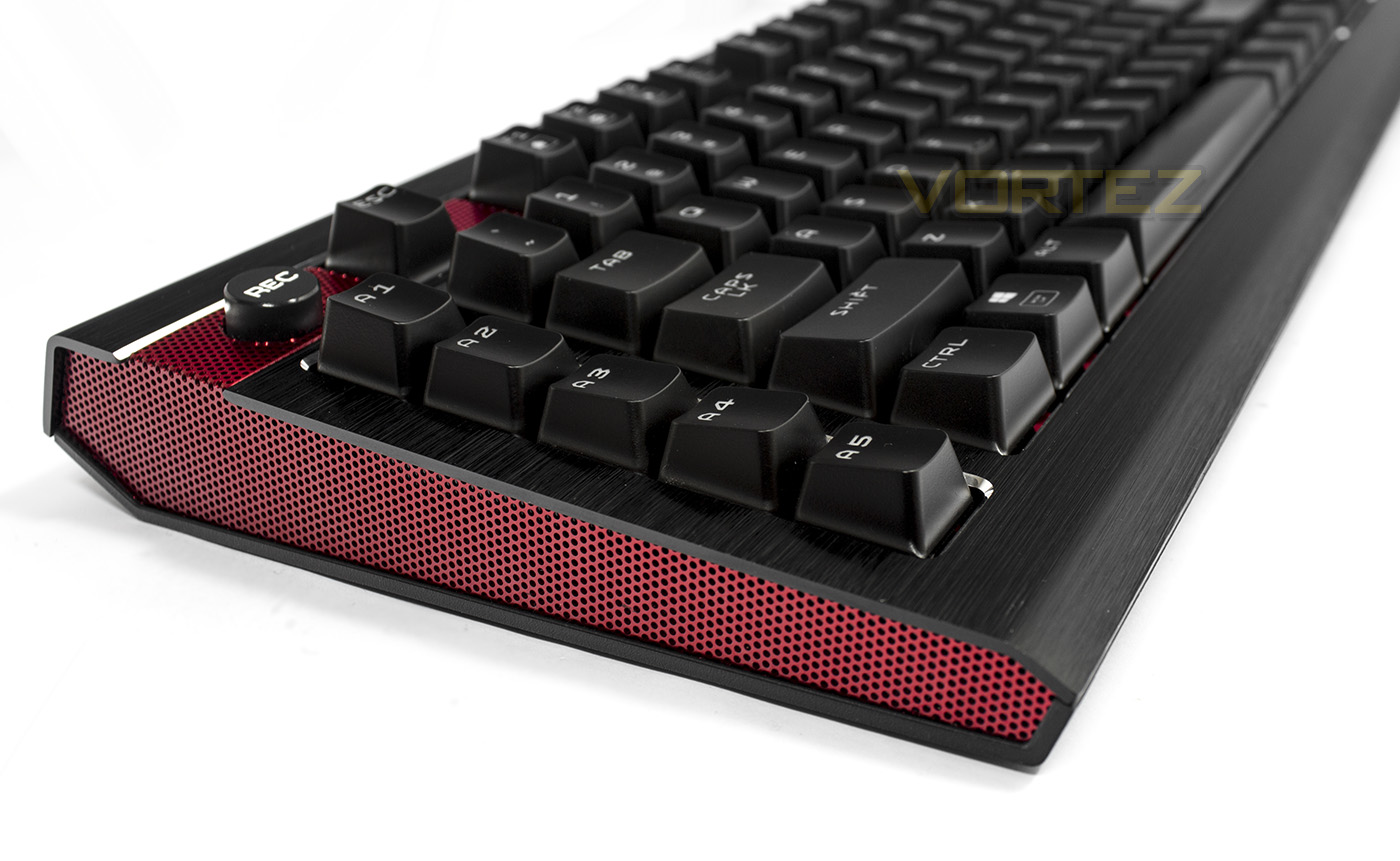
The side view shows off that red aluminium mesh, which looks exceptionally good, in fact, we should stop being so vague and state that it is more of a deep red hue, almost crimson. However, the side view also reveals that the top plate has some rather exposed edges, as it seems to be 2mm thick, there is some some flex if you catch or lift it using these points. The Armato is surprisingly low profile too at just 31mm high (1.2"
 , meaning that it should be comfortable for operation with or without a wrist-rest.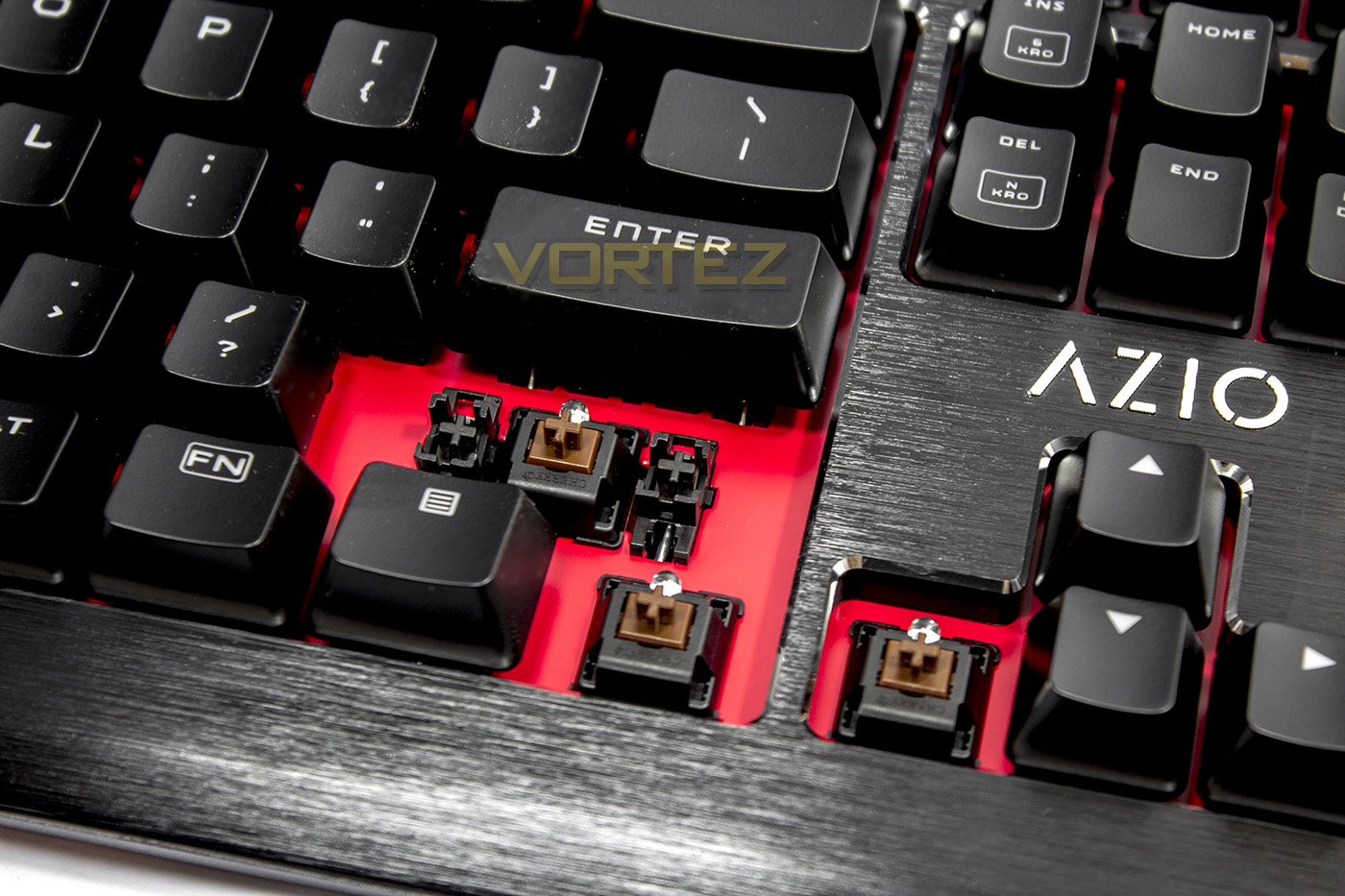
The Armato uses Cherry MX Brown switches in standard black housing, along with Cherry stabilisers.
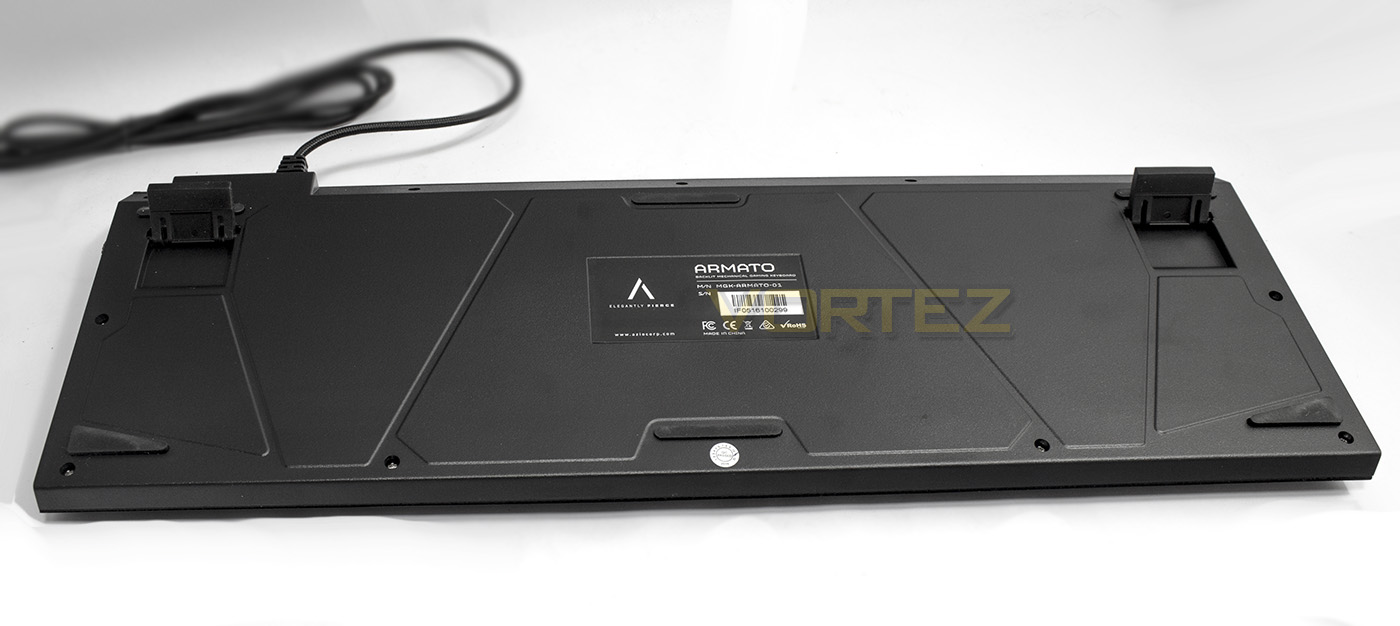
The underside reveals little to note other than the adjustable feet and non-slip pads. Here we can note that the cable comes out from the side of the keyboard rather than the centre, which would have been a little more universal in regards to different desktop layouts, but again, this isn’t any real problem.
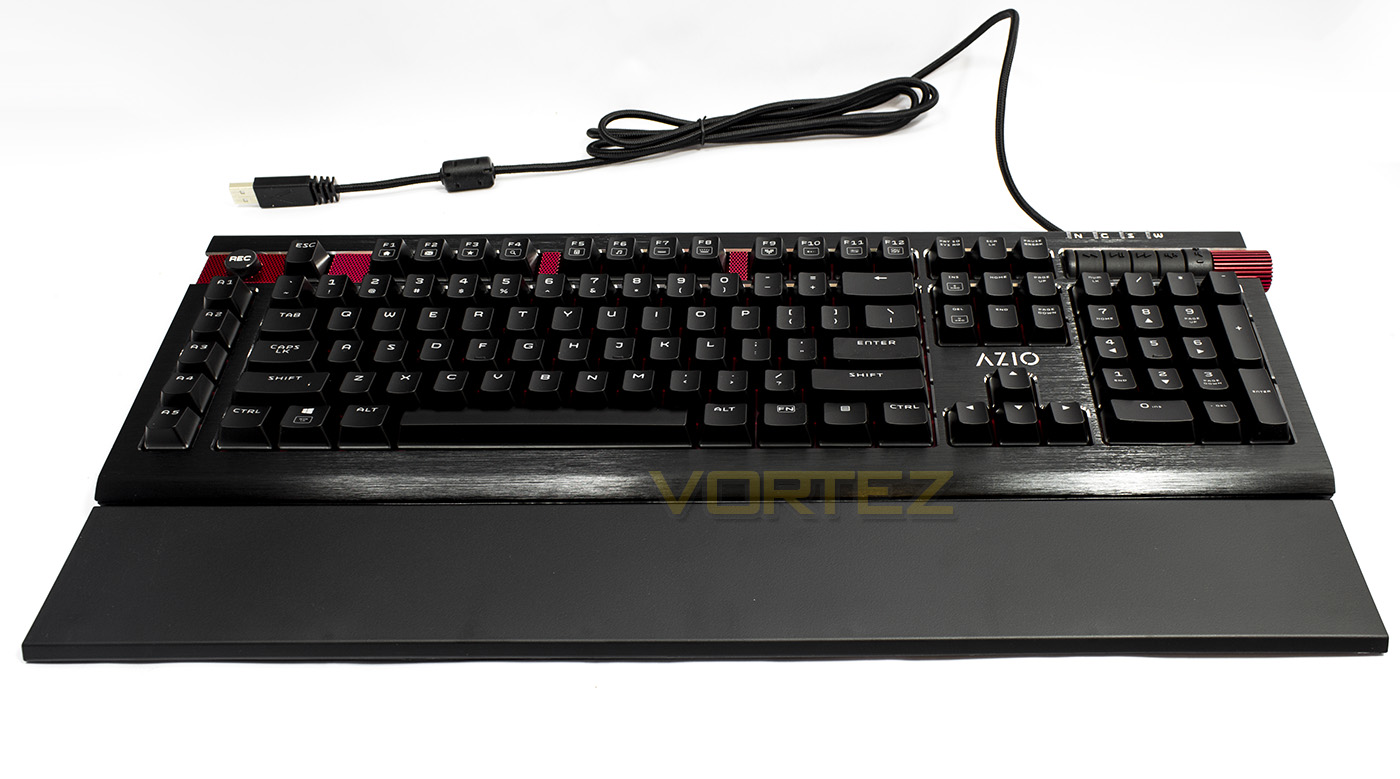
Complete with the magnetic wrist rest, the Armato certainly makes an impression.
Performance Testing
Setup, Design & Observations
There is no software needed for the Armato, so all you need to get going is a spare USB port and away you go. On plugging it in we were greeted with a dramatic ripple effect as it awaits recognition from Windows.
Speaking of lighting, the Fn brightness controls provide 0-25-50-100% lighting levels, while the lighting effects actually throw up various speeds of said effect on multiple presses. For example, the breathing mode can be toggled between fast/slow. To make a custom lighting layout, you press Fn + F11, followed by the keys you wish to turn on, to end, you again press Fn + F11.
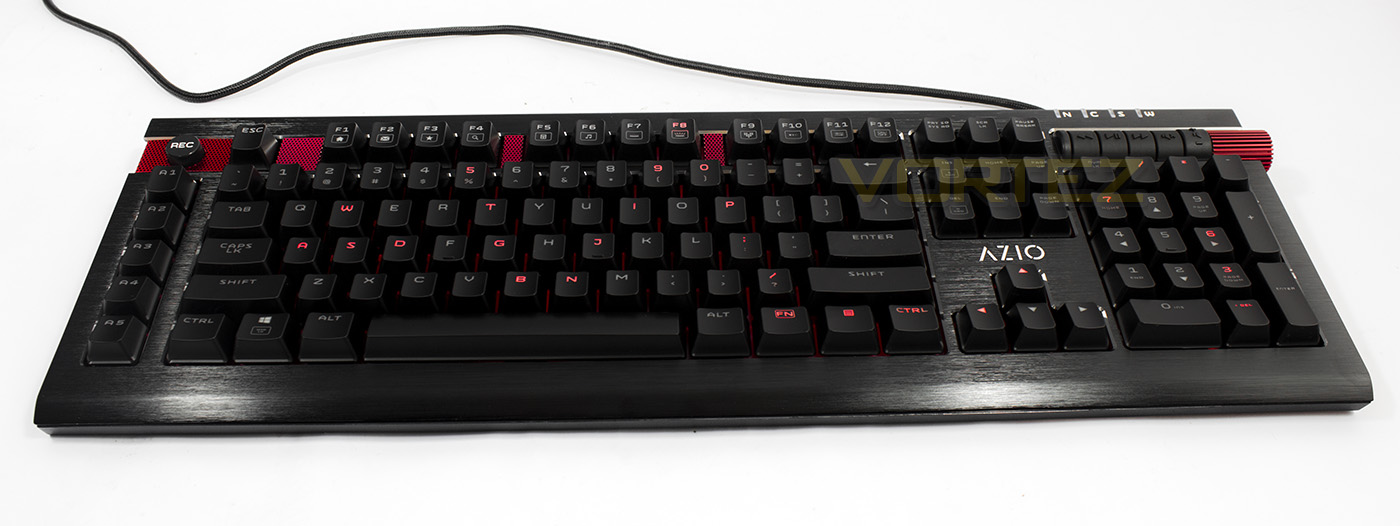
To record a macro, you press the ‘REC’ key (the NCSW indicators will then flash). You then press one of the 5x dedicated macro keys you wish to bind the recording to, followed by the input string you wish to record (up to 31 keystrokes) then finish by pressing the ‘REC’ key once more. As the Armato is driverless, the macro functionality is a little limited. It doesn’t record mouse buttons, nor is there any way to adjust the timings which defaults to a short delay rather than real time recording. Though this is not likely to be a problem for those that wish to frequent their use.
The overall construction of the Armato is great, though there are a few places where it is let down. Firstly, the top plate of aluminium can flex and potentially bend upwards on lifting/catching the keyboard on its side, so be cautious as to where you grab it when lifting. The key-caps seem good, maybe not the highest quality around but far from the worst too. Though the dedicated media keys seem a little sub-par to the rest of the keyboard as they are visably PLASTIC and have very firm, clicky press to them.
Performance
The Armato is well built as it felt solid with no noticeable bounce or flex while typing. After a long period of use, I found it very comfortable to type on with and without the wrist rest (preferred with anyway). The wrist rest could come detached if you make adjustments in the keyboards position, though because it is magnetic this is never a problem as you can just push it back into place. The fact that the wrist rest doesn’t sit flush didn’t appear to have any detrimental or note worthy effect, and so our overall experience with the Armato was highly pleasurable. Some may note the lack in options of switch types, but as a fan of Cherry MX Brown, I can’t complain and would recommend them to everyone, unless you like an audible click.
We tested the Armato out with Aqua’s Key-Test, and found that we could press more keys than we could accurately gauge by mashing as may keys as we could by using our arms, face, and the cat, so it is safe to say that each keystroke will surely be registered. We also found that due to the comfort and positioning, high-speed touch typing is fairly easy to do, hitting around my personal best of 82 words per minute. I did have to take some time to get used to the additional row of macro keys, though it wasn’t anywhere near as much of a problem as it is with something like the Razer BlackWidow where the Macro keys are very close to the main block.
Conclusion
In our testing, we were truly taken aback by how good the Armato looks, and if you love the aesthetics, you will not only be pleased by this keyboard, but surprised by its additional gamer friendly features that allow it to live up to the company’s slogan (Elegantly Fierce). It is beautiful, and direct in its function, something that can be enjoyed by more than just gamers, but the typist or casual PC user too.
The Armato does have some fairly minor points worth noting. Firstly, the edge metal flex, while unlikely anyone will go out their way to pull the metal plate upwards, an accidental slip or fall while being moved could potentially cause the aluminium on the top left and top right edges (by the bottom side of the volume roller and opposite side) to lift up and potentially warp, causing us to wonder why the roller was required to be soo large and jut out so far and weaken the frame. Also, the dedicated media keys, could certainly be improved.
Touching again on the colour design, I can’t help but feel that maybe the Armato could have been less tomato and a more neutral silver/chrome. Pair this with RGB lighting, and it would instantly open up its desirability. Sure, some may see RGB lighting as a ‘gimmick’ but if we have learned anything from 2016 and what’s to come in 2017, RGB lighting is here to stay.
Considering its pricing, there are Keyboards that offer a similar feature set, if not, more than what the Armato has to offer. So for some, the beautiful aesthetics alone may not cut it when you can find the K70 series keyboards scattered around that $129 price-point. Though you could easily argue that the Armato is a great alternative, and its dedicated macro keys alone is enough to help it find its audience and thus make it a worthwhile investment.
On the surface, the Armato is absolutely stunning, yet has that little extra depth with its cherry picked repertoire of gaming orientated features. Elegantly Fierce indeed!
Pros.
+ Beautiful design
+ Comfortable to use (includes magnetic wrist rest)
+ LED Back-lit
+ Driverless, easy to setup
+ Full NKRO
+ Dedicated media keys + volume roller
+ 5 dedicated macro keys
Cons.
– Up against some tough competition
– Faceplate has some weak points at the edges
+ Beautiful design
+ Comfortable to use (includes magnetic wrist rest)
+ LED Back-lit
+ Driverless, easy to setup
+ Full NKRO
+ Dedicated media keys + volume roller
+ 5 dedicated macro keys
Cons.
– Up against some tough competition
– Faceplate has some weak points at the edges
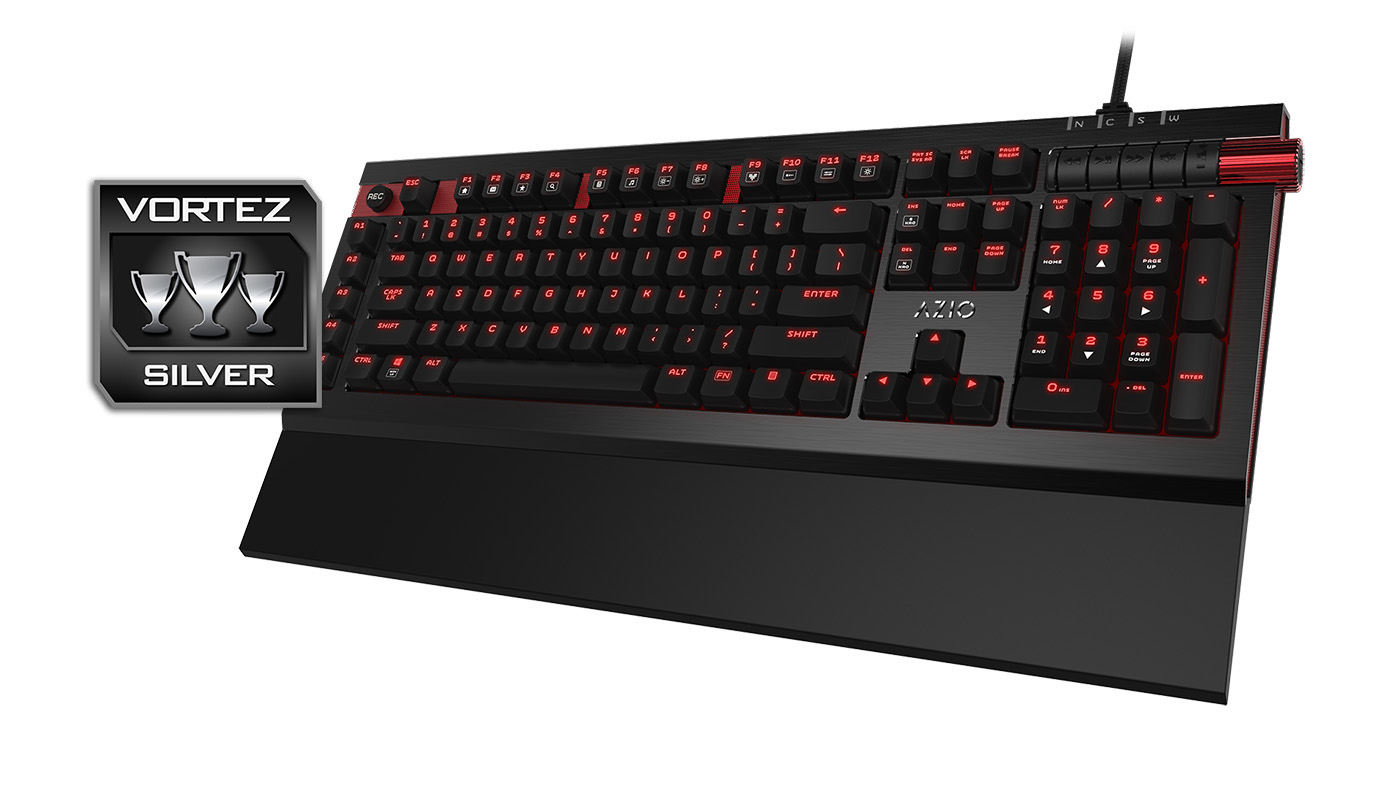
Click here for an explanation of our awards at Vortez.net.