The Fusion 300 sets about delivering high quality audio across across various platforms with minimal fuss, it also features virtual 7.1 surround over USB at the touch of a button.

Product on Review: ROG Strix Fusion 300
Manufacturer: ASUS
Street Price: UK: £99.95, US: $99.95
ASUS are no strangers to creating top-quality audio products, and we were a little surprised to see the Fusion 300 so soon after the Cerberus V2 headset. As this is not falling under the ROG Strix banner, gone are the orange owl eyes and excessive plastic seen on the older STRIX headsets and we are greeted with a more professional, and sleek looking headset.
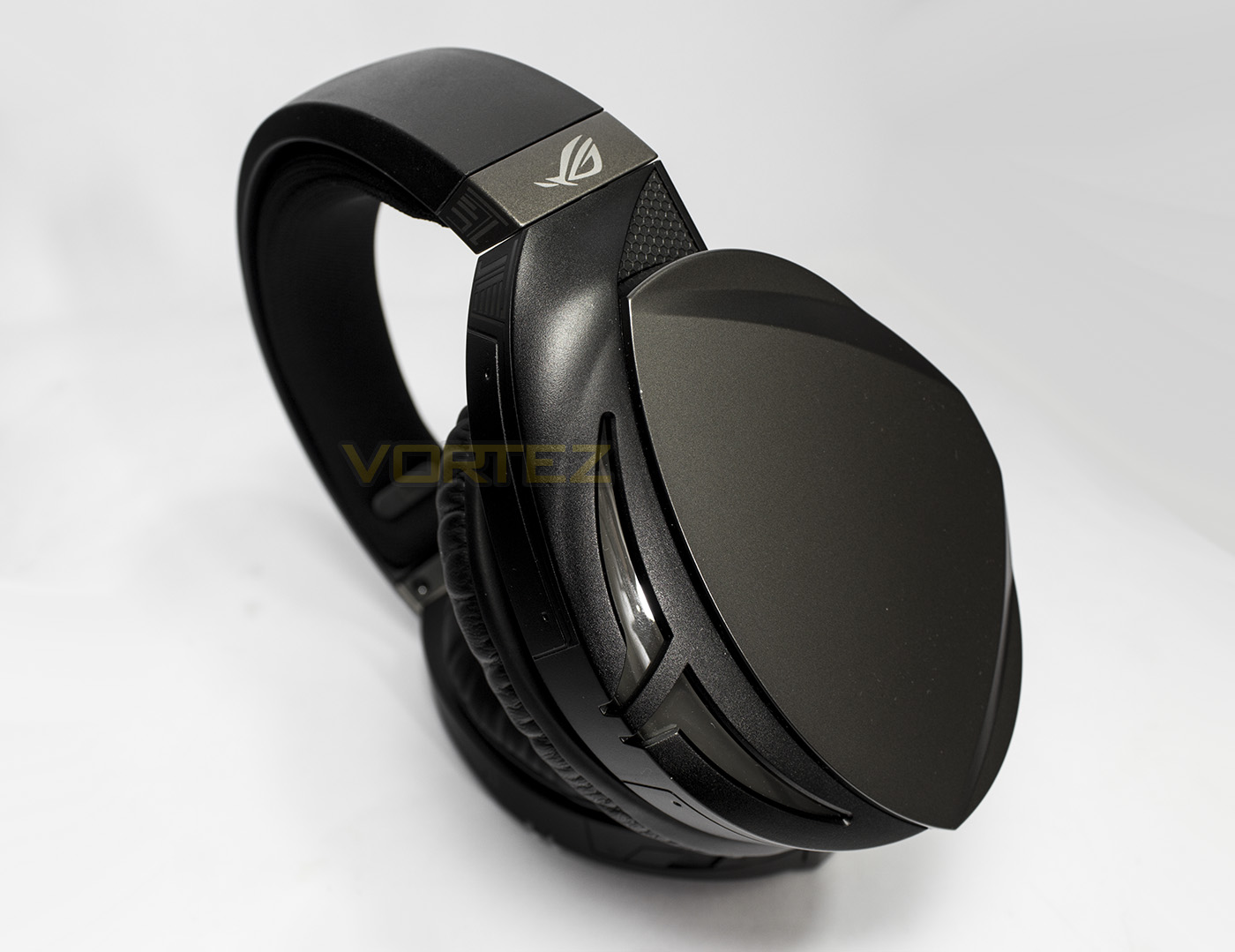
The ROG Strix Fusion 300 features large oval ear-cups lined with oval shaped ear-pads, providing a more natural fit over round shaped cushioning. ASUS have included an additional pair of ROG Hybrid ear cushions that are a mix of protein leather and breathable fabric for enhanced comfort. On the inside, ASUS has used their 50mm Essence drivers inside an airtight chamber, which should create deep and precise bass. As ASUS want gamers of any platform to take advantage of the Fusion 300, it features both USB and 3.5mm jack connectivity to ensure compatibility across most/all devices, and when used via USB (PC/PS4) you will have access to the built in virtual 7.1 surround mode. To finish off the headset, it features a retractable, flexible microphone that auto mutes when raised.
Overview by ASUS
ROG Strix Fusion 300 gaming headset features an exclusive airtight chamber design and 50mm ASUS Essence drivers, delivering pure gaming audio with deep bass. Immerse yourself in rich sound with onboard 7.1-channel virtual surround-sound wherever you go – no dongles or extra software are needed! Strix Fusion 300 is lightweight and comfortable, and has wide compatibility with PC, Mac and game consoles. Experience impeccable, fully-immersive gaming audio with Strix Fusion 300!
Technical Specifications
Connector: USB, 3.5 mm(1/8”) connector Audio/mic combo
Headphones
Driver diameter : 50 mm
Driver material : Neodymium magnet
Impedance: 32 Ohm
Frequency Response (headphones): 20 ~ 20000 Hz
Microphone
Pick-up Pattern: Uni-directional
Frequency Response: 50 ~ 10000 Hz
Sensitivity: Sensitivity : -39 dB ± 3 dB
General Info
Braided cable (USB cable: 2M; 3.5mm cable:1.5M)
Weight: 360 g
Platform: PC, MAC, Mobile device, PlayStation® 4, Xbox One®
Accessories
USB cable
Quick start guide
ROG Hybrid ear cushion
100% protein ear cushion
3.5mm cable
Headphones
Driver diameter : 50 mm
Driver material : Neodymium magnet
Impedance: 32 Ohm
Frequency Response (headphones): 20 ~ 20000 Hz
Microphone
Pick-up Pattern: Uni-directional
Frequency Response: 50 ~ 10000 Hz
Sensitivity: Sensitivity : -39 dB ± 3 dB
General Info
Braided cable (USB cable: 2M; 3.5mm cable:1.5M)
Weight: 360 g
Platform: PC, MAC, Mobile device, PlayStation® 4, Xbox One®
Accessories
USB cable
Quick start guide
ROG Hybrid ear cushion
100% protein ear cushion
3.5mm cable
Packaging & First Look
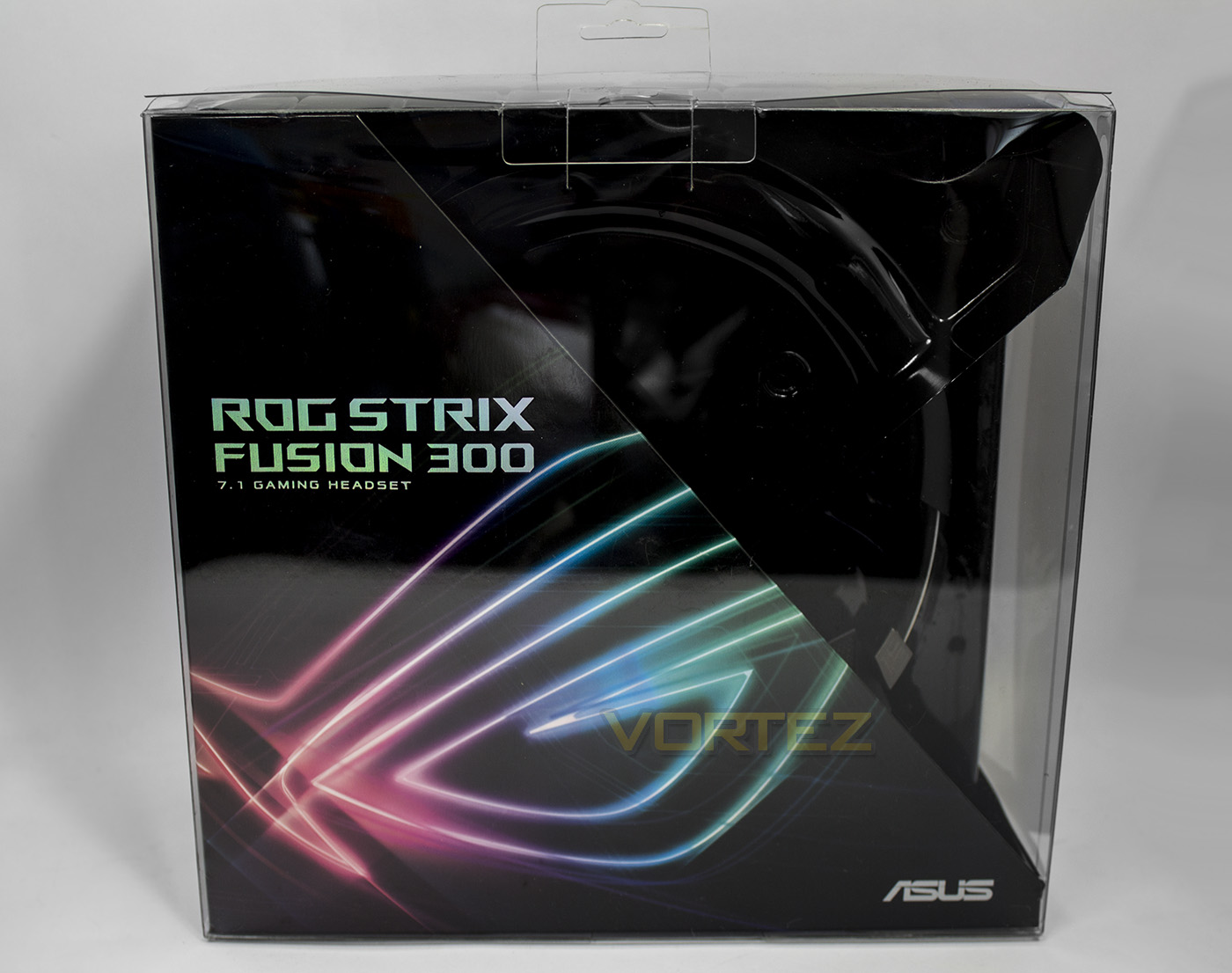
Housed in a transparent plastic box, you can partially see the product alongside the ROG Strix branding.
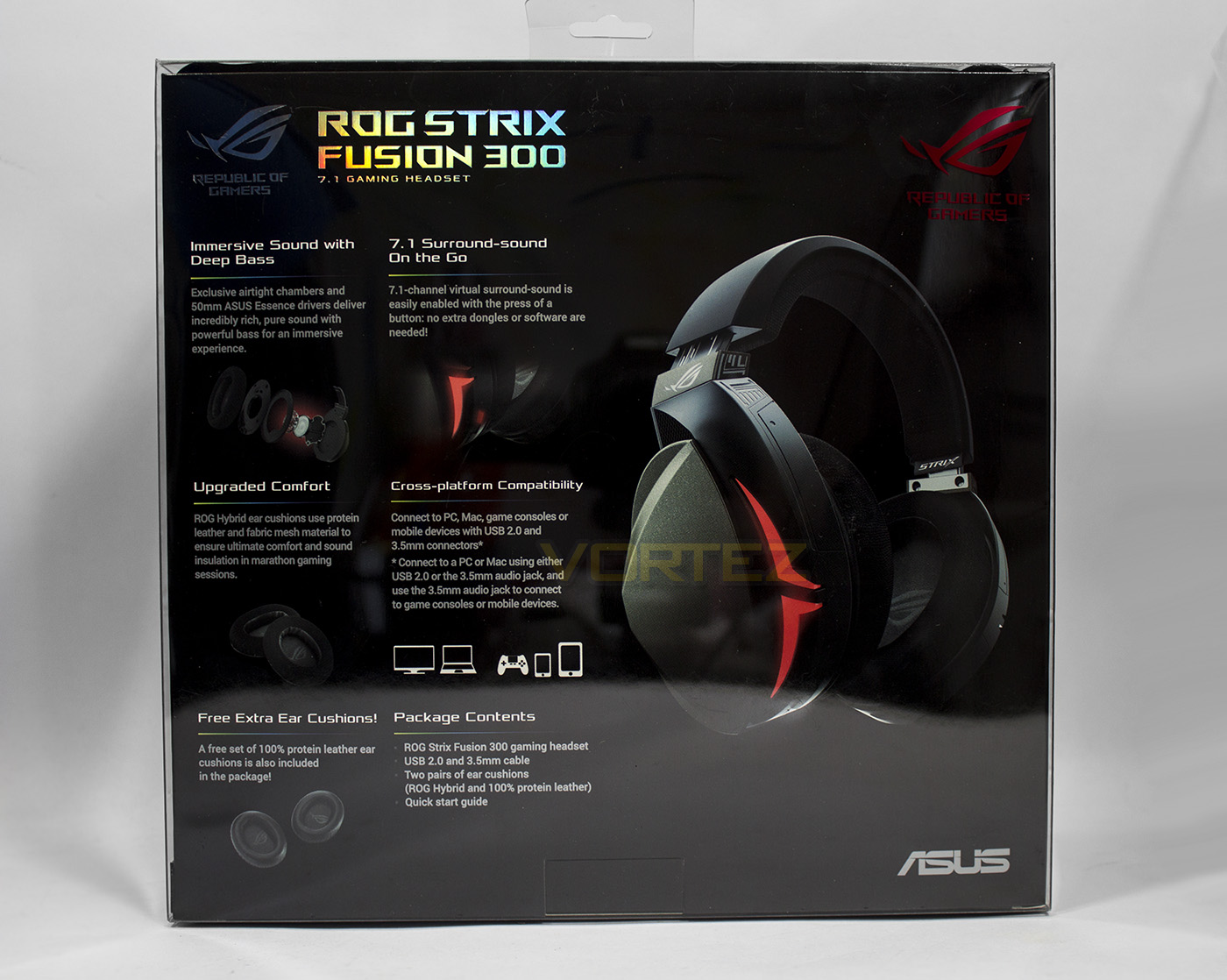
The rear side lists all the specifics of the headset along with the package contents as well as an image of the headset itself.
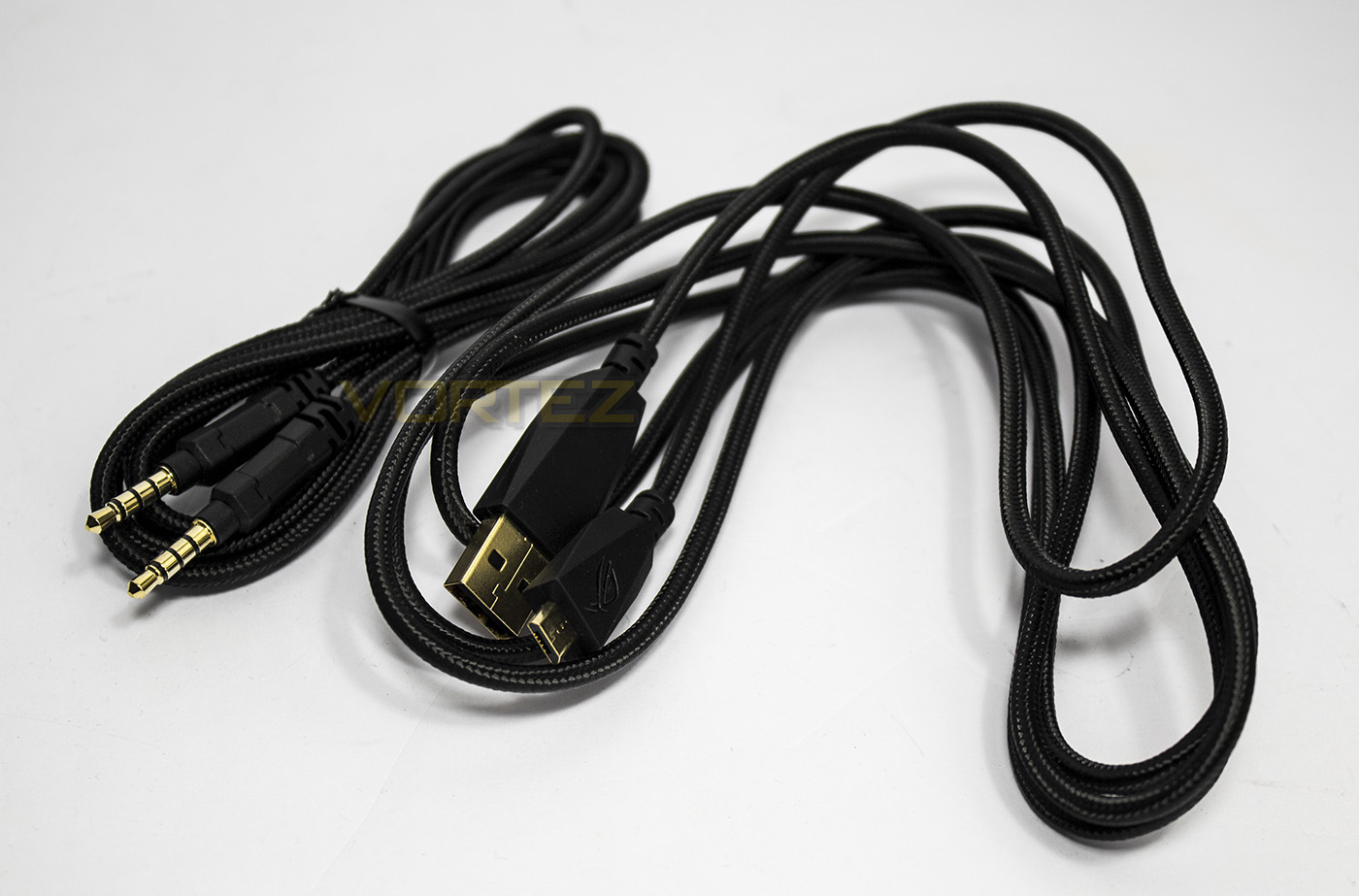
Inside, ASUS have included a microUSB to USB cable (2m) along with a 4pole to 4pole 3.5mm jack cable (1.5m), both of which are braided.
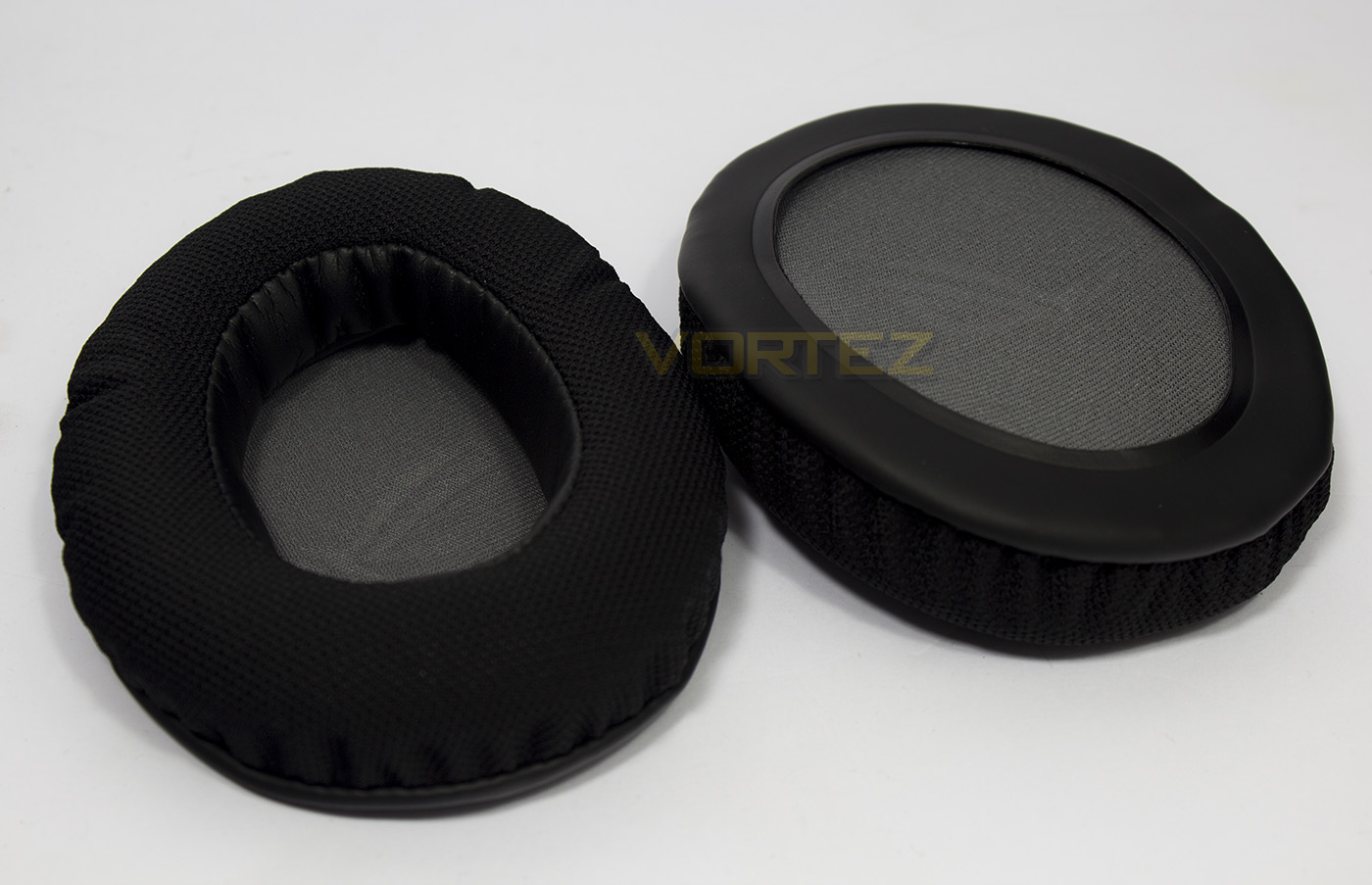
Ear-pad material can be an important selection as it can effect comfort/breathability/noise leakage (passive noise cancelling) as well as the audio signature of the headset itself. To get the best of both worlds, ASUS have included a set of hybrid ear-pads, featuring an inner material of protein-leather, and an outer material which is a soft, breathable fabric. This will help provide long lasting comfort, while preserving the bass response.
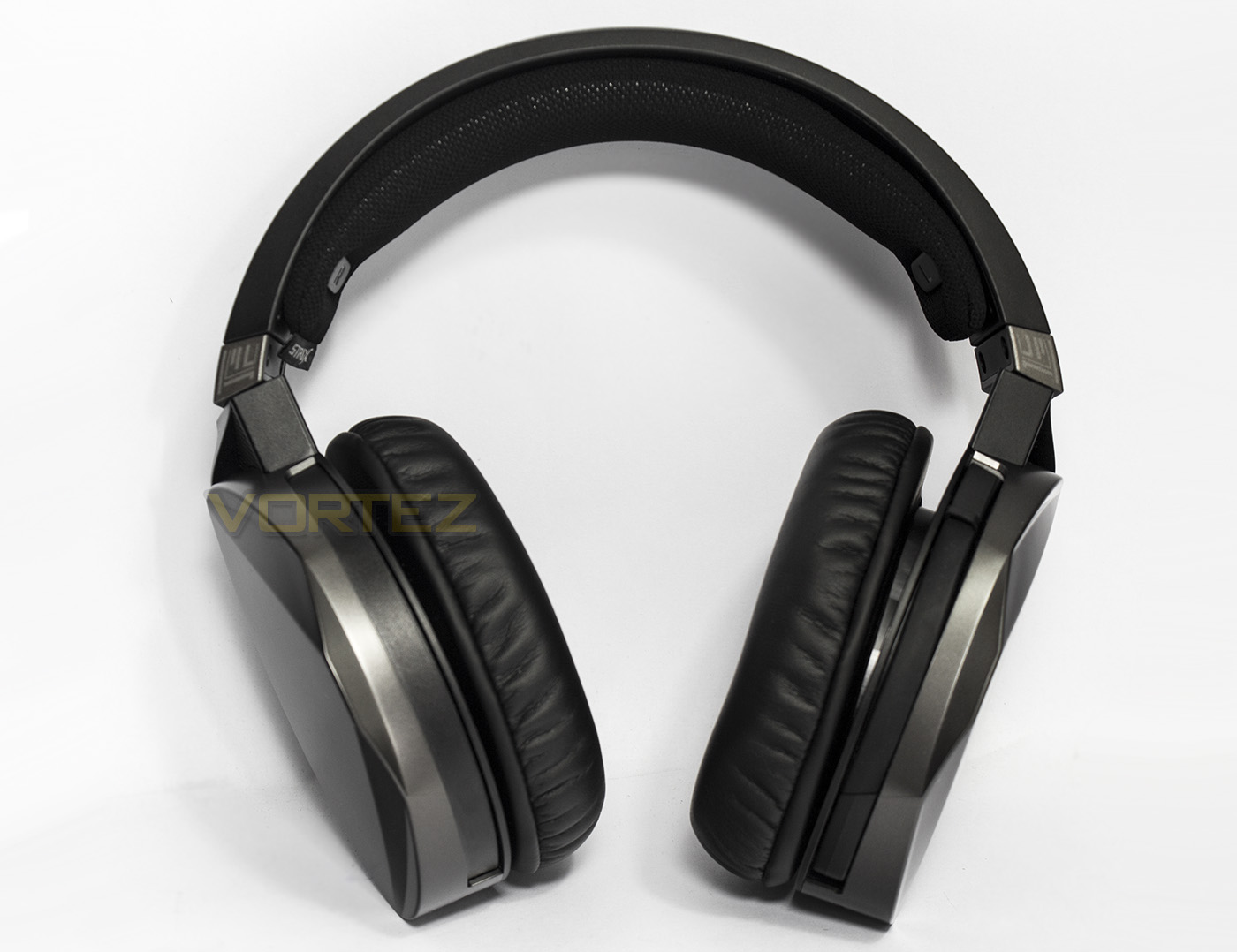
The headset itself features a plastic frame with two large ear-cups either side. The aesthetic ranges from black, to gun-metal grey to silver. Despite its size it is relatively elegant, especially when compared to the previous STRIX headsets.
Closer Look
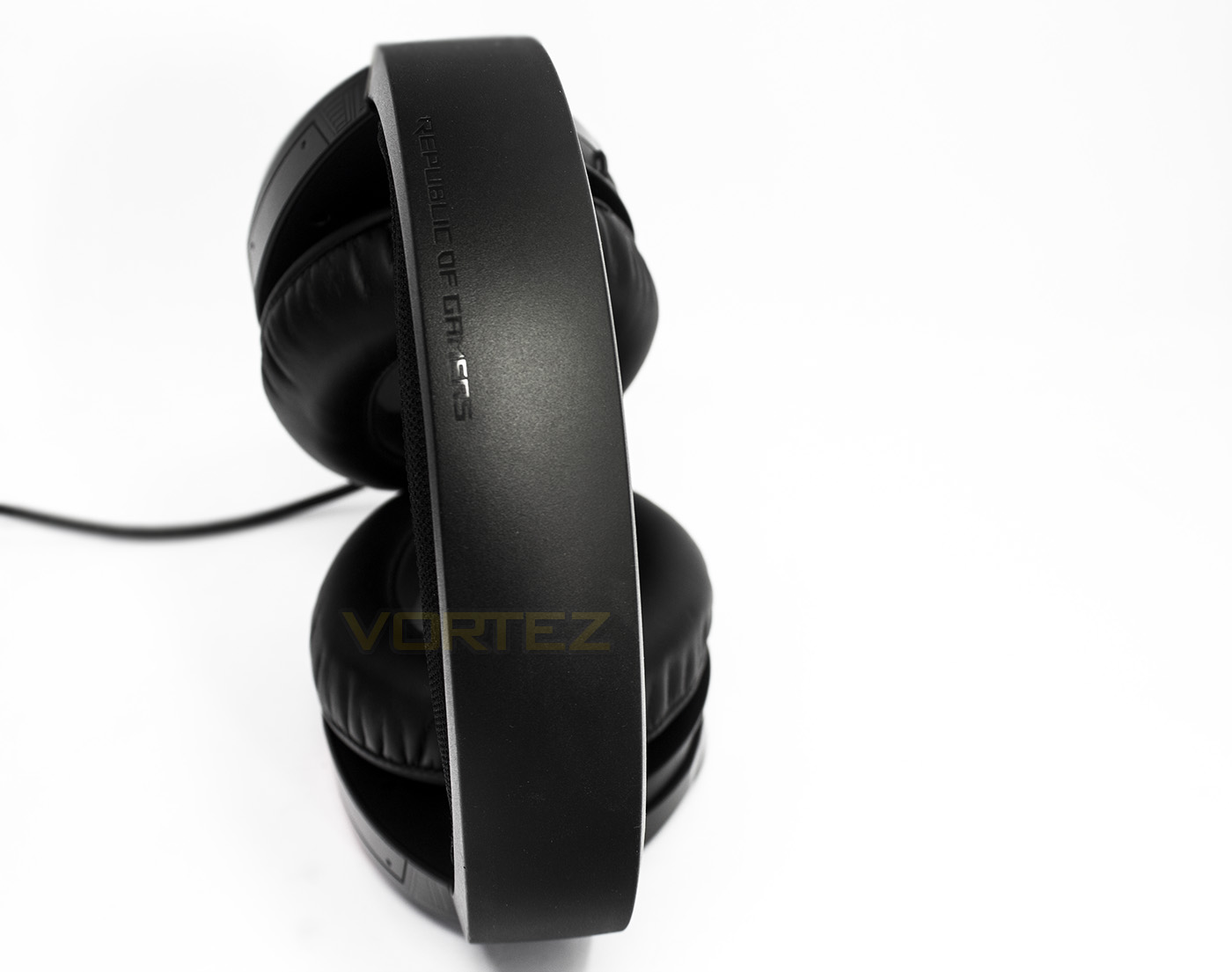
The plastic headband doesn’t afford a huge amount of flexibility, but is strong. On top we find ‘Republic of Gamers’ embossed into it.
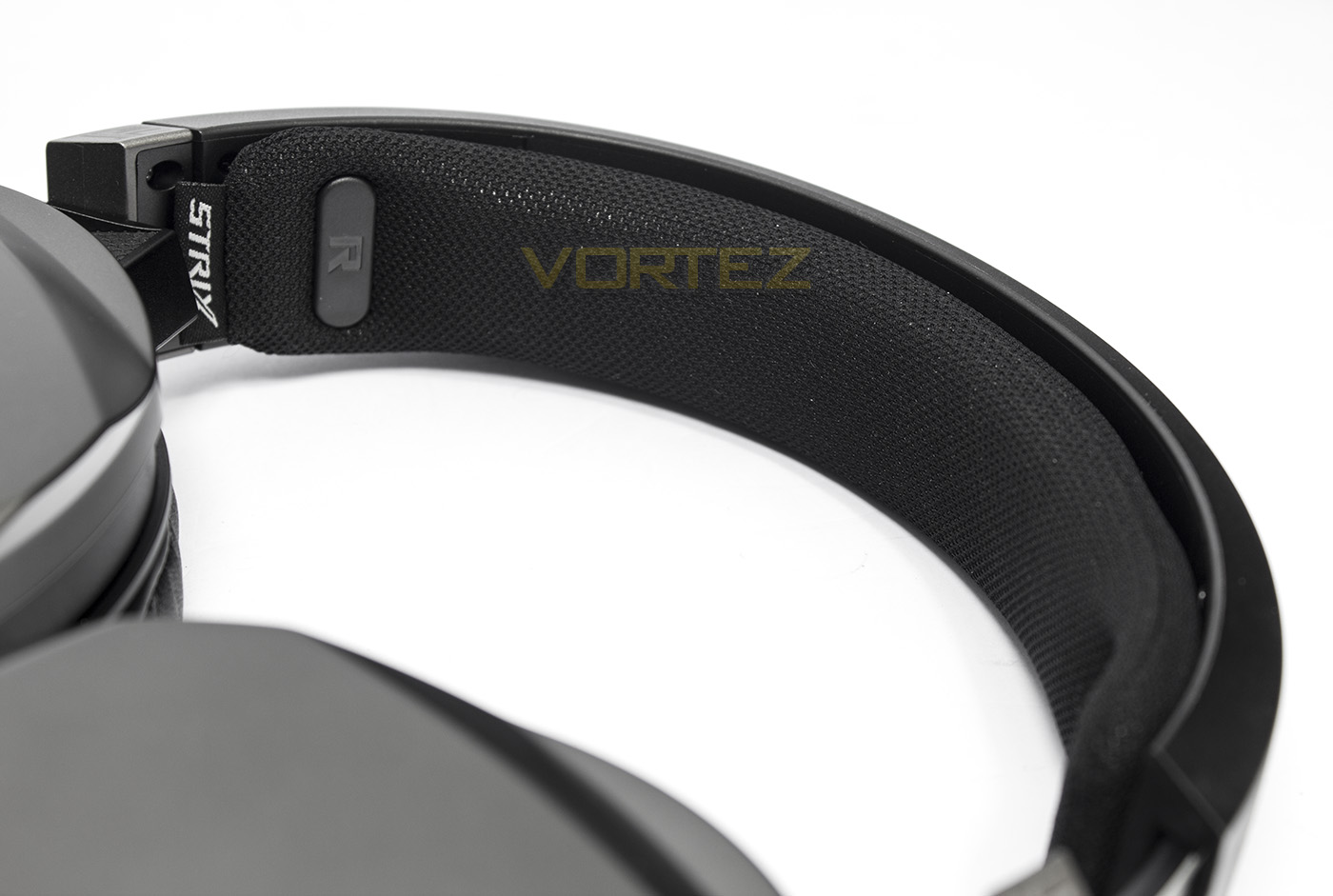
The headband features a soft, cushioned fabric material which is loosely connected to the frame. It certainly soft enough to help spread the weight of the headset and keep things comfortable.
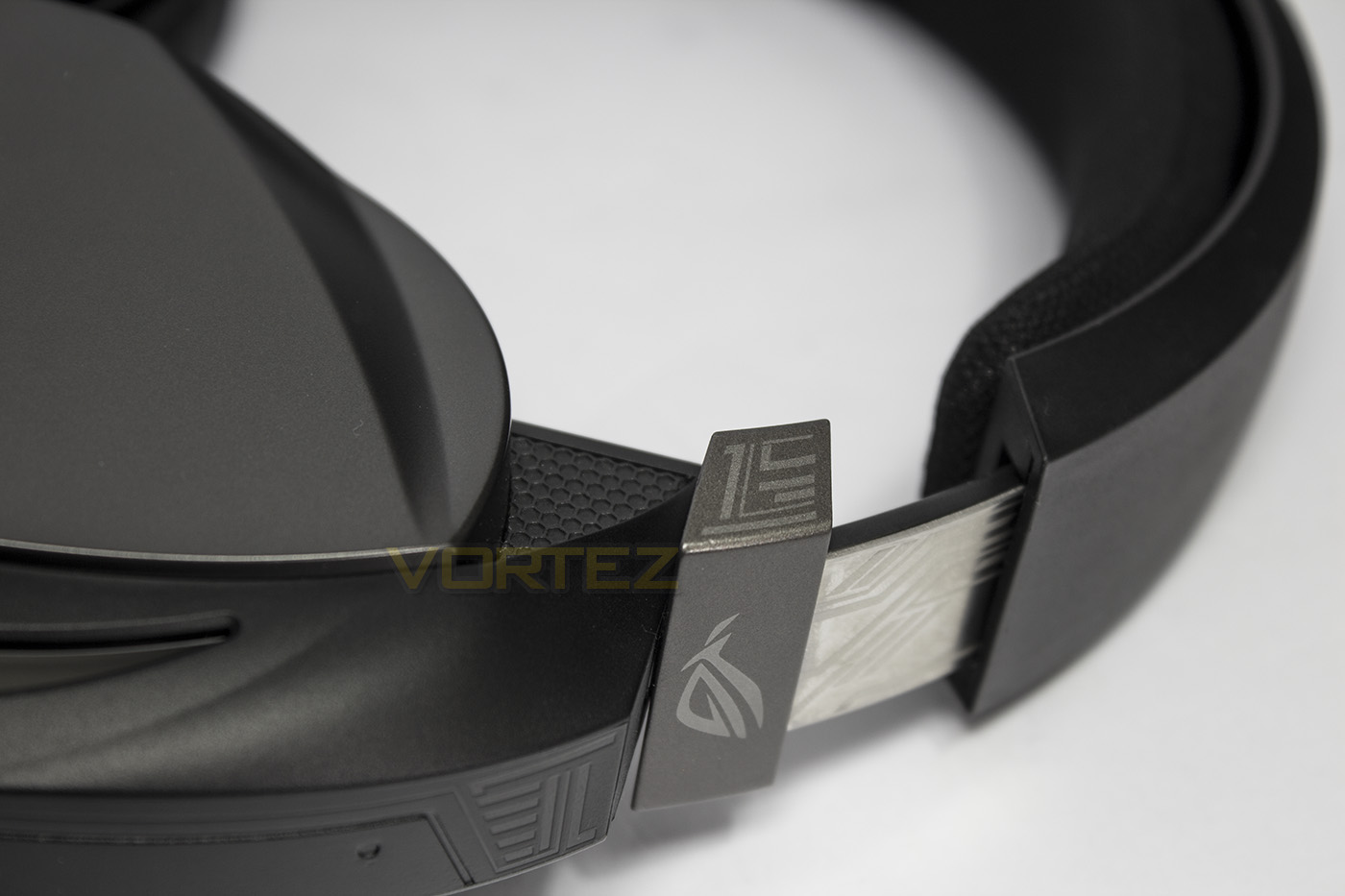
The earcups are adjustable and feature a metal band, however on arrival our samples earcup was at maximum extension and had ejected from the frame. There was no damage done, and it was easily inserted back into the frame without any issues. This would however serve caution to those that wish to use this headset at full extension.
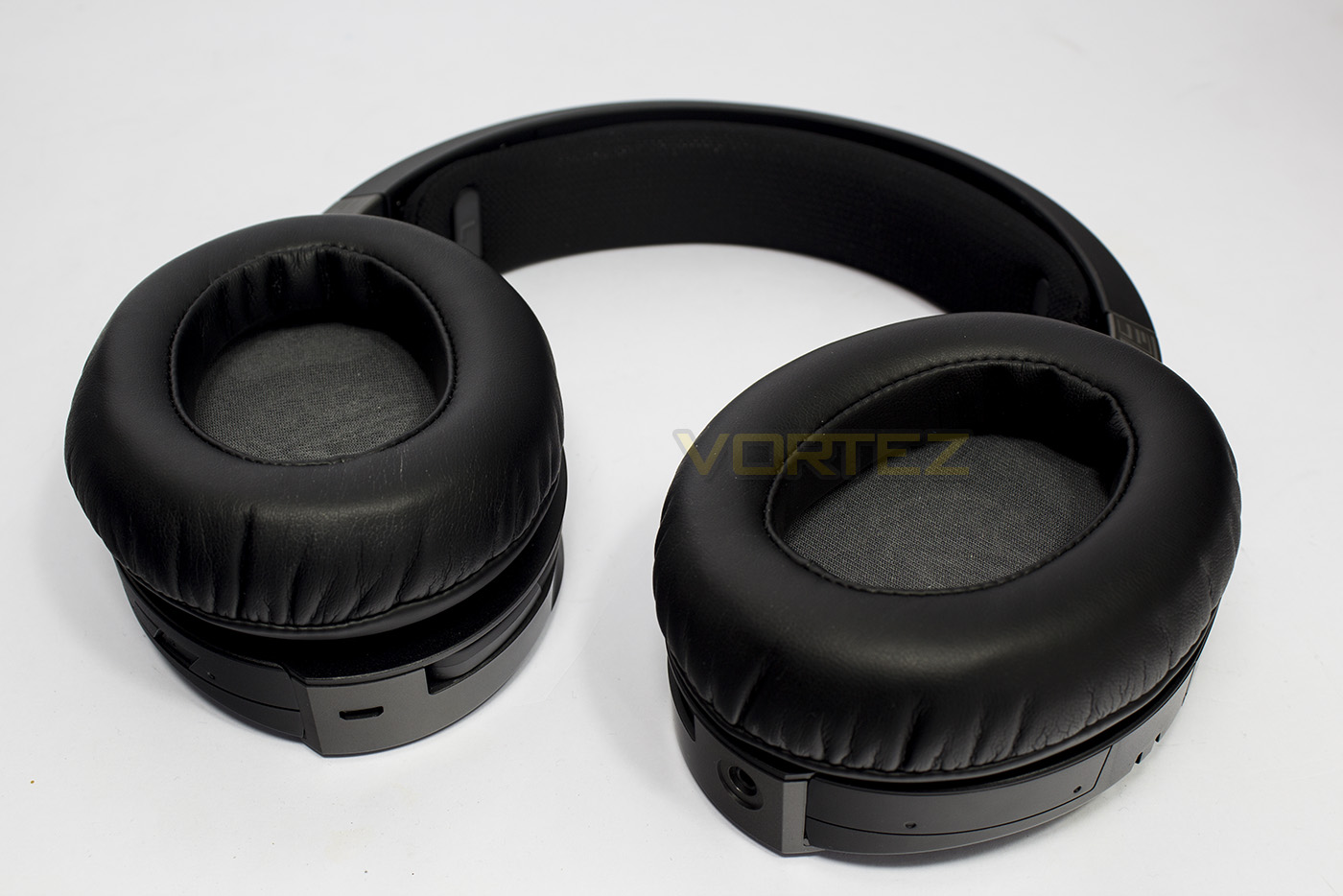
We see that the Fusion 300 headset can fold flat, which is handy for various reasons, including: wearing around your neck/resting, storage, ensures a comfortable fit, as well as making it easier to remove/replace the ear-pads.
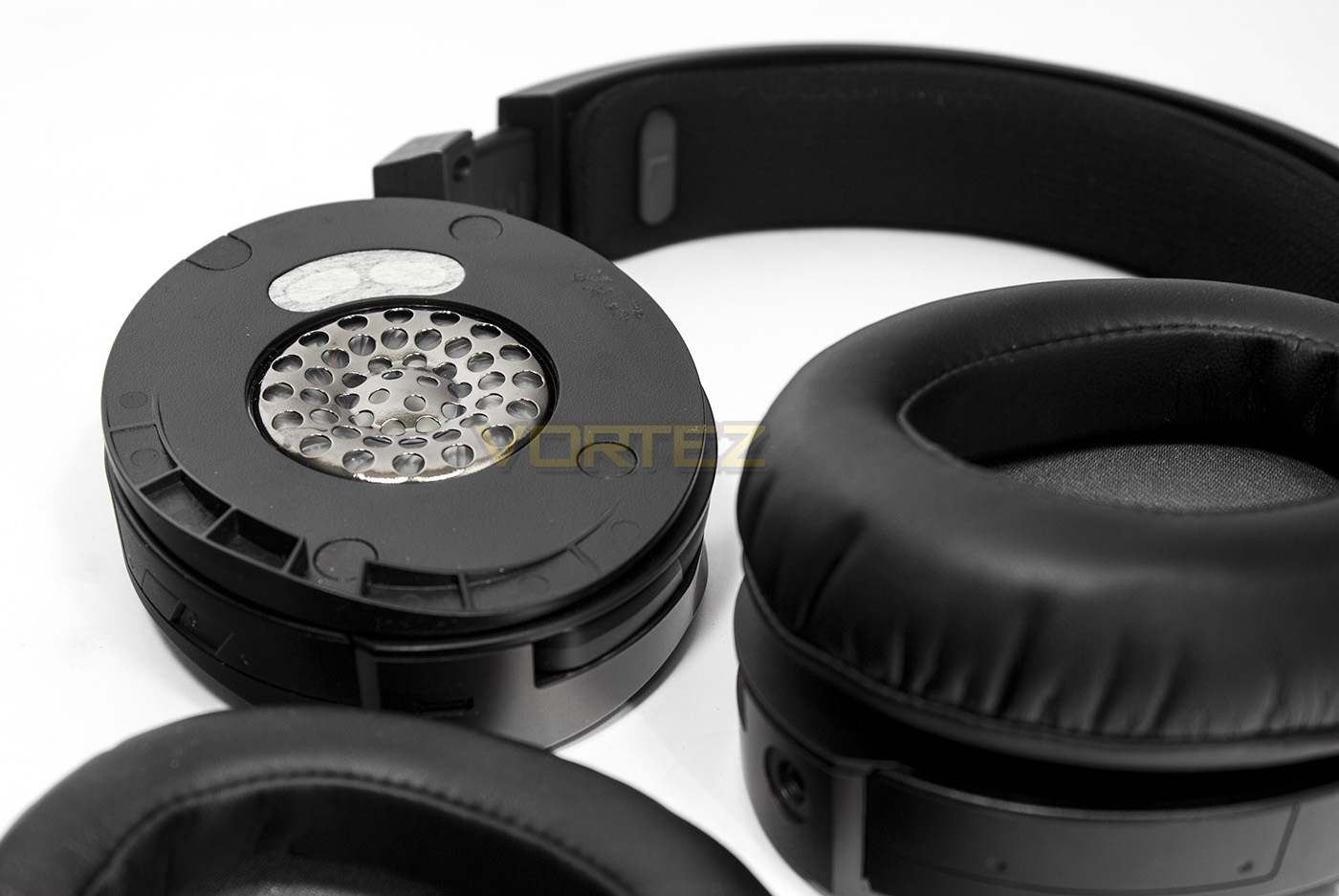
The ear-pads themselves feature the ROG logo on the inner fabric, and are straight-forward to remove. Underneath we can see the ASUS Essence drivers and the metal covering.
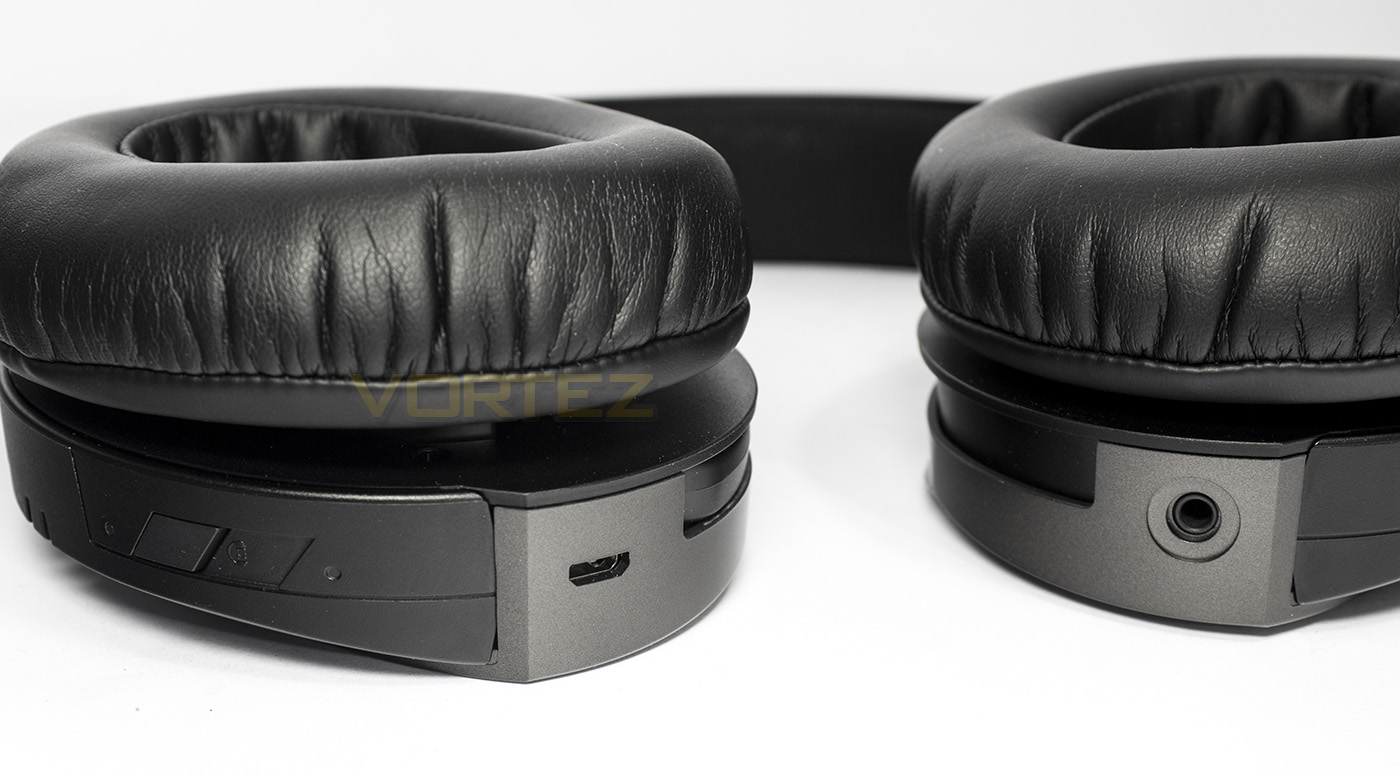
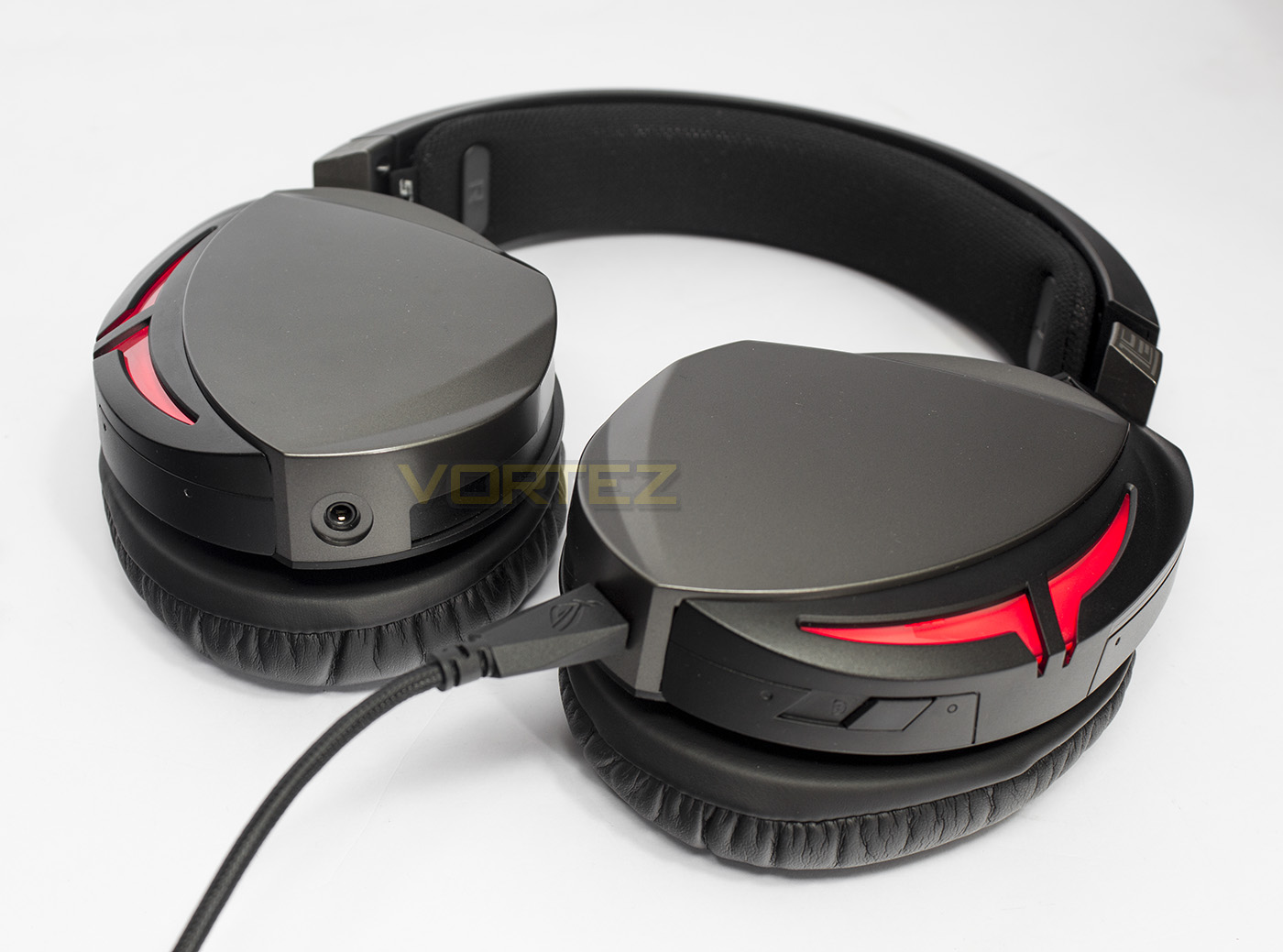
The base of the ear-cups feature the connectivity ports (left side – micro USB, Right side – 3.5mm jack), while on the far left you will see a dedicated virtual 7.1 surround mode button.
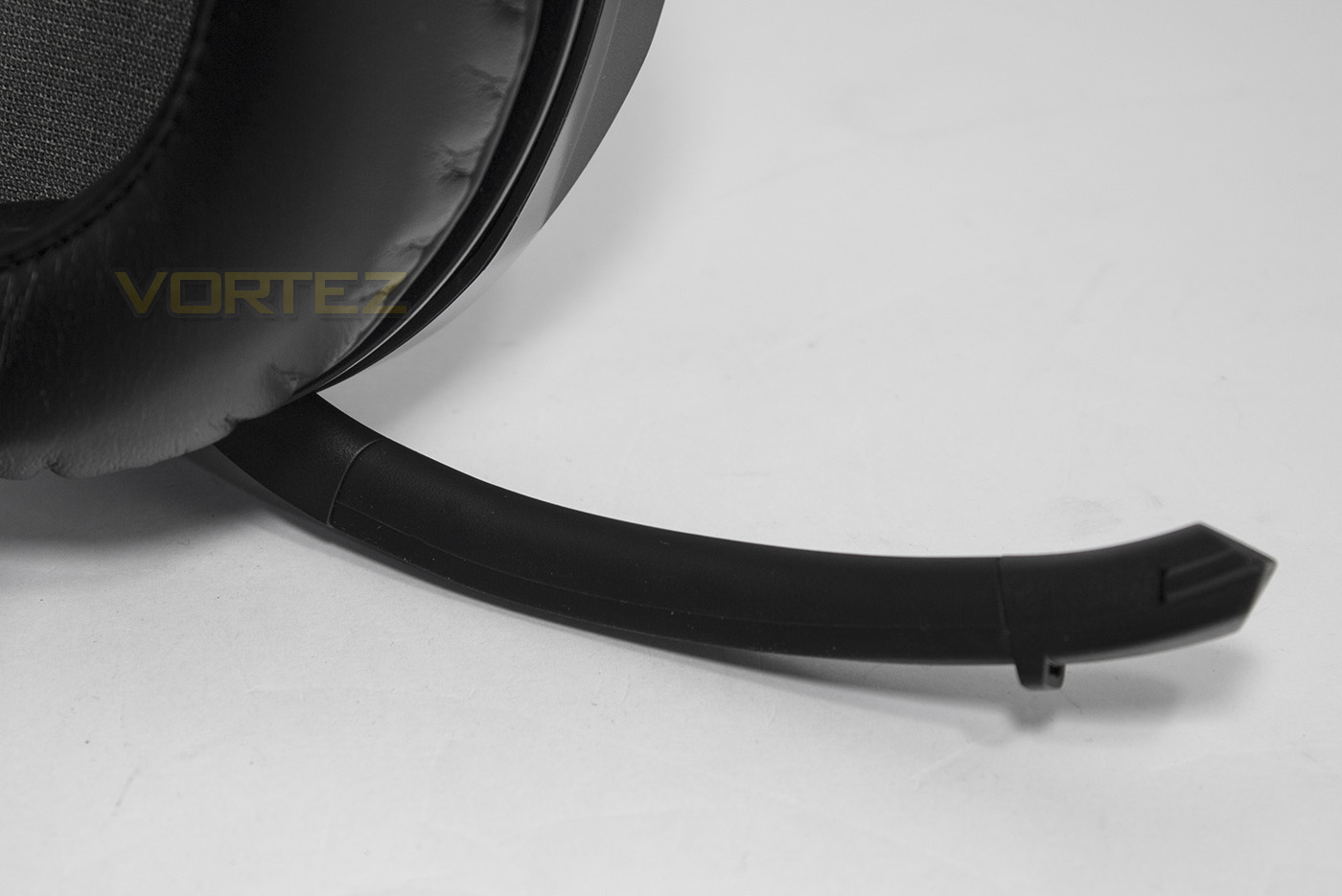
The microphone pulls down from the headset and is made from a soft, opposable rubber material, and can be easily retracted.
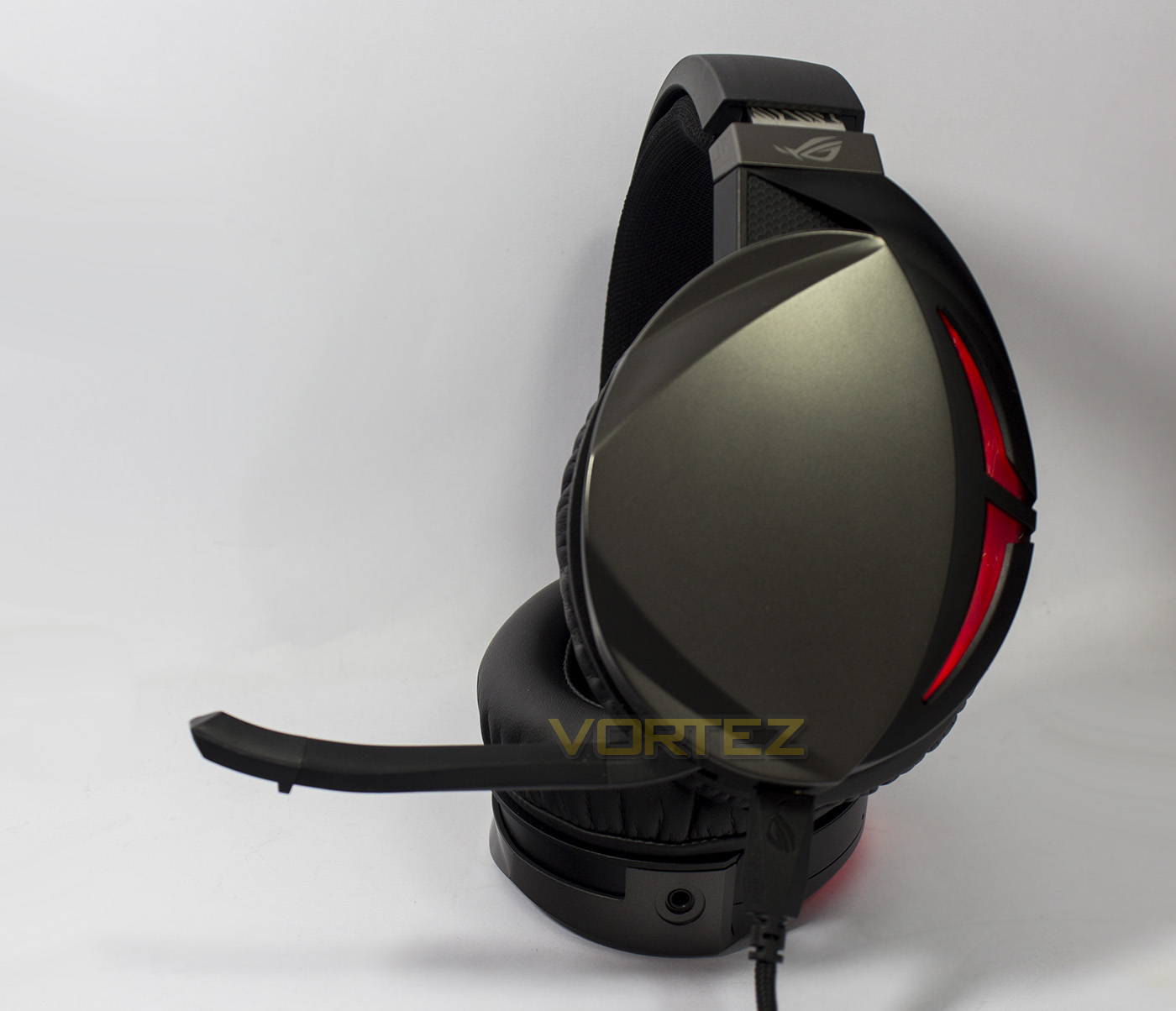
Despite the various ROG logos placed around on the headset, it retains an edgy appearance despite its sleeker design, this is helped by the RED lighting via USB, sadly no RGB here.
Performance Testing
Setup, Design & ObservationsASUS had considered the ease of setup in the design of the ROG Strix Fusion 300 headset, meaning that it is driverless, and all you need to to is connect to your device or system via the 3.5mm jack, or by the included USB cable. On inspection, the headset itself is made from strong plastics, and despite the initial incident where the ear-cup extension had fallen out of its socket, this doesn’t appear to be too major a flaw to warrant any concern about how robust the headset is.
On wearing the headset, we noticed that the Fusion 300 has a rather strong clamping force, but it didn’t become uncomfortable; the pressure was reduced a little by extending the ear-cups to fit. The large cushioned ear-pads easily covered our ears, and not only did they provide the needed comfort, they displayed an impressive degree of passive noise-cancelling. Due to the clamping force, we wouldn’t recommend use of this headset for those that need to wear glasses.
The microphone wasn’t the easiest to retract, but it wasn’t too difficult either, and the virtual 7.1 surround button was easy to identify and press. We did however note that there is no onboard volume control, nor an inline remote to adjust the volume also. This could be inconvenient for those without a keyboard that has dedicated volume control.
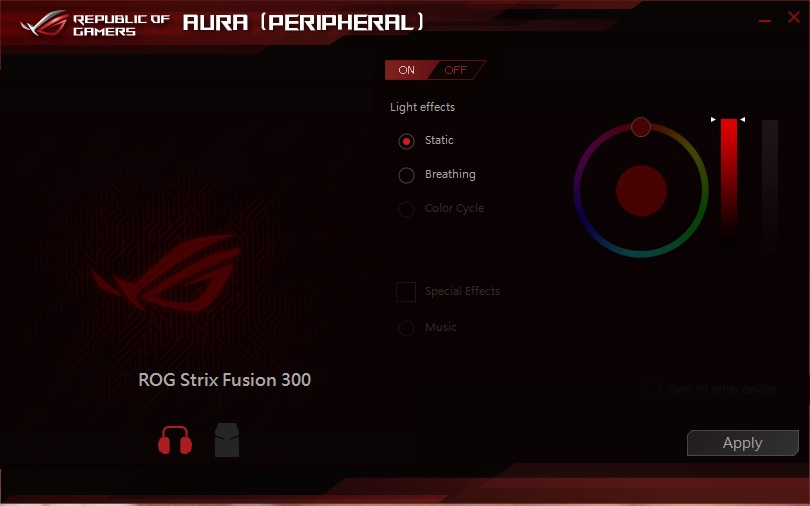
Despite featuring LED lighting, as it is only red, we only have access to ‘Static’, ‘breathing’, and ‘off’ modes, though it would be safe to assume that the functionality for RGB lighting is on its way, potentially with a different model.
Multimedia
We listened to various lossless audio files, and instantly we were greeted with impressive, rich bass that didn’t distort or muddy the mids or treble. The high-mids were a little less pronounced than they could be but overall the balance was decent, which allowed us to enjoy the music playback.
In game the details picked up very clear, with the punchy bass giving an exciting kick to thuds, footsteps and grenades while playing CS:GO. We enabled the v7.1 surround and noticed that the bass become significantly weaker, however the audio widened a lot. While running around we felt that the virtual surround was akin to being in a large communal shower, making the positional audio sound a little confusing, as sometimes certain details in front of you sounded like they are coming from behind, and vice versa. Once we got into the flow of the game, the widened audio was enjoyable and some sounds were eerily directional (for example, one time I thought I heard a sound by my actual feet under the desk), but generally we felt it was unreliable and the loss of that deep rich bass isn’t worth it.
Microphone
The microphone sounded acceptable, with a fairly natural range of tones picked up. Though considering the pricing of this headset we felt the microphone was a little sub-par. It isn’t very long so it doesn’t reach close enough to your mouth. This means that the sensitivity must be set high, introducing some static while picking up some background noises. The microphone also picked up some vibrational noise from the cable/chassis which was eliminated by moving the USB cable from the front ports on our case to the rear motherboard panel.
Conclusion
On reflection, we enjoyed our time using the ASUS ROG Strix Fusion 300 headset. Rich deep bass is something that many gamers enjoy as it adds an exciting, powerful experience to their game play, yet, many headsets lately are either overlooking this, or worse, over do it. ASUS have managed to walk a very fine line where they deliver powerful bass while retaining most of the details in the mids and highs. The headset itself has an almost timeless design of large oval earcups that are relatively minimalistic, yet, the inclusion of the LED lighting mixes in the right amount of that edgy-gamer style without looking garish.
One of the biggest downers we found was that the clamping force of this headset is a little strong. As ASUS have used a plastic frame, there isn’t a huge deal of movement afforded to the ear-cups. This results in a situation where the larger your head, the stronger the clamping force will feel. However, due to the fixed frame shape, those with smaller heads may experience the opposite problem where the headset may just slip off. Fortunately, the high quality ear-cushions provides a great amount of comfort to the extent that some may prefer this level of clamping along with the additional benefits it provides (passive noise cancelling/low sound leakage). The fact that ASUS have included two different sets of ear cushions will be a big thumbs up too.
Other areas we feel we should mention are fairly minor points, including the confusing lack of RGB lighting (you either do it or don’t), microphone picks up interference from the cable, the inconsistent virtual 7.1 surround (this could potentially be fixed via a firmware update), and the lack of volume control.
As always, we also need to consider the market and pricing, and at £99, the competition is strong. Despite that, the Fusion 300 will carve itself into the hearts of those gamers looking for a headset solely created for that deep bass that helps games come to life.
The enjoyable audio with powerful, rich bass will undoubtedly win over many gamers, while its versatility ensures you can use this headset on any platform.
Pros.
+ Sleek-yet-edgy aesthetics
+ Clear audio with deep bass
+ USB and 3.5mm jack connectivity
+ Additional ‘hybrid’ earpads included
+ Auto muting microphone
Neutral
+- Microphone picks up noise from cable
+- Only Red LED lighting?
+- v7.1 surround is a little hit and miss
Cons.
– Price
– Moderate-strong clamping force
– Lacks volume control
+ Sleek-yet-edgy aesthetics
+ Clear audio with deep bass
+ USB and 3.5mm jack connectivity
+ Additional ‘hybrid’ earpads included
+ Auto muting microphone
Neutral
+- Microphone picks up noise from cable
+- Only Red LED lighting?
+- v7.1 surround is a little hit and miss
Cons.
– Price
– Moderate-strong clamping force
– Lacks volume control
Click here for an explanation of our awards at Vortez.net.