ASUS are here to offer a more cost-effective option on the gaming keyboard front with the ASUS TUF Gaming K5 promising uncompromising performance and great endurance.

Product on Review: ASUS TUF Gaming K5
Manufacturer: ASUS
Street Price: GBP £69.98 / USD $79.99 / AU $129.00
Here in 2019 we’re all too aware of keyboards costing us the best part of £200 for a feature-packed, mechanical, RGB keyboard that promises to improve your gameplay, but that price tag almost demands that you use the keyboard on a daily basis to feel any kind of worth from it. What if you play much less often, or just have less money to throw at your peripherals? Today we’re looking at something much more wallet-friendly from ASUS; the TUF Gaming K5.
The ASUS TUF Gaming K5 rounds out the trio of ASUS TUF Gaming headset and ASUS TUF Gaming mouse to bring affordable gaming to your desk with all three of the items costing less than a typical expensive keyboard.
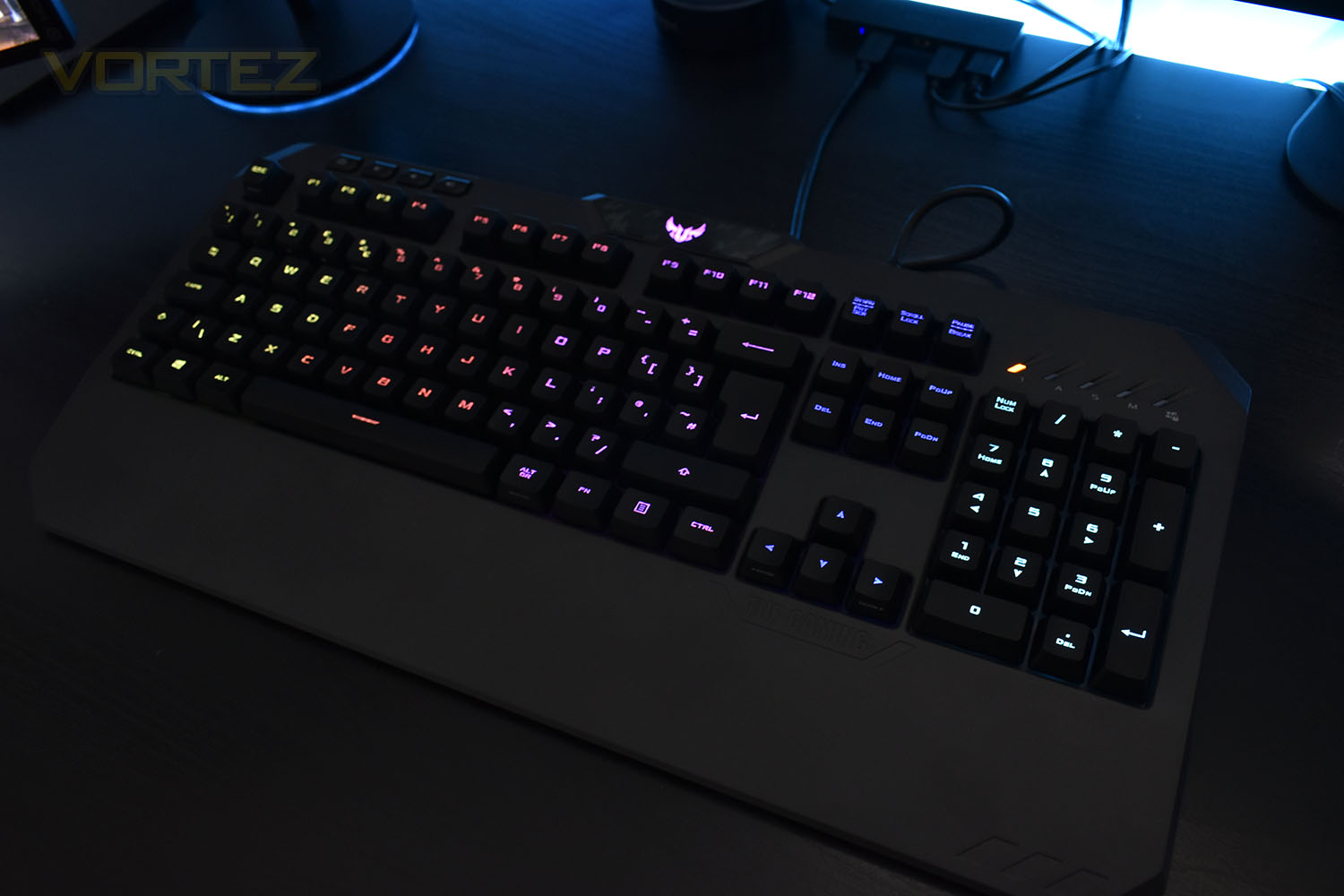
While the keyboard may arrive at a fraction of the cost, ASUS claims that the K5 offers uncompromising performance and durability. We find “Mech-Brane” key switches, with a feel designed to mimic the more expensive mechanical boards on the market without the associated expense, there’s also 24-key rollover to ensure all keypresses are registered, 1000Hz polling rate, RGB backlighting and a built-in wrist rest for optimal comfort.
We’ve already seen similar approaches from Razer and ROCCAT with the Cynosa Chroma and ROCCAT Horde AIMO at around the same price point, so will the ASUS equivalent fare well in our testing? Let’s find out.
ASUS on the TUF Gaming K5:
TUF Gaming K5 keyboard delivers uncompromising performance and exceptional durability. Equipped with TUF Gaming Mech-Brane key switches that are engineered to deliver crisp tactility with every press, get ready to experience an all-new gaming sensation. The switches are housed in a spill-resistant frame that’s fortified by a specialized coating and validated for tough duty. K5 also features customizable Aura Sync RGB lighting for personalized style, dedicated media keys positioned on the left for easy access, and an integrated ergonomic wrist rest for extended comfort.
Technical Specifications
Connectivity Technology:
Wired
OS Support:
Windows® 10
Windows® 7
Dimensions:
L 460 x W 218 x H 40 mm
Weight:
1050g
Interface available:
Keyboard: USB
Contents:
1 x gaming keyboard
1 x user documentation
Wired
OS Support:
Windows® 10
Windows® 7
Dimensions:
L 460 x W 218 x H 40 mm
Weight:
1050g
Interface available:
Keyboard: USB
Contents:
1 x gaming keyboard
1 x user documentation
Packaging & First Look
Starting off with the packaging – just like the H5 and M5, the pale blue background with a large image of the product is used. There’s little information on the front to explain any features, mind you.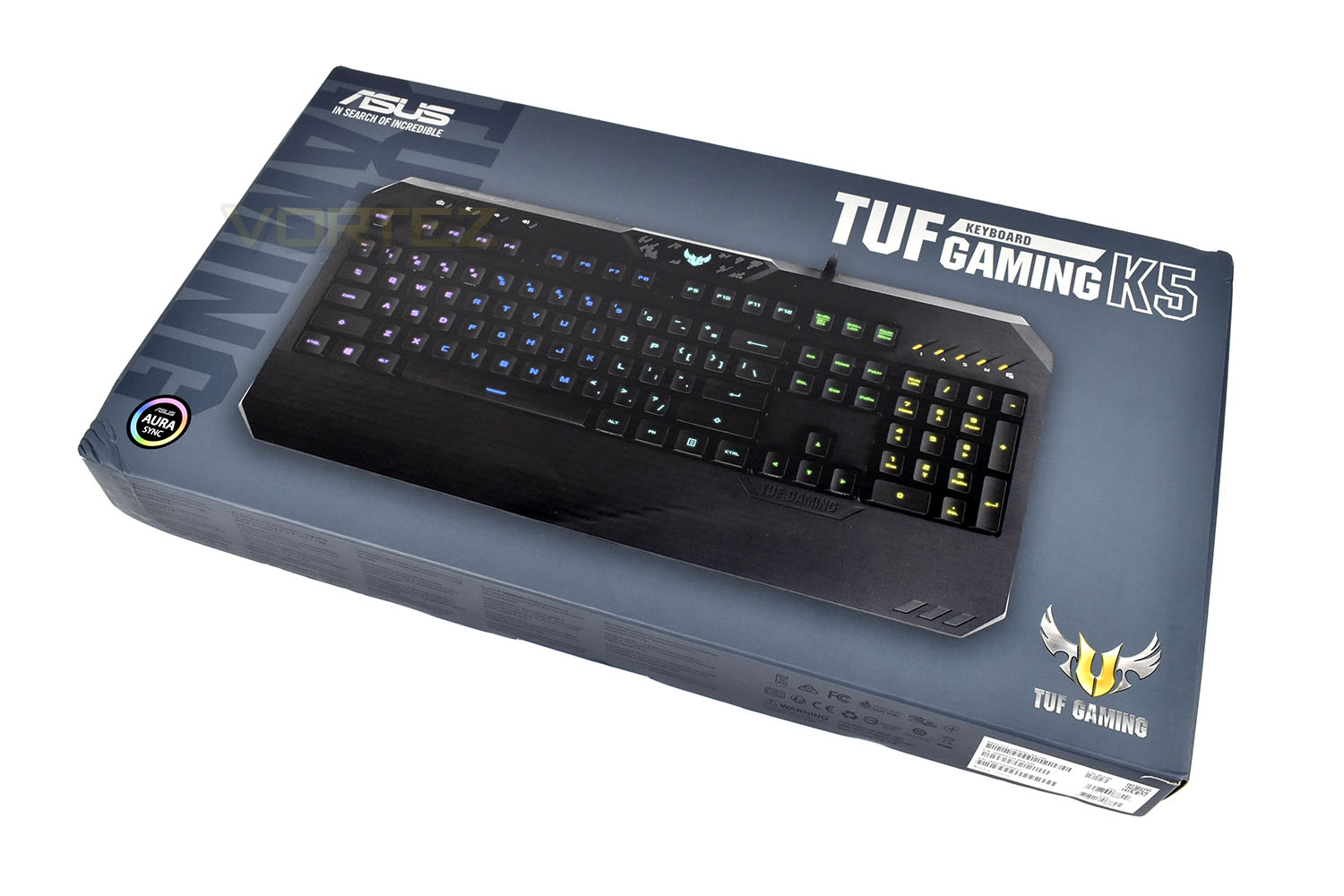
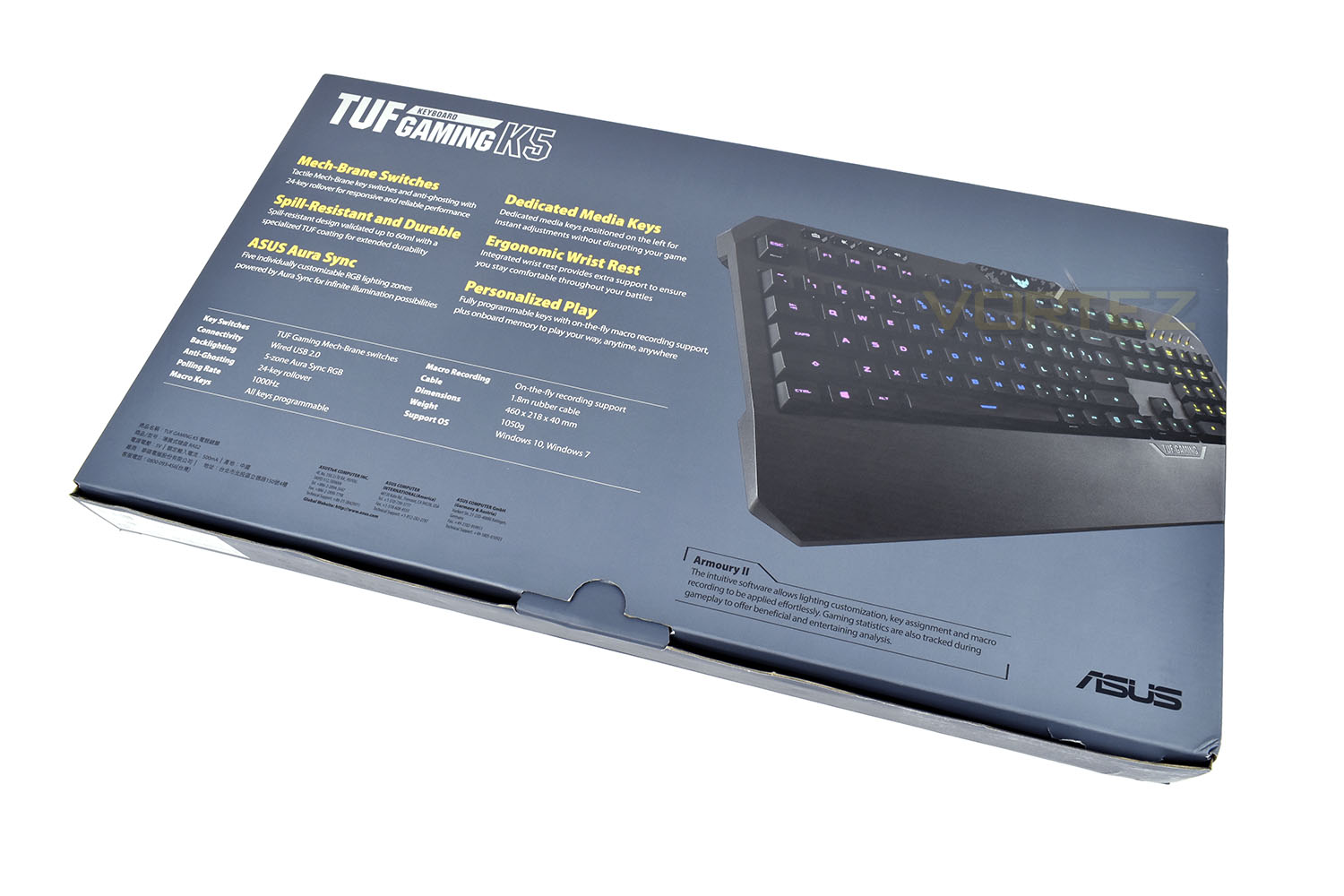
Looking to the back we find a well-detailed specifications table as well as 6 concise points explaining the keyboard’s selling points.
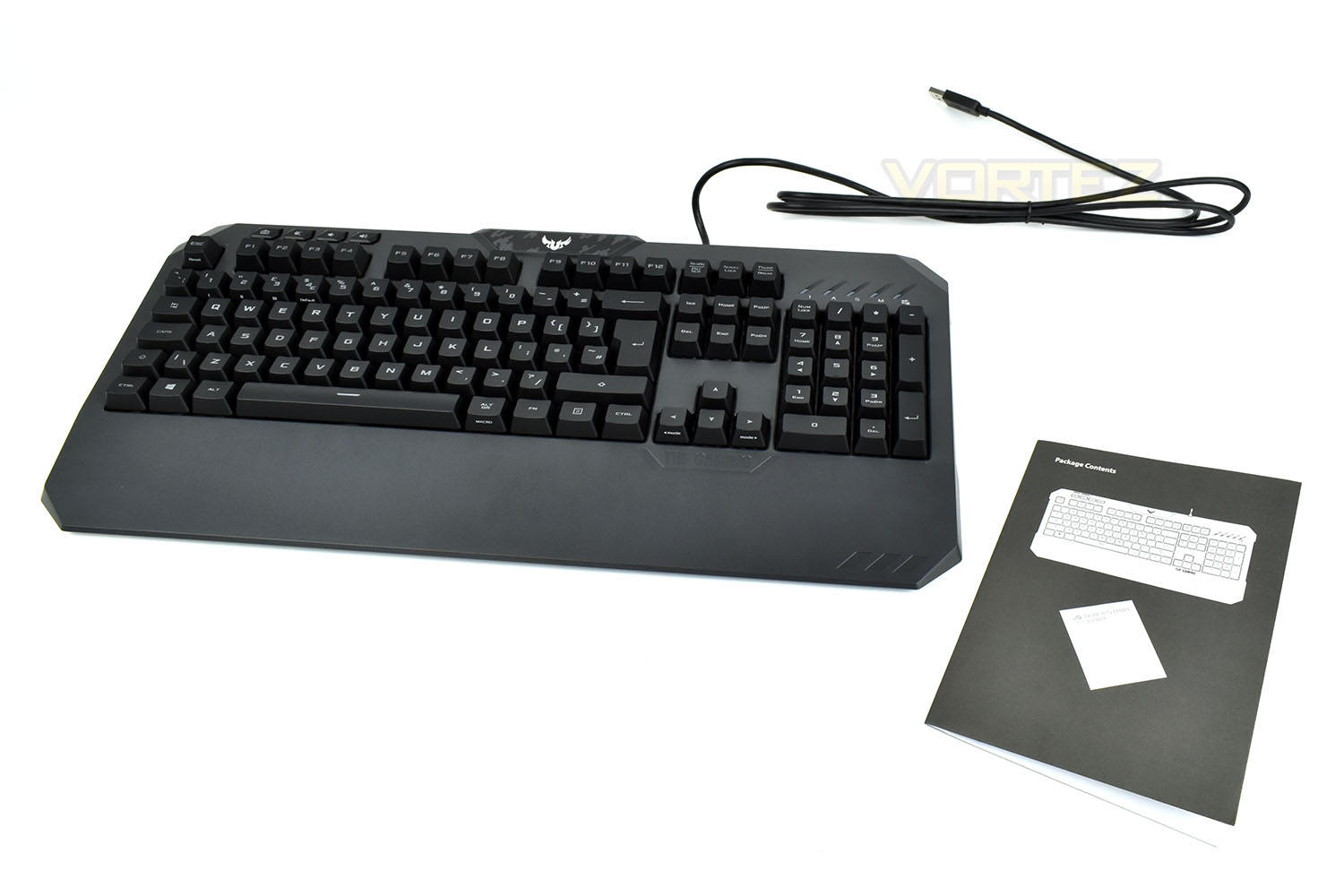
Inside the box, everything is kept simple. There’s the keyboard and an instruction manual; the manual has a “Package contents” page, which lists itself as part of the package contents which we found quite amusing.
Closer Look
Looking at the keyboard from directly above, the footprint is quite large compared to other keyboards, largely down to the built in ergonomic wrist rest.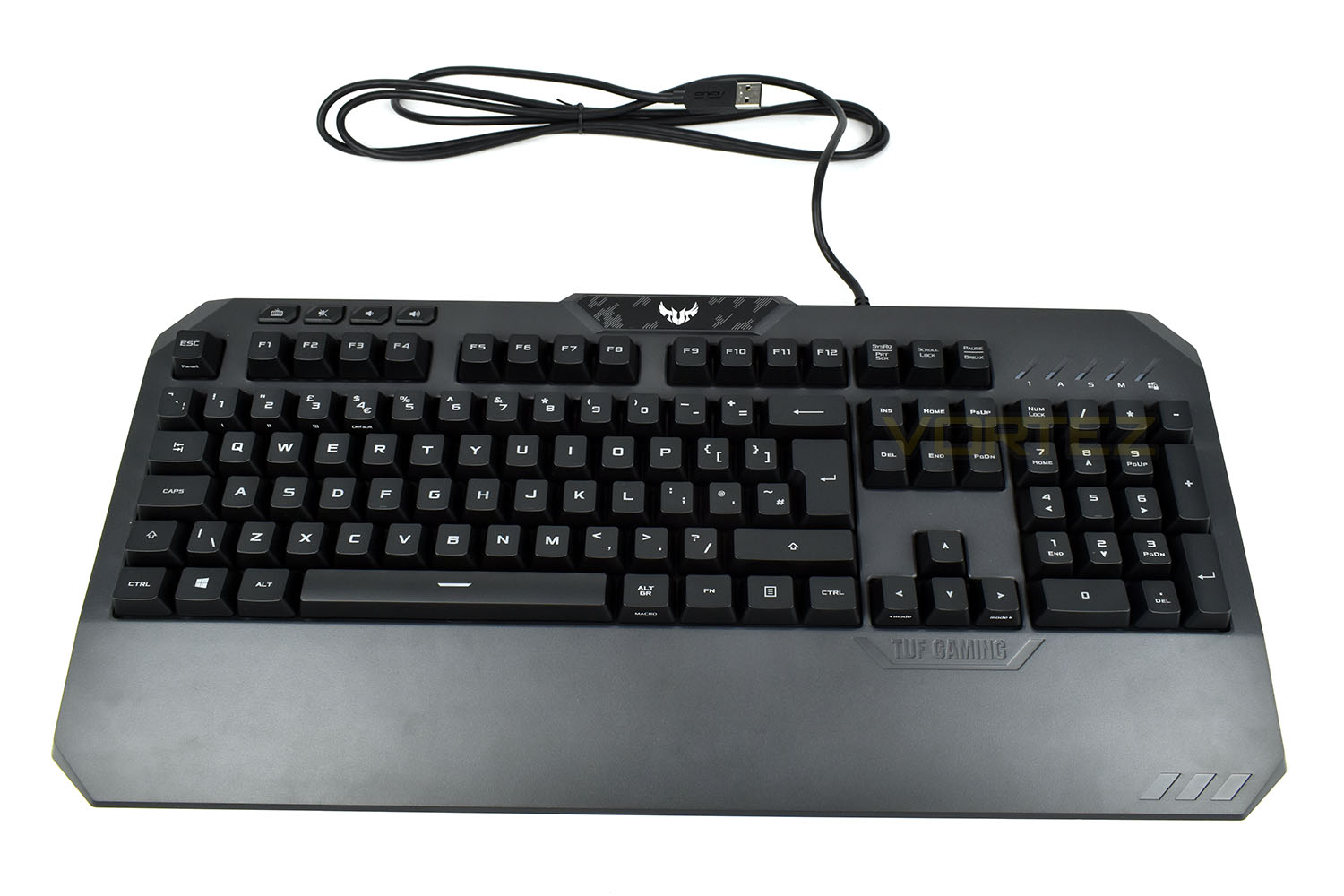
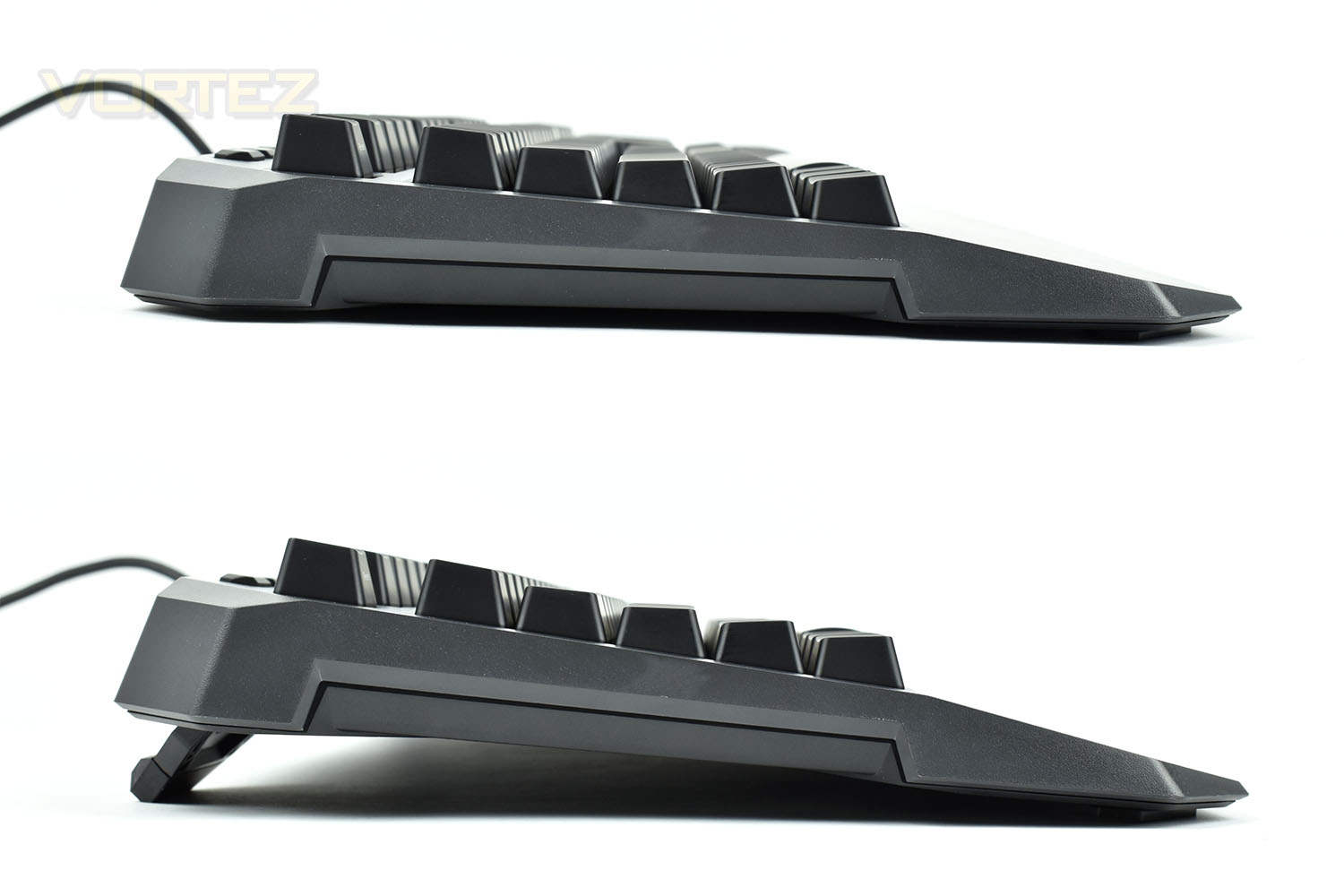
The K5 features large stand-off feet in each upper corner, raising the keyboard by a relatively large 15mm, from 27mm to 42mm.
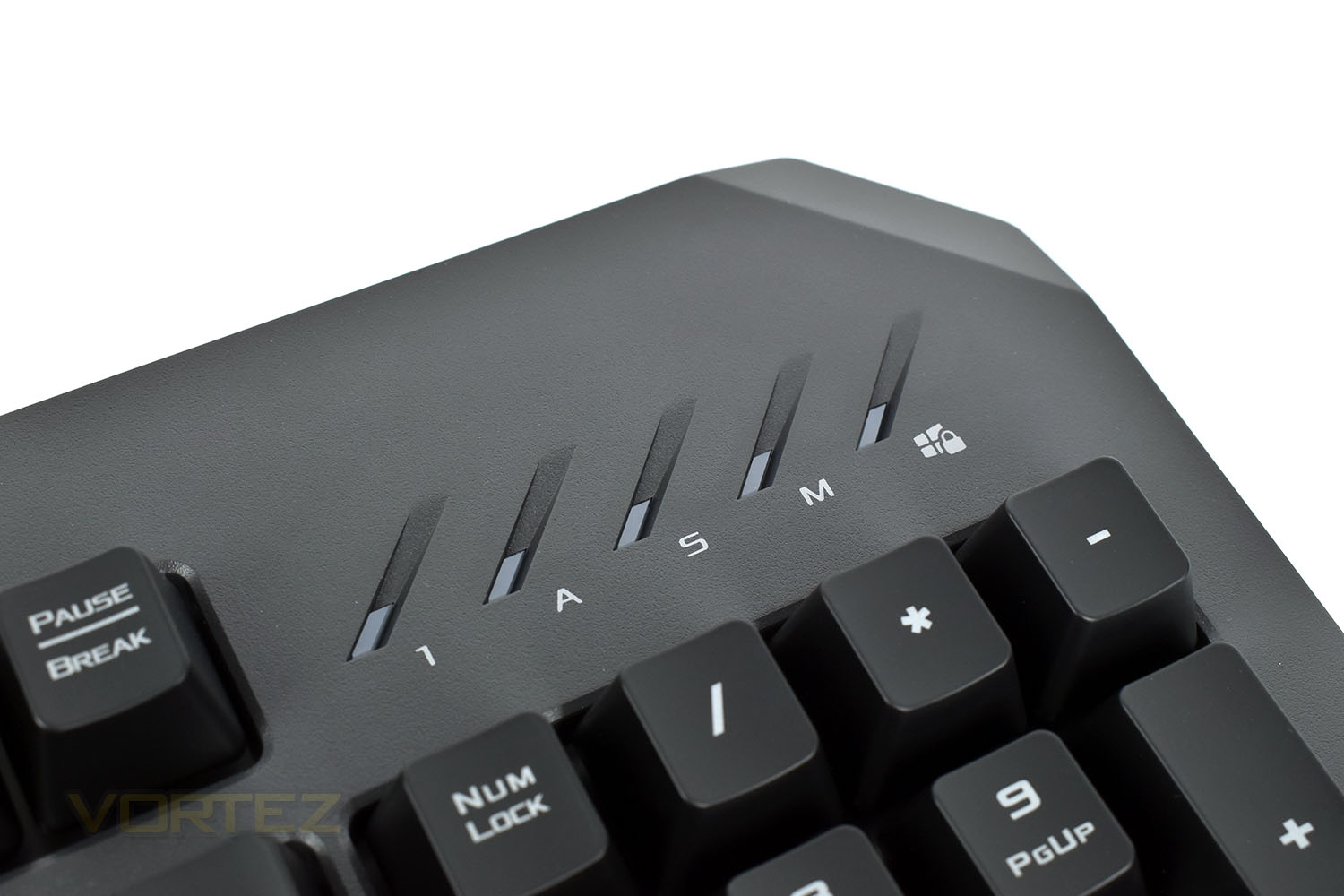
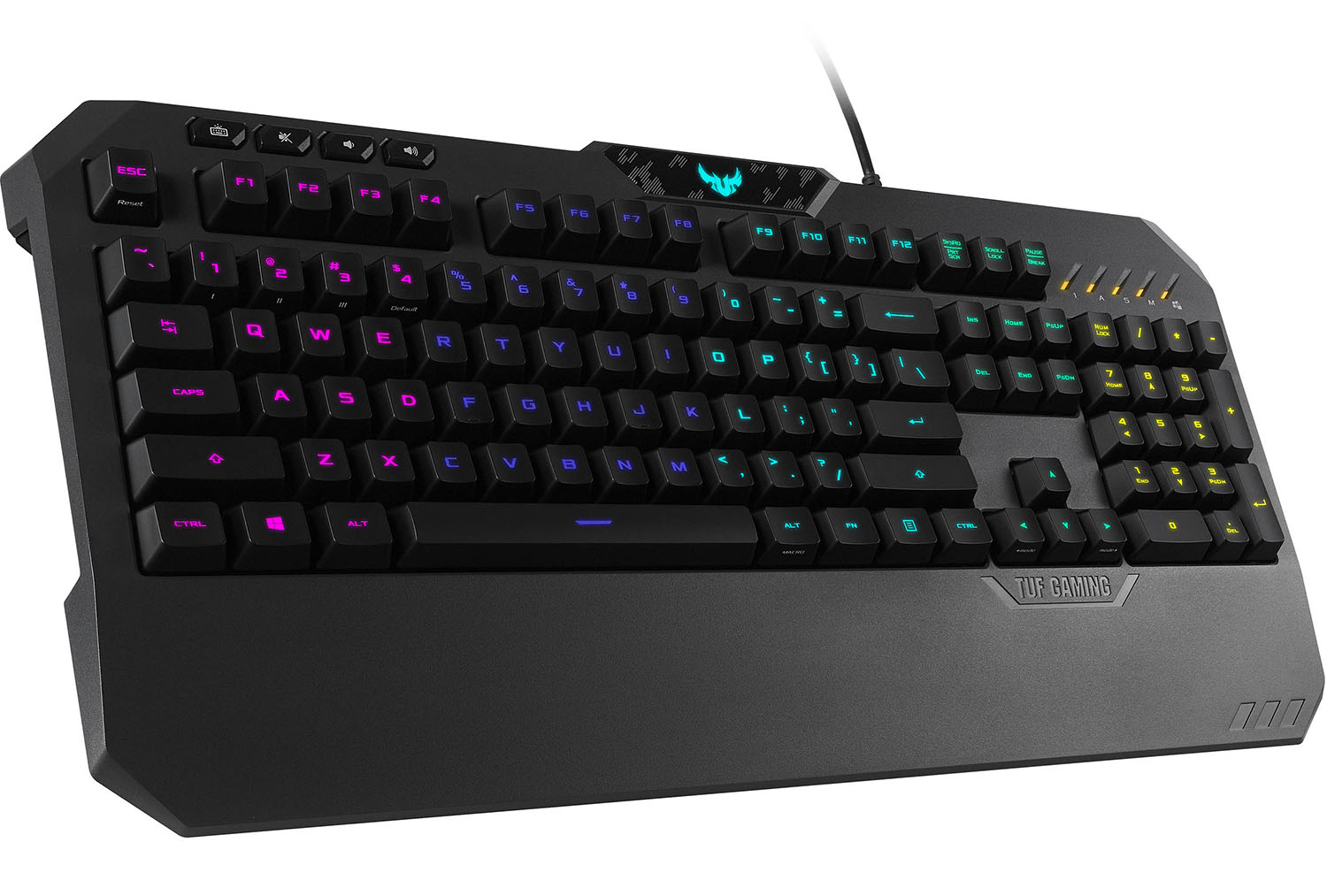
In the top-right of the keyboard we find the typical indicator LEDs for Num-lock, CAPS-lock and Scroll-lock. There’s also a Macro recording indicator and a Windows-Key lock for when you’re gaming to prevent accidental presses bringing you out of the game.
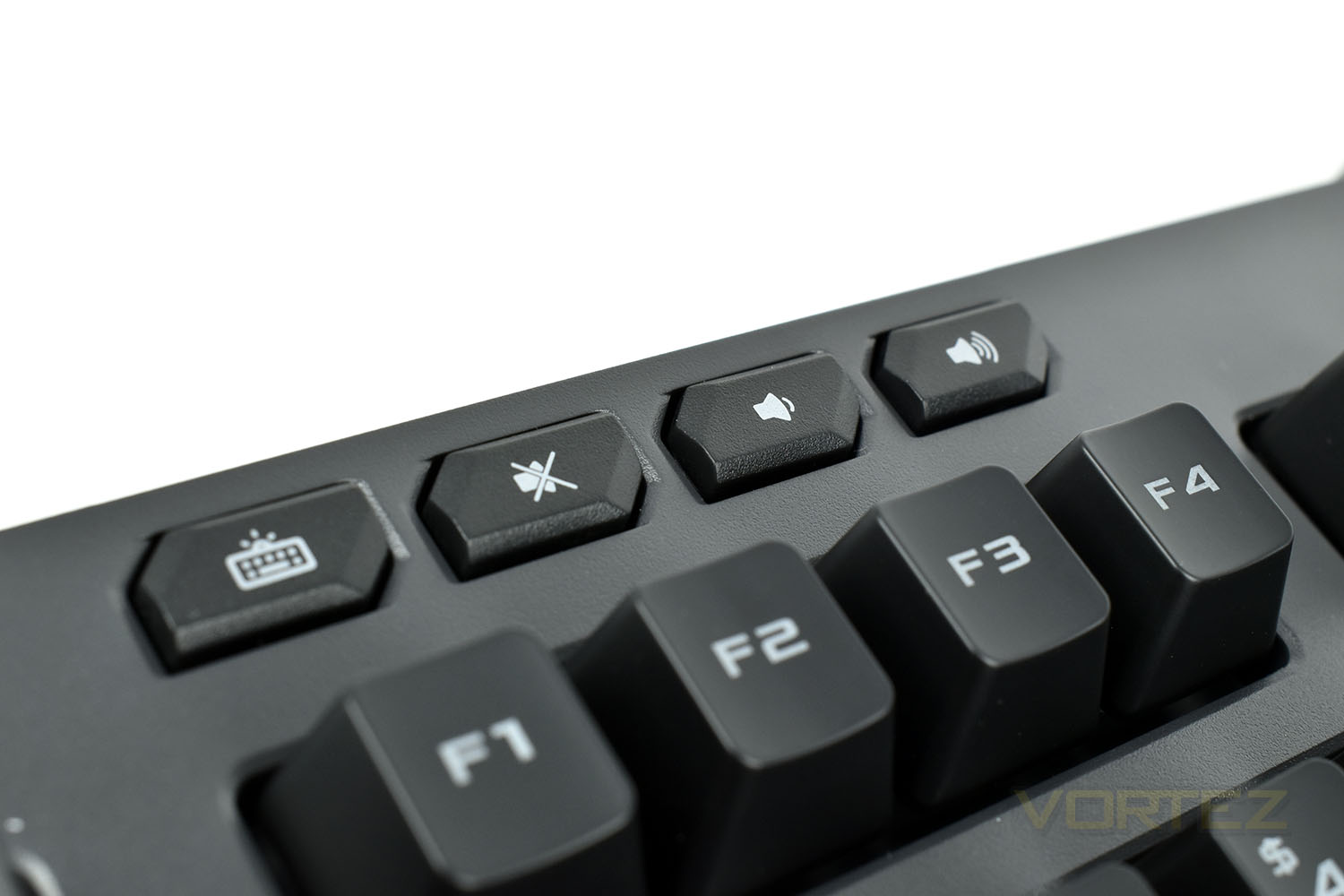
At the opposite end of the ‘board we find an RGB lighting toggle, with 4 stages of brightness as well as turning the lighting off completely. Right of the lighting switch are some volume controls and a mute toggle.
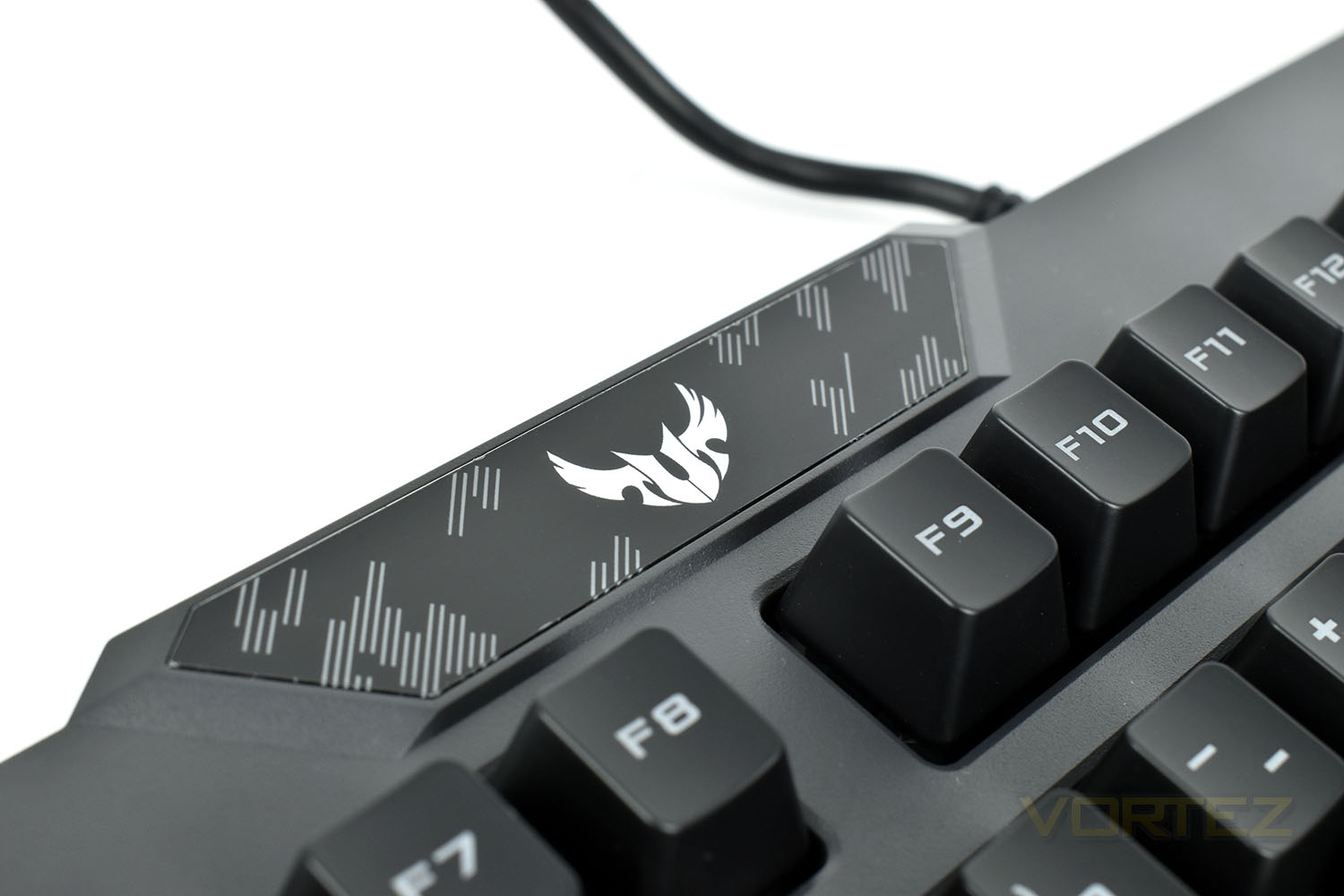
Right at the top of the keyboard is a glossy section featuring the TUF Gaming camouflage and the eagle-like logo which is illuminated with RGB backlighting when the keyboard is powered on.
Closer Look (Continued)
Dotted around the keyboard are some Fn key buttons, with the right and left direction keys being used to switch between keyboard modes. There’s a Macro record key on the back of ALT GR (to the right of the spacebar) and 1, 2, 3 and 4 are used to switch between profiles.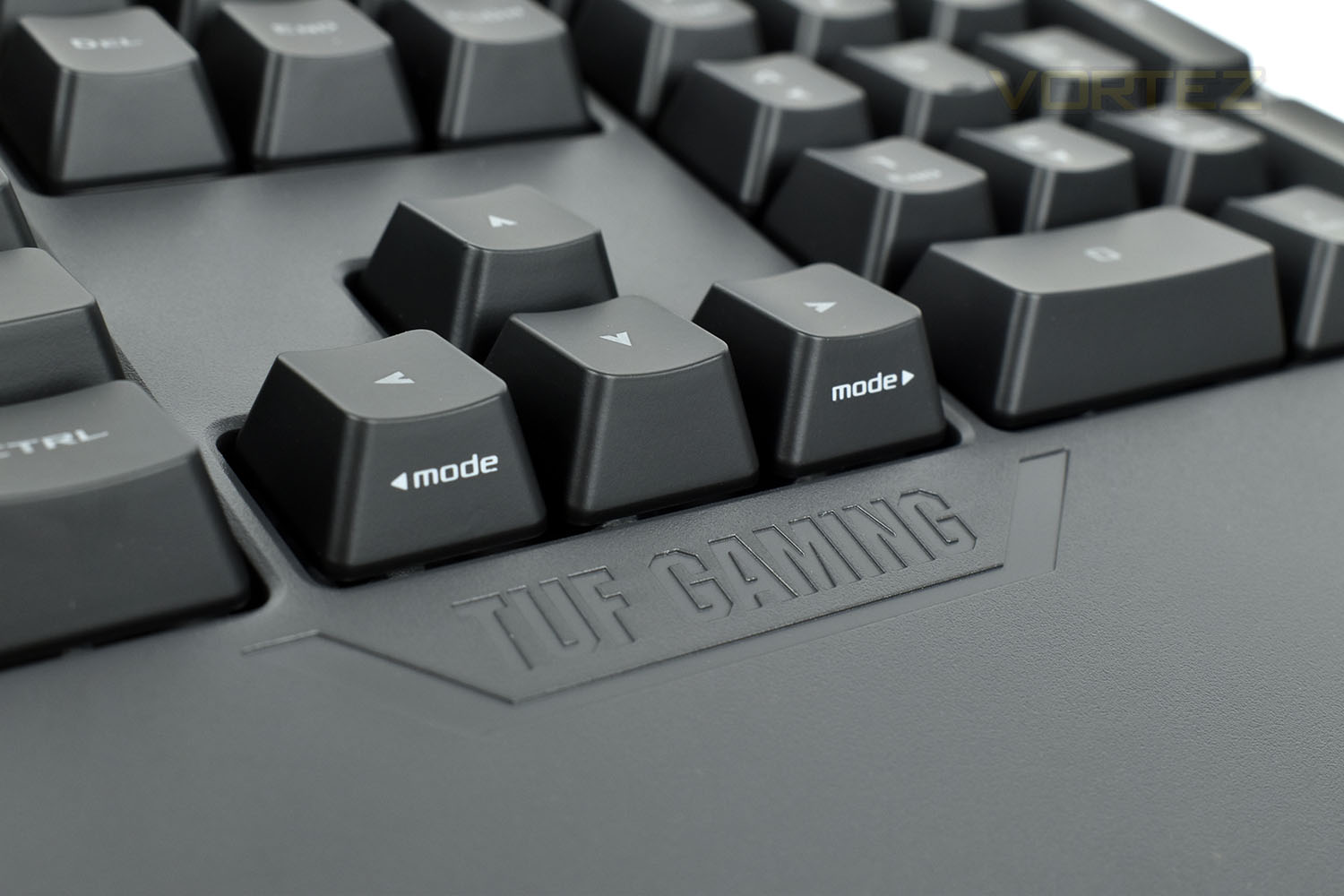
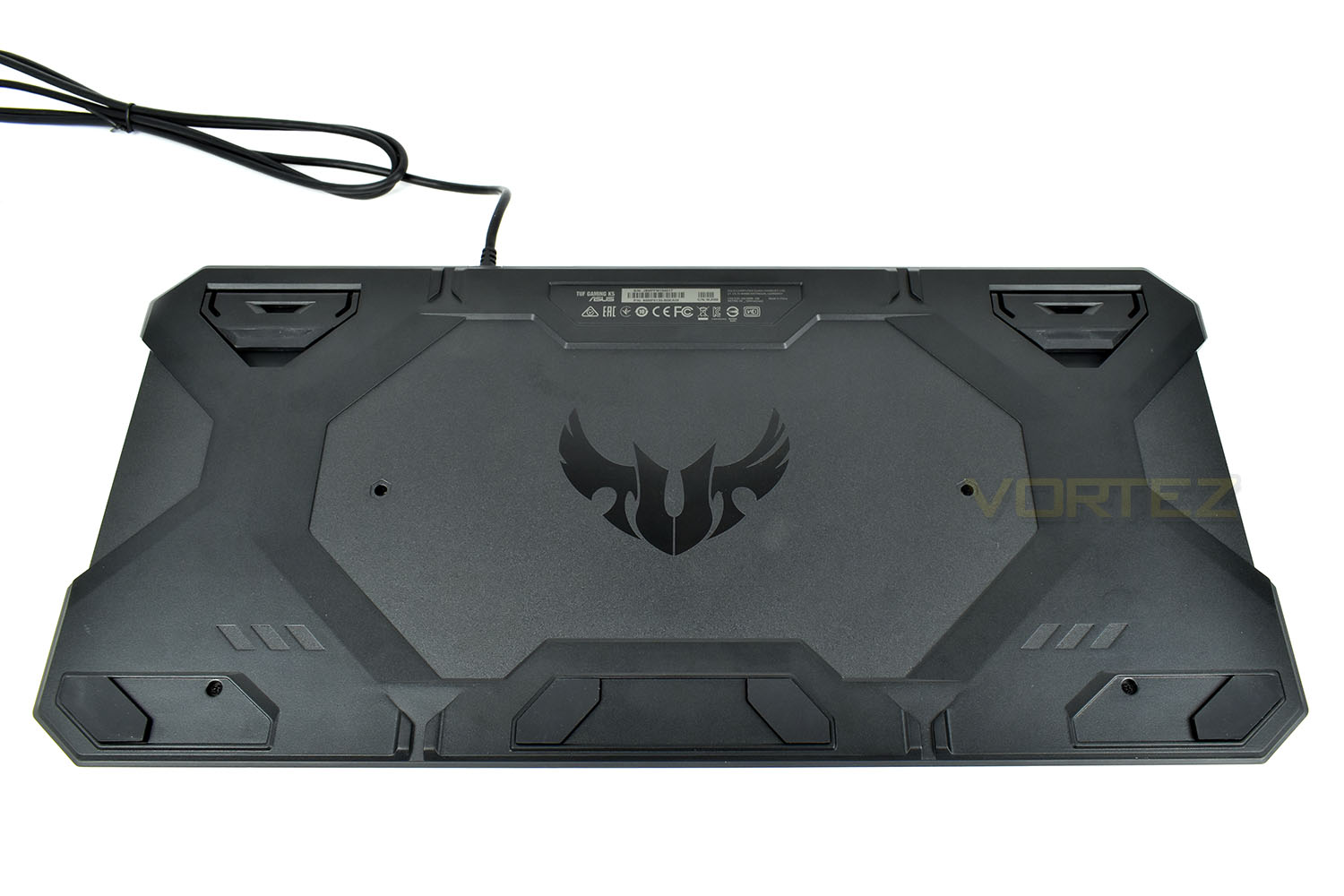
Looking to the underside, the TUF logo is loud and proud in the centre. In each corner are large rubber pads to ensure the keyboard doesn’t slide around, with a couple of extra pads at the front. The feet in each corner can be flicked up to raise the keyboard by 15mm.
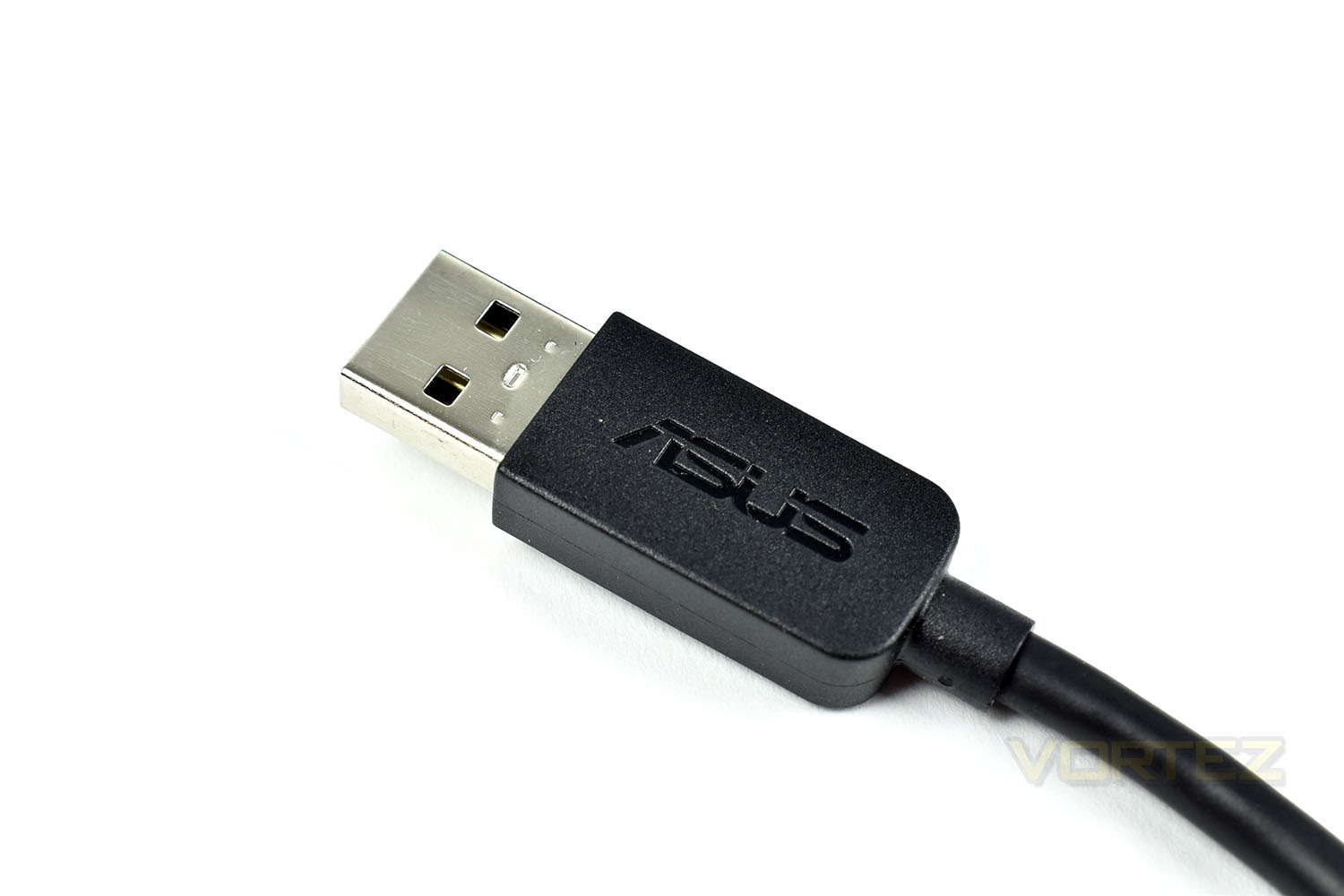
Finally, the cable. No braiding here, just a standard rubber coating on the 1.8M length. The USB connector at the end features the ASUS logo.
Software
The ASUS TUF Gaming K5 uses the ROG Armoury software suite for adjustments. While this is generally a solid piece of software, we found that it was very temperamental with the K5 and would only open if the computer was restarted without the mouse attached, the program loaded and then the mouse attached. If this is your only mouse, you might struggle with that procedure. We had the same problem on two Windows 10 machines with entirely different specifications, both running fully updated, however. This is the exact same piece of text in the M5 review because the issue is identical here.Check out the short clip below of the ROG Armoury software.
Performance Testing
ASUS present the TUF Gaming K5 as a gaming keyboard with gaming Mech-Brane key switches, so the gaming performance will be under proper scrutiny here, though ASUS also claim that the keyboard makes no compromise on performance and offers exceptional durability so we’ll look at those as well.First and foremost, after testing the keyboard in some common titles, we find that the keys don’t feel anything like a mechanical keyboard, and are a much worse attempt than both Razer or ROCCAT managed. The 3.7mm travel is much further than any mechanical keyboard we’ve used and is noticeable when compared. There is a tactile “bump” feel to the key switches, but the bump isn’t the point where the press is recognised so is somewhat pointless in its design; the key still needs to be bottomed out to be registered. There’s also the issue of the keys sounding like a mechanical keyboard, but only if you stuck your fingers in your ears; a kind-of muffled “click” is the best way they can be described. However, even though the noise sounds muffled, that doesn’t mean they’re quiet. They’re more noticeable than a proper mechanical keyboard due to having to bottom-out the key for it to be registered. Overall, we’re not impressed by these Mech-Brane keys, at all.
Getting by the Mech-Brane claims that ASUS make, the keyboard is otherwise good for gaming. The 24-key rollover ensures keypresses are registered properly every time and the 1000Hz polling rate enables quick reactions in twitchy games.
The built-in wrist rest helps to improve comfort when gaming and typing, though a solid piece of plastic isn’t ideal. We’d much prefer to see some kind of soft leather or foam of some kind, though that would likely increase the price somewhat.
The ROG Armoury software allows you to allocate keys a different function other than what their face would suggest, but with more and more of us listening to music while using our PCs, that isn’t an ideal way of introducing media keys. Play/pause and backwards and forwards are almost a must-have in today’s market and to see them missing from a keyboard costing £70, even in the form of a Fn key shortcut, isn’t acceptable. The volume keys go some way to make up for this lack but we’re still not over the moon about it.
Build quality, something which ASUS usually excels at, is fairly poor in this example. The all-plastic construction leads to the keyboard feeling light and flimsy with a lot of body flex even when just typing. Slightly more expensive keyboards with a metal backplate are considerably nicer to use. However, one aspect we can’t realistically test in a short period of time is the longevity of a keyboard, which is where the TUF Gaming K5, ASUS claims, is designed to shine. ASUS has apparently tested the keyboard against liquid spills, but the keyboard is only rated to spill-resistant from up to 60ml of liquid; unless you’re constantly drinking out of the bottom of a tin of fizzy pop or a small glass, the likelihood of more than 60ml of liquid being spilled is high.
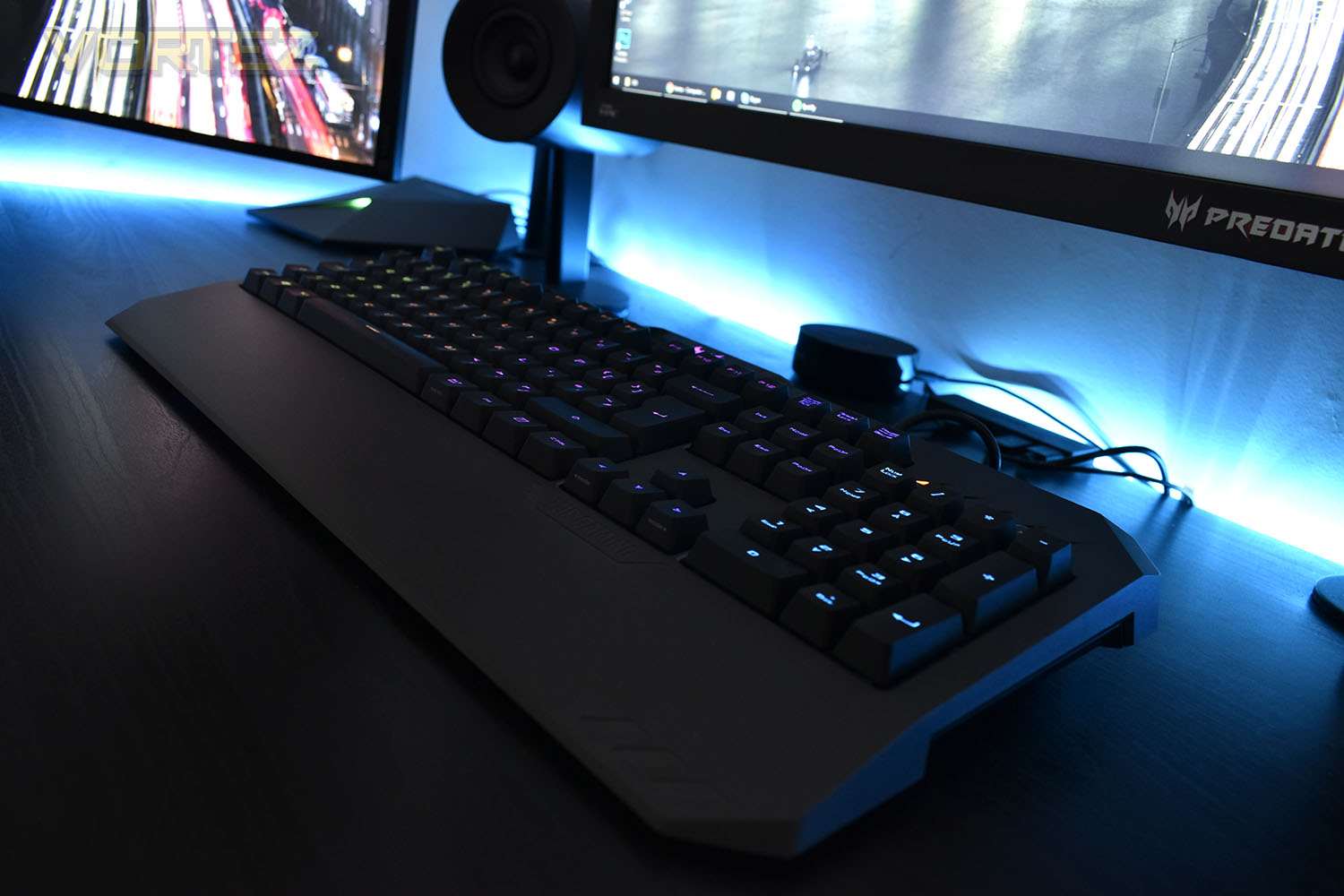
Finally, onto the RGB lighting. The ROG Armoury, once you’ve launched it, allows customisation of the colours, but only on a per-keyboard basis. There’re no individual options for the RGB backlighting. One of the endearing features that RGB lighting can bring is being able to illuminate only the keys you’re using in your favourite games, helping to focus your playing somewhat so that’s another mark down for the K5. Having said that, the RGB light is reasonably vibrant and does a good job of illuminating both the letter/number and the second function of the keycaps.
Conclusion
Considering the expertise ASUS holds in this department, the TUF Gaming K5 is a bit of a let-down, quite frankly.The build quality isn’t great, with a muffled sound to the key switches, a flexible backplate, rubber-coated USB cable and “spill-resistance” of 60ml. We expect better for our £70 when keyboards of considerably better quality are available at the same price from many retailers.
Gaming performance is decent. The comfortable shape and 24-key rollover paired with the 1ms polling rate make gaming on the keyboard a doddle, but the Mech-Brane key switch ruins the experience with an awkward bump half-way down the key’s travel that doesn’t have anything to do with the key being registered by the PC.
The RGB lighting, while reasonably well-lit, isn’t up to scratch with other offerings in this price range and offers limited customisation in the ROG Armoury software suite due to the lack of per-key backlighting.
Overall, we find the ASUS TUF Gaming K5 very difficult to recommend. There’s too much competition from the likes of Razer and ROCCAT as well as G.SKILL who offer the KM570 RGB with proper Cherry MX mechanical key switches and RGB lighting at a similar price which we’d take every day of the week.
Sadly, the ASUS TUF Gaming K5 doesn’t really tick any of the boxes in our “gaming keyboard” criteria aside from good comfort and is lacking too many features that we’d expect to find at this price point, if they could drop the price to around £50, we’d be much more inclined to recommend it.
Pros+ Comfortable to use
+ Has RGB lighting
+ 1000Hz polling rate
+ Looks good
Cons
– Flimsy chassis
– Not per-key RGB backlighting
– Keys don’t feel like mechanical key switches at all
– Too costly
– No media keys (dedicated or otherwise)
– No braided cable
+ Has RGB lighting
+ 1000Hz polling rate
+ Looks good
Cons
– Flimsy chassis
– Not per-key RGB backlighting
– Keys don’t feel like mechanical key switches at all
– Too costly
– No media keys (dedicated or otherwise)
– No braided cable
Click here for an explanation of our awards at Vortez.net.
Stay connected with the Vortez Social Media pages:
Join in with the discussions on Discord