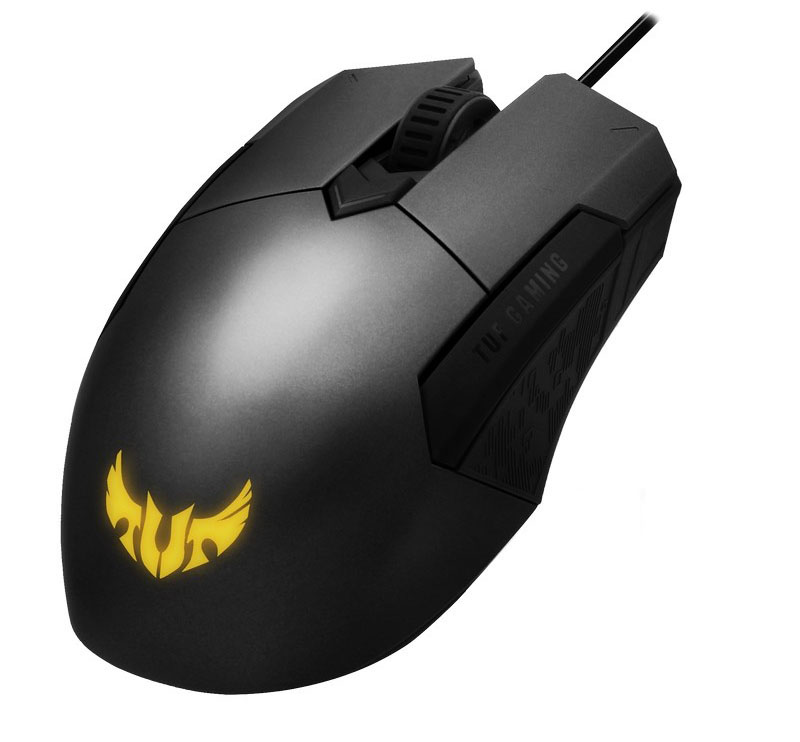
Furthering the TUF Gaming brand, ASUS are pushing the M5 gaming mouse, with RGB lighting and a 6,200 DPI optical sensor.

Product on Review: ASUS TUF Gaming M5
Manufacturer: ASUS
Street Price: GBP £34.99 / USD $39.99 / AU $61.99
ASUS are a key player in the gaming industry, with both the Republic of Gamers (ROG) and the TUF Gaming brands being synonymous with eSports and gaming as a whole. The TUF Gaming brand was set up by ASUS but now encompasses many brands to form the TUF Gaming Alliance.
A couple of weeks back, Weston looked at the ASUS TUF Gaming H5 headset and was, overall, impressed with the offering. Today we’re looking at a matching mouse, with a review of the K5 keyboard here, to round out the set.
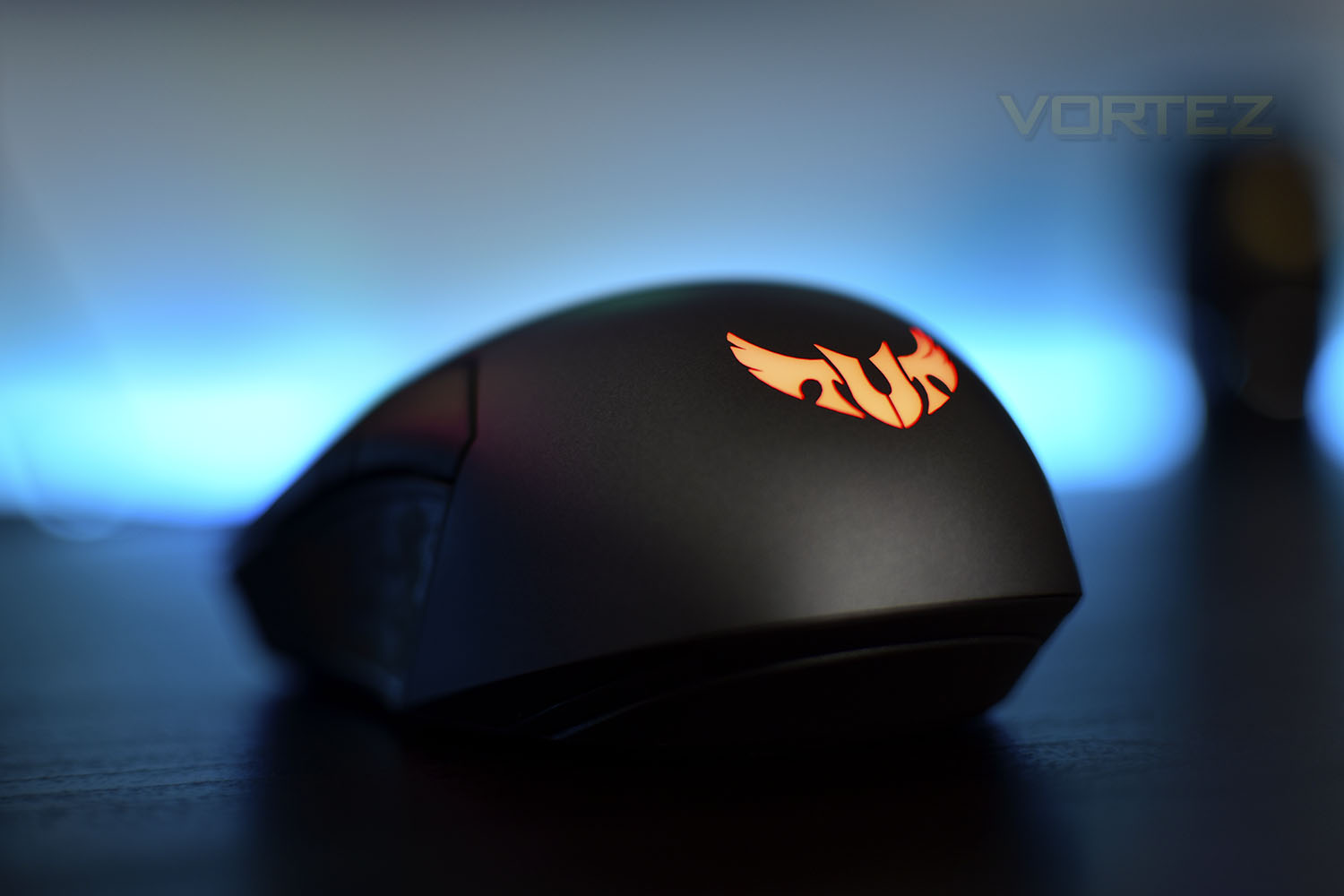
The gaming mouse in question is the TUF Gaming M5, a lightweight, ambidextrous RGB offering, boasting a 6200 DPI sensor, OMRON switches and Aura Sync lighting, allowing the RGB LEDs to sync with other compatible peripherals.
The M5 asks £34.99/$39.99/$61.99, making it reasonably cheap in today’s gaming market, but how does it hold up against similarly priced alternatives? Let’s find out.
ASUS on the TUF Gaming M5:
TUF Gaming M5 is a compact ambidextrous gaming mouse that delivers the comfort, performance, and reliability that gamers demand. It’s ergonomic and lightweight for prolonged campaigns, with a high-precision optical sensor that gives you an edge in battle. Backed by 50-million-click Omron® switches and a specialised coating for exceptional durability, the M5 is validated for tough duty. It also features customisable ASUS Aura Sync RGB lighting so you can dominate in personalised style.
Technical Specifications
Connectivity Technology:
Wired
Tracking:
Optical
OS Support:
Windows® 10
Windows® 7
Dimensions:
L 111 x W 61 x H 42mm
Weight:
110g with cable
85g without cable
Resolution:
6200dpi
Interface available:
Mouse: USB
Contents:
1x gaming mouse
1x user documentation
Wired
Tracking:
Optical
OS Support:
Windows® 10
Windows® 7
Dimensions:
L 111 x W 61 x H 42mm
Weight:
110g with cable
85g without cable
Resolution:
6200dpi
Interface available:
Mouse: USB
Contents:
1x gaming mouse
1x user documentation
Packaging & First Look
Using a lovely shade of light blue, the TUF Gaming M5 is presented with a large image on the front of the box. There’s mention of ASUS Aura Sync but that’s about it for the front.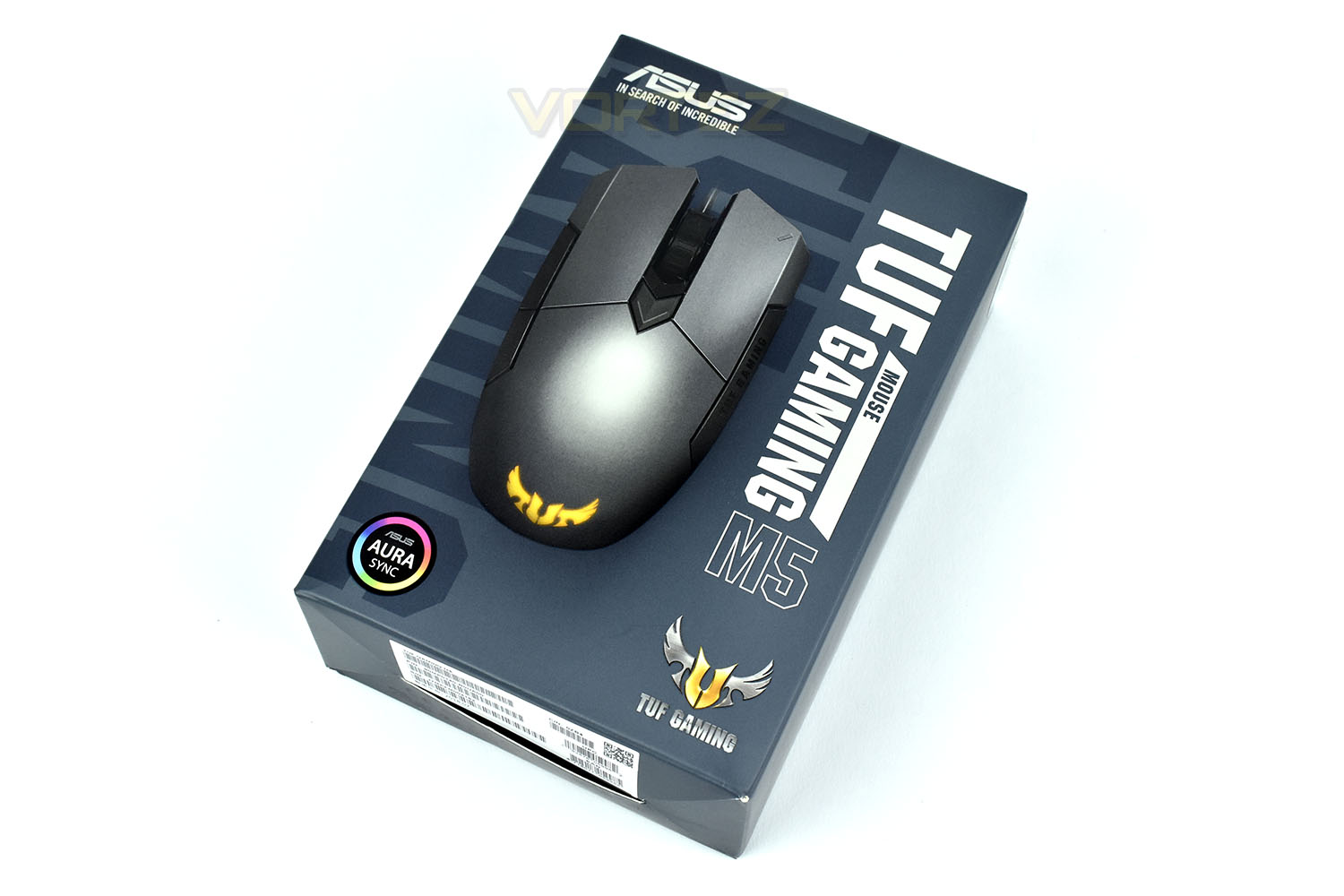
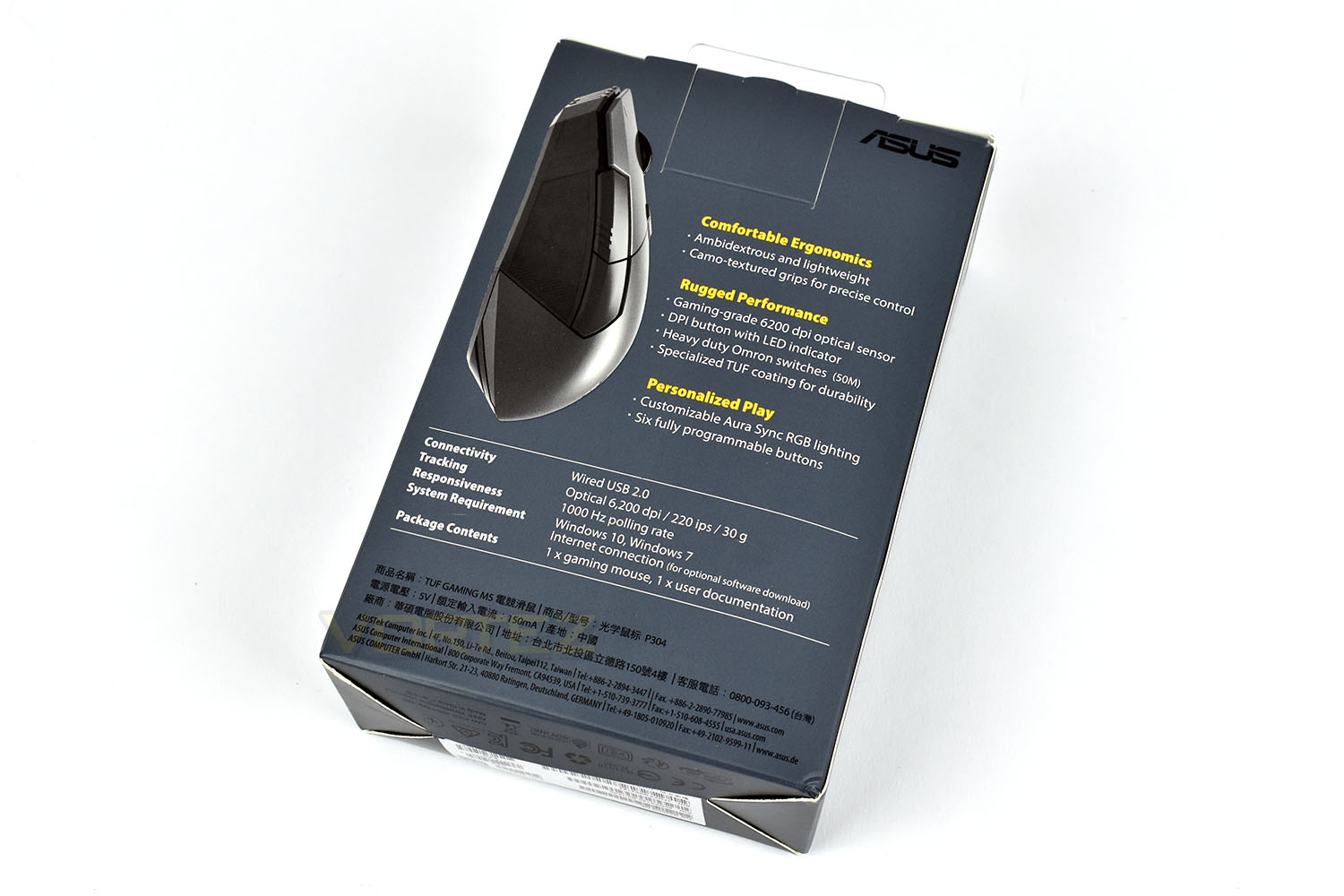
Flipping the packaging over, it’s nice to see ASUS has largely used only English on here. There’s a side-profile shot of the M5 and a list of features and specifications.
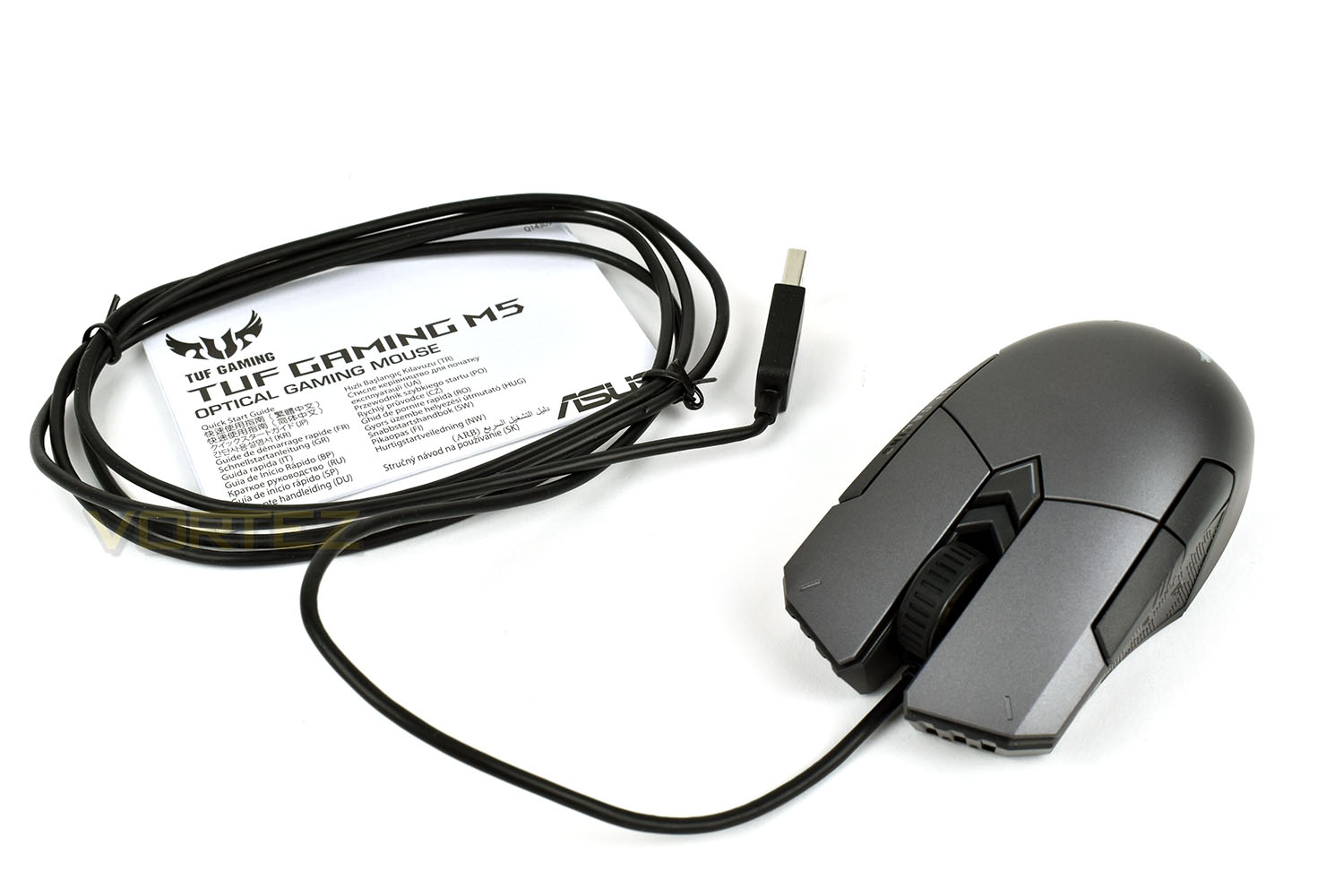
Keeping things to a bare minimum, there’s a small instruction/warranty guide and the mouse itself in the box, no frills generally means lower cost, which we don’t mind at all.
Closer Look
Starting from the front, it’s clear to see that both the right and left click are their own pieces of plastic rather than the usual single piece across the entire mouse. The scroll wheel is suspended between with deep grooves in the rubber for better grip.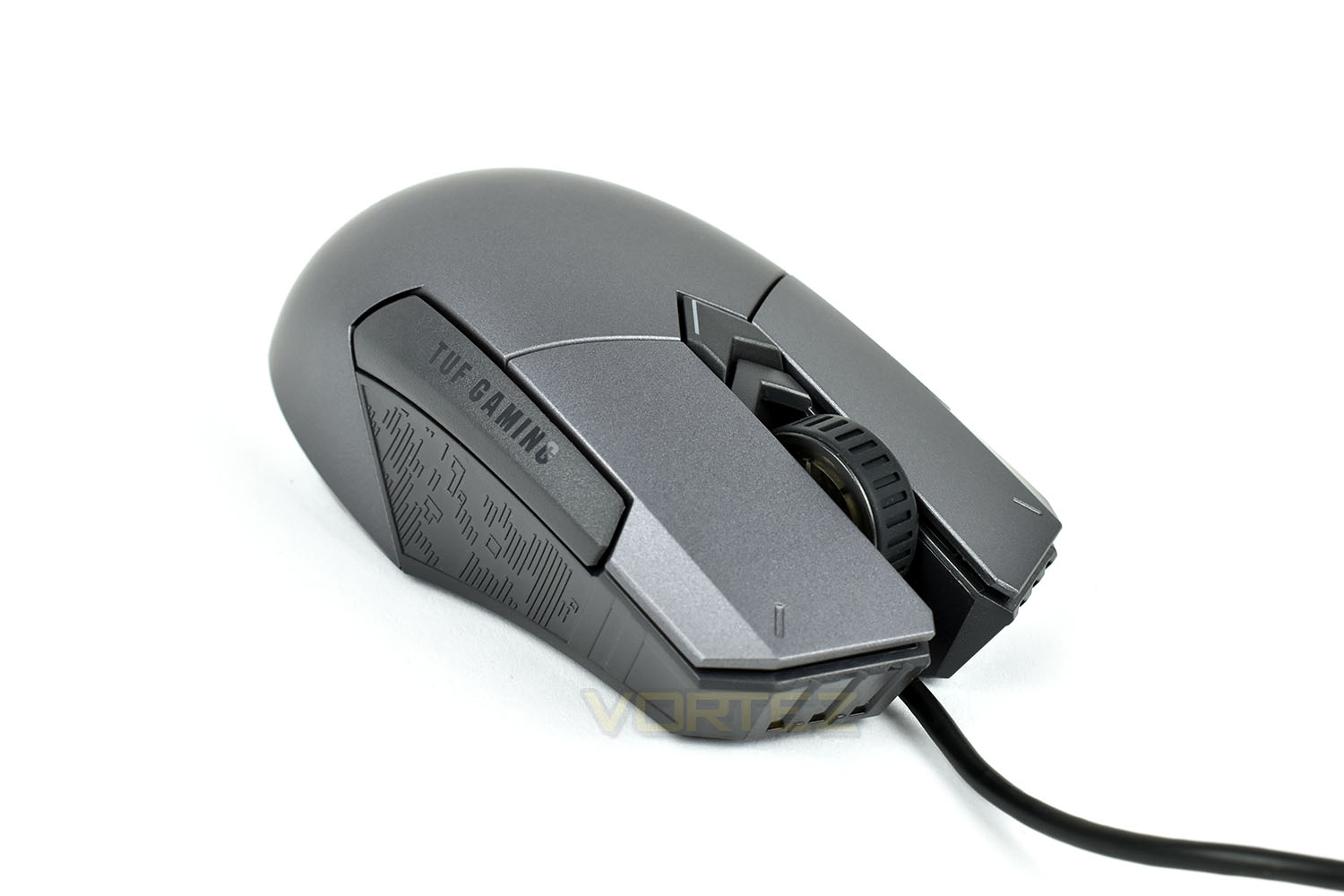
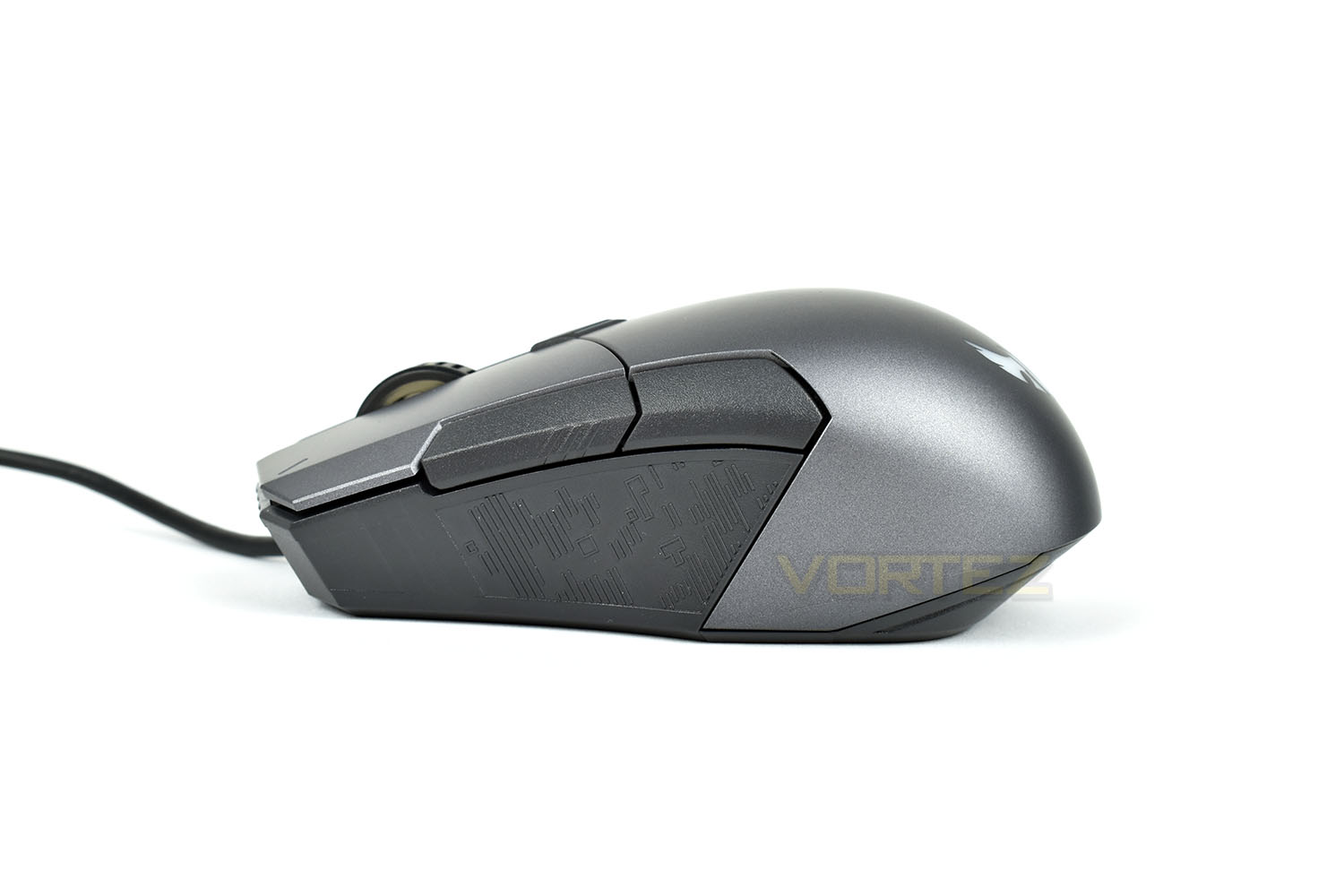
The left side of the mouse is almost entirely vertical with a large rubber area with the TUF Gaming camo’ style stamped into the rubber. Above the rubber sections are a pair of thumb buttons which can be configured within the ASUS ROG Armoury software.
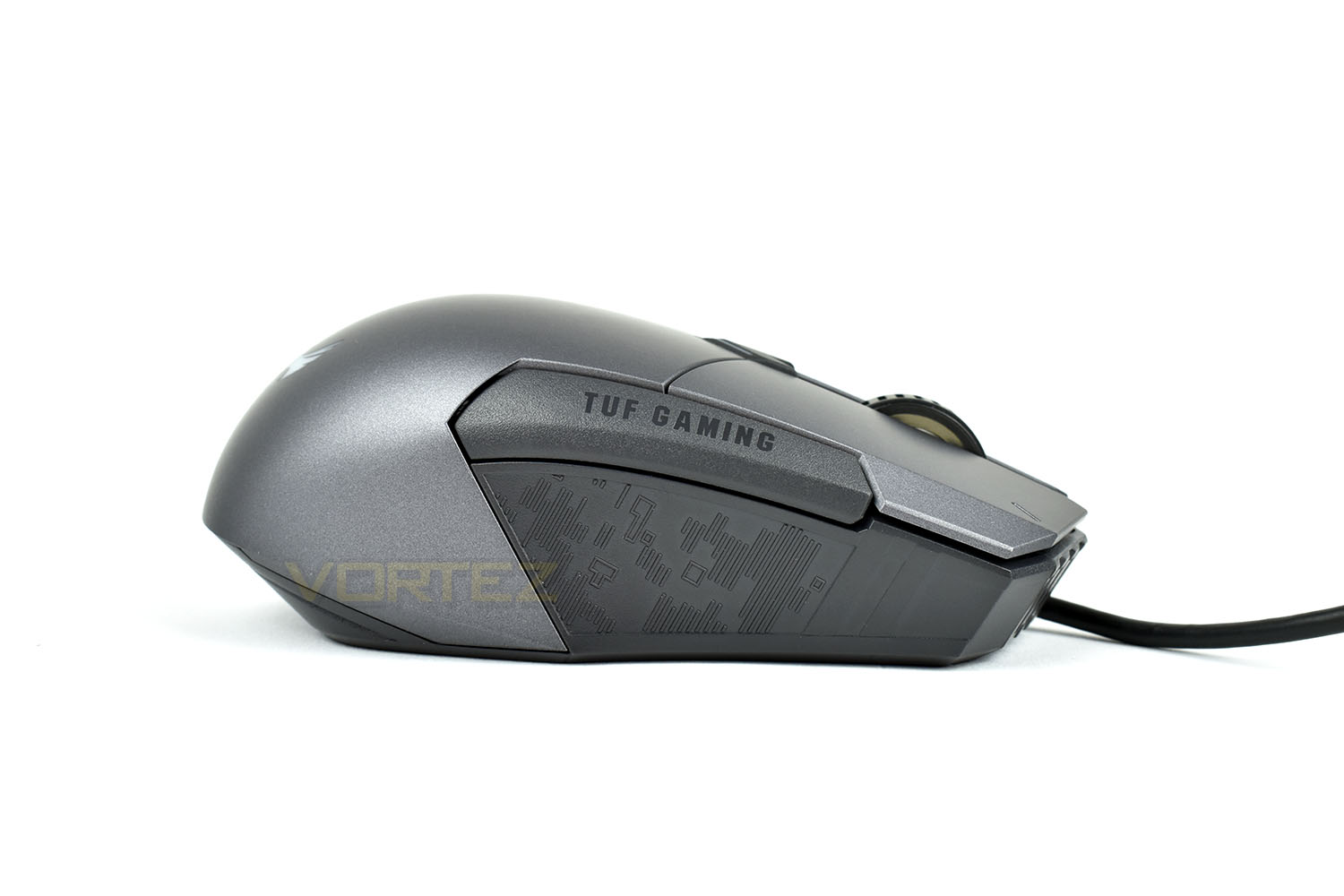
The opposite side is almost identical apart from the thumb buttons are blanked off with a TUF GAMING badge.
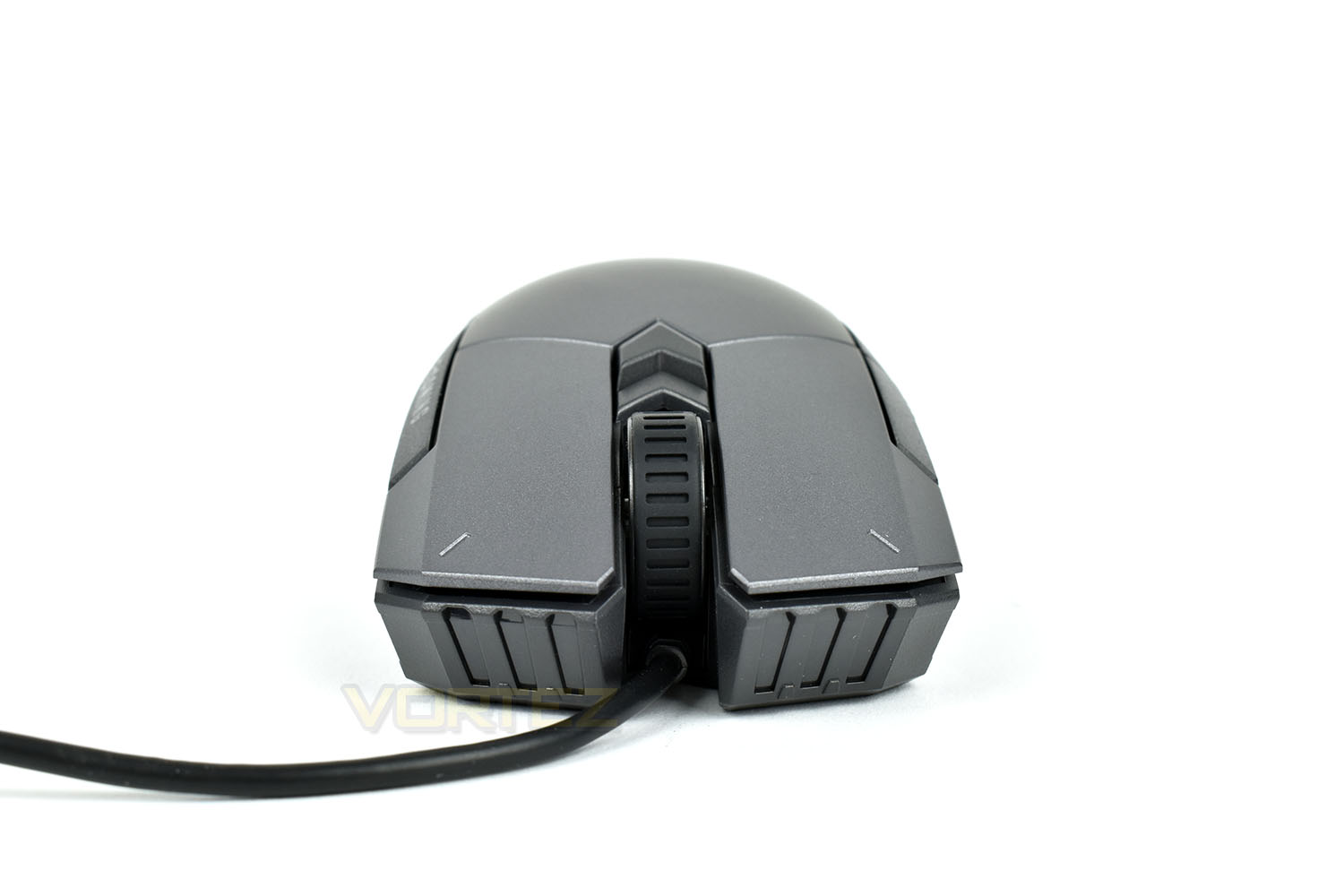
From directly in front you can see that the cable protrudes from the centre but is angled upwards slightly to prevent it snagging on your mouse mat or desk when moving the mouse forwards.
Closer Look (Continued)
Thanks to the ambidextrous shape, the mouse features a neutral design which is evident from this angle. The TUF Gaming eagle-like shape on the back is RGB illuminated.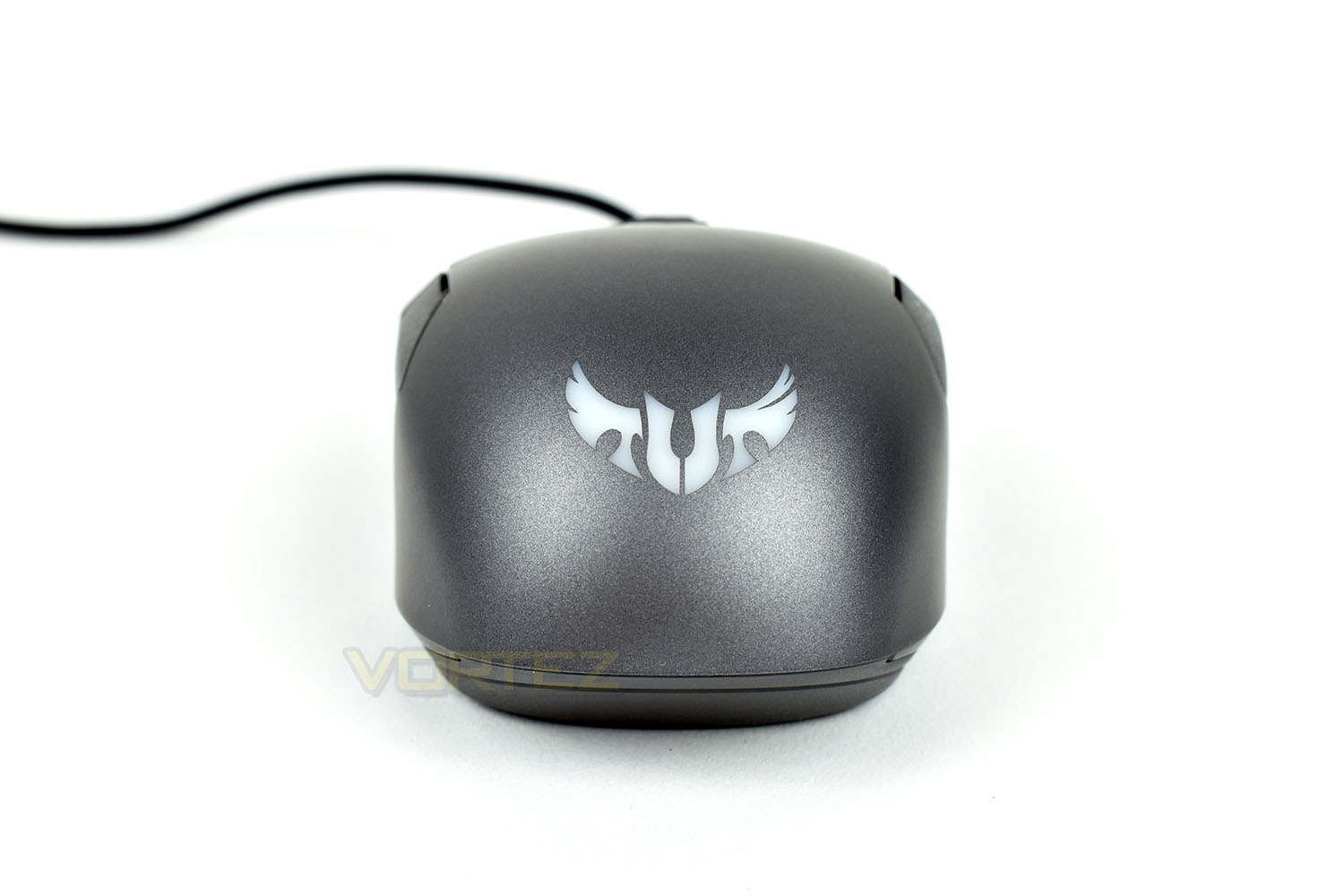
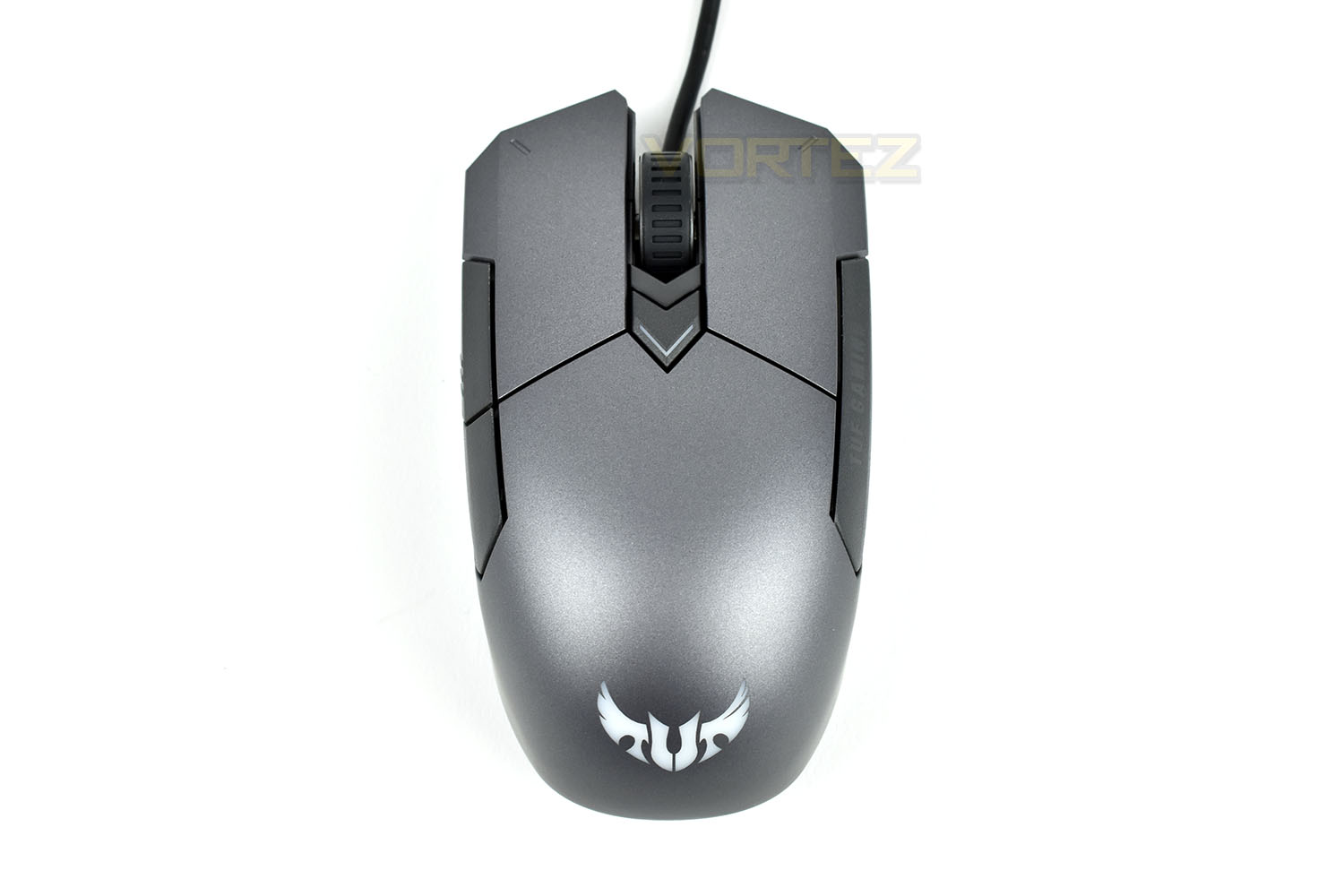
Taking a look directly from above, you can see the aggressive, angular front end contrasts with the curvy rear end of the mouse. Just behind the scroll wheel is a toggle switch which enables different mouse button layouts and sensor options.
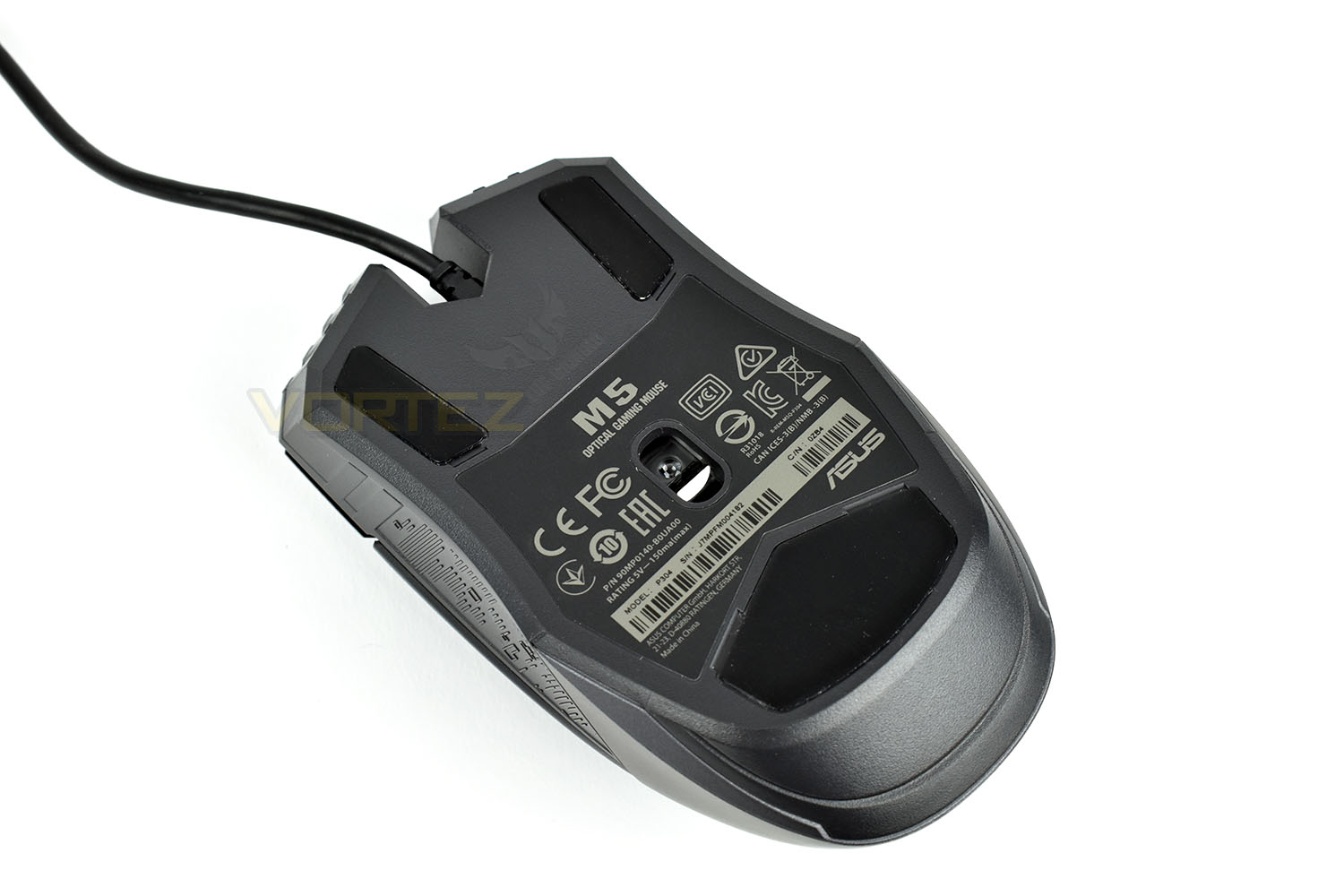
Finally, tipping the mouse on its back shows the underbelly of the beast. The sensor is placed in the centre for a more balance feel. There’re two small PTFE pads at the front corners and a larger piece towards the back.
Software
The ASUS TUF Gaming M5 uses the ROG Armoury software suite for adjustments. While this is generally a solid piece of software, we found that it was very temperamental with the M5 and would only open if the computer was restarted without the mouse attached, the program loaded and then the mouse attached. If this is your only mouse, you might struggle with that procedure. We had the same problem on two Windows 10 machines with entirely different specifications, both running fully updated, however.Despite the above issue, the software provides decent customisation. Here’s a clip of the software in action.
Performance Testing
As we mentioned on the previous page, connecting the mouse and installing the software was a bit of a farce. The mouse worked fine straight away and the RGB lighting lit up, but to alter the software in any way, we were forced to find a way of getting the application to work. We’ve tried a reinstall of the software on multiple machines, one AMD and one Intel, all to no avail. The first hurdle isn’t great, that’s for certain, but moving onto comfort.The M5 is most-certainly designed for a claw/fingertip grip style, with it being far too small to be comfortably used by a palm-grip, but don’t let that make you think the mouse isn’t comfortable at all. If you use a fingertip or claw grip, the lack of any kind of rear on the mouse helps a lot. The thumb buttons, on the left, are useful for right-handed users, but the ambidextrous shape is somewhat wasted when ASUS don’t include the same buttons on the opposite side, so if you’re left-handed you may find that a little annoying.
Next up is performance, and despite the low pricetag the M5 shines brightly here. The 6200 DPI sensor is accurate enough at low DPI settings, or anything under about 3000, which is where most people will use a mouse anyway, but it did feel a little “numb” compared to slightly more expensive options. Responsiveness is perfect, however, thanks to the 1000Hz polling rate on the mouse.
Directly related to the performance is the overall feel of the mouse in games, which is when the performance really matters. We tested this out with some Battlefield V and War Thunder, two games which require completely different mouse movements. Battlefield didn’t fare well at all in our testing, despite giving it a few evenings worth of testing to adjust from our order-of-magnitude more expensive daily driver mouse but it never really caught on; on the other hand, War Thunder faired much better. The smoother, more fluid motions required during flight were translated brilliantly on the M5, we found ourselves with 6 aerial kills within the first 90 seconds or so, in the first game. It felt right.
Build quality. This isn’t somewhere that we can give too much praise. It feels well-made, but “well-made for a £35 mouse” kind of well-made. The button clicks are loud and the scroll wheel lacks any tactile feedback, feeling almost like a free-wheel affair.
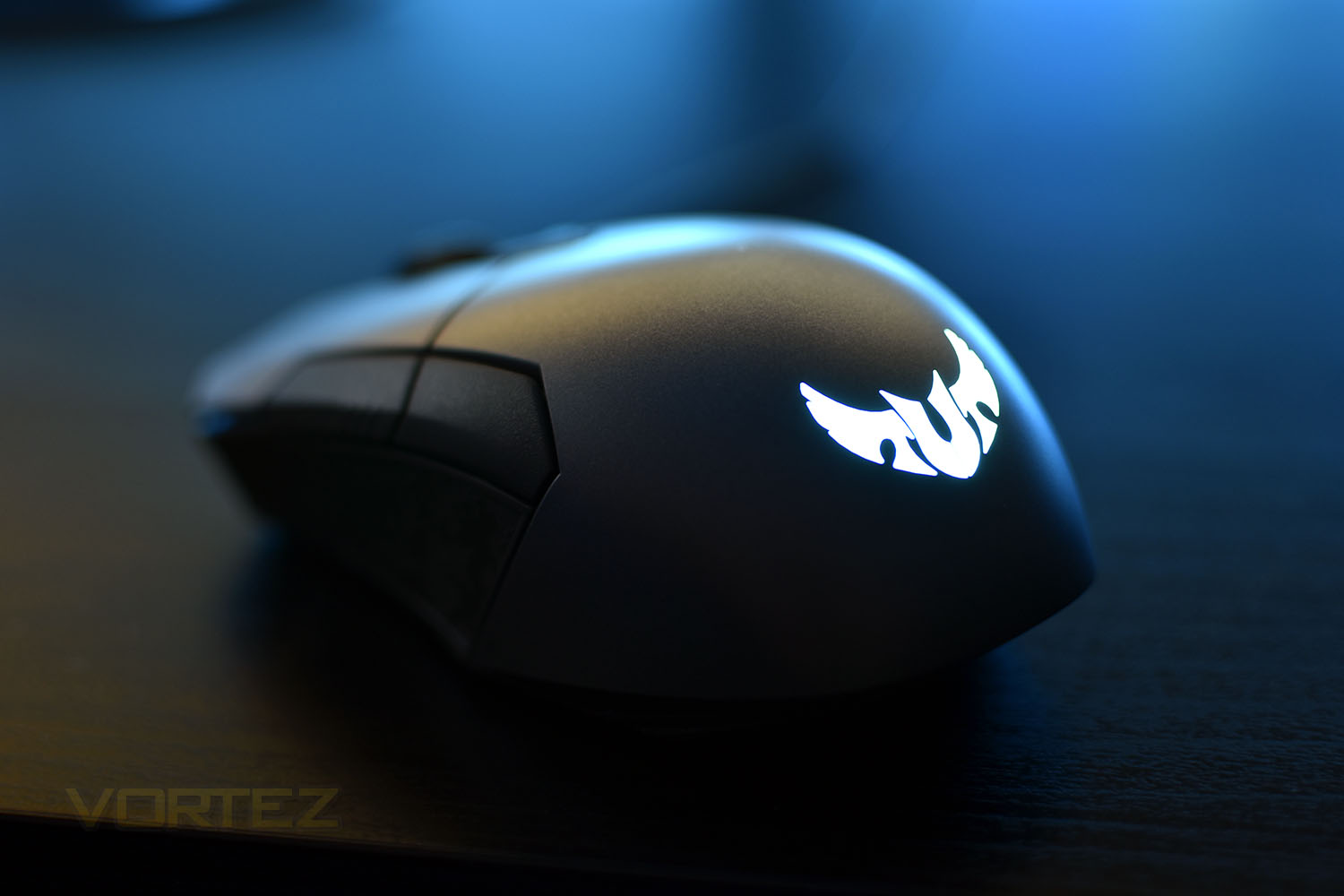
It wouldn’t be right to review a gaming mouse without RGB lighting. The rear of the TUF Gaming M5 lights up in all the colours of the rainbow; by default it cycles through the colours but you can choose a static colour or make it react to clicks of the mouse, which seems a little redundant because your hand will be in the way. The lighting is bright and clear and syncs with other ASUS Aura products if you own any.
Conclusion
After using the M5 for a few days and giving it a fair crack at the whip, it performs fairly well for its price point.The 6200 DPI sensor is accurate for the most part, but we felt it was doing something slightly awry when trying to use it in a snap-shooter which sadly detracts from the overall appeal somewhat. We also found that the optical sensor’s operating range was only reliable at anything below 3000; that’s not much of an issue, however, with most users generally sticking to sensitivities lower than that.
The RGB lighting is a nice addition and is well implemented. It’s not over the top and is plenty bright enough to be vivid and colourful without causing glare in a dark room. ASUS have found a good balance here.
Build quality is decent, there’s no rattling or a feel of poor workmanship but the lightweight chassis and rubber-coated cable don’t do it any favours. A braided cable addition cannot be that costly, surely.
Finally, the software. This is where we feel ASUS let us down a lot in this review. Having to reboot the PC and plug in the mouse was a pain in the neck whenever an adjustment had to be made. ASUS will no-doubt resolve this issue with an update to the software but at the time of writing, it presents a huge issue. Without a second input device, or an intricate knowledge of navigating Windows via the keyboard, it’s almost impossible.
The ASUS TUF Gaming M5 offers an inexpensive entry into the world of higher end peripherals, but the lack of sensor accuracy at speed and the ROG Armoury software ruin any enjoyment you might’ve had.
Pros
+ Comfortable for claw/fingertip grip users
+ Lovely RGB lighting
+ Relatively cheap
+ Decent build quality
Cons
– ASUS ROG Armoury doesn’t work properly
– Rubber-coated cable
– Poor high-speed sensor accuracy
+ Comfortable for claw/fingertip grip users
+ Lovely RGB lighting
+ Relatively cheap
+ Decent build quality
Cons
– ASUS ROG Armoury doesn’t work properly
– Rubber-coated cable
– Poor high-speed sensor accuracy
Click here for an explanation of our awards at Vortez.net.
Stay connected with the Vortez Social Media pages:
Join in with the discussions on Discord