Now packing a huge 32 LCD keys and an improved software suite, the Elgato Stream Deck range receives a large boost.

Product on Review: Stream Deck XL
Manufacturer: Elgato
Street Price: £229.99 / $249.99
Live streaming on Youtube and Twitch has become huge among the gaming community and it shows no signs of slowing, with children now growing up wishing to be the next big thing online. With this popularity, companies are jumping on the bandwagon and providing bespoke equipment specific for the task.
Elgato are arguably the biggest name in streaming equipment at the moment, with capture cards, green screens, lights and USB docks all tailor-made with one goal in mind, professional, quality streams. Of course, they also produce the Stream Deck, which is why you’re here, with our review of the brand-new XL.
Thanks to the popularity of streaming, several programs have popped up to aid users in making high-quality live streams and the Stream Deck aims to integrate seamlessly with the likes of Twitch, YouTube, Mixer, Streamlabs, OBS, Elgato’s own software and more to streamline processes, transitions and effects.
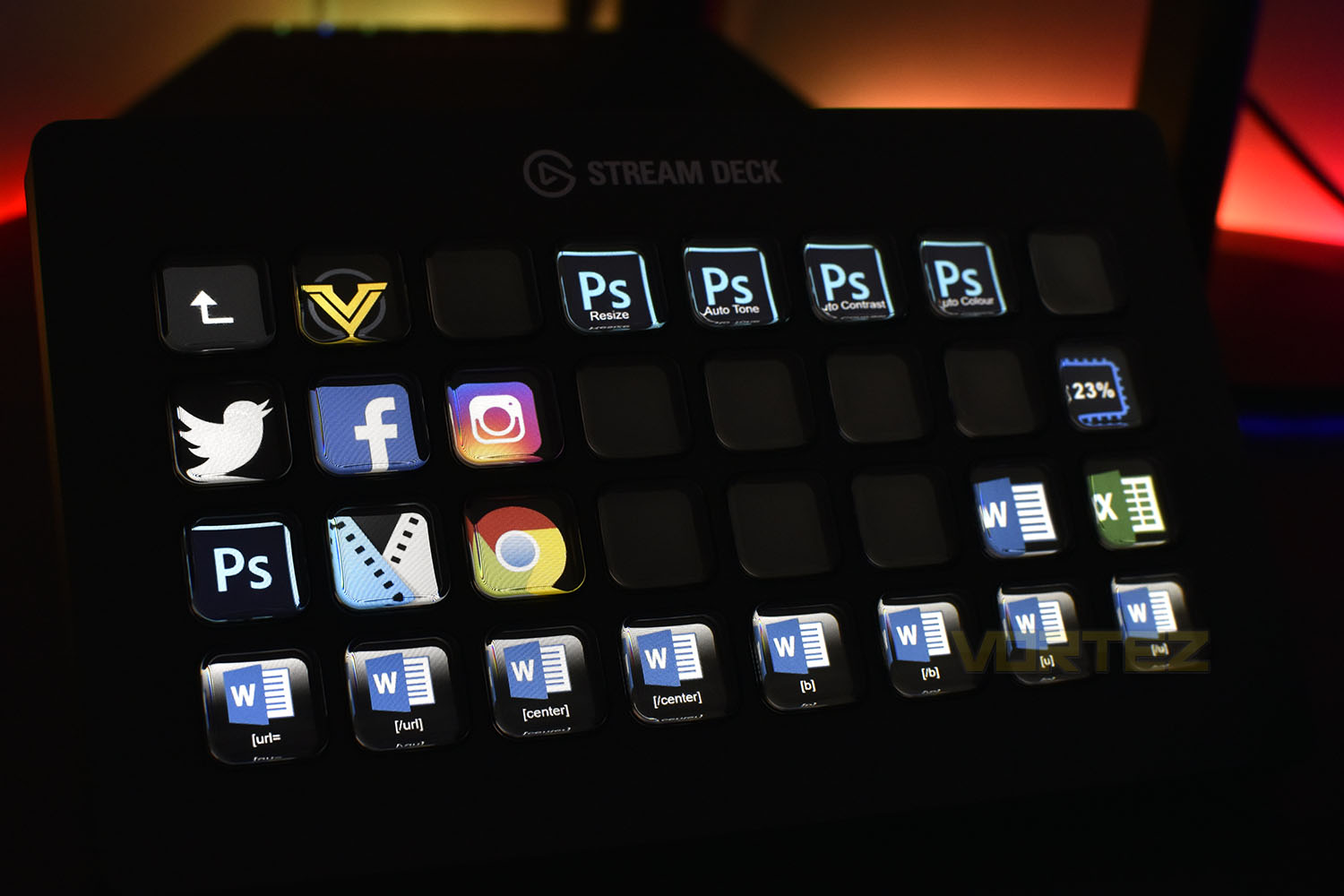
What’s new with the Stream Deck XL? The biggest change is the inclusion of 32 entirely separate LCD screens, measuring roughly 15mm x 15mm and boasting a resolution of 72 x 72 pixels, this obviously provides much more real-estate to access commands without dipping in and out of folders quite as often. Elgato also offer the Stream Deck with 15 keys and the Stream Deck Mini with 6.
Thanks to the LCD screens, you can import your own logos and set up custom commands, making the device remarkably versatile and useful for much more than just streaming. Common inputs, which would typically require remembering tens or hundreds of complex key combinations, can be easily set up to operate at the push of a single button; video editors, audio engineers, architects, the list goes on.
Elgato on the Stream Deck XL:
Stream Deck XL puts even more creative power at your fingertips. Meaning you get more studio-level control to optimize your content. More access to time-saving integrations. More scope to boost your production value. More of everything that keeps your stream fresh, and your audience hooked.
Technical Specifications
Requirements
Mac: MacOS 10.13 or newer
Windows: Windows 10 (64-bit)
Specifications
Keys: 32x Customisable LCD keys
Dimensions: 182mm x 112mm x 34mm (7.17in x 4.41in x 1.34in) without stand
Interface: USB 3.0
Weight: 410g (14.46oz) without stand
Contents
1x Stream Deck XL
1x 1.5M USB-C to USB-A cable
1x Magnetic stand
1x Quick start guide
Mac: MacOS 10.13 or newer
Windows: Windows 10 (64-bit)
Specifications
Keys: 32x Customisable LCD keys
Dimensions: 182mm x 112mm x 34mm (7.17in x 4.41in x 1.34in) without stand
Interface: USB 3.0
Weight: 410g (14.46oz) without stand
Contents
1x Stream Deck XL
1x 1.5M USB-C to USB-A cable
1x Magnetic stand
1x Quick start guide
Packaging & Bundle
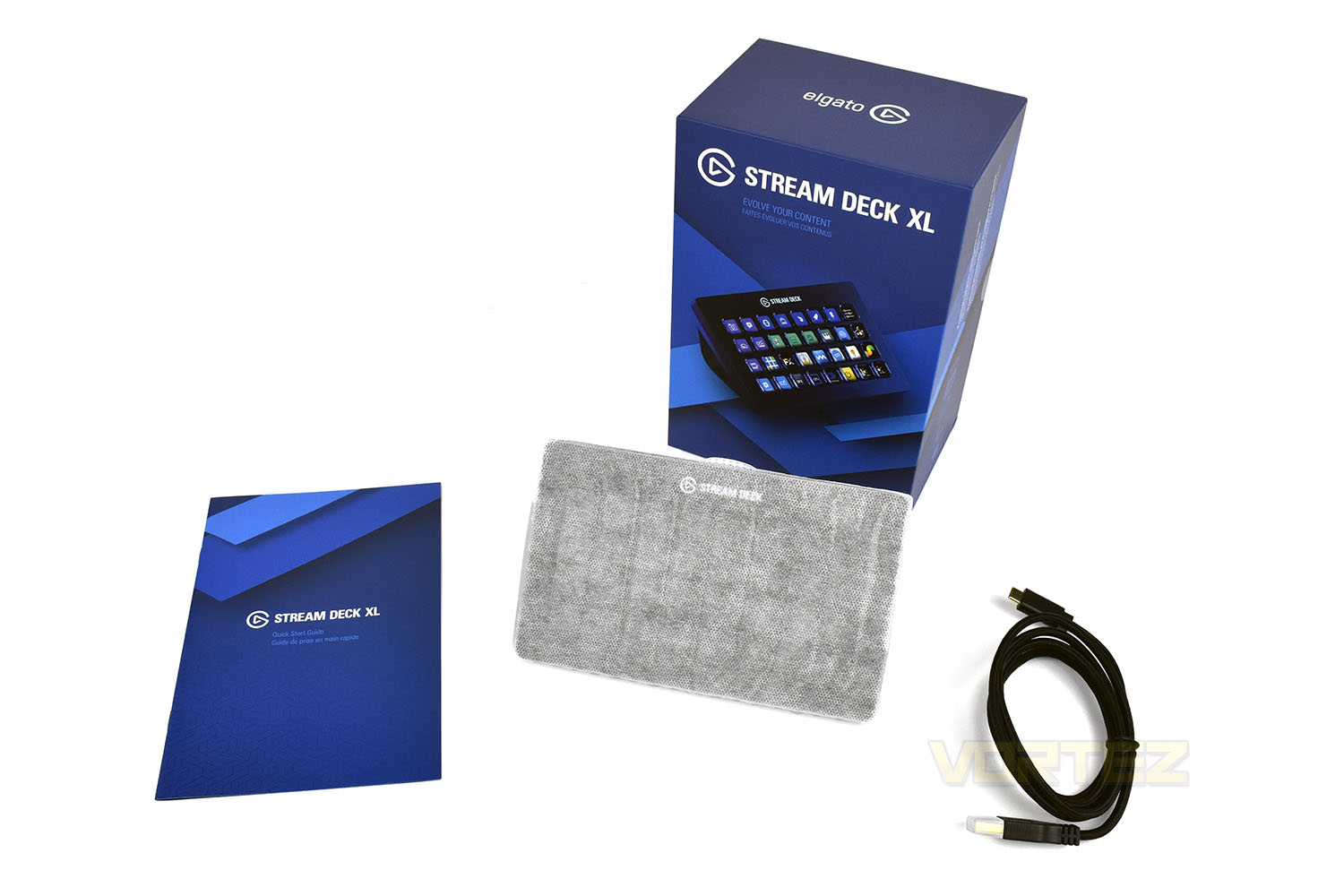
Elgato’s chosen colour scheme is blue. Blue everything. So, the packaging, as is no surprise, is blue. The front shows a picture of the device with a title at the top.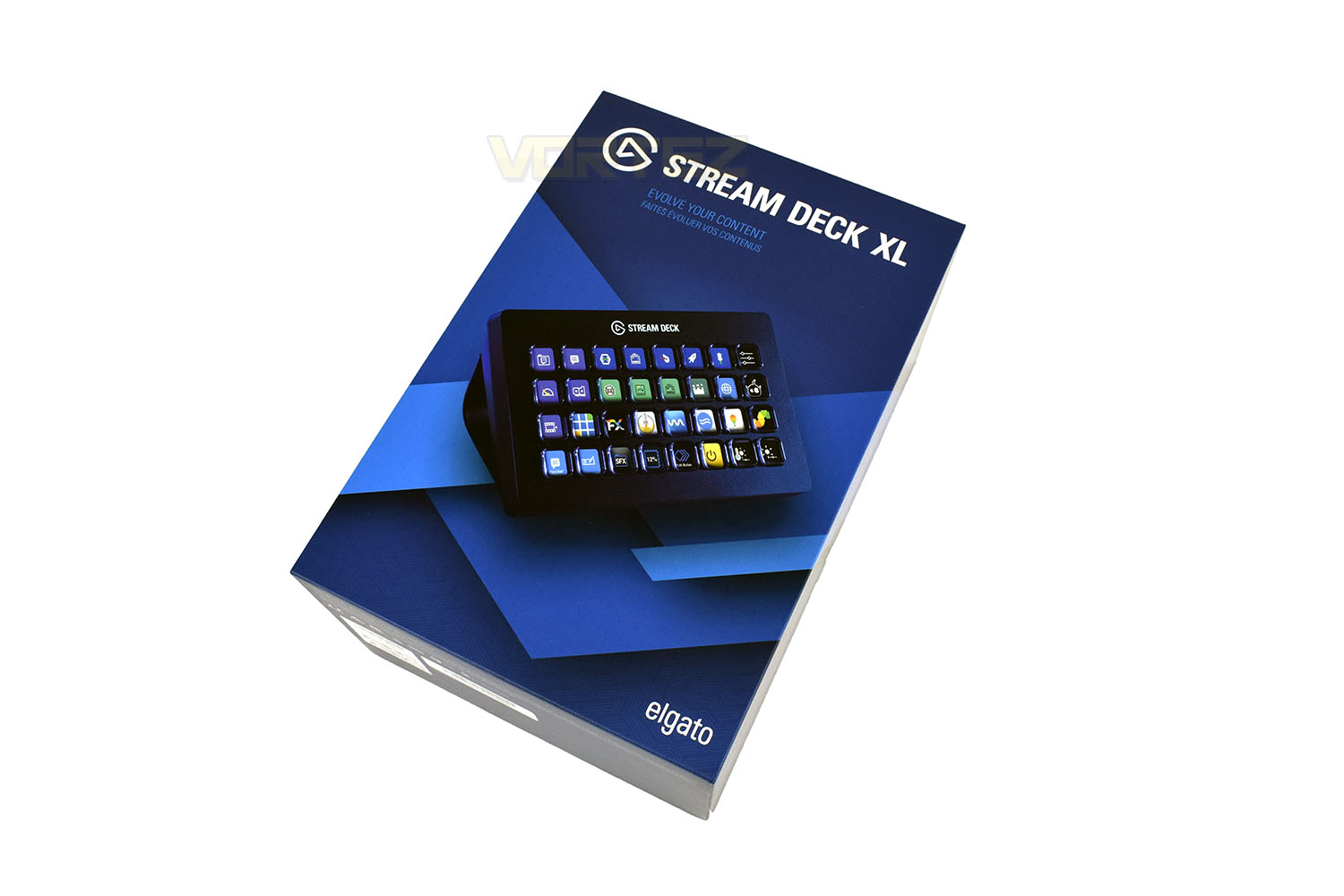
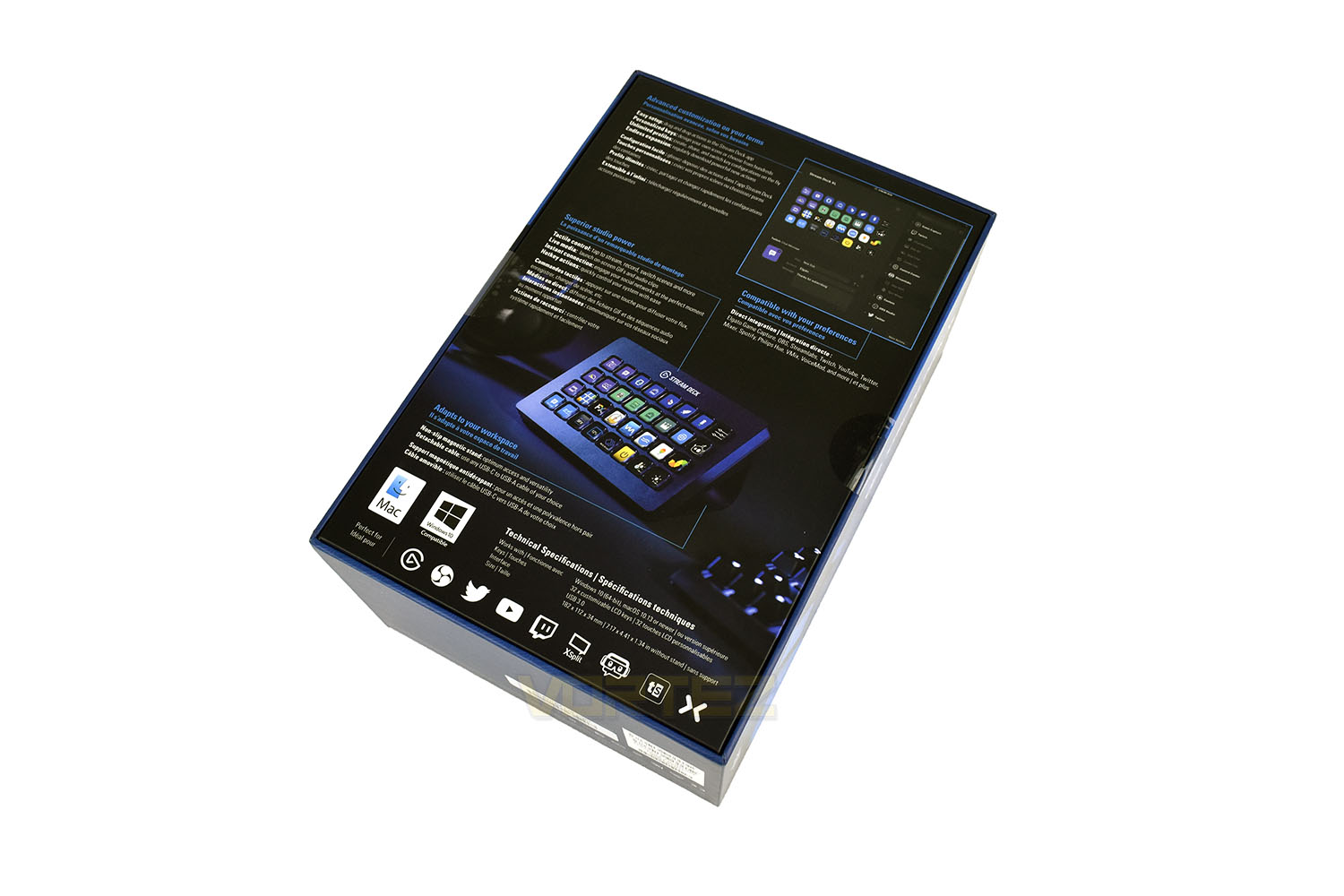
Tipping the box on its front, the specifications and information is plentiful, showing potential customers exactly what the product does. However, we imagine if you’re looking at the product, you already have a firm grasp on what you’ll use it for.
The packaging opens up like many smartphone boxes, with an awkward self-forming vacuum seal between the two pieces making progress on removing the lid quite slow.
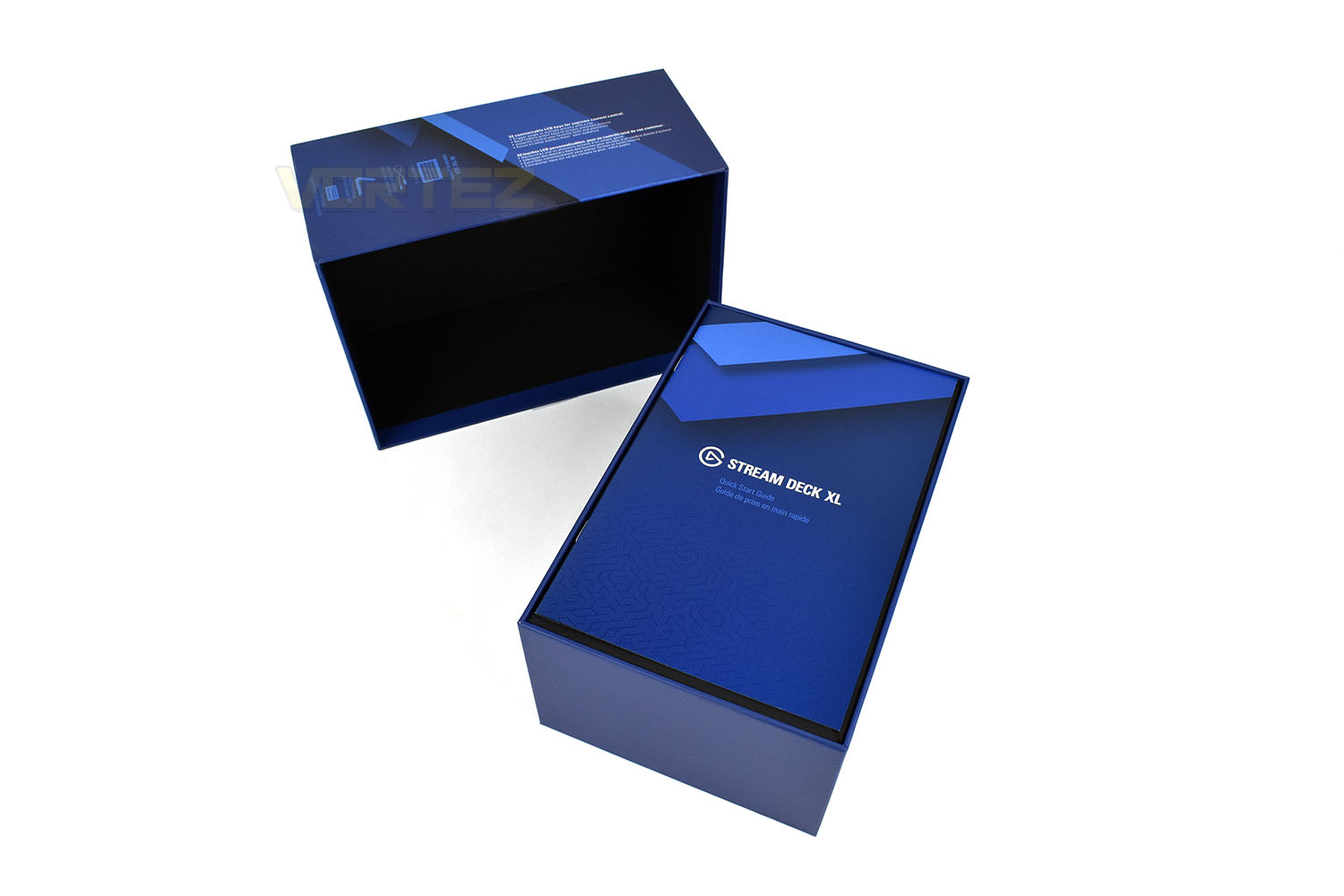
Once open, you get the Stream Deck XL, a magnetic 45° stand, a 1.5M USB C to USB A cable and a quick start guide.
Closer Look
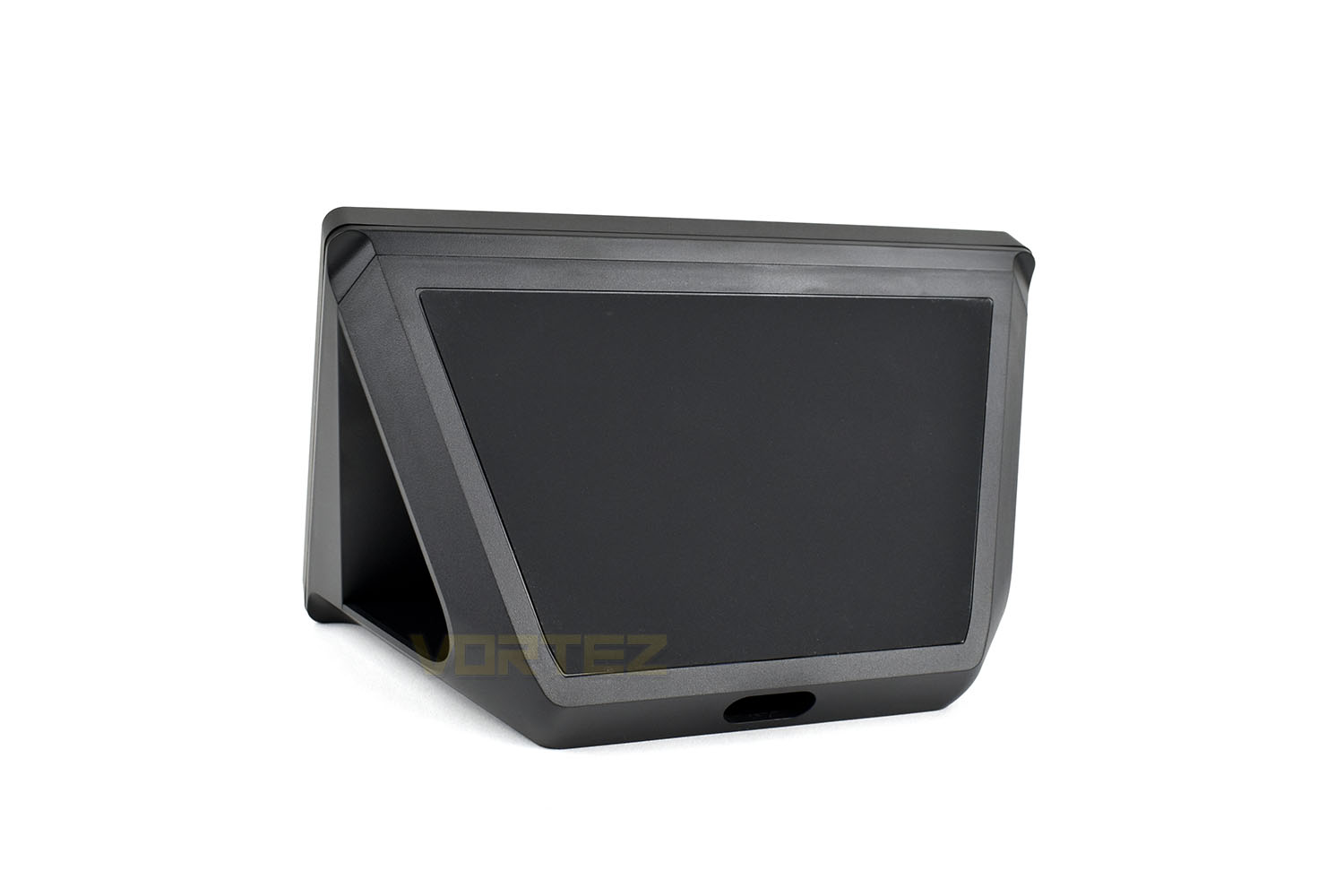
With the device now boasting a huge 32 buttons, the size of the device obviously had to be increased. The XL measures 90mm tall, 125mm deep and 185mm wide if stood up on its stand, without the stand, it’s 35mm x 115mm x 185mm.Each of the 32 LCD displays is roughly 16mm x 16mm, packing a resolution of 72 x 72, and spaced with around 3.5mm between each button. The soft-touch plastic cover on each display is slightly concave to make each button easier to press, they’re also very grippy so your finger won’t slip off.
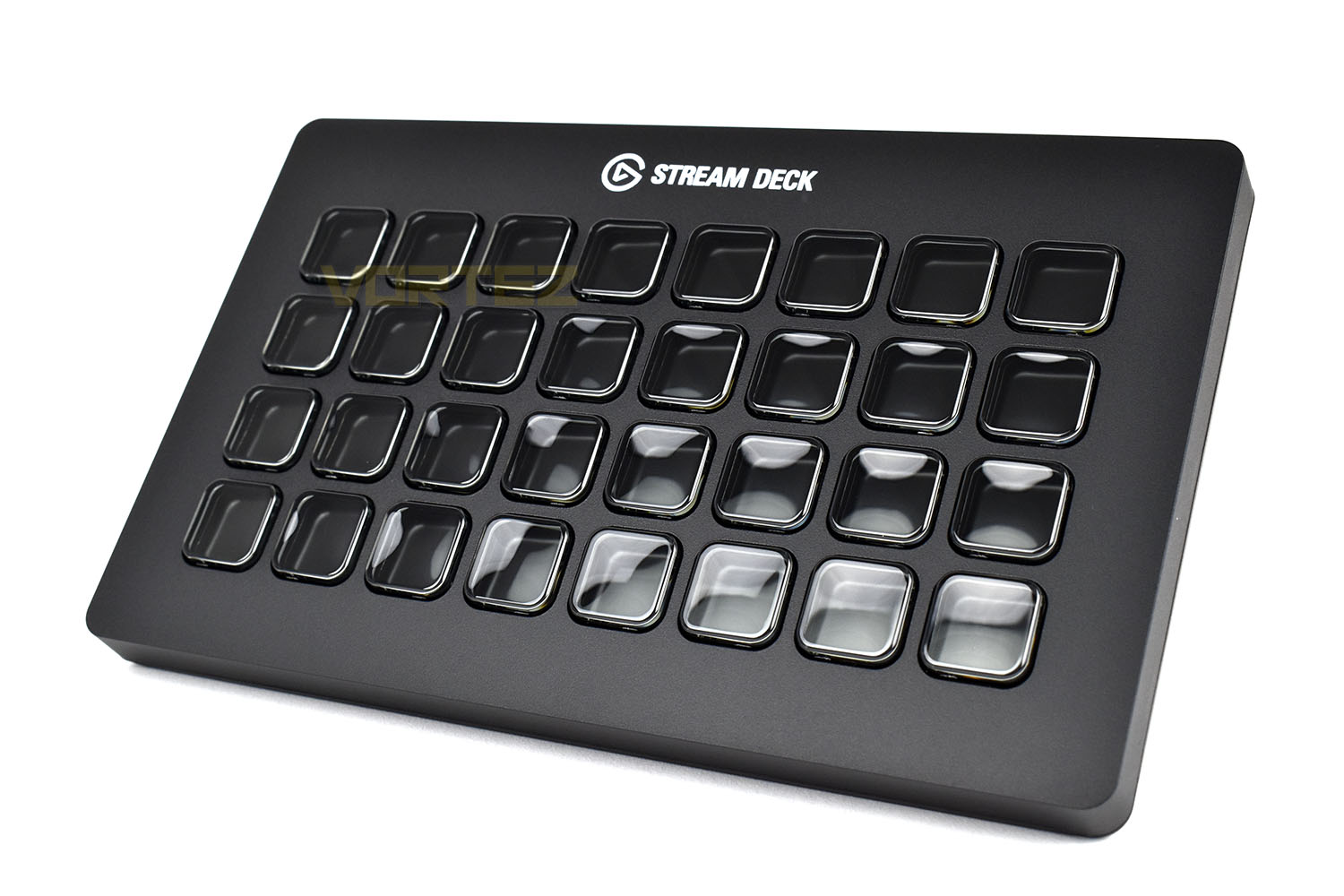
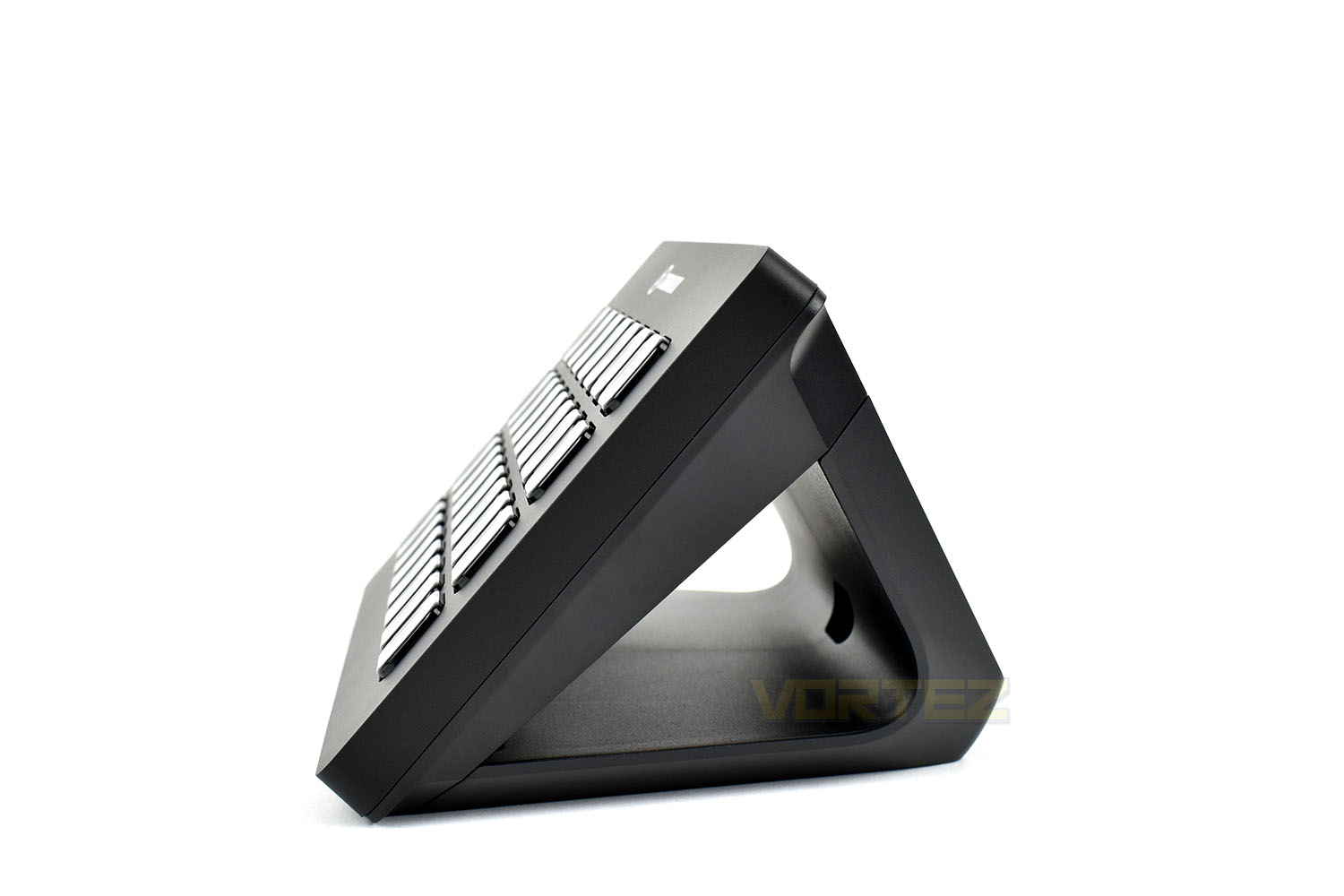
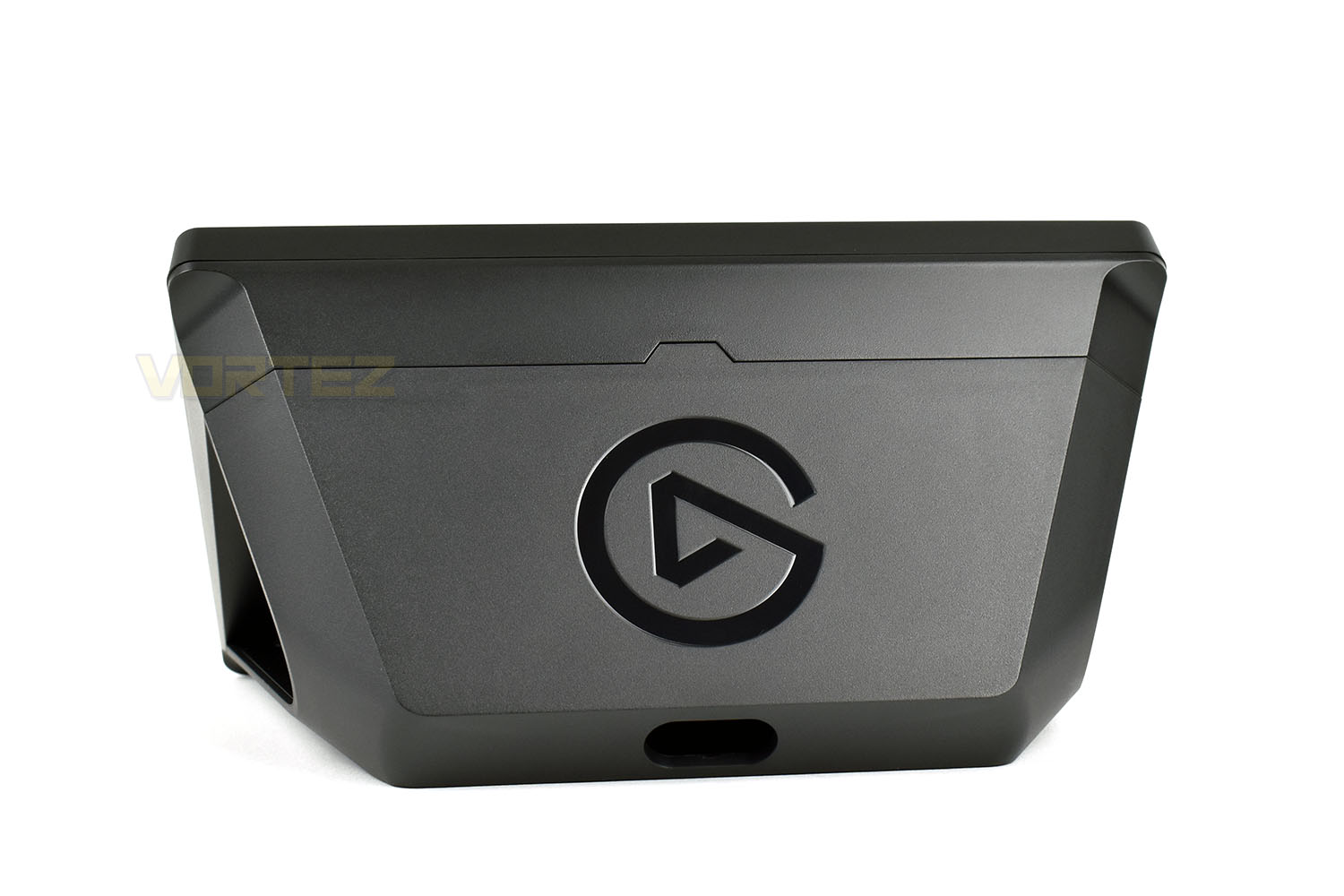
Each button sits slightly proud, at roughly 2mm, of the Stream Deck instead of being flush with the device, this is likely a choice to put in place to enable the device to be laid flat and used without issue. Behind the Stream Deck, inside the stand is an empty void to allow the cable to exit out the back cleanly.
The slot in the middle is the cable exit.
Removing the device from the base, the four rubber feet in each corner are also magnetised, locking the Stream Deck and the stand together or allowing you to lay it flat.
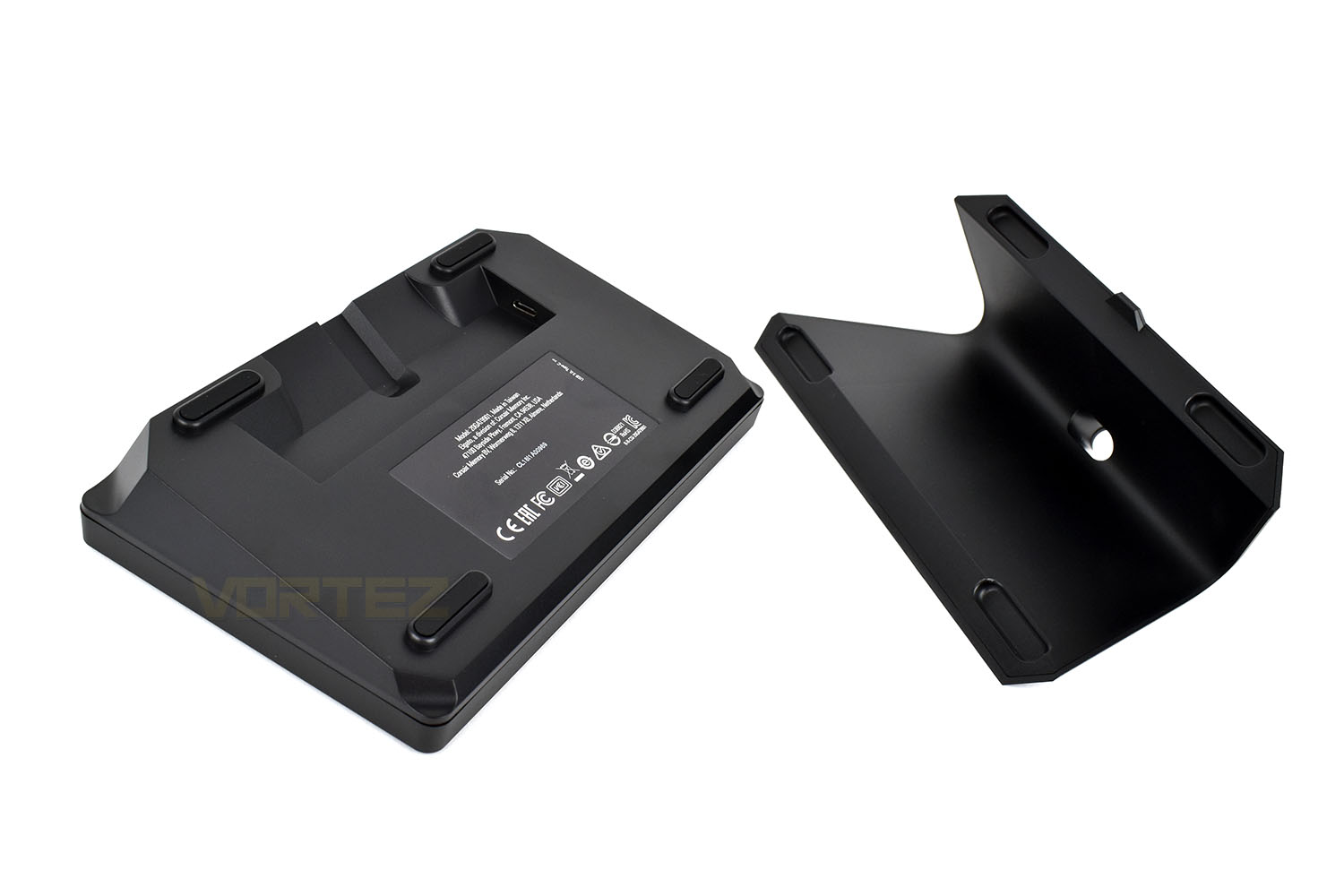
Finally, the bottom of the stand is fitted with a very grippy rubber mat. Trying to push the Stream Deck XL along a wooden desk proved the worth of this addition.
Software
Elgato’s Stream Deck software provides a live display of everything you see on the device with no latency between the two when making changes. This allows you to see in real-time whether or not you feel they’re located in the right areas and also if they’re properly visible due to the slight curvature of the keys. Some keys may work better at the top of the device, or at the bottom, however Elgato do give a lot of customisation on where titles are placed and what font and font sizes are used.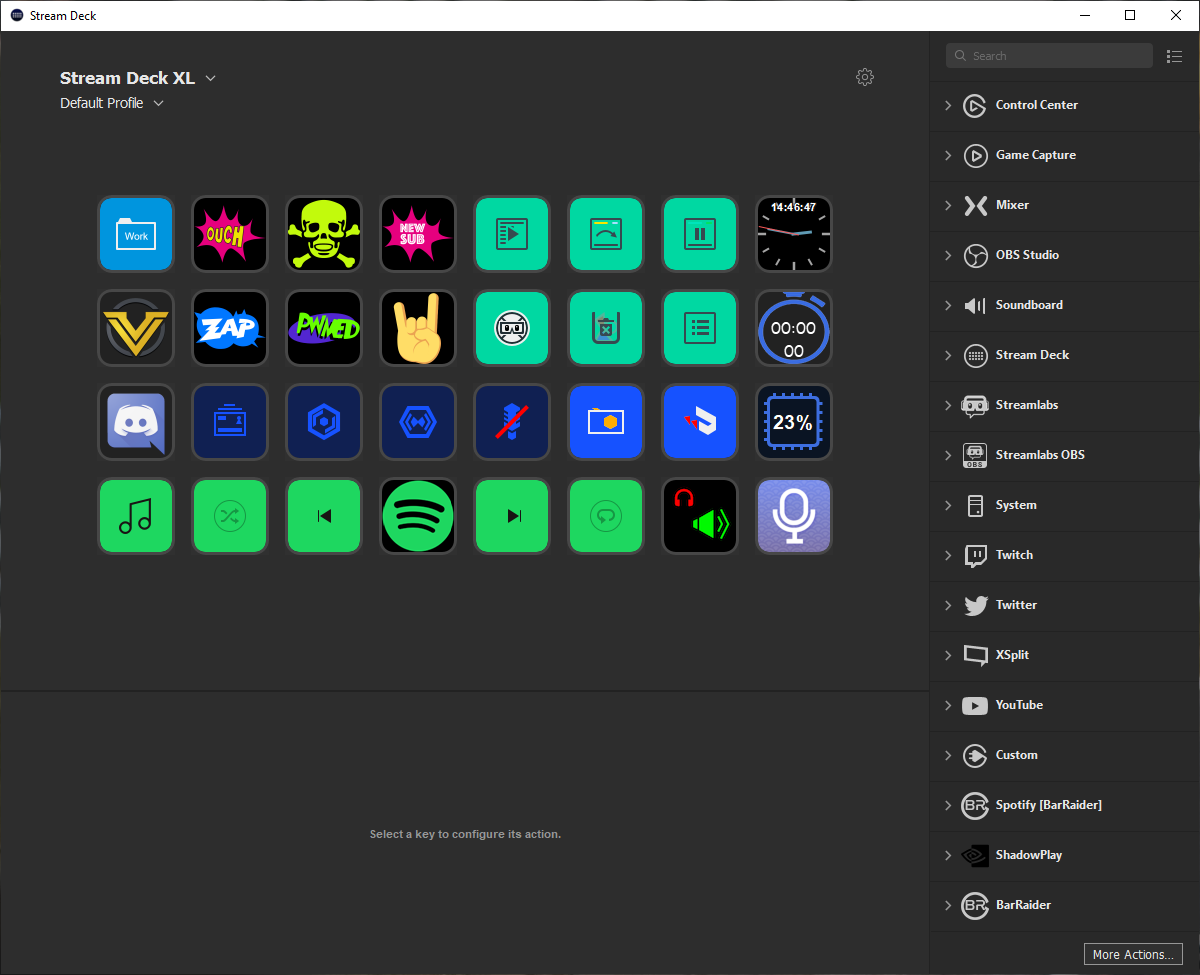
The default, built-in buttons, listed down the right-hand-side are largely tailored towards streamers, though thinks like allowing hotkeys or websites to be assigned do help with everyday tasks. For instance, streaming isn’t something I’ve ever played around with, but memorising several keyboard shortcuts in Photoshop can be tedious, particularly for tasks like resizing images, doing so with a single keypress can help streamline your workflow substantially.
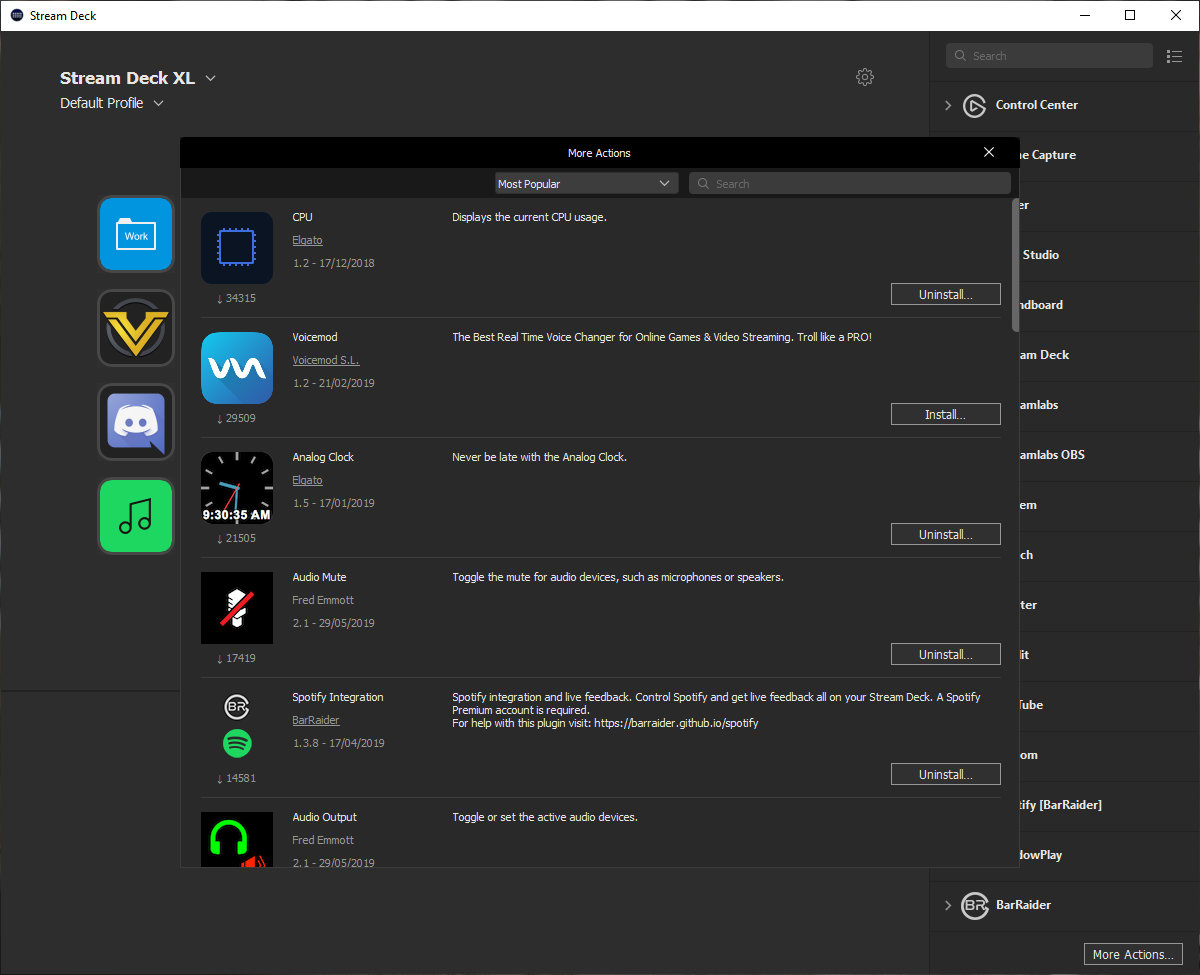
Those familiar with BBCode, used in basic text formatting on our website, will notice that the Work folder below is stacked full of BBCode shortcuts, instead of typing them in repeatedly when formatting a page to be uploaded, this may only take a few seconds, but when doing that for multiple reviews per week, and for 10 to 15 images per review, it all adds up, and thanks to Elgato’s implementation of folders, the notion that you may be wasting keys for menial tasks can be ignored.
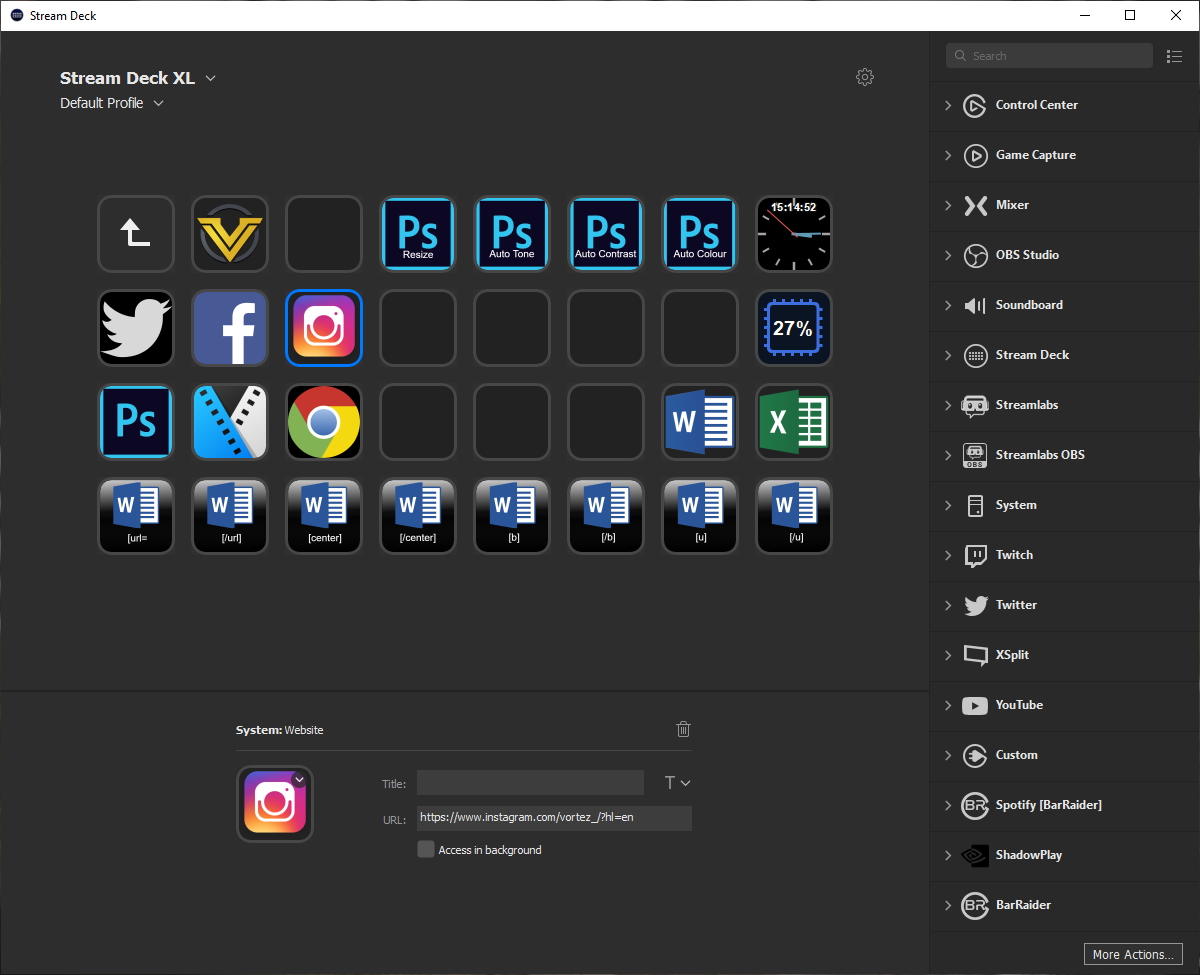
New to a recent software update is the ability to use Third Party applications, things like a CPU usage display or an analog clock. The selection isn’t huge at the moment, with around 30 downloadable options, including Shadowplay, Spotify, Philips Hue and more. We’ll look forward to seeing what the community can bring to the table in the coming months but for now, we see that as a very exciting idea.
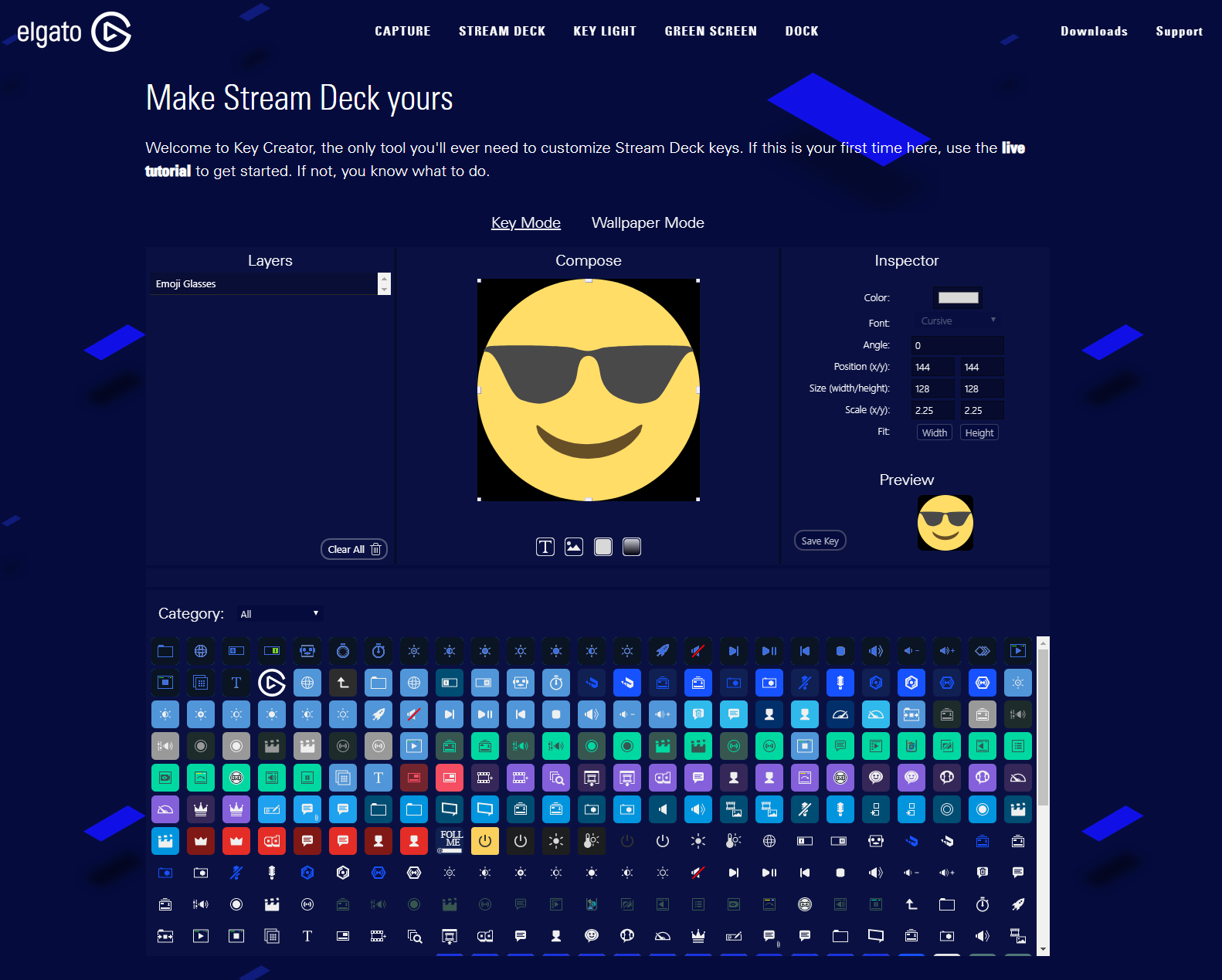
Elgato also give you the option to create custom icons in their Key Creator. This tool should really be built into the software itself instead of being a separate online editor, necessitating you to manually download and save each icon, then assign it to the keys. This extra step can get a little tedious and difficult to visualise what it’ll look like on the Stream Deck.
The online Key Creator can also be used to generate a Wallpaper for the device, using all of the keys individually to build up one single image. The Stream Deck does this upon boot up with the Elgato logo but at the time of writing we’re not able to show you how this works as they’ve not updated their website to support the 32 keys yet.
Having said that, the editor is reasonably powerful and super easy to get to grips with. There’s plenty of default icons to play with, even allowing you to upload your own images to edit on top of.
Also, while Elgato provide the editor for you to play with, you can make your own icons from any JPEG or PNG file, just try to ensure they fit the 72 x 72 pixel size to avoid any scaling issues.
And if all of that is too much, we found plenty of icon packs available to download from a few places online. It goes without saying but these aren’t officially endorsed by Elgato so tread carefully when downloading .zip packages from the internet.
The Stream Deck software allows users to set up multiple profiles, say for specific games or even if more than one person uses the same PC, but what it doesn’t seem to be set up for is saving of setups. Having spent a good few hours setting, playing with and adjusting the layout of this Stream Deck XL, it would be incredibly frustrating to lose all of that. Some kind of cloud backup, or even local backup of profiles and layouts, would be welcomed with open arms.
Performance Testing
To test the Stream Deck XL we decided to focus on its productivity merits, rather than its ability to increase Streaming production value. That’s been covered everywhere and we don’t feel we’d get anywhere close to the potential of this device with a few days crash course in streaming, plus, you don’t want to see me playing Fortnite.Adding links to commonly used websites, applications and shortcuts is handy, particularly if you set up multiple folders and have several projects on the go, though using the Stream Deck as a unit that remembers keyboard shortcuts and Macros for you is even better. For instance, someone may find they use Photoshop and Sony Vegas on a daily basis, where keyboard shortcuts are part and parcel of the task, though remembering those keyboard shortcuts is a lengthy and frustrating process where you’ll often find yourself in a cascade of menus looking for the button on-screen anyway, having forgotten the particular shortcut. An example of this is resizing photos for these reviews, the DSLR camera takes photos at exactly 6000 x 4000 but, to make things easier on your internet connection, we scale these down to 1500 x 1000. The process for this in Photoshop is:
CTRL + ALT + I
[type] 1500
Hit Enter
CTRL + 1
[type] 1500
Hit Enter
CTRL + 1
That goes through a process of opening the resize menu, setting the horizontal pixel size, with the vertical pixels automatically filling in at the current ratio of 6:4, then zooming in from 25% to 100% to bring the image back up to a useable size. This is something that can be done very quickly but binding it to a button on the Stream Deck XL helps to save a few seconds per photo, on every photo, and gets rid of any mistakes. And remember, this is just a single example of one Macro that can be bound to any of the 32 LCD displays.
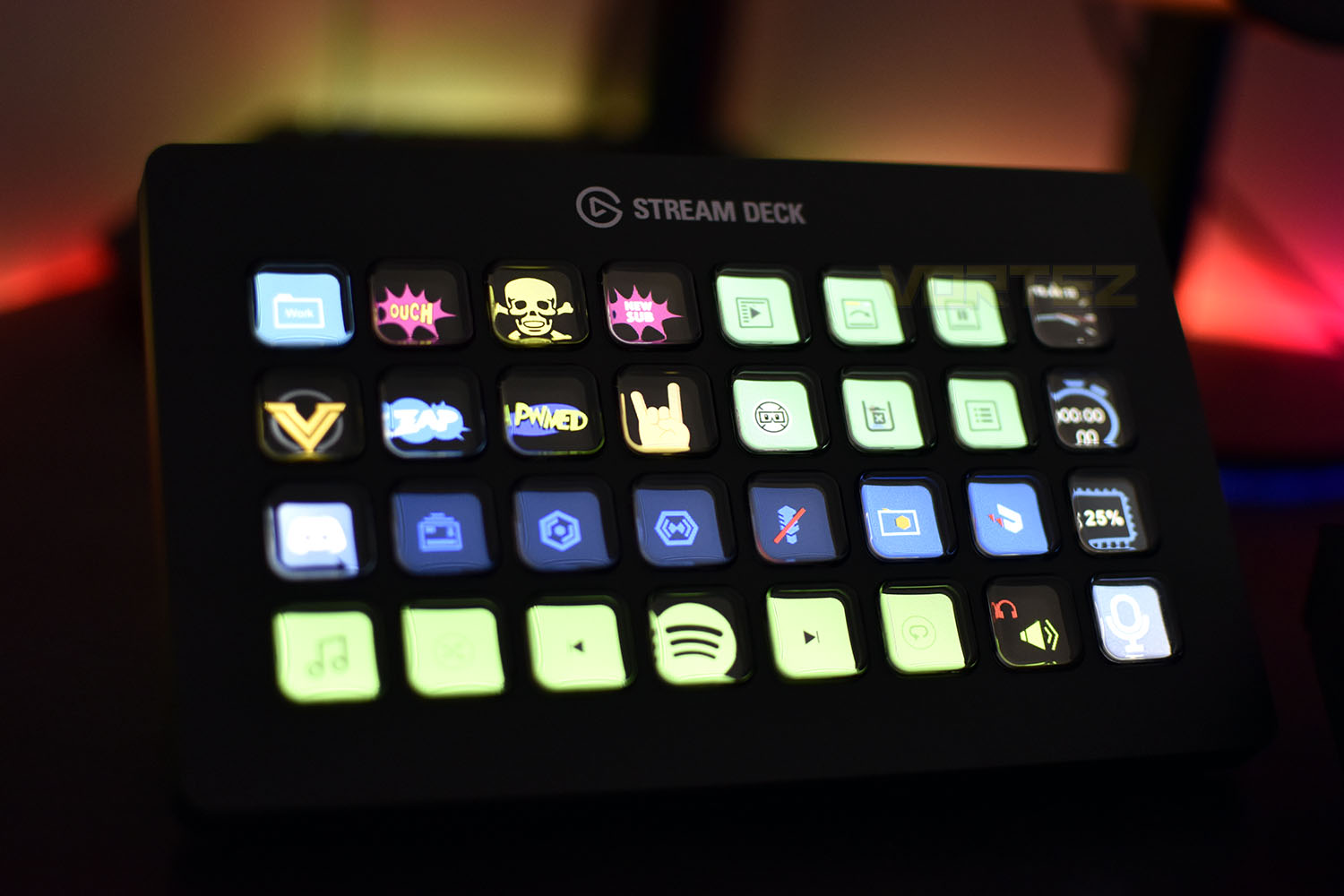
Moving onto the build quality. The device weighs around 500g with the stand, which paired with the non-slip rubber base makes it very difficult to move for the most part, but with the top-right and top-left buttons, if you’re even a little bit too enthusiastic with your press, you can find the device will rotate on the spot.
The buttons, in use, feel solid and we love the concave shape and grippy texture of each key, but we noticed that the top-right corner of each screen does dis-colour substantially under each press, even when using a small amount of force. We trust that Elgato have done their homework and thoroughly tested the robustness of the LCD screens but an underlying concern still remains as to their ability to withstand this on a day-to-day basis for years to come. Also, due to the shape of the plastic surrounds on each button, you do get a slight amount of warping and distortion around the edges of the buttons but nothing that ruins the appearance too much.
Another concern we have is the devices set angle of the stand. While it does offer a much better viewing angle than lying it flat on the desk, we’d still prefer to have some adjustability like was seen on the original Stream Deck.
One final point that we feel is worth a mention is Elgato’s decision to move to a removeable cable. Keeping a workspace tidy and clutter free is important to a lot of people so allowing their users to choose a cable of their own length almost certainly helps with that. We also praise them for using USB Type-C instead of Micro-USB; it’s much more robust and is more in-tune with the times.
Conclusion
The Elgato Stream Deck XL is certainly a unique product from a company that specialises in a very niche market, however, outside of streaming, the Stream Deck range offers much more usability than just improving the quality of your streams. This is a powerful tool that, if unleashed correctly, can really streamline your workflow.Firstly, the build quality of the device is excellent, we love Elgato’s choice to use a removeable USB Type-C cable and the rock-solid non-slip base with magnetic attachment helps to keep the device steady and in place, however, it’s not perfect and some care does still need to be taken to prevent it being pushed around your desk. The buttons feel excellent and are spaced nicely with a lovely concave shape but we’d really like to see the screen below not suffer any colour shifting when pressed, which signals some damage to the LCD below may occur.
Moving onto the software, Elgato have some a stellar job on this, so far. The built-in application tie-ins gives any budding or well-established Streamer the tools they require to produce beautiful and professional quality streams without memorising tens or hundreds of key shortcuts, many of which may interfere with their game, but it also gives music producers, video editors, content creators and, well, almost anyone a useful piece of software to build up their own Macros and shortcuts. However, now to explain the “so far” caveat. Elgato provide their Key Creator tool to produce high quality icons for your device but it’s not built into the software, instead relying on your internet browser to create the icons, with a laborious method of adding them to keys on the device. The software also offers no way of backing up your current loadout; you could spend tens of hours perfecting and honing your device to operate perfectly but that could all be lost without a backup ability. We also can’t wait to see what else the community develops thanks to Elgato opening the device up to Third Party plugins.
Now, onto the price. At £230/$250, it certainly isn’t cheap but if you’re producing content on a daily basis and require a unique, and potentially very powerful tool, then that cost likely pales into insignificance when considering the time, effort and frustration you can save with a product such as this. And, if that pricetag is a little out of your budget, remember that Elgato offer the Stream Deck Mini and Stream Deck at a lower cost.
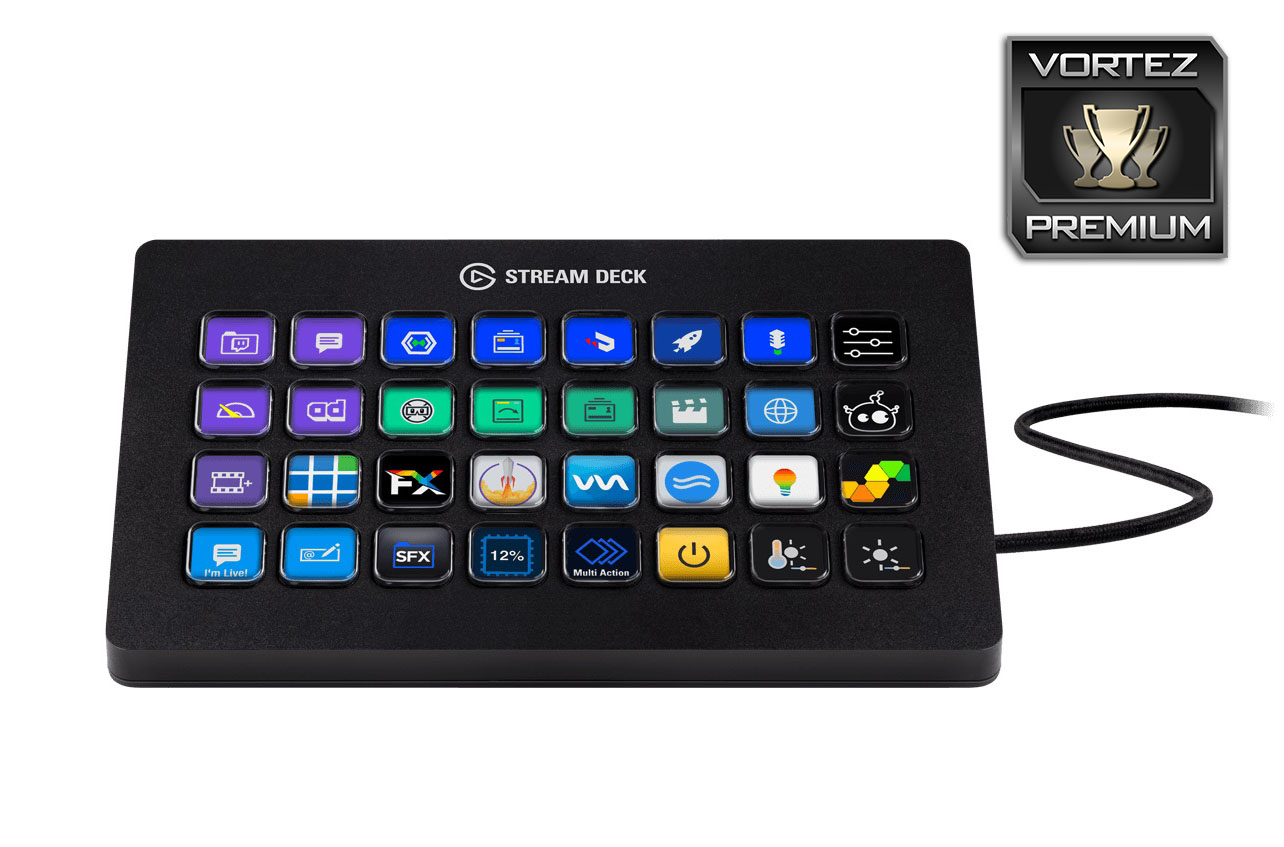
Great build quality, decent software, incredible potential and just downright cool. The Elgato Stream Deck XL gets a thumbs up from us.
Pros
+ Endless possibilities
+ Feels very well put together
+ Bright and vibrant LCD screens
+ Can streamline and optimise almost any workflow
+ Removable USB Type-C cable
+ Stand does a decent job of staying put
Cons
– Not adjustable stand
– Key Creator isn’t part of the software suite
– Costly
– No Wallpaper Mode
+ Endless possibilities
+ Feels very well put together
+ Bright and vibrant LCD screens
+ Can streamline and optimise almost any workflow
+ Removable USB Type-C cable
+ Stand does a decent job of staying put
Cons
– Not adjustable stand
– Key Creator isn’t part of the software suite
– Costly
– No Wallpaper Mode
Click here for an explanation of our awards at Vortez.net.
Stay connected with the Vortez Social Media pages:
Join in with the discussions on Discord