Cooler Master is looking to bolster their range of RGB enabled mousepads by bringing us their Masteraccessory MP750. Question is, can it impress as much as their MP860?

Product on Review: Cooler Master Masteraccessory MP750
Manufacturer: Cooler Master
Street Price: £42.99 GBP / $44.99 US
We’ve already taken a look at Cooler Master’s MP860 RGB mousepad, but now it’s the turn of the brand new MP750. The MP750 comes in at a lower price point than the MP860 and understandably forgoes some of its features, however, it does have some impressive attributes of its own.
The first notable feature is the water repellent coating the MP750 has; this new addition means that if you’re slightly accident prone, any spillages on the surface won’t matter at all. However, we can’t say the same for the USB connection point, so caution with liquids should still be advised. The MP750 also features a soft non-rigid construction meaning that it’s very easy to roll up and take with you. Other features include a non-slip rubberised base and of course some RGB illumination.
The MP750 is also available in three different sizes; there is the medium, large – which we have and the XL.
Cooler Master on the MP750:
The MP750 is a soft mousepad with winning in mind. The smooth surface is ideal for gaming with precision. The RGB lighting around the pad is super thick, super bright and the surface is splash proof. Additionally, improved stitching means more comfortable sessions. The final result? A mousepad that is serious about victory.
Technical Specifications
Dimensions
Dimensions – 470mm x 350mm x 3mm / 18.5” x 13.8” x 0.1”
Cable – 1.2m Fabric coated
Mouse Mat
Materials – Plastic / Cloth / Rubber
Surface – Finely textured microscopic mesh, Swift-RX identical surface with a water-resistant coating
Connectivity – USB
LEDs – 2
Colour – Black and purple
On-the-fly control
System requirements
Spare USB port
Internet connection
Dimensions – 470mm x 350mm x 3mm / 18.5” x 13.8” x 0.1”
Cable – 1.2m Fabric coated
Mouse Mat
Materials – Plastic / Cloth / Rubber
Surface – Finely textured microscopic mesh, Swift-RX identical surface with a water-resistant coating
Connectivity – USB
LEDs – 2
Colour – Black and purple
On-the-fly control
System requirements
Spare USB port
Internet connection
Packaging & First Look
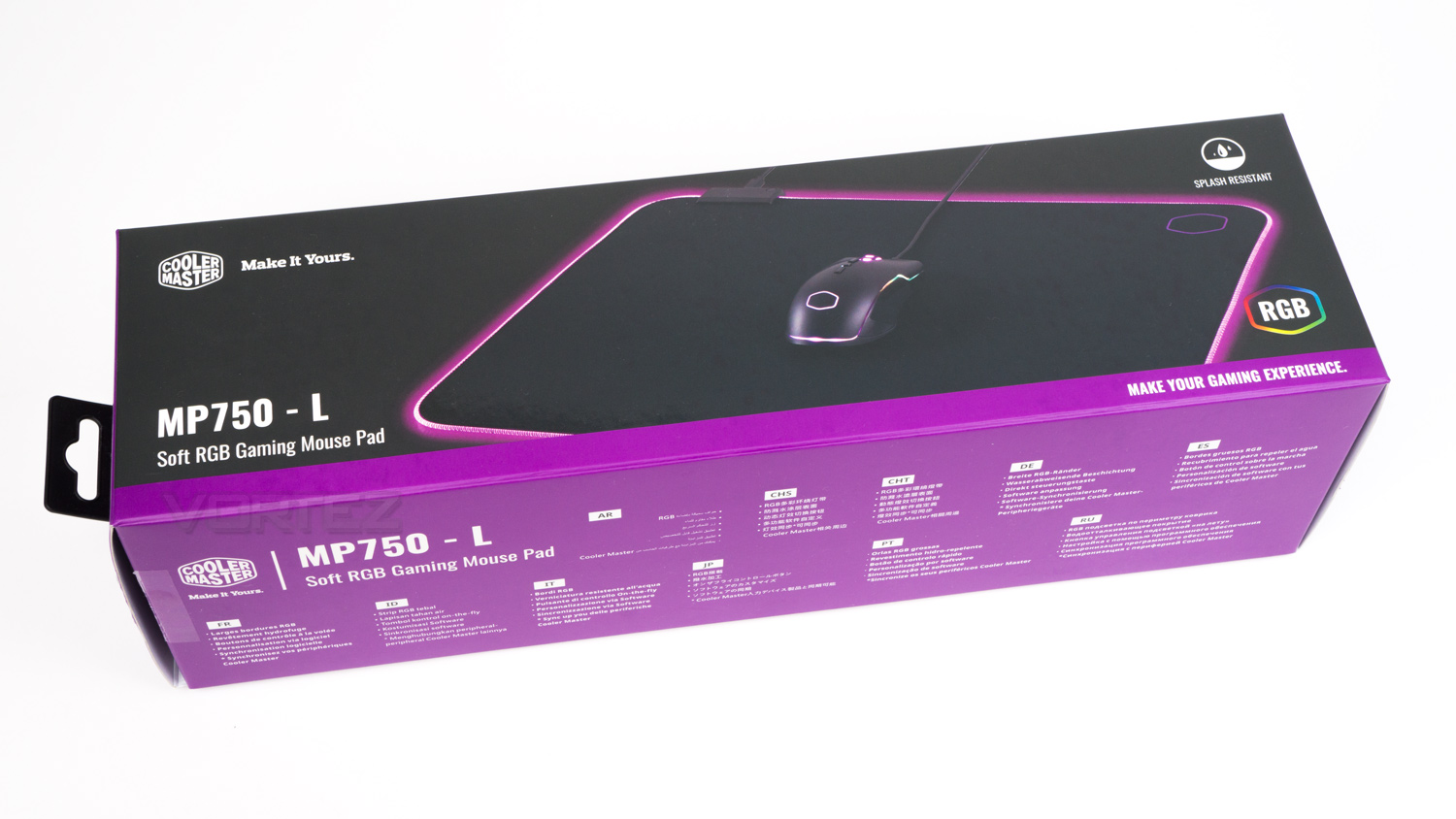
Like with the rest of Cooler Master’s boxes the one the MP750 arrives in is in-keeping with their ethos. On the front, there is an image of the MP750 as well as a small amount of information.
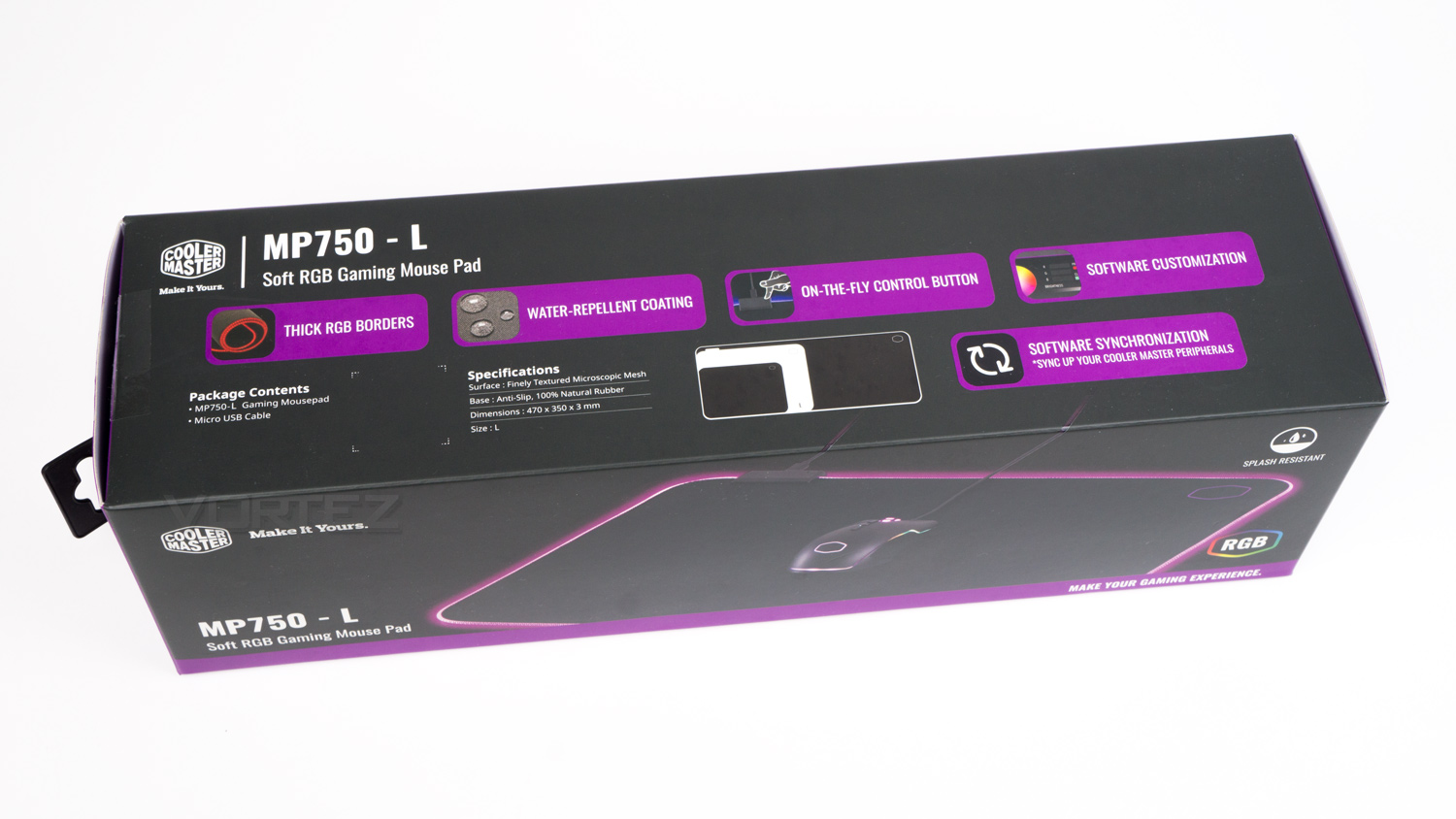
The rear of the box only displays Cooler Master’s website in a number of different languages. The top of the box, however, showcases some more features of the MP750 as well listing the specifications.
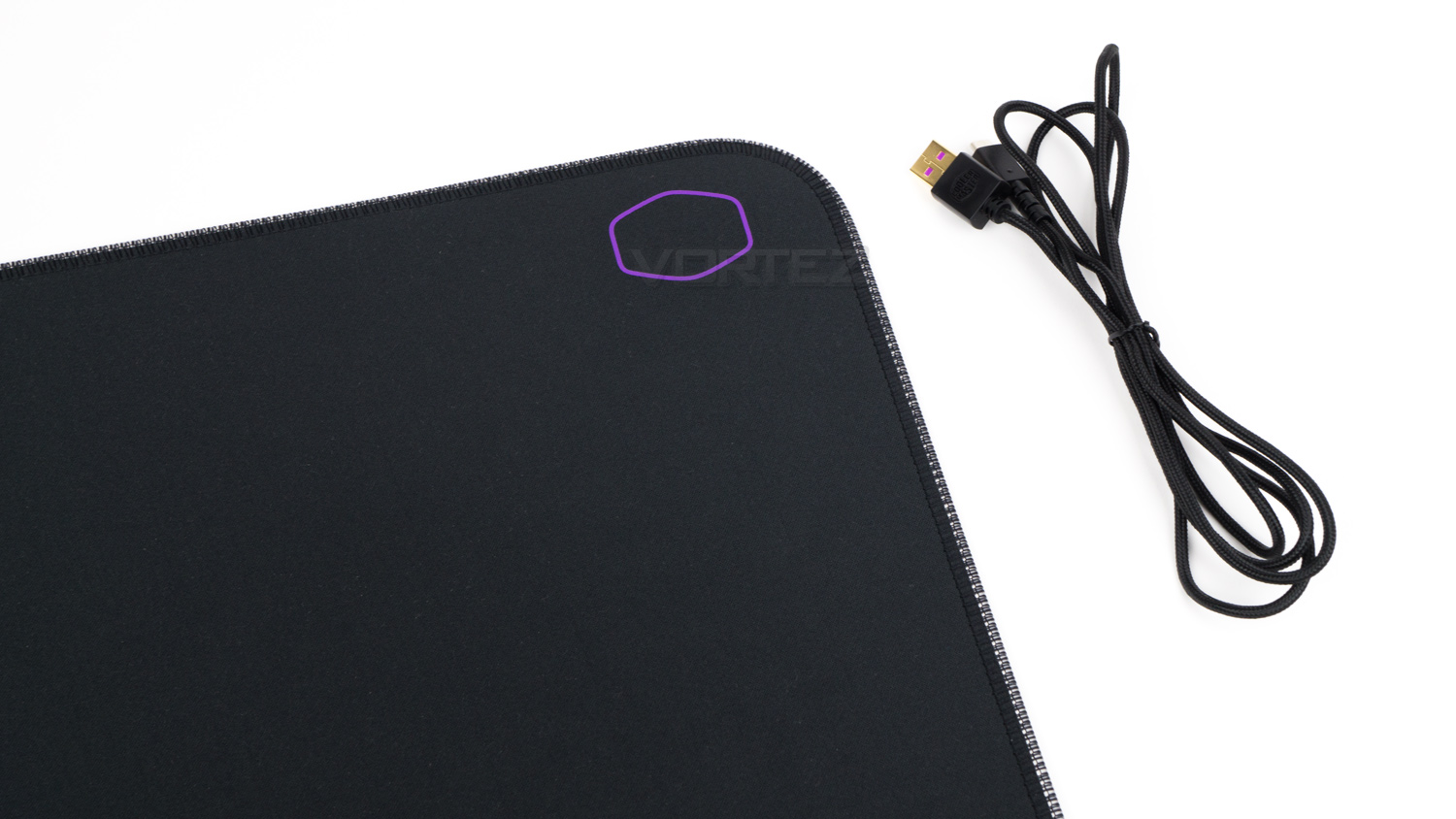
Within the box, there is the MP750, a USB cable and that is all.
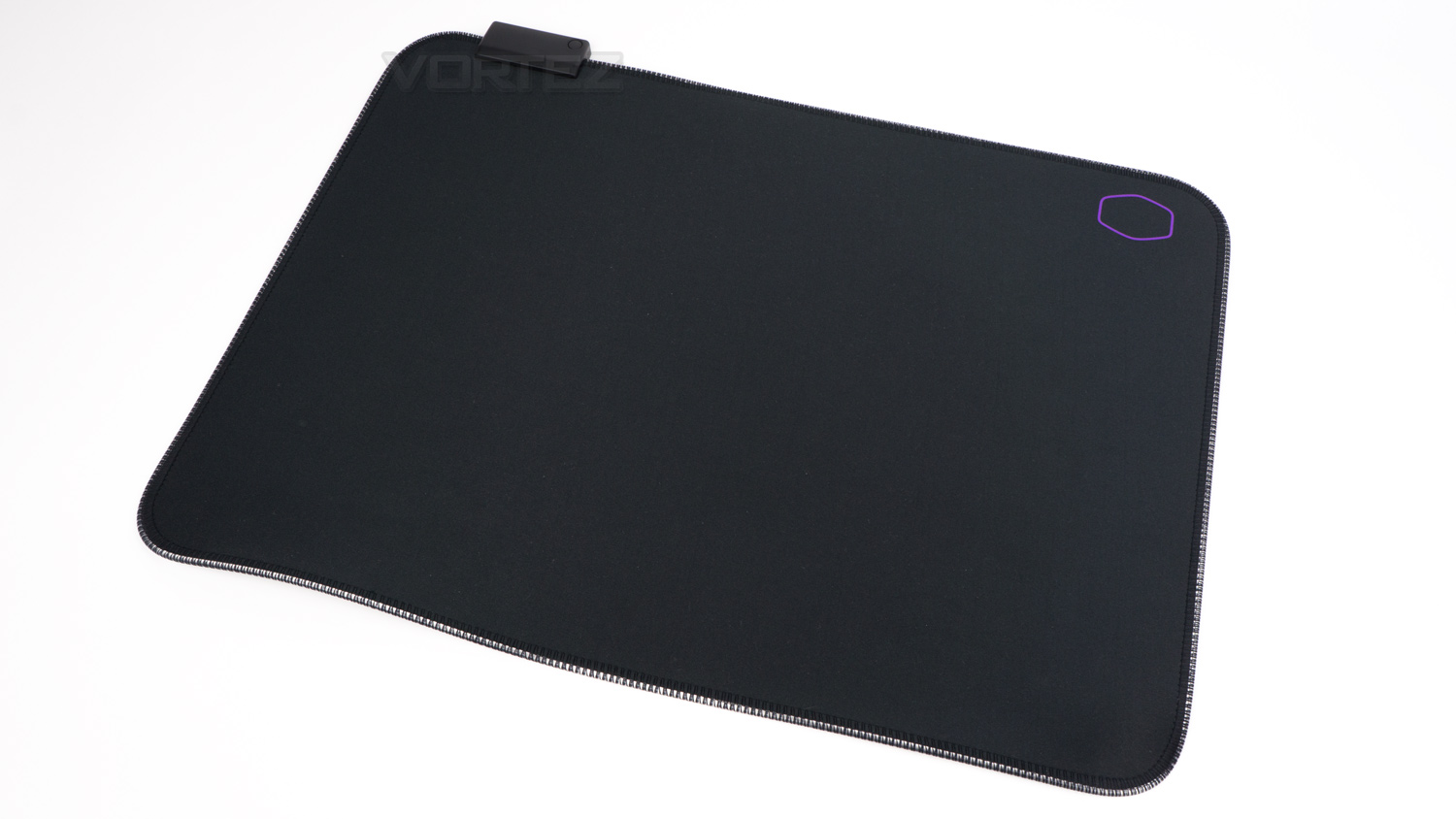
The MP750 looks quite unassuming, and like most other RGB mousepads, this is nice as it doesn’t detract too much away from your existing setup.
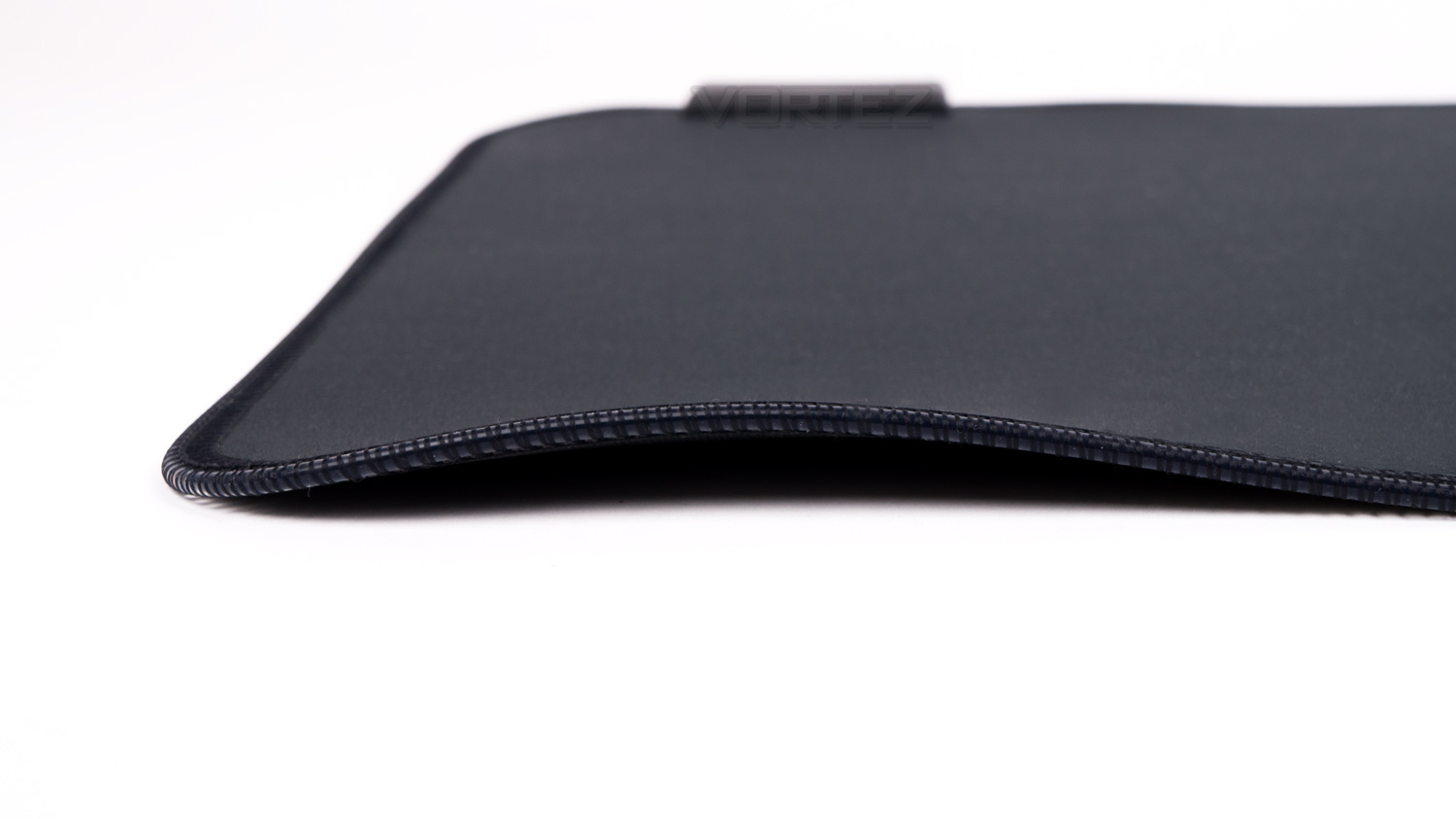
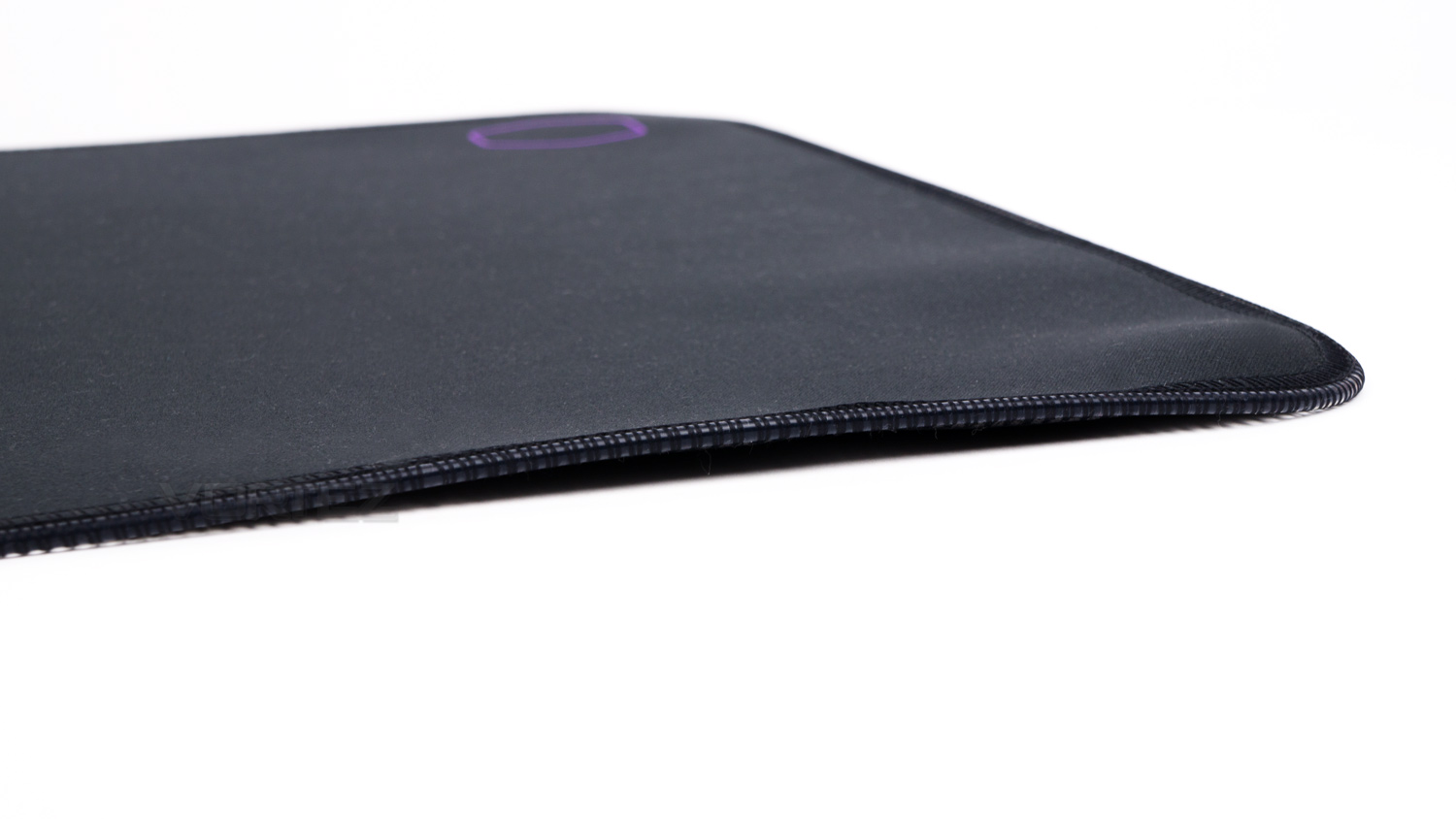
However, our sample arrived and the bottom edge was raised off the surface, there was also some noticeable bumps that prevented it from being flat. We did try to flatten it out, but we weren’t successful.
Closer Look
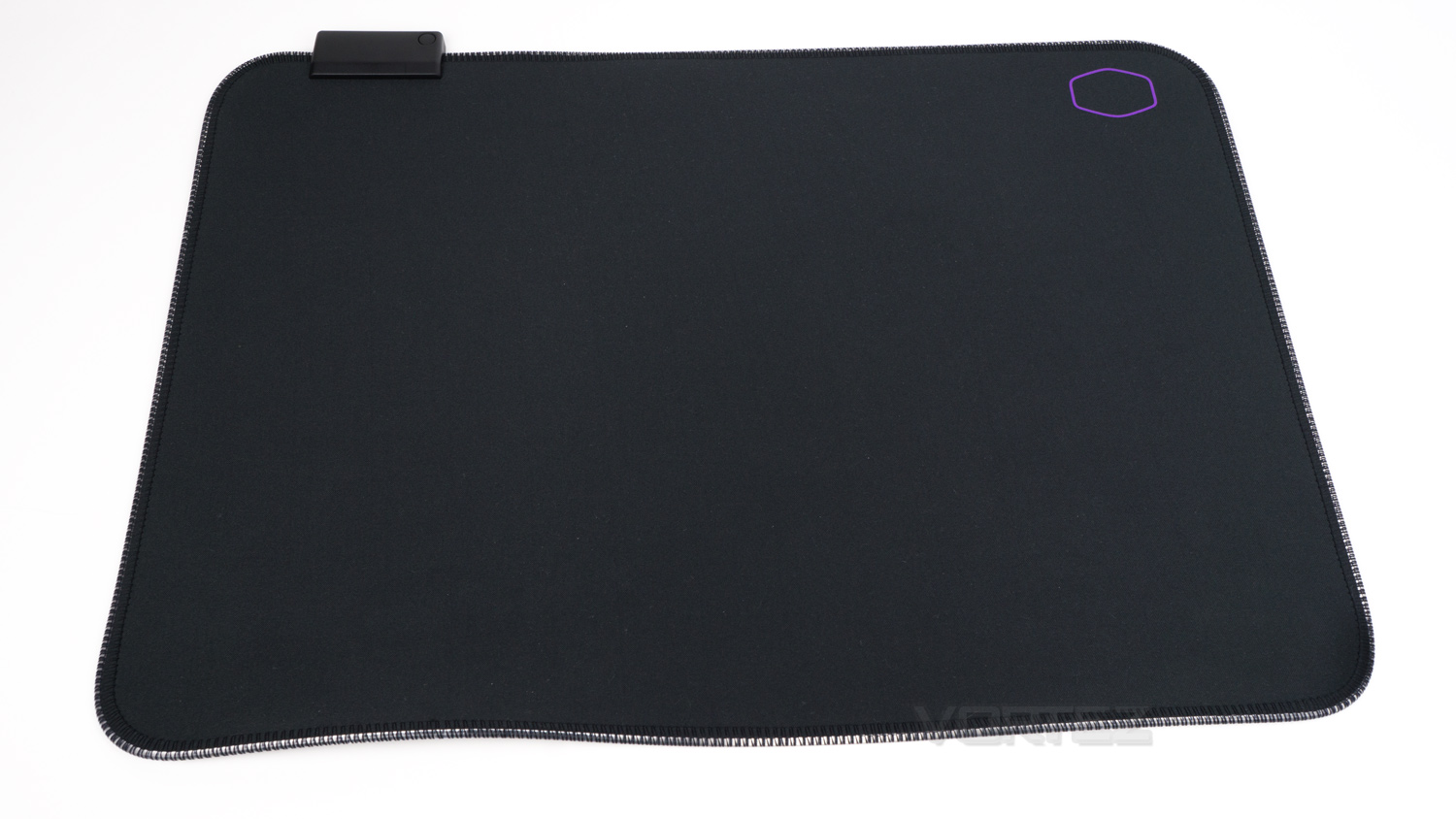
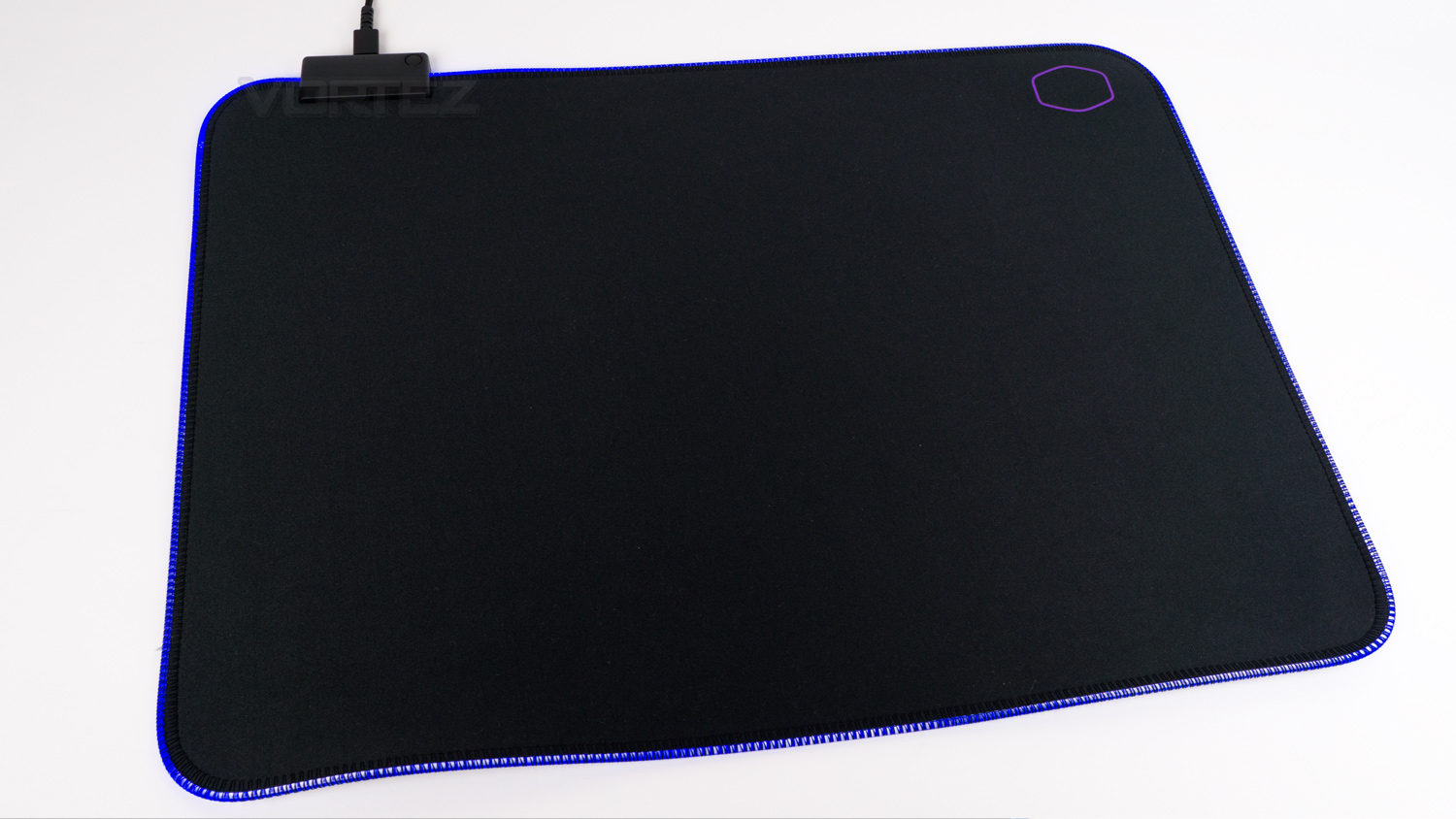
The top surface of the MP750 looks like most other mousepads, apart from the module in the top corner and the LED strip around the border.
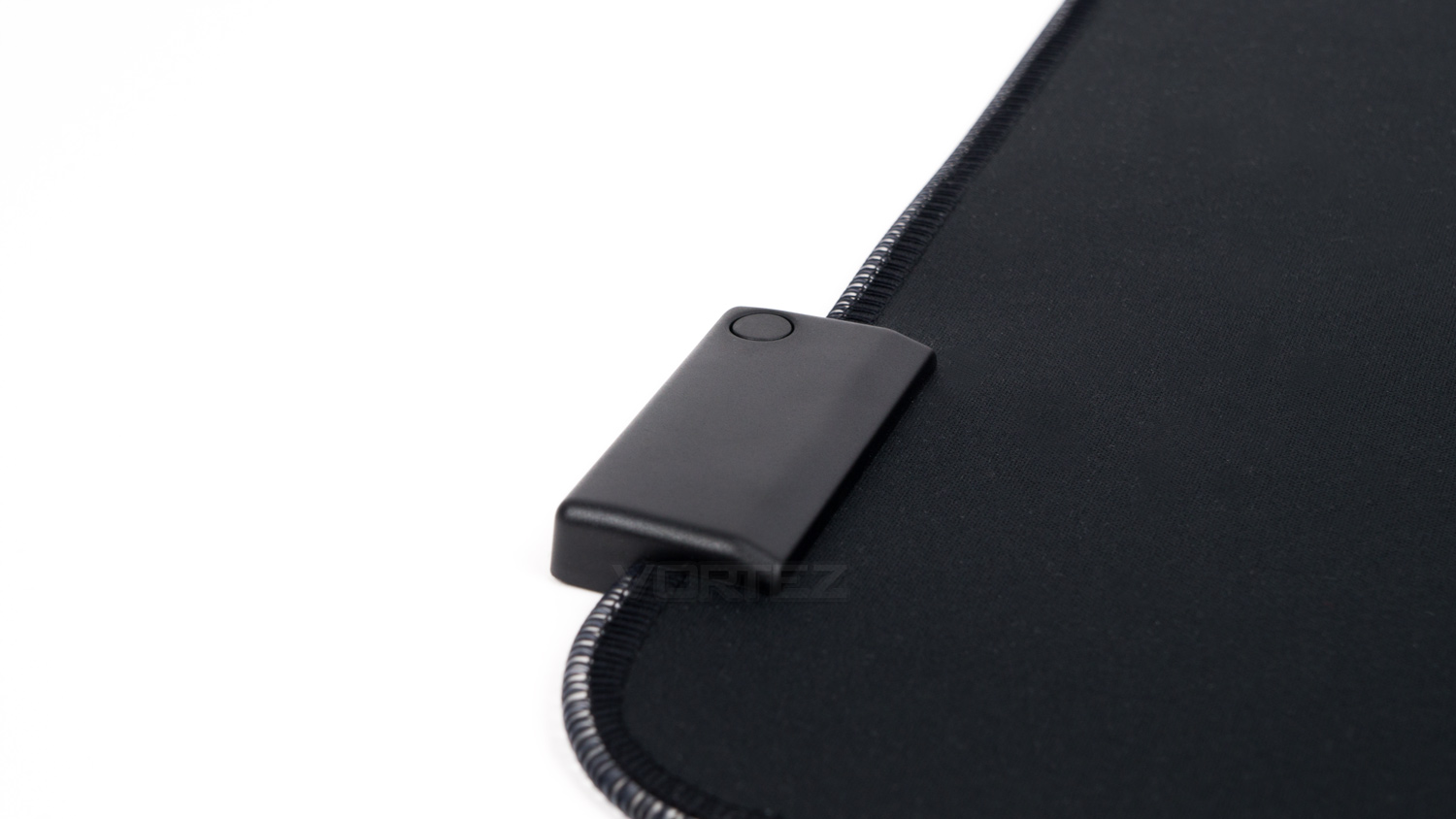
In the top left corner of the MP750, there is the module, this has more than one function as it not only houses the electronics but also a button to allow the lighting to be changed on-the-fly.
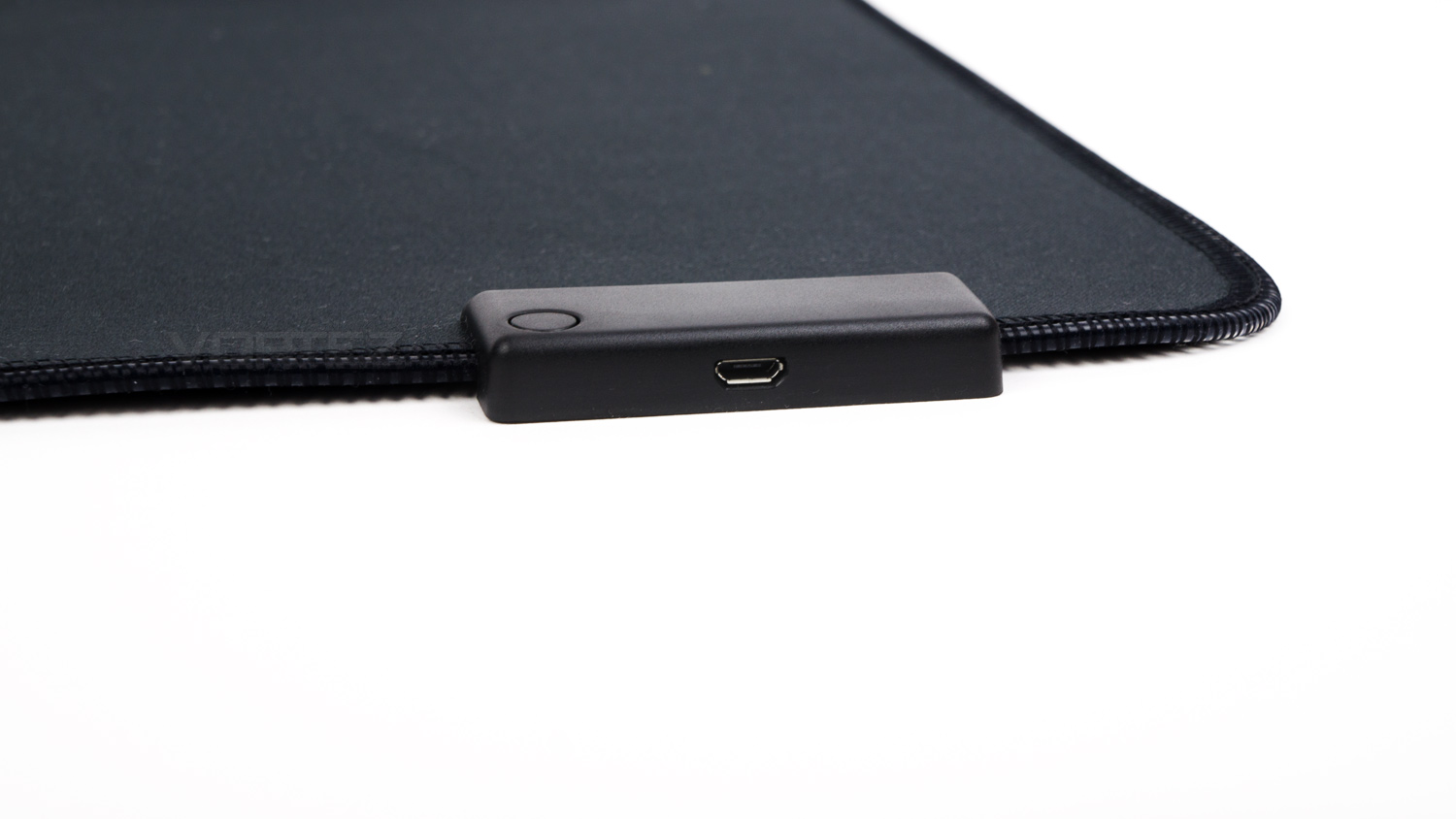
The module in the corner has a micro USB port to enable it to be connected to your PC.
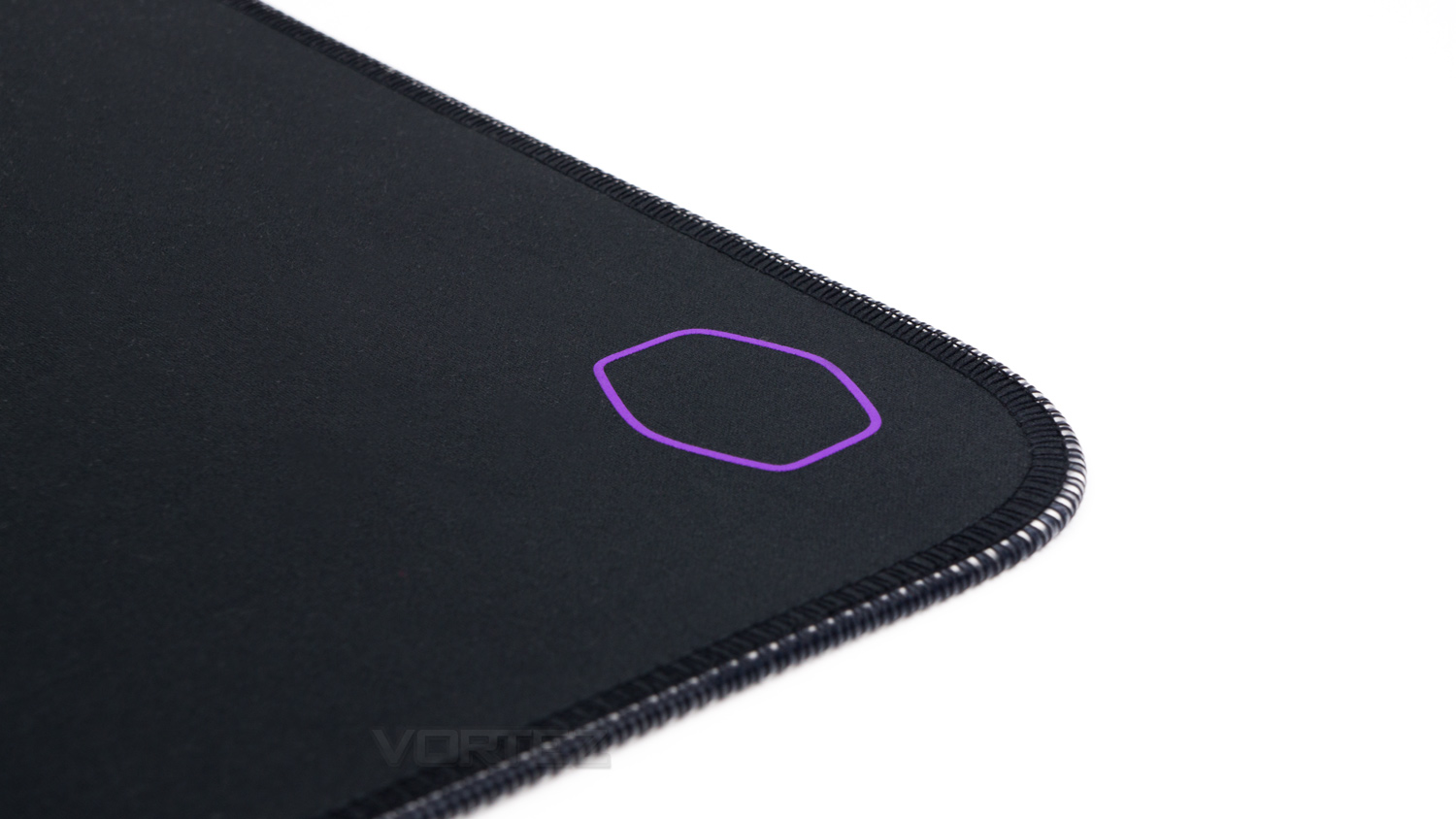
The top right corner features the Cooler Master logo in their famous Cooler Master purple.
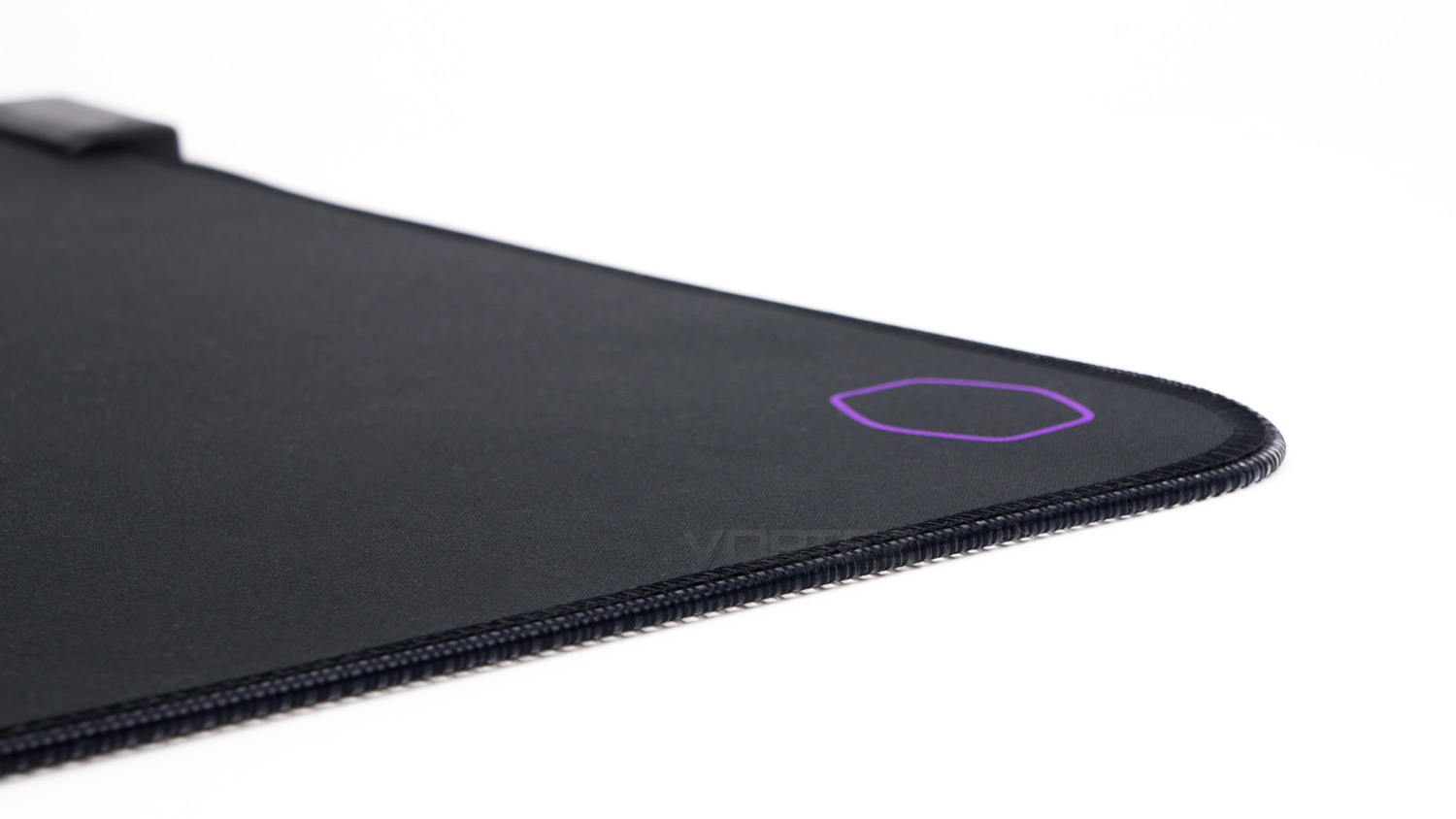
The edging around the mousepad contains an LED strip which has been carefully stitched to the main pad.
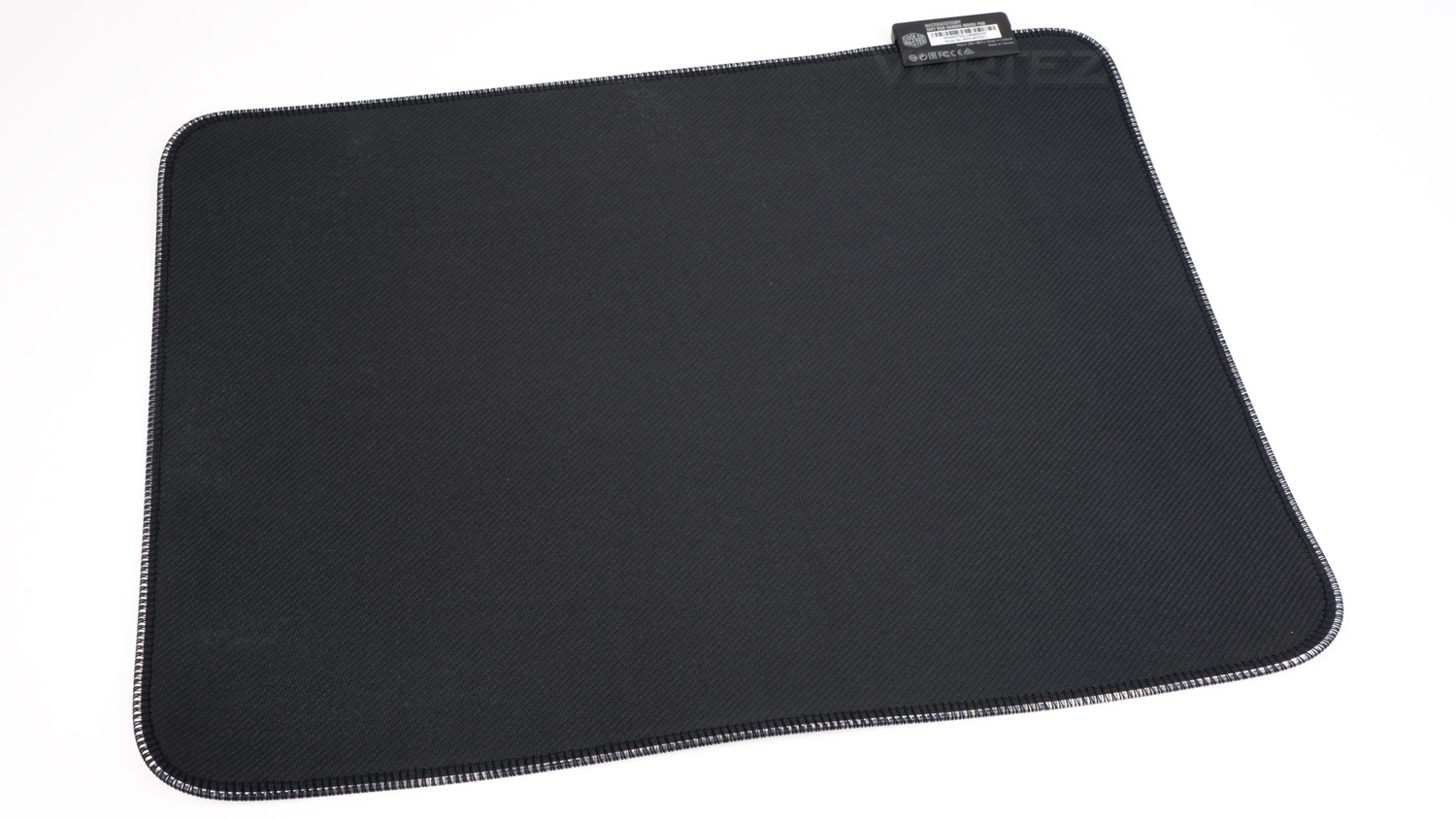
The underside features a rubberised surface which helps keep it planted on your desk.
Software
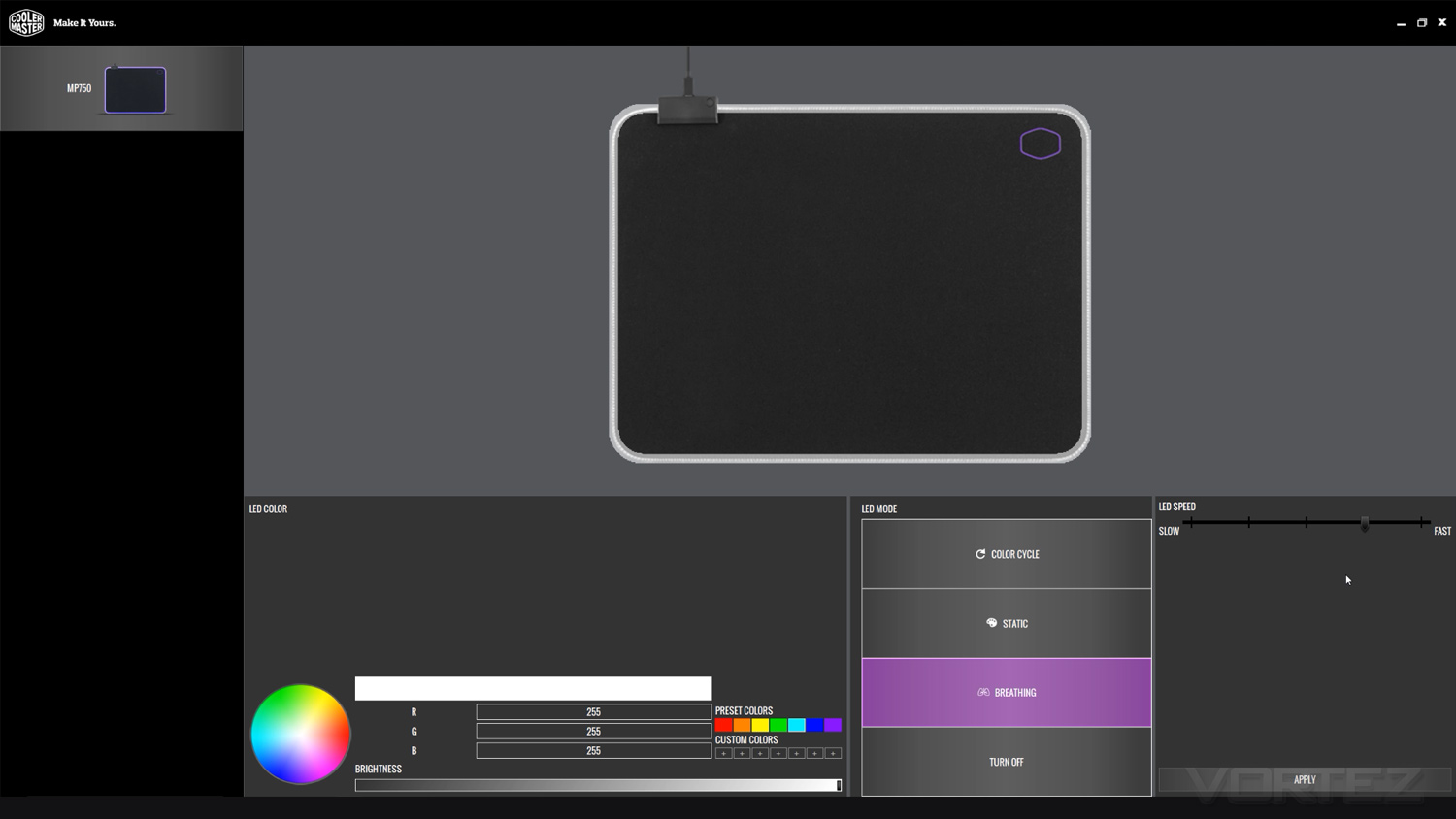
The Cooler Master Portal software has been designed to work with their latest series of peripherals and accessories. It features a basic but attractive UI, and it works very well. The controls for the MP750 are very simple and to be honest a bit sparse, but you can add some different effects with further customisation, especially when compared to what you can do with just the on-the-fly controls.
Performance Testing
Starting with the MP750 is pretty much the same as most other USB products as it only requires a spare USB port, and of course some space on your desk. As the MP750 has on-the-fly controls you don’t necessarily need software, but you can download it if you own more Cooler Master peripherals and you wish to sync them together.
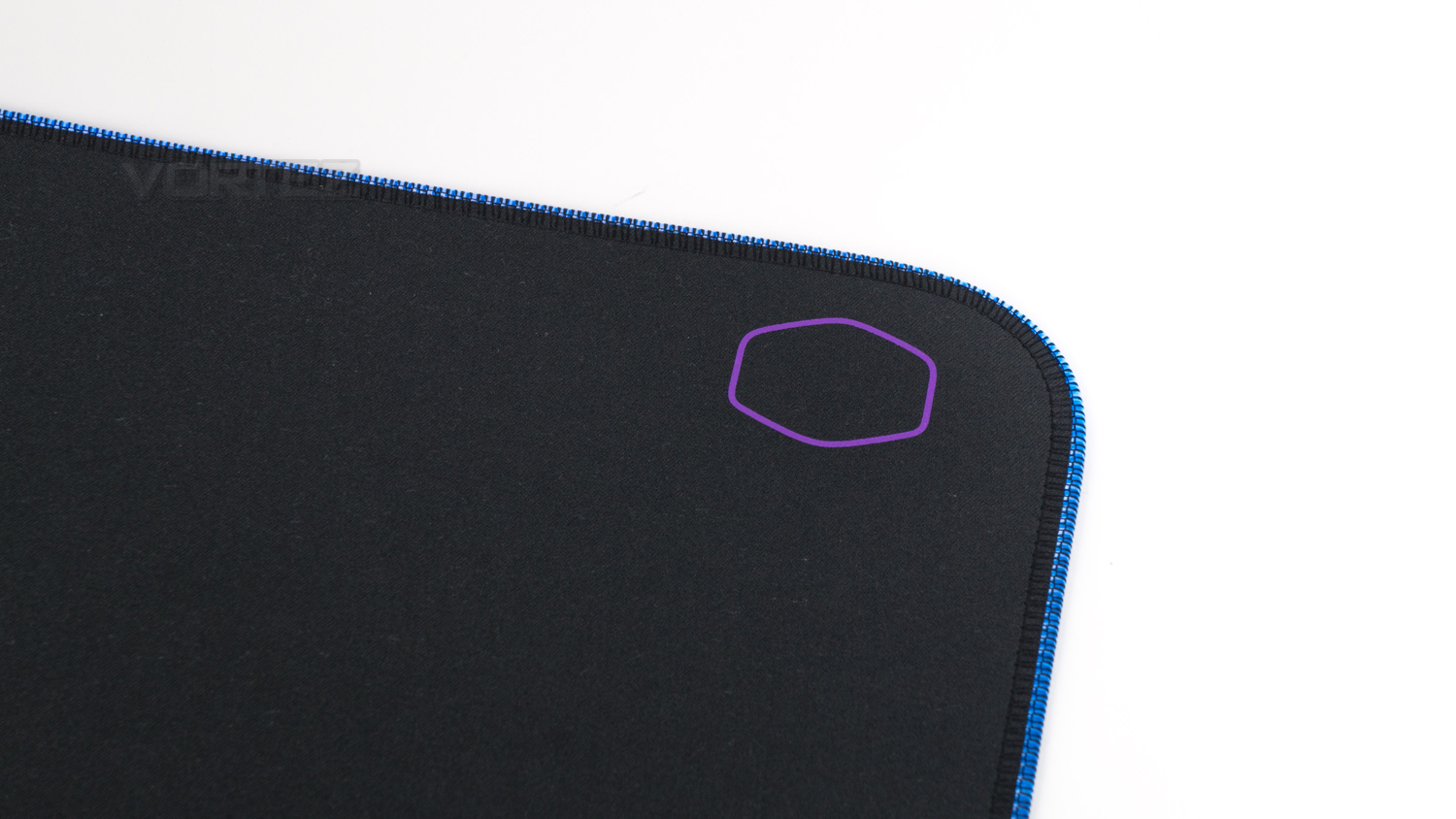
Using the MP750 daily has been like any other mousepad we’ve tested and used in the past. The LED strip around the border doesn’t really impact its use at all which is great as there is no adjustment period. The one thing we did note with the in-use experience is that the stitching on the LED strip is a bit rough and can cause some rubbing against your wrist.
The on-fly-control worked really well, and at the press of a single button, you can cycle through the different colours and effects without having to install any software. This could be a double bonus for some as the idea of having more software might be a bit of off-putting thing, so it’s nice that Cooler Master has included this to cover a broader base of potential owners. The water repellent feature is also handy to have, especially if you’re somewhat accident prone, then you can somewhat safely get liquid on the MP750 without causing too much damage. Now the repellent coating only applies to the cloth surface and not the control module, so we can’t be 100% sure that the module is waterproof or not, so caution around it would still be advised.
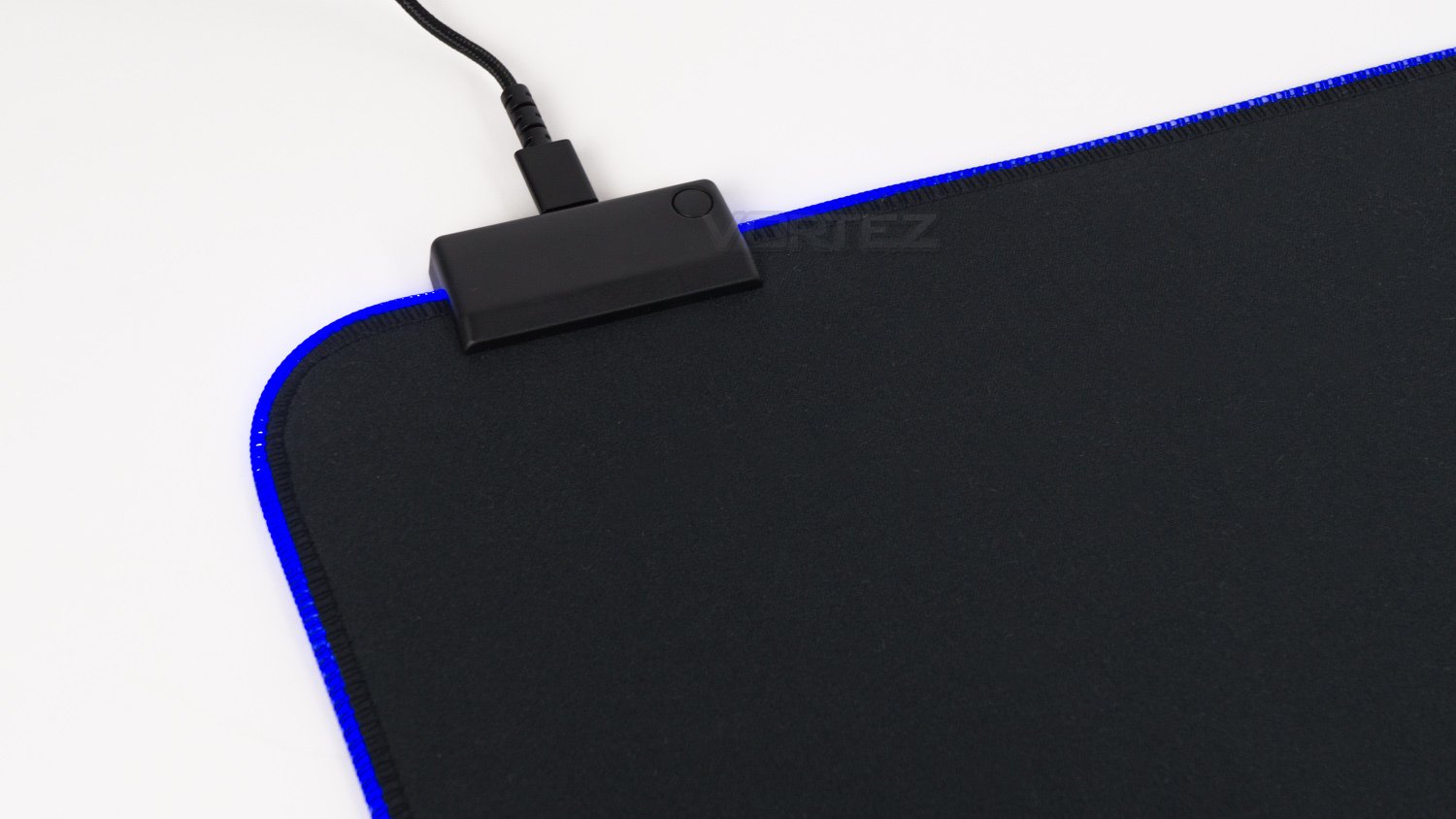
One thing we did observe is that the cloth surface was not the smoothest we’ve ever used, we aren’t sure if it’s the water-repellent addition or something else, but the surface is fairly rough which causes any mouse you use to not glide as smoothly as some other pads we’ve used. It’s still quite smooth, but not the most so. On the plus side, there is plenty of surface real estate and means you’ve got plenty of room to move your mouse around without bumping into anything. The module at the top doesn’t also take up much room and is off-set to the side so that it’s not obstructing your mouse cable.
For gaming, we noted that the surface was better for precision than speed as the surface is on the slightly rougher side. This means your mouse doesn’t move as freely as with some other pads, this could work in your favour as you may prefer that extra precision over quicker movement. The pad is still capable of being used for faster movements, but we noted we had to bump the DPI slightly. In all fairness, the DPI increase was only quite small, but that small increase did make a noticeable difference. So if you prefer a really smooth, slick surface, the MP750 may not suit your needs. The underside grip found on the MP750 is really good and the pad stayed planted throughout our testing, this is reassuring as it doesn’t move around at all, even when you’re in an intense firefight.
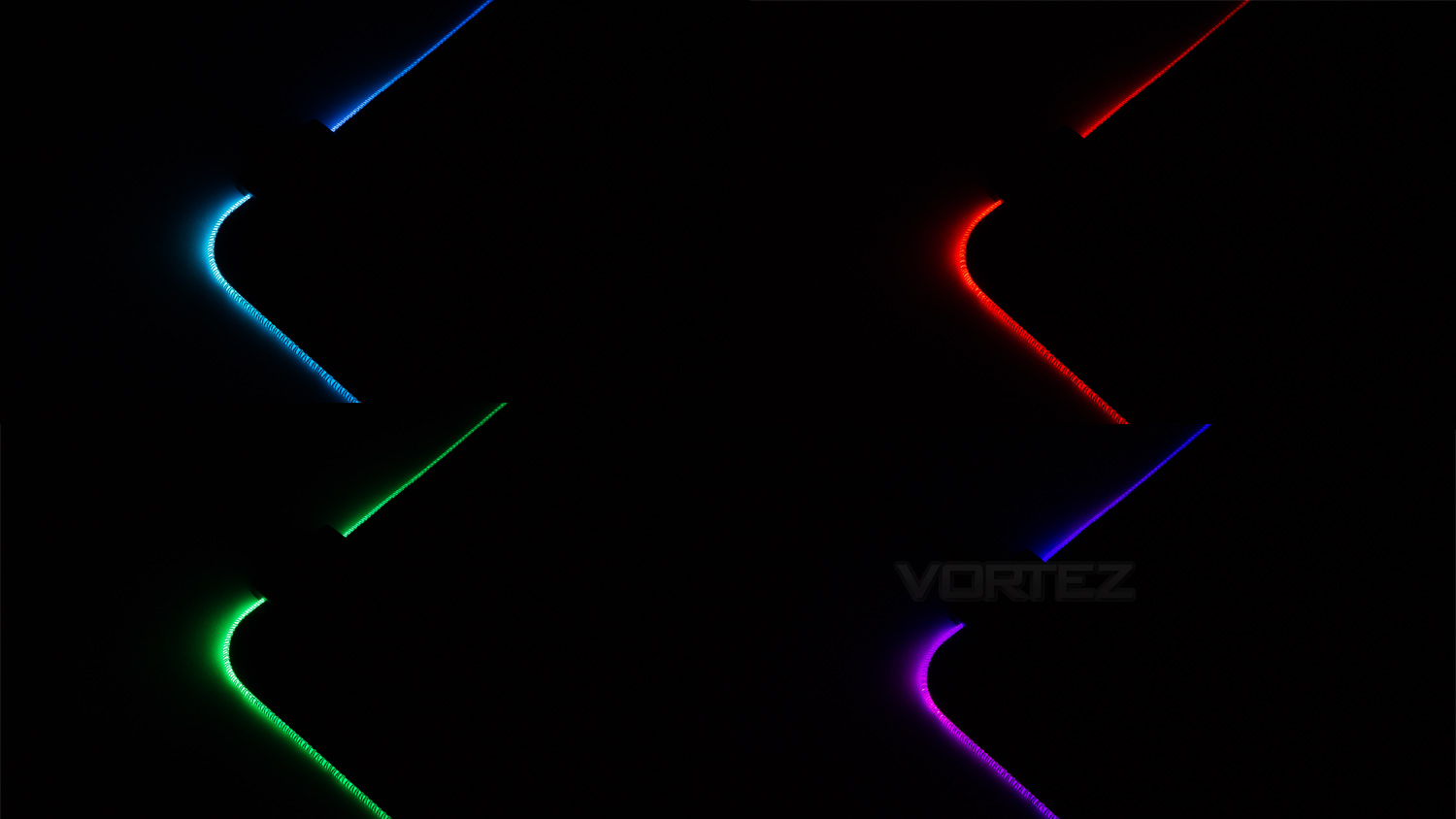
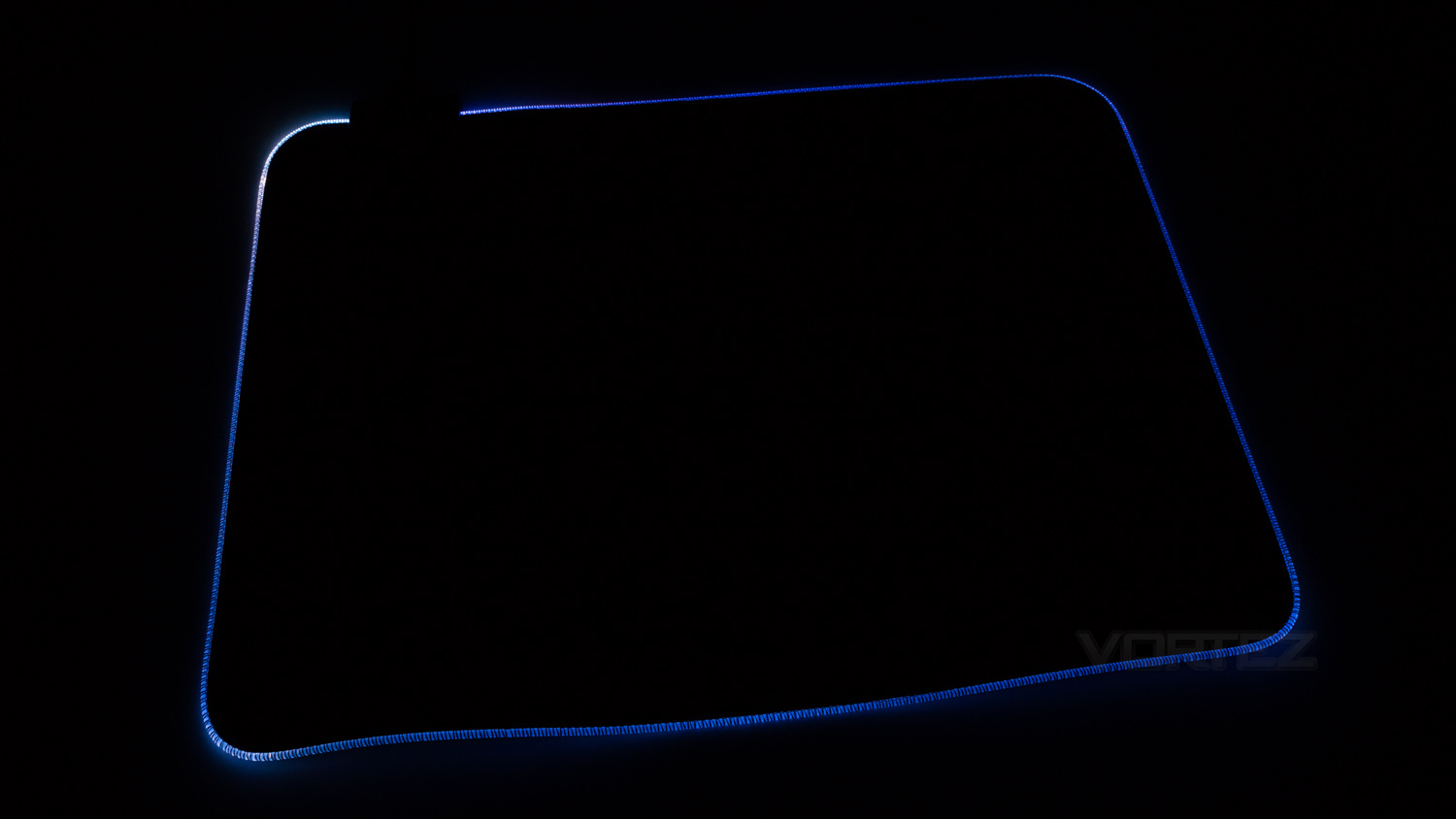
The illumination on the MP750 is decent at best as the lighting is far from perfect. As there are only two LEDs, the lighting is really bright in the top left and right corner, this then reduces the further away from the LED’s it gets. This means that again it’s really bright in places, and not so much at the edges furthest away from the lighting source. Colours are fairly nice, and they have decent levels of vibrancy and saturation. The effects also look okay, but again they are sort of let down by the really bright areas.
Conclusion
There is a fair amount to like about the Cooler Master MP750, but like with most products, it does have some minor flaws. One issue we noted was the stitching around the bordering edge caused some fatigue in the wrist area. This isn’t an issue if you often wear long sleeved clothing, but if you wear t-shirts, then the stitching can rub against your skin causing some discomfort.
Another minor problem we found was with the illumination, it’s very bright in places and duller in others, this creates an unpleasant illumination which doesn’t look that pleasing to the eye. This is due to there only being two LEDs which in this case isn’t enough for the product. One other minor problem we found was that our sample arrived and it wasn’t perfectly flat, attempts were made to resolve this, but those attempts did not work. This meant that the pad wasn’t touching the desk fully and essentially didn’t look all that nice.
However, the MP750 fights back and almost overshadows the main issues we have with it. One area we really liked was the portability. Usually, RGB enabled mousepads aren’t that great to travel with as they are rigid, but Cooler Master has found a way around this and made the MP750 flexible. Also, it has a removable cable which further increases its portability. We also found that the design and build were good as the MP750 feels well made and features a design that isn’t too over the top.
The final strong attributes are the underside grip, on-the-fly control and software. The underside grip works really well and helps keep the MP750 planted. The on-fly-control also works nicely as it enables you to adjust the lighting without the need for any software. The software experience was also good, and it allows you to further customise the lighting to your taste.
Overall the MP750 is a decent product, however, given its £42 price tag, we feel that it simply isn’t worth it. We will admit that it has some nice points, but the asking price is simply too much. If the MP750 was around the £30 to £35 region, then it would be a better buy, as is though, it’s too expensive for what you’re getting.
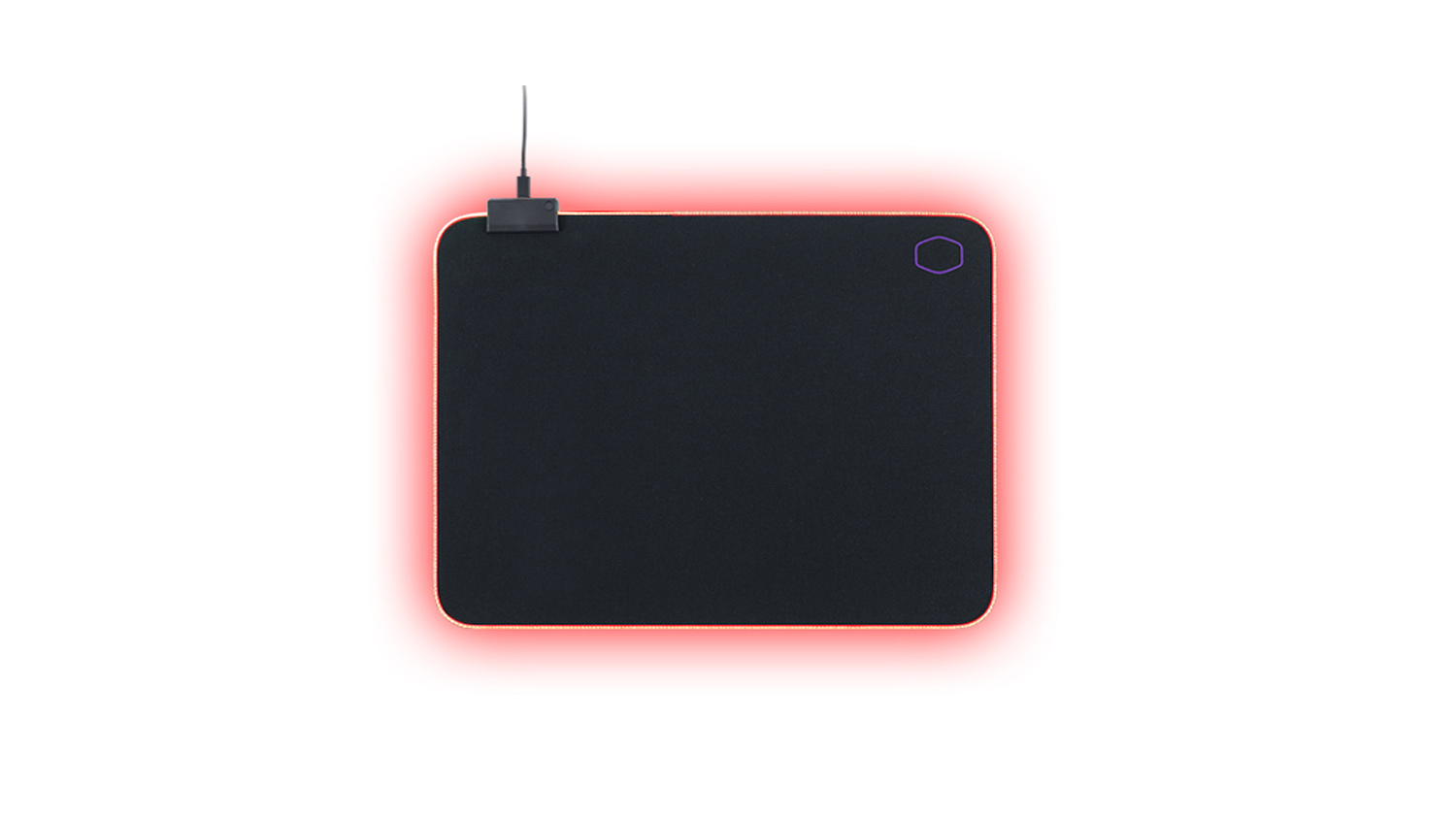
The Cooler Master MP750 is a nice addition to their mousepad lineup, but, its high price point is its Achilles heel.
Pros
+ Flexible construction is great for portability
+ Clean design
+ On-the-fly controls
+ Removable cable
+ Great underside grip
+ Software control
+ Water repellent coating on the surface
Neutral
+- Lighting could be better
+- Arrived with a raised edge so it wasn’t perfectly flat
Cons
– Stitching on the border can cause fatigue
– Too pricey for what you’re getting
+ Flexible construction is great for portability
+ Clean design
+ On-the-fly controls
+ Removable cable
+ Great underside grip
+ Software control
+ Water repellent coating on the surface
Neutral
+- Lighting could be better
+- Arrived with a raised edge so it wasn’t perfectly flat
Cons
– Stitching on the border can cause fatigue
– Too pricey for what you’re getting
Click here for an explanation of our awards at Vortez.net.
Stay connected with the Vortez Social Media pages:
Join in with the discussions on Discord