Released alongside the Ironclaw RGB Wireless, The Glaive RGB Pro boasts some quality of life improvements as well as the introduction of additional features, Read our review to find out if it’s worth upgrading to.

Product on Review: Corsair Glaive RGB Pro
Manufacturer: Corsair
Street Price: £70.00 GBP / $70.00 USD
Corsair have recently release updated versions of their Ironclaw (Review can be found here Corsair Ironclaw RGB Wireless review) & Glaive line up of mice, the subject of this review being the latter.
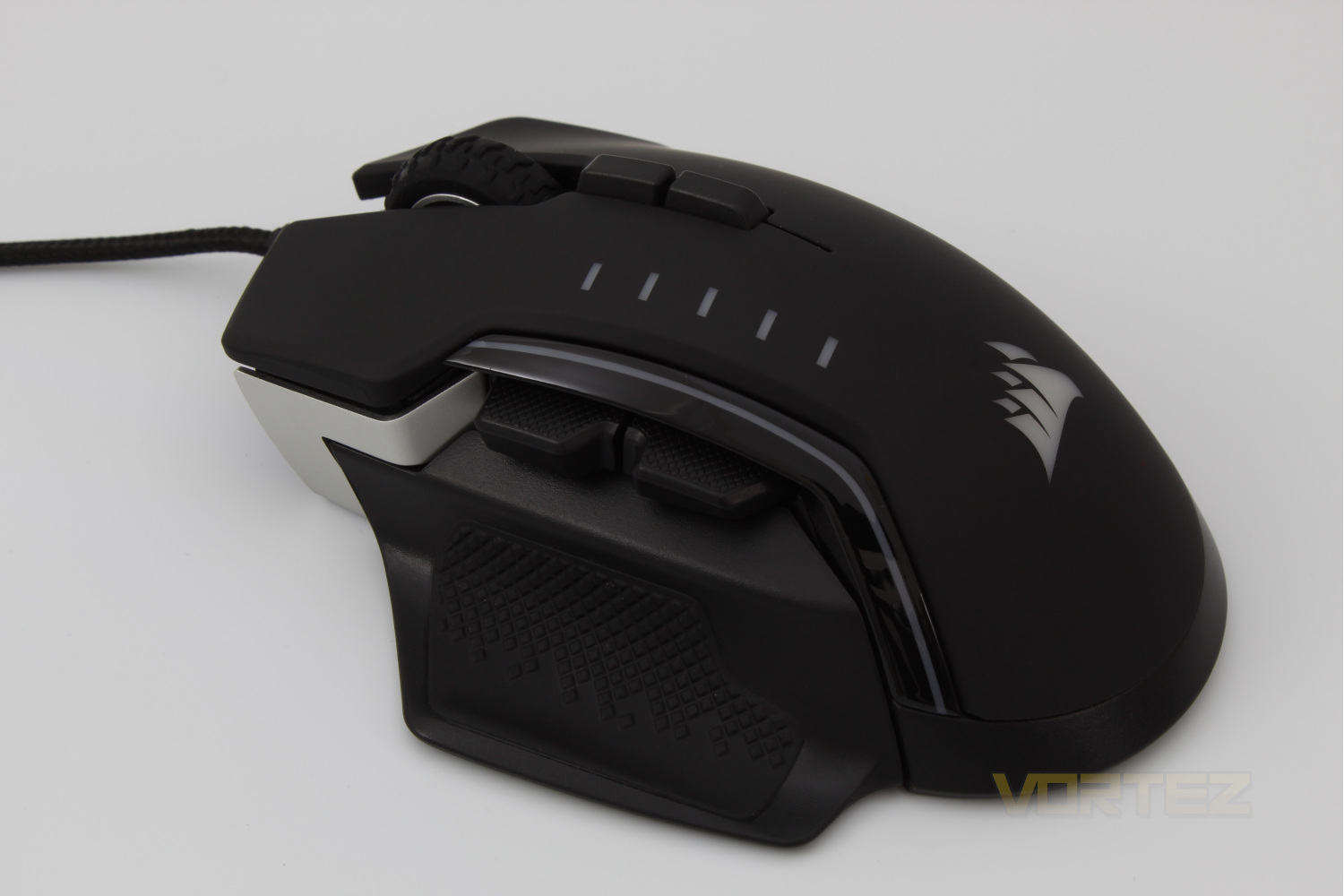
Featuring an improved PMW3391, 18,00 DPI optical sensor, and swappable, magnetic thumb grips as well as an additional programmable button & a slight weight loss over its predecessor seems to set up the value proposition for the new Glaive RGB Pro as a good buy.
The Glaive RGB PRO also features an aluminium chassis, Omron left & right switches rated for 50 million clicks & a 1.8 Meter Braided fiber cable, means that Corsair are aiming to keep up with the high quality standards that they set themselves.
The odd part of this release is the pricing as it is the same as the Ironclaw RGB Wireless, which features the same PMW 3391 sensor but more programmable buttons, wireless connectivity and more on-board memory profiles. The question we look to answer is what does this mouse do, and what features does it have to set it apart from it’s release partner? Read on to find out.
Corsair on the Glaive RGB Pro:
The CORSAIR GLAIVE RGB PRO gaming mouse merges high performance with high comfort, developed with a contoured shape designed for extended gaming sessions and an ultra-accurate, gaming-grade 18,000 DPI optical sensor.
Technical Specifications
Mouse Warranty: Two Years
Programmable Buttons: 7
DPI: 18,000 DPI
Sensor: PMW3391
Sensor Type: Optical
Mouse Backlighting: 3 Zone RGB
On-board Memory: Yes
On-board Memory Profiles: 1
Mouse Button Type: Omron
Mouse Button Durability: 50M L/R Click
Connectivity: Wired
Grip Type: Palm
Weight: 115g (W/out cable & Accessories
CUE Software: Supported in iCUE
Cable: 1.8m Braided Fiber
Game Type: FPS, MOBA
Report Rate: Selectable 1000Hz/500Hz/250Hz/125Hz
Programmable Buttons: 7
DPI: 18,000 DPI
Sensor: PMW3391
Sensor Type: Optical
Mouse Backlighting: 3 Zone RGB
On-board Memory: Yes
On-board Memory Profiles: 1
Mouse Button Type: Omron
Mouse Button Durability: 50M L/R Click
Connectivity: Wired
Grip Type: Palm
Weight: 115g (W/out cable & Accessories
CUE Software: Supported in iCUE
Cable: 1.8m Braided Fiber
Game Type: FPS, MOBA
Report Rate: Selectable 1000Hz/500Hz/250Hz/125Hz
Packaging & First Look
The front of the box for the Corsair Glaive RGB Pro gives us a top down view of the mouse and confirms that this mouse is aimed at the FPS & MOBA Markets.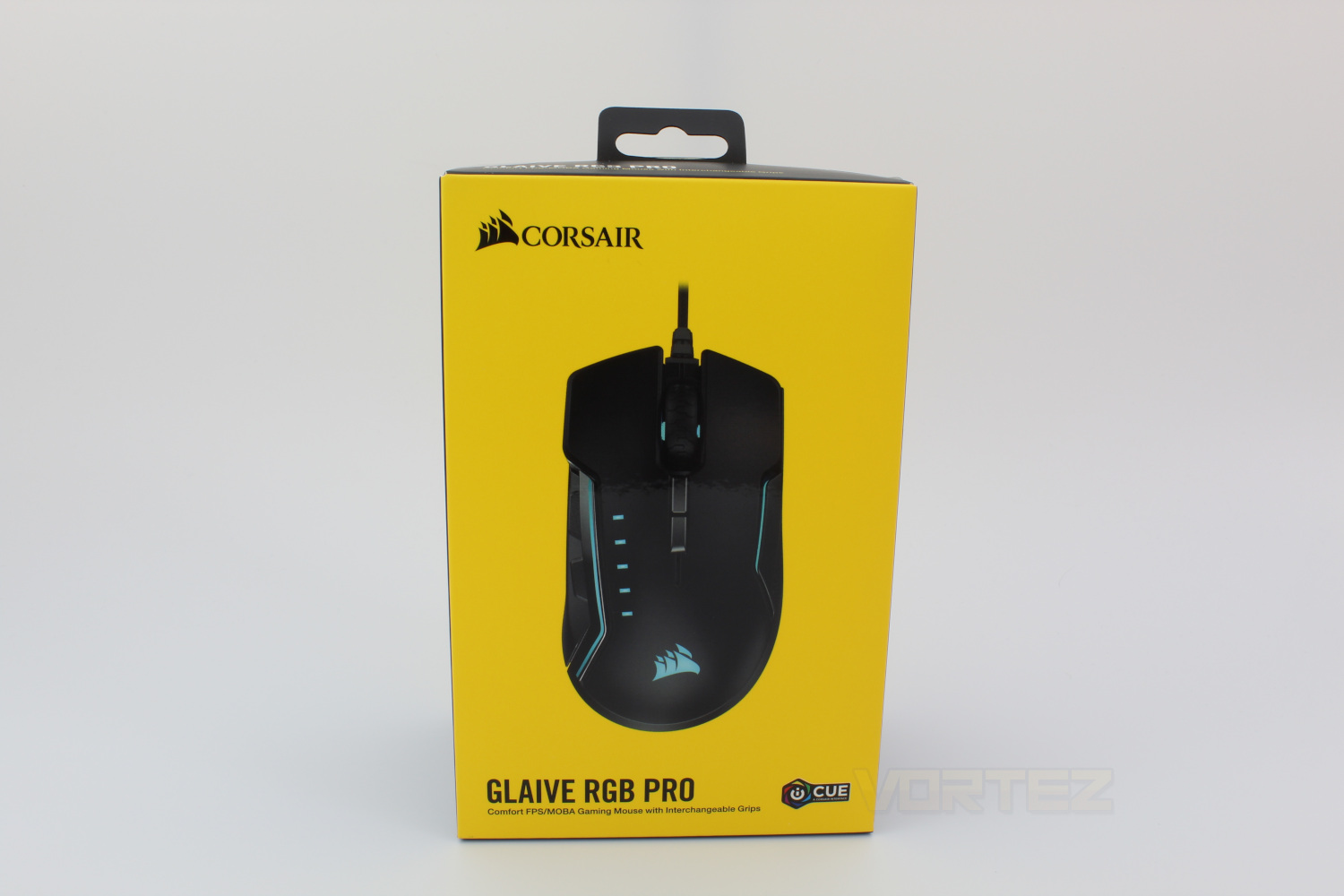
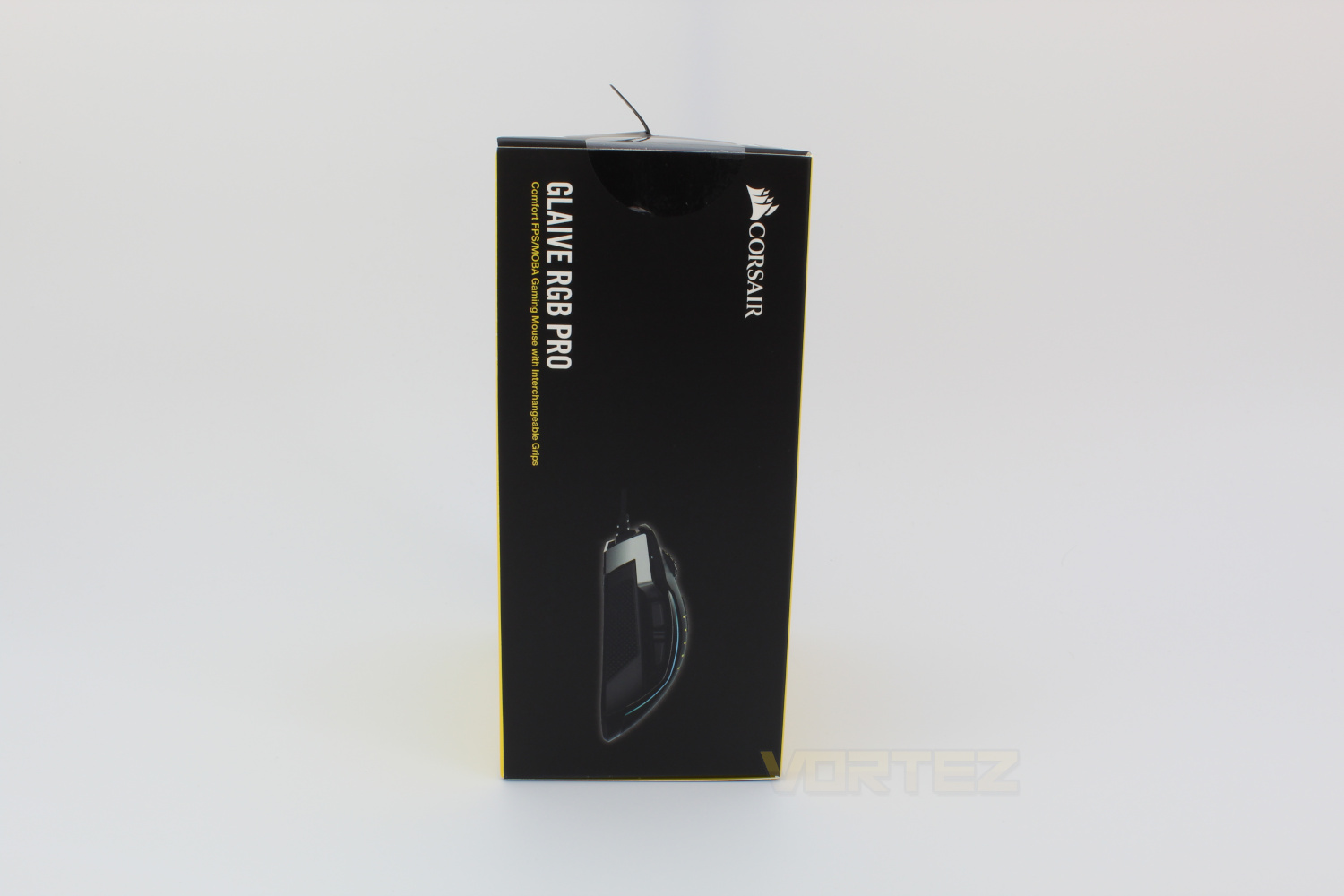
On the left hand side of the box we’re given a side profile shot of the mouse.
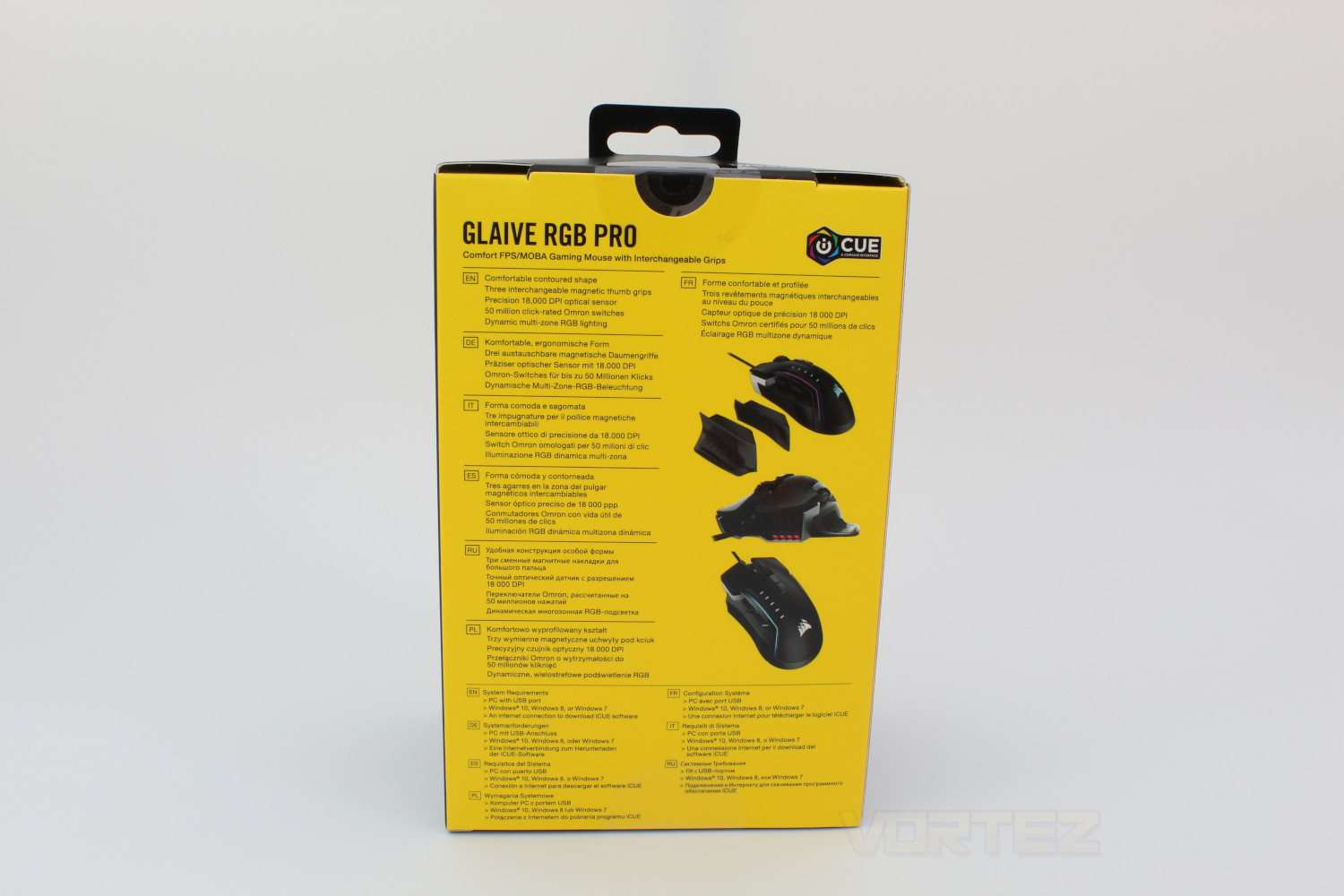
On the back of the box we’re given some of the specifications of the mouse in multiple languages, we also get a glimpse at the interchangeable thumb grips, as well as the RGB slits on the front of the mouse,
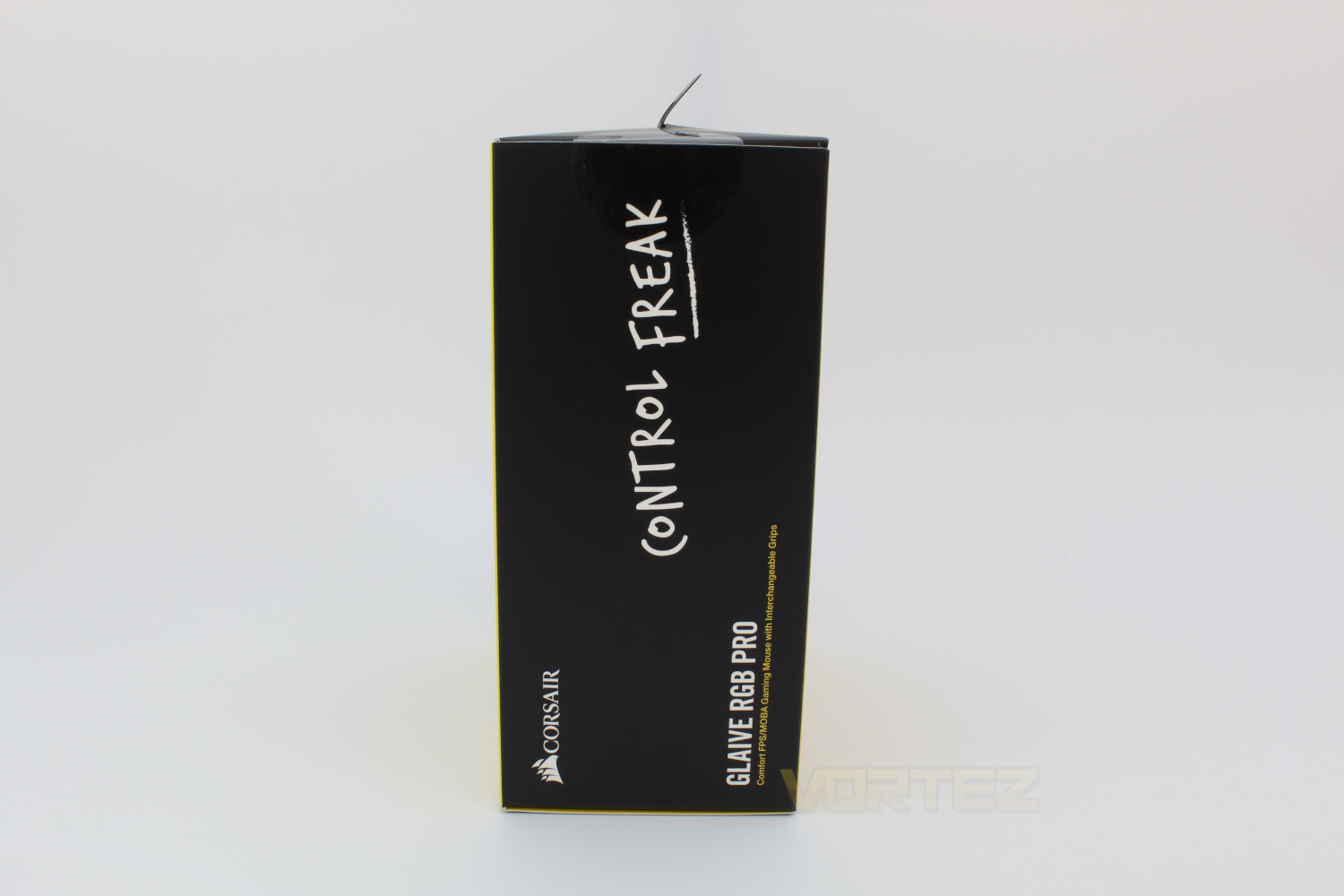
On the right hand side of the box is Corsairs’ slogan for this mouse ‘Control Freak’ which is fitting considering the 18,000 DPI that the sensor is rated for.
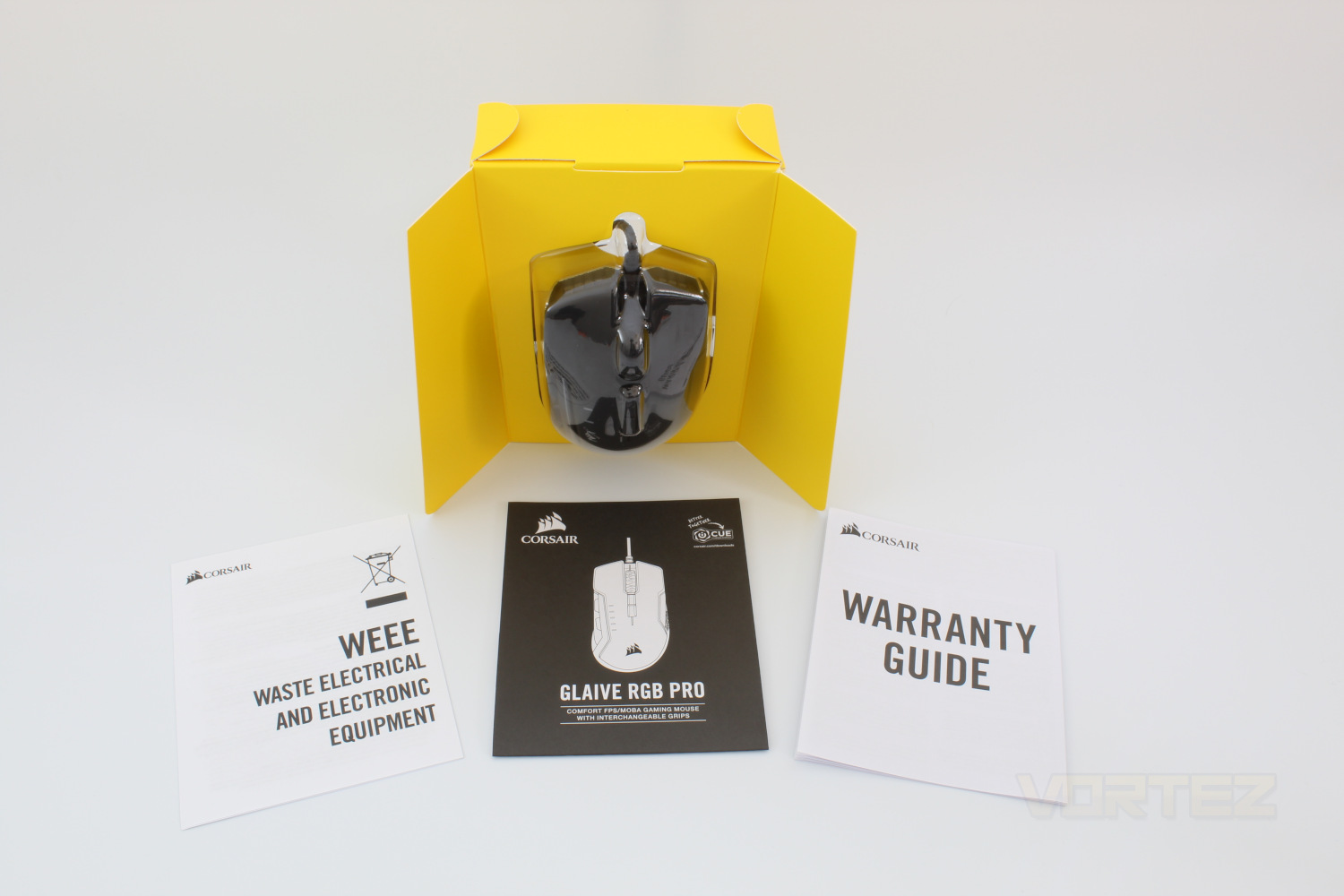
Removing the mouse from the outer box and we get our first look at the mouse proper, we’re also given a warranty guide as well as a quick start guide.
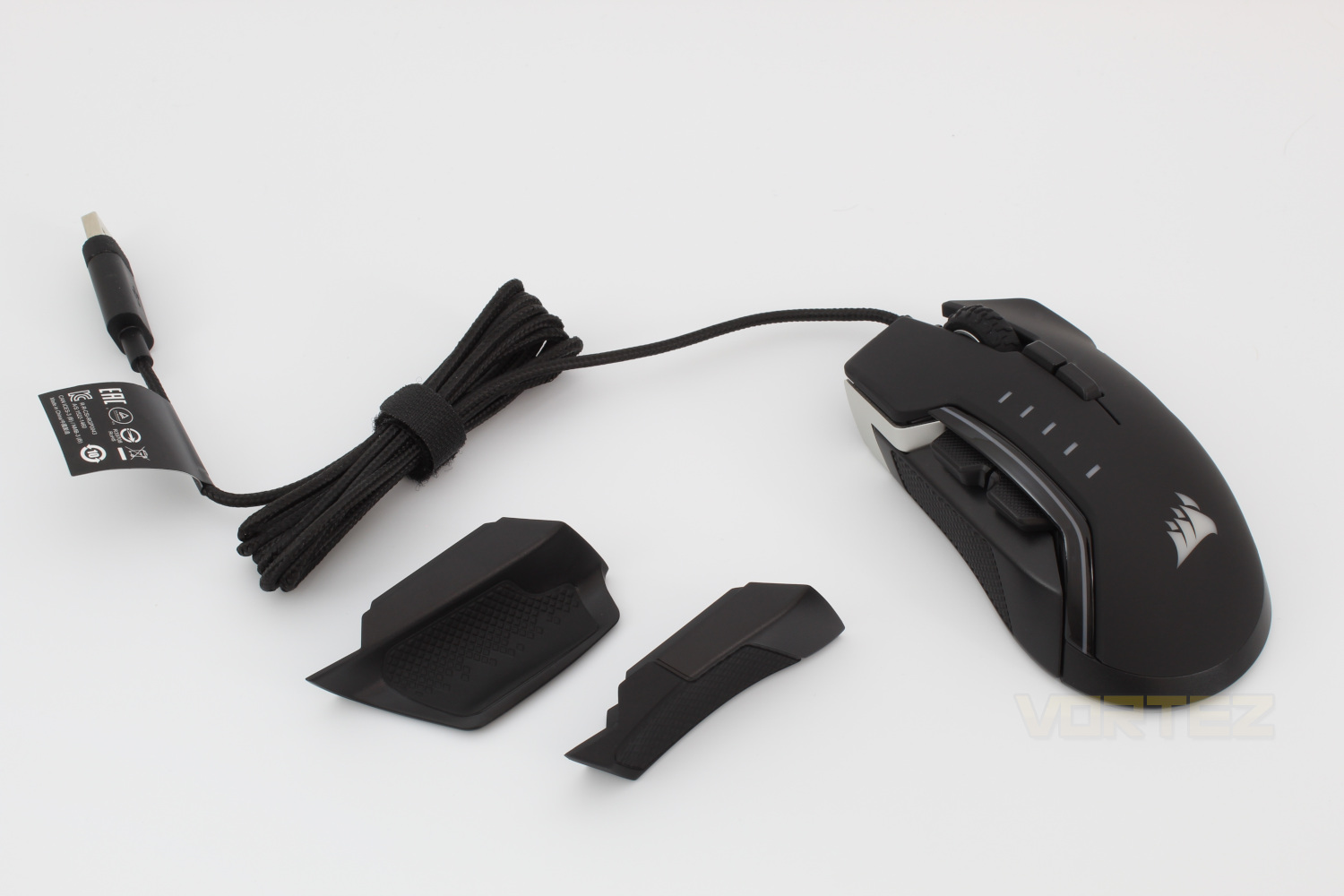
Taking the mouse from the plastic cover and we get a closer look at the contents, Corsair have kept the quality that you would expect so a braided cable is not a surprise at all. We also get a closer look at the included thumb grips.
Closer Look
Taking a closer look at the mouse from the front and we see the first of the 3 RGB zones, the corsair Logo on the shell of the mouse. Another feature of note here is the 5 level DPI Indicator.Looking at the left hand side the notable features here are the standard forward & back mouse buttons as well as the interchangeable thumb rests, after some trials we prefer this curved one as it gives us somewhere to rest our thumb which will help prevent any friction issues if you play on a rough surface or a hard mouse mat for example.
Looking front on at the mouse as we get a closer look at the RGB slits, 3 on each side of the cable, we have to say that these do give the mouse a futuristic look but it may also put some people off. We also see the DPI selector buttons behind the scroll wheel which offers firm but not too firm resistance to scrolling.
On the right hand side of the mouse Corsair have chosen to include a rubberised, textured grip which is pretty much a standard feature of all mice at this point.
Flipping the mouse on it’s back and we see the PMW3391 Sensor that corsair have used both on this and their newly released Ironclaw mouse. Surrounding the sensors are 4 pads which are designed to reduce friction, these pads make the mouse super smooth to use, even if you’re using on a bare desk.
Software
The Corsair Glaive RGB Pro is comaptible with iCUE which is required to get the most out of the mouse, within the software you have the ability to set up macros, you can alter the lighting effects, there’s a whole menu dedicated to the DPI Settings, and you also gain access to Corsairs’ Surface Calibration tool.A video demo of the iCUE software is available below.
Performance Testing
As Corsair have mentioned their packaging the Glaive RGB Pro is aimed the FPS & MOBA markets In particular, to this end Corsair have allowed all 7 buttons on the mouse to be reprogrammable which is great if you prefer particular keyboard shortcuts on your right hand to free up your left to focus on movement.The Glaive RGB Pro is a fairly large mouse but Corsair have managed to reduce the weight to a respectable 115g from the previous models’ 122g, which makes for a comfortable and strain free experience, though it is definitely suited to those of us with larger hands.
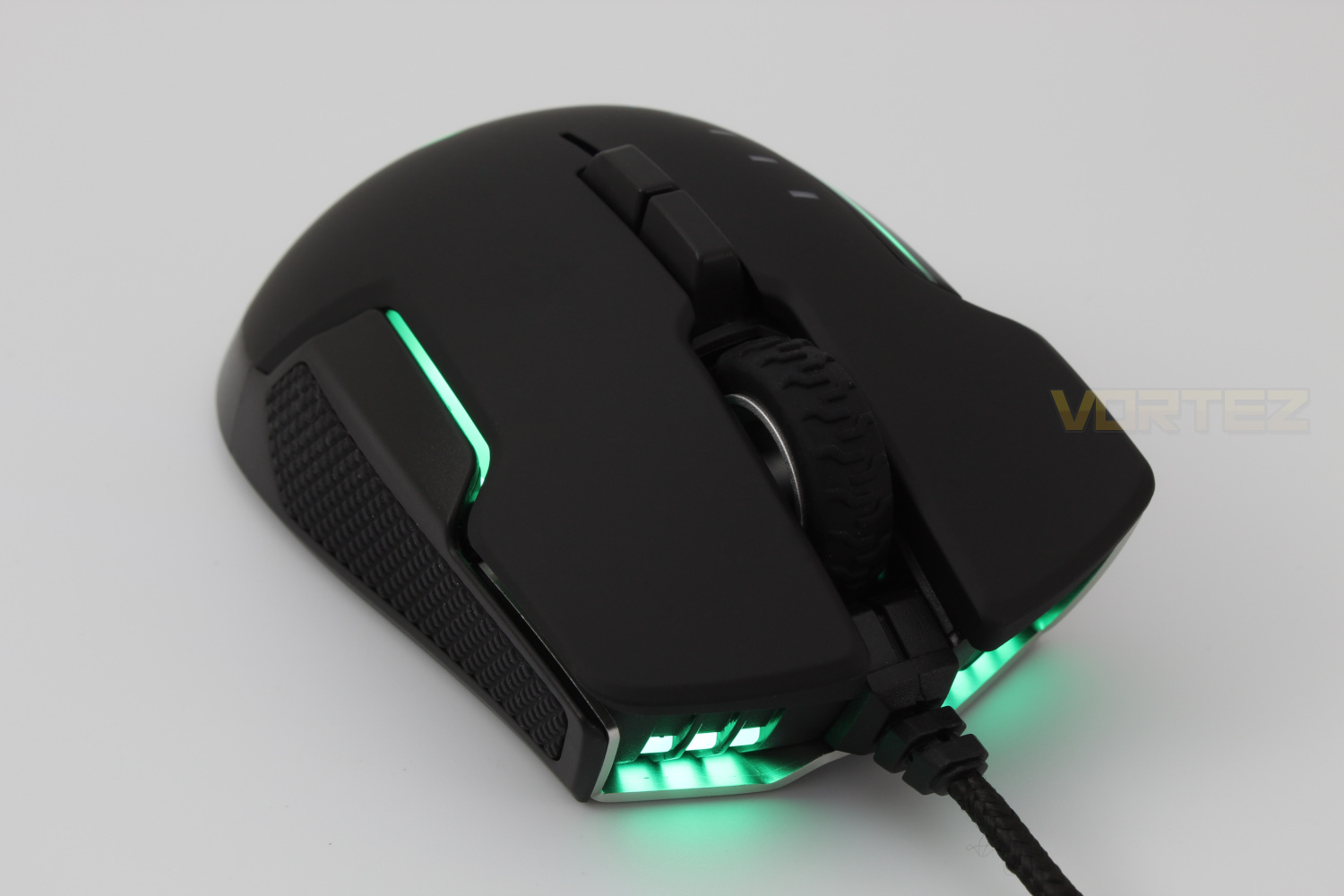
We used the Glaive RGB Pro in gaming as well as for editing the photos used throughout this review, and it performed well in all situations, the PMW3391 Sensor is responsive and smooth and is just great to use.
The main improvement on the Glaive RGB Pro over it’s predecessor is the inclusion of a DPI up & down switch, on their previous model they made the confusing decision to only have the one, which meant you would need to cycle through all the options you had set to get back to your original setting, which meant it was extremely hard to use for those of us who like to switch between DPI settings depending on the situation.
The removable thumb rests are a nice inclusion, although we just settled on the one that was most comfortable as we couldn’t see a situation where one would be better than the others. The thumb rests are held on by high-grade magnets and they certainly do the job well, we can be quite vigorous with our mouse in games and the thumb rest did not slip or disconnect in anyway.
Conclusion
Coming in at the same price as the Corsair Ironclaw RGB Wireless puts this mouse in a very difficult position in the market, not only does the Ironclaw have more programmable buttons it also features extremely low latency wireless connectivity with a massive battery life.The build quality on the Glaive RGB Pro is extremely good, it’s a solid mouse and the Omron switches are great and provide a good tactile click when pressed, however the size of the mouse will limit you to using a palm grip technique which is either positive or negative, depending on which side of the fence you sit.
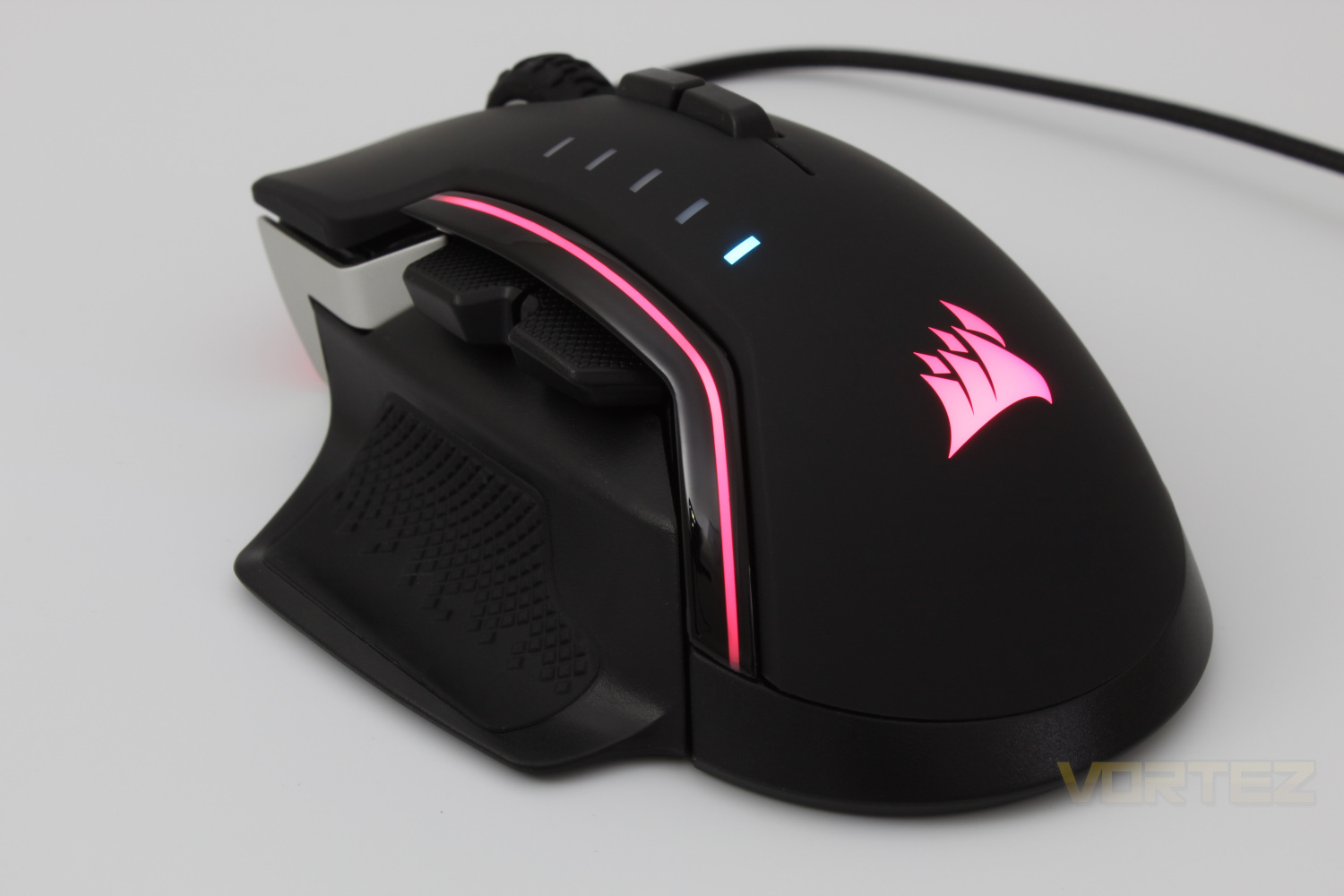
The swappable thumb rests are a good inclusion as it should allow you to find something that is comfortable and best for you, the inclusion of the PMW3391 sensor is a big plus however the same sensor features on the Ironclaw model as well.
If you’re struggling to find a mouse that is comfortable for you the Glaive RGB Pro may go some way to alleviating this issue with it’s swappable thumb rests, however we feel that if the Ironclaw is comfortable enough for you to use you should definitely choose that model over this one. The other disappointment is that Corsair have only included the ability to have one on-board profile, whereas the Ironclaw has the ability to store 3.
While the Glaive RGB Pro performs well in use we feel that it would benefit from being priced lower than what it is, you can get a mouse that has the same performance but with more features at the same price.
Pros
+Comfortable
+Build quality
+Swappable Thumb rests
Cons
-Number of on-board profiles
-Pricing
+Comfortable
+Build quality
+Swappable Thumb rests
Cons
-Number of on-board profiles
-Pricing
Click here for an explanation of our awards at Vortez.net.
Stay connected with the Vortez Social Media pages:
Join in with the discussions on Discord