With a flowing, sculpted design, the Ironclaw RGB is built for those with larger hands while packing an 18,000 DPI sensor and RGB lighting.

Product on Review: Corsair Ironclaw RGB
Manufacturer: Corsair
Street Price: GBP £54.99 / USD $59.99
Alongside the release of two other Corsair mice today, we look at the Corsair Ironclaw RGB, a mouse designed for the larger hand or those who prefer a palm grip thanks to its contoured shape.
The Corsair Ironclaw RGB offers a native 18,000 DPI sensor, developed in tandem with leading experts, PixArt, one of the first in the industry, along with extremely durable OMRON switches offering 50,000,000 clicks.
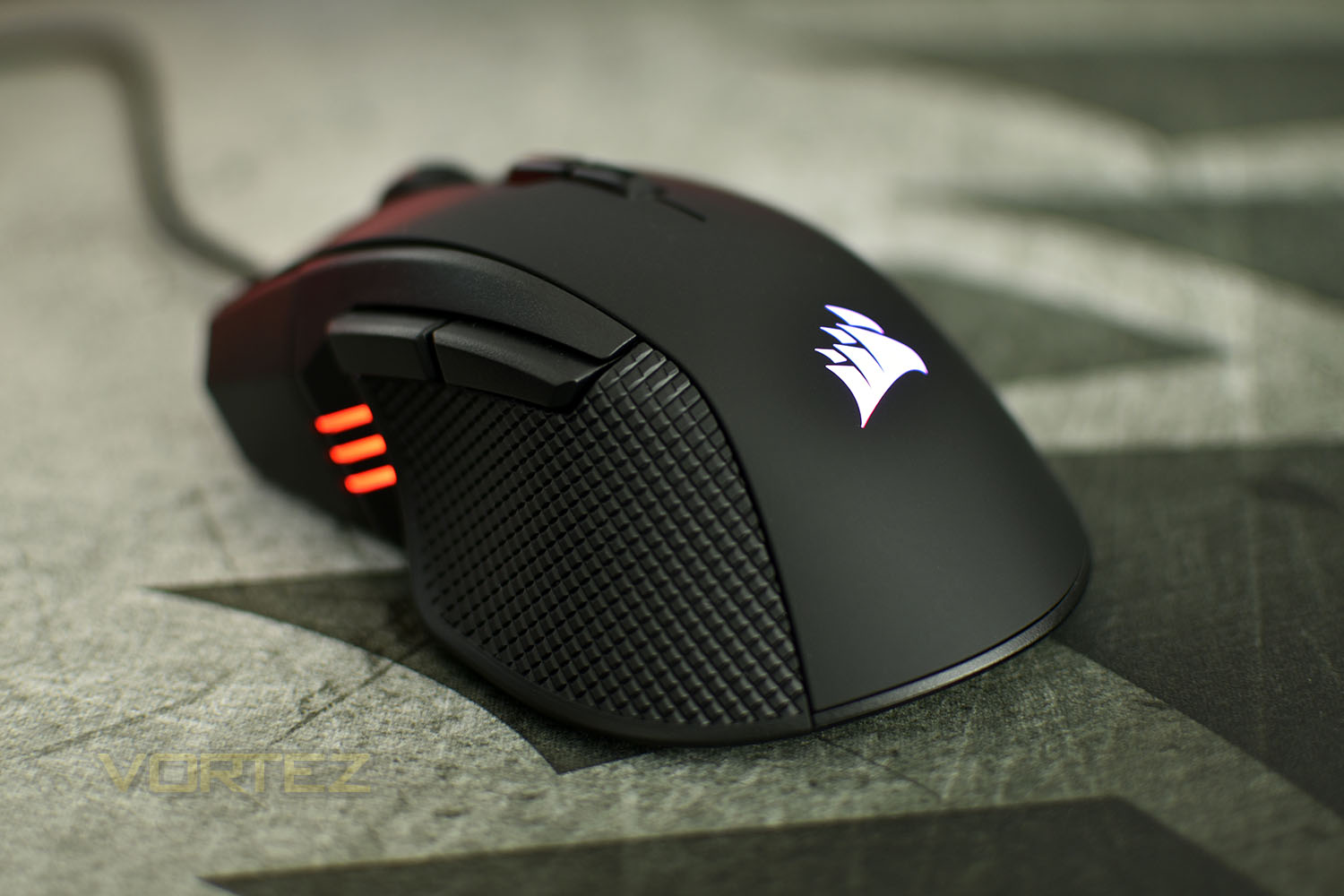
RGB lighting is offered up in two separate zones, with an addition three-LED display on the left of the mouse for quick access to profile information.
With an 18K sensor, RGB lighting and a lightweight design, the Ironclaw RGB certainly talks the talk but can it walk the walk amongst the vicious competition?
Corsair on the Ironclaw RGB:
The CORSAIR IRONCLAW RGB Gaming Mouse combines a performance 18,000 DPI precision optical sensor with a 105g lightweight body and contoured shape that’s sculpted specifically for palm-grips and larger hands.
Technical Specifications
Reserved
Packaging & First Look
Corsair’s typical yellow and black packaging makes yet another appearance, with a very bright and vibrant front to their boxes. The mouse is dead-centre on the front with little information.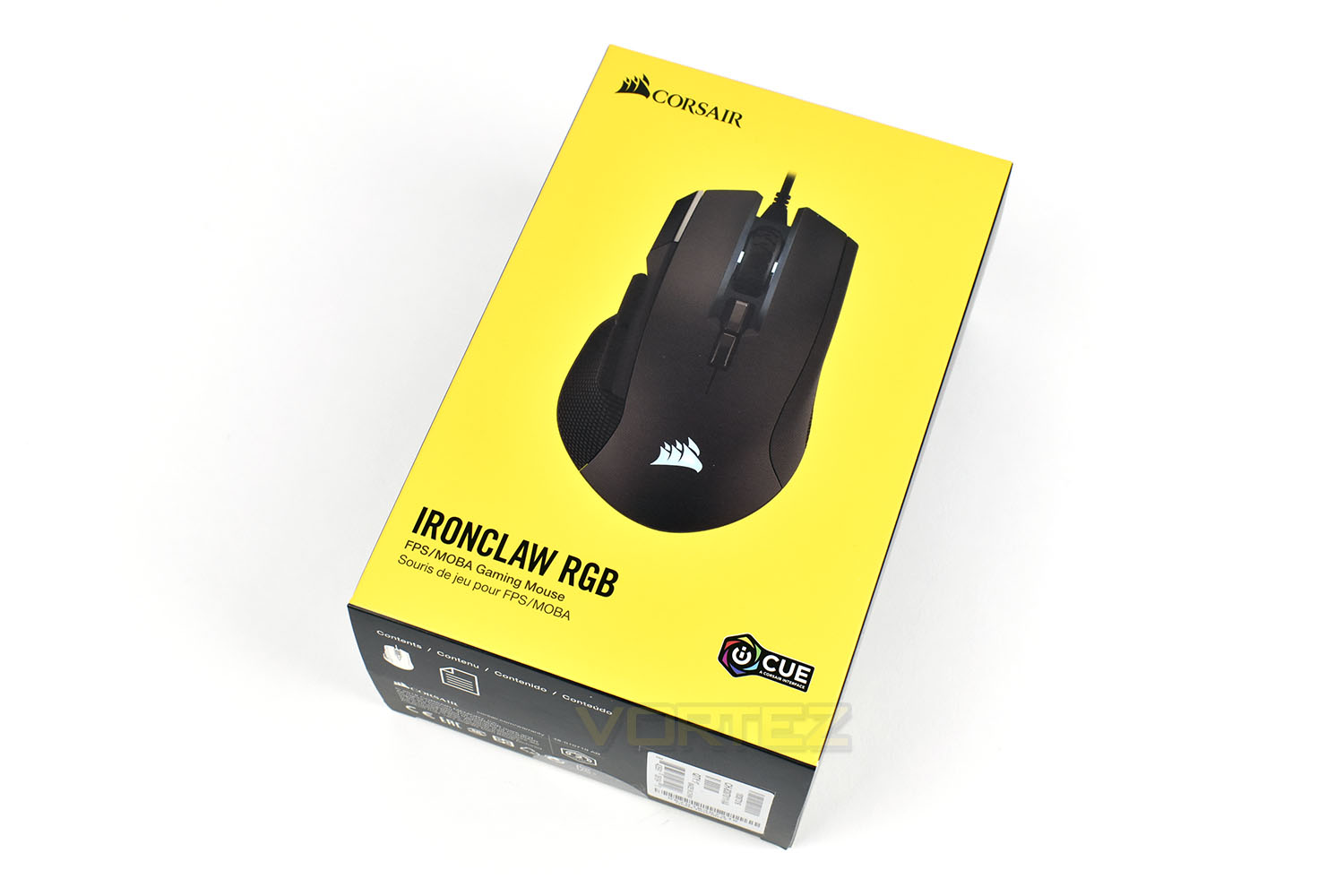
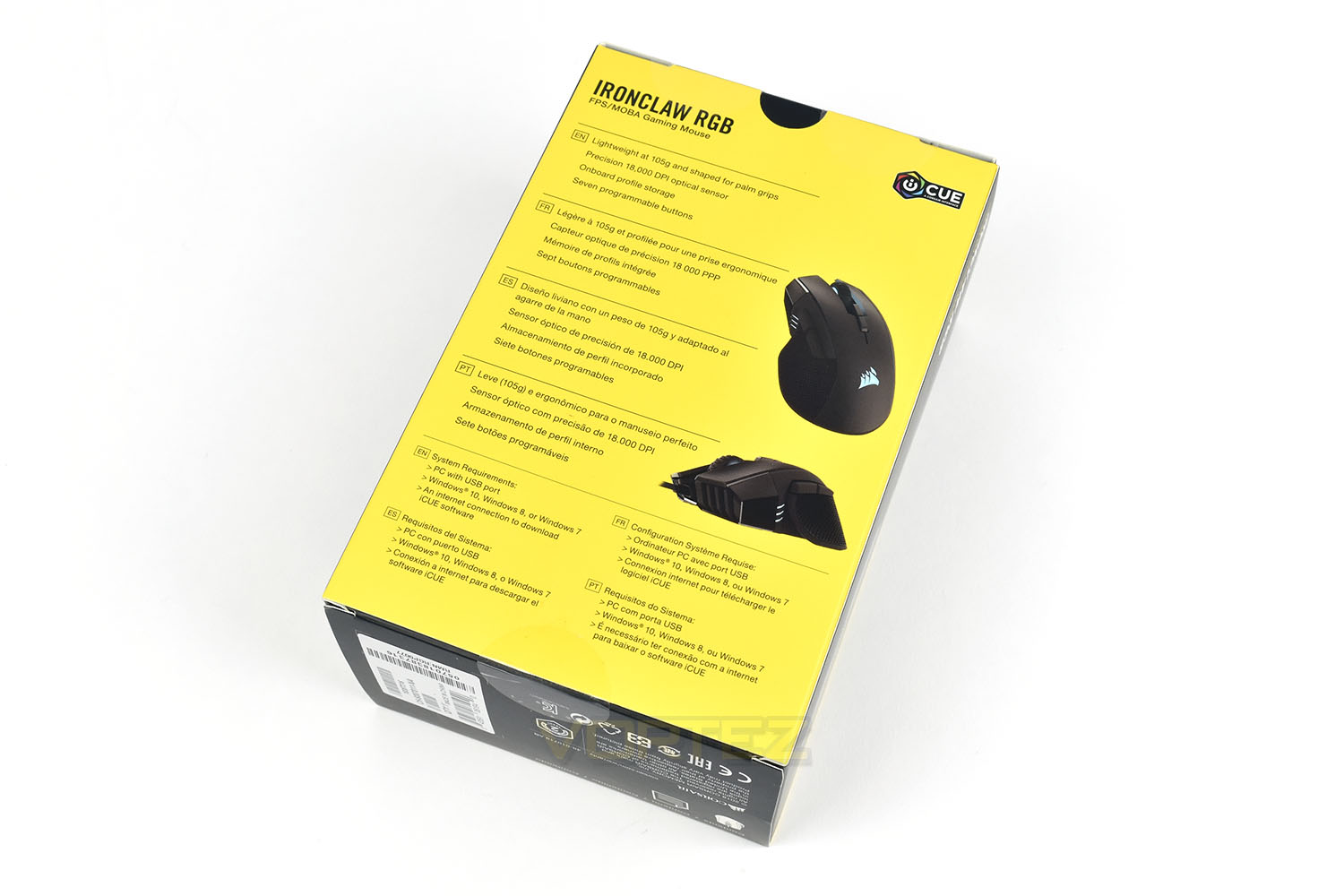
The rear of the box gives a bit more but is mostly dominated by the same information in multiple languages, save for a couple of different angles of the Ironclaw.
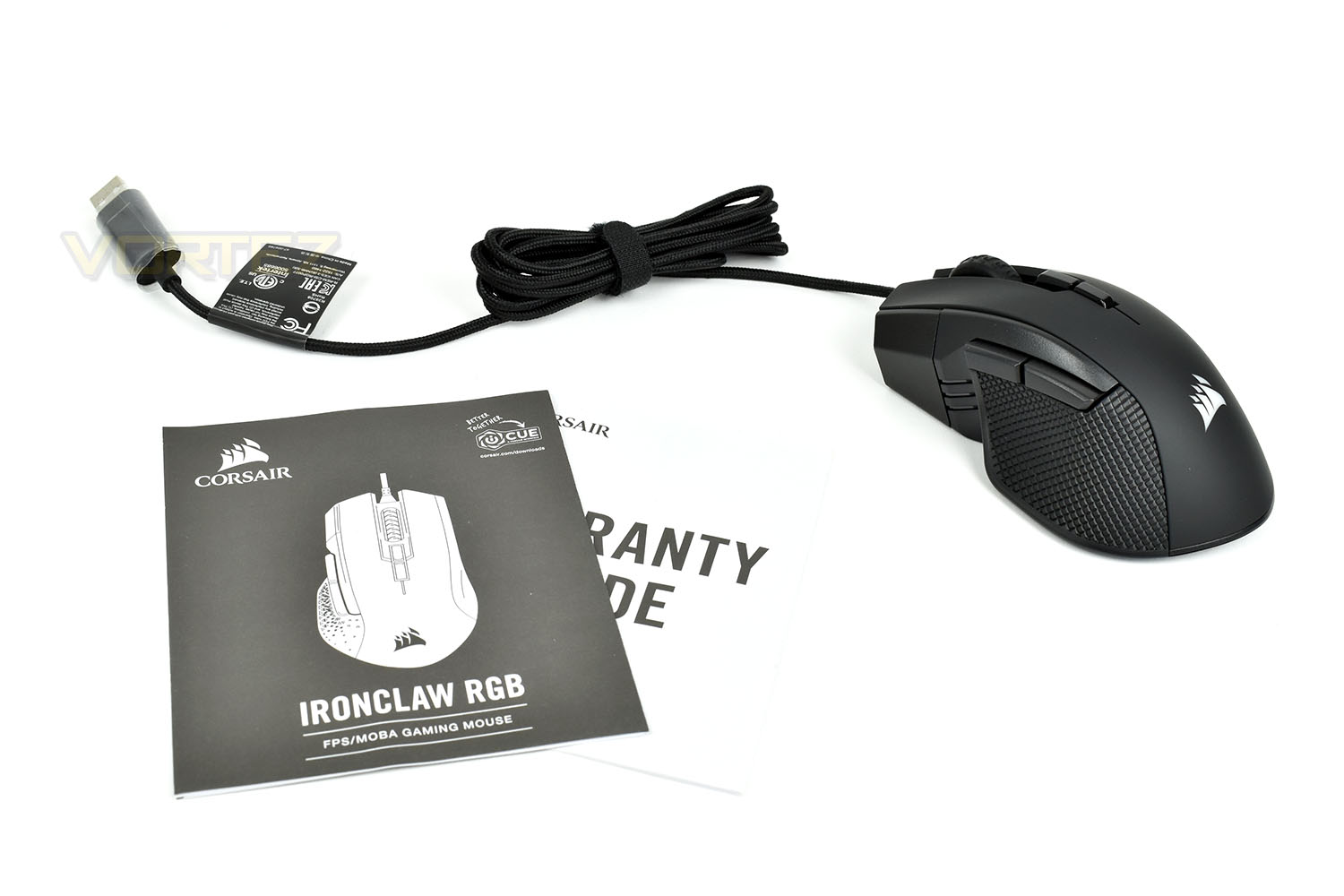
Keeping things simple, you get the mouse itself, a warranty guide and a small instruction booklet.
Closer Look
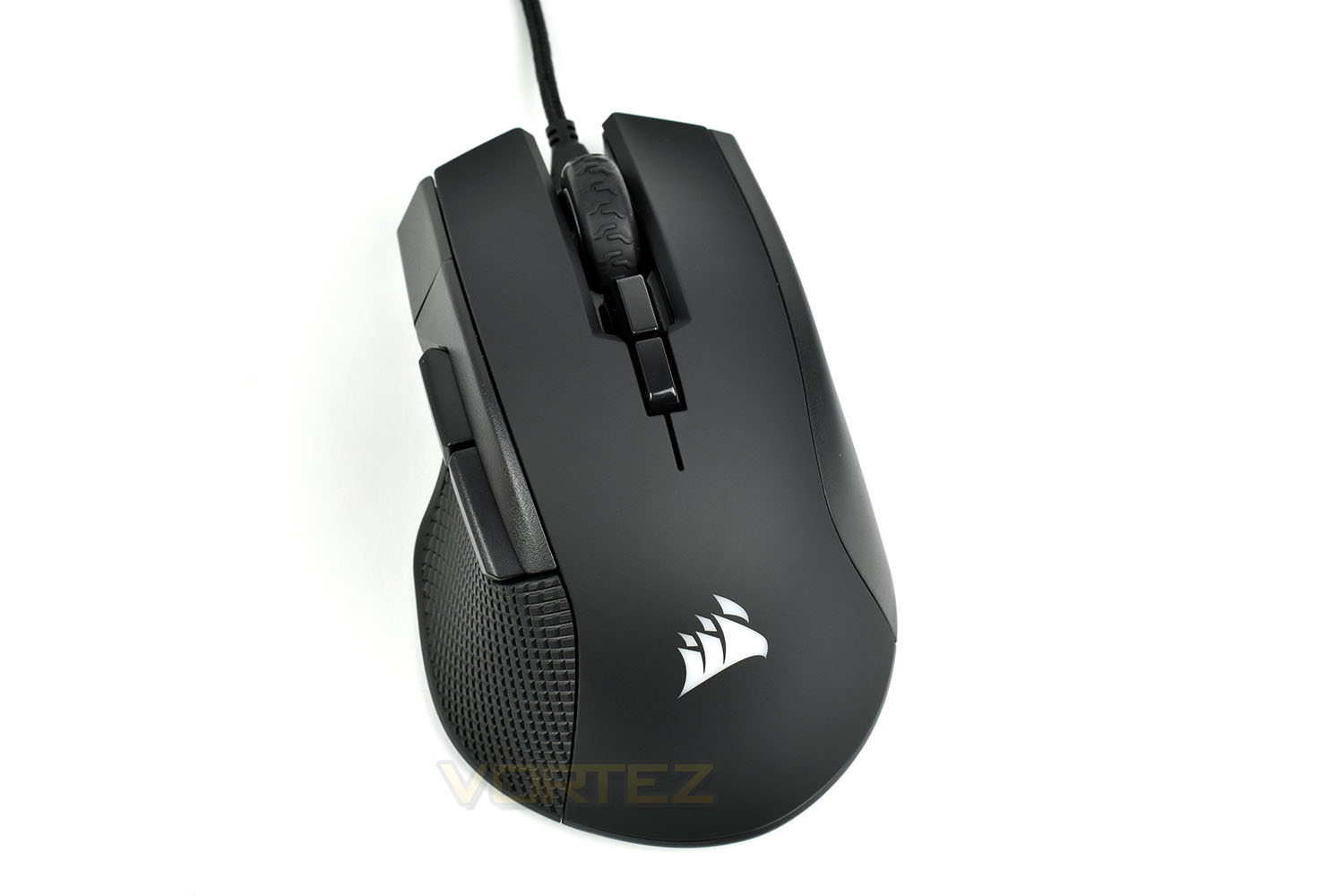
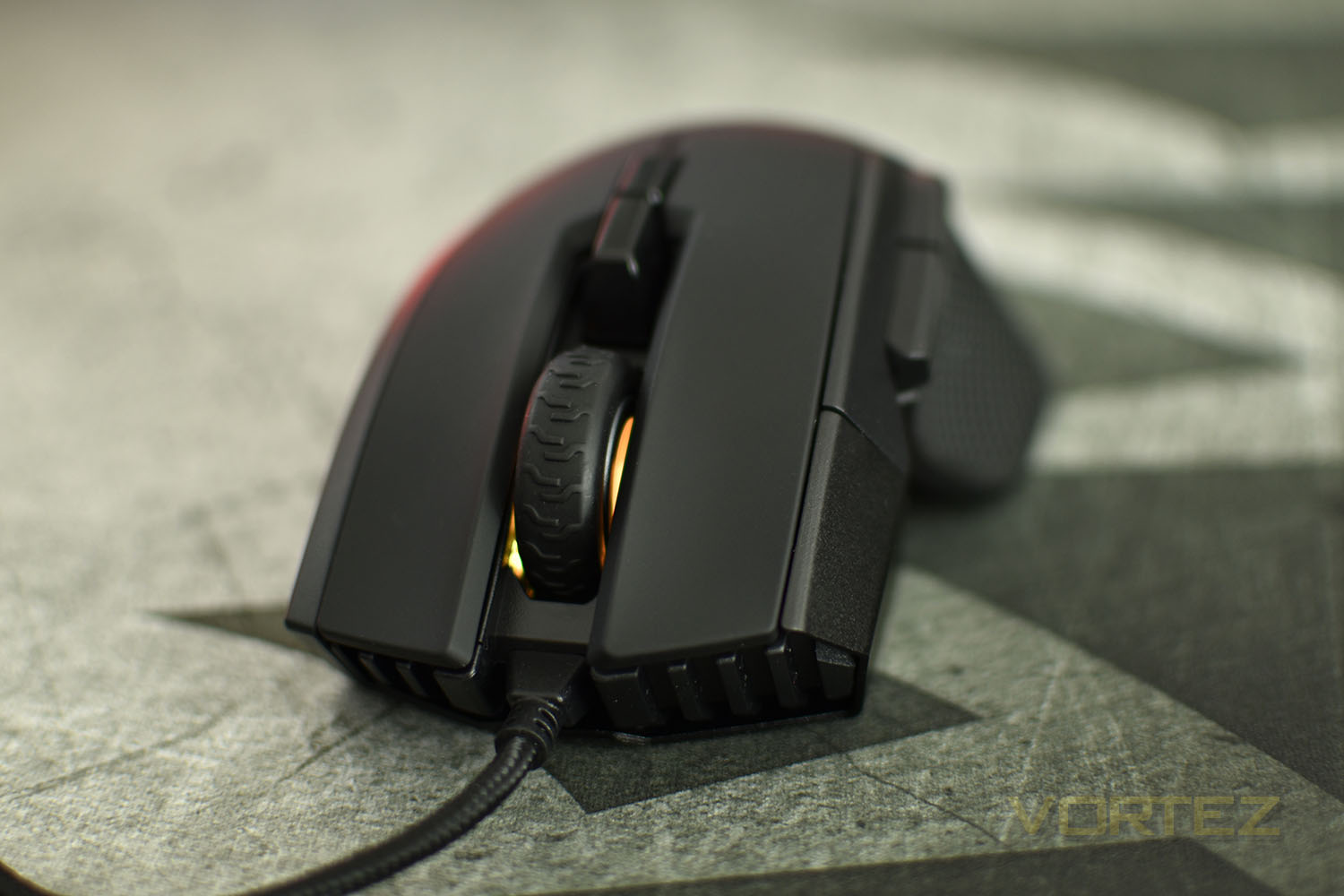
If you read our review last year of the Corsair Glaive, you’ll probably recognise a few similar design cues between this, and the Glaive. The braided cable is centred below the scroll wheel and slightly raised from the mouse to reduce drag. The thumb section on the left of the mouse has an obvious contoured shape.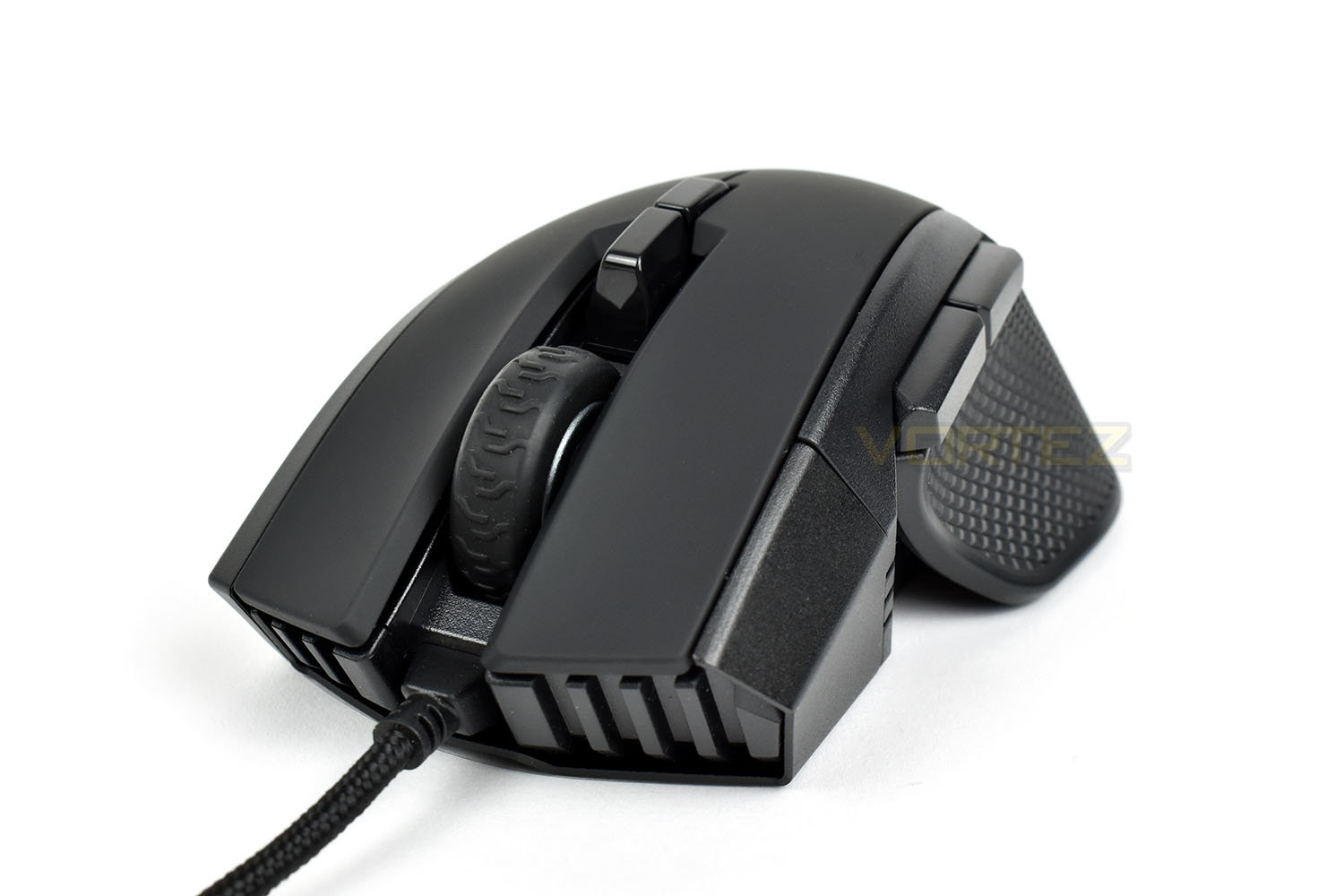
The left of the mouse, towards the front, features 3 LEDs which can be used to display the currently selected profile. Above the sculpted and textured thumb section are a pair of fully programmable, chunky buttons; by default, these are used to move backwards and forwards within your browser or file menus.
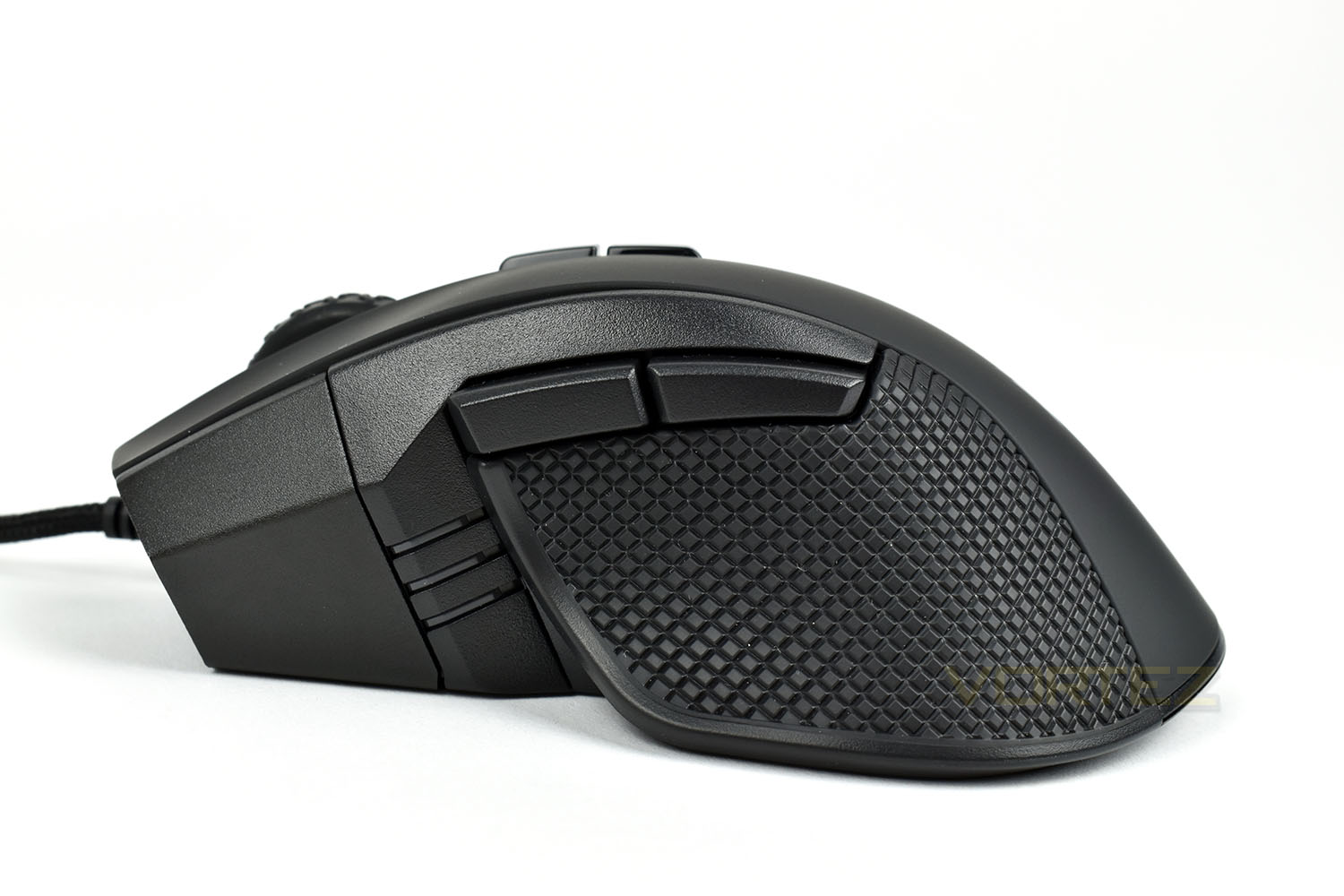
The right hand side of the Ironclaw is textured in the same manner as the other side, aiding grip and overall feel.
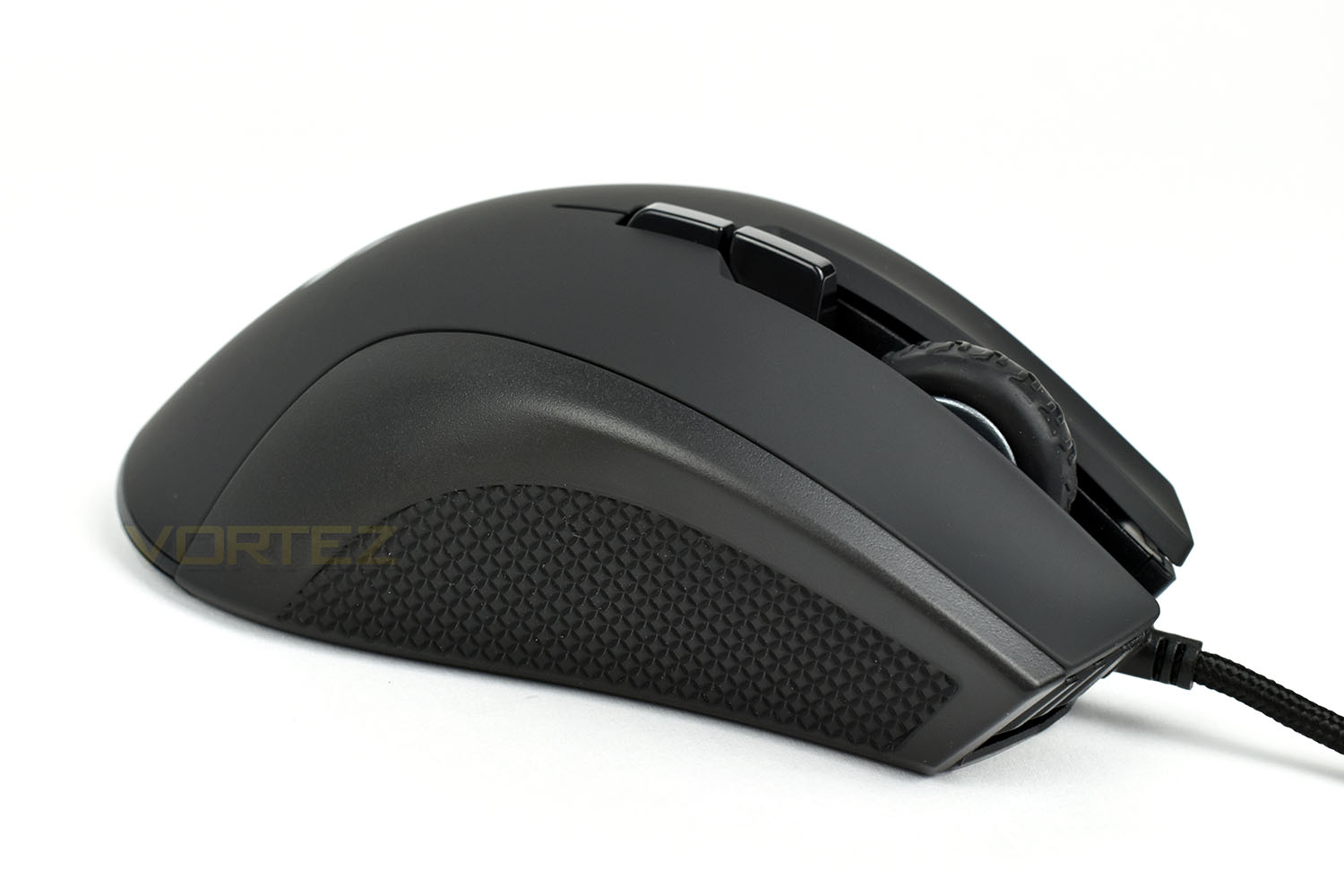
Looking to the rear of the device, the RGB Corsair logo is placed centrally on top of a smooth plastic shell.
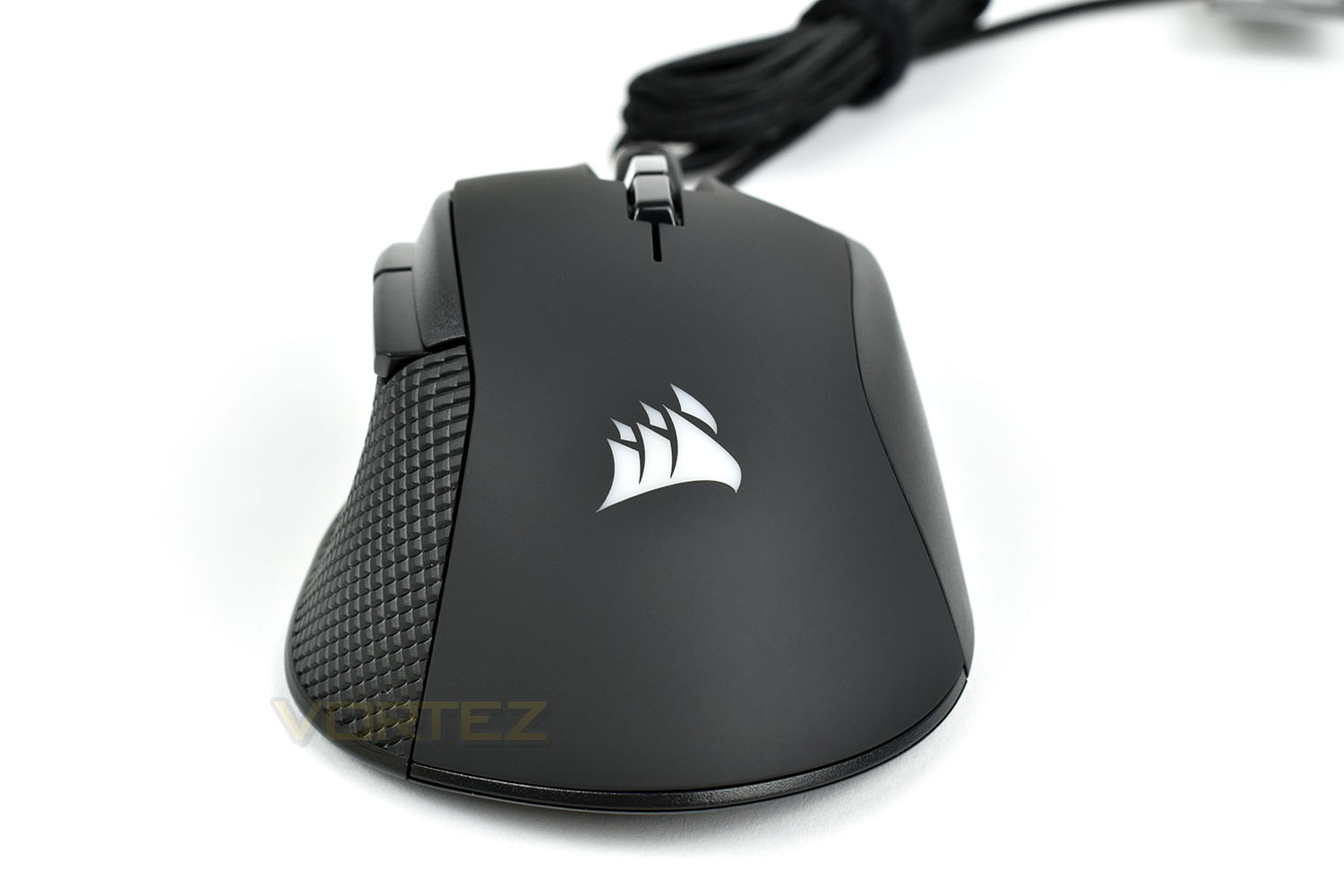
On top of the mouse are a pair of buttons, though unlike most mice, only one of these buttons is, by default, used to toggle the DPI, with the other switching between profiles. This is unusual, but a better use of a pair of buttons, in our opinion.
The textured scroll wheel is much the same as many other Corsair mice, featuring a satisfying tactile click without being too loud.
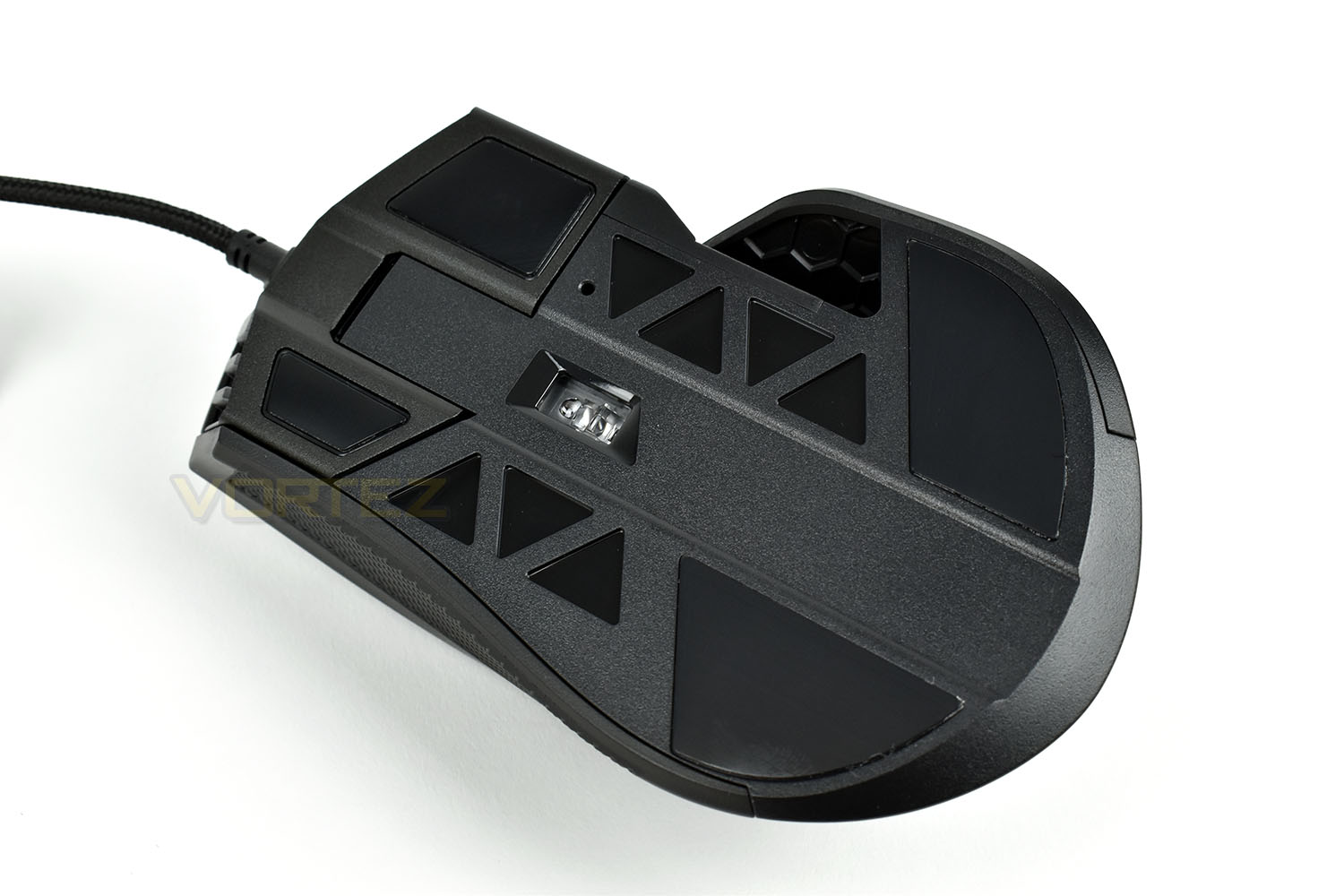
The underside is incredibly basic. Usually we would see some kind of serial number here along with the CE mark and other mandatory information but instead, Corsair have moved this to the end of the 1.8M braided cable, on a small sticker. The base of the mouse features a section, towards the front, that looks like it could be removed but it’s not possible to pop this away. There are four large PTFE pads which should provide plenty of glide for years to come.
Software
Delving into the Corsair iCUE software, we can see the Ironclaw’s adjustments and abilities. The iCUE software is simple and easy to use with plenty of options. Check out the short video below.Performance Testing
Once the iCUE software is installed, the mouse may require a firmware update which doesn’t take long at all. From then on, you’re good to go.First things first, comfort. The Ironclaw is suited to a palm grip and specifically designed for users with larger hands. The mouse is easily 15-20mm longer than your typical mouse, along with extra width and height; the thumb grip is also deeply recessed for additional grip and comfort. All in all, we found the Iron to be incredibly comfortable and easily one of the top mice we’ve tested in that department.
Moving from comfort onto performance and there’s absolutely no denying the gaming credentials of the mouse, with the OMRON switches for their beautiful tactile click, the 18k PWM 3391 optical sensor providing extremely accurate and positive movement and the overall shape and layout of the thumb buttons. All in all, it felt amazing. In fact, this is the first time we’ve felt a mouse in this price range has challenged the SteelSeries Sensei and Rival 310’s sensor which astounded us at the tail end of 2017.
Gaming with the mouse was excellent, with the DPI set at around 900-1000, we found it to be astonishingly accurate in the two games we tested (Battlefield V and War Thunder).
Something which is unusual when testing mice is a DPI granularity of 1, meaning that the DPI can be adjusted between 100 and 18,000 in steps of 1. It’s unlikely you will ever want to adjust your DPI to this degree of accuracy, but it’s also unlikely that you’ll take your watch to 100m below the sea but it’s nice to know that it can.
The RGB lighting on this model is excellent, at least from the back, because the LEDs built into the scroll wheel are, for all intents and purposes, a bit of a waste. They’re only visible when you view the mouse from above, and even then, they’re so dim that it’s difficult to tell if they’re switched on with certain colours. The three LED indicator on the left of the mouse is handy for switching between profiles or DPI options if you require some kind of visual feedback.
Finally, the build quality and finish of the device is top-notch, at least for an all-plastic design, anyway. There’s no rattles or sharp edges, everything fits together nicely and the braided cable helps to ensure it doesn’t get snagged or broken over time.
Conclusion
Thanks to the Ironclaw’s 18K sensor, RGB lighting, lightweight, yet large design and great software, Corsair have scored highly here.The RGB lighting is vibrant, bright and easy to adjust within the software, which can’t be said for all gaming mice. But we can’t really see a reason for the scroll wheel illumination, if we’re being honest.
Build quality is as expected for a Corsair mouse. Despite the plastic chassis and construction, all of the pieces fit together tightly and form a solid shape.
Comfort, especially for those with larger hands, is absolutely up there with the best. The deep thumb grip, massive size and tall shape make this an ideal candidate for anyone who prefers a large mouse or uses a palm grip.
All in all, we quite like the Ironclaw RGB. We’d absolutely recommend this in the sub-£60 category, though do bear in mind the size of the mouse.
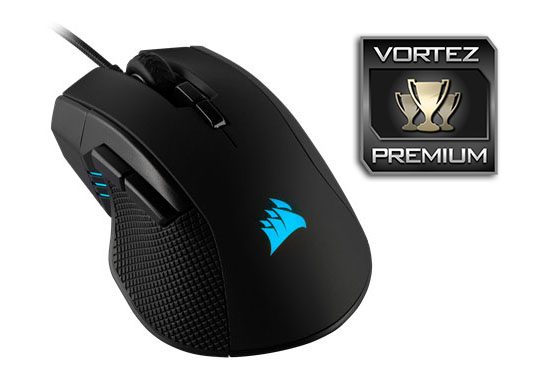
Once again, Corsair’s vast portfolio and research and development budget has shown just what is possible. The Ironclaw RGB performs way above what its price tag would suggest.
Pros
+ Large, comfortable shape
+ Great 18k optical sensor
+ Bright RGB lighting (on the back, at least)
+ Decent price
+ iCUE software is easy to configure
Cons
– Scroll wheel lighting seems pointless
– Will be too large for most hands and grip styles
+ Large, comfortable shape
+ Great 18k optical sensor
+ Bright RGB lighting (on the back, at least)
+ Decent price
+ iCUE software is easy to configure
Cons
– Scroll wheel lighting seems pointless
– Will be too large for most hands and grip styles
Click here for an explanation of our awards at Vortez.net.
Stay connected with the Vortez Social Media pages:
Join in with the discussions on Discord