Updating the M65 mouse, Corsair have installed a high performance optical sensor to provide gamers with that pixel precise, zero acceleration performance.

Product on Review: Corsair M65 PRO RGB
Manufacturer and Sponsor: Corsair
Street Price: UK: £54.99, US: $59.99
It has been a while since the Corsair M65 mouse hit the market and has undergone the various branding changes that Corsair have made to its gaming line 1 2. The M65 PRO RGB, is the latest revision to the M65 model and it comes with all those known and loved features of those before it. This includes 8 programmable buttons, the top quality aircraft-grade aluminium frame, ergonomic shape, the large sniper button as well as the adjustable weight system.
The M65 PRO RGB is now kitted out with a new Pixart PMW336x optical sensor (similar to the 3366 in the Logitech G900?), the same found in the Scimitar mouse. It has a resolution of up to 12,000 DPI and so we can expect a responsive, zero acceleration performance for increased precision. There is another change any Corsair fanboy would welcome. That is the return of the iconic Sails logo, replacing the fancy crossed cutlass design seen in our previous outing. ARRR! The logo forms one of three customisable lighting zones, with the forward projecting light and the profile/DPI lighting making up the other two zones.
Overview by Corsair
The M65 PRO RGB features a 12000 DPI optical sensor that provides pixel-precise tracking and advanced surface calibration support. The aircraft-grade aluminum frame gives it low weight, and at the same time, extremely high durability. Use the advanced weight tuning system to set the center of gravity to match your play style, and harness the power of CUE for advanced button configuration, macro programming, and three-zone RGB backlighting customization.
Technical Specifications
Dimensions: 118mm x 72mm x 39mm
Weight: 135.5g – w/o weights 115g
Weight System
(x 3) Screws,
(x 3) Weights
20.5g total adjustability
Sensor Type: Optical
DPI: 100 dpi – 12000 dpi
Report Rate: Selectable 1000Hz/500Hz/250Hz/125Hz
Mouse Backlighting: 3 Zone RGB
Prog Buttons: 8
On-board Memory: Yes
Cable: 1.8m Braided Fiber
Mouse Feet: Extra Large PTFE
CUE Software: Enabled
Warranty: Two years
Weight: 135.5g – w/o weights 115g
Weight System
(x 3) Screws,
(x 3) Weights
20.5g total adjustability
Sensor Type: Optical
DPI: 100 dpi – 12000 dpi
Report Rate: Selectable 1000Hz/500Hz/250Hz/125Hz
Mouse Backlighting: 3 Zone RGB
Prog Buttons: 8
On-board Memory: Yes
Cable: 1.8m Braided Fiber
Mouse Feet: Extra Large PTFE
CUE Software: Enabled
Warranty: Two years
Packaging & First Look
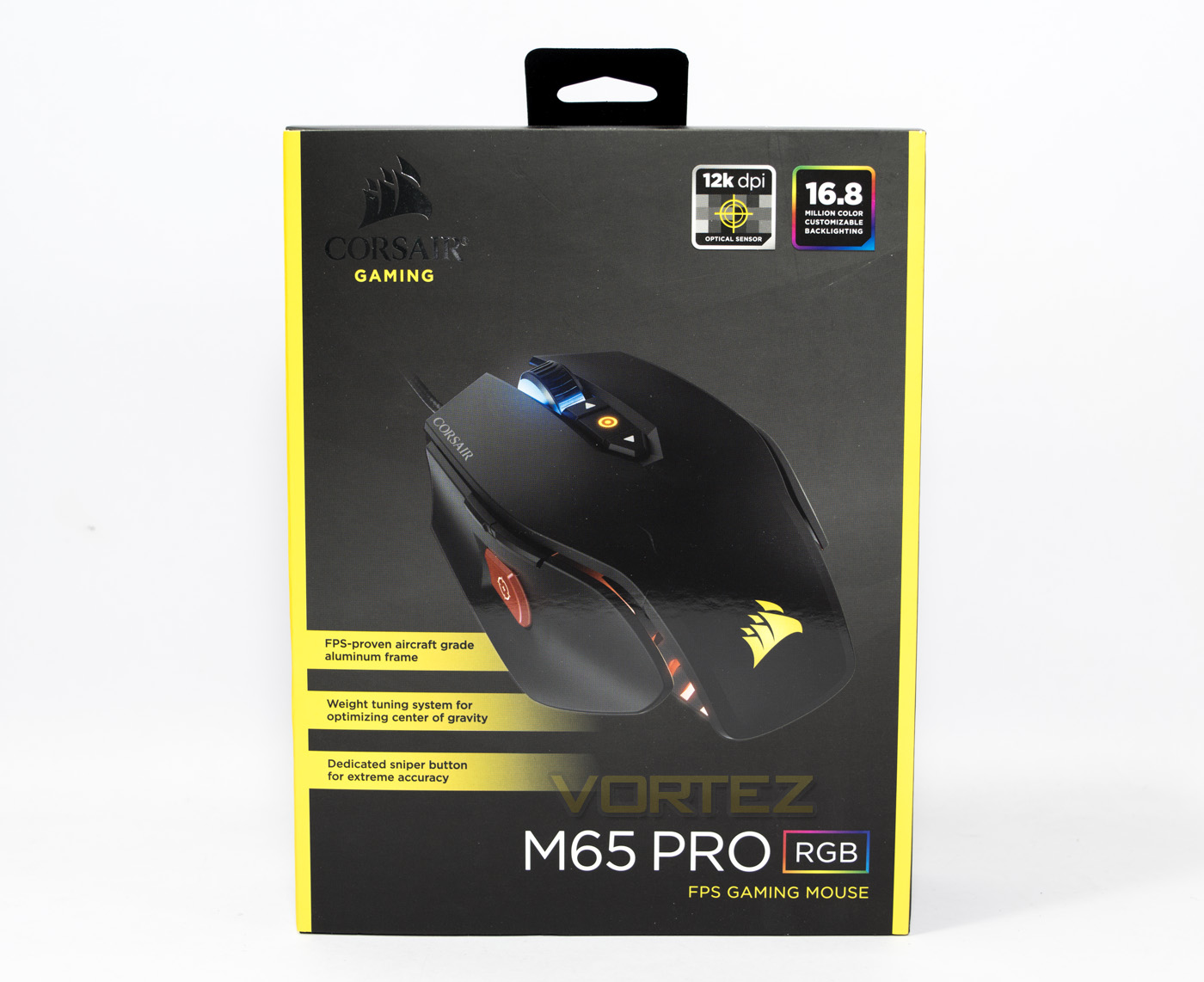
The box packaging is easily identifiable with contemporary Corsair products with the yellow on black packaging. The design is very minimalistic, showing displaying the product name, brand, and but a few key features.
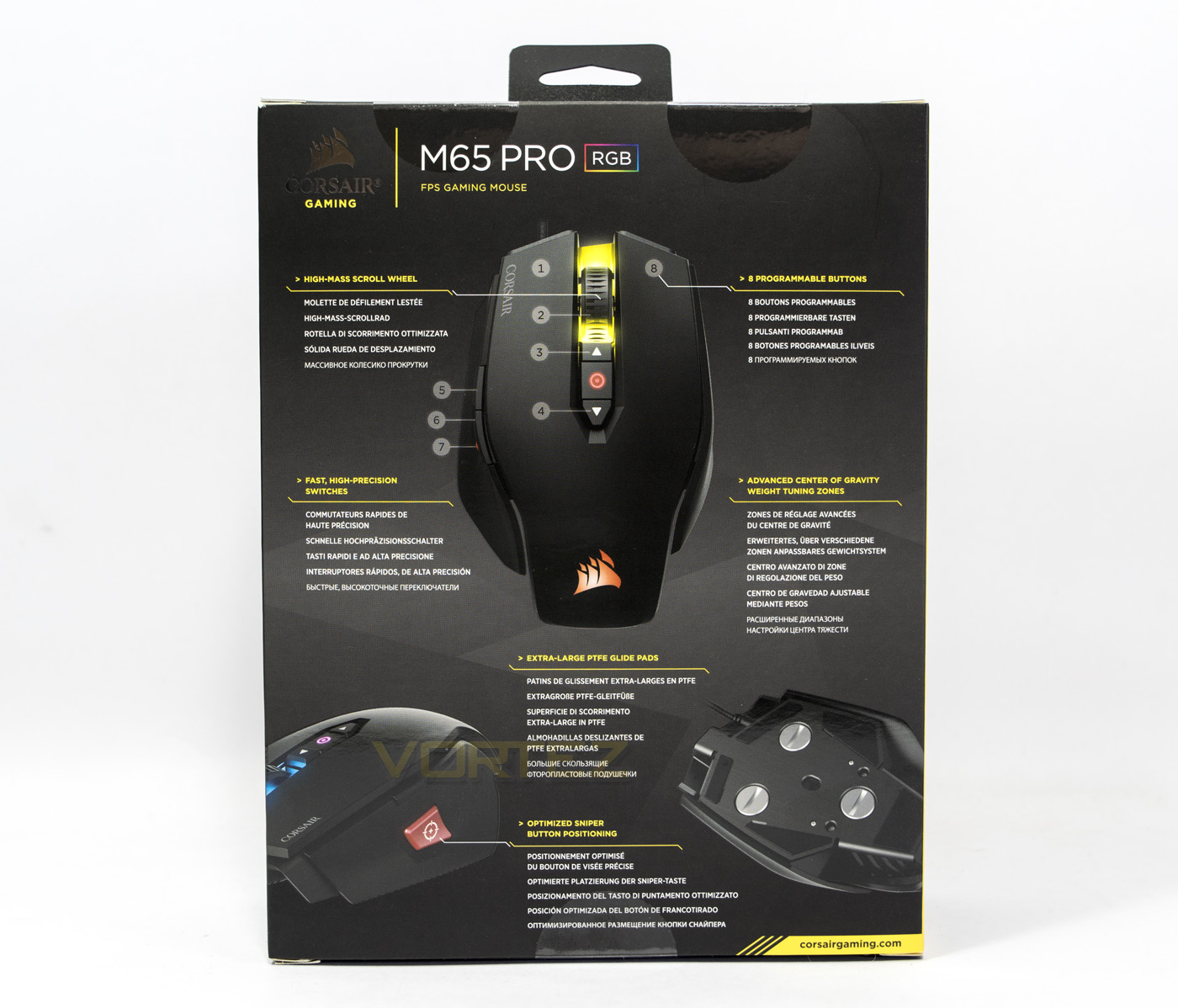
The reverse side shows a diagram and gives a more detailed insight to each of the features of the M65 PRO RGB.
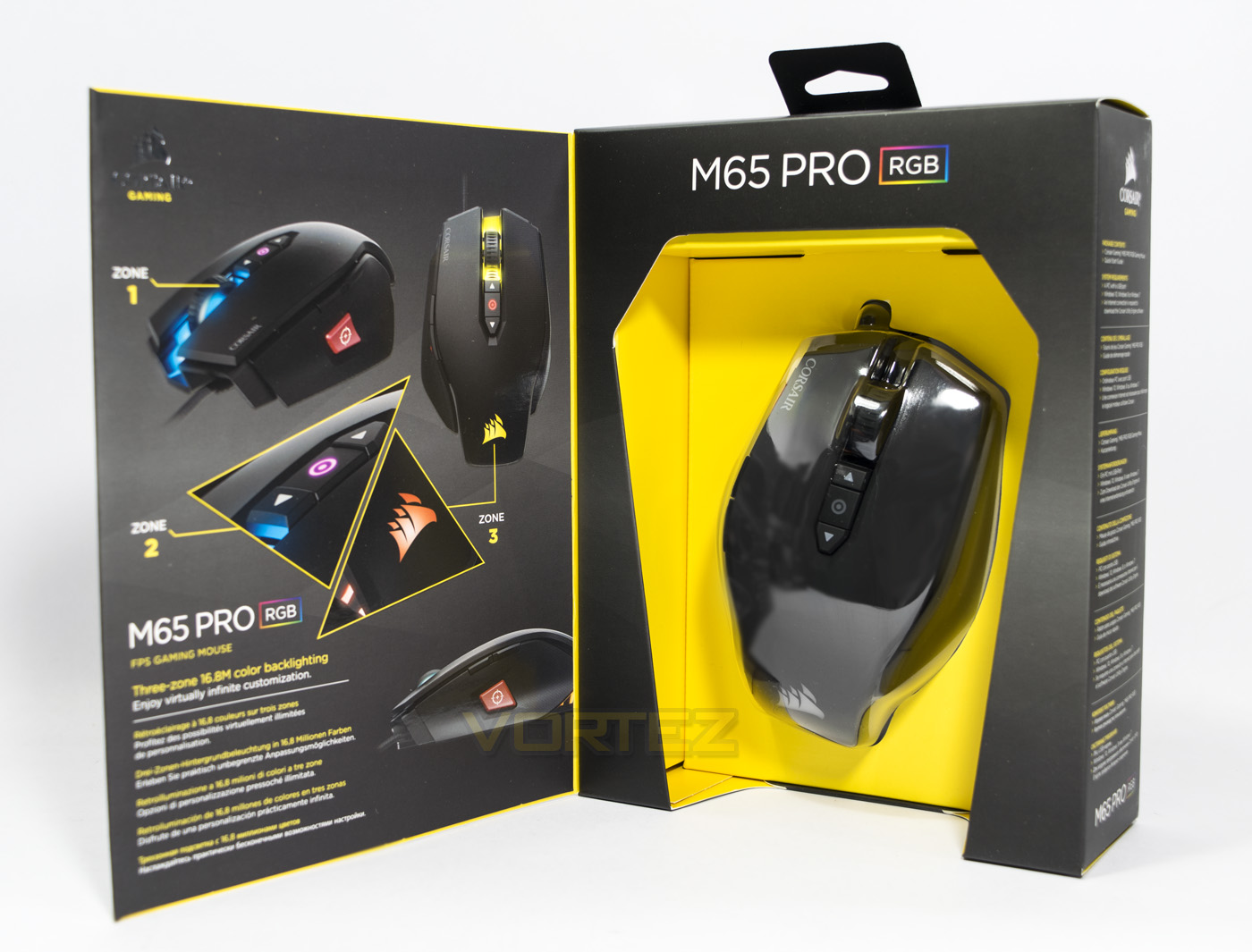
There is a front opening to the box that allows a prospective buyer to view the M65 PRO RGB in all its glory as well as some pictures showing off its RGB lighting zones.
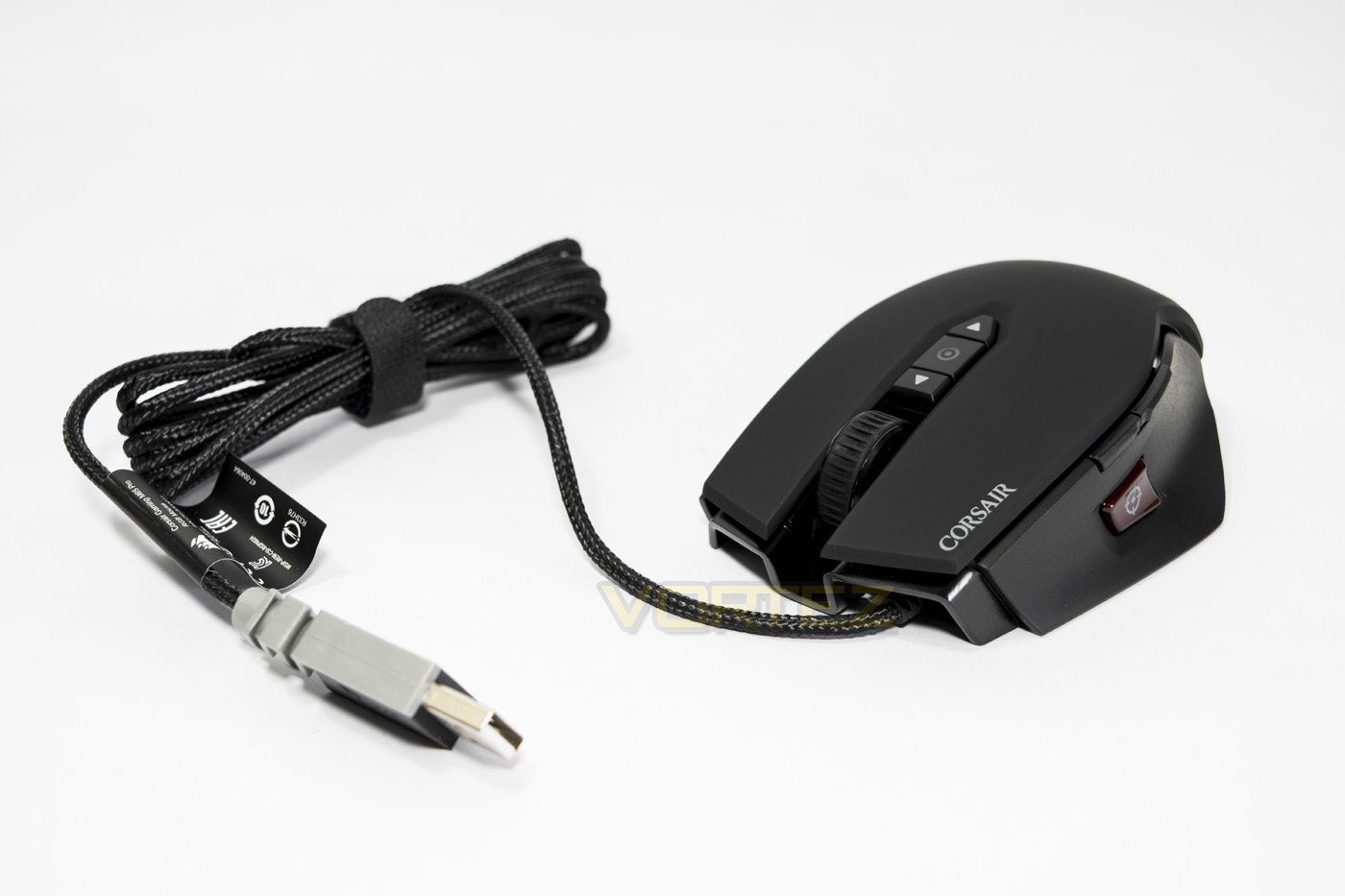
The M65 PRO RGB mouse, difficult to discern from previous M65 mice, though the grey USB connector attached to the 1.8m braided cable is in keeping with the other latest products we have seen from Corsair (such as the K70 RAPID FIRE).
Closer Look
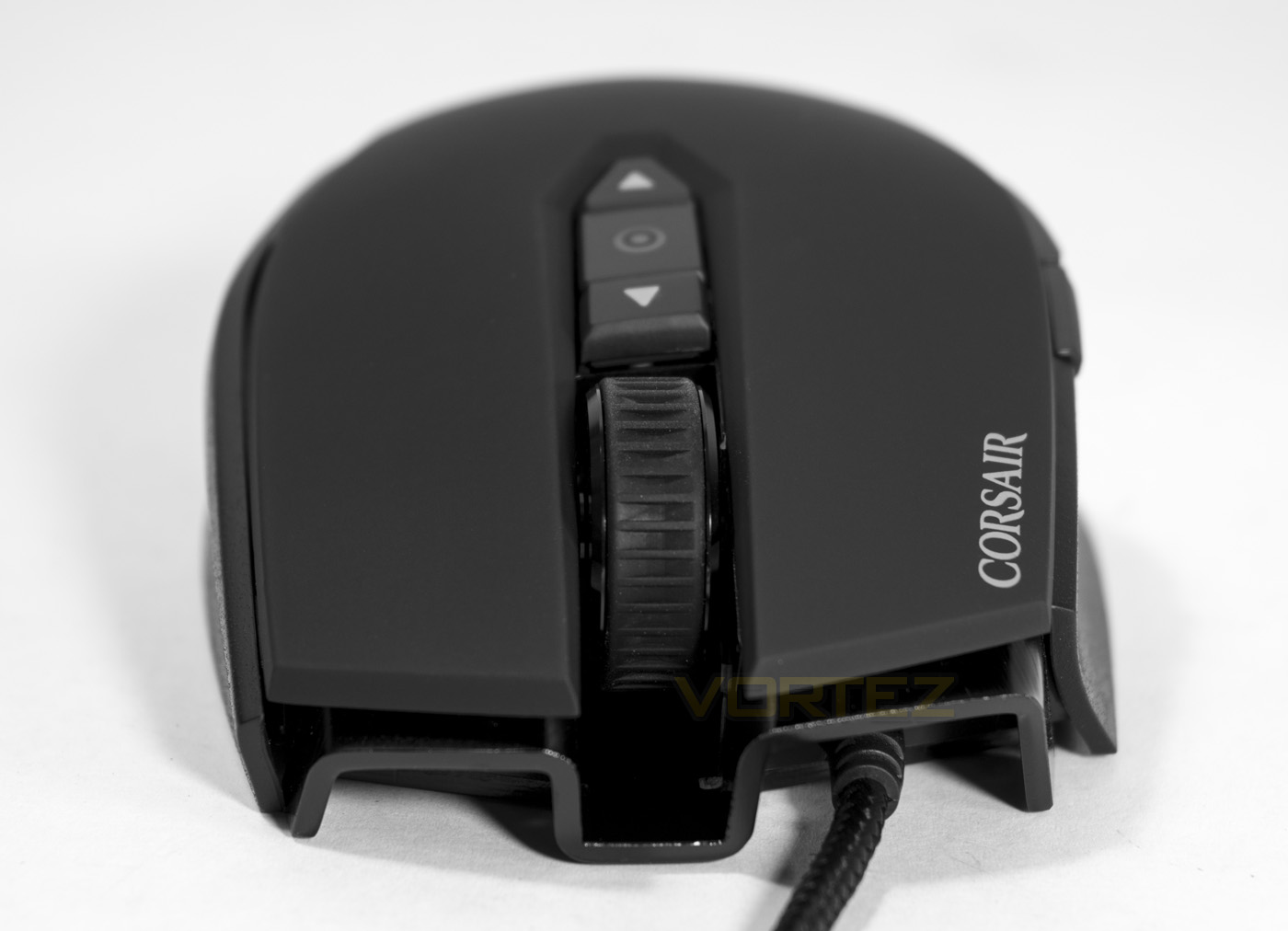
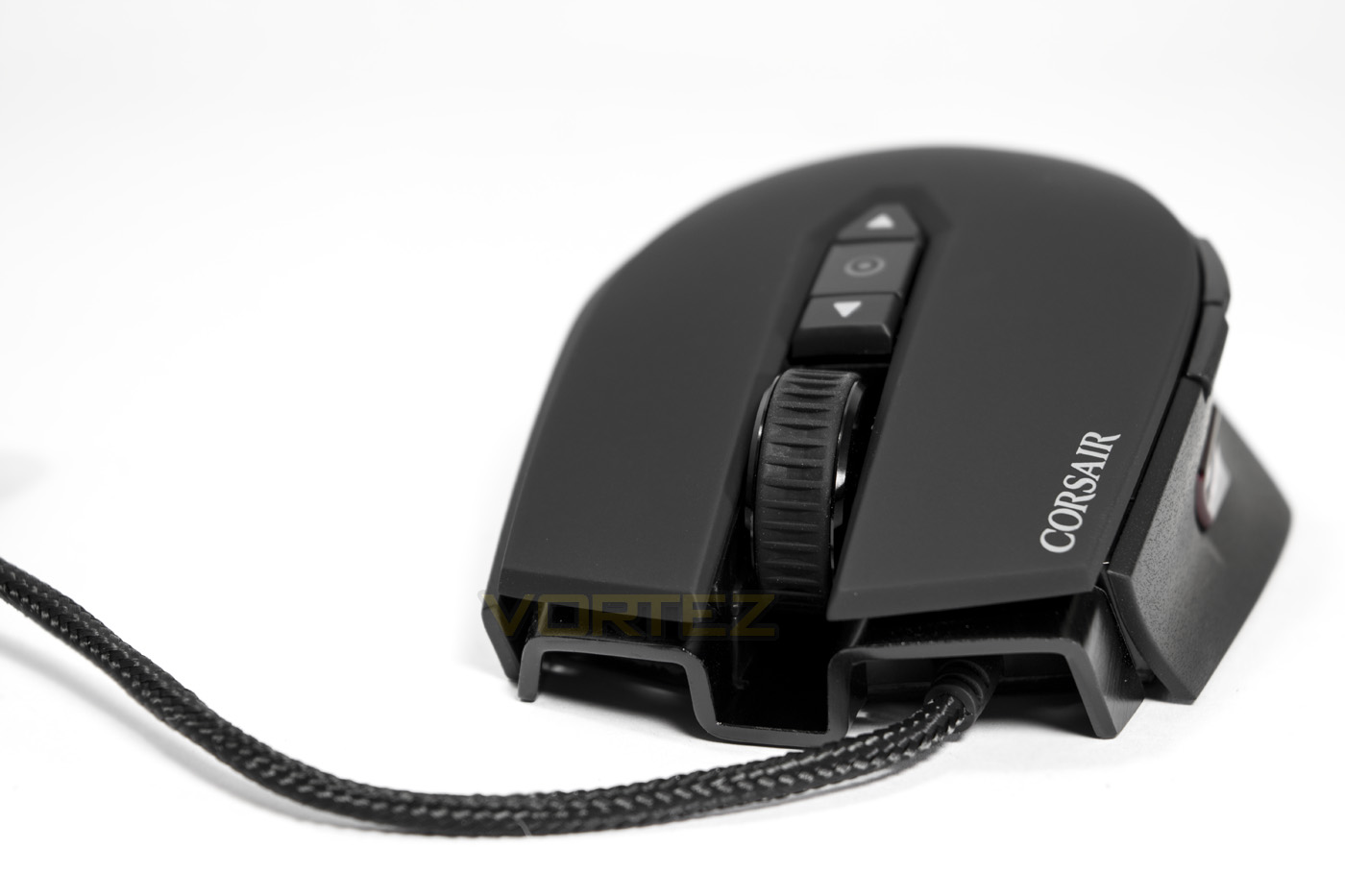
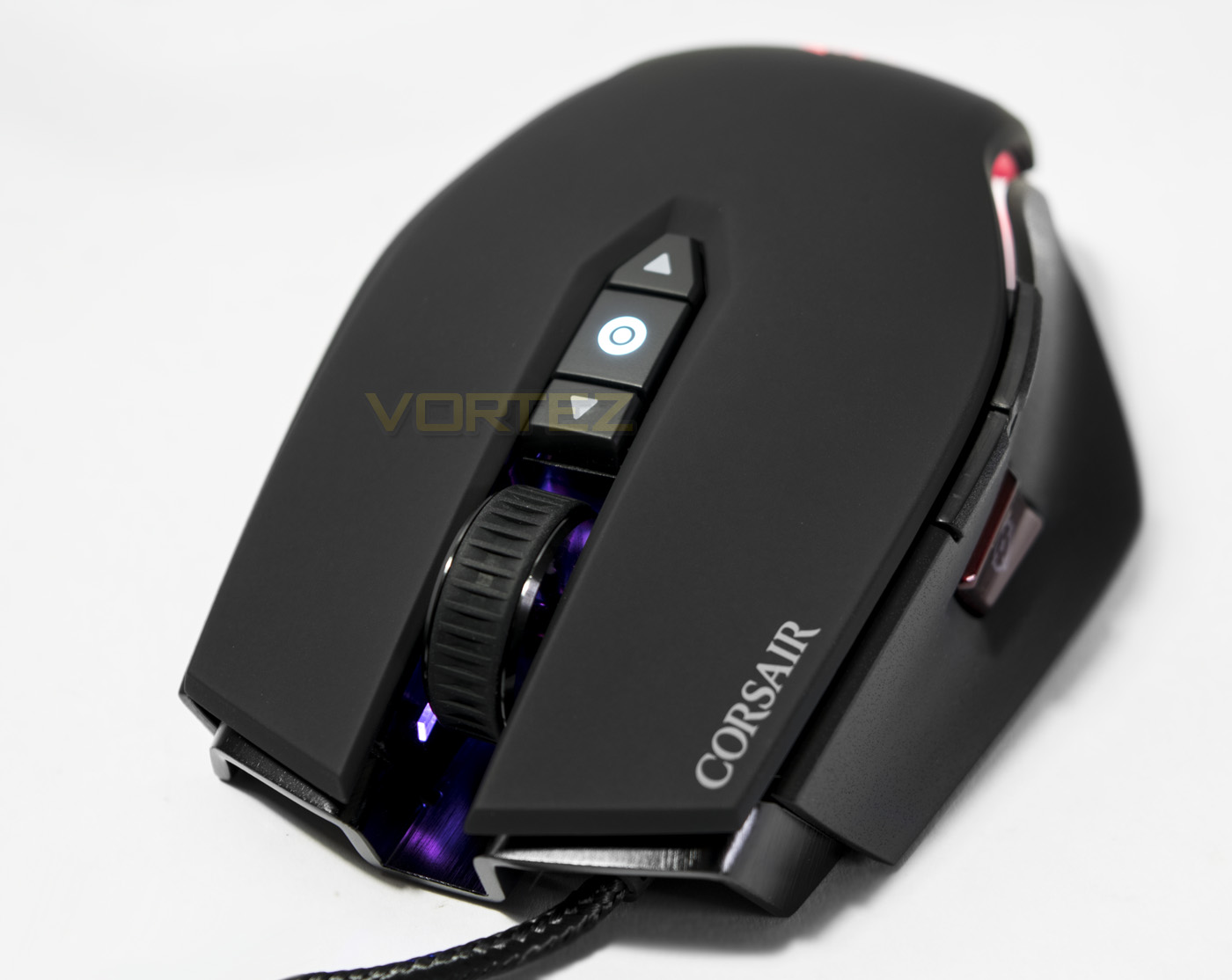
The front of the M65 shows off the attractive aluminium frame design, the central recess surrounding the mousewheel has an RGB LED that beams out like a headlight.
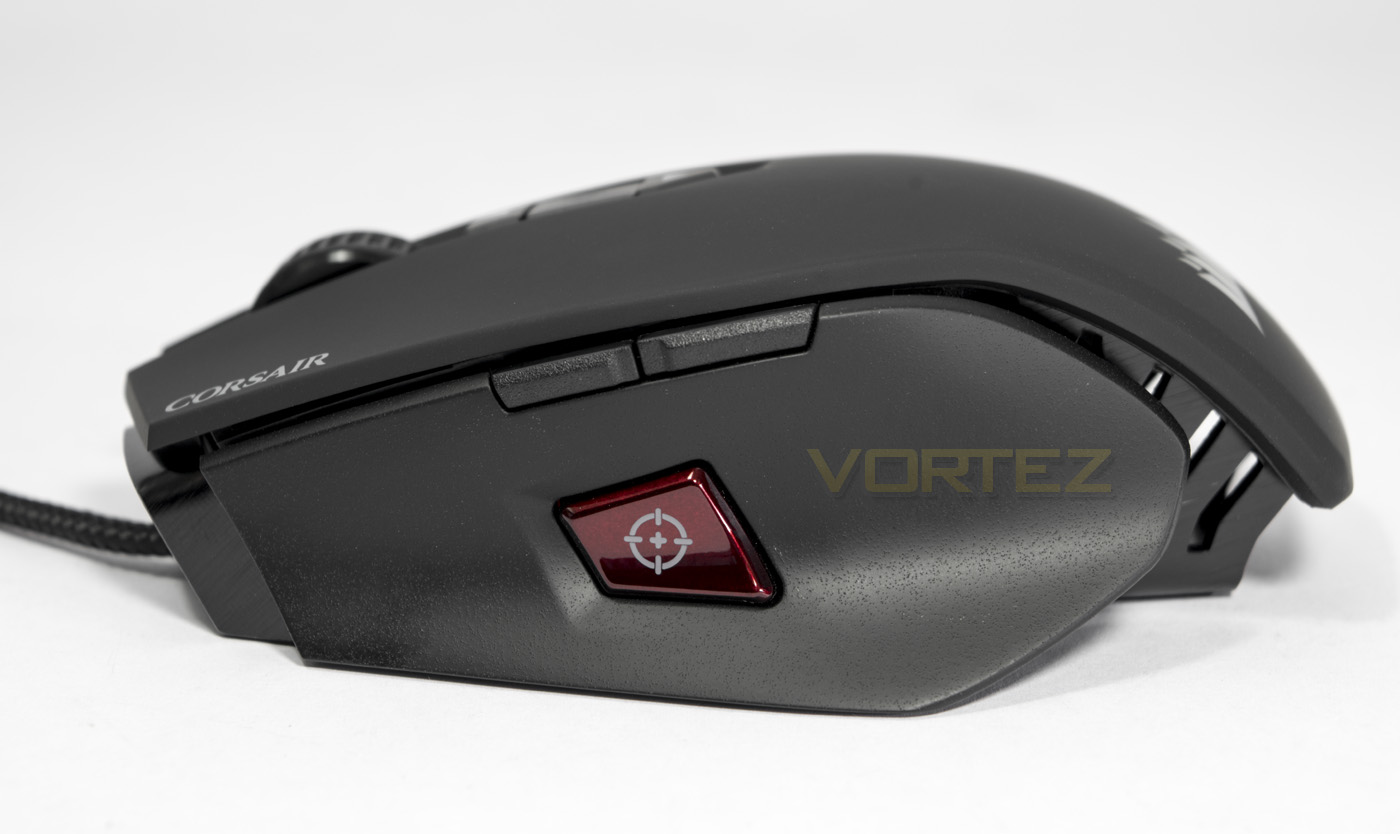
The side panel of the M65 is a anti-fingerprint material and has been ergonomically shaped for the right hand. In the middle is a large DPI toggle button, to instantly change the DPI in game for more accuracy while aiming, thus aptly named ‘sniper’ button. Not a unique feature, but is one that is well liked by many FPS gamers. There are also a standard pair of forward/backward mouse buttons.
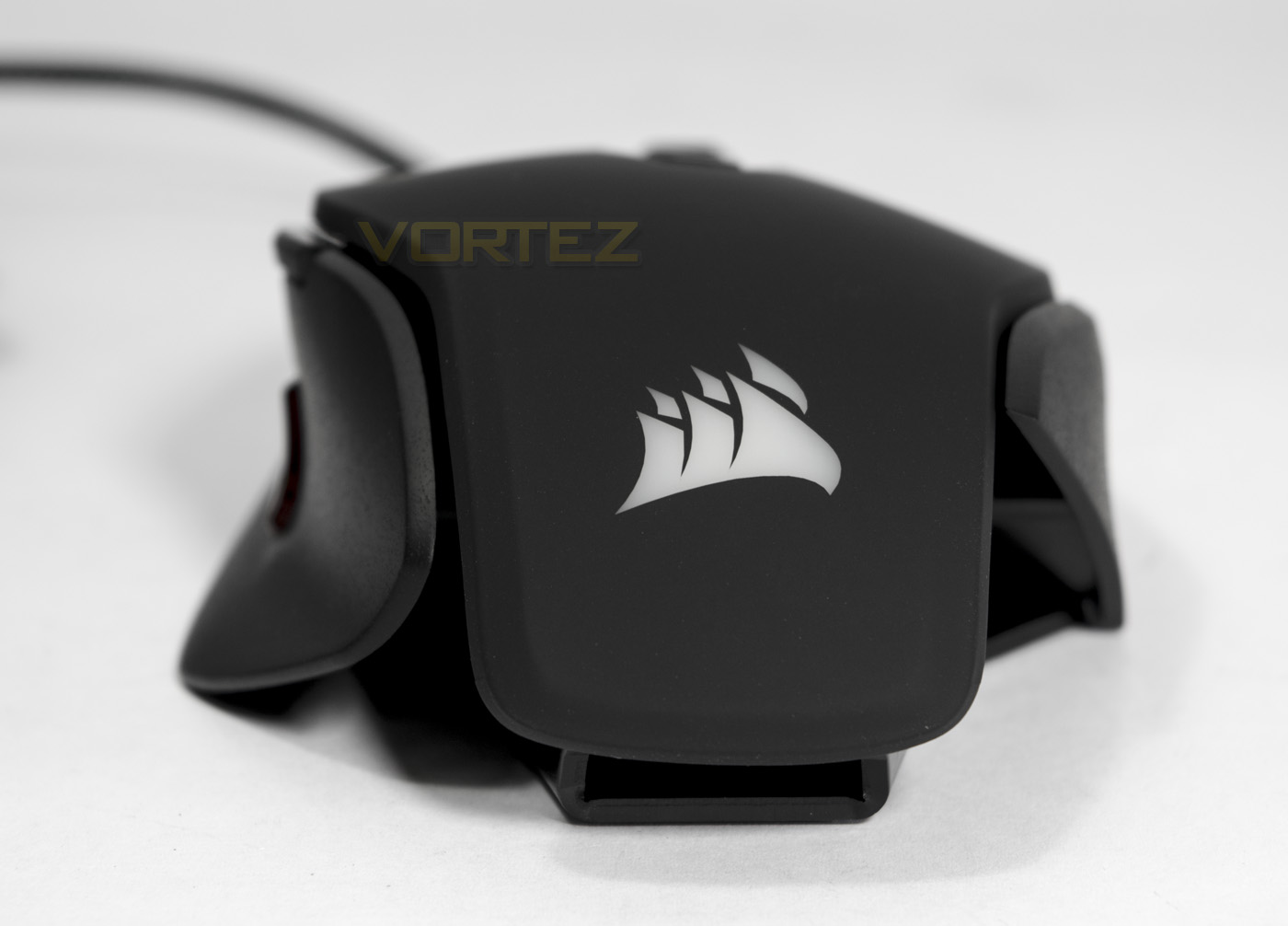
Chasing the stern, it is much easier to see the ergonomic shape of the M65, while at the base you can see the aluminium frame rolled up. Not only does the rear LED lighting light up the logo, but it is emitted out through the frame in an attractive manner.
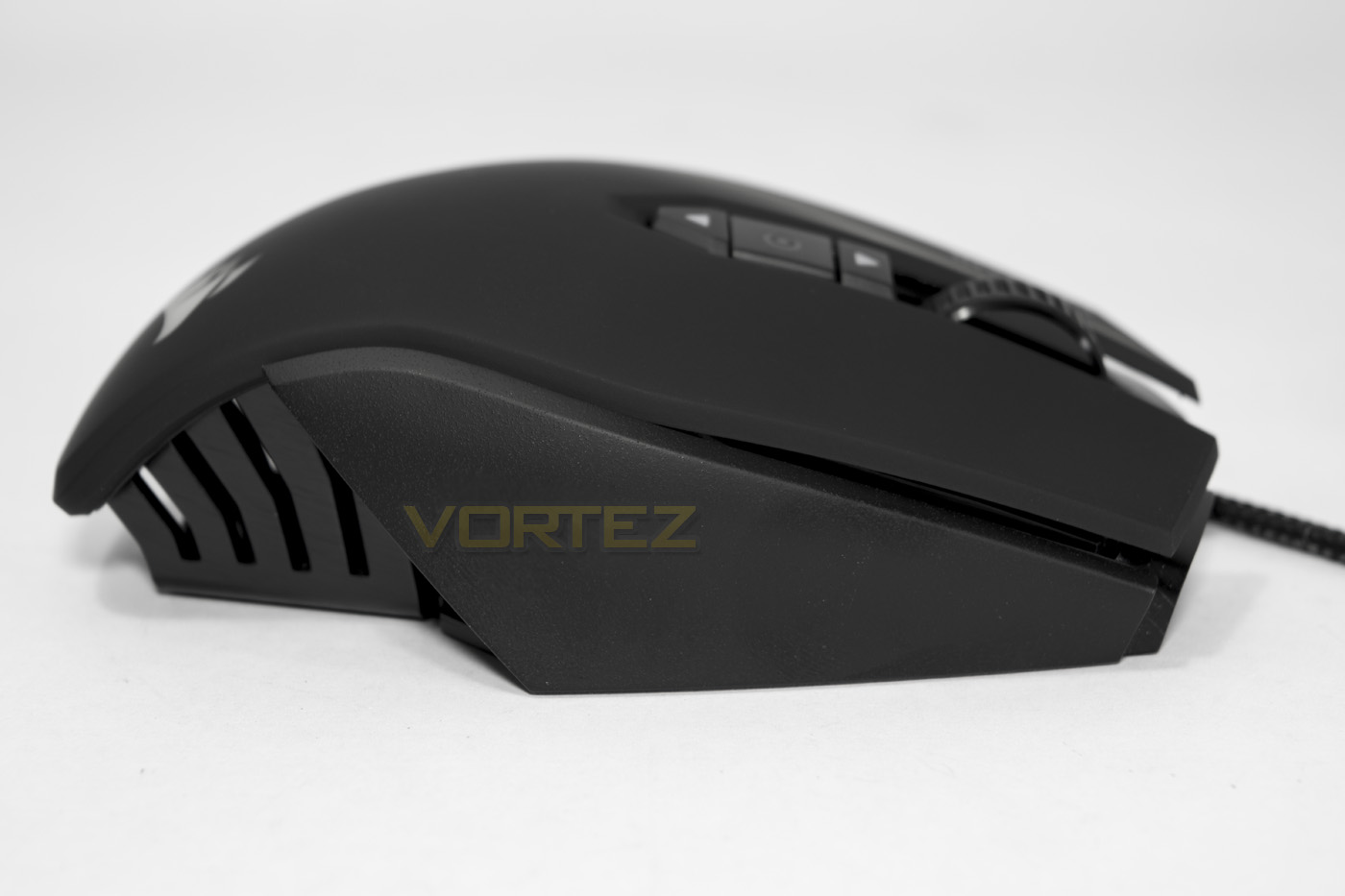
The off side acts as a grip, but is cut short compared to the side with buttons, showing off the aluminium frame a little more.
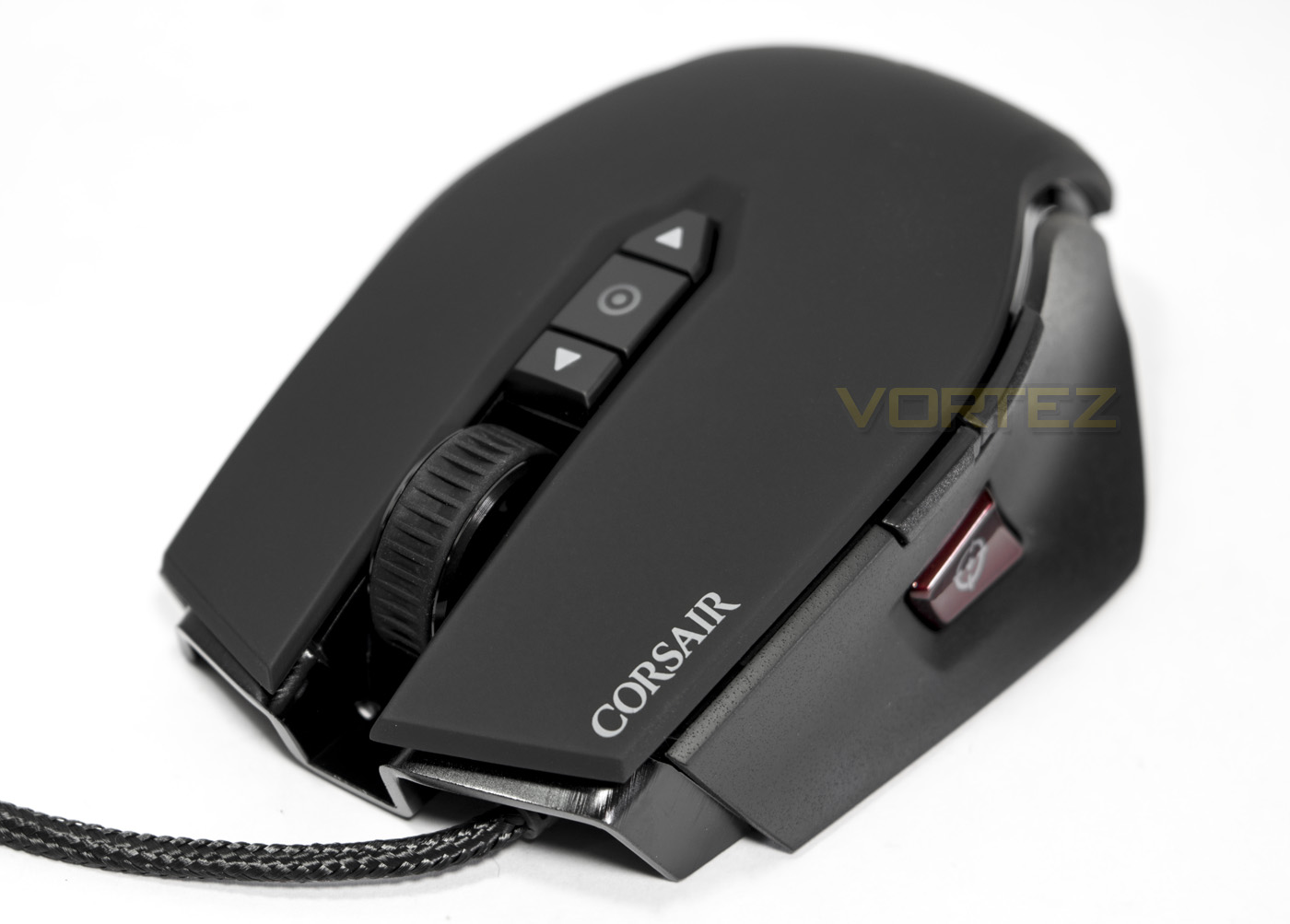
At the front there is a ‘high mass’ wheel, that has a rubberised grip coating. Behind the mouse where is the DPI up/down buttons with a profile indicator light that can be customised.
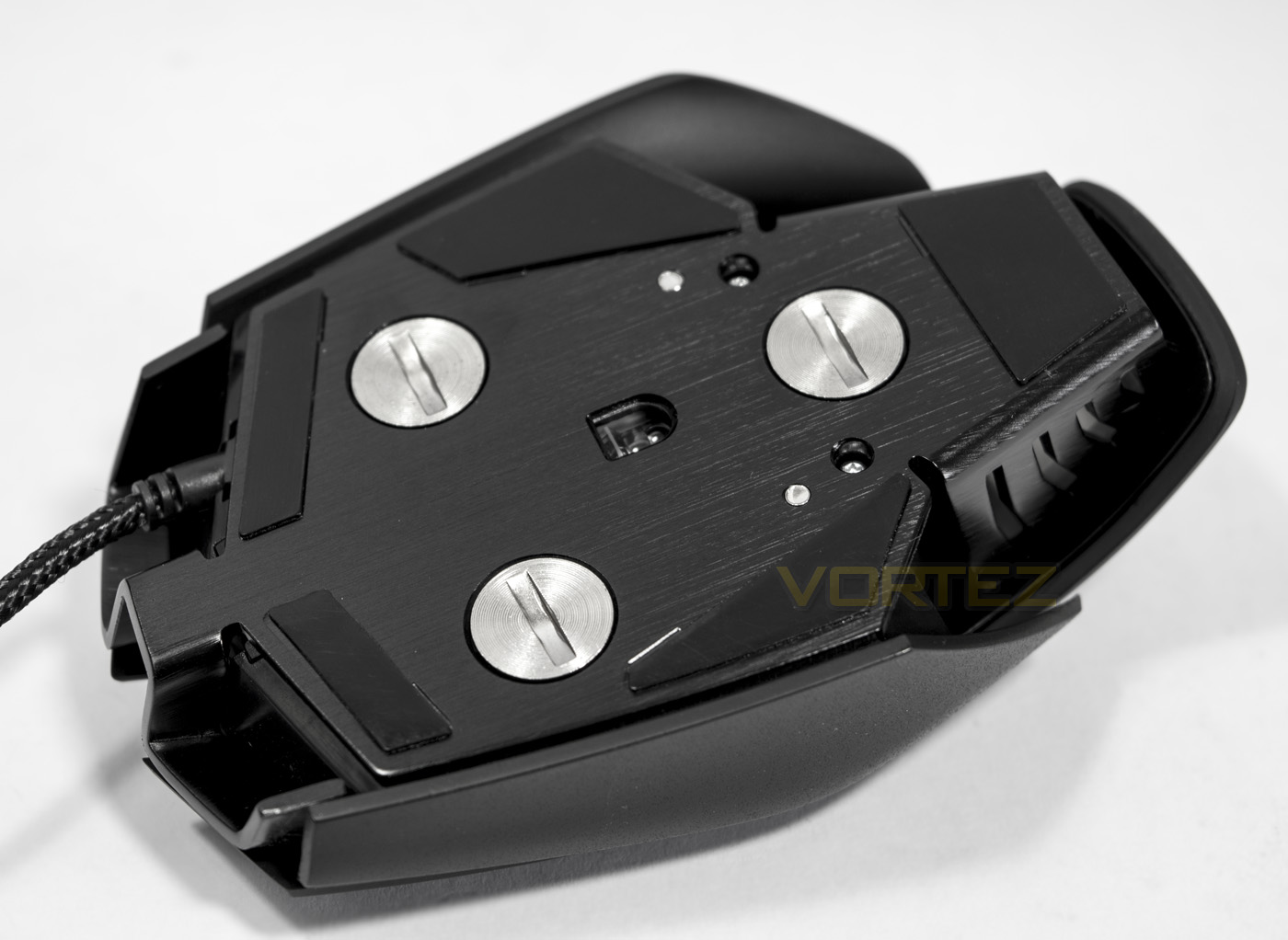
The belly of the beast, showing of that brushed aluminium frame in all its goodness. There are removable weights that can be unscrewed to reduce the total weight by up to 20.5g, meaning that the M65 spans from a relatively light 115g, to a more mid weight 135.5g.
Software & Lighting
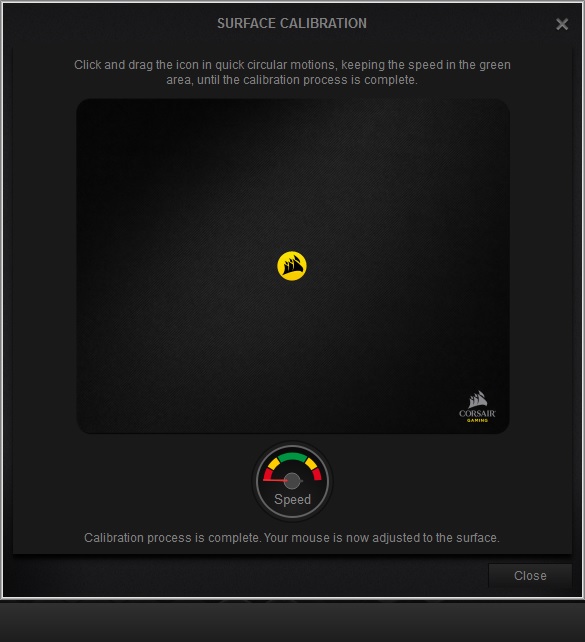
The CUE (Corsair Utility Engine) is an advanced driver tool that has advanced customisations and programming abilities. It does have a fairly extensive learning curve that takes some getting used to get the most out of it. Though the interface for just the M65 PRO RGB is fairly straight forward and easy to navigate. Starting with key assignments where you can alter each function of the 8 included buttons. The lighting tab gives control over the first 2 primary lighting zones, including breathing, static, rainbow (spectrum cycle), and colour shift effects. The final tab includes all the performance options including DPI adjustments (100 DPI increments), colour customisation (for each DPI/profile setting). There are also angle snap, lift off distance adjustments and an option to enhance pointer precision. There is also an advanced surface calibration feature, while not a unique feature it is certainly welcome as it should enable better tracking on a variety of surfaces.
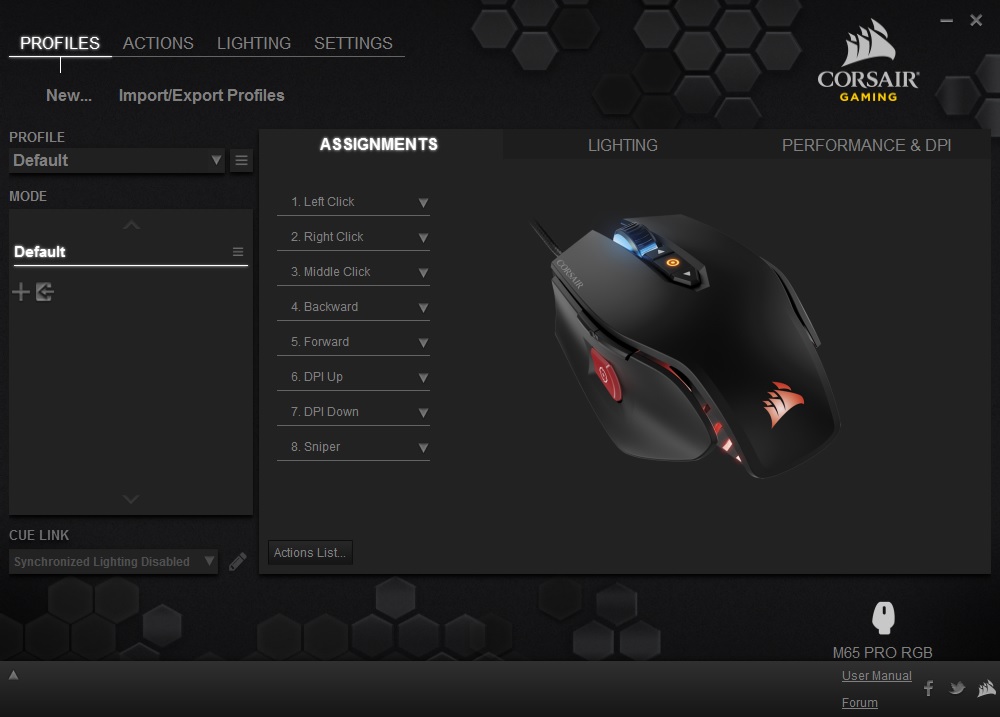
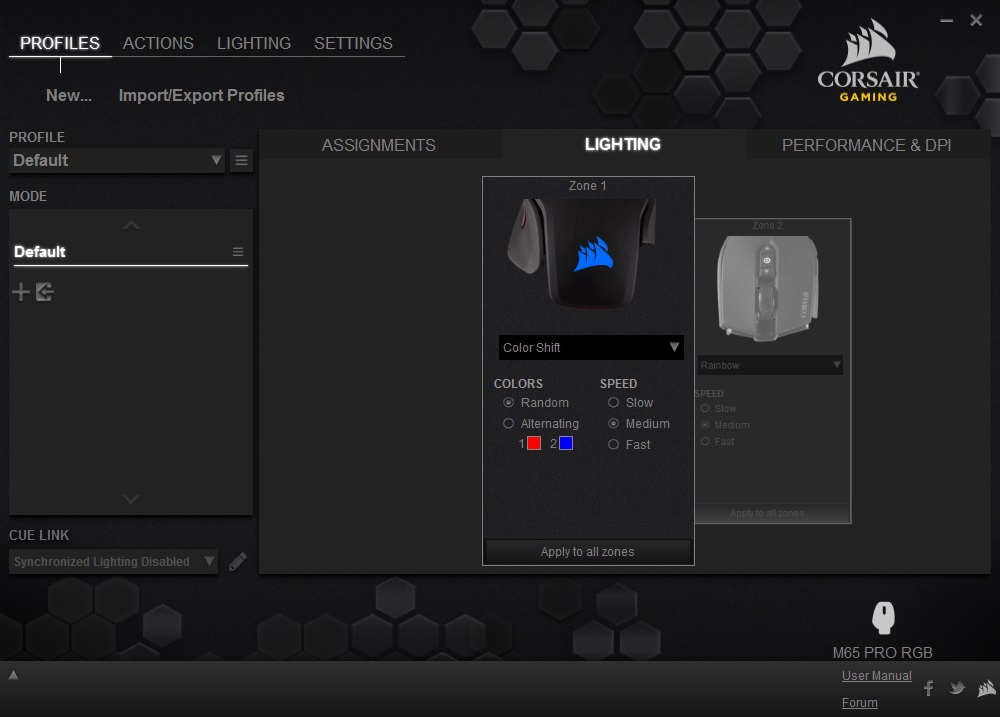
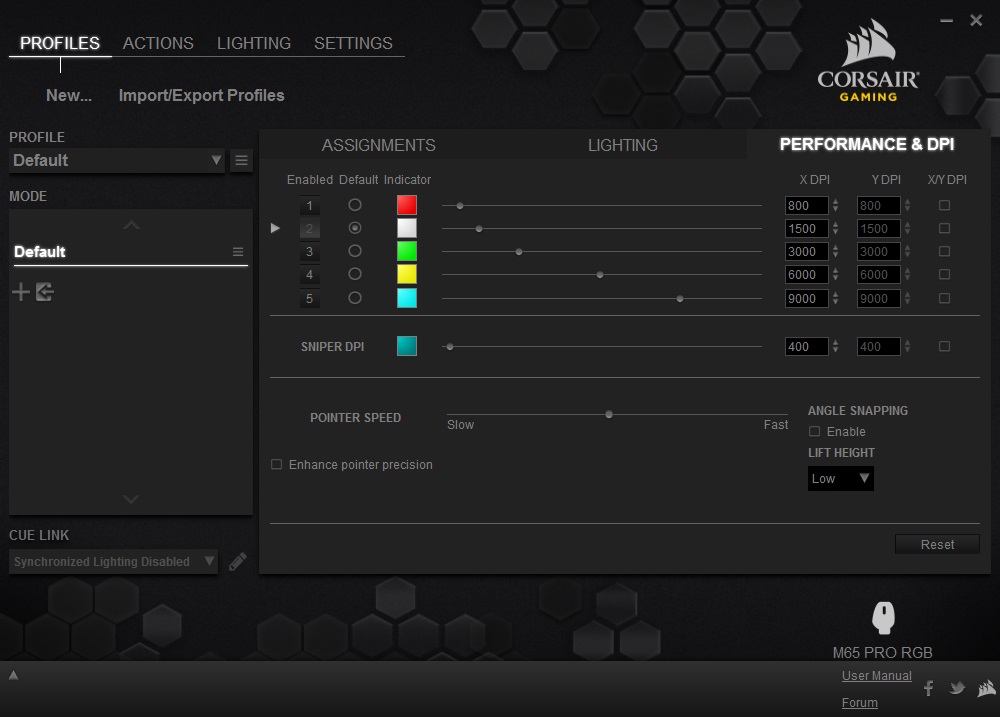
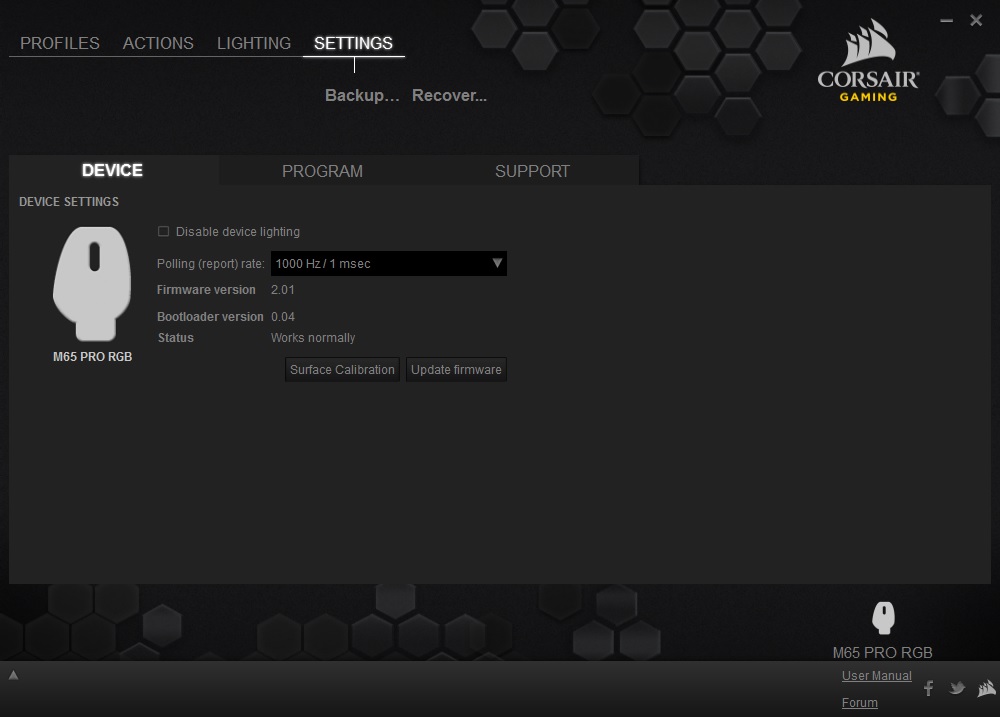
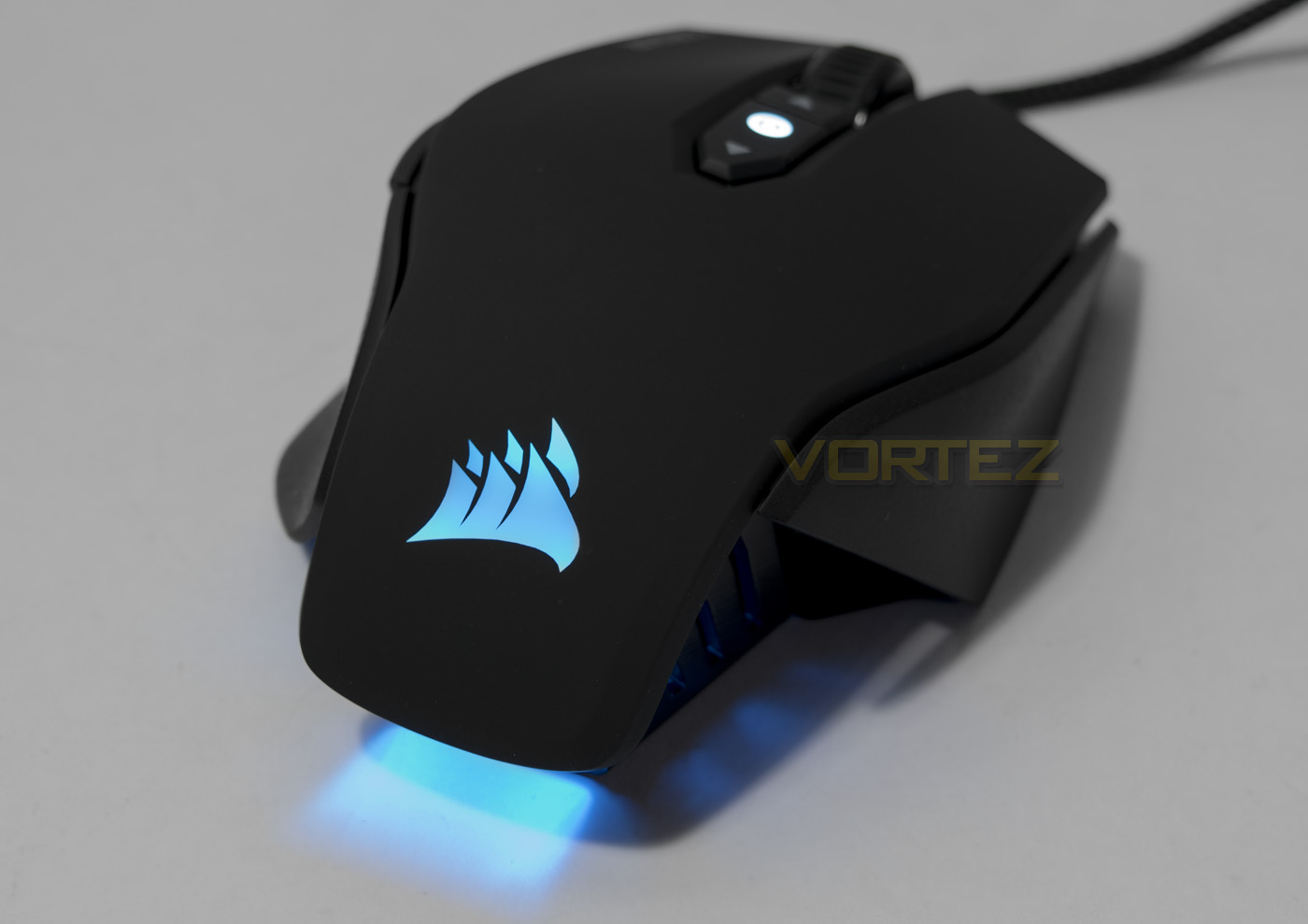
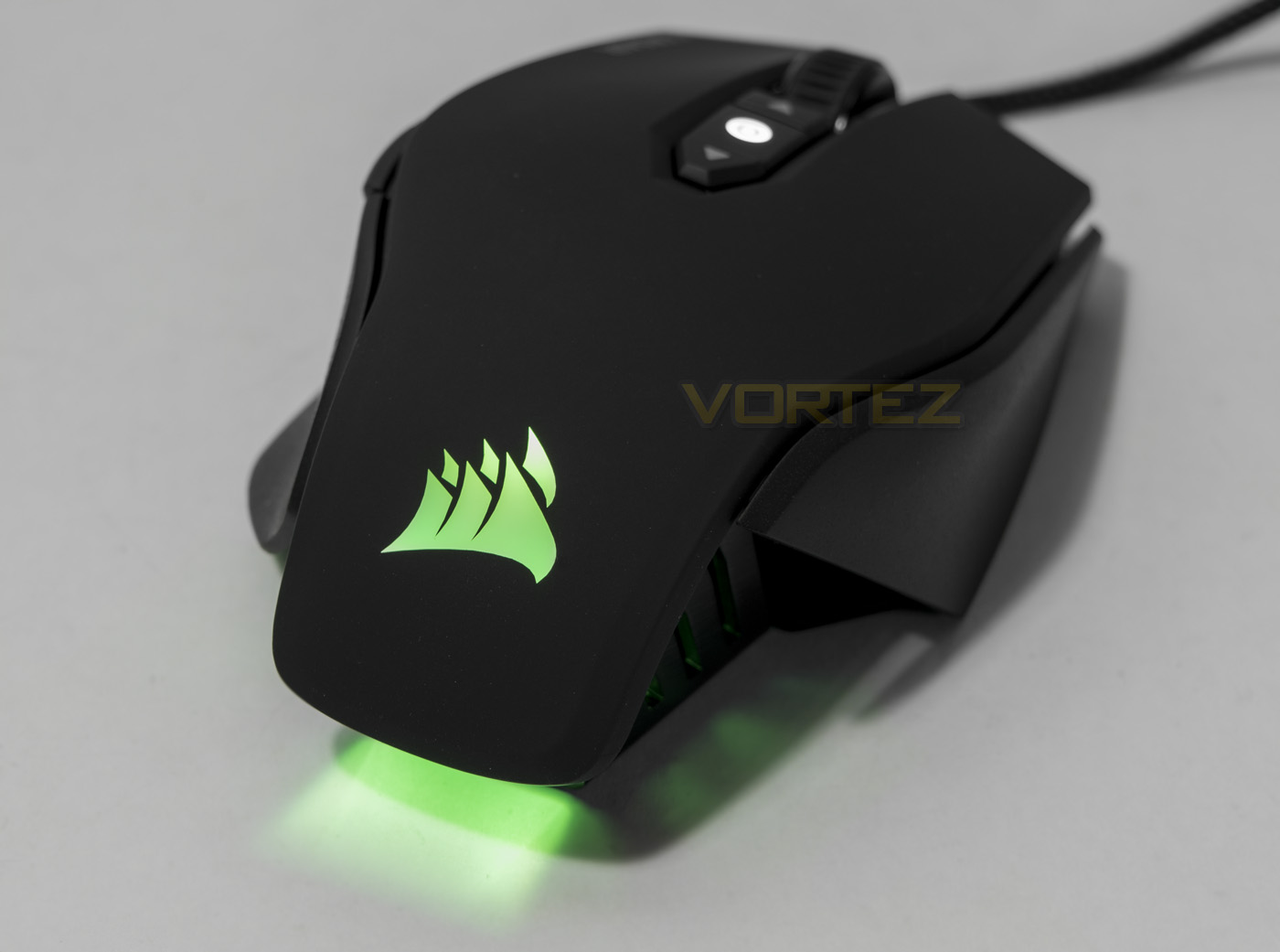
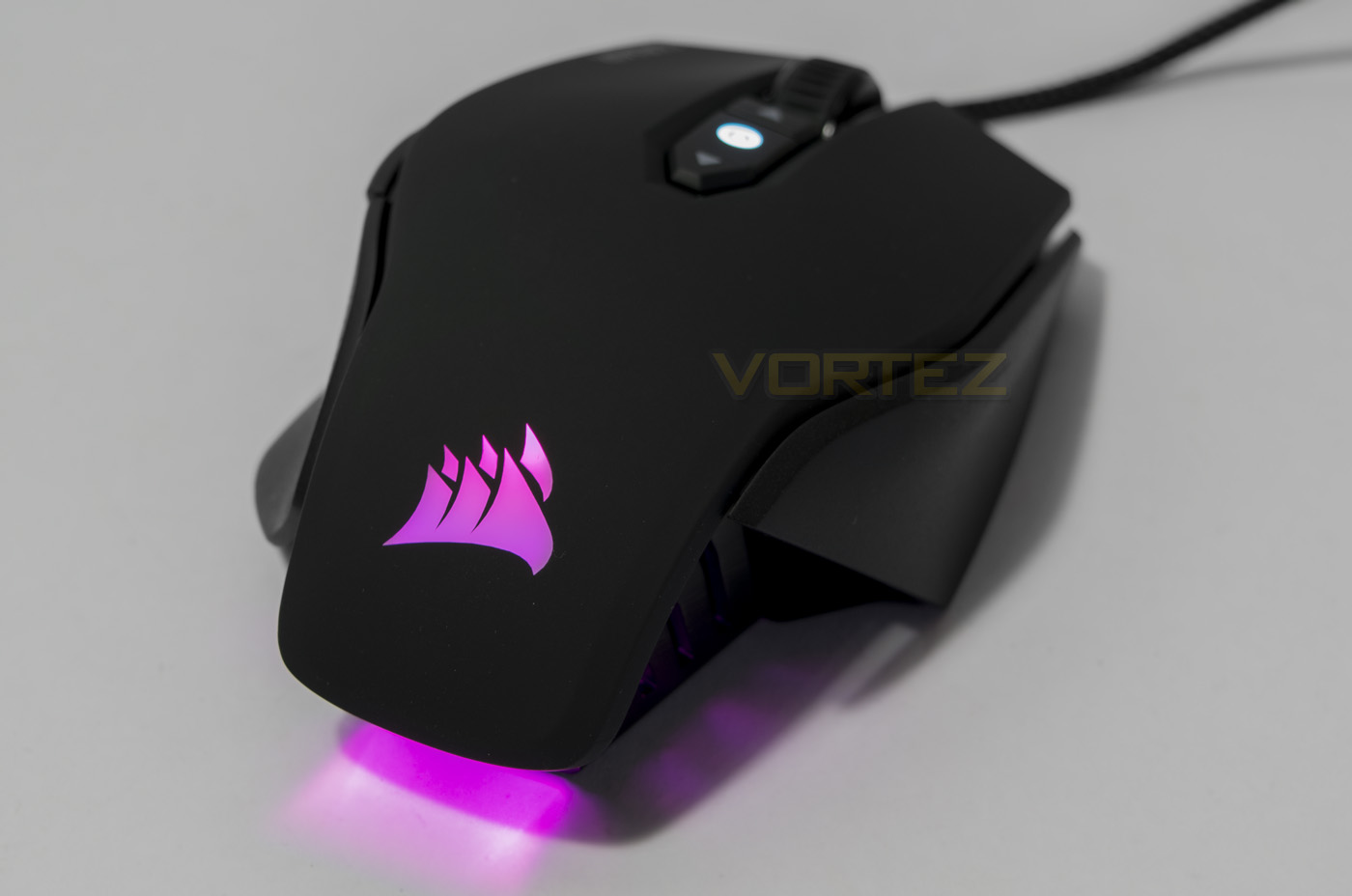
The lighting effects are fairly standard and is an attractive addition to any mouse. The M65 model does feature attractive lighting design with the headlight and rear light beaming out, though as with previous findings, the front/headlight does seem a little too meagre. It is worth noting that if you have other Corsair RGB peripherals such as a STRAFE RGB or a K70 RGB or even a VOID RGB, you can sync the lighting effects together.
Performance Testing
Setup, Design & Observations
The M65 PRO RGB will work without the CUE software installed using saved/default settings. Though for the full benefits it would be best to download and install the CUE software for latest firmware and complete customisable setup.
In the hand, I had previously described the M65 as being rather weighty at its default 130.5g, but after handing the ASUS Spatha that is 178.5g, it really puts it into perspective. Moving the mouse around in both palm and claw grip feels smooth and comfortable as it has enough weight for precise control. Removing the weights creates a significant difference and would be the way to go if you prefer speedy motions and a more lightweight mouse. The downside is, Corsair still do not include any type of small plastic case to help store the weights when you remove them and so may be prone to falling into the abyss (you know, that part of your room where if you drop something you will never find it again, normally an empty/plain floor). I am normally rather critical about weight reduction systems as they are somewhat a pointless waste of engineering and material causing more cost to the consumer for little to performance gain. Though to counter that statement, there are many people that will certainly appreciate the M65 PRO RGB more in its lighter/heavier state.
All the mouse buttons feel fantastic when pressed be it the side buttons, or the good quality high mass scroll wheel. The main mouse clicks, of course use Omron switches rated for 20million actuations.
Performance
One of the more interesting things about the M65 PRO RGB is its 12,000 DPI PMW336x optical sensor. In our previous review of the Corsair Scimitar we found that at high DPI settings it can be a little jittery and inconsistent, and we found the same in the M65 PRO RGB. Between 9000 – 12,000 DPI we found that in testing that there an increase jitter and decrease in responsiveness. Though, I didn’t experience any of the major stutter or lag I observed with the Scimitar, presumably this has been fixed via an update. Using DPI setting of under 9000, the tracking was snappy and precise, giving great performance across various surfaces including cardboard, white paper and of course on the Corsair MM300 premium mouse mat. The only surfaces it really struggled with were glossy/reflective types, which are fairly unreasonable tests to make though the M65 PRO RGB did remain usable so it gave testament to how well the sensor can adapt to difference surfaces.
Blasting away in Killing Floor 2, I found the M65 PRO RGB to be the reliable and deadly weapon you need to turn zeds into giblets. In DOTA 2, I again had an enjoyable experience where I felt firmly in control during tense engagements where split second decisions can make all the difference in team fights.
Conclusion
The M65 PRO RGB is the latest step in the M65 legacy and it surely is a positive one. As Corsair’s FPS gaming mouse, it is understandable that it has shifted towards using an optical sensor over laser. This is because the responsiveness and native true zero acceleration ensures a more reliable and predictable experience. This enables gamers to make speedy, snap decisions with a precise outcome. Housing such performance in the comfortable, high quality aluminium chassis of the M65 will make it all that bit more competitive against some of the latest optical mice around.
There are some criticisms that are worth mentioning, firstly is the lack of actual progression of the M65 model. This could have been envisioned as a simple case to house the removable weights, or simply scrapping the removable weight system in favour of a slightly lighter, more streamlined design to the chassis. Another consideration is how Corsair have approached the ‘12,000 DPI OPTICAL’ sensor, as one could almost accuse them of ‘benchmarketing’ the 12K sensor to the detriment of gamers. The top end of the DPI range seems to be stretching the performance of the sensor a bit and isn’t really worth using. Though, this is arguably an oversight because the majority of gamers tend to use under 3000 DPI.
The asking price of the M65 PRO RGB is fairly reasonable and will likely be found in stores around the £50 mark positioning it at a rather sweet spot, and despite its age, the M65 still feels fresh in appearance and form, making the M65 PRO RGB as relevant since its first release and is the most advanced version yet. Overall, the M65 PRO RGB is a fantastic mouse and will come highly recommended.
The Corsair M65 PRO RGB introduces a high performance, responsive optical sensor with zero acceleration into the top quality M65 body, creating a mouse that serious FPS gamers will love.
Pros.
+ Great build quality
+ Comfortable for different grip types
+ Smooth precise performance
+ Zero acceleration
+ 8 programmable buttons
Cons.
– Jittery at high DPI
– Still no case for removable weights
+ Great build quality
+ Comfortable for different grip types
+ Smooth precise performance
+ Zero acceleration
+ 8 programmable buttons
Cons.
– Jittery at high DPI
– Still no case for removable weights
Click here for an explanation of our awards at Vortez.net.