The latest release in Corsairs line up of high performance mice is the Nightsword RGB, boasting a feature set that includes, but isn’t limited to a tunable weight system, an 18,000 DPI Pixart Optical Sensor & 10 fully programmable buttons as well as OMRON switches. It seems to include everything that it should for a mouse this price range, but is it worth the cash? Read on to find out.

Product on Review: Nightsword RGB Tunable FPS/MOBA Gaming Mouse
Manufacturer: Corsair
Street Price: £69.99 GBP / $79.99 USD / $119.99 AUD
Following on from the release of the M55 RGB Pro, the Glaive RGB Pro & the Ironclaw RGB Wireless comes the Corsair Nightsword RGB Tunable FPS/MOBA Gaming Mouse.
It seems that Corsair’s aim with their recent releases is to leave no niche of mouse user feeling left out, and this release is aimed at the FPS/MOBA gamers who like their mouse to be just right, the Corsair Nightsword RGB is a mouse that features a Smart, tunable weight system which has been developed exclusively by Corsair, and has some differences to other options on the market which may make it worth your consideration.
Another notable inclusion is a custom PixArt native 18,000 DPI Optical Sensor, which has been developed in conjunction with PixArt to ensure high performance & accuracy. The DPI of the mouse can be adjusted from between 100 up to 18,00 in single digit adjustments so you can really deep dive into getting the mouse set up just right for your needs.
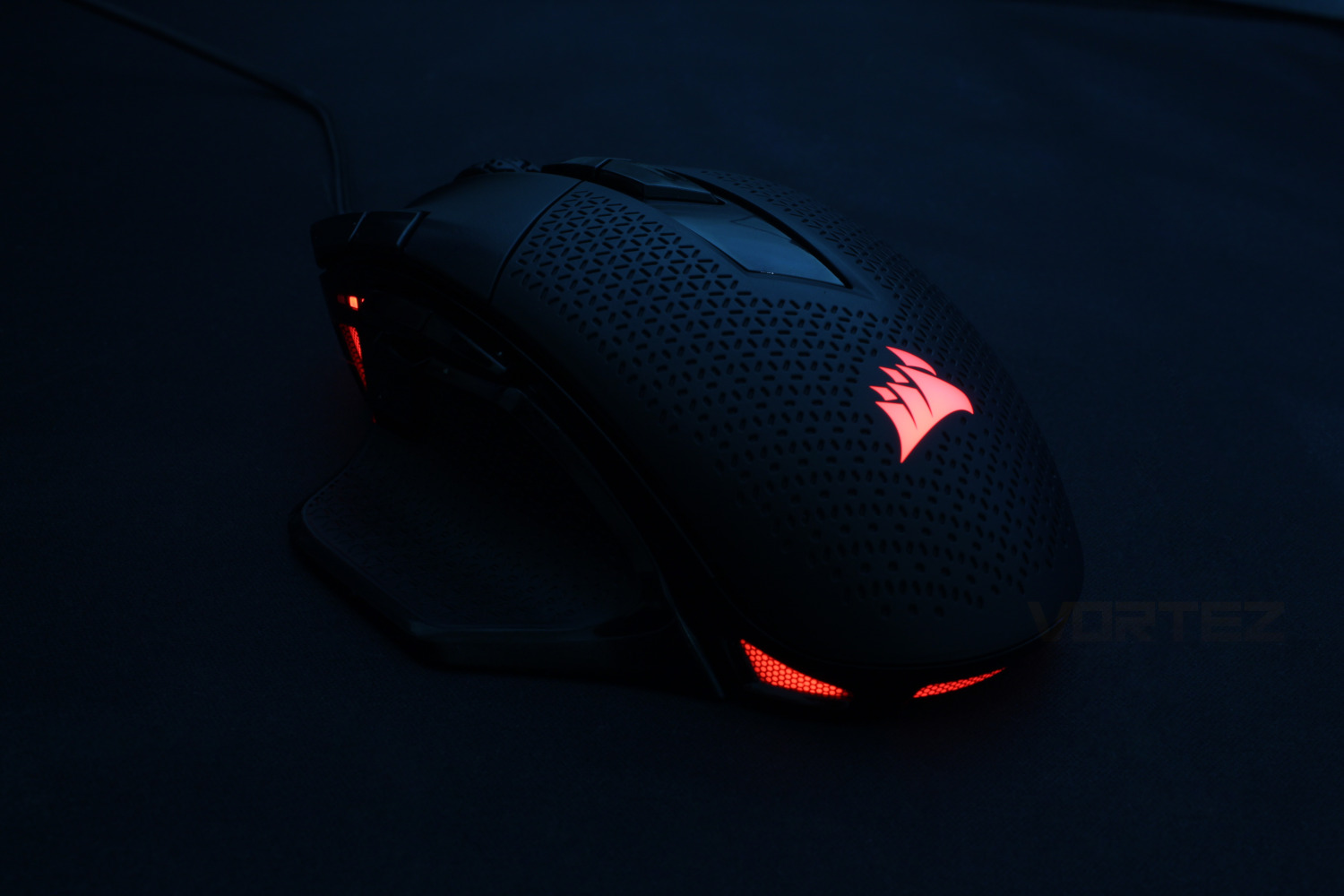
Other features that help cement the target market this mouse is aimed at is the 10 fully reprogrammable buttons, the 4 zone RGB backlighting and the futuristic design that Corsair have gone for is somewhat reminiscent of their Dark Core models, as well as being similar to Logitech’s G502 in both design & feature set.
The question from us is does the Corsair Nightsword RGB do enough to set itself apart from not only other competitors, but from the products surrounding it in Corsairs line up, read on to find out.
Corsair on the Nightsword RGB:
Hit all your skill shots and stay zeroed-in on your targets. Total sensitivity customization and ultra-accurate tracking are at your disposal with a custom Pixart PMW3391 optical sensor which adjusts in 1 DPI resolutions steps.
Technical Specifications
Wired Connectivity: USB 2.0 Type-A
Sensor: Custom Pixart PMW3391
Sensor Type: Optical
Sensor Resolution: 100 DPI – 18,000 DPI, with 1 DPI steps
Sensor High-speed Motion Detection: Up to 400 IPS
Sensor Acceleration: Up to 50G
Onboard Profiles: 3
Backlight: 4-Zone RGB
Buttons: 10
USB Report Rate: 1000Hz
Mouse Feet: PTFE
Cable:1.8 m / 6 ft., braided, fixed
iCUE (Software): Supported
Dimensions: 129.0(L) x 86.0(W) x 43.8(H) mm / 5.08”(L) x 3.38”(W) x 1.72”(H)
Weight (w/o cable and accessories): 119g / 0.25 lbs.
Warranty: Two years
Compatibility: Windows® 10, Windows 8 and Windows 7, macOS 10.13 High Sierra or newer
Sensor: Custom Pixart PMW3391
Sensor Type: Optical
Sensor Resolution: 100 DPI – 18,000 DPI, with 1 DPI steps
Sensor High-speed Motion Detection: Up to 400 IPS
Sensor Acceleration: Up to 50G
Onboard Profiles: 3
Backlight: 4-Zone RGB
Buttons: 10
USB Report Rate: 1000Hz
Mouse Feet: PTFE
Cable:1.8 m / 6 ft., braided, fixed
iCUE (Software): Supported
Dimensions: 129.0(L) x 86.0(W) x 43.8(H) mm / 5.08”(L) x 3.38”(W) x 1.72”(H)
Weight (w/o cable and accessories): 119g / 0.25 lbs.
Warranty: Two years
Compatibility: Windows® 10, Windows 8 and Windows 7, macOS 10.13 High Sierra or newer
Packaging & First Look
The front of the box is of the usual standard for Corsair, featuring a shot of the mouse from above on Corsairs’ signature yellow back ground.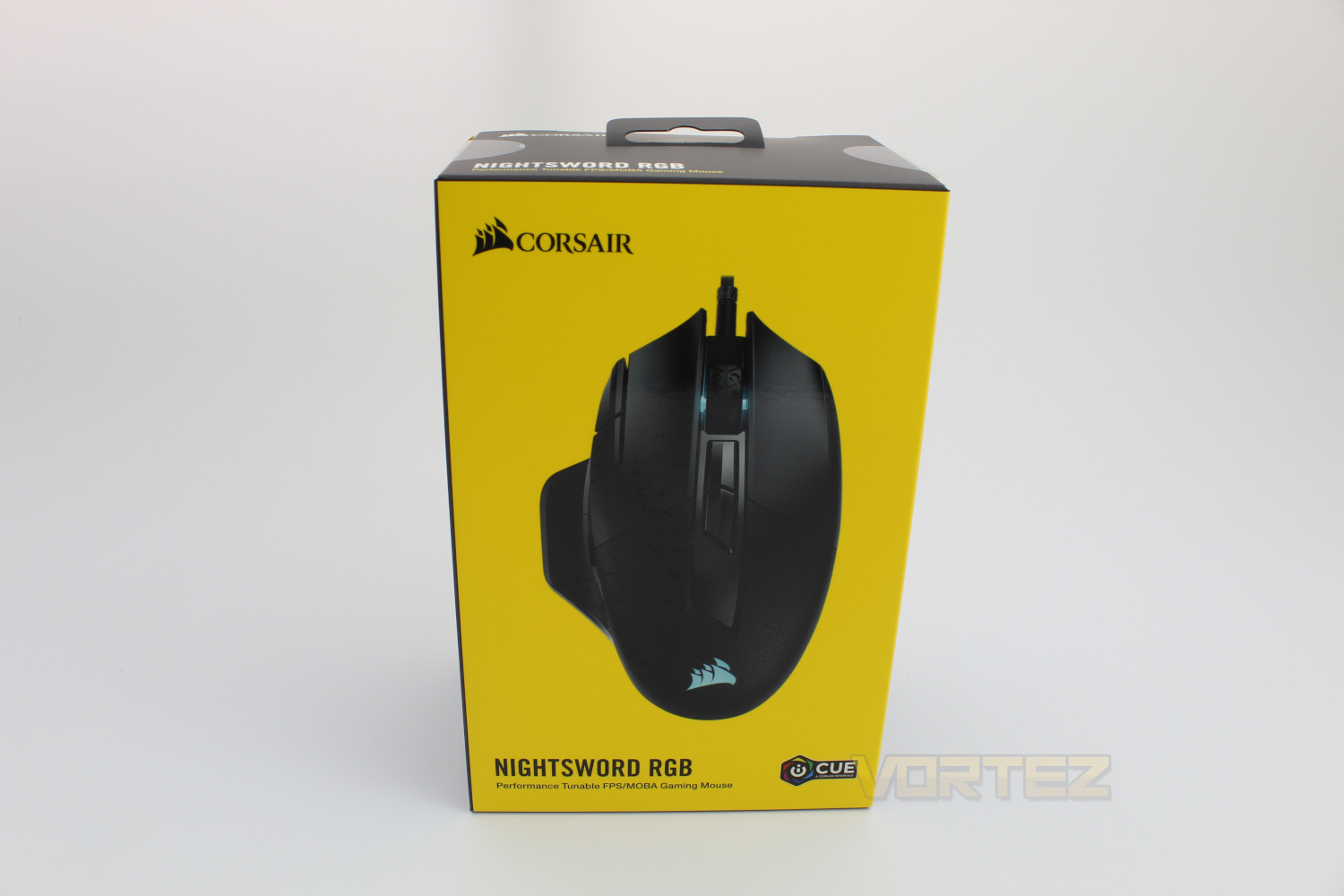
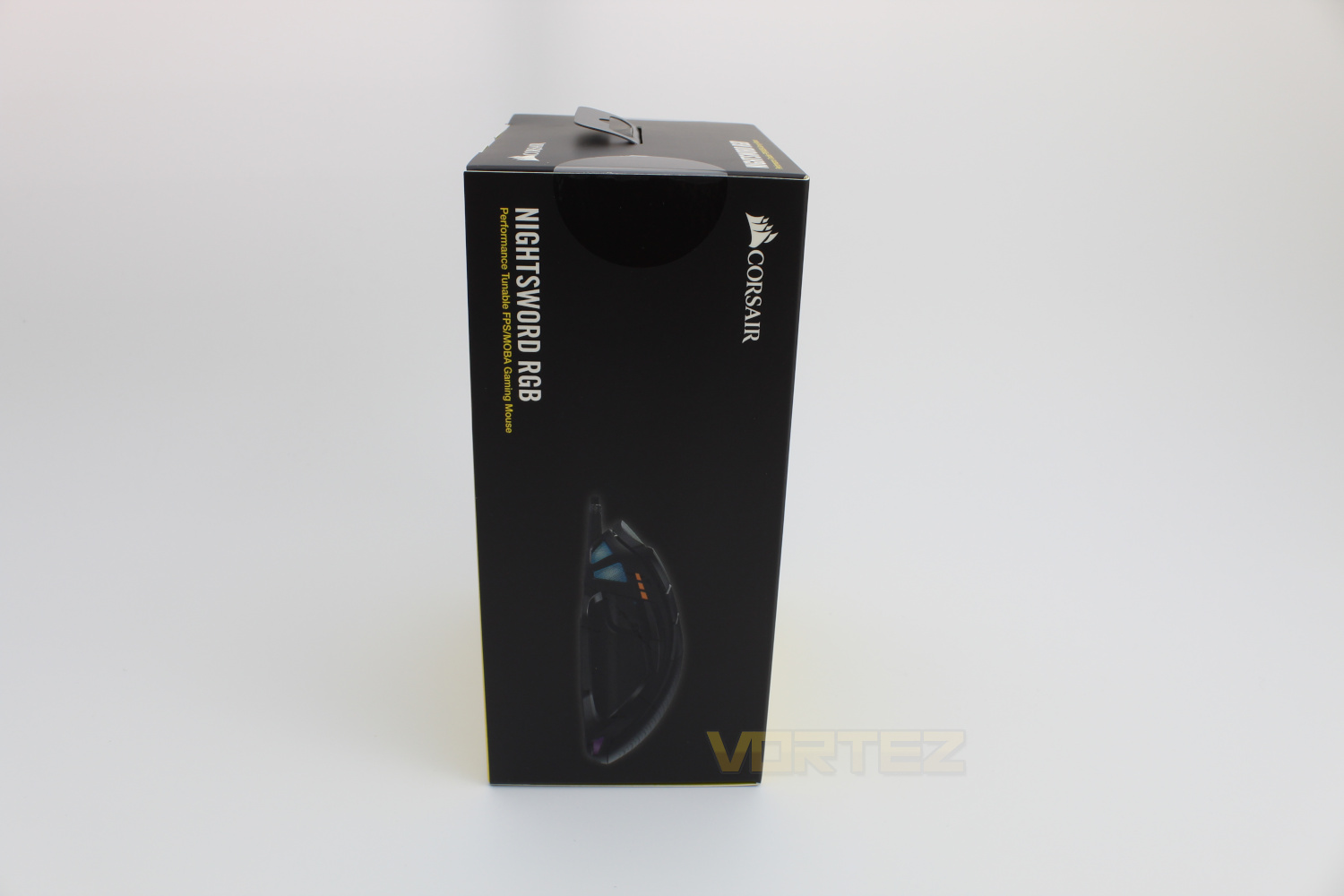
The left side of the box sports a side profile shot of the mouse which gives us a sneak peak at the frontal RGB zones.
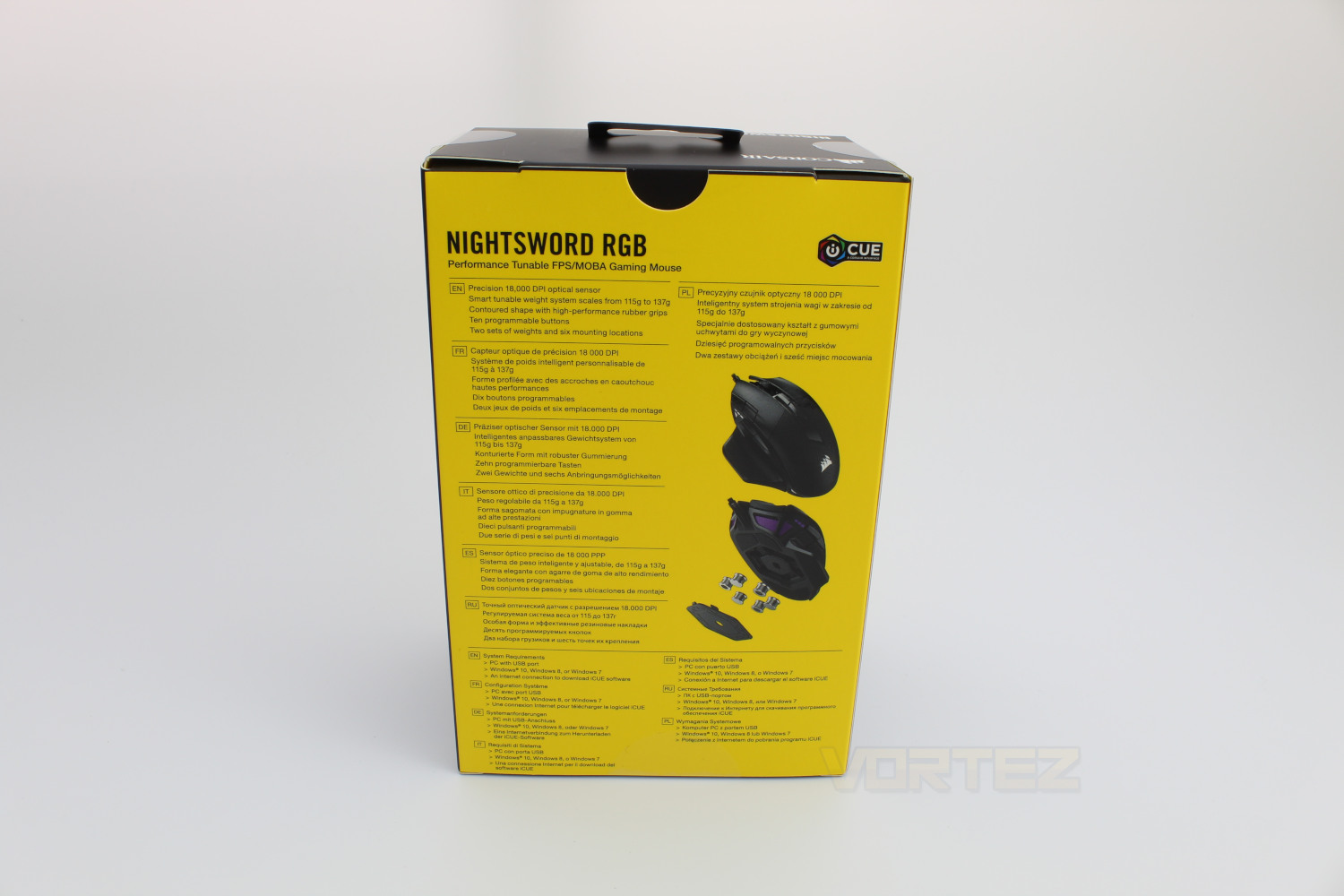
On the back we have a blurb in multiple different languages, detailing the unique selling points of the mouse, along with a top down shot of the Nightsword RGB and also a shot from below which shows off the compartment where the adjustable weights can be seated.
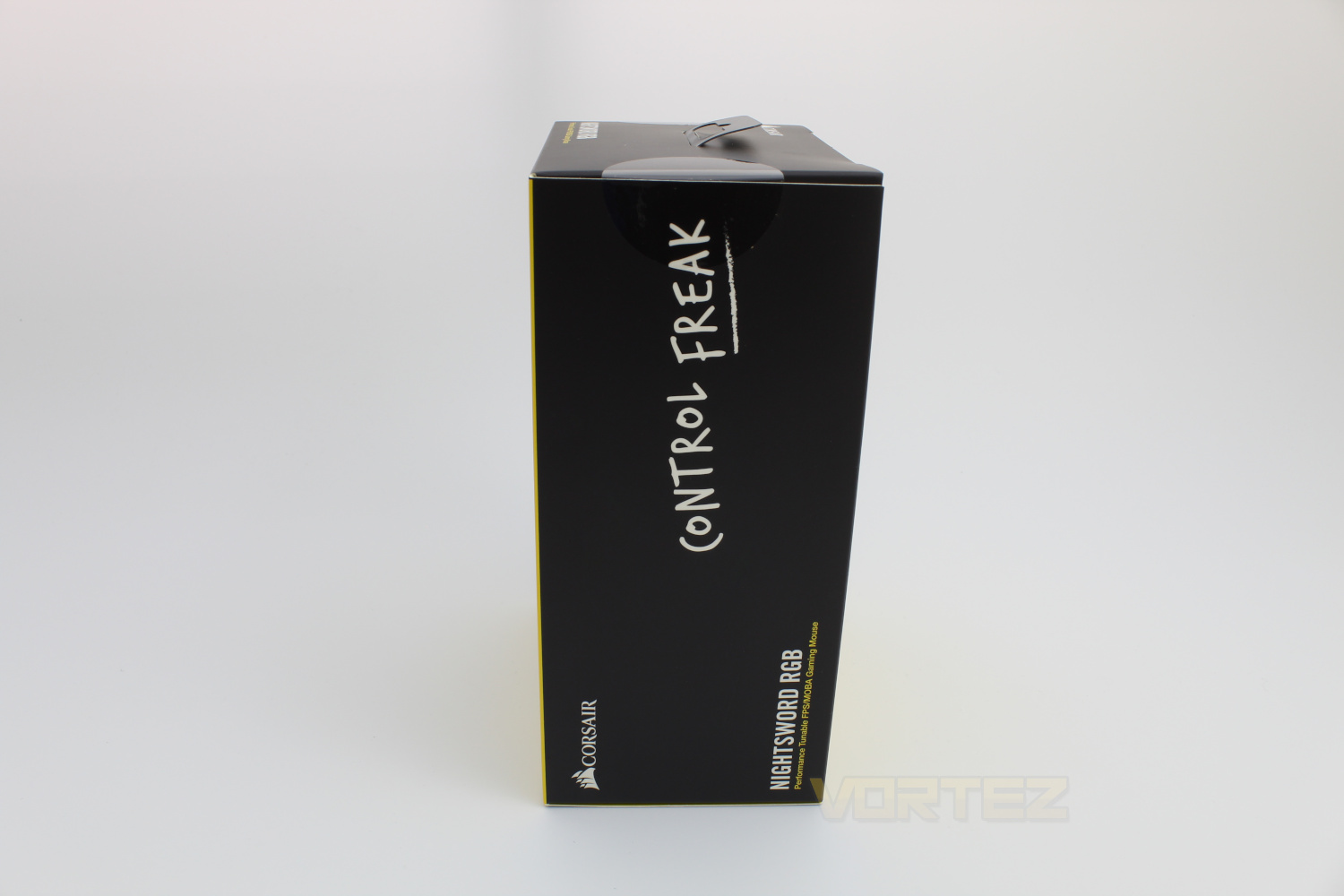
The right hand side of the box is fairly plain, featuring the slogan Control Freak, which seems to be the slogan for any high performance, customisable mice from Corsair.
Closer Look
In the box we get the Nightsword RGB mouse, a warranty & quick start guide along with the adjustable weights, these weights are housed in a firm, rubber case to ensure that they don’t go missing when not in use.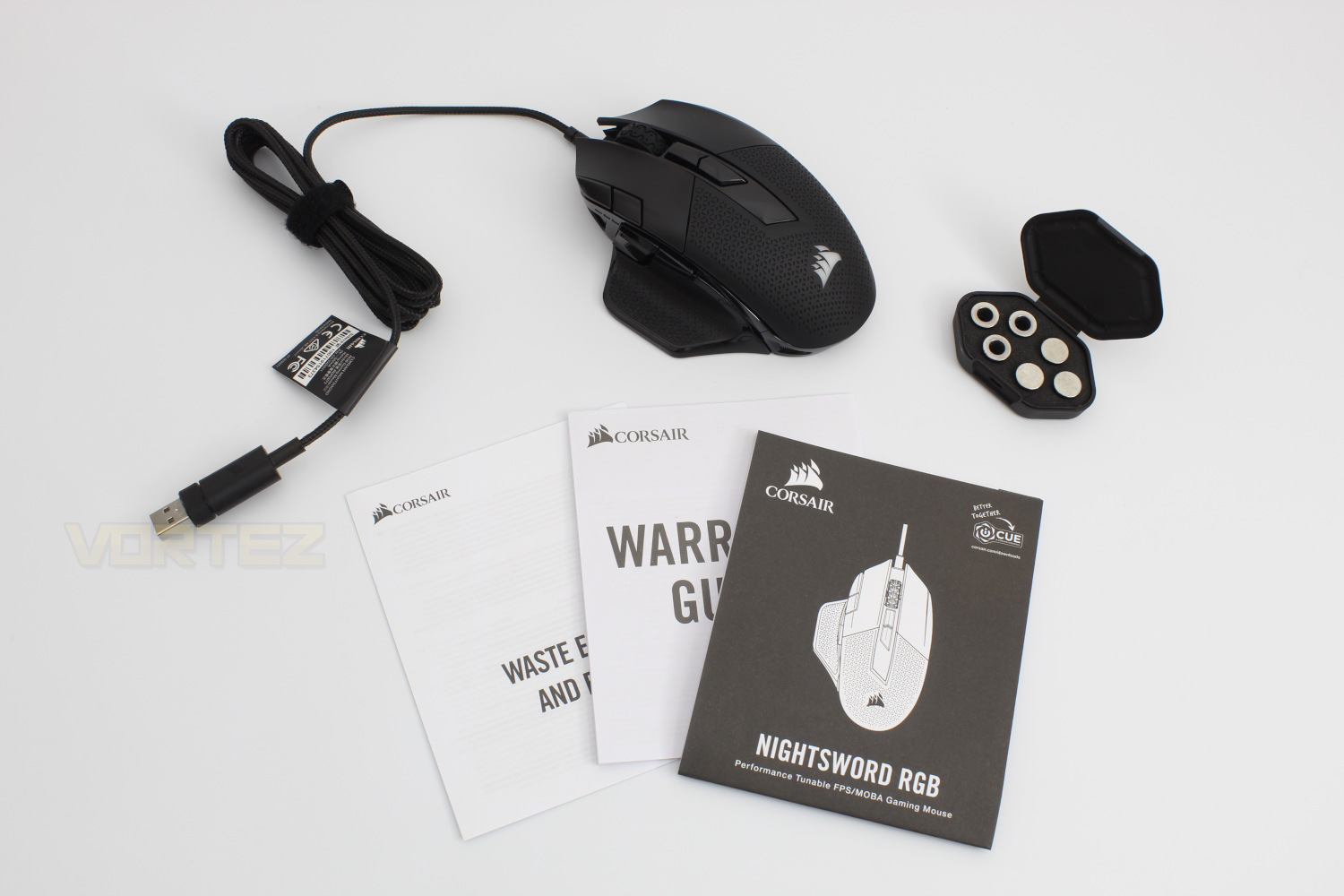
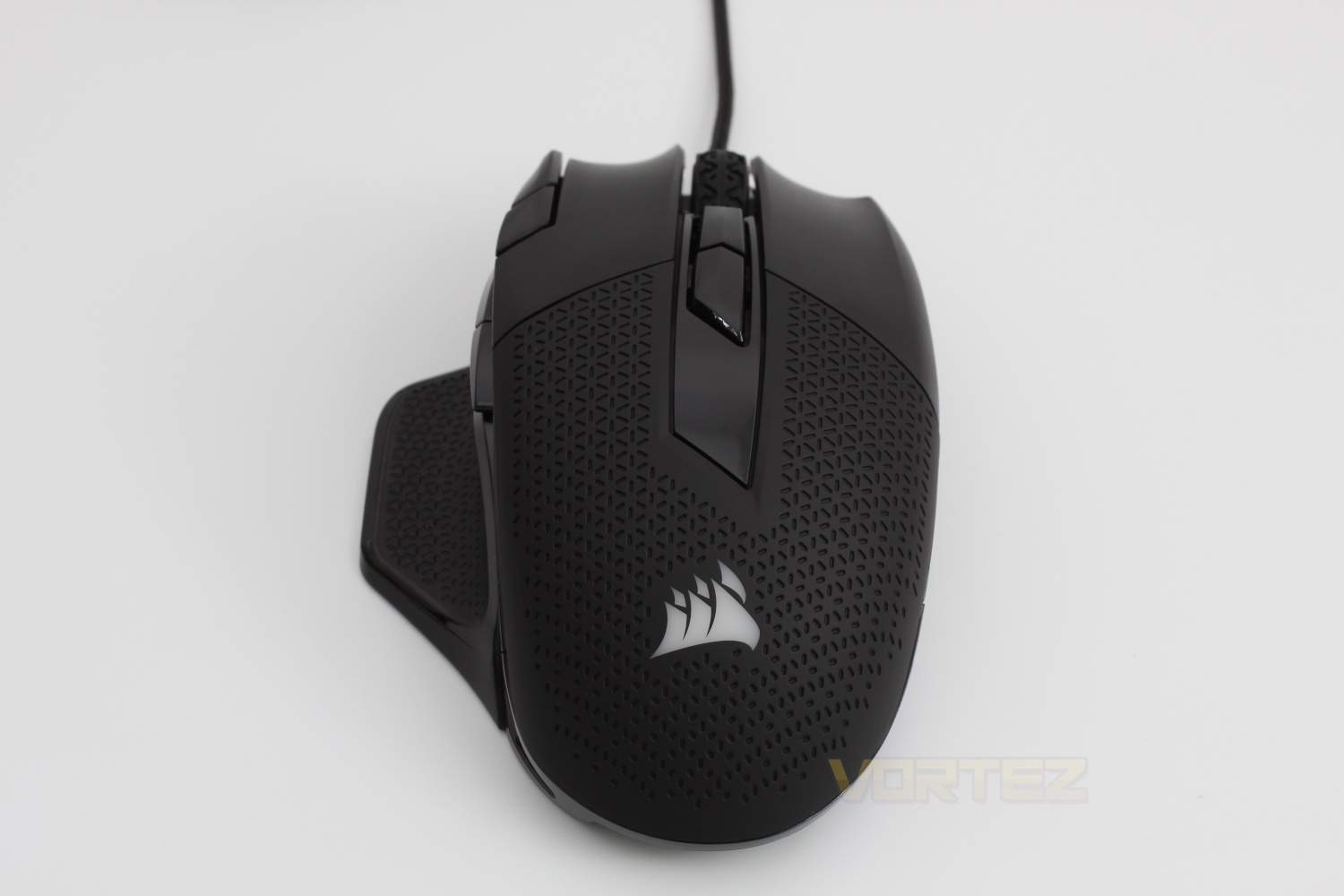
Taking a look at the Nightsword RGB from the front first of all and we get a closer look at the honeycomb textured grip that Corsair have decided to go with here, we would hazard a guess that this decision comes down to aesthetics more than functionality. When in use the Corsair logo lights up as well as a strip just underneath where your palm sits.
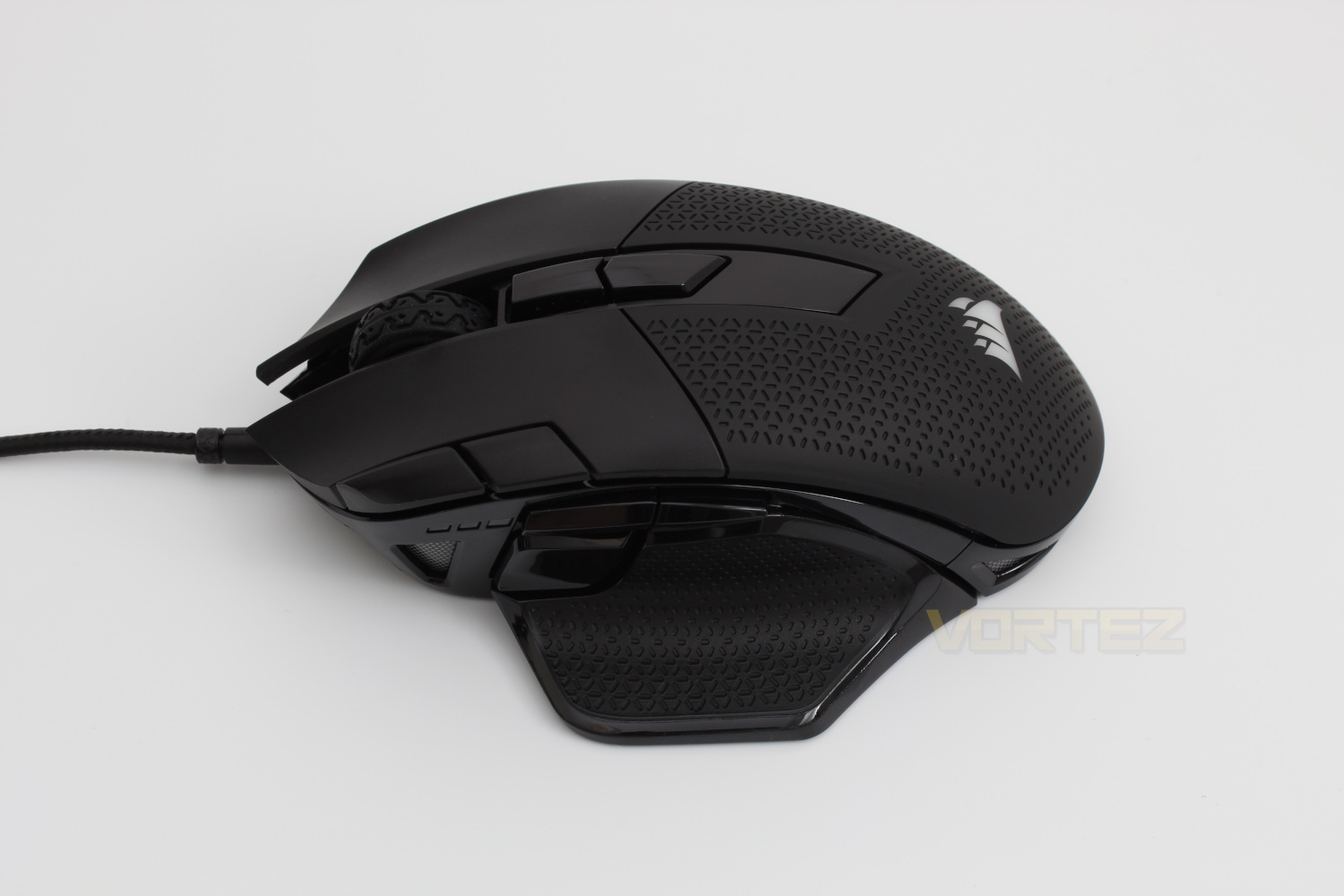
The left hand side of the Nightsword RGB has multiple features to call out, the same grip pattern is used on the thumb rest, and situated just above and in front of the thumb rest are the standard forward & back buttons as well as a sniper button. In line with the forward & back buttons there is a 3 stage DPI indicator and beneath that is another RGB zone.
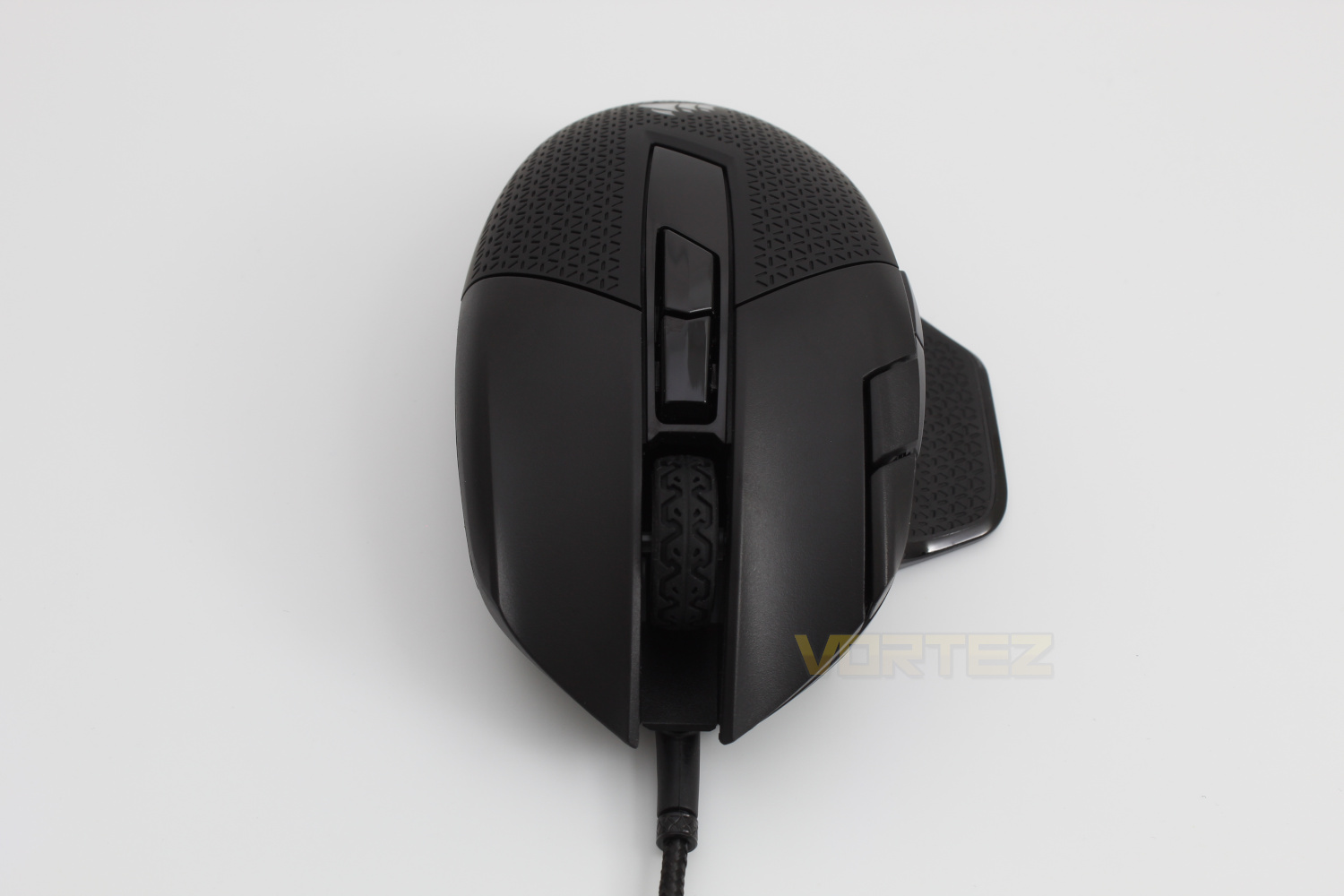
Looking at the rear of the mouse reveals the scroll wheel which also features a textured grip similar to the other textured parts of the mouse.
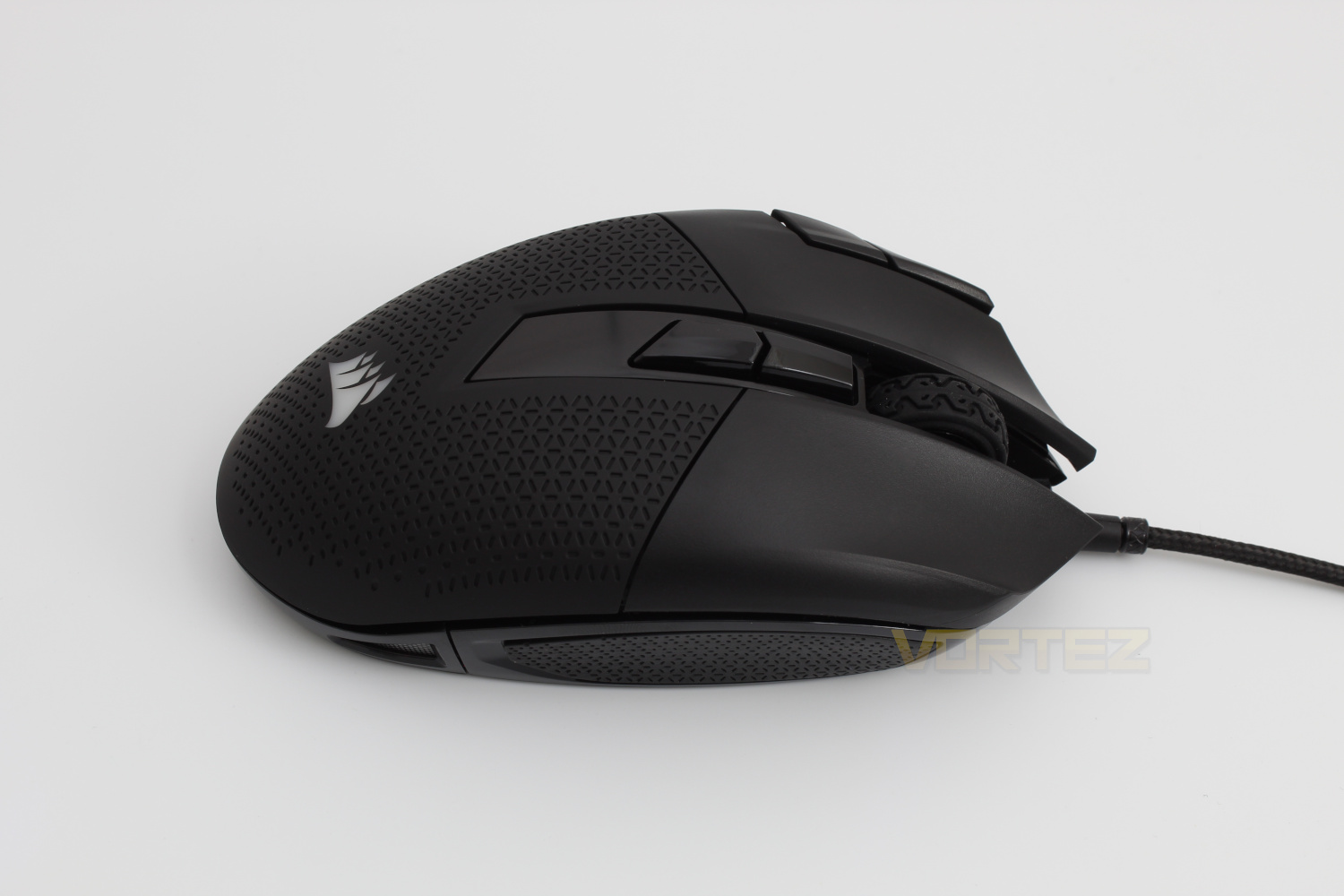
The right hand side of the mouse reveals no further programmable buttons there is yet another textured grip however this time it is on a steep slope rather than a nice gradient.
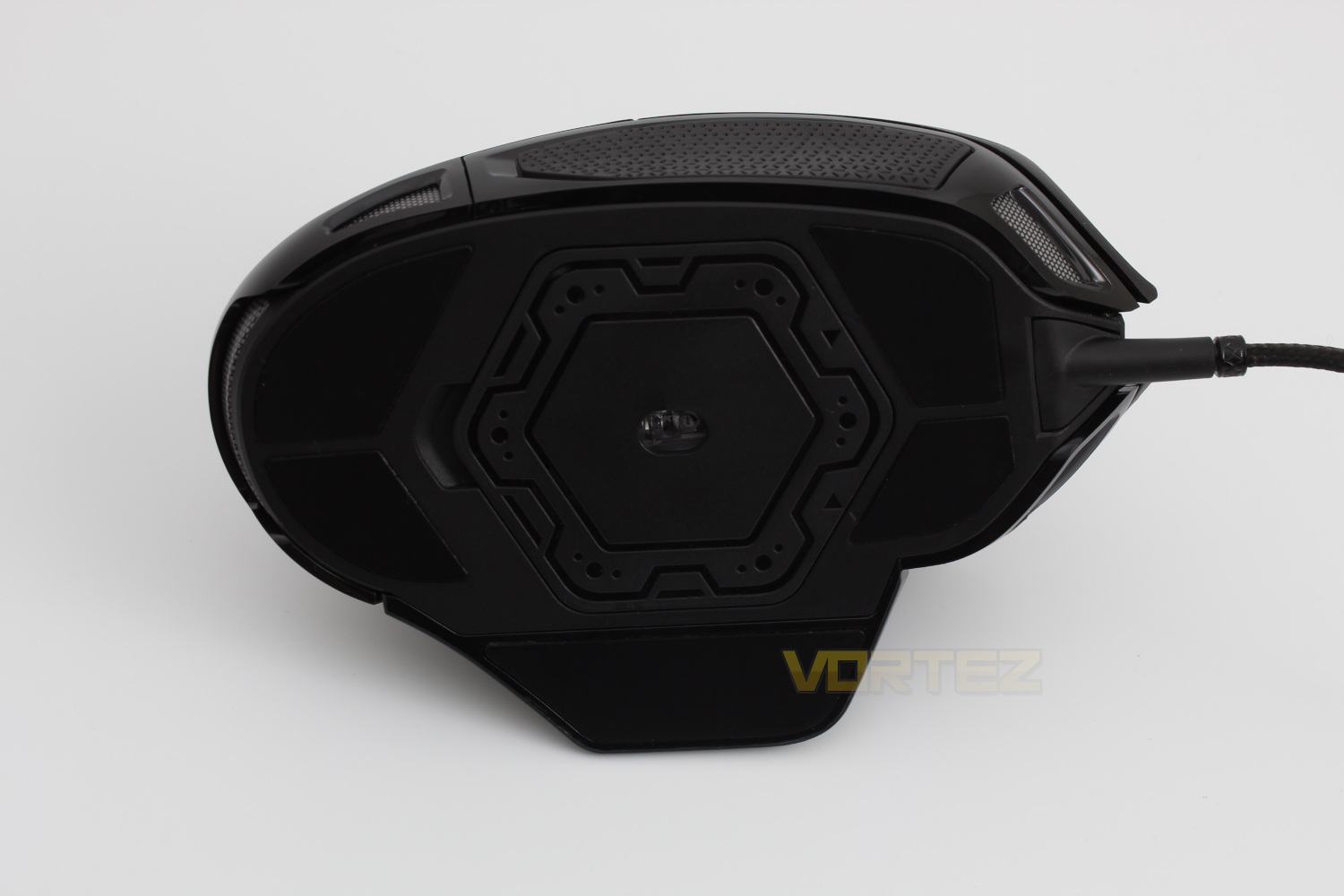
Flipping the mouse on to it’s back and we get a look at the 5 PTFE feet that aid the mouses movement no matter what surface you use it on. We also get a look at the door that when removed reveals the sockets for the additional weights.
Software
As with all recently released Corsair products the Nightsword RGB is compatible with Corsair iCUE software, which enables you to change the settings for any of the 3 on-board profiles. The extra feature unlocked by using the Nightsword RGB is the ability to monitor what additional weights are in the mouse in real time, it also offers the ability to manually input weights in case of any errors or bugs in the software. A video demonstration of the software is available below.Performance Testing
As mentioned in the introduction the main question that we’re asking is does the Corsair Nightsword RGB do enough to set itself apart from it’s competitors and Corsairs own recent releases.The main call out that doesn’t appear on other Corsair mice is the adjustable weight system, the patent-pending system means that you can adjust the weight from 119g to 141g. The weights that are included with the the mouse are 3x 2.8g & 3x 4.5g weights and can be inserted into the bottom of the mouse in any combination that suits. The slots are organised in a hexagonal pattern which means that as you change the locations of the weights the center of mass shifts, this can be monitored in real time within the Corsair iCUE Software.
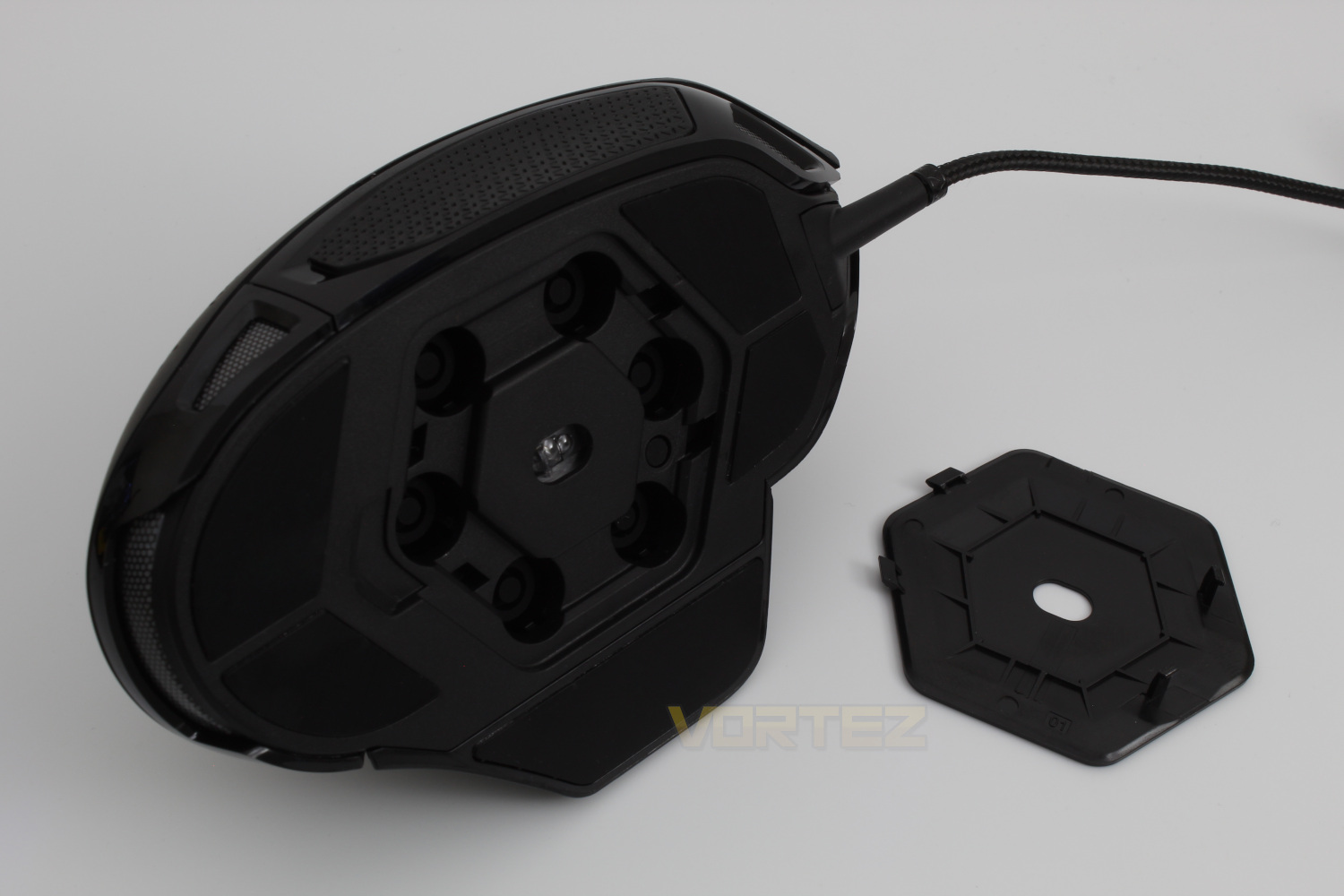
The only issue with the software we came across was that sometimes the weight would become loose and therefore not be detected when inserting a new weight, this was easily resolved by putting the cover back in place however we found that as the door locked in place by plastic tabs, which means that there is very little give, at least at first, so you may want to keep a tool at hand to get the door open. This isn’t so much of an issue if you’re the kind of user who will settle on one weight and not want to change it but if you like to chop and change for different games this may be a bug bear for you. We feel that for the price that Corsair are asking for the Nightsword RGB the door could at least be held on by magnets to aid those who wish to change the weights every now and again.
Another negative that made itself apparent is that while the DPI adjustment buttons, located next to the left click button, are easily accessible the sniper button is just a tiny bit too far forward for it to be comfortable to use. This of course may not be an issue for everyone but we feel that it is definitely a point worth mentioning.
We also found that while the mouse is quite tall the right hand side of the mouse is too steep so our pinky finger wasn’t able to fit to the shape of the mouse as much as we’d like, in our opinion it would be better to adopt a more similar shape, at least on the right hand side of the mouse, as the Ironclaw series.
Aside from the above the build quality is as you’d expect from any Corsair release, each button responds with a satisfying click and the scroll wheel has a slight resistance to it but not enough to make it fatiguing if used for long periods and the sensor performs well at every DPI level, though you need to have the steadiest of hands to use anything above 5,000 to 8,000.
Conclusion
The Corsair Nightsword RGB is great from an aesthetics point of view, it looks futuristic and it has great RGB lighting.Ultimately though the Corsair Nightsword RGB does not do enough at this price point to justify choosing this mouse over the similarly priced Ironclaw RGB, or if you must have a mouse with adjustable weights the lesser priced Logitech G502 Hero.
While the build quality & performance are what you’d expect when paying the price tag that Corsair have put on the Nightsword RGB we don’t feel that the other features make this a worthwhile purchase if you’re not the type of person who likes to adjust the weight of their mouse or the kind of person who prefers looks over comfort.
The other addition we would like to see is a finger rest on the right hand side of the mouse for the pinky finger to sit on, we use a palm grip and found that the mouse isn’t wide enough to fit comfortably into our hands.
At this price point there are better options available such as the Logitech G502, however if you’re invested in the Corsair ecosystem we recommend the Nightclaw RGB Wireless.
Pros
+Build quality
+Customisable weight
+Good performance
+Lighting
Cons
-Price
-Uncomfortable
+Build quality
+Customisable weight
+Good performance
+Lighting
Cons
-Price
-Uncomfortable
Click here for an explanation of our awards at Vortez.net.
Stay connected with the Vortez Social Media pages:
Join in with the discussions on Discord