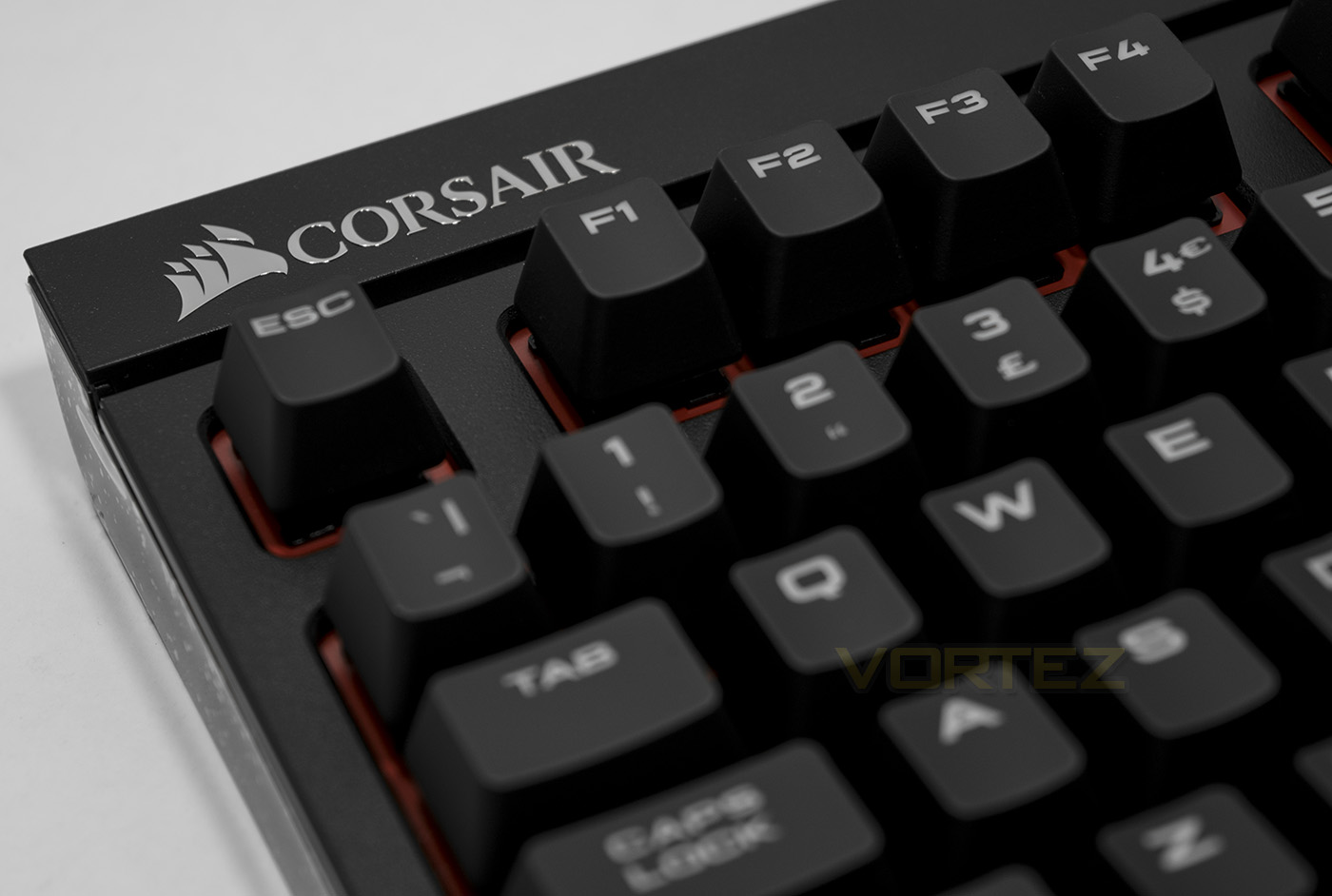
Corsair come vying for attention with their latest line of STRAFE keyboards, featuring full NKRO and fully programmable keys, could this be your next battle buddy?

Product on Review: Corsair Gaming STRAFE
Manufacturer: Corsair
Price: UK: £100.98 US: $100.98
Corsair have long been a brand that represented reliability and quality in the world of custom PC modding and their gaming peripheral division, too, has become one that holds up their position too. Though there has been changes in branding (such as Vengeance and Corsair Gaming), it seems that Corsair have made the ‘gaming’ part has taken a step back with a return of those trusty sails and no tribal cutlasses to be seen anywhere on their latest STRAFE line up as opposed to what we saw in our last outing with the K70 RGB.
The STRAFE series is an interesting move by Corsair as it doesn’t look set to replace the previous series, rather compliment it with a slightly cheaper alternative. Some may prefer the sleek look of the brushed aluminium faceplate you can find on the K– series, but with a stronger emphasis towards ‘GAMERS’ (such a subjective term), we find per-key back lighting and dynamic effects, completely programmable keys and 100% anti-ghosting. Corsair also stress that they only use Cherry MX mechanical switches as opposed to some competitors, the STRAFE comes in Red and Brown flavours while the STRAFE RGB additionally comes with the exclusive option for Cherry MX ‘Silent’ switches.
Overview by Corsair
The Corsair Gaming STRAFE is the newest addition to our line-up of keyboard peripherals. After 20 years of pushing the limits of innovation, Corsair Gaming takes the power of Cherry MX German engineering one step further. With the simple goal of delivering pro-proven mechanical performance paired with outrageous customization options, STRAFE will enable your skills to reach their full potential. Brilliant backlighting is enhanced with virtually unlimited dynamic lighting configurations – craft your own, or choose from six unique presets. Gold contact Cherry MX mechanical keys deliver the ultimate competitive advantage. Rated for an industry-leading 50 million key presses, they guarantee a lifetime of consistent comfortable response.
Technical Specifications
Warranty: Two years
Weight: 2.02lbs
Key Switches: Cherry® MX Red or Cherry® MX Brown Mechanical
Keyboard Backlighting: Red LED
Dimensions: 448mm x 170mm x 40mm
Macro Keys: All Keys
Report Rate: Selectable 8ms, 4ms, 2ms, 1ms and BIOS mode
Matrix: 100% anti-ghosting and 104 Key Rollover
Keyboard Size: Standard
On-board Memory: Yes
Media Keys: FN key multimedia keys
CUE Software: Enabled
Cable Type: Tangle free rubber
WIN Lock: Yes
Weight: 2.02lbs
Key Switches: Cherry® MX Red or Cherry® MX Brown Mechanical
Keyboard Backlighting: Red LED
Dimensions: 448mm x 170mm x 40mm
Macro Keys: All Keys
Report Rate: Selectable 8ms, 4ms, 2ms, 1ms and BIOS mode
Matrix: 100% anti-ghosting and 104 Key Rollover
Keyboard Size: Standard
On-board Memory: Yes
Media Keys: FN key multimedia keys
CUE Software: Enabled
Cable Type: Tangle free rubber
WIN Lock: Yes
Packaging & Bundle
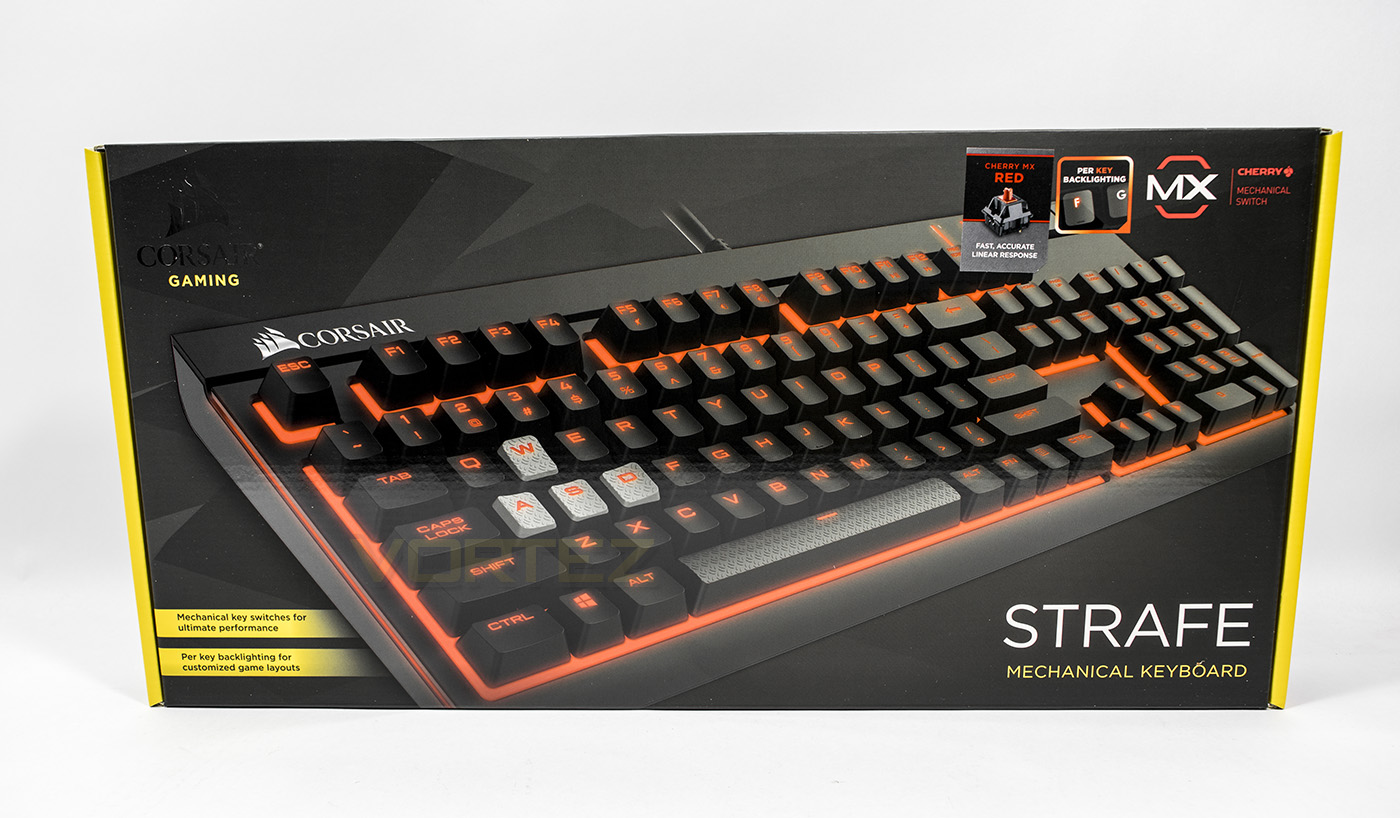
Corsair seem to be, again, tweaking their ‘gaming’ brand, now adopting the yellow hue as an indicator we see the sails rather than the previous Corsair Gaming logo. This may be confusing to some but others may be happy that Corsair stuck to their original brand image. Though there are some notes explaining some features and stressing that it uses genuine Cherry MX switches, the image itself does most of the talking.
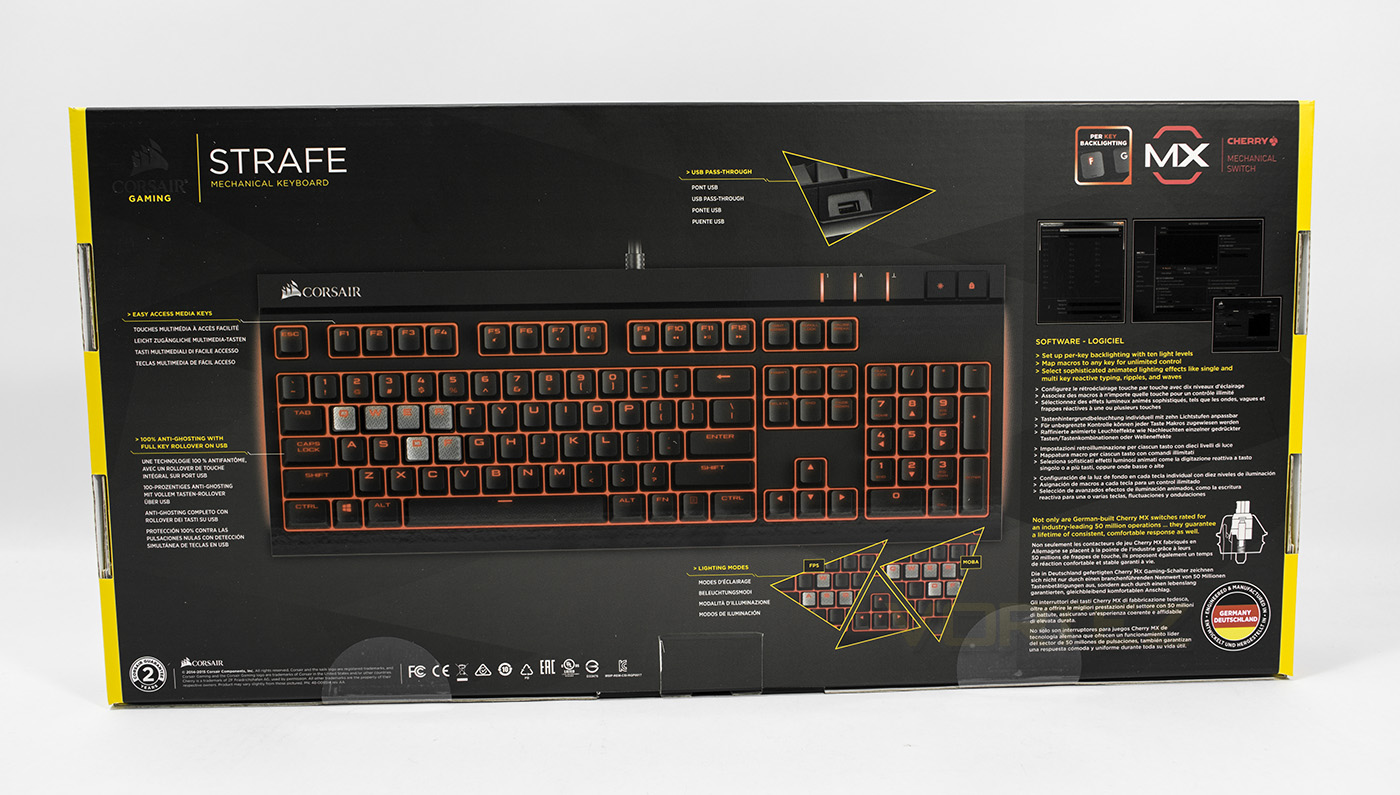
At the back we get a more detailed break down of features and accessories including the USB passthrough, included tactile keycaps and information about the Corsair Utility Engine (CUE).
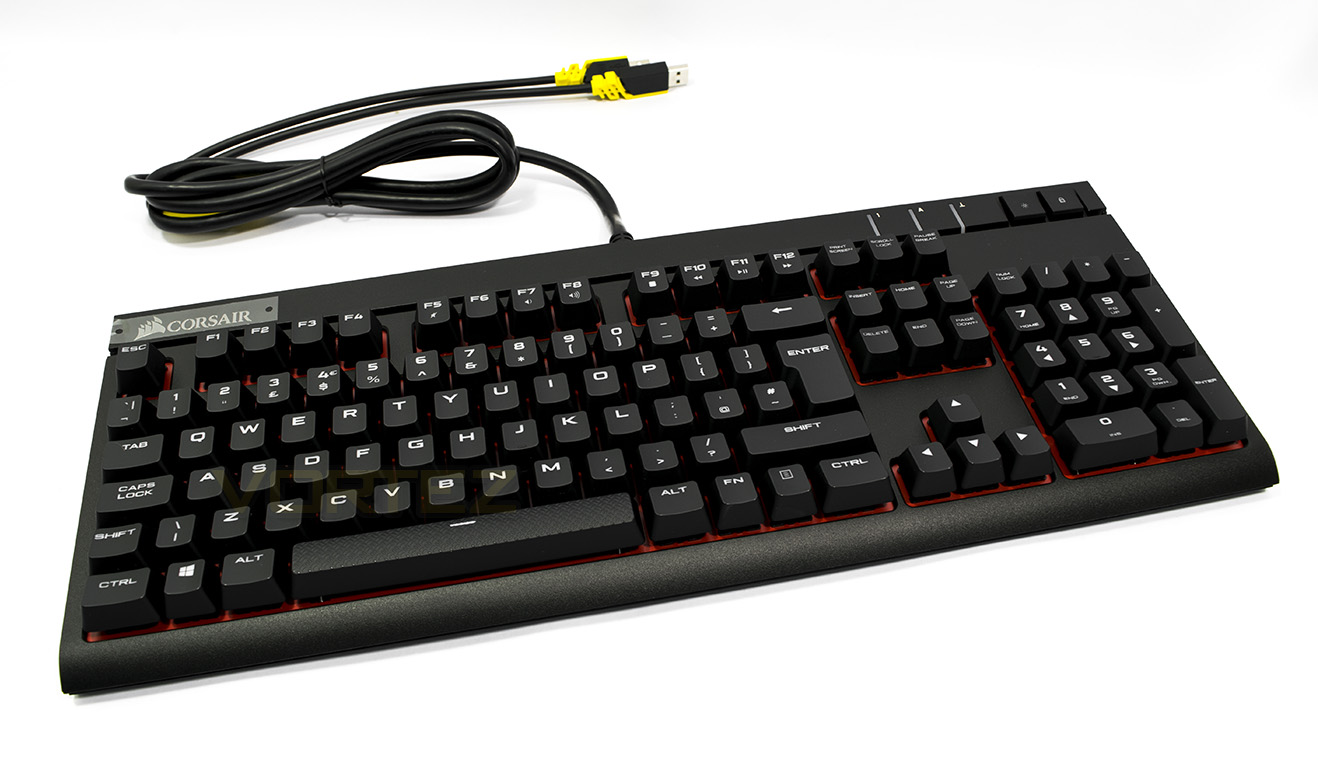
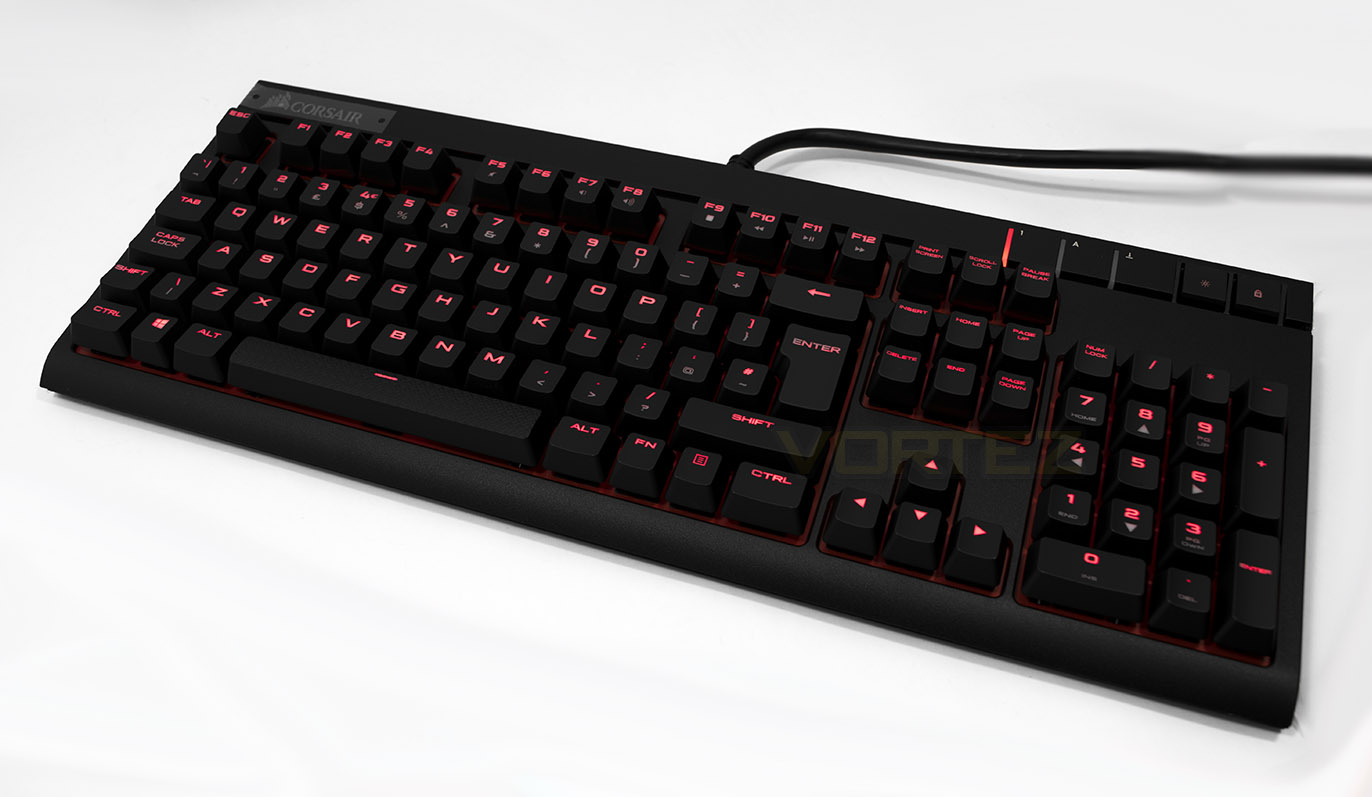
The Corsair STRAFE, like many keyboards which are taking advantage of the fully programmable keys, we find a cut down in excess keys, with just a hard key for LED brightness and Windows lock at the top right, while we see use of the Fn media keys along the top. The underside of the keys are surrounded in red which assists in the back lighting stand out more vibrantly.
Closer Look
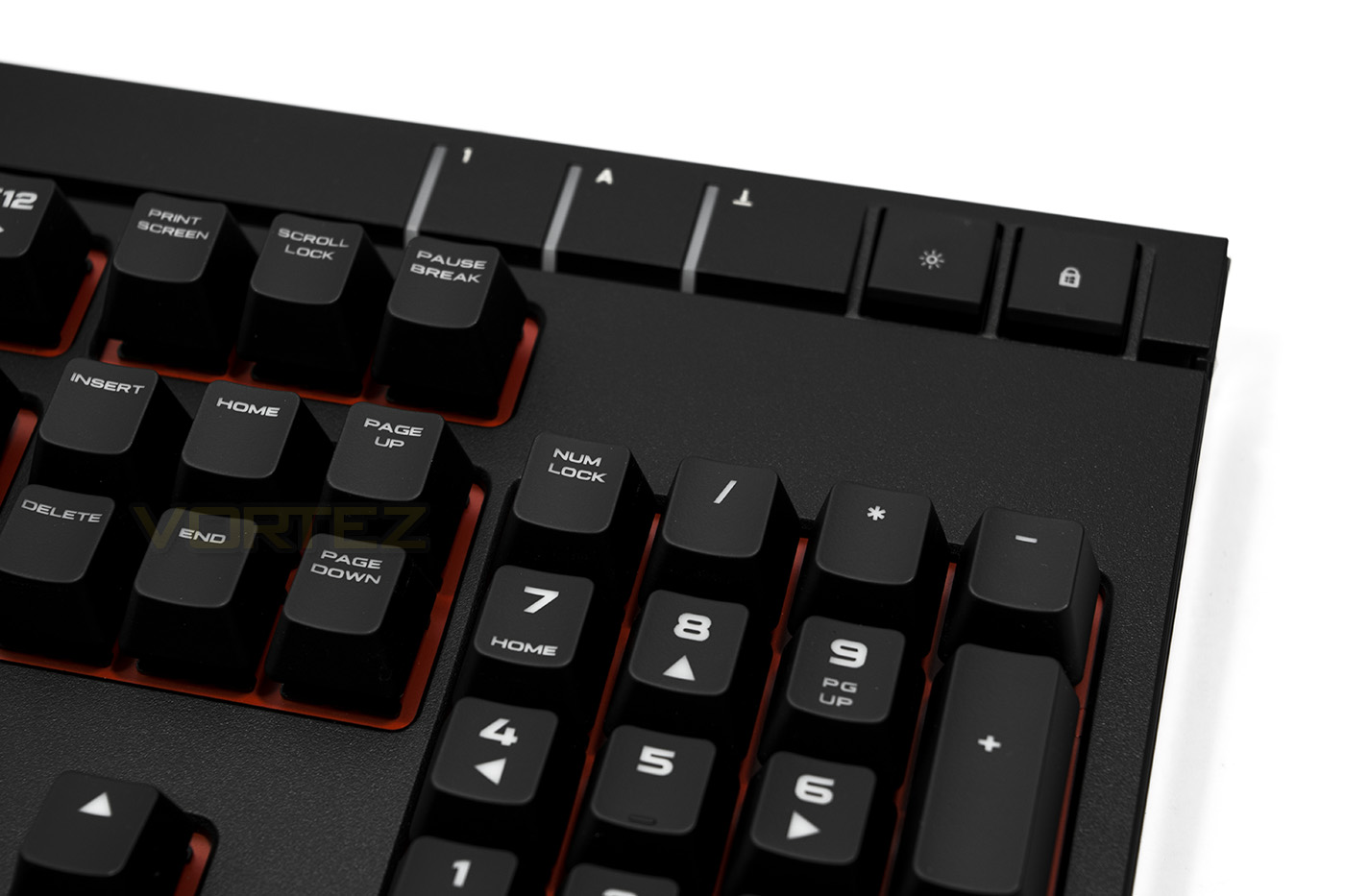
The brightness and Windows lock button, the Windows lock function can be adjusted in the CUE software.
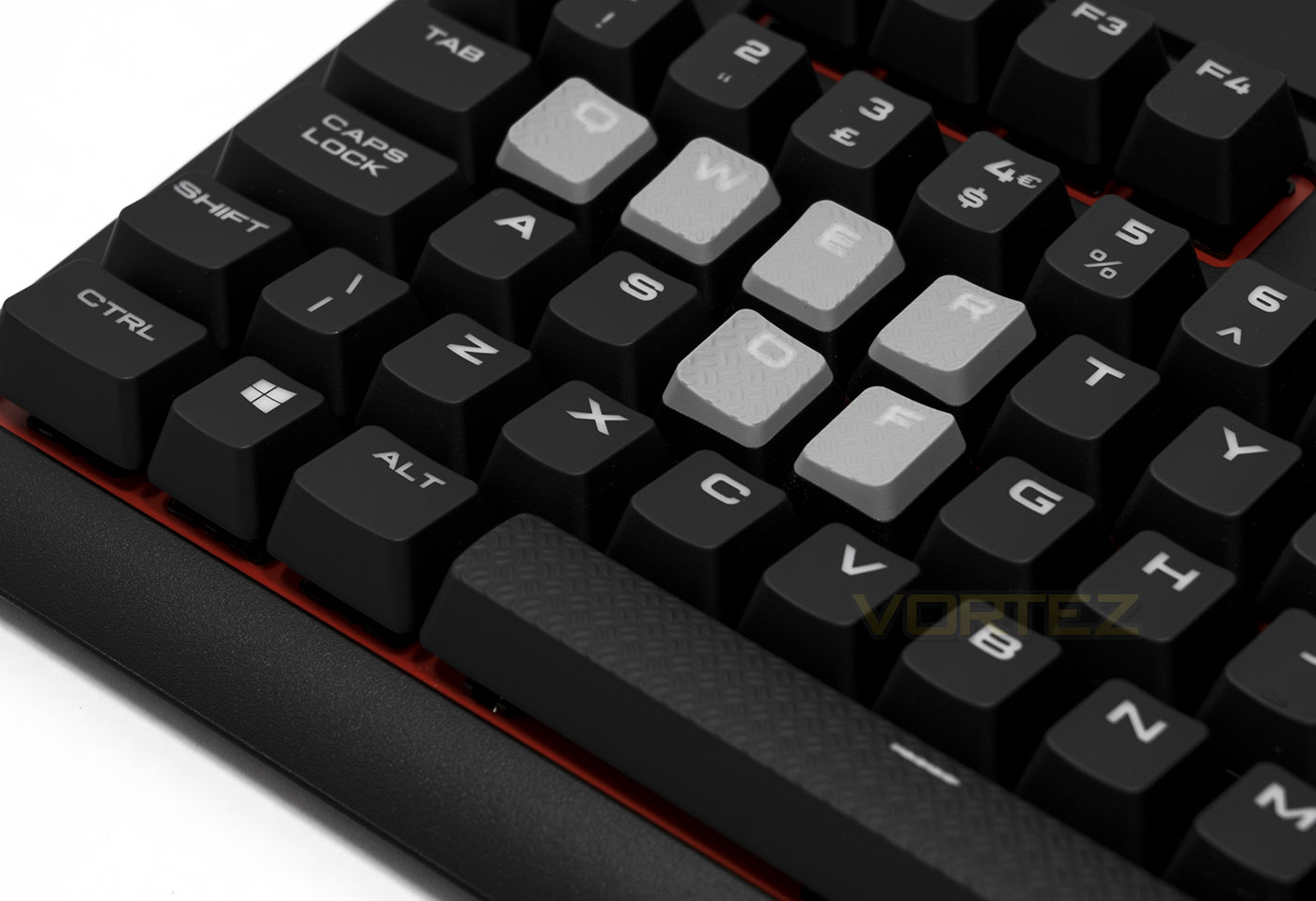
Included in the packaging are some tactile keycaps and keycap remover for WASD (for FPS) as well as a set of QWER-DF for use with MOBAs.
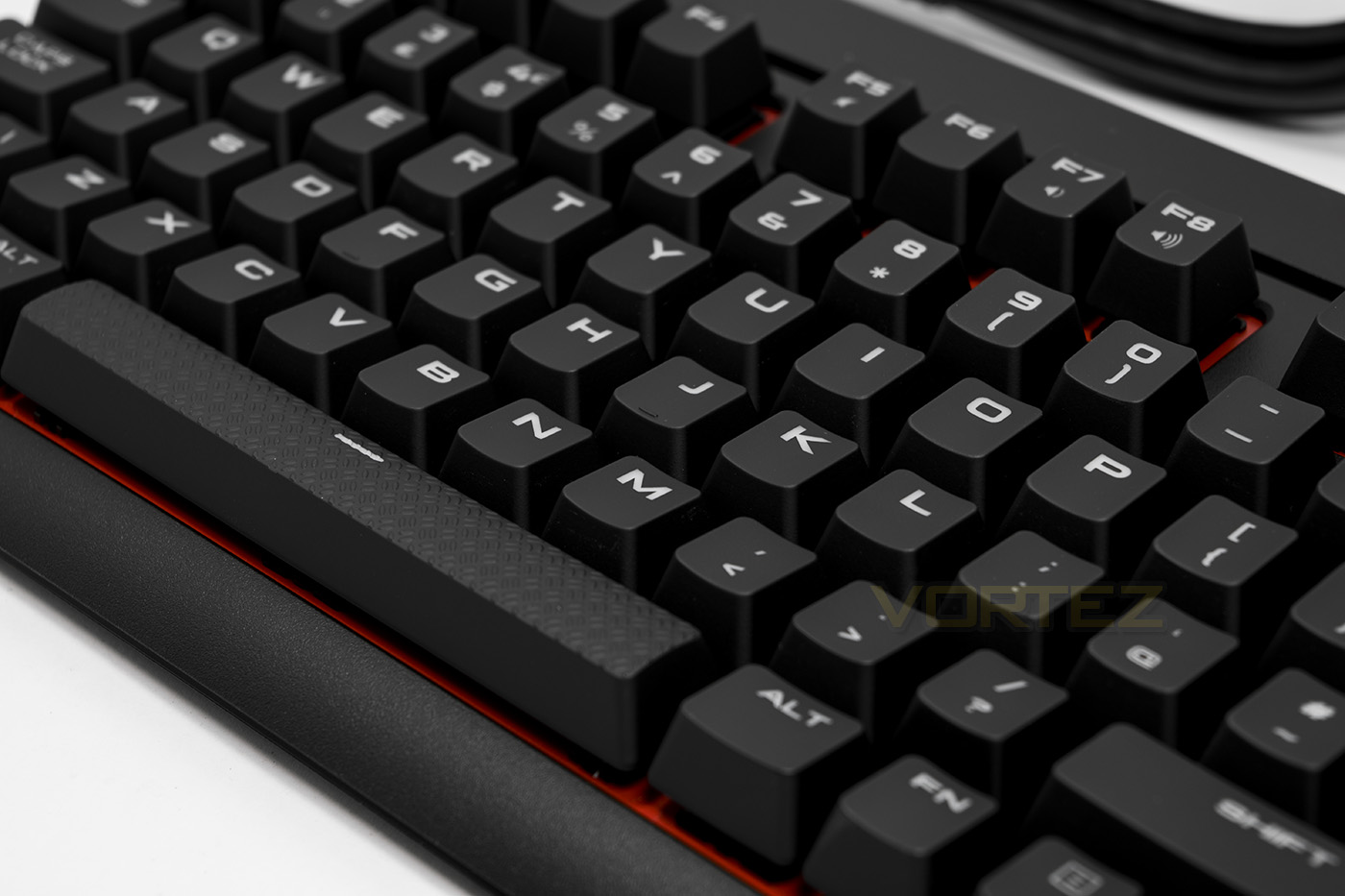
Textured space bar for tactile feedback.
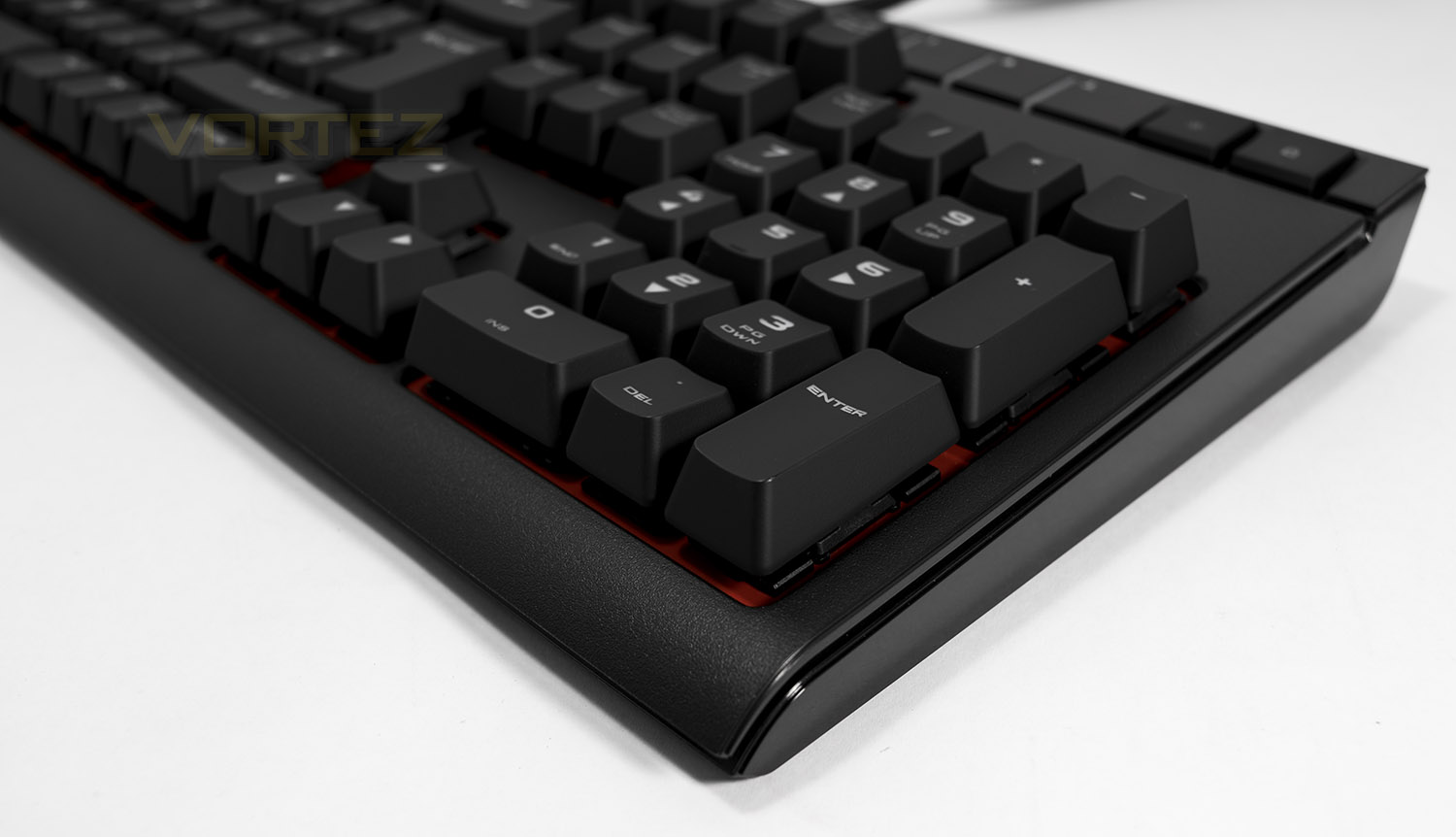
Each side has lighting which is seen between the base of the keyboard and the top plate which is offset a little.
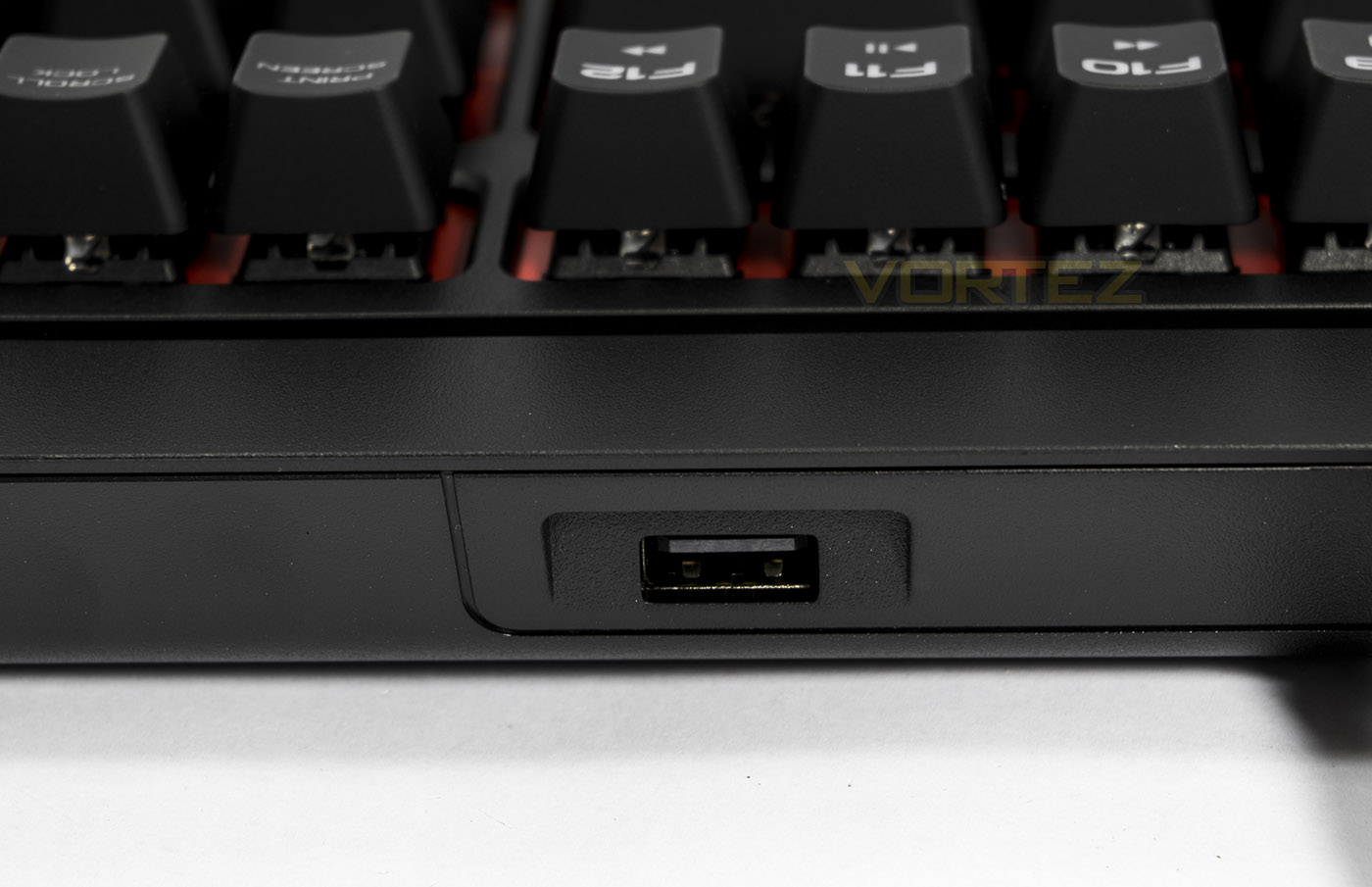
A single USB pass through which many will find useful.
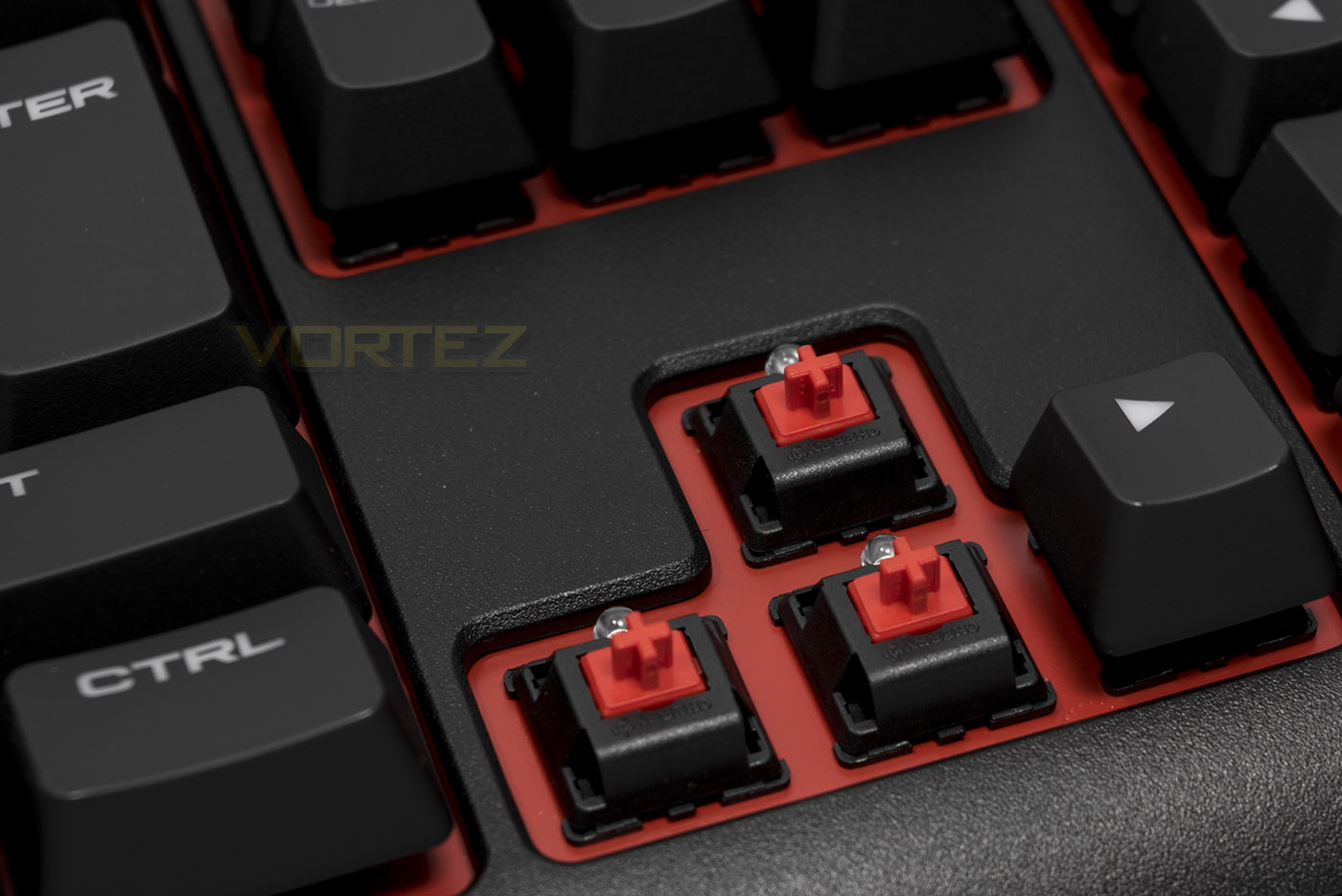
Removing the keycaps reveals the genuine Cherry MX Red switches.
Software & Lighting
CUE (Corsair Utility Engine) is Corsair’s unified driver software and on the surface looks great but if you are new to it, you may find it unintuitive and difficult to work with. On the positive side it does announce and update both driver and firmware for connected devices rather effortlessly. Once you manage to find your way around you will find that the CUE has powerful programmability. It allows you to create and save shortcuts, commands and macros to various profiles for various situations. There are preset lighting effects (such as visor mode, rain and ripple) which some may be happy with and though this edition only has red lighting, you can also create your own profile using per key lighting for your own custom macro map or setup, or you can try creating advanced dynamic effects which can then be saved and shared.
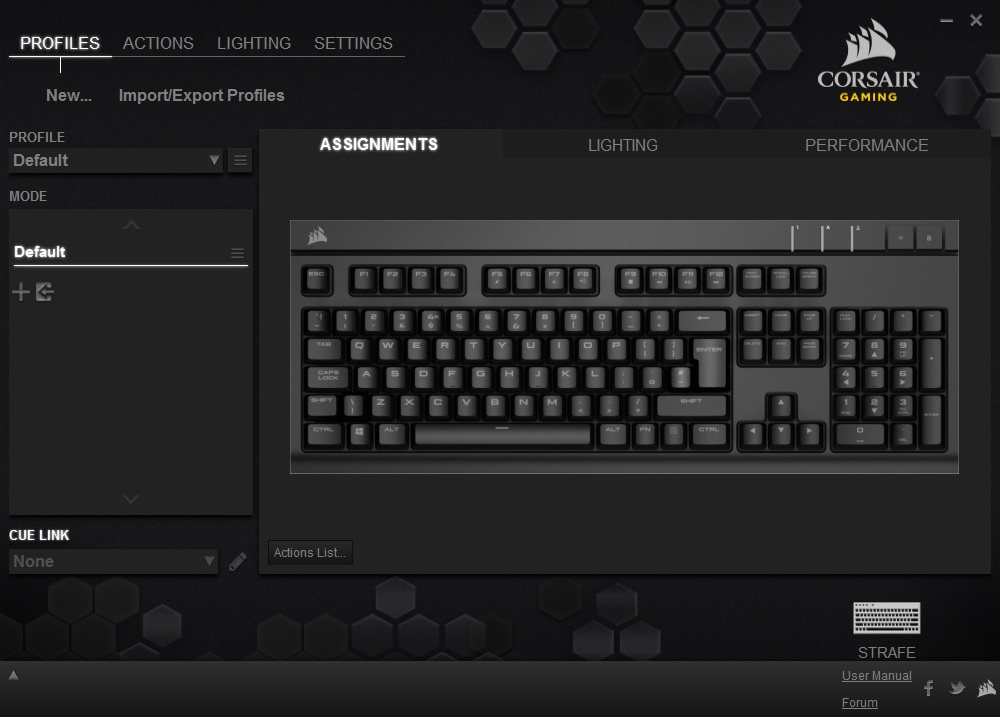
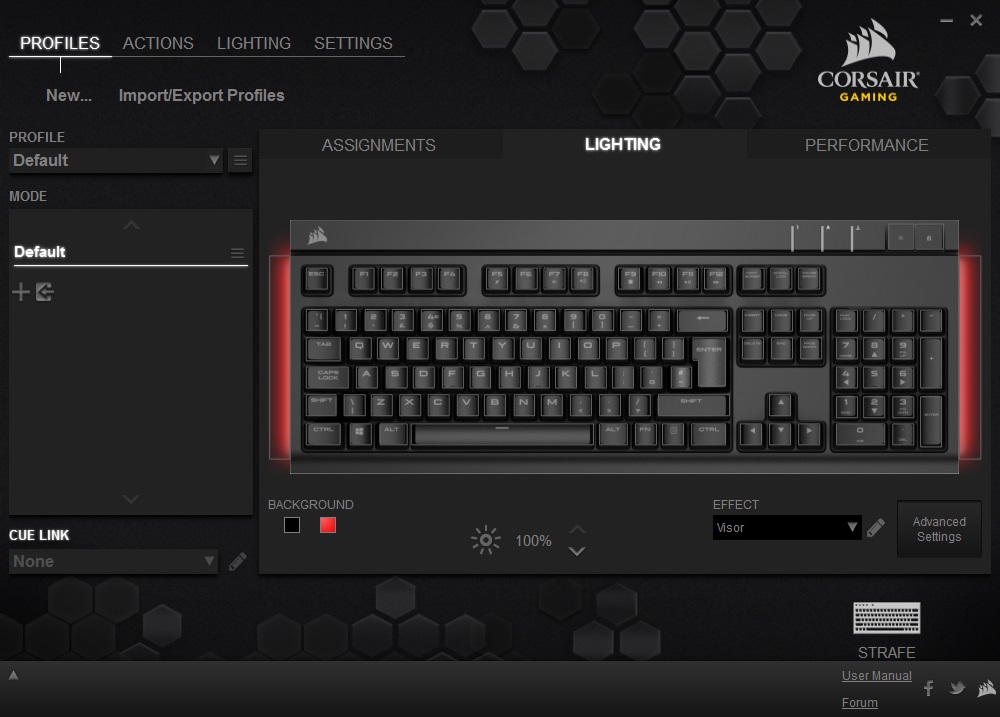
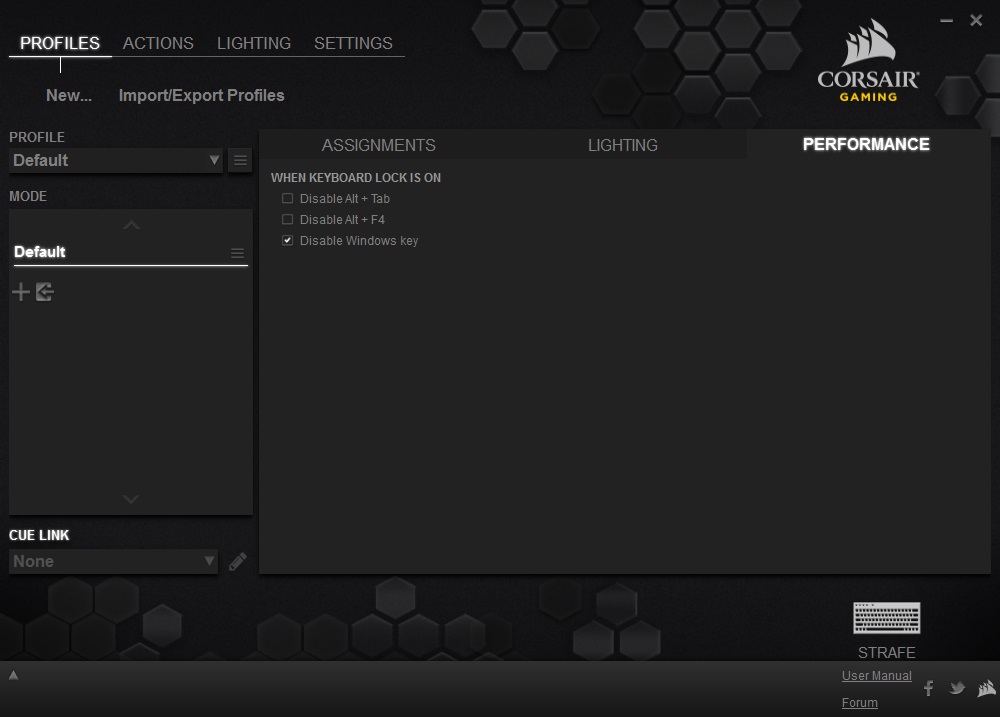
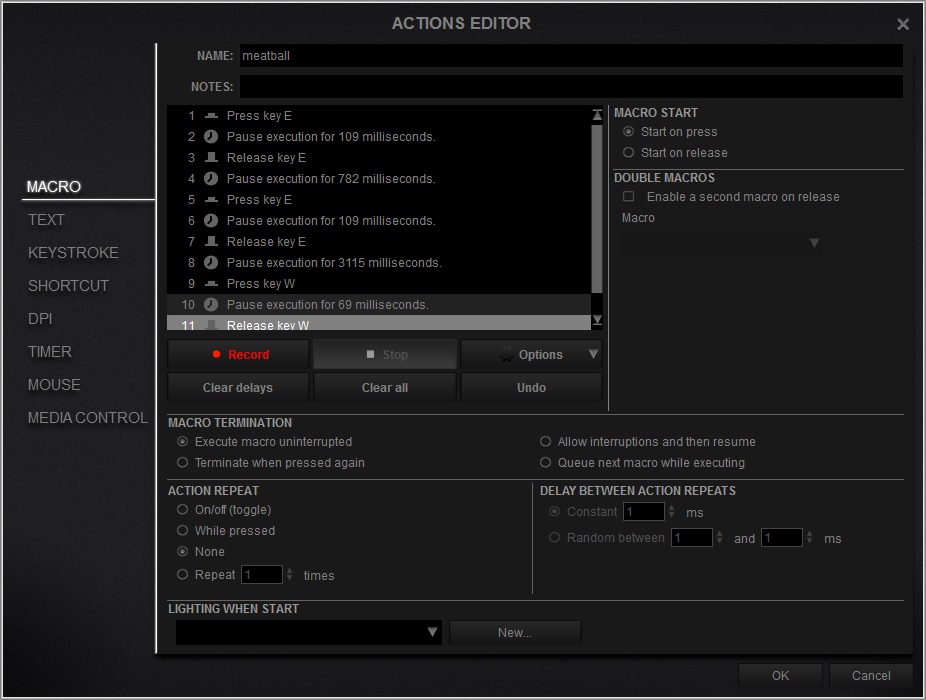
The lighting is vibrant and the red background on the keyboard makes much more sense once you see it in action. The visor mode (cylon/Kit style) comes on by default once CUE is installed but there are other preset effects available including breathing, wave, rain, and ripple.
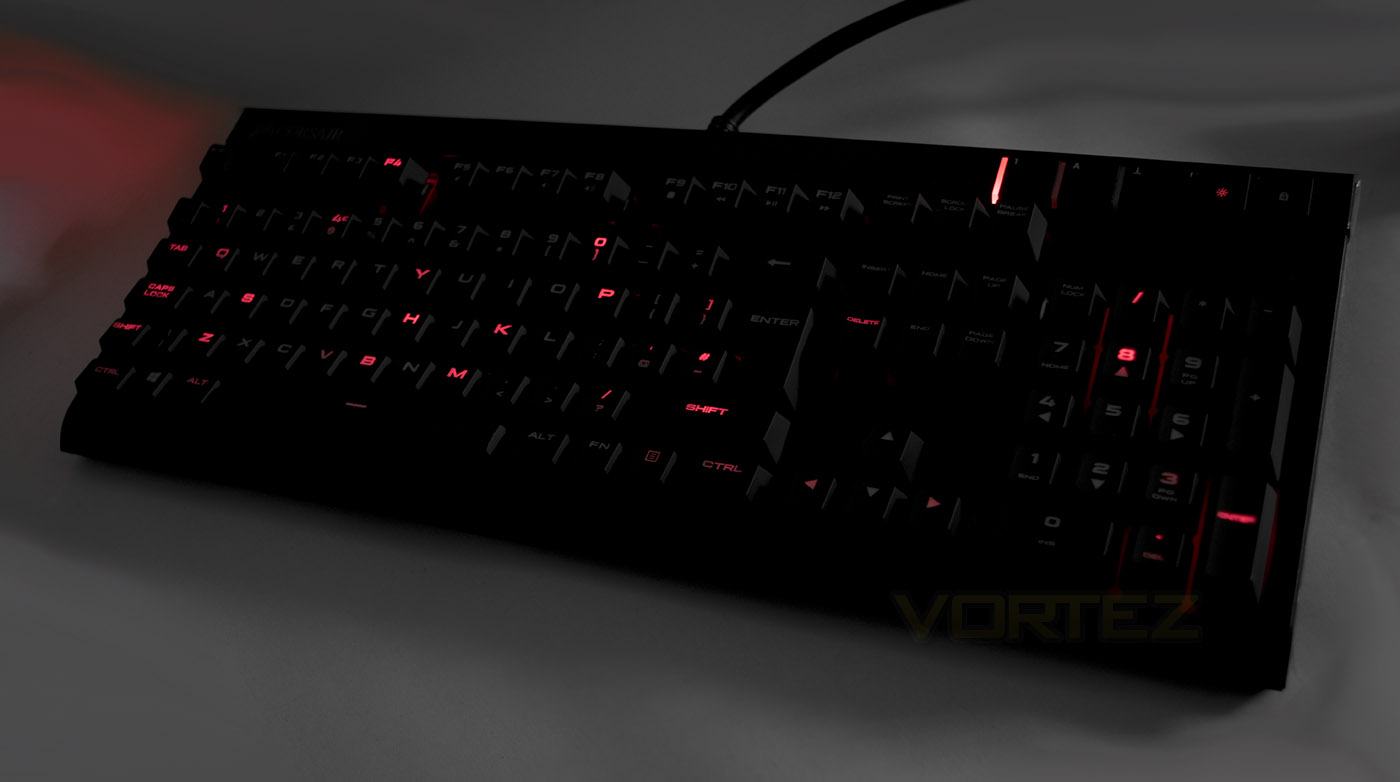
The ‘Rain effect’.
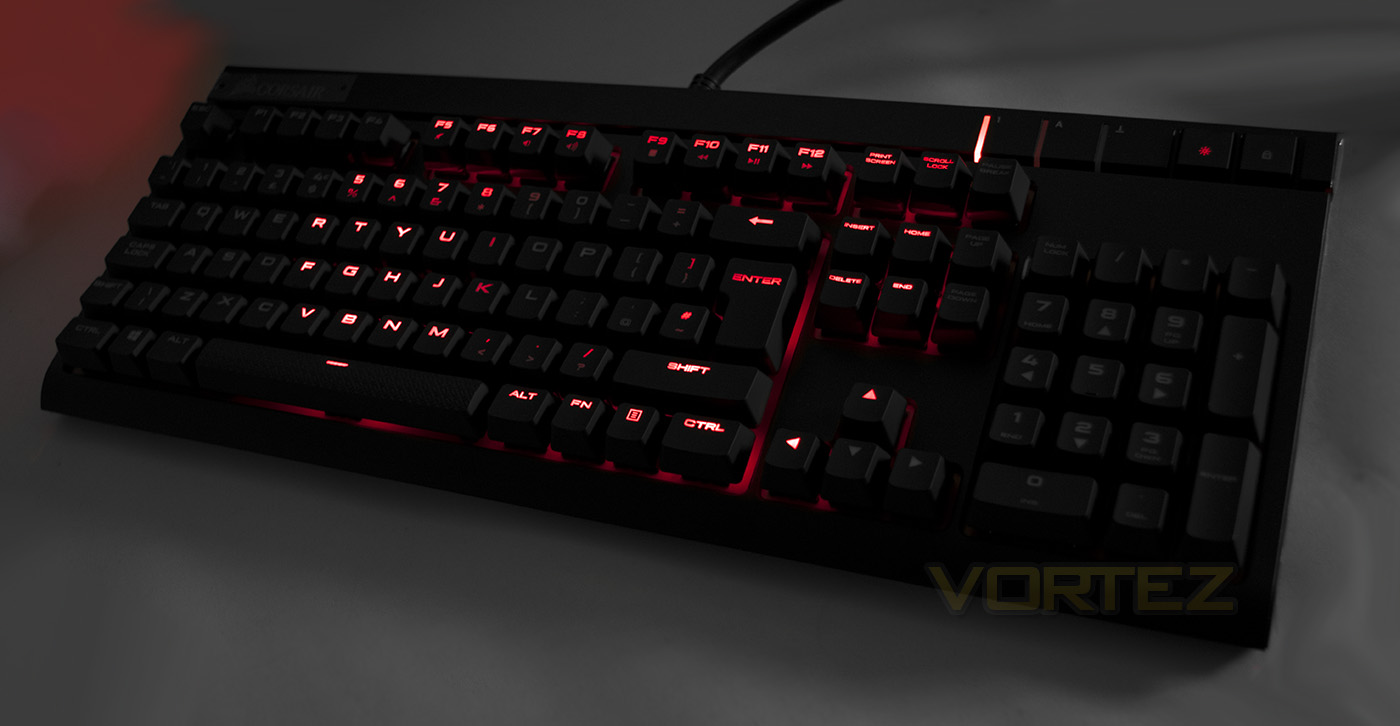
The ‘Ripple’ effect.
Performance Testing
Downloading and installing the CUE software is done by accessing the product page, once installed there was a notice saying that there was a firmware update. Once installed the lighting defaulted to the visor mode, which was pretty cool but I prefer static lighting as it is less distracting and so had to explore the CUE UI to find the correct settings to change this.
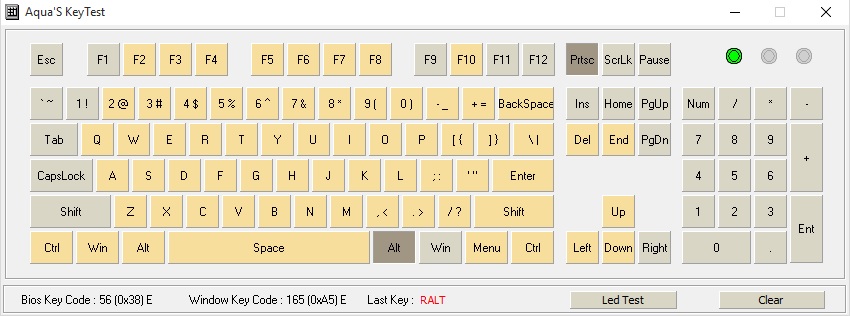
Mashing the keyboard with both hands proves its hard to hit every key simultaneously but should you need to, it would appear certain that the STRAFE can handle it.
The STRAFE feels sturdy and well built with a nice textured finish to it. Over time my shoulders would ache a little as at 40mm high, I found it a little tall to type comfortably without a wrist rest. However, they did include some textured keycaps which are shaped to give a more tactile feel, these are something well received and I am sure that most gamers would be happy to use them.
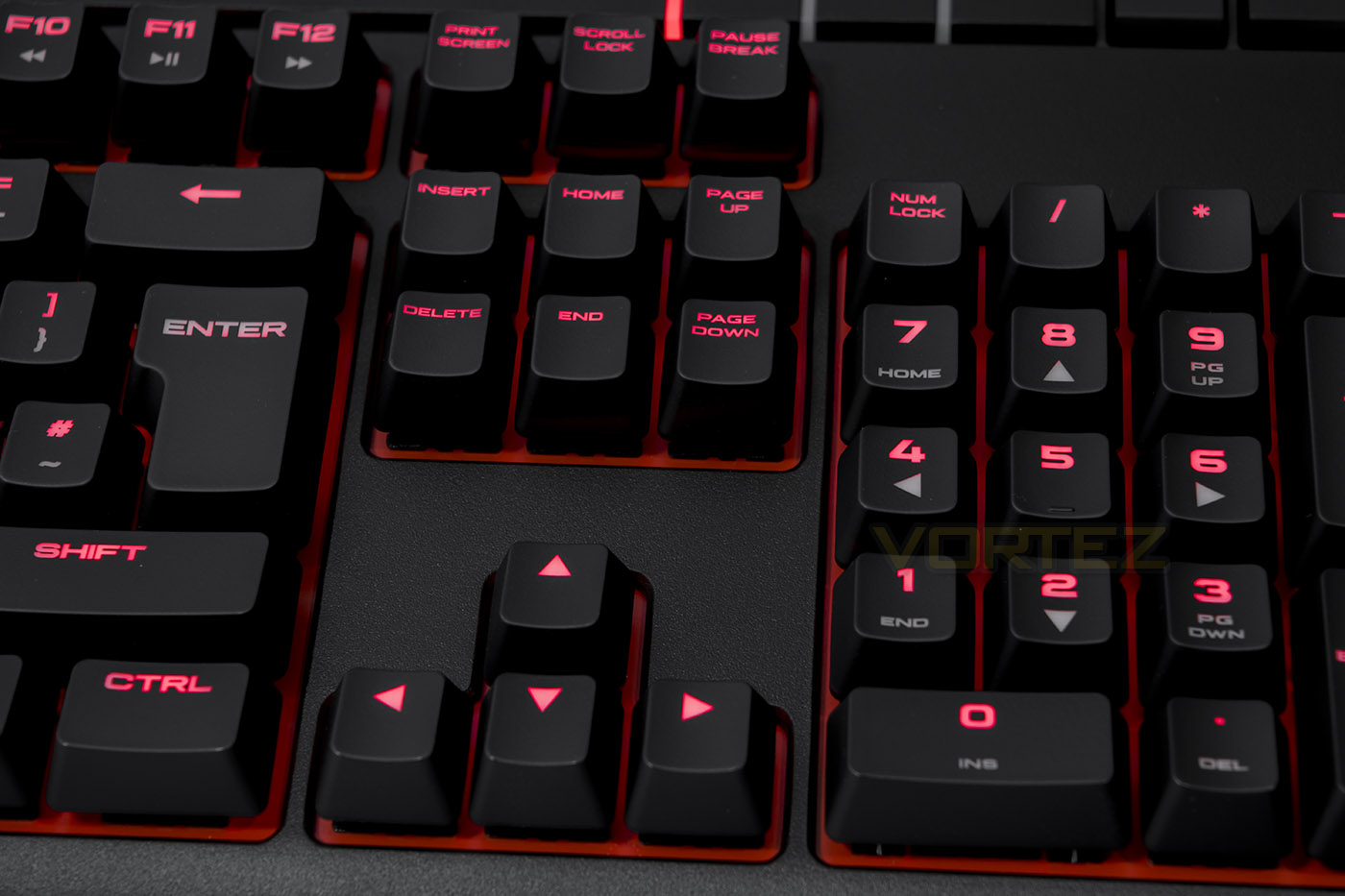
The model we are looking at uses Cherry MX Red mechanical switches which are linear without feedback (Brown are linear with a tactile bump). They make for smooth, quick and reliable actuation which has made them popular for gamers and when combined with full NKRO the in-game responsiveness really is impressive, we found that in games the STRAFE proved to be a solid platform for the Cherry MX switches with flawless performance in DOTA 2 (Congratulations EG!!), and Battlefield 4. Though some may struggle when it comes to typing (especially if you still haven’t experienced a mechanical keyboard), typos can be more prevalent due to the more sensitive actuation and full anti-ghosting capabilities, but this tends to be a case of simply getting used to it.
Conclusion
Despite Corsair’s identity crisis in regards to the branding of their gaming peripherals, it could be argued that once you see those sails, quality is ensured. The STRAFE gaming keyboard comes in offering everything a contemporary mechanical keyboard should, with quality construction, powerful supporting software and dedicated functions that make life easier while in an operating system or gaming environment.
Kailh switches are competitive in performance and certainly in price but often tend to feel inconsistent which has never been an issue for Cherry MX. Corsair’s commitment to providing Cherry MX switches with all their keyboards has an advantage over other brands, making sure that buyers will always know what they are getting. Other features, such as the awesome advanced lighting effects, the USB pass through and the additional keycaps add finishing touches to the STRAFE, rounding it into a complete package.
There are some oversights to consider such as, the CUE software is a bit
The STRAFE mechanical keyboard mixes full customisation and programmability with the quality people have come to expect as the Corsair standard.
Pros.
+ Solid construction
+ Attractive design
+ Fully programmable keys
+ Advanced lighting modes
+ Additional tactile keycaps
+ Available in Cherry MX Red and Brown
+ Full N-KRO
+ USB passthrough
Cons.
– US-UK price translation
– CUE not as intuitive as it could be
– No wrist rest included
+ Solid construction
+ Attractive design
+ Fully programmable keys
+ Advanced lighting modes
+ Additional tactile keycaps
+ Available in Cherry MX Red and Brown
+ Full N-KRO
+ USB passthrough
Cons.
– US-UK price translation
– CUE not as intuitive as it could be
– No wrist rest included
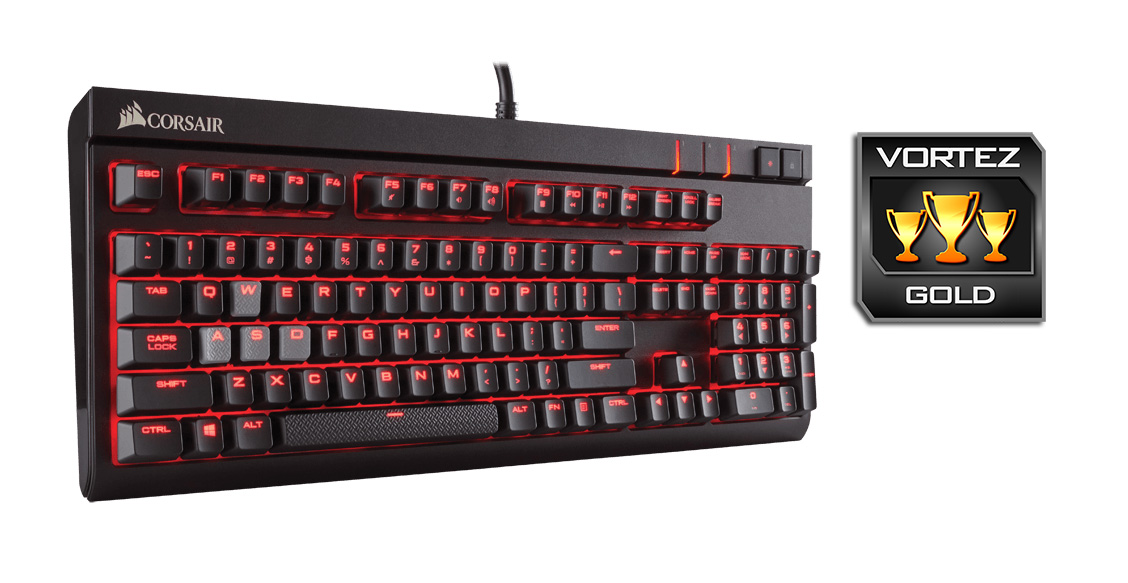
Click here for an explanation of our awards at Vortez.net.