The Fnatic FLICK2 is touted as a pro-grade eSports mouse, and it does have the specs to back that up, but does it deliver a pro performance? Fnatic’s Retro Asphalt is a high-quality gaming mousepad designed for fans that want to show their Fnatic pride.

Product on Review: Fnatic FLICK2 & Fnatic Retro Asphalt
Manufacturer: Fnatic Gear
Street Price: FLICK2 €59.99 / $59.99
Retro Asphalt €19.99 / $16.99
If you’re somehow out of the loop and aren’t aware, Fnatic is an organisation within the eSports gaming industry and are right up there with the other top-flight teams. Founded in 2004 they’ve grown into one of the biggest names in the gaming space and more recently they have started to use their knowledge and expertise to make peripherals and accessories for gamers. Today we’ll be testing that experience by putting their FLICK2 gaming mouse and Retro Asphalt mousepad through their paces.
The FLICK2 is a light-weight gaming mouse that has a very low slung profile and symmetrical design; this is then combined with the Pixart 3360 optical sensor and Omron switches. The 3360 sensor from Pixart is highly praised and often regarded as the best sensor in its class, this is great as not only is the sensor known for its precision but it also brings features like an adjustable lift-off distance and a max CPI of 12,000 to the table. That isn’t all as Fnatic have splashed out on an oleophobic coating for the rubberised side grips which is not that widely seen on a mouse at this price. It also boasts things like a 1000Hz polling rate, high-speed motion detection and remappable buttons.
The Asphalt mousepad is based upon their FOCUS series of pads but favours a bold aesthetic over a traditional design. The Asphalt utilises a pro-grade cloth surface with a non-slip rubberised base for extra grip while gaming. It also makes use of Fnatic’s FOCUS TEXTURE which is unique to Fnatic and is supposed to create a more tactile feel for greater precision.
The Fnatic FLICK2 has a really strong stack of features, and the Asphalt sounds very promising, but do they deliver where it really matters?
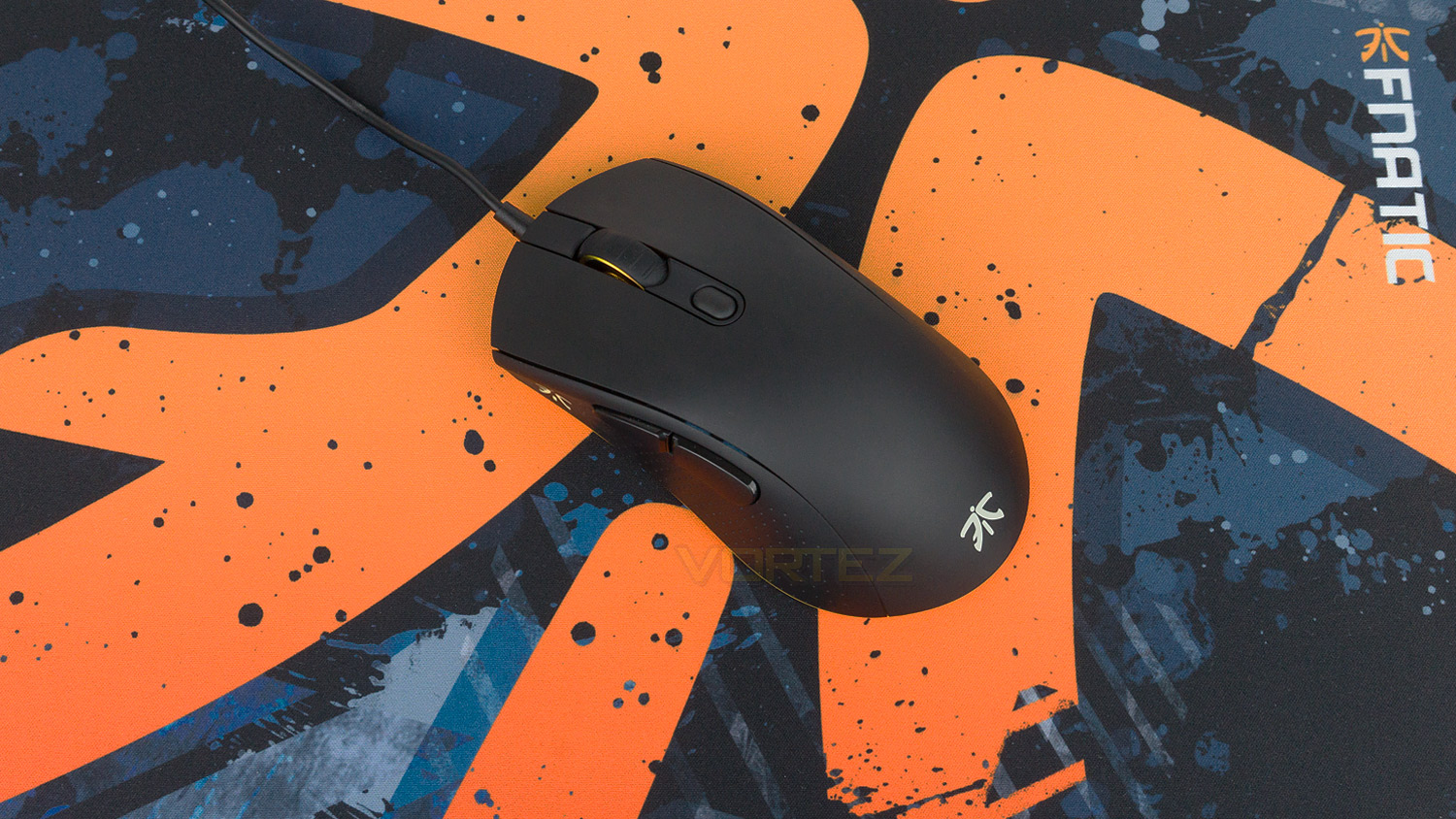
Fnatic on the FLICK2 and Asphalt Mousepad:
FLICK 2 is a light-weight professional-grade esports mouse, ready for every gamer. The key difference lies in grip type, and shape, favouring gamers who like a more symmetrical feel. It’s a shape that also combines the best in class sensor, build quality, grip, and software, to make a platform that’s designed to deliver you the precession and control you need to hit every skill shot.
The FOCUS pads are optimized to support rapid movement game play while still being able to deliver laser-like precision. If we can win on it, so can you.
The FOCUS pads are optimized to support rapid movement game play while still being able to deliver laser-like precision. If we can win on it, so can you.
Technical Specifications
FLICK2
Mouse
Sensor – Pixart 3360
Sensor type – Optical
CPI – 12,000 maximum (100 CPI step)
Acceleration – 50G
Polling rate – 1000Hz
Response speed – 1ms/250ips
Processor NXP
Memory – 8mb
Switches – Omron D2FC-F-7N (50M)
Design
Number of buttons – 6
Programmable buttons – 6
Dimensions – 131mm x 70.2mm x 40mm
Weight – 93g
Cable length – 1.8m (5.9ft)
Illumination – 2 RGB zones (Synced together) 1 LED zone (DPI indicator)
Compatibility
OS – Windows (USB port required)
Software – Fnatic OP
Warranty – 2 years
Adjustable LOD
On board profile Sections
Asphalt Mousepad
Size – 380mm x 290mm x 3mm
Weight – 317g
Finish – cloth
Non-slip rubber base
Mouse
Sensor – Pixart 3360
Sensor type – Optical
CPI – 12,000 maximum (100 CPI step)
Acceleration – 50G
Polling rate – 1000Hz
Response speed – 1ms/250ips
Processor NXP
Memory – 8mb
Switches – Omron D2FC-F-7N (50M)
Design
Number of buttons – 6
Programmable buttons – 6
Dimensions – 131mm x 70.2mm x 40mm
Weight – 93g
Cable length – 1.8m (5.9ft)
Illumination – 2 RGB zones (Synced together) 1 LED zone (DPI indicator)
Compatibility
OS – Windows (USB port required)
Software – Fnatic OP
Warranty – 2 years
Adjustable LOD
On board profile Sections
Asphalt Mousepad
Size – 380mm x 290mm x 3mm
Weight – 317g
Finish – cloth
Non-slip rubber base
Packaging & First Look (FLICK2)
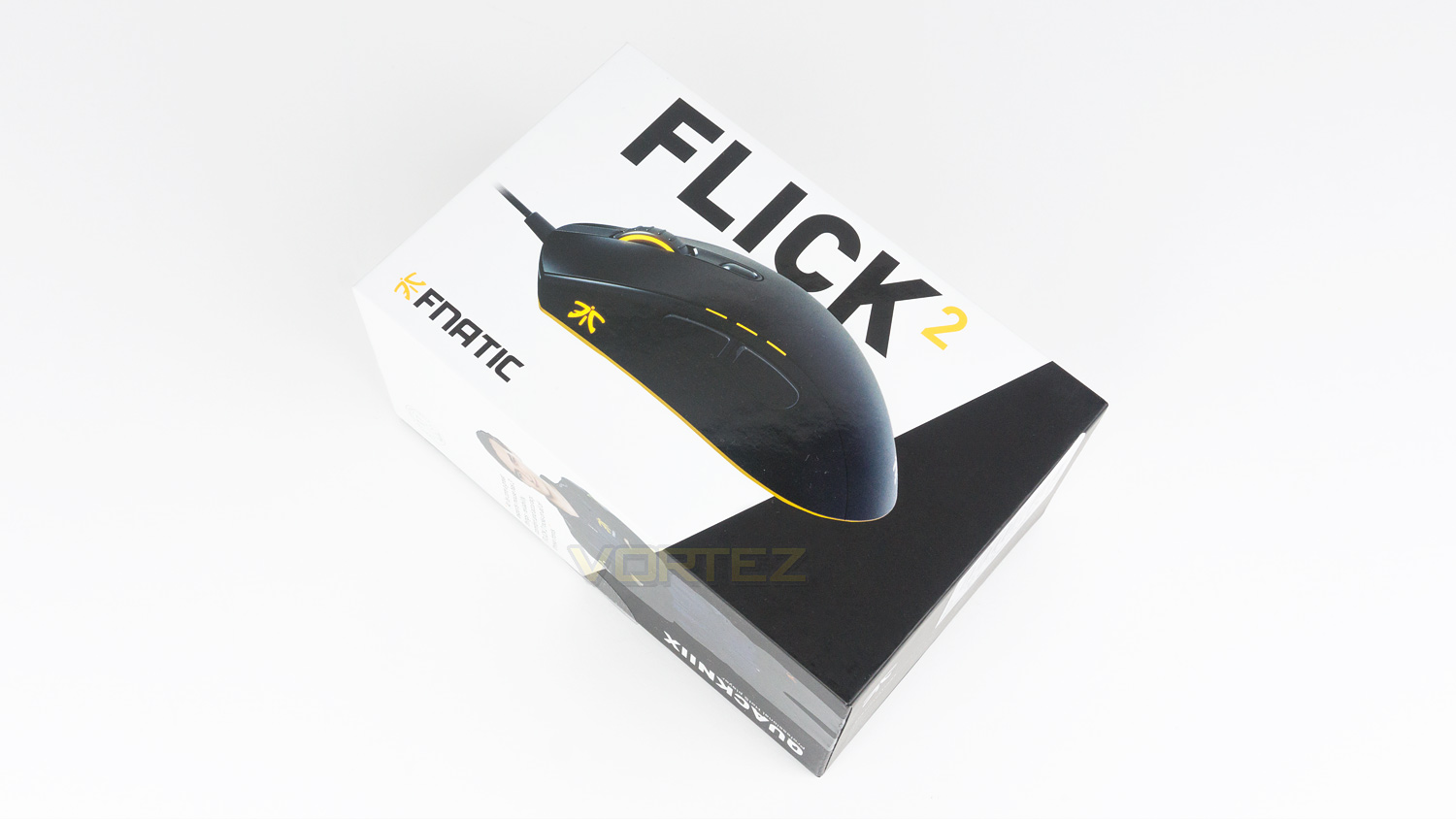
The FLICK2 comes in a black and white box that is very strong and has a style that is very understated and quite minimal. There is an image of the FLICK2 mouse with the Fnatic branding in the bottom left corner.
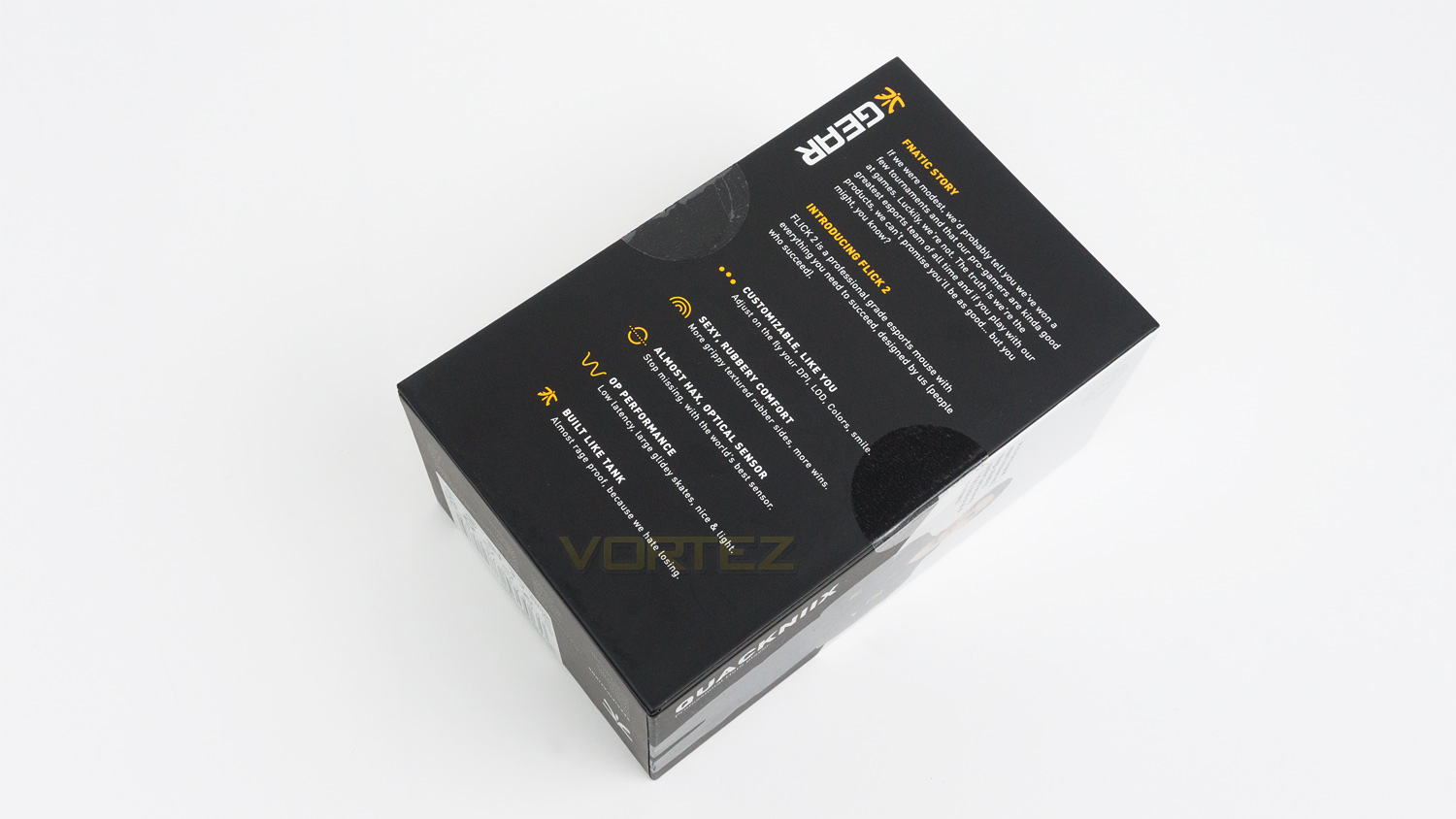
Flip the box to the back, and there is a brief paragraph on the Fnatic story and also some information about the FLICK2 mouse.
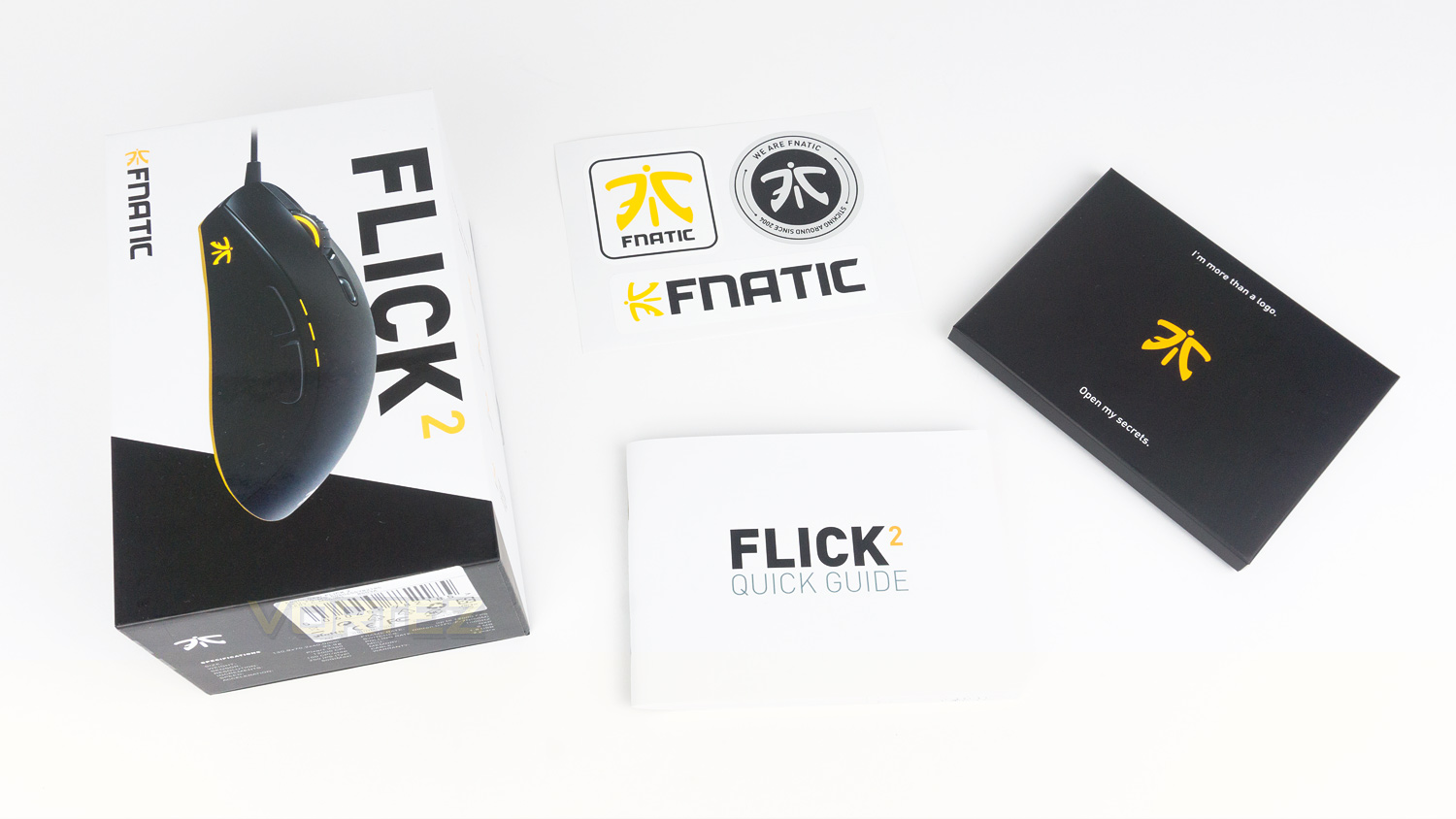
In the box with the FLICK2 there is a separate box with additional items inside, these include a set of stickers and a quick start guide.
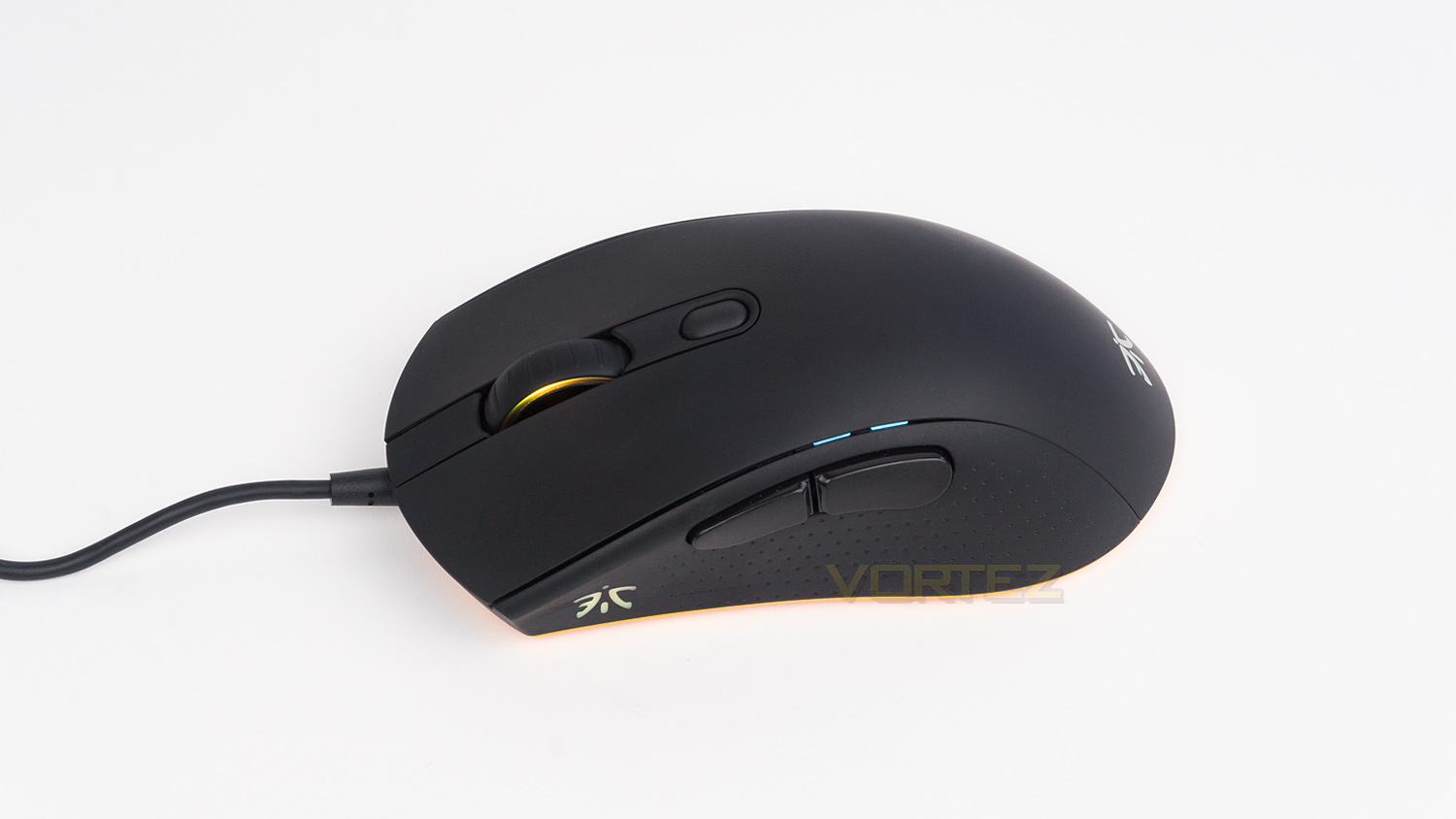
The FLICK2 is a very sleek mouse with a low-slung profile that is quite conservative in appearance. By that we mean there are no eccentric flourishes and instead, the FLICK2 is very polished and tasteful.
Packaging & First Look (Asphalt)
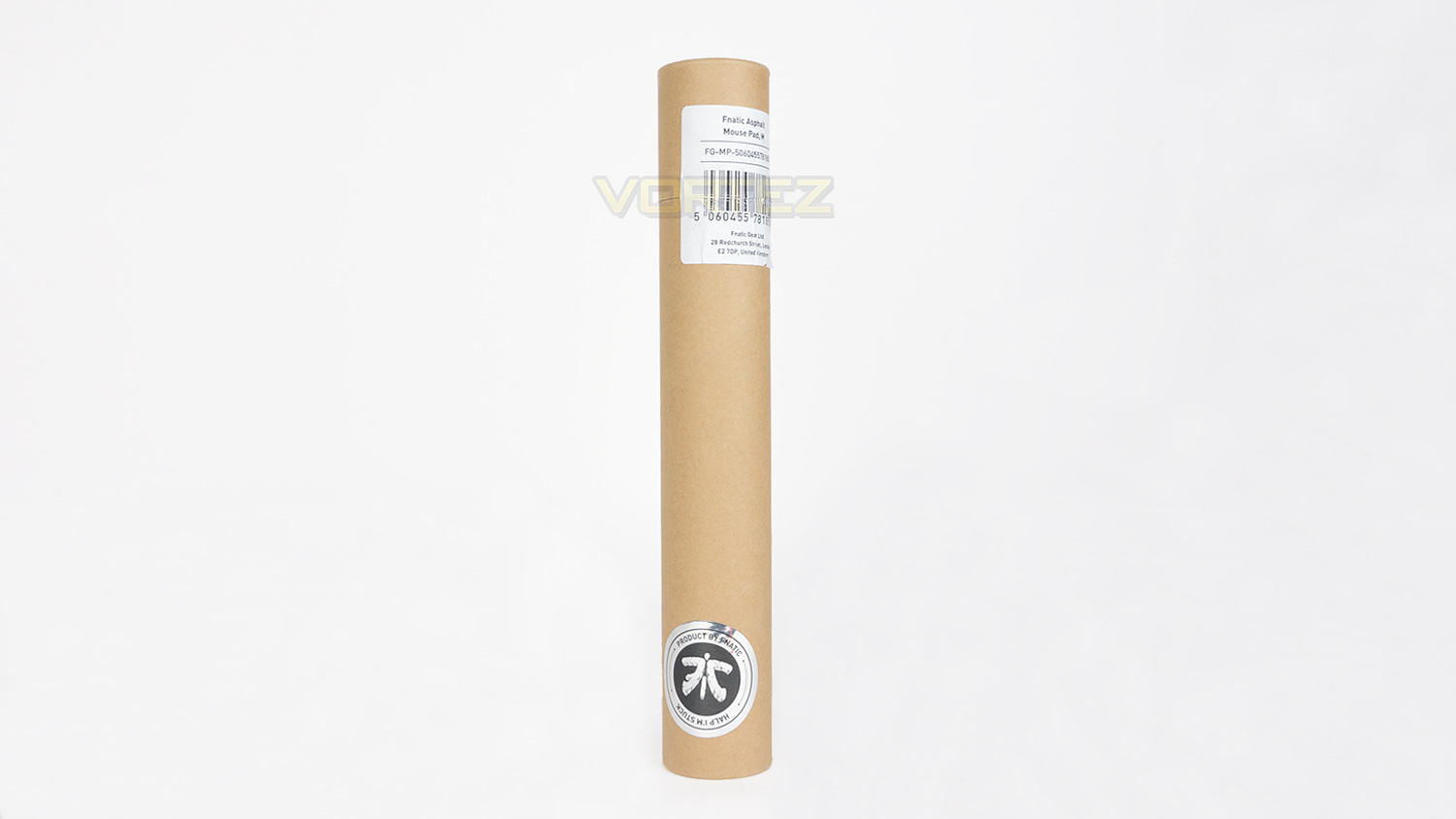
The Asphalt comes in a very simple cardboard tube with a Fnatic sticker on the front.
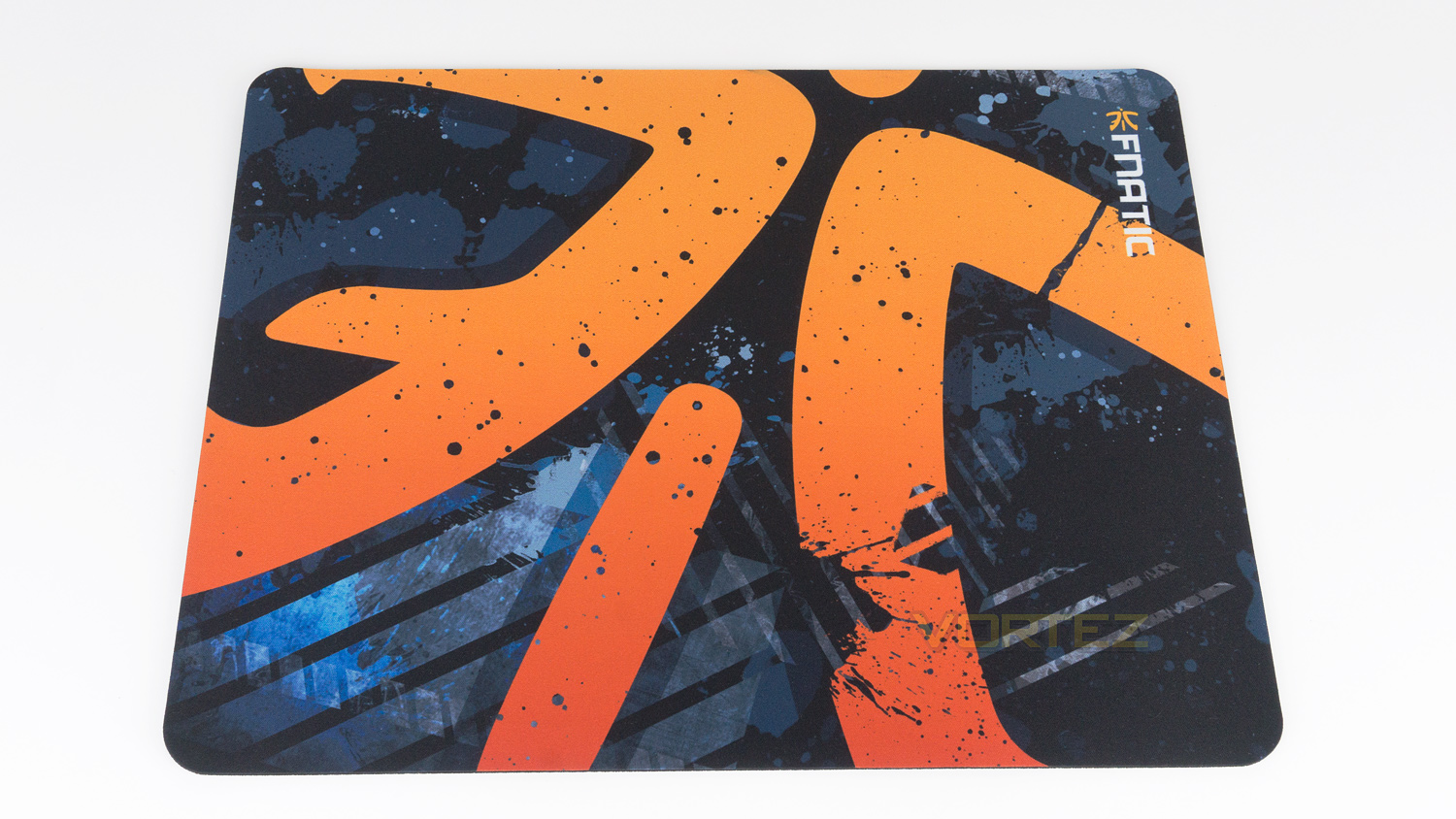
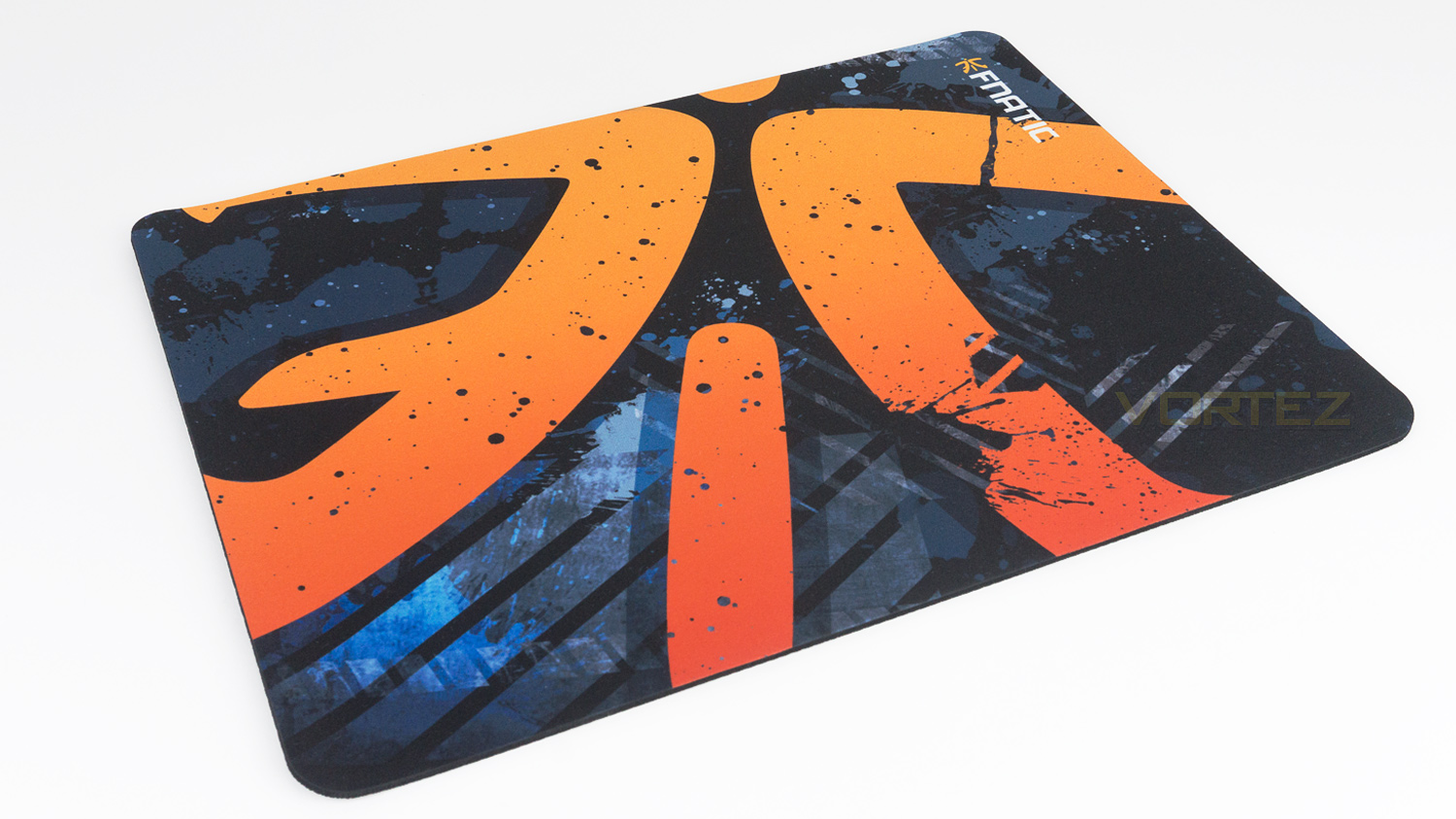
Once taken from the packaging it’s clear that the Asphalt pulls no punches and is very bold in its design. There is a large Fnatic logo with a paint splatter effect across the surface. The colours are very bright and bold and, if you like colourful mousepads, this will be right up your street.
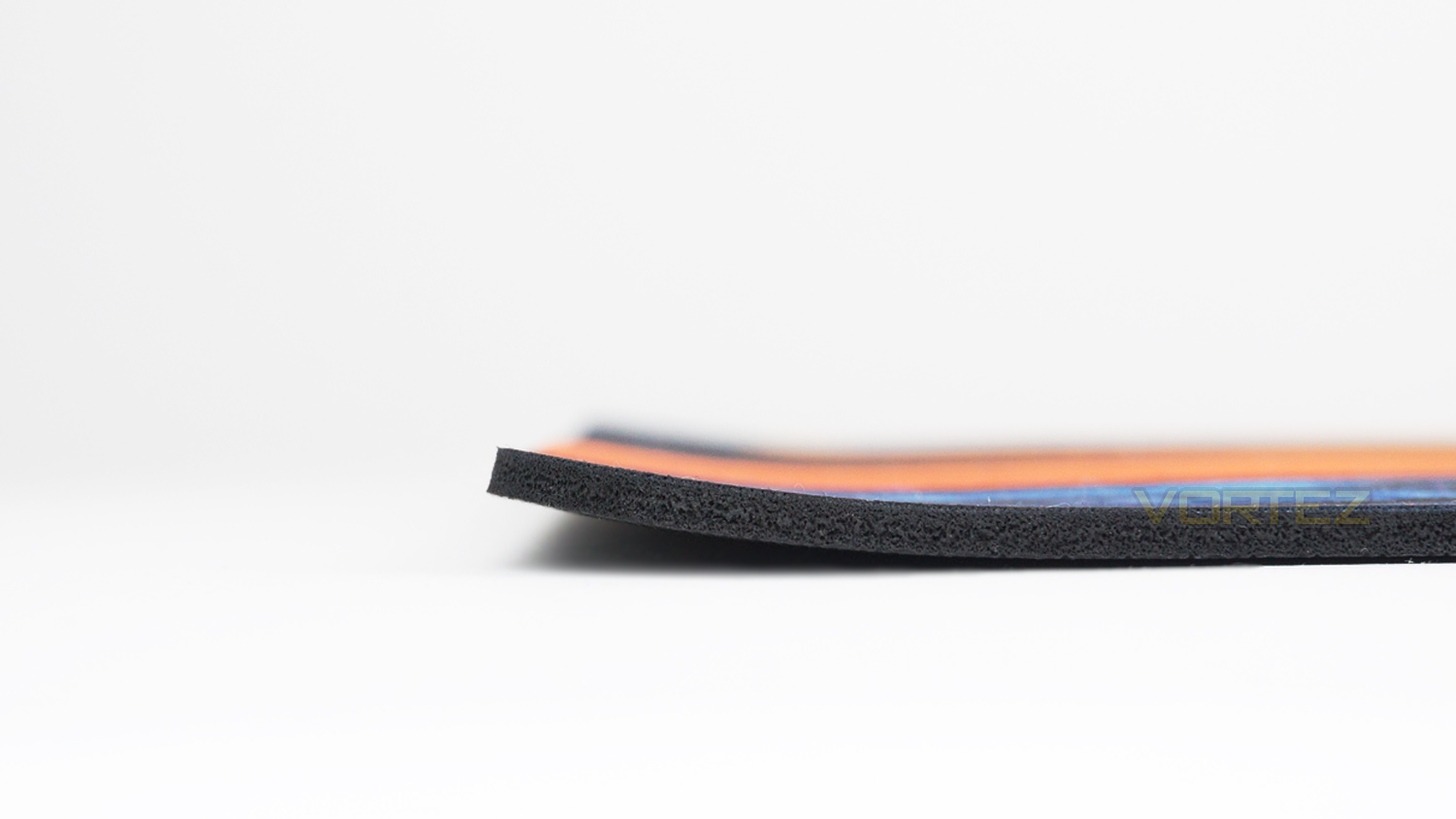
One thing we did note is that when first taking the mousepad out of the packaging the left and right edge were slightly curved, and thus caused the edges to lift off the surface it was placed on.
Closer Look (FLICK2)
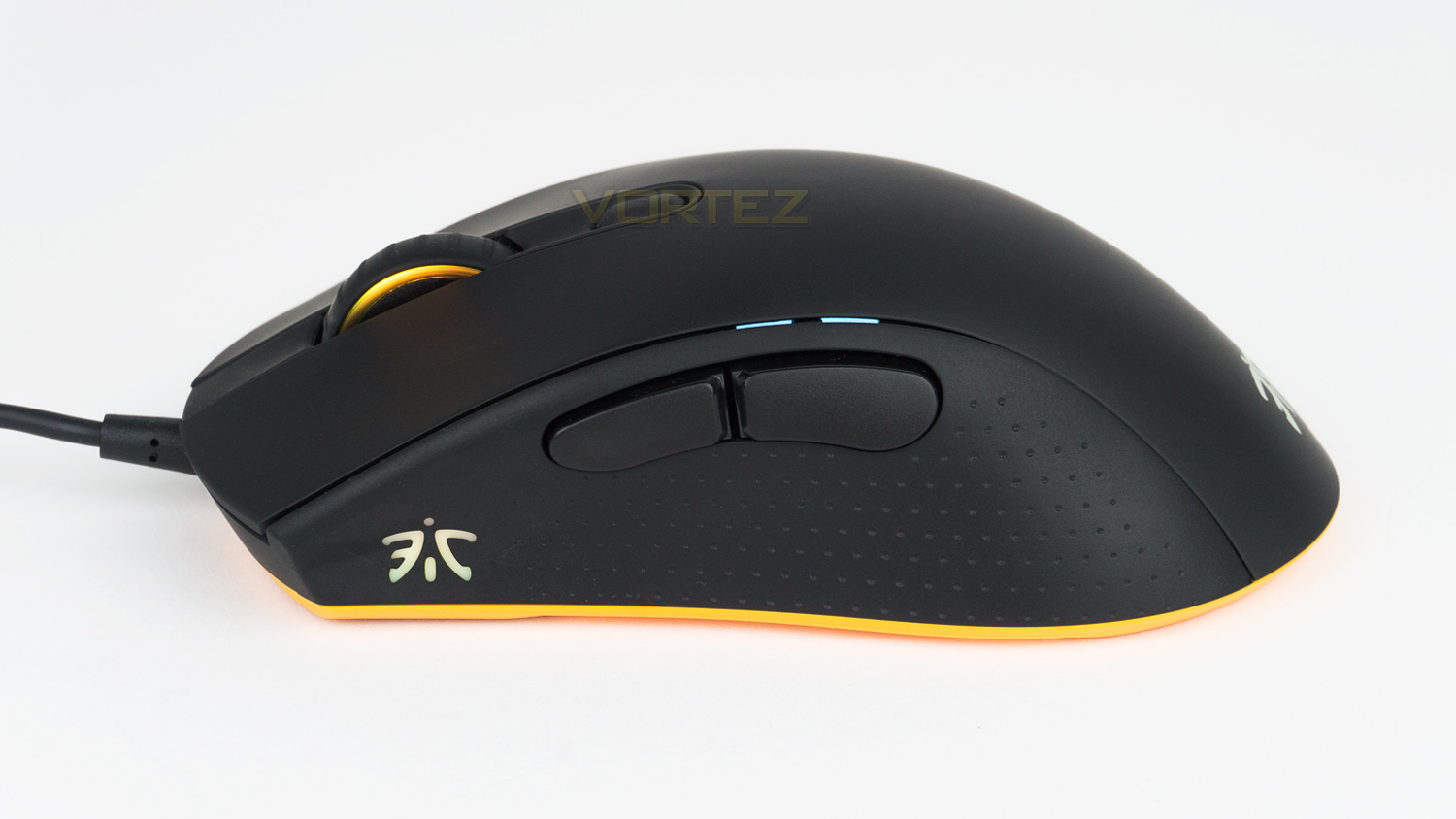
The left side of the FLICK2 features the Fnatic logo – which is an illumination zone and also the thumb buttons. The thumb buttons are optimally positioned and decent in size. Just below the thumb buttons is the rubberised grip and above them are a series of LEDs that act as a DPI indicator.
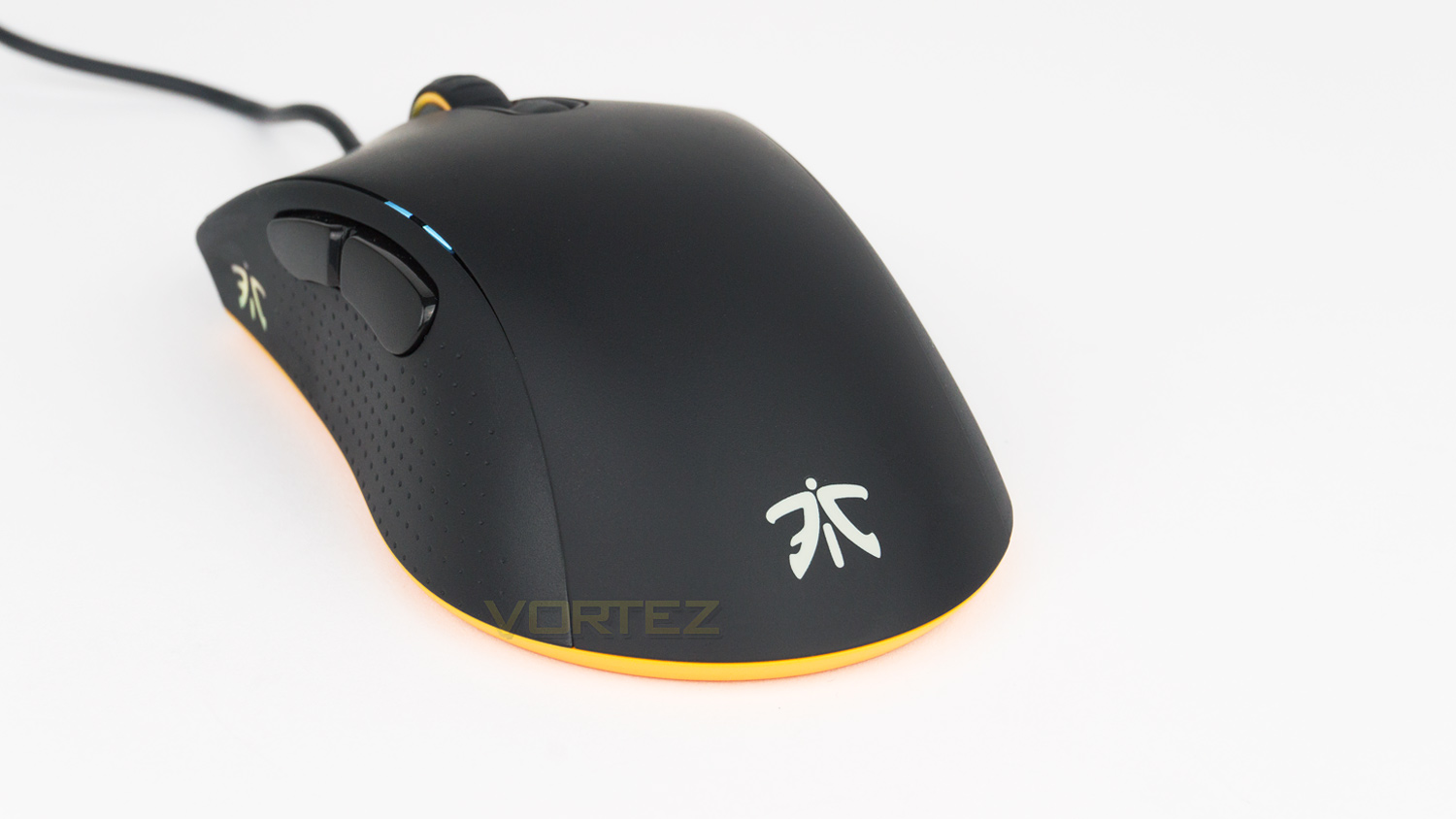
On the back of the mouse, there is simply the Fnatic logo and that is all.
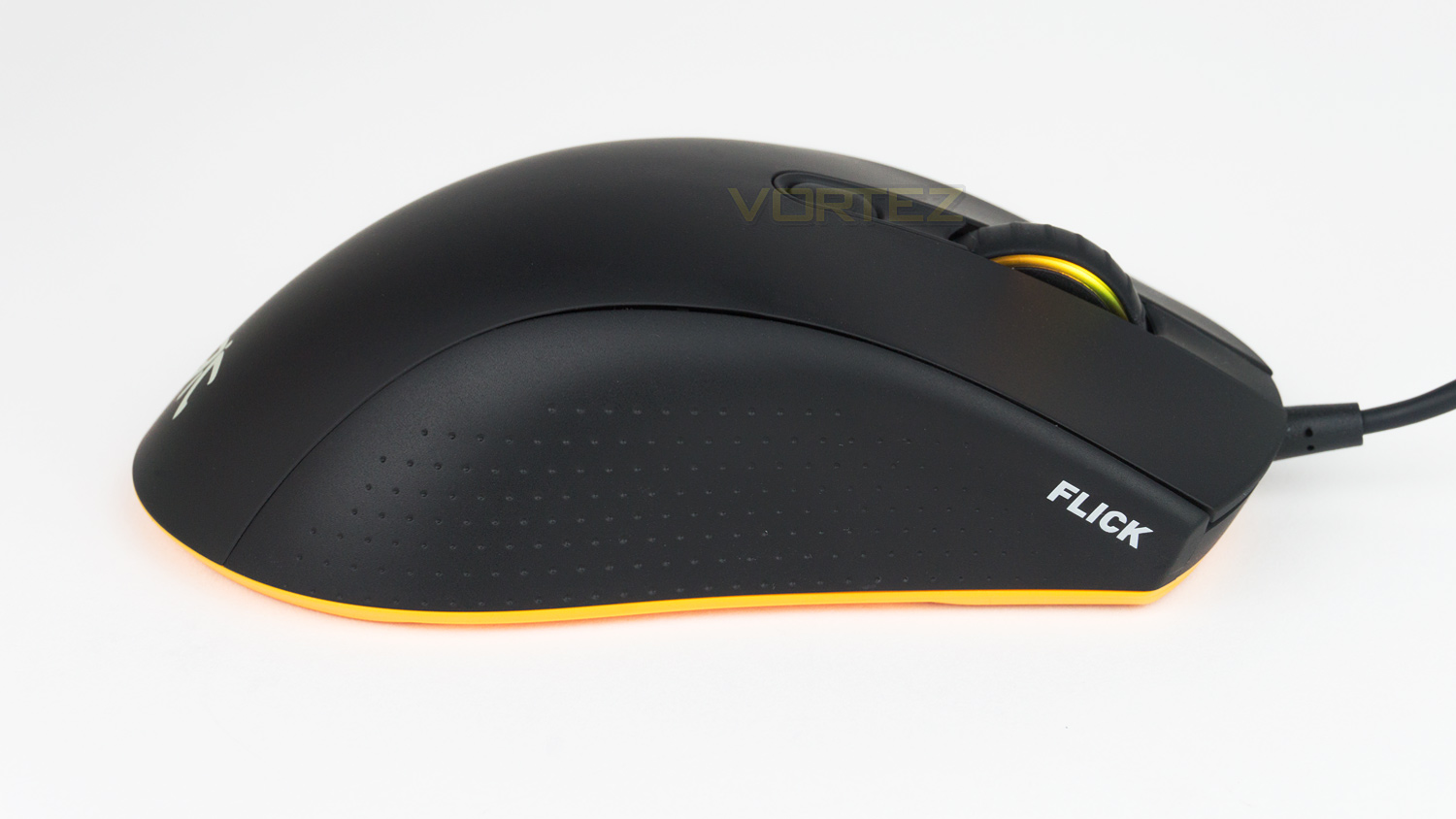
The right side is curved inwards, and quite plain with just has the rubberised grip and the model name. The profile has a gentle curve without a prominent hump at the rear.
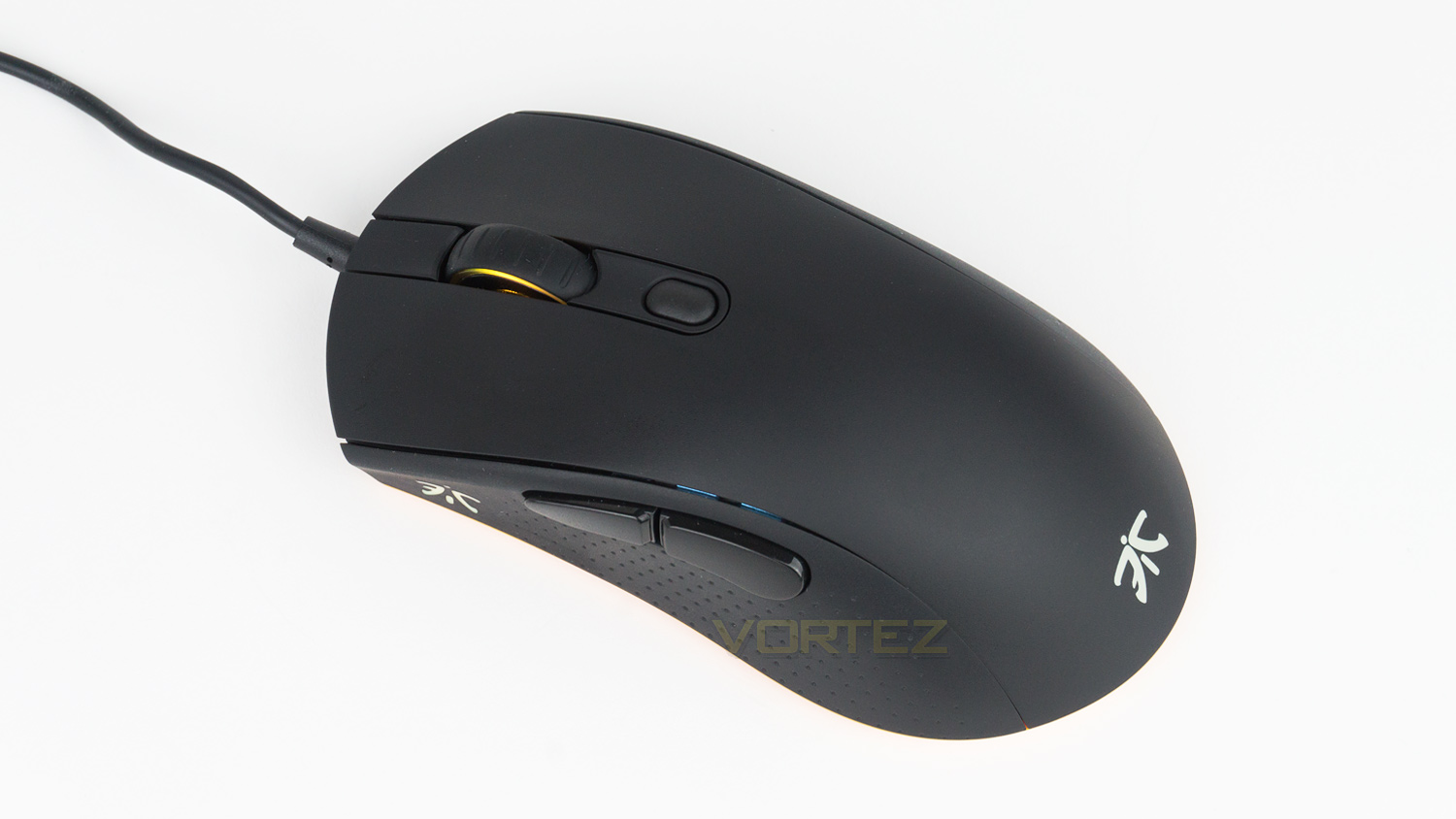
The top of the mouse is reserved for the scroll wheel and single DPI button. The top surface is coated in a smooth rubberised finish that is matte. The surface does attract palm grease quite easily which is something to be mindful of. However, cleaning it is relatively easy with a soft microfibre cloth, so its worth having one if you plan on keeping the FLICK2 looking pristine.
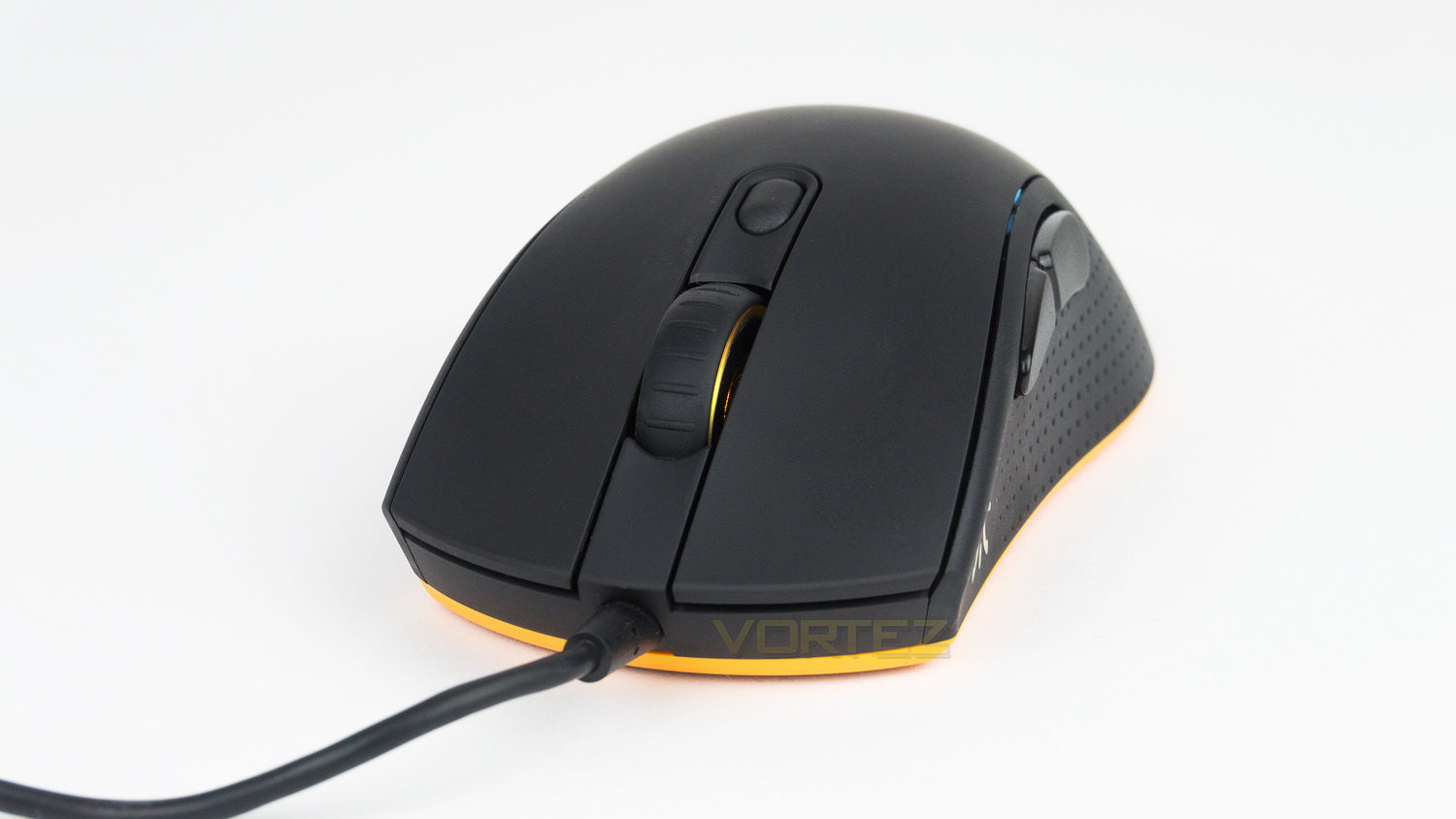
The front section of the mouse grants a closer look at the left and right click buttons; these are flat and don’t feature a concaved design that some other mice do. The front also has the non-removable rubberised cable.
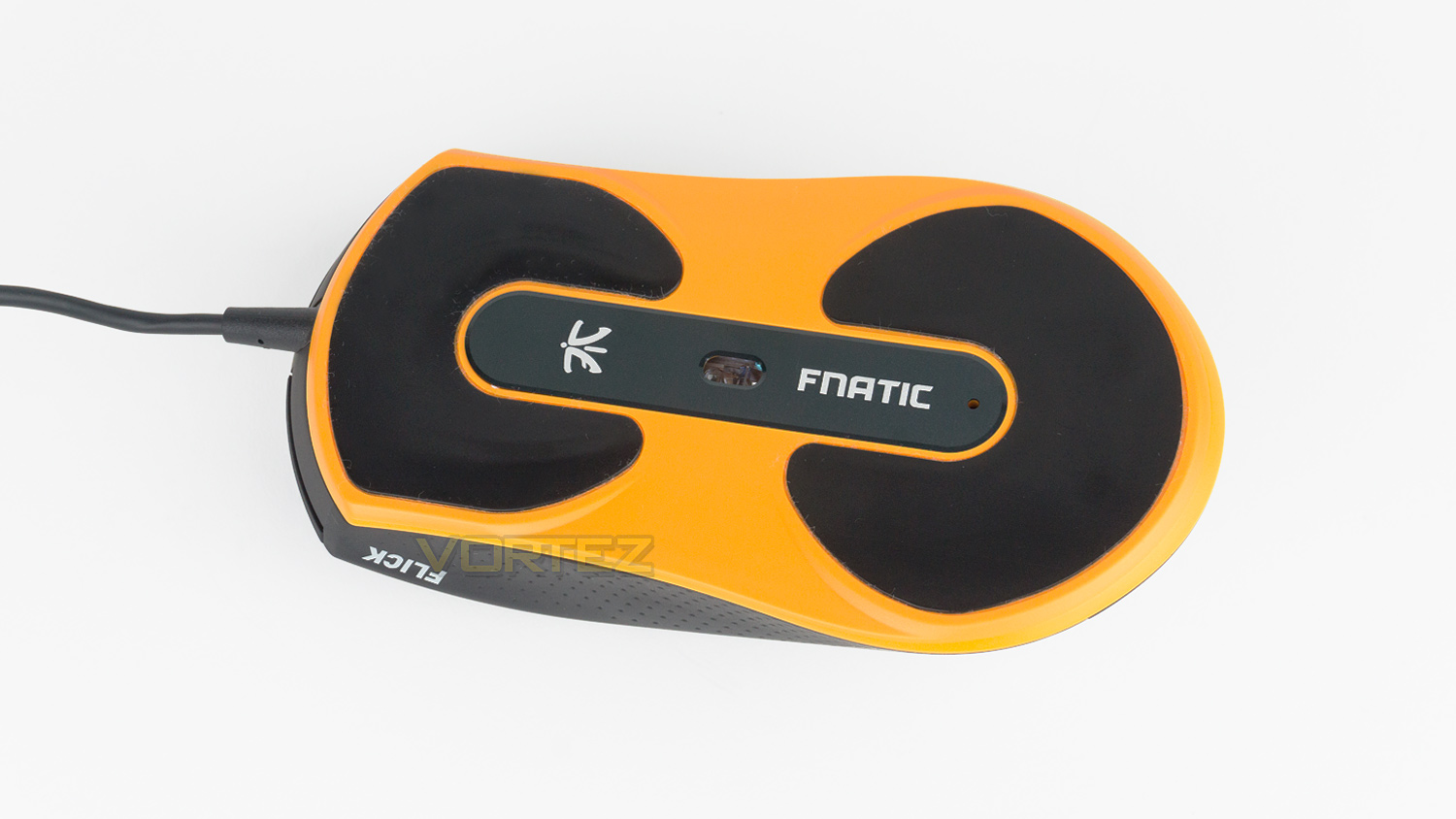
The underside of the mouse has two large Teflon coated feet which are surrounded by an orange finish. There is the sensor located in the centre with some Fnatic branding on either side.
Closer Look (Asphalt)
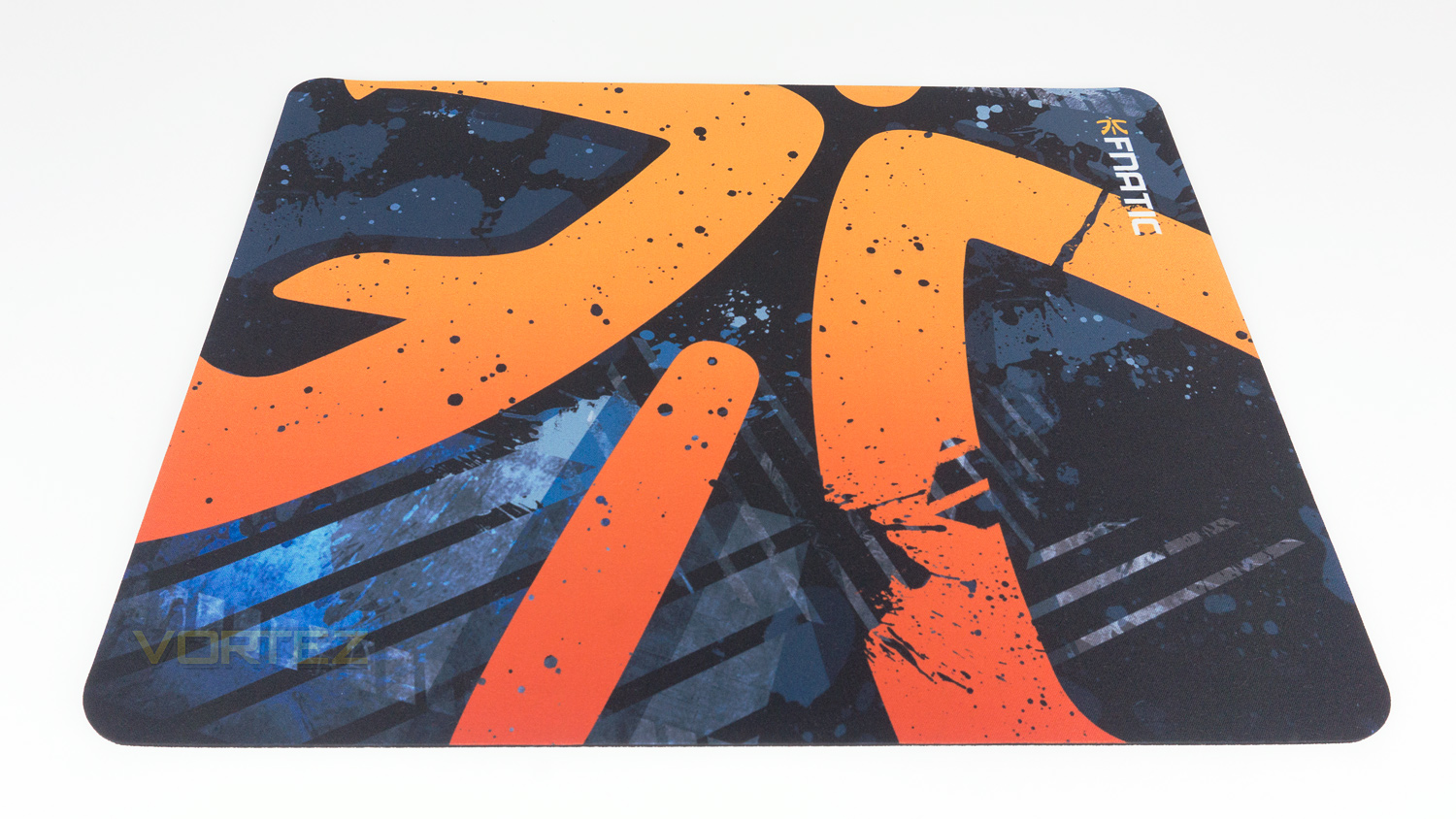
The Asphalt is certainly not a reserved mousepad with its colourful design and unique patterned finish. The cloth surface is smooth, and the print on the surface is very high quality and should last a fair while.
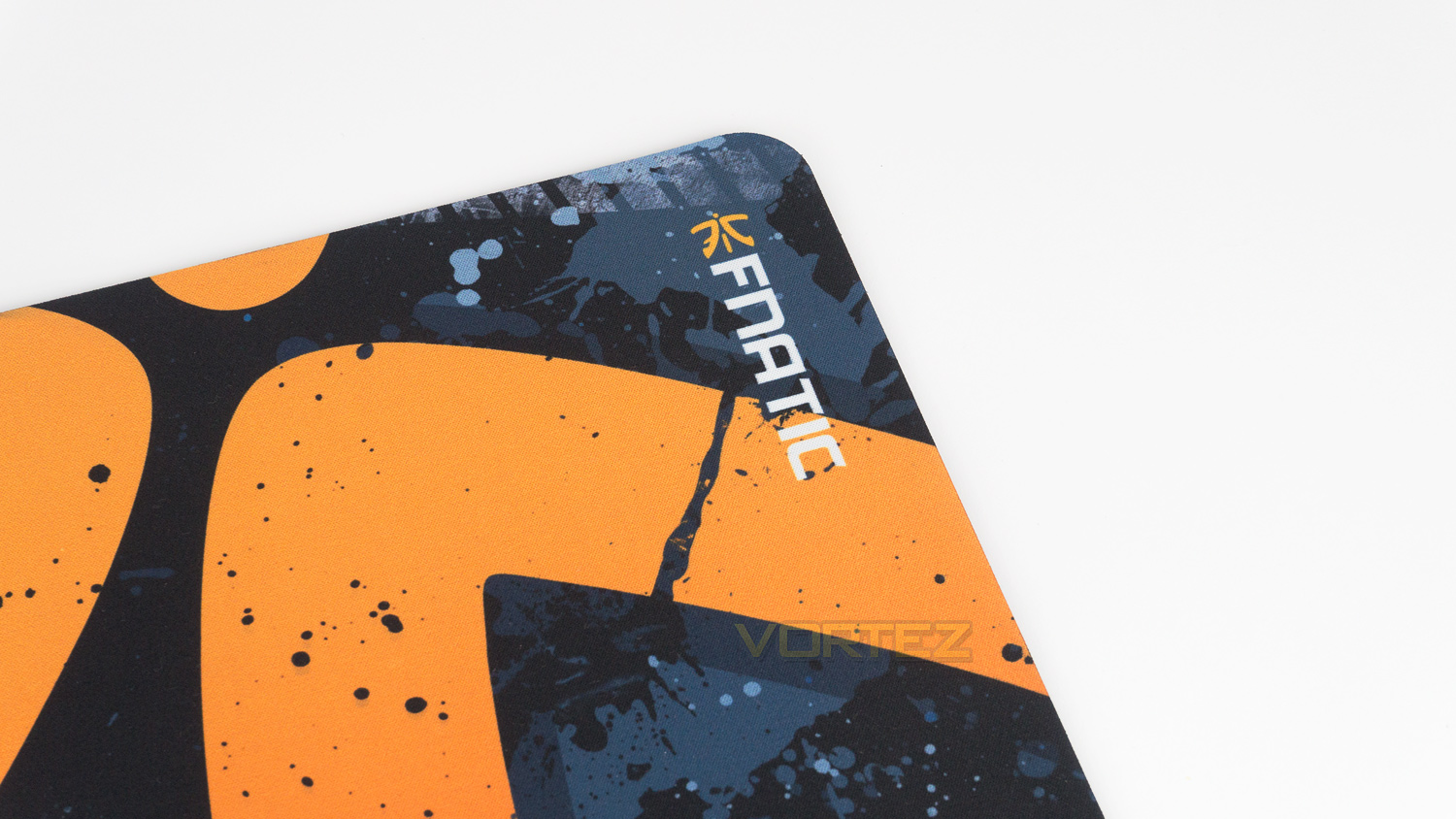
The top right corner of the pad features the Fnatic logo.
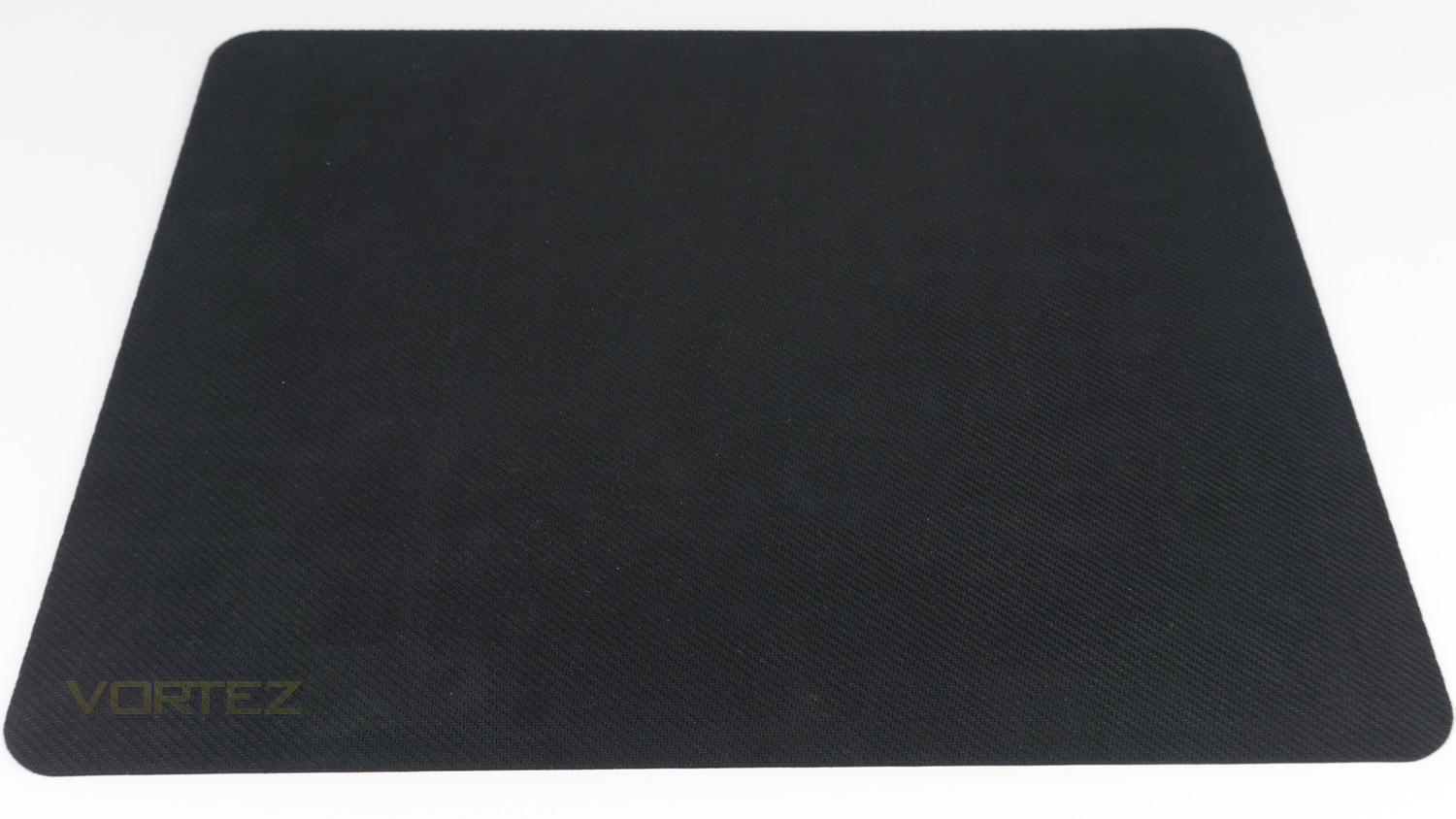
The underside is rubberised and provides very good grip when in use.
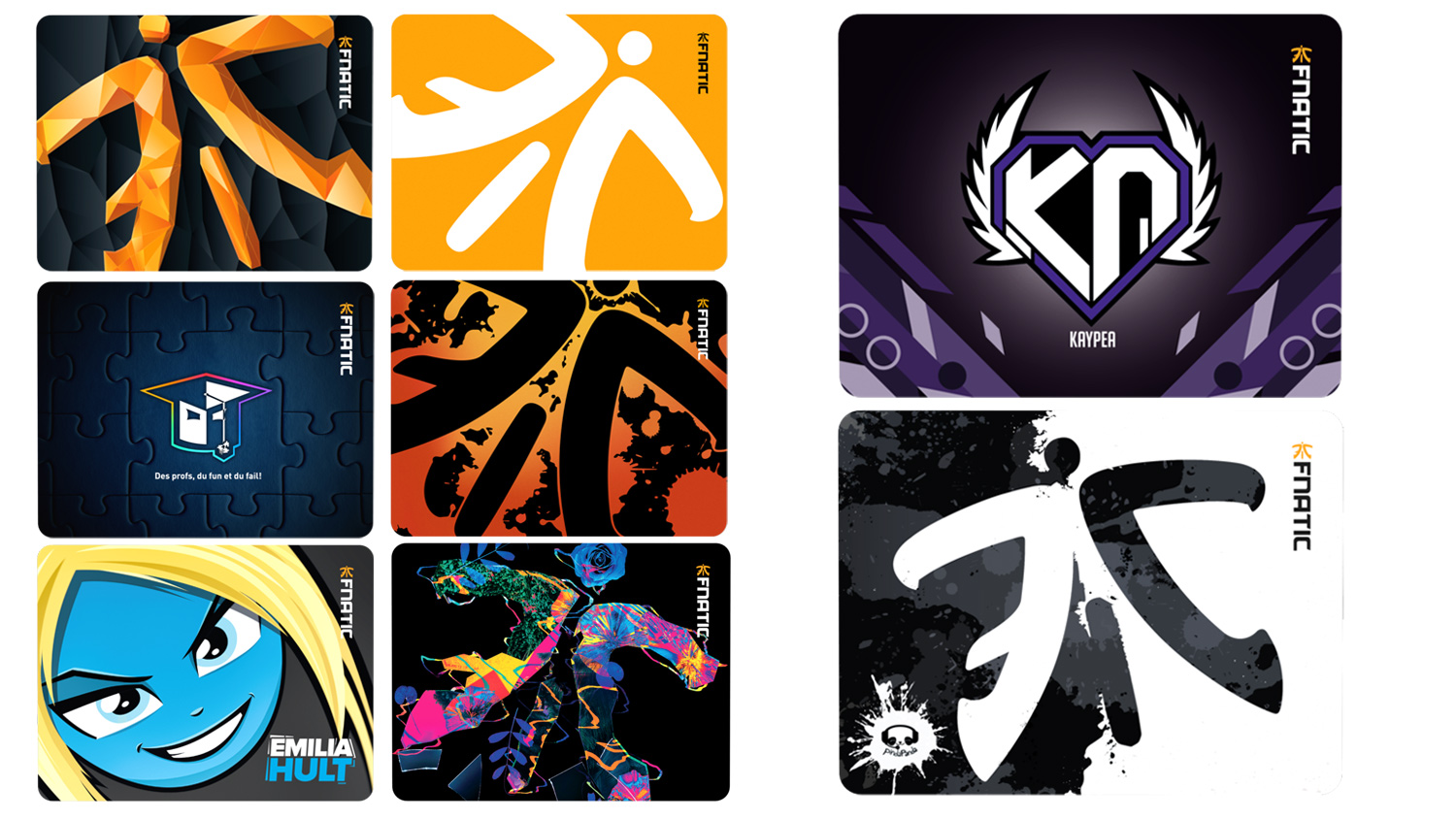
If the Retro Asphalt isn’t to your taste, then Fnatic offer plenty of other different designs as well as a plain black one. The image above showcases a few of the different styles of the mousepad that can be found on the site.
Software
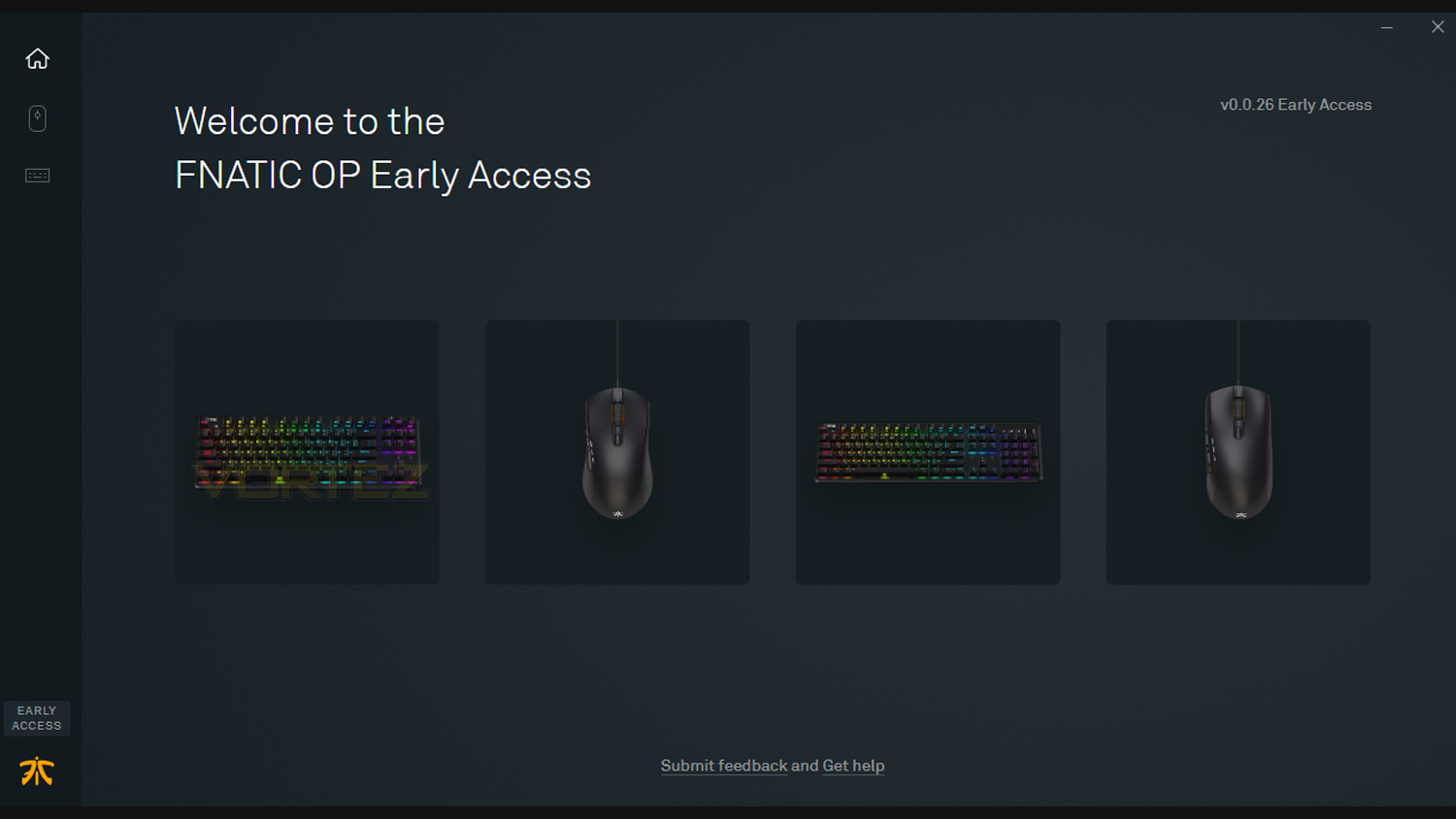
Fanatic’s OP software is currently in the early access phase and is still under development, it can be downloaded, and used but it is worth noting that it’s still a work in progress. One other thing to note is that if you use an antivirus program like Avast, AVG, Norton or some other antivirus program, the OP software could possibly be flagged. There is no need to worry as it is just a false positive and is nothing to be concerned about. If your antivirus does flag the OP software there are three things to do. The first is to make sure your antivirus is up to date, if it isn’t, then make sure you update the antivirus software and try again. If that doesn’t work, the next step is to add the install file to your software’s whitelist; this will let the software know that it is not a threat to your system. If that doesn’t work, you can disable your antivirus and install the OP software and then add the OP software to the whitelist. Once installed you can then re-enable your antivirus. If you have to go down this route, it would be advised to close your browser and install the software via your downloads folder instead, as that way there is less risk to your system. It’s also worth keeping in mind that this issue may not happen at all and it will install without issue on the first try.
One inclusion we would like to see is an RGB lighting sync feature, at the moment this isn’t an option, but it would be a great addition if there was a one-click solution to sync the peripherals illumination. Other than that one thing, the software is very user-friendly, nicely designed and works extremely well.
Performance Testing
Setup & Observations
Setting up the FLICK2 is simple, you need either a spare USB 2.0/3.0 port and an internet connection if you want to use the software. The software, however, is not entirely needed for everything and some features can be altered using the mouse. One such thing that can be changed via the mouse is the CPI level, and there are three levels that can be programmed to the mouse at any one time. To do this via the mouse you hold down the forward and backward profile buttons for 5 seconds, and the LED indicators will flash indicating which profile you are adjusting. After that, you then use the scroll wheel to adjust the CPI in 100 increments. Once happy you can press the profile button and save the change. This isn’t all that can be changed as you can alter the lift-off distance, lighting and even update the mouse. If you plan on doing this, the included quick guide provides a great step-by-step method on how to do this. Of course, it is simpler to do this in software, but if you don’t want another suite on your PC, then having this feature is great.
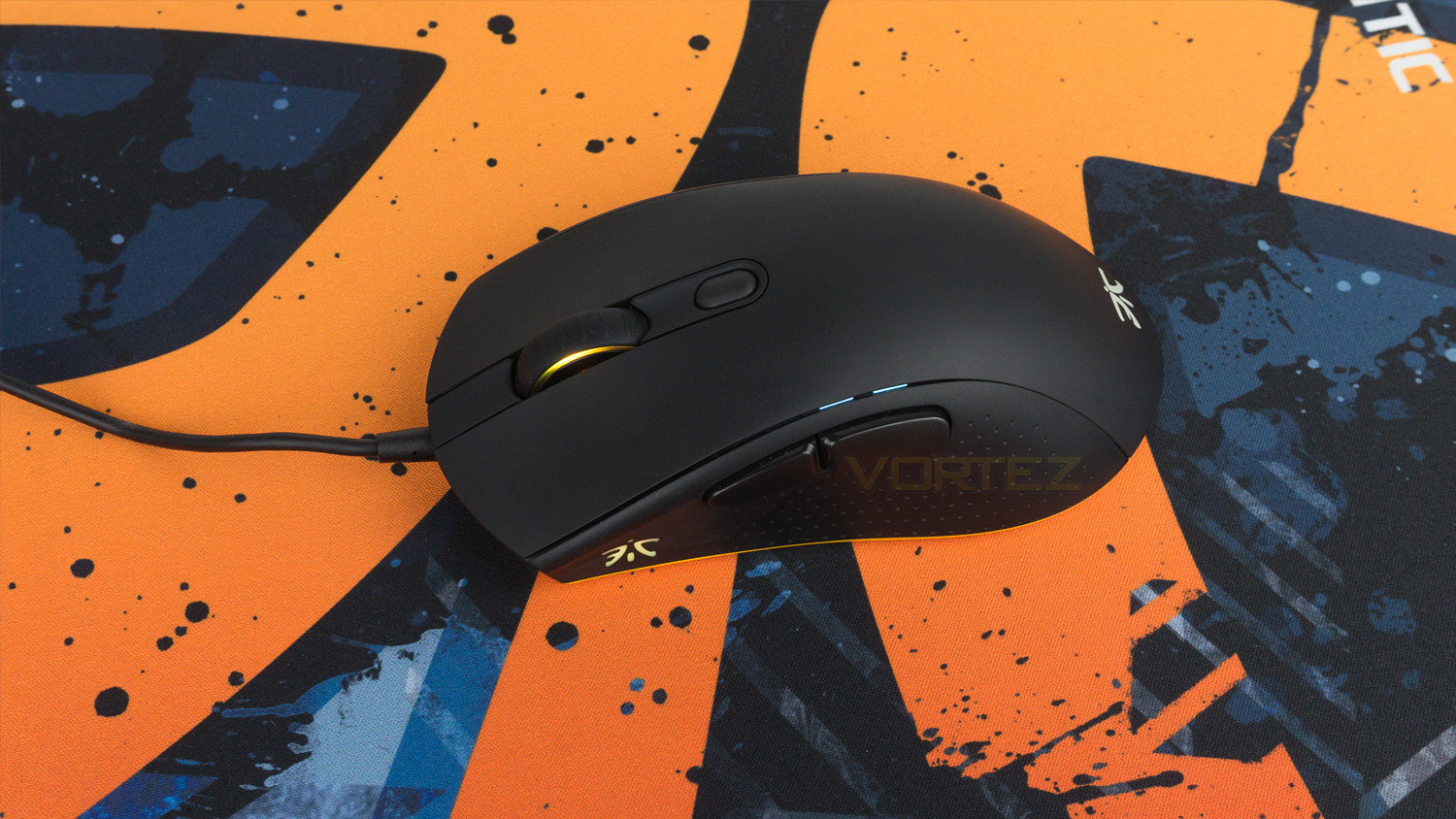
One observation we had was that the symmetrical shape of the mouse took some getting used to, this may not affect you if you are swapping from a mouse like this, but if you aren’t, keep in mind that it could take some time to adjust to. It isn’t uncomfortable as such, it just makes you grip the mouse a little differently. You can still use a palm or claw grip, but the way you do it changes slightly. The side grips are okay, though they aren’t grippiest we’ve ever encountered, they do still get the job done and perform well. The FLICK2s glide is superb thanks to the two large Teflon coated feet underneath. On a cloth mousepad, the movement is so smooth it really is effortless, there is no dragging or stuttering, and the glide is just silky. We tested the FLICK2 with the Fnatic Gear Asphalt mouse pad, as well as a Perixx DX-2000XXL and the result was the same, just smooth movement. The overall build quality is top notch, and the mouse feels solid. The buttons are all tactile and they are not loose or wobbly. The only slight concern is the surface as it does tend to mark quite easily, luckily it can be cleaned easily enough.
Illumination
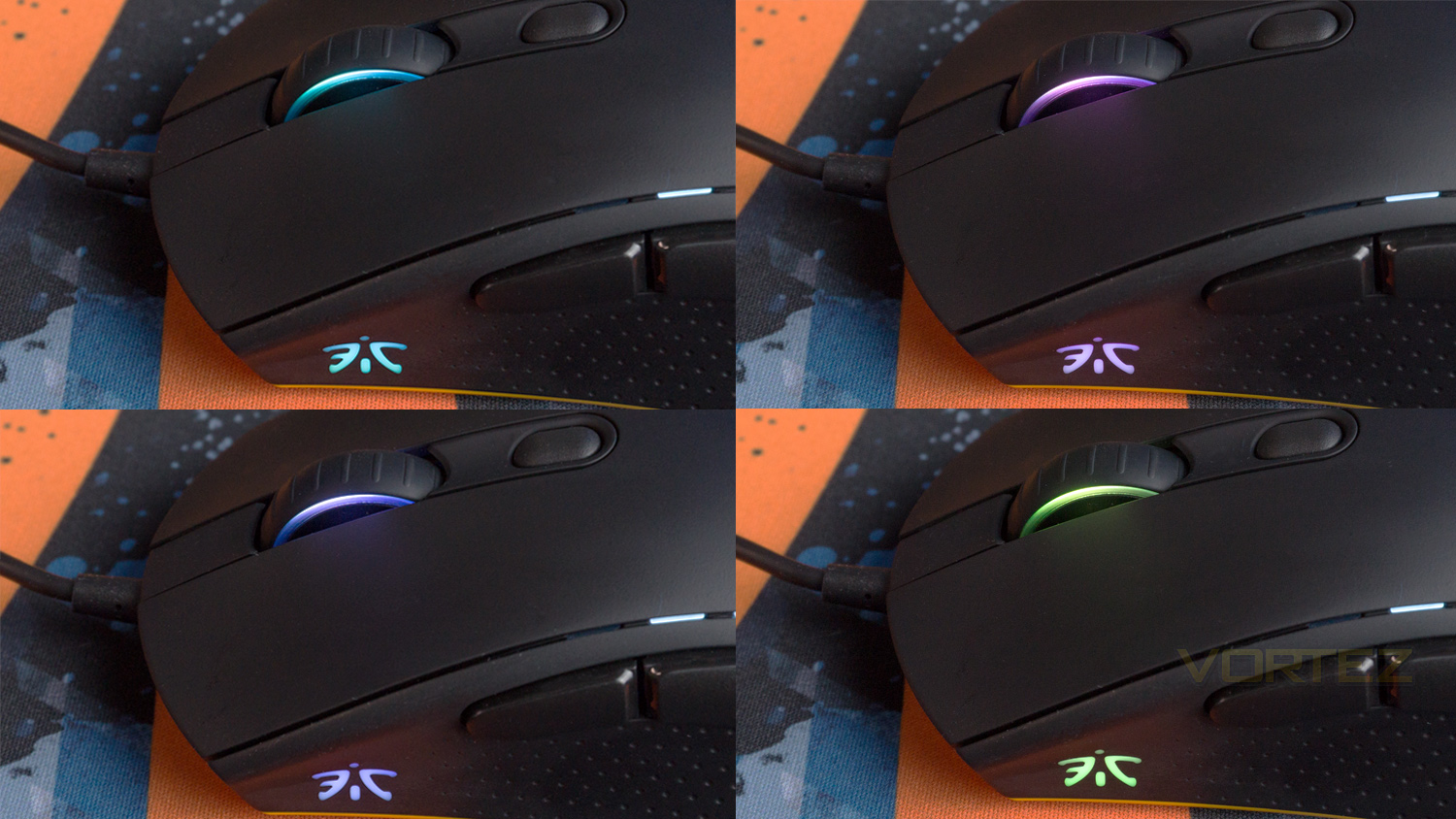
The illumination quite minimal in comparison to some other mice, as it only has two small areas of lighting. One of these areas is located on the left side of the mouse and takes the form of the Fnatic logo; the other zone can be found on both sides of the scroll wheel which acts as a nice accent. The actual illumination is very good; the lighting is solid, the colours are vibrant and accurate, and there is also no visible thinness – even under bright LED desk light. Using the OP software provides a few different effects which are well implemented, but some of the effects look better than others. A good example of this is the Fade Gradient effect, the effect is not bad nor is this a negative of the mouse, it’s just the illumination area is quite small, and the effect can’t be fully appreciated.
FLICK2 Performance
Everyday performance was handled without complaint, and the FLICK2 performed superbly. Using the mouse for editing photos was a great experience thanks to the precise Pixart 3360 sensor and adjustable CPI. This combo meant that it could quickly erase a background or move around the UI and then with a quick CPI change, slow right down to perform touch-ups or remove any unwanted items in photos. Even with a slightly higher or lower CPI the FLICK2 rarely faltered and provided a smooth and controlled experience. The scroll wheel has some nice resistance and doesn’t feel too loose or too easy to move. The individual steps are well defined, and the speed of it is just boarding on the slower side meaning it’s easy to control, but that also means you can’t scroll through a massive document rapidly.
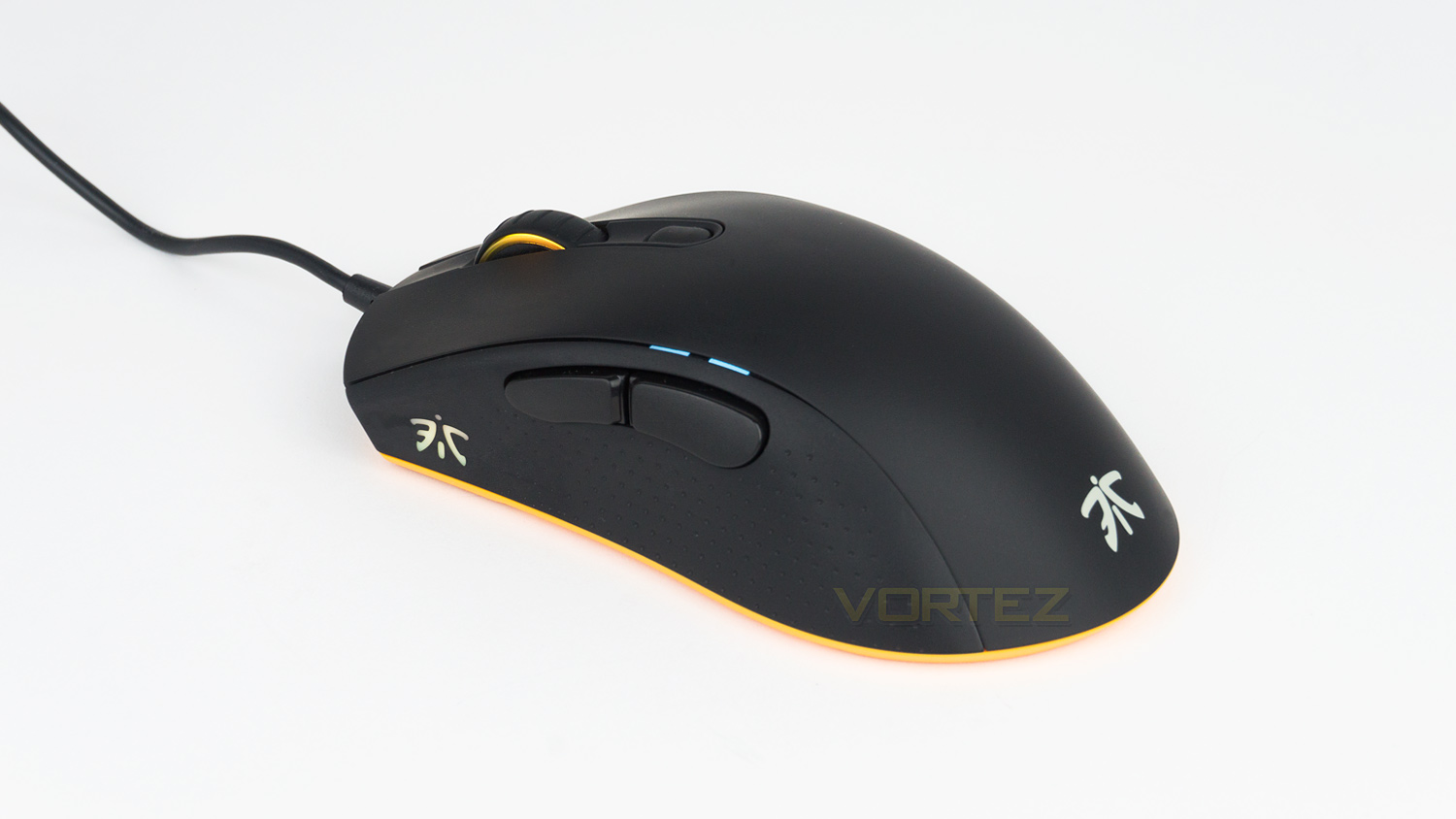
For gaming the FLICK2 is brilliant, the left and right click are rapid while being accurate thanks to the Omron D2FC-F-7N switches, this makes them great for controlled burst fire, or performing attacks. The scroll wheel click is nicely tactile, and there is also no side-to-side movement which is great if you have it mapped to perform a task when in game. The thumb buttons on the left side are nicely sprung while feeling tactile and responsive. Their positioning is ideal for palm grips but is still highly usable for a claw style grip as well; they are also ideally sized as they aren’t too small nor are they too large. The Pixart 3660 optical sensor used in the FLICK2 is splendid, it has a max CPI of 12,000, can work at speeds up to 250ips with an acceleration of 50G. Then combine those attributes with the FLICK2’s 1000Hz polling rate and adjustable LOD and the end result is an impressive performance. It just feels rapid to respond even when the CPI is set lower, the accuracy is brilliant, the tracking is superb, and there was no lag or jitter in sight. Lifting the mouse up and placing it down did result in a minute amount of movement, but once placed down fully, there was no additional deviation meaning accuracy was still precise when performing lift-offs.
Asphalt Performance
Mousepads are a thing most of use and don’t really pay much attention to, but a good gaming surface can make all the difference. Though the majority of mousepads use a cloth surface, not all are made equal. The Asphalt is a cloth mousepad that is based on the FOCUS series that Fnatic makes. This series makes use of a pro-grade surface combined with their FOCUS TEXTURE that is optimised for tracking while still being smooth. In reality, the surface does actually feel better than other pads that I have tested. It feels smoother and less coarse than the Perixx it replaced, and it works great with different mice. It was tried with the FLICK2 as well as a Mionix Castor and the Xtrfy XG-M3, and it felt great with them all. The surface is comfortable too as it didn’t cause any fatigue and there are no rough or sharp edges that can sometimes cause discomfort. The underside grip is great as well, and the pad stayed planted even during the most intense battles in Overwatch.
The Asphalt isn’t without fault though, and as we mentioned earlier in the review, the edge opposite the Fnatic branding is curved up thanks to the tube it arrived in. This did cause a few issues when exploring that edge of the pad as occasionally my thumb would catch it, this meant that I had to always remember to stay away from that edge. Over time this minor issue will go, but initially, it was a slight annoyance.
Conclusion
When a product is marketed as professional-grade, it really has to deliver on that, and it’s safe to say that the Fnatic FLICK2 does. It ticks pretty much every box on the requirements list when looking to buy a high-performance mouse. The sensor and switch combo is excellent and provides a top-notch experience thanks to the speed, precision and accuracy of both. The design is minimal and only features some subtle branding and an orange accent around the bottom. The mouse is constructed very well and is made from materials fitting of its price tag. Fnatic’s OP software is very well designed, easy to use but is missing a few features; it’s worth noting that it is in early development and these features could be added at a later date.
One minor gripe we had with the FLICK2 was with the coating on the shell, it feels great but it does mark quite easily and also shows sweat and grease quite prominently. But on the plus side, with a soft microfibre cloth, it does clean with minimal effort. So the only issue here is having to clean it on a regular basis to ensure it stays looking good. There is one other noteworthy thing that is by no means a deal breaker, and that is the symmetrical shape leading to a brief adjustment period. Coming from a more rounded mouse, it did take some time to get used to the slightly slimmer profile. But once you’ve gotten used to the shape, it is comfortable.
So, if you’re in the market for a high-performance mouse that is great for eSports or other competitive games, then the Fnatic FLICK2 should be on your shortlist.
The Retro Asphalt is undoubtedly a great mousepad as it’s smooth, offers good precision and has a very grippy base. There are plenty of different variants to choose from, and the print quality on the pad is fantastic. If you’re a big fan of Fnatic, then this series of mousepads would be a nice way to show your pride while getting a great performance. However, we feel that those simply looking for just a great mousepad should perhaps opt for Fnatic’s basic FOCUS 2 series. This series does miss out on the unique designs but is slightly cheaper to purchase and offers the same performance as the Retro Asphalt.
The Fnatic FLICK2 may look unassuming but don’t let that fool you as it’s core it is a true performer that delivers a superb gaming experience.
The Retro Asphalt is a great surface to game on, and the wide variety of options means you’re spoilt for choices when it comes to unique designs.
FLICK2
Pros
+ Clean aesthetic
+ Excellent gaming performance
+ Solid feature set
+ Sturdy build quality
+ Minimal approach to RGB
+ Well designed software
Neutral
+- Surface marks quite easily
+- Software missing a few features
Cons
– None to note
Pros
+ Clean aesthetic
+ Excellent gaming performance
+ Solid feature set
+ Sturdy build quality
+ Minimal approach to RGB
+ Well designed software
Neutral
+- Surface marks quite easily
+- Software missing a few features
Cons
– None to note
Retro Asphalt
Pros
+ Smooth and precise surface
+ Great underside grip
+ Plenty of styles to choose from
Neutral
+- A bit pricey
Cons
– Curved edge due to packaging
Pros
+ Smooth and precise surface
+ Great underside grip
+ Plenty of styles to choose from
Neutral
+- A bit pricey
Cons
– Curved edge due to packaging
Click here for an explanation of our awards at Vortez.net.
Stay connected with the Vortez Social Media pages:
Join in with the discussions on Discord