Living room gaming has long been an awkward affair for PC gamers and thus has been the safe-haven of the console scrub. Though times are changing and the engineers from NerdyTec may have the solution for you.

Product on Review: COUCHMASTER Cycon
Manufacturer & Sponsor: NerdyTec
Street Price: UK: £149.99, EU: €159.99
For a long while now, at least in our perspective, gaming has been the prime living-room activity. Though PC gaming is often sidelined to a desk only situation due to the inconvenience of having to support a number of peripherals at any one given time, and so the consoles reigned supreme. Though judging PC sales, we can argue that this is one paradigm that is changing. Arguably it wasn’t until the availability of Xinput and Dinput on desktop PCs (along with the Xbox 360) until there was a reliable standard for gamepads and controllers to get behind, before then, most gamepads were low quality, or were programmed in a rather clunky manner of manually remapping keys to the pad in-game. Despite the availability of high quality game pads, PC gaming is about the keyboard & mouse combo with the odd steering wheel, and flight-sim or mech-control deck thrown in, and this simply makes many PC specific games unfeasible.
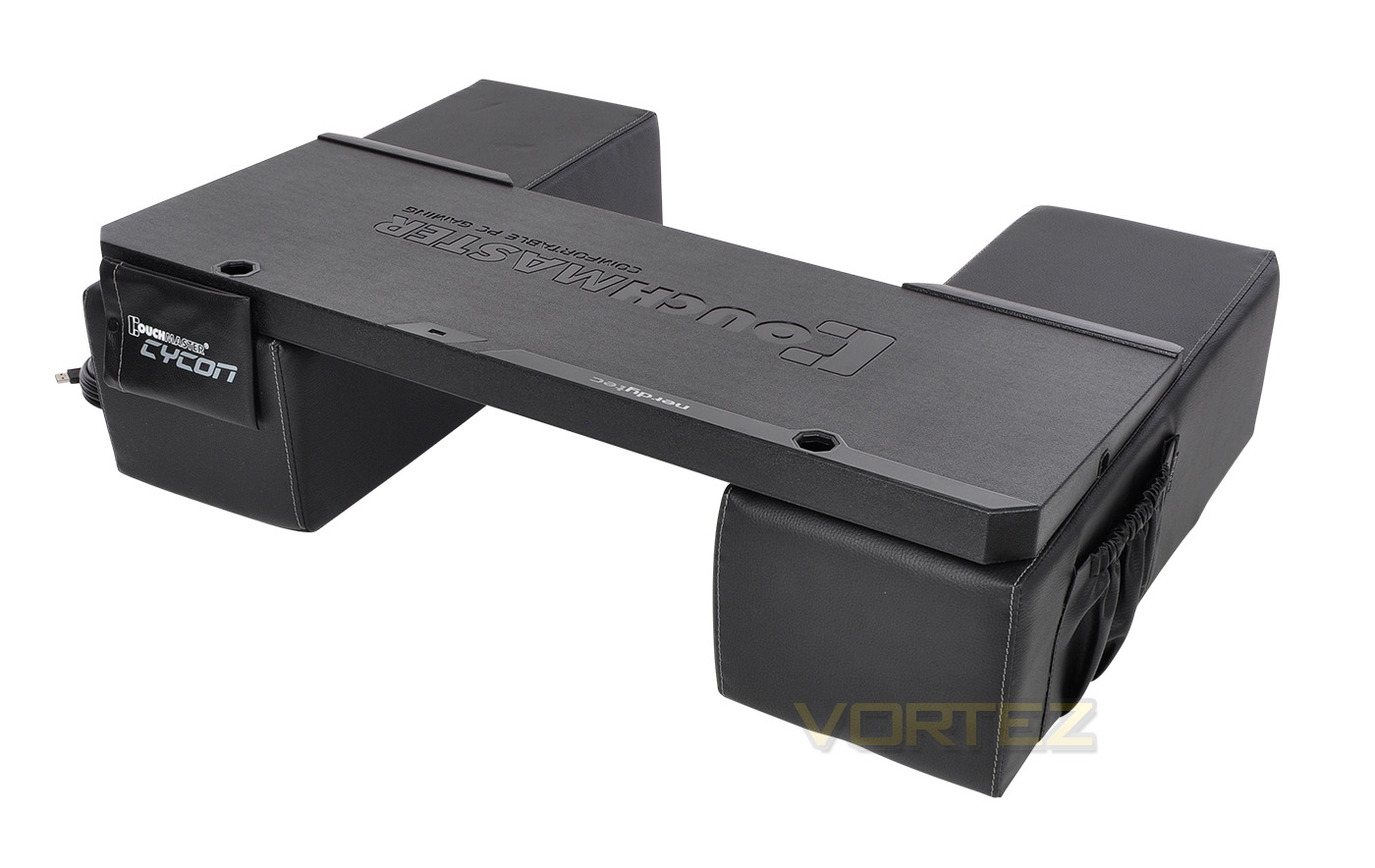
Enter the lapdesk… they come in various sizes and proportions from fold open tables for laptops, to the cushion on the lap style boards such as the Corsair LAPDOG and the ROCCAT SOVA. NerdyTech released the COUCHMASTER and various versions of it a number of years ago, but now they have refined the design, creating a lighter, more convenient solution that has the advantage of comfort, stability and versatility that other manufacturers are yet to replicate. The COUCHMASTER Cycon features a pair of lightweight, but firm cushions that provide a supportive base for the board itself, that features a 4way USB 3.0 hub and cable routing space for your mouse, keyboard, headset or any other peripherals. Because it takes advantage of using a 5m long active USB 3.0 cable, there is no need for additional power cables (unless you exceed 900mA) that would otherwise cause more clutter. As it is flexible and spacious, it is compatible with almost any gaming peripheral and is suitable for left and right handers.
Overview by NerdyTec
This hand-crafted system finished in high-quality artificial leather or microfiber offers you the most comfortable way possible of operating your PC from your couch. The Couchmaster is the perfect platform for long gaming sessions or ergonomic working on your living-room TV. The large cushions provide optimum support for your forearms. The integrated USB 3.0 hub provides connections for up to four input devices (such as mouse, keyboard, headset, etc.). What is more, the latest chip technology makes it possible to run the whole system without a separate power supply*. The 5m active USB 3.0 cable supplied connects the Couchmaster directly to your PC.
Technical Specifications
Included Parts
USB 3.0 ports: 4 (USB 3.0 hub built into the support case)
2x Big Support cushions: each (h)190 x (w)230 x (d)600 mm
1x Support case: (h) 60 x (w) 840 x [d] 350 mm
1x 5m Active USB 3.0 extension cable
1x short USB 3.0 extension cable
1m velcro tape (1m hooks, 1m fibre)
1x Mouse pouch
1x Installation Guide
USB 3.0 ports: 4 (USB 3.0 hub built into the support case)
2x Big Support cushions: each (h)190 x (w)230 x (d)600 mm
1x Support case: (h) 60 x (w) 840 x [d] 350 mm
1x 5m Active USB 3.0 extension cable
1x short USB 3.0 extension cable
1m velcro tape (1m hooks, 1m fibre)
1x Mouse pouch
1x Installation Guide
Packaging & Bundle
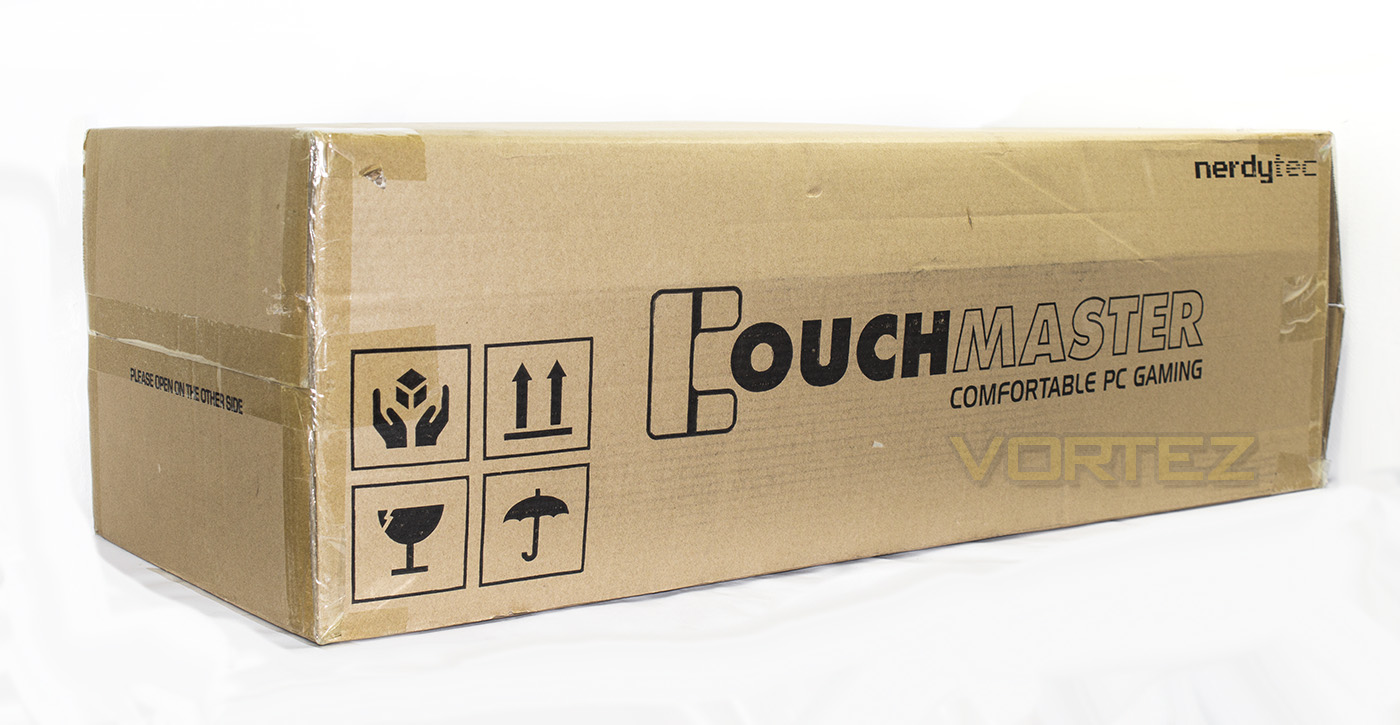
The box the COUCHMASTER Cycon comes in is huge, and serves as its own protection, which is understandable when you consider that the majority of the space is occupied by cushions.
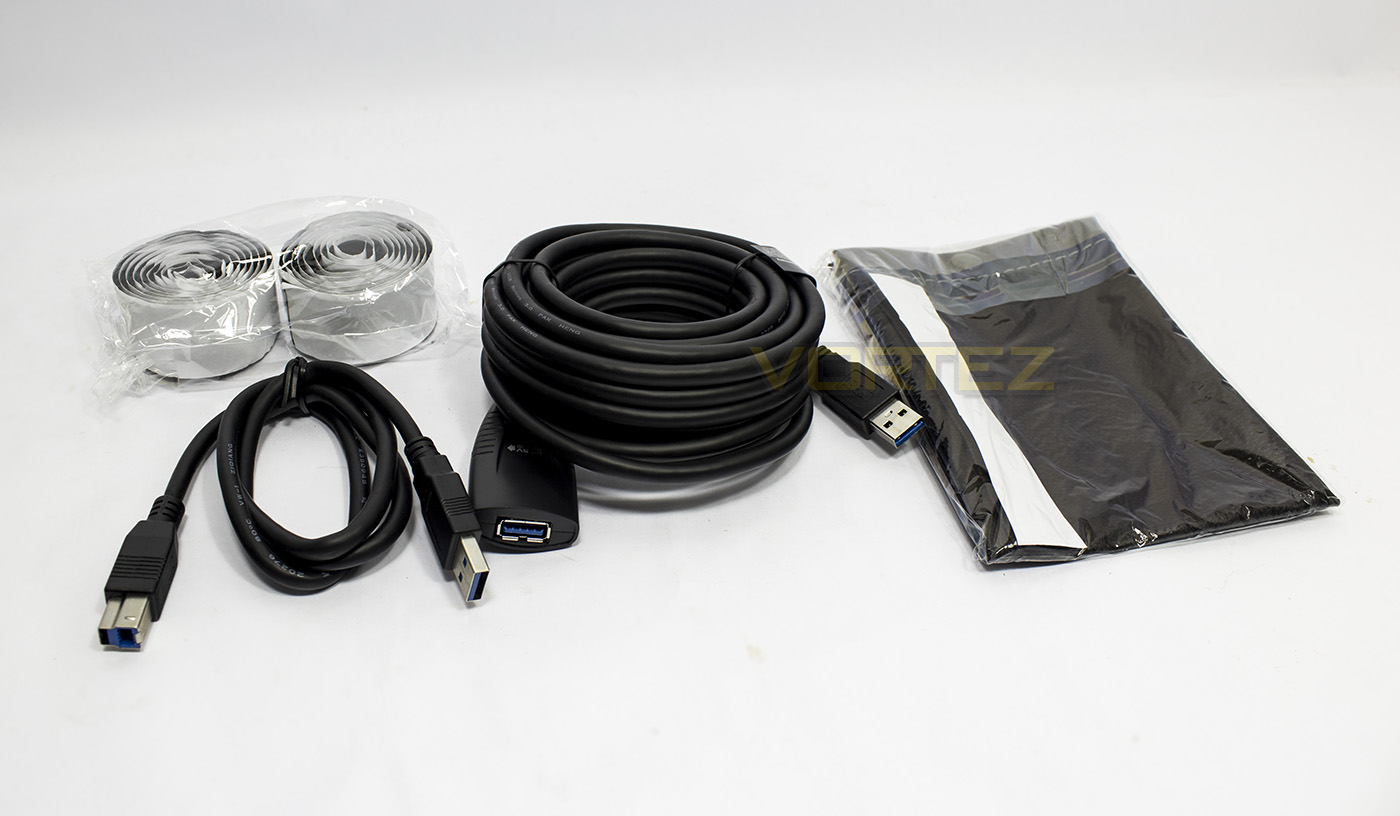
Inside there is a small accessories filler section that contains a short USB connection cable, the 5m long active USB cable, the Mouse pouch with velcro-tape pre-applied and the rolls of velcro tape.
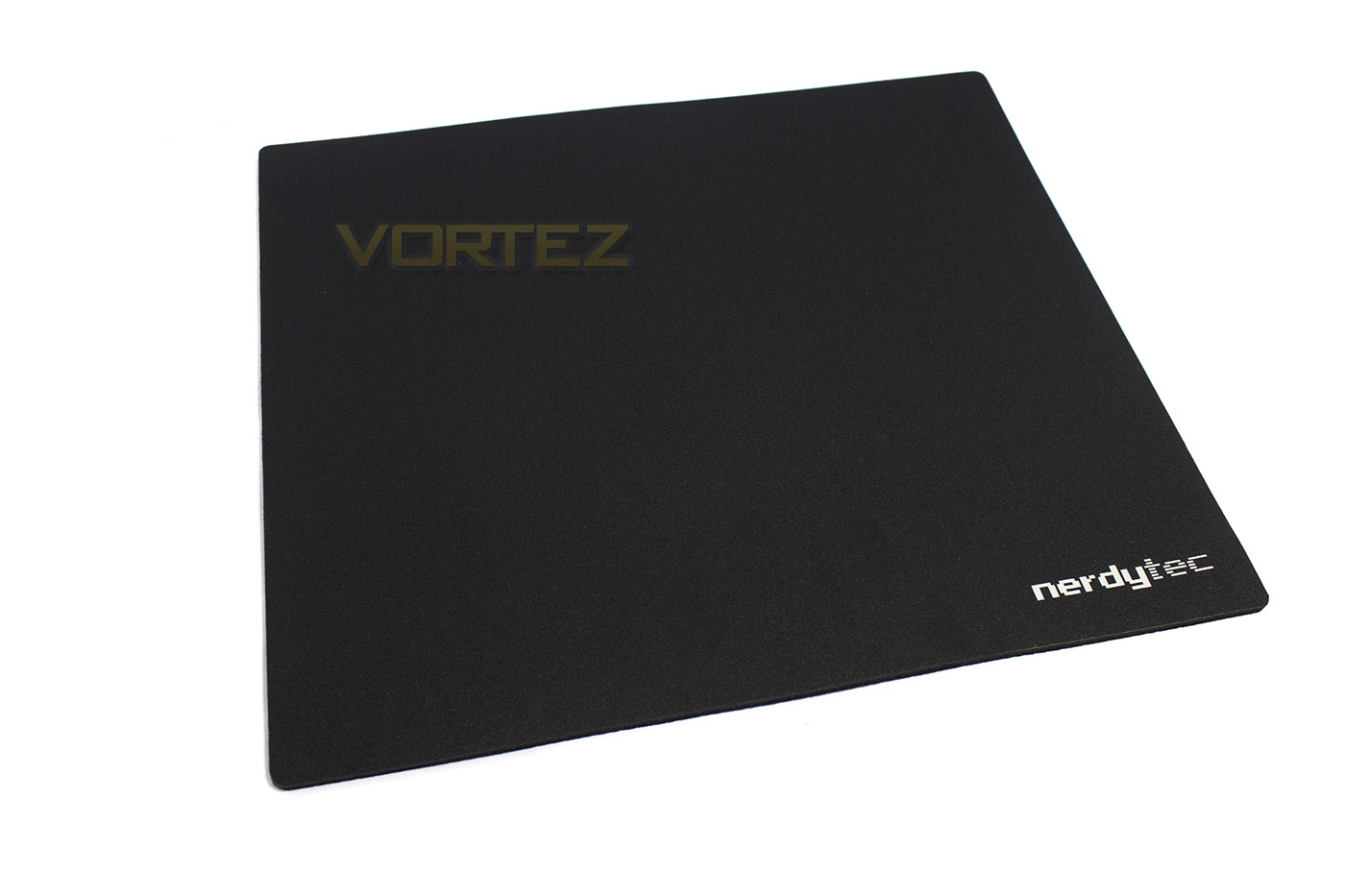
Deeper inside you will also discover the large NerdyTech mouse mat, it feels good quality and will be suitable for all mouse types.
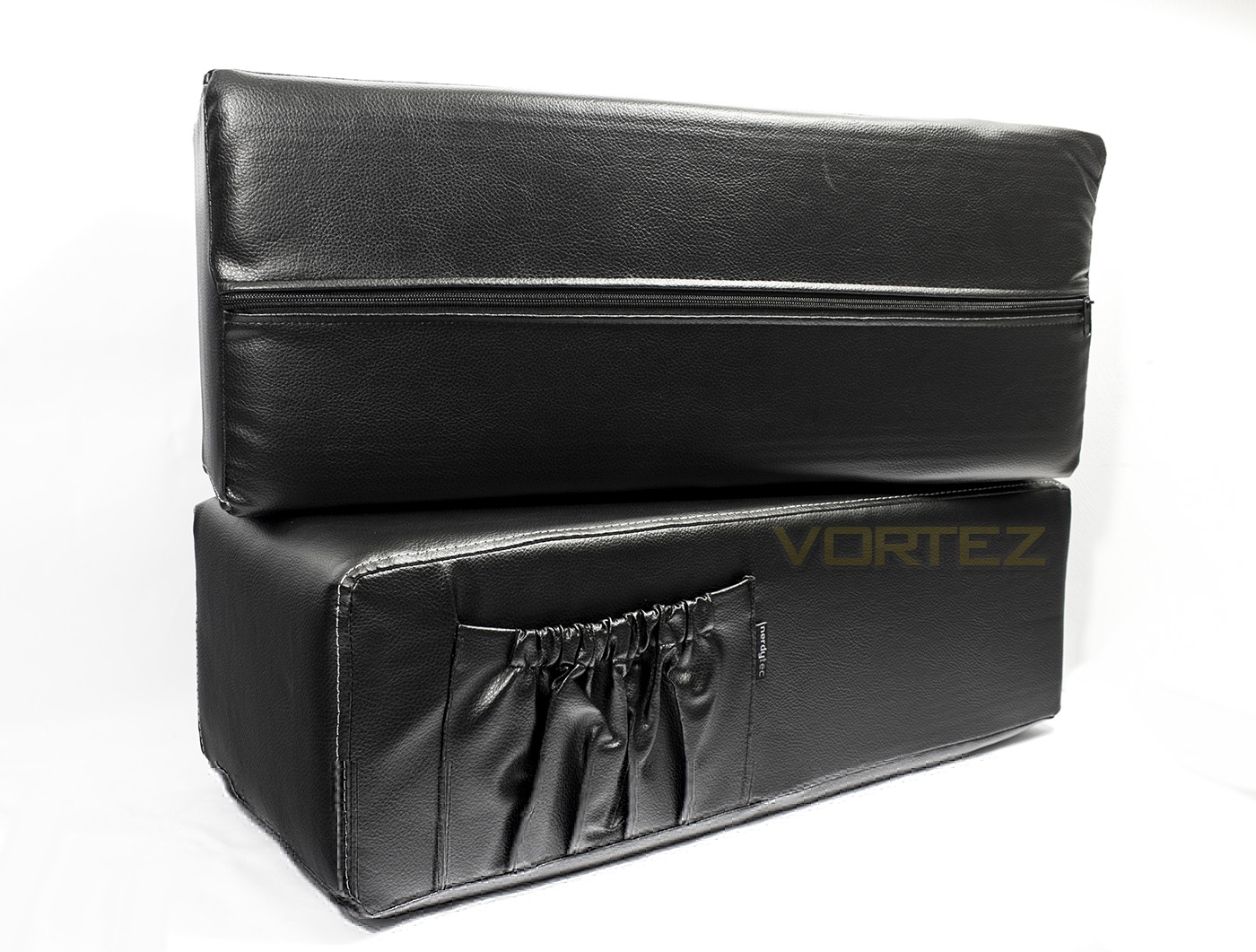
There are two large faux leather cushions, one of which has an elasticated pocket for storage, or holding drinks.
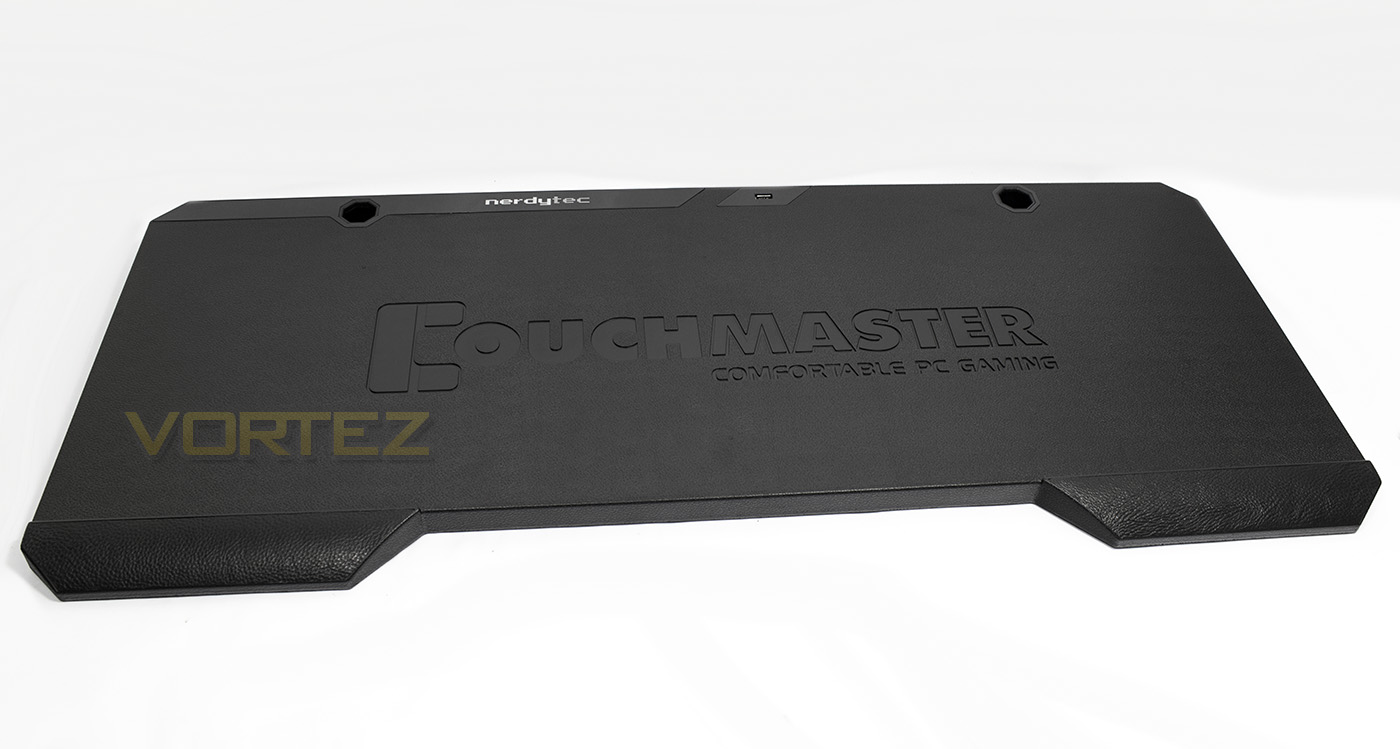
The support board itself has a nice shape with two wrist rest areas coated with a patch of the faux leather to provide a little softness.
Closer Look
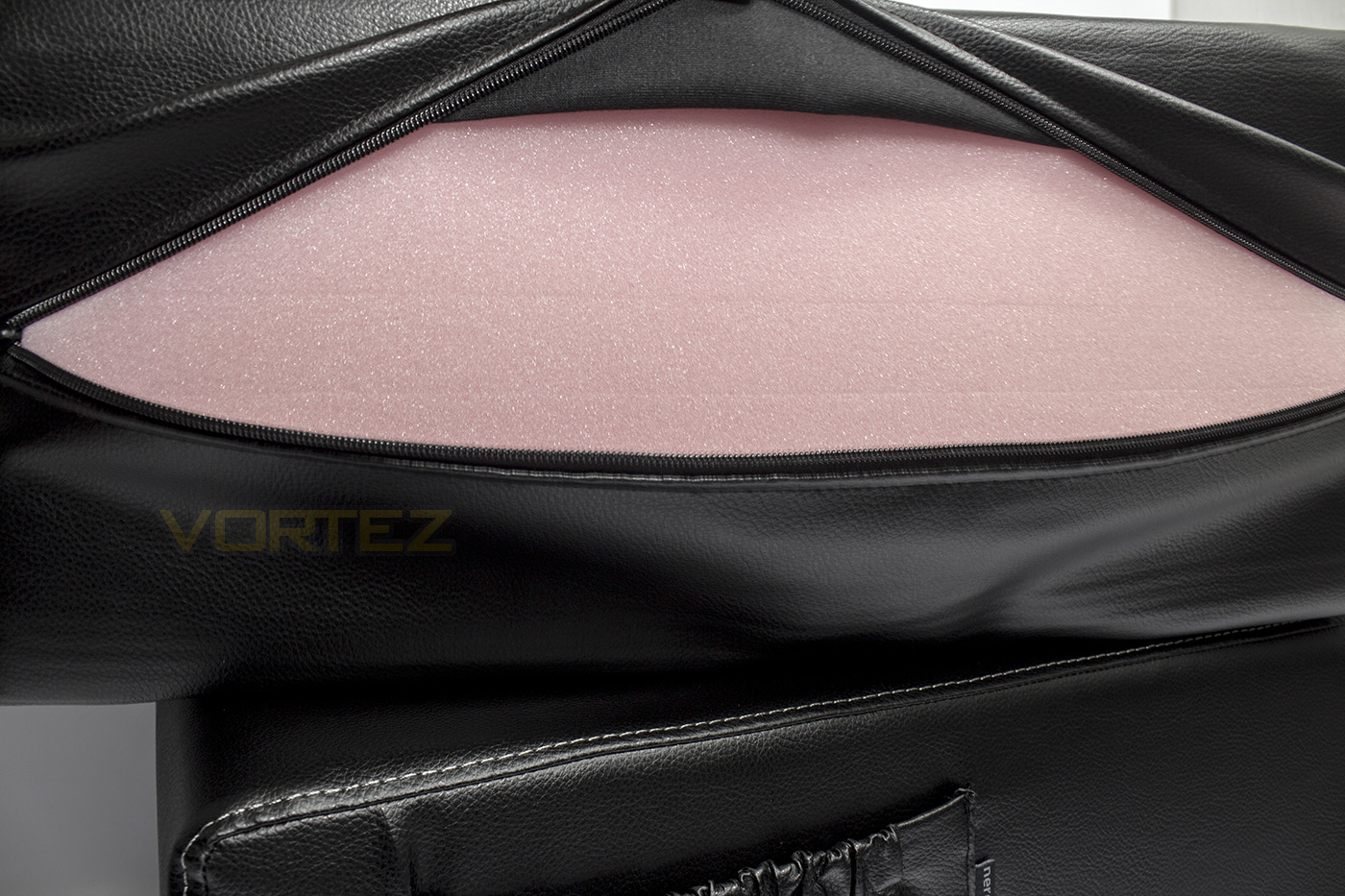
Each cushion is stuffed with a firm foam padding that has been stacked in layers, this will help with the support it is intended to give.
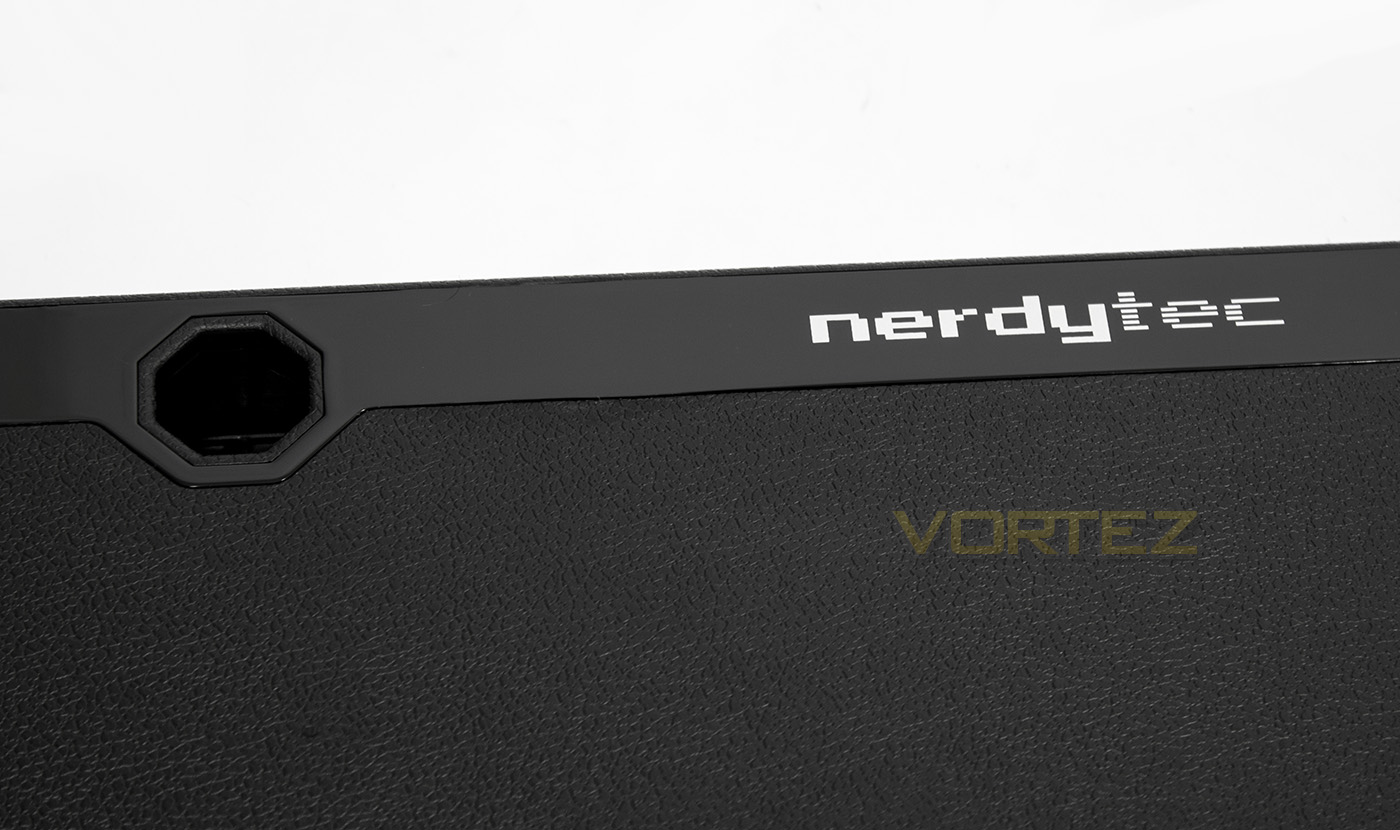
Moving to the top of the board, there are two cable holes, one on each side, to provide access to the USB 3.0 hub on the inside.
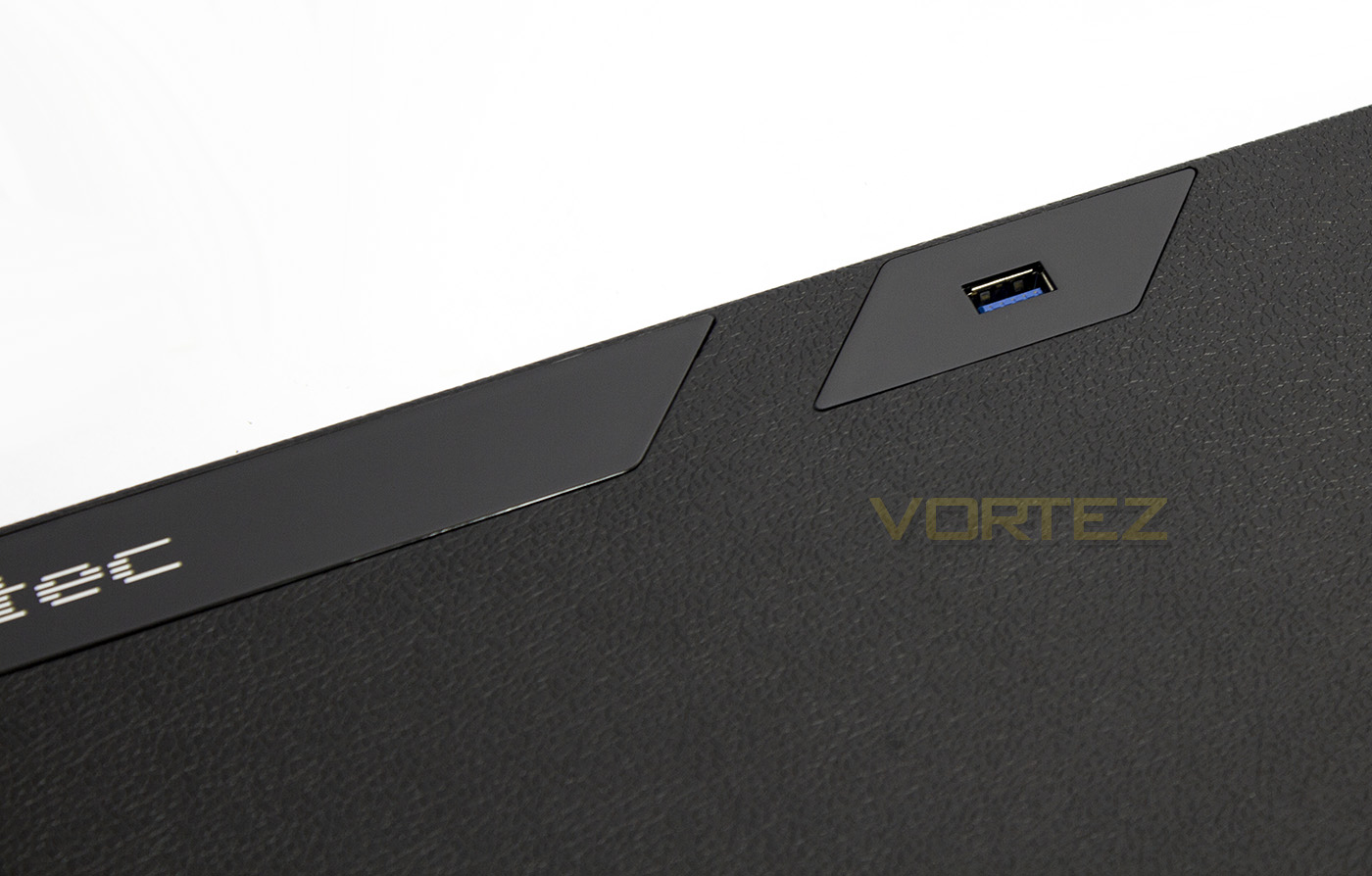
One of the four USB ports are directly accessible from the top, providing easy access should you wish to use a removable storage device or for another reason.
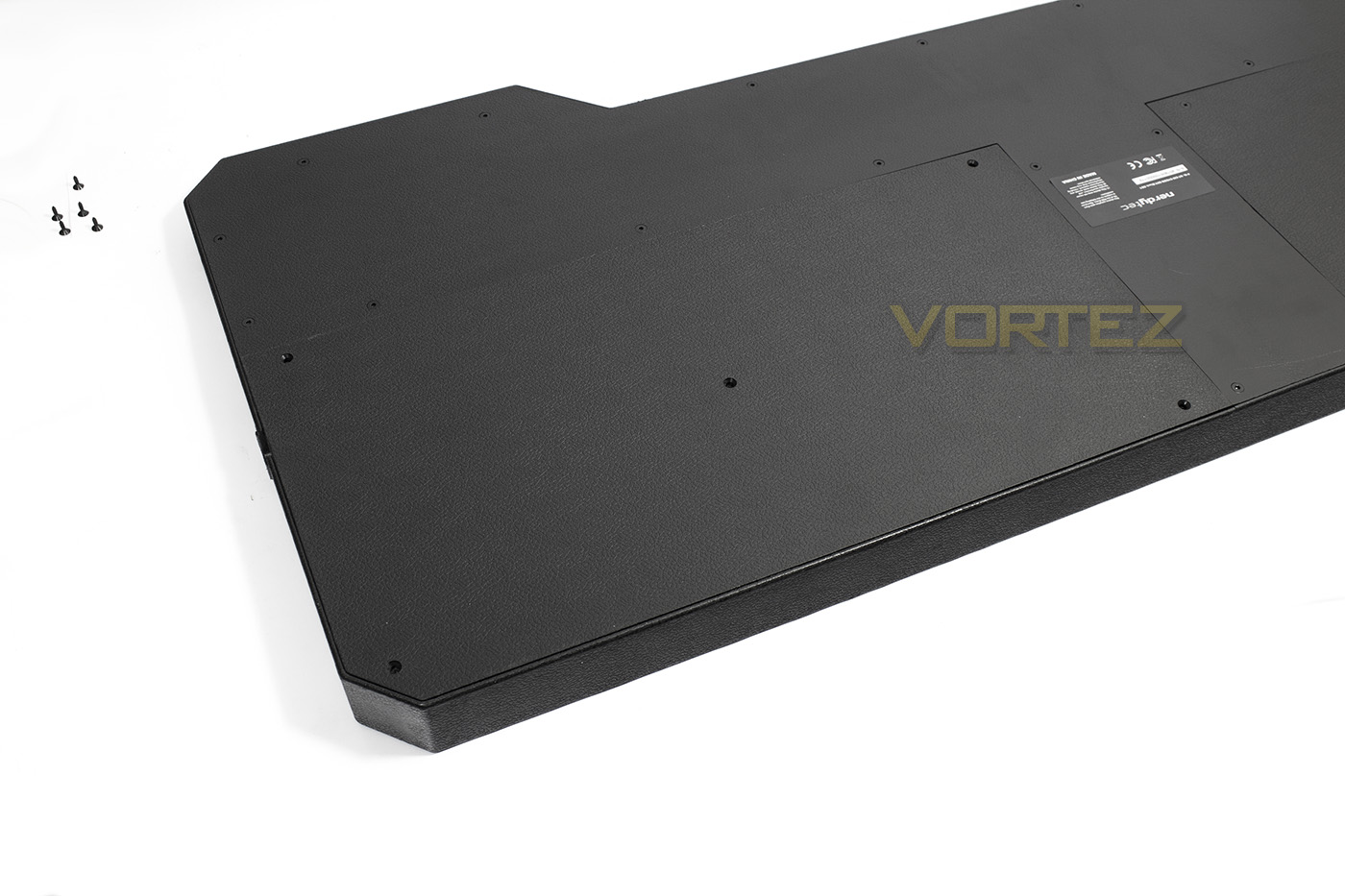
The underside of the board reveals that it is made from a firm plastic, and there are two sections that can be removed with the aid of a screw driver.
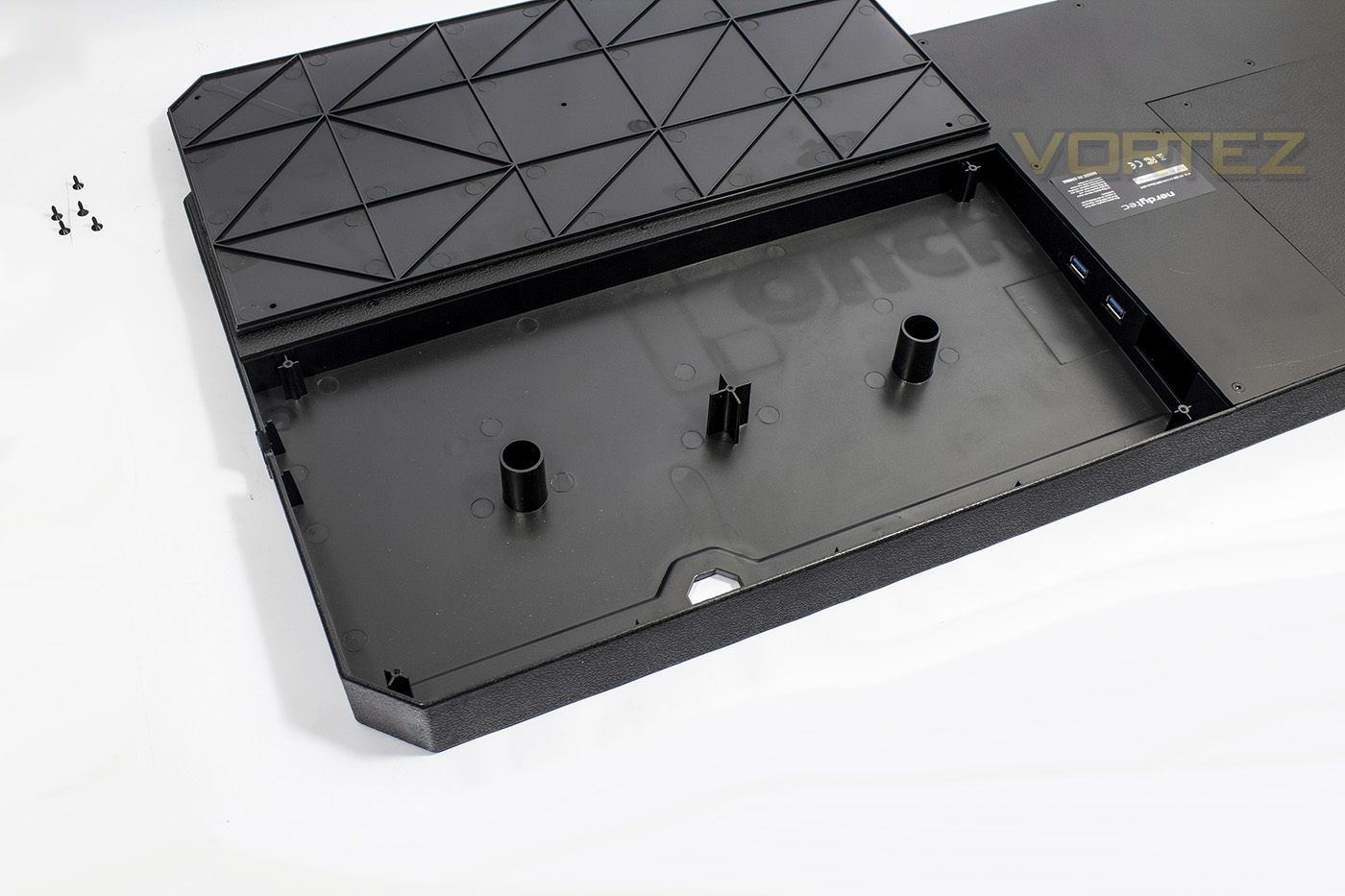
Opened up you will find that there is a huge space suitable for storing cables, as well as providing access to two USB 3.0 ports which could be used for a USB passthrough on the keyboard, or in any other way you see fit.
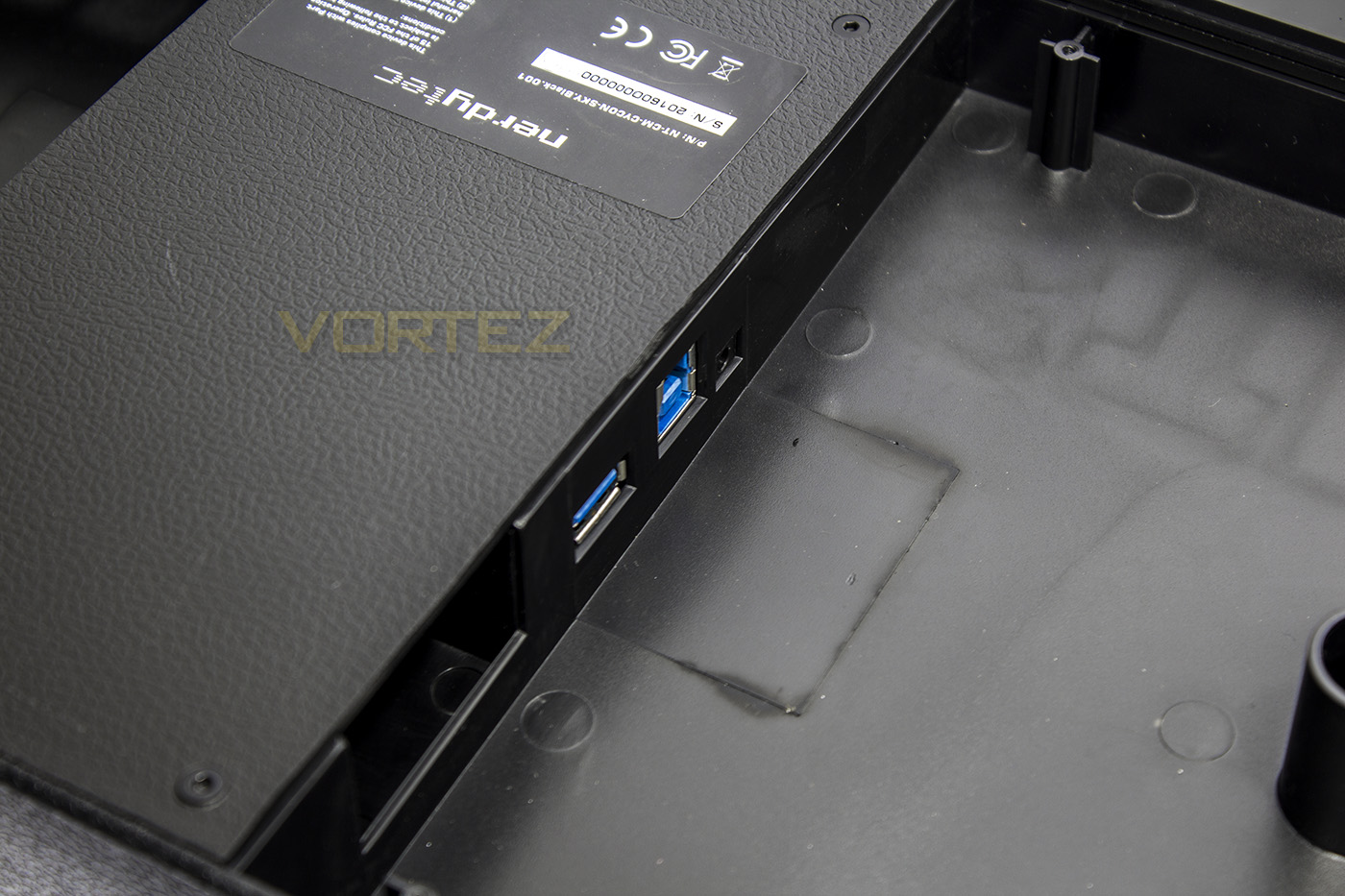
The smaller compartment features the USB 3.0 type B port for the connector and an additional standard USB 3.0 port.
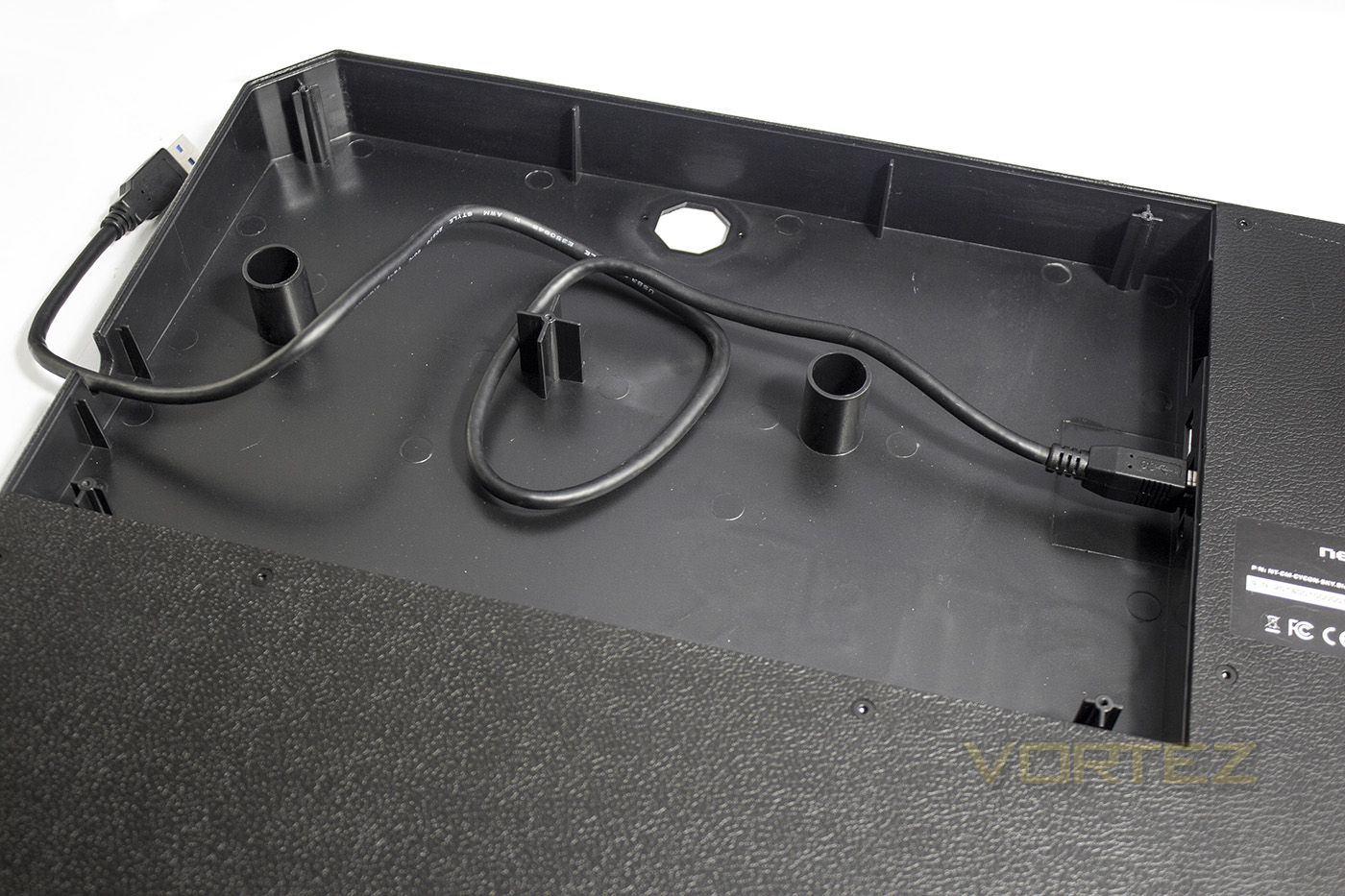
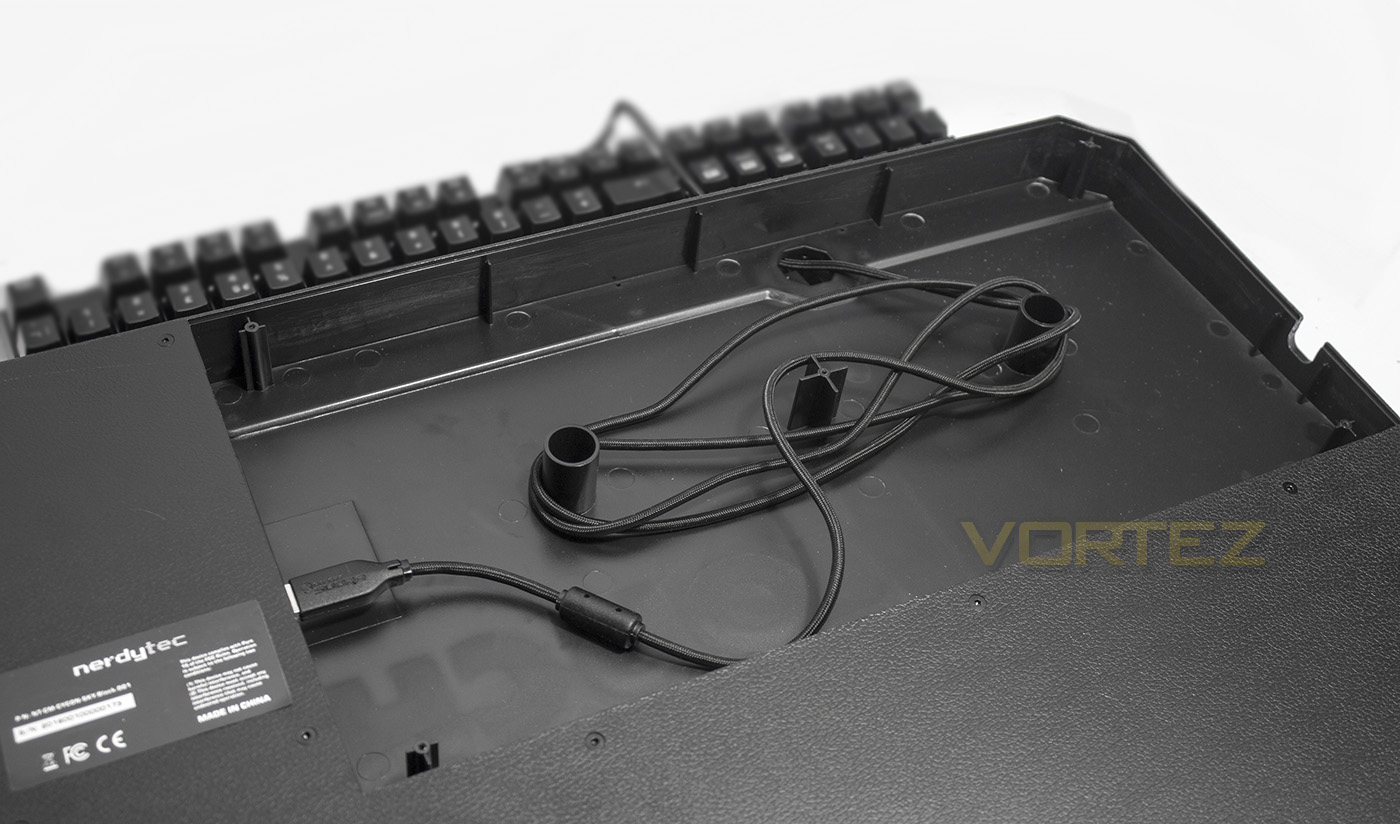
As visualised, you can use the internal supports to aid in cable management, but the amount of space available will allow you a fair amount of freedom in regards to how tidy one needs to be.
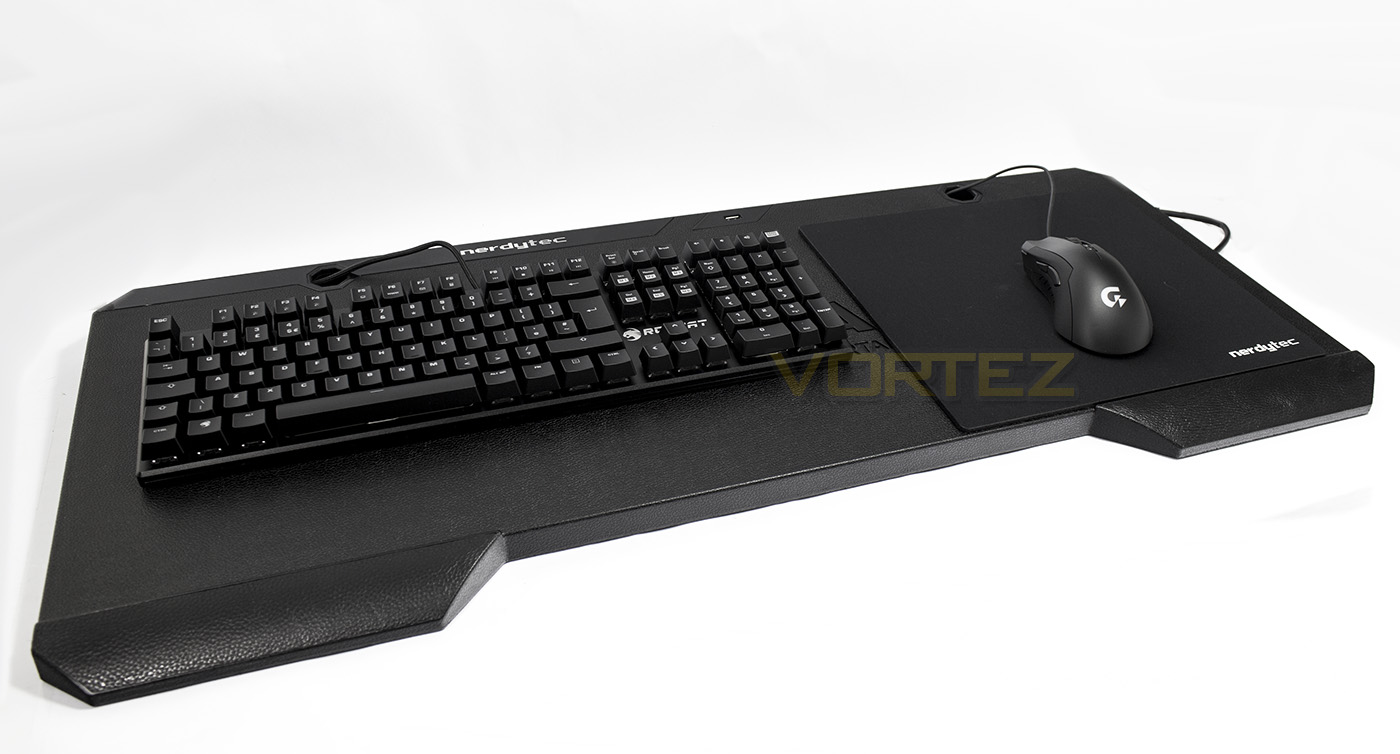
The Support board all setup with a mouse and keyboard set, the ROCCAT SUORA FX looks tiny compared to the space provided and there is plenty of space for much larger keyboards.
Performance Testing
Setup, Design & Observations
Though cumbersome, The setup is fairly straightforward and will require a standard cross-head screwdriver to unscrew the panels and maybe some scissors if you wish to cut the velcro tape.
Arranging the cables can be a little awkward due to the orientation of the board, meaning, the support board will be flipped facedown for you to unscrew the back panels> feed the cables through the holes> tidy>screw panels back on> flip back over. So at some point you need to manage a keyboard and mouse flapping around. You could secure the keyboard with velcro tape prior to cabling them, but you will also need to ensure that you have positioned them in the right place for your setup/preference/use. This method of stowing cables is neat and secure, however I believe that a top opening plate would be more efficient, which would mean you can lift up the panel/s from the top and access the internal wiring in a much more convenient manner.
Once you have wired your peripherals to the support board, all you then need to to is connect the 5m extension to a free USB 3.0 port on your system, and the connector end to the shorter cable routed from the side of the support board. Disconnecting and reconnecting is fairly simple thanks to the supplied cables. Assembly is fairly straight forward, arrange cushions, pull board over and across the cushions, then play.
You may want to take note of the position of the side pouch, not that it matters if you aren’t using it. The storage pouch is a rather tight elasticated pocket that isn’t easy to work with using one hand and if like me, you often have a drink around, despite its suggested use I wouldn’t recommend it as a drink holder. In fact the whole subject of drinks becomes rather strange with the COUCHMASTER. You could place a cup of tea on it while in use, but that would invite disaster due to the nature of the board. After thinking about the ‘drink’ conundrum for a while I realised that any open vessel of fluid on either the cushions or the board itself is a fairly risky business and will be something best worked around either by drinking from a sealable container (bottle/sports cap etc) or by positioning yourself within arms reach of a safer surface. Regardless the storage pouch is a nice addition.
You can arrange the cushions in any way that is comfortable for you and the maximum recommended distance apart is 750mm giving 45mm of support for the board. In my usage, I found that I required around 550-600mm width for a reasonable leg spread comfort (I am fairly large). The cushions give nice support for your arms in a seated or semi-laid back position and are very comfortable, this continues on with the small wrist supports on the board itself.
It isn’t essential, but it is recommended for ease of moving around to use the provided velcro tape to secure your keyboard in place, it is worth finding the ideal position of the keyboard by spending a little time using it first, before settling the exact location you will place the velcro tape on, 1m is enough to play around with, but not enough to fix any mistakes or readjust later as I used two strips, front and rear side of the keyboard to fasten.
The mouse pouch comes with vecro tape pre-applied and is recommended to be positioned anywhere near where you would be using your mouse, this would mean you can store your mouse in the pouch when it comes to moving the board around at various angles. The mouse pouch will fit the majority of mid-sized mice, but may struggle with large mice as the GIGABYTE XM300 (around the same dimensions as the Razer Deathadder) had to fit in at a corner-corner angle for it to be able to close. With the mouse safely stored and the keyboard secured with velcro, I found that the board is relatively safe to be maneuvered at any angle. The velcro held the keyboard in place even when completely flipped and given a little encouragement, however, I wouldn’t spend too long shaking, regardless how strong the velcro is, that seems to be inviting trouble.
The board is fairly lightweight, though will be heavier depending on size/type of keyboard you have. There is no problem with getting up to move by moving the board to one side, assuming your sofa is stable, the cushions are large enough to support the board individually also.
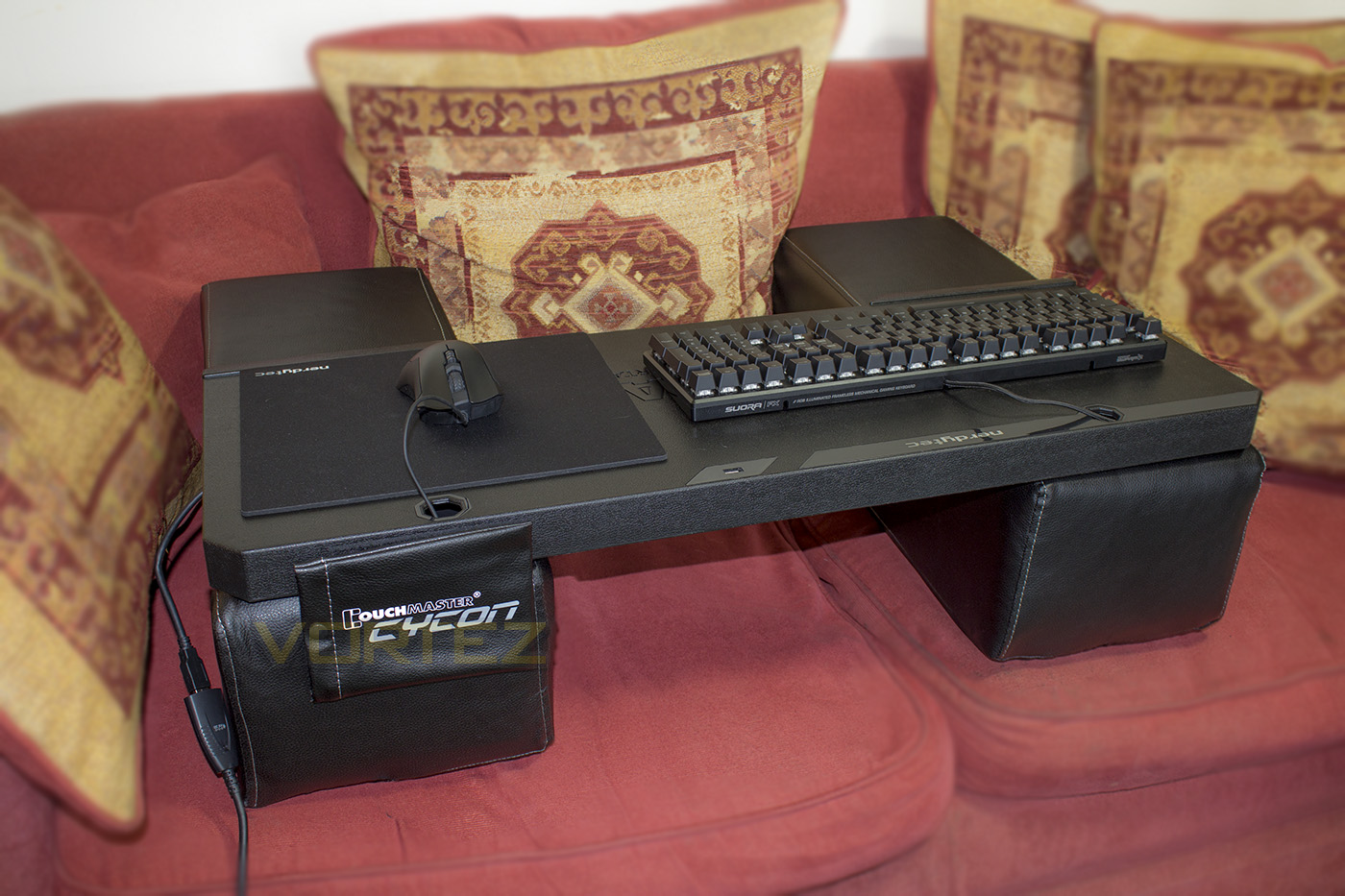
After spending a fair while using the COUCHMASTER Cycon in the livingroom, I decided that it is actually a great way to play, work and more. Connect your headphones to when you don’t want to make noise. Connect your game pad (maybe even steering wheel) to it when you want to game (assuming you are wired and not wireless, then you don’t need to). The comfort of using the COUCHMASTER is certainly the strong point, unlike the Corsair LAPDOG or the ROCCAT SOVA, or many other solutions of this calibre, it doesn’t rely on resting on your legs. Thus stability and comfort are guaranteed, assuming your sofa isn’t made of water.
There are some complications worth mentioning, while getting up and moving around and disconnecting the board is fairly simple, you may find that you need a dedicated storage area for the support board. Storing the cushions isn’t really that much of an problem, even the support board itself is fine standing upright somewhere against the wall, but if you are short on space, or even worse, have little-fingers around regularly (by that I mean children), the temptation to fiddle with a velcro strapped keyboard will be very real, and if you are short on space, you will quickly be reminded how cumbersome the COUCHMASTER Cycon is.
Conclusion
Using the COUCHMASTER Cycon allowed me to work and game in the living room in ways I haven’t done for a while, comfortably with confidence. The control and stability it provides for games that you would otherwise be desk-bound with, can now get a slice of that big screen action. The USB 3.0 hub powered by the active cable is convenient, unlike the Corsair LAPDOG which requires an additional power unit. Also, unlike the LAPDOG, the COUCHMASTER Cycons USB HUB had no issue relaying information about the connected devices and thus each functioned correctly with their respective driver software. Again, another strong point of the COUCHMASTER is its versatility, it is compatible with pretty much any peripheral bar that which is too big/heavy/unorthodox (you know, we are talking about standard things, not full size cockpits that already have their own dedicated seating system).
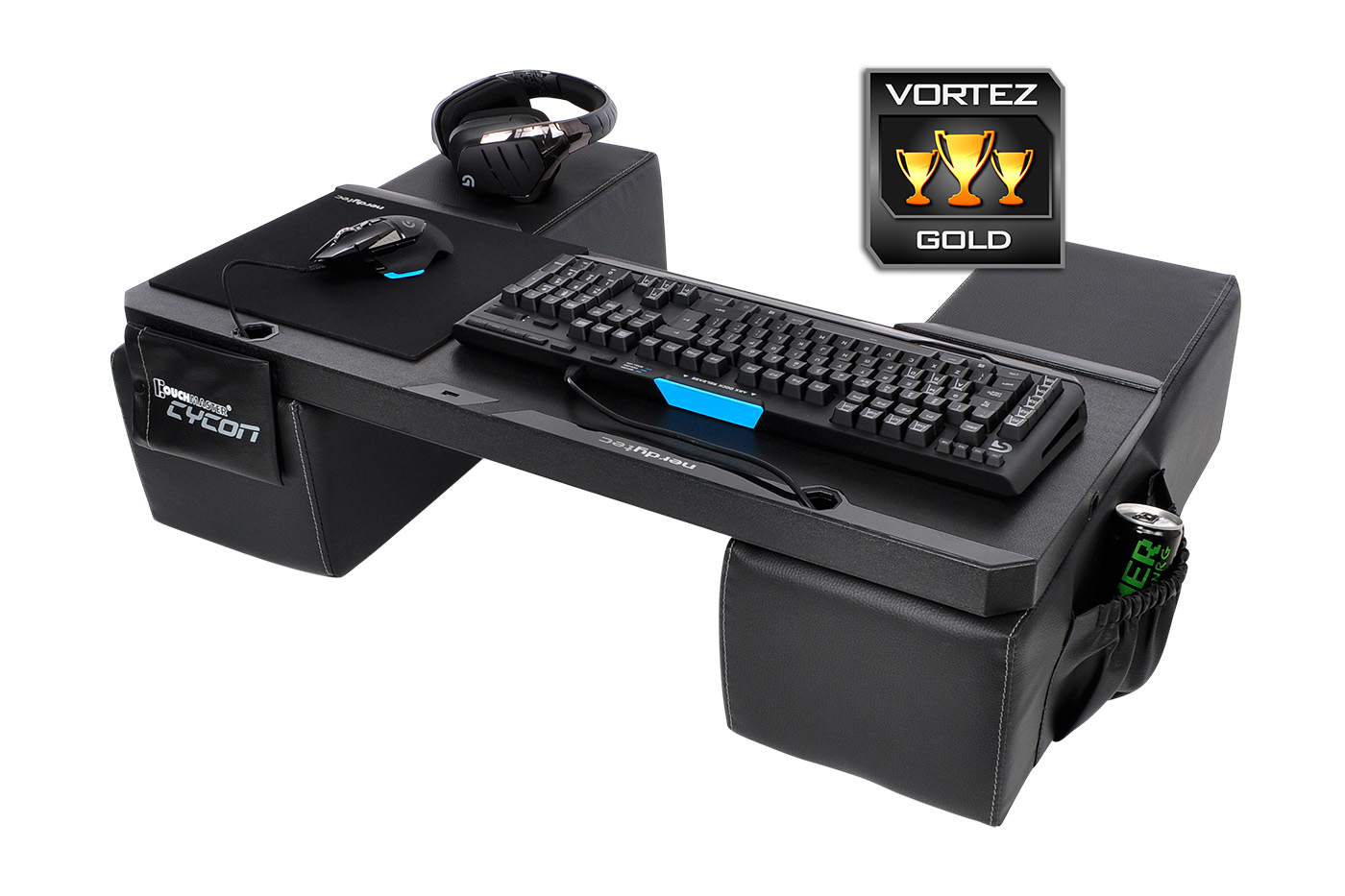
Though the COUCHMASTER Cycon isn’t quite perfect, you will have to think of a workaround in regards to where/how you place a drink and the risk is slightly higher than with a conventional desktop. That is a compromise due to the nature of the product. Another consideration to make is, if your system is at a desktop in your living room, you may be inconvenienced by having to setup the COUCHMASTER just to search google, or simply check your emails or do some online browsing. That will mean that you will need another set of peripherals, something that can be as cheap or as expensive as you choose. The reality of that is, there is an additional indirect cost.
As someone whom enjoys making and modding things, the price does seem a little steep, and making a lapdesk is something I have experience with. Find a piece of scrap wooden board, a mouse mat, some glue, some cushions, a USB 3.0 hub and some extension cables… eventually each additional piece adds up in cost. In total the electrics and materials could cost in excess of £60-70 and then you have to contend with whether or not it looks good; not an impossibility with a bit of careful work, but it can be a very tiresome task. Unless you are completely cash-strapped, or simply love making things, the convenience of purchasing the COUCHMASTER Cycon will make life a lot easier. The build quality and overall aesthetic is great (especially as it is available in a variety of colours and finishes) and after the initial wiring is done, it is quick and easy to setup and dismantle. The bulkiness and storage concerns will depend on how much you plan on using it, and if the answer to that question is ‘a lot’, then it will be less of an inconvenience to store.
Until the time there are good quality, rechargeable, wireless mechanical gaming keyboards to go along with a wireless mouse and headset, remaining tethered to cables is still the most cost effective and reliable way to game. That would also make transferring your peripherals from desk to couch that little bit easier. At that time, you will still need a stable surface to game on comfortably. In either scenario, the COUCHMASTER Cycon is an ideal solution for those that plan on making the living room the prime location for PC gaming.
Living room PC gaming is often an awkward affair but the COUCHMASTER Cycon allows you to relax in comfort and focus on the game, thanks to its reliable desk-like stability and convenient connectivity.
Pros.
+ Attractive, good quality
+ Comfortable
+ Comes in a variety of colours/ finishes
+ Quick assembly/ disassembly (after initial wiring)
+ Versatile (can use any peripherals you like, compatible for left/right handers)
+ 4x USB 3.0 ports
+ No express need for additional power cable
+ Large storage/cabling space
Cons.
– Price
– Bulky
+ Attractive, good quality
+ Comfortable
+ Comes in a variety of colours/ finishes
+ Quick assembly/ disassembly (after initial wiring)
+ Versatile (can use any peripherals you like, compatible for left/right handers)
+ 4x USB 3.0 ports
+ No express need for additional power cable
+ Large storage/cabling space
Cons.
– Price
– Bulky
Click here for an explanation of our awards at Vortez.net.