If you game on a cramped desk and want to free up a little space, you may consider looking for a compact ‘tenkeyless’ keyboard, but which do you choose? ROCCAT may have the answer.

Product on Review: ROCCAT Ryos TKL Pro mechanical keyboard
Manufacturer & Sponsor: ROCCAT
Street Price: £109.99 inc VAT
Cutting off the numpad from the Ryos, the TKL Pro version from ROCCAT offers gamers a zero compromise compact mechanical keyboard. Available in MX Cherry Red, Black, Brown and Blue, the quality of the keys are tried and tested and many will have already found a favourite (black and brown here). ROCCAT, in the quest to supply with gamers with the most customisable experience possible have crammed in 2x 32bit arm processors with onboard memory to save custom profiles, replaced the humble caps lock with an ‘easy shift’ key which acts like a second FN key. This creates 3 layers of entirely customisable macros and illumination possibilities offering more than just a compact mechanical keyboard, but a time saving control station.
Let’s move on and see if it is as good as it sounds.
Overview by ROCCAT
ROCCAT™ Ryos TKL Pro – Tenkeyless Mechanical Gaming Keyboard with Per-key Illumination
The most advanced, customizable tenkeyless mechanical keyboard ever. Introducing the Per-Key illuminated ROCCAT™ Ryos TKL Pro. Powered by lighting engine 2.0 and with a ton of configuration options plus your choice of CHERRY MX key switch in four colors, you can RISE ABOVE, and lead the charge into gaming greatness.
The most advanced, customizable tenkeyless mechanical keyboard ever. Introducing the Per-Key illuminated ROCCAT™ Ryos TKL Pro. Powered by lighting engine 2.0 and with a ton of configuration options plus your choice of CHERRY MX key switch in four colors, you can RISE ABOVE, and lead the charge into gaming greatness.
Technical Specifications
-Lighting engine 2.0-powered per-key illuminated mechanical keyboard
– Advanced anti-ghosting with N-key rollover
– Choice of four CHERRY MX key switches
– 3 programmable thumbster keys
– 91 other programmable keys
– 1000Hz polling rate
– 1ms response time
– 1.8m braided USB cable
System requirements
– Windows® 8.1 32 Bit, Windows® 8.1 64 Bit, Windows® 8 32 Bit, Windows® 8 64 Bit, Windows® 7 64 Bit, Windows® 7 32 Bit, Windows® Vista 64 Bit, Windows® Vista 32 Bit, Windows® XP 64 Bit, Windows® XP 32 Bit
– USB 2.0 Port
– Internet connection for driver installation
– Advanced anti-ghosting with N-key rollover
– Choice of four CHERRY MX key switches
– 3 programmable thumbster keys
– 91 other programmable keys
– 1000Hz polling rate
– 1ms response time
– 1.8m braided USB cable
System requirements
– Windows® 8.1 32 Bit, Windows® 8.1 64 Bit, Windows® 8 32 Bit, Windows® 8 64 Bit, Windows® 7 64 Bit, Windows® 7 32 Bit, Windows® Vista 64 Bit, Windows® Vista 32 Bit, Windows® XP 64 Bit, Windows® XP 32 Bit
– USB 2.0 Port
– Internet connection for driver installation
Features
– Enhanced Per-Key Illumination provides endless options
– EASY-SHIFT[+]™ Becomes Easy-Keyboard for completely re-mappable customization
– Advanced Anti-Ghosting thanks to n-key rollover (30 keys plus 8 modifier keys)
– Pure Processing Power via 2 x 32-bit ARM Cortex processors plus 2MB flash memory
– Cherry® MX Key Switches with 50 million key stroke durability
– ROCCAT™ Achievements Display- keep track of vital gaming statistics
– Smudge-Proof, Glossy Look means style isn’t sacrificed for substance
– Tenkeyless Format compact design without compromise
– Rock Solid Support high-comfort, jumbo-size wrist rest
– Super Stable, Clutter-Free five rubber feet and integrated cable-channel
– ROCCAT™ Talk® – Set Bonus get more out of your ROCCAT™ devices by combining their functions
– 470 Programmable Macros meaning you can get the most out of each key
Packaging & First Look
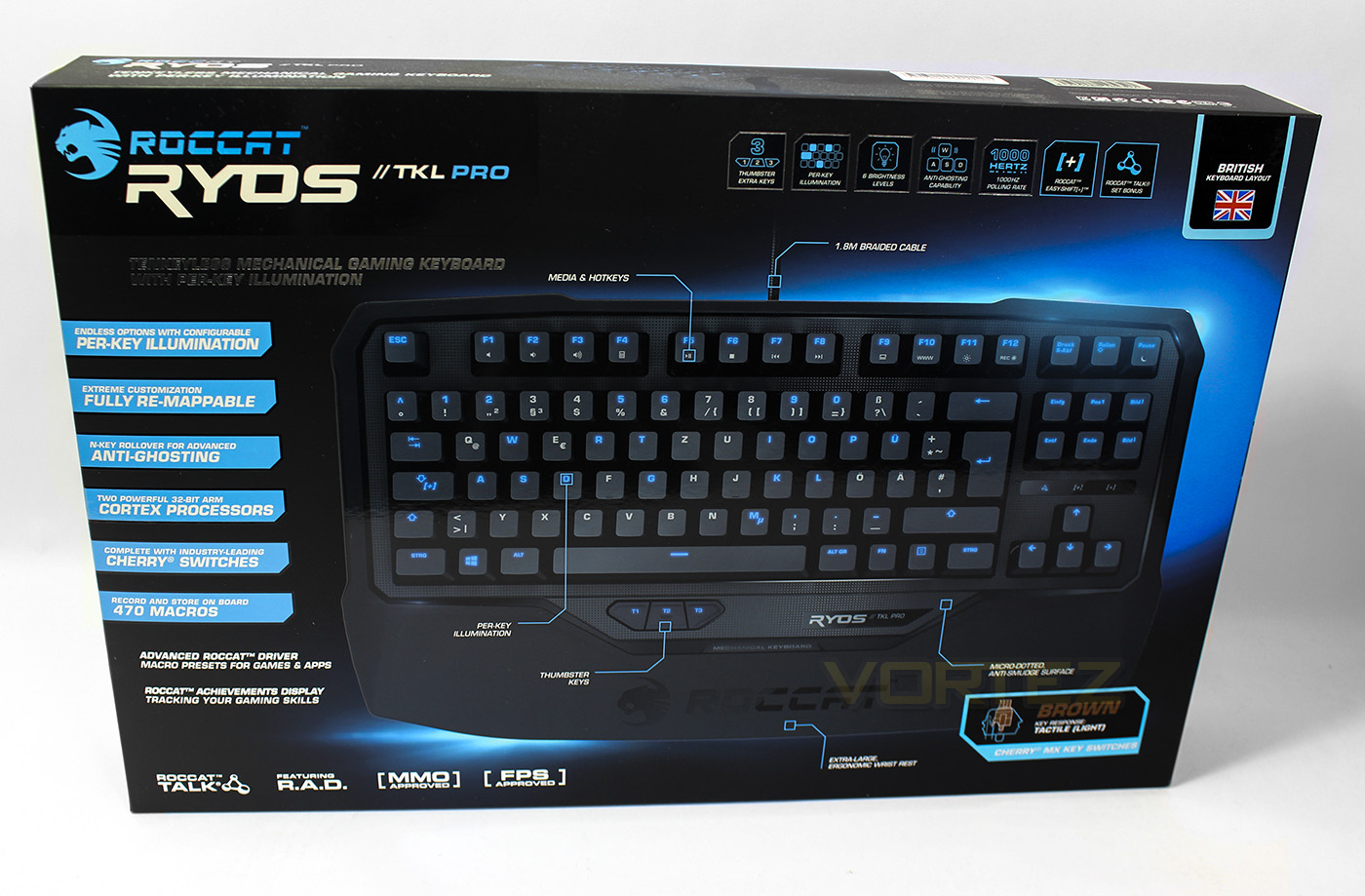
The packaging is good quality, printing in the black and blue synonymous with ROCCAT. There are details plastered around clearly listing all the features, as well as clearly labelling that this is the UK (or BRITISH) layout, as well as which MX Cherry switches this one uses, in this case we have brown… Joy!
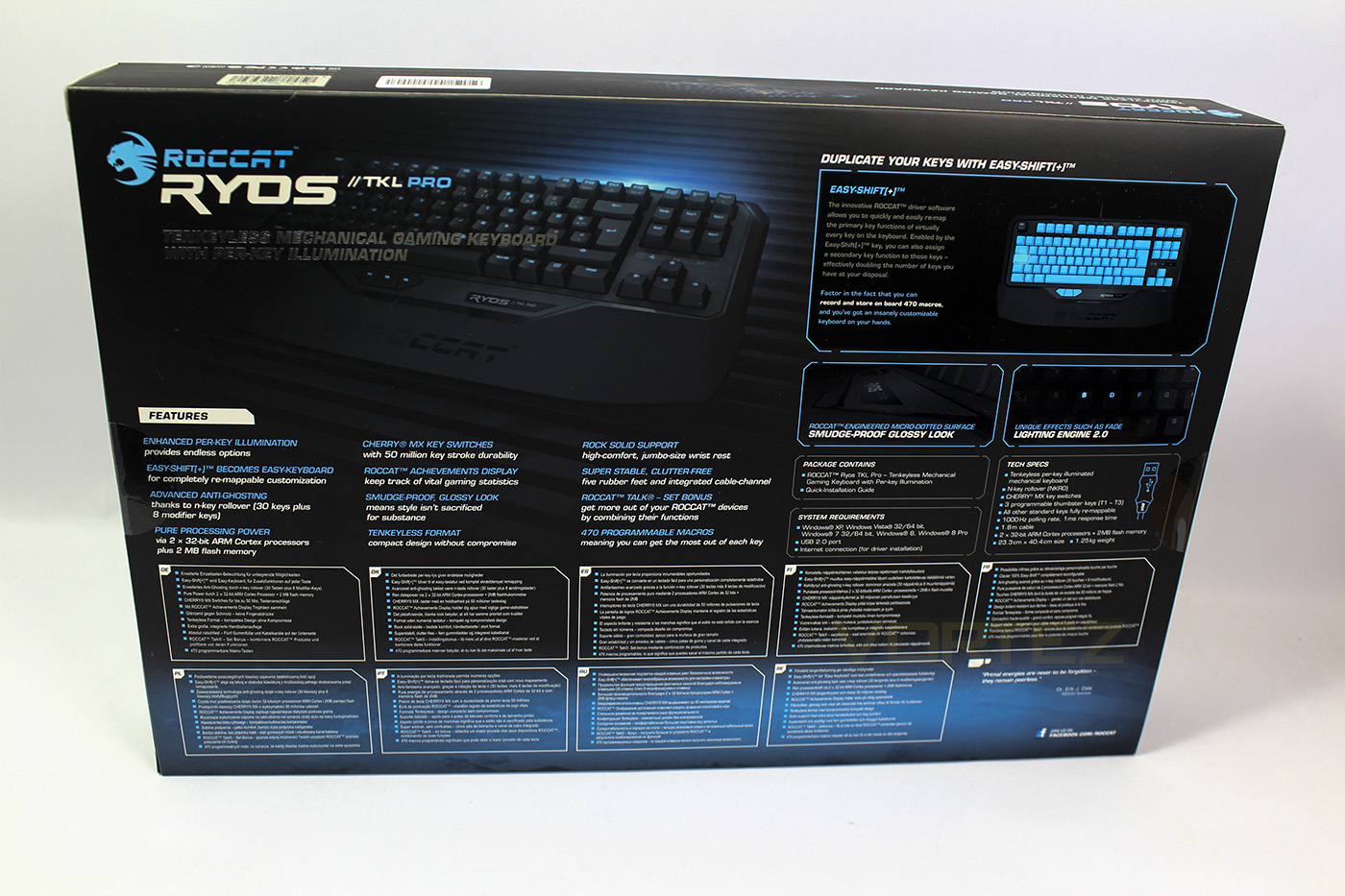
At the back we get an explanation of the easy shift key as well as a breakdown of the features in various languages.
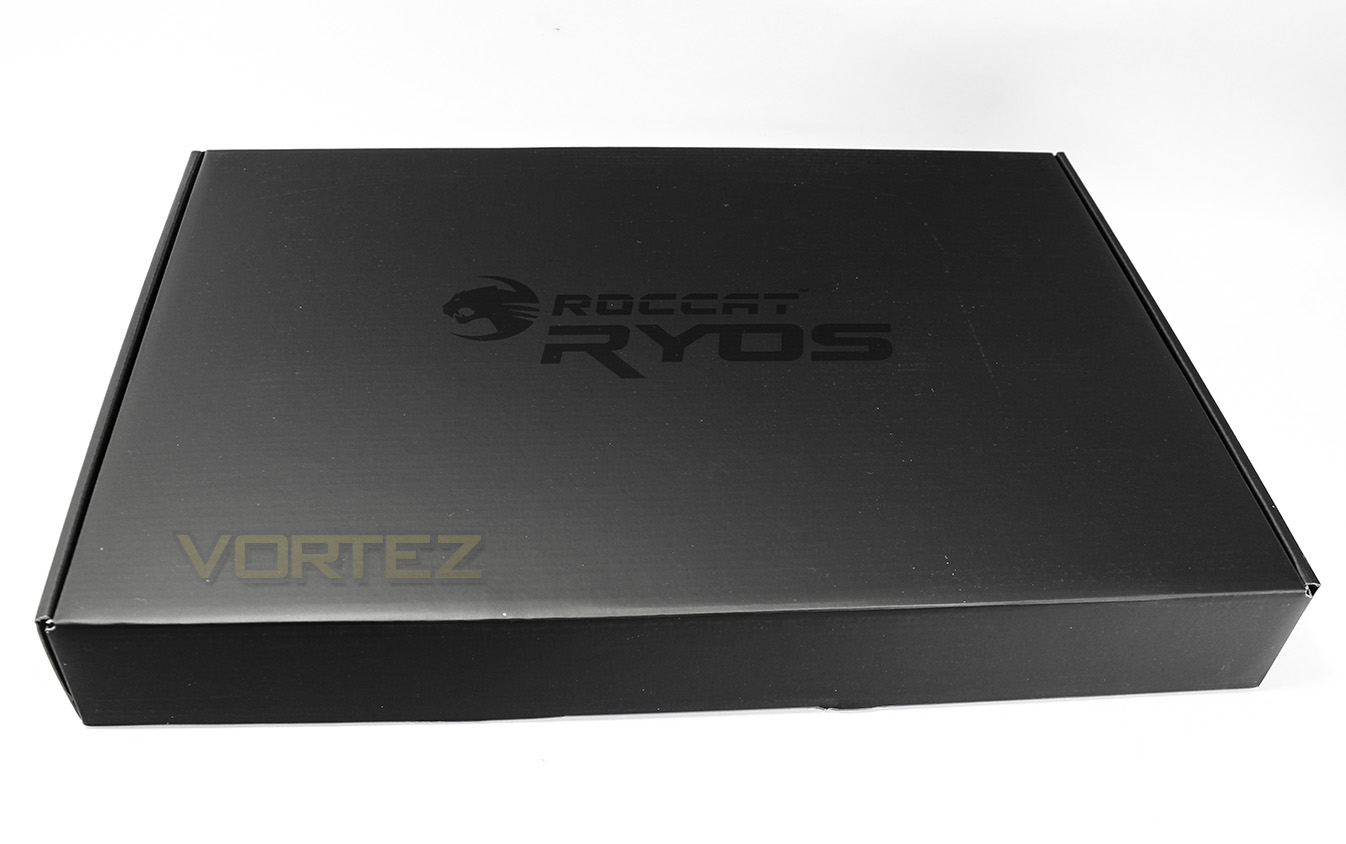
A box in a box, matrix confirmed.
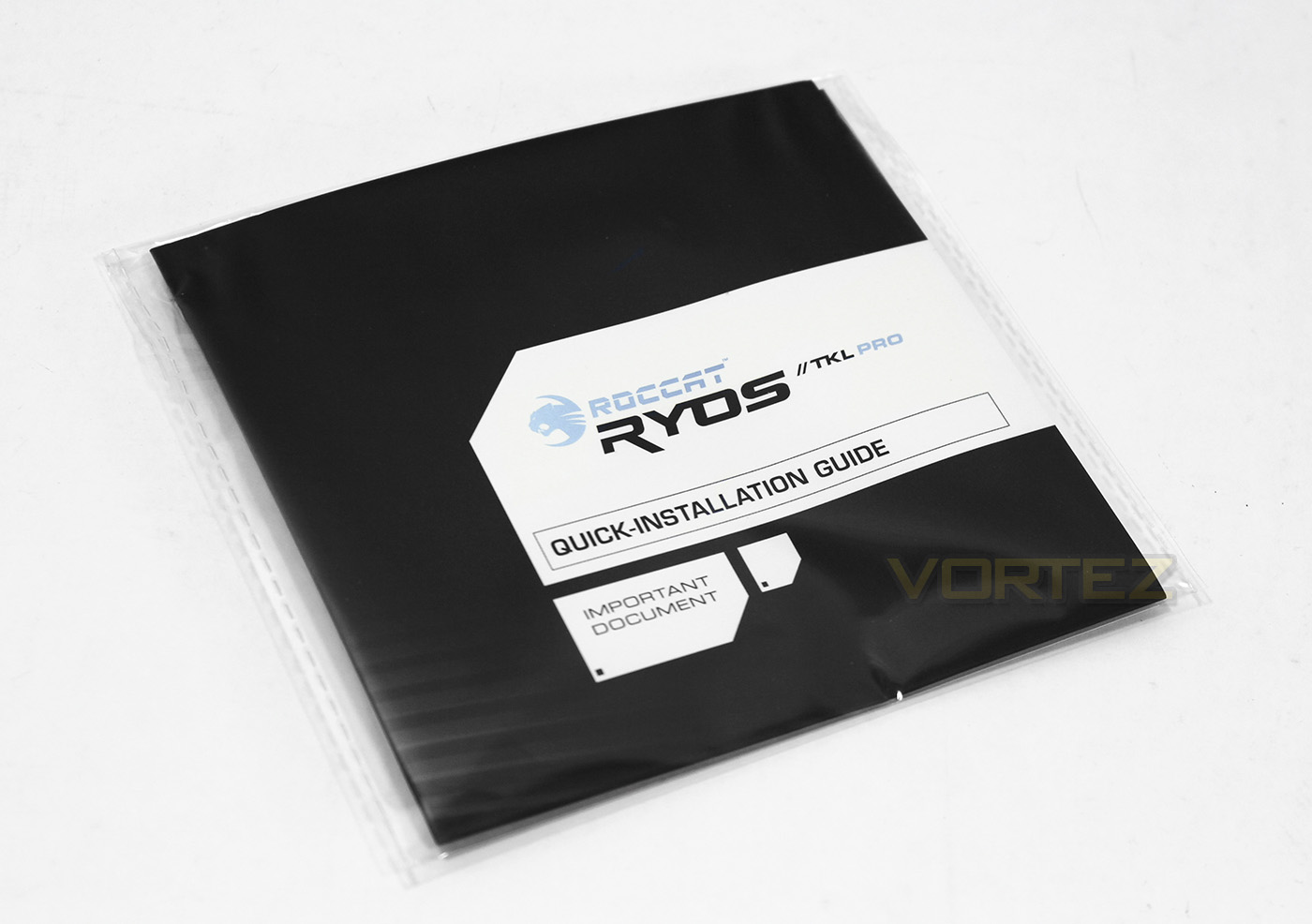
The bundle is a little light and there is no included driver disc which means internet connection will be needed to download the drivers. It does however function with the automatic lighting preset via plug and play so isn’t essential, but is highly recommended to do so for best performance and full function of the features.
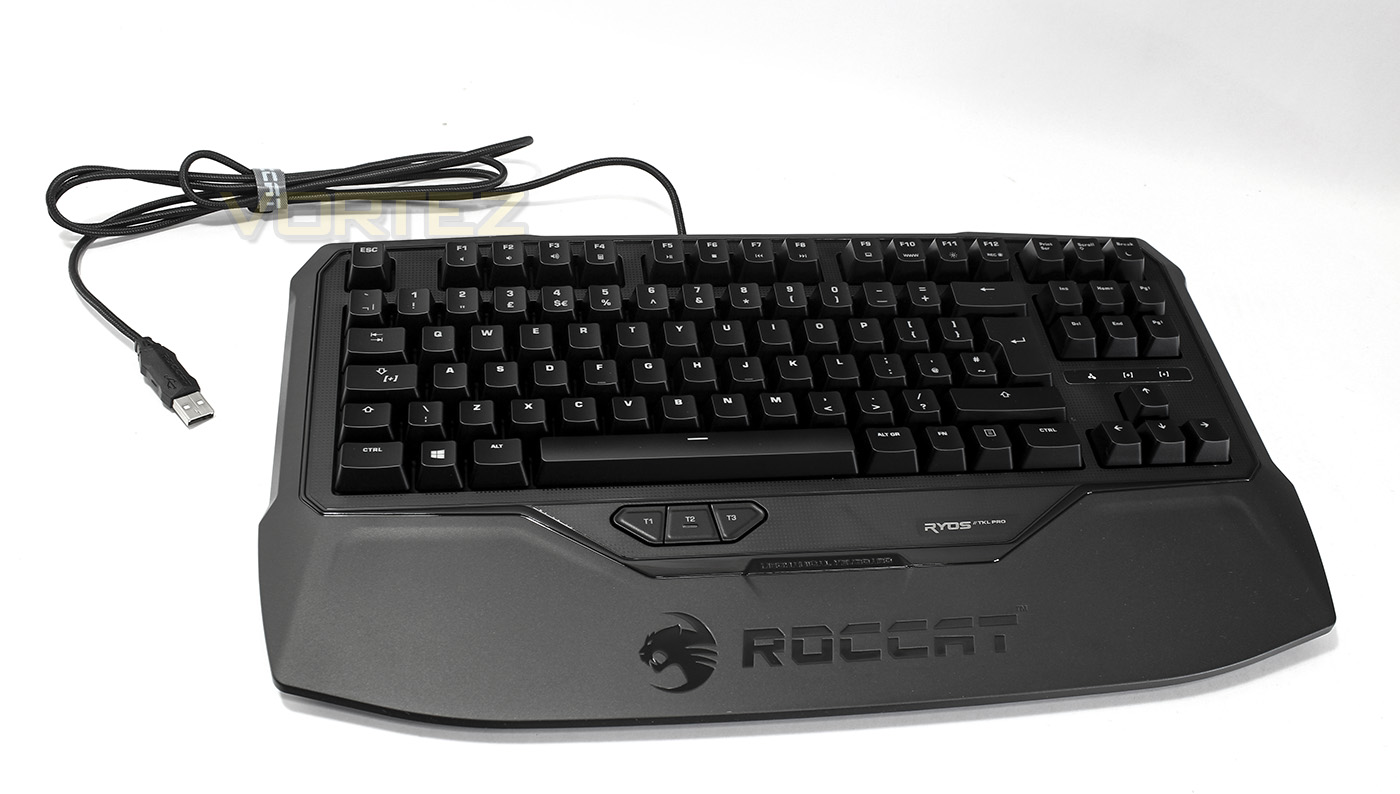
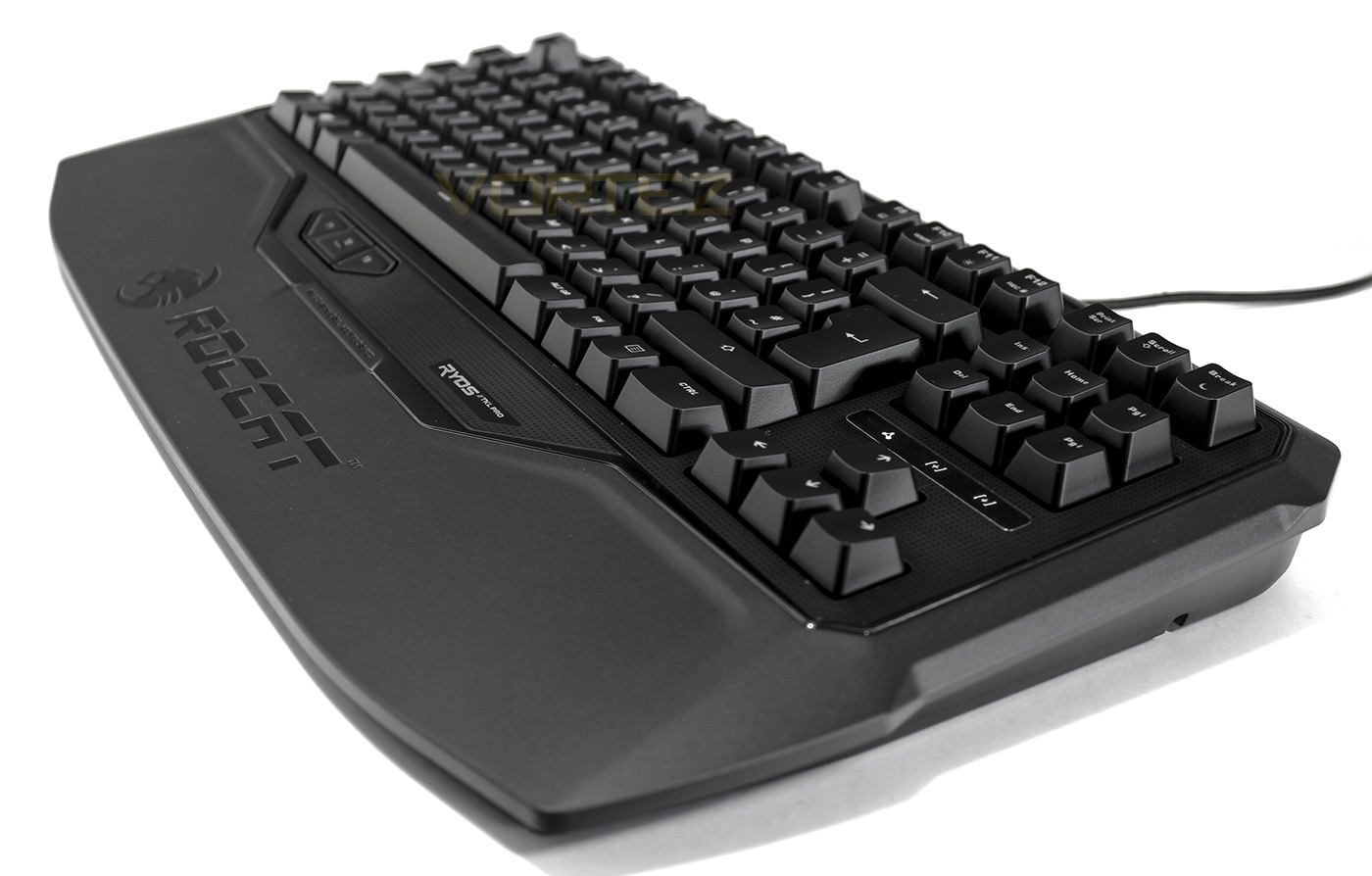
The ROCCAT Ryos TKL Pro, on seeing the connected wrist rest it could be mistaken to be larger than life, but it is actually is quite compact considering the lack of added dedicated macro keys which would be surrounding the main block of gaming keyboards of yesteryear.
Closer Look
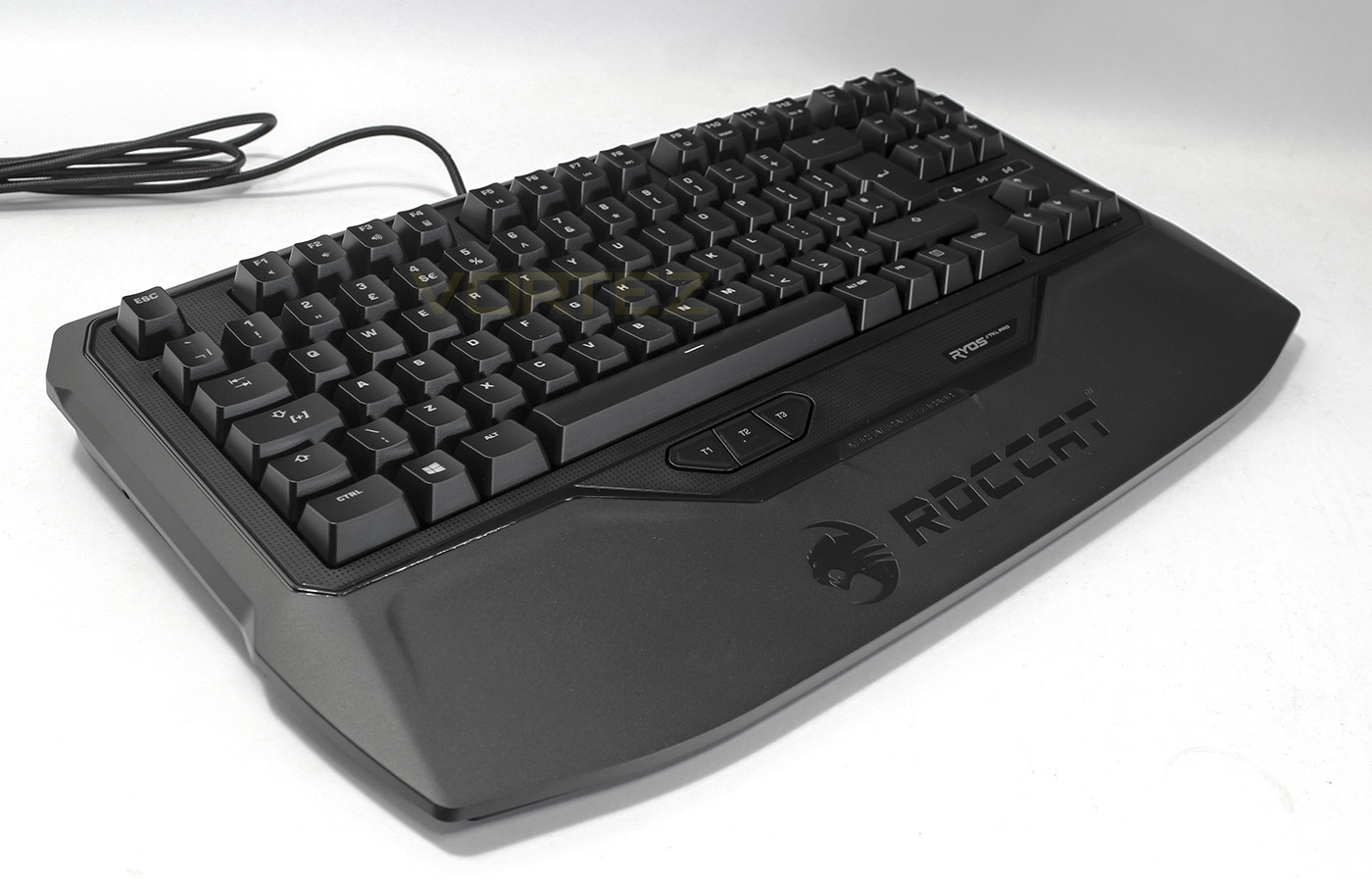
The Ryos keyboard naturally tapers down from back to front, offering comfortable use without use of feet to raise the back. The ROCCAT logo is imprinted into the wrist rest.
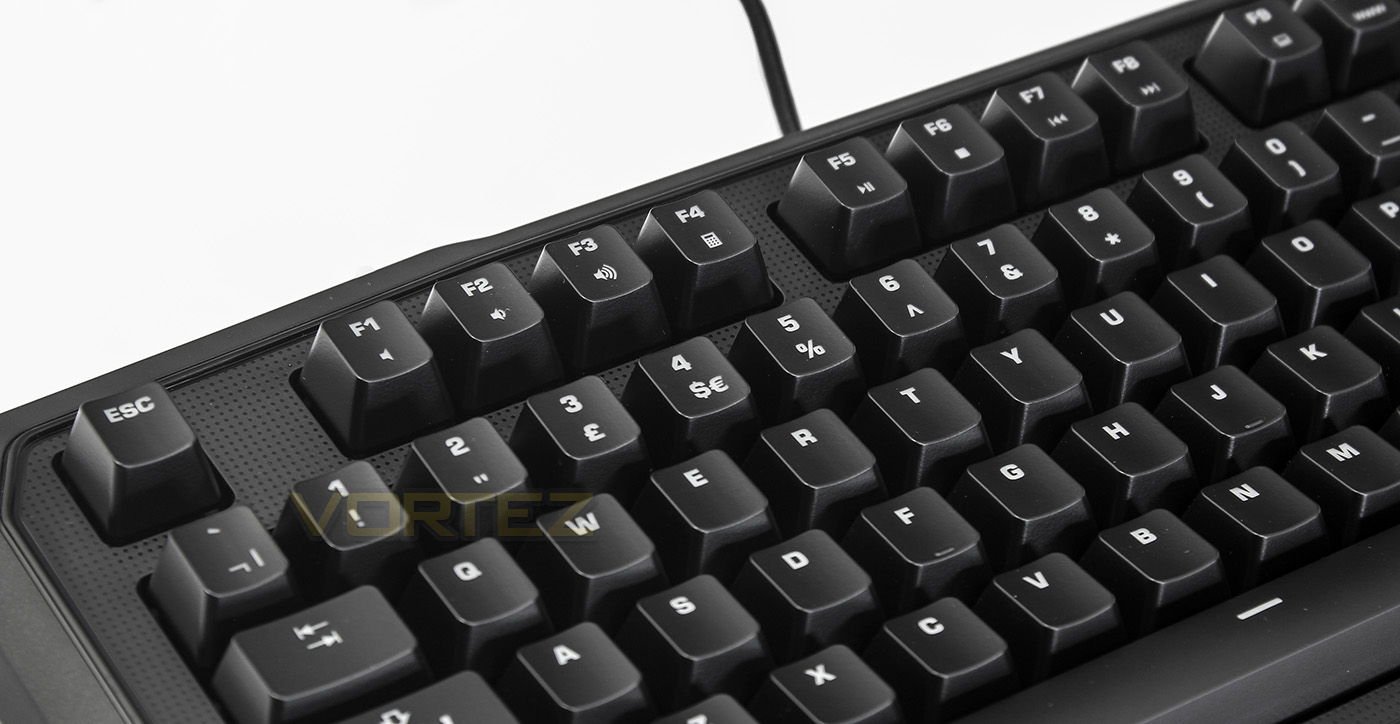
By default, each F key has an FN command, including mute, audio volume down/up, open calculator, play/pause, stop, skip previous/next, open my computer, open internet homepage, brightness control and live macro recording.
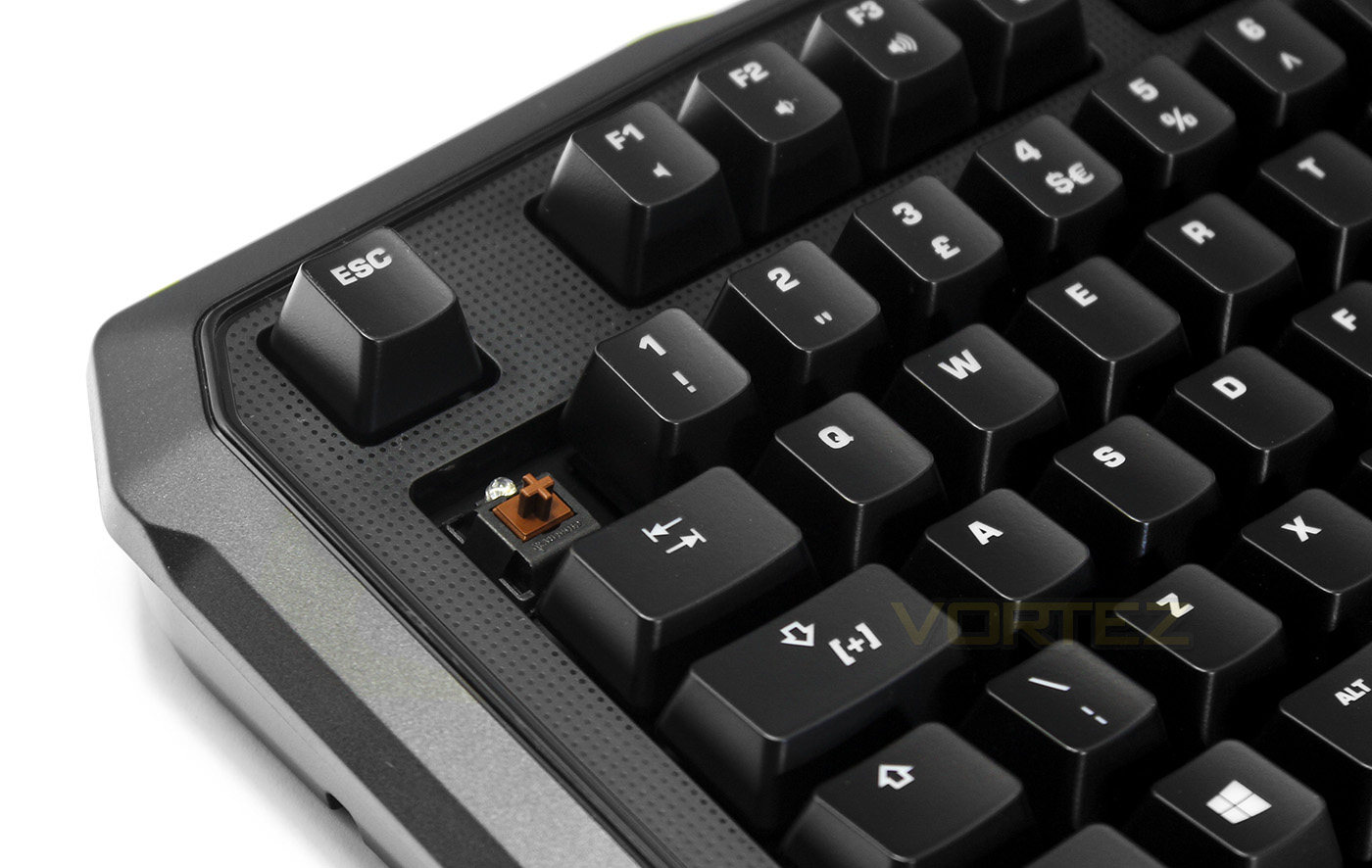
Each key is individually lit, with the key cap removed we see the MX Cherry brown switch in use.
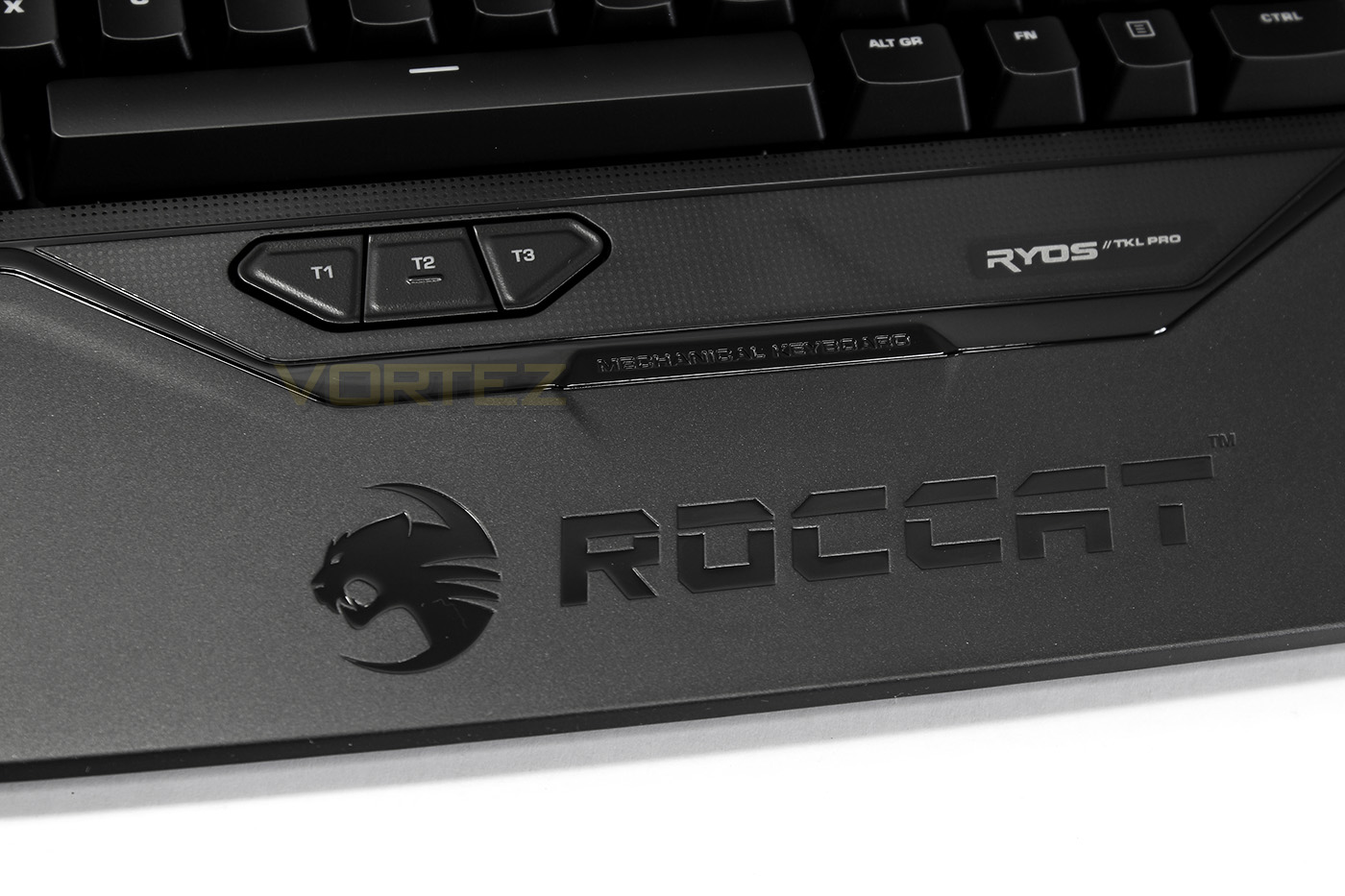
Just below the spacebar there are three conveniently placed thumb keys, by default T1 changes saved profile down, T2 opens the ROCCAT software, and T3 profile up. Each has a secondary function by default which is accessed by holding the easy shift key, including capslock, open player and open email.
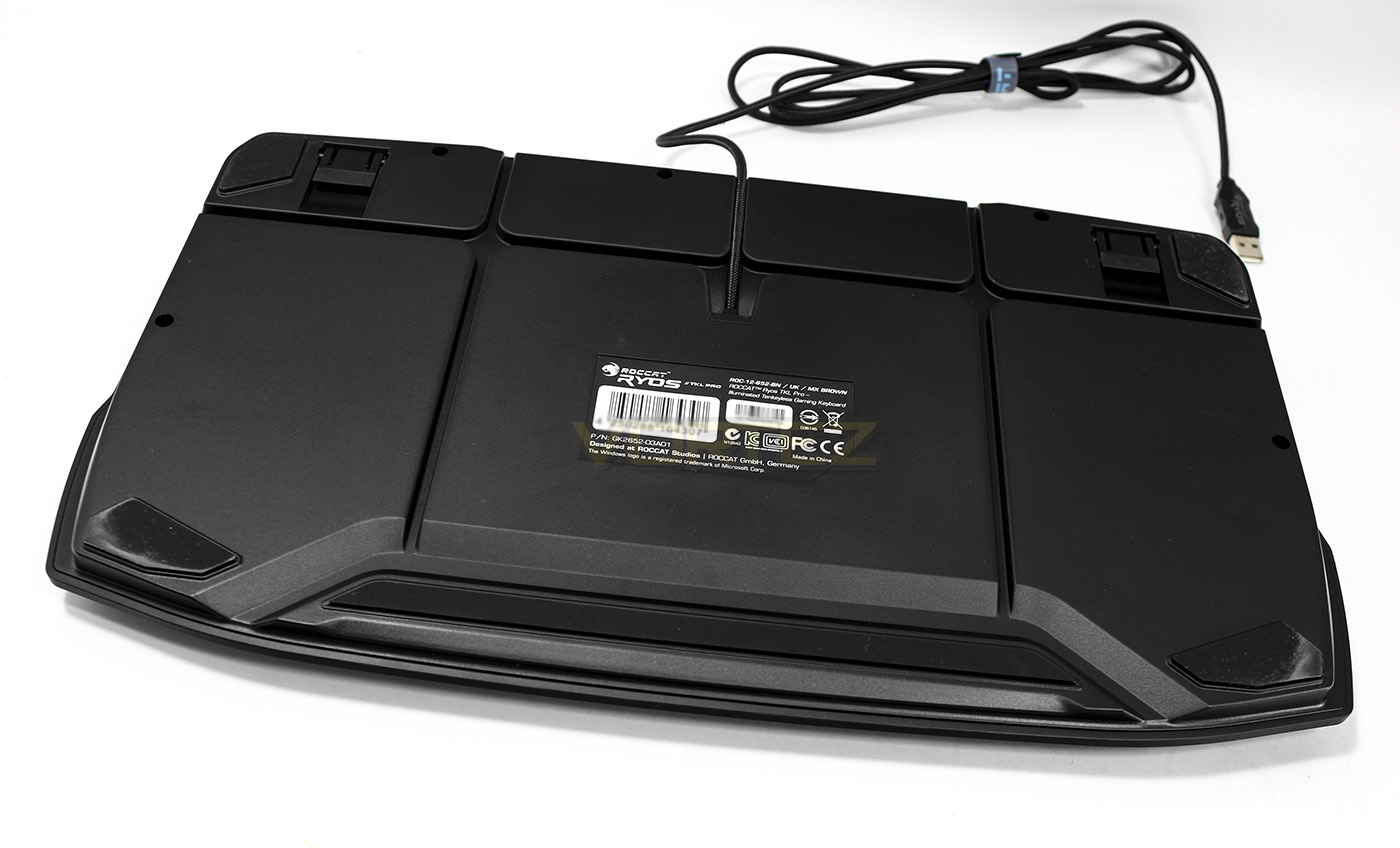
On the underside we fine various cable channels for convenient placement, as well as 5 nonslip pads for stability.
Software & Lighting
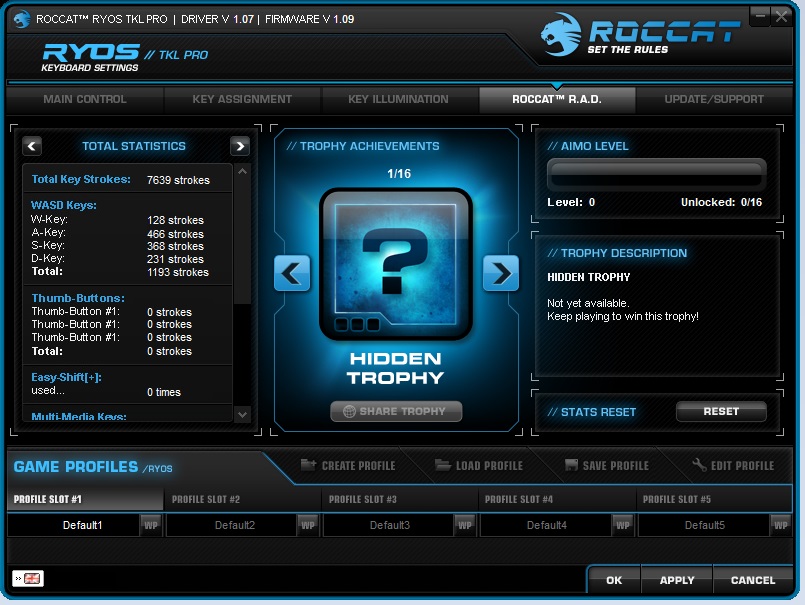
The customisation and illumination possibilities are, feasably, limitless. The dual processors combined with the powerful software take the Ryos to that next level of control. The software is fairly advanced and comprehensive but without being too alienating to newcomers. The tabs and functions are easy to navigate with the main controls, macro controls and illumination controls each in their own section as well as having a handy link for support and updates. The RAD (ROCCAT Achievements Display) tab seems a bit of a distraction that isn’t entirely needed, though some may appreciate knowing the number of individual keystrokes made per key as well as unlocking random awards. The macro manager has a list of presets for many popular games, but it is easy to add, alter and record your own.
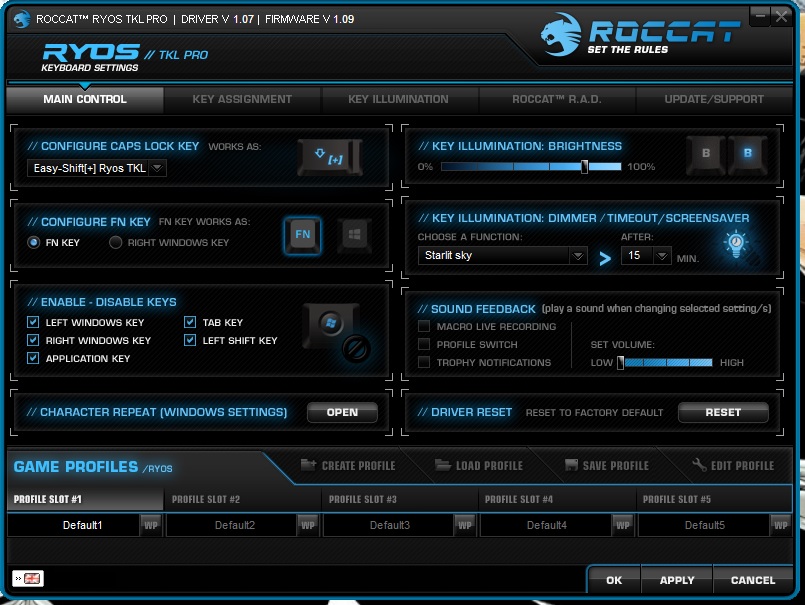
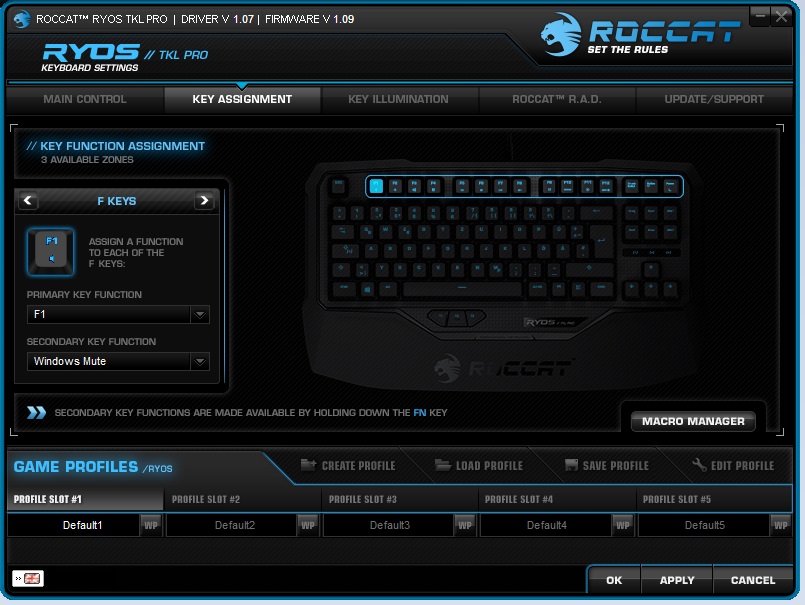
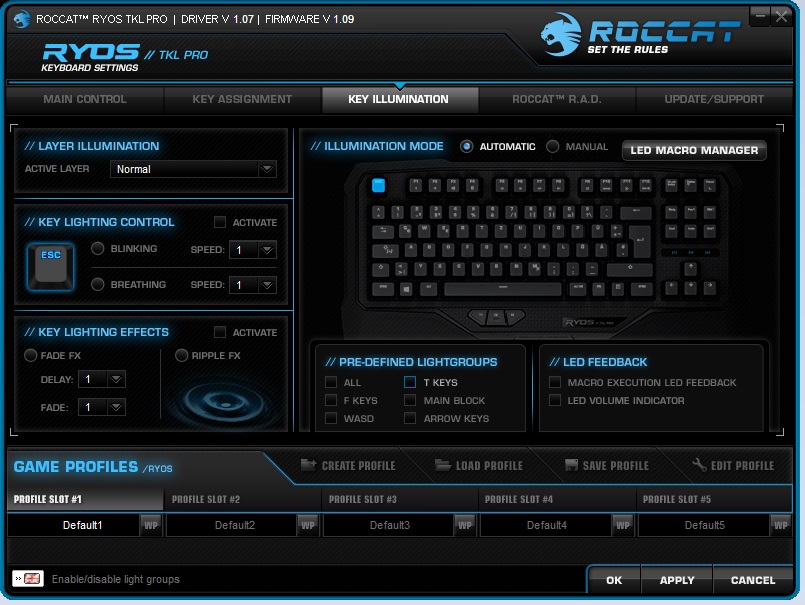
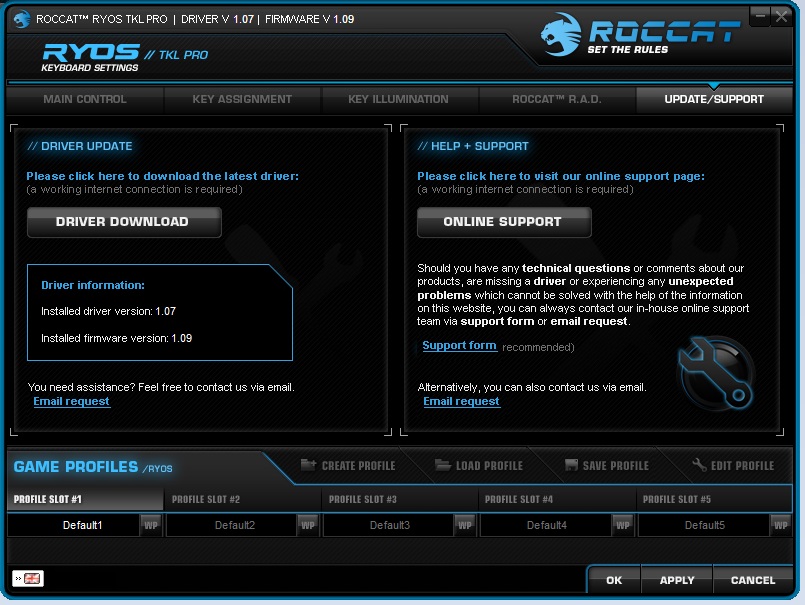
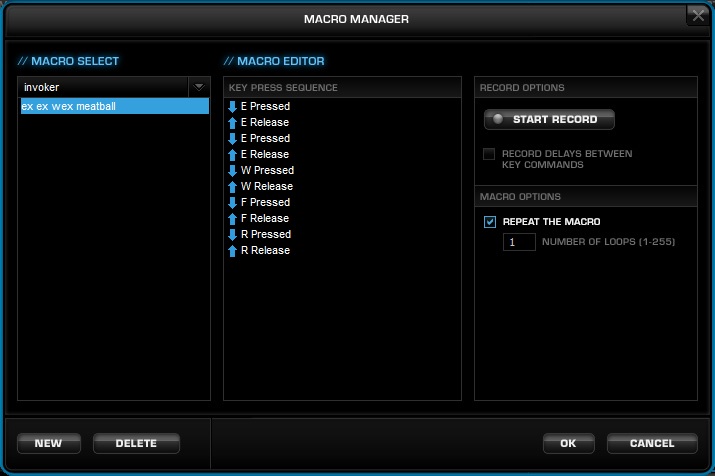
The illumination has 6 brightness levels including off, and the customisation is on a per key basis, ie, you can control the lighting for each individual key. Combined with being able to customise the LED settings for each primary, easy shift and FN modes, you can create a macro/lighting system capable of seriously unlocking the potential of your system. You can set each key to breath, blink or fade. Alternatively, if you enjoy the effect you can use the ripple mode. Arguably the ripple effect and other preset effects are not as flashy as say, the ducky shine 3, but that doesn’t undermine the possibilities presented by the ROCCAT Ryos.
Performance Testing
Performance
Setup was painless, running directly off of proprietary drivers when plugged into a USB 2.0 port. The ROCCAT website is relatively easy to navigate and find the relevant drivers to install and then the fun starts. You can spend as much or as little time as you like in regards to customising the macros and lighting effects, but just by default, the lighting zones are great and useful for the modern touch typer. The key caps feel good quality but seems like a shame that ROCCAT didnt include maybe alternative keycaps for WASD or even add a tactile texture on the WASD keys but this will not be a problem for most.
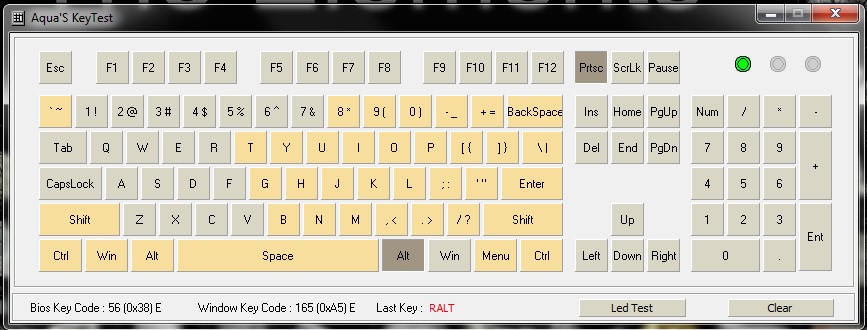
The Ryos TKL Pro isn’t quite full NKRO, but does allow for 30 + 8 keys to be pressed at once, which is more than enough for any human being, or three.
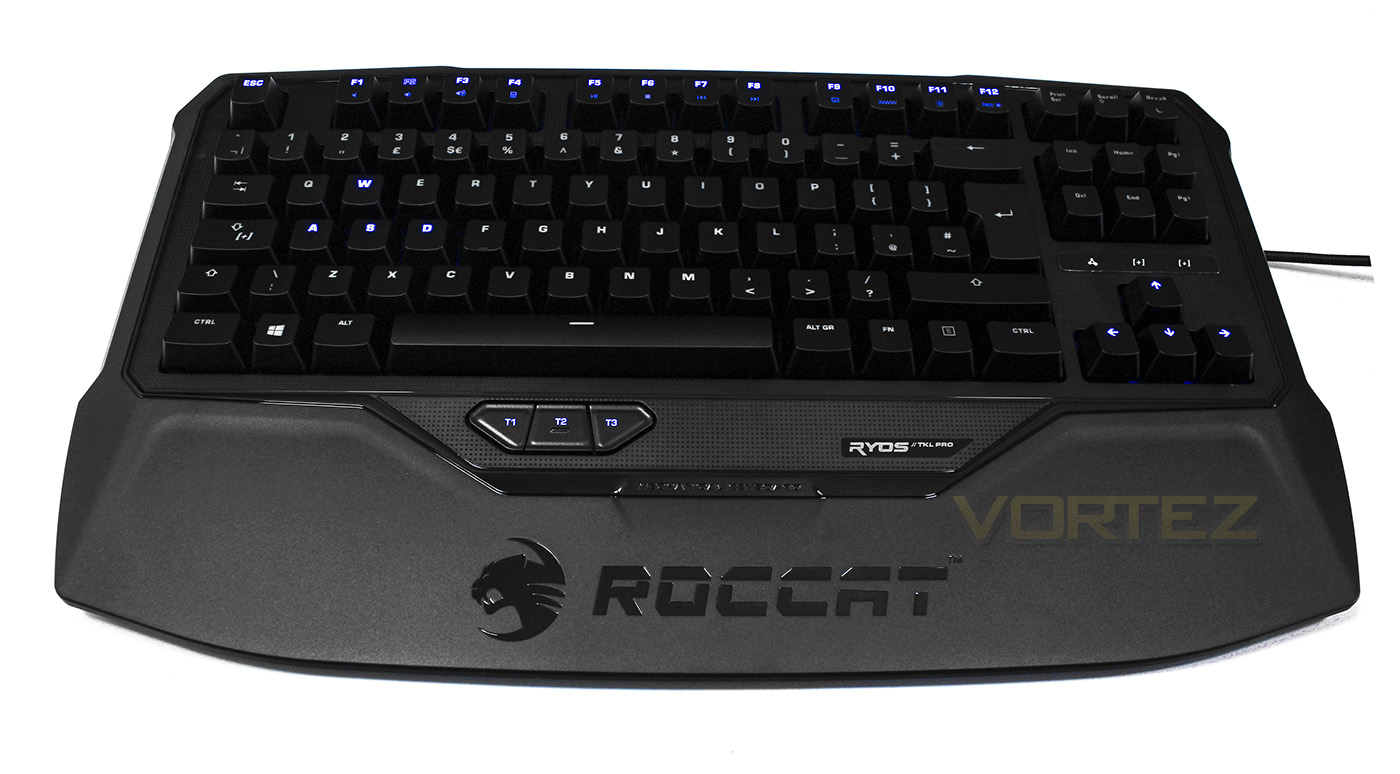
Comfort and usability of the TKL Pro is good and while the built in wrist rest is made of plastic, the tapered angle of the keyboard remains comfortable for typing and gaming. Some would have preferred a kind of removeable option as the built in plastic kind makes it difficult to swap for a cushioned rest. If you are dependant on your numpad, you will find it slightly strange to have this device missing. Even I felt like I was missing the numpad a little, even though I rarely used it, however, the compact design certainly sleek and more space friendly.
There were a couple of incidents between the keyboard and driver where settings weren’t implemented correctly, or, certain keys lighting effect wasn’t correct, IE a key remained lit and didn’t fade, or vice versa, though this seems to be a software issue and unplugging and plugging it back in reset any issues. Though this was a rare occurance which was onset by spamming through various illumination settings and hasn’t occurred since.
In regards to gaming, the macros were certainly fun to play with and that redundant capslock key replaced with the easyshift key made a lot of sense.
Conclusion
If you are looking for a compact keyboard, or in fact, a keyboard in general and could do with saving a little real estate on your desk, then the ROCCAT Ryos TKL Pro may actually be the keyboard for you. Face value, it looks like many other keyboards, with maybe the added benefit of a built in wrist rest but once you look under the hood, you see that ROCCAT have made this extra special.
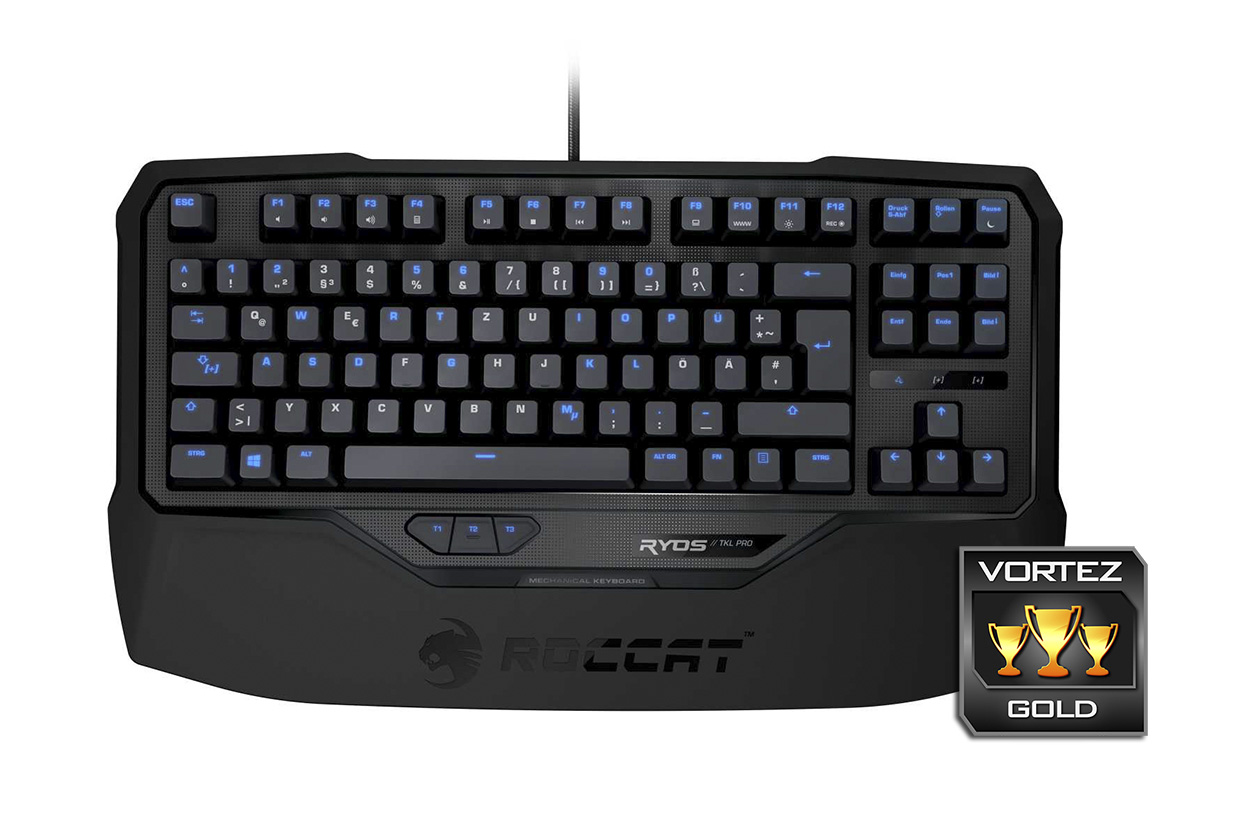
The vast possibilities of shortcuts, key assignments and macros offer a vast potential which makes this a game winning, time saving device that can be appreciated by gamers and non-gamers alike. The lighting control can be controller per key, allowing you to illuminate your layout the way you like, as a reminder where your macros are, or simply for the convenience of seeing each key, the choice is yours.
To note some oversights, there are no built in USB passthroughs which many enjoy for convenience. It is also only available with blue LEDs. Though consdering the cost, construction quality and advanced level of customisation driven by the intelligent processing and software, the Ryos TKL Pro is a winner deserving of our Gold.
The ROCCAT Ryos TKL Pro is compact without compromise, gamers and non-gamers alike will be able to appreciate the solid performance and customisation available at their fingertips.
Pros.
+ Compact TKL design
+ Powerful software
+ Advanced level customisation
+ Comfortable to use
+ Available with MX Cherry Red, Black, Brown and Blue switches
Cons.
– Only available with blue LEDs
+ Compact TKL design
+ Powerful software
+ Advanced level customisation
+ Comfortable to use
+ Available with MX Cherry Red, Black, Brown and Blue switches
Cons.
– Only available with blue LEDs

Click here for an explanation of our awards at Vortez.net.