Supporting both Direct and Xinput, the Quinox is a gamepad for Windows that has game changing features including six additional, programmable buttons.

Product on Review: QUINOX Pro USB Gamepad
Manufacturer & Sponsor: Speedlink
Street Price: UK: £59.99, US: $69.99
Competitive gamers are always looking for that extra help to improve their form. It wouldn’t be fair to not mention SCUF and their modded console gamepads which feature remappable paddles on the rear to help keep your thumbs on the sticks when it is most vital. Since then, this market has been tapped by Microsoft with the Xbox Elite controller as well as Razer and various other brands looking to give gamers that competitive edge. However, these enthusiast features tend to come with hefty price tags, when you consider that the standard console controllers tend to be relatively pricy anyway, it tends to be an upgrade that can hit your wallet hard.
It would seem that Speedlink have taken a step back and thought about how they could offer a great quality gamepad modelled on the Xbox One controller for PC gamers and the result is the Quinox. It supports both Dinput and Xinput, has 4 accessible paddles at the back and an additional 2 extra buttons by the bumpers which can all be programmed. It also features intense vibrations, LED lighting, and an OLED screen to help navigate the options. This would seem to be a lot of gamepad for the price, especially if you compare it to the £100+ SCUF/Elite/Wildcat alternatives, though are there any drawbacks to be found?
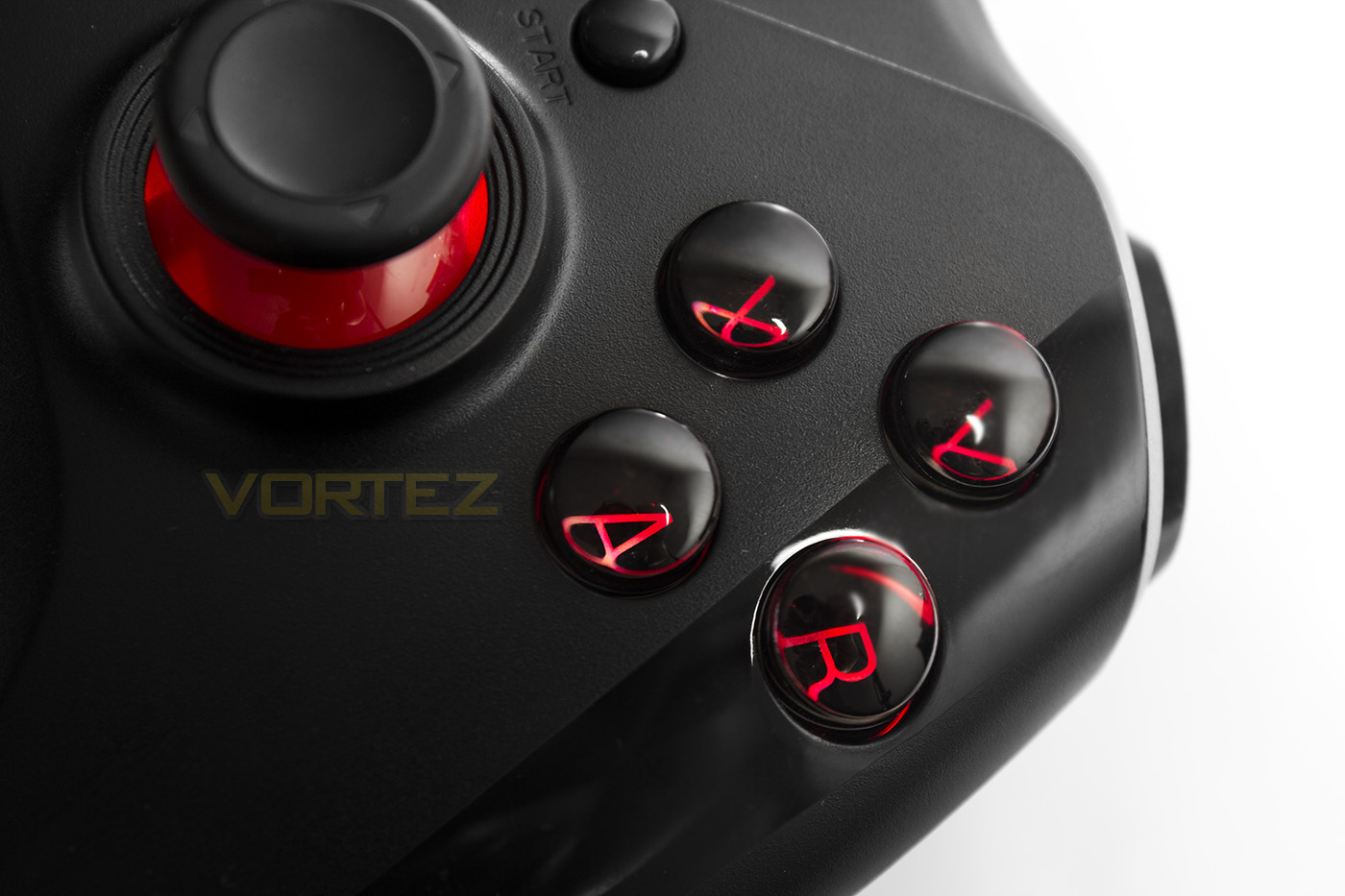
Overview by Speedlink
Always wanted a configurable gamepad? Then the new QUINOX is the one you’ve been waiting for. In addition to its two analog sticks with integrated buttons plus the D-pad, the USB gamepad has additional buttons on the back. All additional buttons are programmable, including with macros, and assignable to any of the multiple profiles using the software. You can even configure the analog sticks’ sensitivity and the trigger deadzones. And for the perfect gaming experience, the gamepad features a vibration function.
Technical Specifications
Programmable gamepad for the PC
Analog sticks and digital 8-way D-pad for maximum precision
Ergonomically positioned left stick for comfortable analog gaming
2 analog triggers, 2 bumpers and 10 digital buttons incl. Start and Back
2 additional shoulder buttons – freely customisable and with macro support
4 additional buttons on the back – freely customisable and with macro support
2 button profiles for button assignment storage
2 macro profiles for macro storage
2 controls for button programming and settings
Practical OLED display
Intense vibration effects for realistic gaming
Stunning glow
Adjustable analog stick and trigger sensitivity
Detachable USB cable (cable length: 2.4m, micro USB to USB)
Weight: approx. 205g
Analog sticks and digital 8-way D-pad for maximum precision
Ergonomically positioned left stick for comfortable analog gaming
2 analog triggers, 2 bumpers and 10 digital buttons incl. Start and Back
2 additional shoulder buttons – freely customisable and with macro support
4 additional buttons on the back – freely customisable and with macro support
2 button profiles for button assignment storage
2 macro profiles for macro storage
2 controls for button programming and settings
Practical OLED display
Intense vibration effects for realistic gaming
Stunning glow
Adjustable analog stick and trigger sensitivity
Detachable USB cable (cable length: 2.4m, micro USB to USB)
Weight: approx. 205g
Packaging & First Look
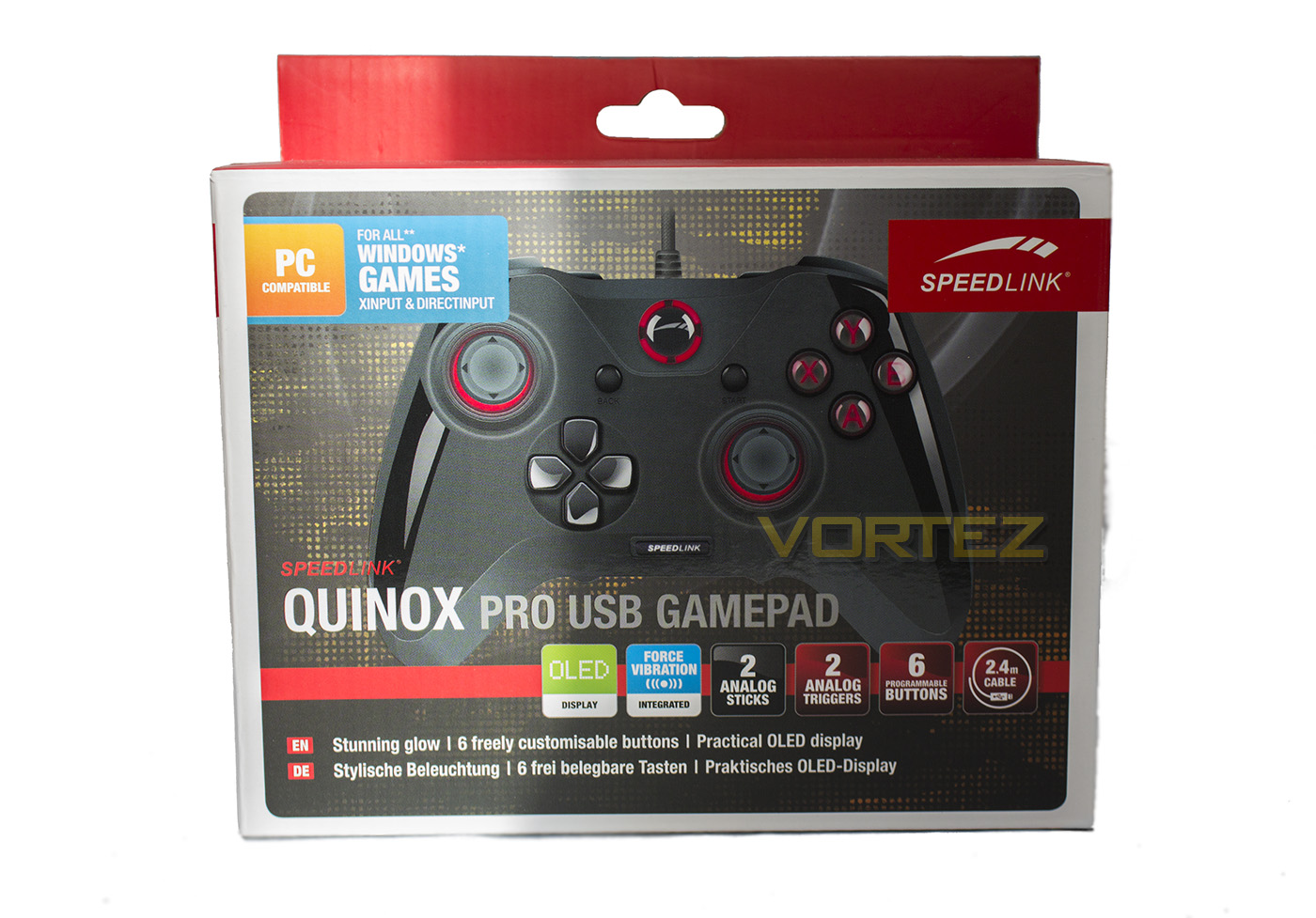
The packaging features an image of the product as well as some information about it, though the overall impression is rather cluttered.
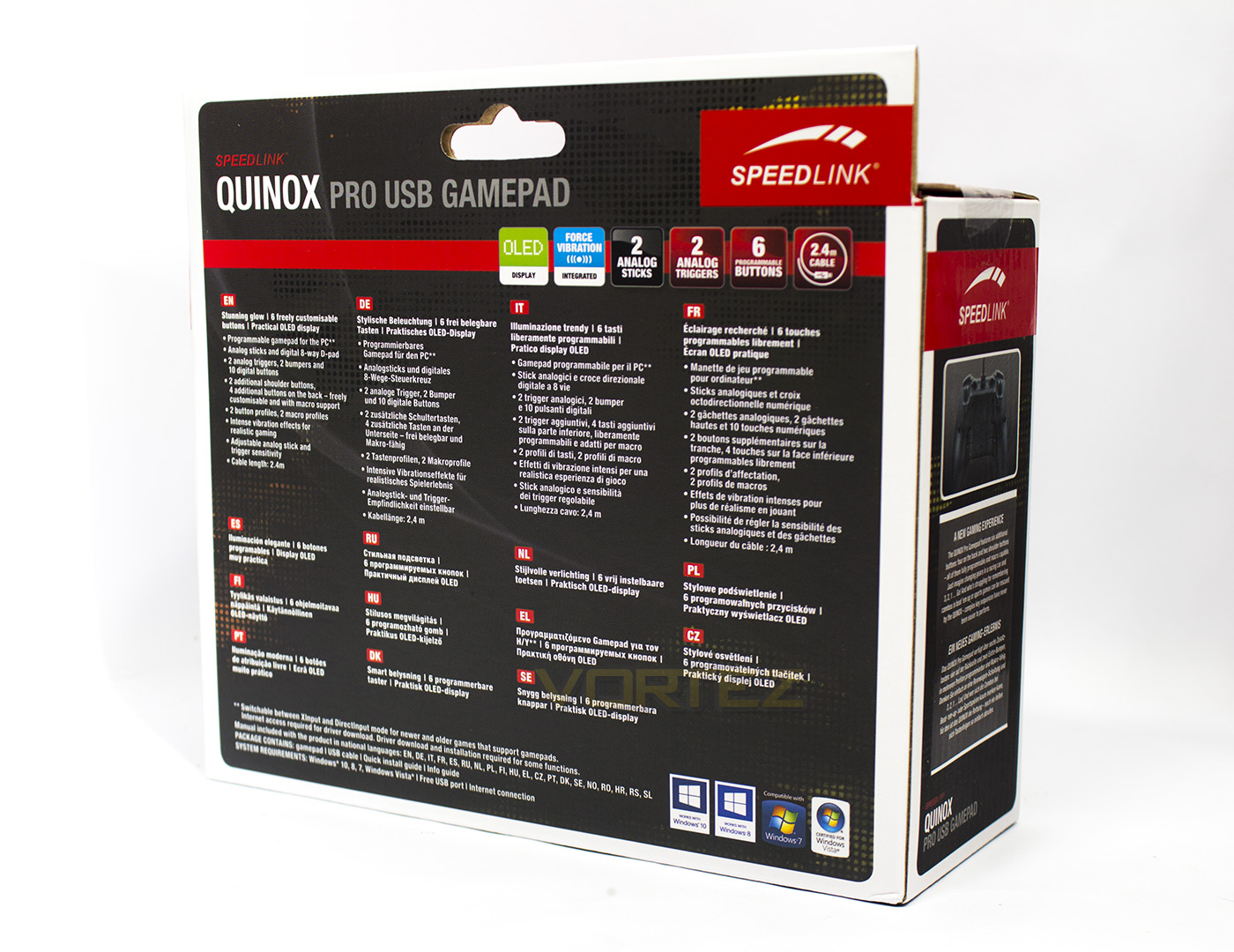
The rear contains more information in various languages while the sides give further information about its features.
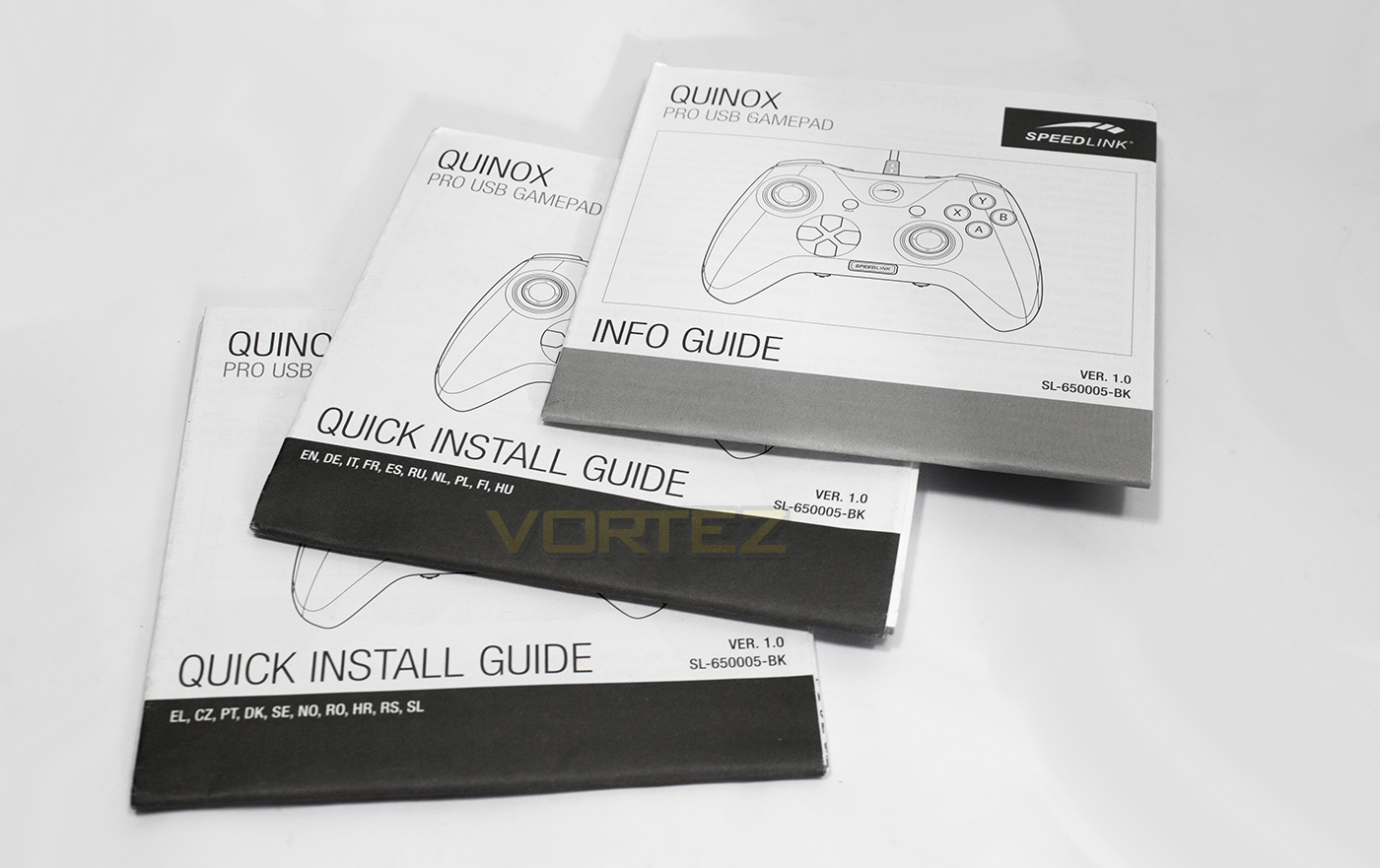
Inside contains some paperwork one for setup, the other two is instructions in various languages
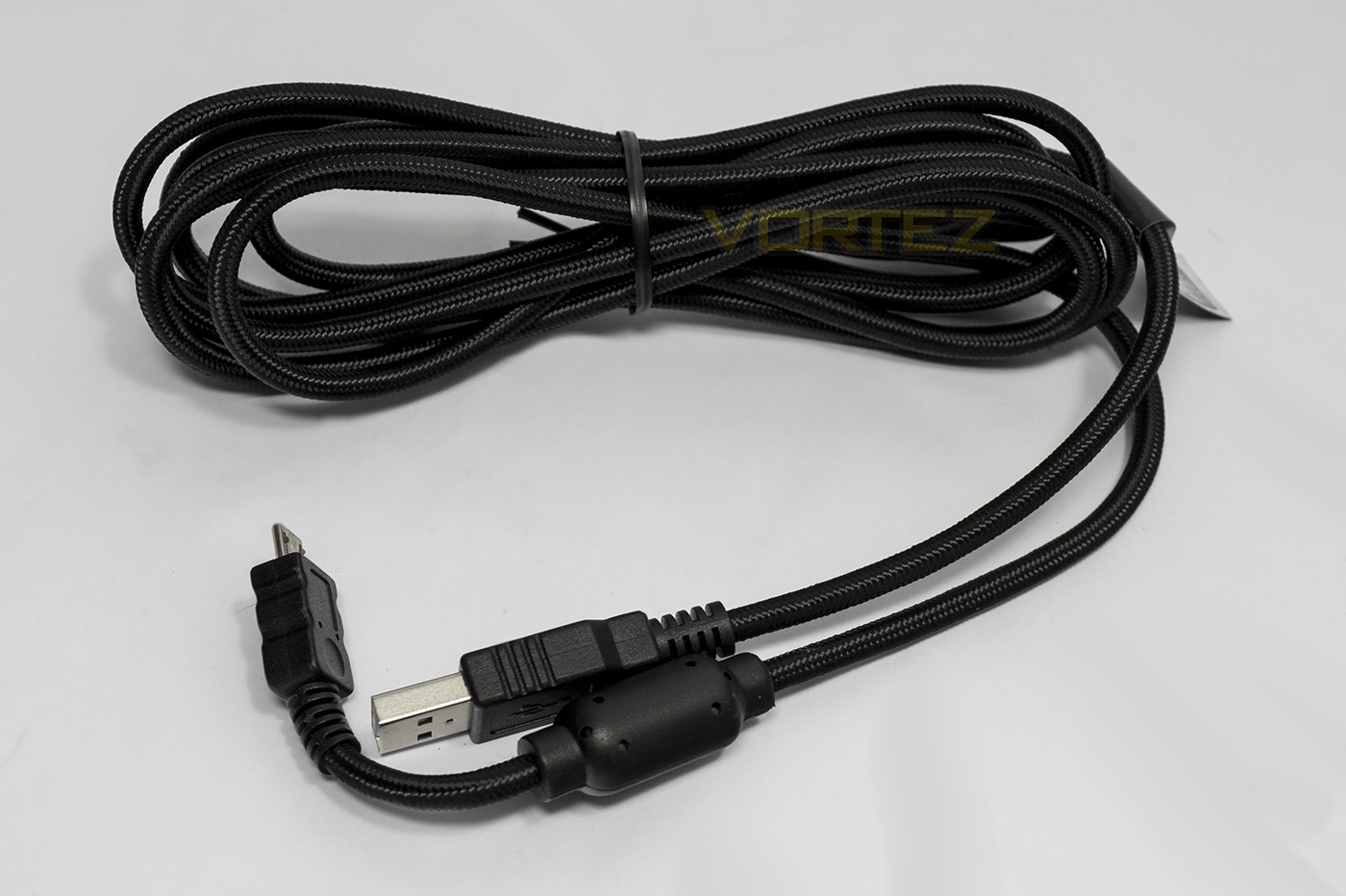
There is a 2.4m braided microUSB to USB cable that is detachable from the controller.
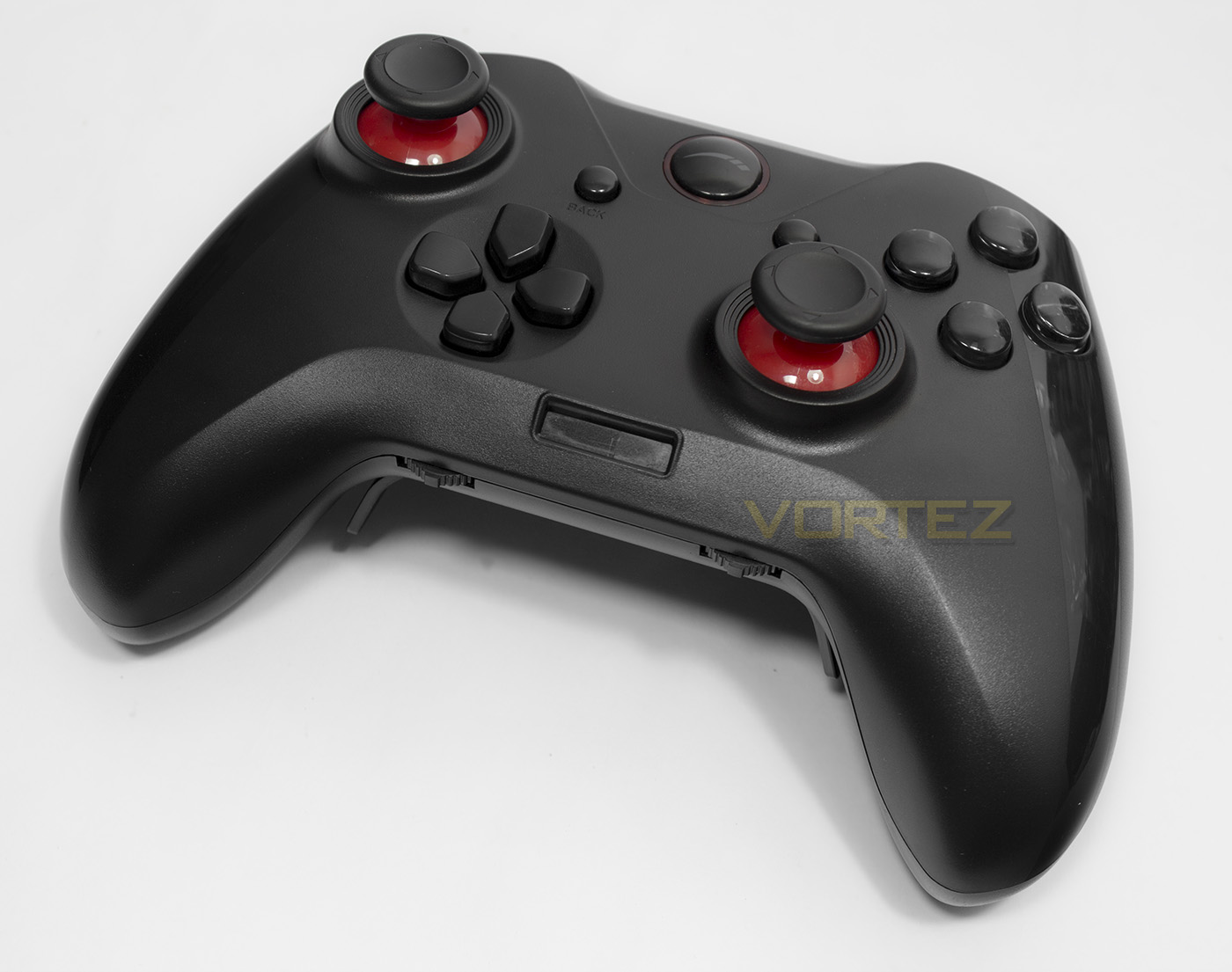
The Quinox gamepad looks like it is largely based on the Xbox One controller and is black with gloss streaks either side. There are accents of red under the thumb-sticks and once powered on it features red LED lighting.
Closer Look
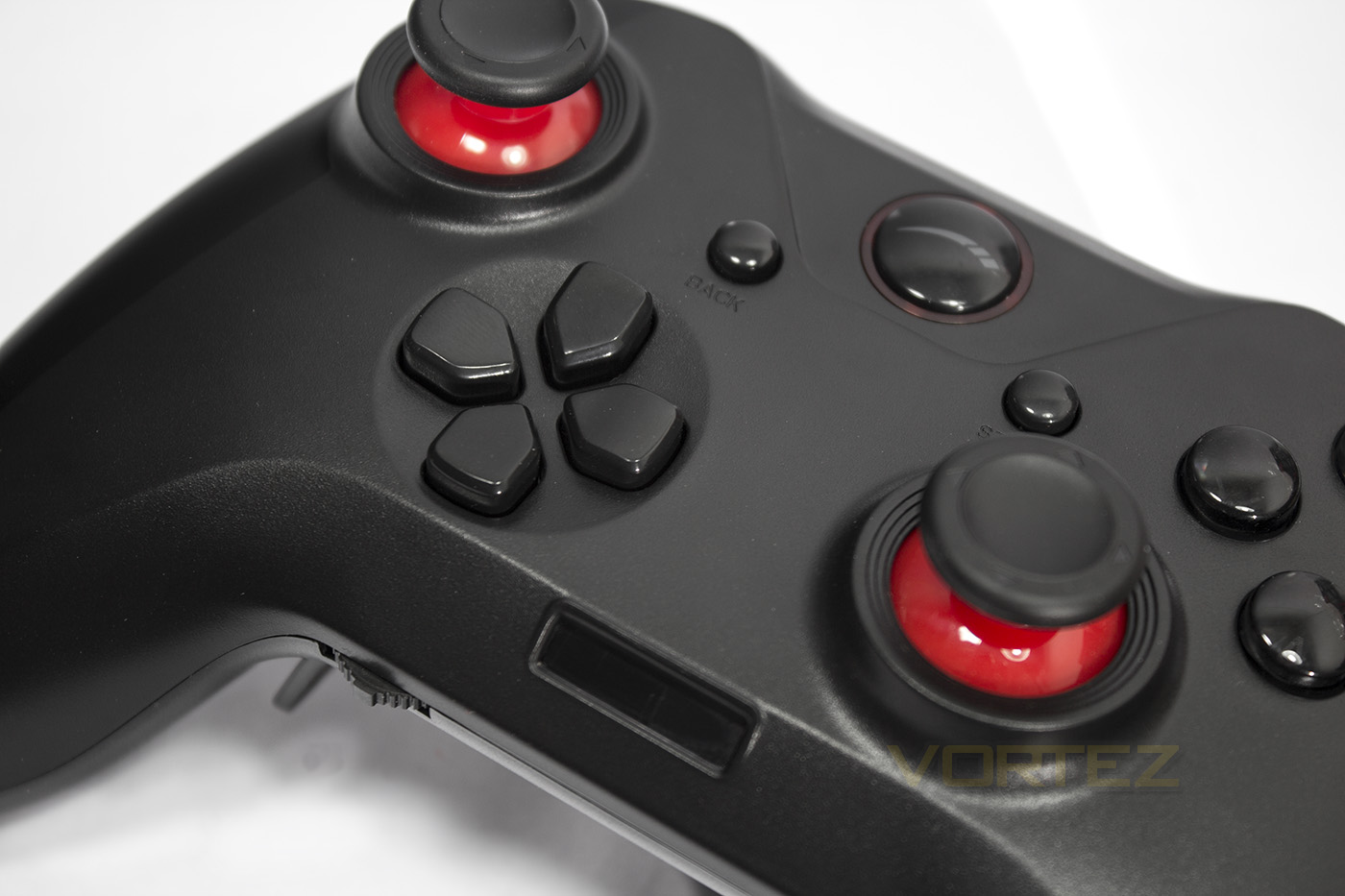
The D-pad has independent buttons similar to the Wildcat. The OLED screen in positioned in the centre bottom region for clear viewing.
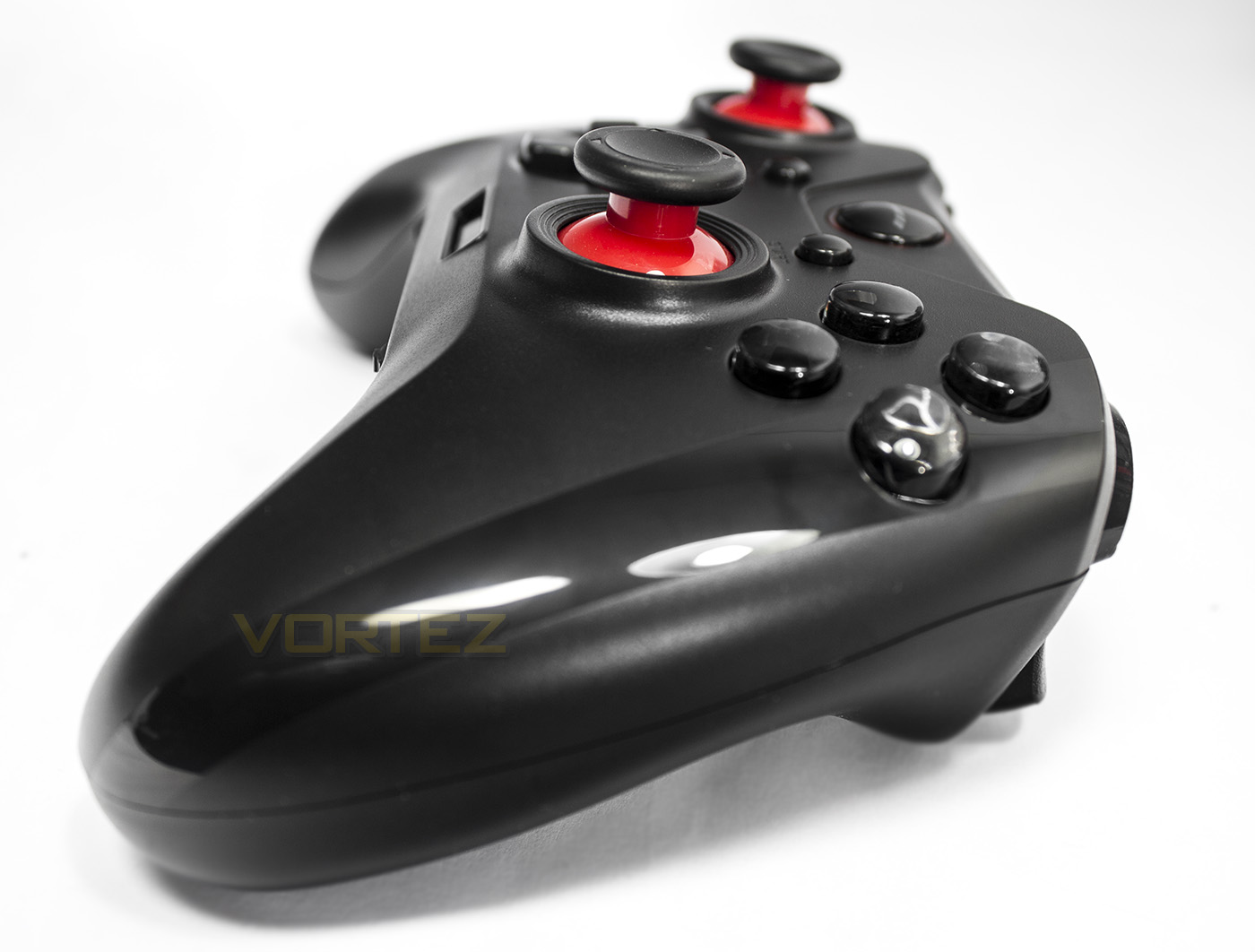
The Quinox thumbsticks do not seem to be replaceable so if you want longer thumbsticks for more control (as some may prefer for racing games etc.) you are out of luck. Though the standard height thumbsticks are more universal and will be appreciated by most.
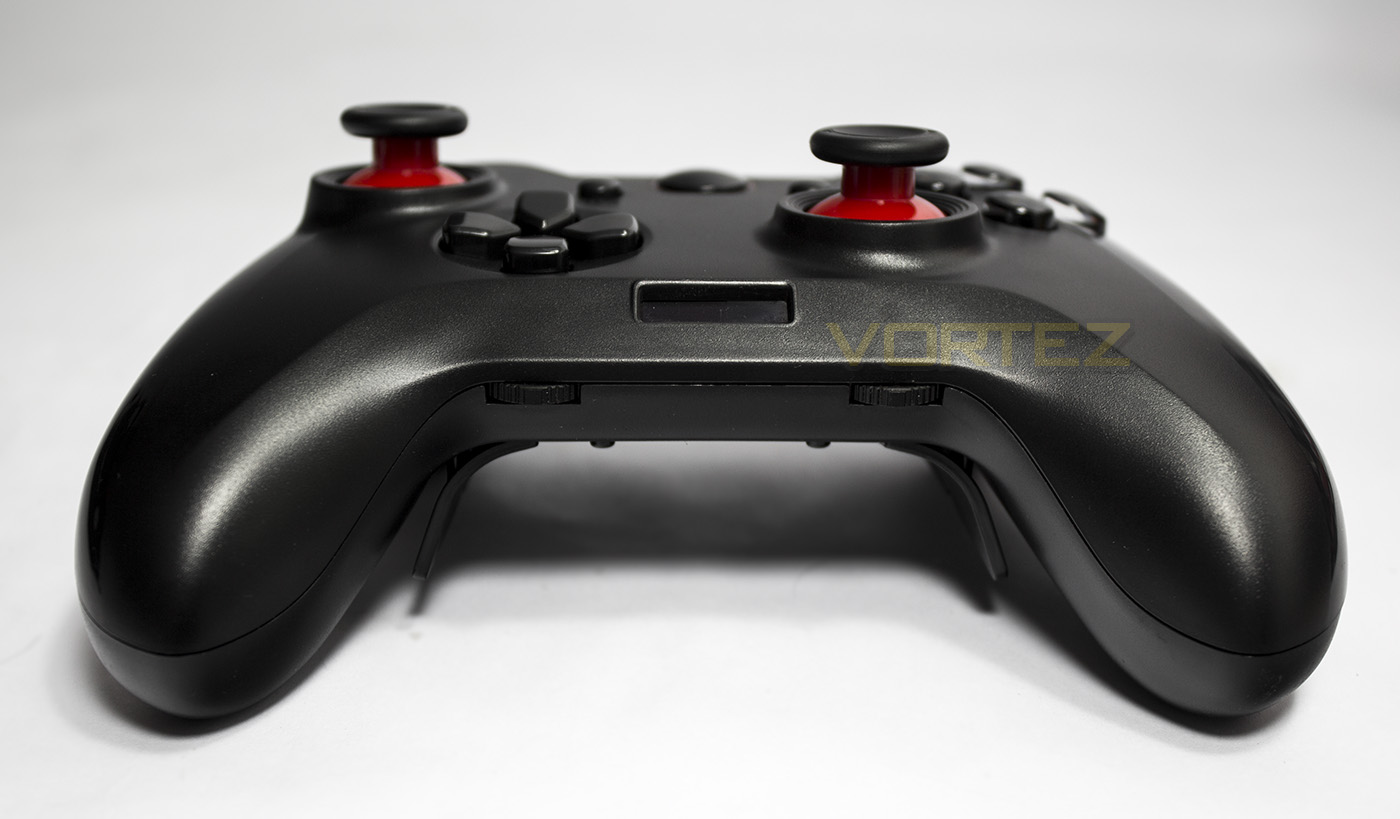
The base near the OLED screen features two controller dials which can be pressed or flicked left and right to navigate the menu.
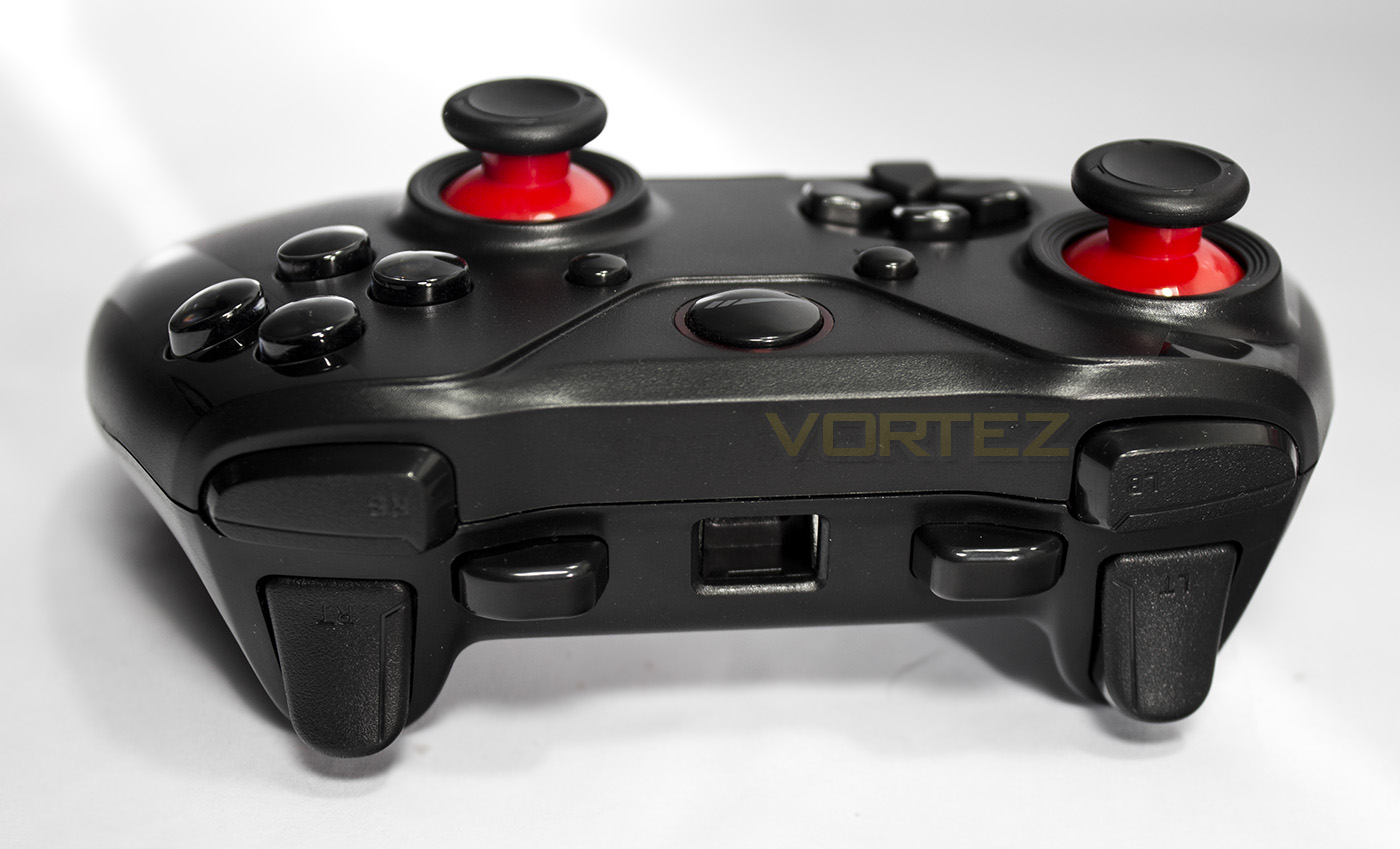
The top side features two analogue triggers, two bumpers and two additional programmable buttons.

The underside of the controller features four shortened paddles which are also programmable. As they are shorter than that found on other controllers like the Xbox Elite, you are less likely to press them by accident, or when placing the controller down on your desk or elsewhere. You will also note the two switches, one swaps between X and D, (Xinput and Direct Input) the other simply states on/off but through trial and error I discovered it turns on/off the vibration.
Performance Testing
Setup, Design & ObservationsOnce plugged into a spare USB port you may need to download the drivers from the product page to run correctly.
The included cable is decent length and quality as to not cause many problems, though unfortunately it isn’t wireless. In the hand it feels light and slightly slimmer than the Xbox One controller but remains comfortable. The rear paddles fit perfectly to where your middle and ring finger tips end up. There is a seem running around the edge of the pad, but it doesn’t distract or cause any discomfort. The sticks move fairly smoothly but feel like it has a rather strong return to neutral force. The analogue triggers feel nice, as do the primary buttons which have a nice about of press/squishiness to them. The additional bumper buttons have a rather firm click to them and could be a little softer, overall it feels rather natural and well rounded. I did find that the Start and Back buttons have a relatively long actuation point, I didn’t find it to cause any problems, but it is something that that could be improved.
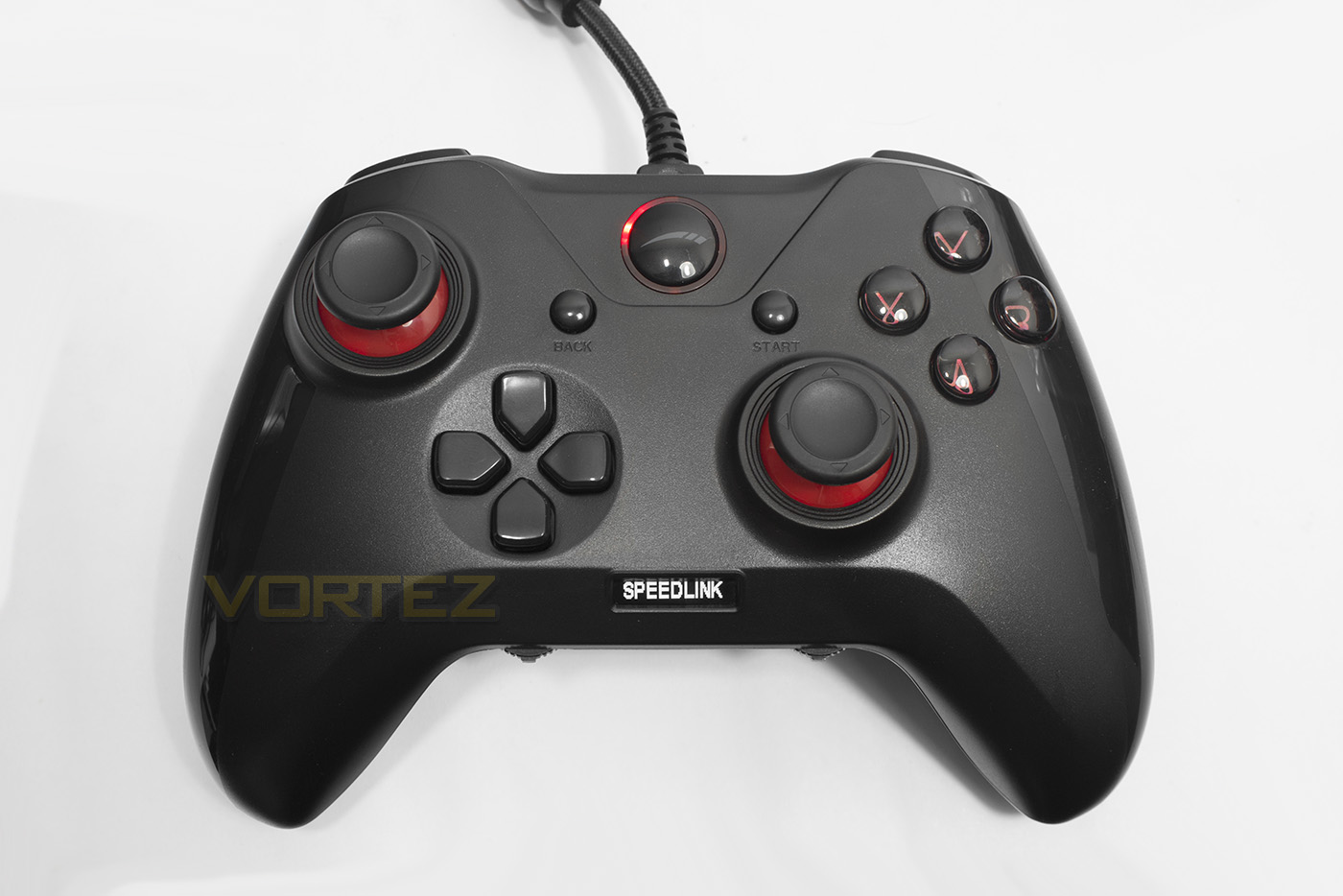
The control dials are separated into left and right in the instructions and can each be flicked left and right to adjust the sensitivity of each corresponding analogue stick. To turn off the LEDs you press in the RIGHT dial and use the Dpad to turn LEDs on/off then press again to apply. To access the different profiles you push in the LEFT dial and then you can navigate between the two profiles and 2x Macro modes. To remap or record the K1-6 buttons (additional paddles/bumpers) highlight profile you wish to save it to, press in the RIGHT dial and the OLED screen will say PROGRAM, you can then press and hold the button you want to program, then press the button you wish to assign to it. For recording macros, you press the sequence of buttons but I found it rather difficult to be creative with the macro function but I did mash the trigger 12 times for an automatic rapid fire of the snub pistol in Gears of War 4, I found that the button limit is 10 actions, still enough to be OP. To reset all profiles you can hold the Back and Start button together for 3s and then press A.

Performance
In game the Quinox felt exactly as you would image the Xbox one controller to be performing, the Dpad is slightly softer to press than the Wildcat Dpad and not so stiff as the Official Xbox One gamepad, I wouldn’t however recommend this Dpad for fighting games, as the buttons don’t feel like they can take an extreme mashing. Though throughout playing Gears of War 4, Ori and the Blind Forest: Definitive Edition and Skyrim: Remastered, the Quinox felt like a legit, good quality game pad with some excellent advantages.
Conclusion
Gamepads featuring additional buttons or paddles at the back almost feels like cheating due to the advantage it can provide. This is because you can perform actions and motions which would otherwise be impossible without letting go of the right thumbstick. Though not a new principle, the current choices are fairly limited to the likes of the SCUF controller, Xbox Elite controller, and a few other offerings. Even compared to these choices, the Quinox hits hard with some neat little tricks up its sleeve. Not only does it have two profiles you can toggle between on-the-fly, it also features a macro mode that can give a game-breaking advantage.
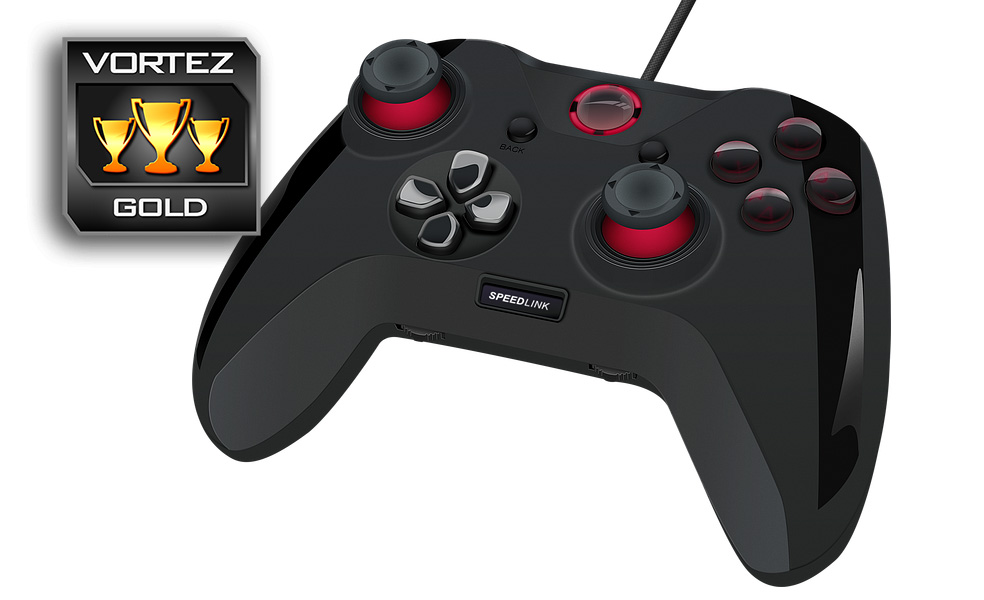
Considering that the Quinox is actually half the price of the Wildcat and the Xbox Elite gamepads, you start to realise the value that Speedlink Quinox is offering, making it that little bit more awesome. So what are the downsides?
Firstly, it only officially supports PC/Windows and is sold as such. This isn’t necessarily a bad thing as PC gamers wanting a high quality gamepad are often stuck with the current Microsoft gamepad. Though things are changing, especially since Sony have now added official DualShock 4 support to Windows, widening the choice for PC gamers. Keeping this in mind both the MS Xbox One gamepad and the Sony DS4 are both wireless and are of high quality construction. The Quinox doesn’t feel like it meets that standard with some buttons feeling a little stiff and clicky, while the Start and Back button feel too squishy. Finally, its vibrations are rather weak and could do with improvement.
All things considered, it is worth noting caution towards how robust the Quinox is and we wonder how long it can take the bashing of a hardcore gamer before something gives. Though on reflection, many gamepads suffer from these same doubts and it is something even the ‘quality’ official console controllers struggle with (Hence the base 90 day warranty on the Xbox One controller). So it is difficult to judge how the Quinox will stand the test of time.
Despite all that, it is hard to deny that Speedlink have something special with the Quinox as it provides the competitive advantage that gamers want at half the price of the major alternatives and in our testing, it certainly didn’t let us down.
With its game breaking features, the Quinox is a stunning choice if you want more than just a run-of-the-mill gamepad.
Pros.
+ Attractive LED lighting
+ Xinput and Direct Input
+ Macro recording
+ 6 additional programmable buttons
+ Comfortable
+ Lightweight
+ Price
Cons.
– Vibration could be stronger
– Some buttons could be improved
– PC only support
+ Attractive LED lighting
+ Xinput and Direct Input
+ Macro recording
+ 6 additional programmable buttons
+ Comfortable
+ Lightweight
+ Price
Cons.
– Vibration could be stronger
– Some buttons could be improved
– PC only support
Click here for an explanation of our awards at Vortez.net.