Mobile gaming has become big business in 2019 and Razer certainly aren’t keen on being left behind. Let’s take a look at the Razer Raiju Mobile featuring Android and PC compatibility.

Product on Review: Razer Raiju Mobile
Manufacturer: Razer
Street Price: GBP £139.99 / USD $149.99 / AU $259.95
Thanks to the ever-evolving power of today’s smartphones, introducing more and more oomph for developers to take advantage of, gaming on mobile phones has become serious business with Player Unknown’s Battlegrounds and Fortnite mustering up hundreds of thousands of players between iOS and Android.
Not wanting to miss out, Razer have spotted a gap in the market and used their expertise within the peripherals sector to their advantage, releasing the Raiju Mobile, a fully-featured controller with PC and Android compatibility. And lets not forget, Razer now make phones, giving them all the more reason to enter this sector.
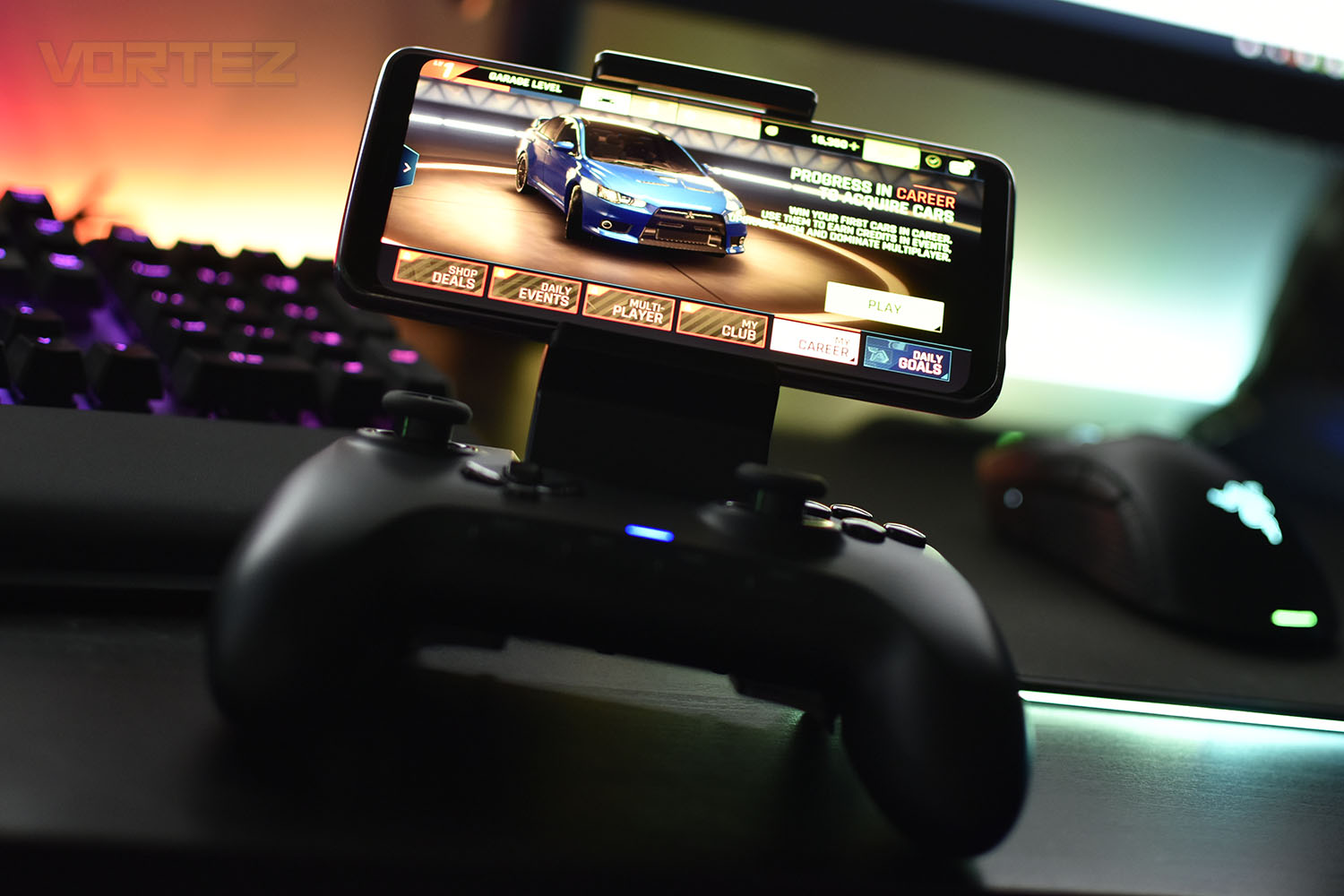
Back in November we looked at the Raiju Ultimate, a £200 gaming controller with RGB lighting and PS4 and Windows support, the Raiju Mobile shares the same design, though much more alike the Tournament Edition with the D-Pad and left thumbstick positioning.
Built into the device is a 60° adjustable phone mount, capable of supporting phones up to 79mm (3.11”) wide with infinite angle settings between 0° and 60°.
Utilising a low latency Bluetooth connection or a USB Type-C connection, the controller allows gaming on the move, but as you may have seen, SteelSeries launched their own competition not long ago, at half the price, so how does this stack up?
Razer on the Raiju Mobile:
Level up your mobile gaming performance. The Razer Raiju Mobile is a gaming controller that syncs with your mobile device and packed with full-fledged advanced features to give you the ultimate competitive edge. Wield the same power of our renowned flagship gaming controllers whether you’re at home or on the go.
Technical Specifications
TECH SPECS
At a glance
4 individually remappable multi-function buttons
Hair trigger mode for rapid fire
Adjustable phone mount
Wireless and wired control
Mobile app control
Tech Specs
4 multi-function buttons
Mecha-Tactile action buttons
Trigger stops for quick-firing action
Mobile app for Android
Up to 23 hours battery life on a single charge
Supports phone widths of up to 79 mm / 3.11 in
Approximate size: 125 mm / 4.92 in (Length) x 159.4 mm / 6.27 in (Width) x 66 mm / 2.60 in (Height)
Approximate weight (without cable): 306 g / 0.67 lbs
System Requirements
Product requirements:
Android™ 6.0 Marshmallow (or higher)
Windows® 7 (or higher)
A free USB-C port or Bluetooth connectivity
Mobile app requirements:
Android mobile device with Bluetooth compatibility
Internet connection
At a glance
4 individually remappable multi-function buttons
Hair trigger mode for rapid fire
Adjustable phone mount
Wireless and wired control
Mobile app control
Tech Specs
4 multi-function buttons
Mecha-Tactile action buttons
Trigger stops for quick-firing action
Mobile app for Android
Up to 23 hours battery life on a single charge
Supports phone widths of up to 79 mm / 3.11 in
Approximate size: 125 mm / 4.92 in (Length) x 159.4 mm / 6.27 in (Width) x 66 mm / 2.60 in (Height)
Approximate weight (without cable): 306 g / 0.67 lbs
System Requirements
Product requirements:
Android™ 6.0 Marshmallow (or higher)
Windows® 7 (or higher)
A free USB-C port or Bluetooth connectivity
Mobile app requirements:
Android mobile device with Bluetooth compatibility
Internet connection
Packaging & Bundle
If you’ve seen anything from Razer in the last few years, the bright green and matte black will come as no surprise, it stands out from the rest and catches the eye well. The large image of the pad on the front of the box as well as the brief features tell you exactly what’s going on, at a glance.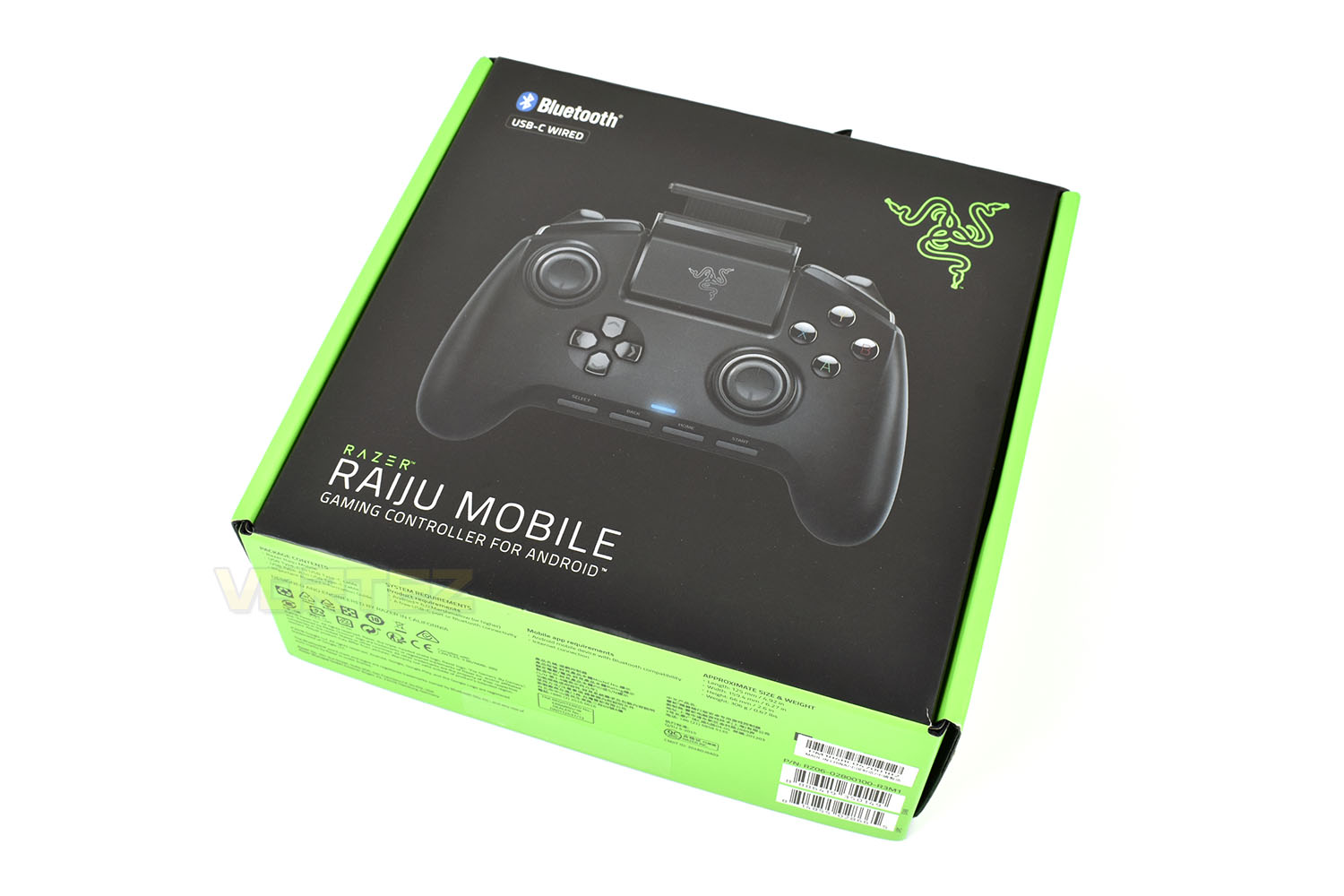
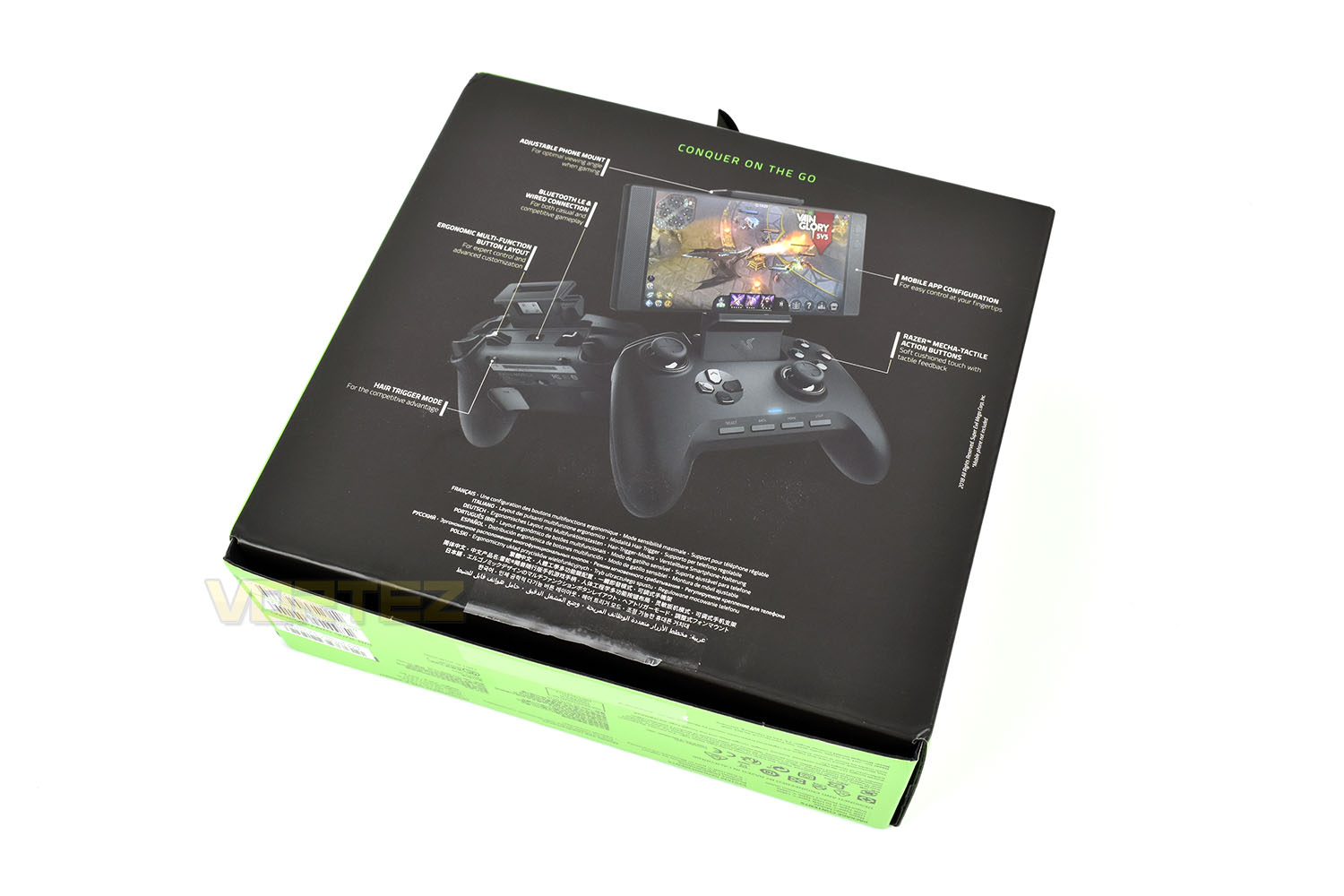
The rear of the packaging shows the controller from a couple of angles, one of which is equipped with the Razer Phone 2. Annotations help to show what’s what.
Encased in open-cell foam and soft foam box, the pad is practically guaranteed to reach you in top condition.
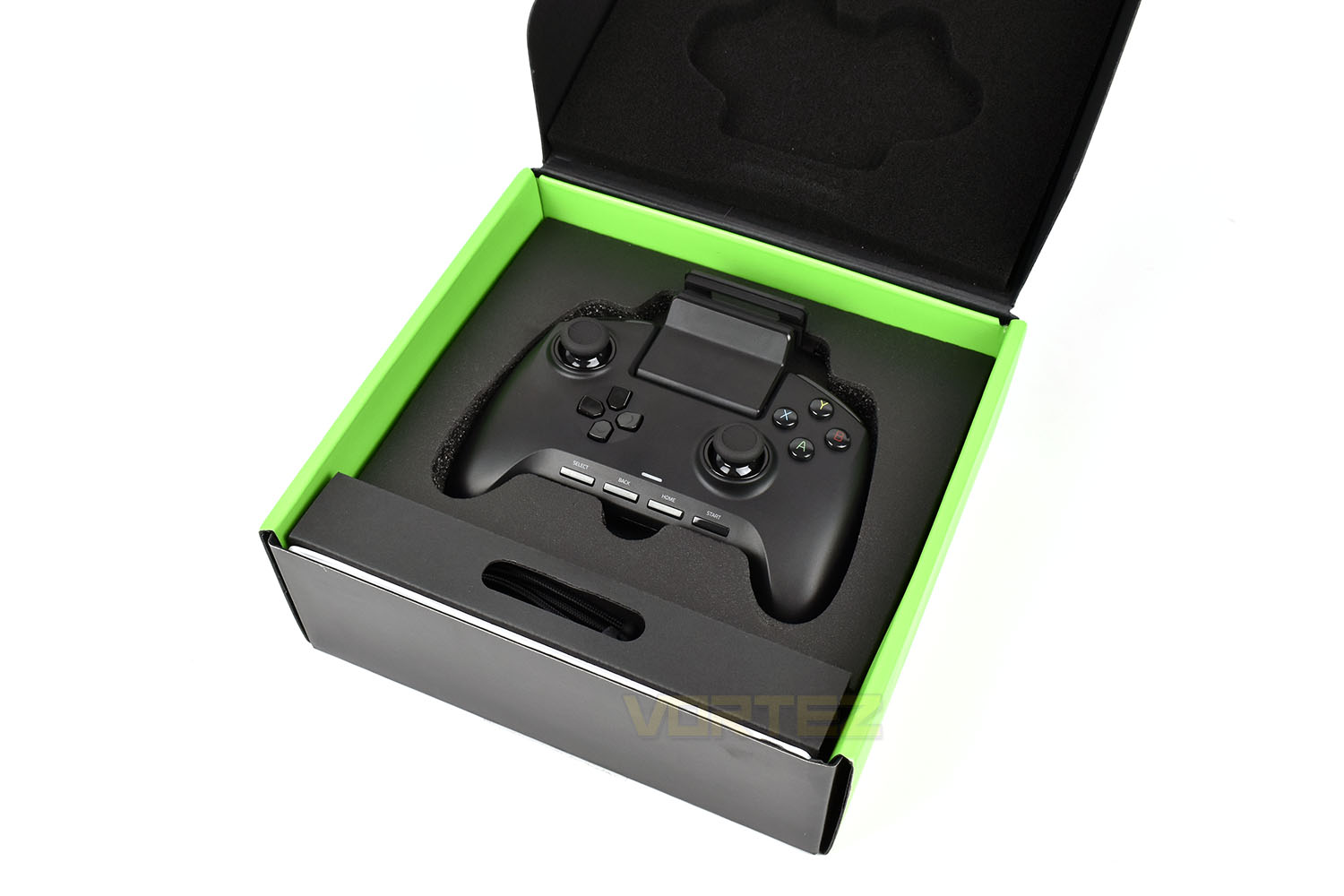
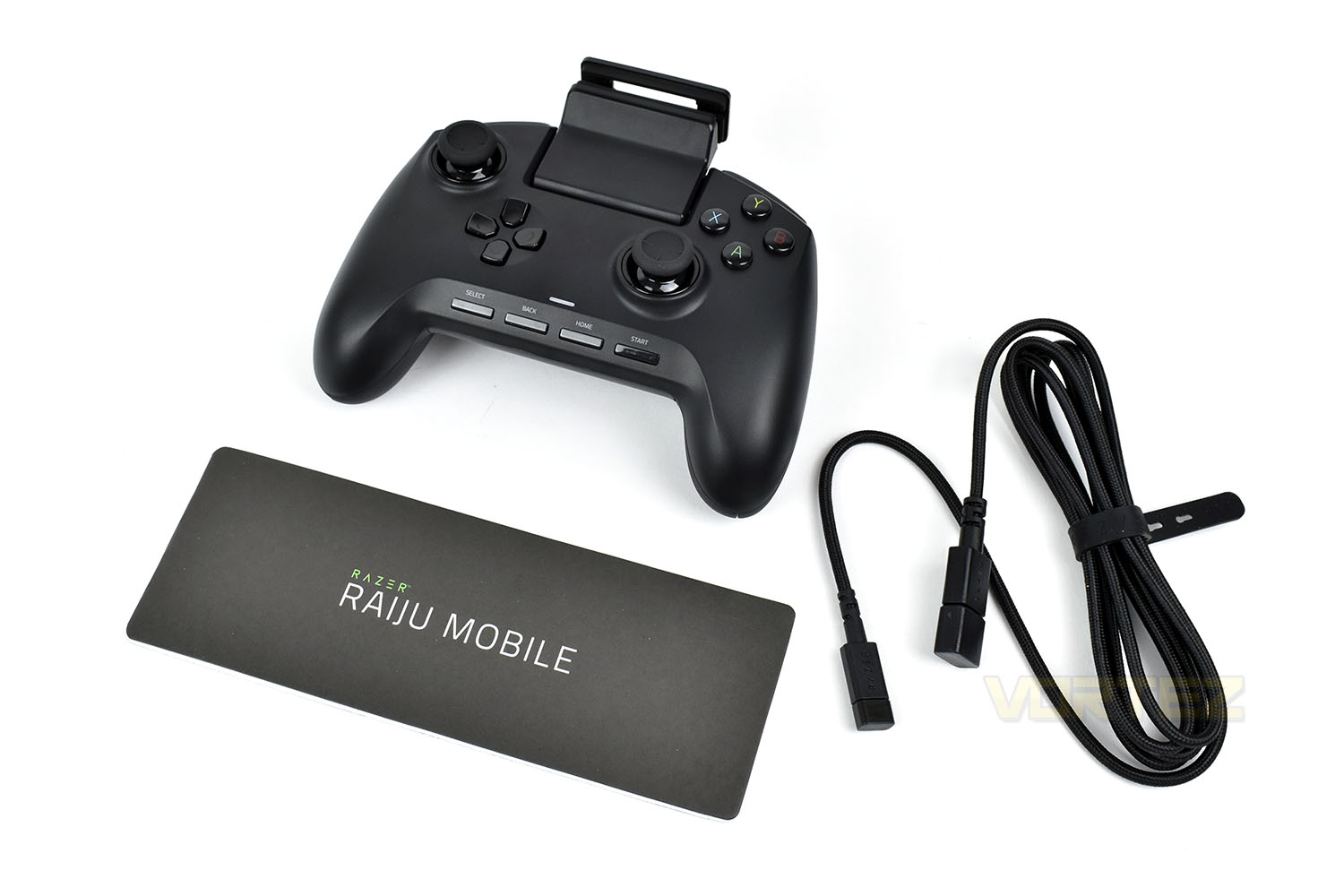
The Raiju Mobile comes with the instruction manual, guiding you through the connection process and a 1.8M USB Type-A to USB Type-C braided cable. The manual states that a USB Type-C to USB Type-C cable should be included but the package was already open when we received it, due to that, we unfortunately cannot comment on that piece.
Closer Look
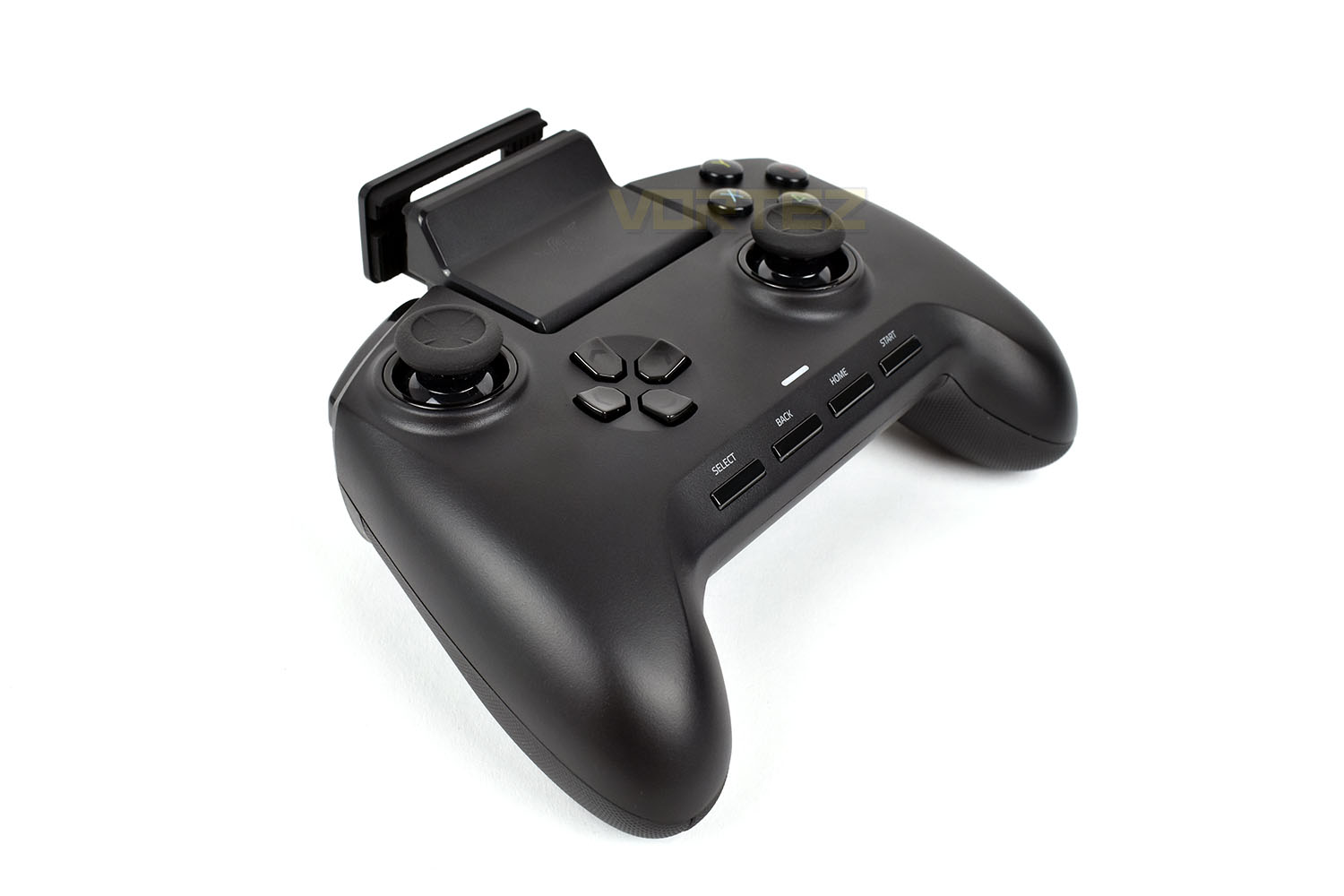
If you look back to our Raiju Ultimate review, you’ll see that there’s been a significant change between the two, with the D-Pad and left thumbstick being swapped around, using a shape much more similar to the traditional Xbox One controller.The Raiju Mobile weighs in at 306g, considerably heavier than any of the competition, but around 65g lighter than the Raiju Ultimate.
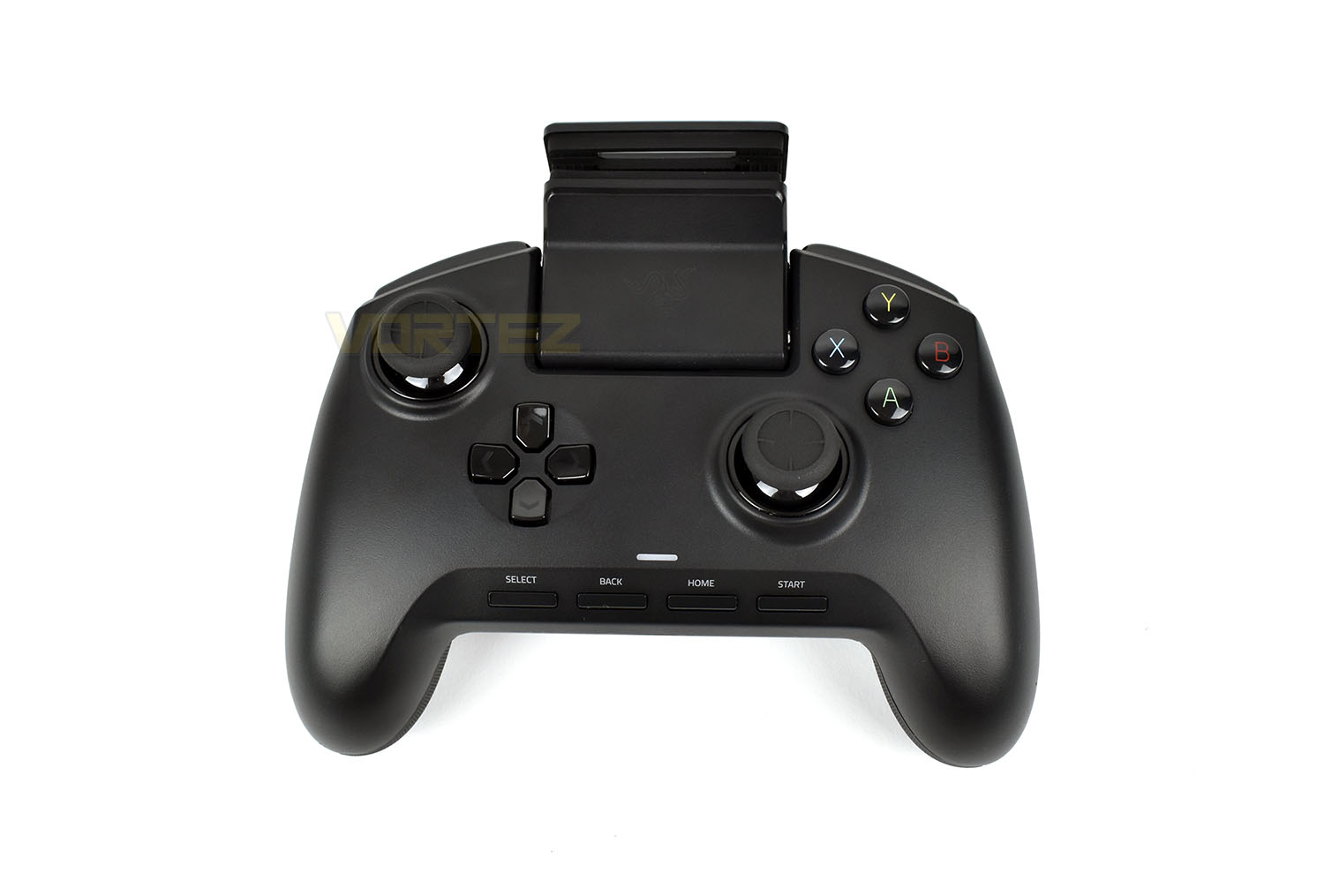
The A, B, X and Y keys feature Razer’s Mecha-Tactile buttons, giving audible and tactile feedback to their actuation.
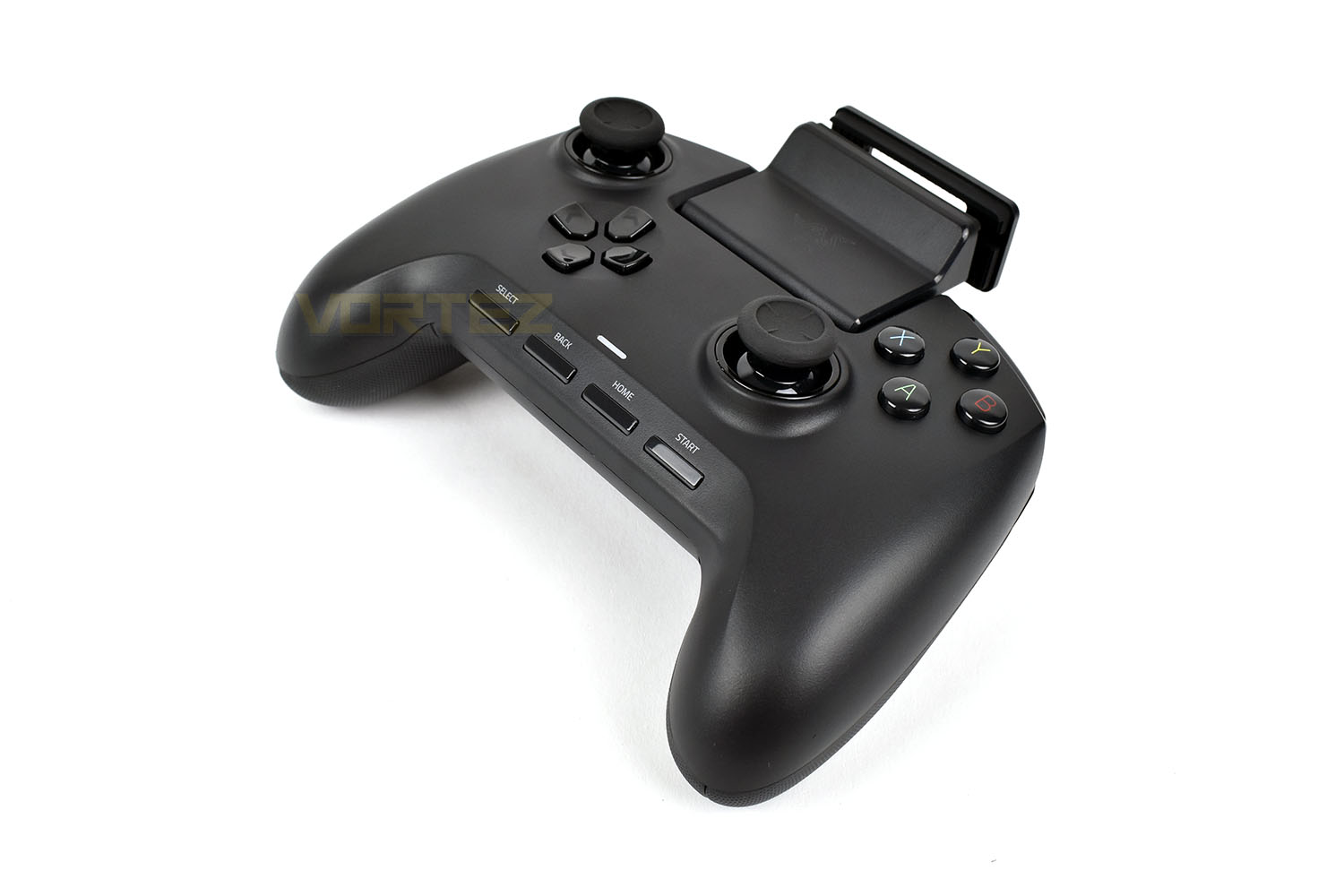
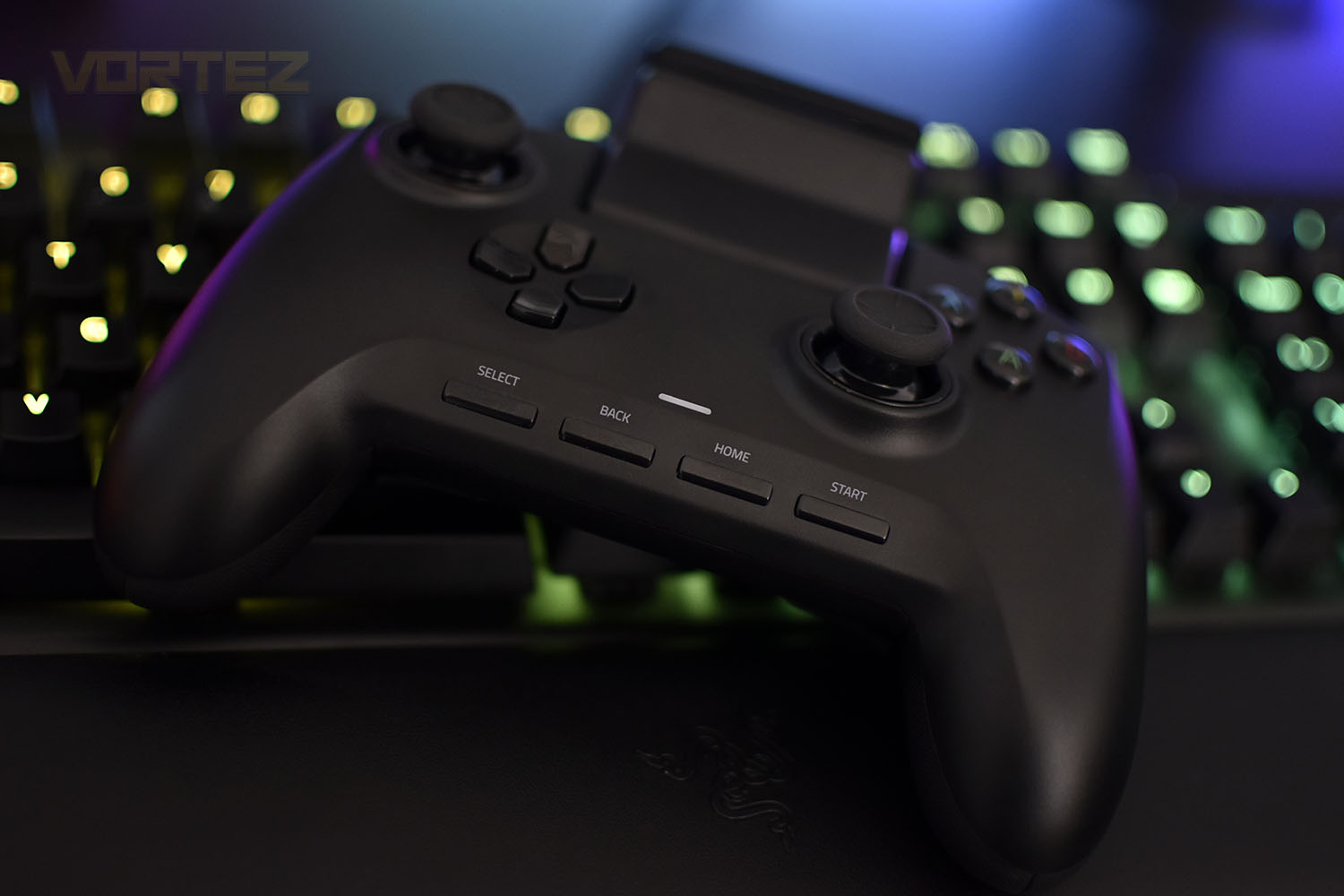
Along the bottom row of the Raiju Mobile are four buttons, Select, Back, Home and Start, these can be used in both the PC menus and on your Android device. If you noticed the lack of any buttons above the D-Pad and right thumbstick, this is where you’ll find those.
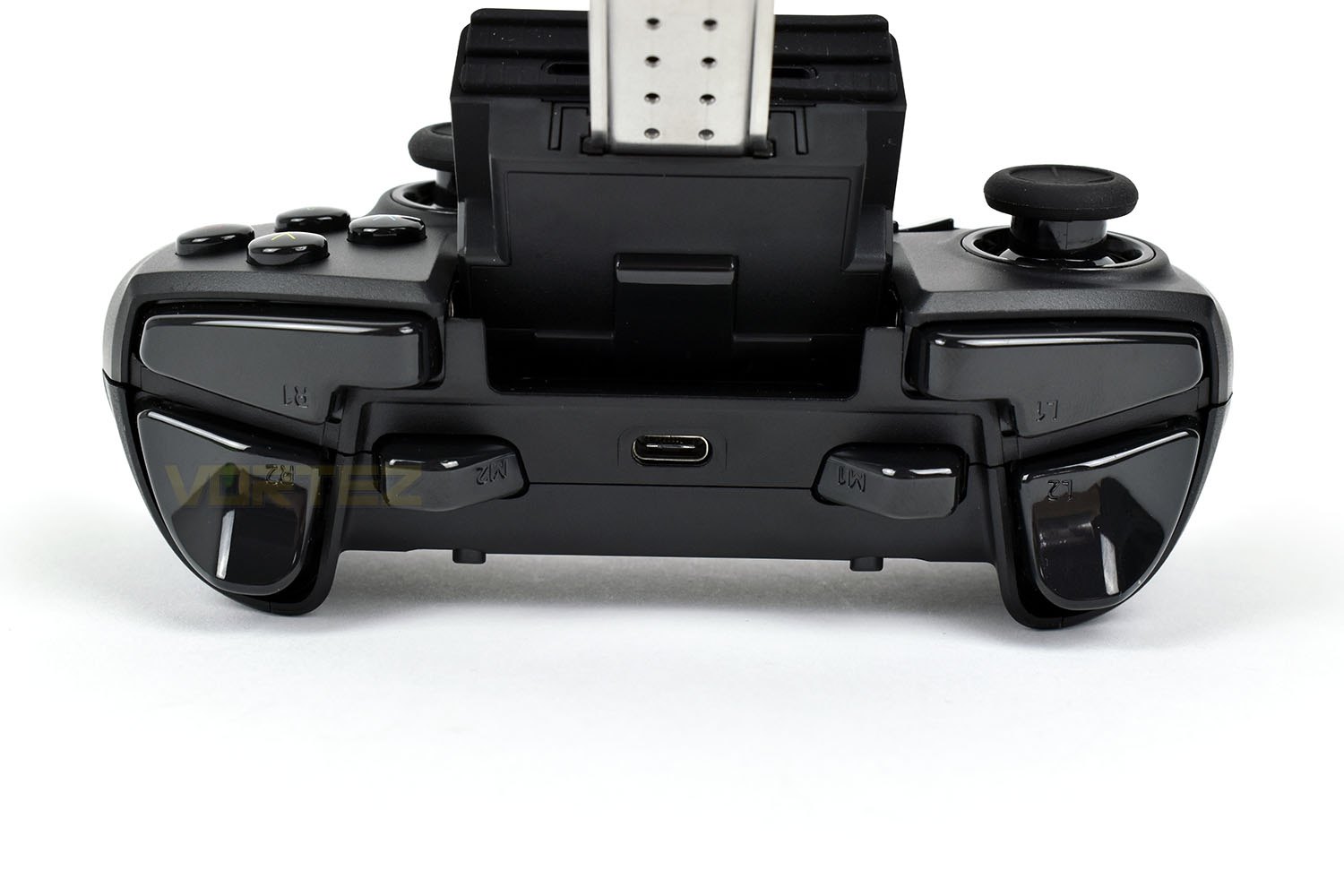
Looking at the top of the controller, Razer have used the typical PlayStation naming theme for the shoulder buttons, with L1, R1, L2 and R2, though they’ve also included the third set of shoulder buttons, residing inboard of the traditional buttons, with M1 and M2; these can be configured to perform specific actions within games.
In the centre is the USB Type-C connection, used for charging the controller and connecting to your PC/mobile phone if you don’t wish to use Bluetooth.
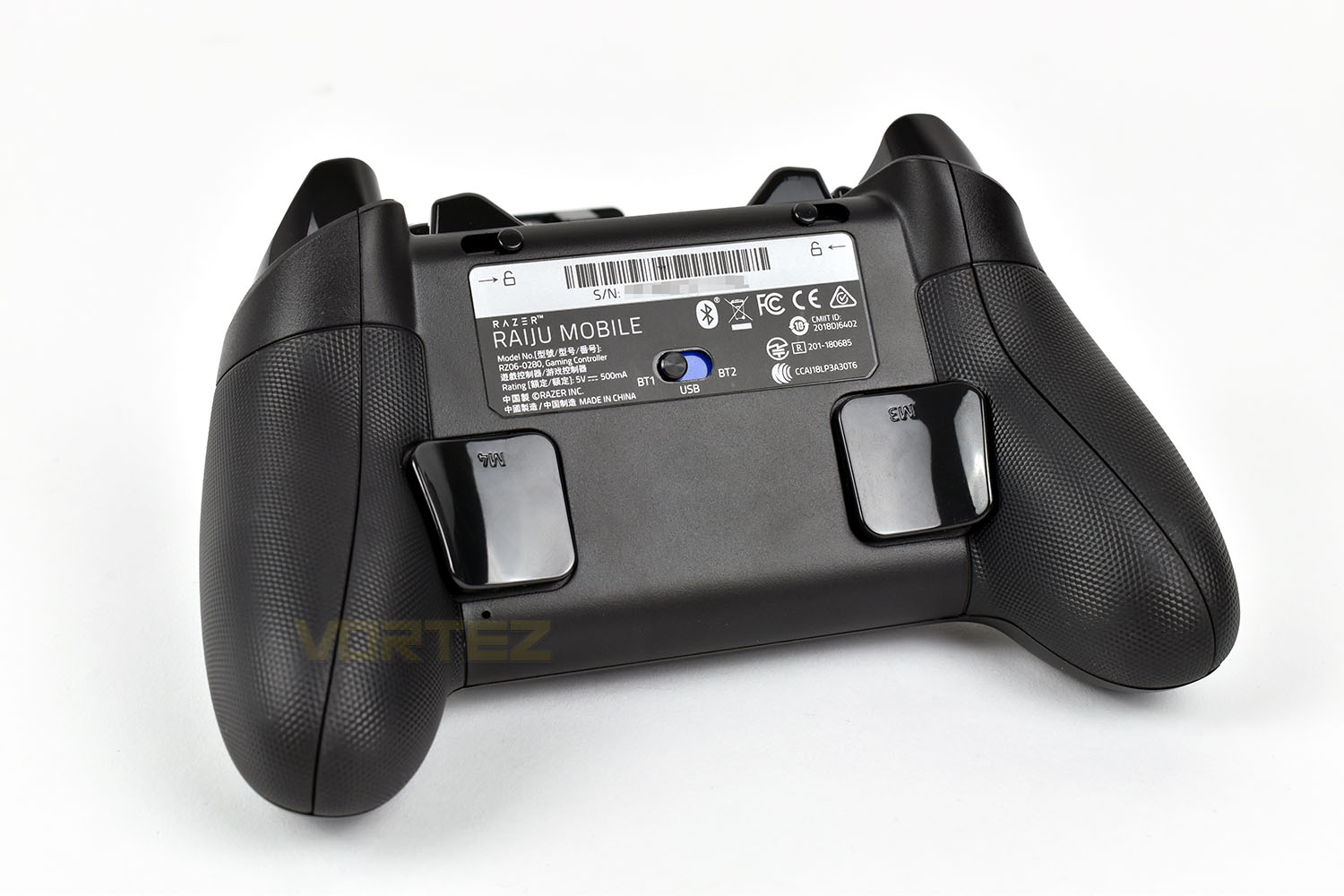
Finally, tipping the controller onto its front, we can see the M3 and M4 buttons, like on the Raiju Ultimate. These are very similar to the M1 and M2 keys in that they can be configured to whatever you like; they’re handy as gearbox controls in racing games, for instance.
Above the product label are a pair of switches, these change the actuation of the two trigger buttons on the top of the controller, changing from a typical trigger to hair-trigger mode for faster actuation.
Finally, in the centre is the connection switch, allowing you to assign two different Bluetooth devices without manually re-pairing, as well as a USB mode for your Android device/PC.
Closer Look (Continued)
Moving onto the phone mount, which is what sets this pad apart from the Tournament Edition.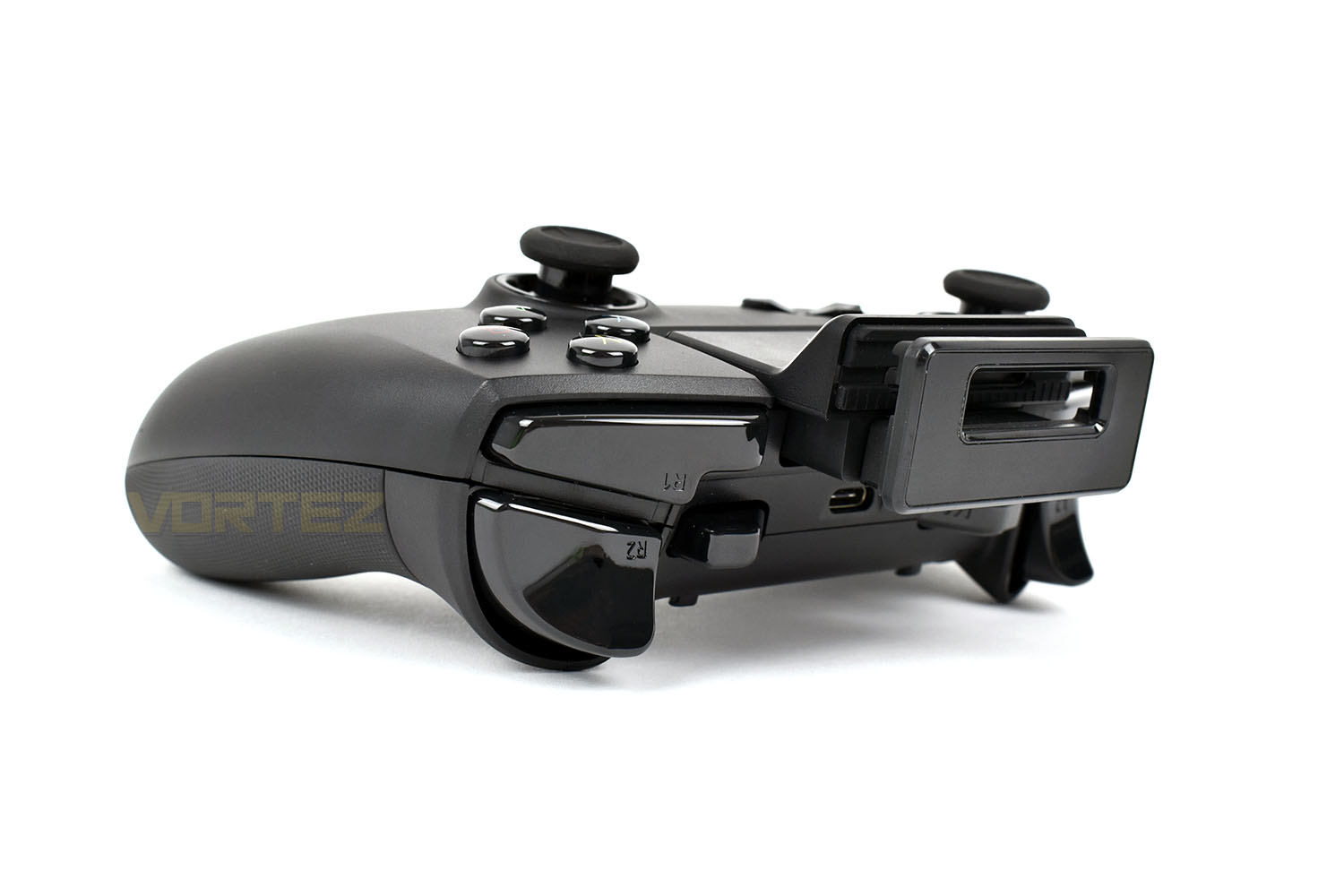
Firstly, the top part of the phone clamp must be pulled out to its full extent; this is because the metal backplate resides partly inside the body of the controller.
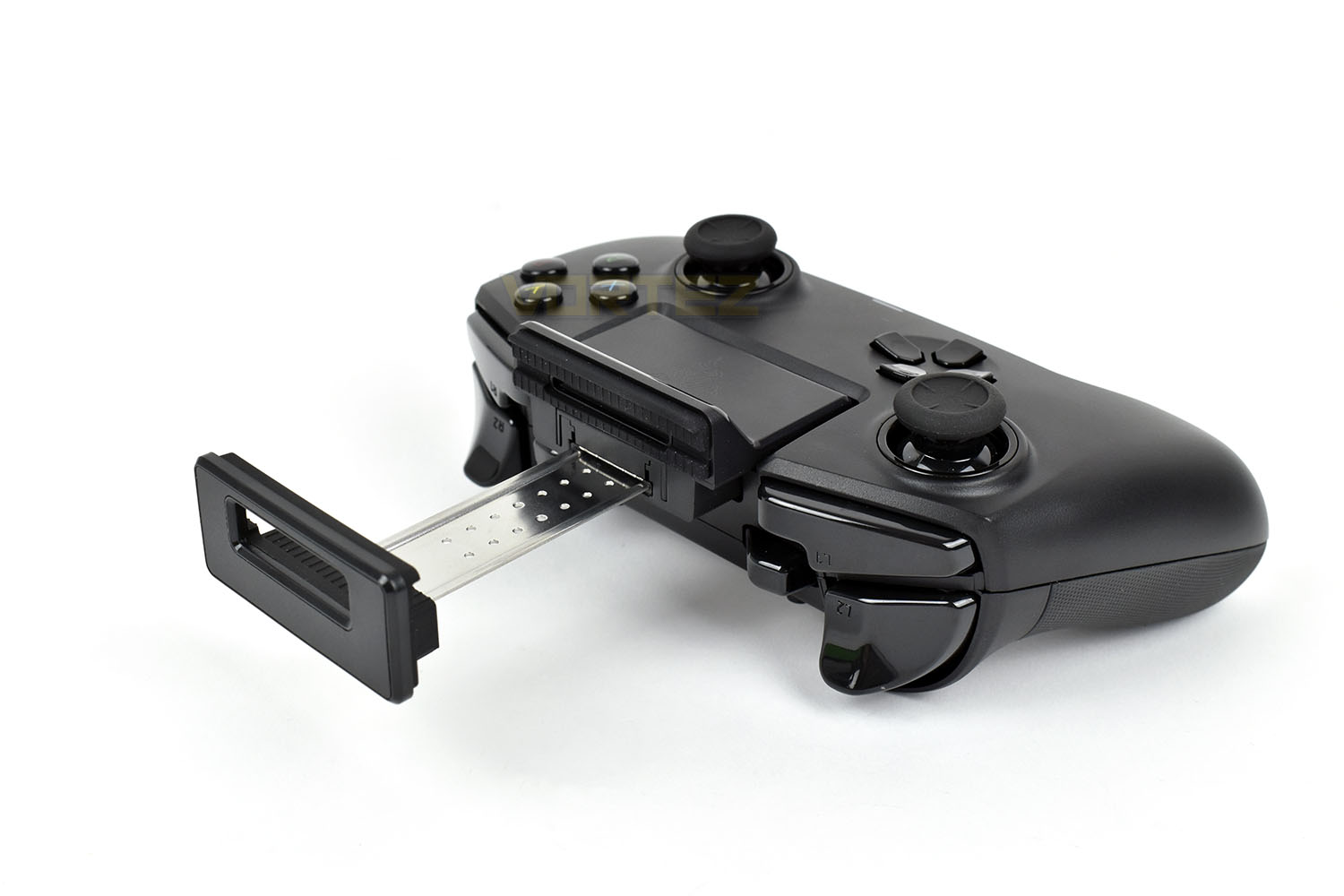
The hinge can then be altered, to whatever angle you fancy, between 0° and 60° and the clamp can accept a phone up to 79mm in width.
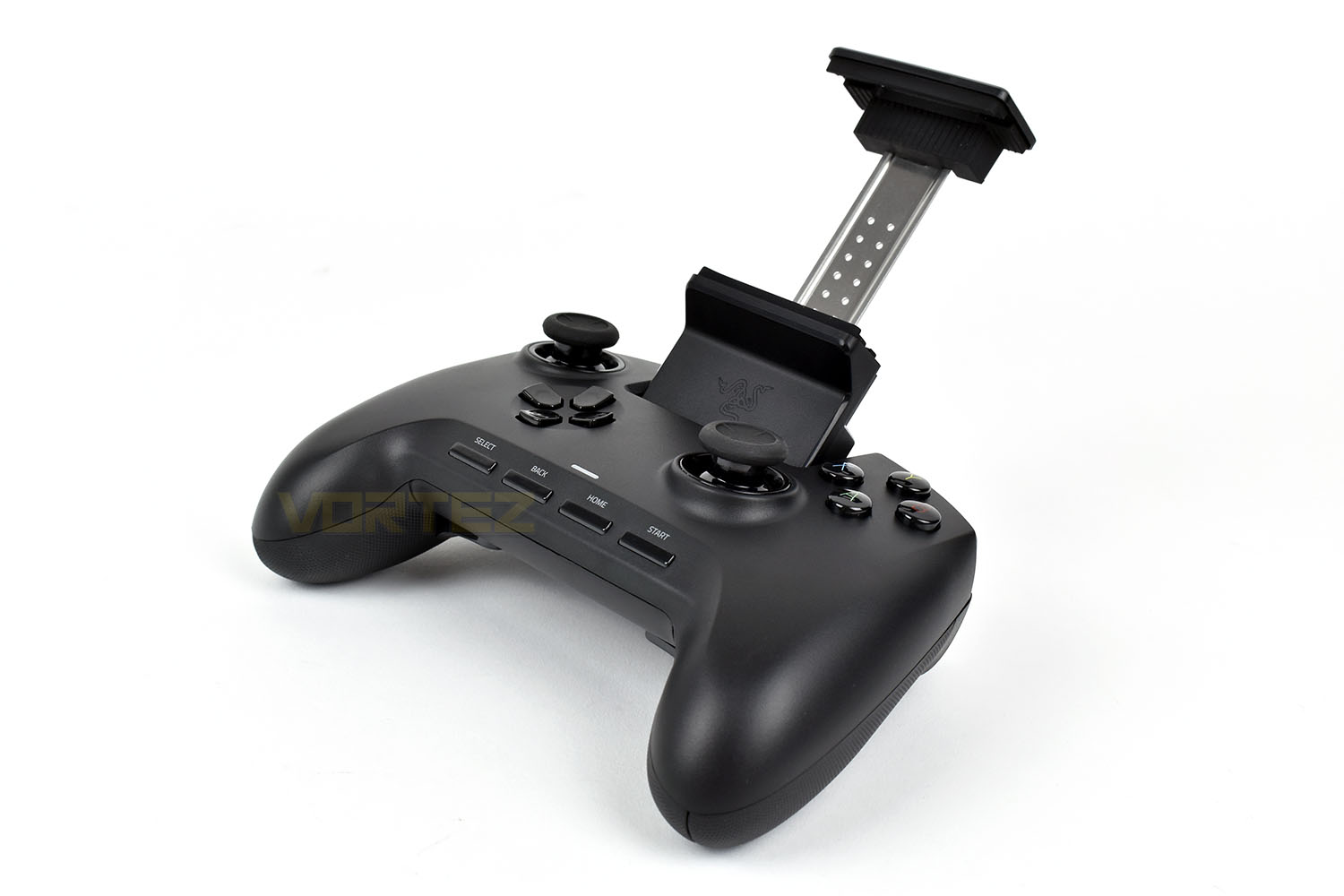
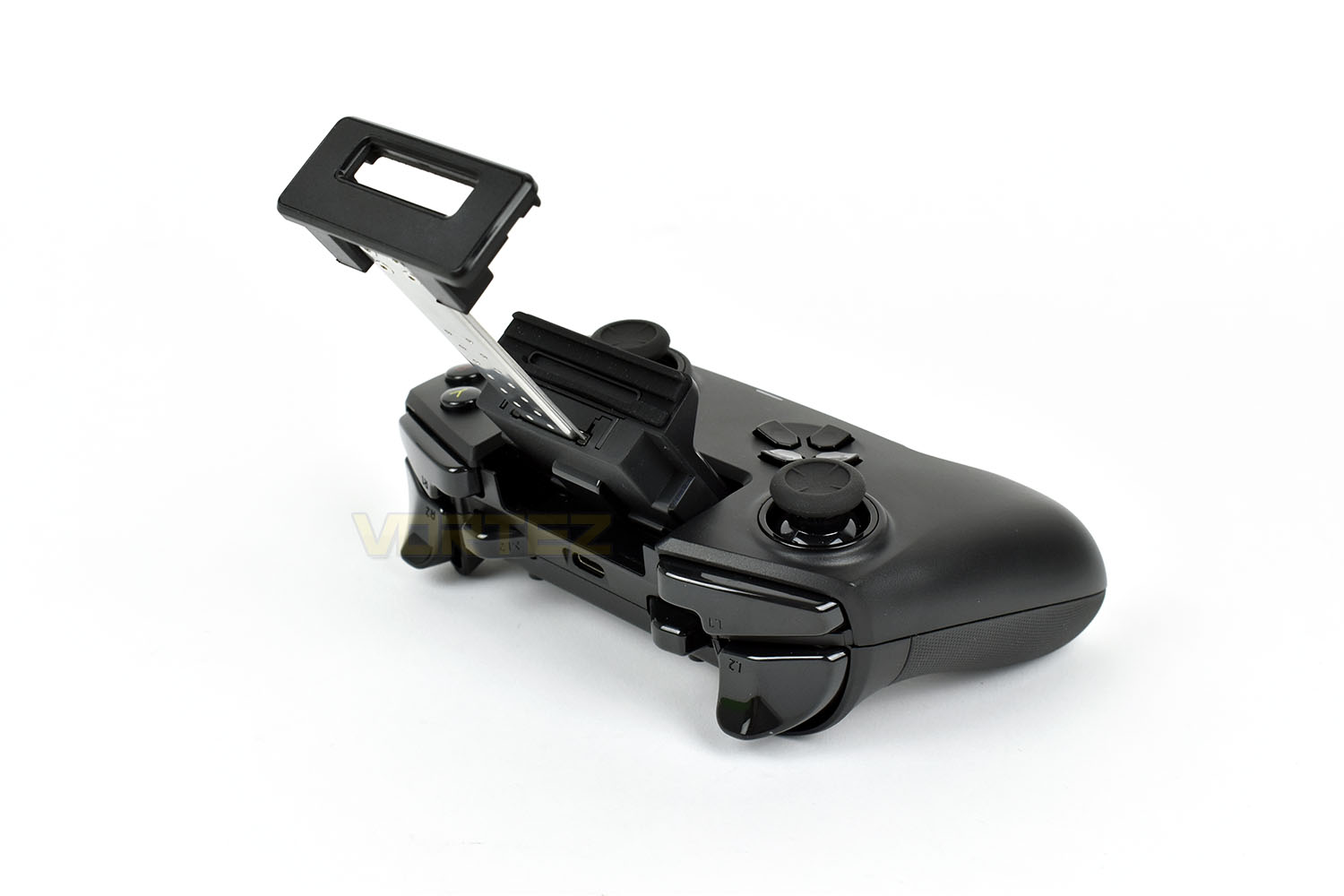
Then with a phone installed (The Samsung Galaxy S9), the Raiju Mobile is ready to go.
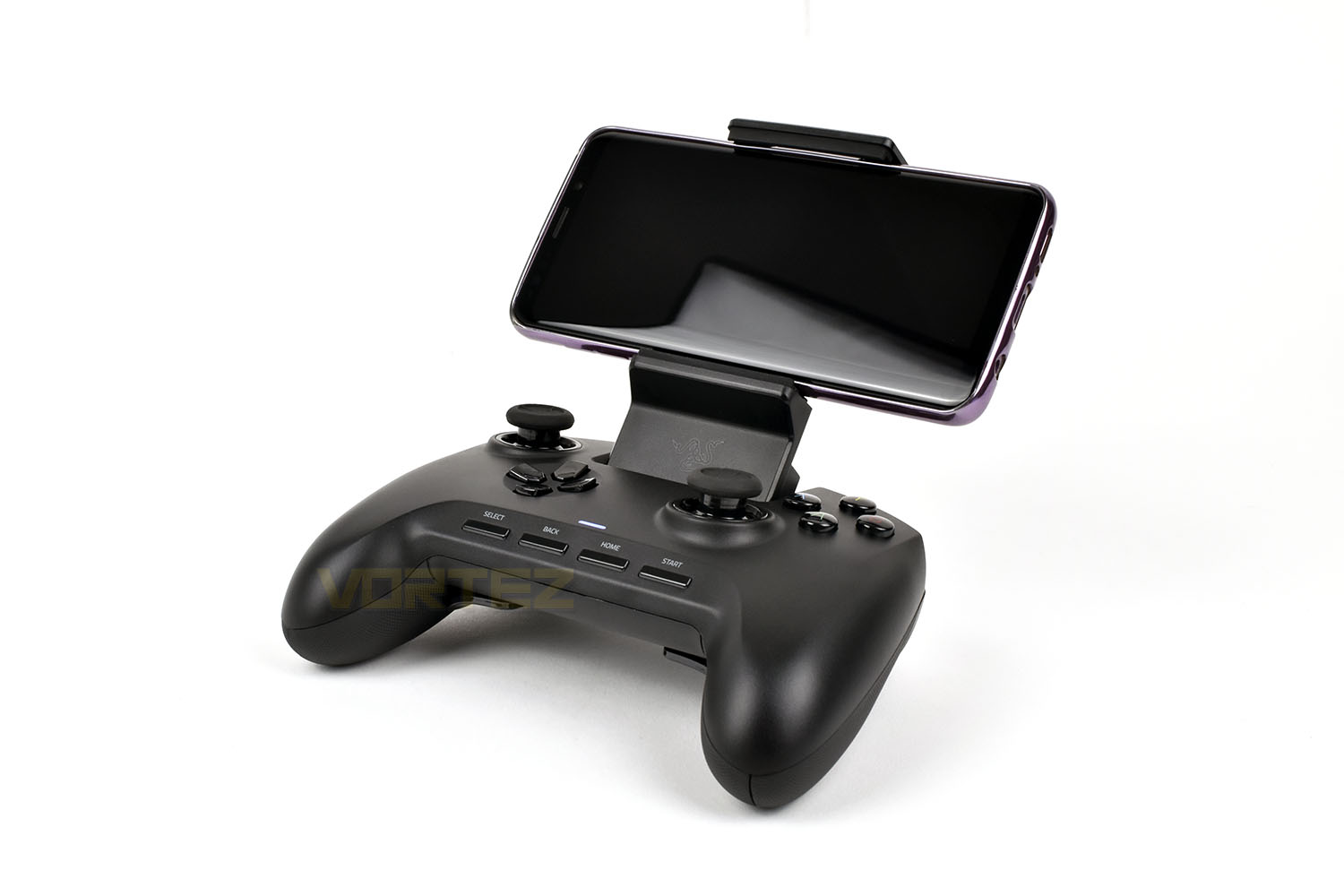
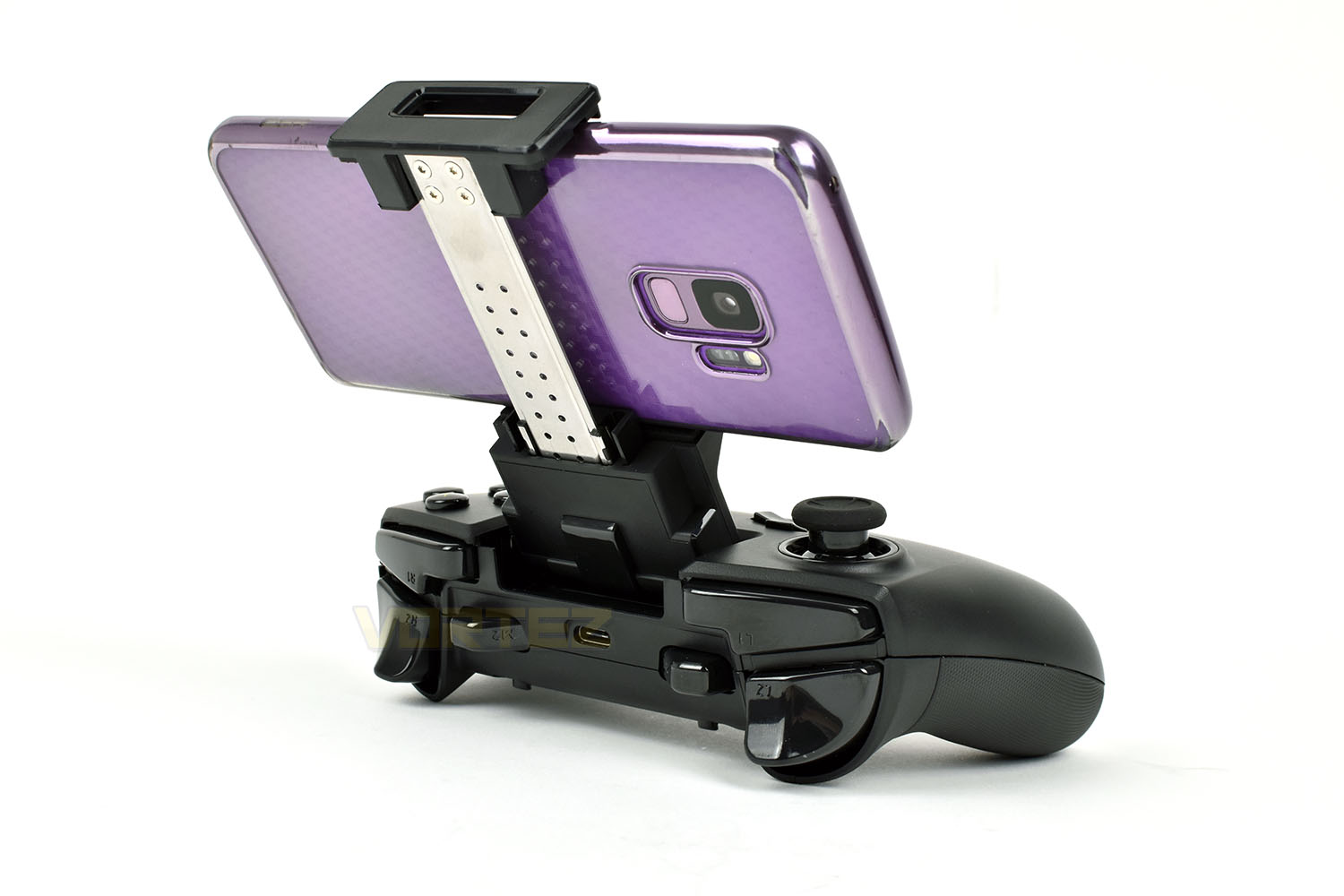
We’ve had to be clever here, to keep the device upright while holding the phone
Performance Testing
Just like we’ve done with previous dual-purpose controllers, we’ll split the testing into two parts, with Windows and Android tested separately.Windows
Pairing the controller to the PC can be done by one of two methods, either via the USB cable for a battery-free and latency-free approach, or via the built in Bluetooth on the controller, though the 2nd method will require your machine to have Bluetooth capability built in or via a small USB dongle. Either way, you’ll require the driver to be installed for the Raiju Mobile to function correctly; this can be downloaded here – http://rzr.to/wQNdc
Once paired, we delved into some games. We’ve been enjoying DiRT Rally 2.0 recently so that felt like the obvious place to go to test the pads capabilities out. This requires fast, yet accurate, inputs of brakes, throttle and steering so should be a substantial test.
Firstly, we noticed how light the analog sticks felt with very little resistance to movement; we found this to be a hindrance to accuracy with it being too easy to make tiny adjustments, though you may well find the opposite. We’re sure Razer have done their research and testing to come to this sensitivity, but we don’t get on with it. Though, conversely, the action buttons (A, B, X and Y) feel extra special, the Mecha-Tactile feedback is crisp and beautiful, they’ve absolutely nailed it on this front.
Moving onto the ergonomics; the large shape and chunky design aids those with larger hands, especially when reaching for the additional shoulder buttons. The switch-up of the D-Pad and left analog stick also feels much more natural to us, preferring this over the “PlayStation” design with side-by-side thumbsticks. Obviously, due to the way the phone mount is implemented, the Select, Back, Home and Start buttons have had to be rehomed, resulting them now residing along the bottom row. This makes them particularly difficult to reach quickly and takes a lot of getting used to – years of them being between the thumbstick and the action buttons has become engrained into us. Looking at the reverse, the M3 and M4 buttons are exactly where you find them on the Razer Raiju Ultimate, if you read that review, you will remember how much this positioning was disliked. They’re too easy to press accidentally and it’s almost impossible to put your fingers elsewhere to prevent that from happening.
Battery life, which is obviously of a fairly serious concern if you’re to take this with you anywhere, is not bad at all. We found we got about 16 or 17 hours from it during testing, though most of that testing was with a PC and not a phone, but regardless, Bluetooth is Bluetooth and that shouldn’t matter at all. It’s a little short of the 23 hours quoted by Razer but it’s plenty for a few days of use.
Android
Much like connecting up on the PC, connecting to an Android mobile was as easy as any other Bluetooth device and thanks to the three-way switch on the back, with two separate Bluetooth profiles, it’s possible to pair this with your gaming machine and your Android mobile to make better use of your £140 controller while at home and on the move.
Unless you’ve been living under a rock for the past year or two, you will undoubtedly have heard about Fortnite and PUBG, two extraordinarily popular games available on PC, Xbox, PS4, and Google Play; both games are supported by the Raiju Mobile, and it gives a significant advantage against most users, let that be known, but the additional buttons on the pad could not be configured in either game, nor could we get them to work in any of the racing games we tried. Though, again, you gain a sizeable advantage against anyone you play with on the racing side of things.
Finally, while on the Android testing; the centre of gravity seems to be off, with no way of propping up the controller. If you wish to put it down, complete with your phone, you will need to lay it down with the phone flat against the table and the controller in the air. We tested this with a Sony Xperia L1, Samsung Galaxy S9 and, we know it’s incompatible, but also an iPhone X; all three phones caused the controller to flip over when placed down, no matter the angle of the phone. We don’t have a Razer Phone to test this with, but we can’t imagine it not also tipping the controller over.
Conclusion
First off, we must commend Razer on those Mecha-Tactile action buttons, they’re the gold-standard in gaming pad buttons; as much as its worth, everyone can learn a thing or two from these buttons. They work amazingly well. We also love the hair-trigger option, this is a must-have for any FPS gamer to gain an advantage – it not only feels better but is quicker.The size and shape lend themselves well to a larger hand, but any female user will really struggle to make full use of the additional buttons, but even at that, the M3 and M4 buttons are in the way and always impossible to not accidentally press while playing, causing more problems than they’re worth.
Adding in multi-compatibility to the Raiju Mobile is certainly a great selling point if you’re a die-hard gamer who loves to play at home and on the move, but it does hugely compromise the overall look of the gamepad, with an ugly clamp hanging off the front of the controller when it’s not populated. It also necessitates the movement of the Start and Select buttons to the bottom row which is far from ideal.
Moving onto price, the Raiju Mobile commands £139.99 in the UK, $149.99 in the US and $259.99 in Australia, this is not an inconsiderable price, especially when considering the competition from SteelSeries, with the Stratus Duo, for half of that. We feel this is far too high for what Razer are offering here, with us ideally wanting to see this under the £90 mark.
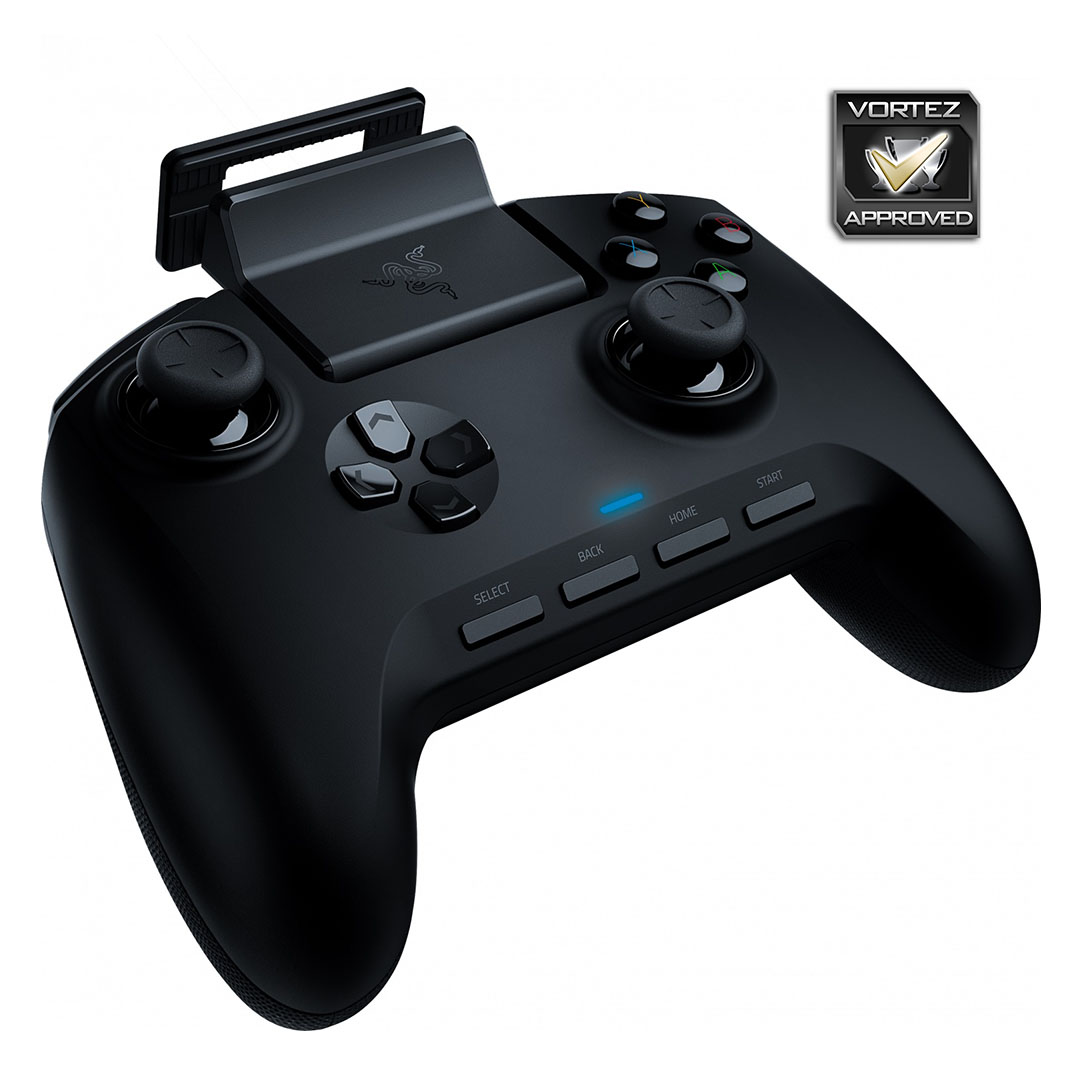
To round up, the Raiju Ultimate is a decent controller but it has too many flaws to be great.
Pros
+ Comfortable for the larger hand
+ Excellent Mecha-Tactile Action buttons
+ Our preferred layout of D-Pad and left thumbstick
+ Hair-trigger option
Neutral
+- Reasonable, but not amazing, battery life
Cons
– Not great for a smaller hand
– Very expensive
– M3 and M4 buttons get in the way
– Awkward buttons along the bottom
– Looks ugly with the phone clamp
+ Comfortable for the larger hand
+ Excellent Mecha-Tactile Action buttons
+ Our preferred layout of D-Pad and left thumbstick
+ Hair-trigger option
Neutral
+- Reasonable, but not amazing, battery life
Cons
– Not great for a smaller hand
– Very expensive
– M3 and M4 buttons get in the way
– Awkward buttons along the bottom
– Looks ugly with the phone clamp
Click here for an explanation of our awards at Vortez.net.
Stay connected with the Vortez Social Media pages:
Join in with the discussions on Discord