ROCCAT asked us to look at their latest mouse which they advertise as "their masterpiece" so we couldn’t wait to see what the fuss was about.

Product on Review: ROCCAT Kain 120 AIMO
Manufacturer: ROCCAT
Street Price: £62.99 / $69.99 / AUS $104.99
ROCCAT, now under the control of the gaming audio giant, Turtle Beach, have been producing peripherals in Germany for over 10 years, some of which have been truly excellent, so when they offered us the opportunity to test the mouse that they describe as “their masterpiece”, we couldn’t turn them down.
They began this journey by setting out to improve the “click” of the mouse buttons but eventually found themselves obsessing over almost every part of the device. They claim to have remastered every detail from the internal mechanics to the outer coating, resulting in the ROCCAT Kain 120 AIMO.
The grippy, durable coating on the outer of the Kain has been developed by ROCCAT to ensure your mouse remains in pristine condition for years to come, while also being easy to hold; and thanks to its ergonomic design, it’ll be comfortable too.
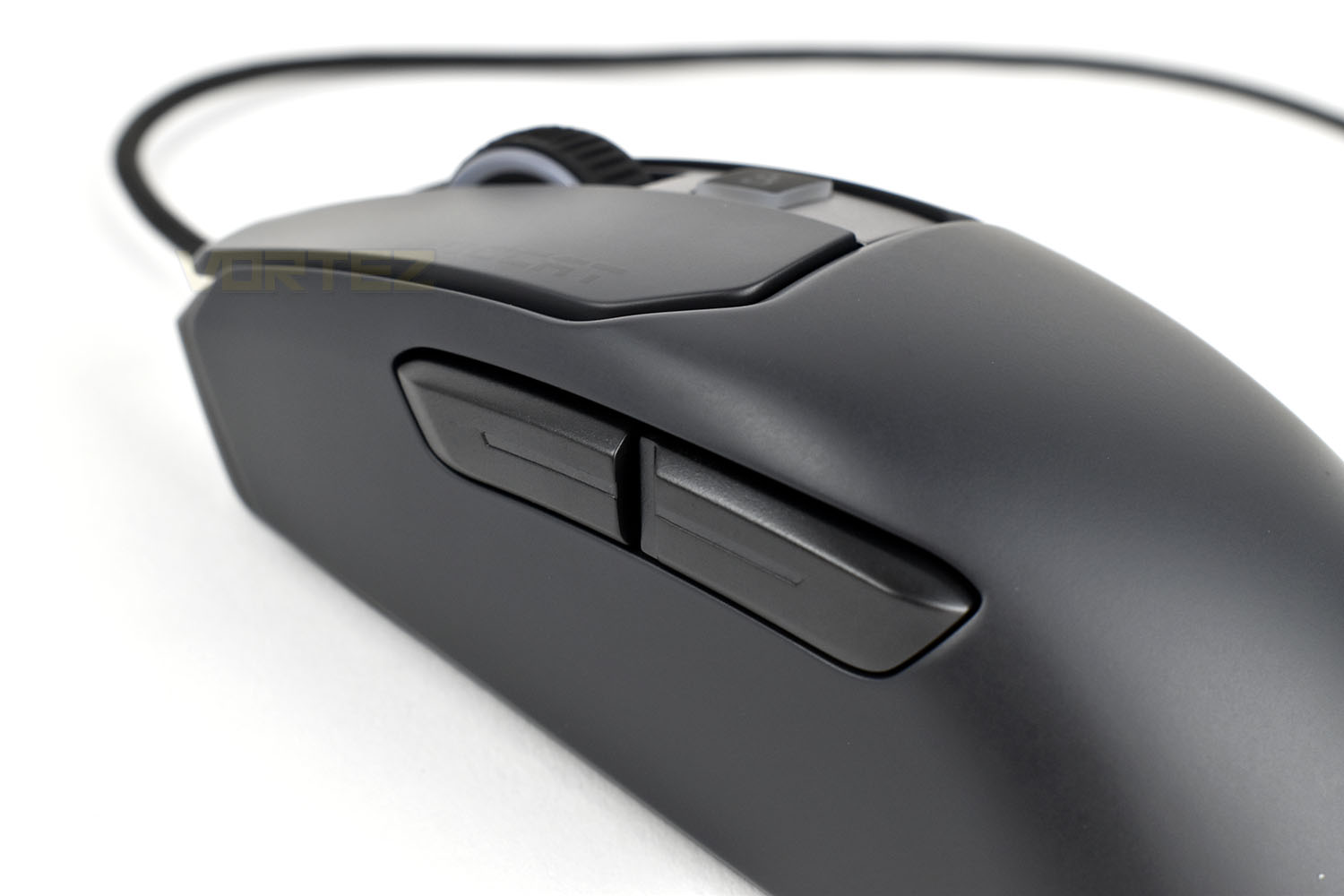
While we’re all used to talking about the different feel of mechanical switches on keyboards, mice are often overlooked. ROCCAT overhauled many of the internal components of the mouse click to culminate in the Titan Click, a precise mechanism with the aim of being pleasurable and distinct in its use. While they were at it, they also worked on improving the response time of the signalling, because milliseconds matter in a world of 240Hz monitors and multi-million-dollar prize pools.
The Kain 120 is also adorned with ROCCAT’s AIMO illumination system that provides your AIMO-compatible devices with beautiful, organic lighting that requires very little setup.
If the above is to be believed, pricing seems very competitive, but the proof’s in the pudding so let’s chuck some games at it and see how it behaves.
ROCCAT on the Kain 120 AIMO:
The Kain has been a long time coming. It was obsessed over, but in the best possible way. The starting vision was to create the best possible click, but this evolved into a meticulous analysis of just about every part of the mouse. We remastered each detail, from the shape to the internal mechanics to the surface material. We don’t use the word lightly, but we’re proud to call it our masterpiece.
Technical Specifications
Sensor
ROCCAT® Owl-Eye optical sensor with 16000dpi
PixArt PMW3381
Adjustable lift-off distance
50G acceleration
400ips maximum speed
Mouse acceleration: no
Angle snapping: on/off
General
1000Hz polling rate
ARM Cortex-M0 48MHz
512kB onboard memory
1.8m braided USB cable
Incl. Omron® switches
ROCCAT® Easy-Shift[+]™ technology
ROCCAT® Swarm software suite
AIMO illumination – RGB Backlighting and LED lighting effects
Dimensions
Height: 4.30 cm
Width: 6.50 cm
Length: 12.40 cm
Weight: 89 g
Compatibility
System requirements: USB 2.0 Port, Internet connection for driver installation
Operating system: Windows® 10, Windows® 7, Windows® 8
ROCCAT® Owl-Eye optical sensor with 16000dpi
PixArt PMW3381
Adjustable lift-off distance
50G acceleration
400ips maximum speed
Mouse acceleration: no
Angle snapping: on/off
General
1000Hz polling rate
ARM Cortex-M0 48MHz
512kB onboard memory
1.8m braided USB cable
Incl. Omron® switches
ROCCAT® Easy-Shift[+]™ technology
ROCCAT® Swarm software suite
AIMO illumination – RGB Backlighting and LED lighting effects
Dimensions
Height: 4.30 cm
Width: 6.50 cm
Length: 12.40 cm
Weight: 89 g
Compatibility
System requirements: USB 2.0 Port, Internet connection for driver installation
Operating system: Windows® 10, Windows® 7, Windows® 8
Packaging & First Look
ROCCAT typically use a dark theme and simple details for their packaging, with a shadowy picture of the mouse front and centre.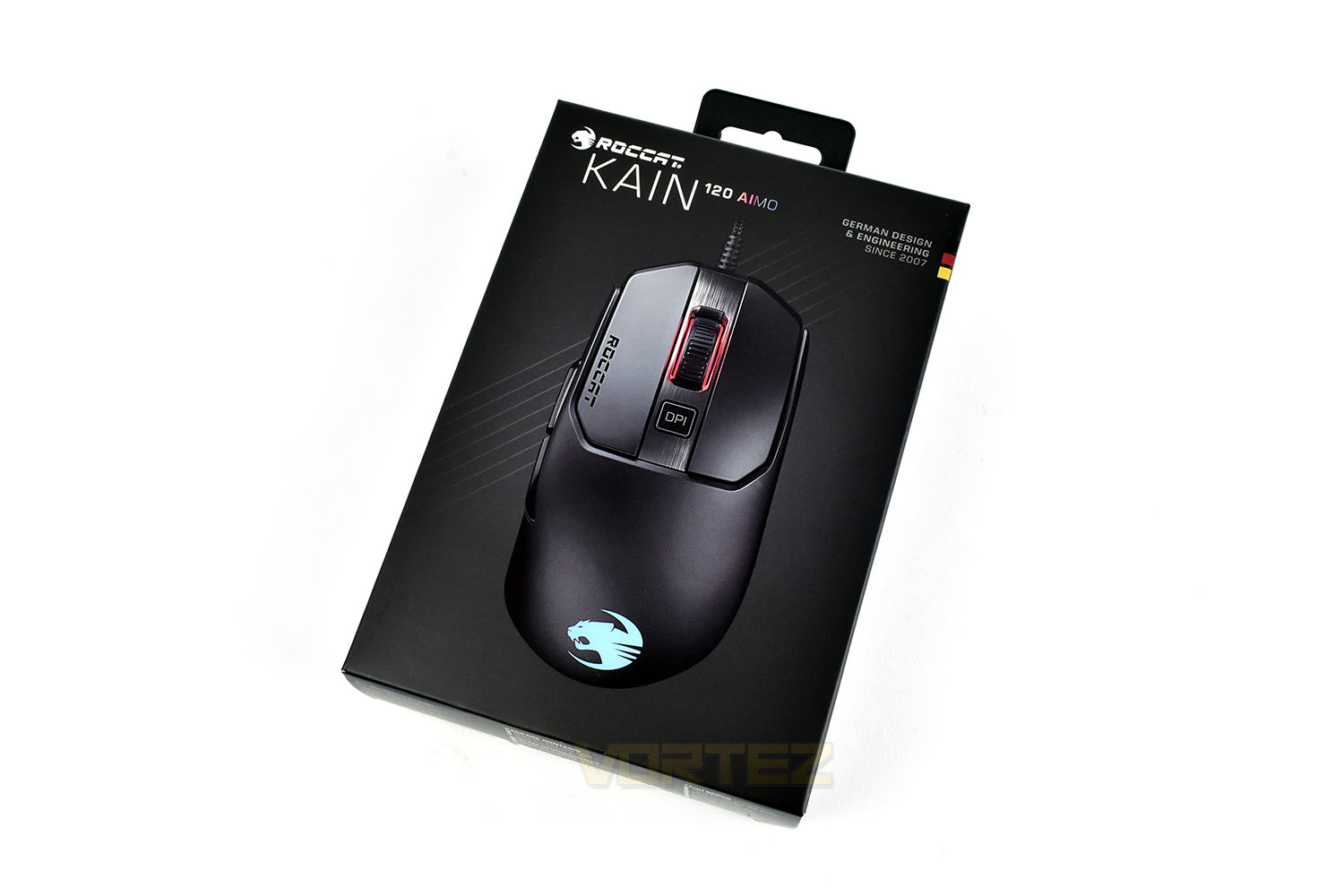
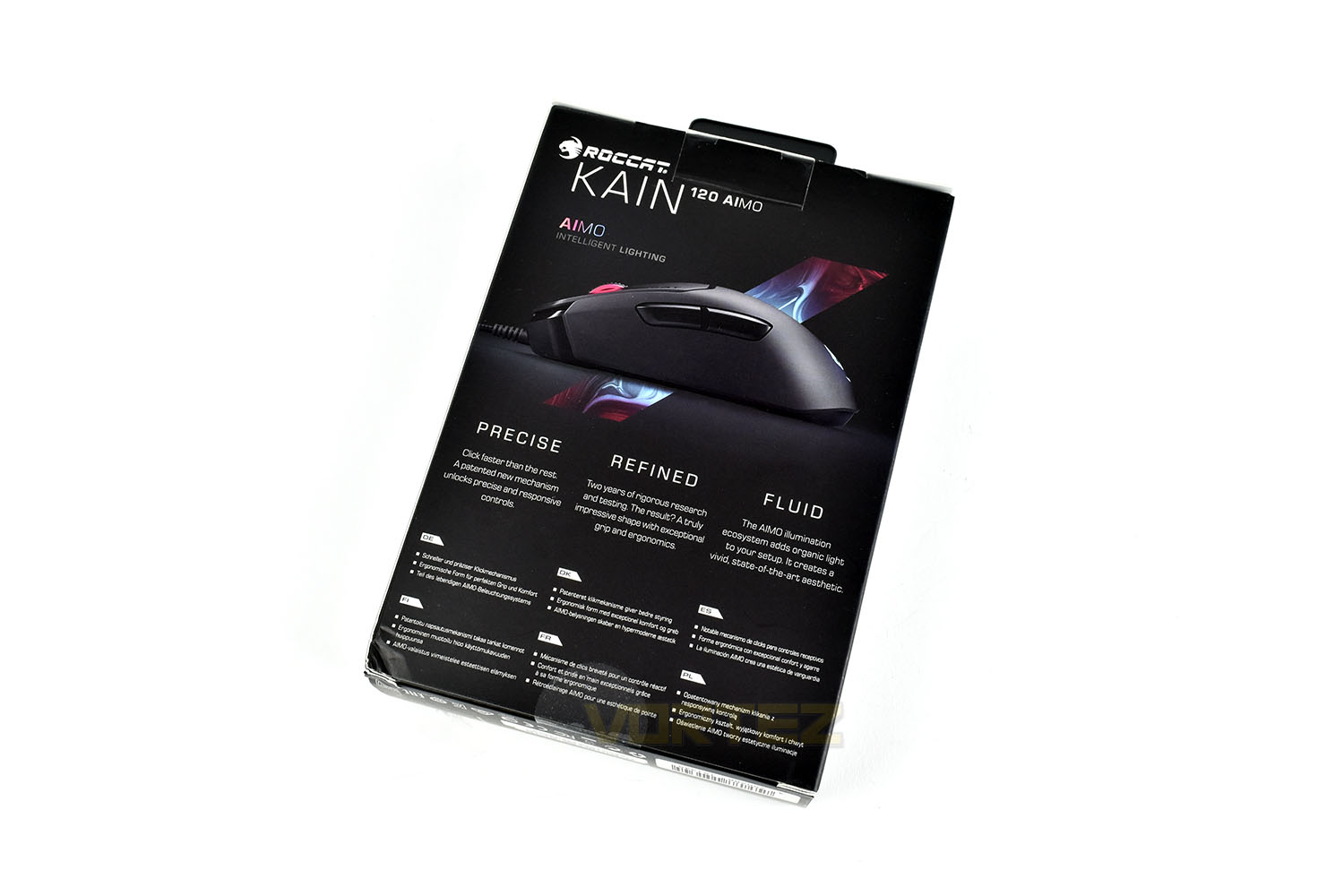
Turning the box over, there’s a little more information but overall, not a lot to go on.
Bundled with the mouse is just a small instruction booklet and a ROCCAT sticker, though keeping things simple helps to reduce the price overall which is good news for everyone.
The Kain 120 rocks a clean and straightforward design, something they claim to have tweaked and altered for two years to result in a perfect shape.
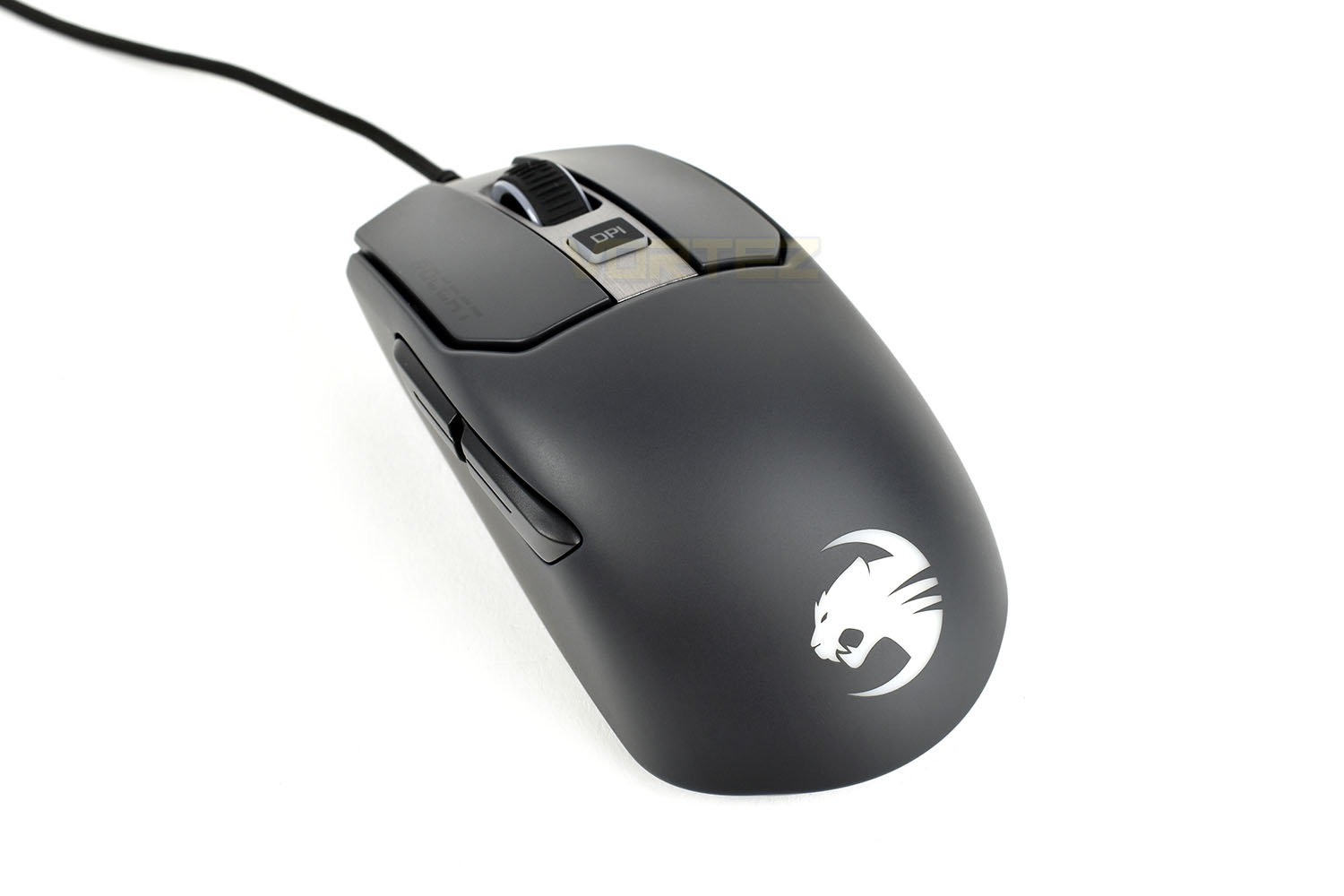
Closer Look
While retaining a clean design with little-to-no obstructions, two thumb buttons are a necessity. Other than that, the left side of the mouse is perfectly ordinary looking.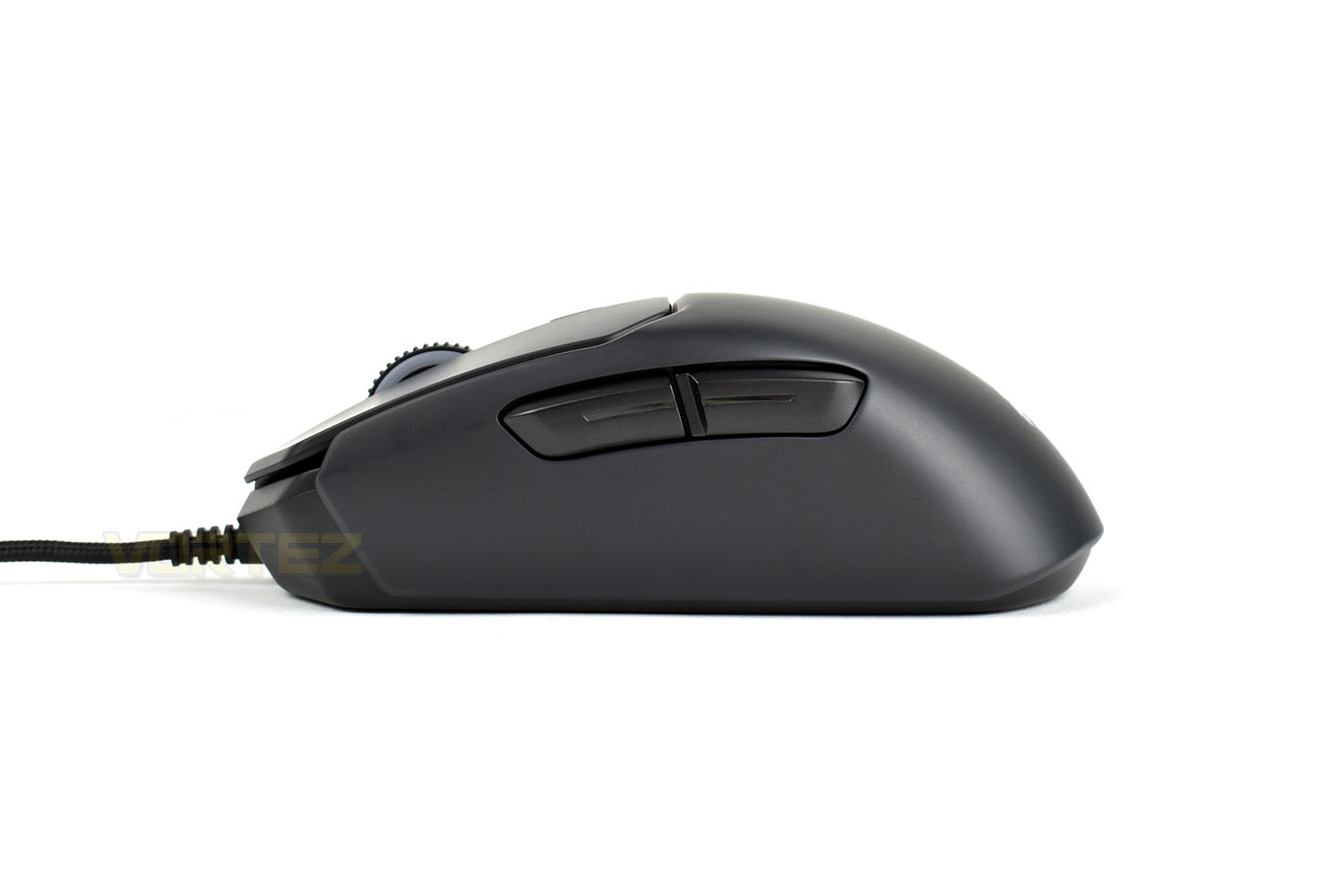
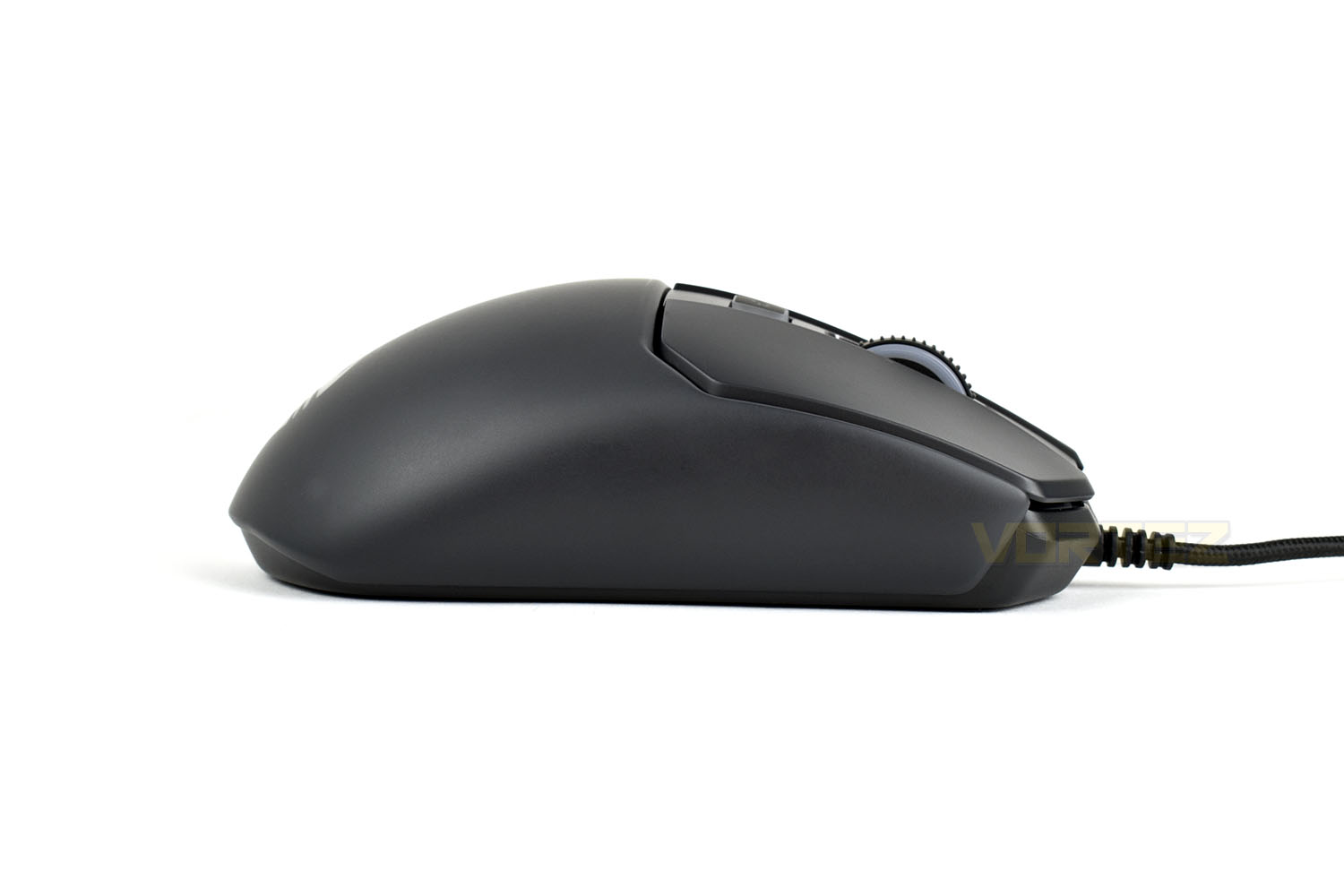
The right edge is, again, very much what you’d expect. Nothing exciting going on, but that’s not particularly a bad thing.
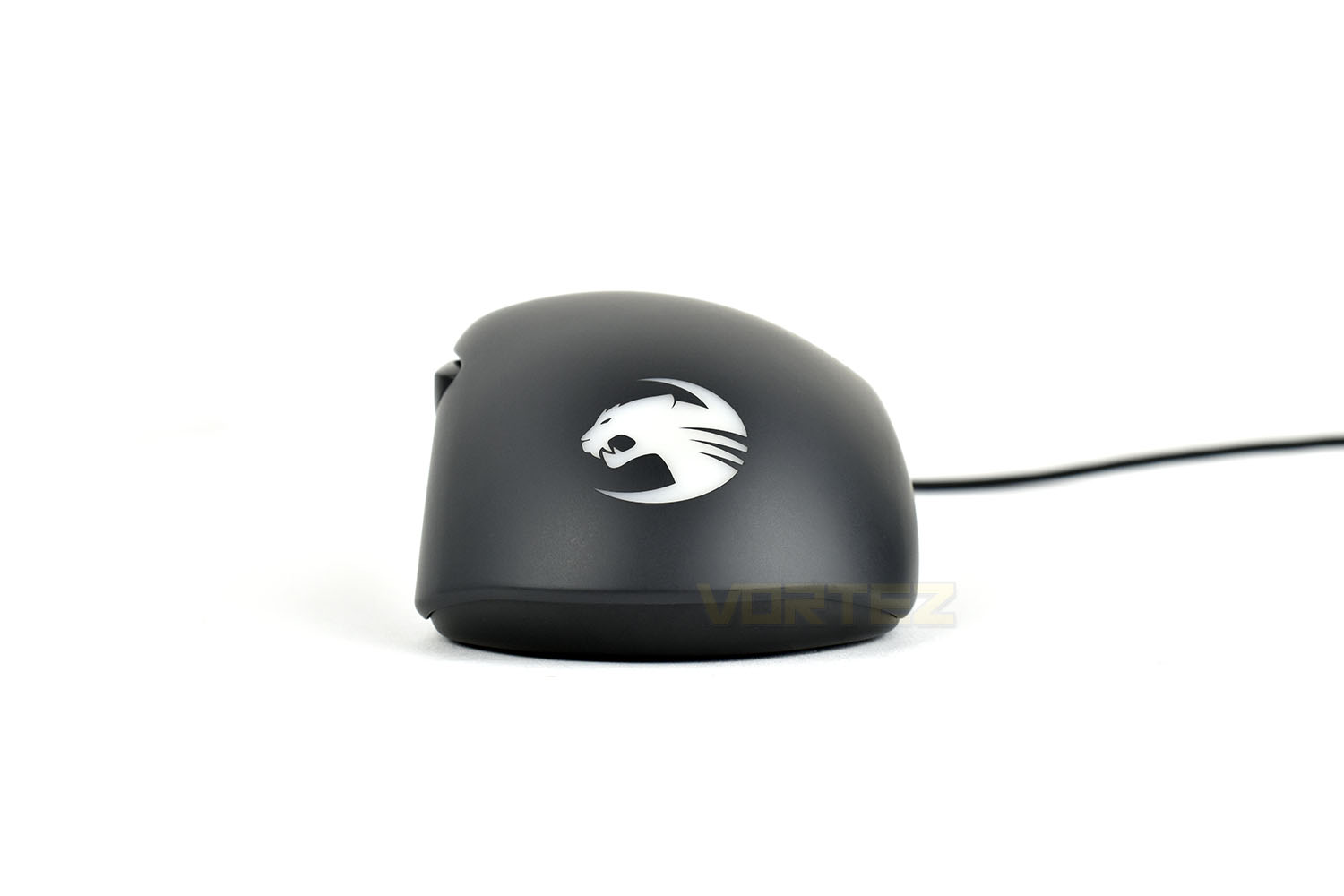
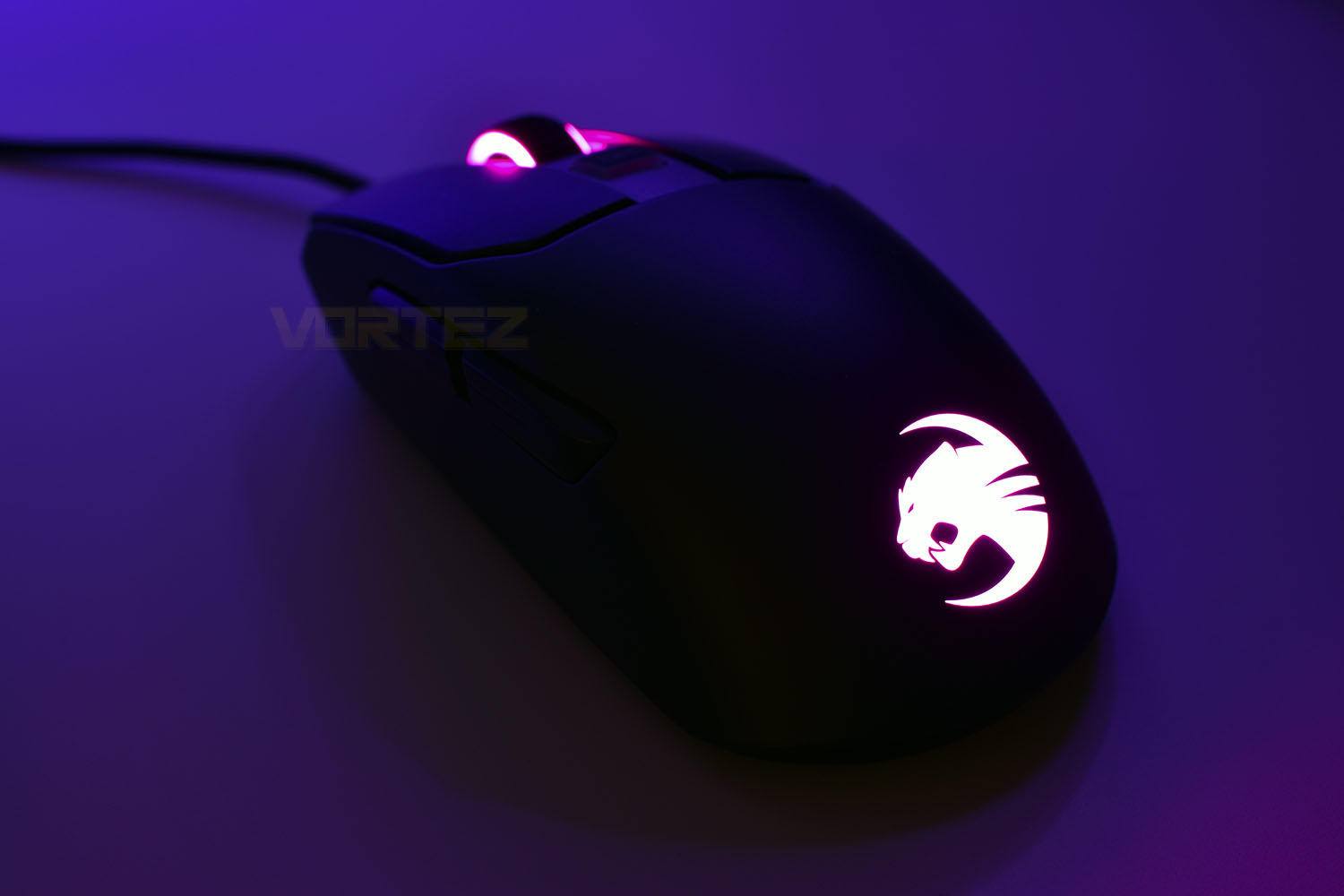
On the rear of the mouse is a reasonably large ROCCAT logo, with the obligatory AIMO RGB illumination. From here you can begin to see the right-handed ergonomics of the Kain 120.
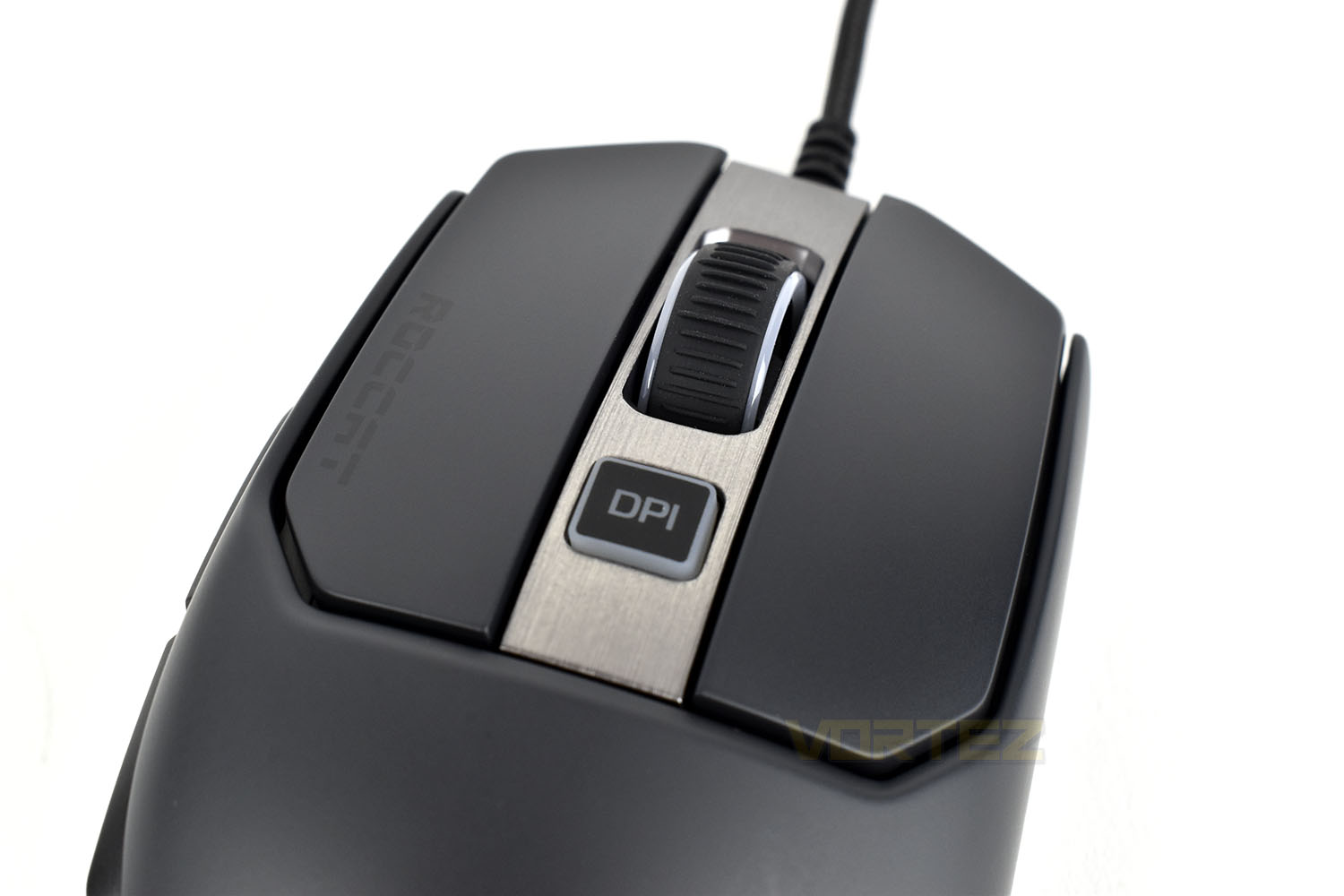
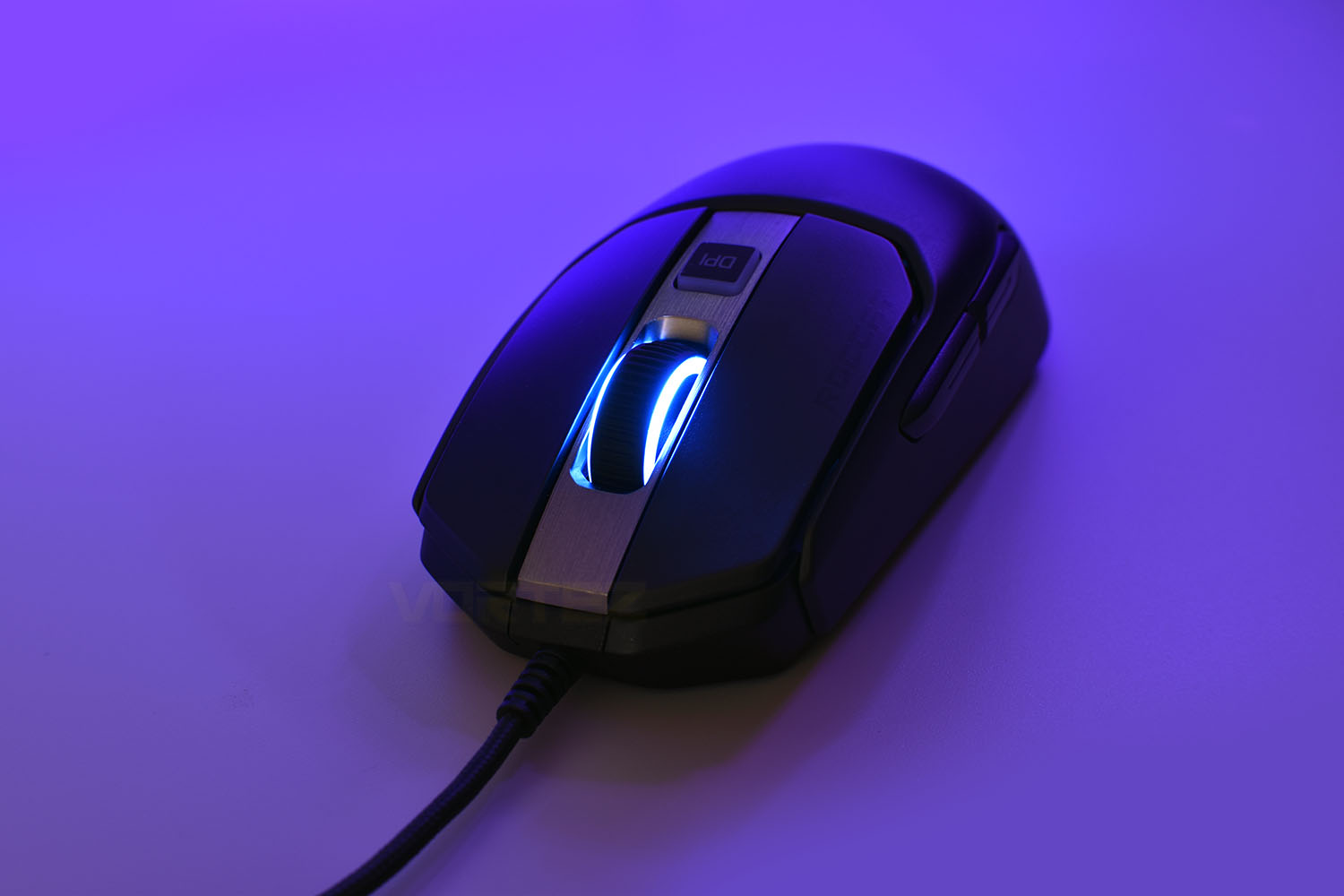
Round the front, there’s two large buttons for the right and left click. This is where ROCCAT began their Kain journey, aiming to create excellence, so we expect those to be something else. Between the mouse buttons is a large rubber-coated scroll wheel, with RGB lighting, and a DPI toggle.
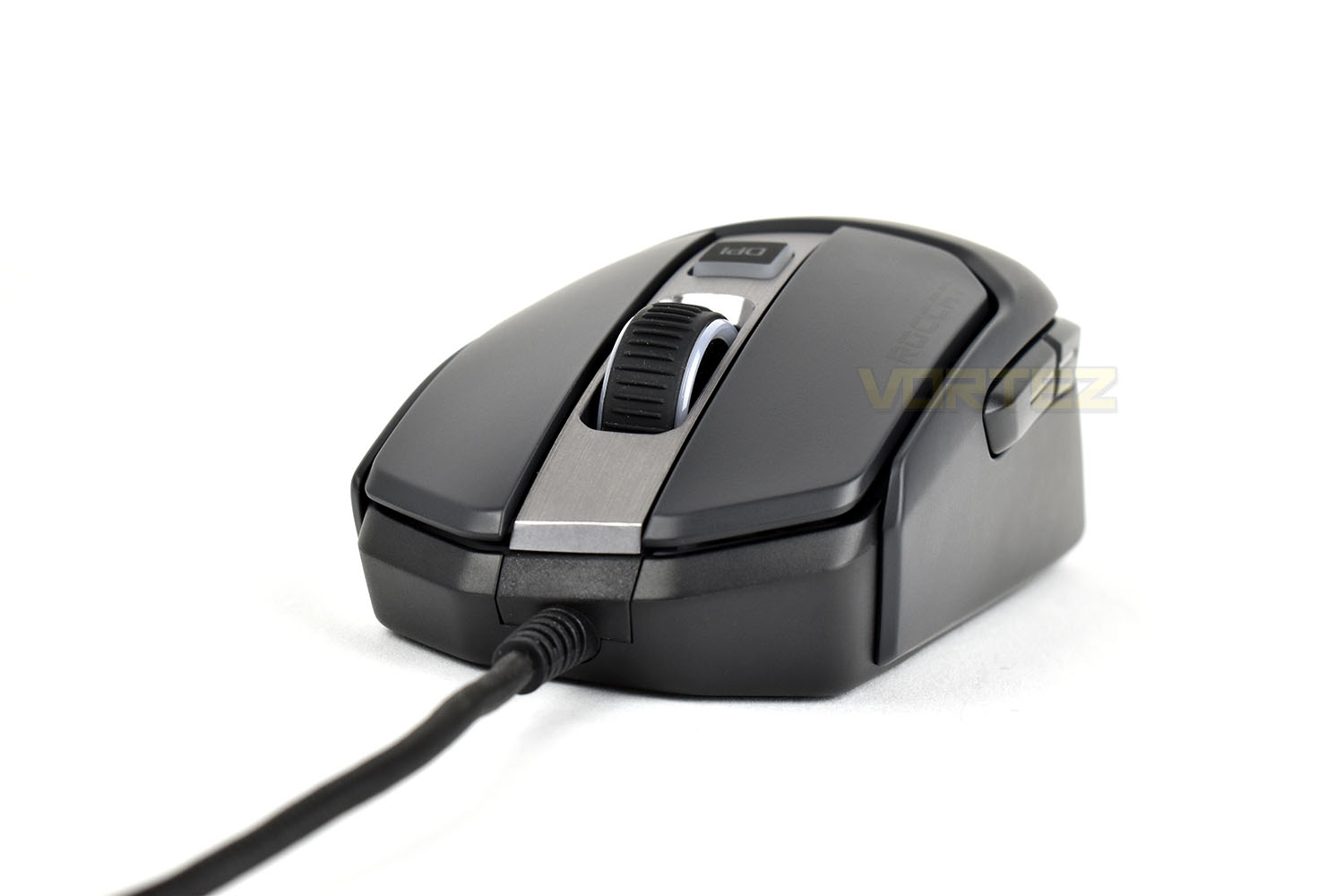
Giving you another angle to focus on, the brushed metal insert in the middle gives a touch of elegance to the Kain 120 without being over the top. The large mouse buttons should suit any grip style.
Closer Look (Continued)
The underside of the mouse has the ROCCAT Owl Eye sensor right in the middle which helps give the mouse a balanced and predictable feel when it tracks over your surface of choice. Two large Teflon pads at each end provide the glide, though make sure you remember to remove those blue protective stickers. I didn’t for about the first 20 minutes of use.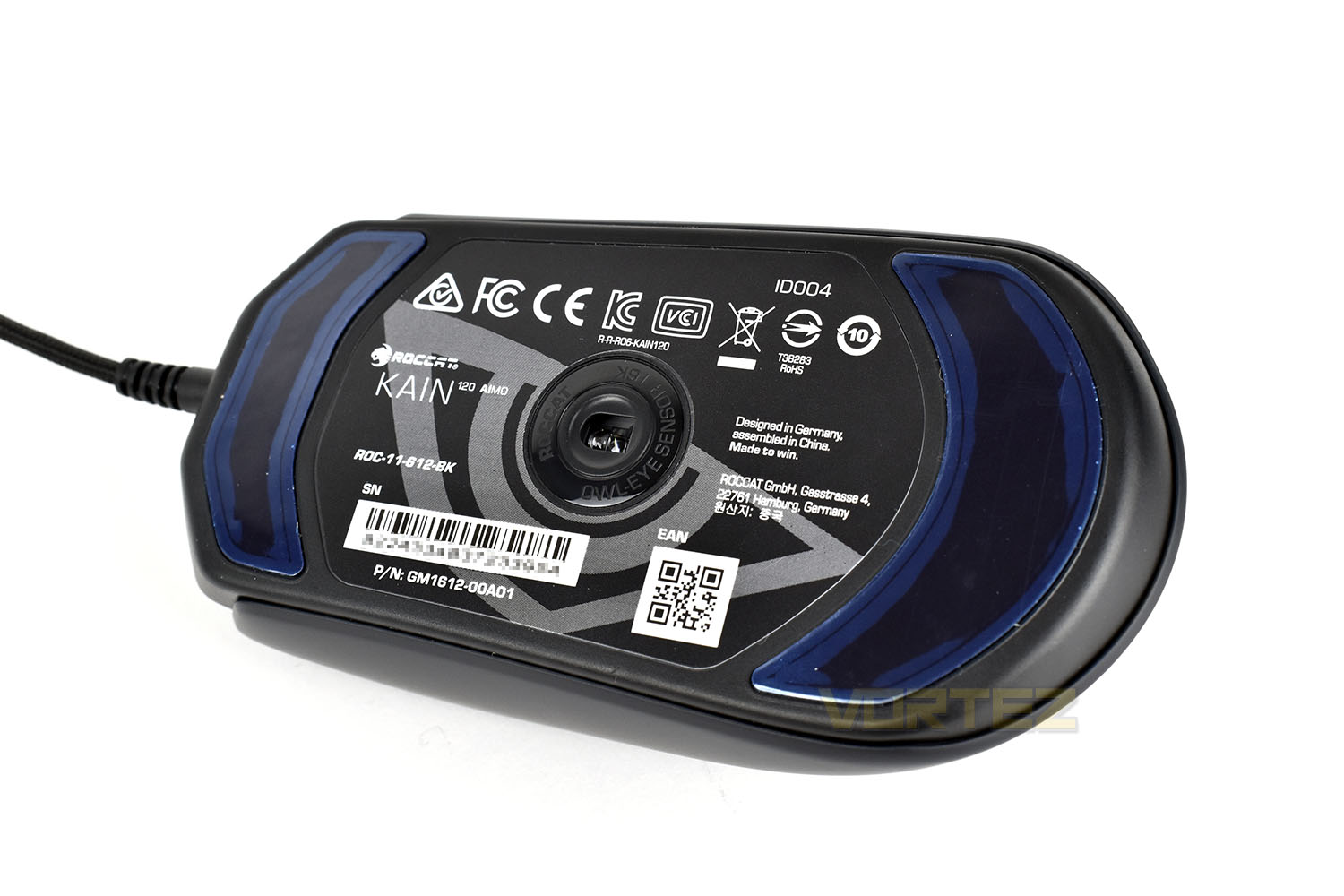
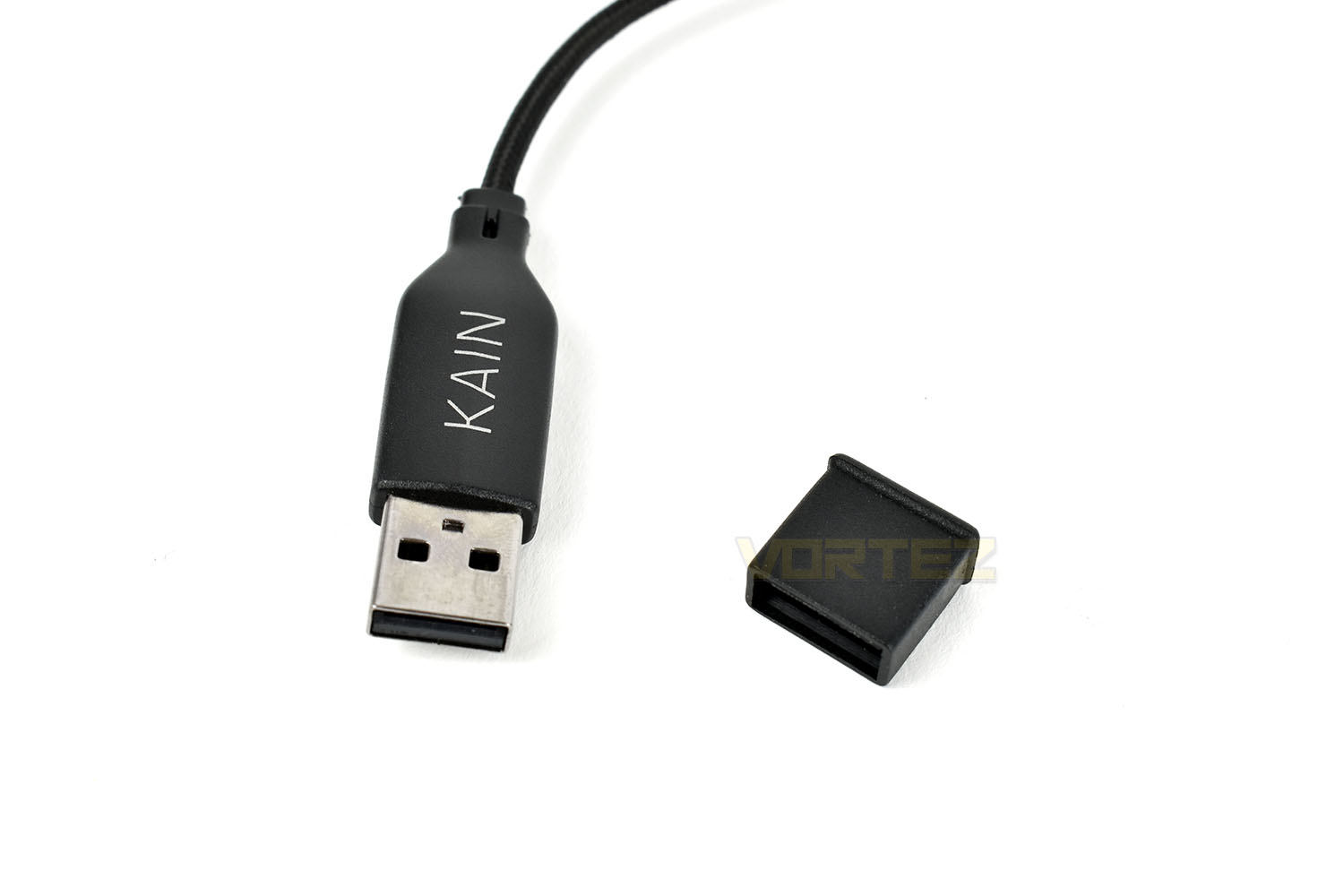
The cable measures up at 1.8M and is braided for its entire length, hopefully helping to prevent tangles and reduce friction with other surfaces, all to help the mouse move more freely. The moulded USB plug at the end features the name of the product, and while this might seem very minor, if you’ve ever wormed your way around the back of a PC and had to try and figure out which cable goes where, this might just be the signal you need.
Software
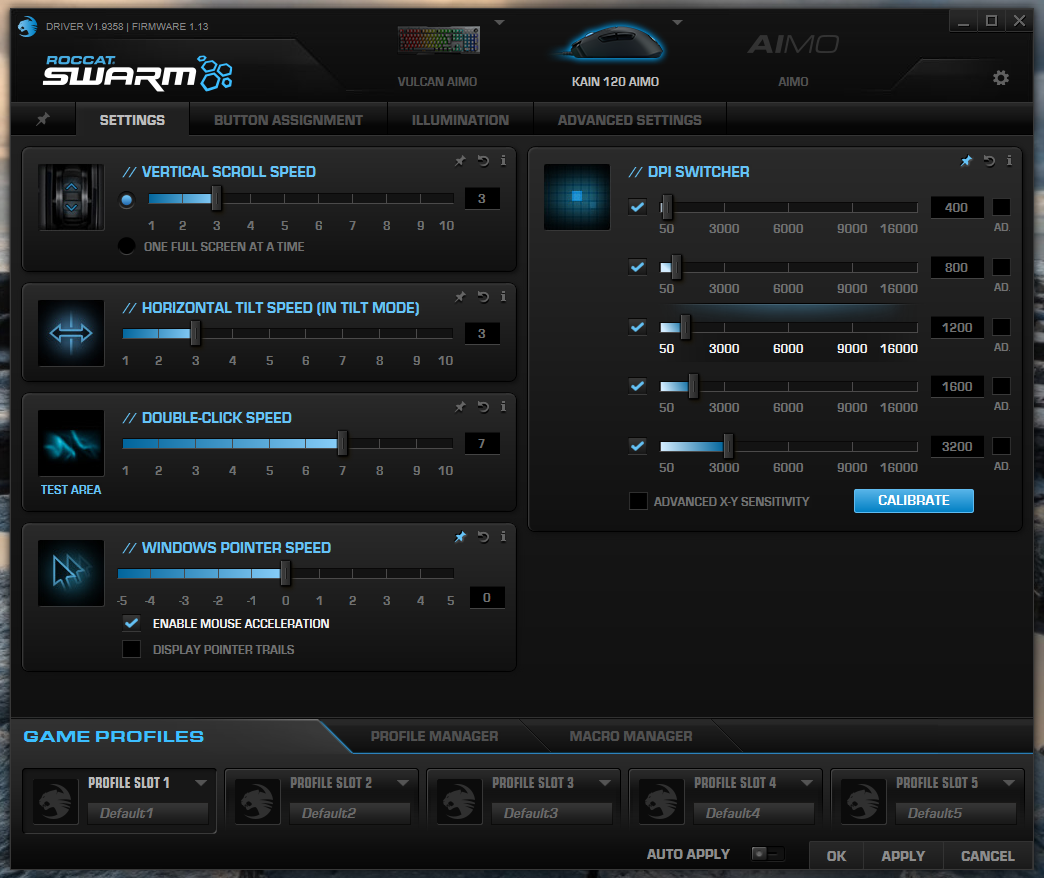
We would normally offer up a video demo for this portion of the review but the simplicity of ROCCAT’s Swarm software left us feeling like some screenshots and a description might work better.The first page is Settings, where you can alter the behaviour of the mouse within Windows, altering settings like the horizontal and vertical scroll speed and simple things like how quickly it moves around your screen. Here you also configure the DPI switcher, with up to 5 different presets available, though you can knock that down to just 1, to entirely disable it, or two if you’d prefer it as a toggle switch.
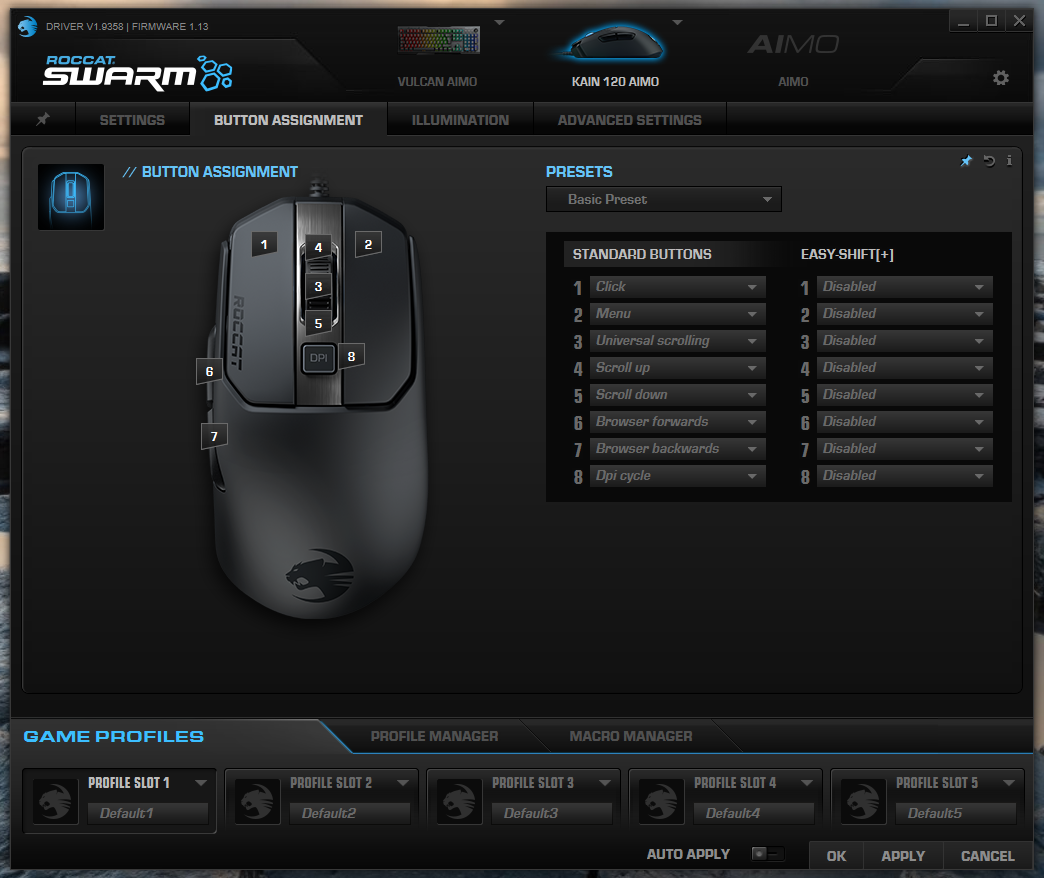
The next page is dedicated to button mapping. We can’t really see what you’d want to re-map on the mouse but it’s nice to be given the choice.
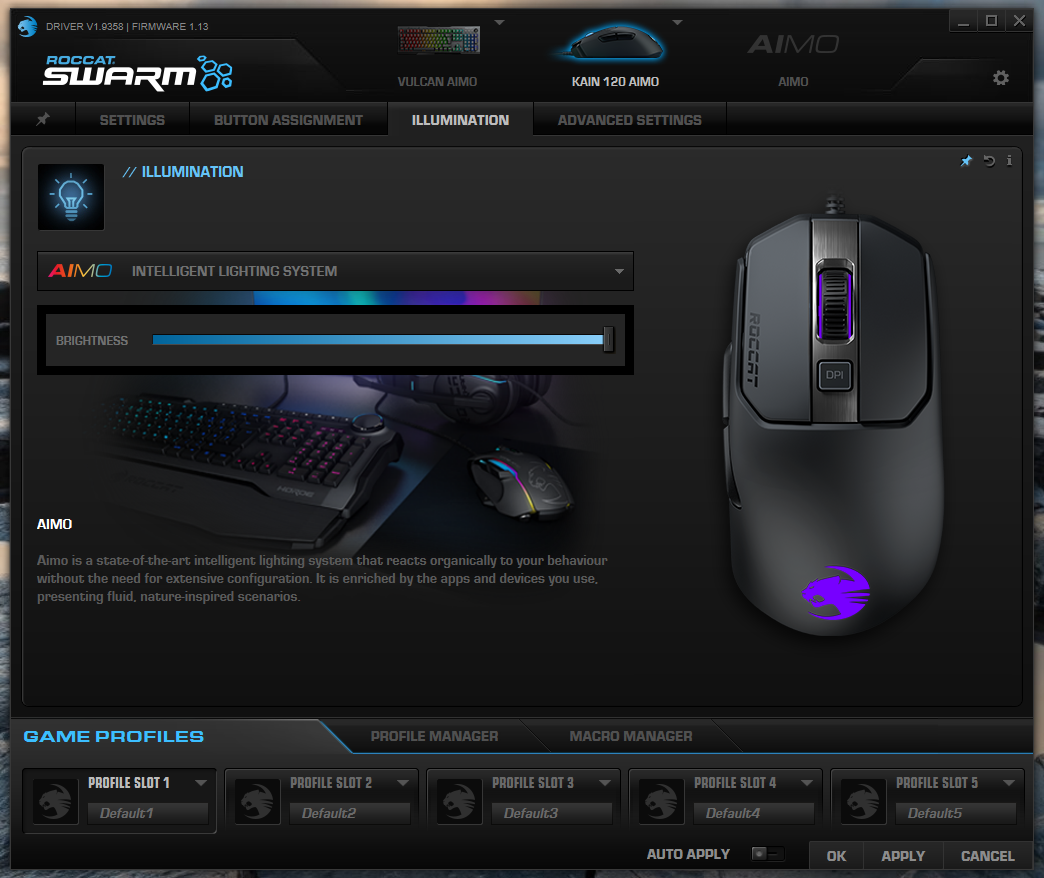
The Kain 120 features a pair of lighting zones, one on the body of the mouse and another around the scroll wheel, the RGB in the mouse is fully supportive of ROCCAT’s AIMO technology which provides fluid and dynamic lighting without any need for configuration. The more peripherals you add, the better it looks frankly. However, if you prefer to stick to a solid colour or want to set up your own style, you do that in here. The usual rules apply.
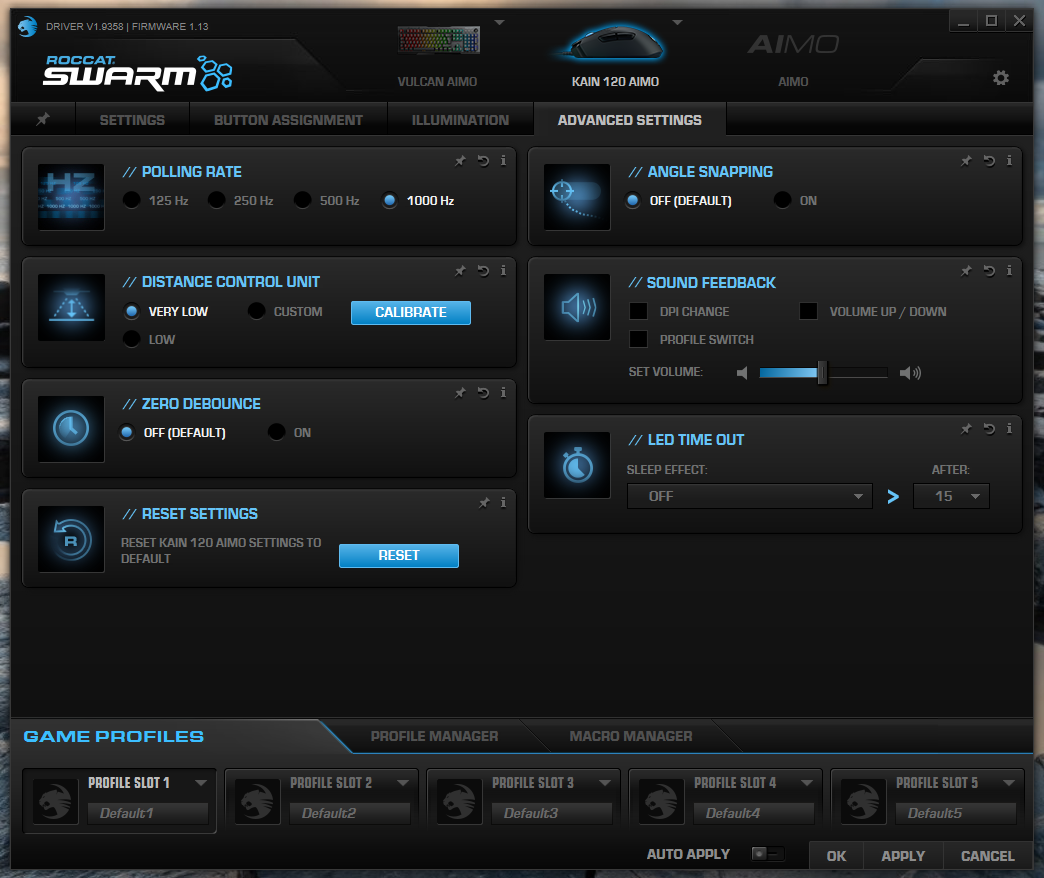
Advanced settings is the final tab. This allows you to fine-tune specific settings, such as the polling rate, if you fancy having something lower than 1000Hz for whatever reason, or to calibrate the distance control unit, which detects when you lift the mouse to prevent the sensor from going crazy.
As an overall package, we like ROCCAT Swarm, it’s easy to use, isn’t too in your face with fancy colours and jargon, it just gets the job done.
Performance Testing
Thanks to the simplicity of the Kain 120, plugging in and setting up was a doddle. The Swarm software obviously needed an update to fully recognise what the device was but that only takes a couple of minutes. We’re now ready to rock and roll.Immediate impressions were dominated by how light the mouse is, at only 89g. Many of you might think that a heavy mouse feels better to use, but this thing feels incredibly well balanced and it can be thrown about with ease, definitely give it a try even if you’re certain you prefer a bit of heft to your pointer. It’s just about spot-on in terms of weight. The silicon rubber coating on the mouse is also incredible; ROCCAT claimed to have worked hard on this, aiming to develop a long-lasting surface that feels nice to use and as far as we’re concerned, they’ve nailed it.
The Kain 120 is shaped nicely as well, it’s nothing extravagant and certainly won’t turn many heads, but for a palm grip it occupied the shape of my hand about as well as any other good mouse has. The thumb buttons are also located in a cracking place, you can grip the Kain with your thumb but with a small adjustment to their position, you can use the buttons. The only criticism is the lack of anything for the pinky to rest on, but that’s only a minor problem and it’s easily outweighed by the positives thus far.
After using the mouse for a little while and getting the settings dialled in, we loaded up a couple of games. War Thunder and Battlefield 3 this time; War Thunder requires smooth inputs to strafe targets in dog-fights while Battlefield 3 requires much snappier inputs and is more demanding of an accurate and repeatable sensor. ROCCAT’s Owl Eye sensor has impressed us in the past and we’re happy to report that the Kain 120 is no exception, the lack of weight, comfortable shape and accurate sensor combined into a really enjoyable gaming experience.
The one thing that ROCCAT set out to change was the click of the mouse buttons, and honestly, they just feel like any other gaming mouse on the market. In fact, the OMRON switches in some mice feel better. ROCCAT claimed that the user “can easily feel the difference in distinction, motion and precision” but I couldn’t. The only saving grace for the Titan Click is the ability to press the right and left click anywhere up its length and you get a very similar feel, helping those with different grip styles get the same experience. Don’t get me wrong, there’s nothing wrong with this aspect of the mouse, but it’s not the song and dance that ROCCAT have made it out to be.
We kept the mouse in its AIMO setting for the RGB illumination, alongside the ROCCAT Vulcan AIMO keyboard. The two pieces worked in tandem to put on a fantastic light show. As for the Kain 120 itself, the lighting is bright and vibrant thanks to ROCCAT’s excellent LEDs and easy to configure within the Swarm software.
Conclusion
To conclude, the ROCCAT Kain 120 was put through its paces and came out the other side scoring highly, very highly indeed.We loved the shape of the mouse, with a basic but very well refined design, and the coating applied to the upper surface is everything they reckon it to be, smooth but grippy and, being honest, it’s difficult to imagine a surface better suited to a mouse. That may sound like hyperbole but it’s impossible to put into words how it feels, you just need to try it for yourself.
The lightweight design, at 89g, is balanced incredibly well and glides without hindrance on the two large Teflon pads on the underside, but as we mentioned, make sure you remove those blue sticky protective films.
Clever processing within the mouse helps to reduce input lag by up to 16ms, and the PMW 3381 sensor provides you with up to 16,000 DPI and accurate repeatable results with no acceleration, handy features when delving into competitive gaming, but also really nice to use for browsing the web or getting some work done.
The Corsair M65 RGB Elite and SteelSeries Rival 310 are the two mice I’d put the Kain up against, two very strong contenders within the price category. If I was asked to choose between the three, it’d be a difficult choice, but I’d choose the ROCCAT.
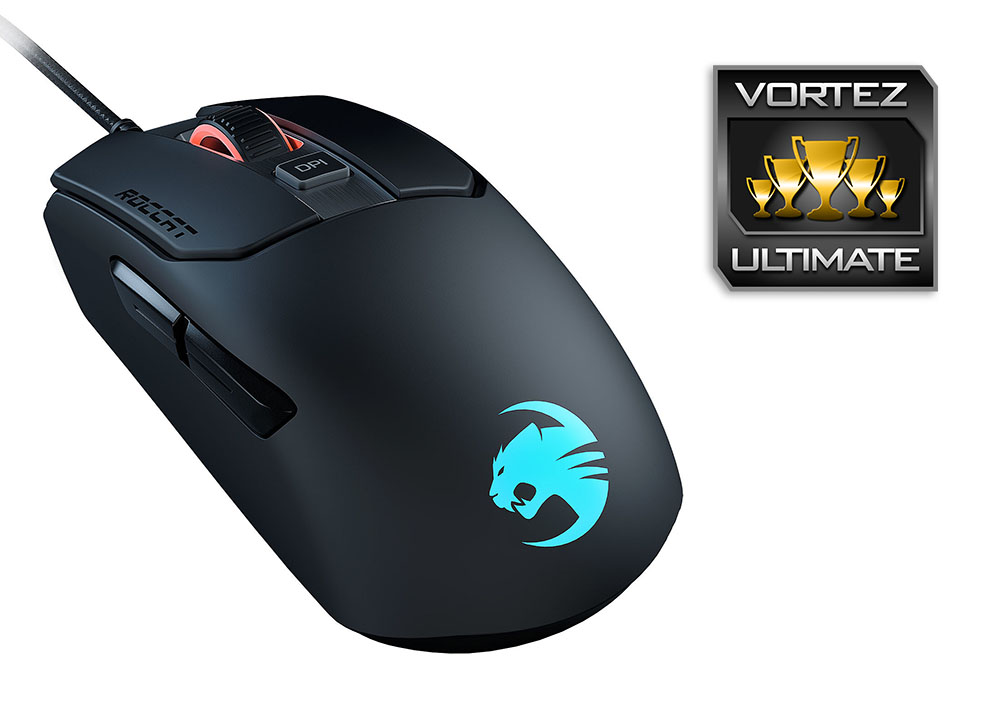
A gorgeous texture, excellent RGB lighting with solid performance and a lightweight design make this a must buy. Don’t be deceived by it’s simple appearance.
Pros
+ Feels excellent in the hand
+ Lightweight (89g)
+ AIMO RGB Lighting looks fantastic
+ Easy to use software suite
+ Braided cable
+ Basic but beautiful design
Neutral
+- Titan Click isn’t all that
Cons
– None
+ Feels excellent in the hand
+ Lightweight (89g)
+ AIMO RGB Lighting looks fantastic
+ Easy to use software suite
+ Braided cable
+ Basic but beautiful design
Neutral
+- Titan Click isn’t all that
Cons
– None
Click here for an explanation of our awards at Vortez.net.
Stay connected with the Vortez Social Media pages:
Join in with the discussions on Discord