Ten years after the original, SteelSeries reign things back and revert to their tried and tested design with an all new interior brought right up to scratch for 2019.

Product on Review: SteelSeries Sensei Ten
Manufacturer: SteelSeries
Street Price: GBP £69.99 / USD $69.99
SteelSeries, a peripherals manufacturer with a keen eye for detail and large roster of awards, are bringing things back to the basics this time around with the Sensei Ten, their latest gaming mouse with a simple design and focussed purpose.
We suspect the name Sensei Ten refers back to ten years ago, with the launch of the first Sensei mouse, a mouse that set the bar high and which took several manufacturers a long time to ‘catch up’ a mouse that performed remarkably well for its time. SteelSeries had a go at updating the Sensei’s design with the Sensei 310 in 2017 but due to public backlash, of kinds, they’ve gone back to the original design with a sprinkling of RGB.
The latest Sensei Ten sports their latest TrueMove Pro sensor, with an astounding 18,000 DPI, 450 IPS and 50G of acceleration, which they claim offers the best tracking on any surface, with tilt tracking for advanced stabilisation when things get hectic.
Also built for absolute durability, the left and right click are designed to last at least 60,000,000 depresses and thanks to the its basic design, it lends itself well towards a sturdy, durable frame which is further helped by the use of high-grade polymers.
The Sensei Ten still rocks its ambidextrous shape, lightweight form factor (92g) and can be used for all three of the major grip styles, so it should suit most people well. But enough of that, let’s get stuck in and see if it performs as well as they claim.
SteelSeries on the Sensei Ten
Long hailed as the king of gaming mice, the SteelSeries Sensei defined the world of competitive mice with its iconic shape and performance. With the same beloved shape and all-new upgrades under the hood, the Sensei Ten has evolved to perfection.
Technical Specifications
Sensor
Sensor: TrueMove Pro
Sensor Type: Optical
CPI: 50–18,000 in 50 CPI Increments
IPS: 450, on SteelSeries QcK surfaces
Acceleration: 50G
Polling Rate: 1000Hz 1 ms
Hardware Acceleration: None (Zero Hardware Acceleration)
Design
Back Cover Material: Black Soft Touch
Core Construction: ABS Plastic
Shape: Ambidextrous
Grip Style: Claw, Fingertip, or Palm
Number of Buttons: 8
Switch Type: SteelSeries mechanical switches, rated for 60 million clicks
Illumination: 2 RGB Zones, Independently Controlled
Weight: 92g (3.25oz) without cable
Length: 126mm / 4.96 inches
Width: 63mm / 2.48 inches (front), 68mm / 2.67 inches (back)
Height: 21mm / 0.83 inches (front), 39mm / 1.54 inches (back)
Rubber Cable Length: 2m / 6.75 feet
Compatibility
OS: Windows, Mac, Xbox, and Linux. USB port required.
Software: SteelSeries Engine 3.15.1+, for Windows (7 or newer) and Mac OSX (10.12 or newer)
Box Content
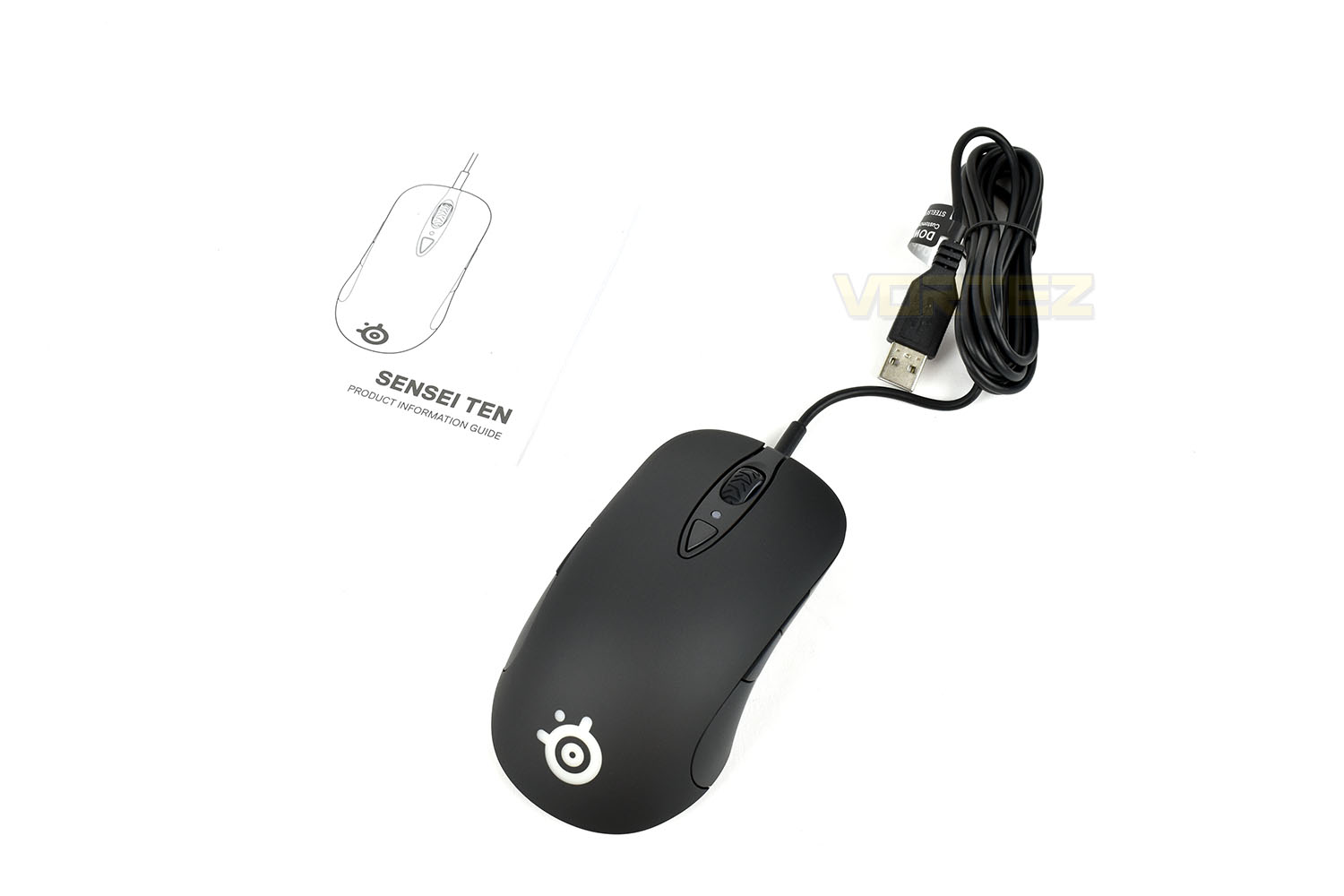
Product Information Guide
Sensei Ten Gaming Mouse
Sensor: TrueMove Pro
Sensor Type: Optical
CPI: 50–18,000 in 50 CPI Increments
IPS: 450, on SteelSeries QcK surfaces
Acceleration: 50G
Polling Rate: 1000Hz 1 ms
Hardware Acceleration: None (Zero Hardware Acceleration)
Design
Back Cover Material: Black Soft Touch
Core Construction: ABS Plastic
Shape: Ambidextrous
Grip Style: Claw, Fingertip, or Palm
Number of Buttons: 8
Switch Type: SteelSeries mechanical switches, rated for 60 million clicks
Illumination: 2 RGB Zones, Independently Controlled
Weight: 92g (3.25oz) without cable
Length: 126mm / 4.96 inches
Width: 63mm / 2.48 inches (front), 68mm / 2.67 inches (back)
Height: 21mm / 0.83 inches (front), 39mm / 1.54 inches (back)
Rubber Cable Length: 2m / 6.75 feet
Compatibility
OS: Windows, Mac, Xbox, and Linux. USB port required.
Software: SteelSeries Engine 3.15.1+, for Windows (7 or newer) and Mac OSX (10.12 or newer)
Box Content
Product Information Guide
Sensei Ten Gaming Mouse
Packaging & First Look
SteelSeries have been rocking this orange and white theme for a while now, but it works, it stands out and looks good at the same time. The mouse is loud and proud on the front with a few key features dotted around; it’s also worth mentioning the golden banner across the top, which SteelSeries have every right to be proud of.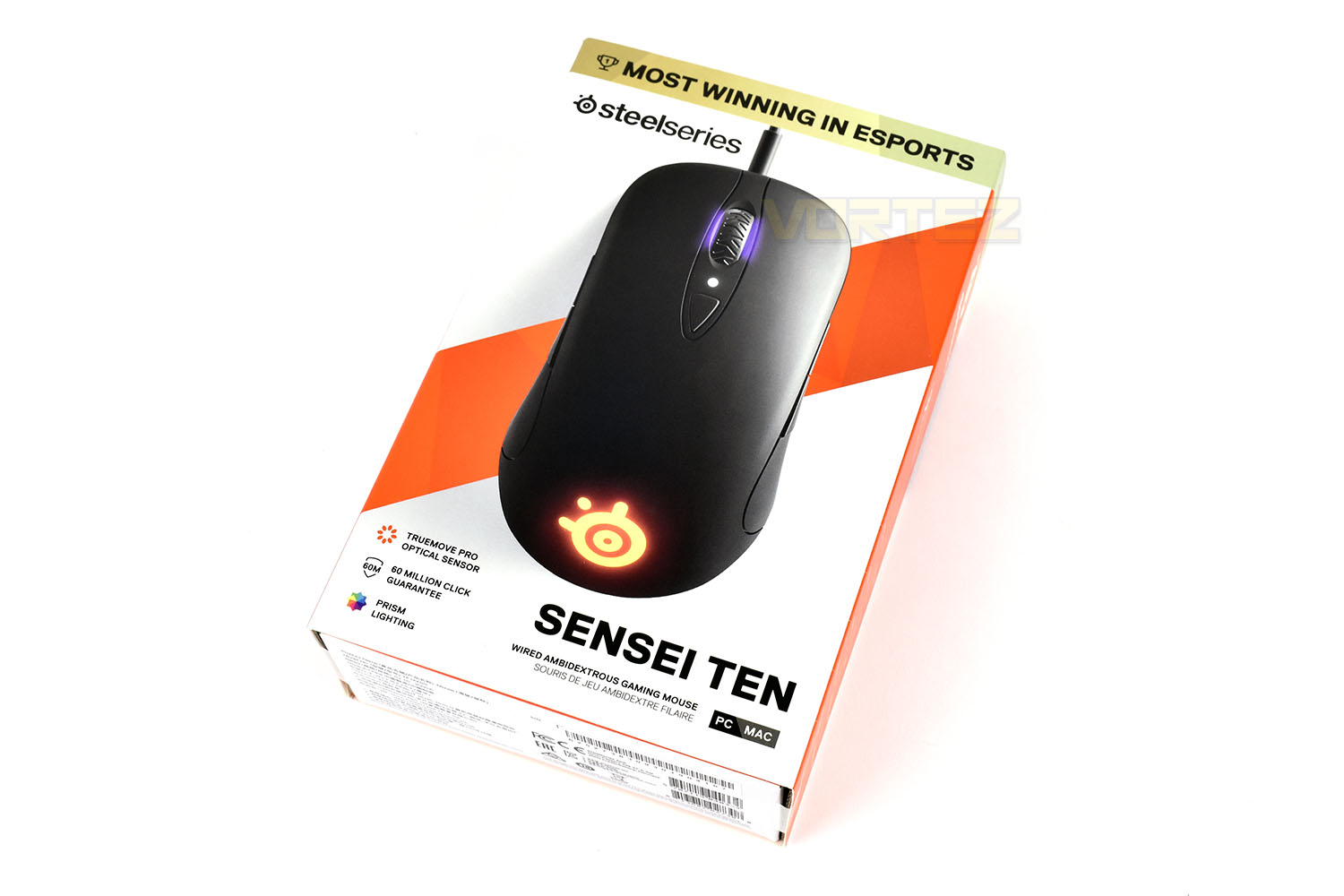
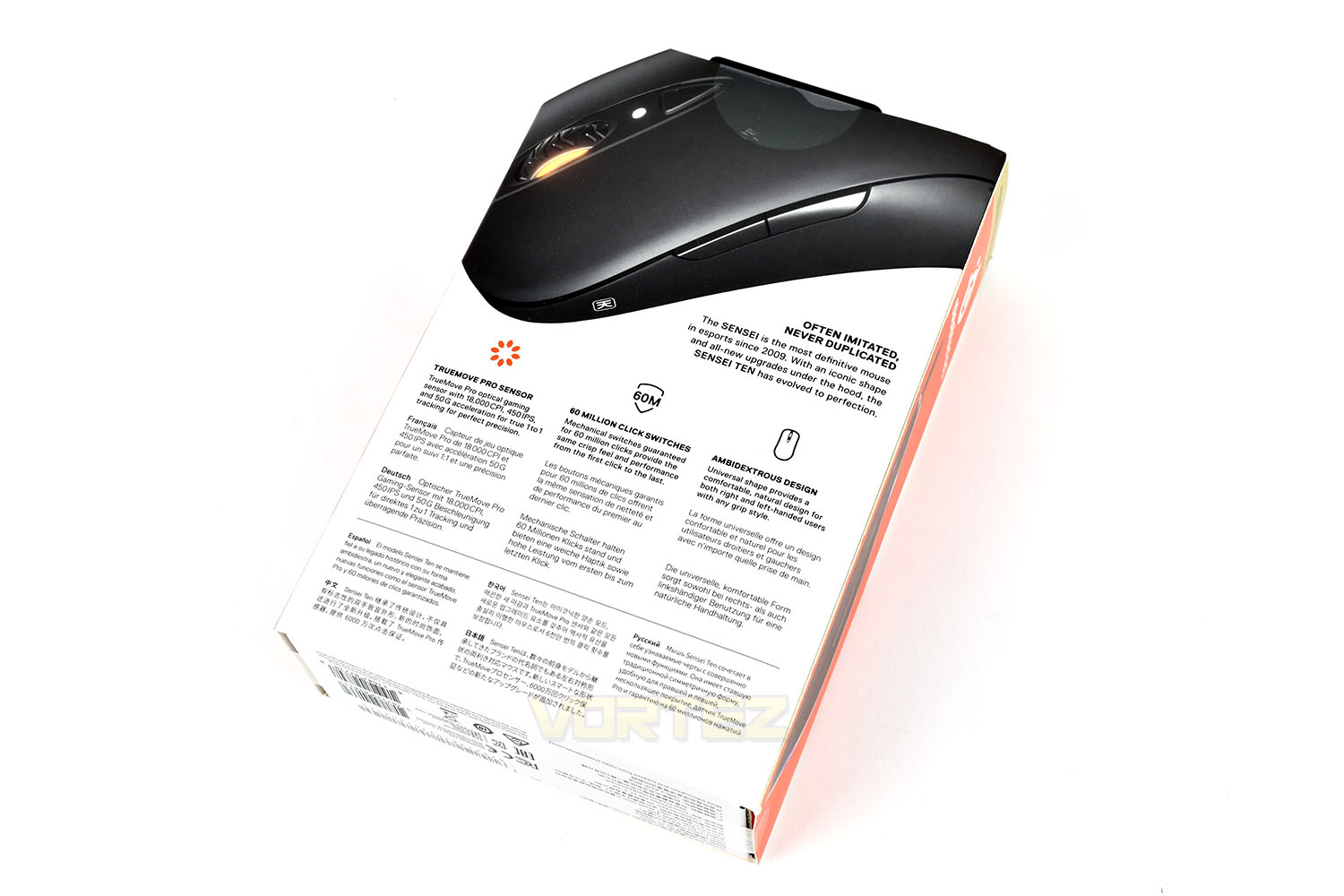
The rear of the box, mainly because it’s kept quite small and features loads of languages, is a bit short of information and we’d usually see a different angle, full-size image of the mouse but it does the job in today’s world of having already read reviews and made up your mind before you go to purchase.
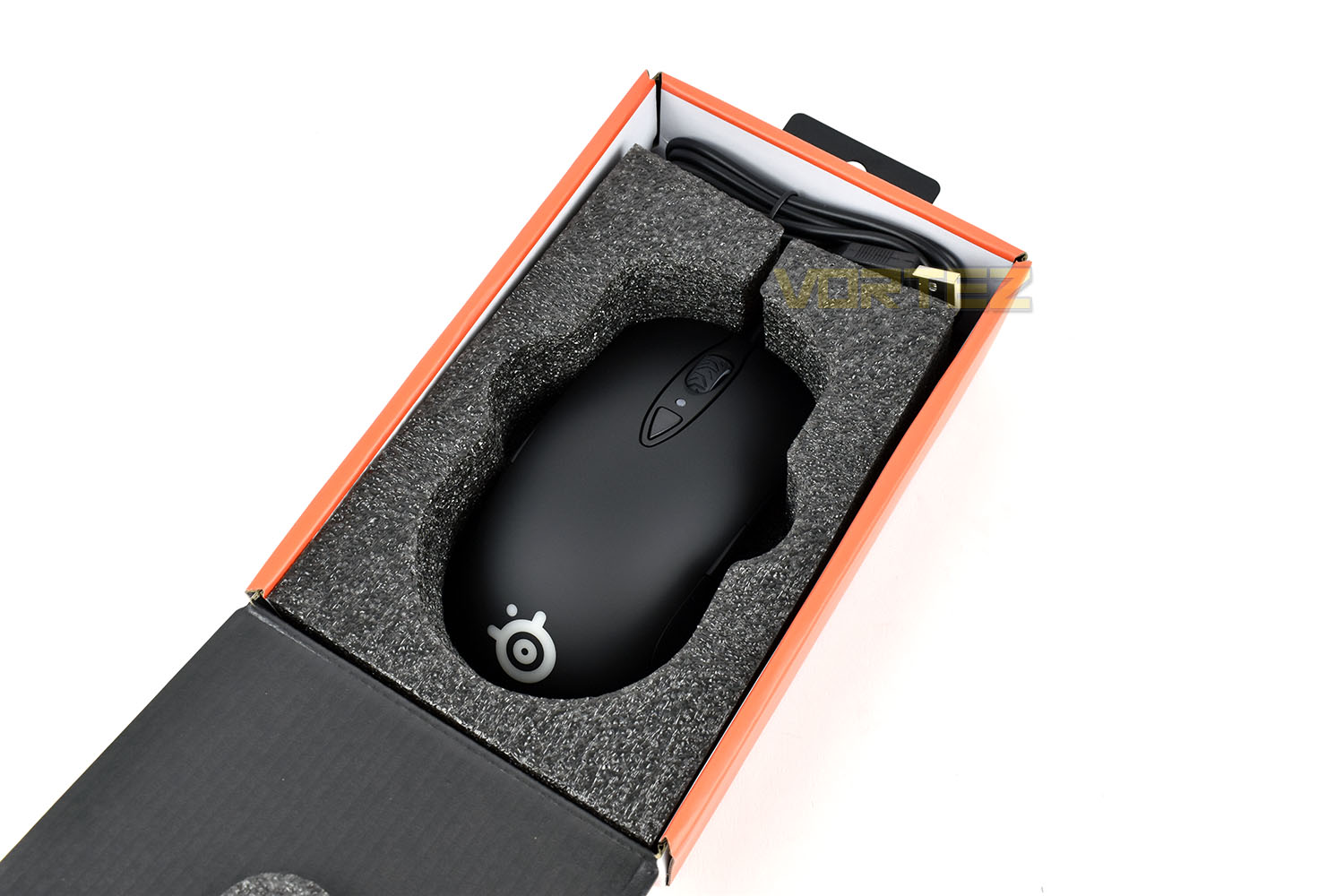
Tucked away inside a lovely, thick layer of foam, the Sensei Ten has been resting.
The only small part of “a bundle” that you get is an instruction booklet. Keeping things very simple.
Closer Look
As we mentioned in the introduction, SteelSeries have gone back to their roots on this device, utilising the design they already had and improved it in areas where it was possible.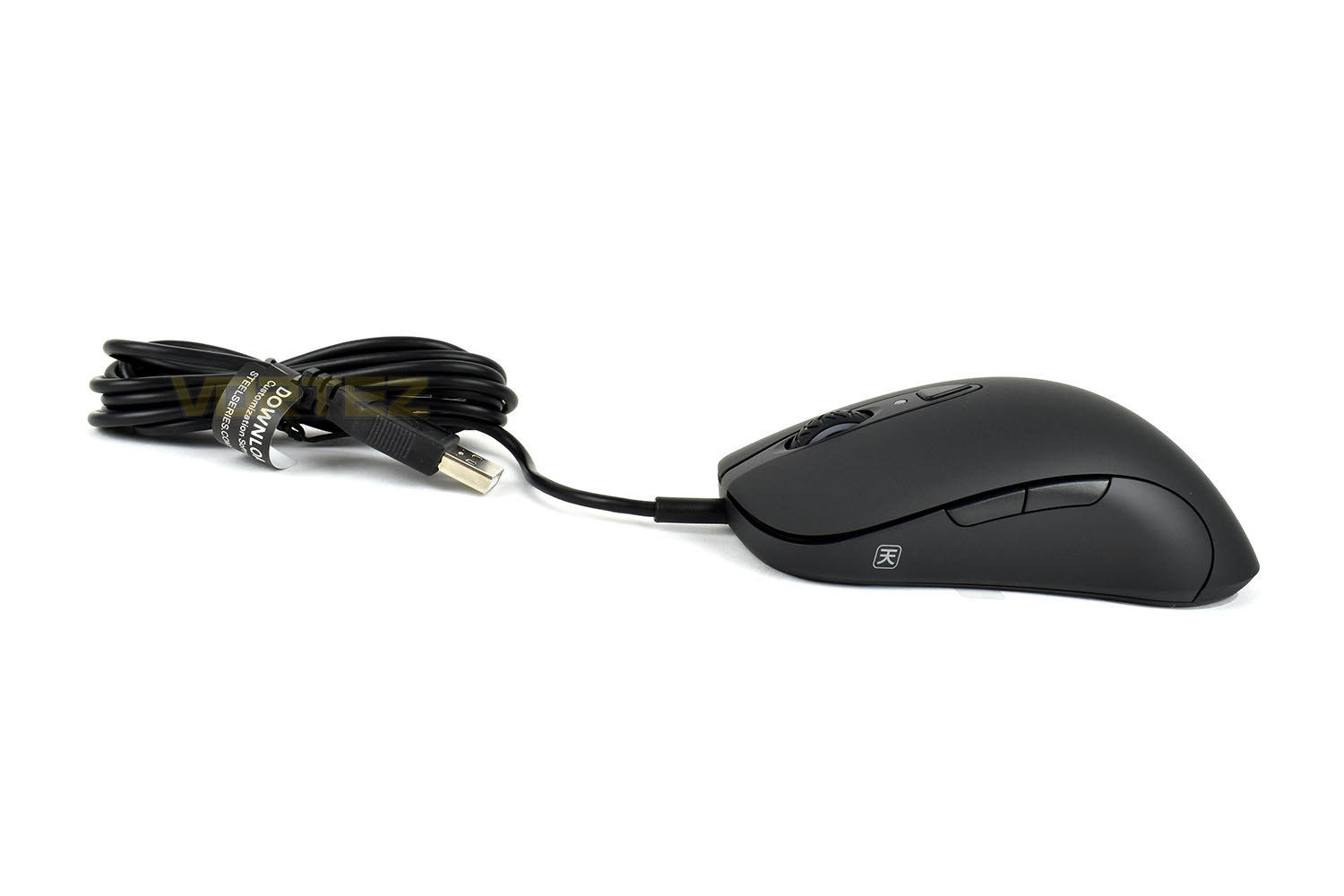
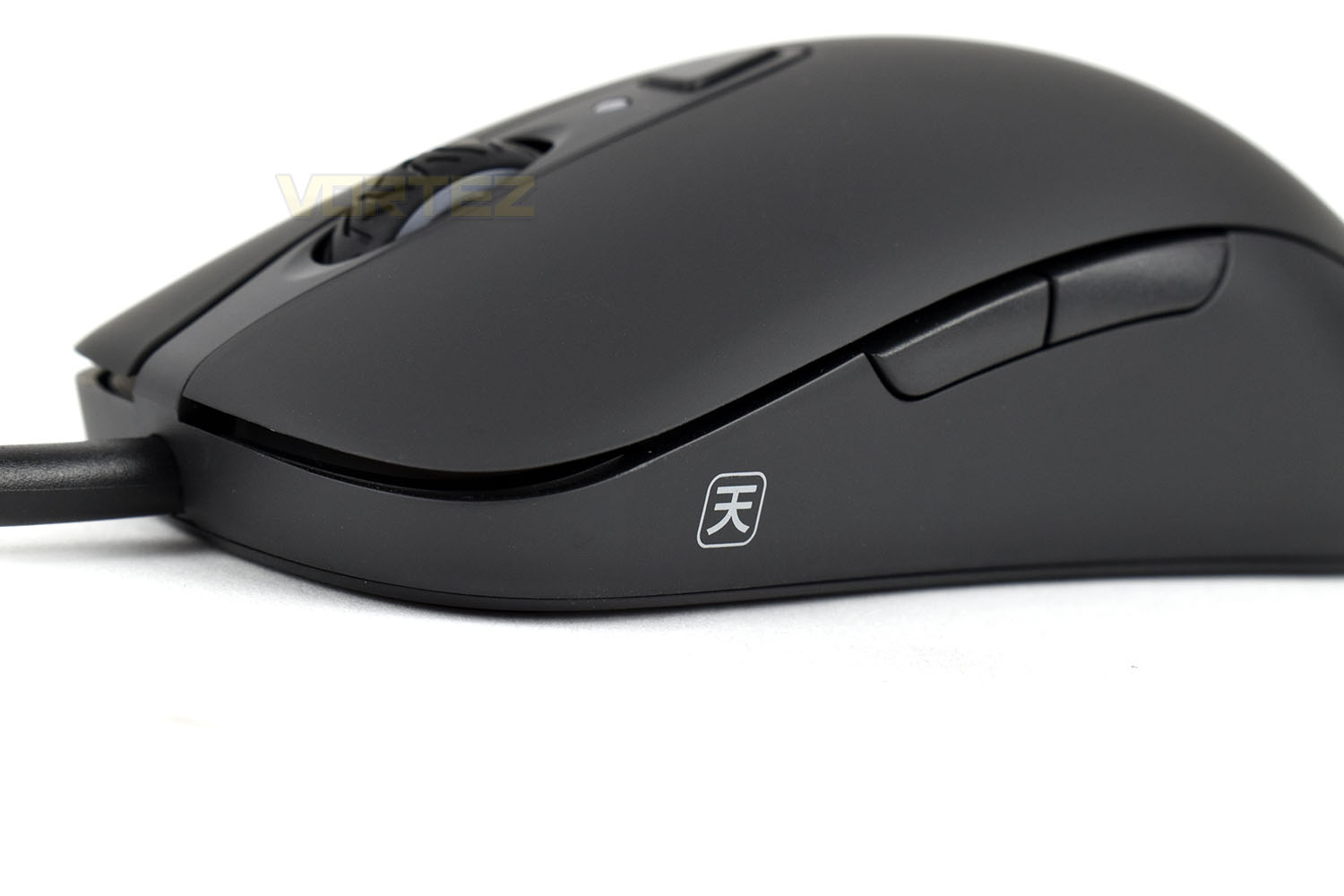
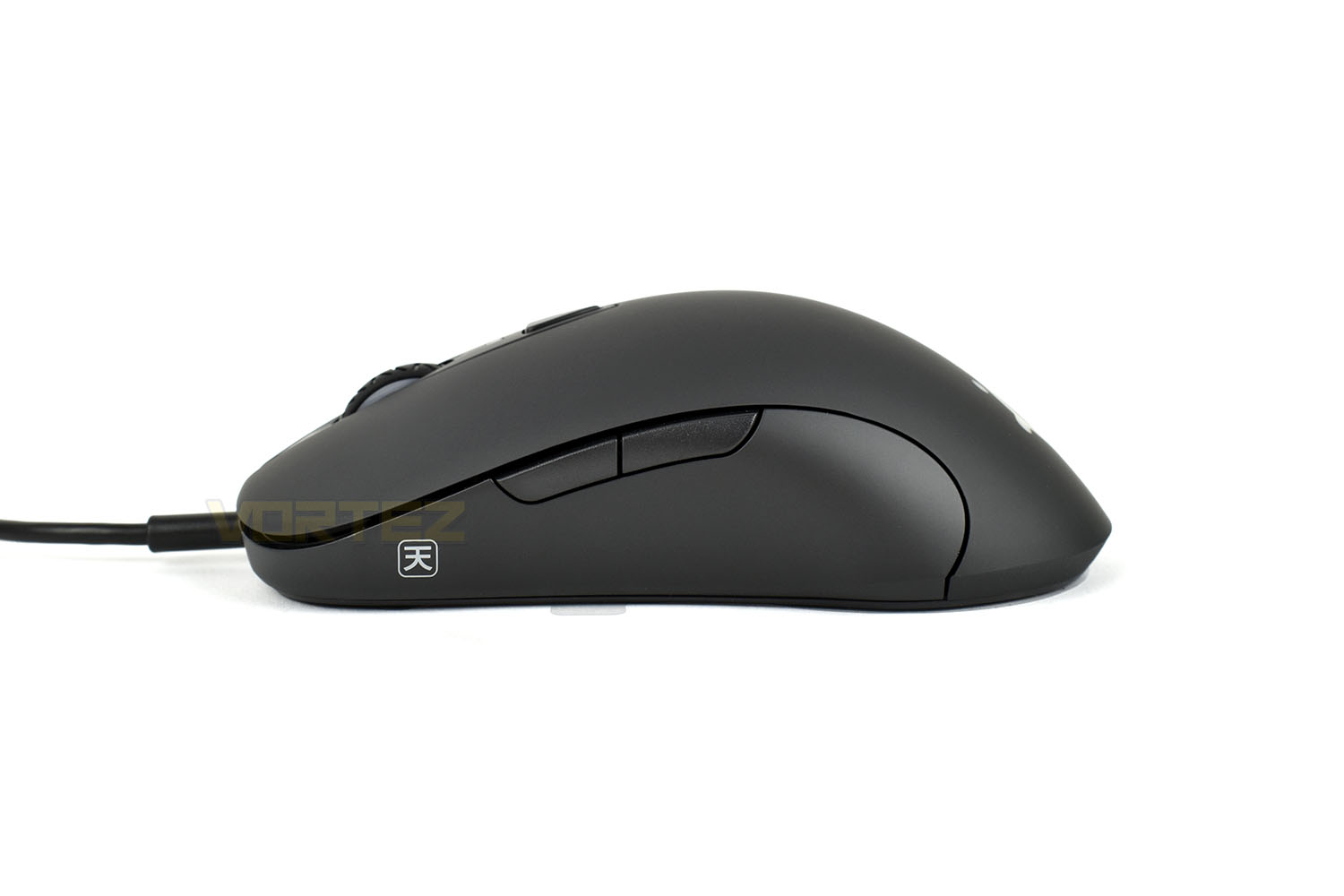
The left side of the mouse features a pair of thumb buttons which can be configured within the SteelSeries Engine 3 software. That small symbol in the bottom-right is the Japanese logo for Heaven/Ten, which SteelSeries feel is fitting because the device has truly ascended from it’s classic form.
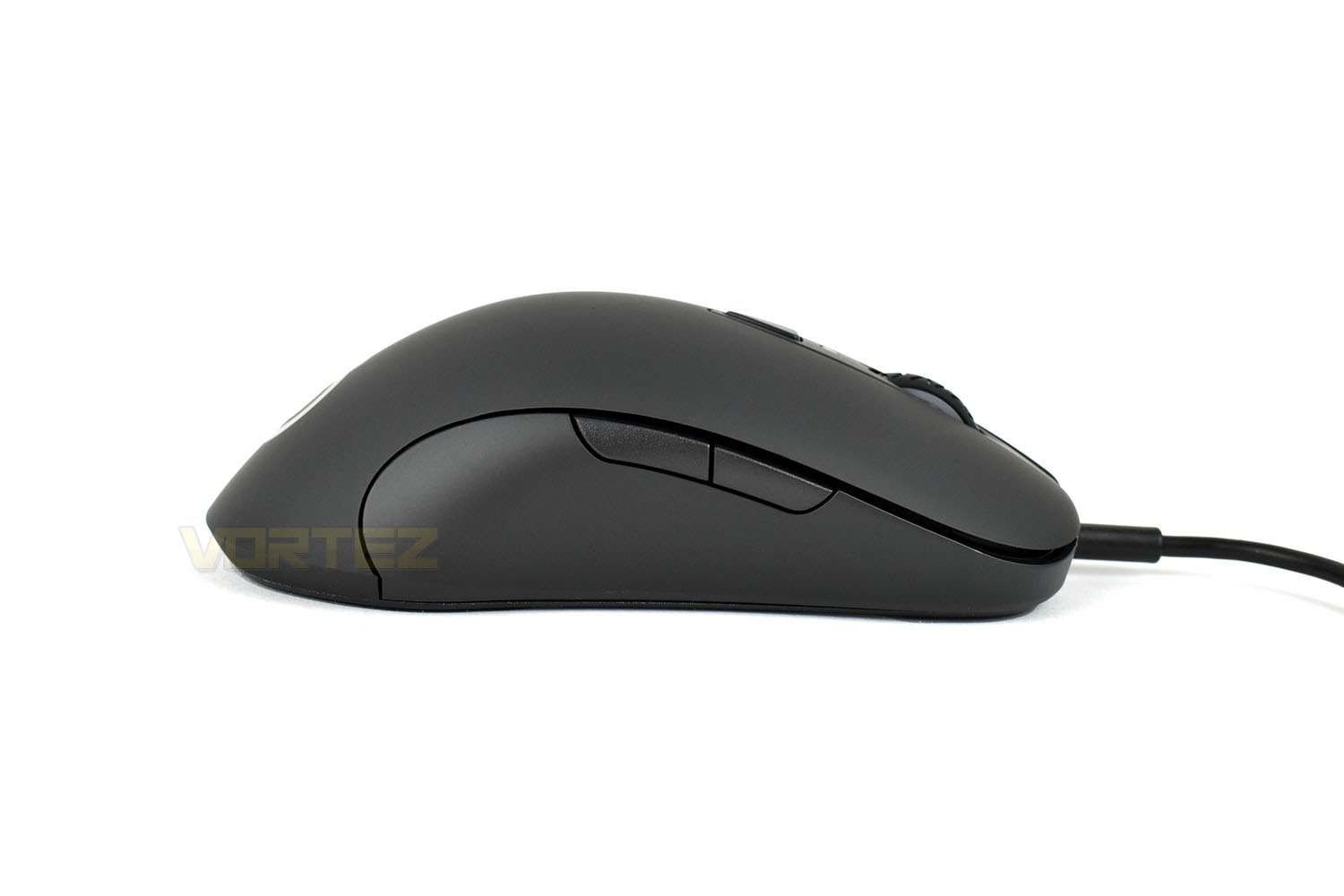
Obviously, being an ambidextrous mouse, the right side also needs to feature the same thumb buttons and shape.
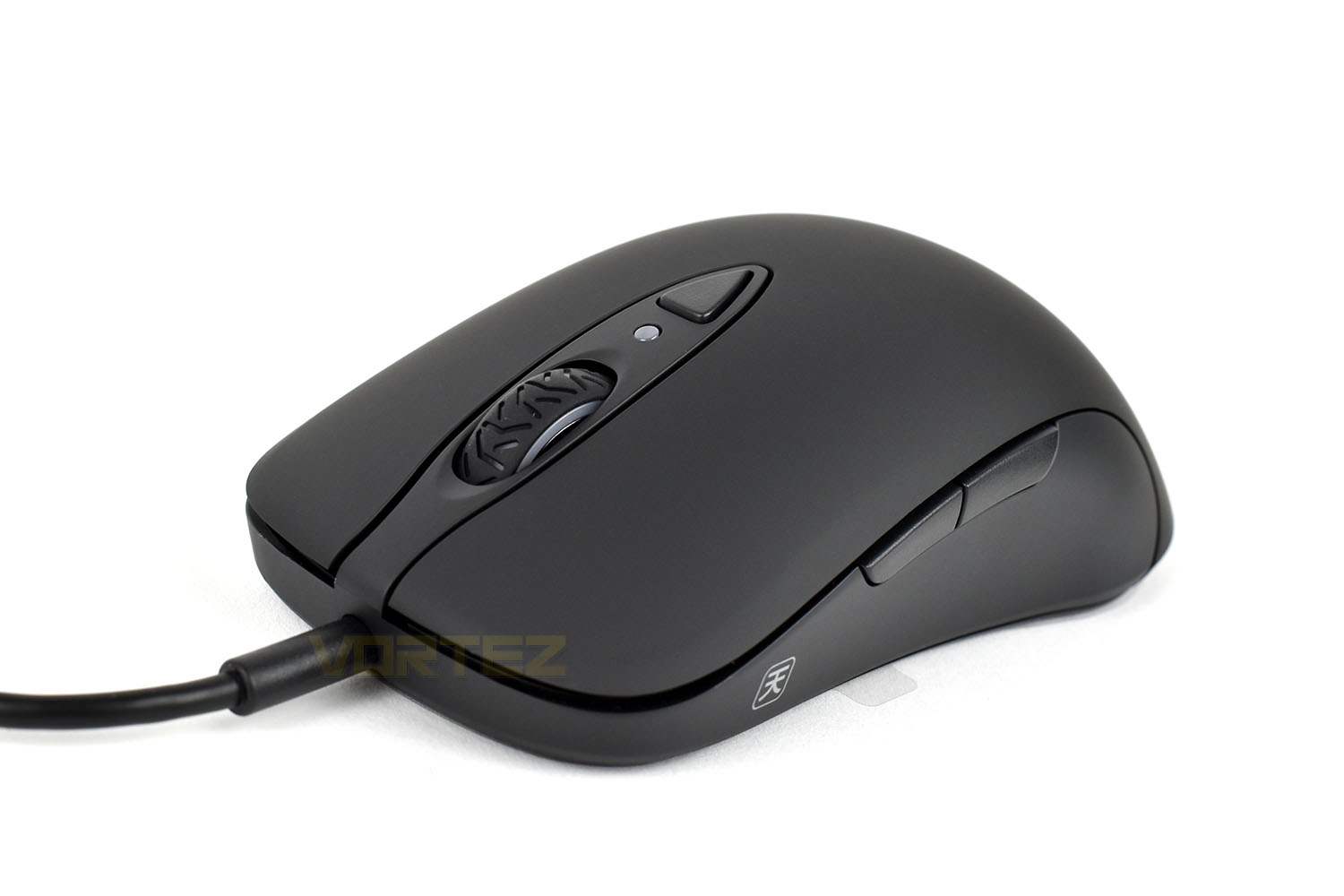
Towards the front of the mouse, built into the main shell of the device, are the two 60M+ left and right click, they can be easily depressed right up to about half way along the mouse providing plenty of scope for all different grip styles. The scroll wheel is made from a grippy rubber with a tread pattern marked into it, almost like the rear tyre from a sports motorbike, the edges are, of course, RGB lit. Behind that is the DPI selector, with a flashing LED to indicate it’s been pressed.
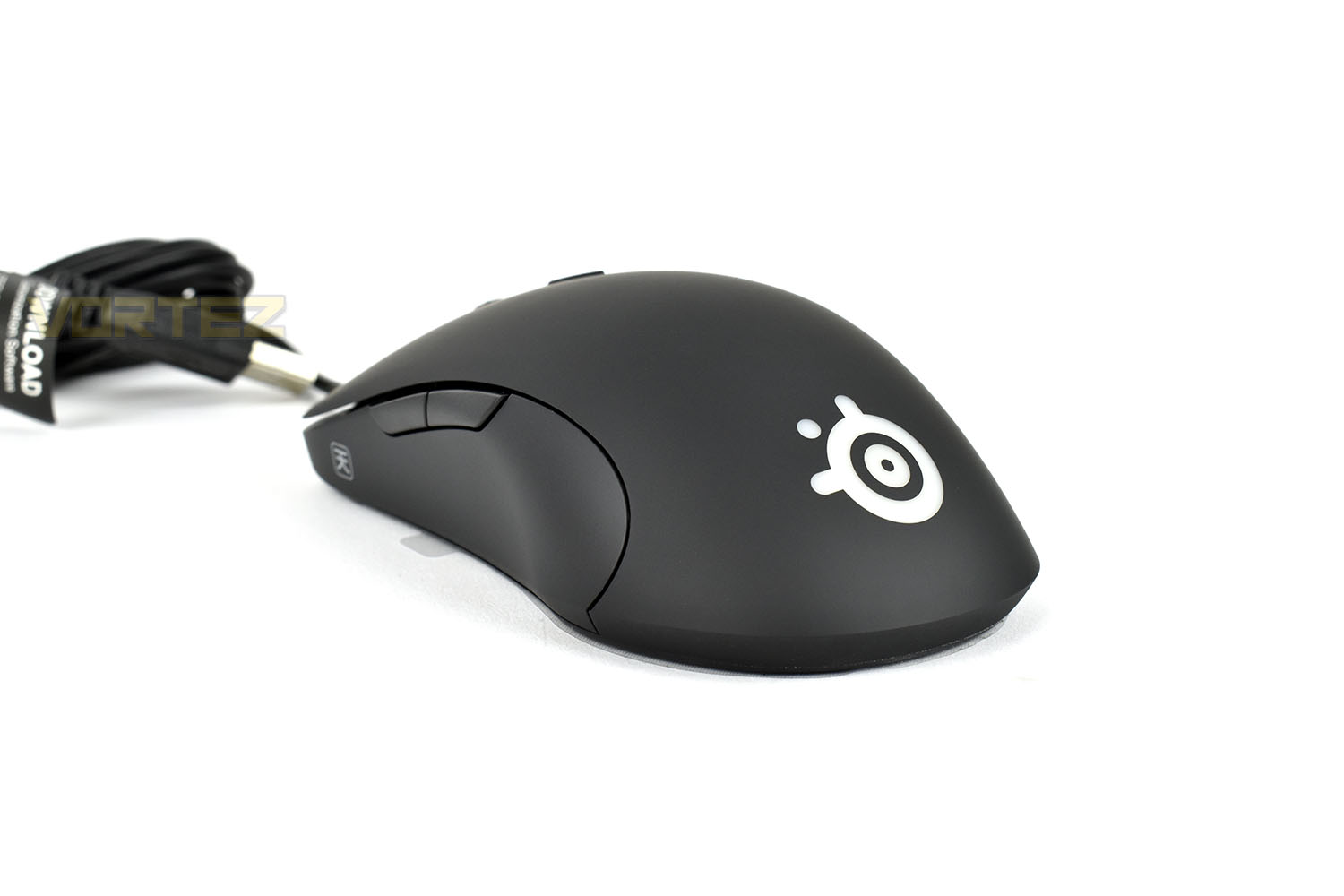
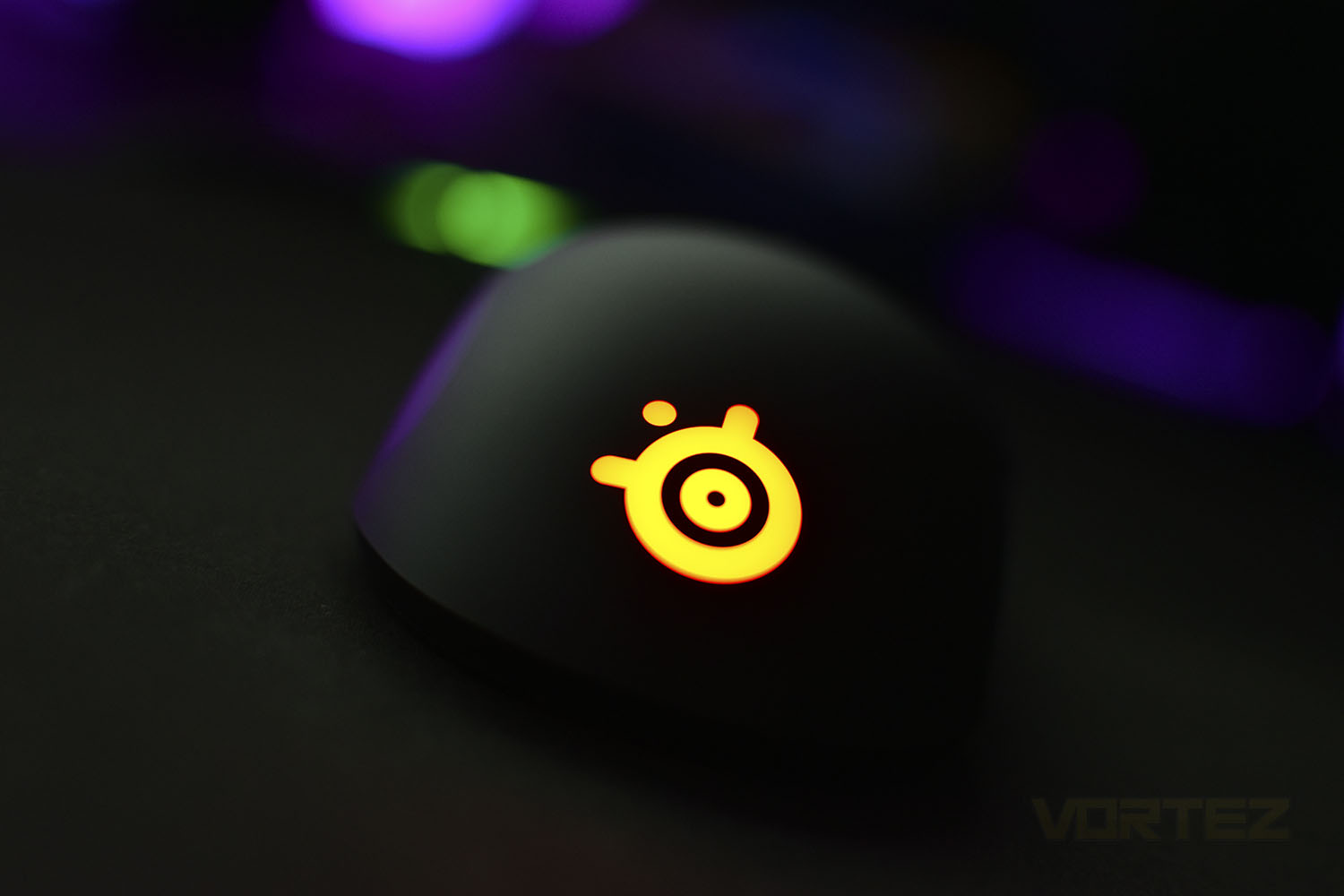
The white SteelSeries logo towards the rear is also RGB illuminated.
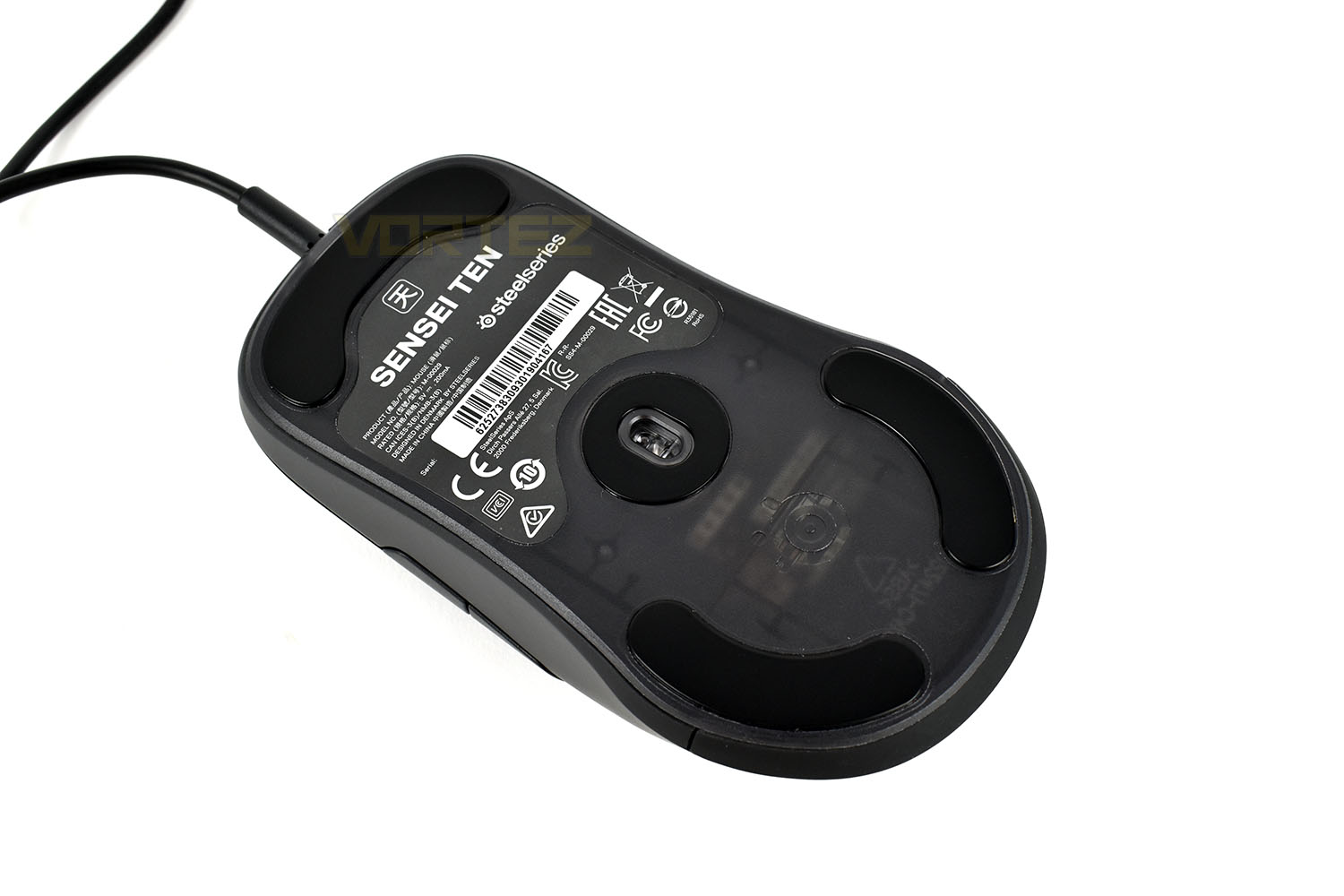
The Teflon pads on the underside of the mouse are large and, as long as they age like most mice, will last a good length of time due to their thickness. Placing the sensor right in the centre of the mouse helps to give a more balance feed which SteelSeries has perfected over the years.
The TrueMove sensor family has been tweaked, improved and fiddled with repeatedly over the years, culminating in the TrueMove Pro that we have here, offering up to 18,000 DPI, 450 IPS and 50G of acceleration to offer the most precise tracking possible.
Software
SteelSeries use the SteelSeries Engine 3 for all of their peripherals so the Sensei Ten is no exception, below is a brief video highlighting the software. It’s easy to use and takes no more than a few minutes to get the mouse configured how you want it, unless you delve a bit deeper into using the buttons adjacent to your thumb for additional features, of which there are hundreds to choose from.Performance Testing
Packing the TrueMove Pro sensor, developed by SteelSeries and PixArt (a company which is, at least in part, responsible for the majority of sensors in the gaming mice on the market today), the Sensei Ten promises the best tracking currently available; that’s one hell of a claim considering some of the competition, but after my experience with the Rival 310 and Sensei 310 back in 2017, it’s a claim I’m willing to give a chance.We loaded up Battlefield V and Overwatch, two popular titles, especially for a mouse like this that’s firmly aimed at FPS players. Testing whether or not a mouse’s sensor is the best on the market is next-to-impossible from an objective perspective, so the opinion here is entirely subjective, having said that, it’s as good as you’re going to get from anything else you can buy. The customisation options within the software allow you a great deal of scope to chop and change how the sensor behaves, if you feel you need that, but it felt immediately at home in the hand as soon as I began playing with it.
Speaking of which, the shape of the mouse fits a palm grip nicely with its smooth shell and neutral shape but that same smooth shell, combined with its lack of weight, makes the Sensei Ten just a little too difficult to hold on to confidently.
SteelSeries have equipped the right and left click with mechanical switches, of sorts, and it’s immediately apparent when you begin using the mouse. They rebound back with a real meanness, providing a crisp, tactile and responsive experience that’s better than the majority of mice on the market.
The RGB lighting is perfectly uniform at the back of the mouse, with lovely, bright luminance. The transitions between the colours are just how they should be, which is exactly what you’d expect from such a manufacturer. The software is super easy to configure too, leaving you more time to play.
Conclusion
At £69.99/$69.99, the Sensei Ten faces some tough competition, most notably the ROCCAT Kain 120 and Corsair M65 RGB Elite, both of which received the ultimate award for their relative cost-effectiveness paired with the excellent performance.First off, SteelSeries claims that the TrueMove Pro sensor is the best on the market and the truth is that it’s at least as good as other mice in this price range. There’s no clear divide between them anyway.
The comfort of the device is a definite strong point, providing you prefer a medium-size, lightweight device, that is. The coating on the plastic feels nice and is especially smooth, but too smooth to be grippy all of the time; causing a lack of confidence in the traction overall, which spoils the experience somewhat.
SteelSeries are obviously proud of the original styling, the same styling that won them multiple awards and was presented as a strong offering to an emerging eSports market. That eSports market is now enormous with more and more people wanting to be involved, with games like CSGO and Overwatch becoming more popular year on year.
Software is one of SteelSeries’ strong points, but the Sensei Ten only really needs the software once. You configure the device to operate however you wish, then the settings are stored inside the mouse on an internal chip so you can take it with you to wherever you’re going and use it just as it operates at home.
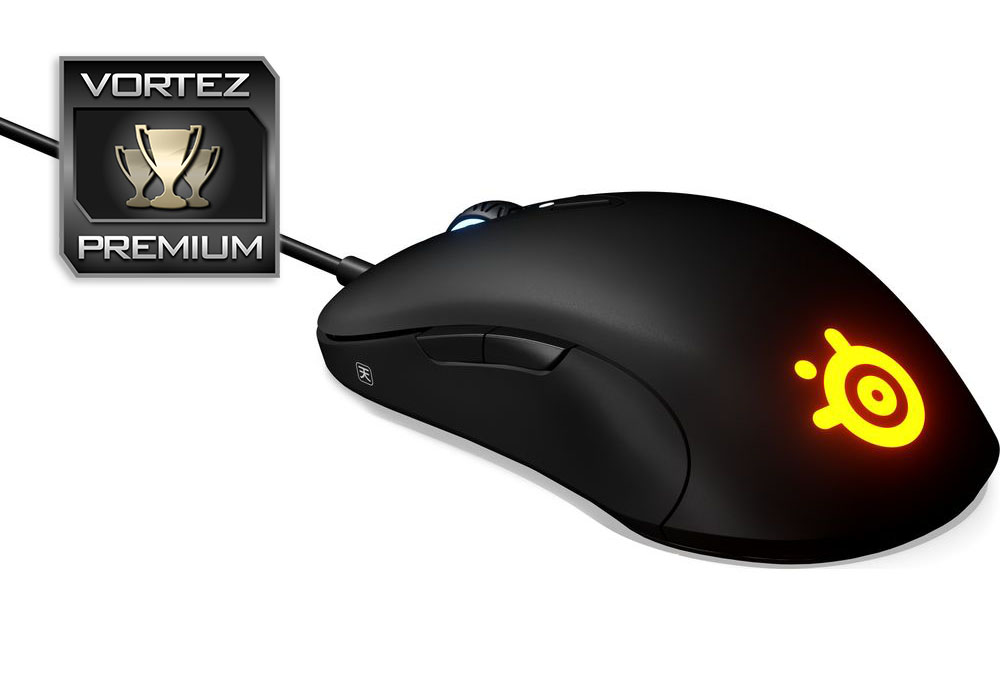
The Sensei Ten is an excellent way to celebrate the Sensei legend with a powerful, accurate sensor, comfortable shape and lightweight design but it’s one of the most expensive eSports mice out there.
Pros
+ Incredible TrueMove Pro sensor
+ Comfortable shape
+ Beautiful RGB
+ Lightweight design
+ Easy to use SteelSeries Engine 3 software
Cons
– The plastic coating is too smooth
– Expensive for an eSports mouse
– Rubber cable
+ Incredible TrueMove Pro sensor
+ Comfortable shape
+ Beautiful RGB
+ Lightweight design
+ Easy to use SteelSeries Engine 3 software
Cons
– The plastic coating is too smooth
– Expensive for an eSports mouse
– Rubber cable
Click here for an explanation of our awards at Vortez.net.
Stay connected with the Vortez Social Media pages:
Join in with the discussions on Discord